
PocketBook Digital Planner for E-Ink Devices
Quick jump to:
Introduction
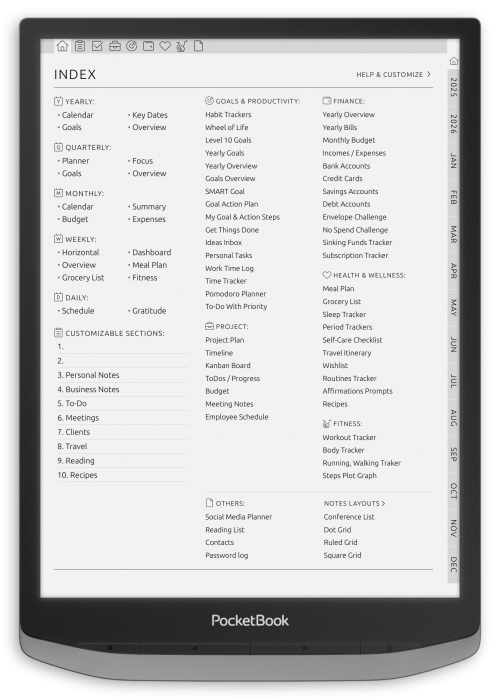
The PocketBook digital planner format gives you a simple and distraction-free way to organize your days on an e-ink screen. Choose from daily, weekly, and monthly layouts designed to work smoothly on PocketBook devices, with fast navigation between dates and planning sections. Whether your PocketBook supports touch note-taking or only basic page navigation, these planners help you customize your productivity the way you prefer.
Daily PocketBook Digital Planner Layouts
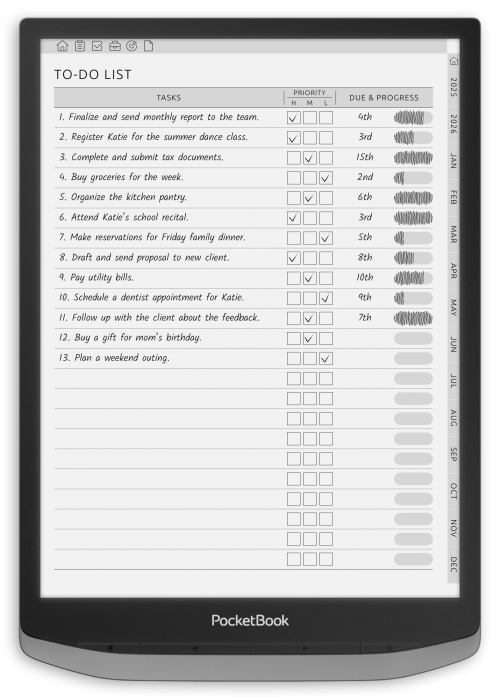
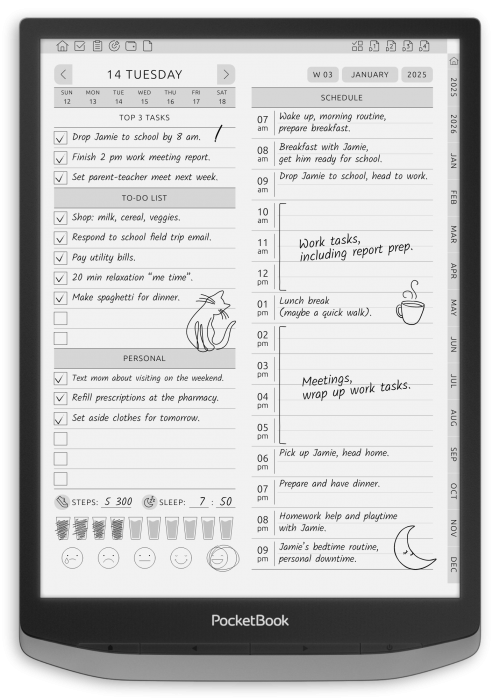
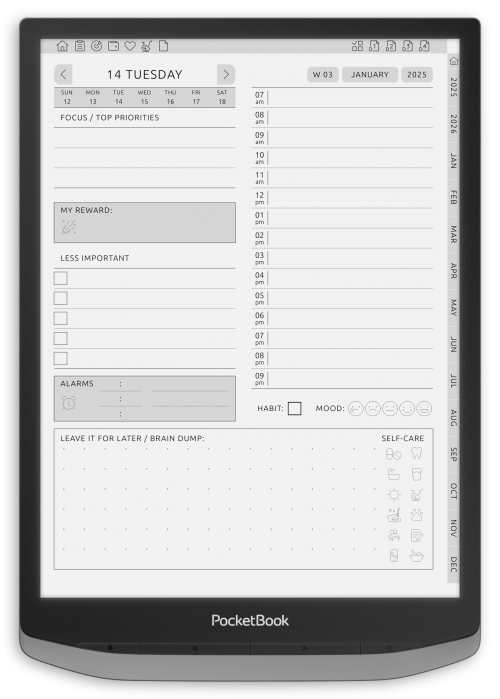
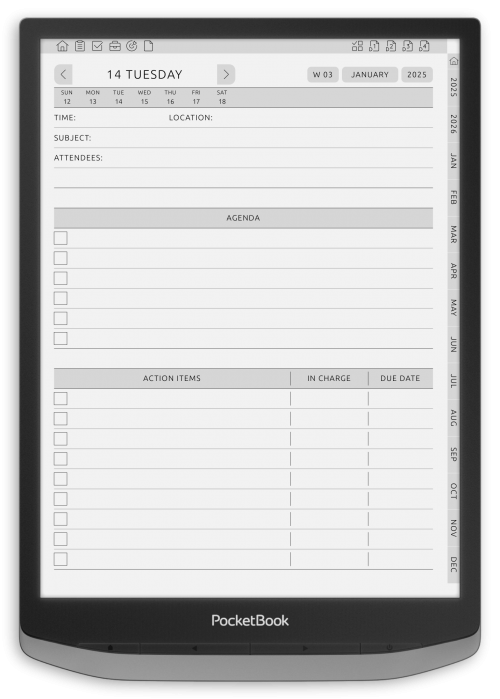
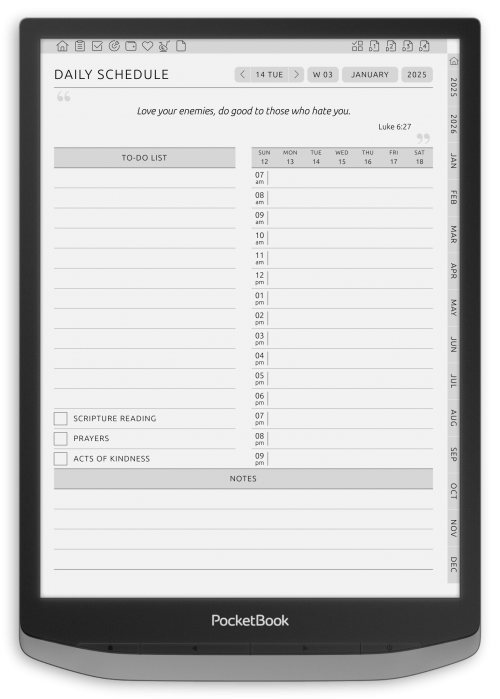
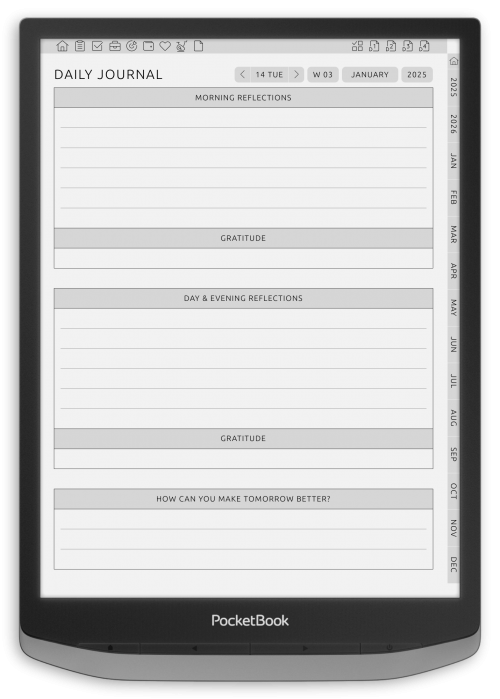
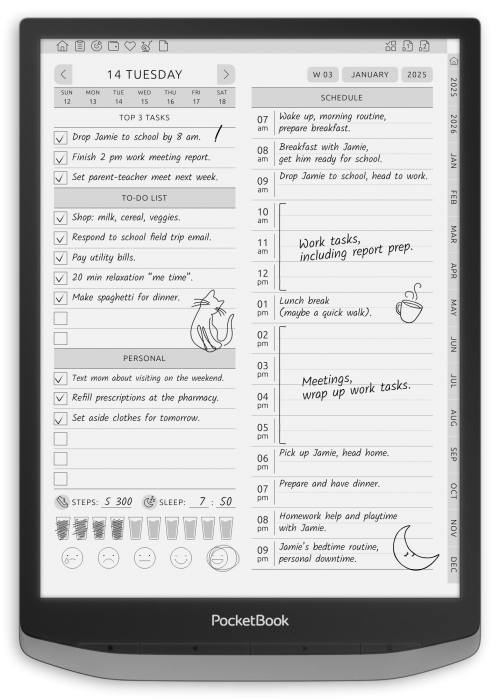
Daily planning builds discipline and improves time awareness. Our collection of daily planner templates provides clear layouts for scheduling tasks, setting priorities, and reflecting on progress. These tools are ideal for users who want to take full control of their day, maintain focus, and reduce stress through structured organization. Each template includes dedicated spaces for time-blocking, task tracking, goal setting, and personal notes.
Designed specifically for E-Ink devices, the pages feature minimalist formatting to ensure optimal readability and smooth navigation on digital screens. With flexible PDF compatibility, users can import and annotate directly on their PocketBook devices. From morning routines to evening reflections, these planners support productivity from sunrise to sunset — all within an elegant, distraction-free format that promotes consistency and mental clarity.
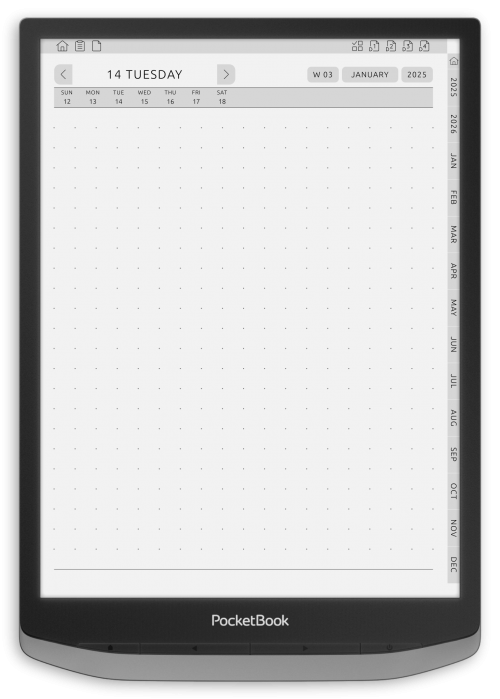
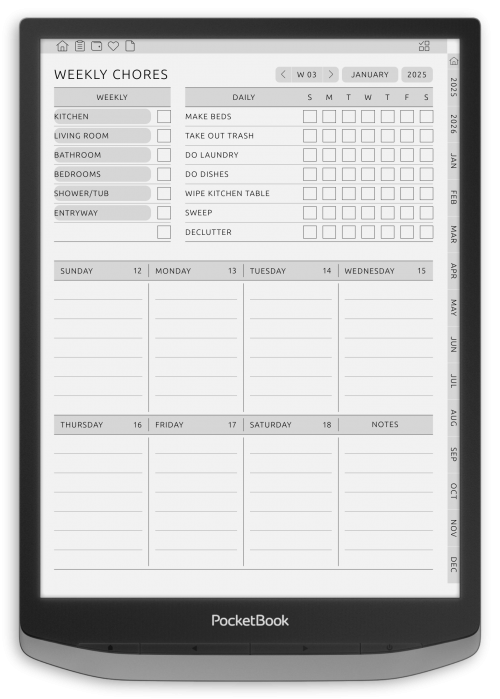
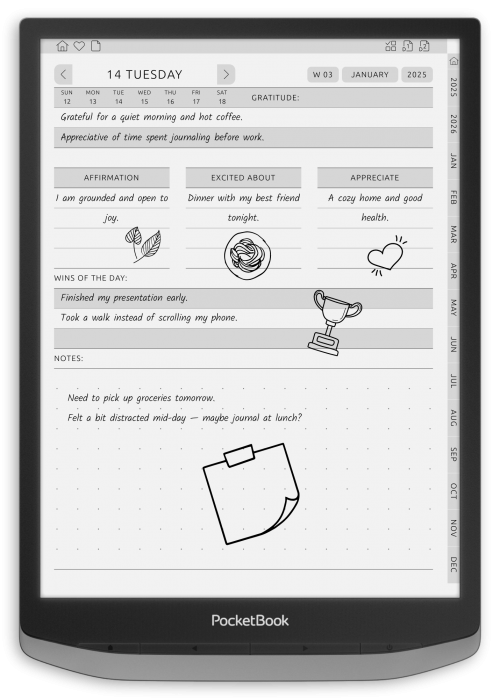
Weekly Digital Planners for PocketBook
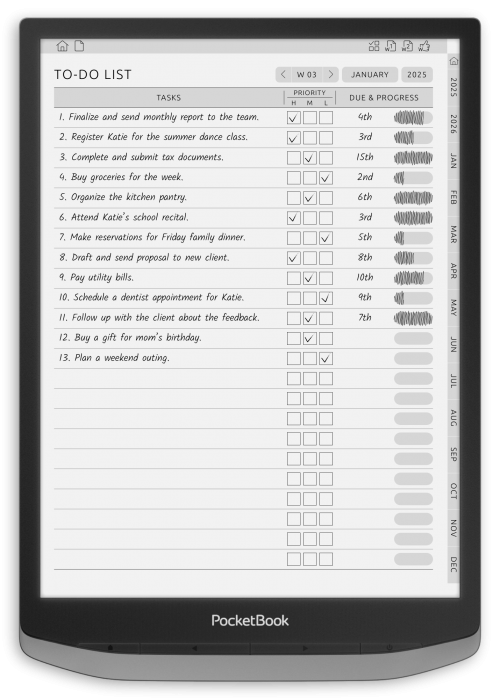
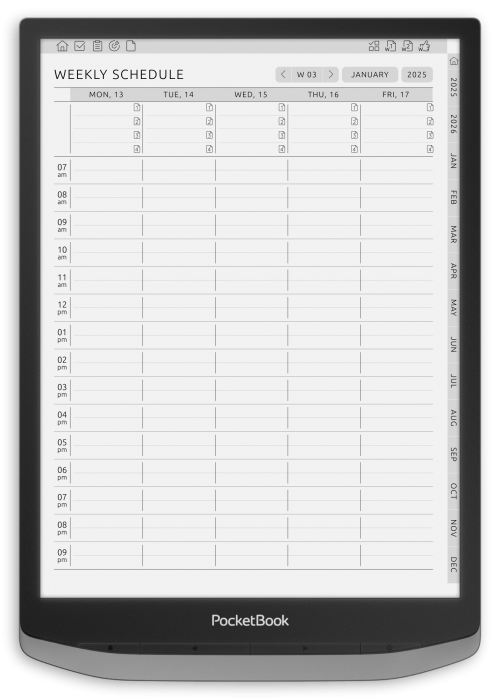
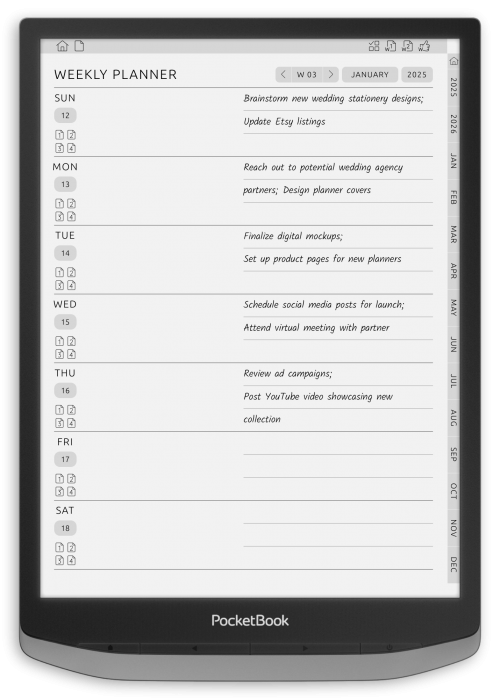
Effective weekly planning bridges short-term actions and long-term success. These templates offer structured layouts that break down the week into manageable segments, helping users keep track of key appointments, routines, and ongoing goals. The clean layout will keep you focused with no digital diversion, helping you see your commitments at a glance and effortlessly move priorities.
Containing areas for weekly reflections, focus objectives, and time entries that can be customized as needed, each planner is perfect for use at work or at home, and is extremely adaptable to both personal and professional use. Created for PocketBook devices, the high-contrast designs and lightweight files ensure seamless performance on E-Ink screens. Users can easily annotate, navigate between weeks, and integrate these planners into their broader organizational system. Designed for consistency, these tools support habit building and proactive thinking — one well-planned week at a time.
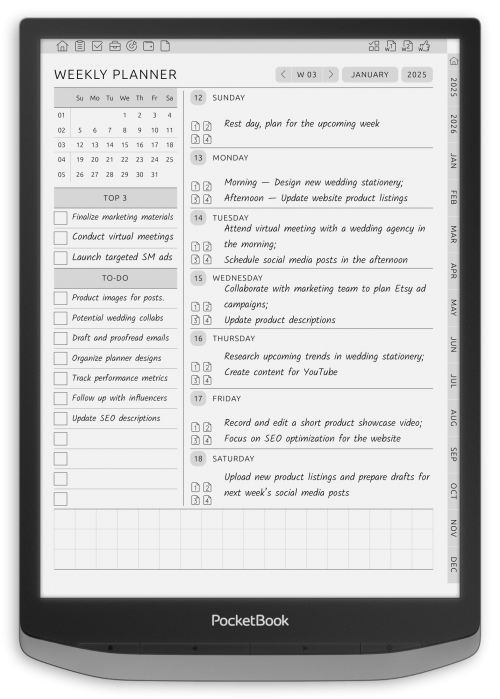
Monthly, Yearly PocketBook Planners
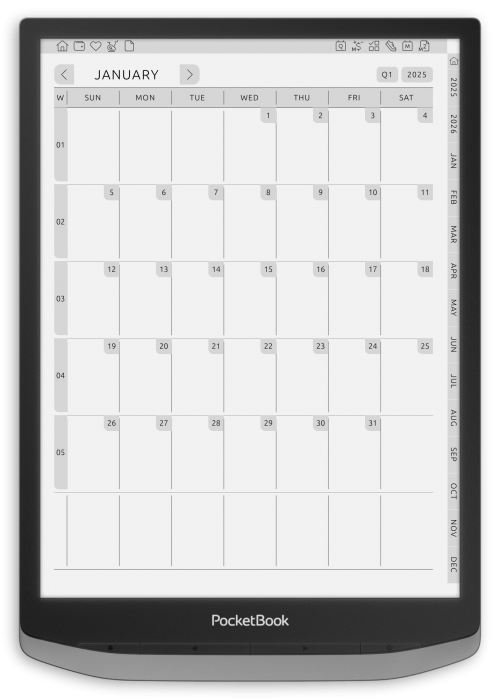
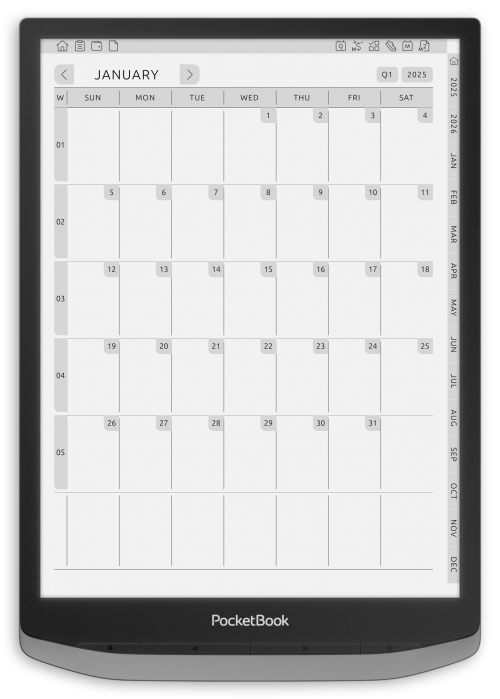
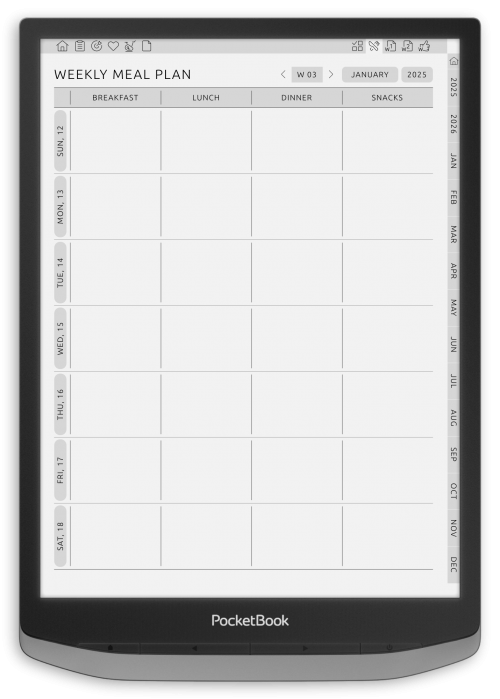
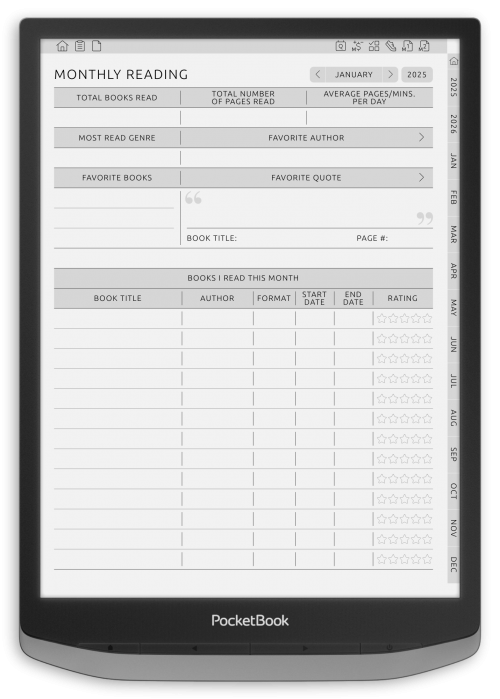
With the monthly plan, you can strategically look at your month ahead. These templates provide a bird’s eye view of your deadlines, projects, and life milestones and help you to remain organized around your deadlines and long-term goals. Great for goal mapping, seasonal planning or tracking of personal development, the layouts are all structured, but flexible. These planners, available in super easy PDF format, are great for people who like to zoom out from the walls of everyday life and consider an entire month at a time. Easily add notes, to-do lists, and progress markers to make planning a full month of meals a snap.
Work Planners for PocketBook
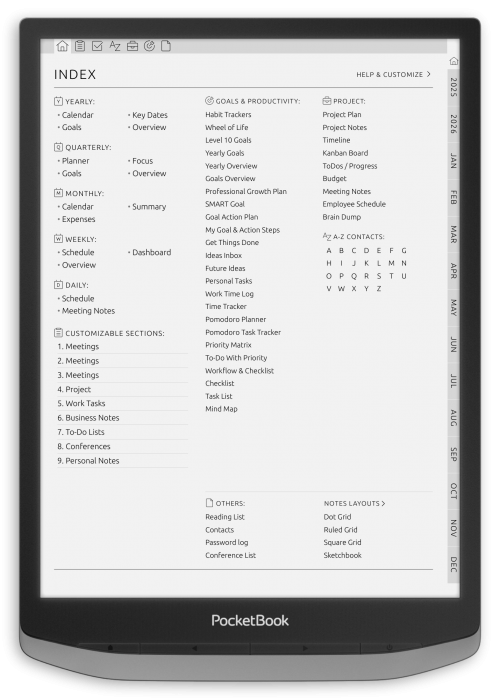
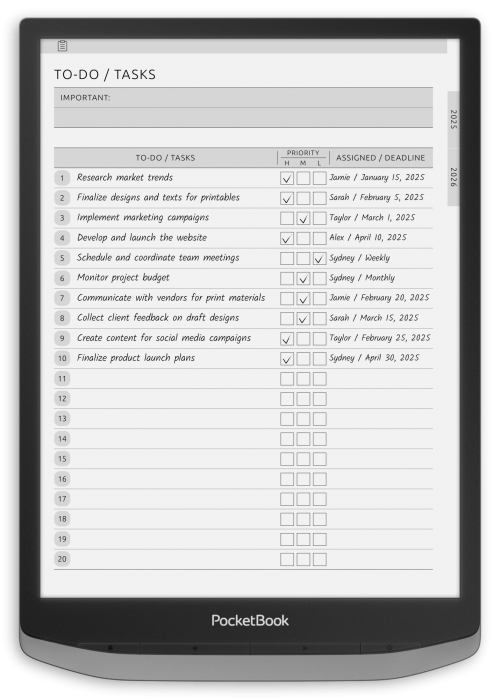
These work planners are designed to support business-oriented users who rely on strategic scheduling and time optimization. From team meetings and project milestones to task delegation and personal productivity systems, each template is crafted to enhance workflow clarity. Users can compartmentalize their priorities, define weekly deliverables, and reflect on performance across different work cycles. The digital format integrates easily into PocketBook devices, allowing annotations and edits in real time. And the secret of these planners is that they don’t just provide structure, they provide authority and focus. Perfect for Freelancers, remote teams, or business people in need of neat, minimal digital planning solutions.

Goal, Productivity Planners for PocketBook
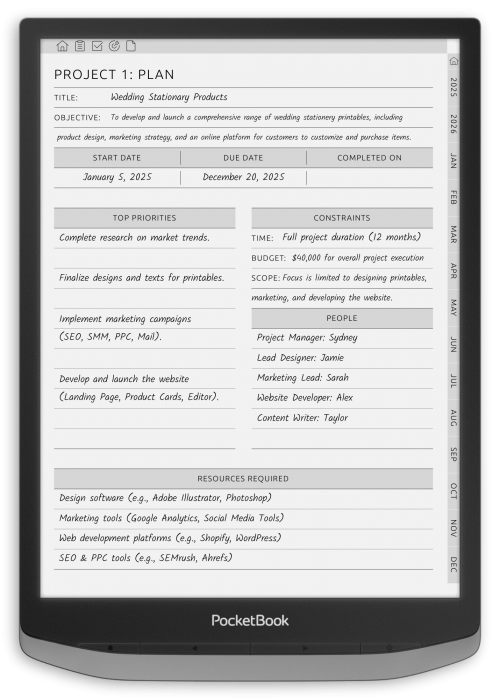
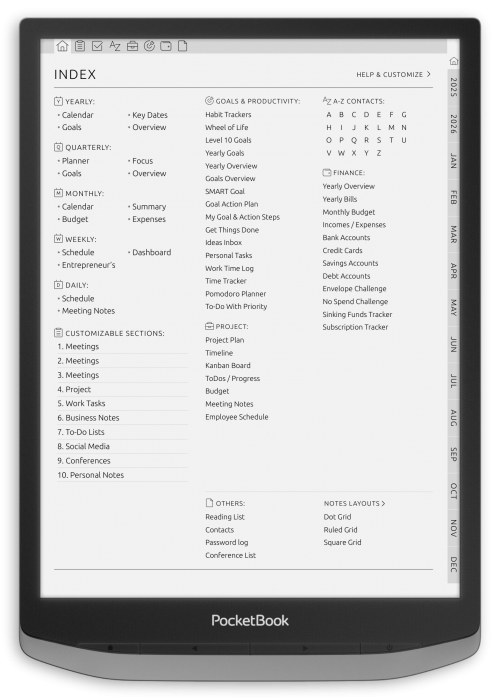
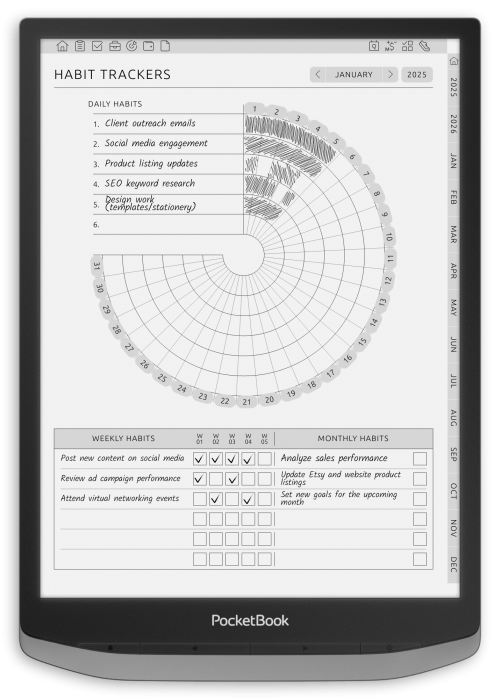
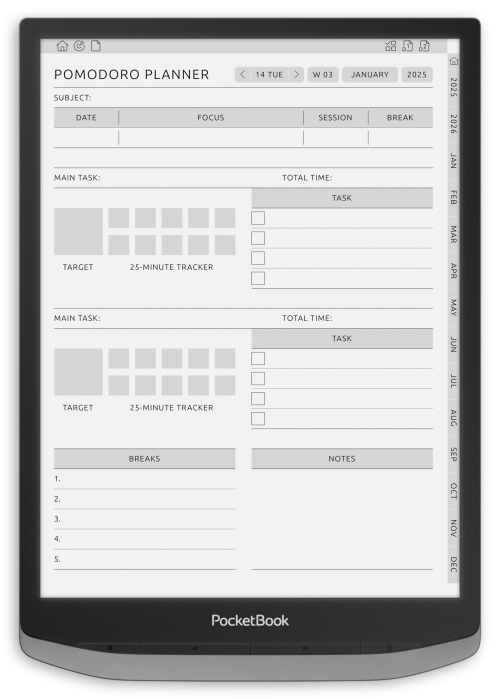
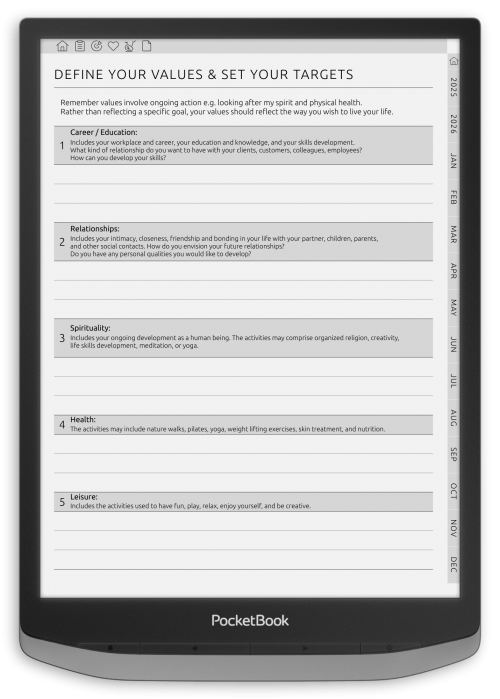
Transforming ambition into action demands a process for consistency and self-review. These goal setting and productivity planners enable you to breakdown your big lofty goals into actionable steps you can take and allows you to visualize the completion of them to keep you motivated. Templates support different planning techniques (SMART, habit stacking) and ways to prioritize. Daily, weekly, and monthly designs play together harmoniously to help you hit short-term goals as you work towards long-term vision. Featuring milestone planning, reflective prompts and prioritizing pages, users have the flexibility to set up possibilities for fulfilling routines according to what works best for them on a personal or professional level.

Wellness, Self-Care Planners for PocketBook
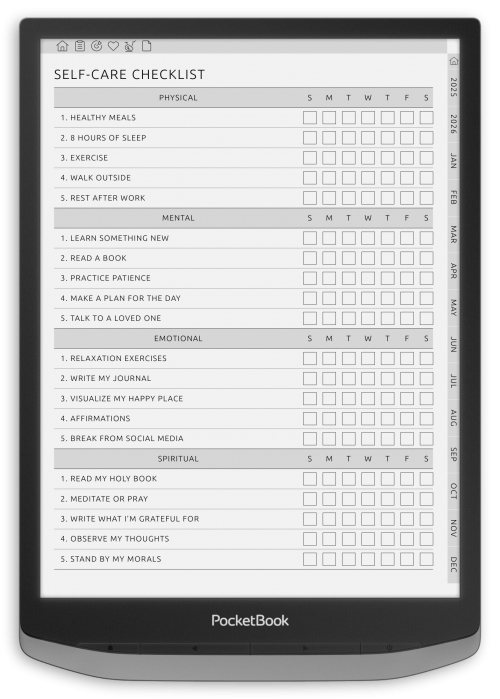
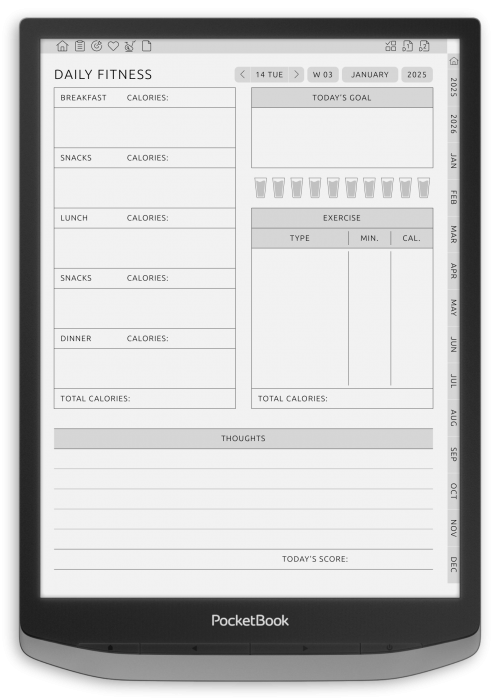
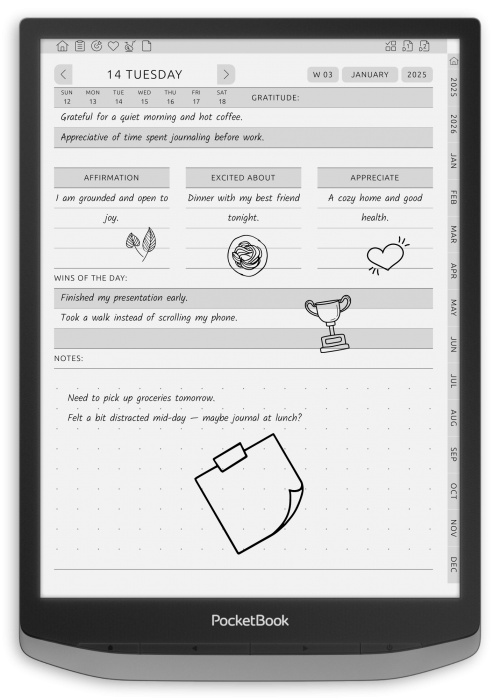
The balancing act between productivity and personal health begins with deliberate organization. These wellness and self-care planners will keep your mental, physical, and emotional health just as healthy and well-maintained to ensure success in all areas of your life. Each template has guided trackers for your mood, how much water you drank, how much you exercised and how many hours you slept, as well as for journal prompts for expressing gratitude, for practicing something mindful and for doing an emotional check-in. The planners also offer guided space to set wellness goals, track stress triggers, and develop restorative habits. These planners enable you to own and invest in your self-care journey through a distraction free screen to make wellness a daily, manageable part of your routine.
Study and Education Templates for PocketBook
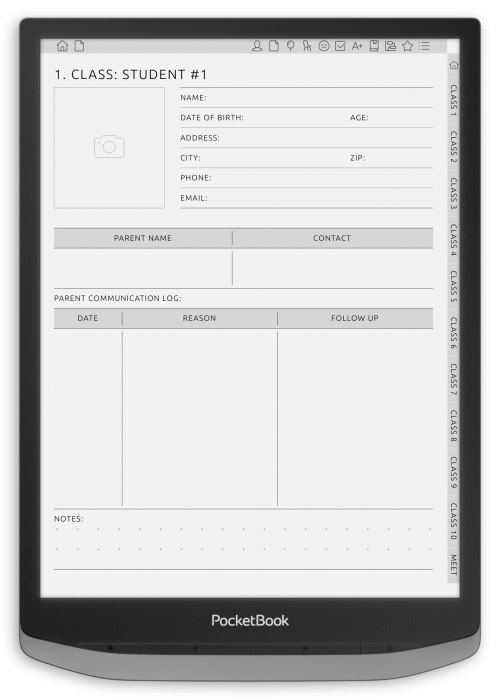
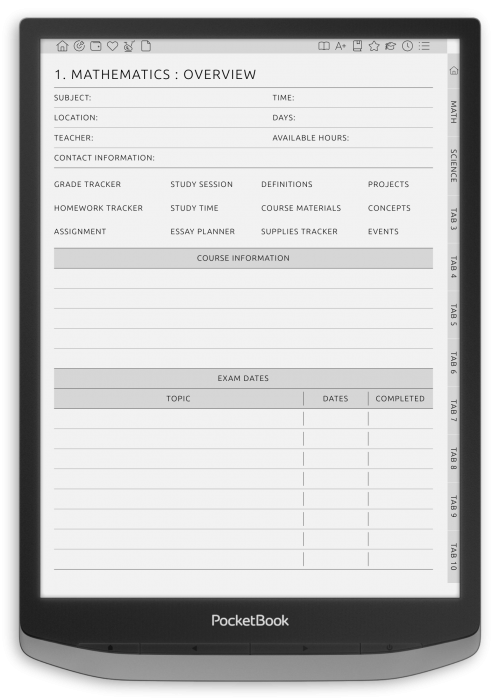
Academic success depends on clarity, consistency, and preparation. These education planners are tailored for students, teachers, and lifelong learners who seek structure in their educational journey. From course scheduling and assignment tracking to exam preparation and progress review, each template serves as a comprehensive tool for managing study routines. The clean, distraction-free layouts are perfect for focusing on content without digital noise, making them ideal for use on PocketBook devices. Teachers can benefit from planning modules for lectures, assessments, and grading, while students can stay accountable with customizable task lists. These planners help build strong habits around study and review cycles, all in a flexible digital format that fits seamlessly into your academic life.
Brain Games for PocketBook
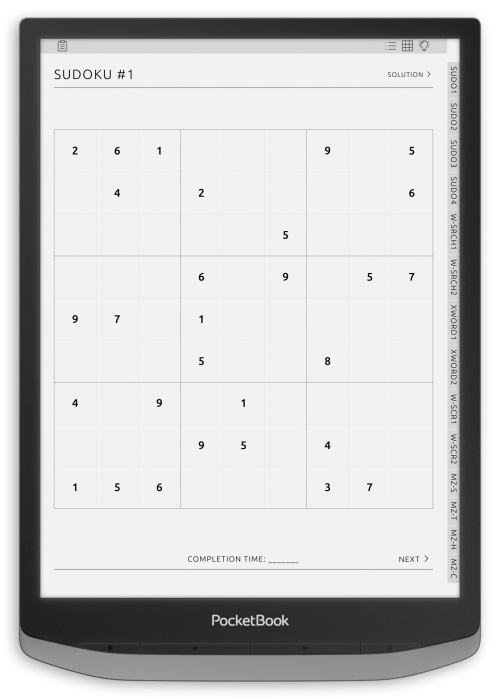
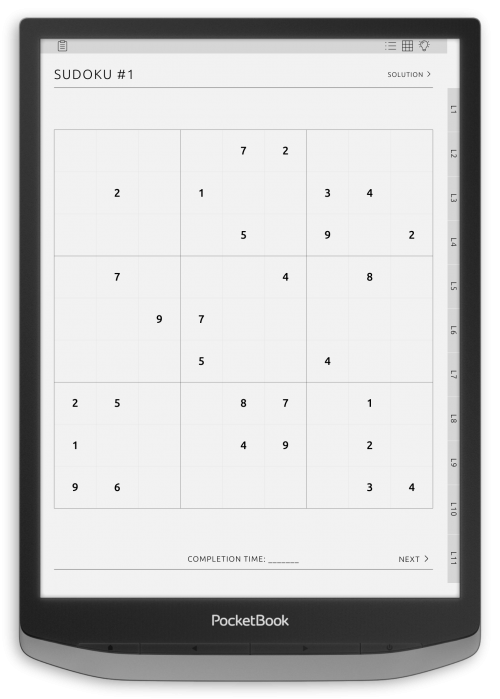
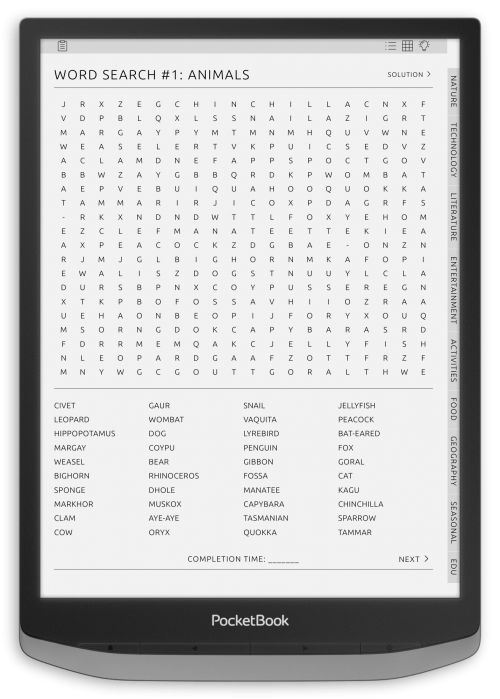
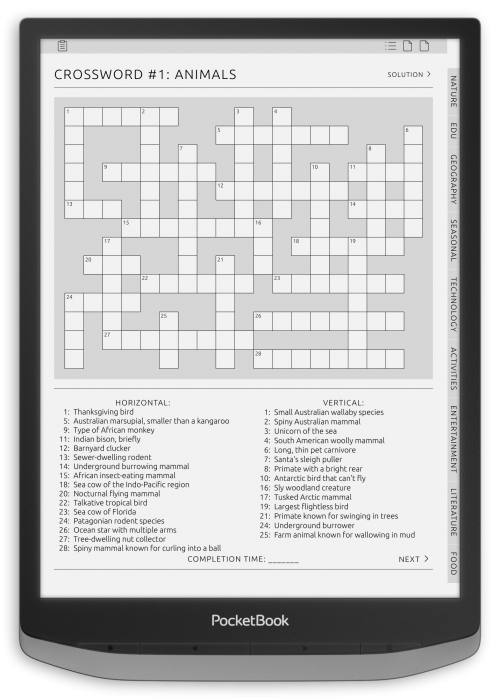
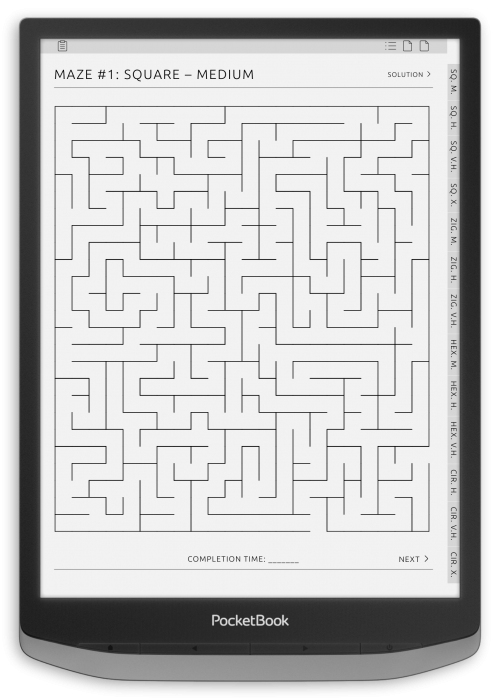
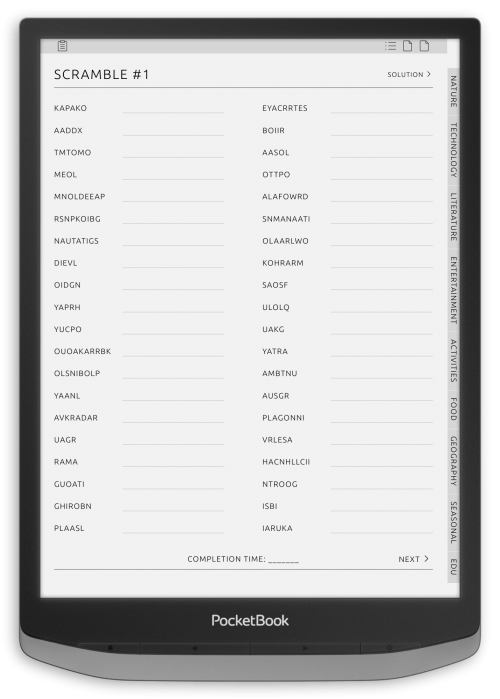
Exercise for the mind is as important as exercise for the body, and brain games help you do just that, while allowing you to have fun. This is a collection of Puzzle books – everything is in E-Ink format, which means that it will be perfectly readable on your e-reader. The puzzles are ranked by difficulty, suitable for both everyday users and the die-hard mode! These digital books provide hours of concentrated relaxation, and also enhance memory, logic and decrease screen fatigue. The clean design allows easy navigation through puzzles, and the PDF format makes for easy in-device viewing on PocketBook readers. Great for travel, downtime, or smarty-pants moments, these games will turn any free minute into an intellectual escape.
How to Use a PocketBook Digital Planner
Using a PocketBook digital planner is simple and flexible. Just follow the steps below to set up your planning workflow on an e-ink screen.
1. Download the planner file
Choose the daily, weekly, or monthly layouts you want to use and download the planner to your computer or cloud storage.
Most planners are provided as interactive PDF files compatible with many PocketBook e-readers.
2. Transfer the planner to your device
You can add the planner file using one of the standard PocketBook transfer options:
-
USB cable - move the file directly to device memory
-
Send-to-PocketBook - send via cloud without cables
-
Wi-Fi file manager / cloud sync - if enabled on your model
Once the file is on the device, open it through your library.
3. Navigate using built-in hyperlinks
If your PocketBook supports tapping interactive elements in PDF files, you can:
-
jump between dates, weeks, and sections
-
return to your current day with a single tap
-
quickly find important planning pages
Hyperlinked navigation gives a familiar tabbed-planner experience.
4. Add tasks and notes
Depending on your device’s functionality, you can use:
-
text highlights
-
bookmarks
-
handwriting or annotations (on models that support note-taking)
Start with simple checklists or highlight important dates, plan the way you prefer.
5. Keep your planner updated
You can maintain multiple versions (work, school, home), archive completed months, or sync significant notes through cloud storage if your device supports it.
💡 Pro Tips for Better Planning on PocketBook e-ink
✔ Increase screen contrast in the settings for better legibility
✔ Bookmark your most-used pages for faster access
✔ If your model supports handwriting combine typed notes with pen-based reminders
✔ Try landscape orientation for wide weekly layouts (if available)
Conclusion
PocketBook digital planners are more than just a plan. They’re an easy, distraction-free planning system made specifically for E-Ink technology. With eye-friendly, high-contrast attached PDF templates, you can do just that and implementing them will help you become more productive in everything you do. From daily and weekly schedules to academic and wellness plans, every template in this set adds calm, order, and clear intention to your day. Download, annotate, customize, and make personal to each planner, directly in your PocketBook.
PocketBook FAQ:
What is a PocketBook digital planner?
A PocketBook digital planner is an interactive planning template designed for e-ink devices. You can organize your schedule using daily, weekly, and monthly layouts while enjoying distraction-free planning on a digital screen.
Will hyperlinks work in a PocketBook digital planner?
Yes. If your PocketBook supports tapping active elements within PDF files, you can quickly jump between dates, months, and sections using the embedded hyperlinks. This provides a smooth navigation experience similar to linked paper tabs.
Can I write notes or add annotations to my planner?
Some PocketBook models support handwritten notes, highlights, or annotations in PDF files. The availability of these features depends on your device and its note-taking capabilities. You can try a sample page to check how writing works on your PocketBook.
Which layout should I choose for my PocketBook?
PocketBook digital planners come in different formats to match how you prefer to plan:
-
Daily detailed scheduling and to-dos
-
Weekly balance between overview and notes
-
Monthly high-level planning and future events
You can mix multiple layouts depending on your planning style.
Can I use the same planner on multiple PocketBook devices?
Yes. You can store your planner file in the cloud or on a computer and open it on any supported PocketBook device for consistent planning across screen.
Add new comment