
GoodNotes Stickers: Cute, Aesthetic & Functional
Quick jump to:
Introduction
I've been messing around with digital planners for years, and honestly, the thing that changed everything for me was good stickers. Not the over-the-top ones that look pretty for 5 minutes and then annoy you forever, but the ones that actually help you plan, feel motivated, and enjoy opening the app every day.
On this page I've pulled together the packs I (and a ton of other people) keep coming back to: clean aesthetic vibes, super-practical functional bits, cute kawaii mood boosters, fitness trackers, school survival kits, food & travel stuff, even cats and dogs because why not?
Everything here is high-res PNG, pre-cropped, ready to drag straight into GoodNotes (works great in 6 too). No sign-up nonsense, no watermarks, just instant download and play. Scroll down, grab what speaks to you, mix them however you want, and watch your planner finally feel like yours.
Most Popular Goodnotes Stickers Packs
Look, if I had to pick only one section to send a friend who’s just starting with GoodNotes, it would be this one. These are the packs that keep popping up in every “what stickers do you actually use?” thread I see. People love them because they’re not trying too hard: hey just feel right. You’ve got super clean minimalist ones when your brain is already overloaded and you need calm. Then there are the soft pastel sets that somehow make even a rainy Monday feel a little warmer. And a few bolder, colorful ones for days when you want your pages to have some personality.
Everything comes pre-cropped in nice sharp PNGs. Drag them straight into GoodNotes and they just sit there perfectly, no white borders, no hassle. I’ve watched friends use them for crazy exam seasons (saved their sanity), for juggling freelance gigs without dropping balls, and for the rest of us mortals who are just trying to remember dentist appointments and buy groceries before the fridge is empty.
The best part? You can mix and match like crazy. Take the clean layout from one pack, steal a couple cute accents from another, throw in a tracker from a third, and suddenly it doesn’t feel like you’re using someone else’s template anymore. It feels like your notebook.
If your current setup is boring you to death or you’re brand new and overwhelmed by choices, start right here. These became popular for a reason: they’re useful, pretty, and don’t make you feel like you’re doing extra work just to make your planner pretty.
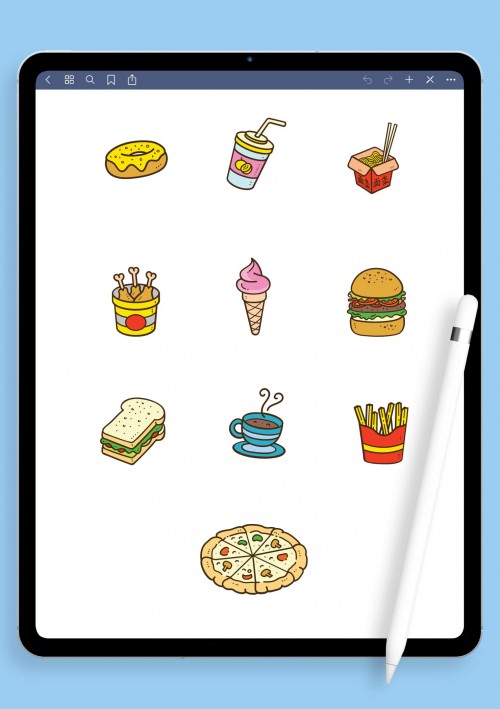
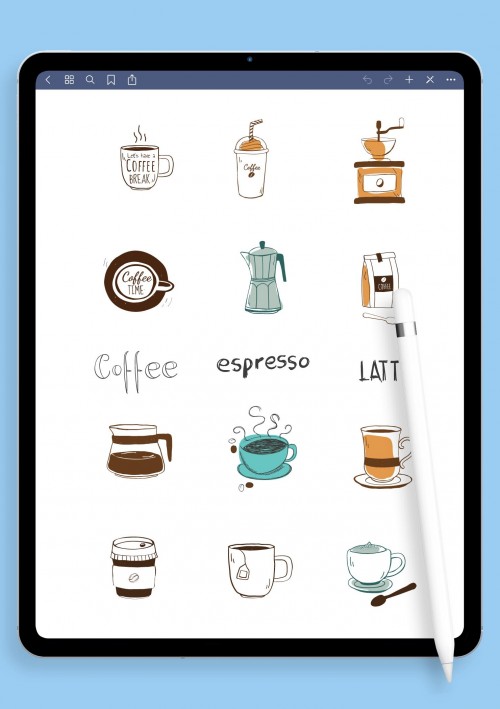
Aesthetic Goodnotes Stickers
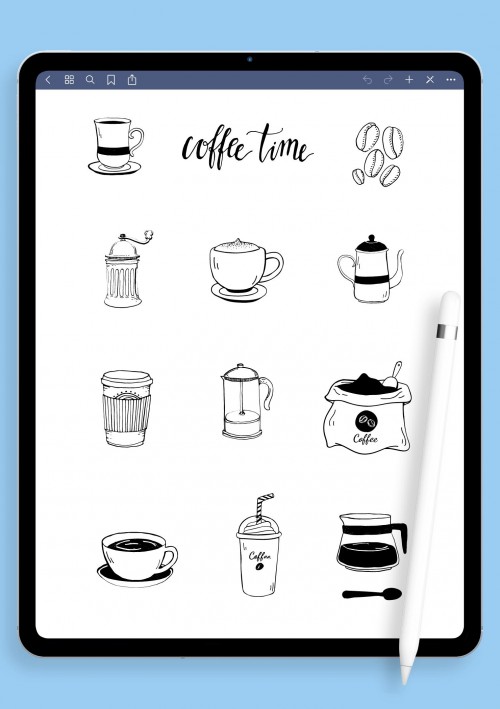
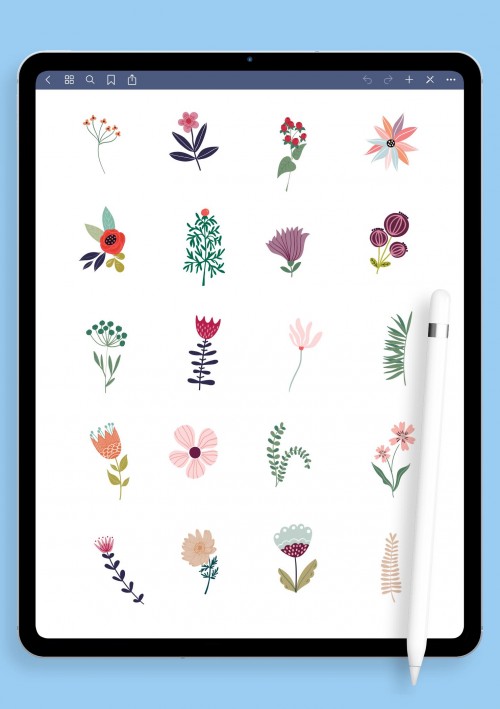
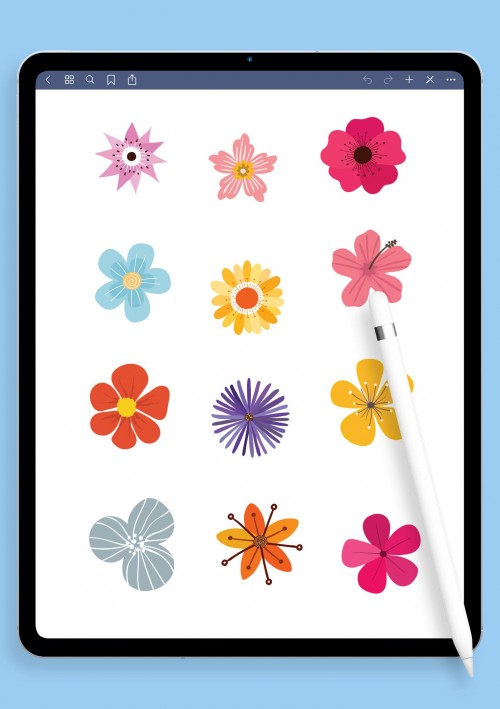
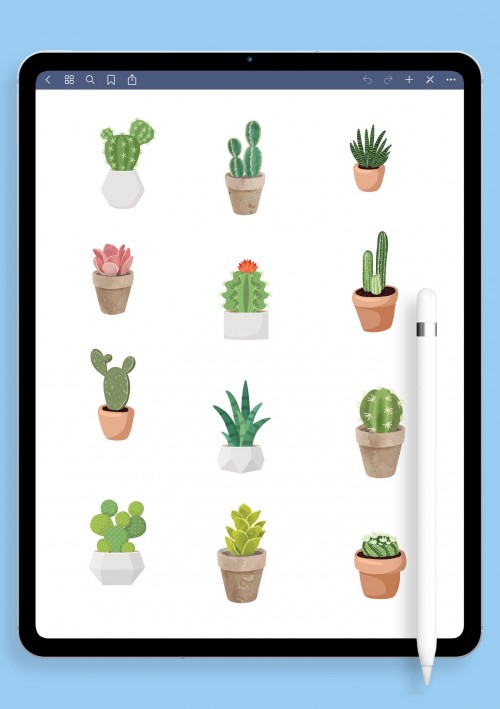
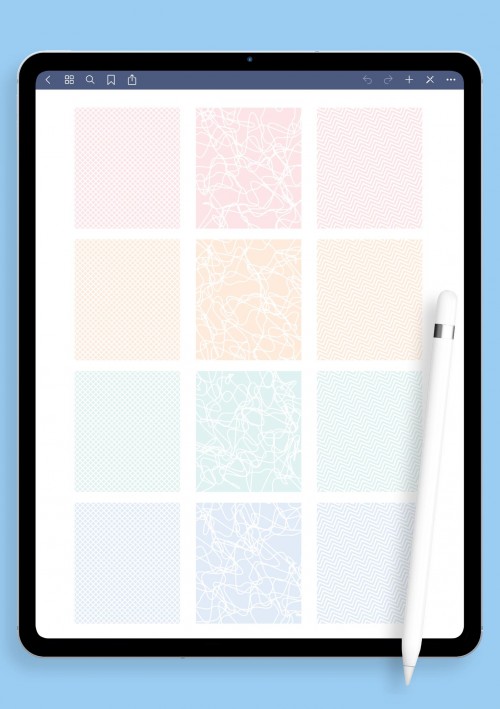
If you love when your pages look calm and pretty without trying too hard, these aesthetic ones are for you. Think gentle neutrals, dreamy pastels, soft gradients, little hand-drawn lines, subtle frames, and overlays that give everything a cozy filter vibe. Nothing flashy: just stuff that makes opening your planner feel nice. Great for journaling random thoughts, mood boards when you're daydreaming about goals, or even making boring meeting notes bearable.
Everything's transparent PNG, pre-cropped so you don't spend ages erasing edges in GoodNotes. I like layering a few different sets to match whatever mood I'm in that week, sometimes hygge cozy, sometimes clean modern. It turns planning from a chore into something you kinda look forward to. Grab a couple and play around; your spreads will thank
Functional Goodnotes Stickers
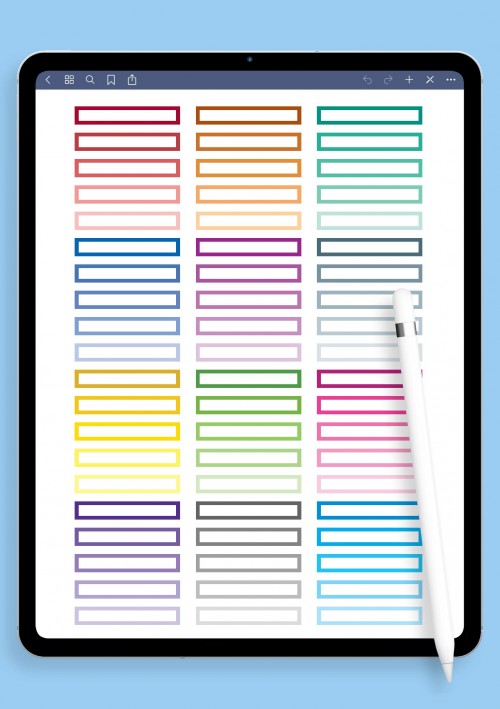
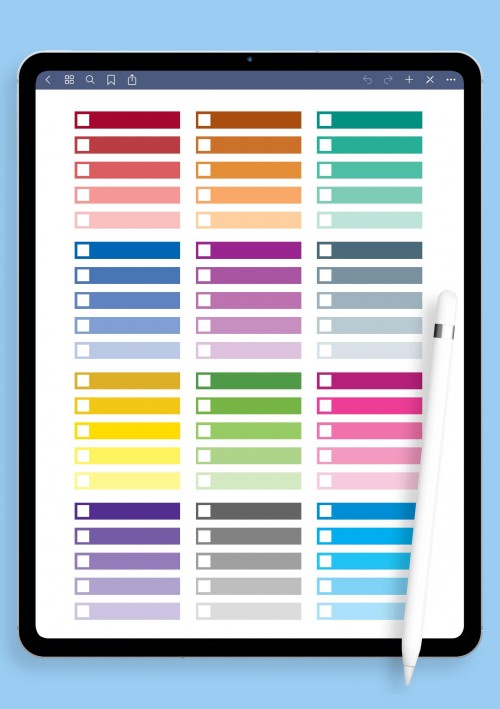
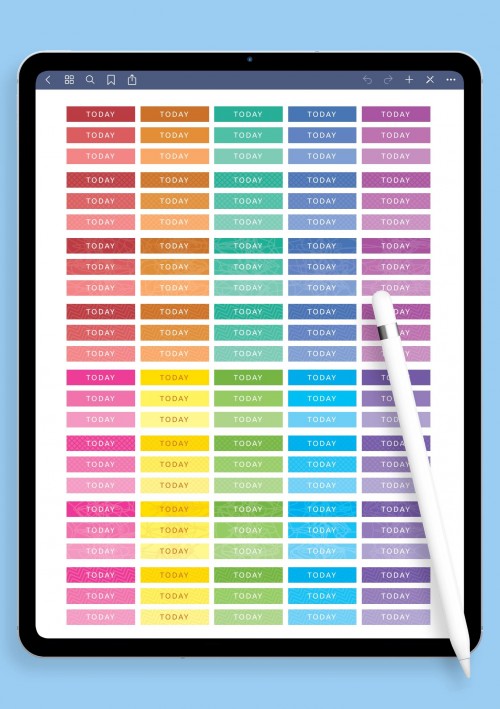
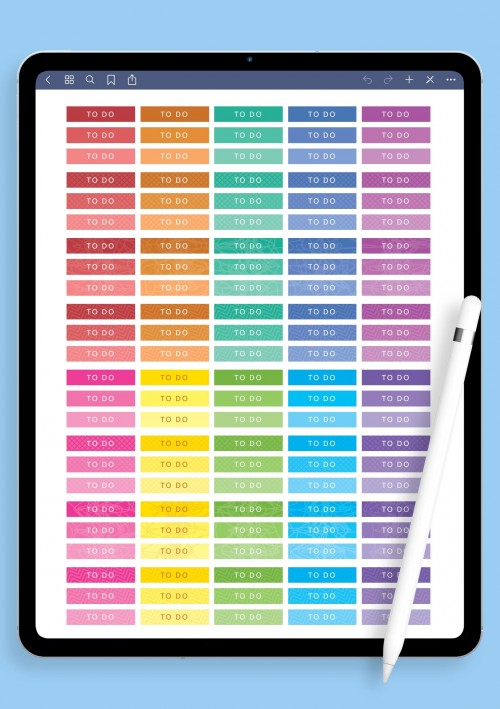
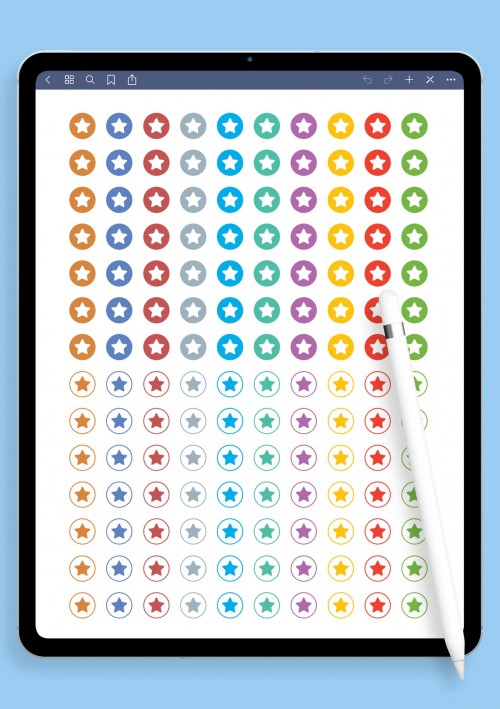
These are the no-nonsense ones that actually get stuff done. Checkboxes that feel satisfying to tick, numbers 1–31 for any month, priority stars when you need to scream "THIS FIRST," arrows to connect ideas, progress rings to watch things fill up, time blocks for Pomodoro fans, and simple yes/no flags. Perfect if your days are full of to-dos, deadlines, or habits you're trying to build without losing your mind.
They import super clean into GoodNotes: no weird cropping needed. A lot of people use them for work task boards, study schedules that don't overwhelm, or just keeping personal goals visible so they don't get forgotten. Short version: they make chaos look organized. If your planner needs more structure than decoration right now, these will sort you out quick.
Decorative Digital Stickers
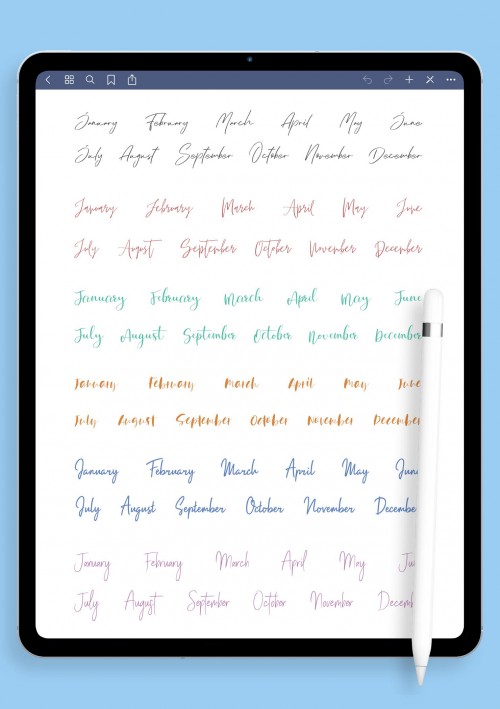
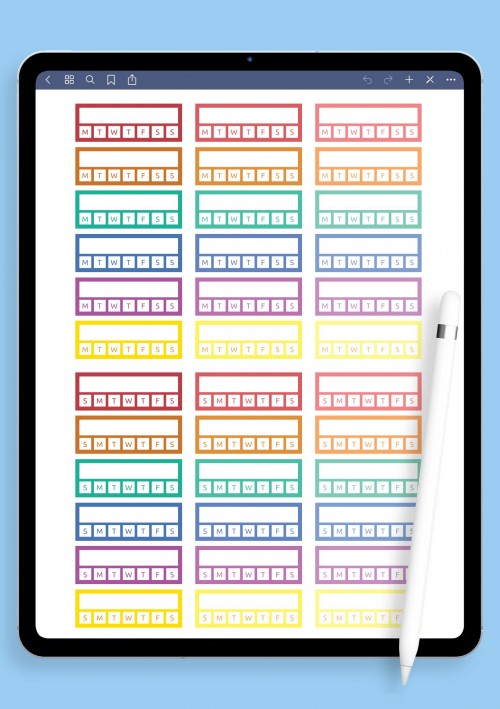
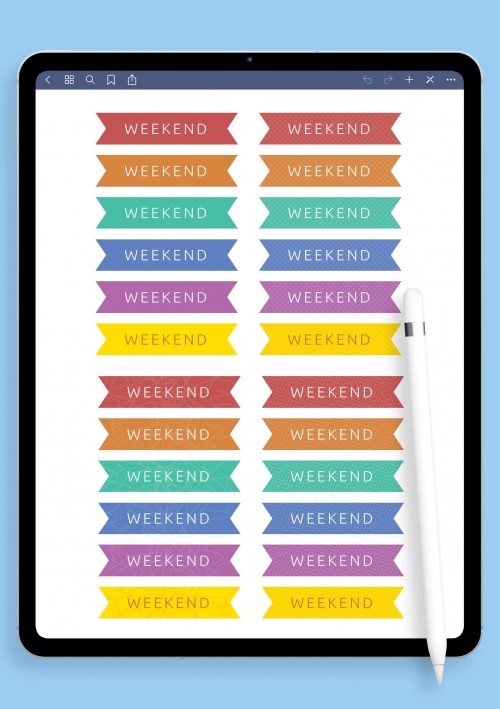
Want to sprinkle some personality without going overboard? These decorative bits do the trick: elegant banners, pretty month headers in nice fonts, quote frames for those motivational days, washi-style tapes, doodly borders, ribbons, and little word art pieces like "focus" or "breathe." They're the kind of thing that makes plain pages feel warmer and more inviting.
Awesome for creative journaling, switching up seasonal themes, or just adding a touch to class notes so they don't look so sterile. All PNGs with clean transparency, ready to drop in GoodNotes and layer however you like. I usually mix them with functional stuff so it stays practical but cute. Makes the whole planning thing feel less like work and more like something fun you do for yourself. Pick your favorites and start decorating.
Cute Kawaii Goodnotes Stickers Pack
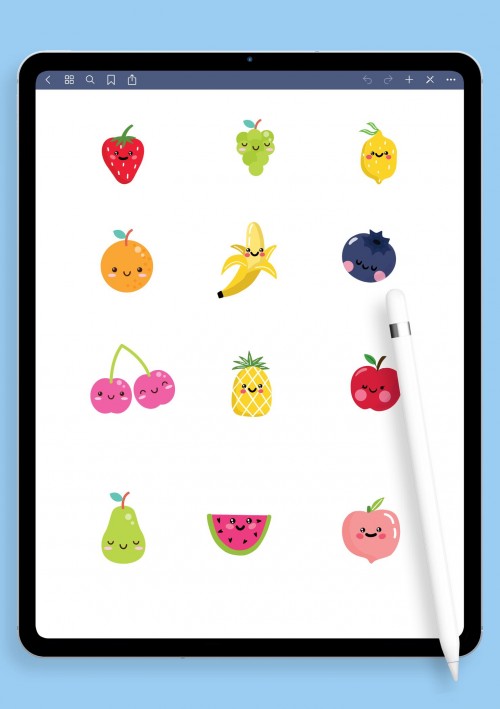
If you need a little dose of happy in your planner, this kawaii pack delivers. Chubby smiling animals, blushing clouds, sparkly stars, bubbly hearts, tiny food with faces, motivational phrases in rounded fonts - everything's adorable and impossible to stay grumpy around. Great for brightening up tough study days, self-care logs, or just making to-do lists feel less serious.
Hundreds of elements, all pre-cropped PNG so they snap right into place in GoodNotes. Kawaii fans go wild mixing them into weekly overviews or gratitude sections. It adds that instant mood lift. Honestly, sometimes you just need your notebook to smile back at you. Download this one when you want things cute and cheerful without apology.
Sport and Fitness Digital Stickers
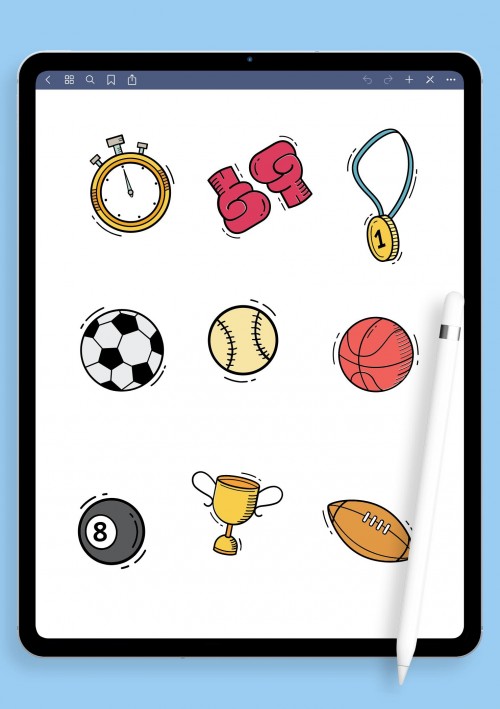
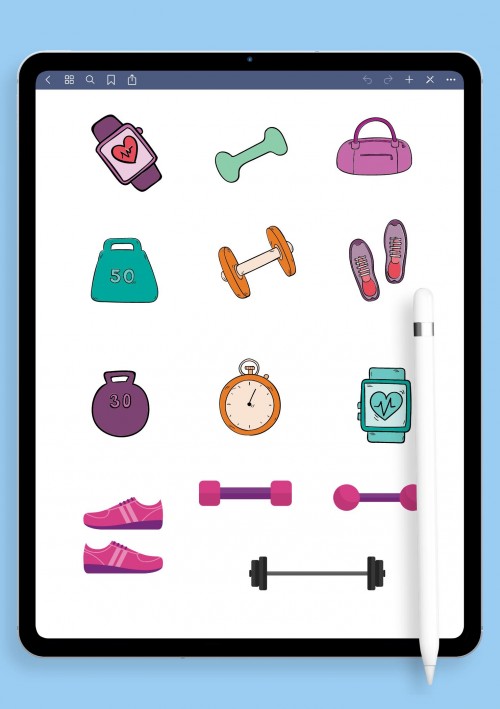
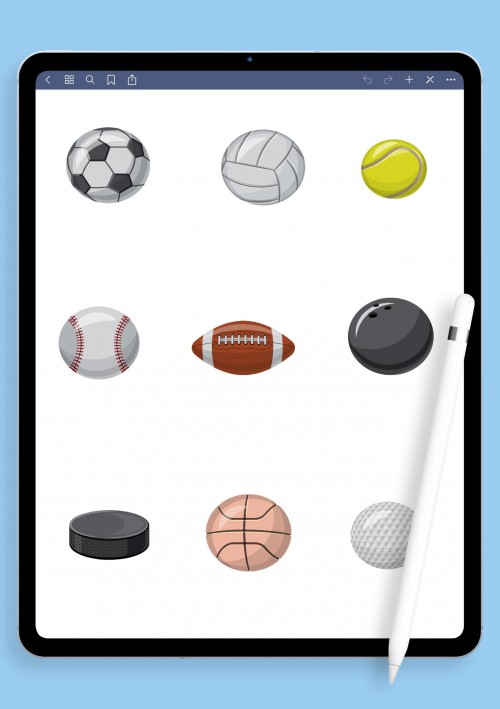
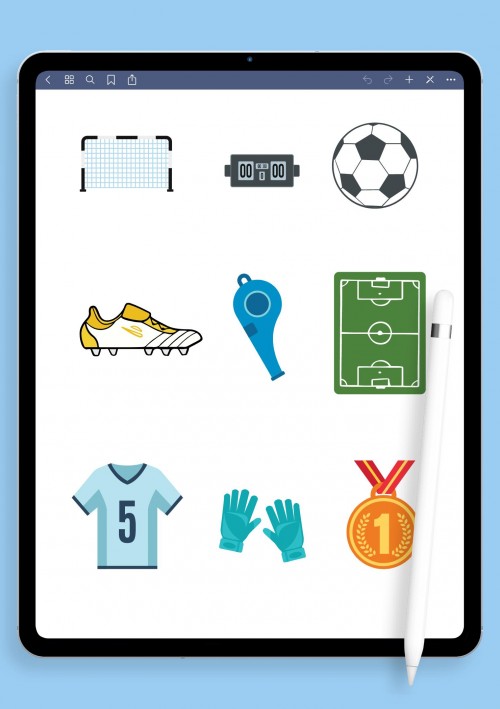
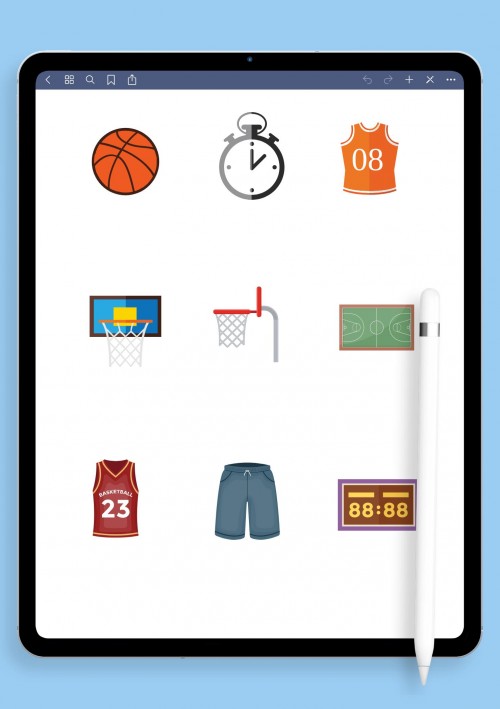
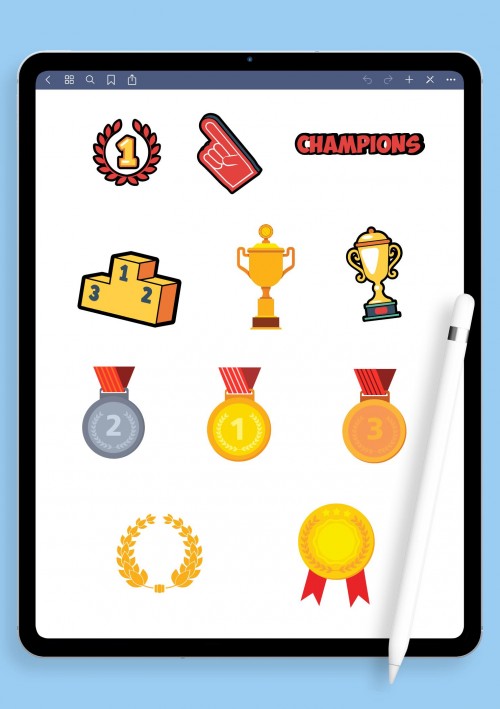
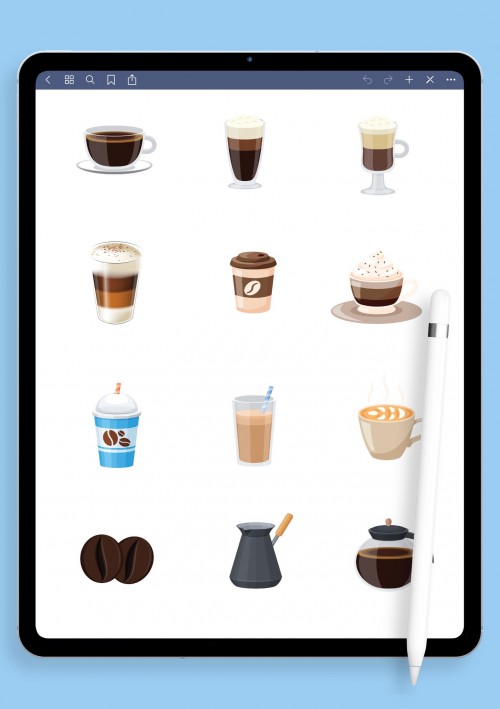
For anyone trying to stay active (or at least pretend to), these fitness stickers keep you motivated visually. Dumbbells, yoga silhouettes, running figures, water drop trackers, heart-rate icons, "keep going" quotes, workout logs, rest-day reminders plus gear for tennis, cycling, swimming, whatever your thing is. Helps turn abstract goals into something you can see and feel good about checking off.
Pre-cropped, high-quality PNGs drop straight into GoodNotes on your iPad. A lot of people use them for gym routines, home workouts, or tracking progress without it feeling like a spreadsheet. Makes planning movement fun instead of another obligation. If fitness is part of your routine, give these a go they'll keep you consistent in a nice way.
Digital Stickers for School Planning
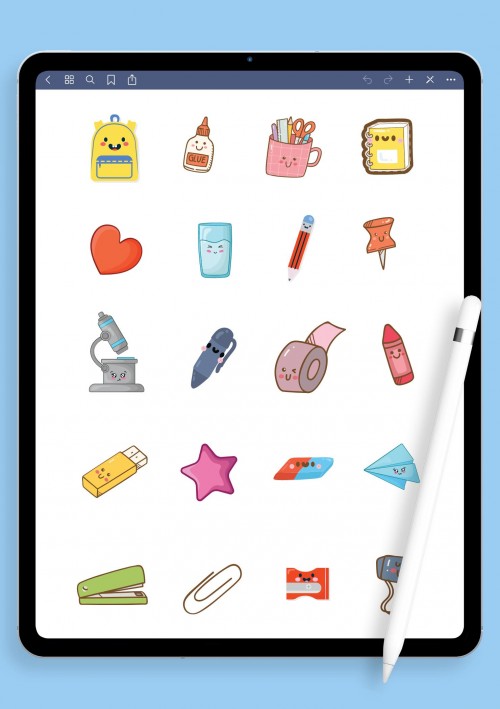
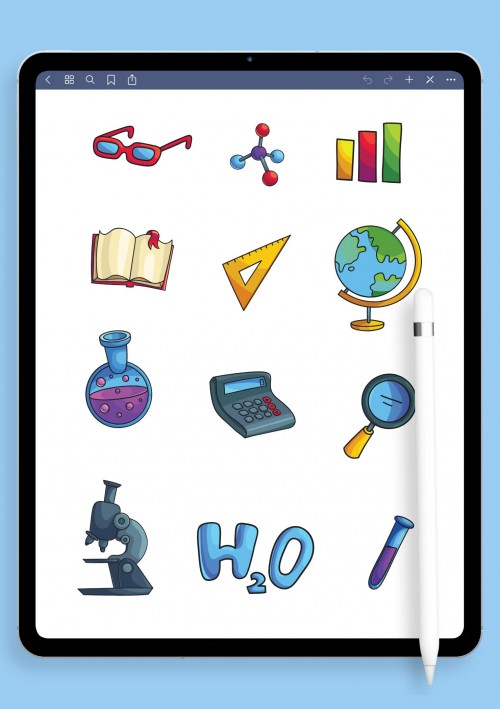
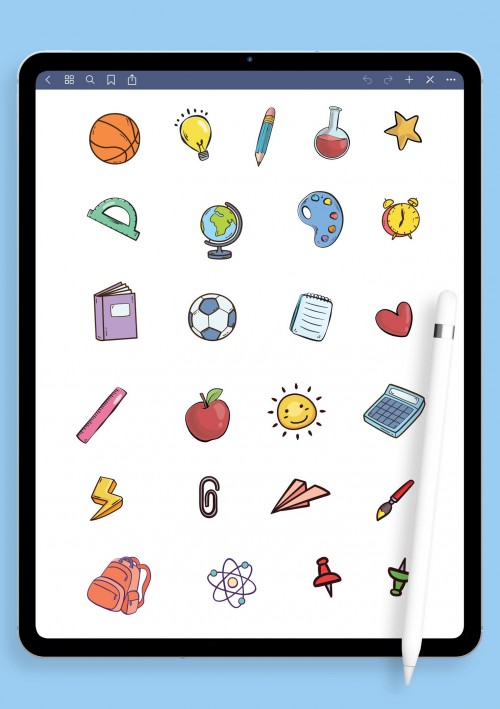
School stuff can get overwhelming, but these stickers make it a bit more bearable. Subject icons (math equations, beakers, books), pencils and highlighters, Pomodoro timers, exam checklists, grade trackers, brain-boost reminders, and cute motivation stars. Great for lecture notes, revision plans, assignment overviews, or keeping group projects from turning into disasters. Helps cut down on that stressed-out feeling by making everything visual and a little less boring. Students swear by them for staying on top without burning out. If you're juggling classes or online learning, these will help your notes feel more manageable and even kinda fun.
Food-themed Digital Stickers for Meal Planning
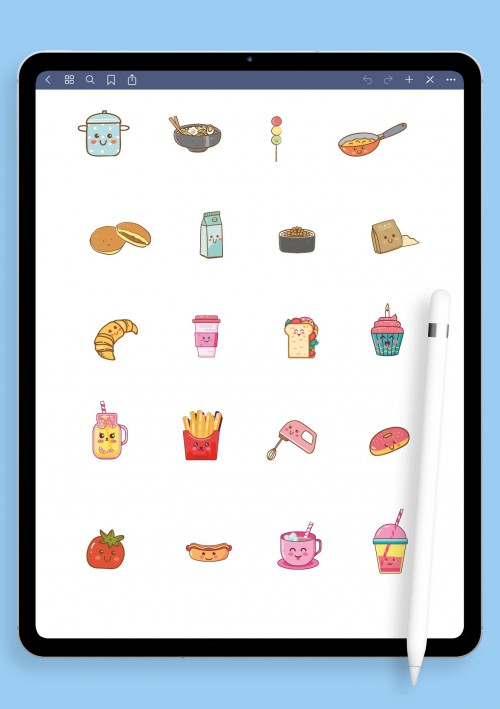
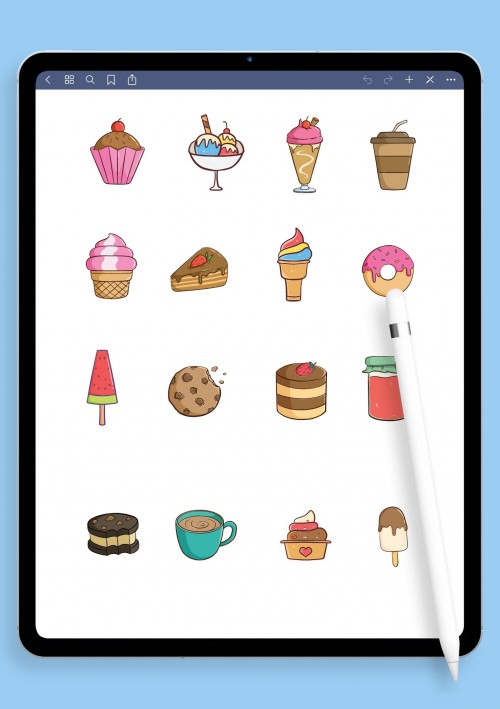
Food planning doesn't have to be dull these stickers add some flavor. Burgers, colorful salads, sushi rolls, smoothie bowls, breakfast plates, desserts, grocery list icons, macro tags, and cute little food characters. Perfect whether you're meal prepping for the week, tracking macros, doing family menus, or just logging what actually tastes good. PNGs with transparency import effortlessly into GoodNotes.
Turns a basic food log into something you don't dread opening. A lot of folks use them to stay consistent with healthy eating or just make intuitive choices more enjoyable. If food is a big part of your routine, these make tracking feel less like homework. Grab them and spice up your pages.
Party Digital Stickers for GoodNotes
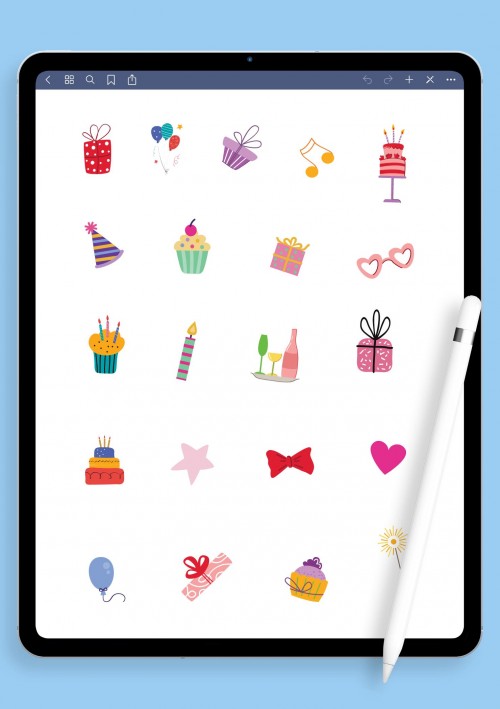
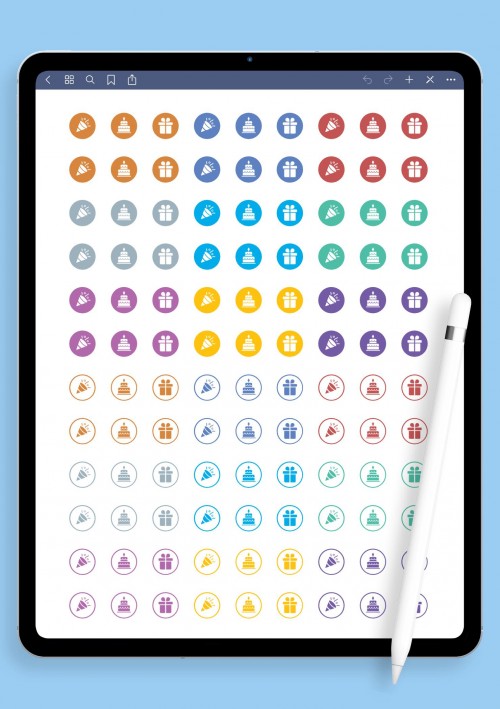
Planning parties or just marking fun events? These bring the energy: balloons, confetti bursts, cakes, cocktails, party hats, streamers, "cheers!" banners, disco vibes. Ideal for birthday calendars, holiday prep, weekend hangouts, or journaling memories after the fact. Pre-cropped PNGs layer nicely in GoodNotes so everything looks festive right away. Adds that sparkle without much effort. Great for making social plans pop on the page. Download if you want your planner to feel exciting instead of just scheduled.
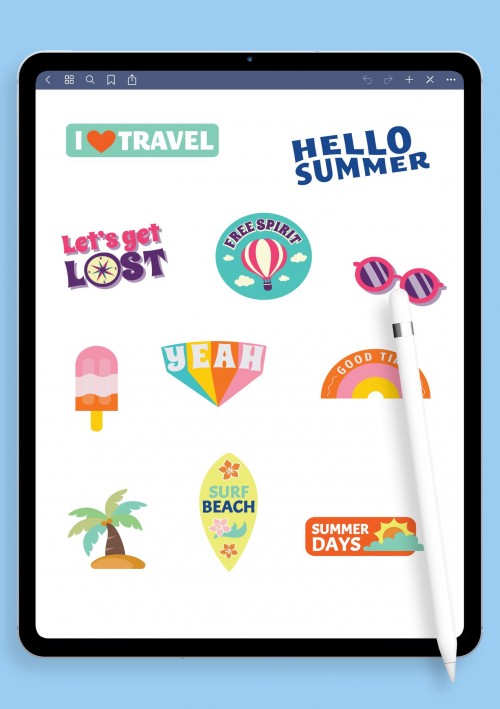
Travel Digital Stickers
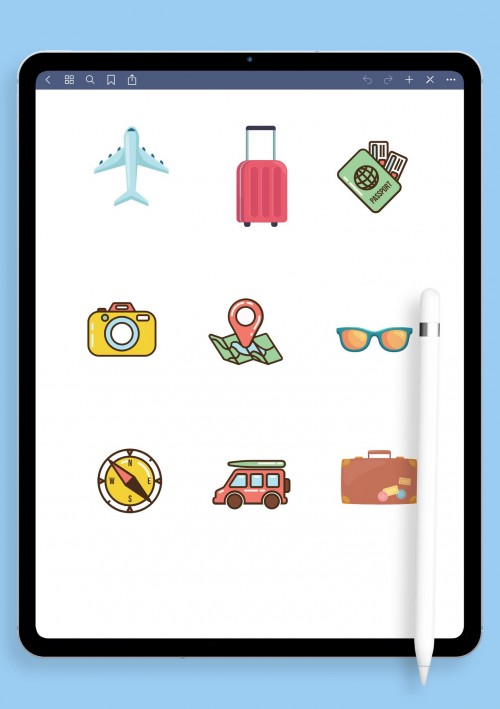
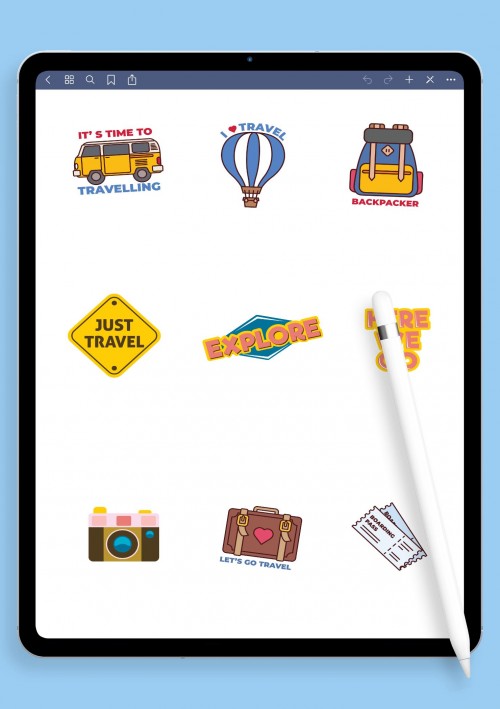
Planning trips is one of those things that gets me excited every time, and these travel stickers make the whole process way more fun on paper (or screen). Airplanes taking off, little suitcases with stickers, world maps with pins, passports stamped, famous landmarks like Eiffel Tower or cherry blossoms in Tokyo, beach umbrellas, road signs, packing checklists that actually remind you of the charger, bucket list icons, compass roses, and quotes like "Adventure awaits" or "Wander often".
Everything's pre-cropped PNG so you drop them straight into GoodNotes without messing around. I use them to map out itineraries, jot down must-see spots, track expenses on the go, or just dream about the next getaway when I'm stuck at home. Great for vacation planning, travel journals after the trip, or even marking dream destinations on a big world map page. If you're the type who loves collecting memories or just needs to organize that chaotic group trip WhatsApp chat into something visual, these will help. They add that wanderlust vibe without cluttering your pages. Pick what speaks to your travel style and start plotting your next escape – it's addictive once you begin.
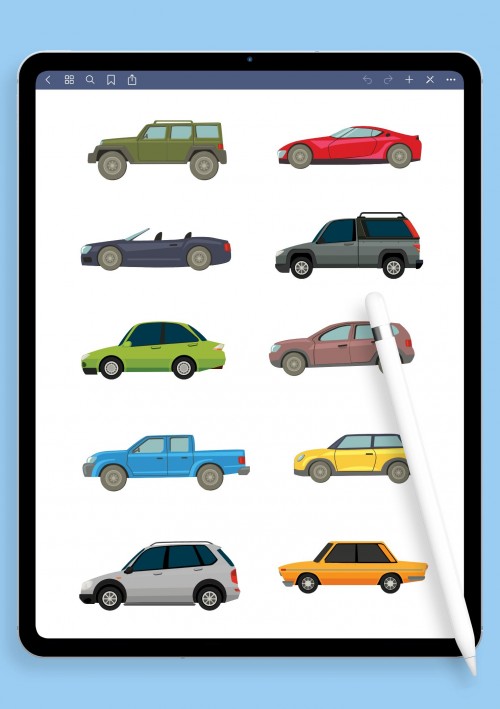
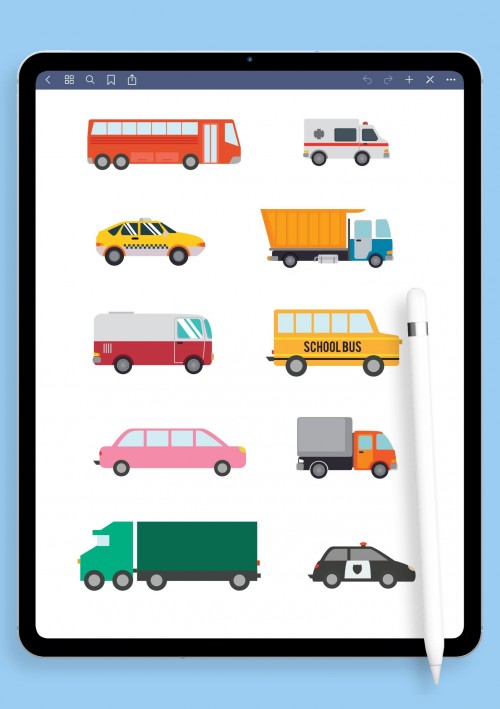
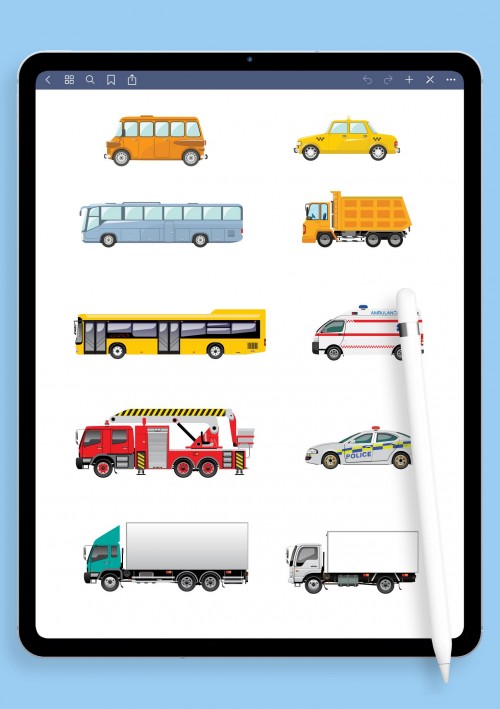
Car and Vehicle Digital Stickers
If cars are your thing (or even if they're just how you get around), these vehicle stickers bring some real personality to your notes. Classic cars, modern supercars, pickup trucks, motorcycles roaring, buses on routes, tires with tread, engine parts, fuel gauges, road trip maps with stops, maintenance checklists (oil change reminders don't forget!), speedometers, dream garage layouts, and fun icons like "Vroom!" or wrench tools. All high-res PNG, pre-cropped for easy drag into GoodNotes.
Perfect for logging road trips with mileage and funny stories, tracking service history so nothing surprises you, planning mods if you're into that, or just geeking out over your favorite models. I know people who use them for daily commute trackers, EV charging logs, or even fantasy car collections. Makes boring auto stuff feel exciting. If your planner has a section for wheels – or needs one – grab these and rev up your pages.
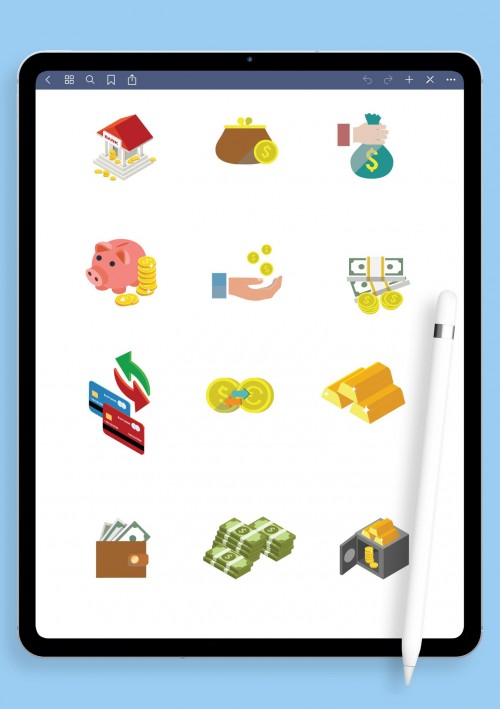
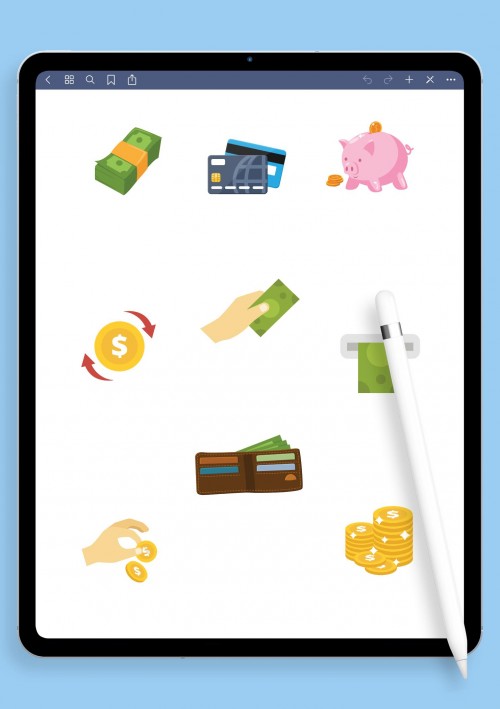
Finance Stickers for Budget Planning
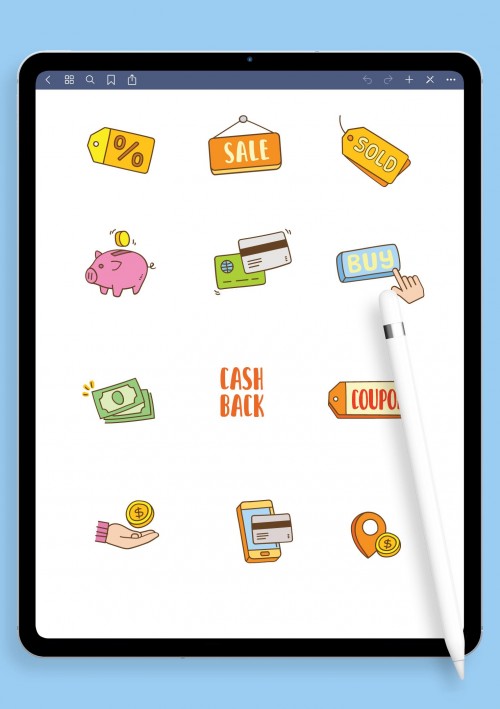
Money talk can feel dry, but these finance stickers make tracking it less painful and actually kind of satisfying. Coins stacking up, dollar bills, wallets bulging, credit cards (the good and the scary ones), pie charts for spending categories, piggy banks for savings goals, expense tags like "coffee" or "rent", income arrows coming in, debt payoff thermometers that fill as you pay down, goal jars labeled "vacation" or "new laptop", calculator icons, and motivational bits like "You got this" next to budget wins.
Pre-cropped PNGs ready for GoodNotes. I use them to color-code monthly budgets, watch savings grow visually, track impulse buys so I don't repeat them, or set up sinking funds for big stuff. Turns numbers on a screen into something tangible and motivating. Whether you're paying off debt, building an emergency fund, or just trying not to overspend on takeout, these help keep it real without the guilt trip. Download and start owning your finances one sticker at a time.
Cat-themed Digital Stickers
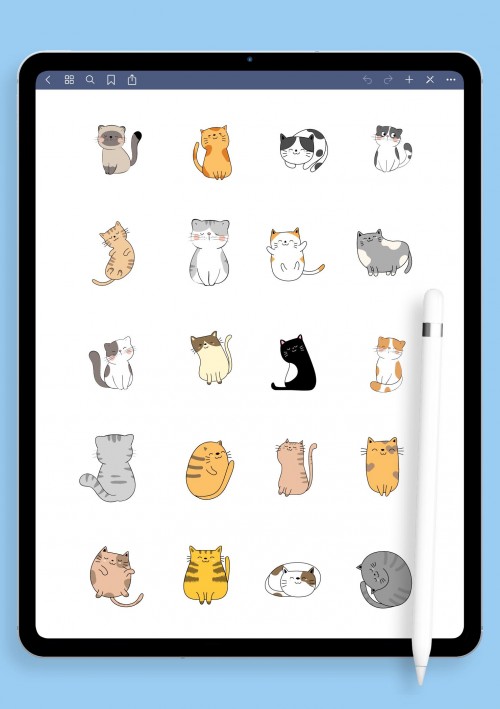
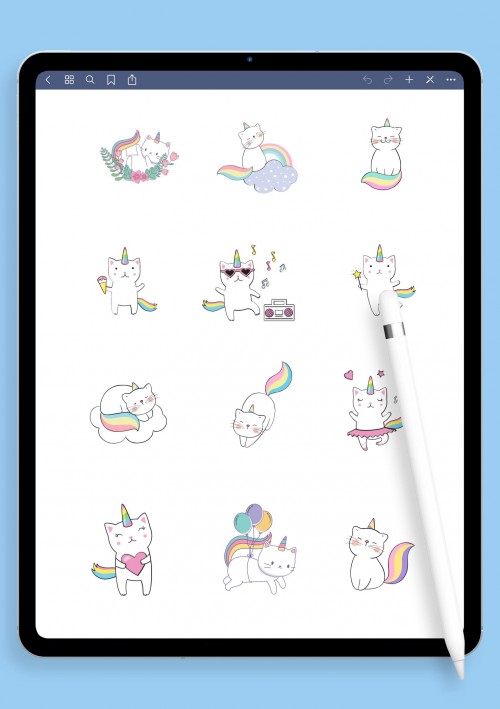
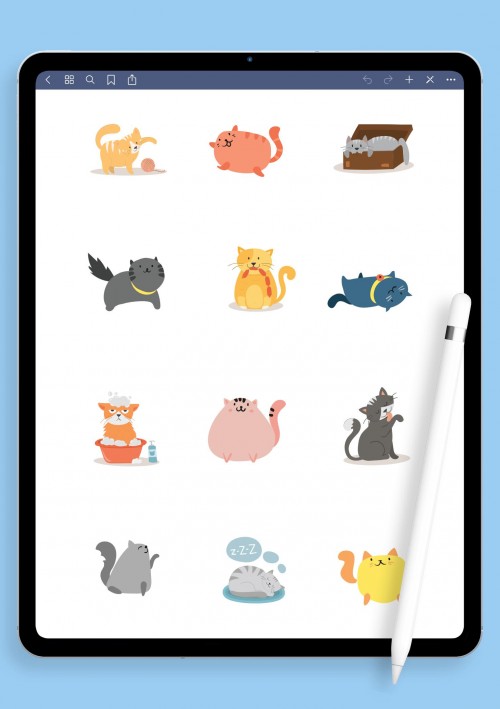
Cats just make everything better, right? These cat stickers are full of that pure feline energy – different breeds looking smug, sleepy curled-up balls, paws batting yarn, whiskers twitching, fish treats, laser pointer chases, heart-eye cats when they're happy, meow speech bubbles, cozy window seats, playful jumps, and little scenes like "cat tax" on your work. All cute, pre-cropped PNG for instant GoodNotes use.
Perfect for mood tracking (grumpy cat = bad day, loaf cat = chill vibes), journaling when you need comfort, reminders surrounded by paws, or just filling blank spaces with fluff. Cat people know – sometimes seeing a chonky tabby on your to-do list makes the whole day lighter. I scatter them everywhere: gratitude logs, self-care pages, even work notes to remind me to take breaks. If your life has cats (or you wish it did), these will add that warm, furry touch. Grab the pack and let the purrs begin.
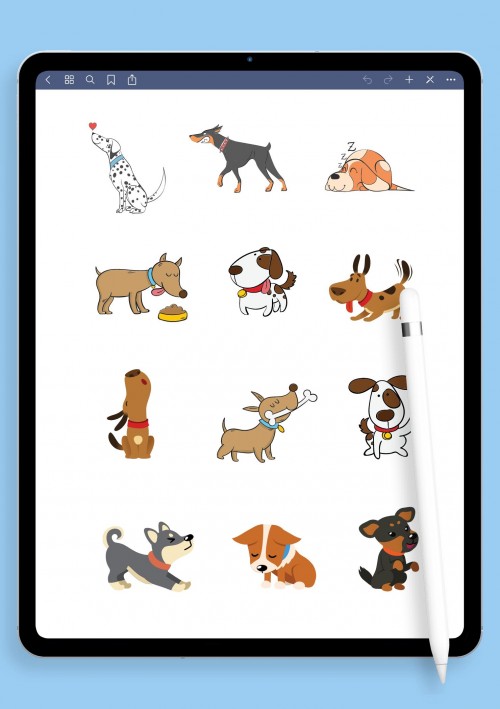
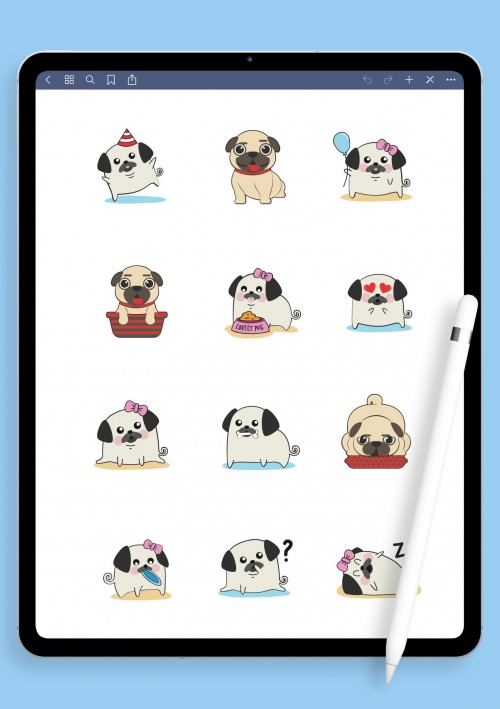
Dog-themed Digital Stickers for GoodNotes
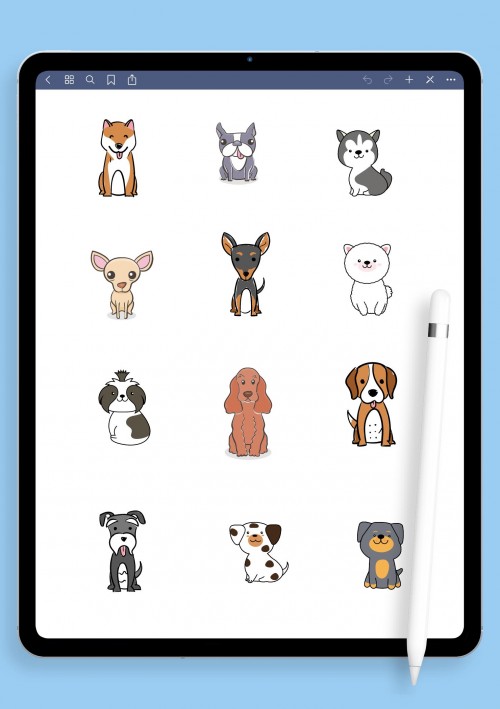
Awesome for daily logs (walk? check!), gratitude when your pup makes you smile, motivation on low days, or just decorating pages because why not? Dog owners use them to track vet visits, training progress, or simply celebrate the little things like "stole my sock again". Makes your planner feel warmer and more alive. If dogs light up your world, these stickers will do the same for your notes. Download and let the tail-wags take over.
Fruit and Vegetable Digital Stickers
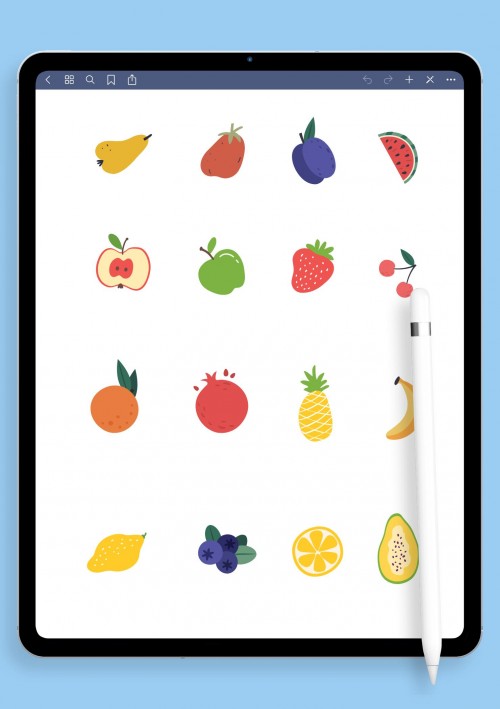
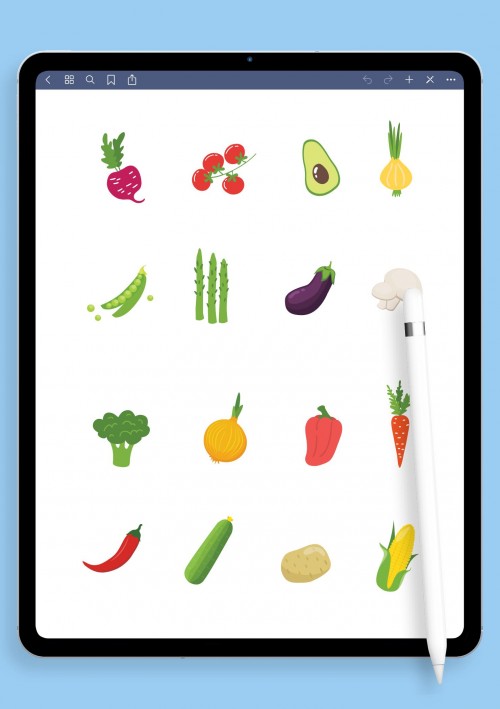
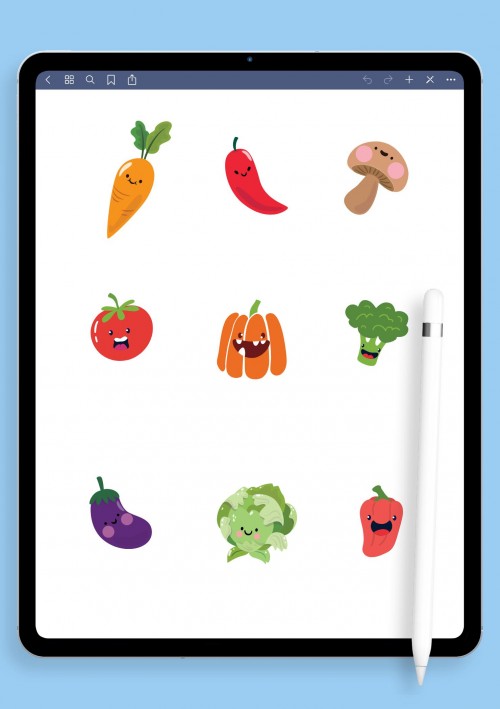
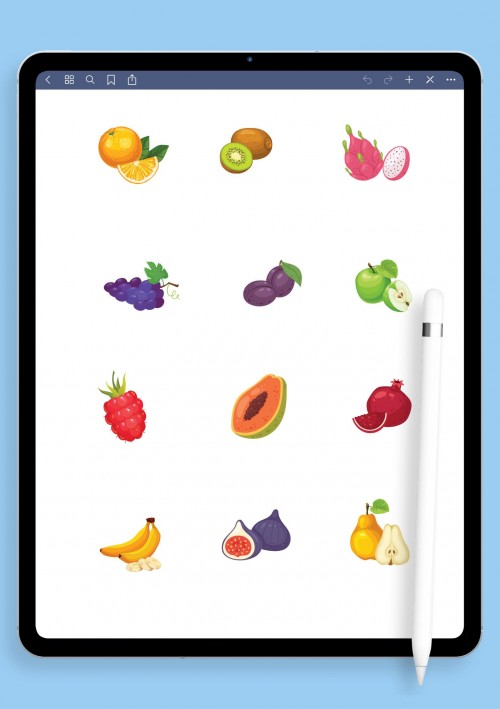
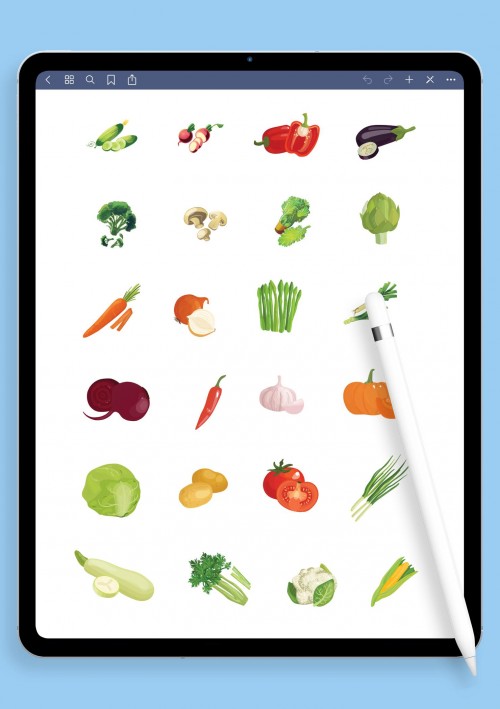
Eating better starts feeling fun with these fruit and veg stickers. Juicy strawberries, sliced avocados with pits, pineapples wearing sunglasses, broccoli trees, rainbow carrots, leafy greens bunches, citrus explosions, berry clusters, smoothie bowls, healthy plate icons, cute faces on veggies (smiling tomatoes!), grocery bag checklists, and macro tags for tracking.
Great for meal planning without boredom – color-code your prep, log what you actually ate, track water with fruit-infused reminders, or make grocery lists visual so you don't forget kale again. I use them for weekly menus, detox challenges, family food ideas, or just to make nutrition logs less clinical. Turns "I should eat better" into something colorful and approachable. Whether you're into smoothies, salads, or just adding more plants, these make it enjoyable. Pick your favorites and freshen up your pages.
Conclusion
If you've made it this far, thank you. Seriously. It means you're probably as obsessed with making your digital notes beautiful and useful as I am. Hopefully you found a couple packs that clicked, or at least got some inspiration to mix things up. The best part about GoodNotes stickers is that there's no "right" way steal bits from here, throw in your own doodles, change colors on the fly. Your notebook, your rules. If you download something and love (or hate) it, drop a comment or message somewhere, I'd genuinely love to hear what worked for you. If you enjoy DIY planner setups, grab a few functional packs they're perfect for customizing trackers and layouts to match your productivity style.
F.A.Q.
All PNG with transparent background, pre-cropped so you don't have to fix edges. They import perfectly into GoodNotes 5 and 6 (and usually Notability/Noteshelf too). Just go to Elements → + → Import.
Super simple:
- Download the ZIP or individual PNGs
- Unzip on your iPad (or computer, then AirDrop)
- Open GoodNotes → tap the lasso or elements tool → + icon → Import
- Select the folder or files → done! Drag them anywhere.
Yes! The stickers are customizable. Once they're in GoodNotes, you can resize, rotate, duplicate, change color (with the tint tool), layer them: whatever you need.
Double-check you imported to the Elements library (not directly to a page). If still missing — try restarting the app or re-importing. If nothing helps, ping me with details.
Add new comment