
Digital Stickers Collection
Quick jump to:
Introduction
Hey, welcome to the spot where your digital planner finally gets the upgrade it deserves!
If you've ever opened GoodNotes, Notability, or Noteshelf and thought, "This page could use some personality... or at least some actual organization," you're in the right place. I've rounded up a bunch of digital stickers that people (including me) actually reach for every day, not just pretty ones that sit unused, but ones that make planning feel easier, prettier, and more like you.
From clean aesthetic vibes that calm your brain on chaotic mornings, to functional trackers that keep your to-dos from disappearing into the void, cute kawaii boosts when you need a smile, fitness icons for those gym days, school survival kits, food logs that make meal prep less boring, travel maps for dreaming big, finance bits to track your money without stress, pet-themed cuteness (cats and dogs forever), nature/fruit/veg freshness, and now a combined Party & Celebration + Seasonal & Holiday section for all the fun events and vibes throughout the year.
Everything here is high-res PNG with transparent backgrounds, pre-cropped so they drop perfectly into your app, no fiddly editing required. Compatible with GoodNotes 7, Notability, Noteshelf, and most other PDF annotation apps on iPad or tablet. Download what catches your eye, mix them however you want, and watch your notebook turn from basic to something you actually look forward to opening.
No endless sign-ups or hidden catches: just grab, import, and start customizing. Scroll down, pick your favorites, and let's make 2026 the year your planner finally feels alive. You've got this!
Most Popular Digital Stickers Packs
Why bother with digital stickers at all? Because a blank page in your planner can feel overwhelming, and these little additions change everything without much effort.
First off, they seriously boost your productivity: think checkboxes that beg to be ticked, progress rings that fill up as you crush tasks, time blocks for Pomodoro sessions, and priority flags so the important stuff doesn't get buried. Suddenly your day has structure without feeling rigid.
Then there's the aesthetic side: soft pastels, minimalist lines, dreamy overlays, or bold pops of color that make every spread look intentional and calming. It's like giving your notes a filter that matches your mood, whether you're going for cozy hygge, clean modern, or playful vibes.
They fit any lifestyle too: fitness trackers with dumbbells and water reminders to keep you moving, school icons for lectures and exams, meal planning foodies that turn nutrition logs into something enjoyable, travel elements for itineraries and memories, finance visuals to watch savings grow, pet cuteness for daily joy, fresh fruit/veg for wellness motivation, and party/seasonal stuff to celebrate holidays, birthdays, or just random good days.
The real win? They're super easy to customize: resize, recolor, layer, duplicate right in your app. Mix functional with decorative, add your own handwriting, throw in some DIY touches, your planner becomes uniquely yours. No drawing skills needed, just drag and drop. Plus, they're updated regularly, so there's always something fresh for the current season or trend.
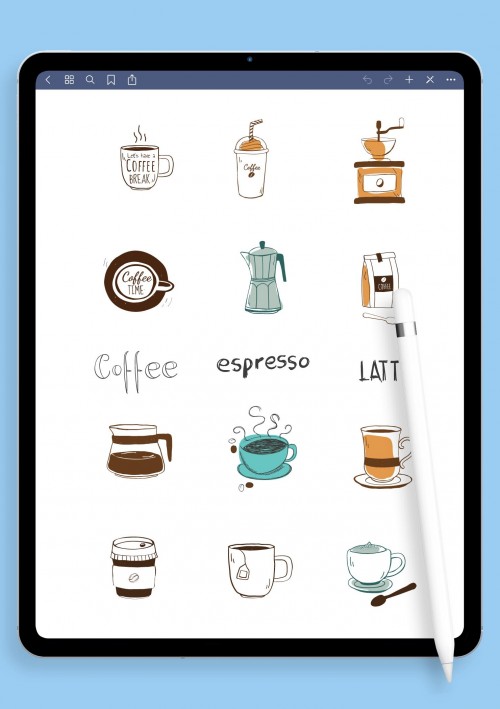
Aesthetic Digital Stickers
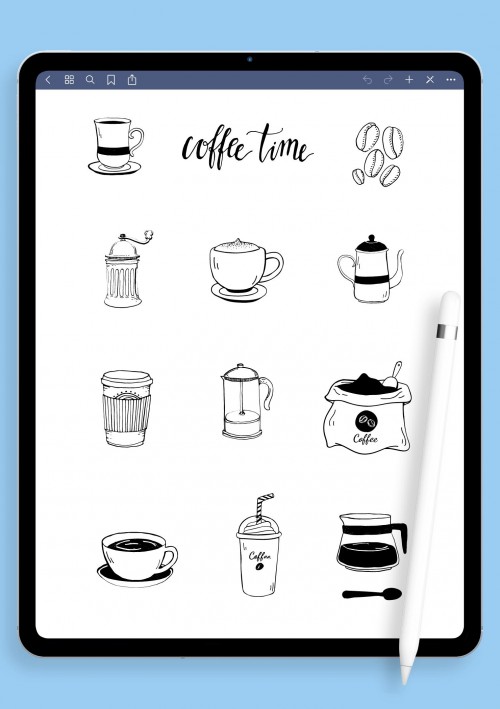
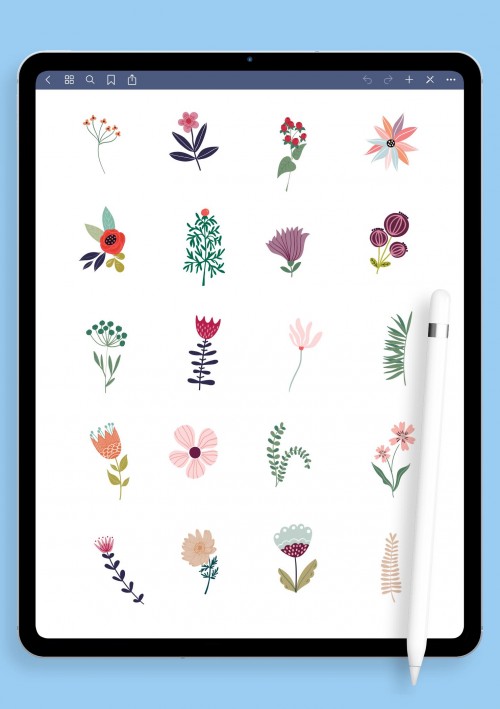
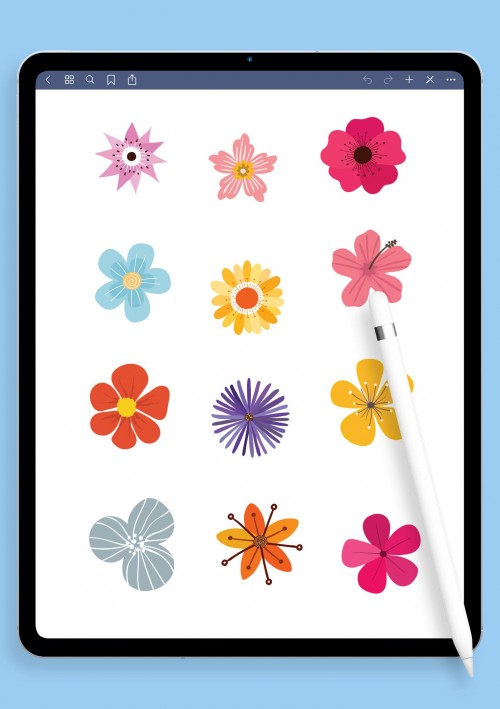
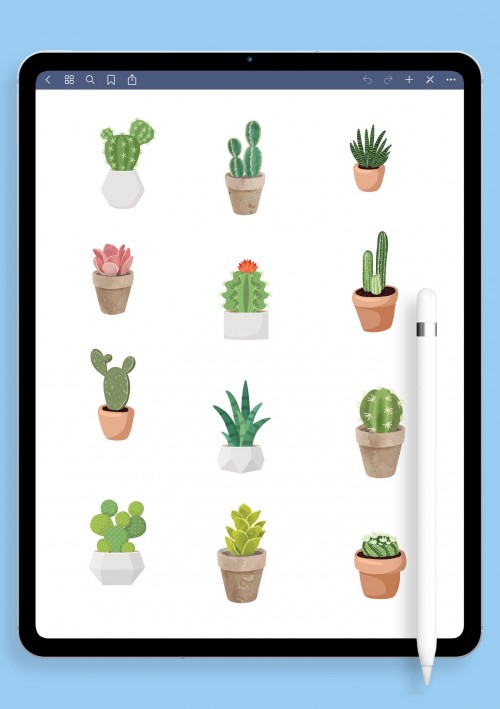
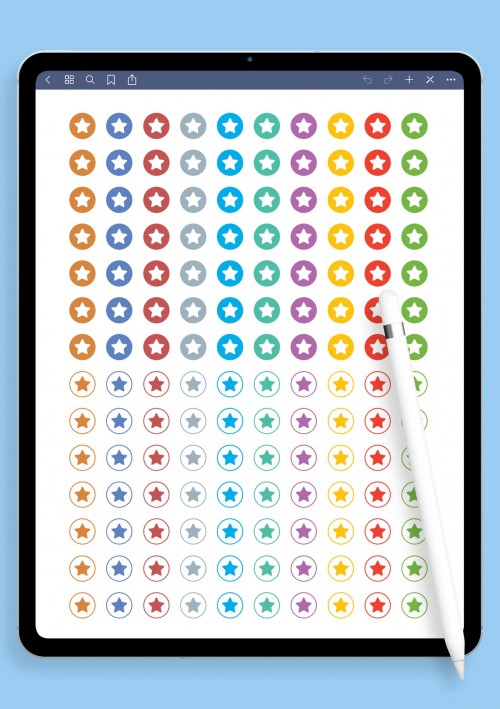
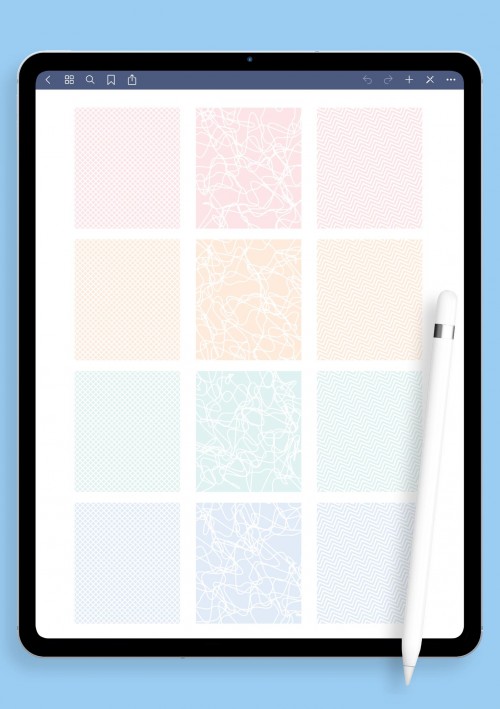
If your planner needs that calm, put-together look without feeling sterile, these aesthetic digital stickers are exactly what you're after. Soft neutrals, gentle pastels, subtle gradients, thin hand-drawn lines, elegant frames, dreamy overlays, and clean geometric accents give every page a polished vibe that matches whatever mood you're in cozy hygge one week, crisp modern the next. They're perfect for mood boards, vision pages, or just making daily notes feel intentional instead of rushed.
All high-res PNGs with transparent backgrounds, pre-cropped for quick drag-and-drop into your favorite planner app. Layer them lightly over text or use as backgrounds, they blend seamlessly without overpowering your handwriting. Mix packs for custom themes, and suddenly planning stops being a task and starts feeling like a little creative escape. Scroll through these and pick what resonates; your spreads will look effortlessly beautiful from the first page.
Functional Digital Stickers
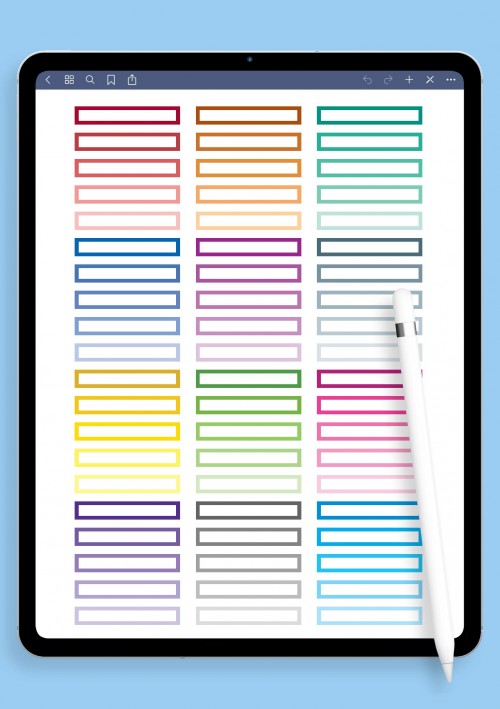
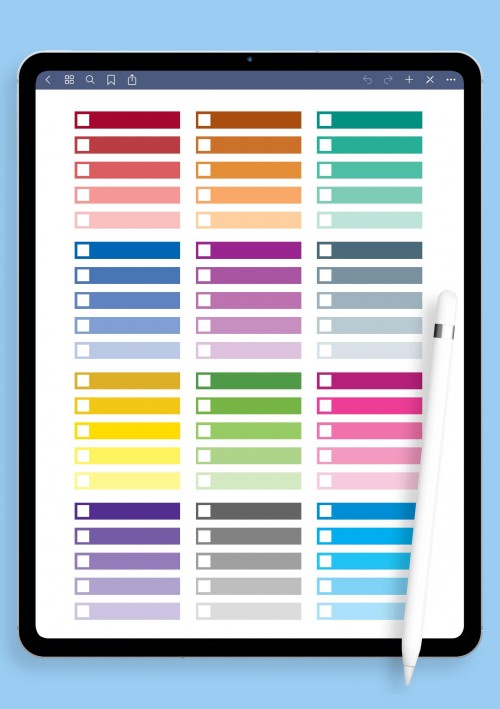
When life gets busy and you need your planner to actually help instead of just look nice, turn to these functional digital stickers. Checkboxes that feel good to tick, numbered circles (1–31 for any month), priority stars, progress rings, time blocks, arrows to link ideas, yes/no toggles, habit chains, Pomodoro timers, and simple symbols keep everything scannable and actionable. Ideal for to-do lists that don't overwhelm, project breakdowns, daily routines, or tracking goals without losing sight of the big picture.
Pre-cropped PNGs import cleanly and work across most annotation apps. People use them to tame work overload, build consistent habits, or just make sure nothing important slips through the cracks. Pair with a bit of color from other packs if you want, but these shine on their own for clarity. If your current setup feels chaotic, start here they'll bring order without adding clutter.
Decorative Digital Stickers
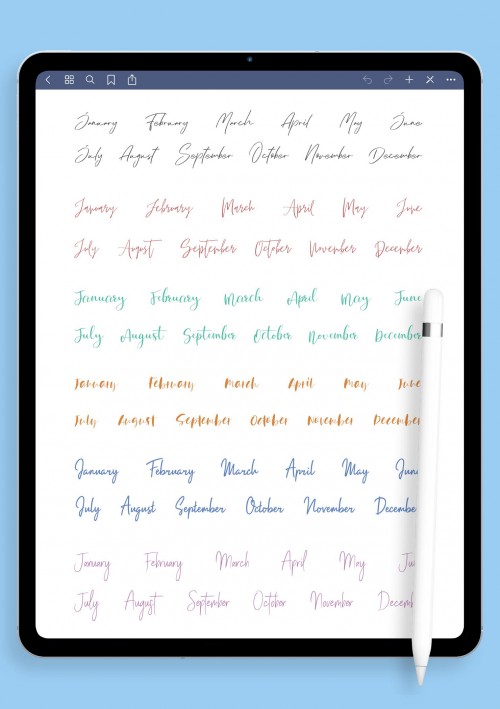
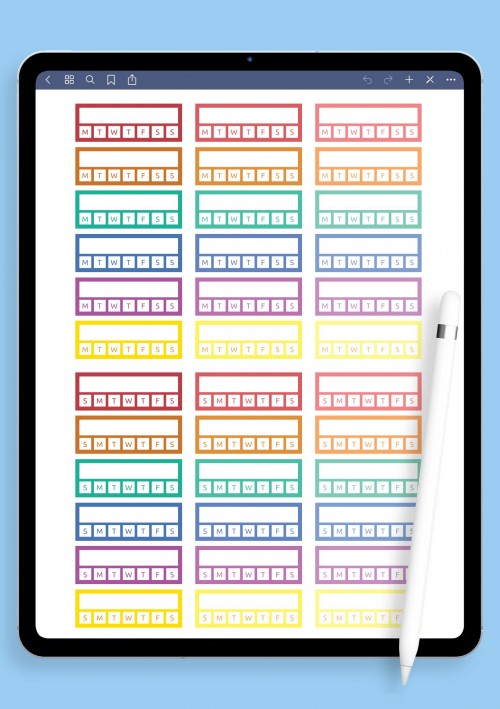
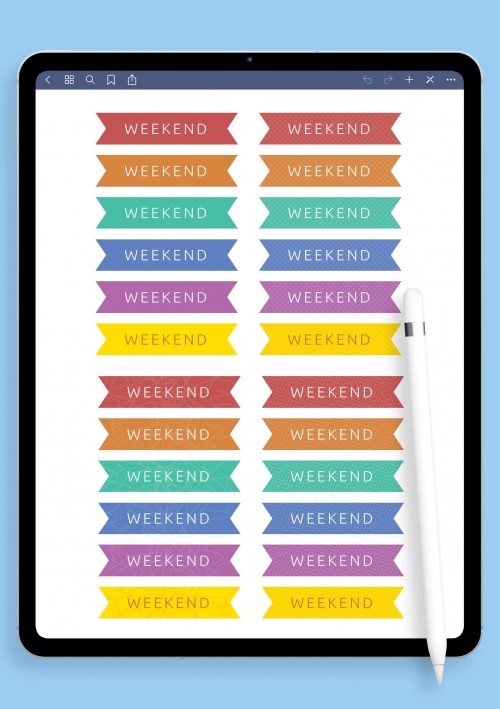
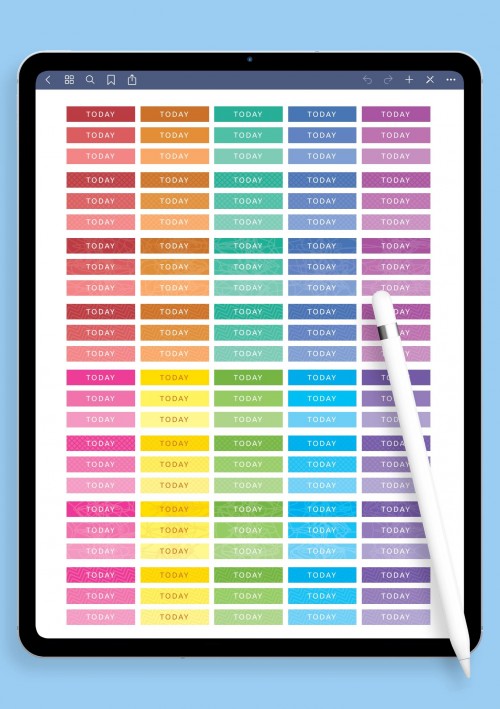
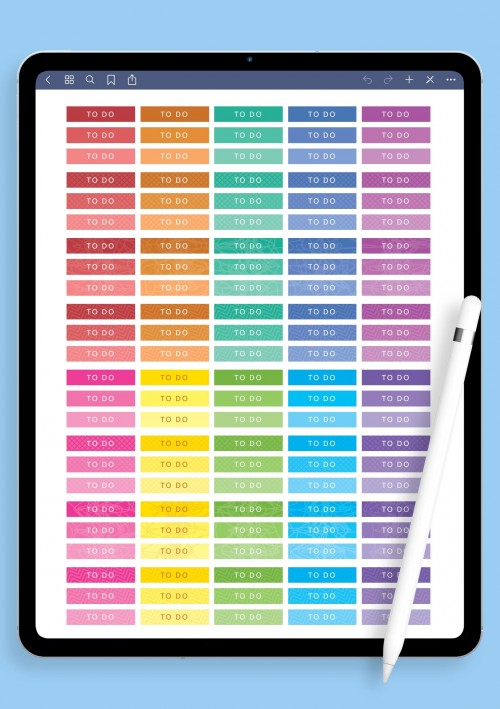
Want to add warmth and personality without turning your planner into a scrapbook explosion? These decorative digital stickers do the job perfectly. Elegant banners, stylish month/day headers in varied fonts, quote frames, washi-style tapes, doodle borders, ribbon accents, floral dividers, and little word art pieces ("focus," "breathe," "you got this") make pages feel inviting and lived-in.
Great for creative journaling, switching up seasonal looks, or softening plain lecture notes. Planning turns from "have to" into something you actually enjoy opening. Choose what fits your style subtle or playful, and start decorating your way to more inspiring spreads.
Cute Kawaii Digital Stickers
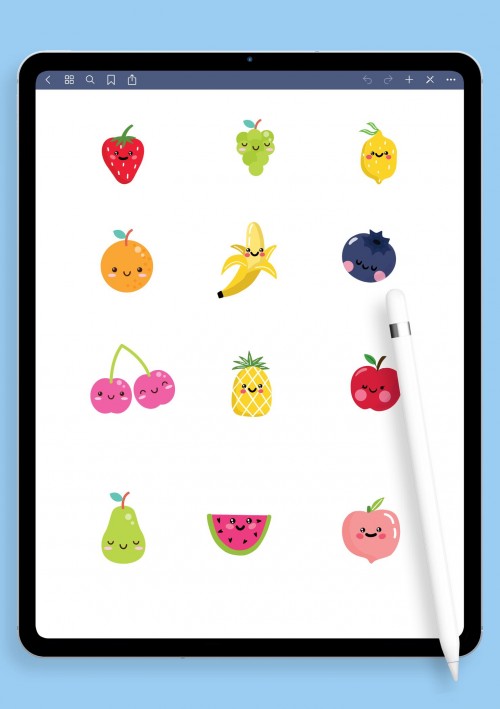
Need a quick mood lift in your planner? This cute kawaii collection delivers instant cheer. Chubby smiling animals, blushing clouds, sparkly stars, heart explosions, food with little faces, bubbly motivational phrases, and tiny happy details flood pages with positivity. Perfect for brightening tough days, self-care logs, gratitude sections, or making to-do lists feel less serious. Kawaii lovers layer them into weekly overviews or habit trackers, it adds that feel-good spark without much effort. Sometimes your notebook just needs to smile back at you. Grab this pack when you want things adorable and uplifting, no apologies needed.
Fitness & Sports Digital Stickers
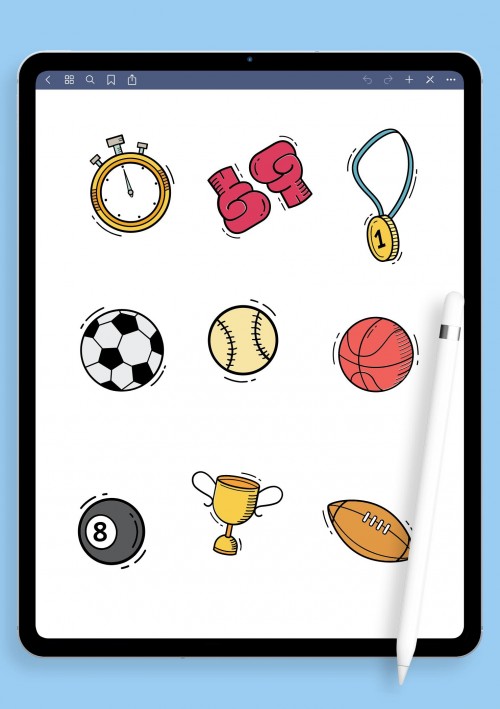
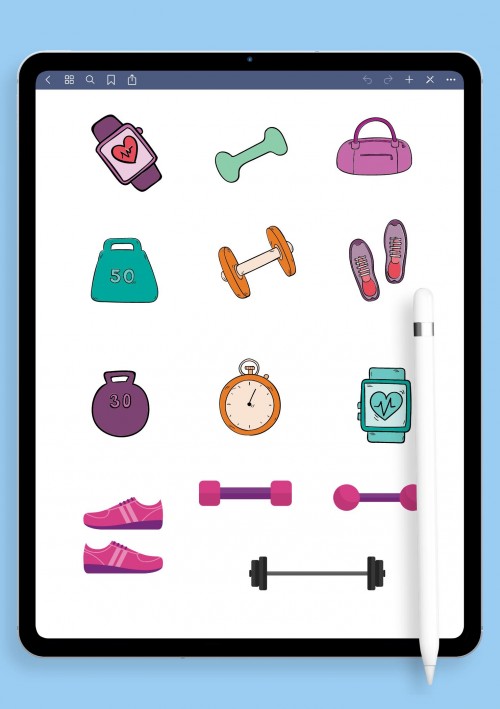
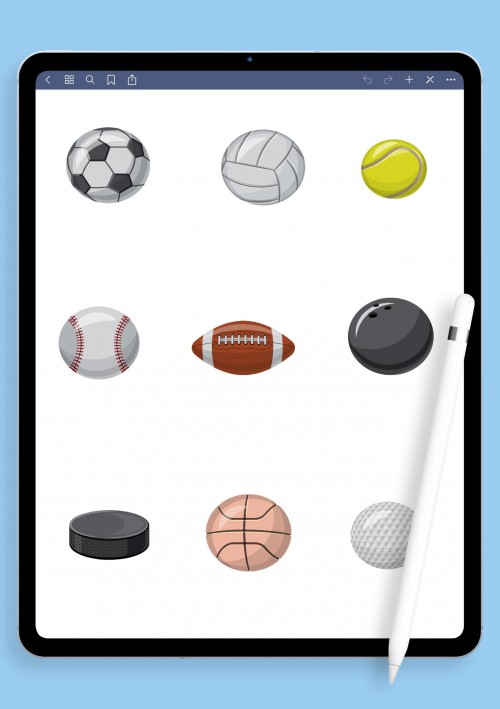
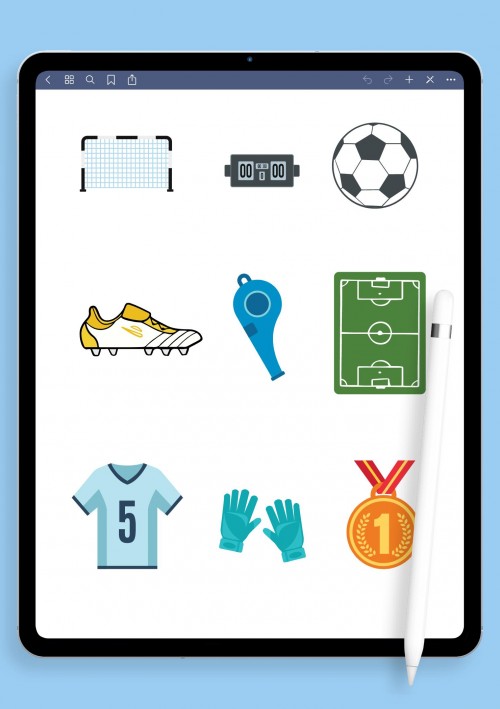
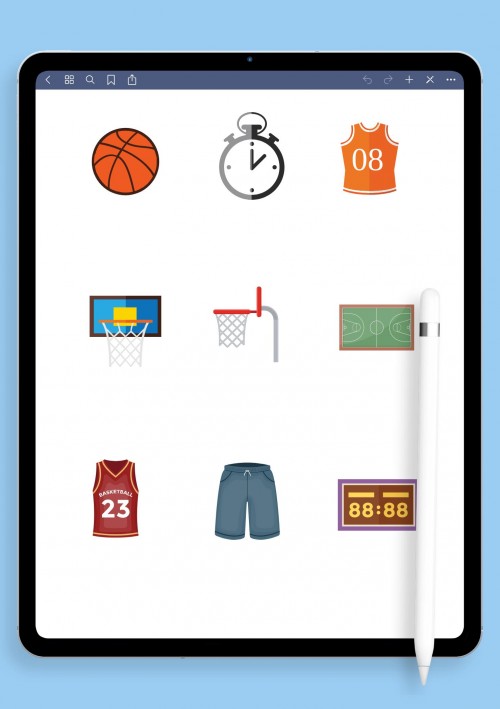
Staying active is easier when your planner cheers you on visually. These fitness and sports stickers include dumbbells, yoga poses, running silhouettes, water bottles, heart-rate icons, step counters, workout logs, rest-day reminders, energy bars, and motivational quotes like "Keep Going" or "Stronger Every Day." Gear for tennis, cycling, swimming, boxing whatever your thing is helps track progress and celebrate consistency. Turn abstract goals into something tangible and motivating instead of another spreadsheet. Great for gym routines, home workouts, or daily movement logs. If fitness is part of your routine, these keep you excited and accountable.
School & Study Digital Stickers
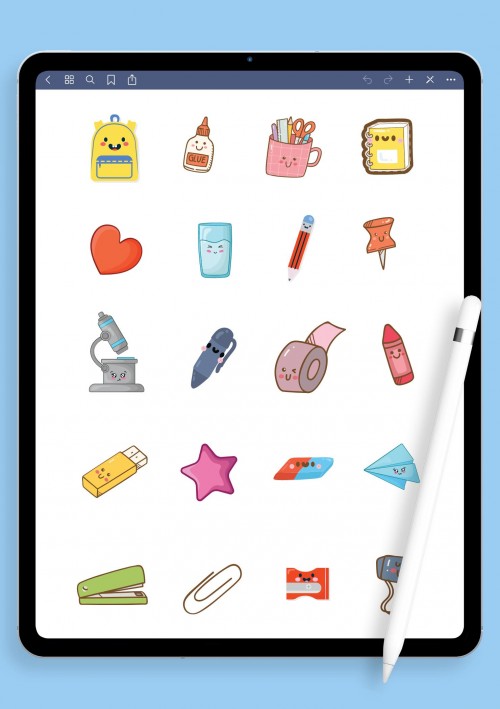
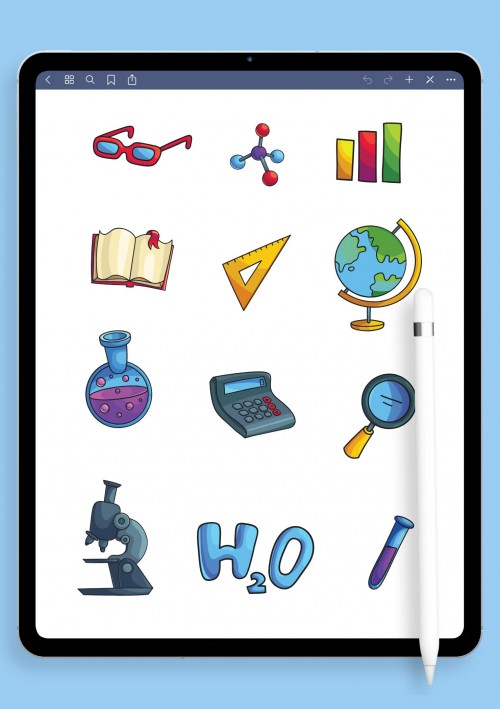
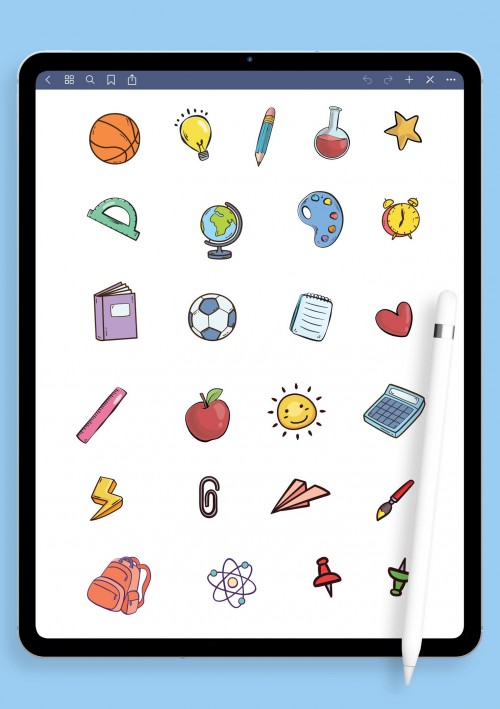
School and study sessions can feel endless, but these stickers make them more bearable and organized. Subject icons (math symbols, books, beakers), pencils/highlighters, Pomodoro timers, exam checklists, grade trackers, brain-boost reminders, cute motivational stars, and assignment flags keep notes structured yet fun. Helps reduce stress by making everything visual and less monotonous. Students rely on them for revision timetables, group projects, deadlines, and staying focused without burning out. If you're juggling classes or online learning, these turn chaotic notes into a clear, colorful path forward.
Food & Meal Planning Digital Stickers
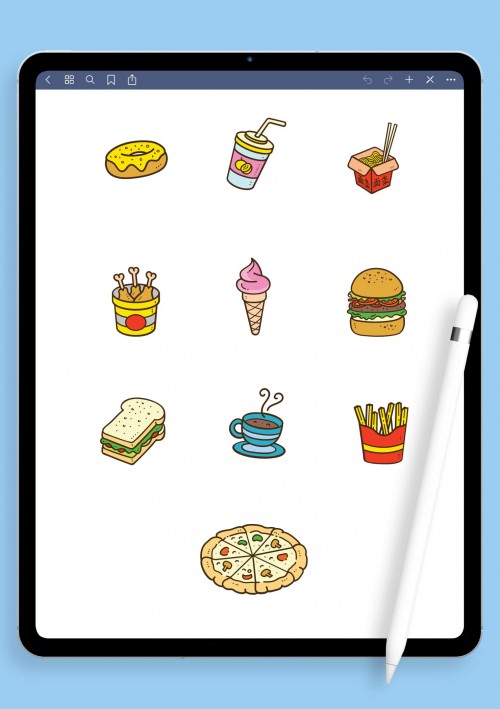
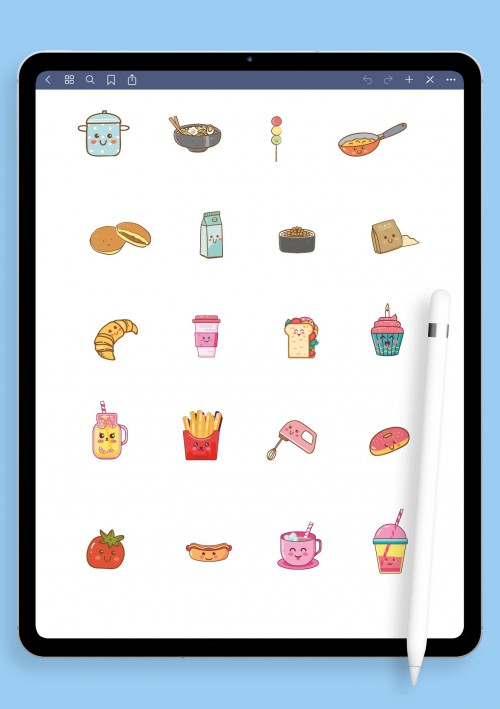
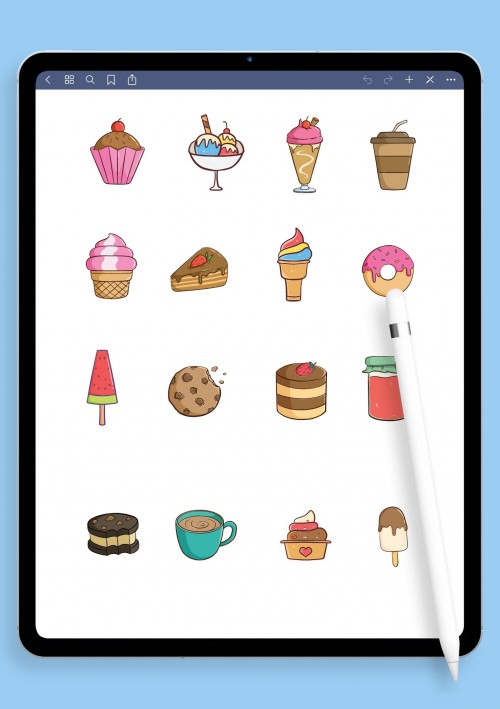
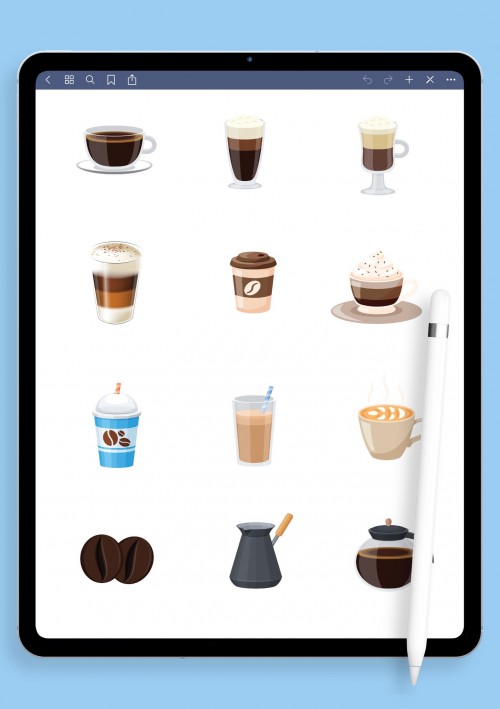
Burgers, salads, sushi rolls, smoothies, breakfast plates, desserts, grocery checklists, macro trackers, calorie icons, cute food characters, and prep elements bring life to your logs. Whether tracking macros, family menus, intermittent fasting, or just noting favorites, they make nutrition visual and enjoyable. Turn basic food diaries into pages you look forward to. Great for healthy habits or indulgent tracking, download and make every meal moment more organized and appealing.
Party & Holiday Digital Stickers
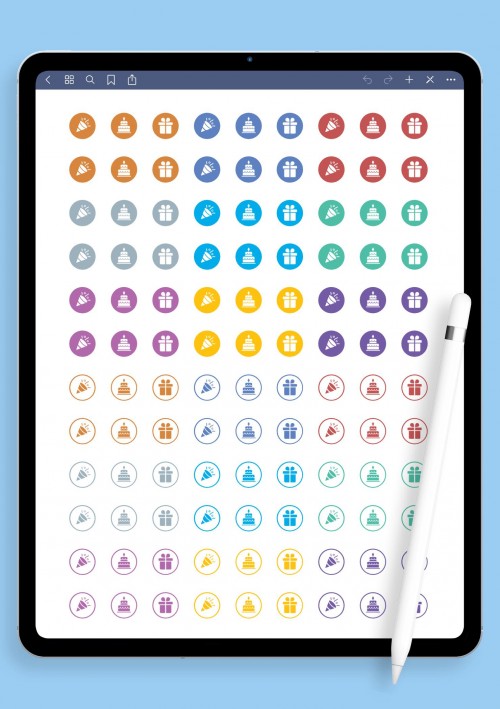
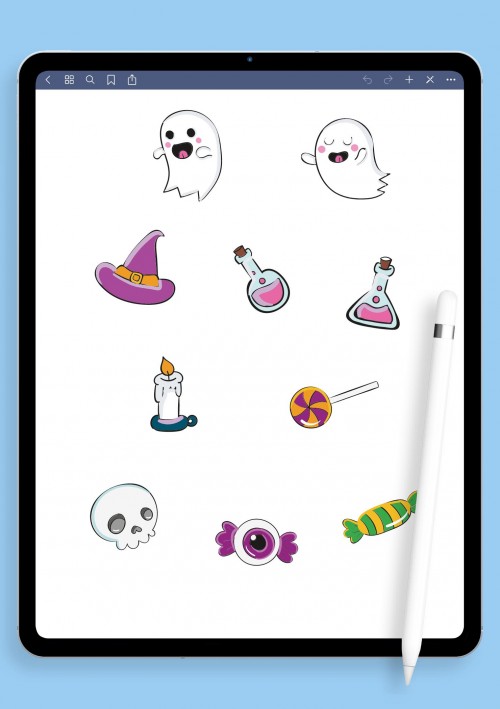
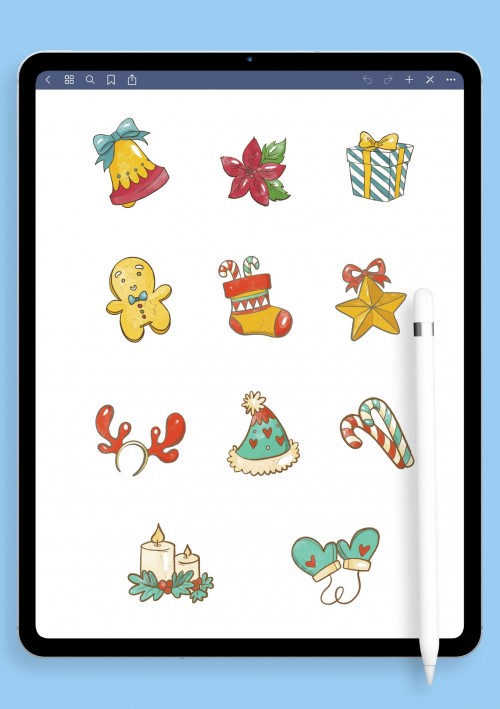
Celebrate life's moments big and small with this combined pack of party, celebration, seasonal, and holiday stickers. Balloons, confetti, cakes, cocktails, party hats, streamers, "Cheers!" banners, holiday icons (Christmas lights, Halloween pumpkins, Easter eggs, New Year fireworks), birthday trackers, festive accents, and seasonal motifs for every vibe. Adds sparkle and excitement without effort: great for social calendars or marking special days. Download when you want your planner to feel festive and full of joy all year round.
Travel & Adventure Stickers
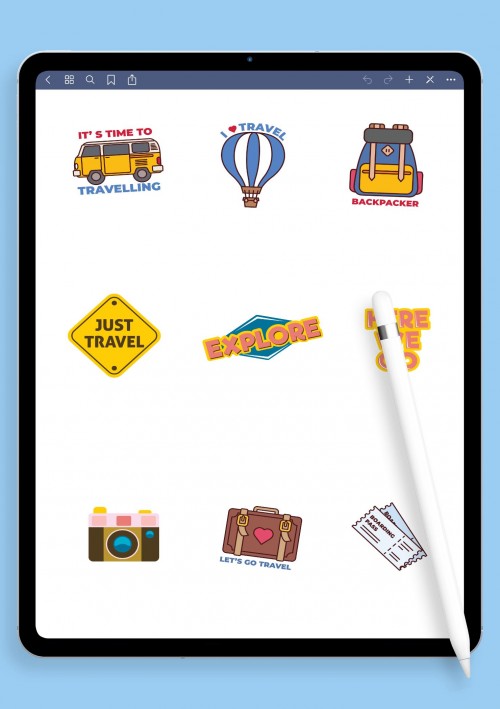
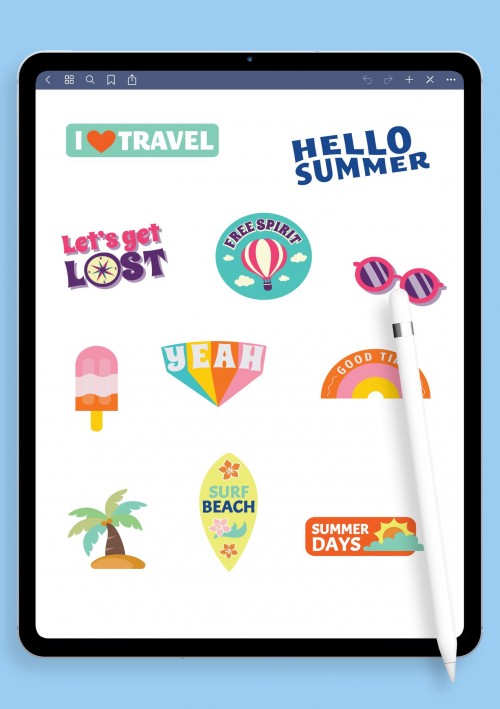
Capture wanderlust and organize trips with these travel stickers. Airplanes, suitcases, maps, passports, landmarks, hotels, beaches, road signs, packing checklists, bucket-list icons, compass roses, and adventure quotes help plan itineraries beautifully. Pre-cropped PNGs import seamlessly for vacation prep, travel journals, dream destinations, or post-trip recaps. Makes every journey visually exciting and easy to track.
Finance & Budget Digital Stickers
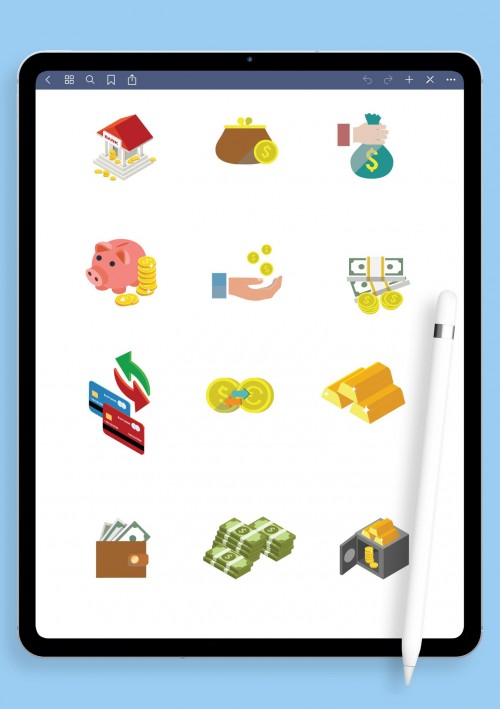
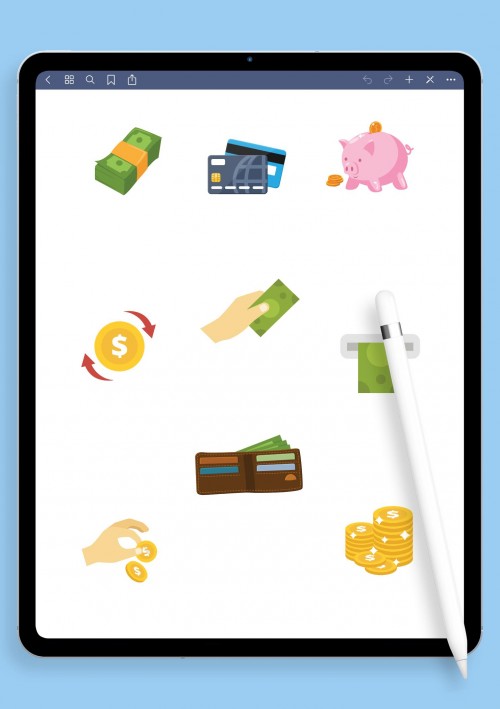
Take control of money without the dread: these finance stickers make tracking feel motivating. Coins, bills, wallets, credit cards, pie charts, piggy banks, expense tags, income arrows, savings jars, debt thermometers, goal icons, and calculator symbols visualize cash flow. Great for monthly budgets, debt payoff, saving goals, or everyday mindfulness. Turns numbers into something tangible and less intimidating.
Pet-themed Digital Stickers
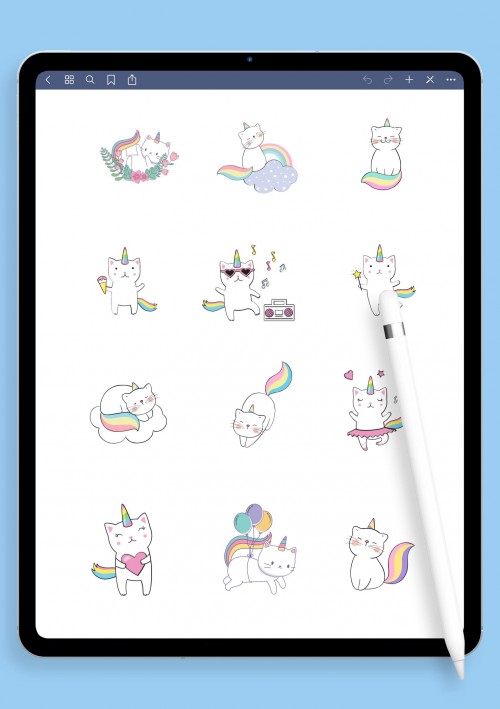
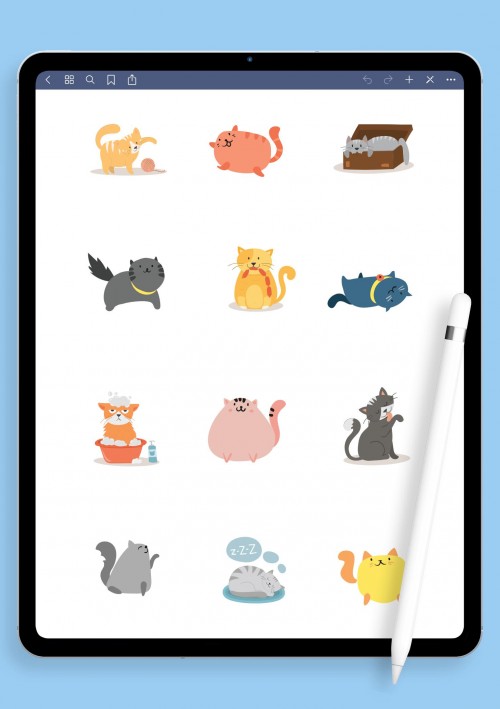
Pets make everything better, and these stickers bring that energy to your planner. Cats of every breed looking smug or cozy, dogs with wagging tails, paws, whiskers, yarn balls, bones, fetch toys, paw prints, heart-eye moments, meow/woof bubbles, and cute scenes like window perches or zoomies. Add warmth to mood tracking, daily logs, gratitude notes, or blank spaces. Pet lovers scatter them for comfort on tough days or to celebrate little joys. Fill your pages with furry (or whiskery) happiness.
Nature & Wellness Digital Stickers
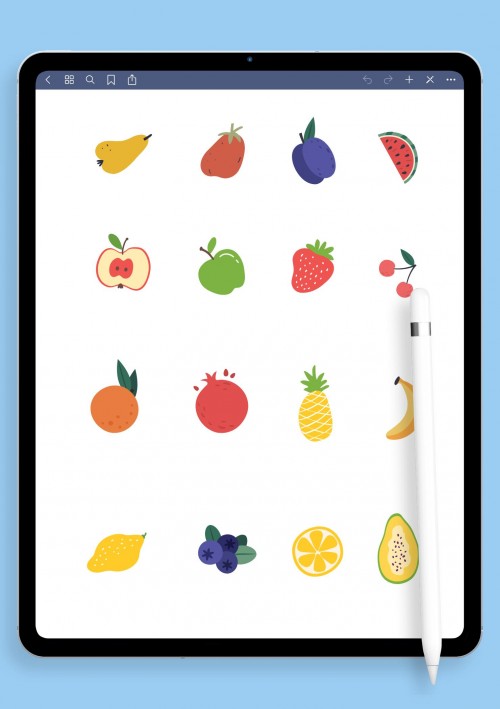
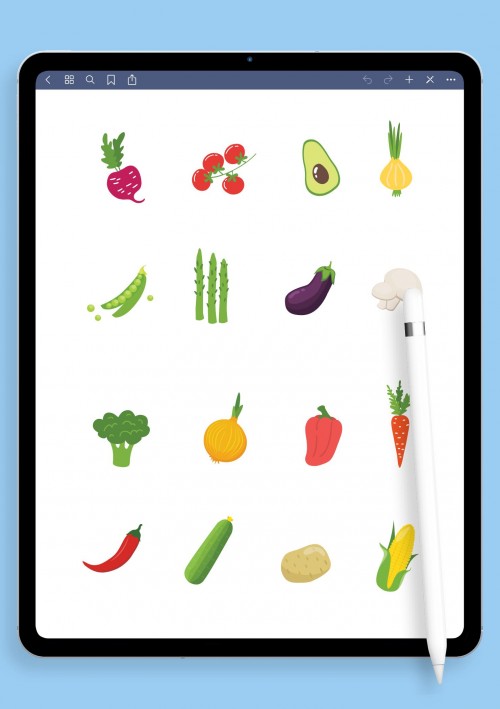
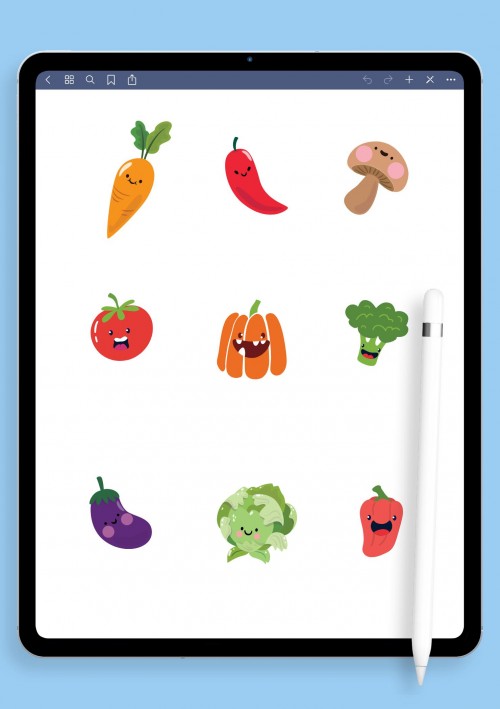
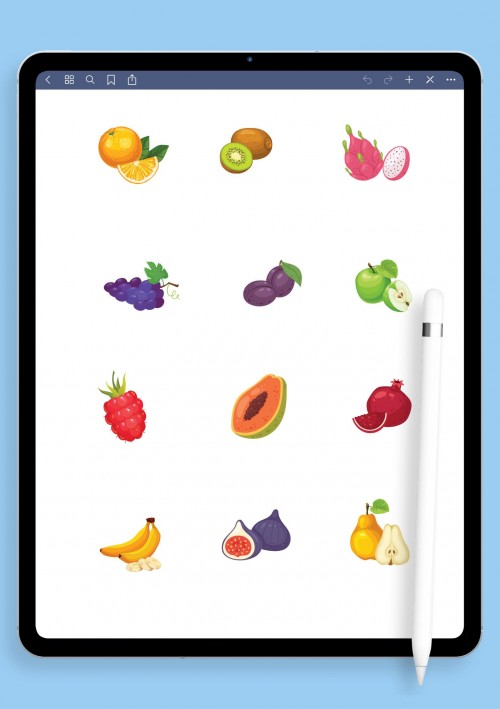
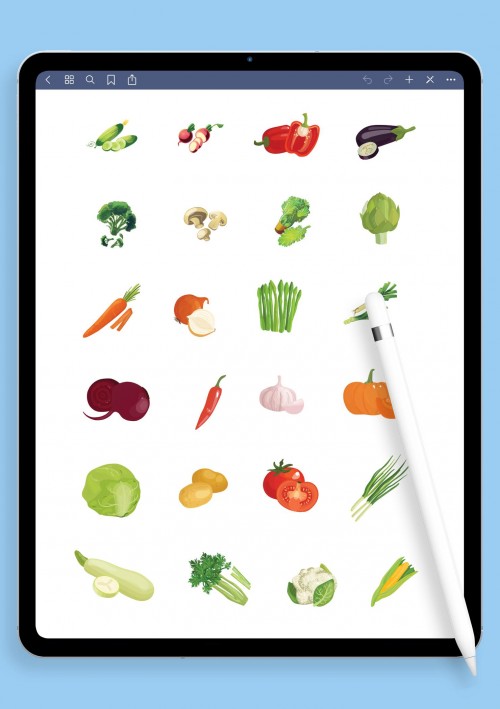
Stay grounded and vibrant with nature and wellness stickers. Strawberries, avocados, pineapples, broccoli, leafy greens, citrus slices, smoothie bowls, floral elements, plants, wellness icons (meditation poses, water drops, yoga mats), and fresh healthy motifs add color to nutrition logs, self-care pages, or detox trackers. Ideal for meal prep, wellness routines, or simply making healthy choices feel uplifting. Nourish your planner with fresh, alive energy.
Productivity & Trackers Digital Stickers
If your planner is meant to actually get things done rather than just sit there looking pretty, this productivity and trackers category is where the real magic happens. These digital stickers focus on the tools that help you stay on top of tasks, habits, and goals without overwhelming your pages. Think clean checkboxes in different styles (simple ticks, circles, priority-flagged ones), numbered tags from 1–31 for monthly overviews, progress bars or rings that fill up as you chip away at projects, time-blocking rectangles for Pomodoro or focused work sessions, arrows to connect related ideas, habit chain links that build streaks visually, goal milestones, yes/no toggles for quick decisions, and simple icons like stars, flags, or exclamation marks for urgent items.
Conclusion
How to Import & Use Your Digital Stickers – Step-by-Step Guide
Importing digital stickers is way simpler than it sounds: once you do it the first time, it's muscle memory. Here's the straightforward way that works for most people (tested on GoodNotes 6, Notability, and Noteshelf in 2026).
- Download the pack: Click the download button on your chosen set it'll usually come as a ZIP file (or individual PNGs). Save it to your iPad's Files app (or computer, then AirDrop if needed).
- Unzip if necessary: In Files, tap the ZIP → "Uncompress" (it creates a folder with all the PNG stickers). If it's already individual files, skip this. Pro tip: deselect any non-PNG junk if the pack includes extras.
- Open your app and get to the Elements/Stickers library:
- In GoodNotes: Tap the sticker icon (smiley face or elements tool) in the toolbar → scroll to the bottom → tap the + button (or three dots for more options).
- In Notability: Tap the sticker/tool icon → + to add new.
- In Noteshelf: Go to Elements or Stickers tab → Import.
- Import the stickers:
- Easiest method (GoodNotes favorite): Use Split View — open Files on one side, select multiple PNGs (tap and hold, then select all), drag them straight into the app's import window. Tap "Create" or "Import" — boom, they're added as a new sticker collection.
- Alternative: Copy one by one (hold PNG in Files → Copy → paste into app), or import the whole folder if your app supports it. For .collection files (some premium packs), just import directly.
- Use them in your planner: Once imported, drag any sticker onto your page. Resize with pinch, recolor with the tint tool, duplicate for multiples, rotate, layer. They stick perfectly thanks to transparent backgrounds and pre-cropping.
- Organize for next time: In GoodNotes, create folders in your Elements library (e.g., "Aesthetic," "Functional," "Pets") to keep things tidy.
Trouble? Restart the app, check you're importing to the library (not directly to a page), or re-drag. Most issues are just a quick unzip or file type mix-up.
Once they're in, experiment layer a cute cat over a to-do list, add party balloons to a holiday page, or build custom trackers with functional bits. It's addictive, and your planner will thank you. If something feels off, hit me up happy to troubleshoot!
F.A.Q.
Digital stickers are basically pre-made PNG images (transparent backgrounds, high-res) that you drag into your planner app to decorate, organize, or track stuff. Think checkboxes for to-dos, cute icons for mood, trackers for fitness or budget, seasonal party vibes — whatever makes your pages more useful or fun. They save time compared to drawing everything yourself, and once imported, you can resize, recolor, duplicate, or layer them endlessly. Great for bullet journaling, productivity boosts, or just making your notebook feel less boring.
Most of them work seamlessly across popular apps. They're PNG files with transparent backgrounds, so they import perfectly into GoodNotes 5-7 (and earlier), Notability, Noteshelf, CollaNote, and similar PDF annotation tools on iPad, Android tablets, or even desktop versions. If your app supports image import or stickers/elements, you're good.
Common hiccup! Usually it's because:
- You imported to a page instead of the Elements/Stickers library (check there first).
- Too many at once: GoodNotes sometimes skips a few; try importing in smaller batches.
- Wrong file type: make sure you're using PNGs (not PDFs or .goodnotes files unless specified).
- App needs a refresh: close/reopen or force-quit. If still stuck, delete the collection and re-import. Happens to everyone at least once!
Absolutely! Once imported, treat them like any object: pinch to resize/rotate, use the color tool to tint (great for matching themes), duplicate for multiples, layer over text or other stickers. Some packs even have editable text elements. Add your own handwriting on top for that personal touch, mix functional trackers with cute decor however you like.
Most apps prefer unzipped folders or individual PNGs. Unzip first in Files (super quick), then import. A few packs come as .goodnotes or .collection files: those import directly as ready-made sticker books (just open and copy-paste stickers). Always check the pack description for specifics.
They import on iPhone/Mac versions of GoodNotes/Notability too, but iPad is ideal for drag-and-drop and big-screen editing. On Android (e.g., Noteshelf or similar), import works the same via file managers. Desktop? Possible but clunkier: better for viewing than heavy customizing.
Add new comment