


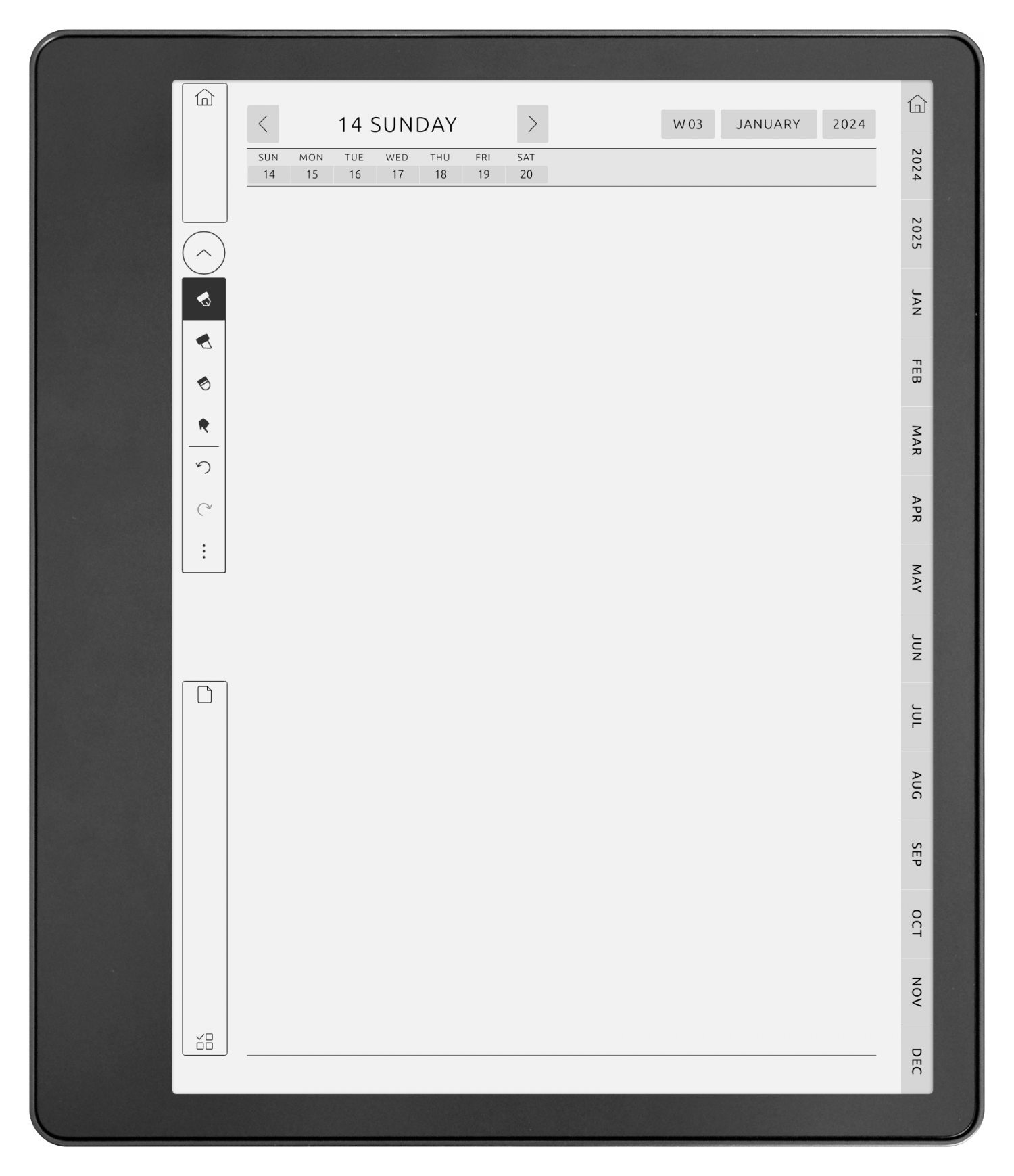
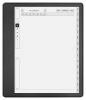
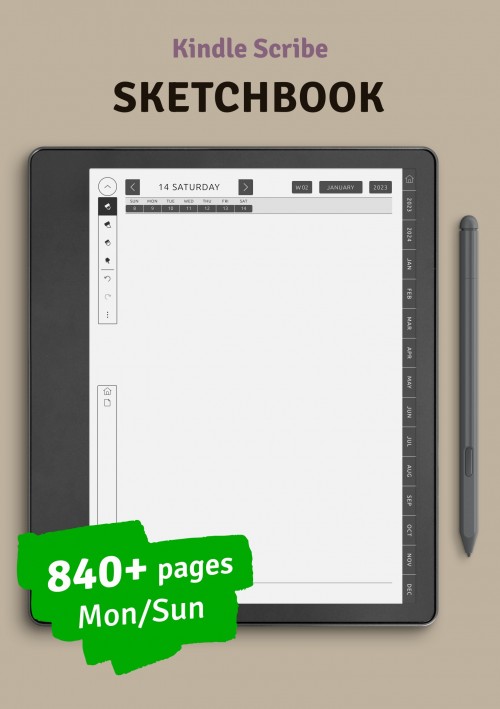
Kindle Scribe Daily Notes - Sketchbook
Customize and download this digital planner:


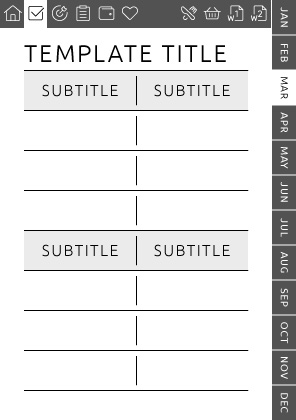
By clicking that link, you will be able to quickly add an event to your calendar for a selected date and time.
You can also sync your digital planner with your calendar by inserting existing events for selected dates and times.
By clicking that link, you will be able to quickly add an event to your calendar for a selected date and time.
Note: the "Android and others" version does not support 2-way synchronization. That means you cannot transfer existing events from the calendar to your digital planner.

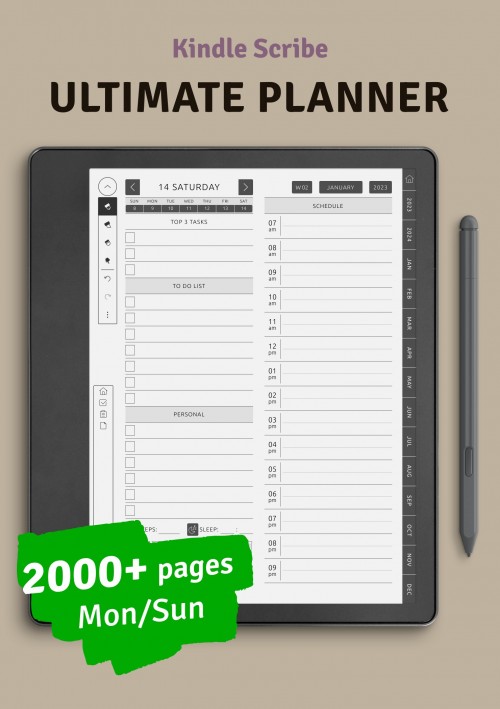
Check out the Ultimate Planner
Delivery:
Instant Download - Configure and Instantly Download Your Digital Products Upon Payment!
Enjoy Your Planner With No Limitations
Unlimited Customizations & Downloads
Customize your planner, check it out, repeat as many times as needed. No limitations - make the planner of your dream!
Single Purchase, Multiple Planners
Create diverse themed planners for any occasion with our customizable sections, all for the price of one!
Import to Device Easily
Start using your perfect planner in seconds! Simply follow one of our comprehensive guides to import a planner to your device.
Customer reviews

This template is the perfect blend of space for adding notes and ample space for scheduled appointments. Love it!
Purchased item:
Weekly Planner Template with Notes
I know I'm capable of creating and adjusting the finer details of my own calendar like this in Excel or some other program, but I've been using up my spoons with so many other things that I'm just relieved to stumble across someone who's already done it and made it available for purchase so I don't have to use up any more. I prefer filled versus bound planners because I don't have to risk overhauling the whole planner because I want to redo a few pages. This also lets me mix and match planner styles, such as using a 15-minute planner template with specific time slots as needed to keep up with appointments and this template that I'm currently reviewing as a lesson planner. I'm using a self-paced course to train for a new career and wanted something that worked for my brain to plan specific deadlines to meet academic goals without getting bogged down by the visual noise of other daily activities. This template has been great for visualizing how many days I have left until the deadline I set and how much I need to get done each day to make sure I meet that deadline.
Purchased item:
Two-Page Weekly Vertical Planner
Not necessarily a review because all of your templates are fantastic and easy to print. I am hoping that eventually you'll make an A7. I know it's tiny, but I'm not that important and don't need to write too many notes.
Purchased item:
Two-Page Weekly Schedule with All Days Equal Size
great planner with quick delivery
Purchased item:
Kindle Scribe Ultimate PlannerWrite a Review
Thank you for your interest! Only customers who have purchased the planner can leave a review. We appreciate your understanding.Description
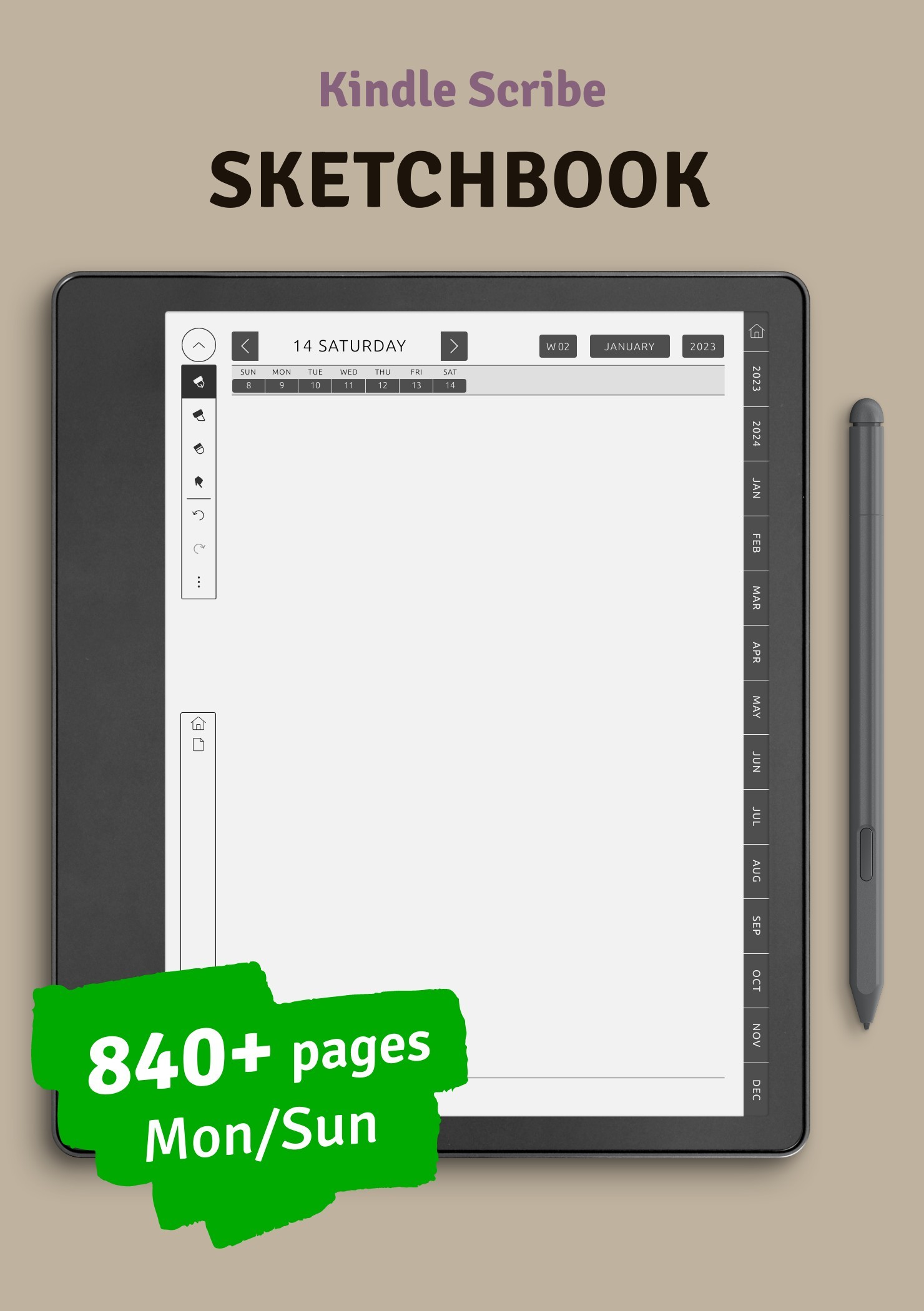
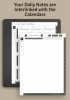
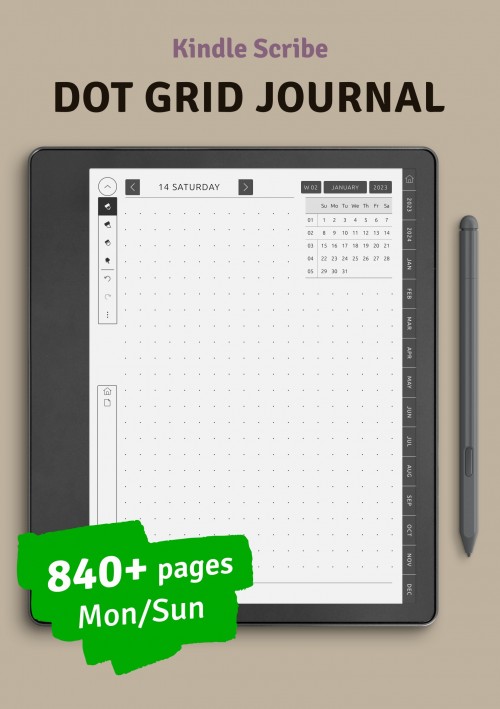
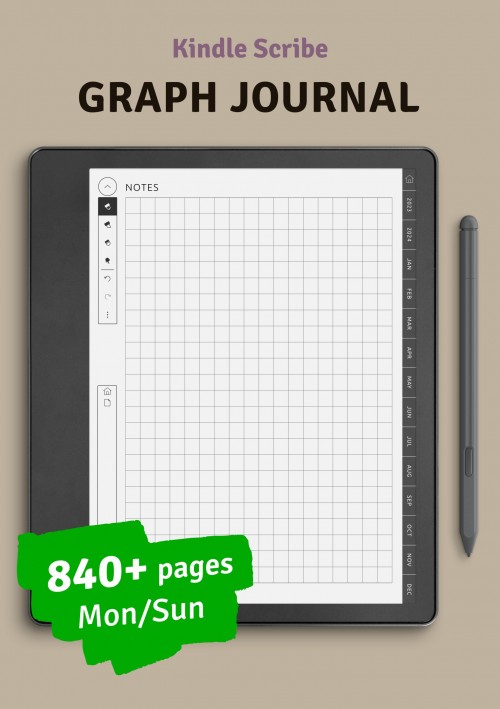
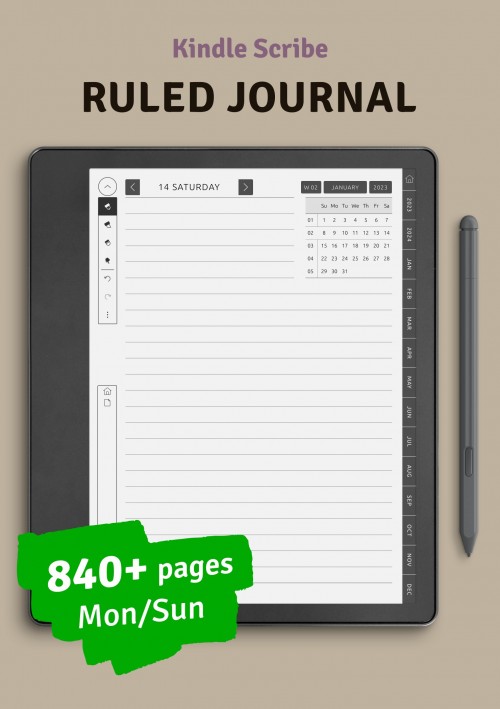
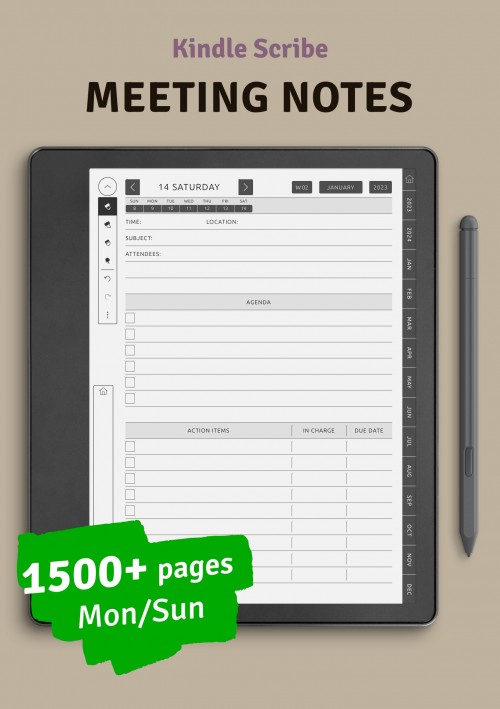
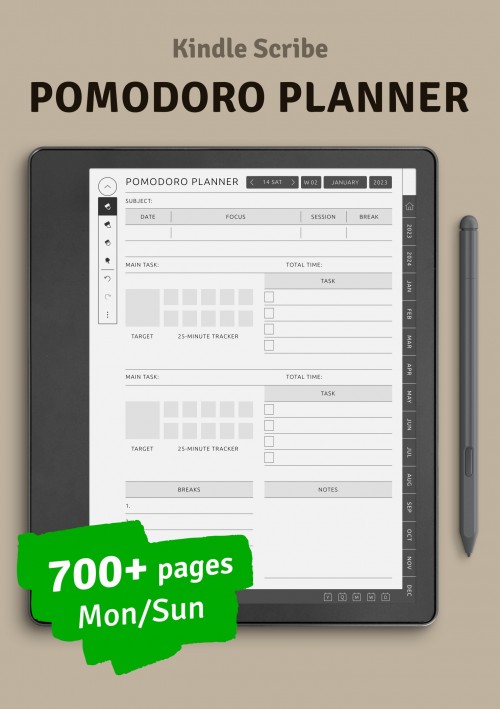
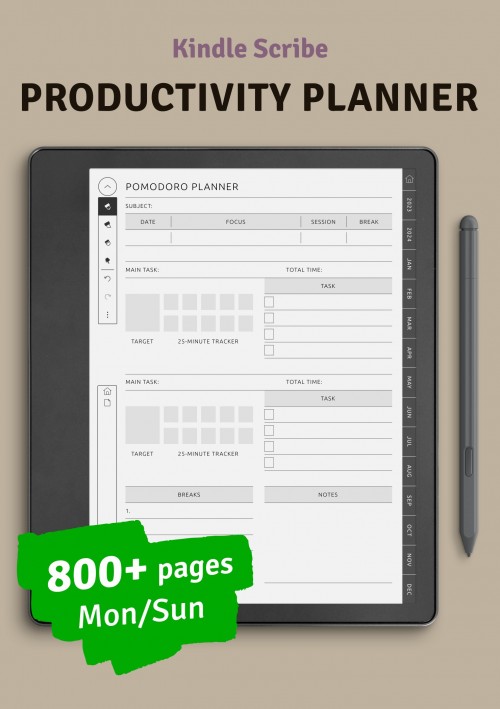
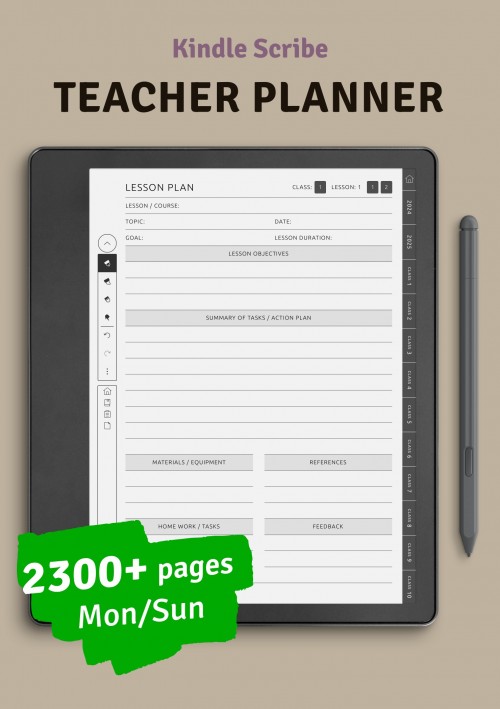
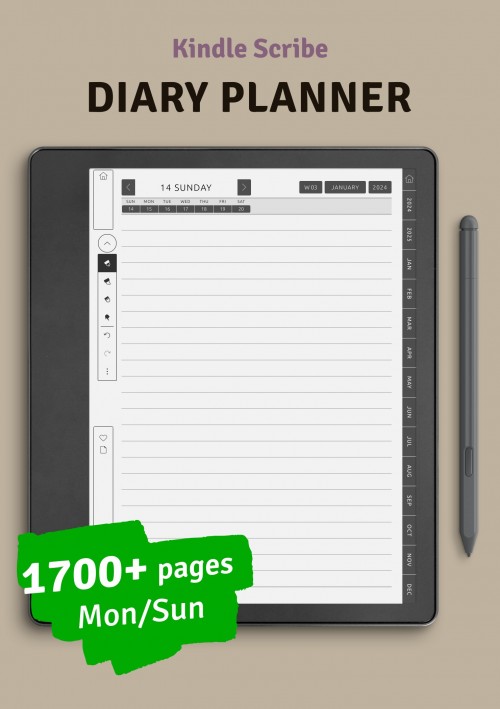
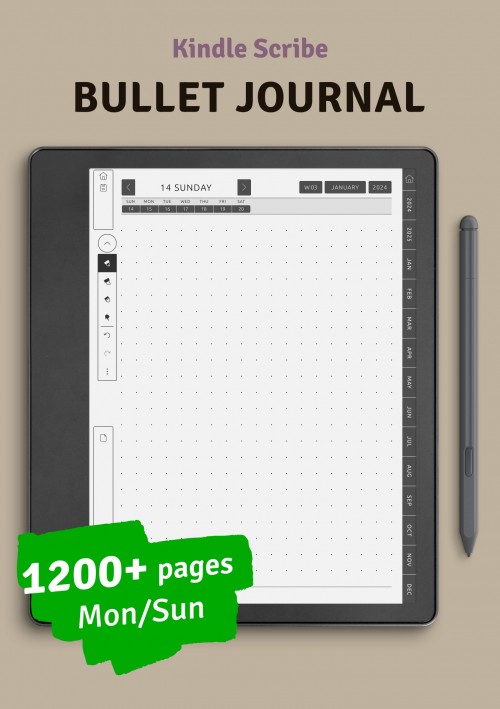
On your Kindle Scribe, you can both take notes and sketch, not only with the ease of writing but also with the excitement of drawing. There is no doubt that you will be satisfied with this helpful item!
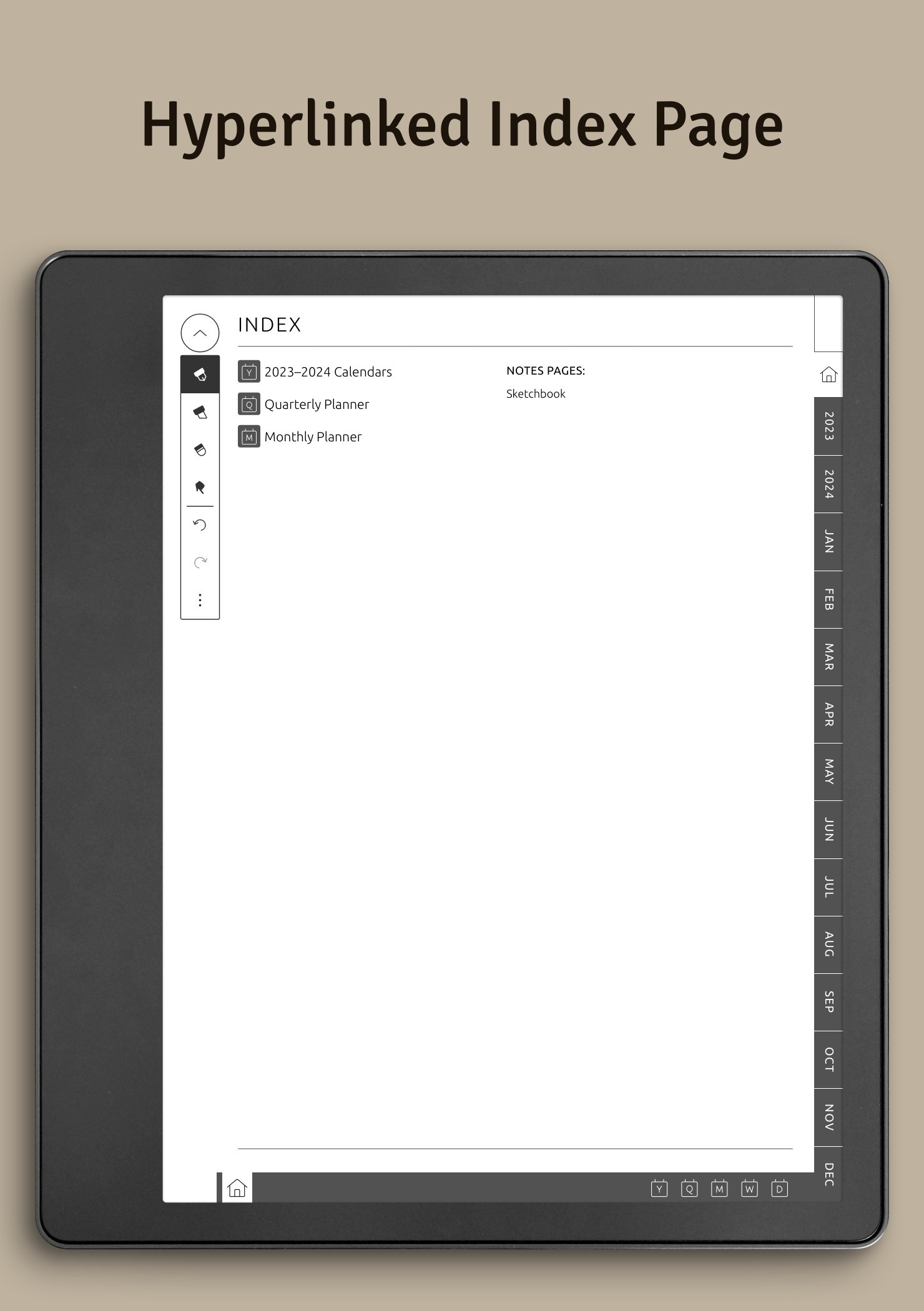
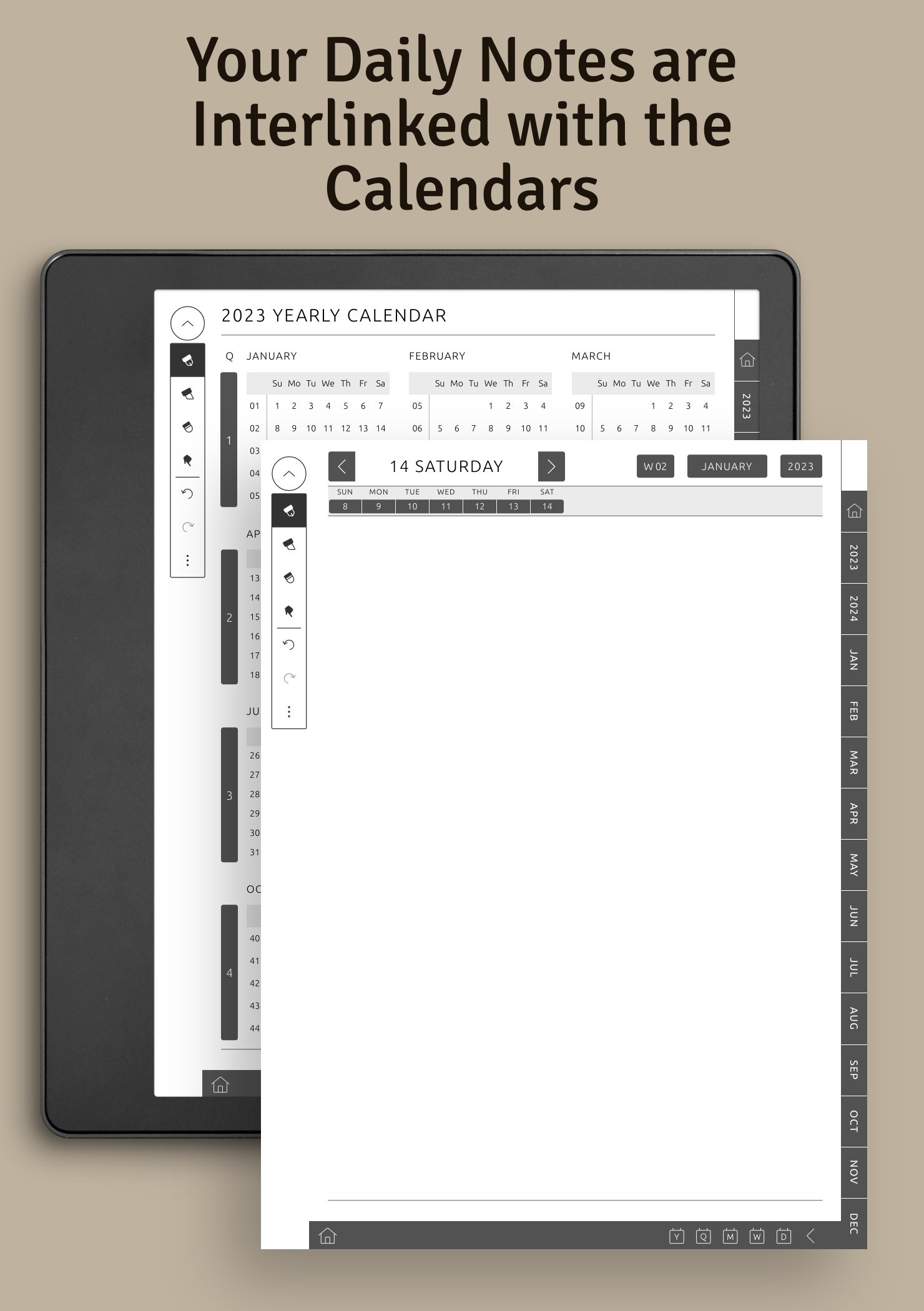
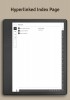
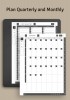
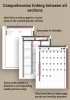
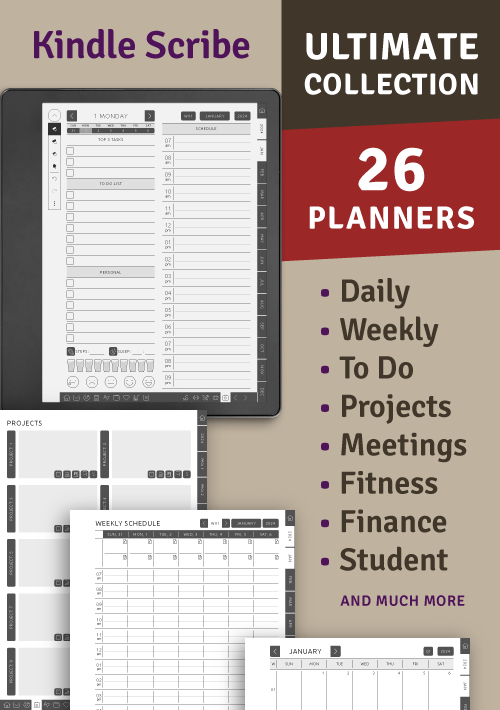
The monthly and quarterly planners will let you organize your life. Enjoy the convenience of having every page linked, which means getting from the calendar to the desired page with one tap.
You can choose the week start day (Sunday or Monday). Specify the start date of the calendar, and set a right-handed or left-handed mode. Download the planner in a PDF file and upload it to your tablet.
The planner includes:
- Yearly Calendar;
- Quarterly Planner;
- Monthly Planner;
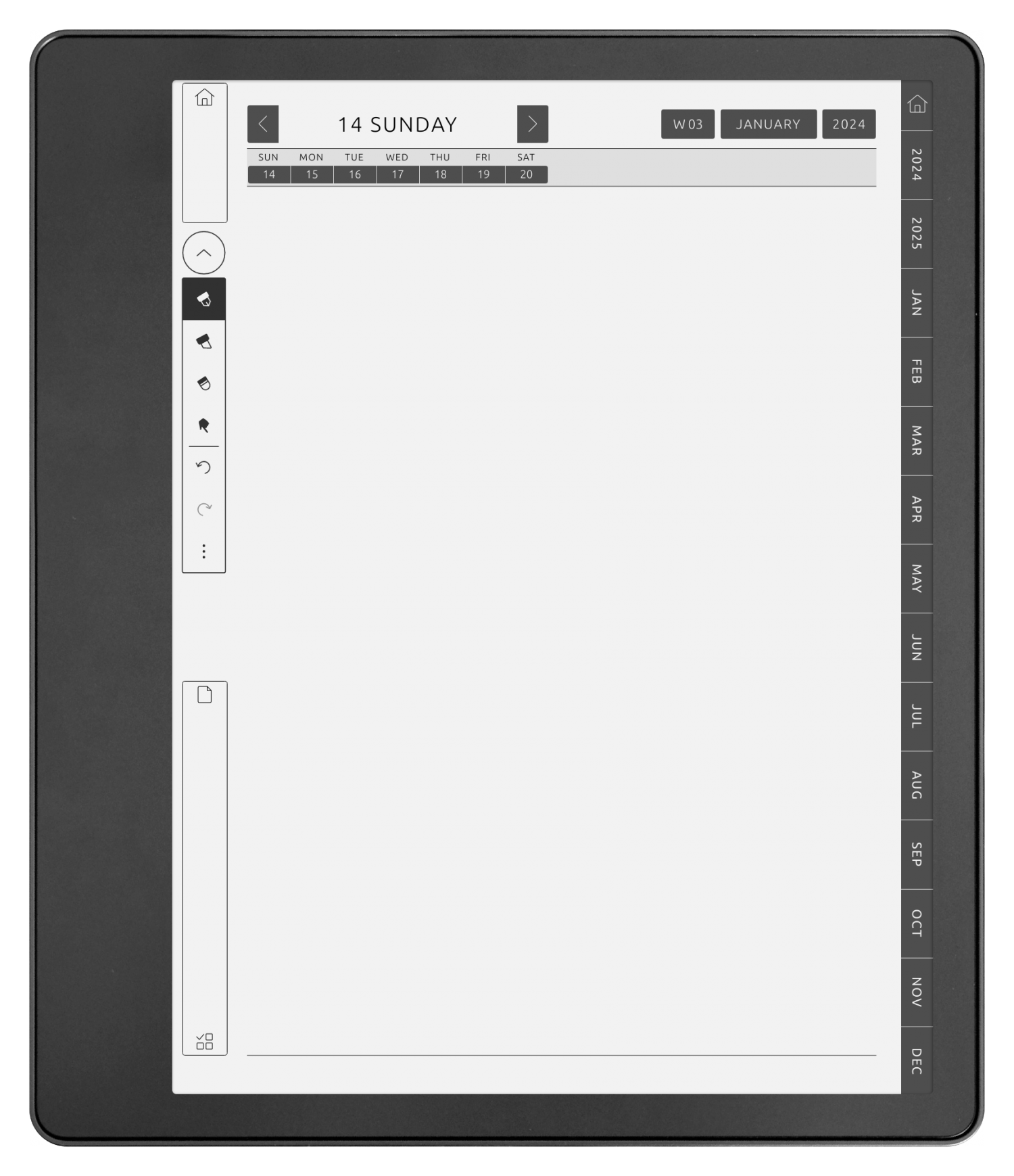
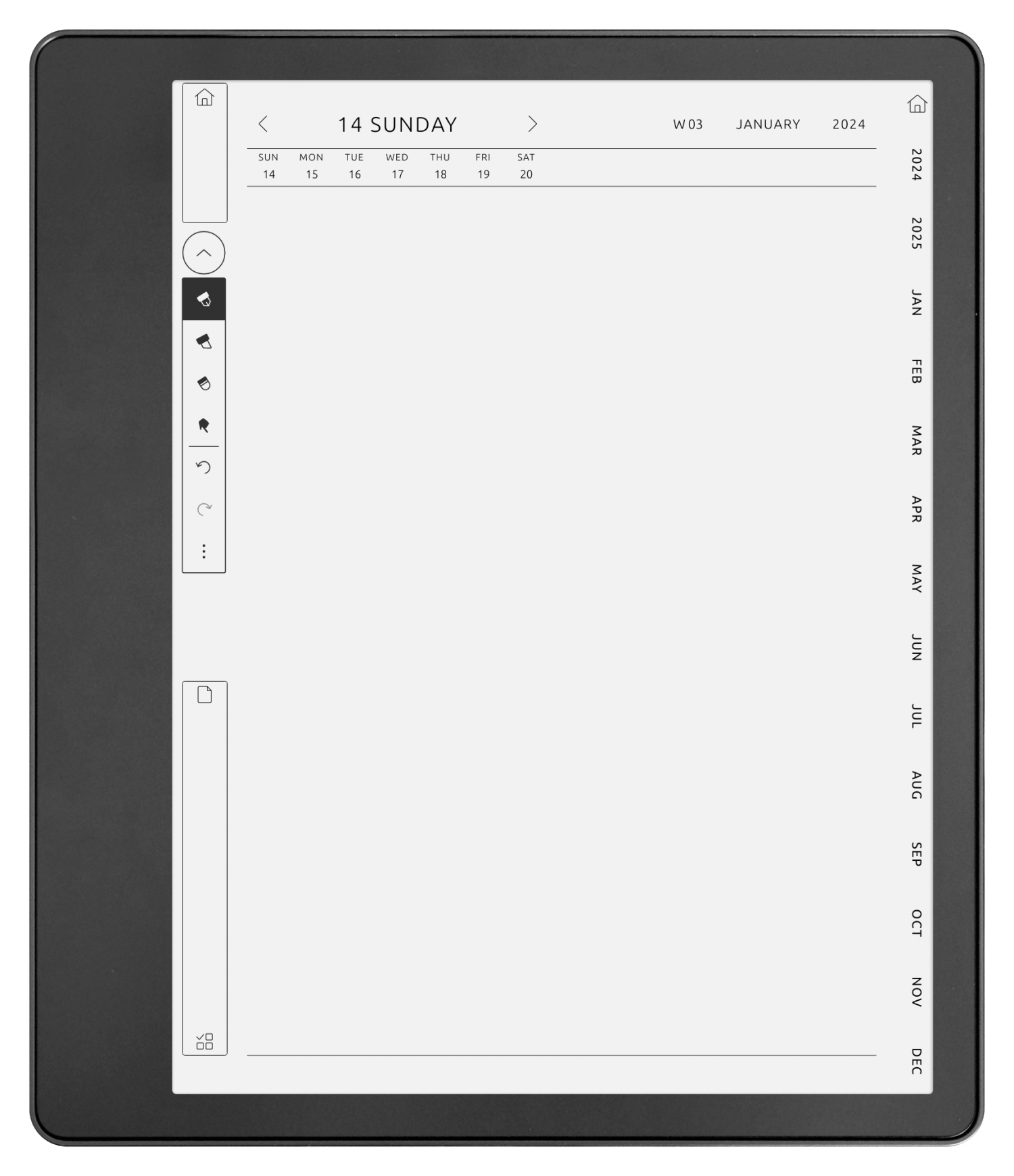
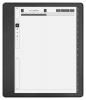
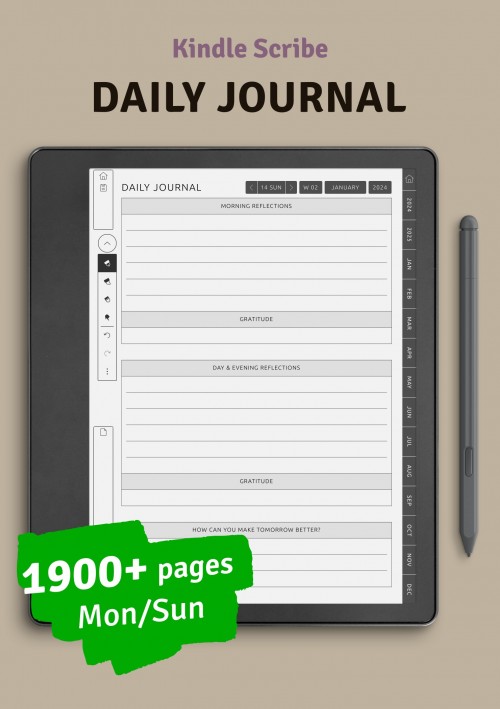
- Daily Sketchbook Pages.
Please check out 'Amazon Kindle' section of our guide. It has all the necessary steps and links.
Your purchase includes access to the selected digital planner. You can configure and personalize your planner in any way you want. Once everything looks good with the personalization - hit the Download button to get a PDF file with your planner.
Yes! You can update your planner settings on this page and download a new planner as many times as needed.
Sure! Here you will find all the basics of digital planning explained in detail. You will also find more details on using a digital planner on your device (iPad, reMarkable, Boox Note, etc.)
Depending on the device you're using, the process could be unclear or complex. We created a detailed guide for the most popular devices (iPad, reMarkable, Boox Note, etc.). Please find a section with your device here. If you can't see the needed section - try to Google 'How to upload PDF onto [device name]'. If that doesn't help - reach out to device manufacturer customer service or message us.
For iPad we recommend: Goodnotes, Notability or Noteshelf;
For Samsung we recommend Samsung Notes;
For Android we recomment Xodo or Penly;
For most e-ink devices (reMarkable, Kindle Scribe, etc) you don't need any additional app. Simply upload your PDF and open it like any other document.
It is a one-time payment. That means that just one payment gives you unlimited use of the digital planner. In addition, you will receive access to all future upgrades at no extra cost..
No, it doesn't. You get lifetime access to your planner, so you can download it whenever you need. The only limitation is the planner dates. You'll be able to select custom dates for the planner through the end of the NEXT year of purchase date. For example: if you purchased a template in May 2026, you can select the end date up to Dec 31, 2027.
No, all products on our website are for personal use only. However you can join our affiliate program and earn commission on orgers made by customers who came to our website using your link.
If you can't find your question and answer for it, please check out our general customer's FAQ
If you still need some help - don't hesitate to get in touch with us via contact form. We will get back to you as soon as possible!
I've been using OnPlanner templates with my Supernote for several years now. Each year, I become more specific about my planning and the use my different spreads, and my life becomes more focused and effective. Thank you very much for a versatile and useful product.
Purchased item:
Supernote - Ultimate Planner