
Top 10 Best Agenda Apps 2026
Quick jump to:

Introduction
Agenda apps in 2026 go far beyond simple calendars: they serve as a central hub where events, tasks, notes, and reminders come together in one coherent view. The right agenda app helps you start each day with clarity, keep track of commitments without constant app-switching, and maintain an organized record of what happened and what’s next.
After hands-on testing of more than 40+ options, we’ve selected the ten strongest agenda apps currently available. They range from AI-driven schedulers and elegant handwriting planners to note-centric timelines and minimalist visual tools. Ultimate Planner earned the top spot for its versatile agenda layout, deep customization options, reliable cross-platform sync, and thoughtful integration of handwriting and offline access making it the most complete solution for most users.
| Ultimate Planner | Artful Agenda | Motion | Sunsama | Fantastical | Agenda | GoodNotes | Reclaim.ai | Structured | Google Calendar | |
|---|---|---|---|---|---|---|---|---|---|---|
| Overall rating: | ||||||||||
| Rating | 4.9 | 4.6 | 4.7 | 4.5 | 4.6 | 4.5 | 4.8 | 4.6 | 4.6 | 4.4 |
| Features: | ||||||||||
| Customization | ||||||||||
| Agenda View | + (via templates) | |||||||||
| Calendar Sync | ||||||||||
| Note-Taking & Handwriting | ||||||||||
| AI Features | ||||||||||
| Offline Mode | ||||||||||
| Widgets & Notifications | ||||||||||
| Audio Recording | ||||||||||
| Collaboration |
How We Tested?
To compile this list of the best agenda apps in 2026, we tested over 30 popular options hands-on across iOS, Android, web, and desktop platforms. We evaluated them in real-world scenarios: managing daily meetings and personal appointments, building weekly overviews, attaching notes to events, handling recurring tasks, and reviewing past agendas for reflection.
Our selection process was guided by the following key criteria:
- Ease of Use: How quickly and intuitively you can create, view, and edit your agenda.
- Agenda View & Layout: Clarity and flexibility of daily, weekly, and timeline agenda displays.
- Customization: Options to personalize layouts, templates, colors, and covers.
- Calendar Sync & Integrations: Seamless two-way sync with Google Calendar, Outlook, and other tools.
- Note-Taking & Handwriting: Ability to attach rich notes, handwriting, or audio to agenda entries.
- AI & Smart Features: Auto-scheduling, smart suggestions, or intelligent time protection.
- Reminders, Widgets & Notifications: Reliable alerts, home-screen widgets, and quick glance options.
- Offline Mode: Full or partial functionality without internet connection.
- Collaboration & Sharing: Options to share agendas or collaborate in real-time.
- Platforms & Pricing: Cross-device availability and overall value for money.
Ultimate Planner stood out as the clear #1 thanks to its exceptional balance of flexible agenda views, deep customization, handwriting support, full offline access, and cross-platform sync all delivered in an intuitive package that works for everyone from busy professionals to creative planners.
Ultimate Planner
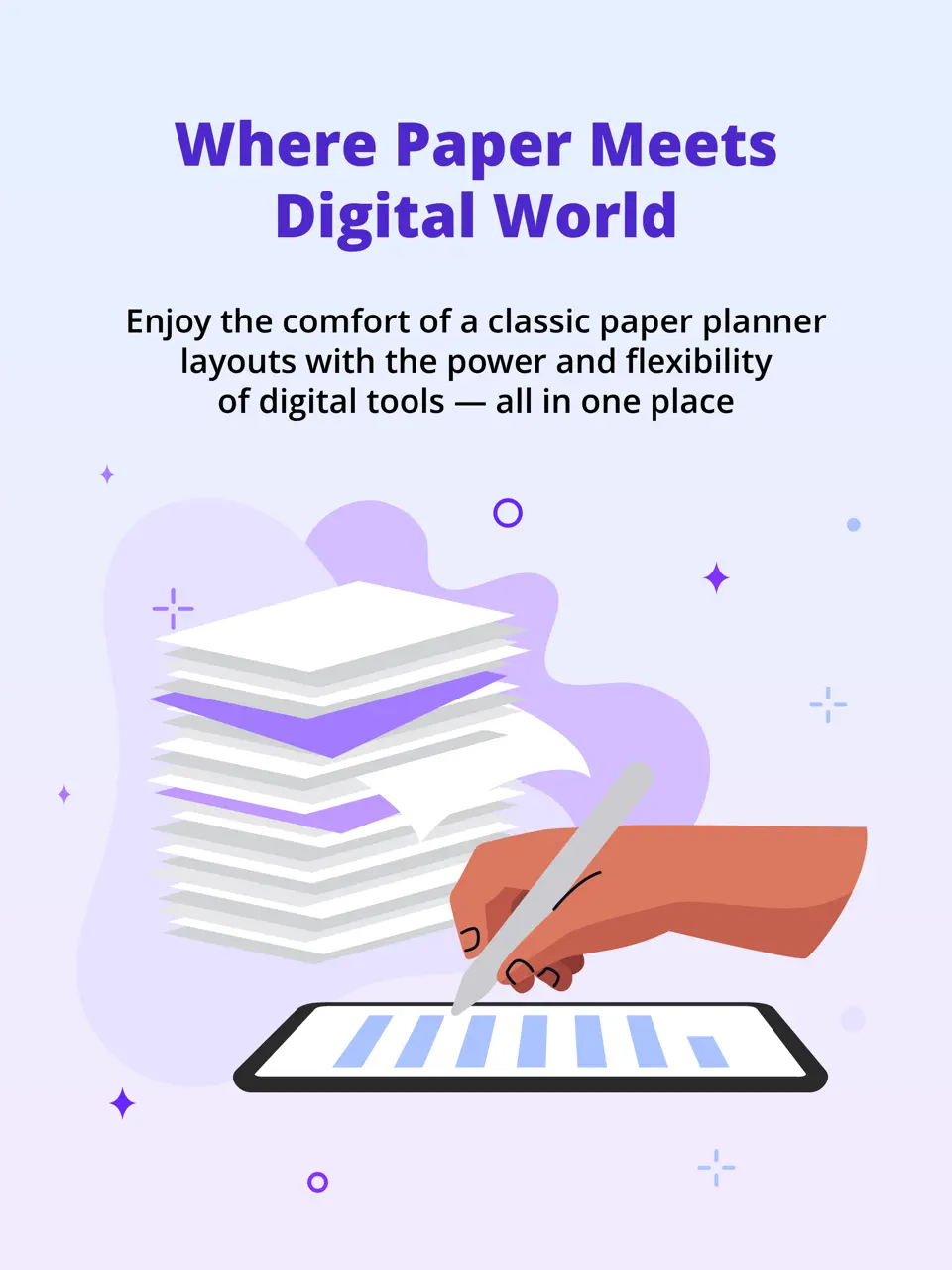
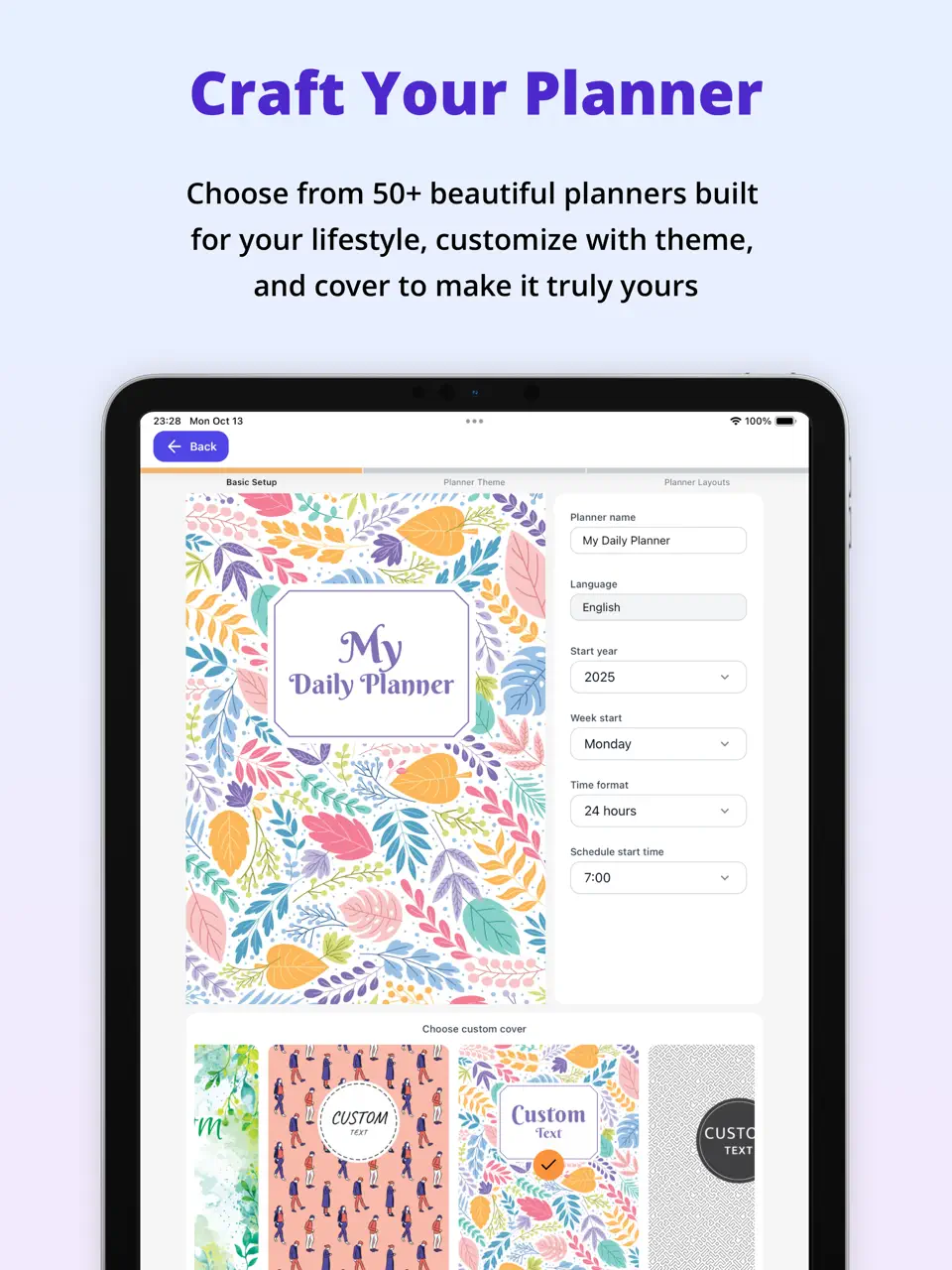
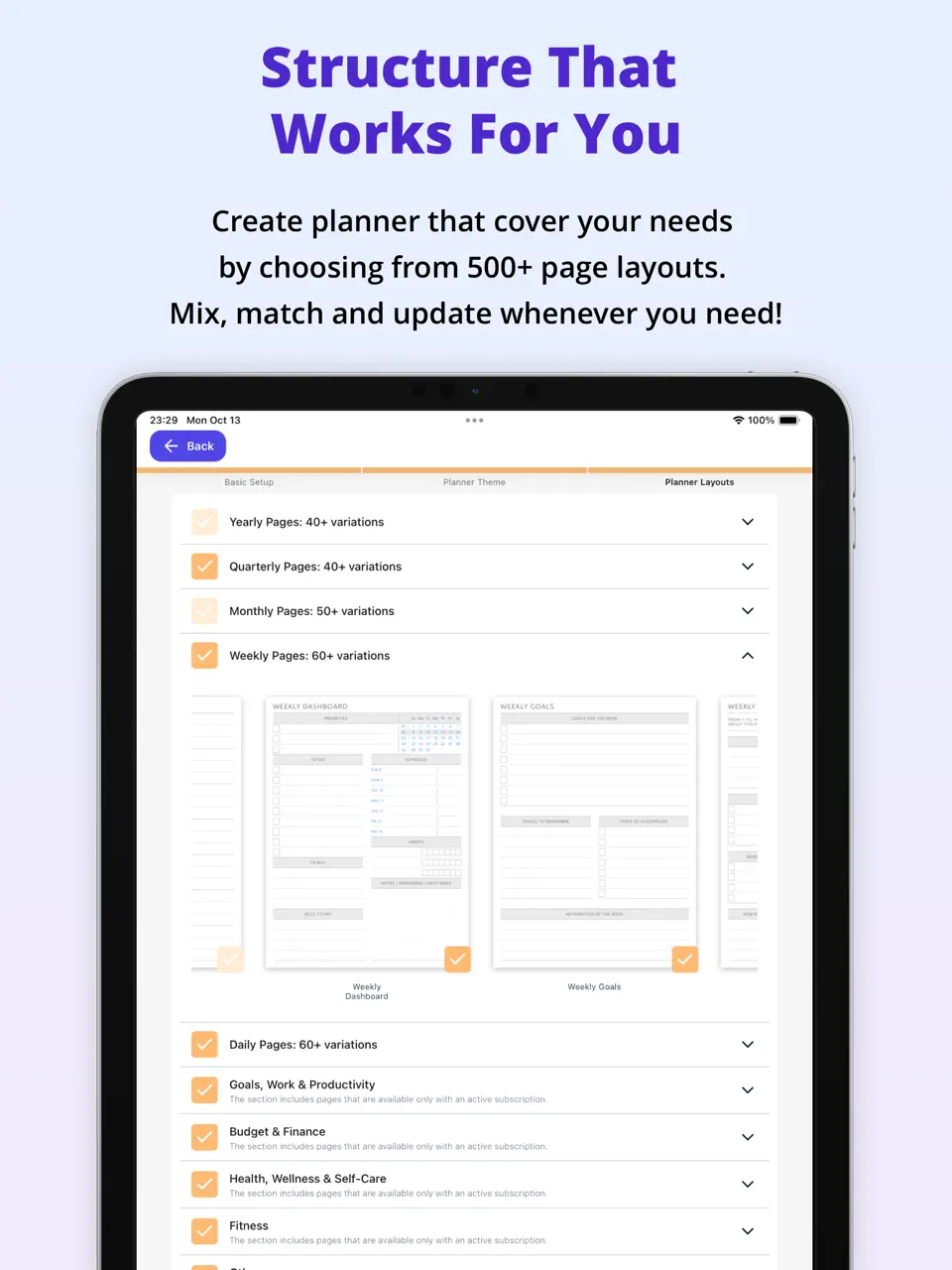
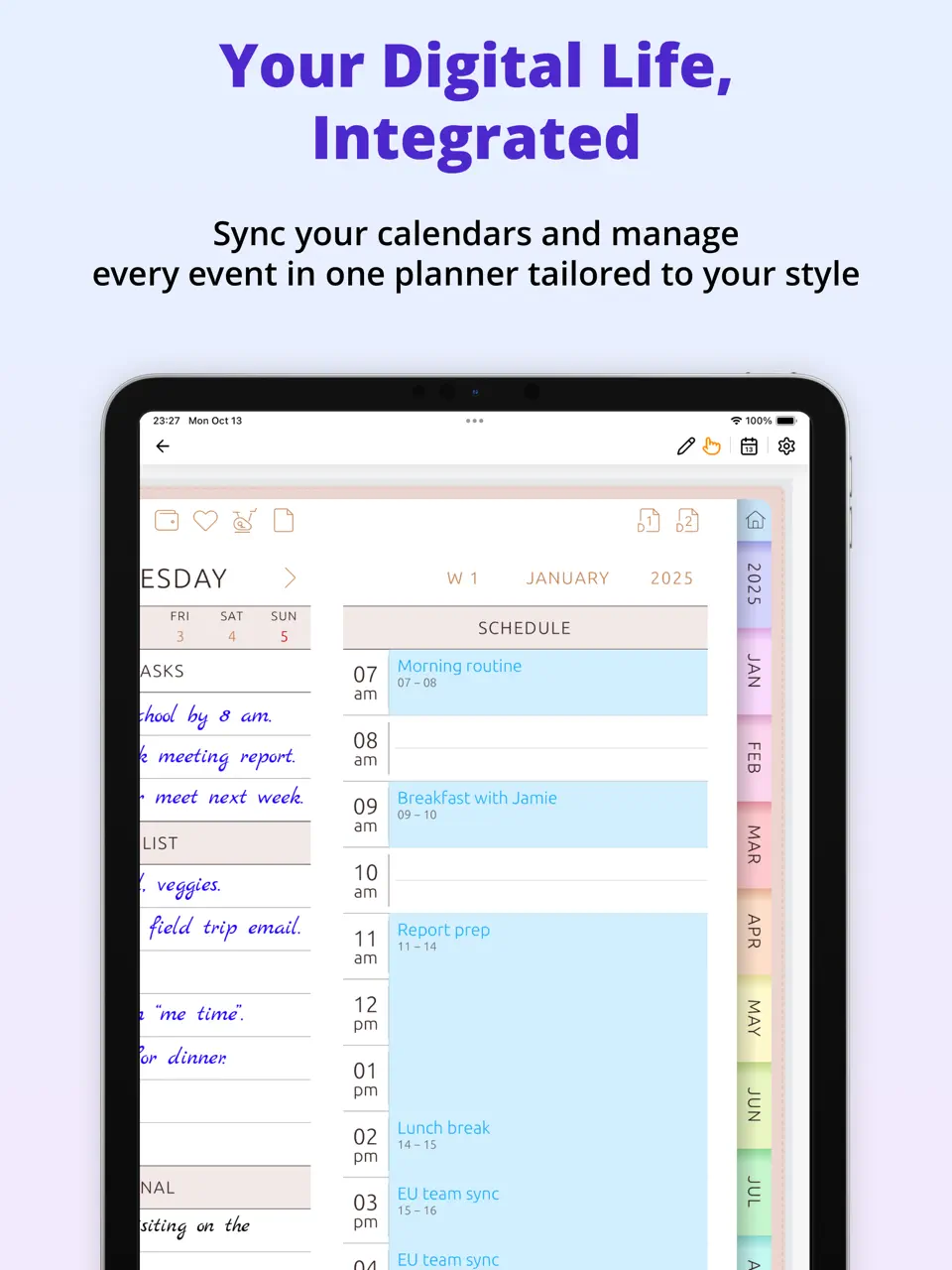
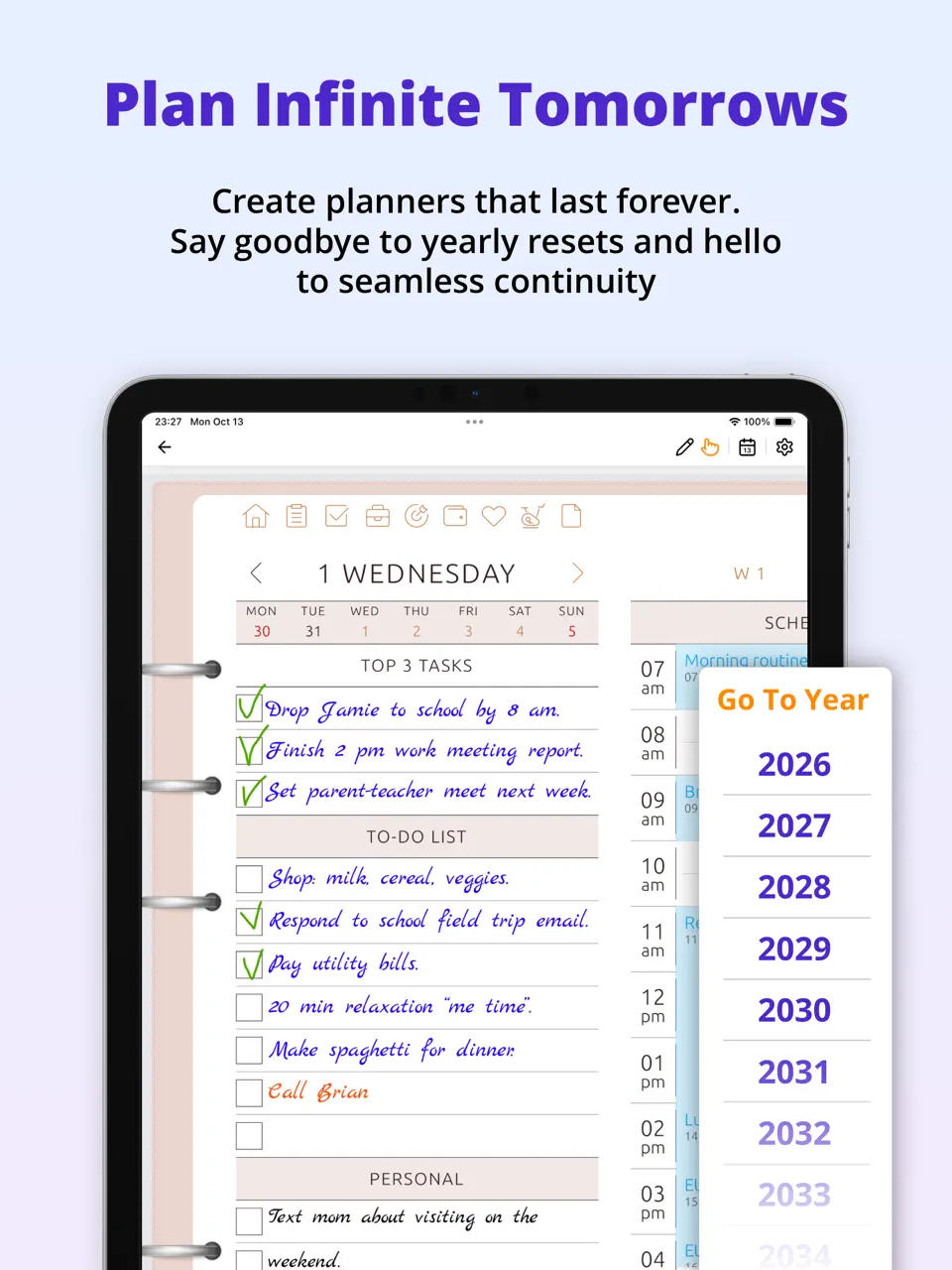
Ultimate Planner emerges as the best agenda app overall in 2026, offering a seamless blend of calendar views, customizable templates, and note-taking features that make managing your daily and weekly agenda effortless. Its intuitive agenda layout combines events, tasks, and notes in one place, with powerful calendar sync and handwriting support that feels natural on tablets or phones.
Whether you're coordinating work meetings, personal appointments, or long-term goals, Ultimate Planner adapts to any workflow. Cross-platform availability and full offline mode ensure your agenda stays accessible anywhere, making it a reliable digital companion for busy professionals, students, and families.
Key Features
- Flexible agenda views (daily, weekly, monthly) with customizable templates
- Full calendar sync and time blocking
- Handwriting/stylus support for notes
- Habit tracking and reminders
- Widgets, notifications, and offline access
- Collaboration for shared agendas
- Excellent balance of features without overwhelming the user
- Strong cross-platform sync and handwriting capabilities
- Affordable freemium model with generous free tier
- Robust offline functionality
- Some advanced tools require premium access
- Full customization can take a little time to explore
Product details
| Pricing | Platforms | Best For |
|---|---|---|
| Freemium | iOS, Android, Web, Mac, Windows | Full planner customization and all-in-one daily organization |
Artful Agenda
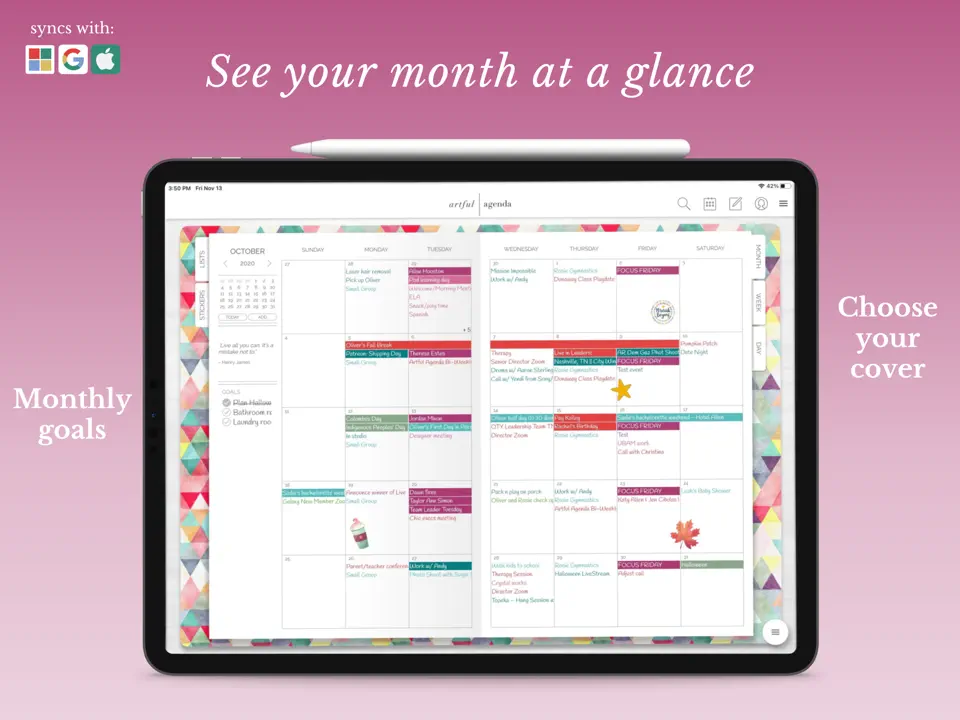
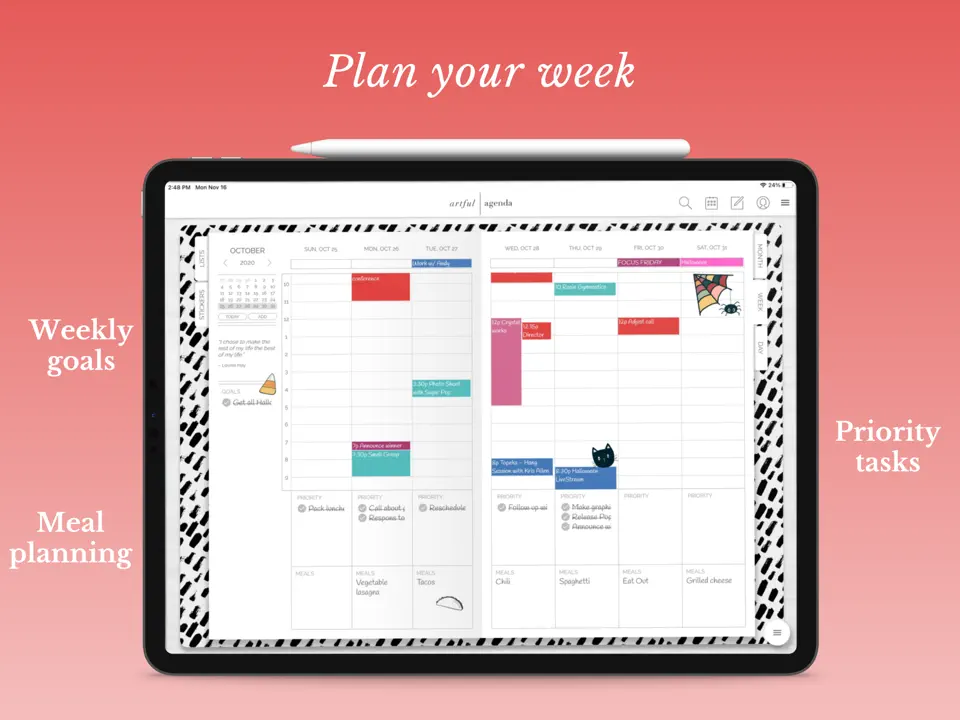
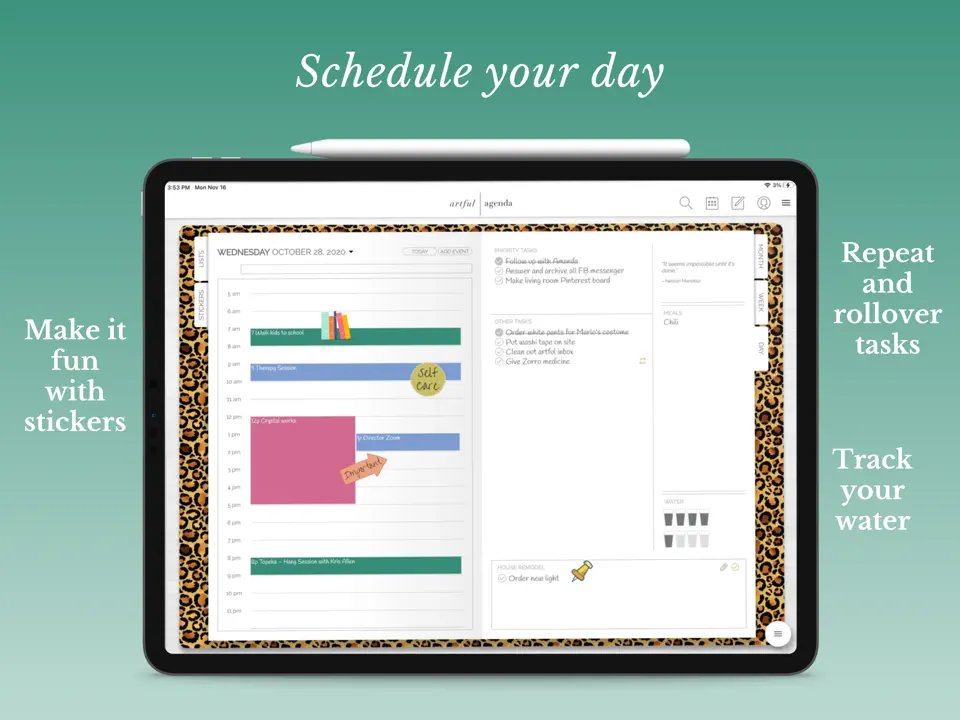
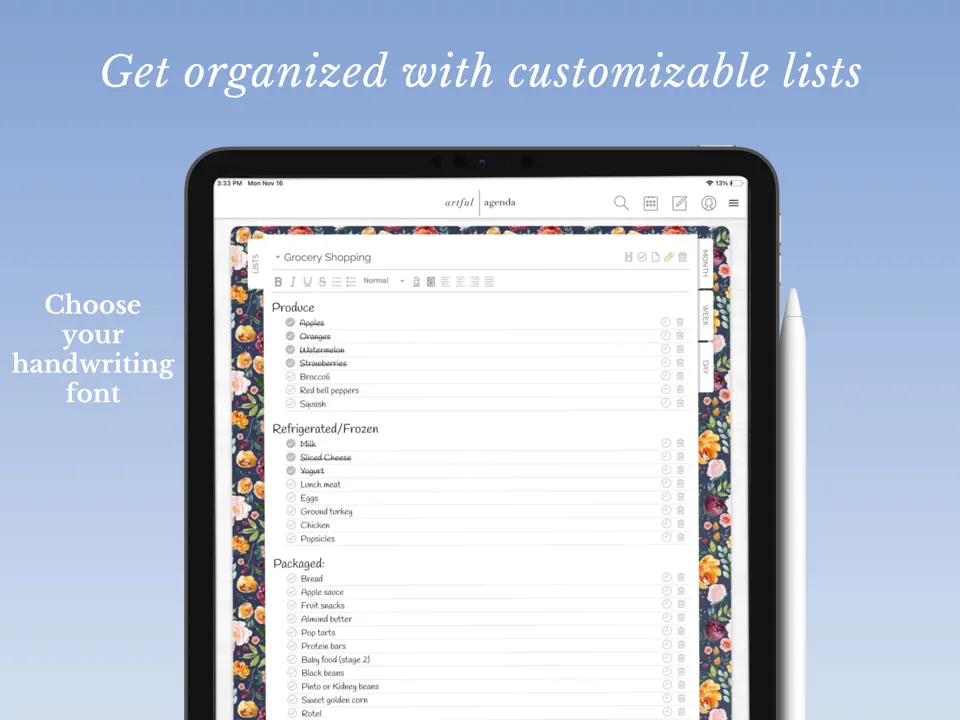
Artful Agenda stands out as the best digital agenda app for those who love the look and feel of a traditional paper planner in digital form. It combines beautiful, customizable covers and layouts with a functional agenda view that syncs with your calendar, making planning both practical and visually enjoyable.
The app excels at turning your daily and weekly agenda into something inspiring, with handwriting support, stickers, and decorative elements. It's perfect for users who want a personalized, motivational digital agenda without sacrificing usability.
Key Features
- Paper-like digital agenda with customizable designs
- Calendar sync and monthly/weekly views
- Handwriting and sticker tools
- To-do lists and goal tracking
- Motivational quotes and themes
- Gorgeous, aesthetic interface that makes planning fun
- Excellent handwriting experience on iPad
- One-time purchase or affordable subscription options
- Strong focus on visual motivation
- Limited to iOS and web platforms
- Fewer advanced task management features
- Collaboration options are basic
Product details
| Pricing | Platforms | Best For |
|---|---|---|
| ~$4.99/mo or lifetime | iOS, iPadOS, Web | Best digital agenda with paper-like aesthetic and handwriting |
Motion
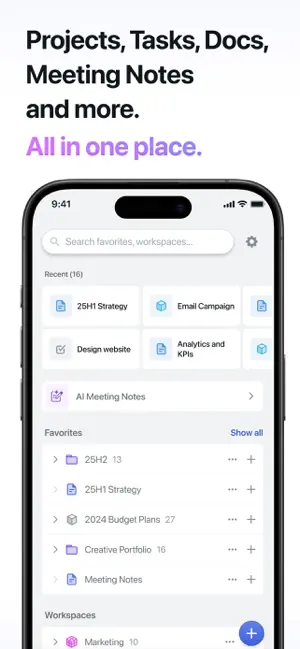
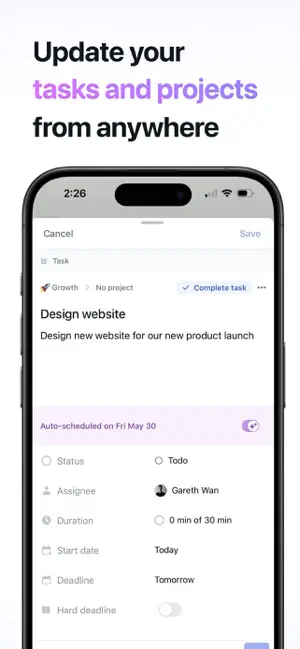
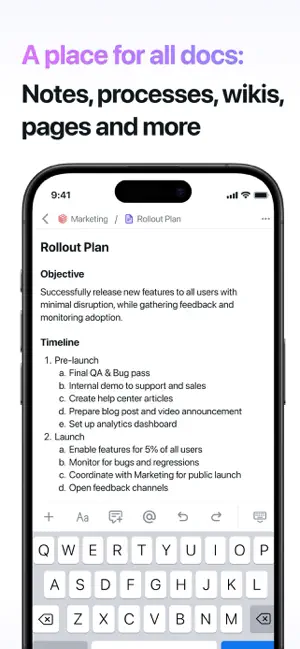
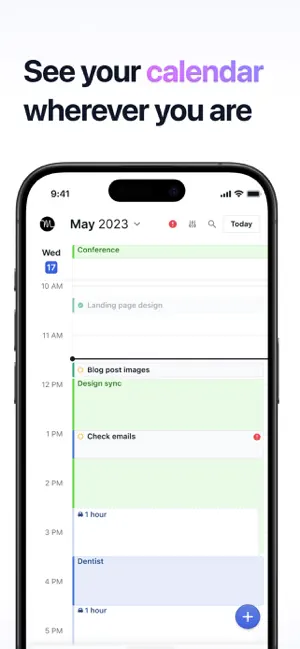
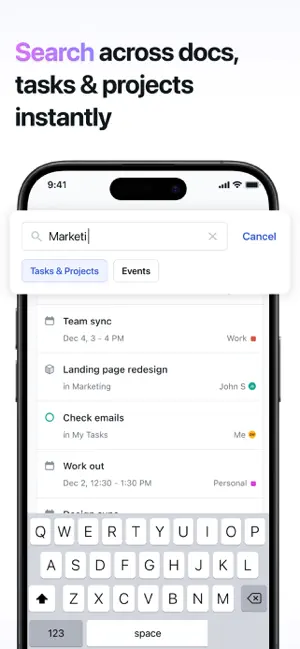

Motion redefines the ai agenda app category by automatically building and optimizing your daily agenda using intelligent scheduling. It analyzes your tasks, habits, and calendar events to create a realistic, prioritized agenda that adapts in real-time as new commitments arise.
Ideal for high-performers with packed schedules, Motion protects focus time and reschedules lower-priority items intelligently. It turns chaotic to-do lists into a smooth, executable agenda without manual dragging.
Key Features
- AI-powered auto-scheduling and dynamic agenda building
- Smart time blocking and priority adjustment
- Calendar integrations and meeting transcription
- Weekly planning overview
- Saves significant time on manual planning
- Adapts intelligently to changing priorities
- Excellent for complex, unpredictable schedules
- Higher subscription cost
- Less customization of layout or templates
- No native handwriting support
Product details
| Pricing | Platforms | Best For |
|---|---|---|
| ~$19–34/mo | iOS, Android, Web, Mac, Windows | Best AI agenda app for automatic scheduling |
Sunsama
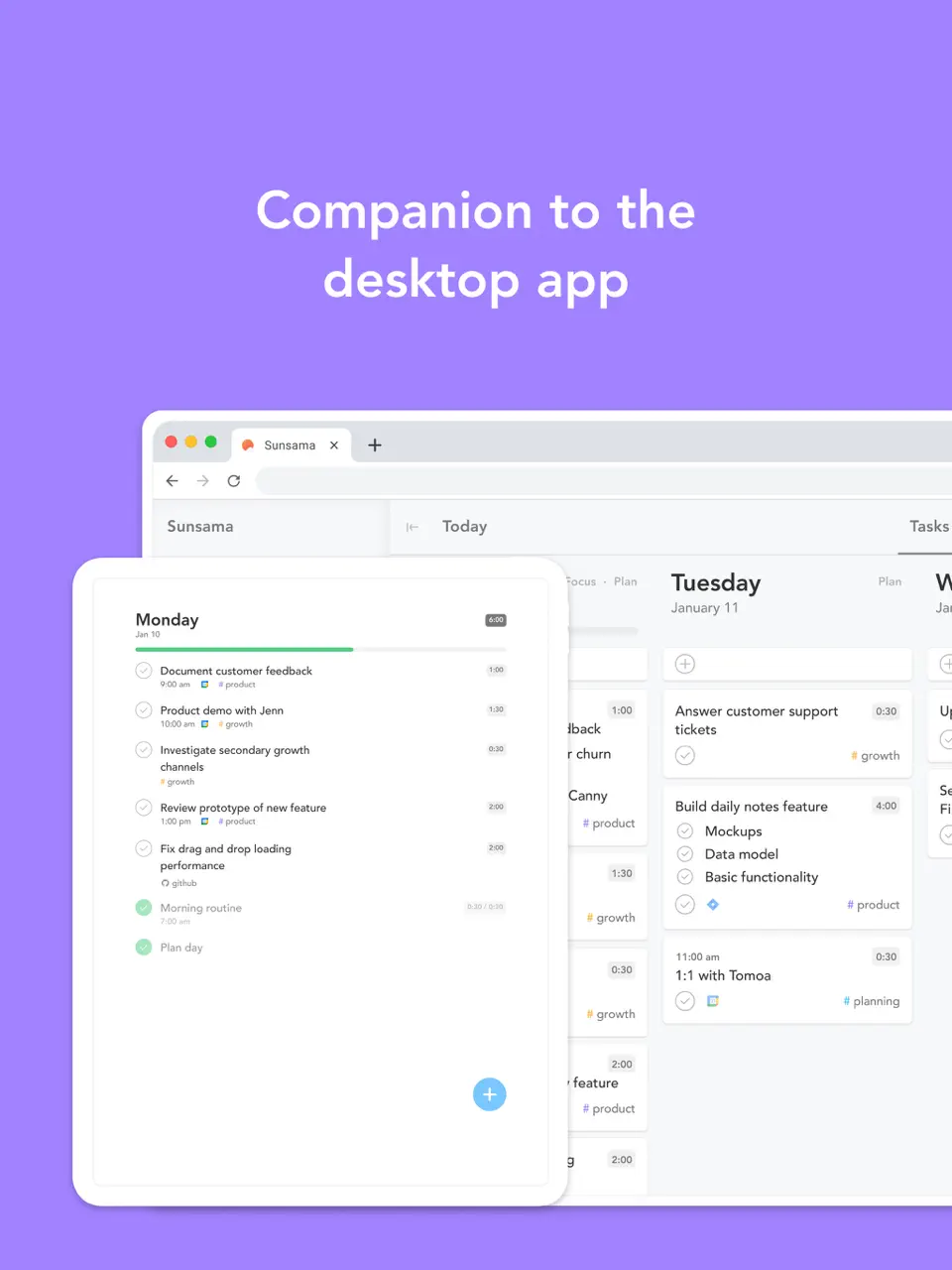
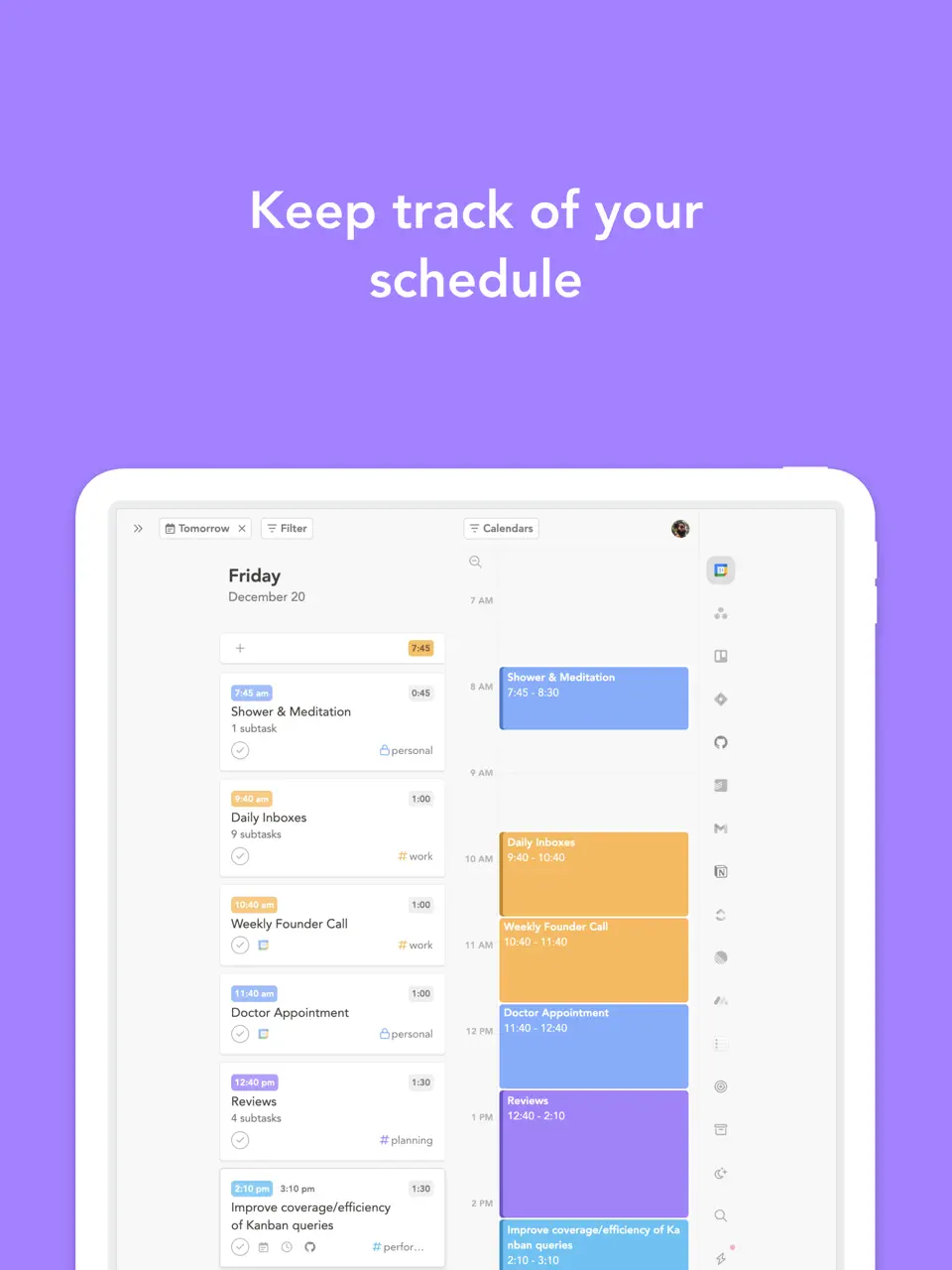
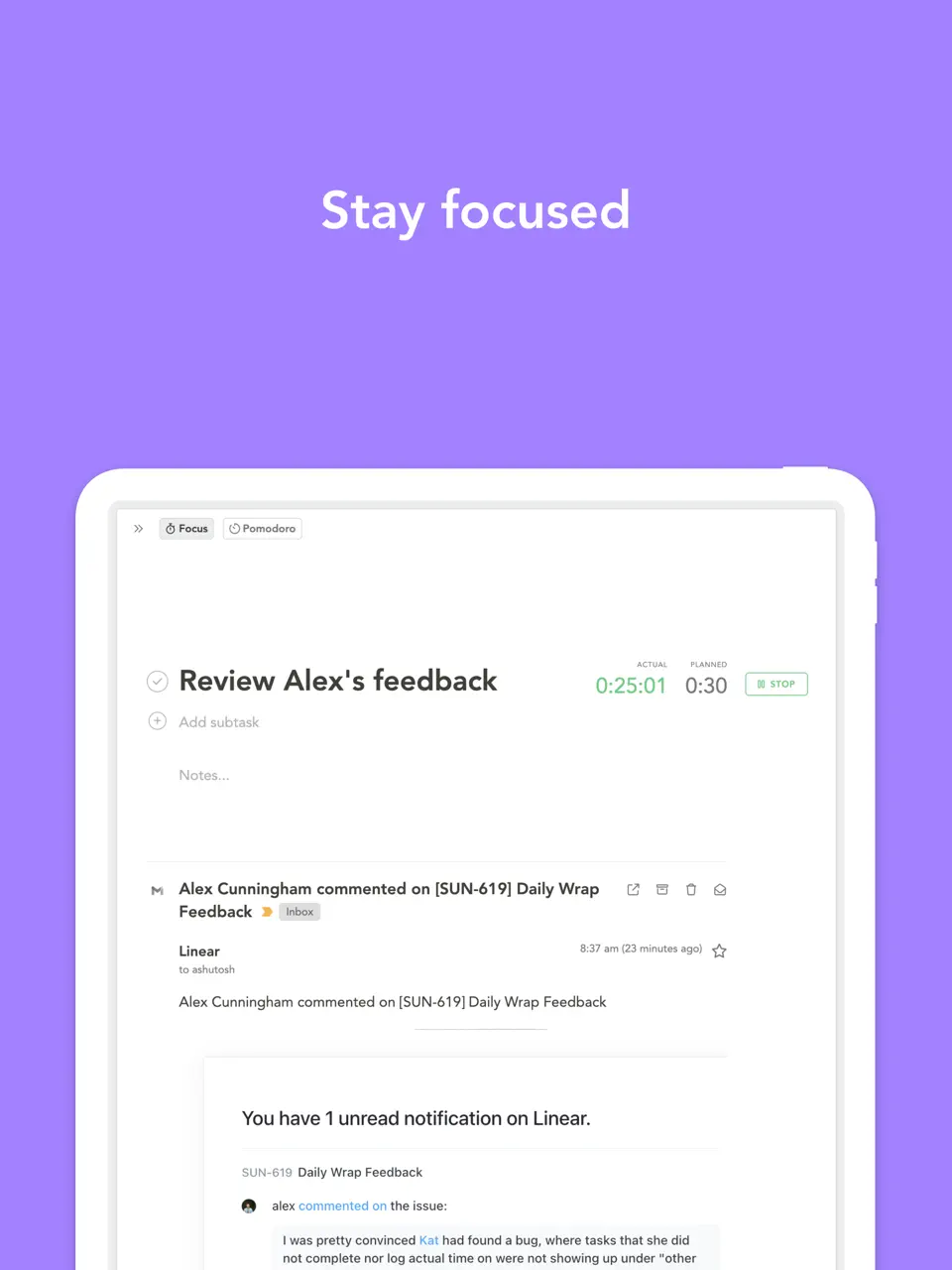
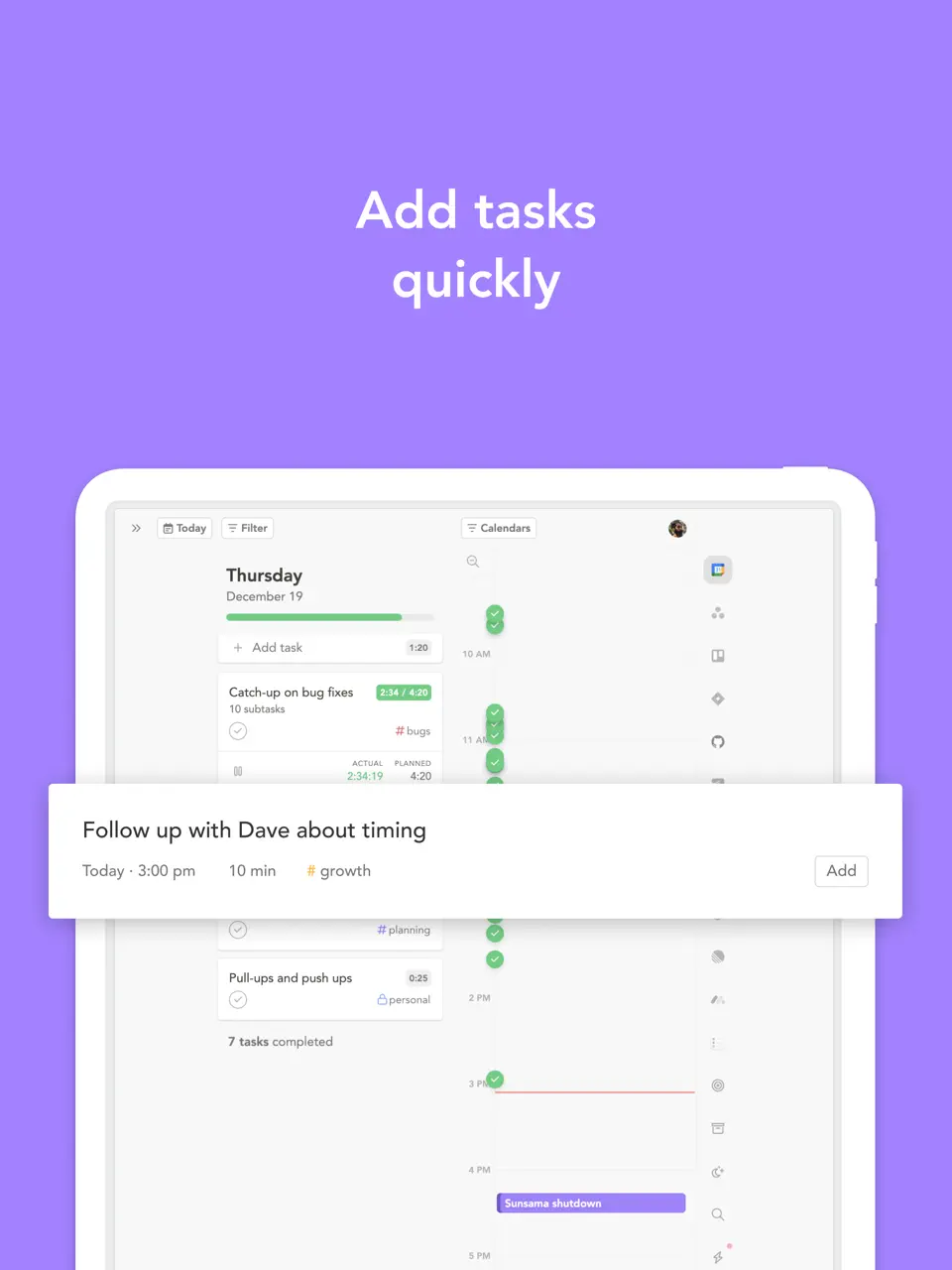
Sunsama offers a mindful, guided approach to building your daily and weekly agenda, pulling in tasks from connected tools and encouraging intentional planning. It stands out among agenda apps for its focus on work-life balance and reflective rituals.
Each day starts with a calm planning session where you review your agenda, set realistic time estimates, and align tasks with bigger goals. Sunsama helps you end the day with a structured shutdown routine.
Key Features
- Guided daily and weekly agenda planning
- Task integration from email, Slack, and other apps
- Time estimates and focus mode
- Weekly review and reflection prompts
- Promotes sustainable productivity and reduces burnout
- Clean, distraction-free interface
- Strong team collaboration features
- Premium pricing with no free tier
- Limited customization and no handwriting
- Partial offline support
Product details
| Pricing | Platforms | Best For |
|---|---|---|
| $20/mo ($16 annual) | iOS, Android, Web, Mac, Windows | Mindful guided agenda with work-life balance |
Fantastical
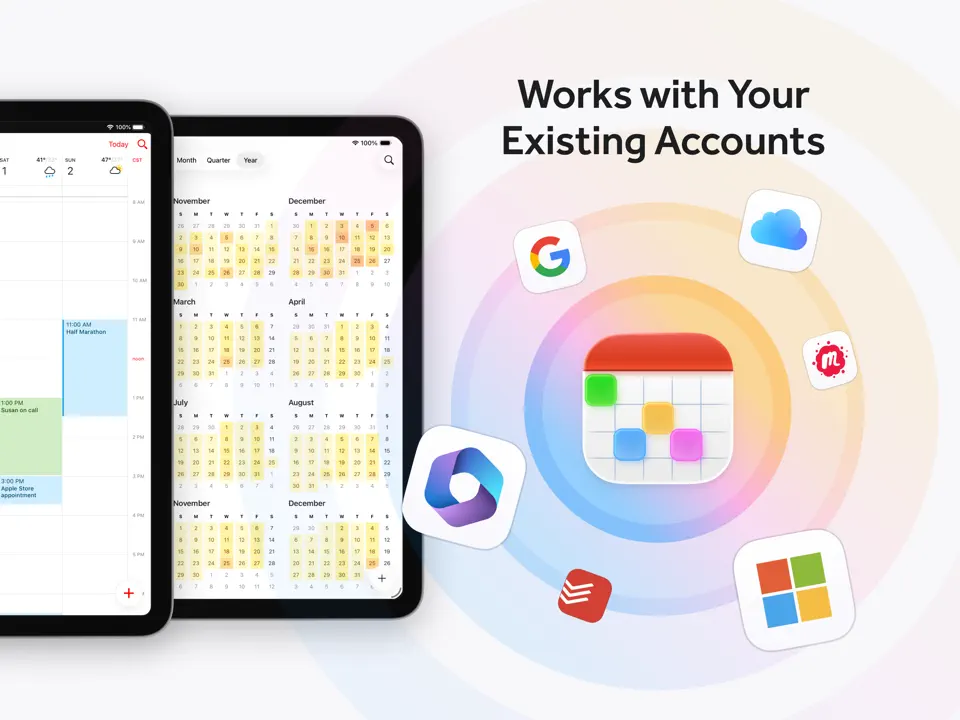
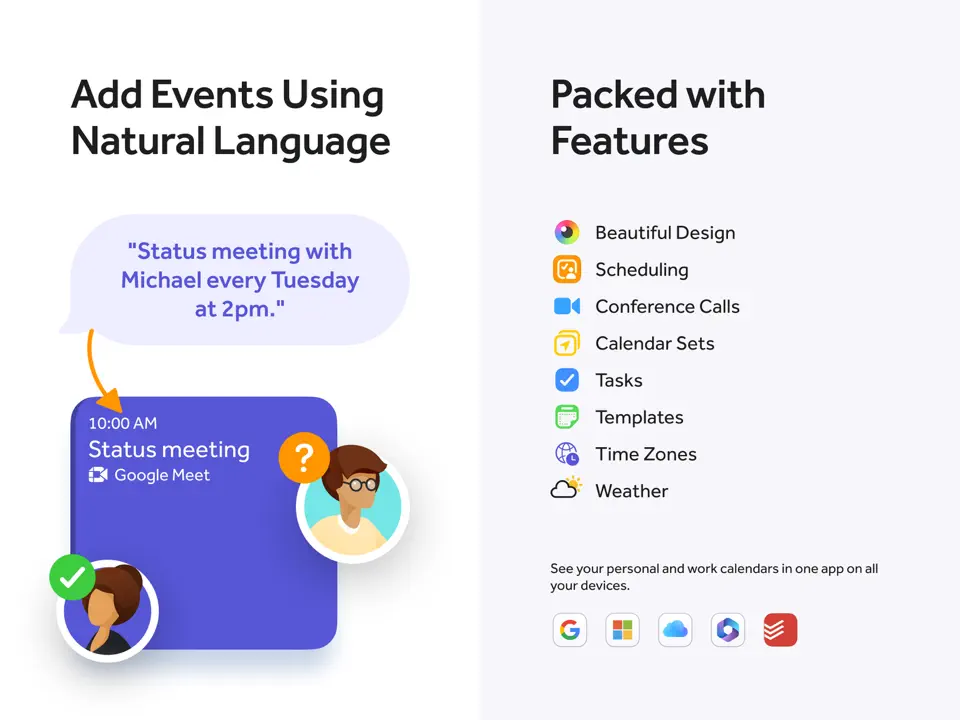
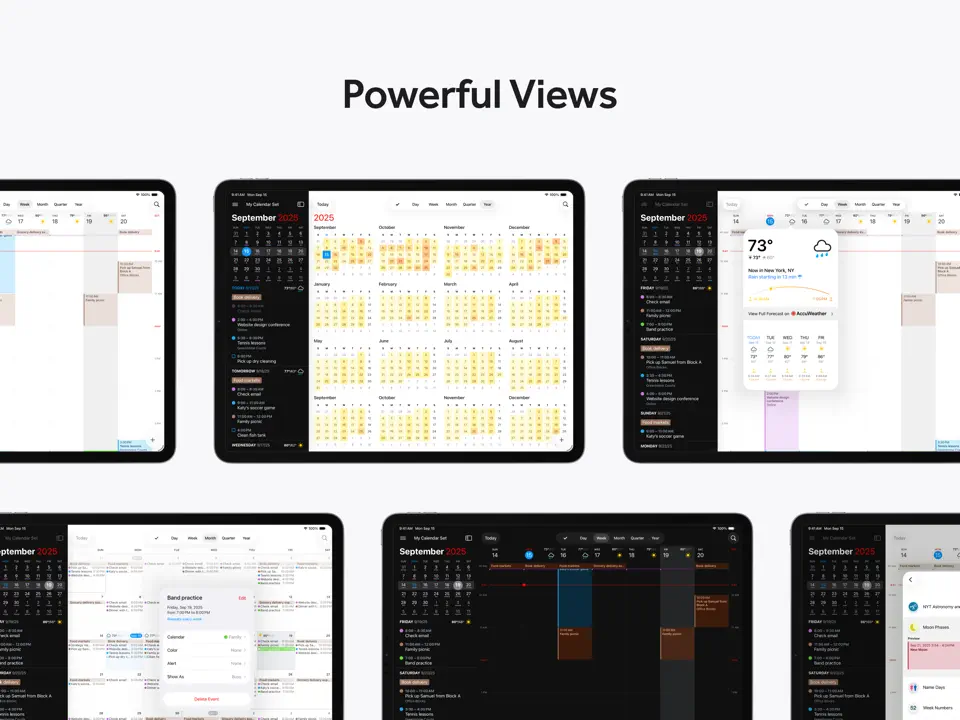
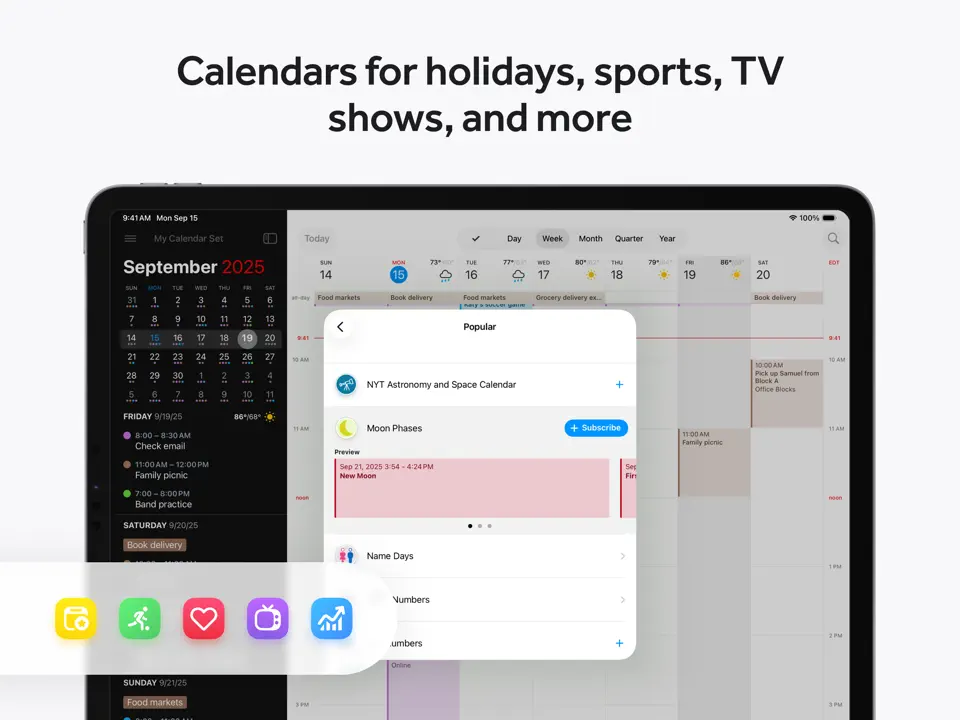
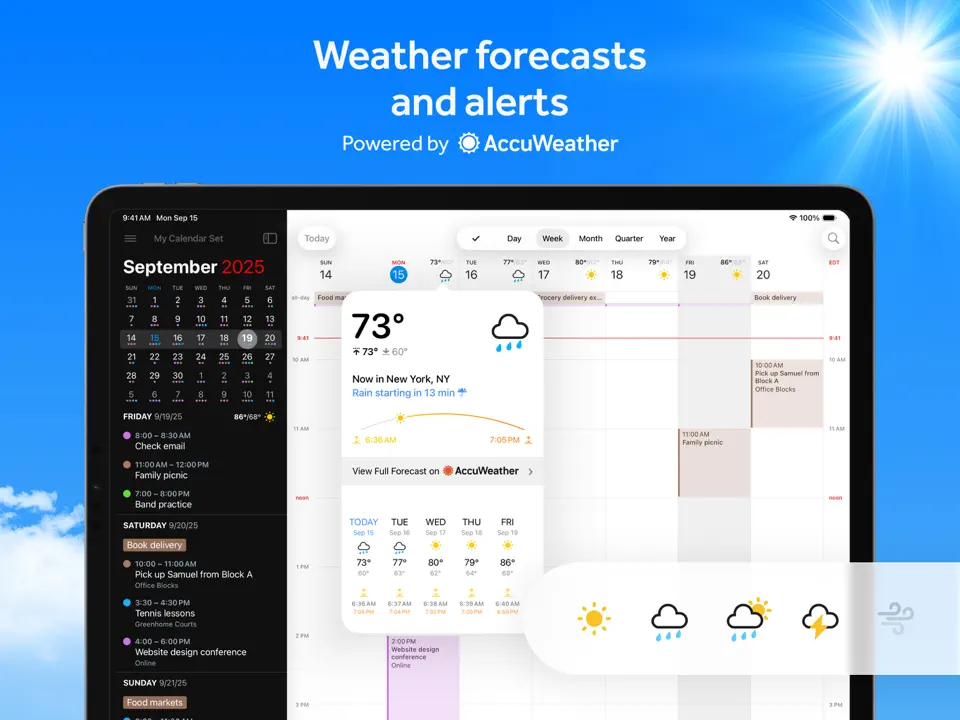
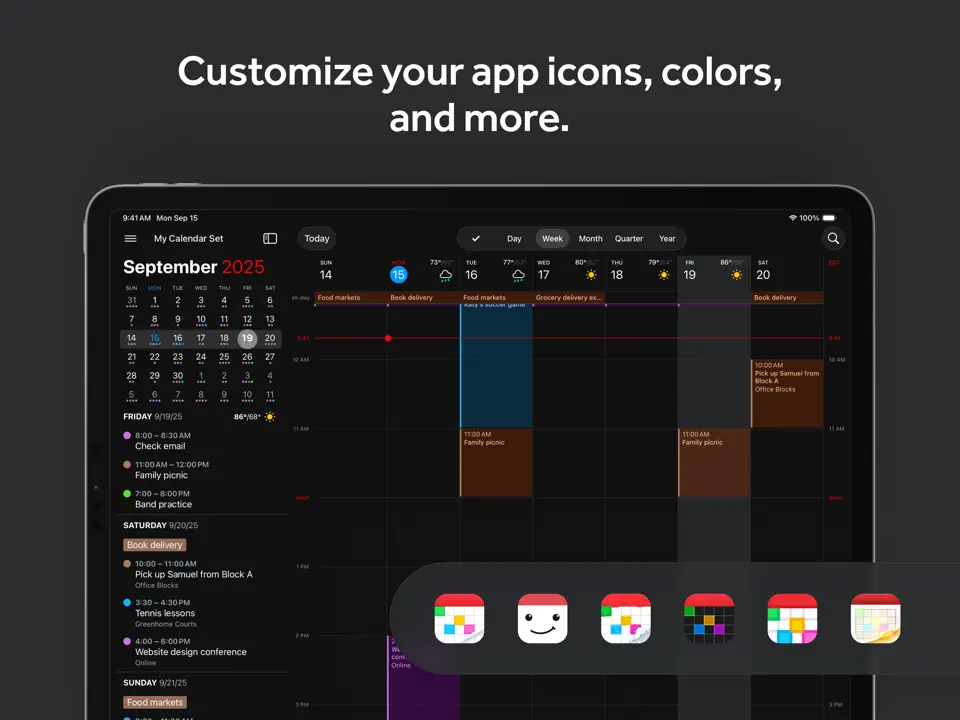
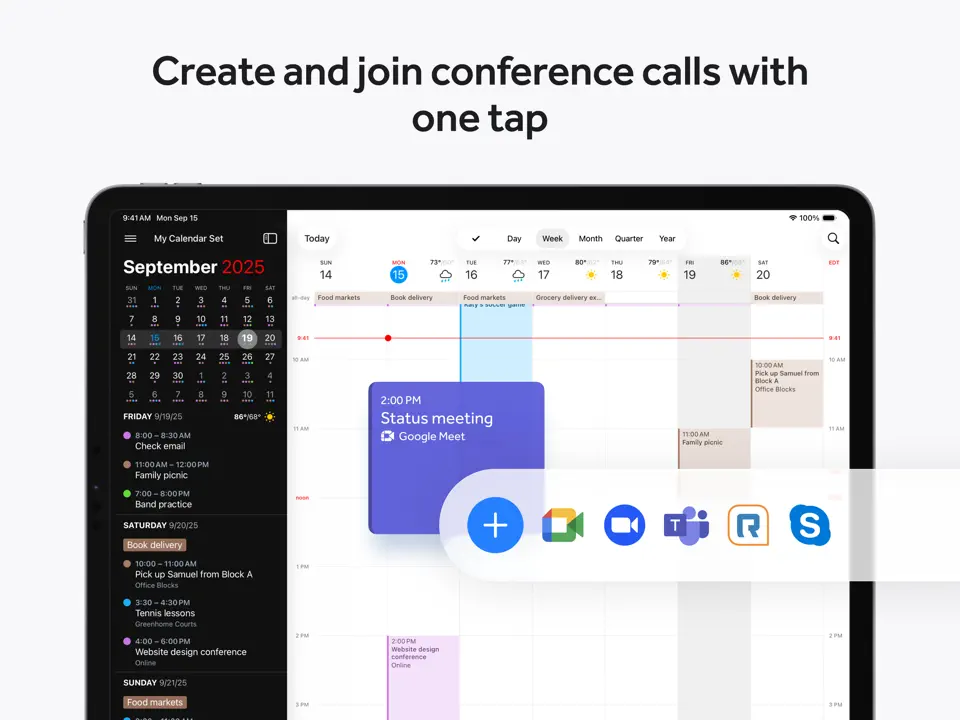
Fantastical is widely regarded as one of the best agenda apps for iPhone and Mac users, thanks to its natural language input and beautifully designed agenda view. You can type or speak entries like "Lunch with Sarah tomorrow at 1pm" and watch them appear perfectly scheduled.
The app combines powerful parsing with a flexible agenda that shows events and tasks together in a scrollable timeline. It's fast, elegant, and deeply integrated with Apple ecosystems.
Key Features
- Natural language event and task creation
- Combined agenda view of calendar and reminders
- Weather forecast integration
- Widgets and Apple Watch support
- Extremely fast and intuitive input
- Beautiful design and smooth animations
- Excellent Apple ecosystem integration
- Premium features require subscription
- Limited Android/Windows support
- Less focus on long-term planning
Product details
| Pricing | Platforms | Best For |
|---|---|---|
| Freemium (Premium ~$6.99/mo) | iOS, iPadOS, Mac | Natural language agenda for Apple users |
Agenda
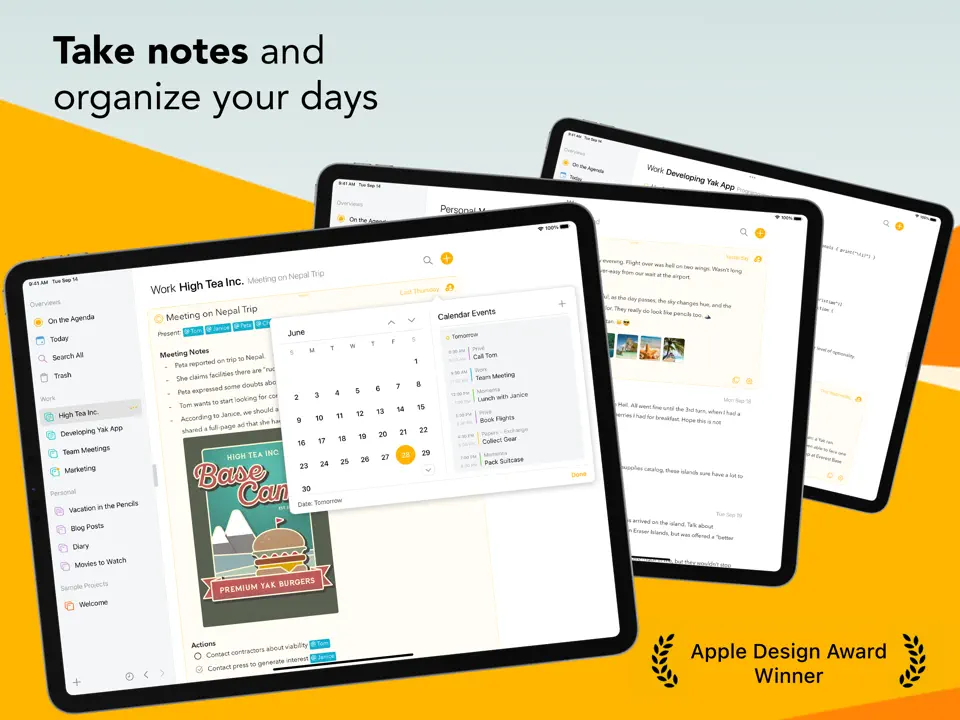
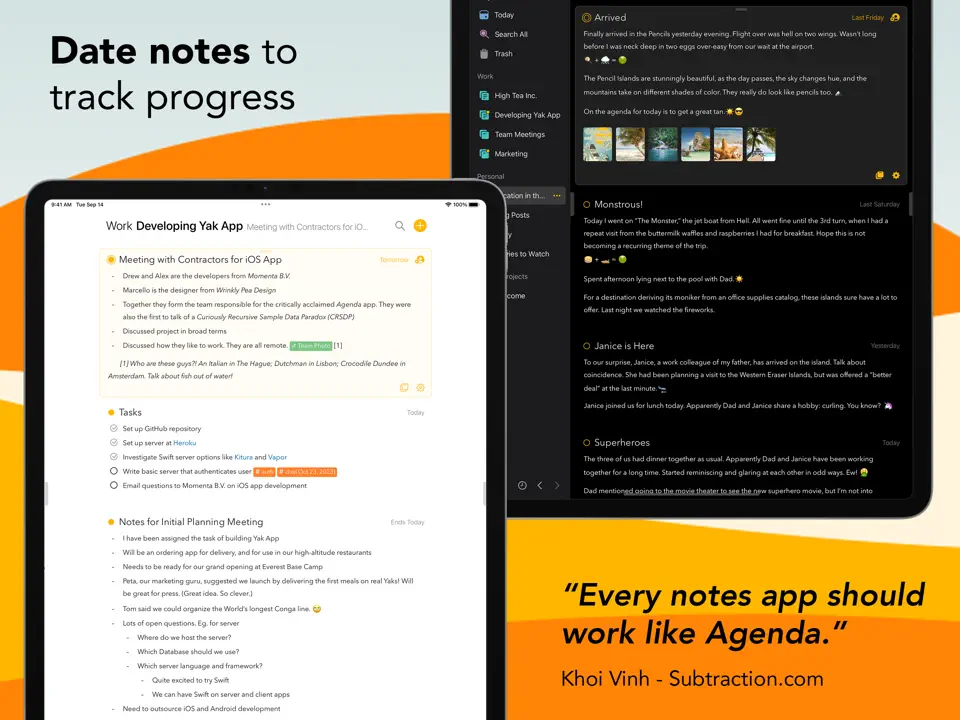
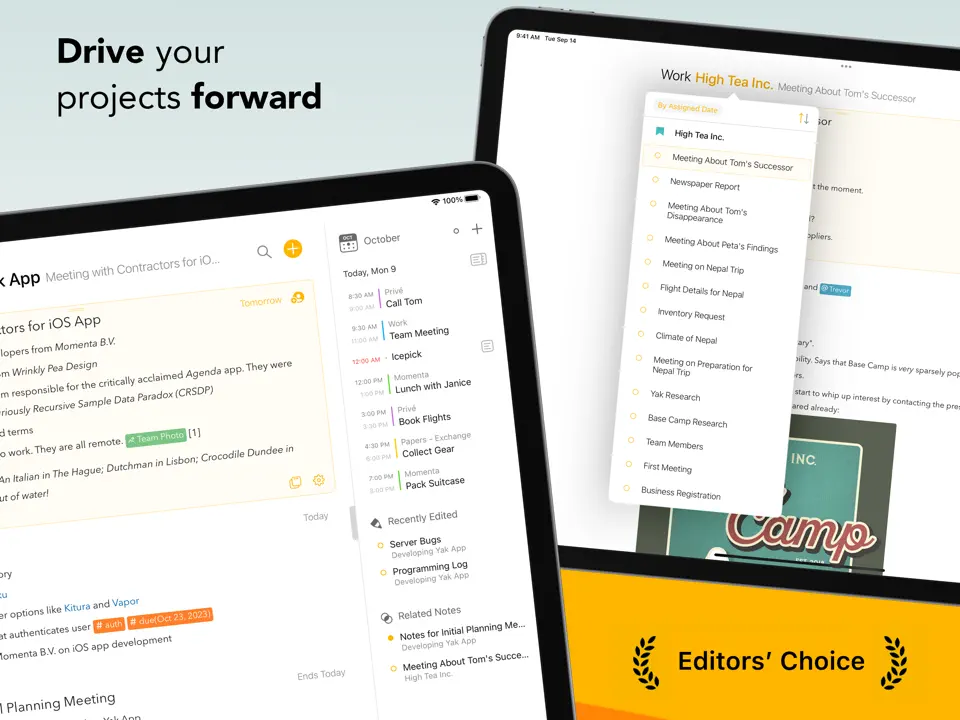
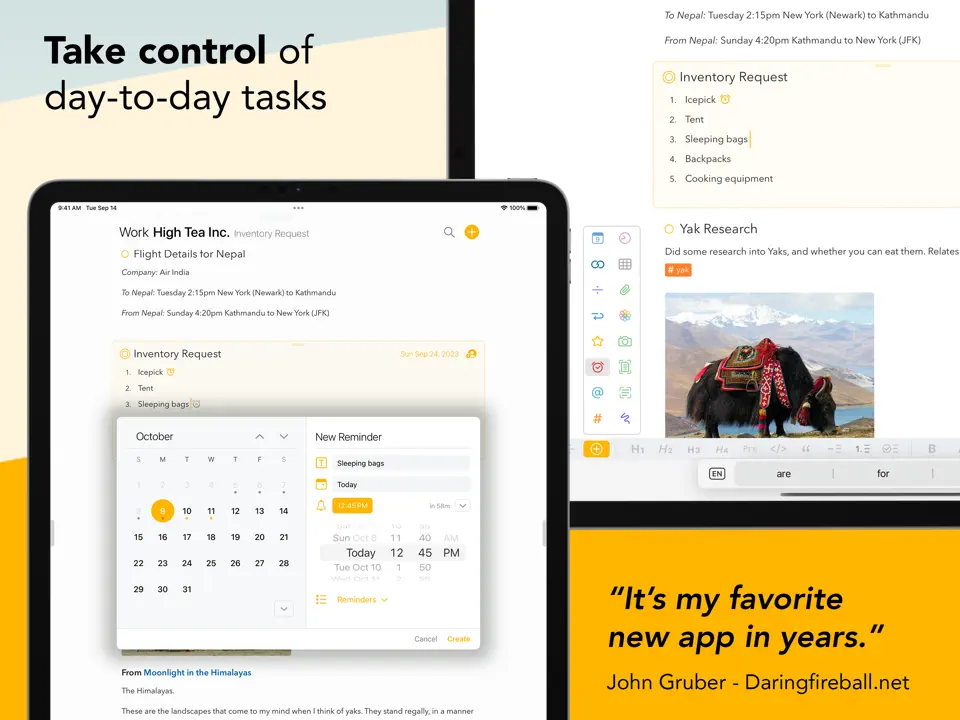
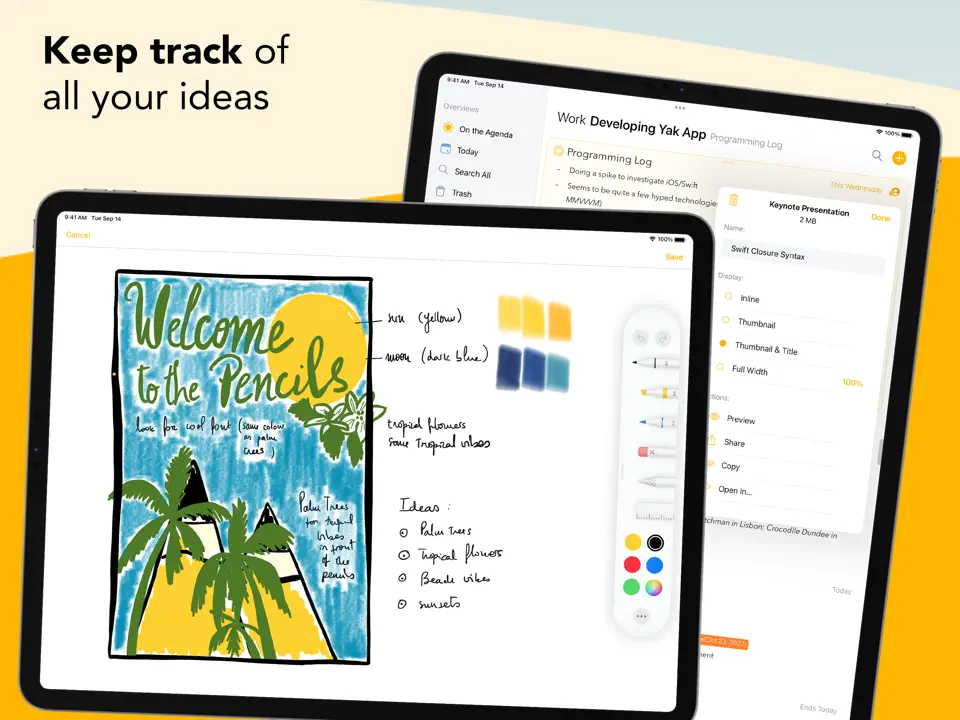
Agenda takes a unique "notes meet calendar" approach, making it the best digital agenda app for those who think in projects and timelines. Each note is date-stamped and appears in your agenda, creating a chronological record of thoughts, meetings, and plans.
It's perfect for writers, researchers, and project managers who want their agenda to double as an organized notebook with searchable, linked entries.
Key Features
- Date-based notes integrated into agenda timeline
- Project organization with tags and links
- Calendar view with attached notes
- Searchable history of past agendas
- Innovative blend of notes and scheduling
- Clean, focused interface
- Great for long-term project tracking
- macOS/iOS only
- Less traditional calendar features
- Premium unlock required for full functionality
Product details
| Pricing | Platforms | Best For |
|---|---|---|
| Freemium (Premium unlock) | iOS, iPadOS, Mac | Best digital agenda for notes and timeline organization |
GoodNotes
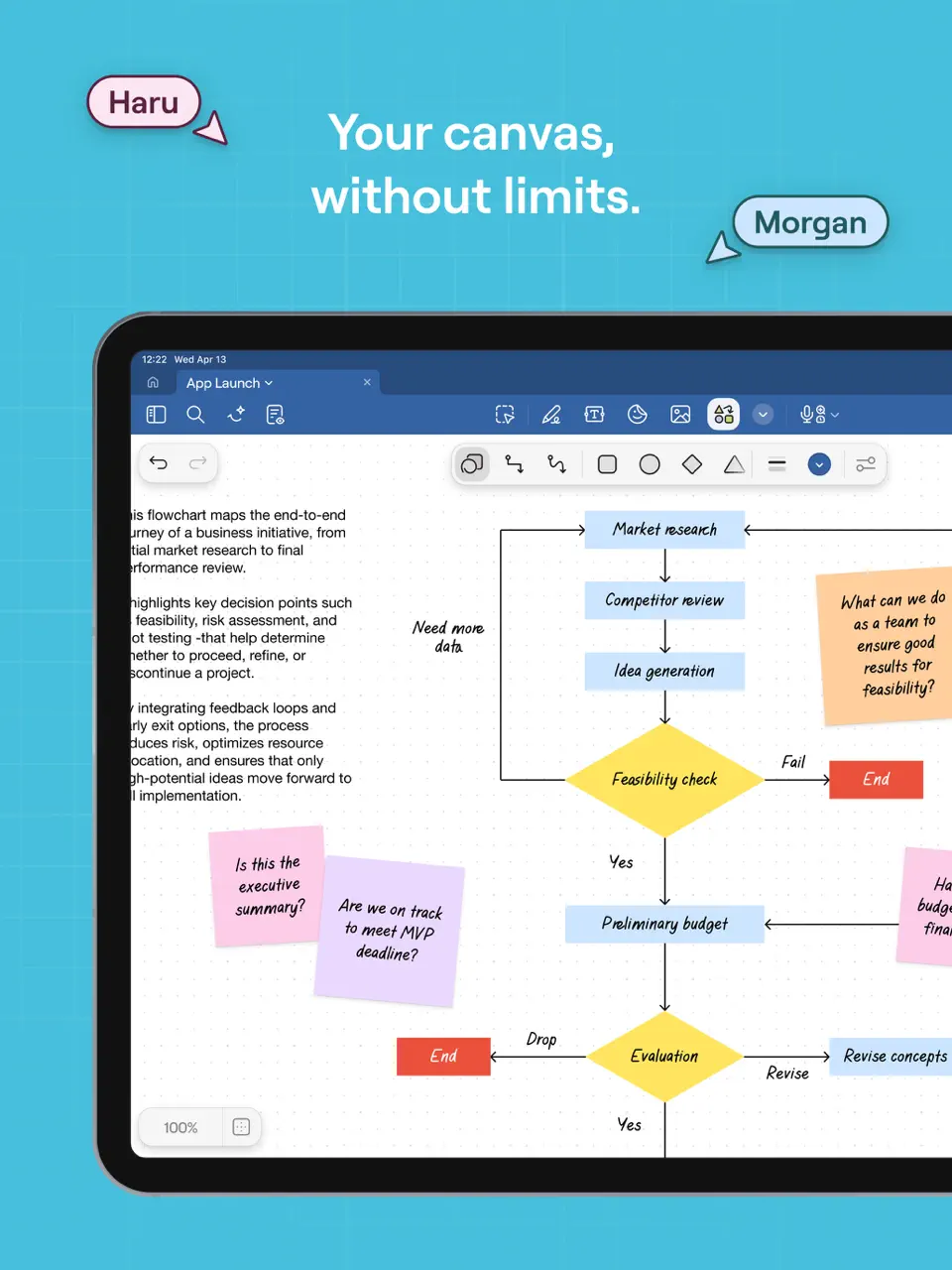
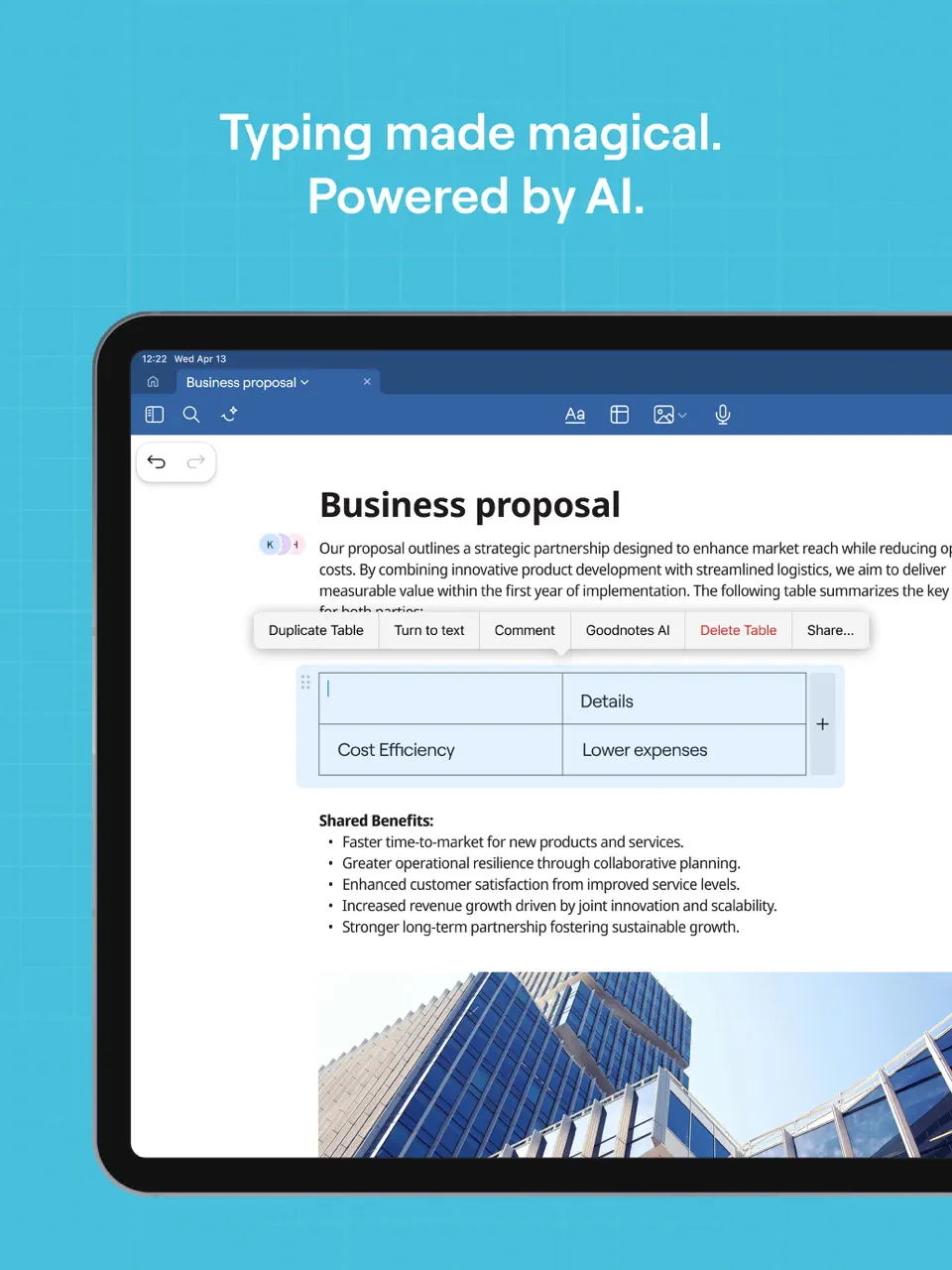
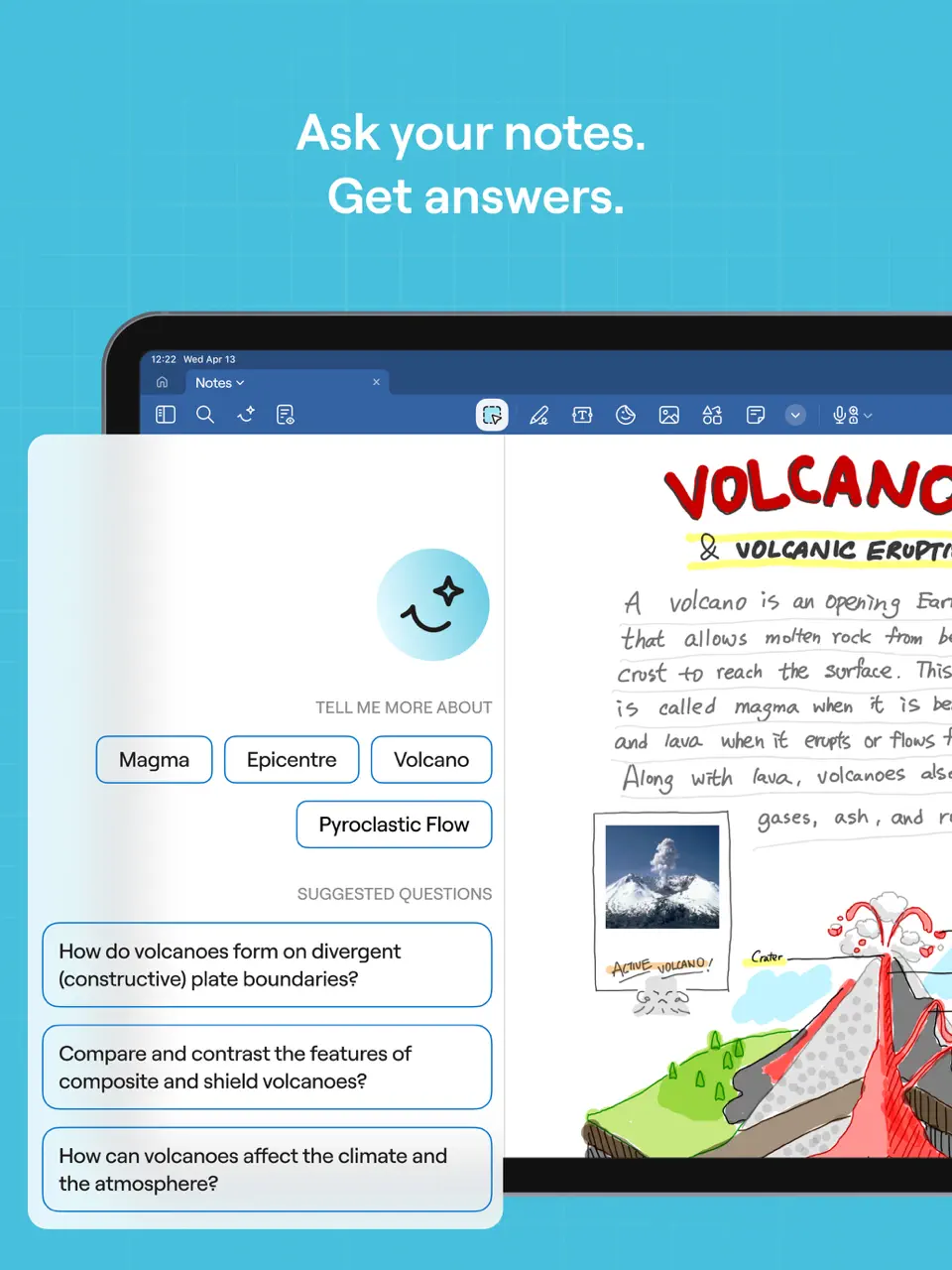
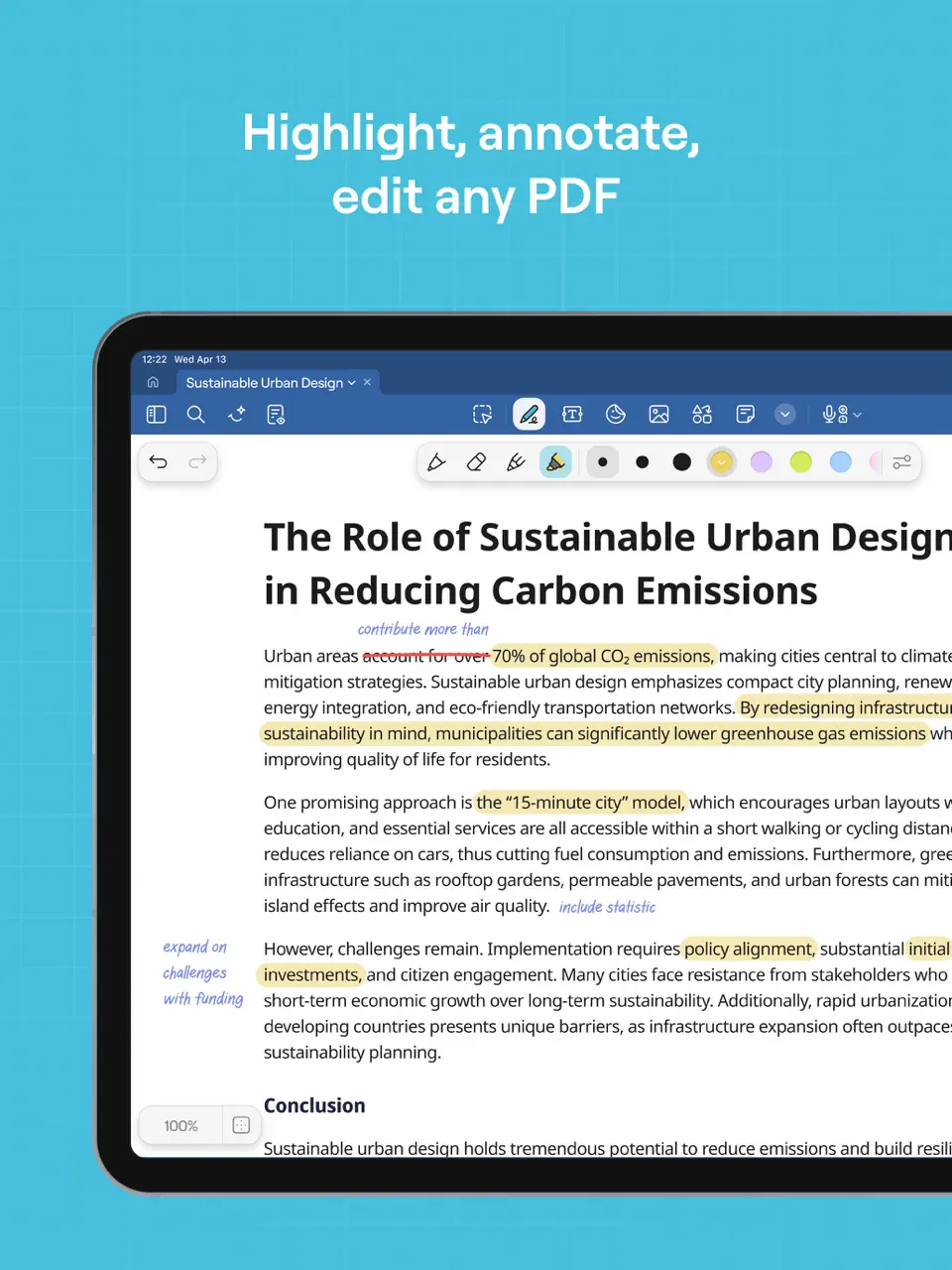
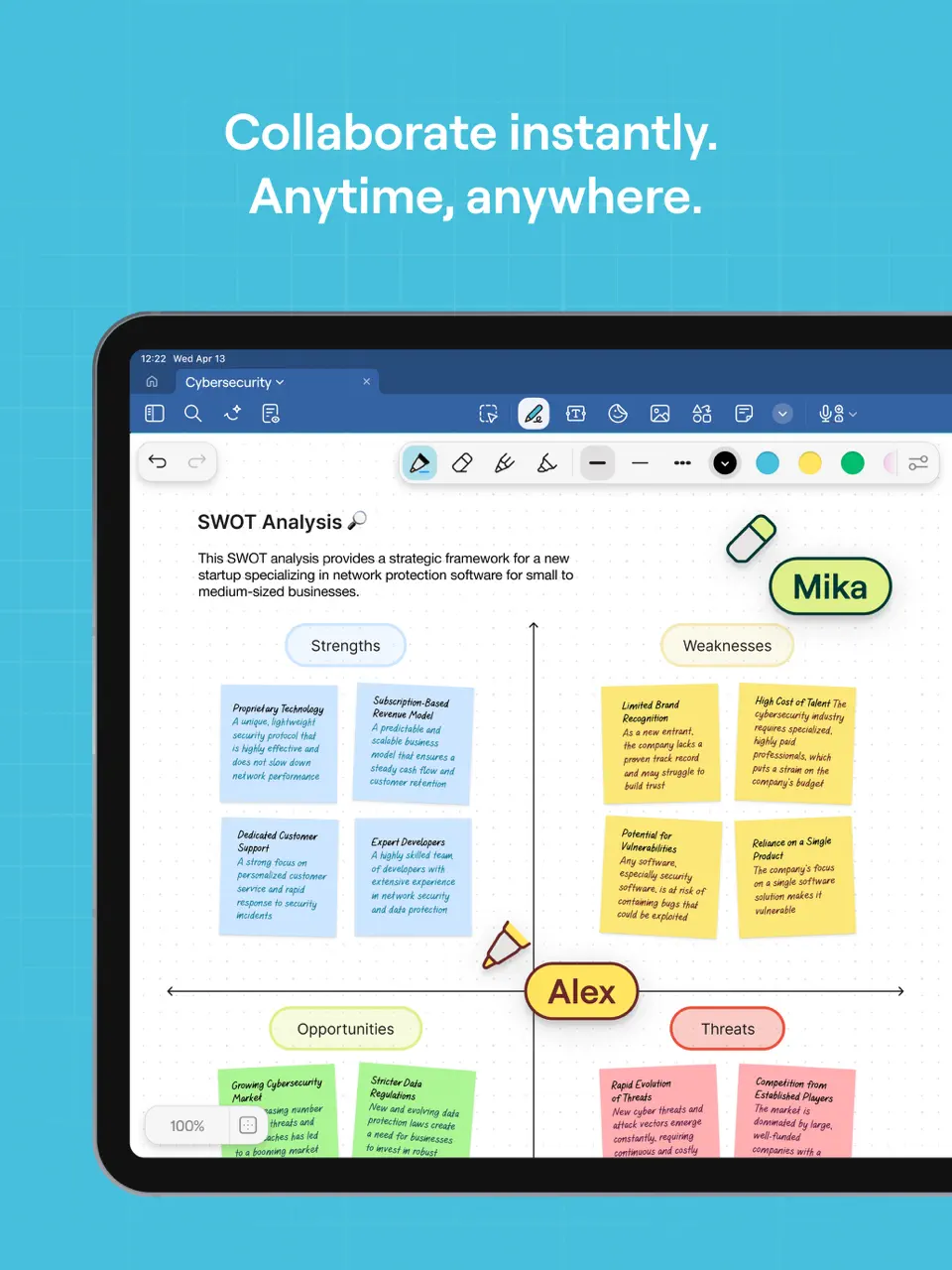
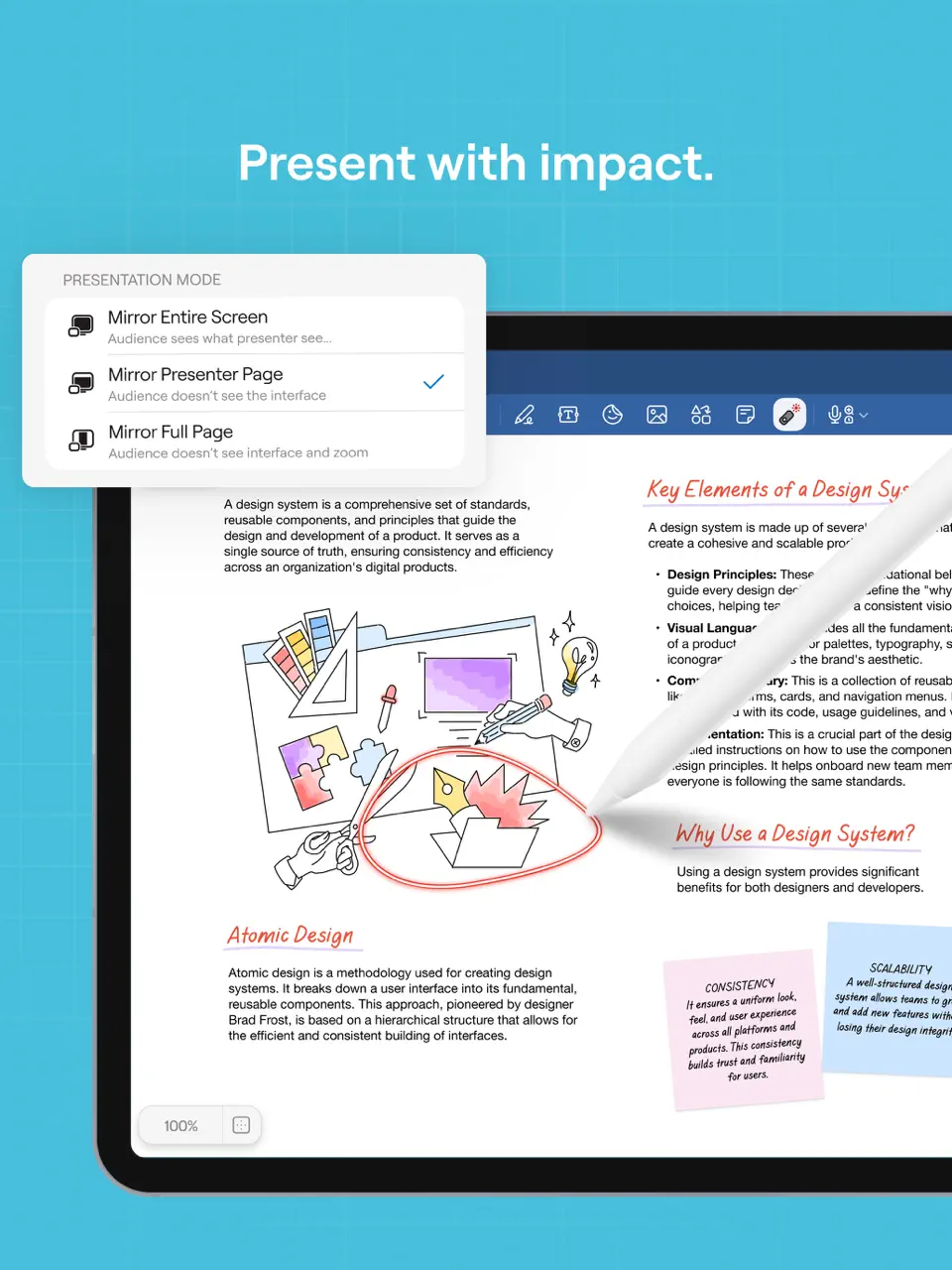
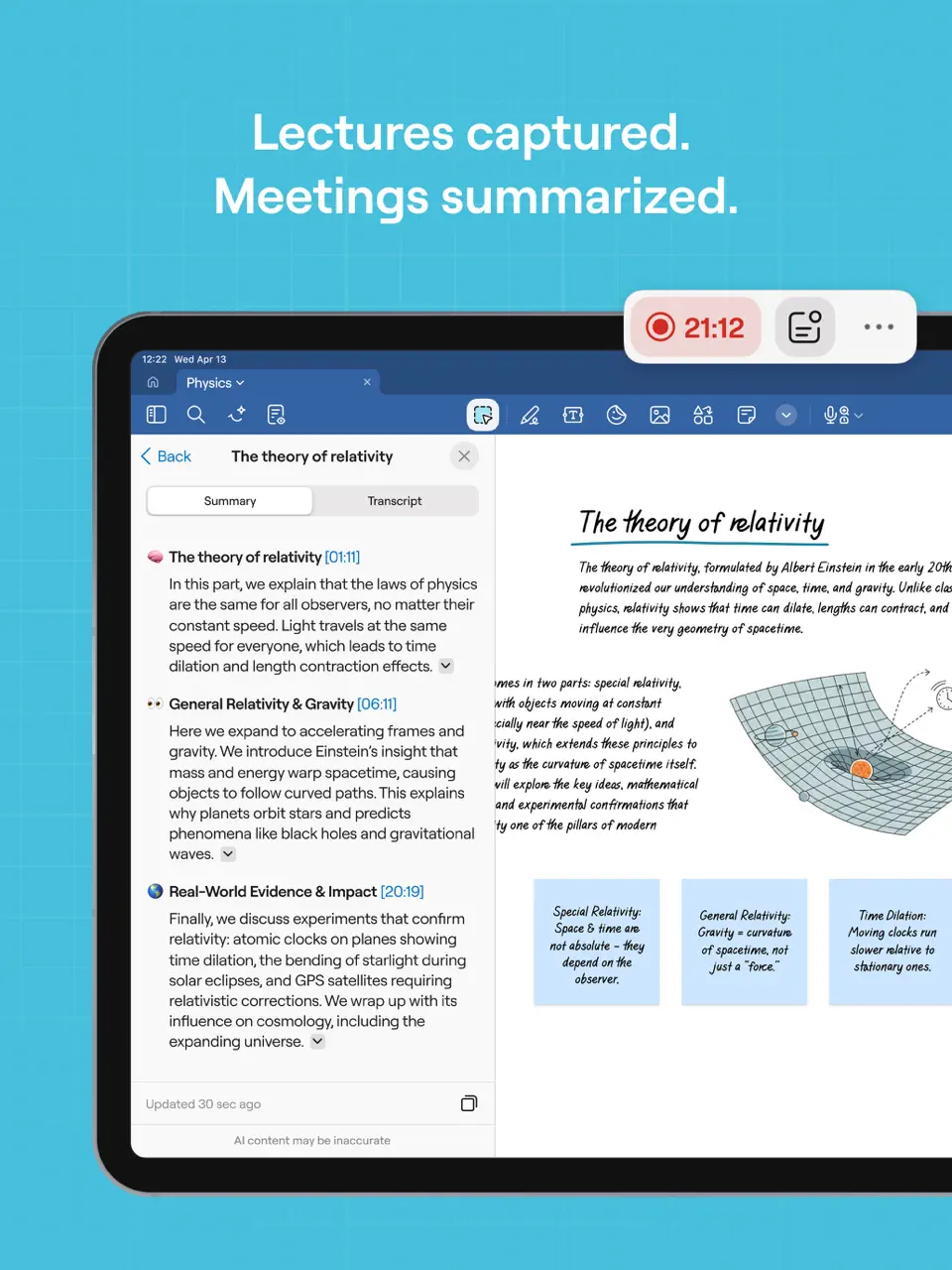
GoodNotes transforms your iPad into the ultimate digital agenda with handwriting support, turning imported planner templates into interactive agenda pages. It's the top choice for users who prefer writing their agenda by hand while enjoying digital organization.
With infinite scrolling notebooks and PDF annotation, you can create or import beautiful agenda layouts and write naturally with Apple Pencil.
Key Features
- Best-in-class handwriting recognition and stylus support
- PDF agenda template import and annotation
- Audio recording synced with written notes
- Full offline access and iCloud sync
- Most natural handwriting experience available
- One-time purchase model
- Highly customizable with community templates
- Primarily optimized for iPad
- Limited native calendar sync
- No built-in task automation
Product details
| Pricing | Platforms | Best For |
|---|---|---|
| One-time ~$29.99 + in-app | iOS, iPadOS, Mac | Best handwriting digital agenda with templates |
Reclaim.ai
Reclaim.ai is a powerful ai agenda app that focuses on protecting your time by automatically scheduling habits, focus blocks, and meetings around your existing commitments. It creates an intelligent agenda that prioritizes what matters most.
The app learns your preferences and defends your calendar from overbooking while finding optimal times for recurring personal goals.
Key Features
- AI scheduling of habits and focus time
- Smart calendar defense and rescheduling
- Integration with Google Calendar and task apps
- Weekly planning analytics
- Excellent at maintaining work-life boundaries
- Reduces meeting fatigue automatically
- Great analytics on time usage
- Primarily web-based with calendar integrations
- Subscription required for full features
- Less manual control over layout
Product details
| Pricing | Platforms | Best For |
|---|---|---|
| Freemium (paid from ~$8/mo) | Web + calendar integrations | AI time protection and smart agenda defense |
Structured
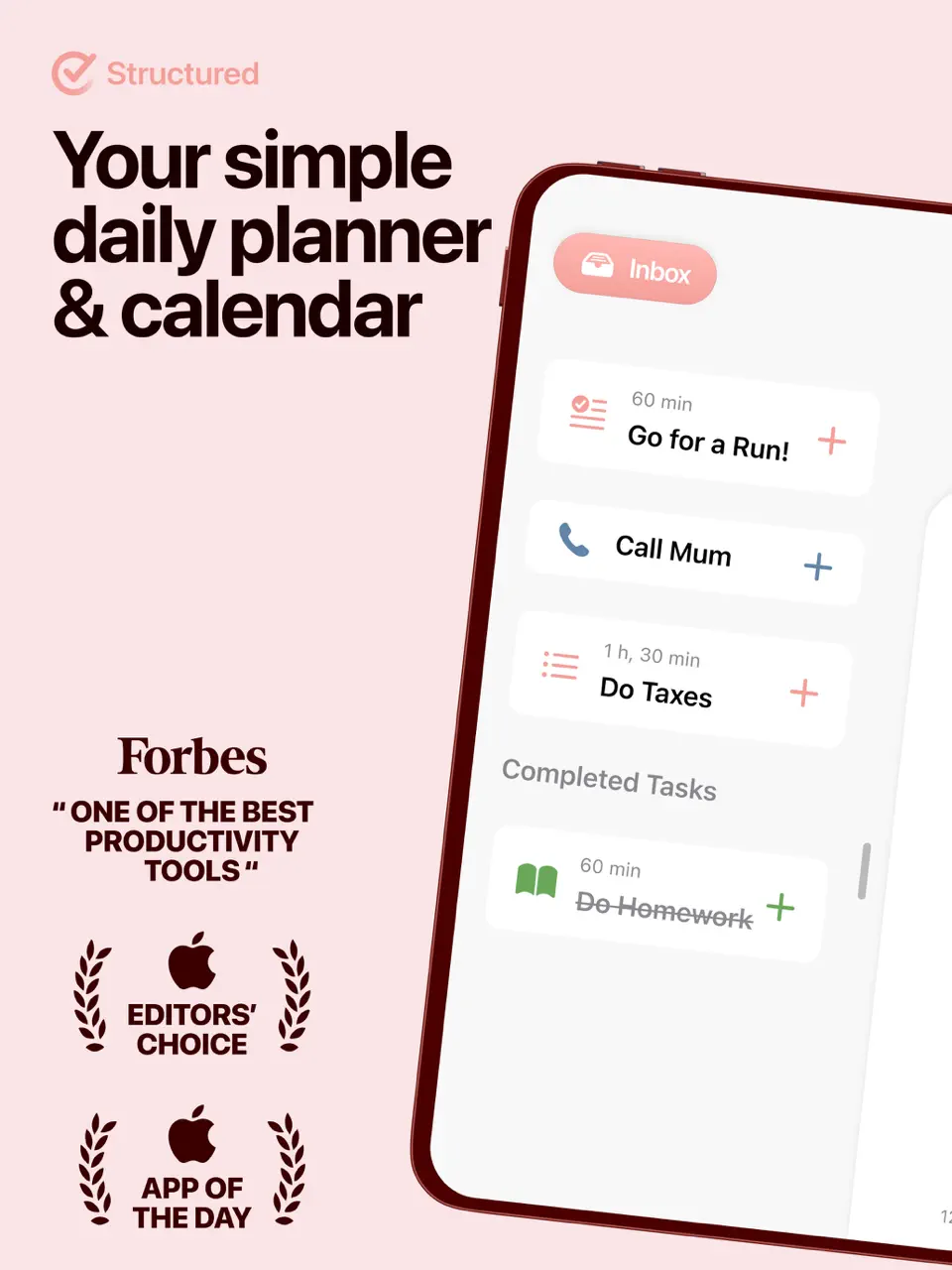
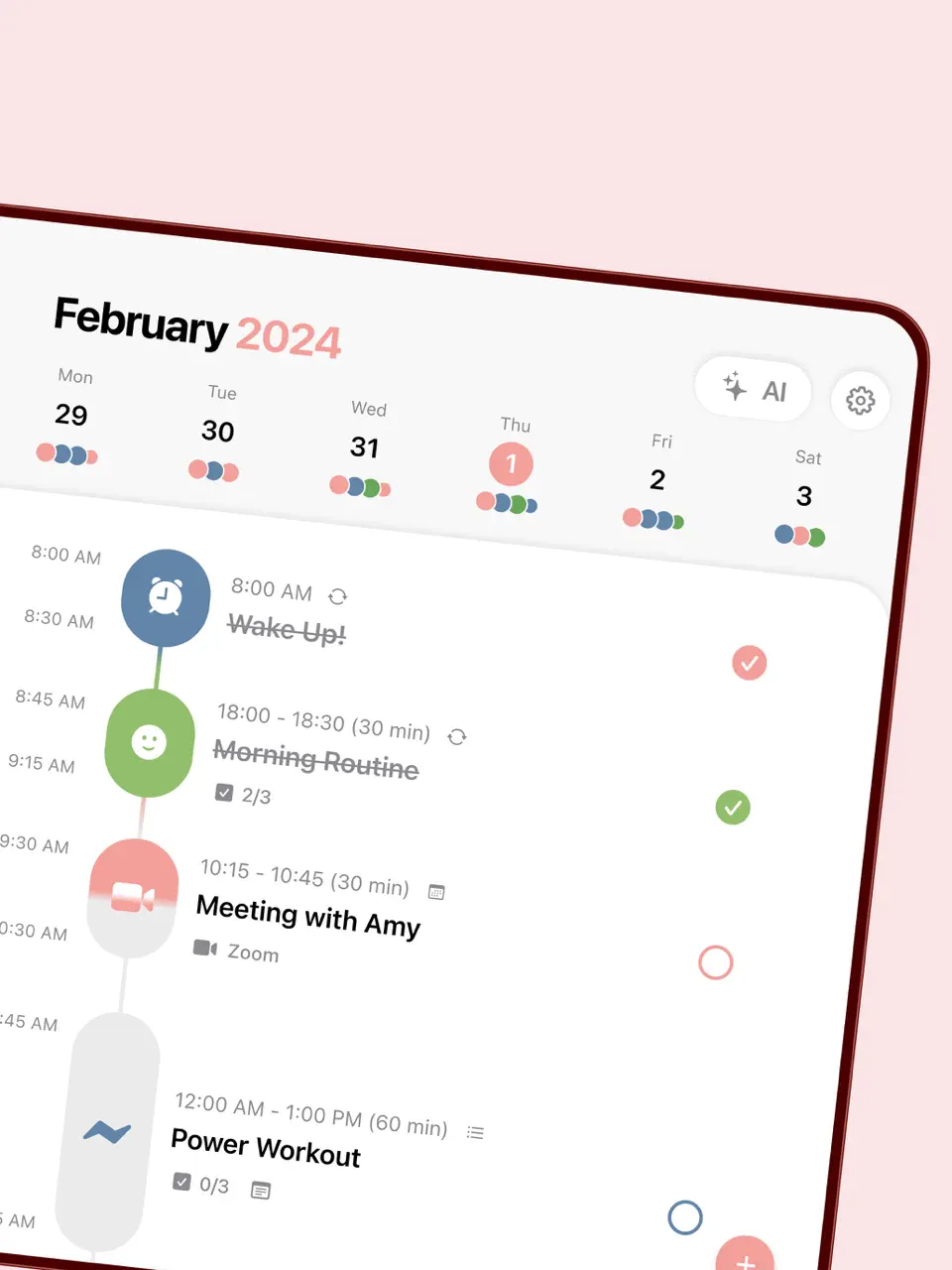
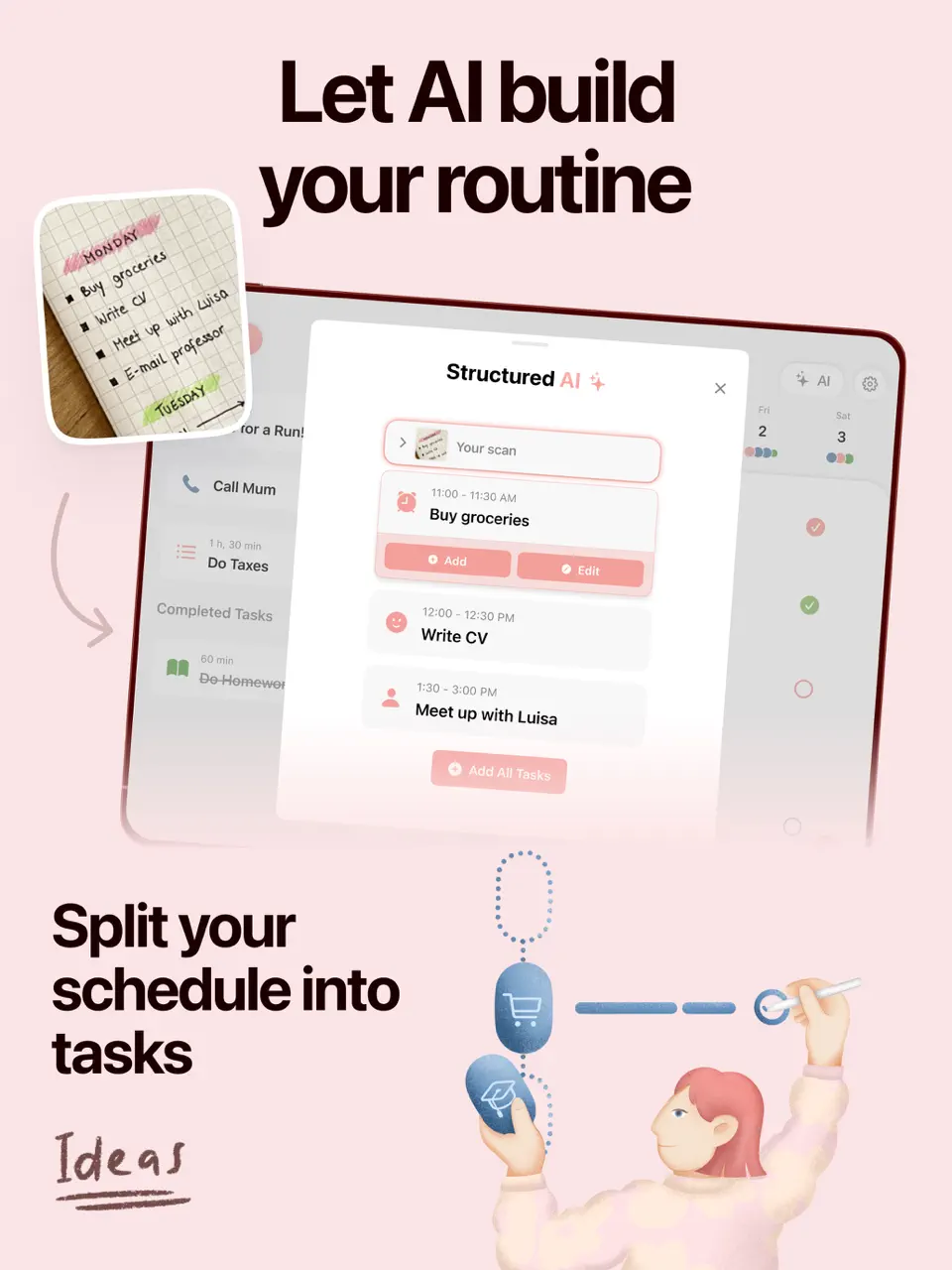
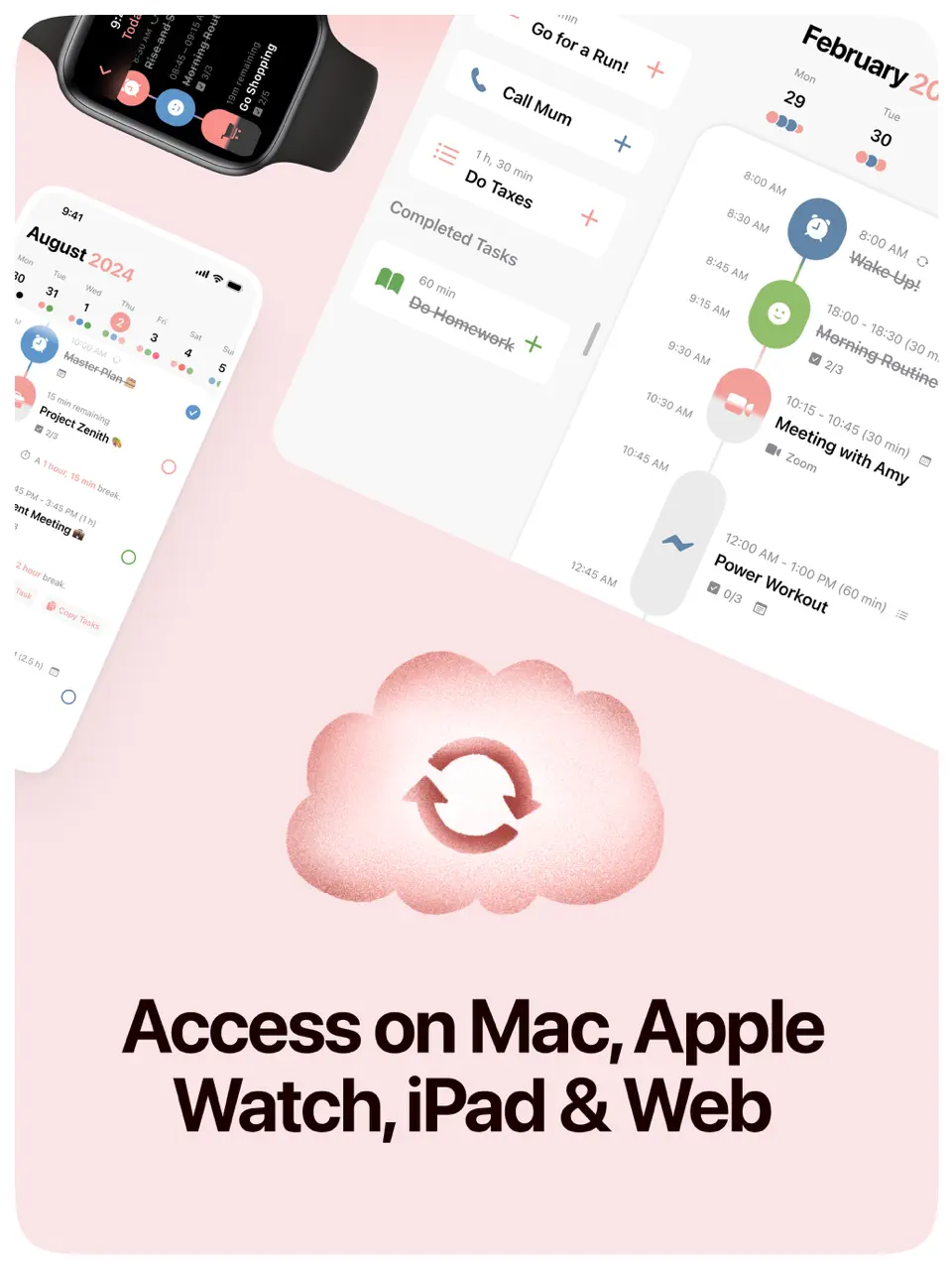
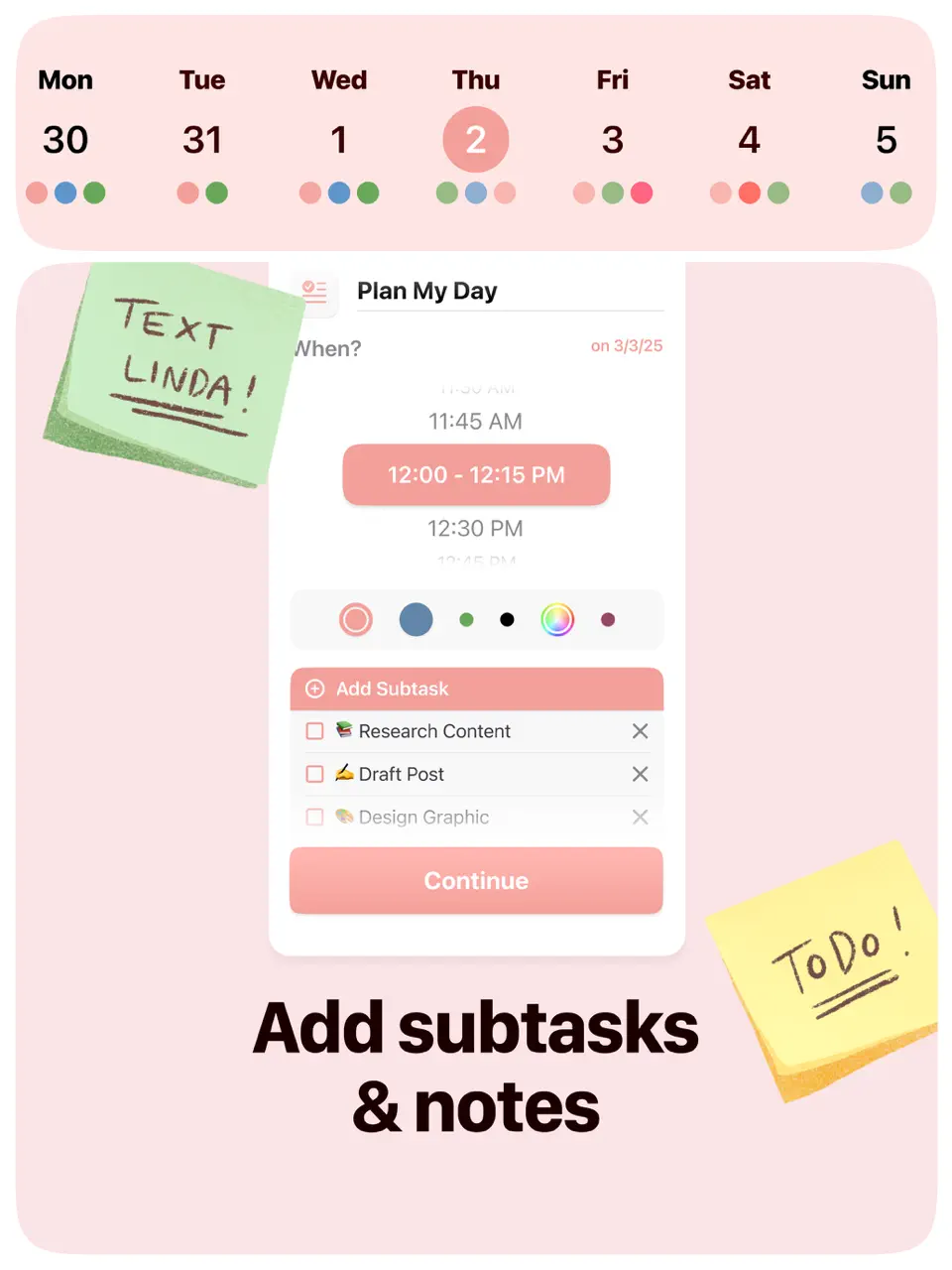
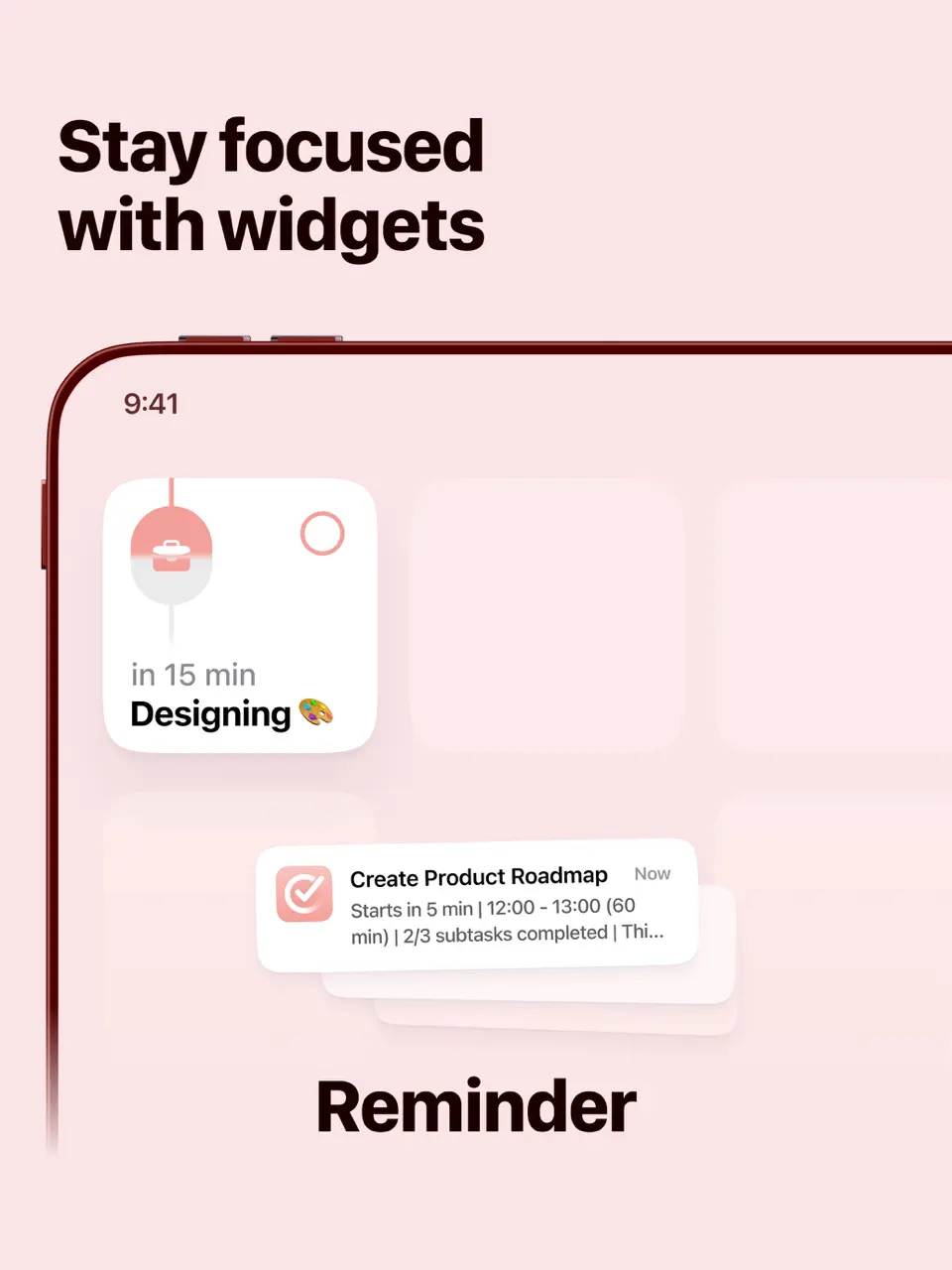
Structured provides a clean, visual timeline agenda that's perfect for users who think in sequences rather than traditional calendar grids. It combines tasks and events into a single scrolling daily agenda with customizable icons and colors.
The app excels at helping neurodiverse users (especially ADHD) visualize their day and build consistent routines through recurring tasks.
Key Features
- Visual timeline agenda view
- Recurring tasks and routines
- Custom icons and color coding
- Inbox for quick capture
- Extremely clear and intuitive daily overview
- Great for building habits and routines
- Affordable lifetime purchase option
- Less powerful weekly/monthly views
- Limited collaboration features
- No native handwriting support
Product details
| Pricing | Platforms | Best For |
|---|---|---|
| Freemium (Pro ~$9.99/mo or lifetime) | iOS, Android, Mac | Visual timeline daily agenda |
Google Calendar
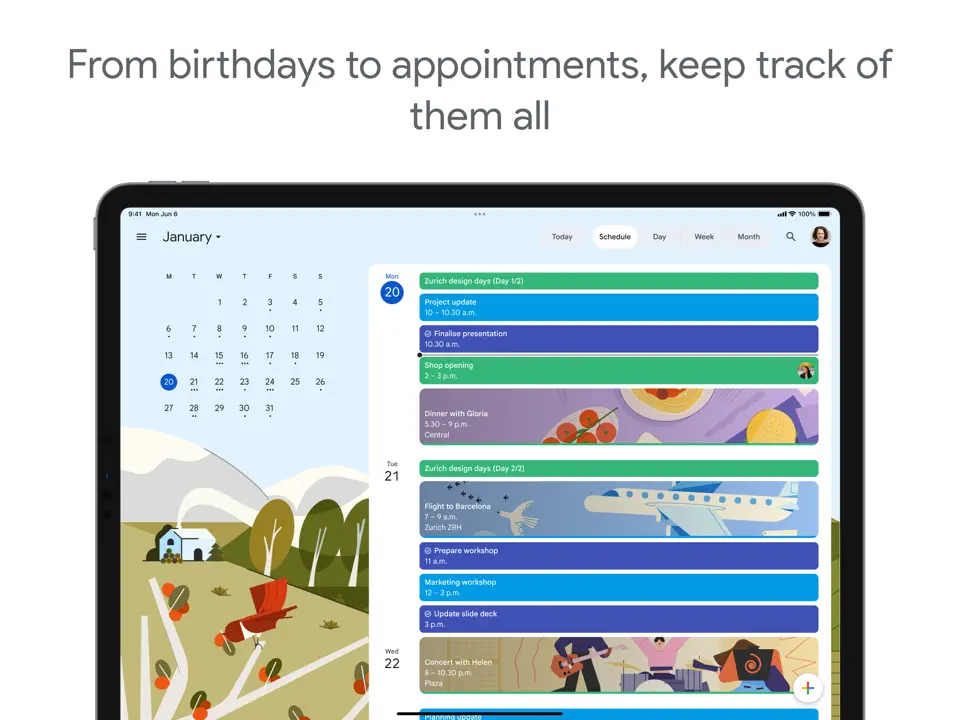
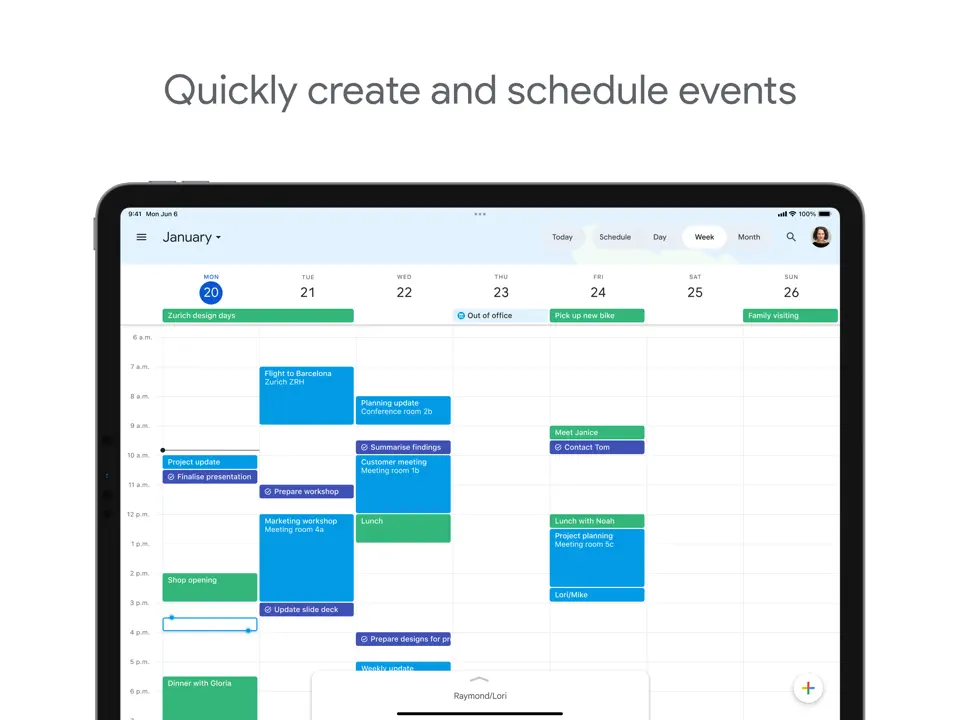
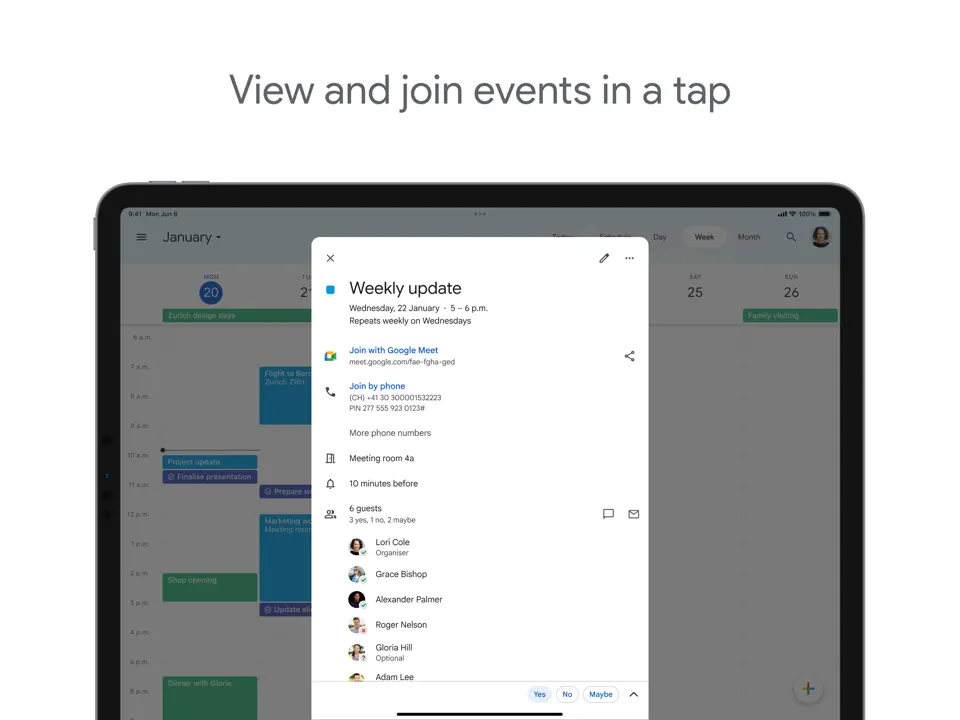
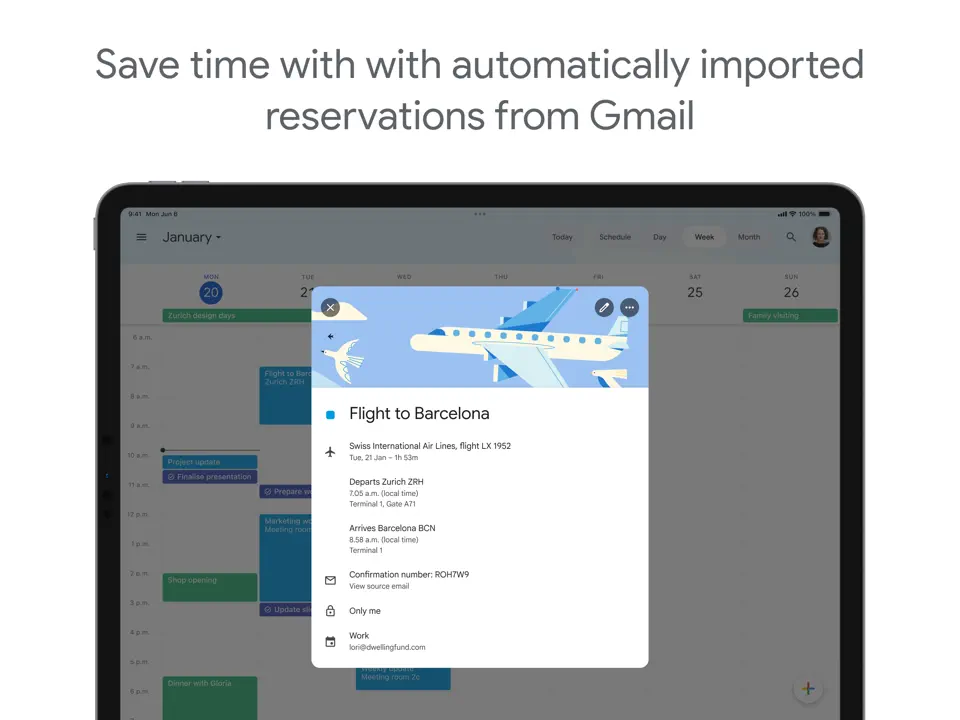
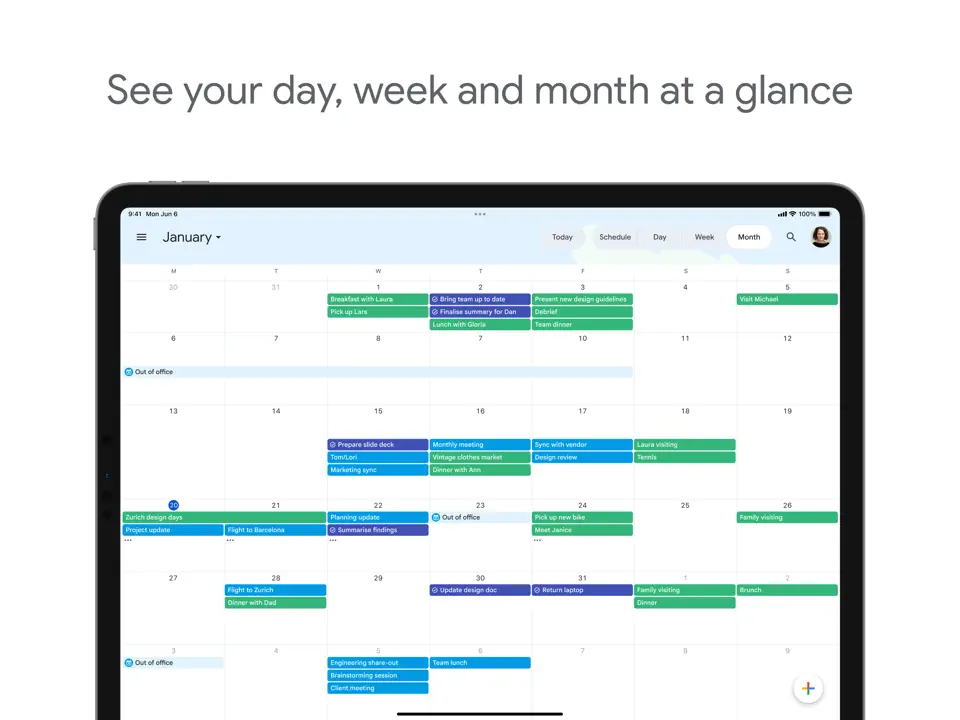
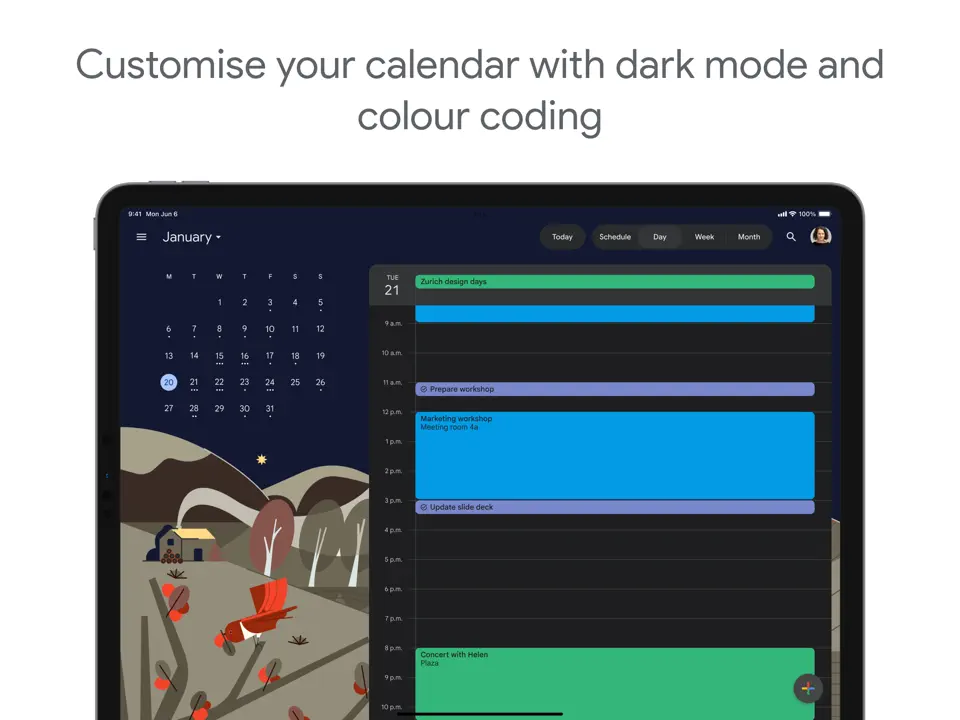
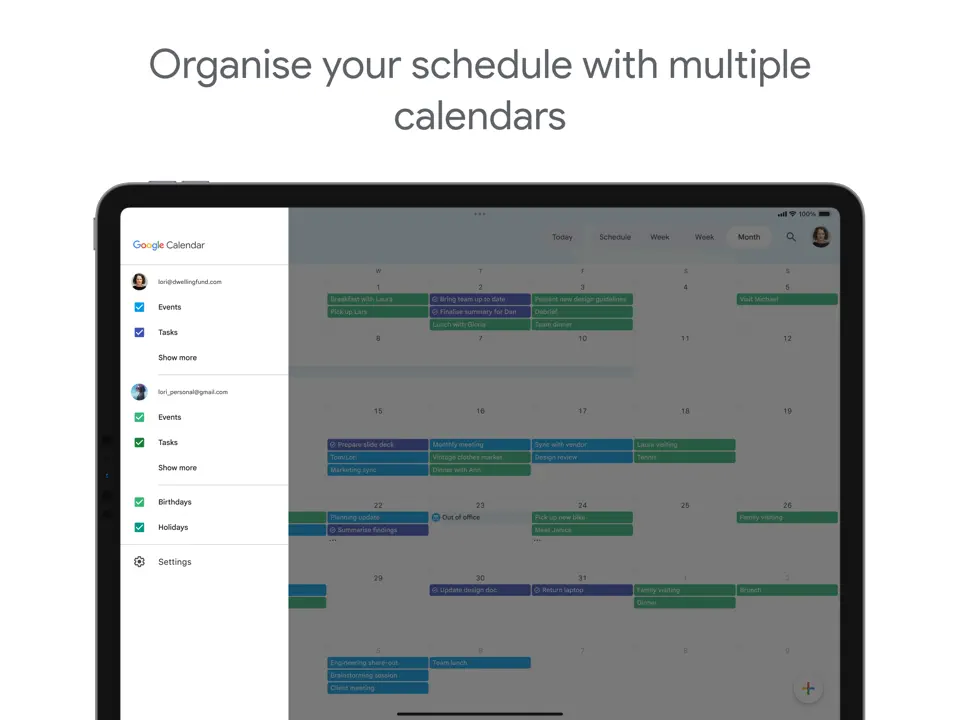
Google Calendar remains the best free agenda app for millions, offering reliable agenda views, reminders, and seamless sharing across all platforms. Its clean weekly and agenda layouts make it a solid foundation for personal and team scheduling.
While it lacks advanced task management, its universal availability and integration with Gmail and Meet make it indispensable.
Key Features
- Multiple agenda views (day, week, month)
- Shared calendars and event invitations
- Goal scheduling and reminders
- Full cross-platform support
- Completely free and highly reliable
- Excellent collaboration and sharing
- Works everywhere with Google account
- Minimal customization
- No built-in notes or handwriting
- Limited task management features
Product details
| Pricing | Platforms | Best For |
|---|---|---|
| Free (Workspace from $6/mo) | All platforms | Best free classic agenda app |
Conclusion
Finding the best agenda app comes down to what kind of structure and experience you want. If you're looking for maximum customization, handwriting, and all-in-one organization, Ultimate Planner is the clear choice. For a gorgeous paper-like digital agenda, try Artful Agenda. Busy professionals who want AI to handle scheduling will love Motion or Reclaim.ai, while Apple users should start with Fantastical.
Here’s a quick summary to help you choose:
- Best Overall Agenda App: Ultimate Planner
- Best Digital Agenda App: Artful Agenda
- Best AI Agenda App: Motion
- Best Mindful Guided Agenda: Sunsama
- Best for Apple Ecosystem: Fantastical
- Best Notes-Meets-Agenda: Agenda
- Best Handwriting Digital Agenda: GoodNotes
- Best AI Time Protection: Reclaim.ai
- Best Visual Timeline: Structured
- Best Free Agenda App: Google Calendar
Most of these agenda apps offer free versions or trials, so experiment with a few that match your needs. The right agenda app is the one you’ll actually open every morning to see your day clearly, and every evening to feel in control. Pick one, start small, and make 2026 your most organized year yet.