
10 Best Scheduling Apps 2026
Quick jump to:
Introduction
Scheduling apps in 2026 have become essential for anyone juggling meetings, tasks, habits, or team shifts: they go beyond basic calendars by automating availability, protecting focus time, and streamlining coordination. The right scheduling tool saves hours of back-and-forth while helping you maintain control over your time.
After testing more than 30 options hands-on, we’ve selected the ten strongest scheduling apps available today. They range from AI-powered auto-schedulers and polished appointment booking tools to mindful daily planners and employee shift managers. Ultimate Planner earned the top spot for its versatile combination of personal and team scheduling, customizable templates, seamless sync, and cross-platform reliability, making it the most complete solution for most users.
| Ultimate Planner | Motion | Reclaim.ai | Calendly | Sunsama | SavvyCal | Superhuman Scheduler | Acuity Scheduling | When I Work | Google Calendar | |
|---|---|---|---|---|---|---|---|---|---|---|
| Overall rating: | ||||||||||
| Rating | 4.9 | 4.7 | 4.8 | 4.7 | 4.5 | 4.7 | 4.5 | 4.7 | 4.6 | 4.4 |
| Features: | ||||||||||
| Customization | ||||||||||
| Scheduling Type | ||||||||||
| Calendar Sync | ||||||||||
| AI Auto-Scheduling | ||||||||||
| Time Blocking | ||||||||||
| Team/Employee Scheduling | ||||||||||
| Reminders/Widgets/Notifications | ||||||||||
| Offline Mode | ||||||||||
| Audio Recording | ||||||||||
| Collaboration |
How We Tested and Selected the Top Apps
To build this list of the best scheduling apps in 2026, we spent weeks testing many tools in real-world scenarios: planning personal routines, booking external meetings, protecting focus time, coordinating team availability, and managing recurring shifts. We used each app across multiple platforms and evaluated how effectively they reduced scheduling friction.
Our selection was based on the following key criteria:
- Ease of Use: How quickly you can set up and share availability or build a daily schedule.
- Scheduling Type: Support for personal tasks, appointments, AI auto-scheduling, or employee shifts.
- Customization: Flexibility in layouts, templates, branding, and rules.
- Calendar Sync & Integrations: Reliable two-way sync with Google Calendar, Outlook, and productivity tools.
- AI & Smart Features: Auto-scheduling, time protection, and intelligent suggestions.
- Time Blocking & Focus Protection: Ability to reserve and defend productive time.
- Team/Employee Scheduling: Routing, polling, shift management, and collaboration.
- Reminders, Widgets & Notifications: Alerts, home-screen widgets, and quick access.
- Offline Mode: Functionality without internet connection.
- Platforms & Value: Cross-device support and pricing fairness.
Ultimate Planner stood out as the clear winner for its exceptional balance across personal and light team scheduling, deep customization, full offline access, and generous freemium model, delivering powerful features without locking them behind expensive subscriptions.
Ultimate Planner
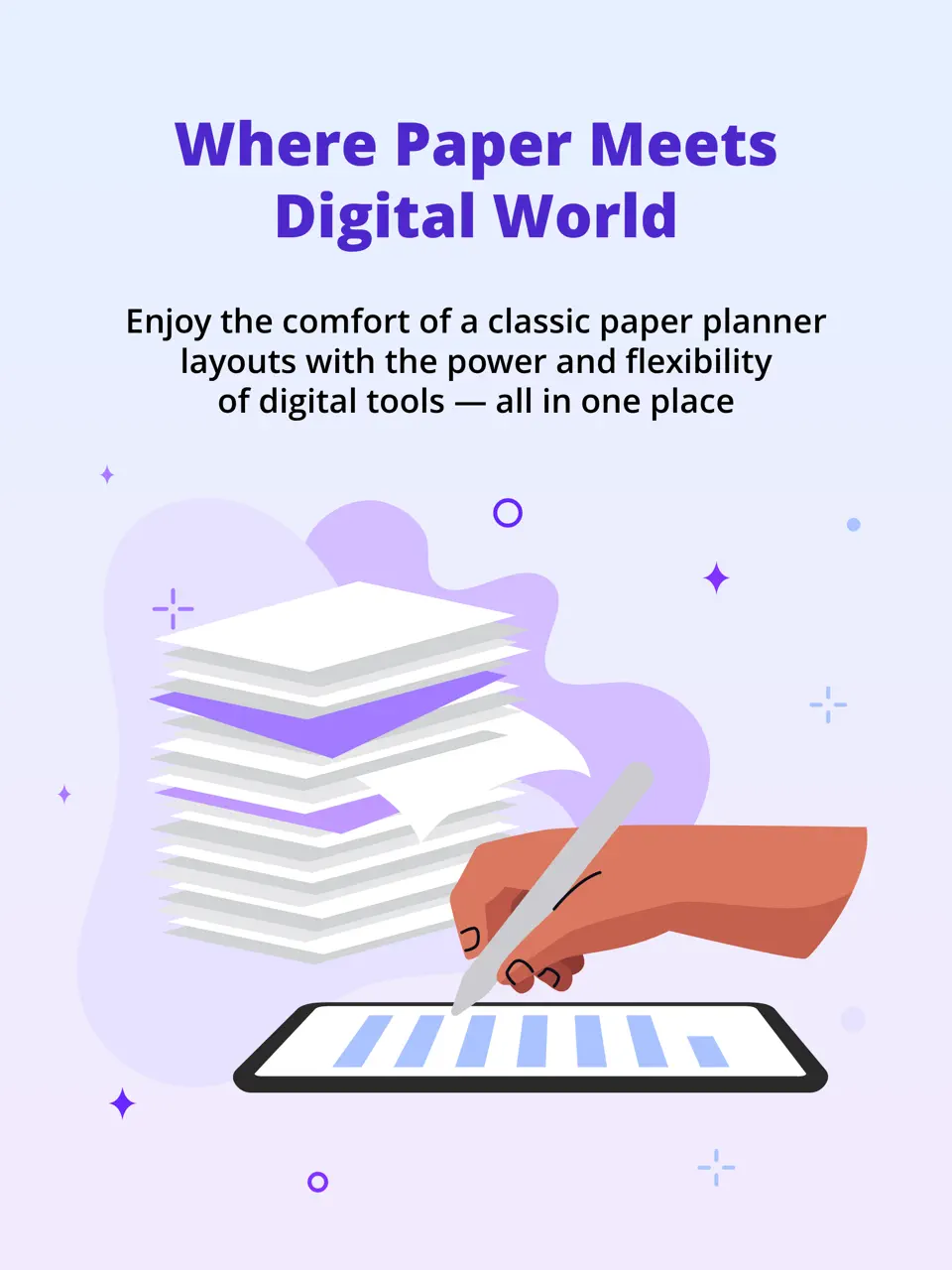
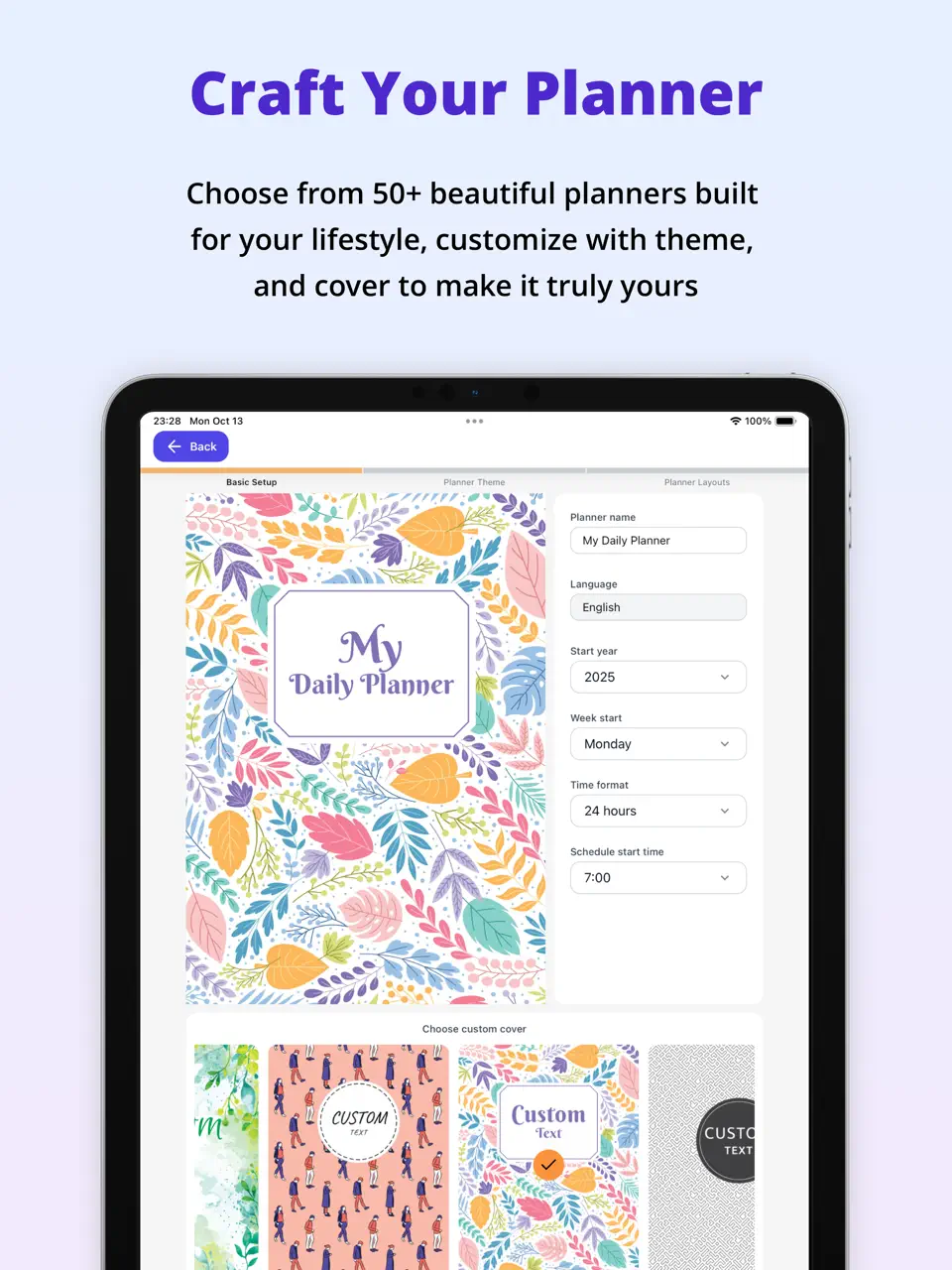
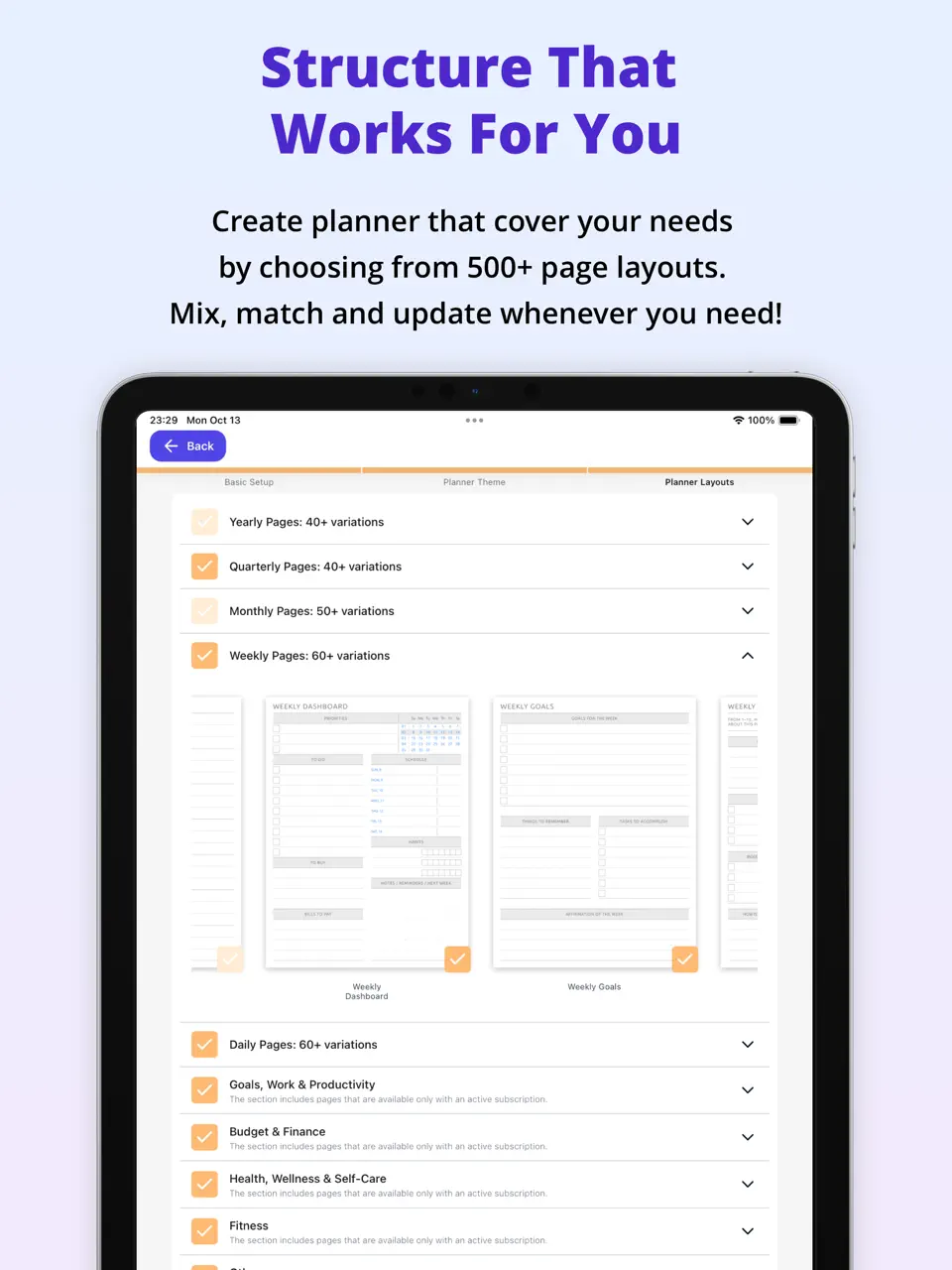
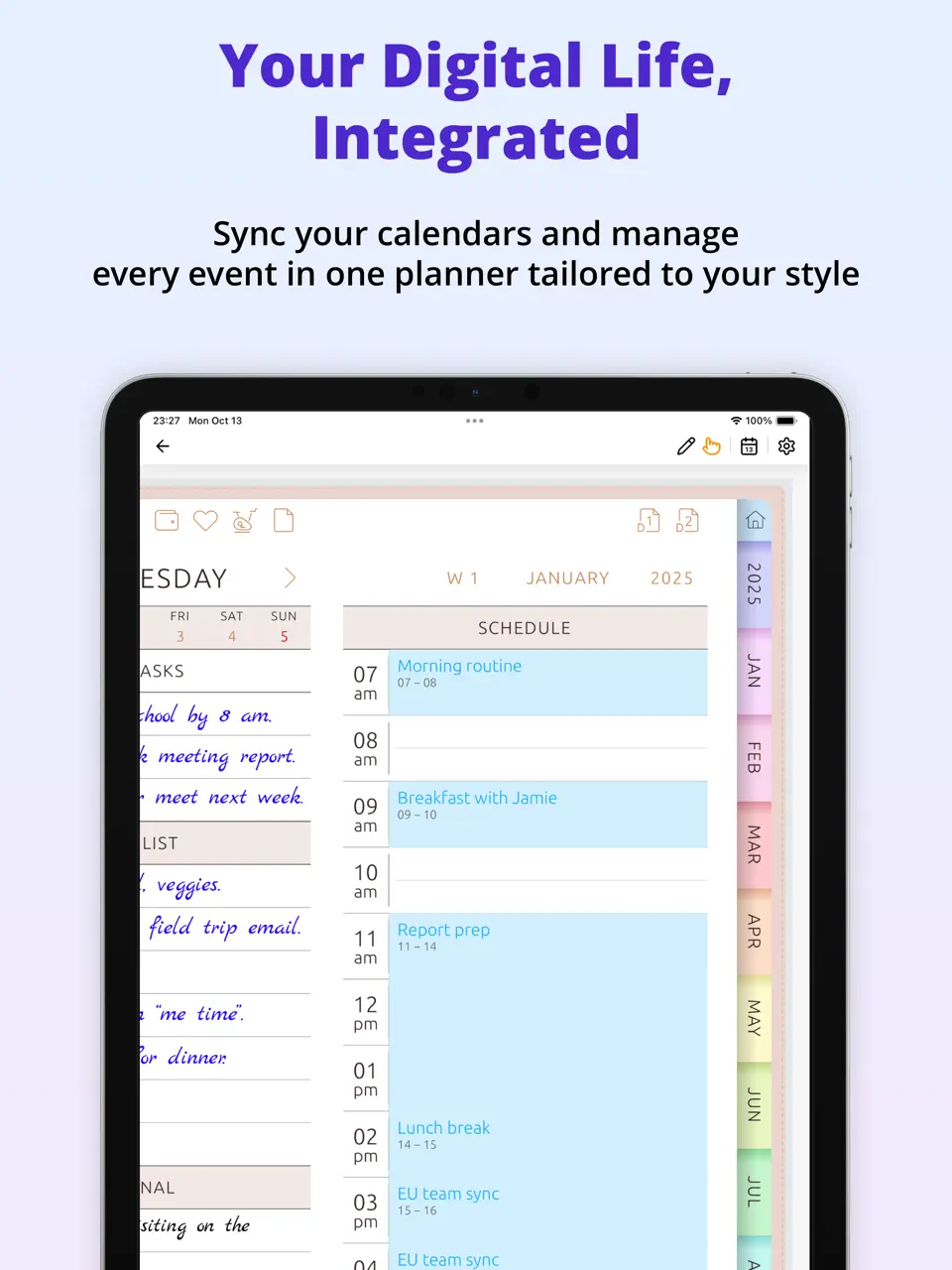
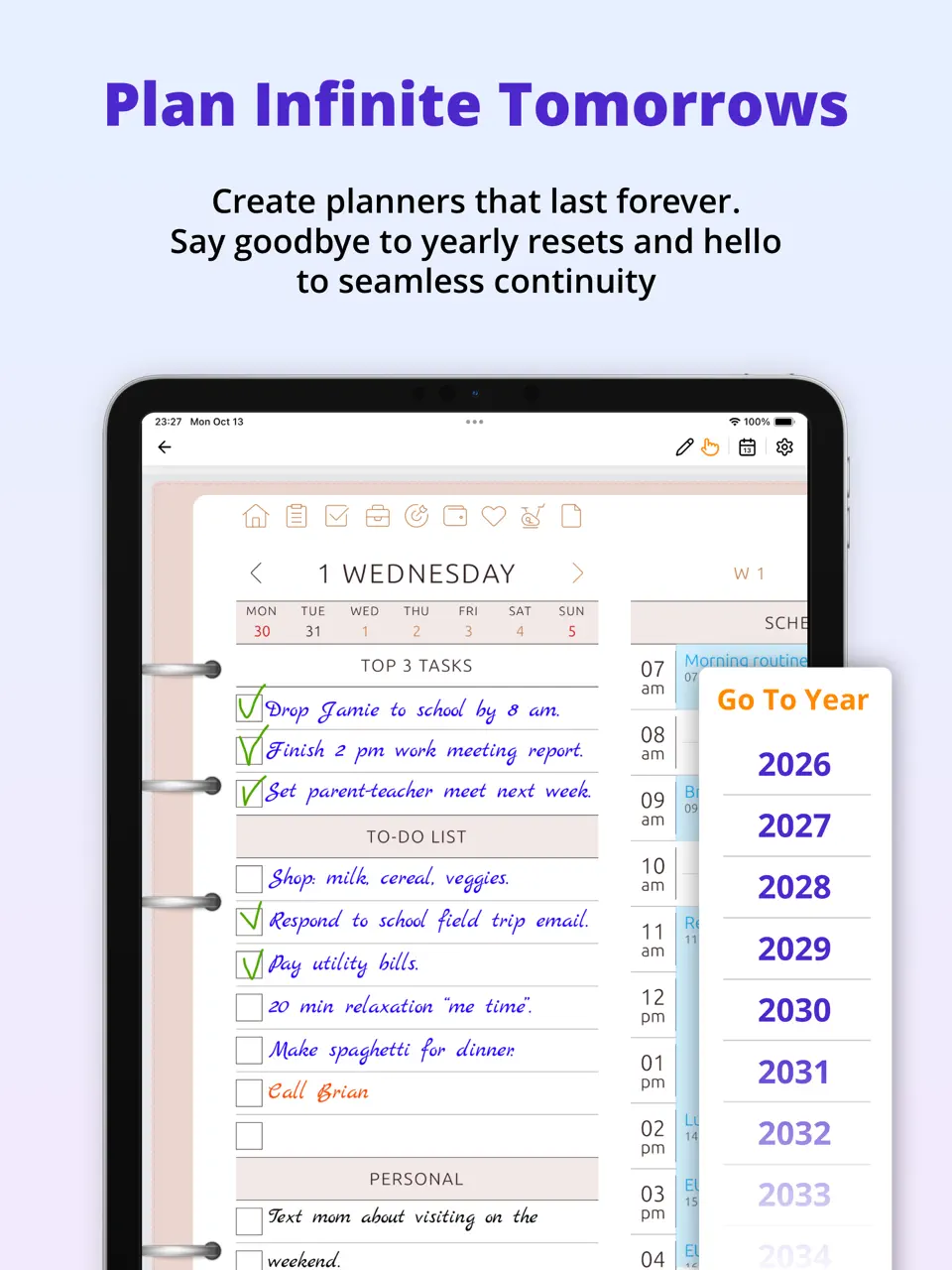


Ultimate Planner stands out as the best scheduling app overall in 2026, combining flexible calendar views, task management, and customizable templates into a single, intuitive tool. It handles everything from personal appointments and recurring habits to team meetings, making it easy to build a realistic schedule without jumping between multiple apps.
With strong cross-platform support and full offline access, Ultimate Planner adapts to any workflow: whether you're planning your day, blocking focus time, or coordinating with others. Its balance of features makes it especially valuable for users who want powerful scheduling without the complexity of specialized tools.
Key Features
- Customizable scheduling templates and time blocking
- Seamless calendar sync across devices
- Habit tracking and recurring tasks
- Handwriting support and widgets
- Offline mode and collaboration tools
- Versatile all-in-one scheduling solution
- Excellent cross-platform consistency
- Generous free tier with premium upgrades
- Reliable offline functionality
- Some advanced tools require premium access
- Full customization can take a little time to explore
Product details
| Pricing | Platforms | Best For |
|---|---|---|
| Freemium | iOS, Android | Full planner customization and all-in-one daily organization |

Motion
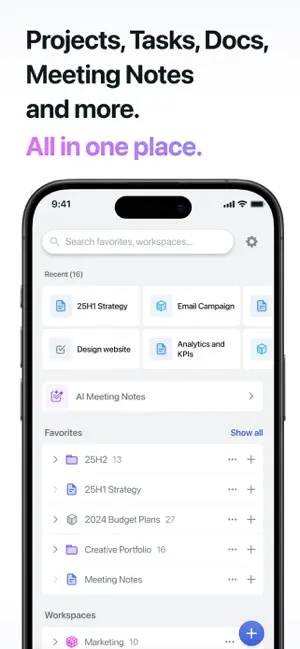
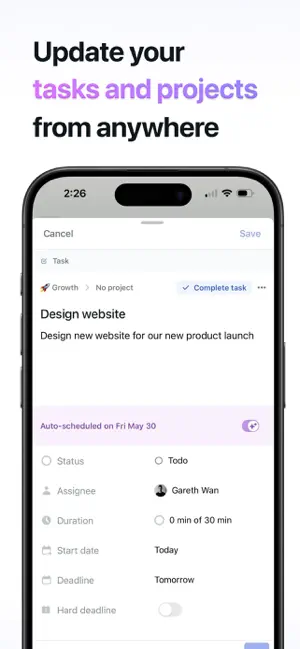
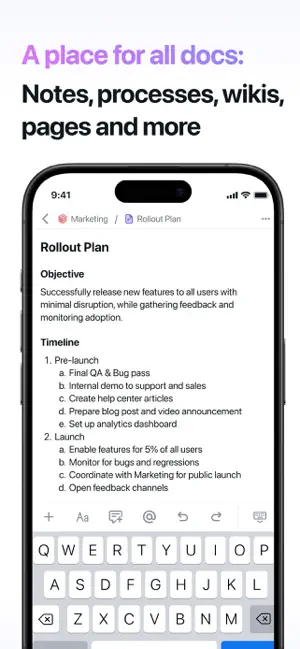
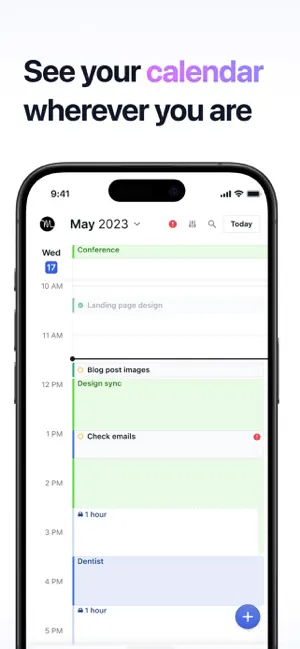
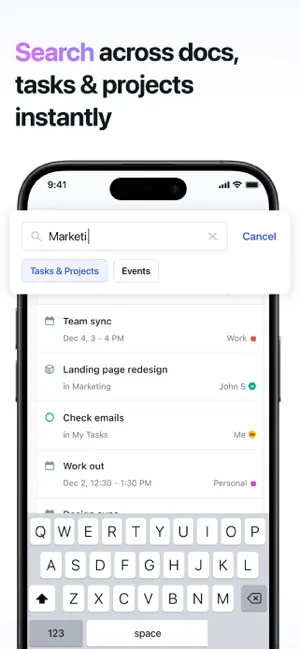

Motion is widely regarded as the best AI scheduling app for automatically building and optimizing your daily and weekly schedule. It takes your tasks, meetings, and priorities, then intelligently places them into available time slots while adapting to changes in real-time.
The app excels at protecting focus time and preventing overbooking, making it ideal for entrepreneurs, executives, and anyone with unpredictable workloads who wants scheduling handled proactively.
Key Features
- AI-powered auto-scheduling and dynamic adjustments
- Smart time blocking with priority ranking
- Calendar integrations and task import
- Weekly planning overview
- Dramatically reduces manual planning time
- Continuously improves based on your habits
- Handles complex, shifting schedules effortlessly
- Higher subscription price
- Less manual layout customization
- No native handwriting support
Product details
| Pricing | Platforms | Best For |
|---|---|---|
| ~$19–34/mo | iOS, Android, Web, Mac, Windows | Best AI Scheduling App |

Reclaim.ai
Reclaim.ai takes a defensive approach to scheduling, using AI to protect your calendar by automatically booking focus time, habits, and personal commitments around existing meetings. It's one of the top AI scheduling apps for maintaining boundaries in busy work environments.
The tool learns your ideal routine and finds optimal slots for recurring activities, then adjusts as new events appear helping you stay productive without constant manual tweaks.
Key Features
- AI scheduling of habits, focus blocks, and routines
- Smart calendar defense against overbooking
- Integration with Google Calendar and task tools
- Analytics on time usage
- Excellent at preserving work-life balance
- Reduces meeting overload automatically
- Insightful reports on how you spend time
- Primarily web-based with calendar sync
- Requires subscription for advanced features
- Less control over visual layout
Product details
| Pricing | Platforms | Best For |
|---|---|---|
| Freemium (paid from ~$8/mo) | Web + calendar integrations | AI time protection and smart scheduling |

Calendly
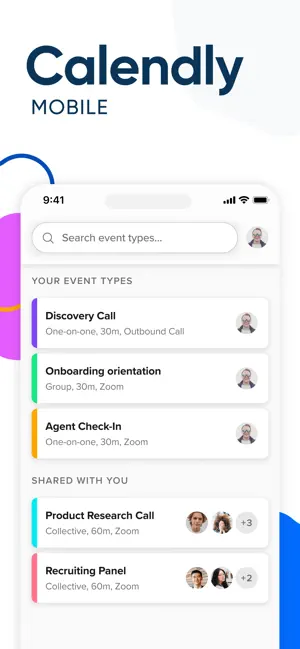
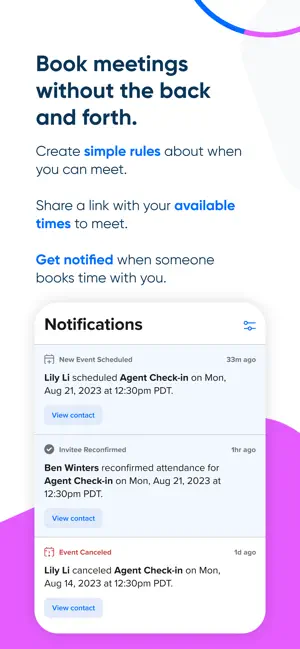
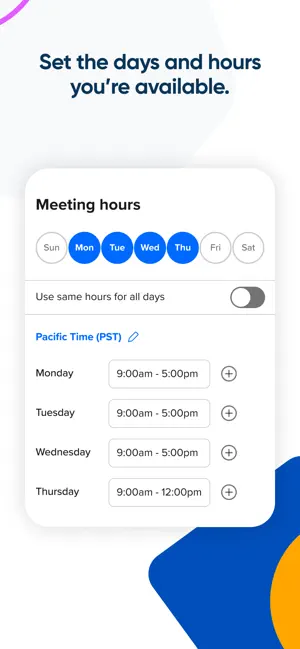
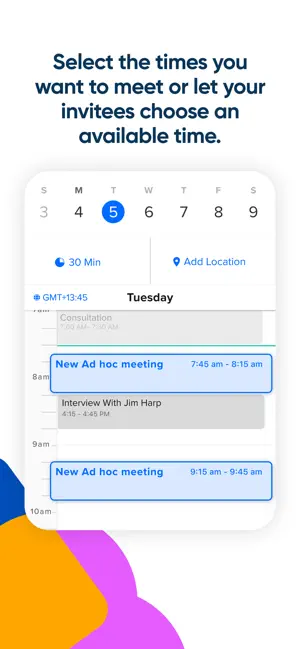
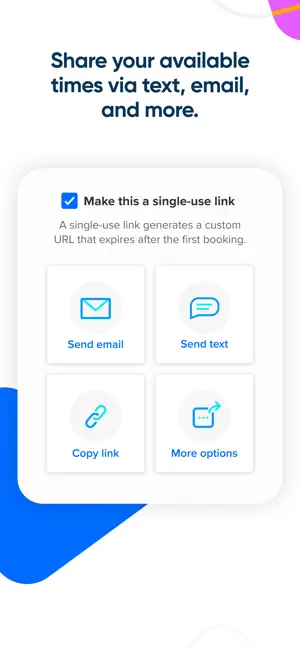
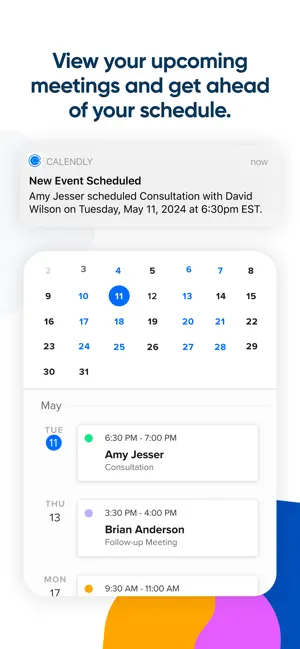
Calendly remains the go-to solution for simple, reliable appointment scheduling, especially when sharing availability with clients or colleagues. It's a classic scheduling app that eliminates back-and-forth emails by letting others book directly into your calendar.
With polished invite links, buffer times, and team routing options, Calendly streamlines external scheduling while integrating smoothly with popular calendar services.
Key Features
- Custom booking links and availability overlays
- Automated reminders and follow-ups
- Team scheduling and routing rules
- Payment and Zoom integrations
- Extremely easy to set up and share
- Robust free tier for basic use
- Professional polish for client-facing scheduling
- Limited personal task management
- Advanced features require paid plans
- Less suited for internal team scheduling
Product details
| Pricing | Platforms | Best For |
|---|---|---|
| Freemium (Pro ~$12–20/user/mo) | Web, iOS, Android | Best appointment scheduling for external meetings |

Sunsama
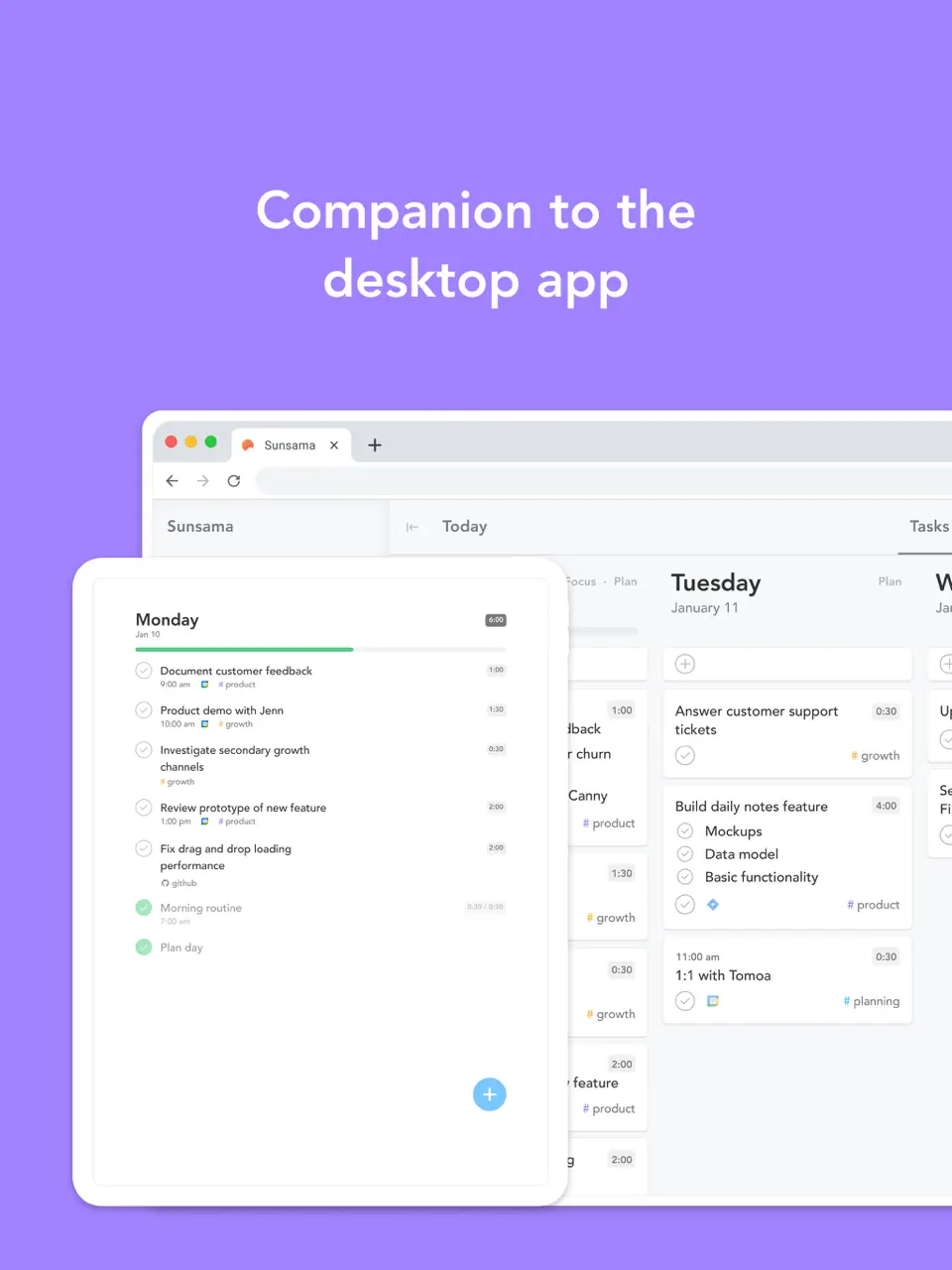
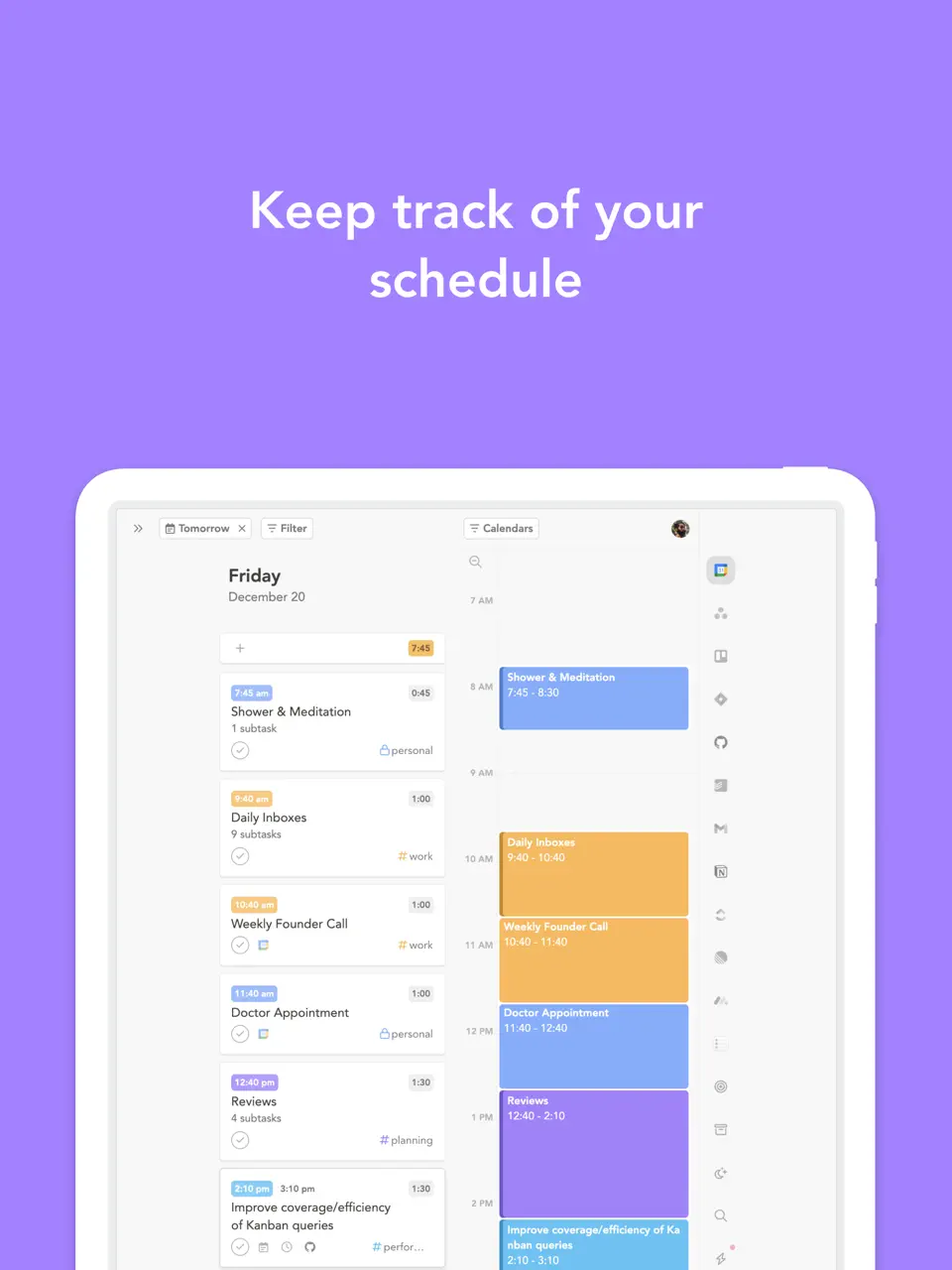
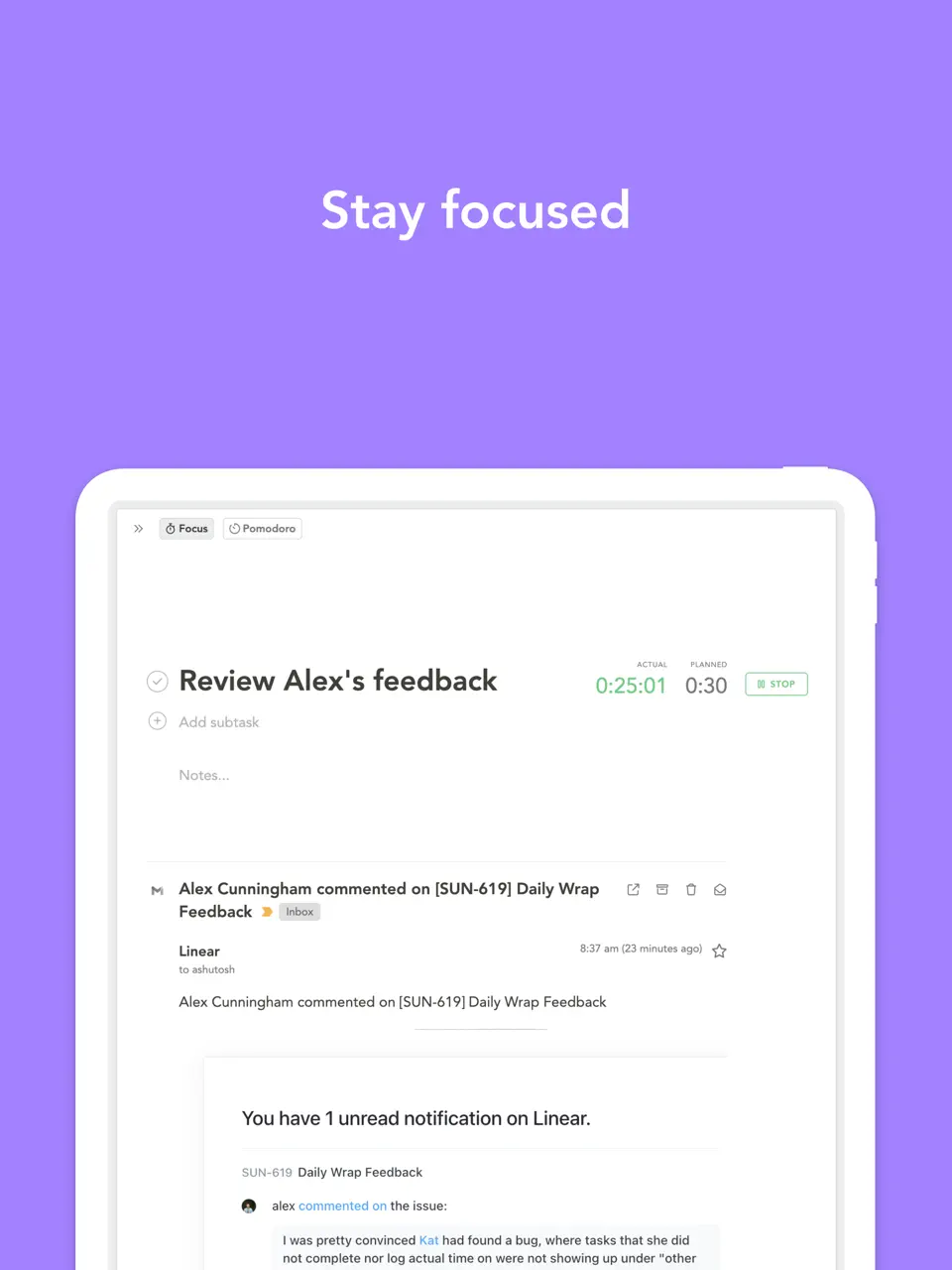
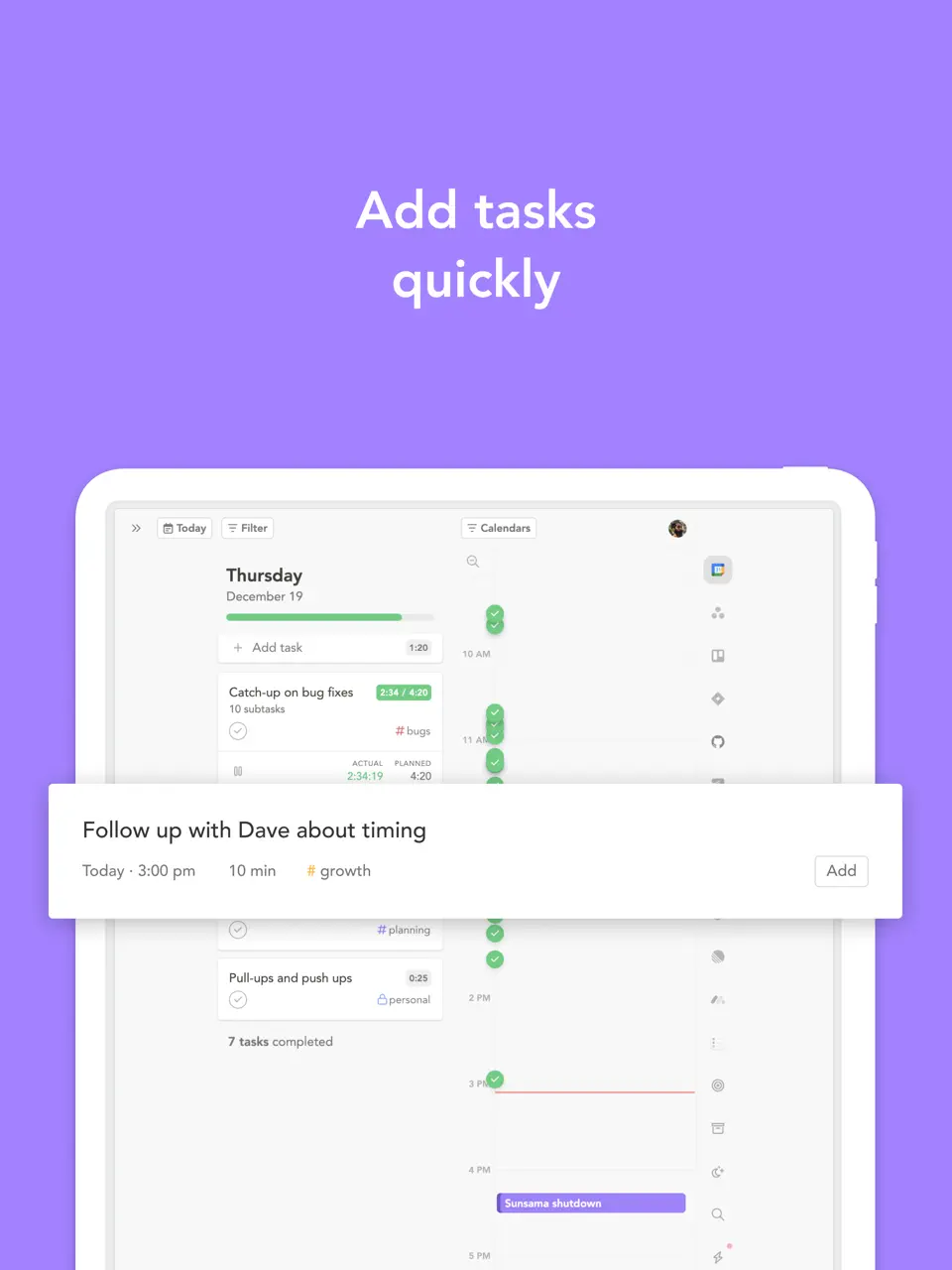
Sunsama brings a mindful, intentional approach to daily scheduling by guiding you through planning sessions that align tasks with your bigger goals. It pulls in events and to-dos from connected tools to create a realistic, focused schedule.
The app encourages reflection at the end of each day and helps carry unfinished items forward, making it valuable for knowledge workers seeking sustainable productivity.
Key Features
- Guided daily planning and weekly reviews
- Task integration from email, Slack, and other apps
- Time estimates and focus mode
- Clean, distraction-free interface
- Promotes thoughtful, balanced scheduling
- Beautiful and calming design
- Strong collaboration for teams
- No free tier (subscription only)
- Limited customization options
- Partial offline support
Product details
| Pricing | Platforms | Best For |
|---|---|---|
| $20/mo ($16 annual) | iOS, Android, Web, Mac, Windows | Mindful daily scheduling with integrations |

SavvyCal
SavvyCal offers a modern, user-friendly alternative for appointment scheduling with unique overlay features that let invitees see your availability without exposing your full calendar. It's quickly gaining popularity among creators and consultants.
The app combines polished booking links with personalized messaging and team coordination tools, all in a clean interface.
Key Features
- Calendar overlay for transparent availability
- Custom branding and messaging on links
- Team polling and routing
- Integrations with Zoom and payment platforms
- More privacy-friendly than traditional links
- Highly customizable booking experience
- Excellent for client-facing professionals
- More privacy-friendly than traditional links
- Highly customizable booking experience
- Excellent for client-facing professionals
Product details
| Pricing | Platforms | Best For |
|---|---|---|
| ~$12–20/user/mo | Web | Modern Calendly alternative with overlay calendars |

Superhuman Scheduler
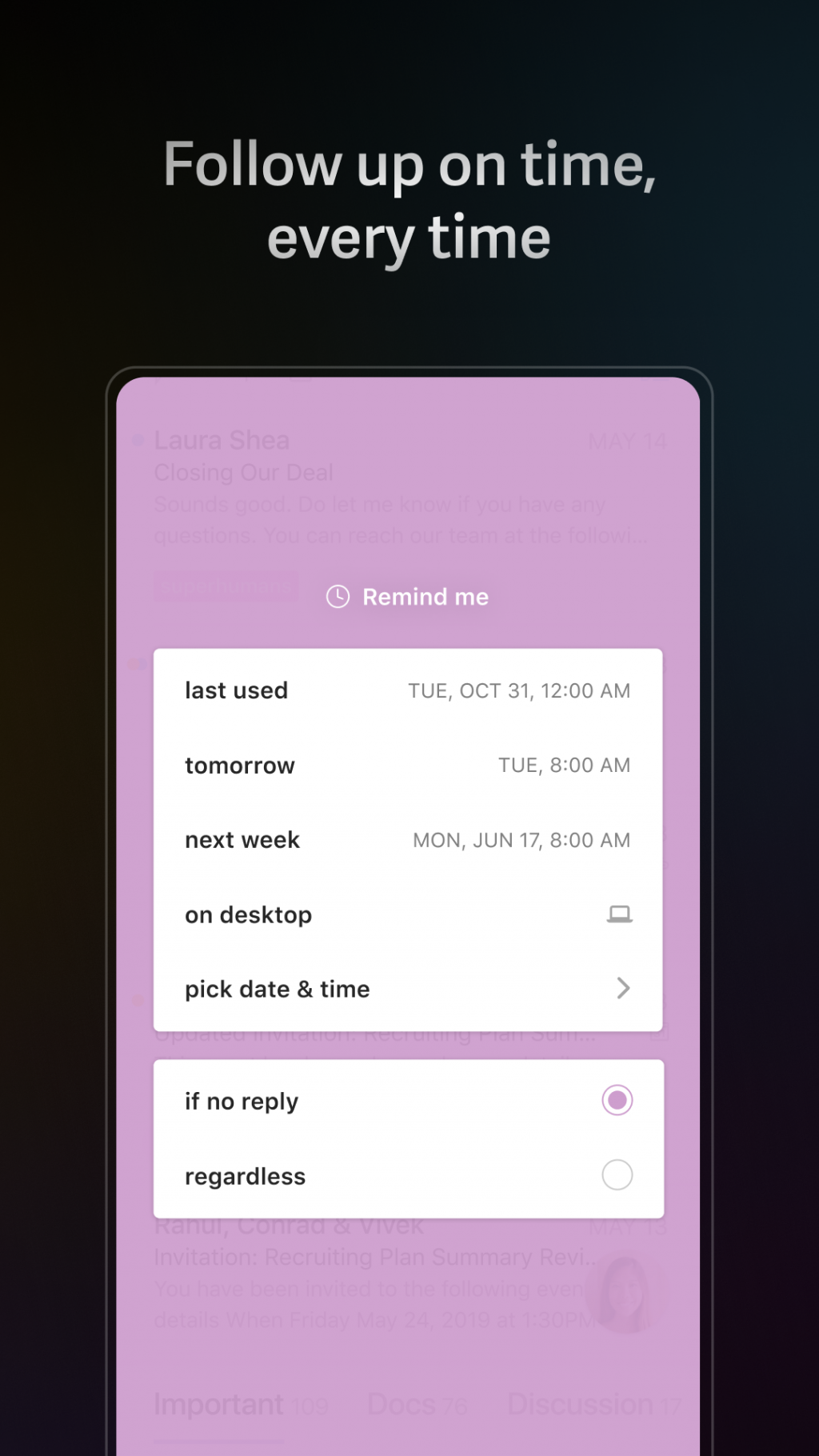
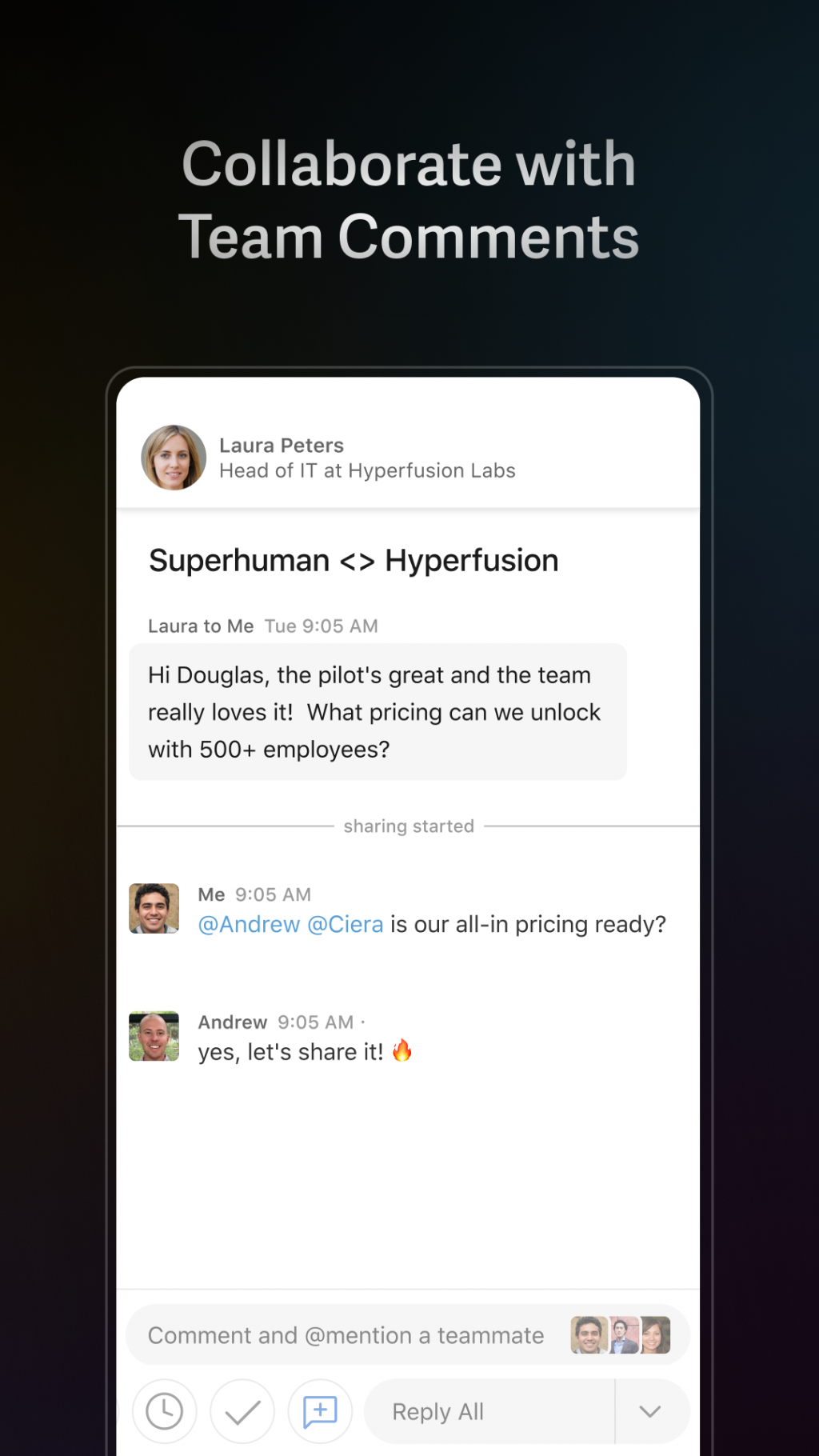
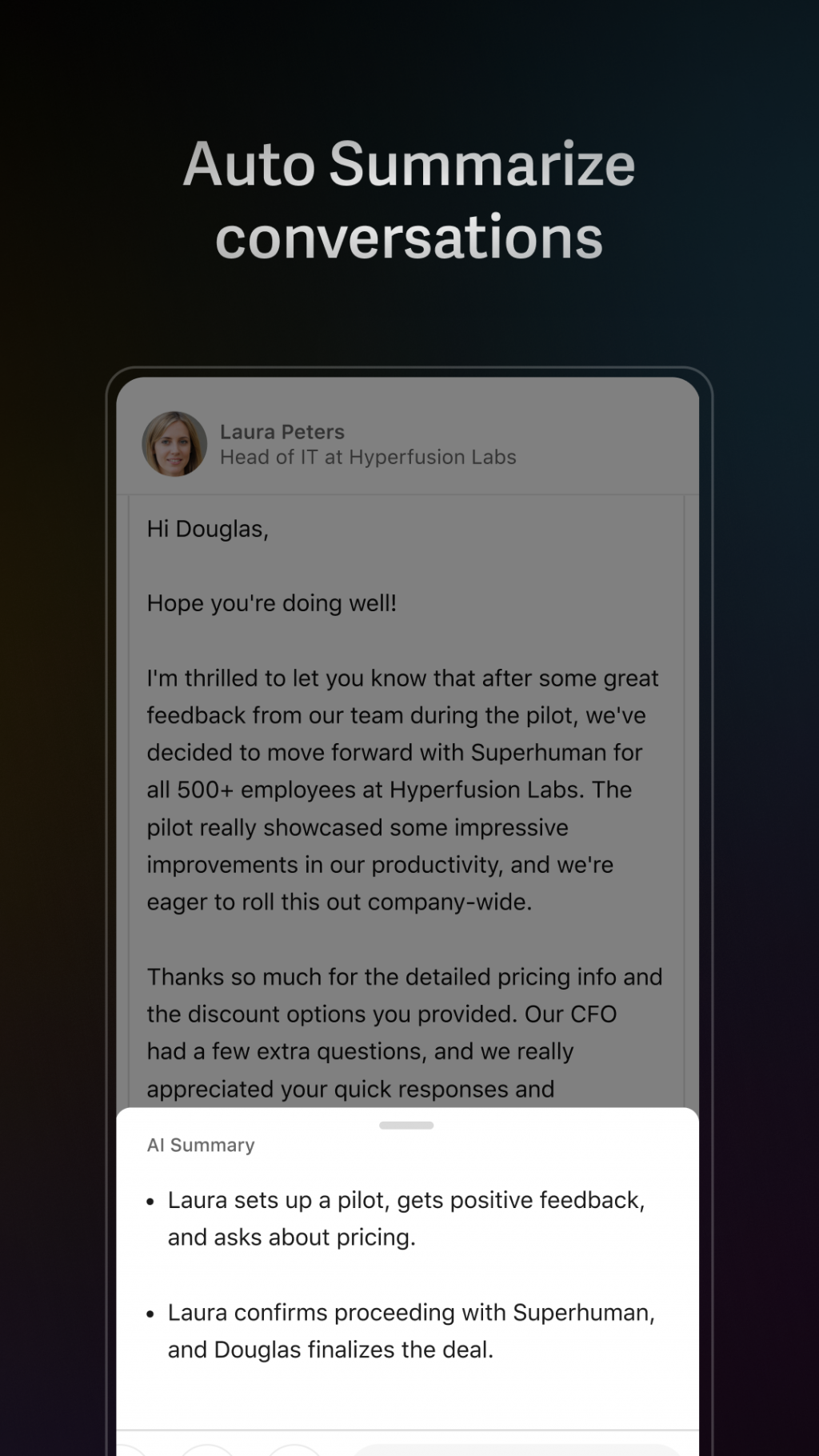
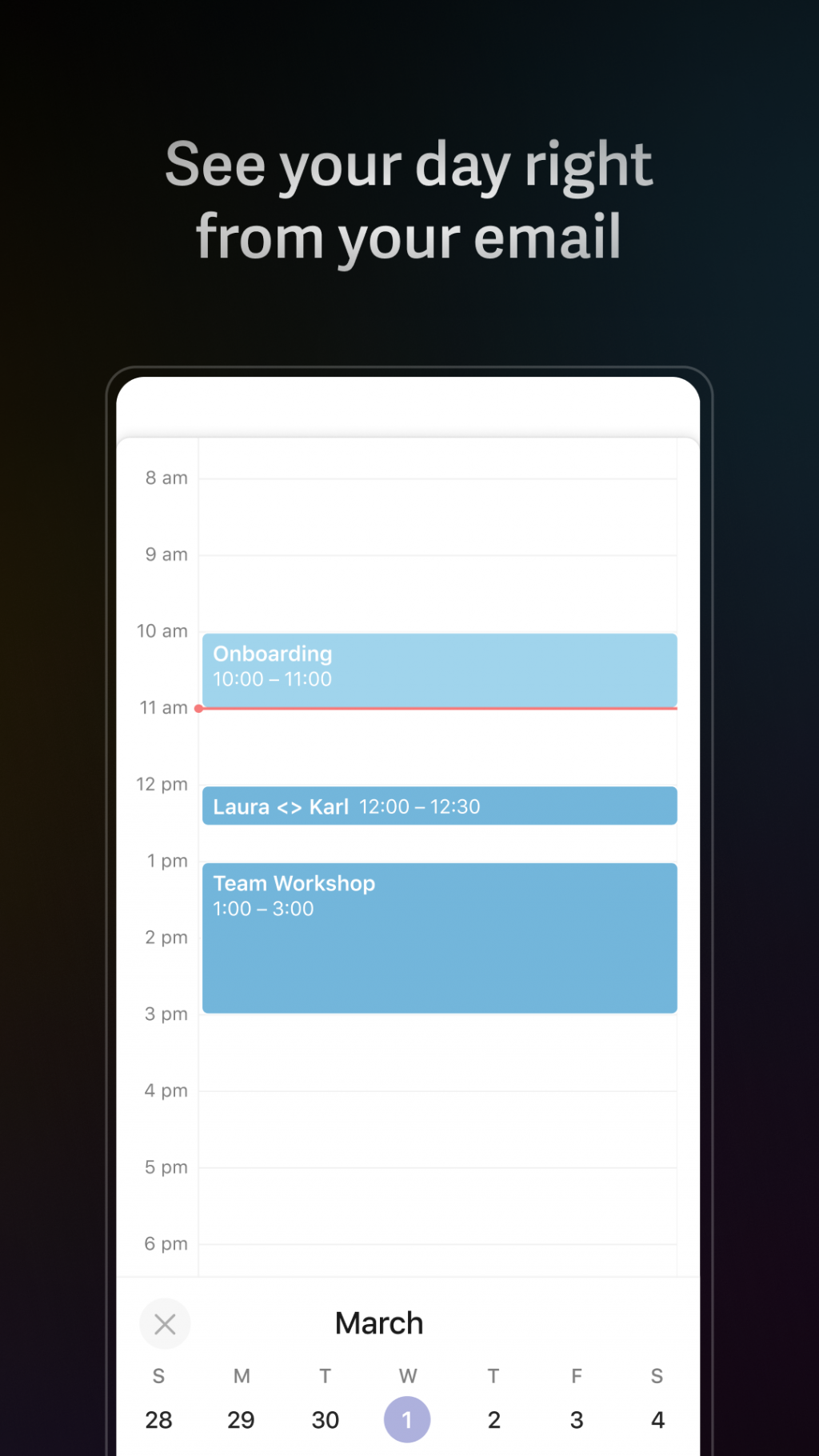
Superhuman Scheduler, built into the Superhuman email client, delivers premium AI-driven scheduling directly from your inbox. It suggests times, drafts invites, and handles rescheduling with natural language commands.
For power email users, it turns scheduling into a seamless part of communication rather than a separate task.
Key Features
- AI scheduling commands inside email
- Smart availability detection and suggestions
- Automatic calendar updates
- Integrated with Superhuman's ultra-fast email
- Incredibly fast for email-heavy workflows
- Natural, conversational scheduling
- High-end polish and speed
- Requires Superhuman subscription (~$30/mo)
- Limited outside the email context
- Not standalone
Product details
| Pricing | Platforms | Best For |
|---|---|---|
| Included in Superhuman (~$30/mo) | Web, iOS, Mac | Premium AI scheduling inside email |

Acuity Scheduling
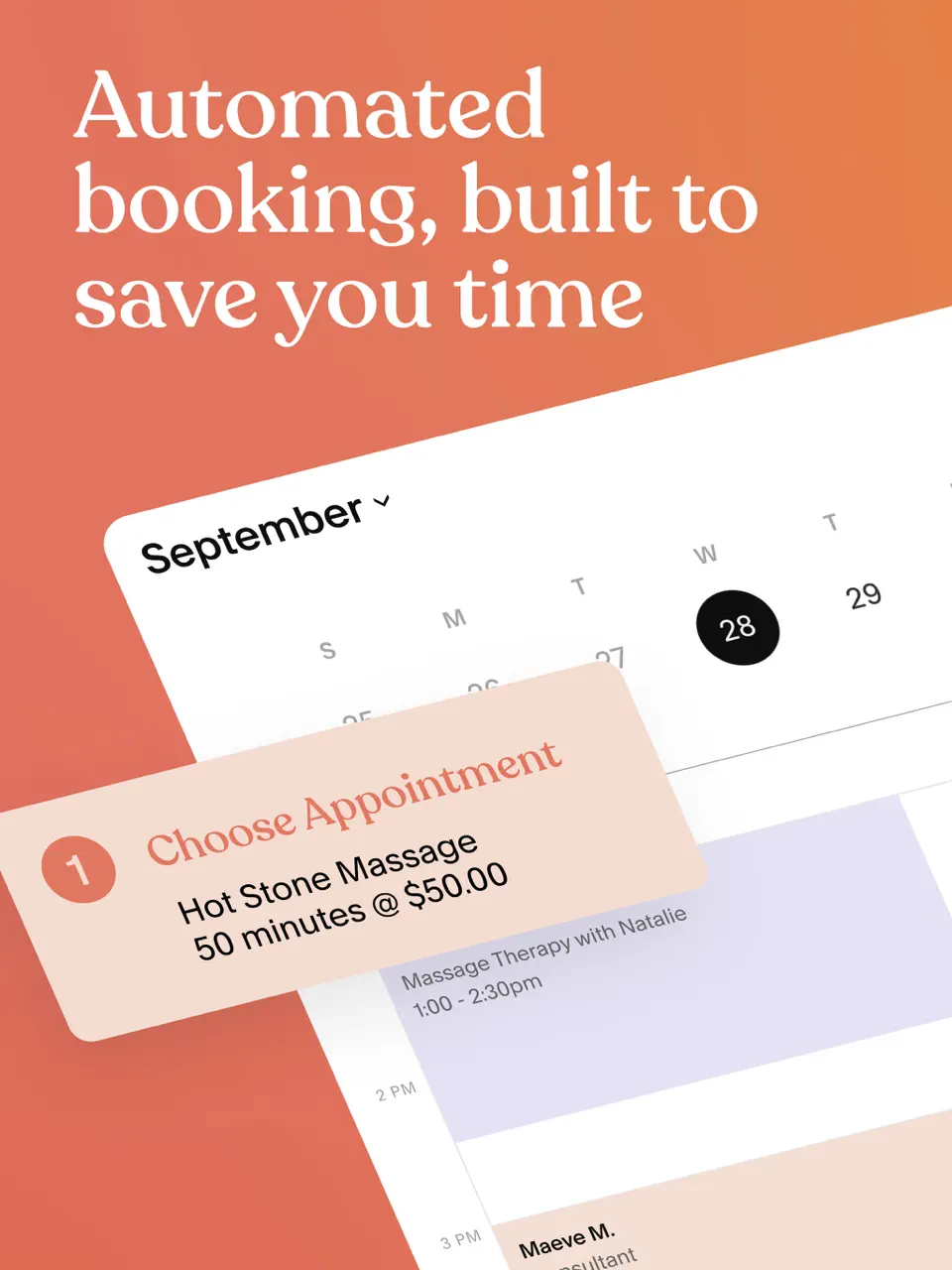
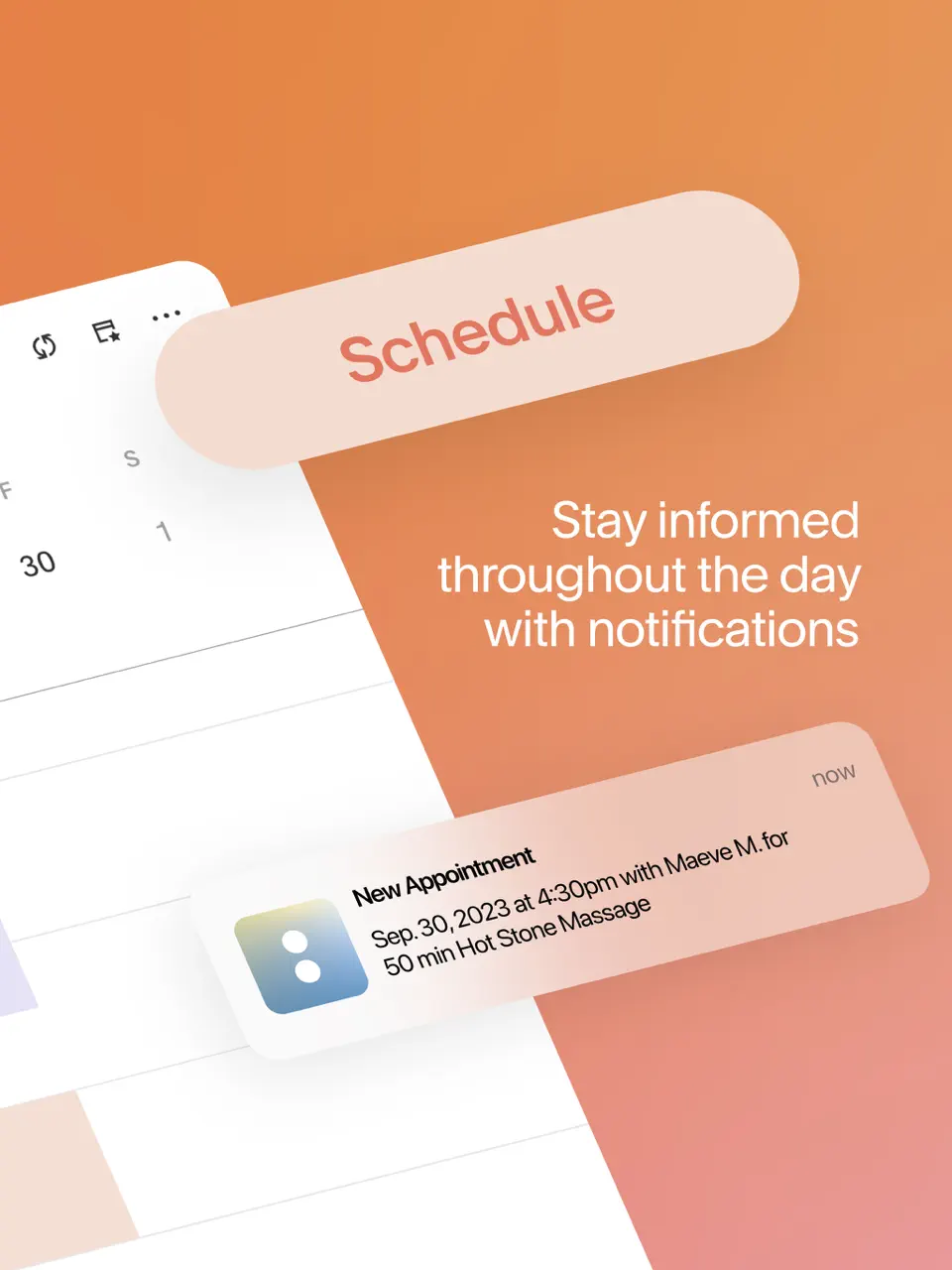
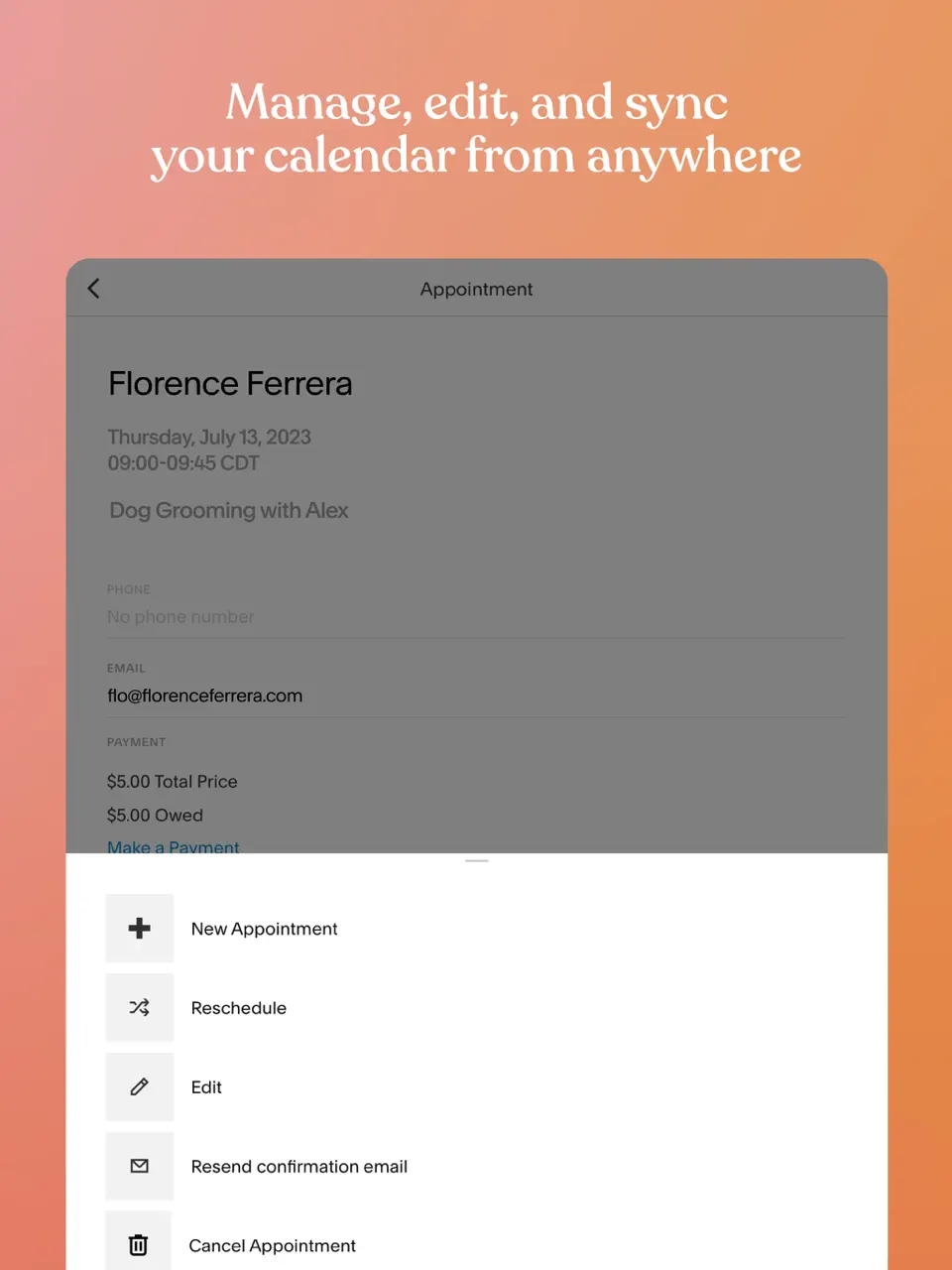
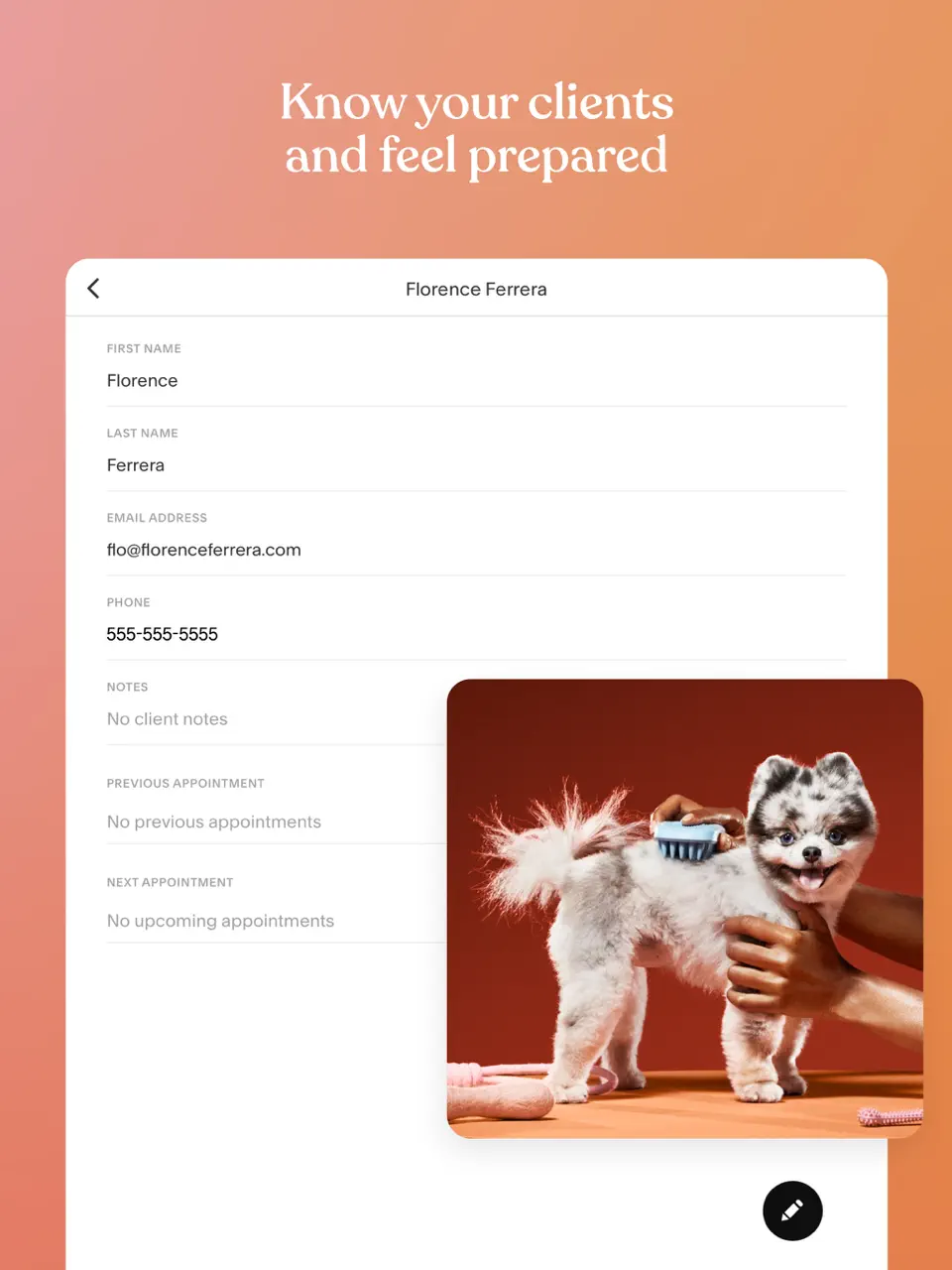
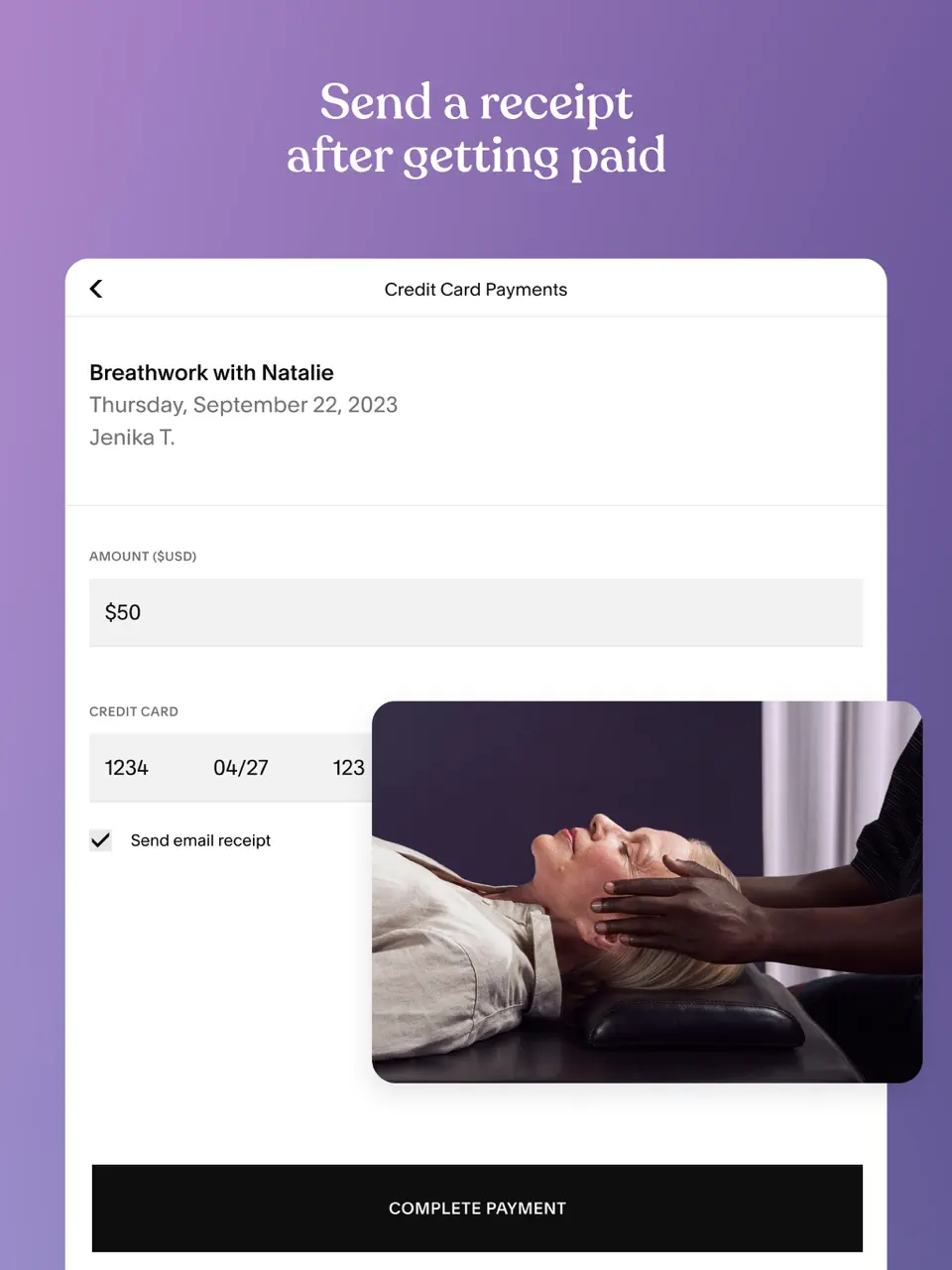
Acuity Scheduling excels at service-based appointment booking with built-in payment processing, intake forms, and package management. It's a favorite among coaches, salons, and consultants who need more than basic links. Owned by Squarespace, it offers robust customization and client management tools in one package.
Key Features
- Payment collection at booking
- Custom forms and client records
- Class and group scheduling
- Timezone intelligence
- Comprehensive for service businesses
- Strong client management features
- Reliable automation
- Pricing scales with features
- Interface can feel dated
- Less focused on personal scheduling
Product details
| Pricing | Platforms | Best For |
|---|---|---|
| ~$16–49/mo | Web, iOS, Android | Service-based scheduling with payments |

When I Work
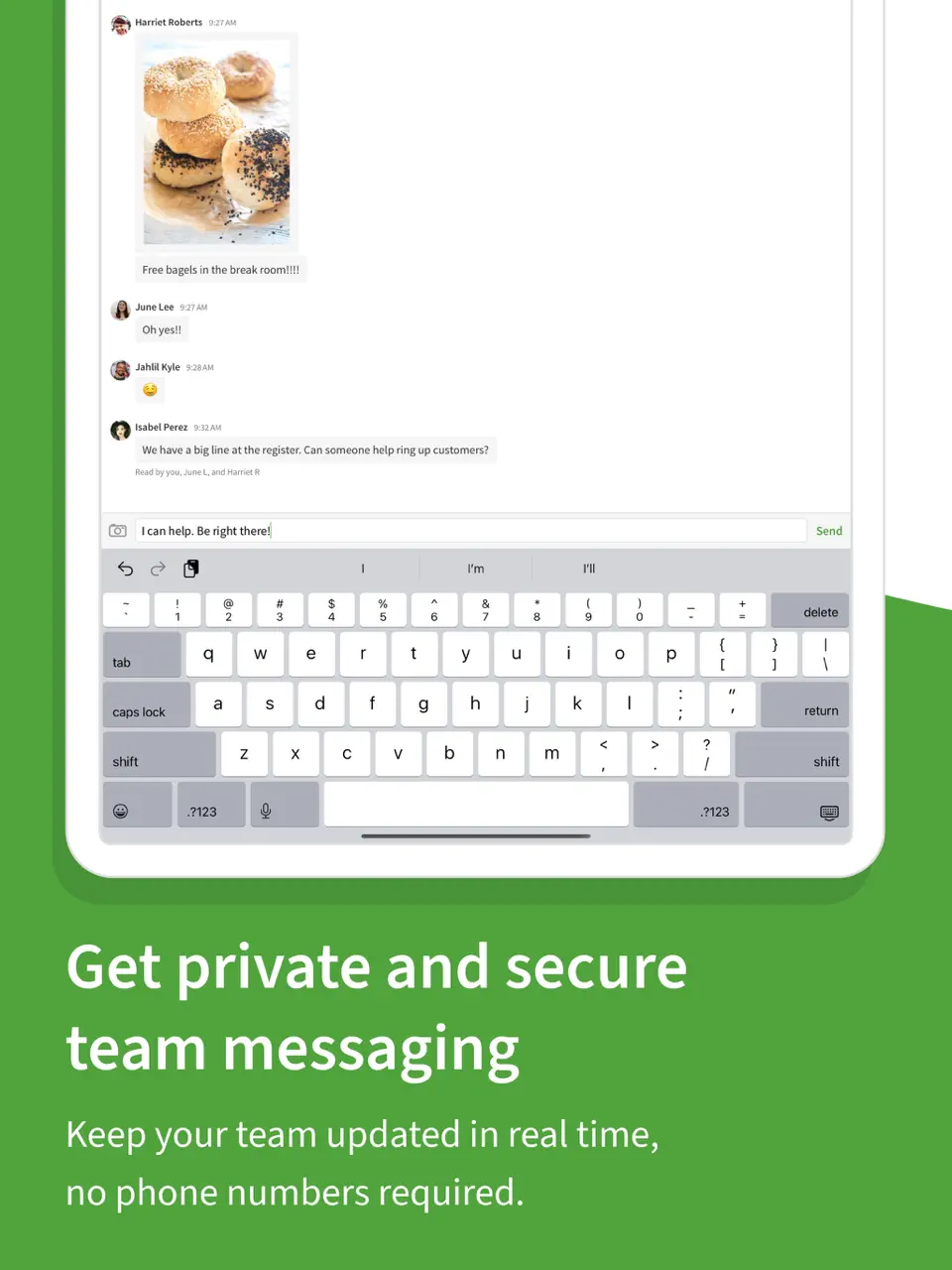
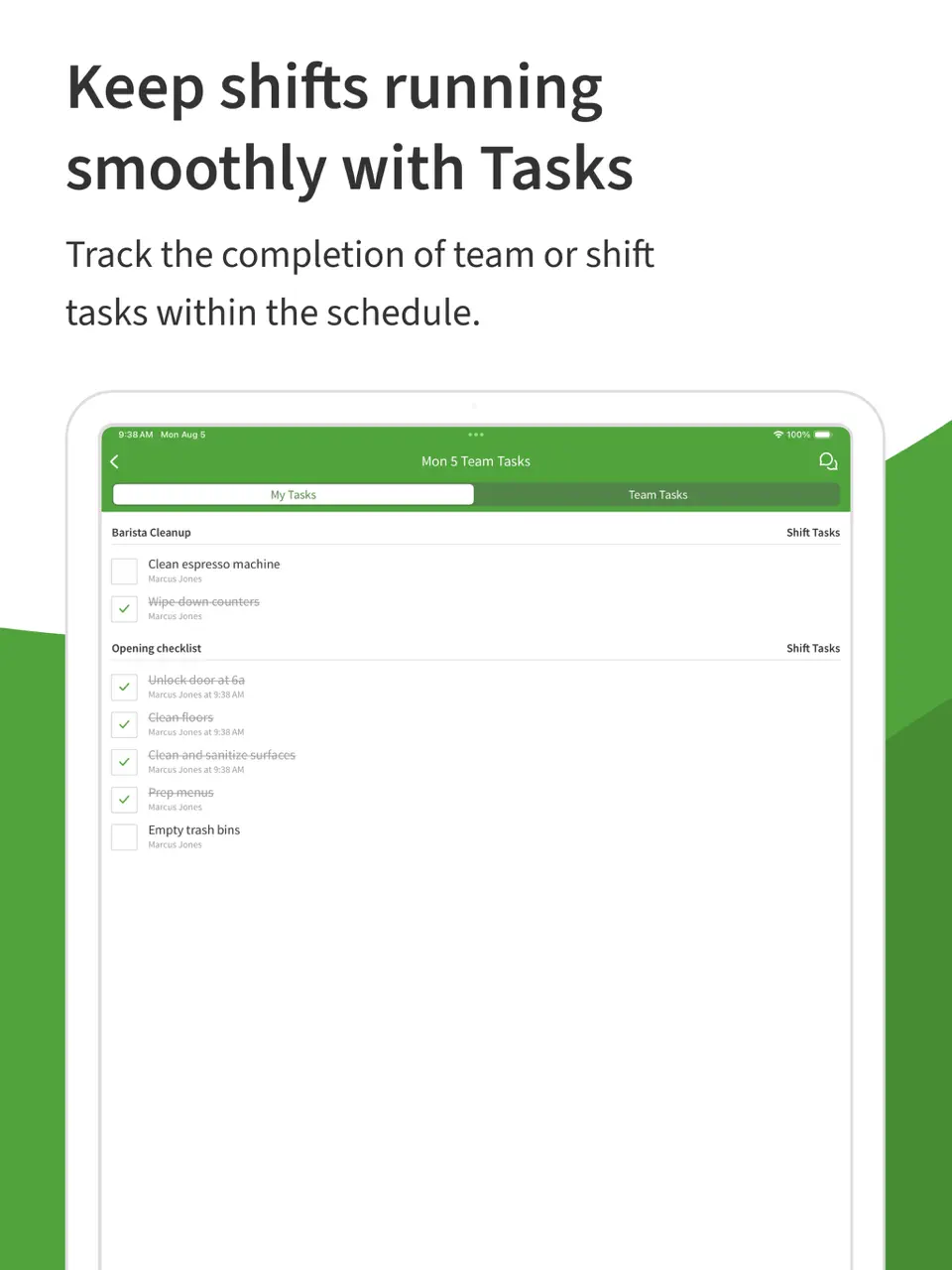
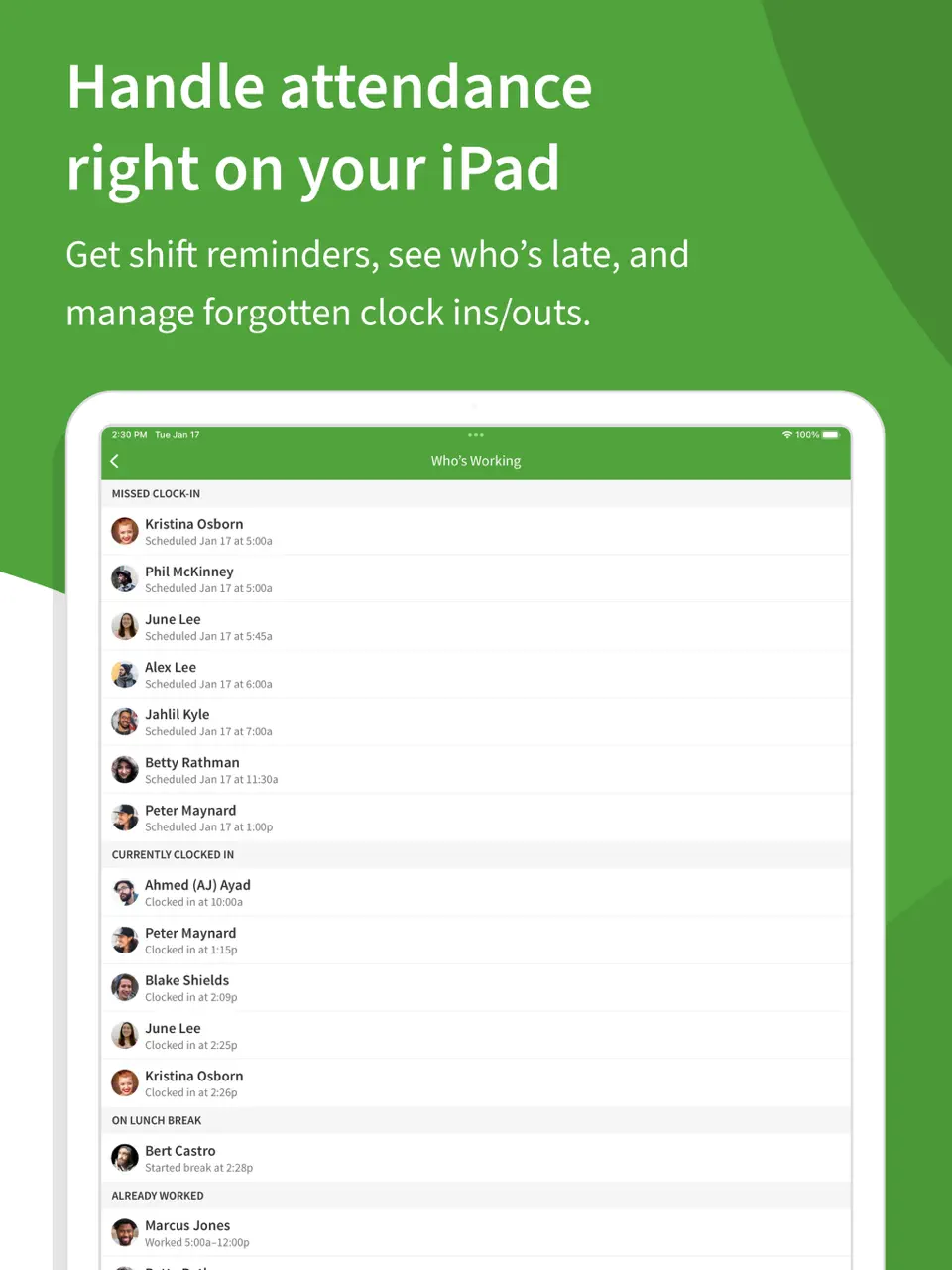
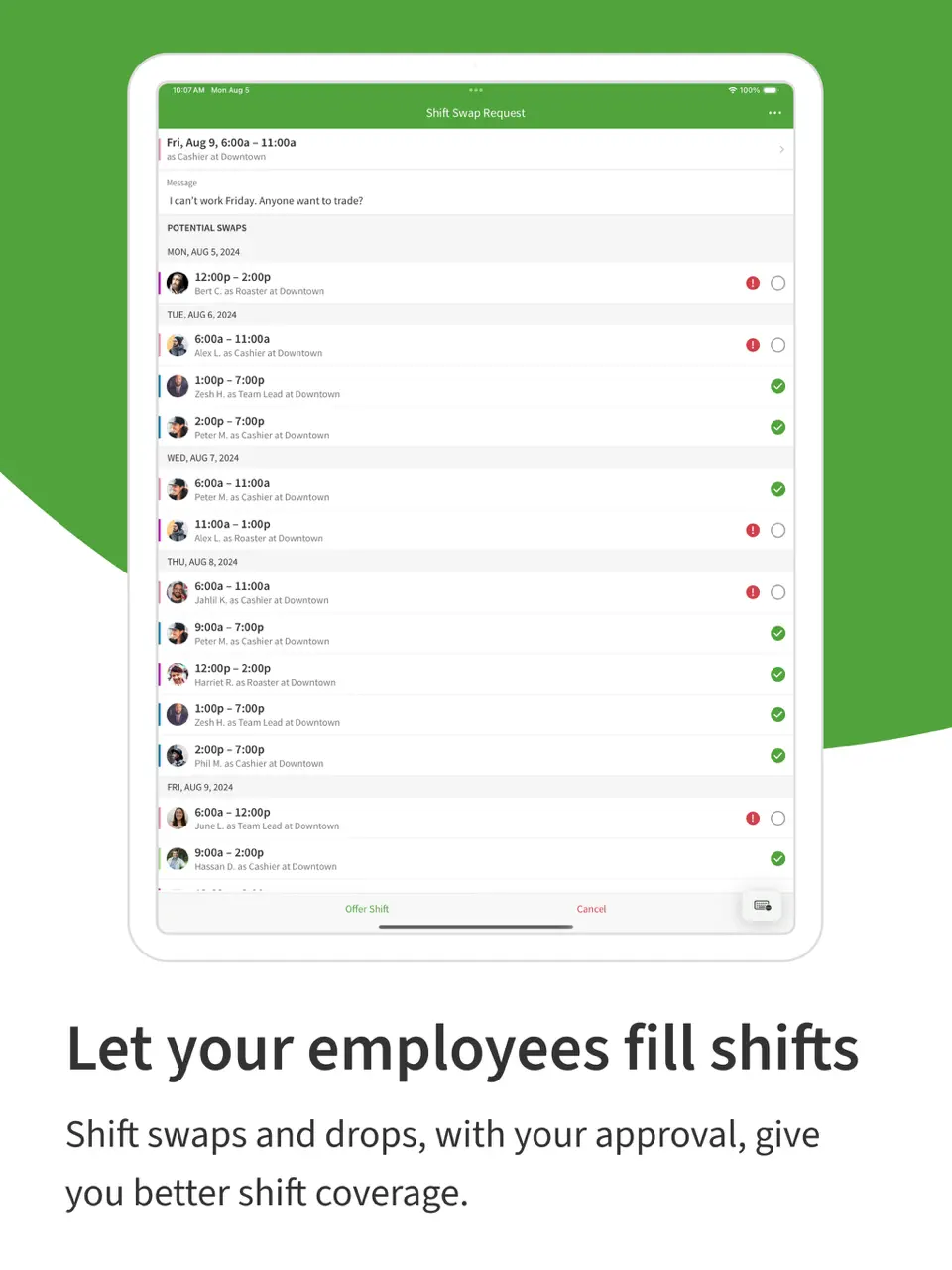
When I Work specializes in employee shift scheduling and time tracking for hourly teams in retail, hospitality, and healthcare. It simplifies creating, sharing, and managing complex shift patterns. The app includes clock-in tools, availability requests, and labor cost tracking to keep scheduling efficient and fair.
Key Features
- Drag-and-drop shift creation
- Employee availability and swap requests
- Time clock and attendance tracking
- Labor forecasting
- Excellent for shift-based teams
- Mobile-first for employees
- Strong communication tools
- Not suited for personal or office scheduling
- Subscription per user
- Limited personal task features
Product details
| Pricing | Platforms | Best For |
|---|---|---|
| ~$2.50–8/user/mo | iOS, Android, Web | Employee shift scheduling for teams |
Google Calendar
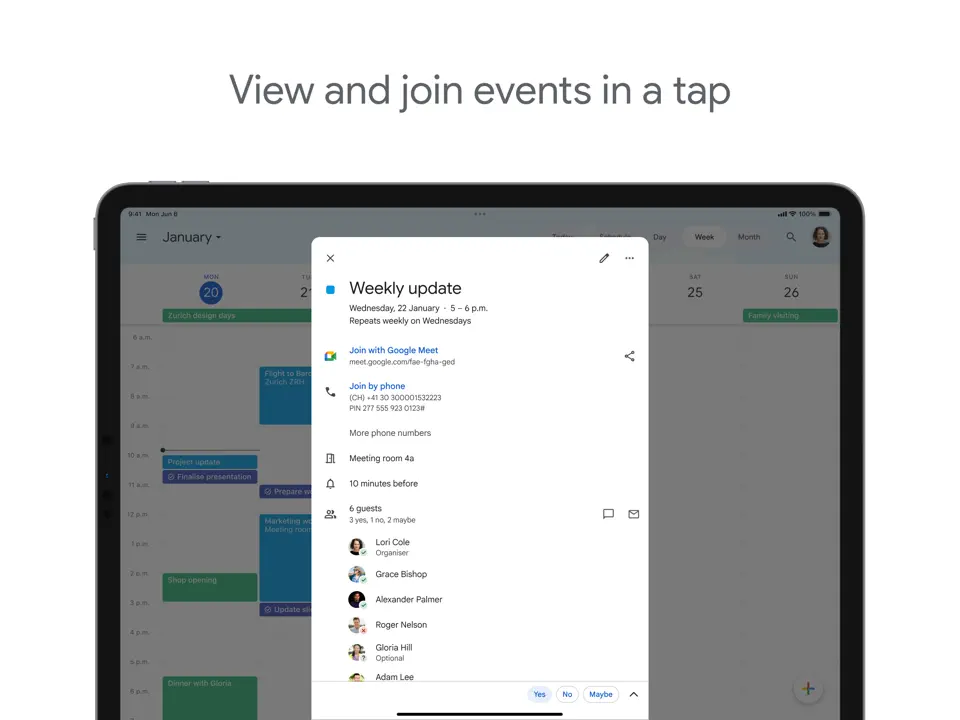
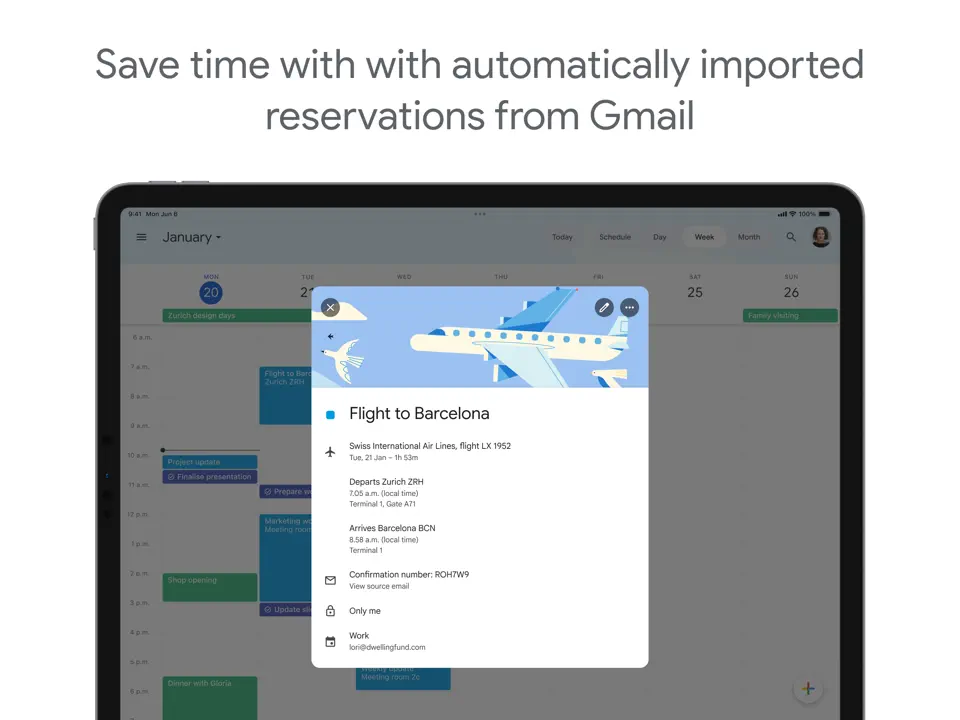
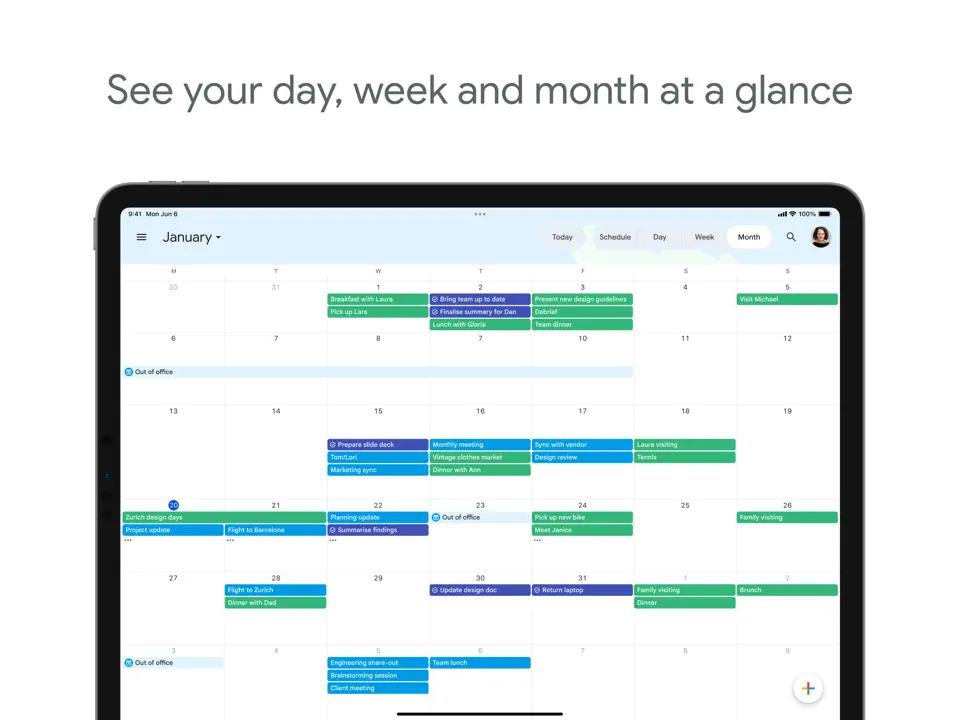
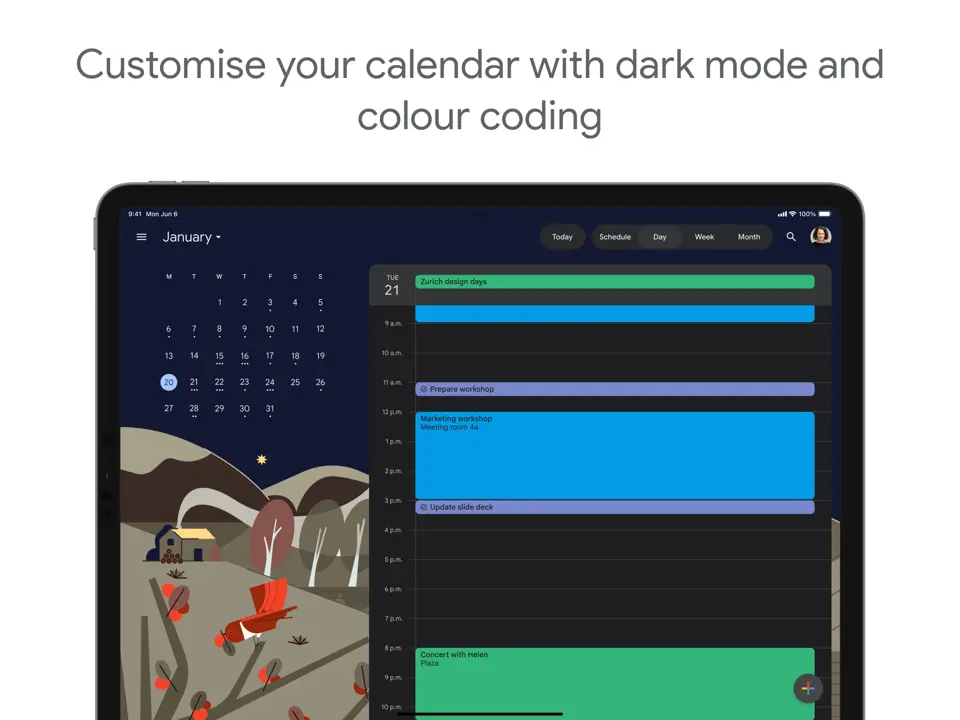
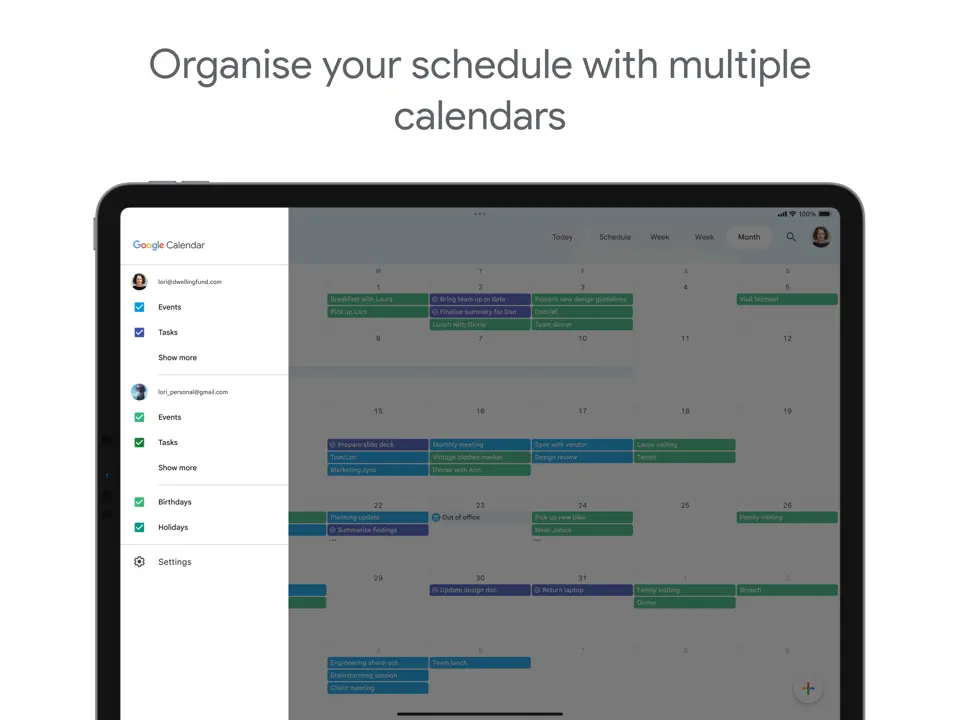
Google Calendar remains the best free scheduling app for individuals and teams, offering reliable event creation, sharing, and reminders across all devices. Its simplicity and universal availability make it a foundation many build upon. With features like appointment slots and shared calendars, it handles basic scheduling needs without any cost.
Key Features
- Multiple calendar views and sharing
- Appointment slots for booking
- Integration with Gmail and Meet
- Cross-platform availability
-
Completely free and reliable
- Excellent collaboration tools
- Works seamlessly everywhere
- Limited automation or AI
- Minimal task management
- Basic customization options
Product details
| Pricing | Platforms | Best For |
|---|---|---|
| Free (Workspace from $6/user/mo) | All platforms | Best Free Scheduling App |
Conclusion
Choosing the best app depends on your primary use case and workflow. For an all-around versatile tool that handles personal tasks, meetings, and light collaboration, Ultimate Planner is the top choice. If you want AI to fully automate your schedule, go with Motion or Reclaim.ai. Professionals who live in email will appreciate Superhuman Scheduler, while client-facing users should start with Calendly or SavvyCal.
Here’s a quick summary to help you decide:
- Best Scheduling App Overall: Ultimate Planner
- Best AI Scheduling App: Motion
- AI Time Protection: Reclaim.ai
- Best Appointment Scheduling: Calendly
- Mindful Daily Scheduling: Sunsama
- Modern Calendly Alternative: SavvyCal
- Premium Email Scheduling: Superhuman Scheduler
- Service-Based Scheduling: Acuity Scheduling
- Employee Shift Scheduling: When I Work
- Best Free Scheduling App: Google Calendar
Most of these scheduling apps offer free tiers or trials, so try a couple that align with your needs. The ideal app is the one that removes scheduling friction and lets you focus on what matters. Pick one, integrate it into your routine, and make 2026 your most efficiently scheduled year yet.