
Top 10 Best Weekly Planner Apps 2026
Quick jump to:

Introduction
Finding the best weekly planner app in 2026 can transform how you approach your time, giving you a clear overview of the week ahead, helping you prioritize what matters, and building sustainable routines without daily micromanagement. While daily planners excel at hour-by-hour scheduling, the top weekly planner apps focus on bigger-picture planning: setting weekly goals, balancing workload, and maintaining habits over time.
We tested dozens of options to bring you the best weekly planner apps available today. From AI-powered auto-scheduling to minimalist aesthetic journals and fully customizable systems, there’s something here for every style. Our top recommendation and the best weekly planner app overall in 2026 is Ultimate Planner: it combines unlimited weekly templates, handwriting support, calendar sync, and cross-platform access into one intuitive package that works for professionals, students, parents, and anyone seeking better weekly structure.
| Ultimate Planner | Sunsama | Motion | Todoist | TickTick | Notion | GoodNotes | Floret | Akiflow | Google Calendar | |
|---|---|---|---|---|---|---|---|---|---|---|
| Overall rating: | ||||||||||
| Rating | 4.9 | 4.5 | 4.7 | 4.6 | 4.7 | 4.7 | 4.8 | 4.6 | 4.5 | 4.4 |
| Features: | ||||||||||
| Customization | ||||||||||
| Weekly Templates | + (PDF-based) | |||||||||
| Time Blocking | + (Auto) | |||||||||
| Habit Tracking | ||||||||||
| Calendar Sync | ||||||||||
| Handwriting Support | ||||||||||
| AI Features | ||||||||||
| Offline Mode | ||||||||||
| Widgets & Notifications | ||||||||||
| Audio Recording | ||||||||||
| Collaboration |
How We Tested and Selected the Top Apps
To create this list of the best weekly planner apps in 2026, we spent months testing over 30 popular options across iOS, Android, web, and desktop platforms. We focused on real-world weekly planning scenarios: setting up recurring routines, reviewing the week ahead, time blocking meetings and deep work, tracking habits, and reflecting on progress at the end of each week.
Our selection process was based on the following key criteria:
- Ease of Use: How intuitive the interface is for quick weekly setup and daily interaction.
- Weekly View & Overview: Clarity and functionality of the weekly layout, including templates and overviews.
- Customization: Ability to create or modify weekly templates, colors, and layouts to fit personal workflows.
- Time Blocking & Scheduling: Support for dragging tasks into time slots and protecting focus time.
- Habit Tracking & Routines: Built-in tools for recurring habits and weekly goal progress.
- Calendar Sync & Integrations: Seamless connection with Google Calendar, Outlook, and other tools.
- AI & Smart Features: Auto-scheduling, smart suggestions, or intelligent rescheduling.
- Handwriting & Audio Support: Stylus compatibility and voice note/recording options.
- Widgets, Notifications & Offline Mode: Home screen widgets, reliable reminders, and full functionality without internet.
- Collaboration & Platforms: Cross-device sync, sharing options, and availability across operating systems.
- Pricing & Value: Balance between features, subscription cost, and free tier usefulness.
Ultimate Planner emerged as the clear winner thanks to its unmatched balance of powerful weekly templates, handwriting support, habit tracking, full offline functionality, and cross-platform consistency all without overwhelming complexity or high ongoing costs.
Ultimate Planner
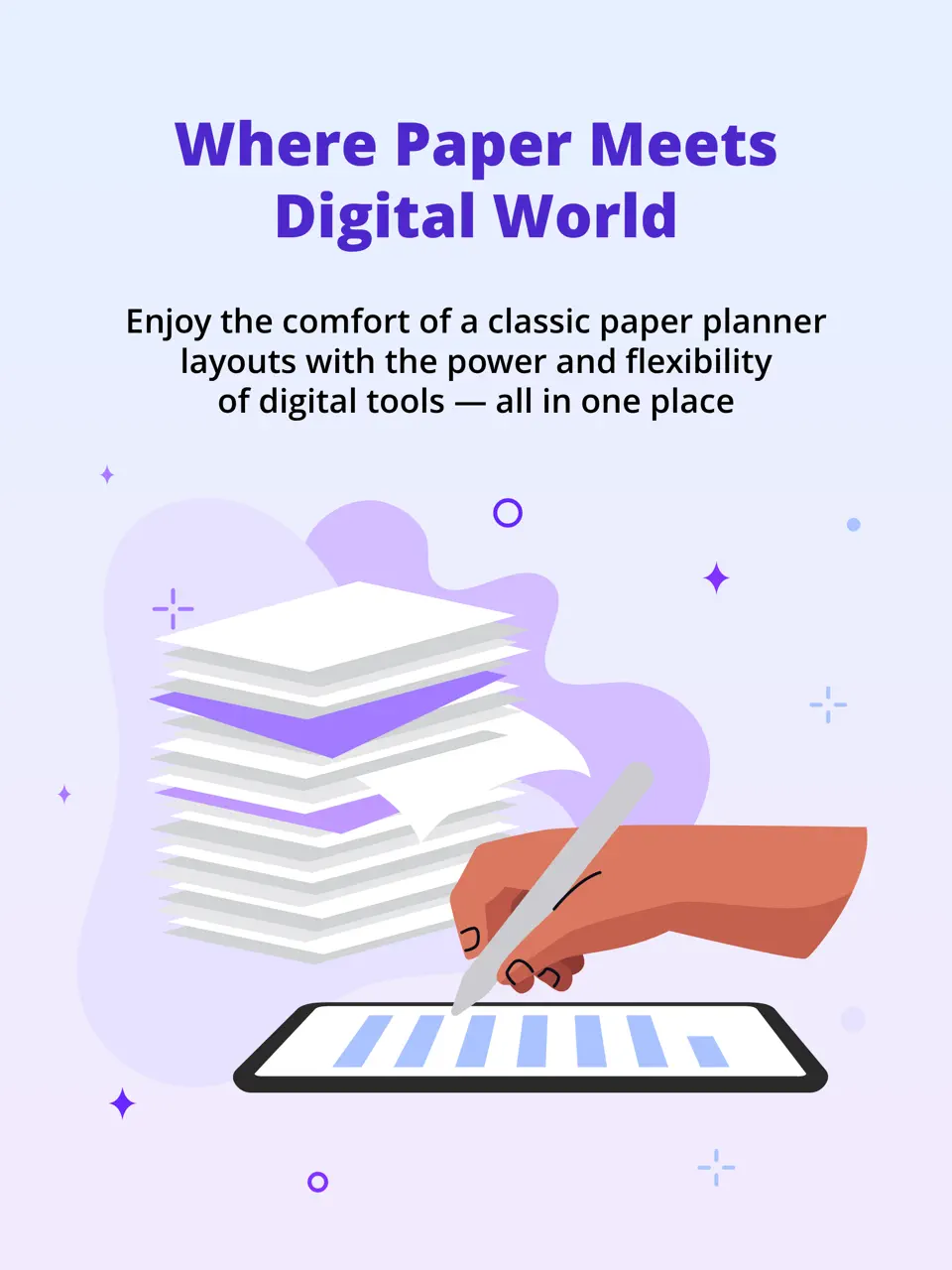
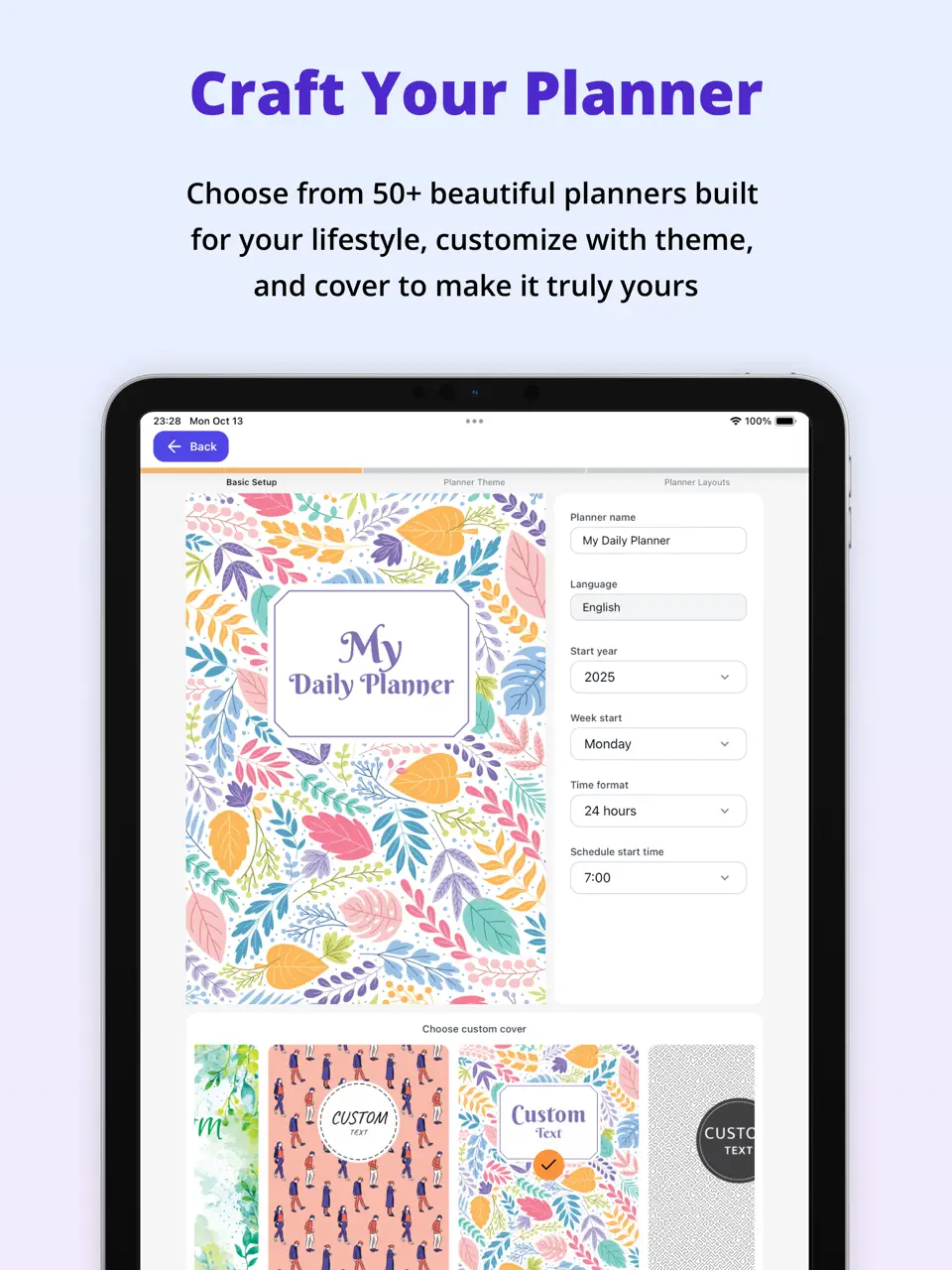
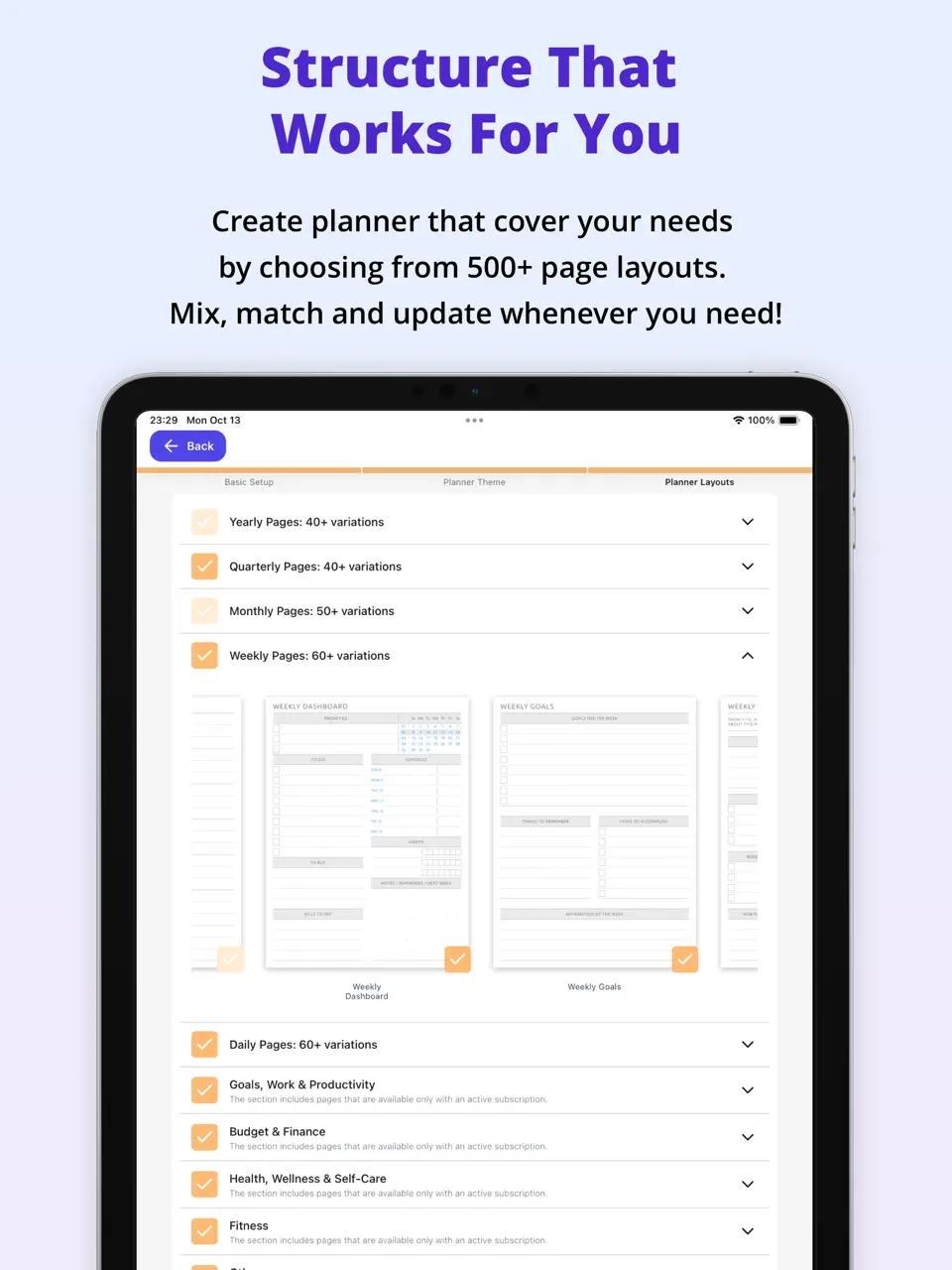
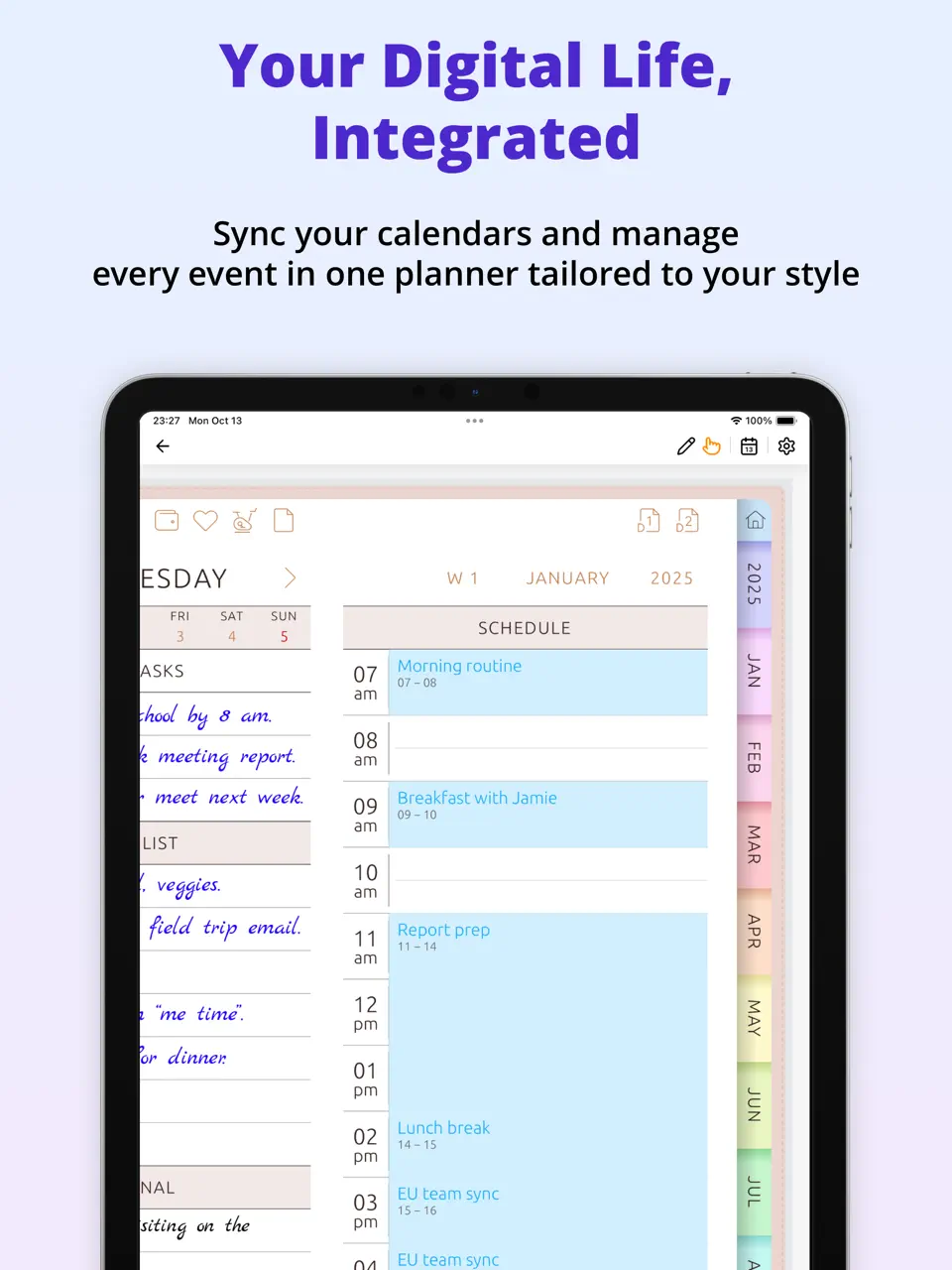
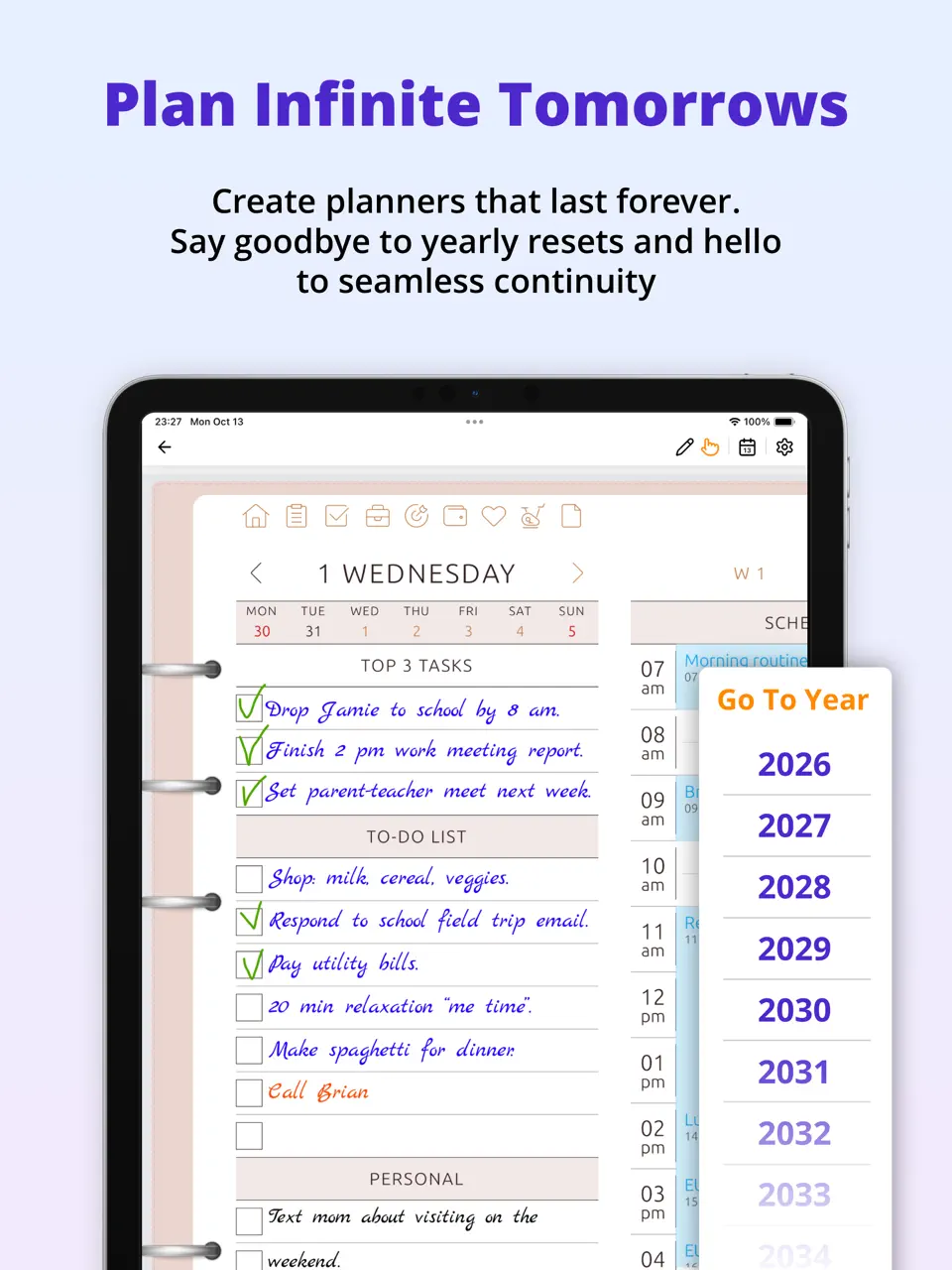


Ultimate Planner stands out as the most balanced weekly planner app in 2026, combining powerful customization with intuitive daily and weekly views. It offers unlimited templates, seamless calendar sync, and support for handwriting, making it ideal for users who want a single tool for tasks, habits, journaling, and long-term planning without switching between multiple apps.
Whether you're a busy professional managing complex schedules or a student building consistent routines, Ultimate Planner adapts to your workflow. Its cross-platform availability and robust offline mode ensure you stay organized anywhere.
Key Features
- Unlimited customizable weekly templates
- Full calendar sync and time blocking
- Built-in habit tracking and journaling
- Handwriting/stylus support
- Widgets, notifications, and offline access
- Collaboration tools for shared planners
- Extremely flexible and feature-rich without complexity
- Excellent cross-platform sync (iOS, Android, Web, Mac, Windows)
- Strong handwriting and offline capabilities
- Affordable freemium model
- Some advanced tools require premium access
- Full customization can take a little time to explore
Product details
| Pricing | Platforms | Best For |
|---|---|---|
| Freemium | All Platforms | Perfect balance of customizable weekly templates, calendar sync, journaling, and cross-platform access for professionals, students, and families. |
Sunsama
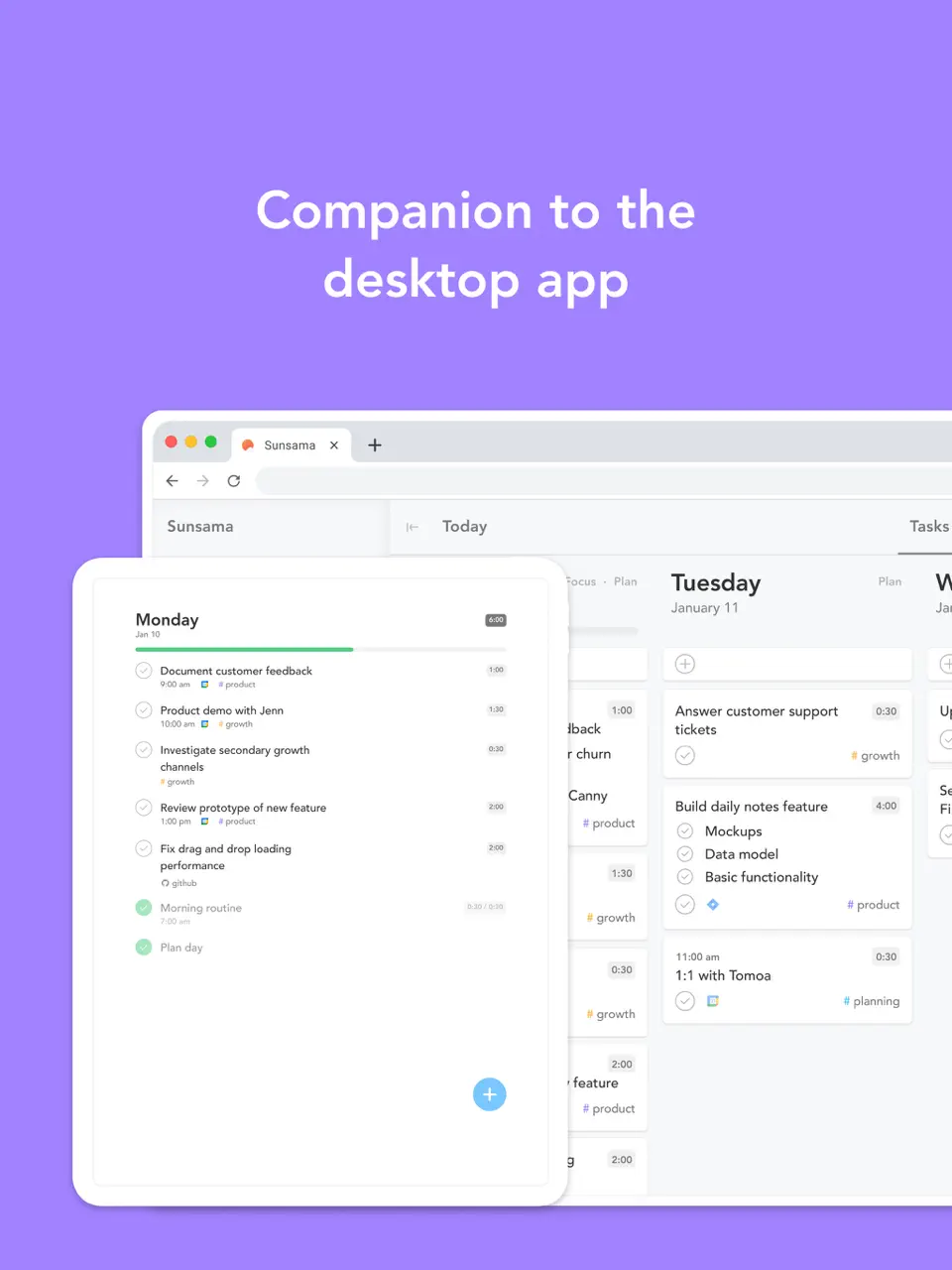
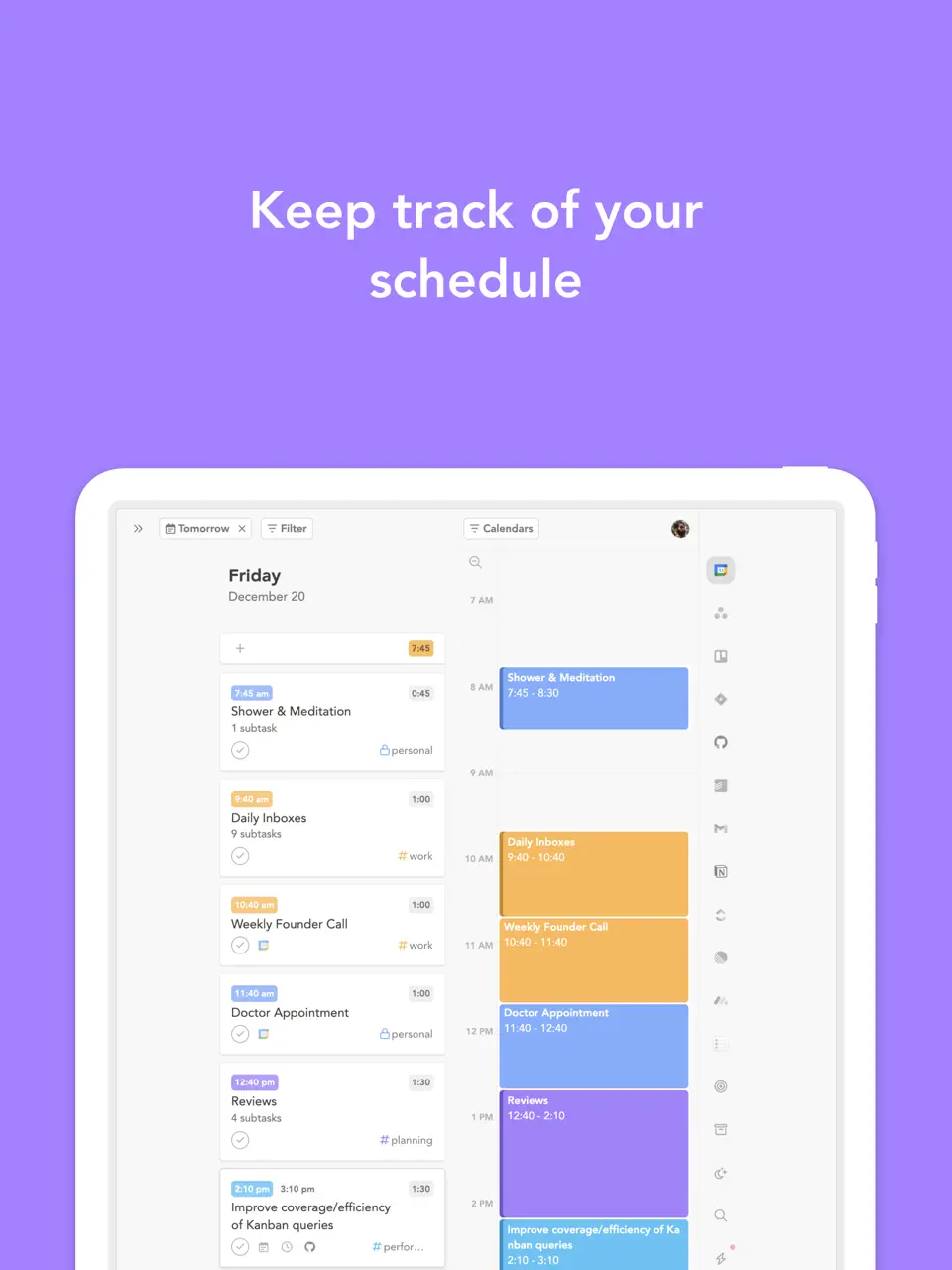
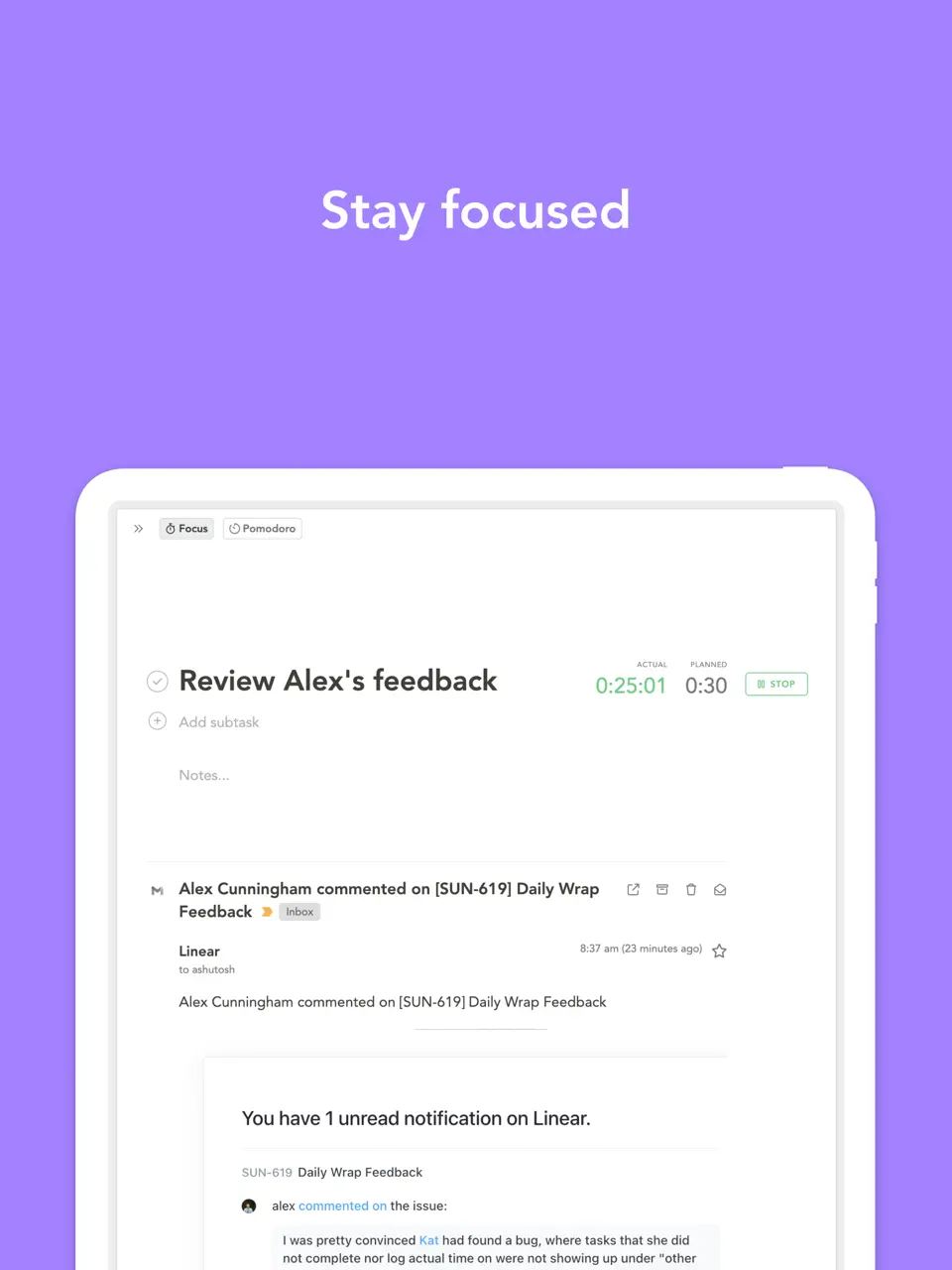
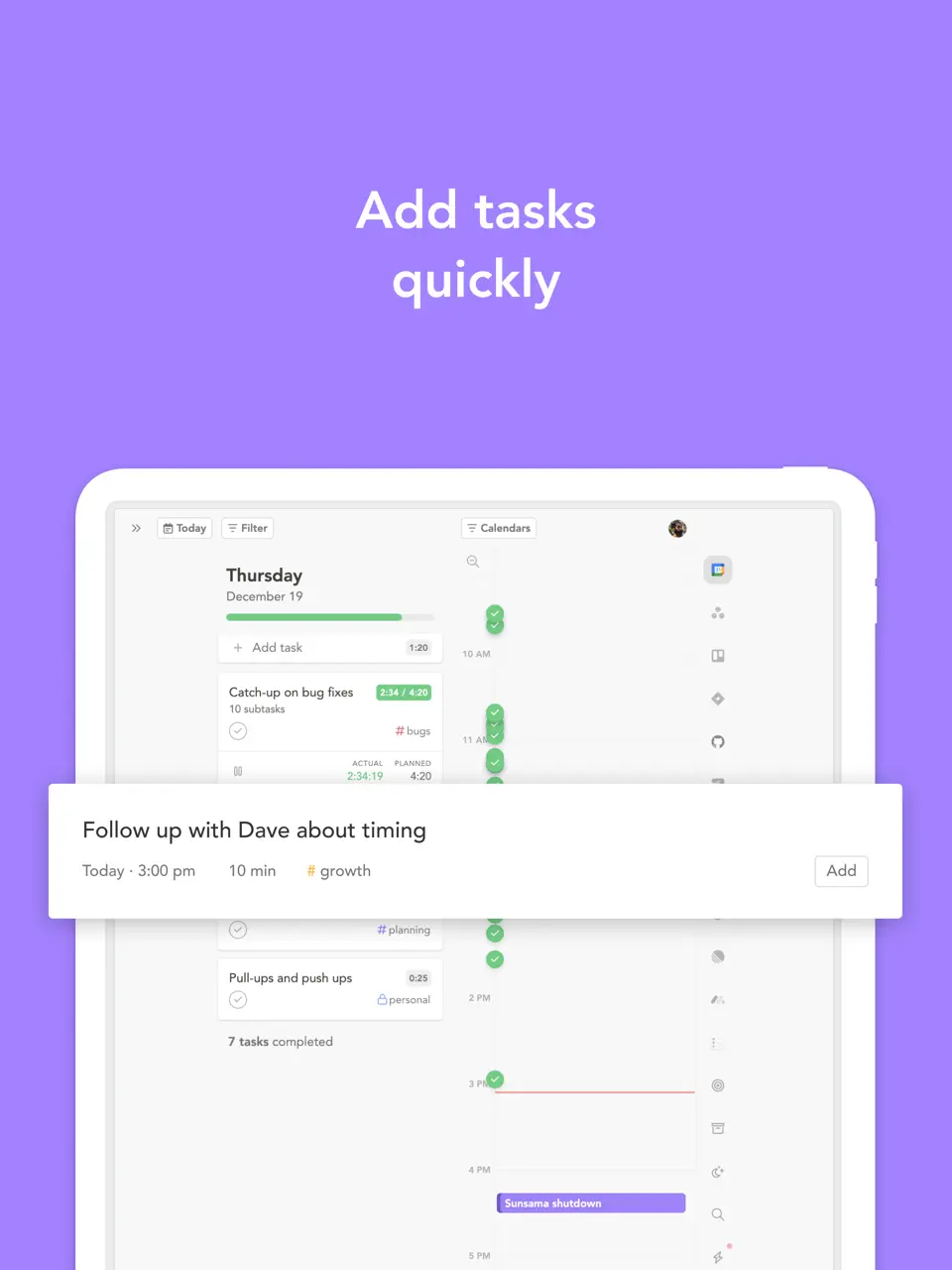
Sunsama takes a mindful approach to weekly planning, guiding users through daily and weekly reviews to align tasks with bigger goals. It pulls in tasks from email, Slack, and other tools, then helps you drag them into realistic time blocks across the week.
The app emphasizes work-life balance with features like shutdown rituals and weekly reflection prompts. It's particularly popular among knowledge workers who want to avoid burnout while staying productive.
Key Features
- Guided weekly planning and review sessions
- Time blocking with drag-and-drop from integrated tools
- Clean, focused interface
- Team collaboration and shared calendars
- Promotes intentional planning and reduces overwhelm
- Excellent integrations with productivity tools
- Beautiful, distraction-free design
- Higher subscription price
- Limited customization and no handwriting support
- Partial offline functionality
Product details
| Pricing | Platforms | Best For |
|---|---|---|
| Subscription (~$20/mo) | All platforms | Mindful weekly planning with guided weekly reviews, task integration from email/Slack, and strong work-life balance focus. |
Motion
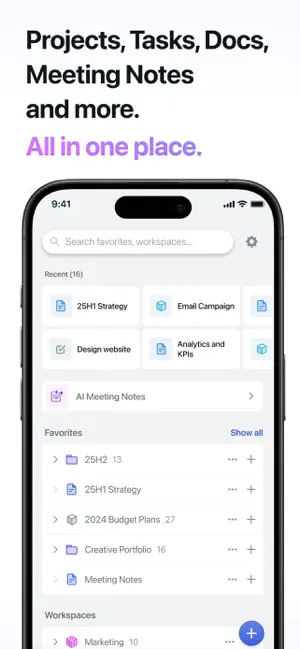
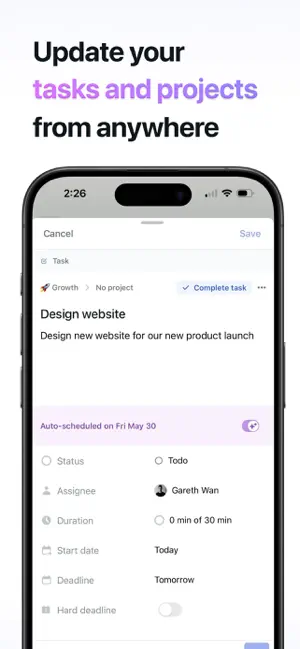
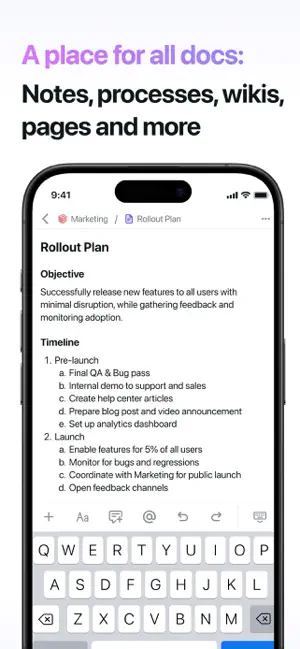
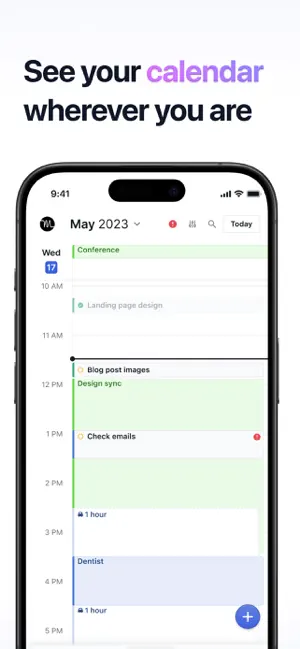
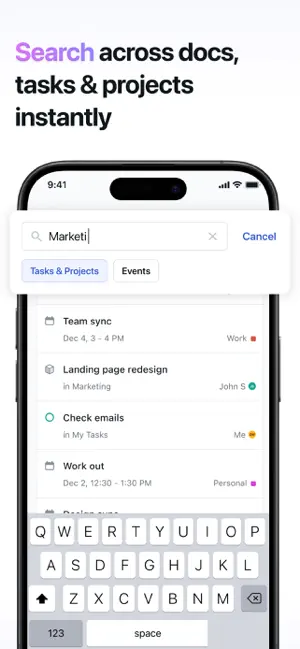

Motion uses advanced AI to automatically schedule your tasks across the week, adapting in real-time as new priorities arise. It's designed for people with unpredictable schedules who want the app to handle the heavy lifting of time management.
The AI learns your preferences over time and protects focus blocks while rescheduling lower-priority items intelligently. Motion is a top choice for executives and entrepreneurs juggling multiple responsibilities.
Key Features
- AI-powered auto-scheduling and rescheduling
- Intelligent weekly overview with dynamic adjustments
- Meeting transcription and audio features
- Calendar integrations
- Saves hours on manual planning
- Handles complex, changing schedules effortlessly
- Strong AI that improves with use
- Expensive subscription
- Less customization than template-based apps
- No handwriting support
Product details
| Pricing | Platforms | Best For |
|---|---|---|
| Subscription (~$19/mo) | All platforms | AI-powered auto-scheduling and intelligent weekly planning for super-busy professionals. |
Todoist
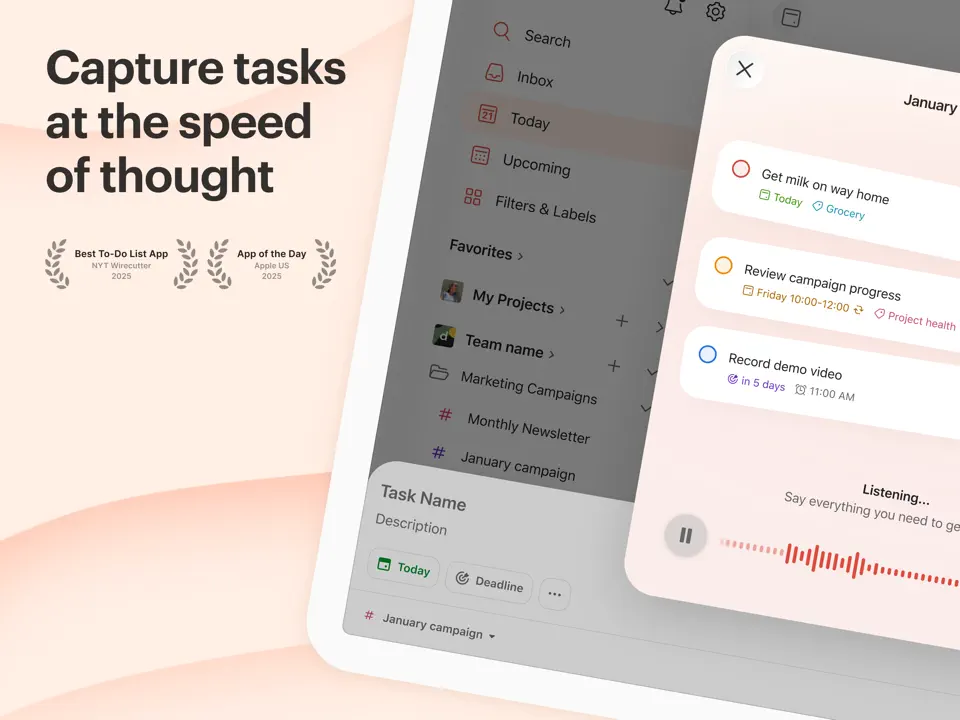
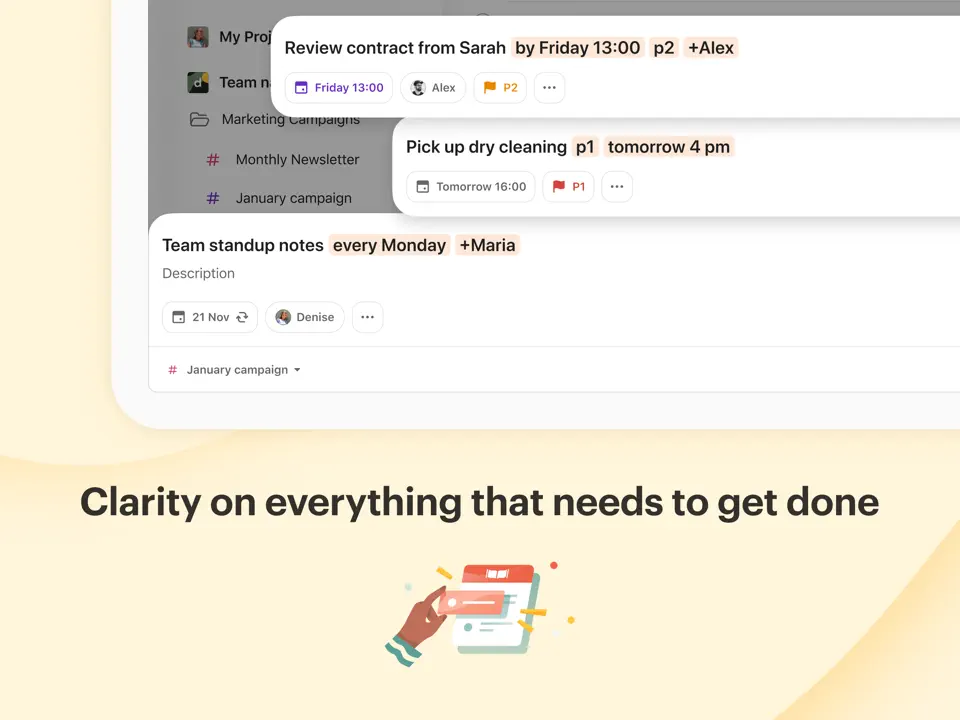
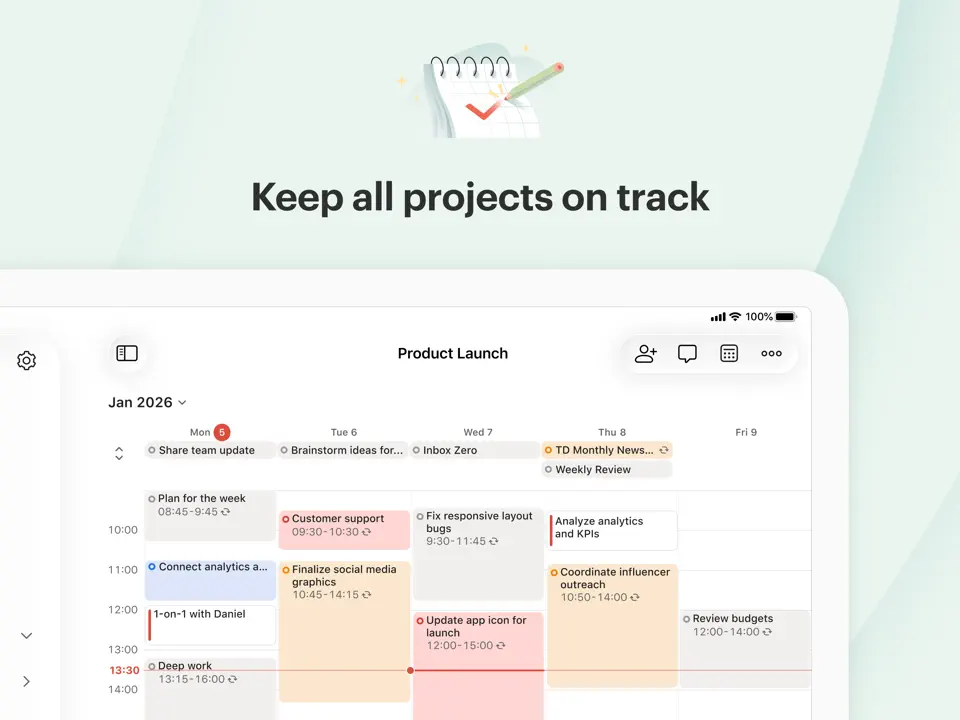
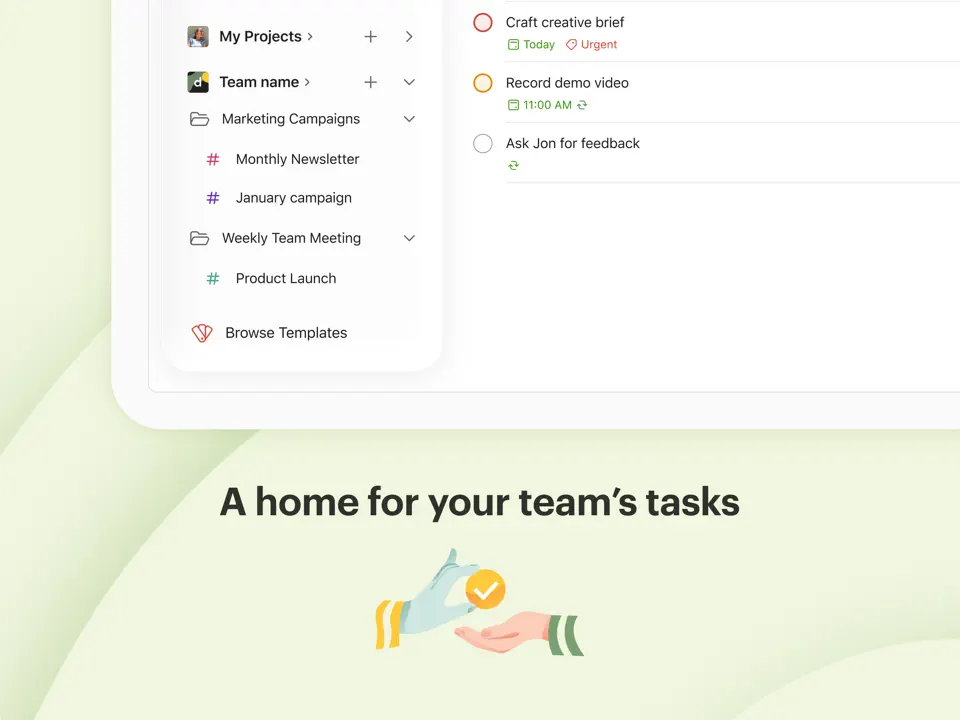
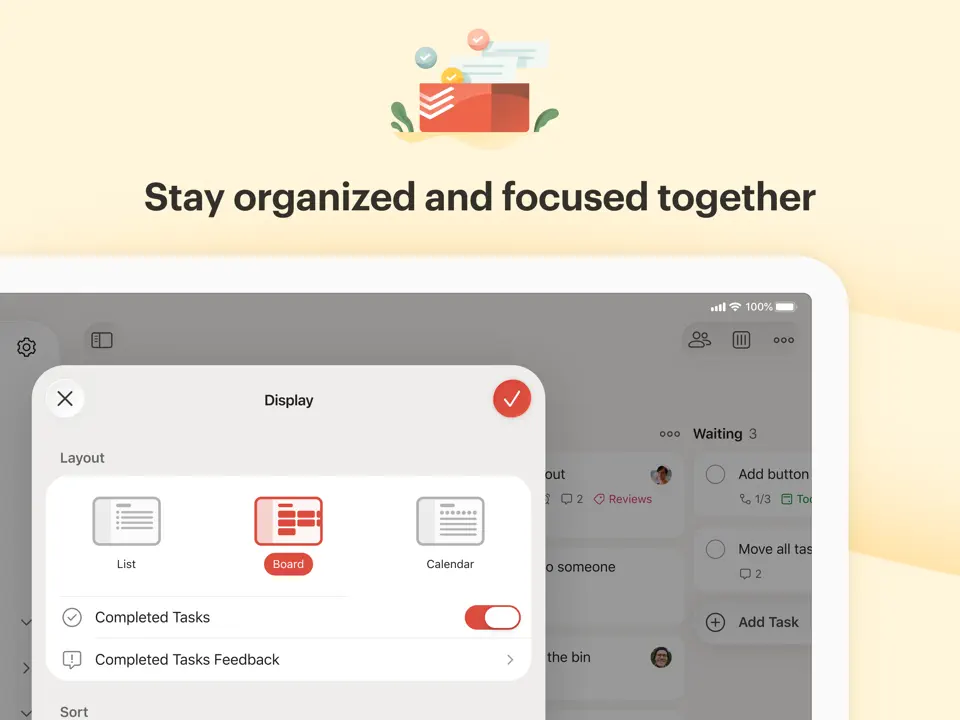
Todoist remains one of the most reliable task managers with solid weekly planning capabilities through recurring tasks, labels, and goal views. It's perfect for users who prefer a straightforward, list-based approach to organizing their week.
With powerful filters and natural language input, you can quickly set up weekly routines and review progress. Todoist excels at handling large volumes of tasks without feeling cluttered.
Key Features
- Recurring tasks and weekly goal tracking
- Labels, priorities, and custom filters
- Audio comments and voice input
- Full widget support across platforms
- Fast, lightweight, and highly reliable
- Excellent free tier and affordable Pro plan
- Strong collaboration features
- Weekly view is task-focused rather than calendar-centric
- Limited built-in time blocking and habit tracking
Product details
| Pricing | Platforms | Time Blocking | Best For |
|---|---|---|---|
| Freemium (Pro $4/month or $48/year) | All platforms | Partial | Mac, Windows, WatchTask-focused weekly planning with recurring tasks, labels, and powerful filters. |
TickTick
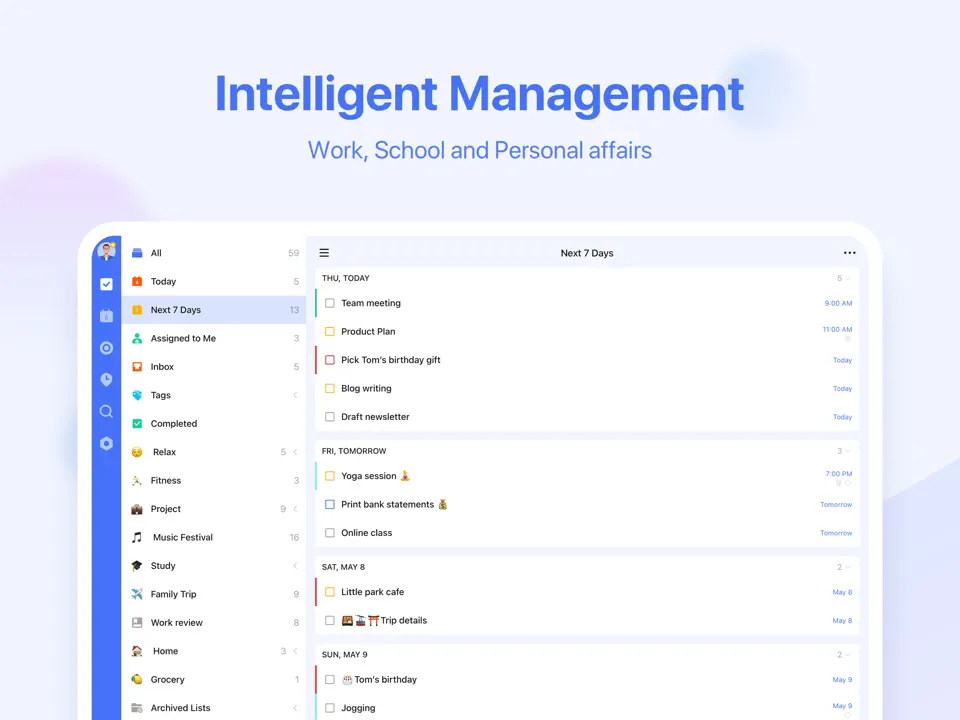
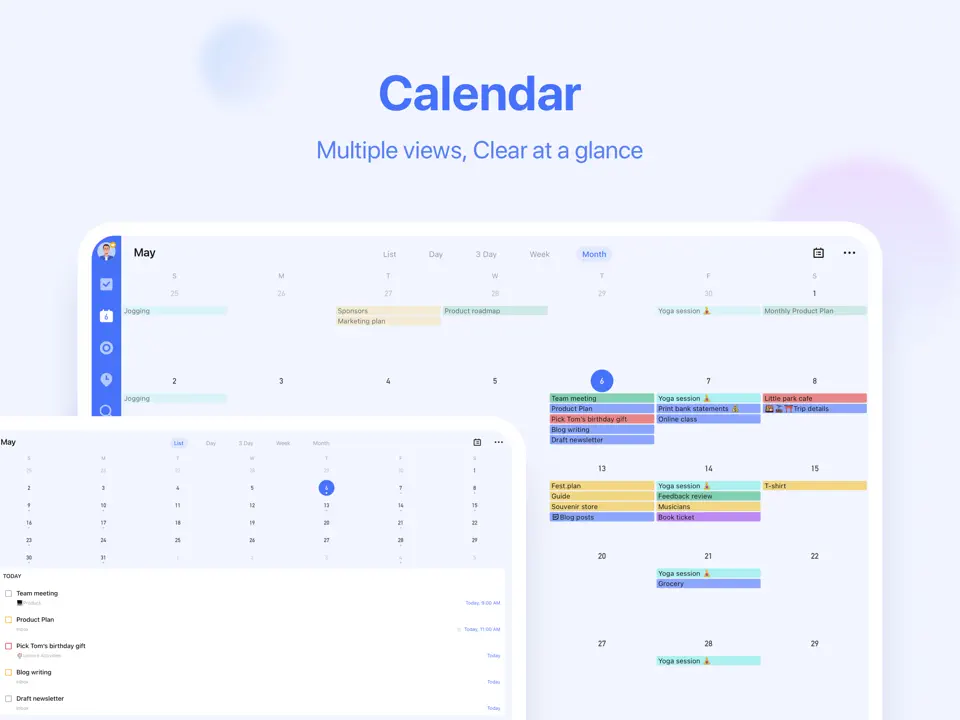
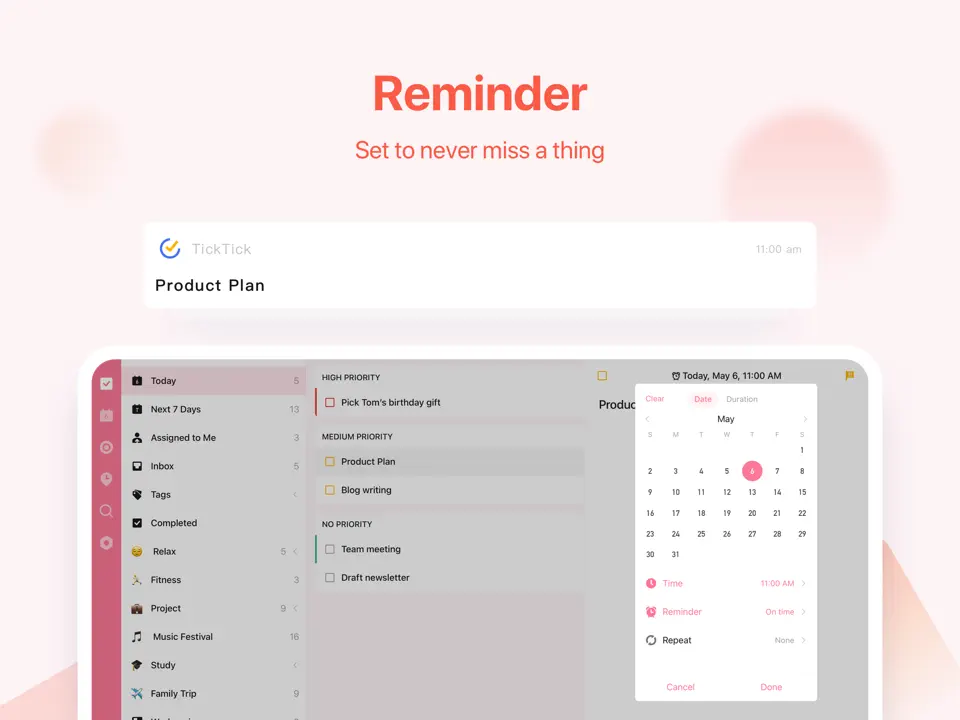
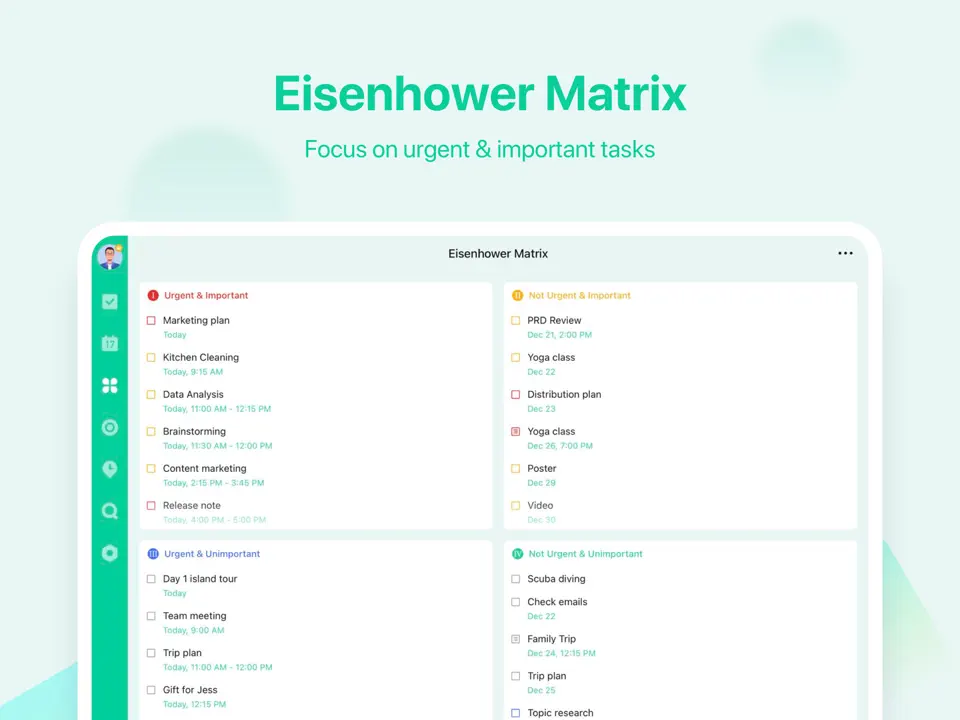
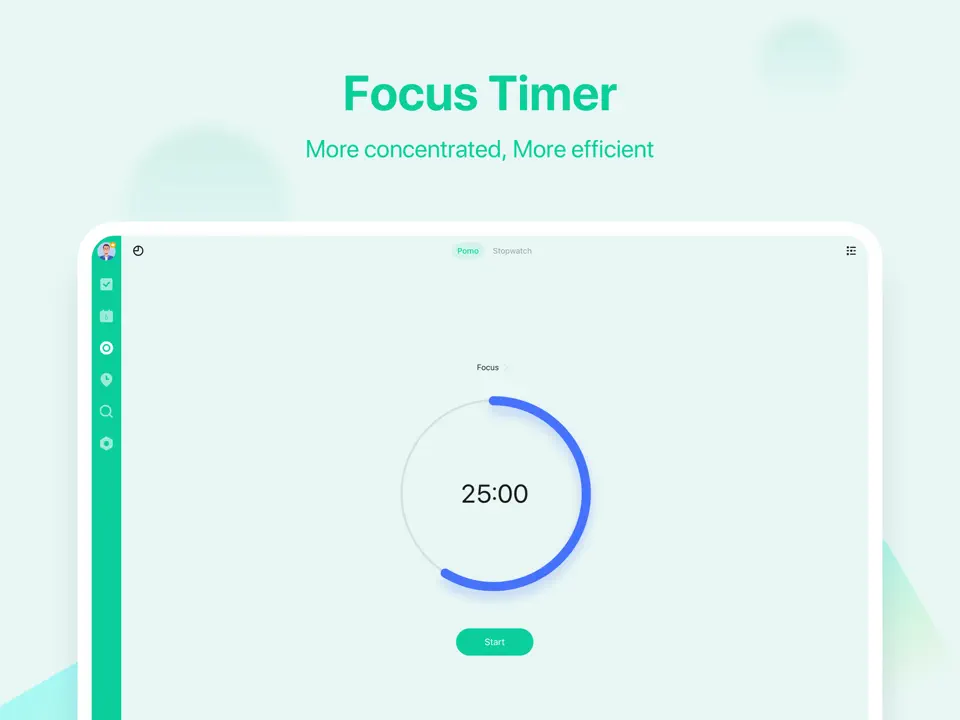
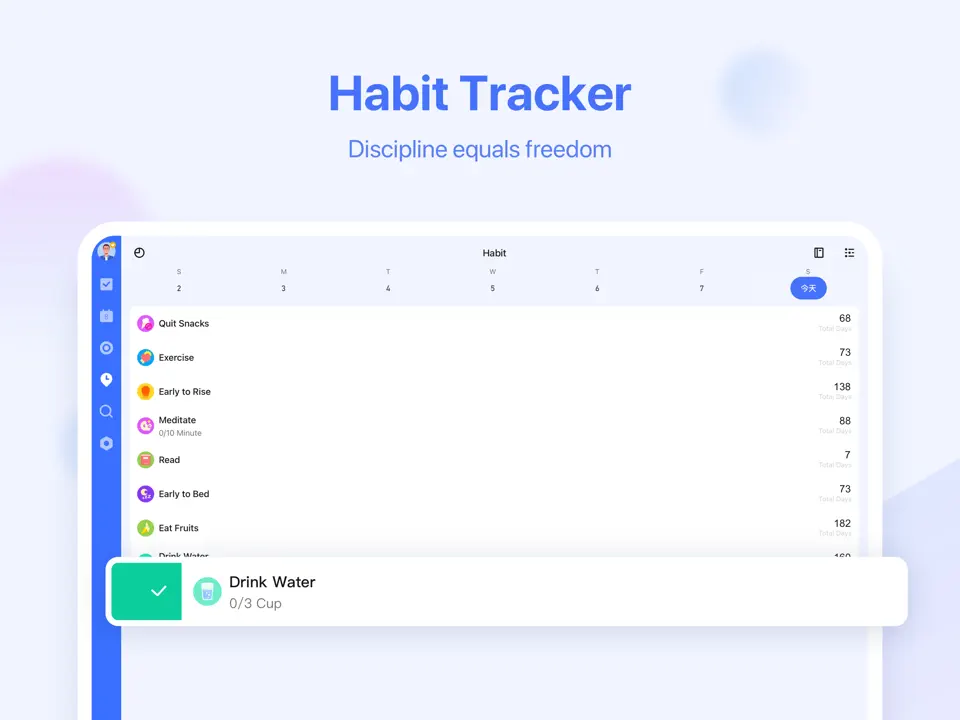
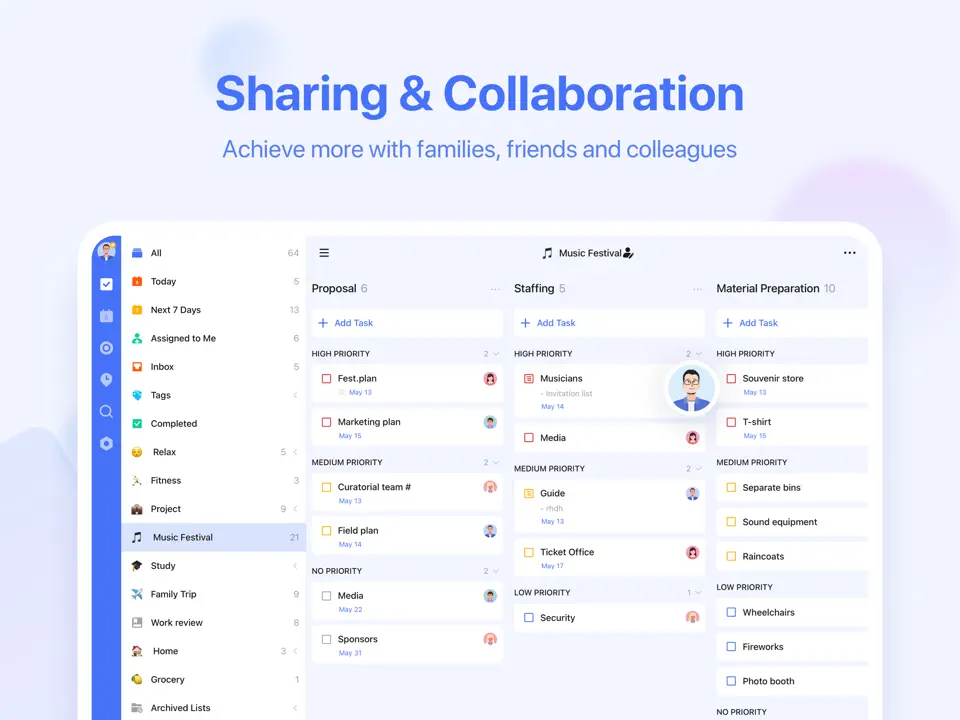
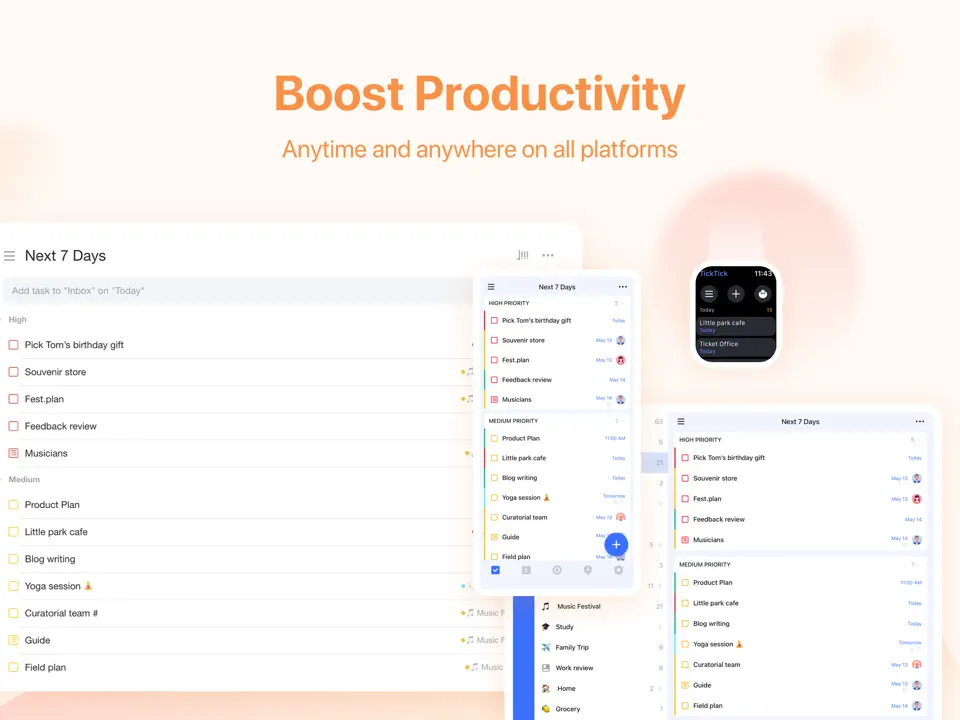
TickTick combines a robust task manager with an embedded calendar, making it easy to see your week at a glance while tracking habits and focus sessions. The Pomodoro timer integration helps maintain momentum throughout the week.
It's a versatile all-in-one tool that supports everything from simple checklists to complex recurring routines, with strong widget and notification options.
Key Features
- Built-in calendar with weekly view
- Habit tracking and Pomodoro timer
- Voice input for tasks
- Full offline functionality
- Great value with powerful free version
- Excellent habit and focus tools
- Highly customizable notifications
- Interface can feel slightly busy
- No handwriting support
Product details
| Pricing | Platforms | Best For |
|---|---|---|
| Freemium (Premium $3.99/month or $35.99/year) | All Planforms | Embedded weekly calendar view combined with Pomodoro timer, habits, and reminders. |
Notion
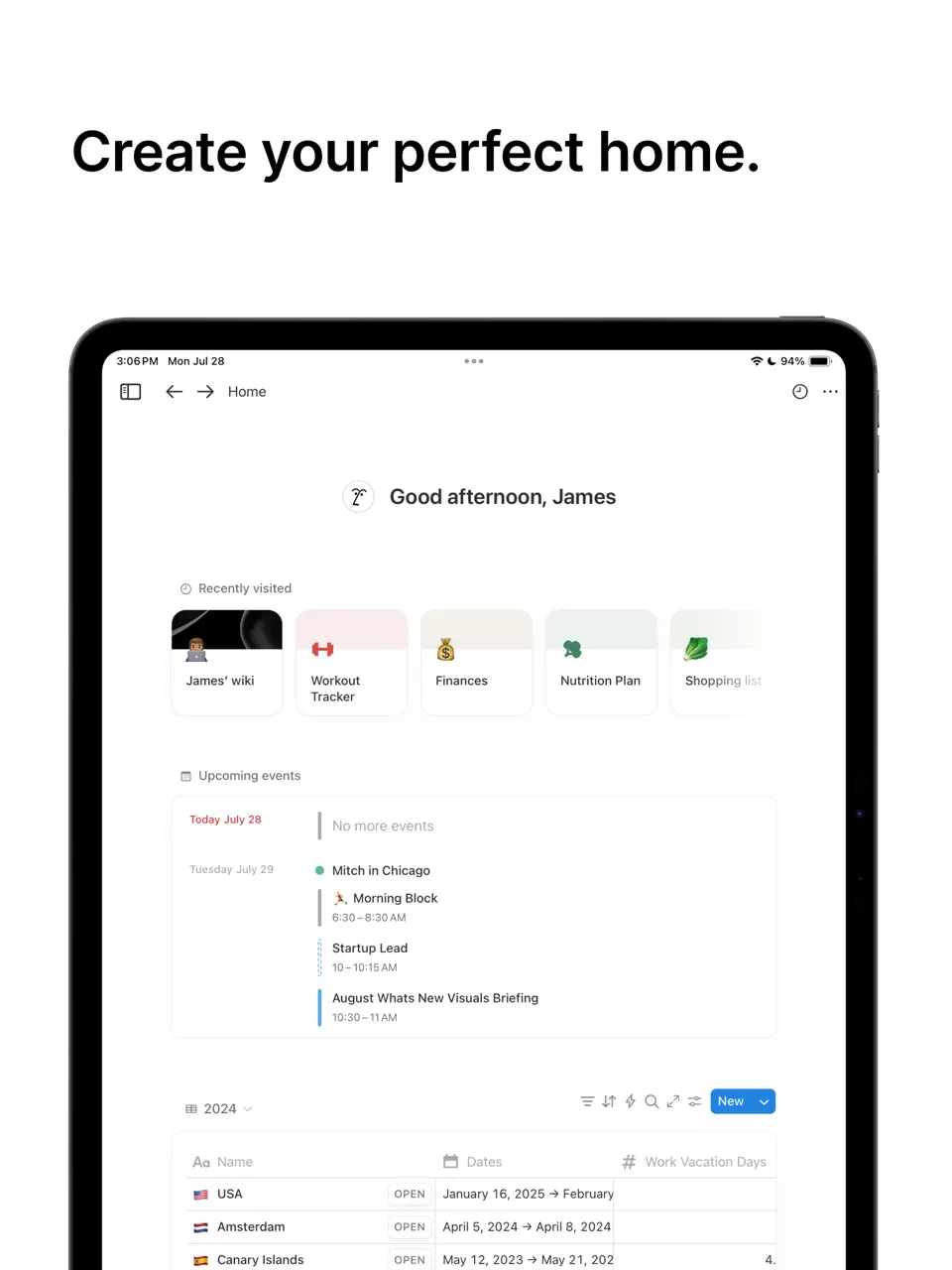
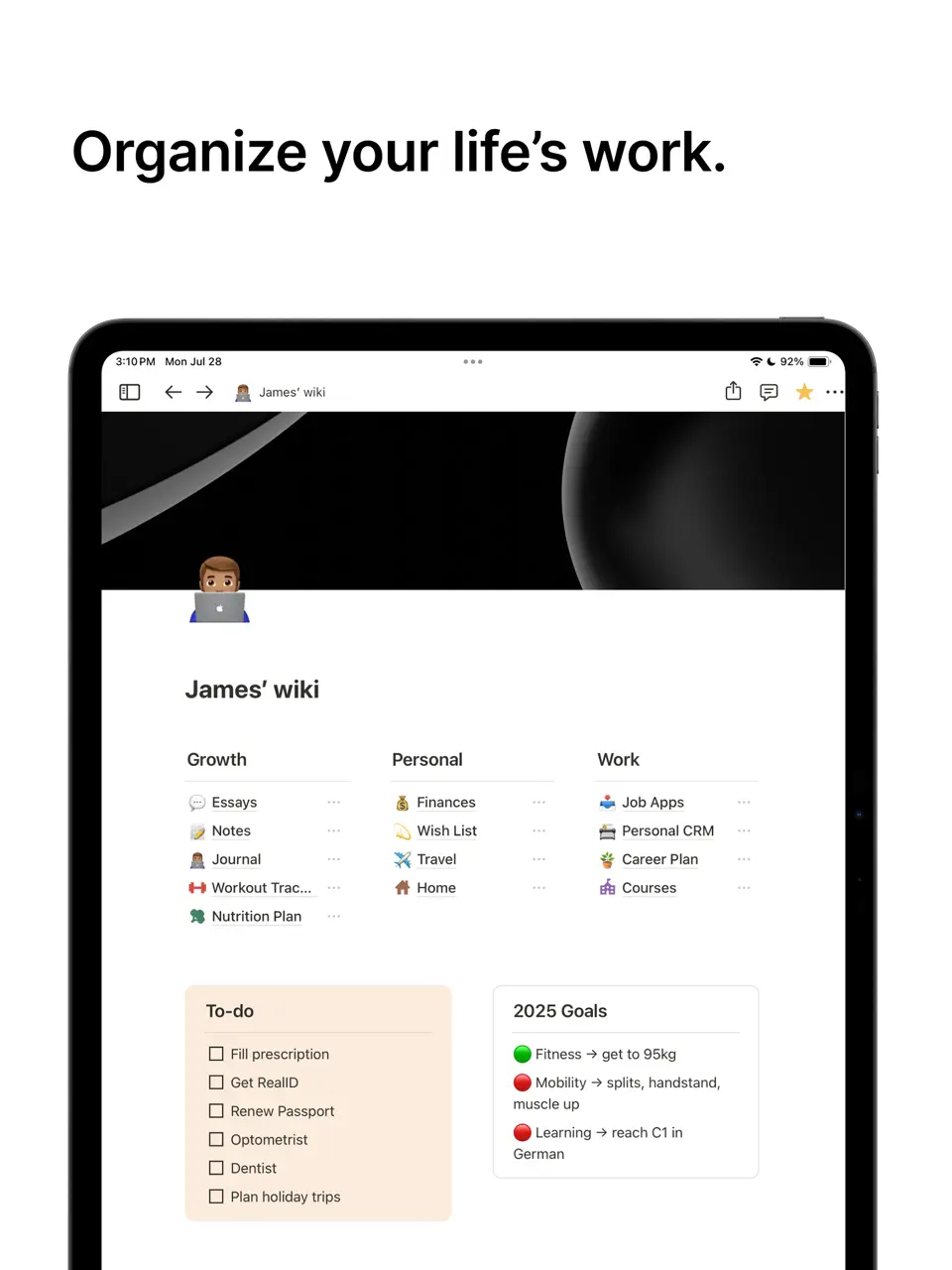
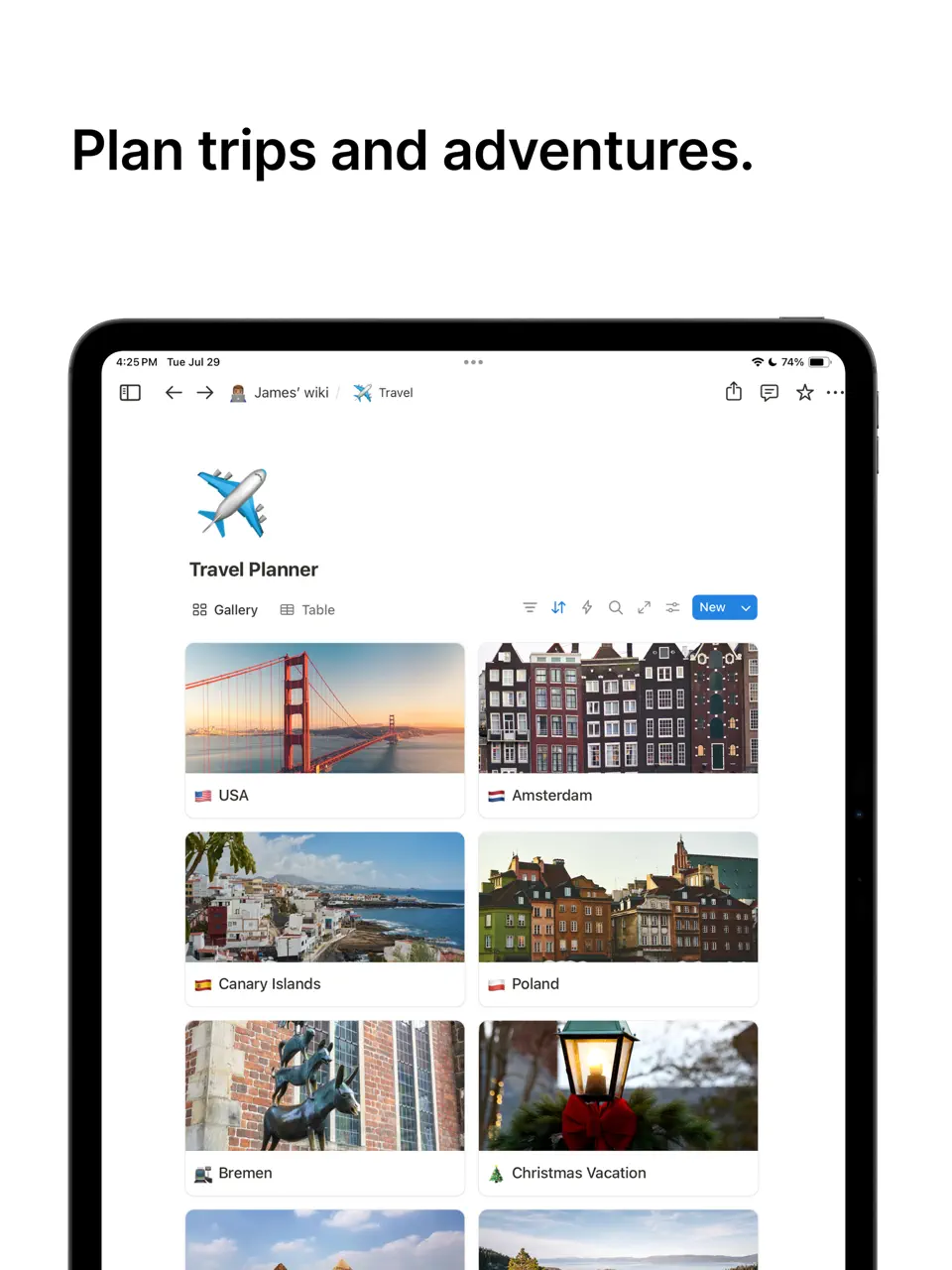
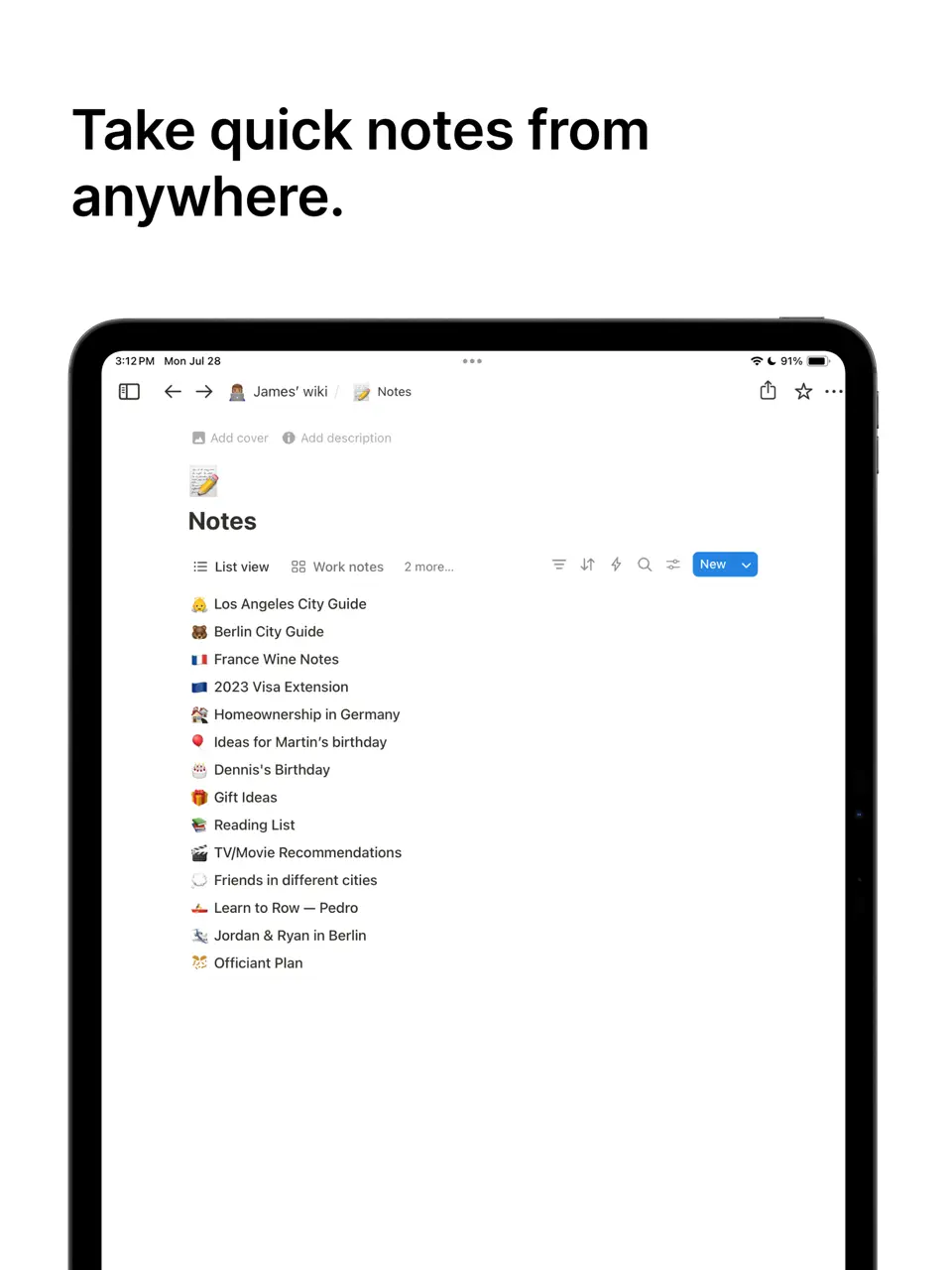
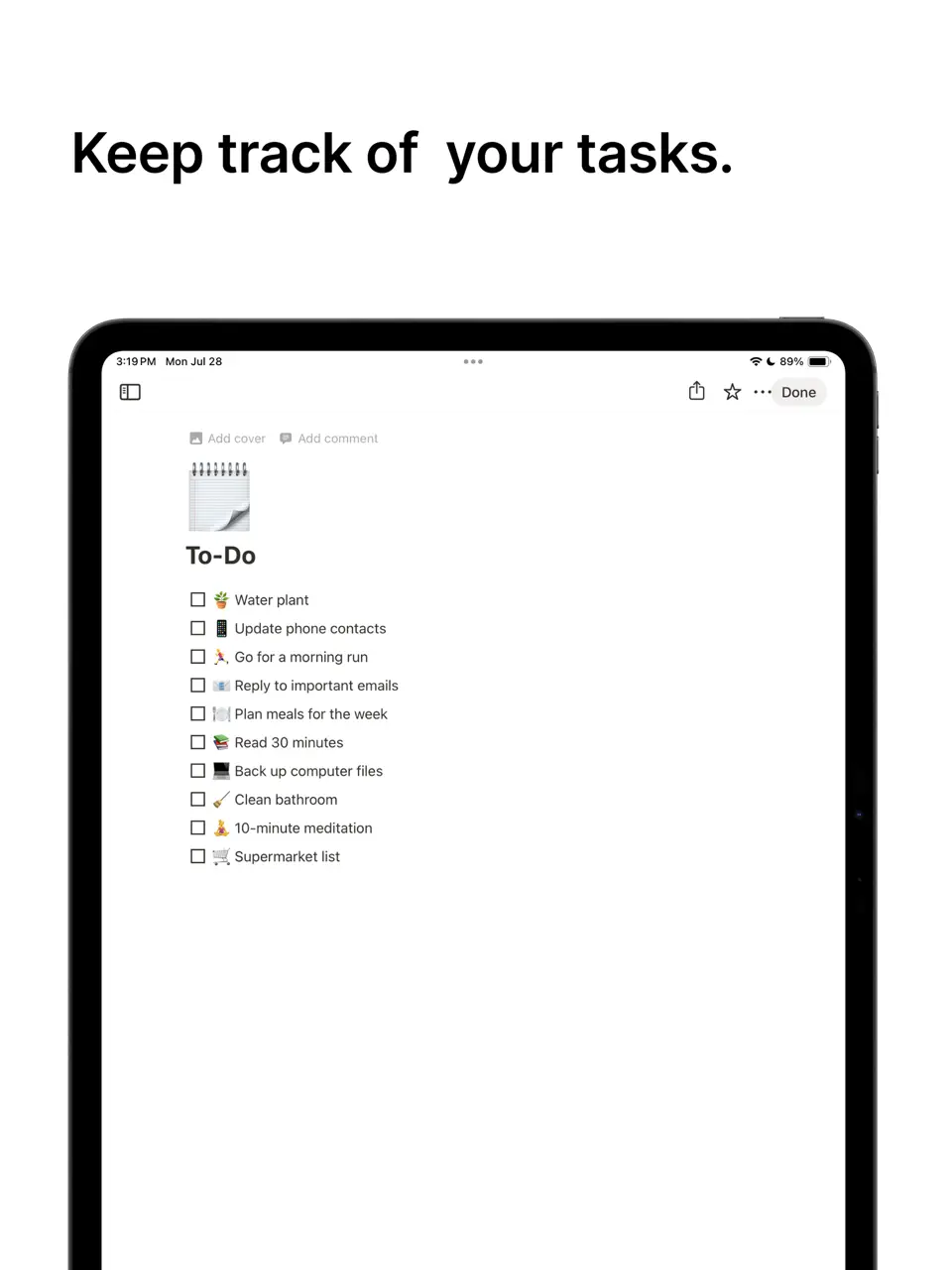
Notion lets you build completely custom weekly planning systems using databases, templates, and linked pages. Many users create sophisticated weekly dashboards that combine tasks, goals, notes, and habits in one place.
While it requires more setup than ready-made planners, the flexibility is unmatched for power users who want a tailored solution.
Key Features
- Fully customizable weekly templates and dashboards
- Database-driven task and habit tracking
- Real-time collaboration
- Audio embeds and scribble support on iPad
- Infinite customization possibilities
- Great for combining planning with knowledge management
- Strong team collaboration
- Steeper learning curve
- Mobile experience less optimized for quick planning
- Limited native notifications
Product details
| Pricing | Platforms | Best For |
|---|---|---|
| Freemium | iOS, Android, Web, Mac, Windows | Fully customizable weekly dashboards and templates for power users who want complete control. |
GoodNotes
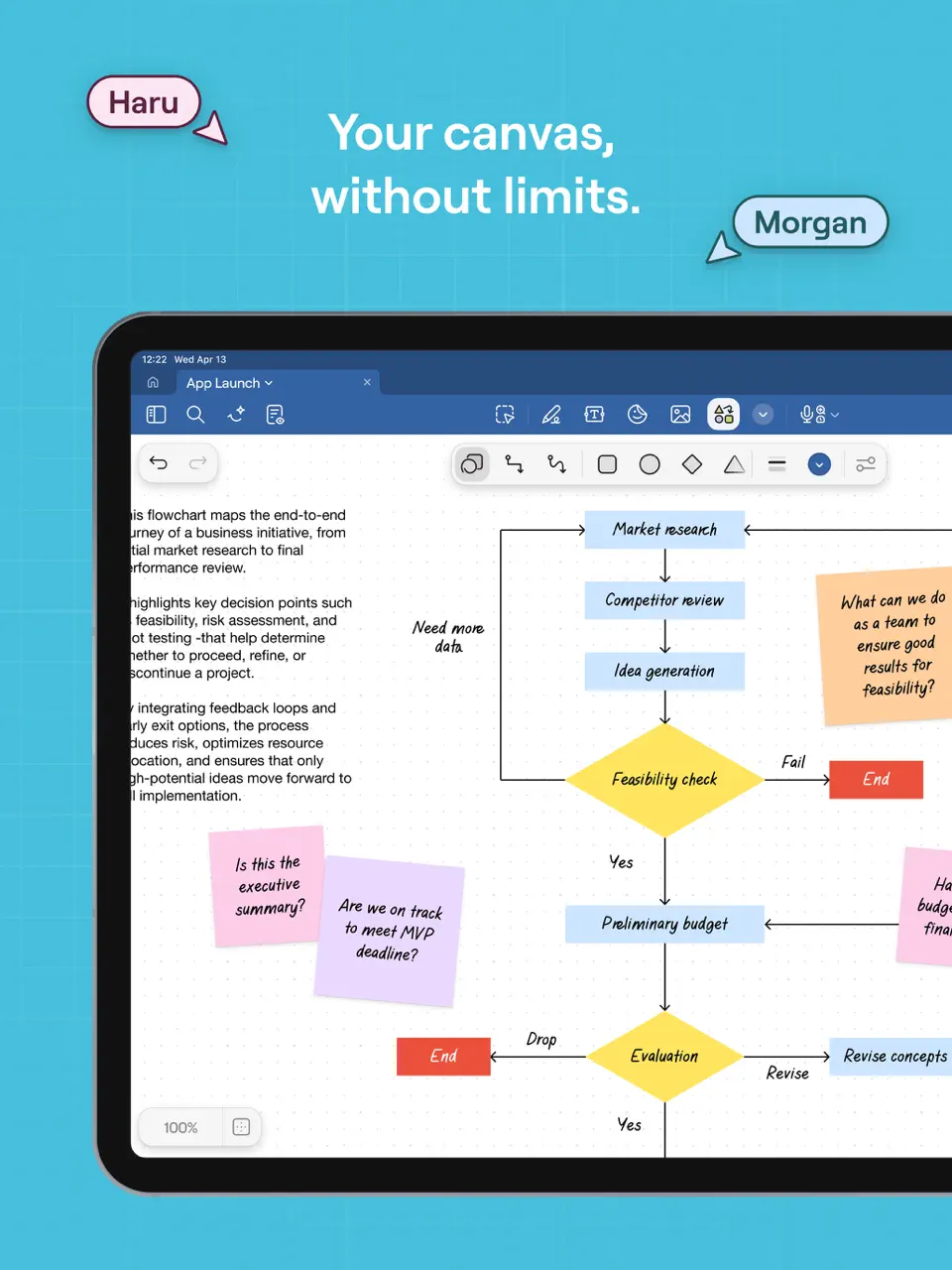
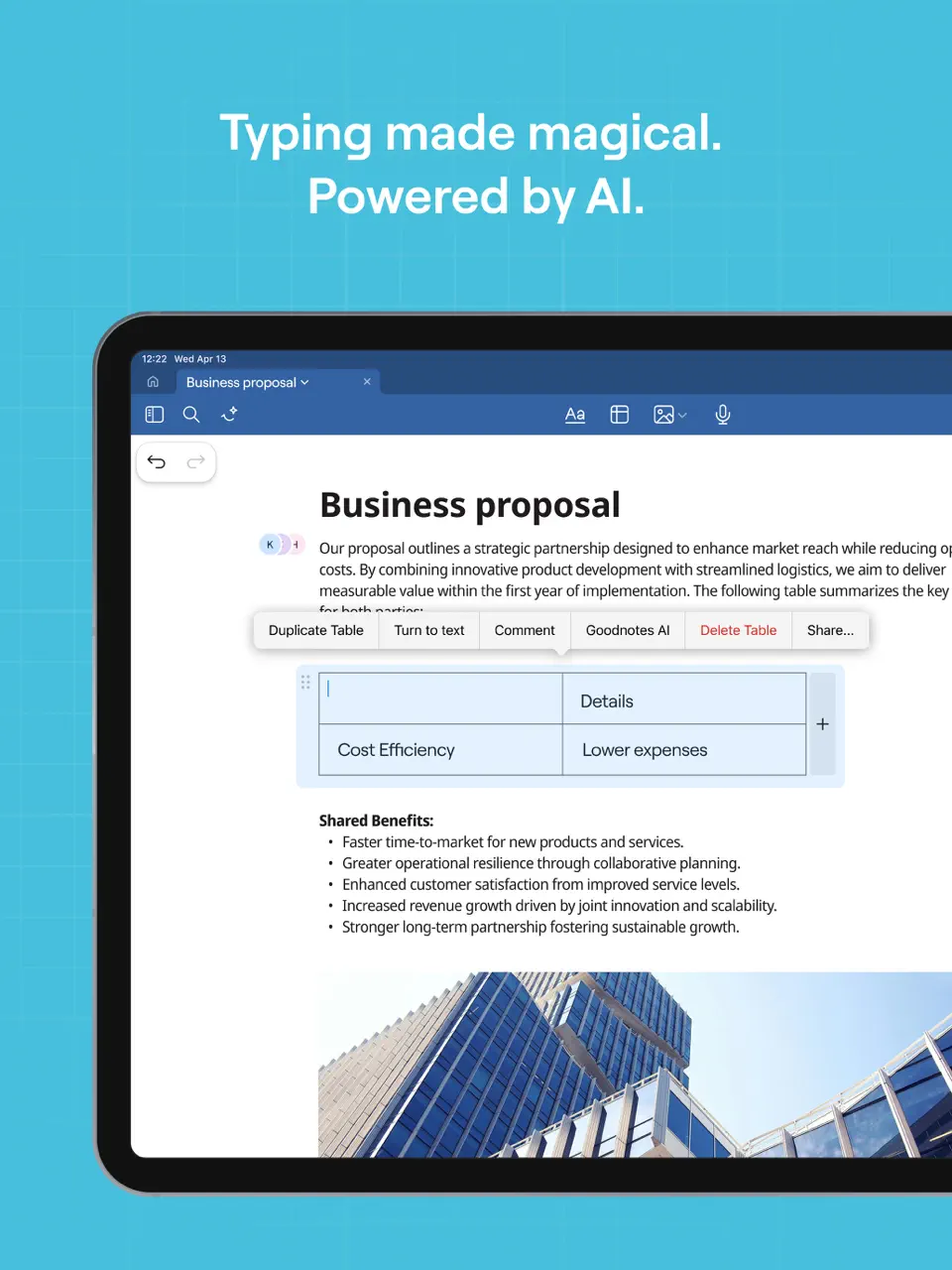
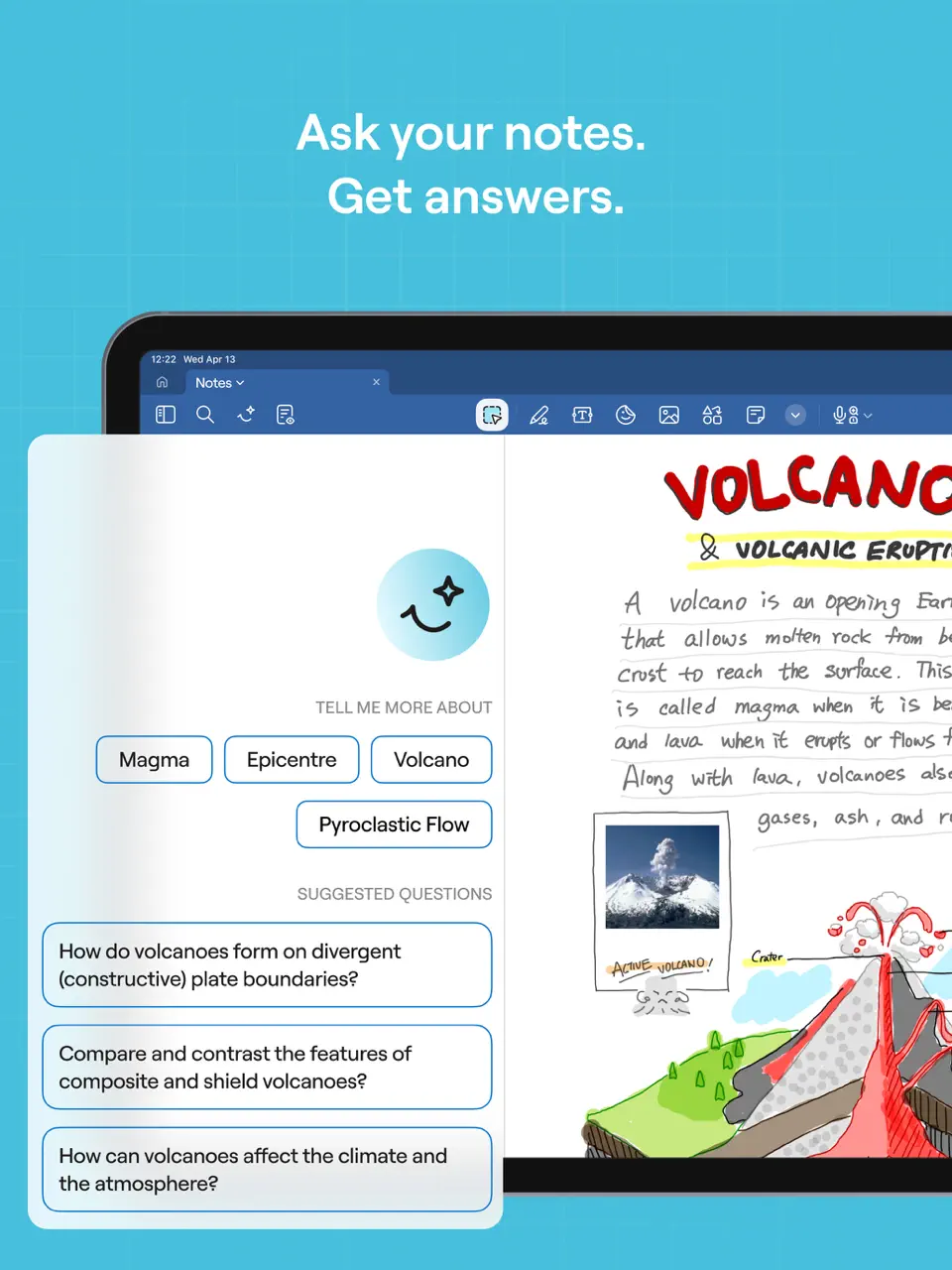
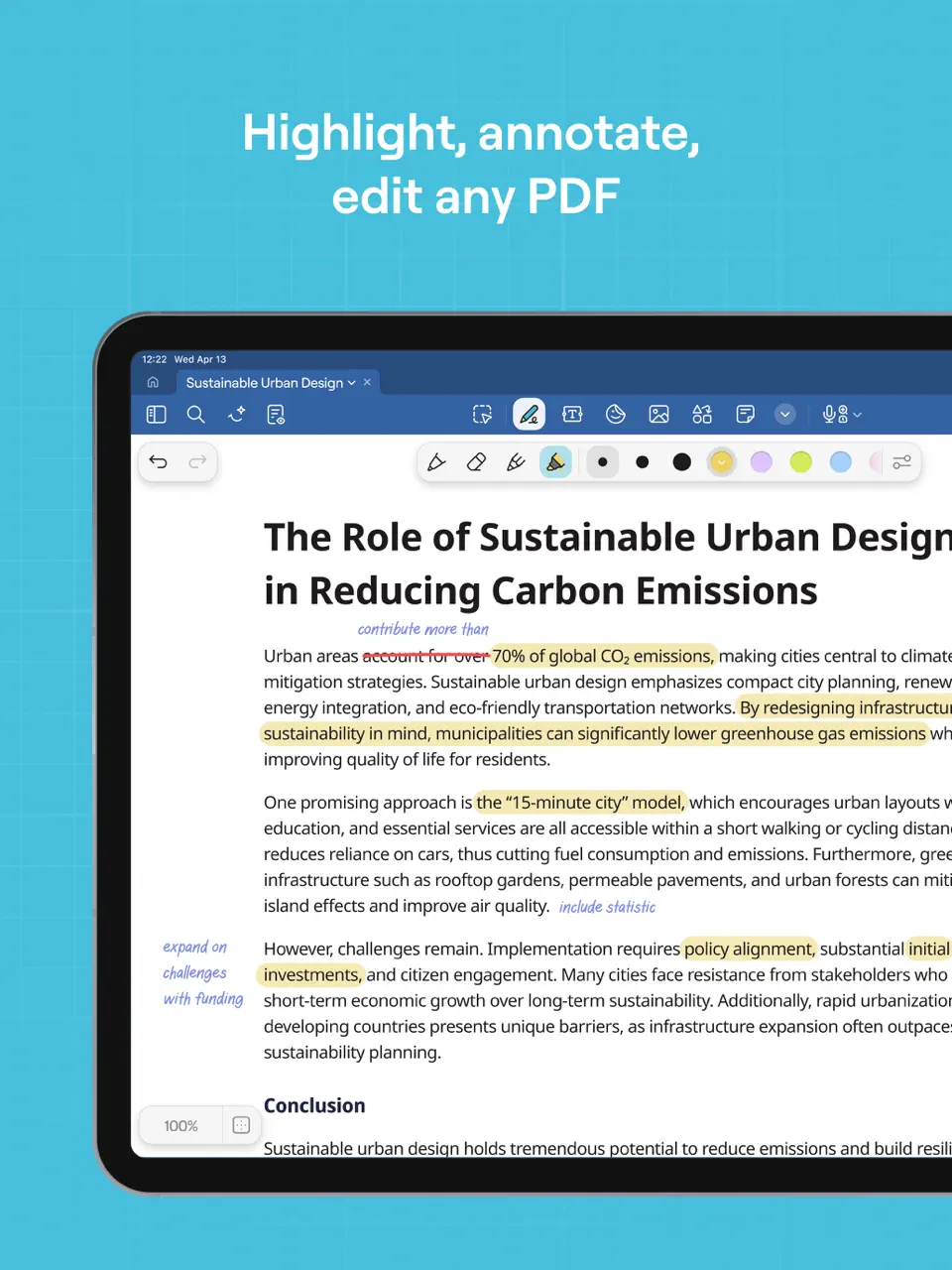
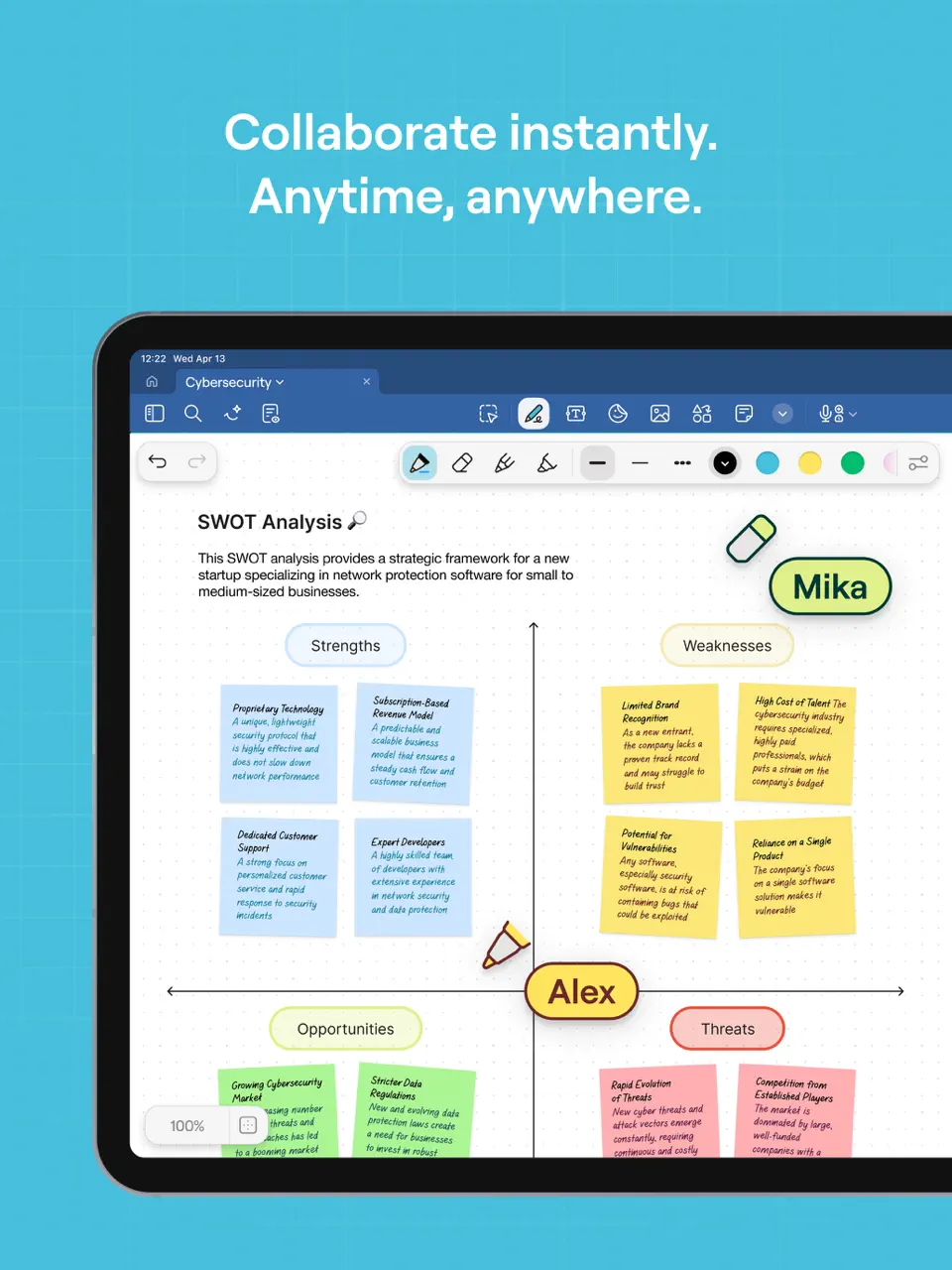
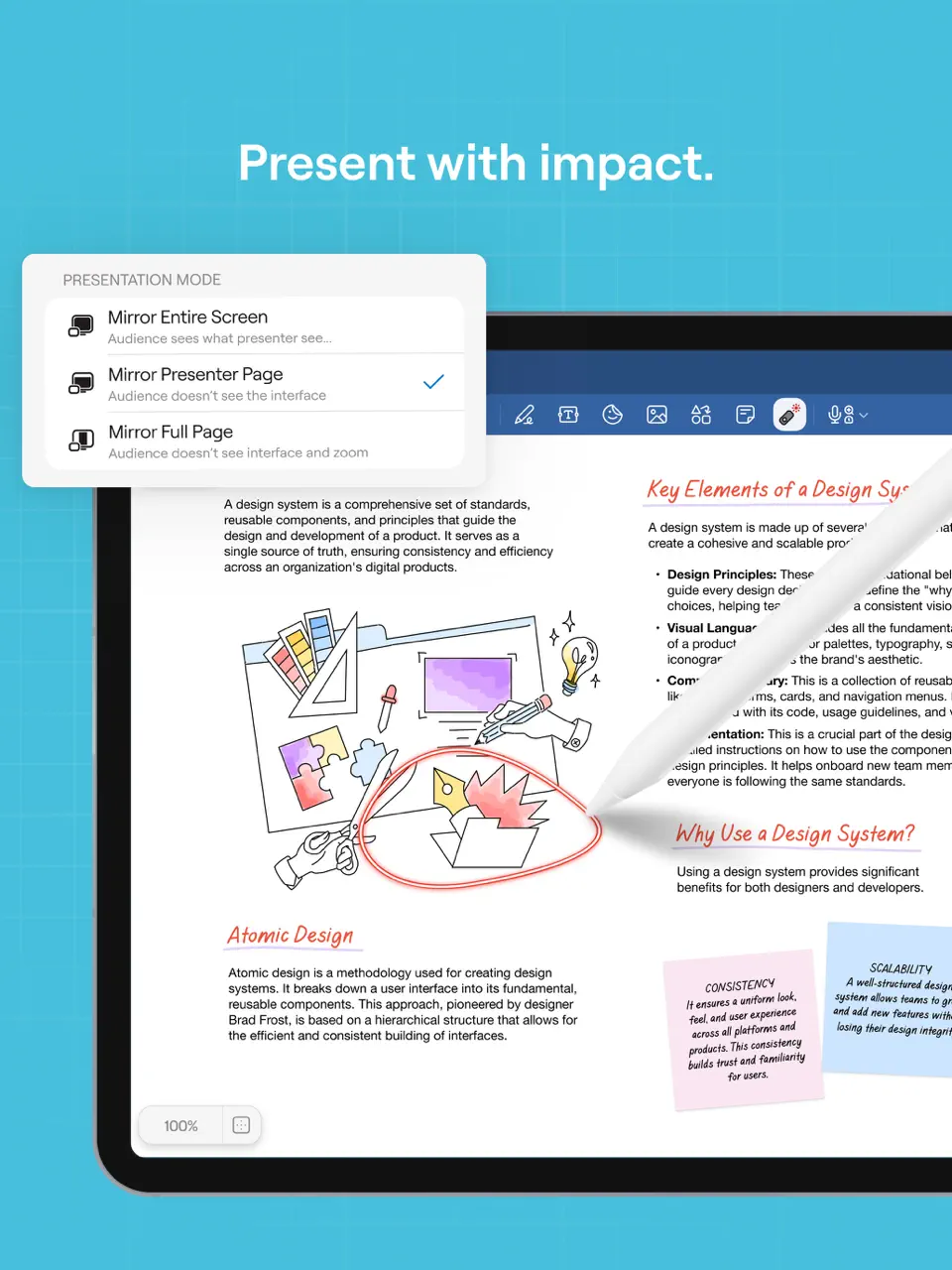
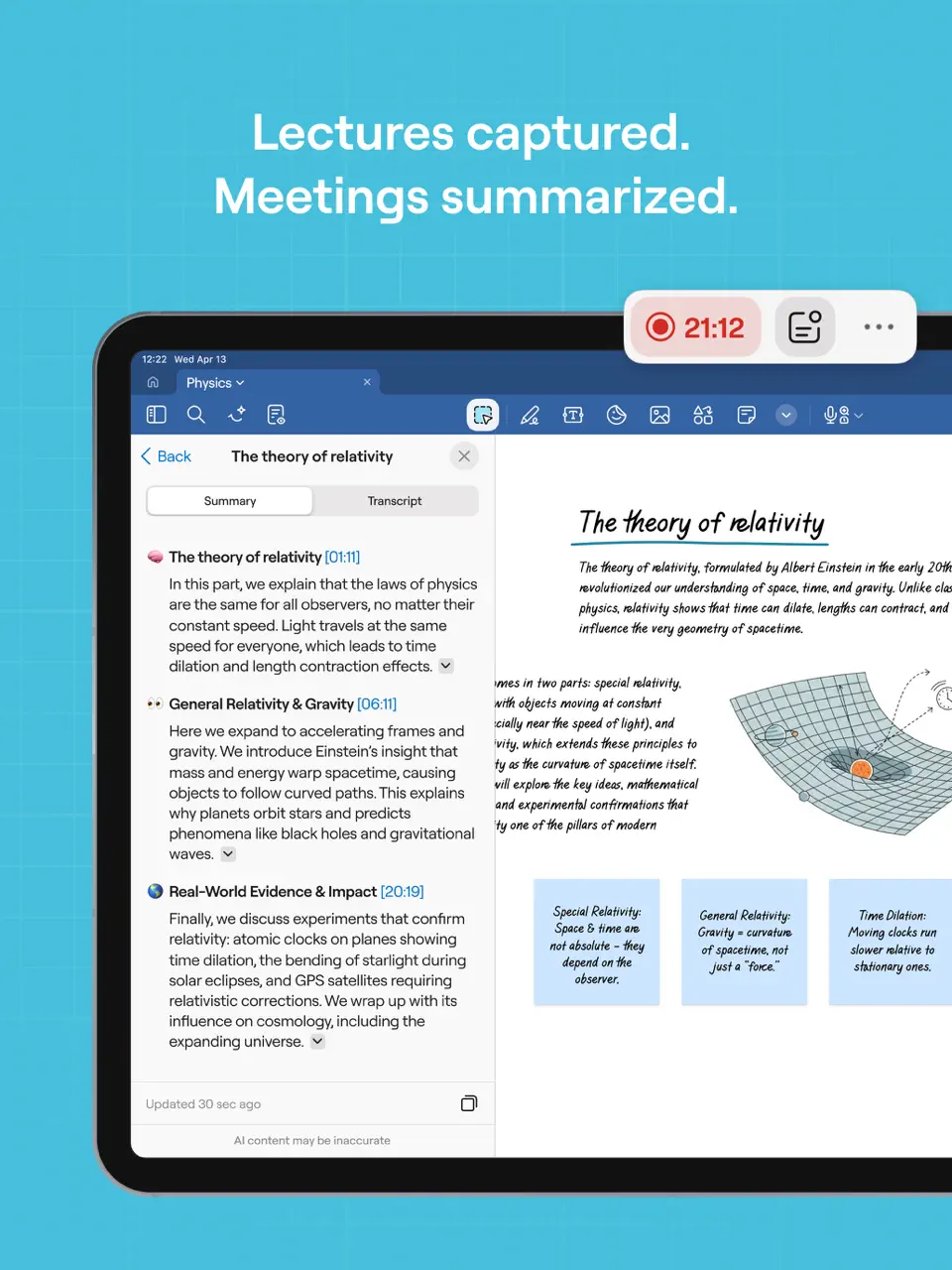
GoodNotes transforms digital handwriting into a powerful weekly planning tool through PDF templates and infinite notebooks. Users import or create beautiful weekly spreads and write naturally with Apple Pencil or other styluses. It's especially popular among students and creatives who prefer the feel of paper planning with digital convenience.
Key Features
- Best-in-class handwriting and stylus support
- PDF-based weekly planner templates
- Audio recording synced with notes
- Full offline access
- Natural, paper-like writing experience
- One-time purchase option
- Excellent for visual and creative planning
- Limited task automation and calendar sync
- Primarily iOS/iPadOS focused
- No built-in habit tracking
Product details
| Pricing | Platforms | Best For |
|---|---|---|
| One-time purchase $29.99 (GoodNotes 6) | iOS, iPadOS, Mac (limited Android/Windows via web | Digital handwriting weekly planners using PDF templates and handwritten notes. |

Floret
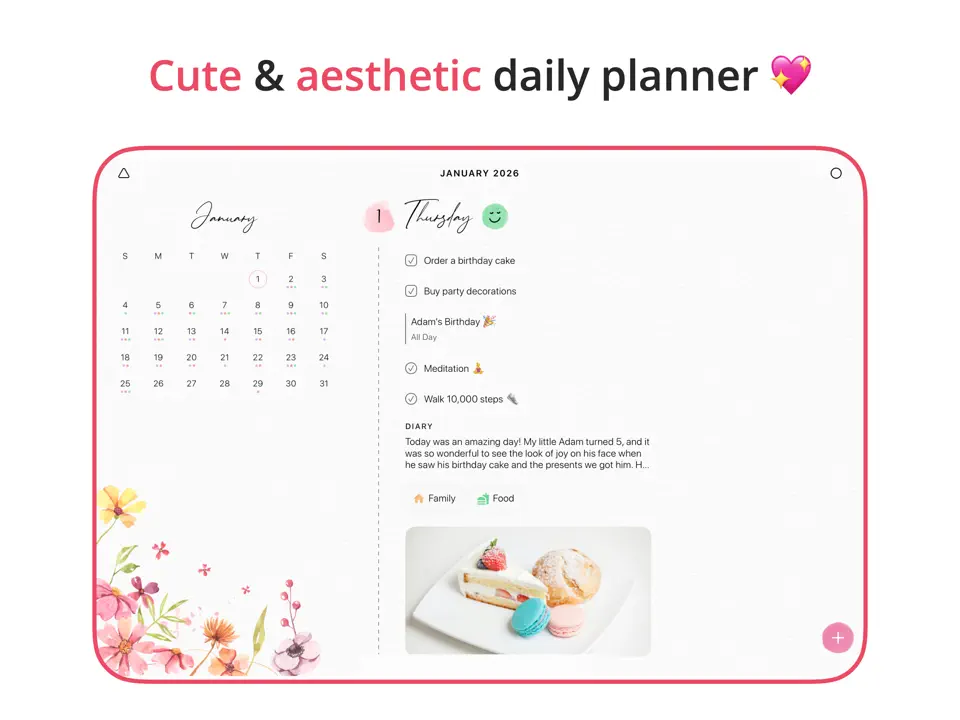
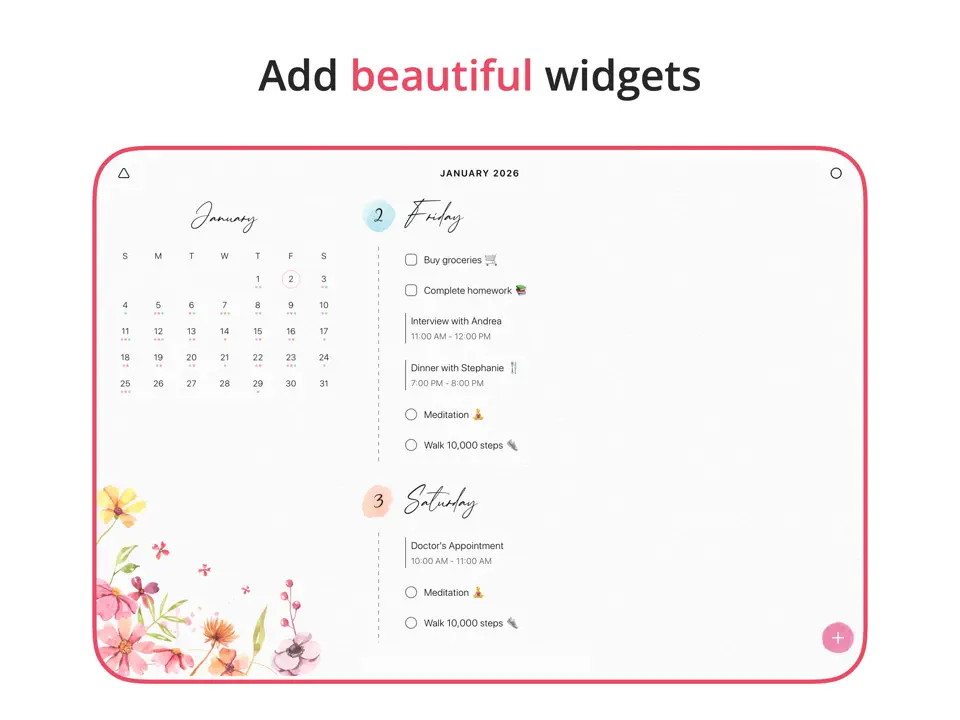
Floret offers a minimalist, aesthetic approach to weekly journaling and light planning. It combines simple event and habit tracking with mood reflection in a calm, beautiful interface. Perfect for users who want gentle structure without the intensity of full productivity systems.
Key Features
- Clean weekly overview with habits and events
- Mood tracking and reflection prompts
- Customizable widgets and reminders
- Full offline support
- Peaceful, distraction-free design
- Encourages self-care and reflection
- Affordable Pro version
- Limited task management and time blocking
- No collaboration or handwriting
- iOS/macOS only
Product details
| Pricing | Platforms | Best For |
|---|---|---|
| Freemium (Pro $4.99/month or $29.99/year) | iOS, iPadOS, Mac | Minimalist aesthetic weekly journaling with mood tracking and simple habits/events. |
Akiflow
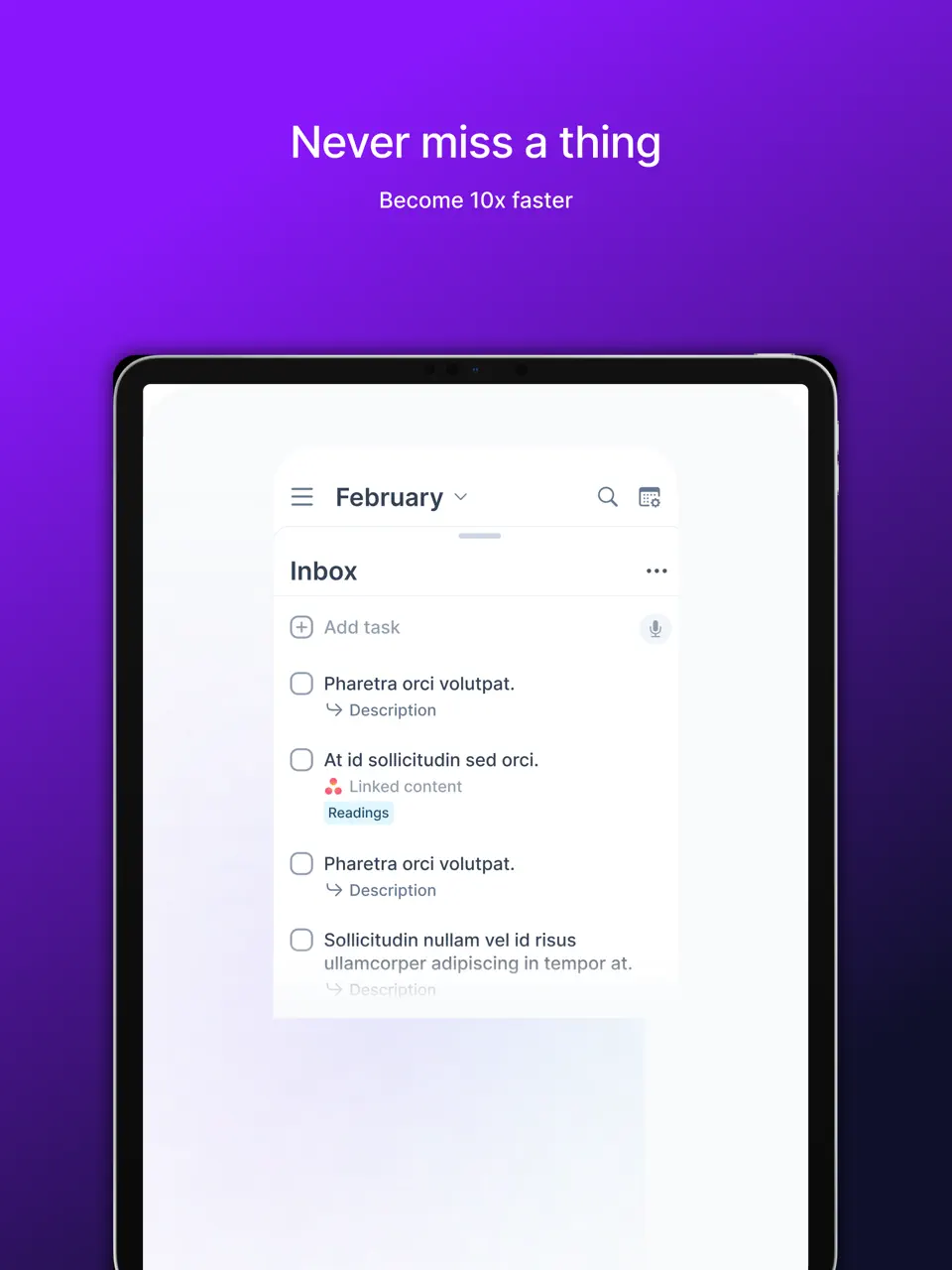
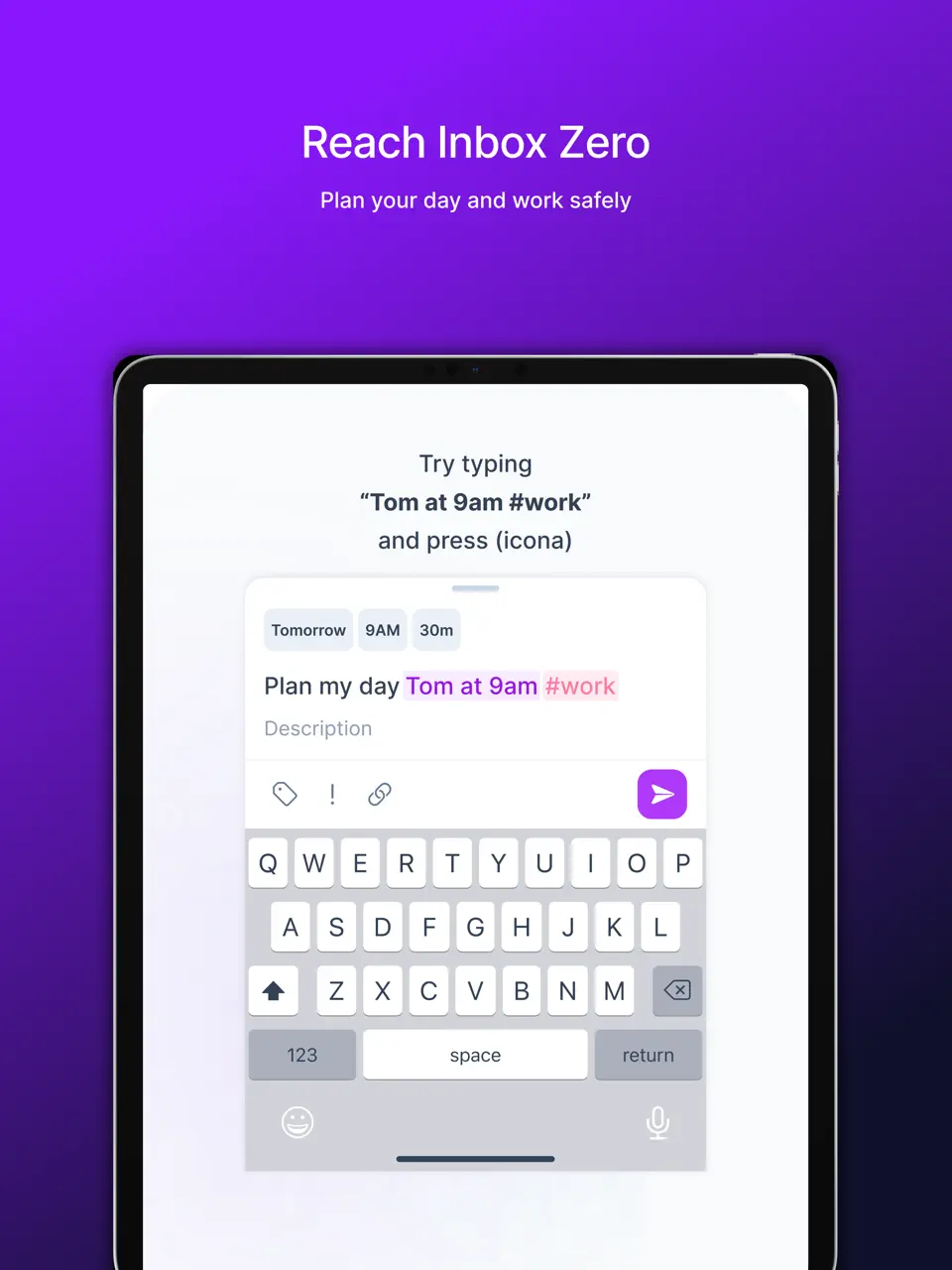
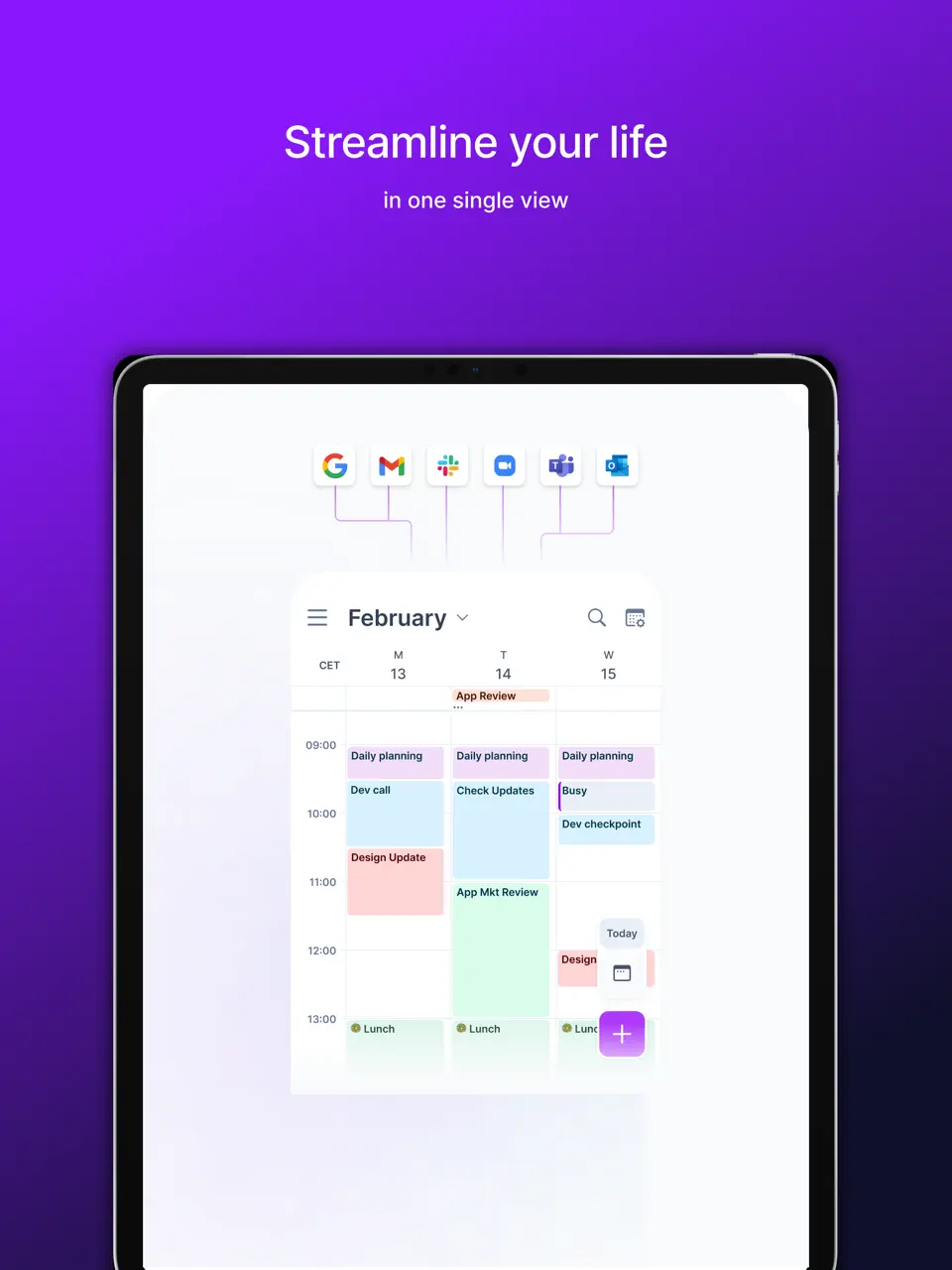
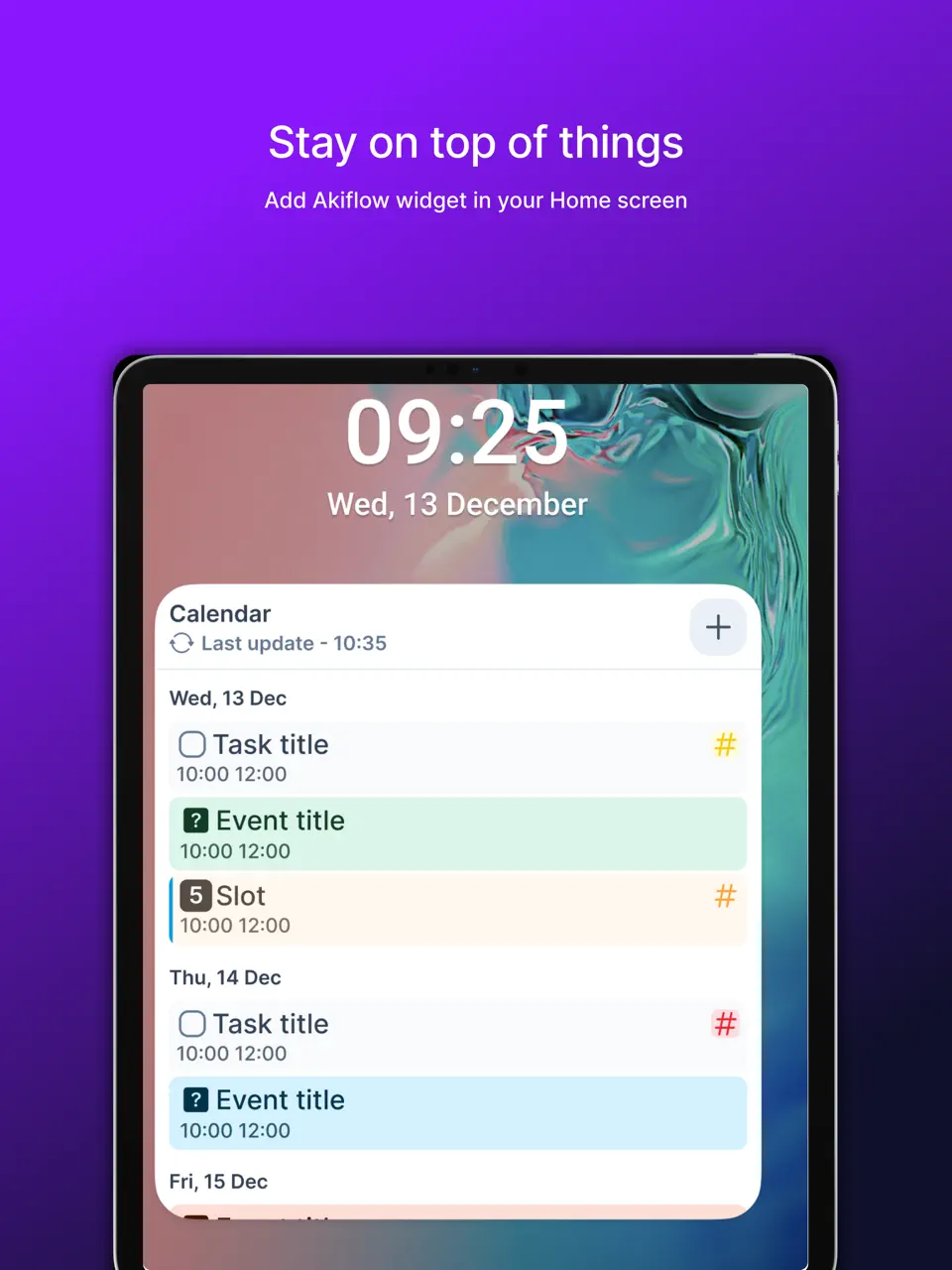
Akiflow consolidates tasks from dozens of tools into a unified timeline, making weekly planning across multiple accounts seamless. It’s built for users deeply embedded in various productivity ecosystems. The app focuses on command bar speed and keyboard shortcuts for power users who switch contexts frequently.
Key Features
- 50+ integrations in one timeline
- Time blocking and unified weekly view
- Full offline mode
- Widgets and quick-capture tools
- Unifies fragmented workflows
- Fast and keyboard-friendly
- Strong cross-platform support
- Subscription-based with no free tier
- Limited native habit or handwriting features
Product details
| Pricing | Platforms | Best For |
|---|---|---|
| $15/user/month | iOS, Android, Web, Mac, Windows | Integration-heavy weekly overview that unifies 50+ tools into a single timeline. |
Google Calendar
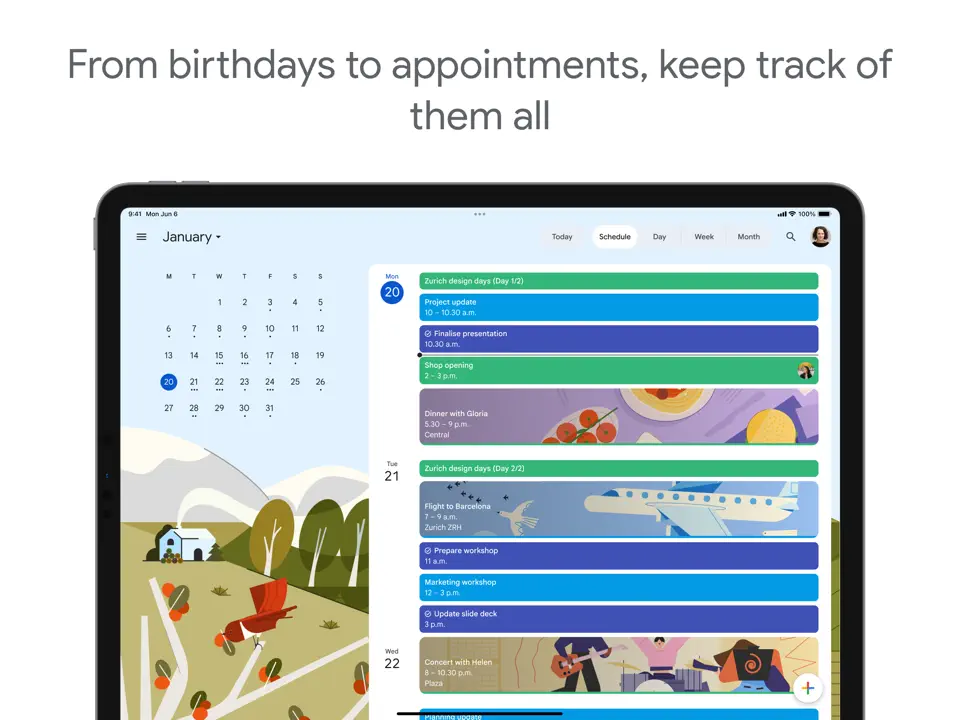
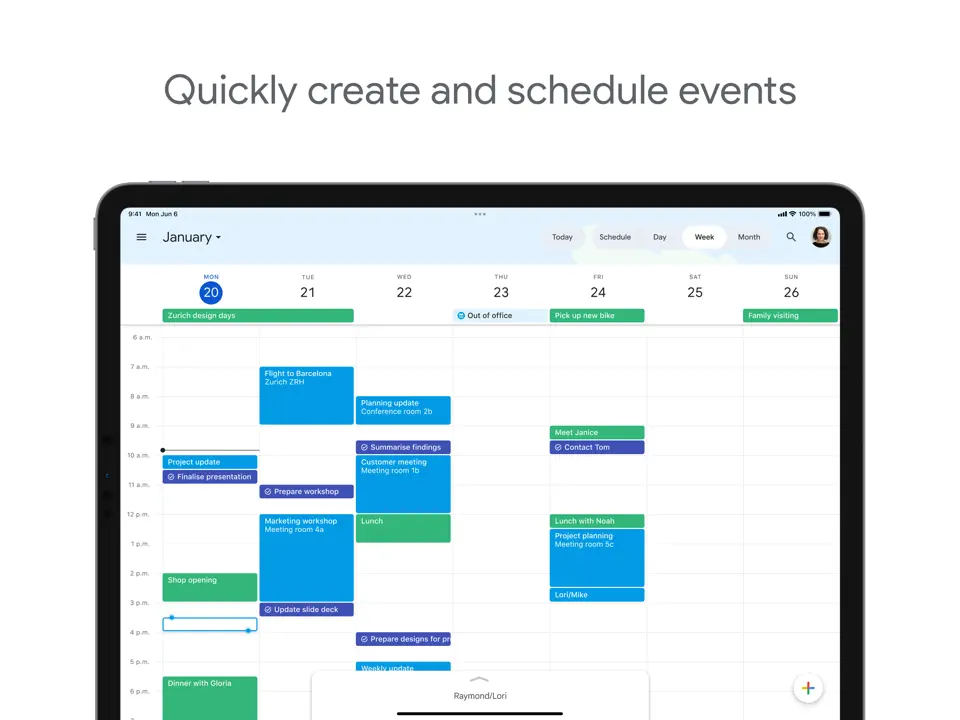
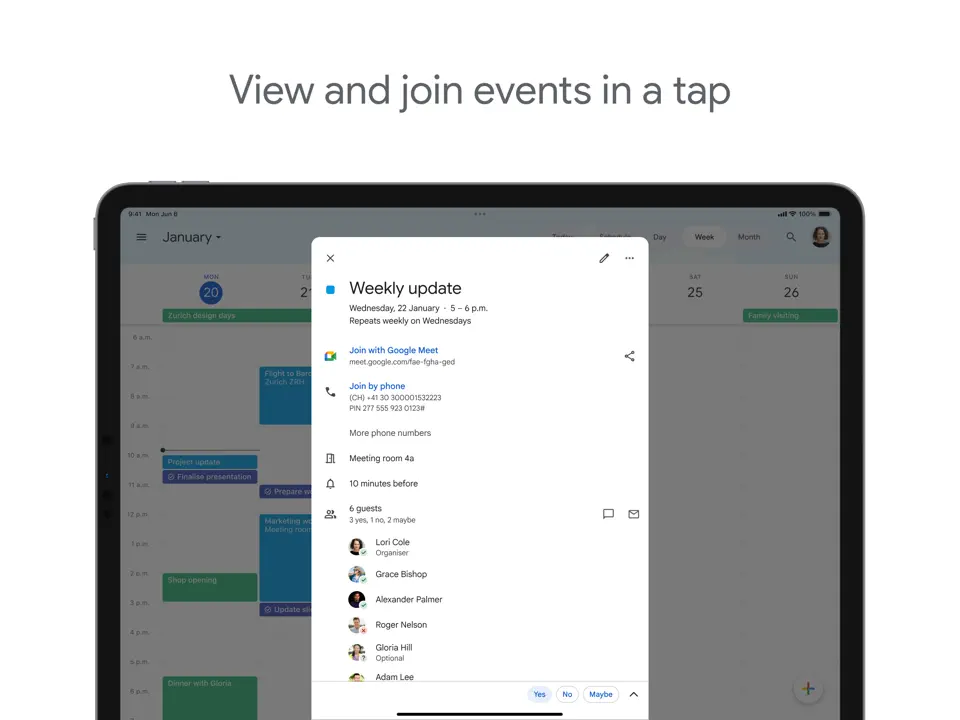
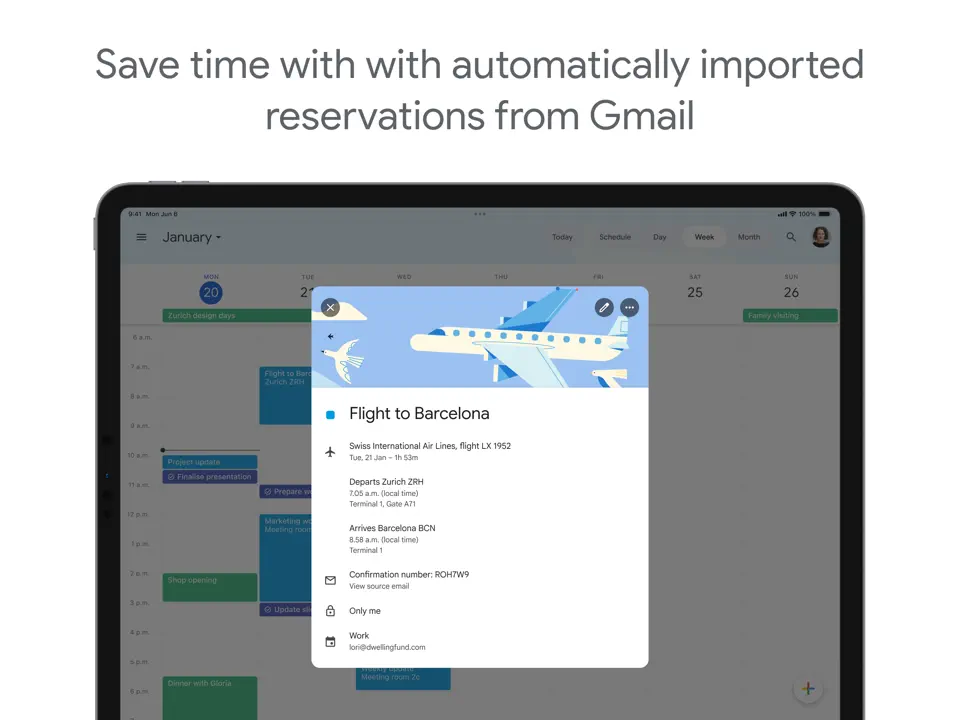
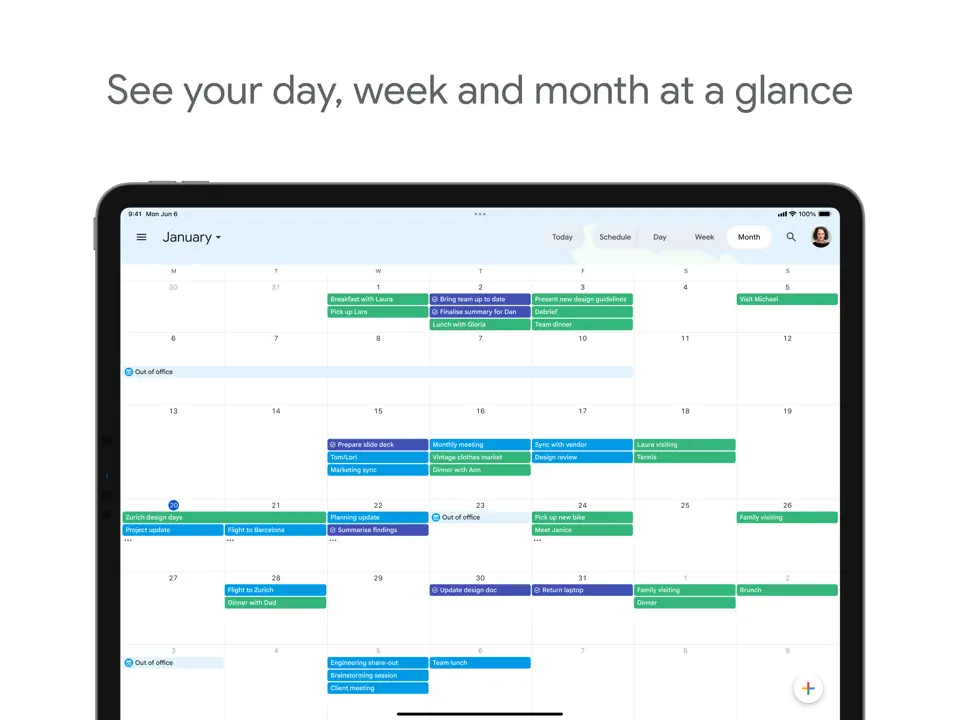
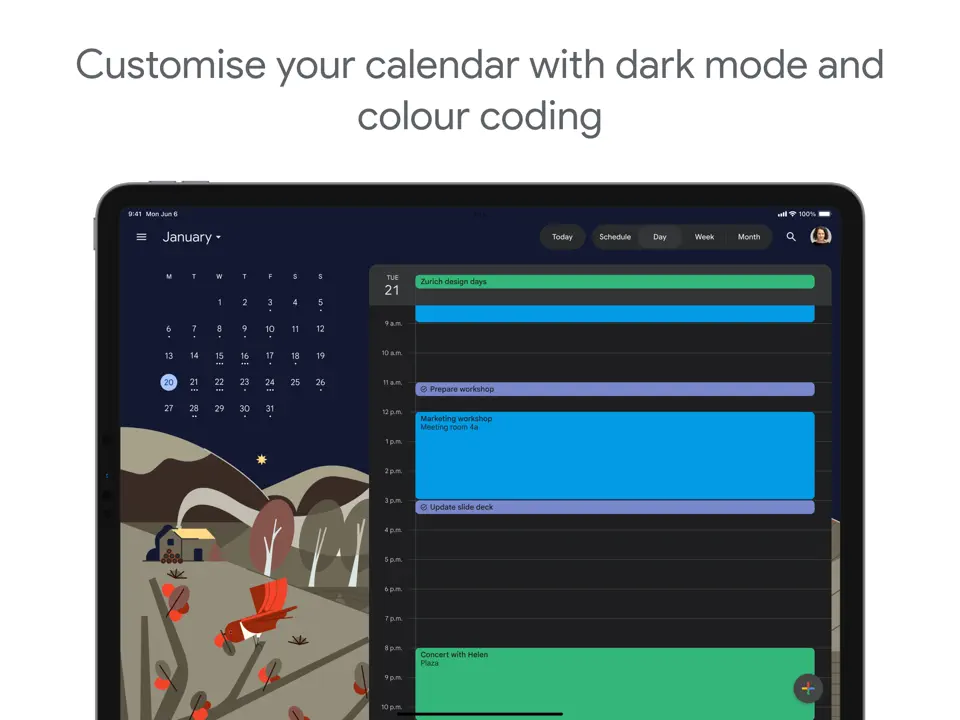
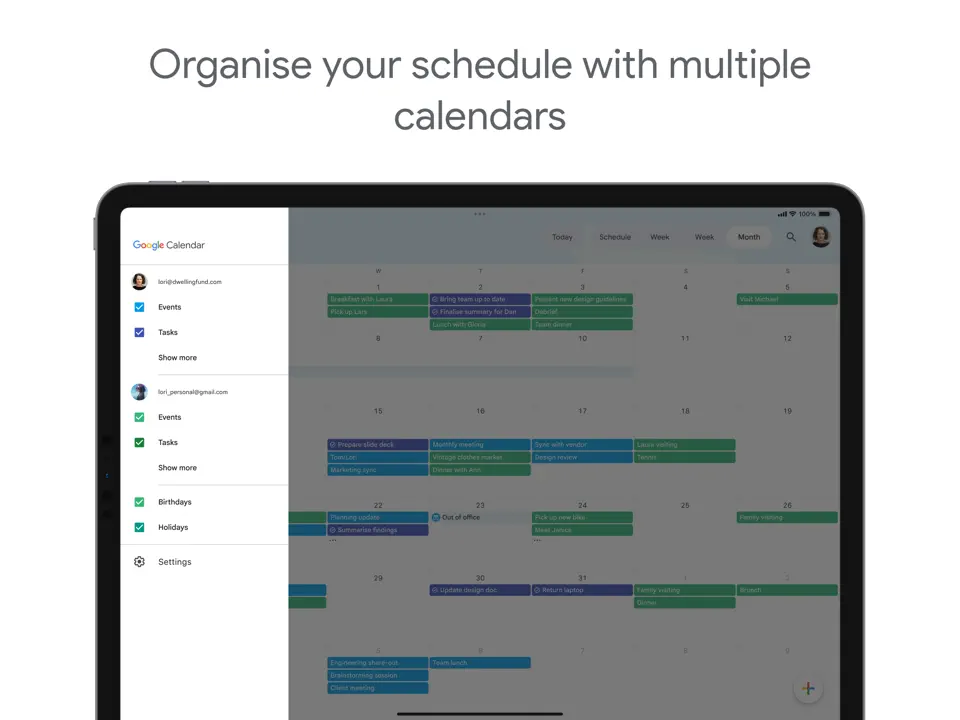
Google Calendar remains the go-to free solution for basic weekly scheduling, with reliable reminders, shared calendars, and simple weekly grid views. It's best as a foundation that can be enhanced with tasks or integrated into more advanced systems.
Key Features
- Clean weekly grid view
- Shared calendars and invitations
- Notifications and basic widgets
- Full calendar sync
- Completely free and reliable
- Excellent sharing and collaboration
- Works everywhere
- No built-in tasks, habits, or templates
- Minimal customization
- Limited advanced planning features
Product details
| Pricing | Platforms | Best For |
|---|---|---|
| Free | All platforms | Simple, free weekly view with reminders and shared calendars for basic scheduling needs. |
Conclusion
Choosing the best weekly planner app in 2026 ultimately depends on your personal workflow and priorities. If you want maximum flexibility with templates, handwriting, and offline access, go with Ultimate Planner. For mindful guided planning, try Sunsama. Busy professionals who hate manual scheduling will love Motion’s AI, while those preferring simple task-focused weekly views should start with Todoist or TickTick.
Here’s a quick summary to help you decide:
- Best Overall Weekly Planner App - Ultimate Planner
- Best for Mindful Planning - Sunsama
- Best AI Weekly Planner - Motion
- Best Task-Focused - Todoist
- Best with Habits & Pomodoro - TickTick
- Best Custom Dashboards - Notion
- Best Handwriting Weekly Planner - GoodNotes
- Best Aesthetic Journal - Floret
- Best Integration-Heavy - Akiflow
- Best Free Option - Google Calendar
Most of these weekly planner apps offer free versions or trials, so test a couple that match your needs. The right weekly planner app is the one you’ll actually open every Sunday to plan, and every Friday to reflect. Find what fits your rhythm and make 2026 your most intentional year yet.