
Best Daily Planner Apps 2026
Quick jump to:
Introduction
In 2026 finding the best daily planner app is still one of the most effective ways to stay organized, reduce stress and actually get things done. A good daily planner app combines calendar, tasks, habits and notes in one place without overwhelming you with unnecessary features.
We tested and compared more than 40 popular solutions (both new AI tools and classic favorites) to bring you the best daily planner apps available right now. Whether you need a simple free option, an AI-powered auto-scheduler, or a beautiful visual timeline, there’s something here for everyone.
Our overall winner and the best daily planner app for most people in 2026 is Ultimate Planner: it strikes the perfect balance of power and simplicity. This guide covers the top 12 apps, including both free and premium options, with honest insights based on real-world use. We focused on apps that excel at structuring your day, not just listing tasks.
| Ultimate Planner | GoodNotes | Notability | Noteshelf | Motion | Sunsama | Tiimo | Routinery | Notewise | Day One | Todoist | Google Calendar | |
|---|---|---|---|---|---|---|---|---|---|---|---|---|
| Overall rating: | ||||||||||||
| Rating | 4.9 | 4.8 | 4.7 | 4.7 | 4.7 | 4.5 | 4.7 | 4.6 | 4.5 | 4.6 | 4.6 | 4.4 |
| Features: | ||||||||||||
| Time Blocking | Partial | |||||||||||
| Habit Tracking | Partial | Partial | ||||||||||
| Calendar Sync | ||||||||||||
| Handwriting Support | ||||||||||||
| AI Features | Partial | Partial | Partial | Partial | Partial | Partial | ||||||
| Offline Mode | ||||||||||||
| Widgets & Notifications | Limited | Limited | ||||||||||
| Audio Recording | ||||||||||||
| Collaboration | Partial |
How We Tested and Selected the Top Apps
To build this list, we evaluated each option using consistent, user-focused criteria:
- Ease of Use & Interface – How quickly can you start planning without frustration?
- Daily Planning Features – Support for time-blocking, routines, reviews, and reflections.
- Task & Habit Management – Recurring items, priorities, and built-in habit tracking.
- Integration & Sync – Calendar connections (Google, Apple), cross-platform availability, and widgets.
- Customization – Templates, themes, handwriting support, and layout flexibility.
- AI & Smart Features – Auto-scheduling, suggestions, or task replanning.
- Pricing & Value – Quality of free tier, subscription cost, or one-time purchase.
- Performance & Offline Access – Speed, reliability, and offline capability.
These criteria ensure the recommendations suit different lifestyles — from busy professionals and students to parents and creatives looking for an effective way to organize their days.
Ultimate Planner
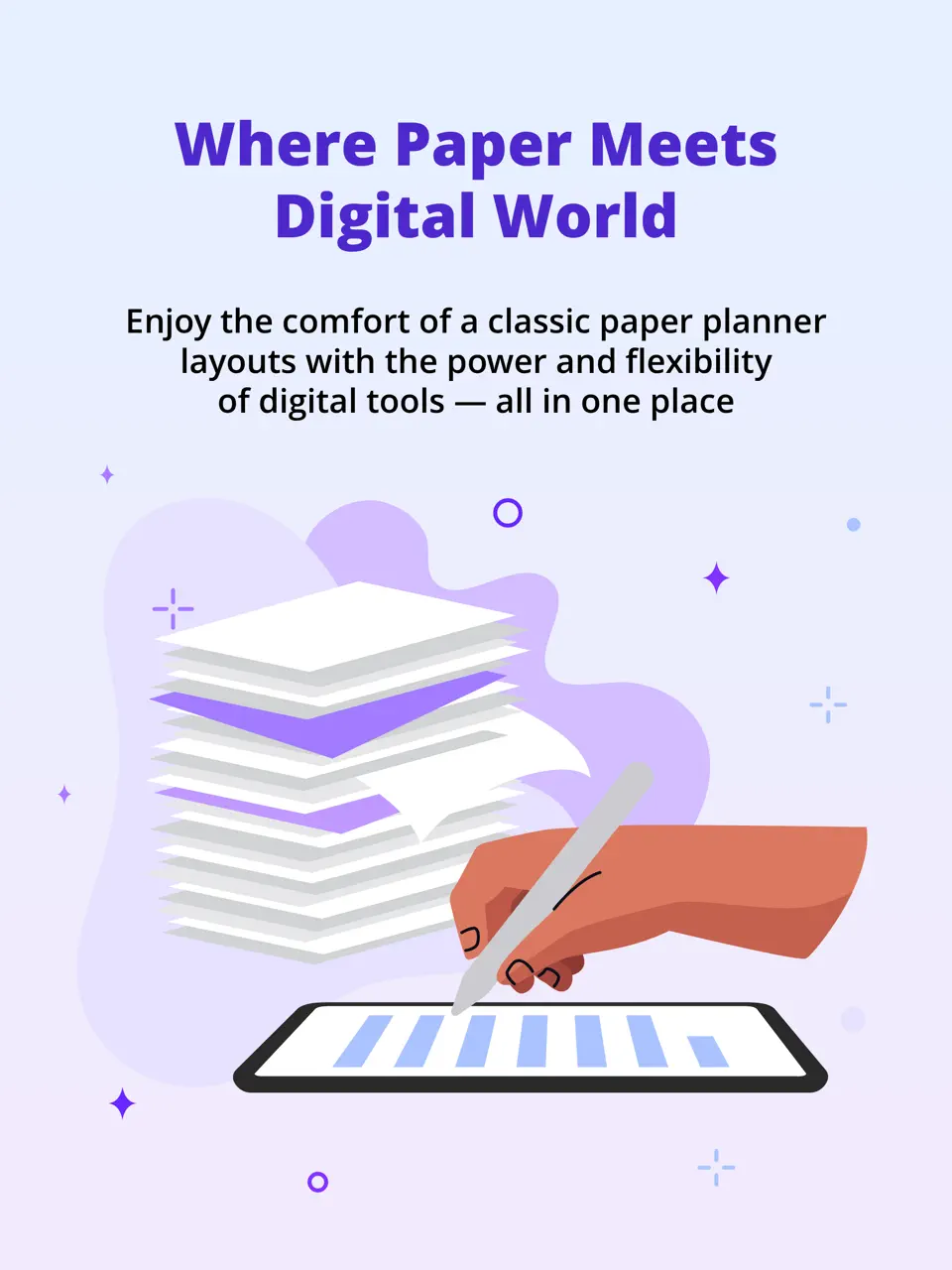
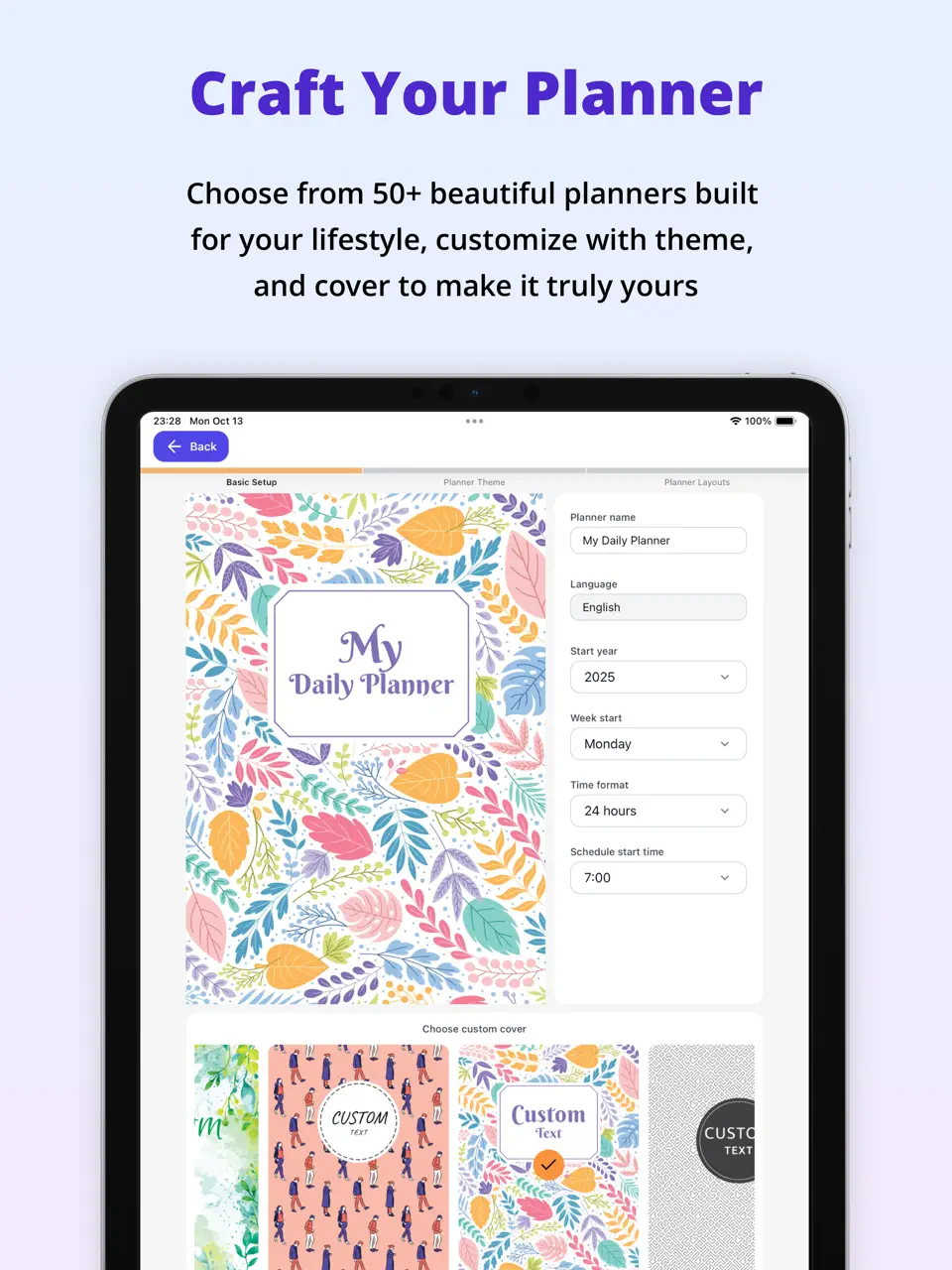
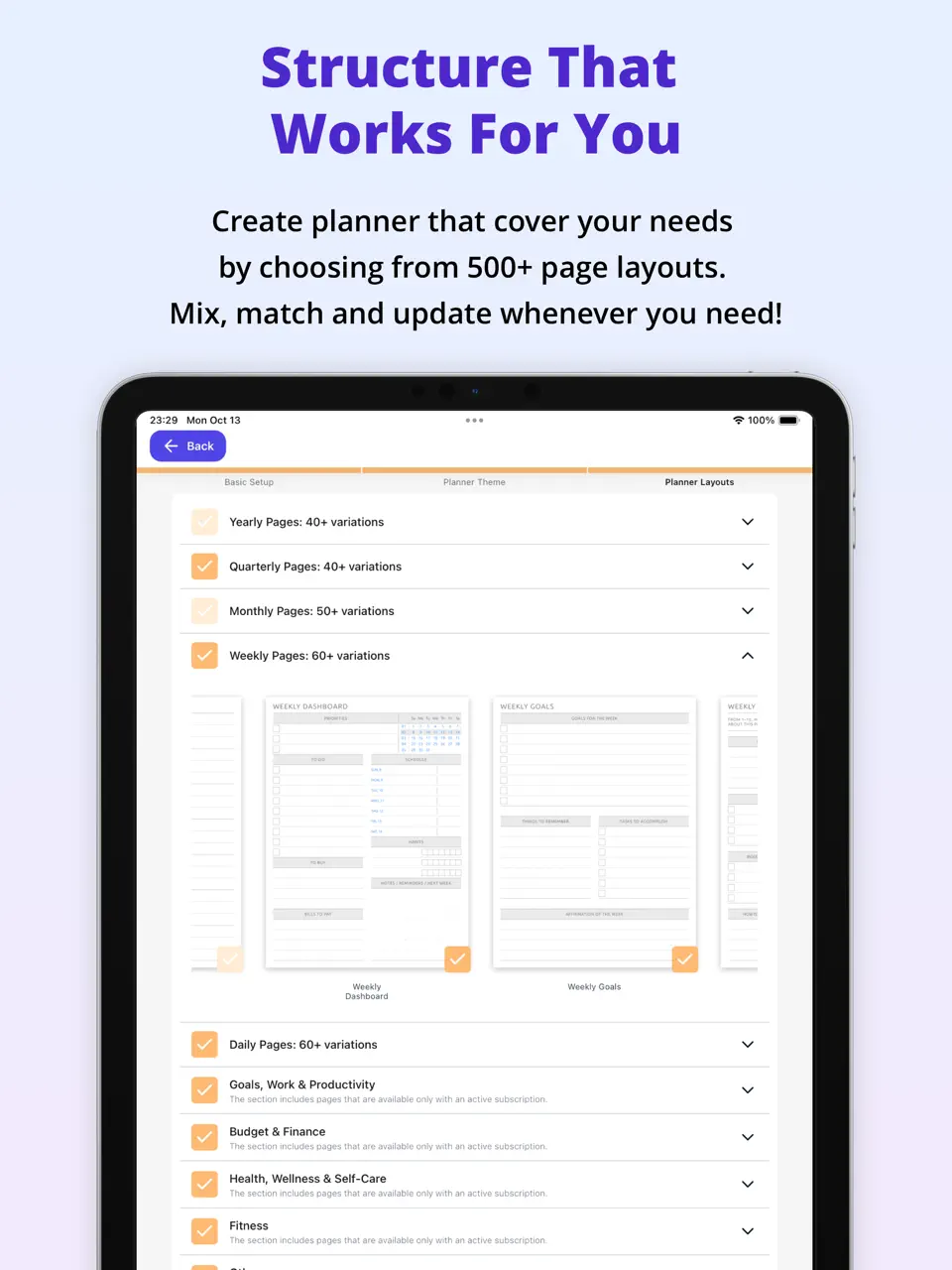
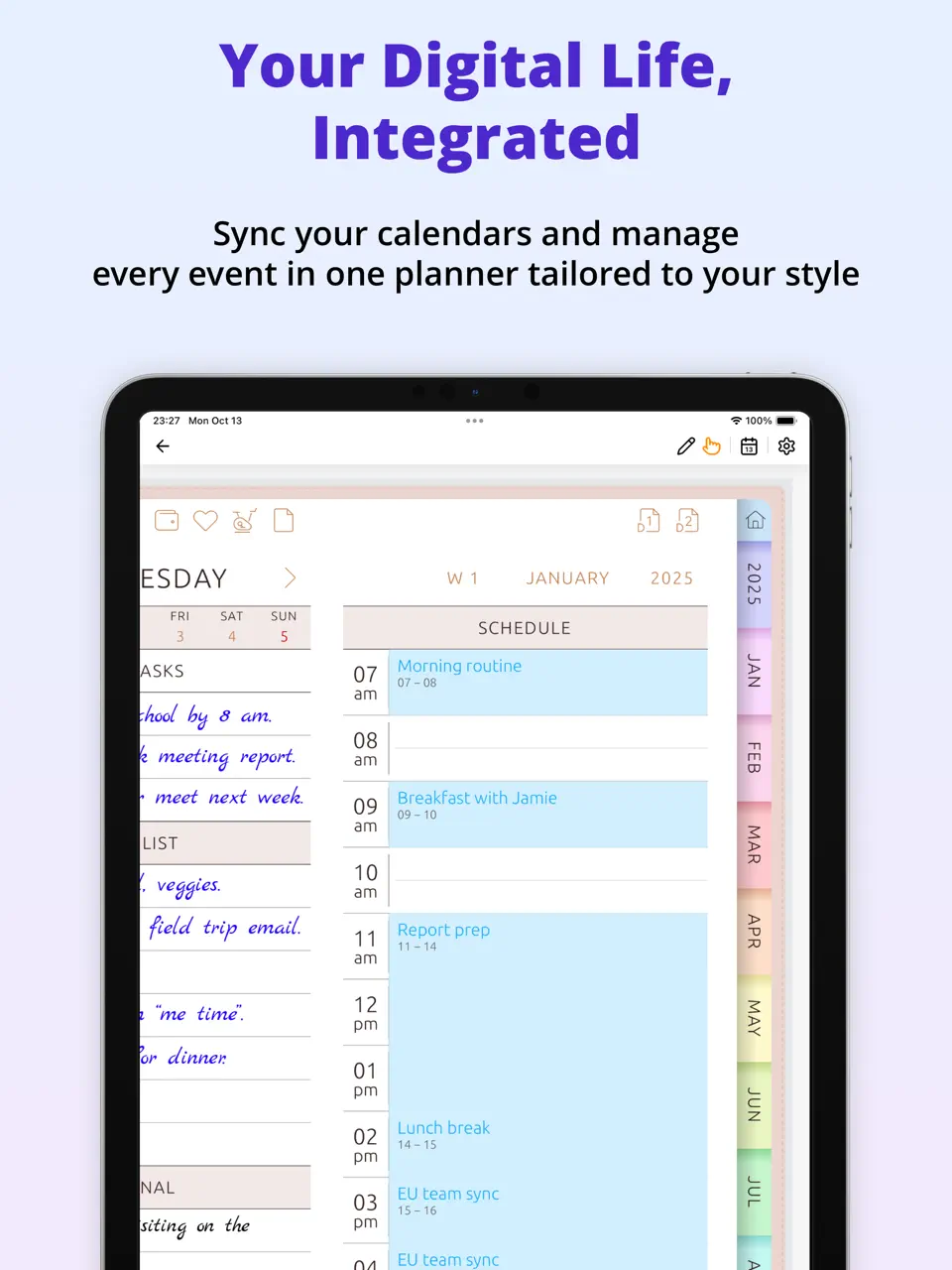
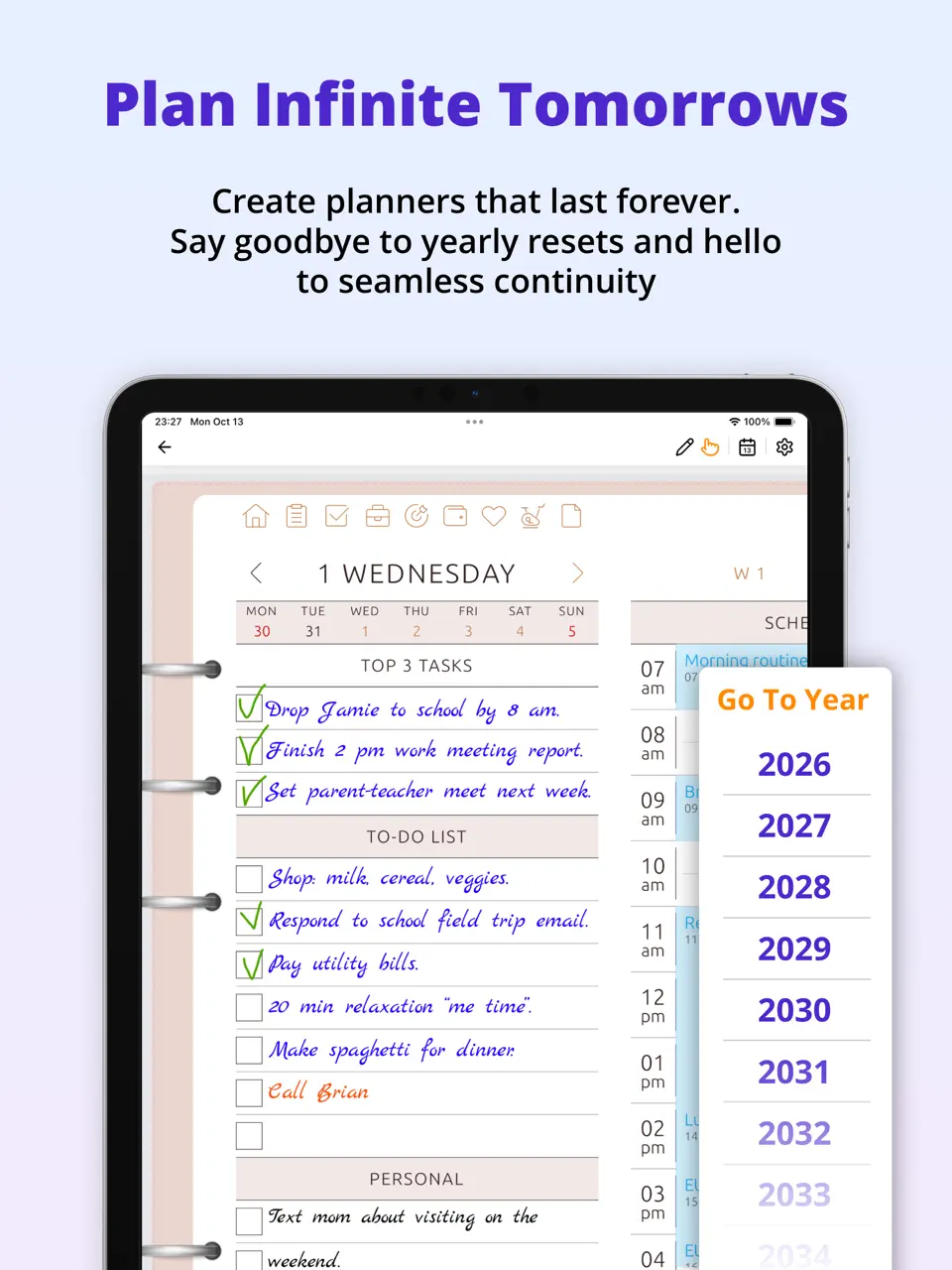


Ultimate Planner takes the top spot as the most complete and user-friendly option available. It combines powerful time-blocking, smart task management, and attractive customization in an intuitive package.
Key Features
- Flexible time-blocking with drag-and-drop scheduling
- Built-in habit tracker and end-of-day reflection prompts
- Seamless sync with Google and Apple Calendar
- Customizable templates, widgets, and themes
- Full offline support and fast performance
Best for: Anyone looking for a versatile, all-in-one solution that adapts to different needs.
- Highly intuitive interface — easy to start using immediately
- Excellent balance of features without unnecessary complexity
- Generous free version with valuable premium upgrades
- Regular updates based on user feedback
- Some advanced tools require premium access
- Full customization can take a little time to explore
Product details
| Pricing | Platforms | Best For |
|---|---|---|
| Freemium | iOS, Android | Full planner customization and all-in-one daily organization |
GoodNotes
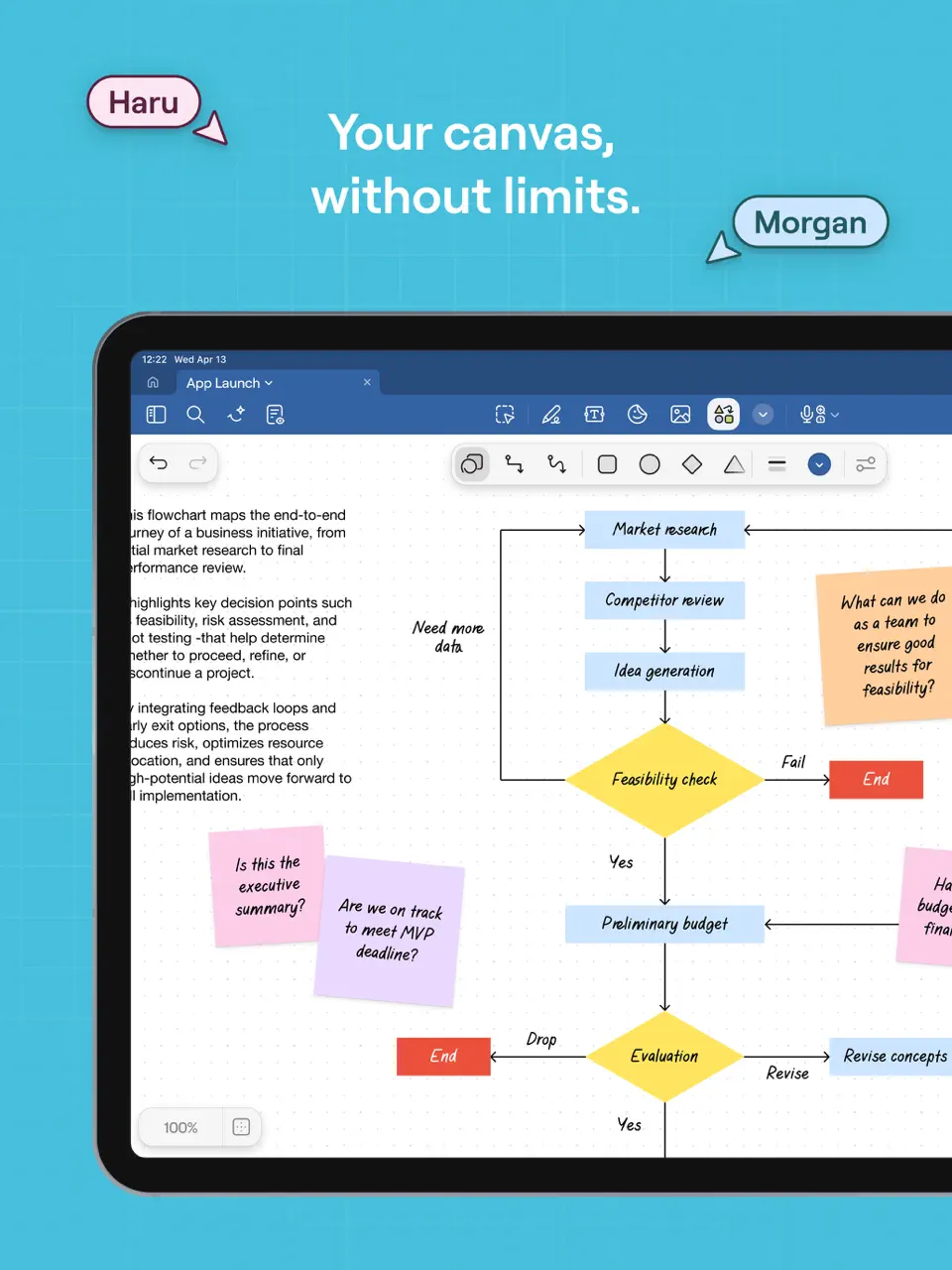
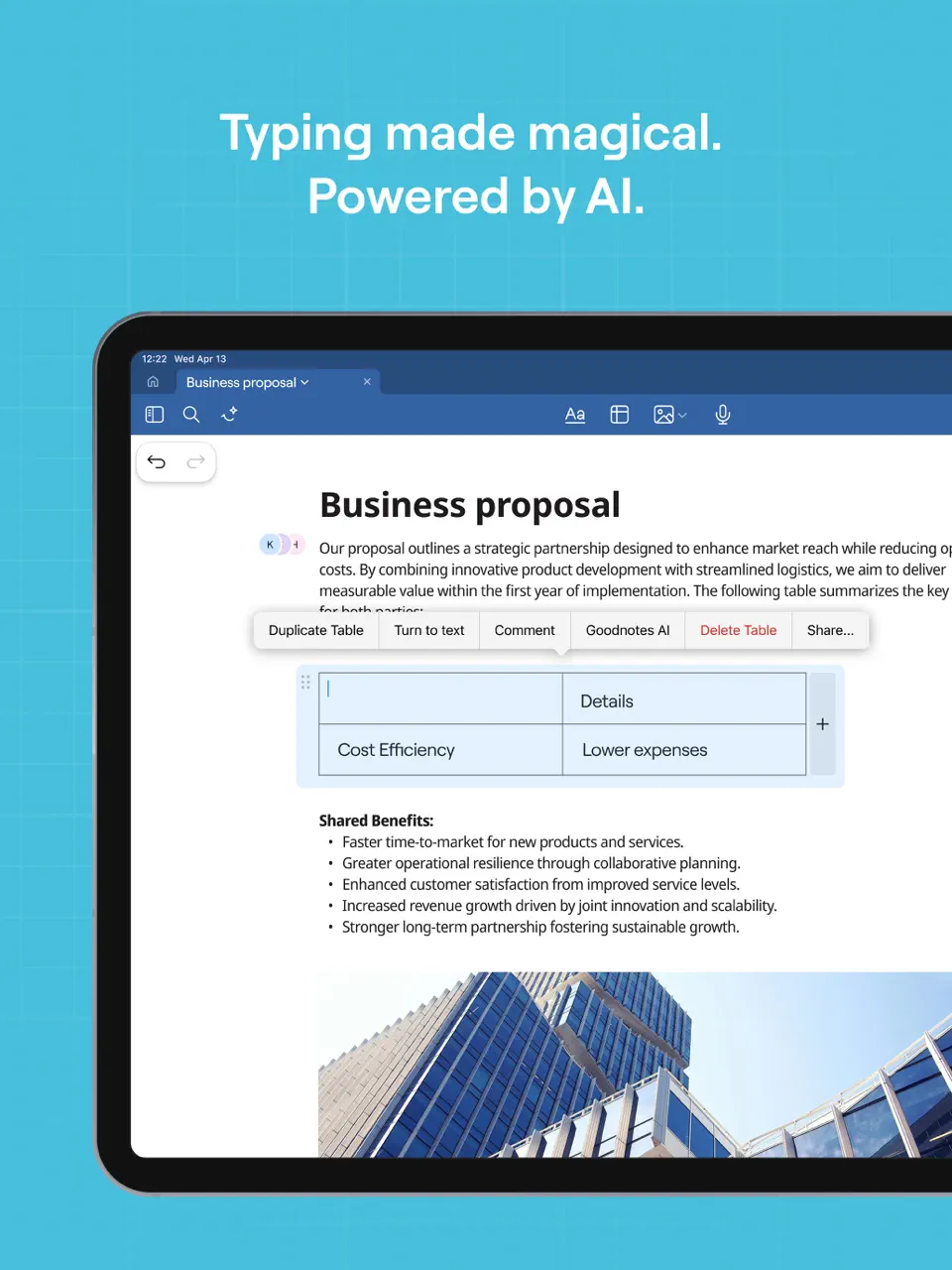
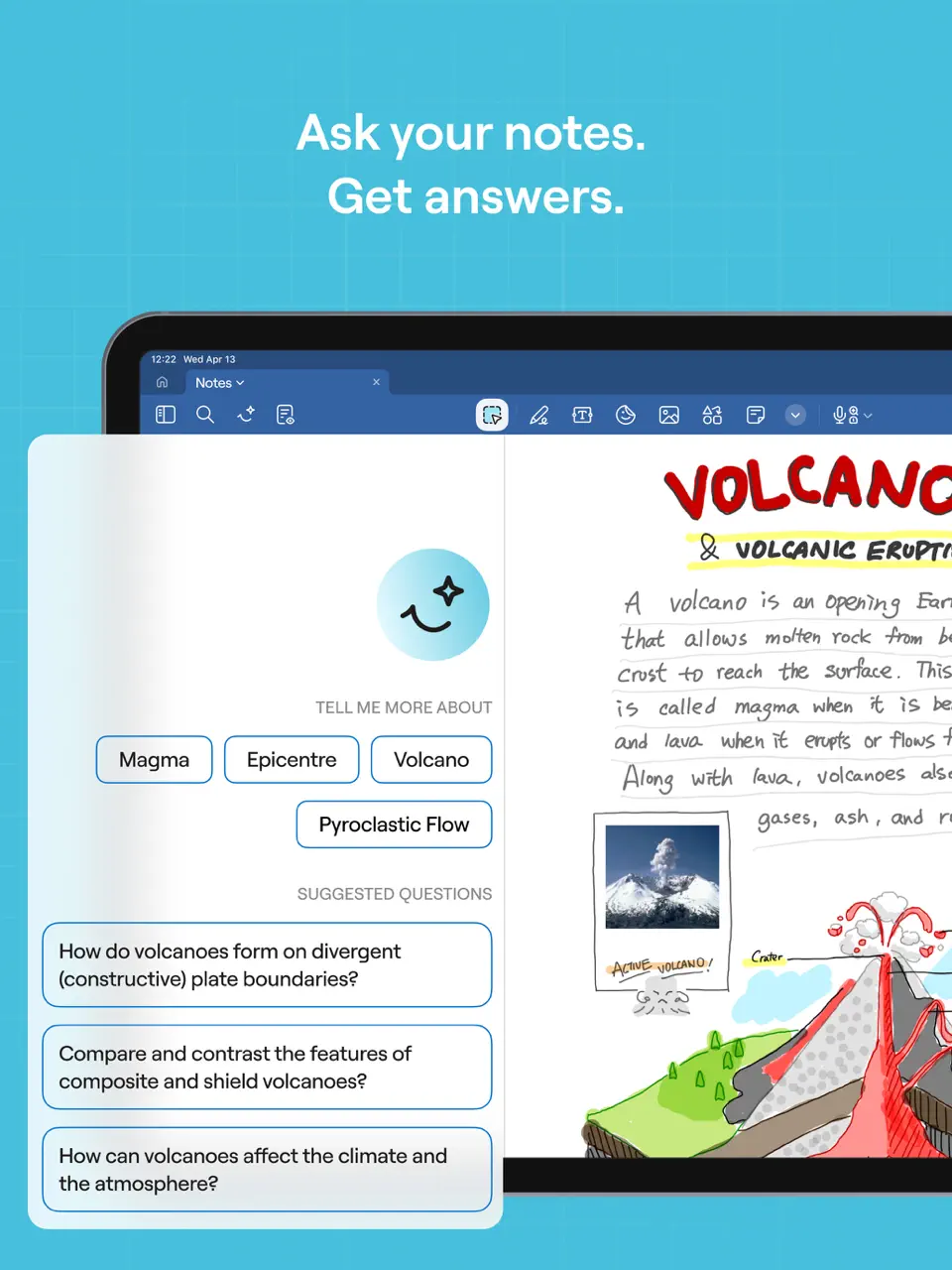
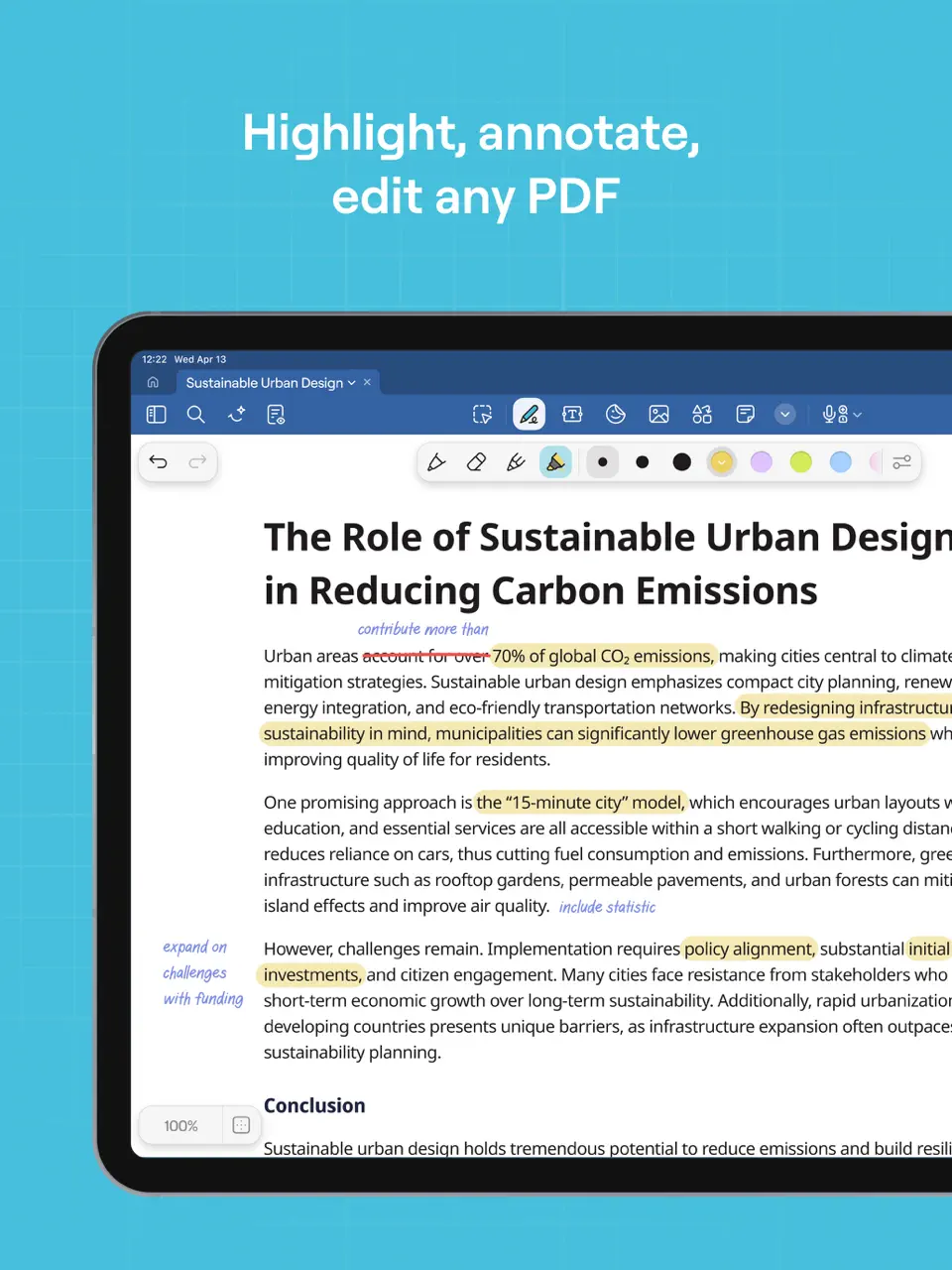
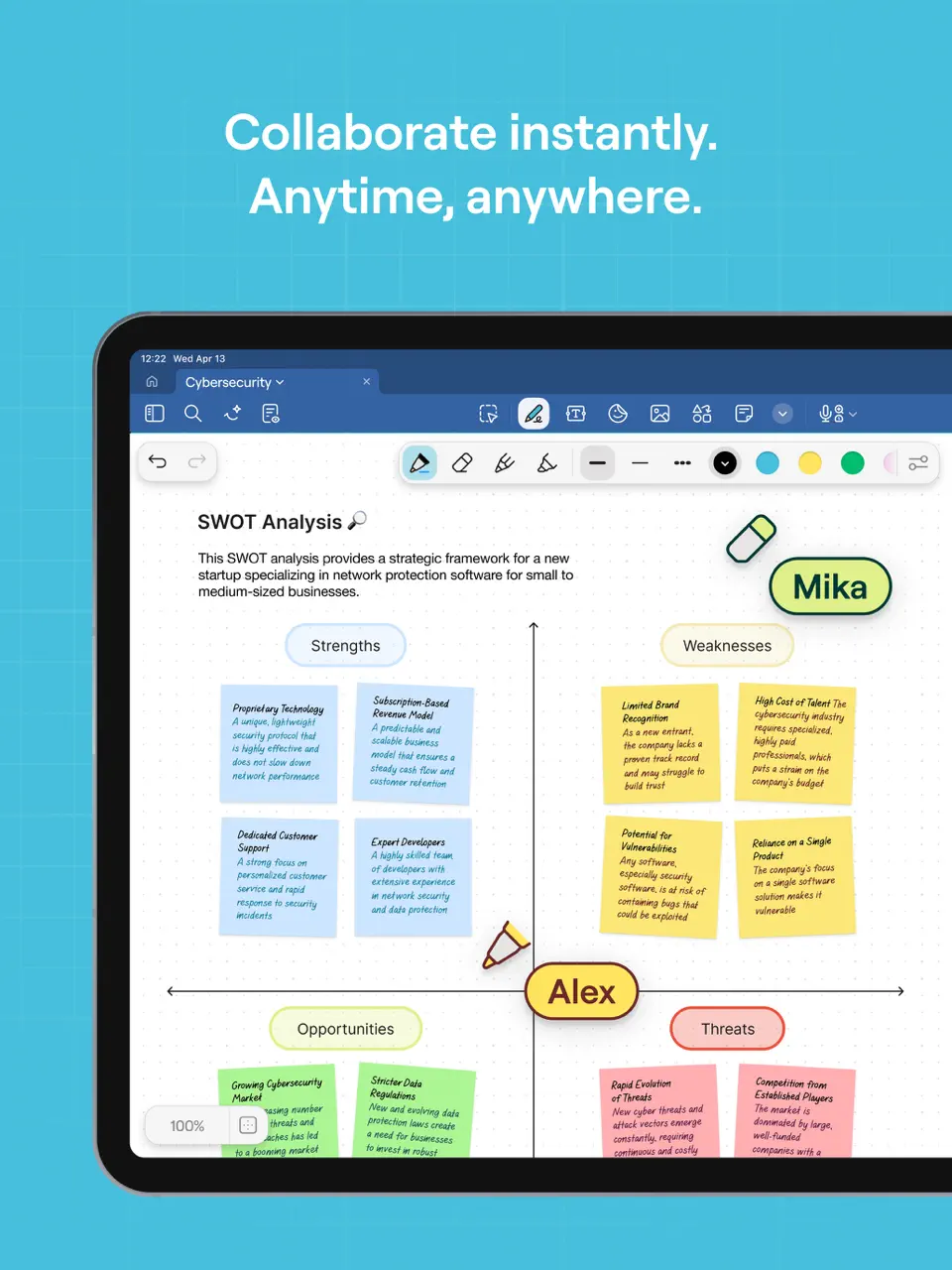
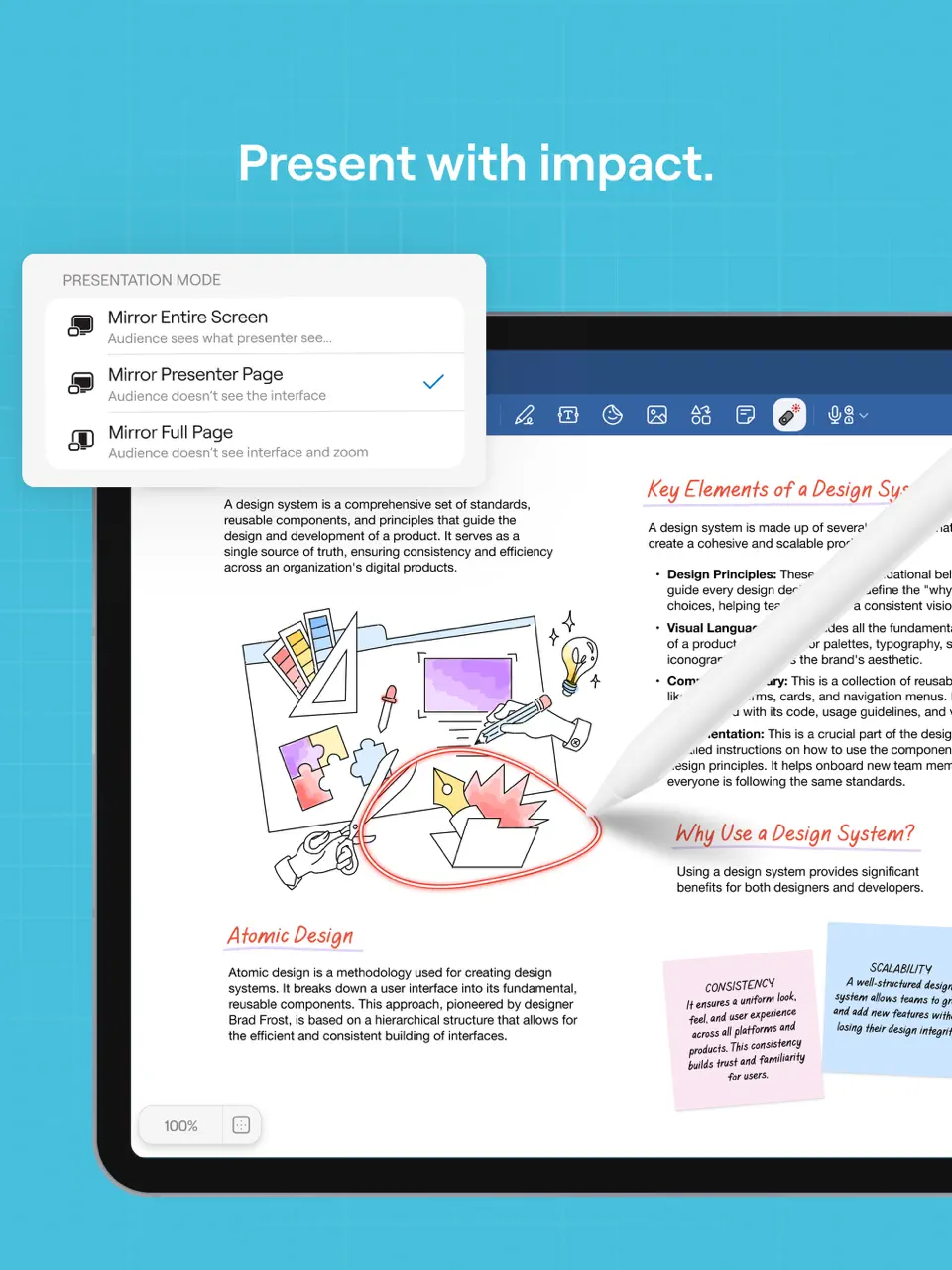
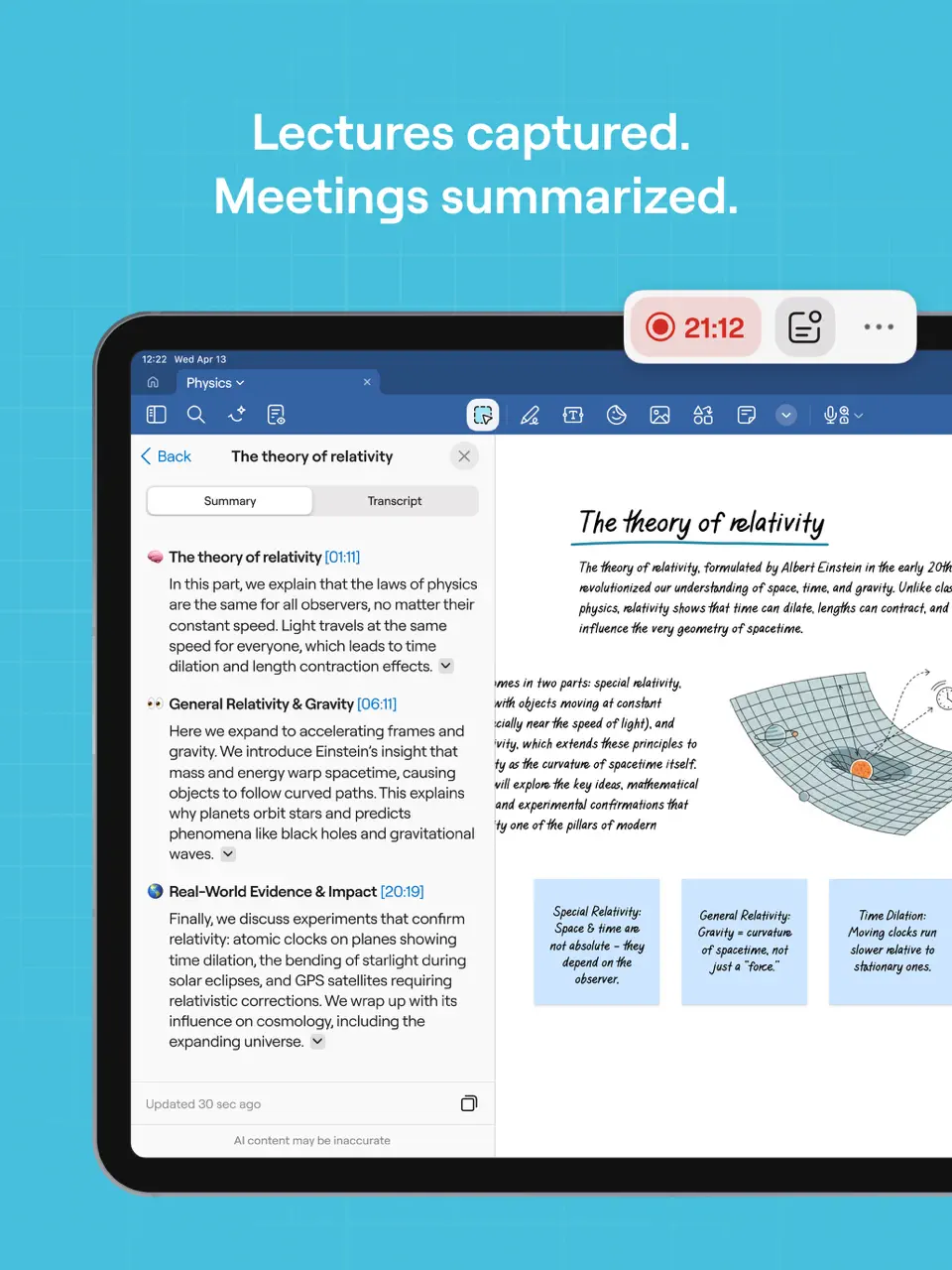
GoodNotes remains one of the most popular choices for users who prefer a natural handwriting experience on iPad. The app excels at turning handwritten notes into searchable text and offers an extensive library of planner templates specifically designed for daily use. You can import custom PDFs, annotate them freely, and organize everything with folders and tags.
Features
- Industry-leading handwriting recognition and search
- Vast built-in and community template library
- PDF import and annotation with hyperlinks
- Audio recording synced to notes
- Shape recognition and smart lasso tool
GoodNotes is ideal for anyone who wants a true digital notebook feel while maintaining structured daily planning.
- Unmatched natural writing feel with Apple Pencil
- Powerful search even in handwritten content
- Excellent organization and backup options
- Primarily optimized for iPad (limited Android support)
- Higher one-time cost compared to free alternatives
Product details
| Pricing | Platforms | Best For |
|---|---|---|
| One-time + optional sub | iOS primarily | Handwriting-focused digital planning |
Notability
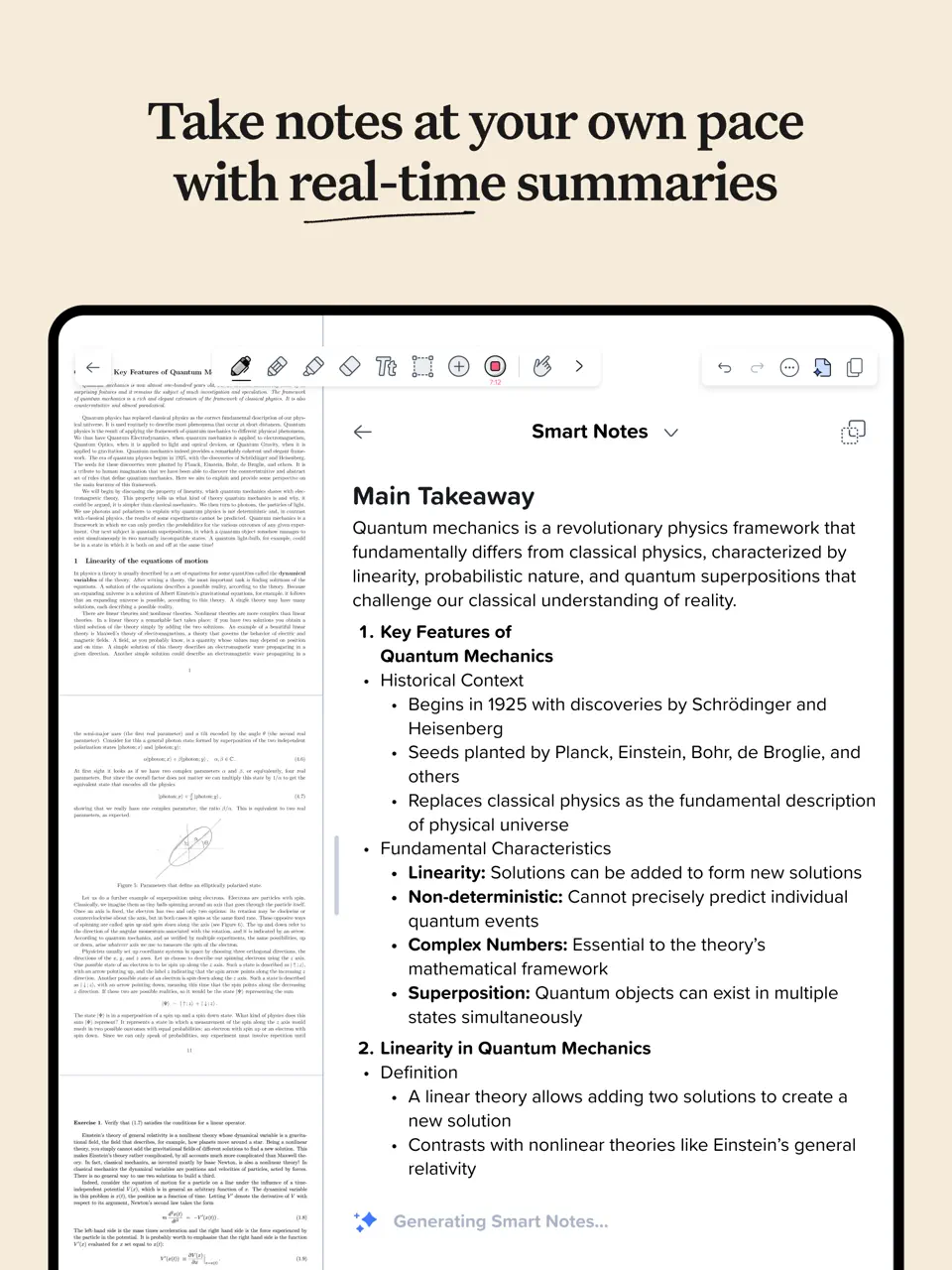
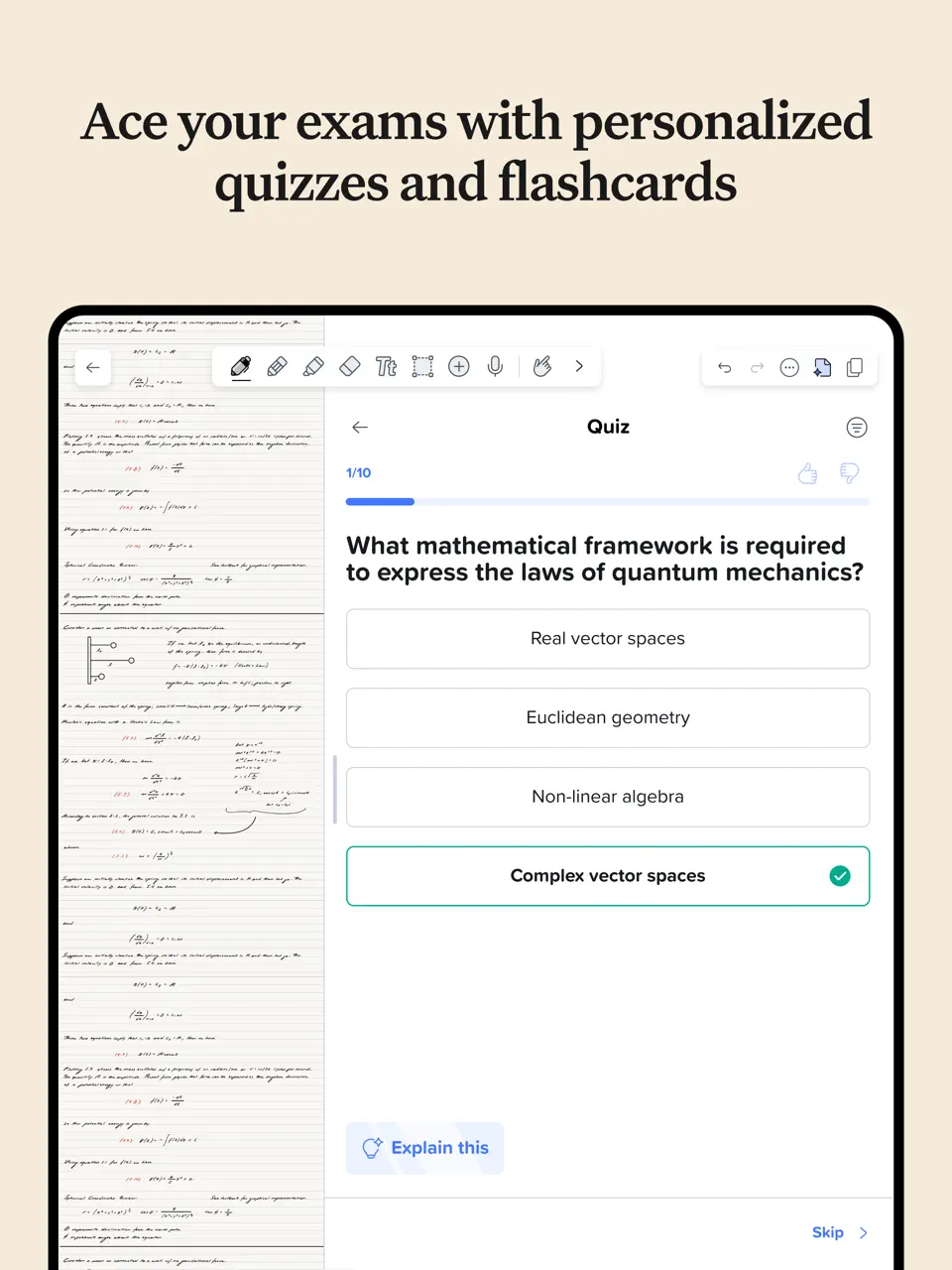
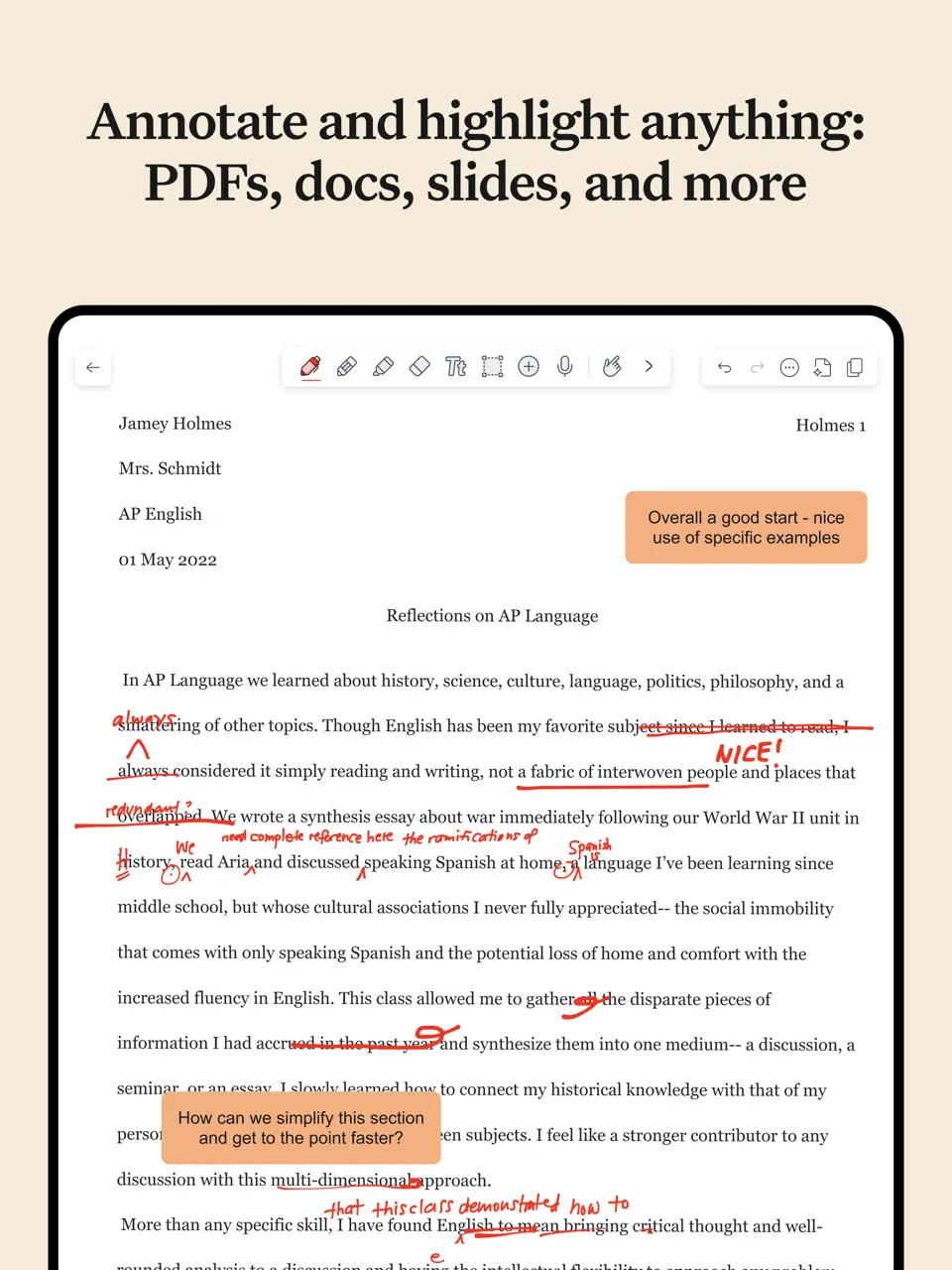
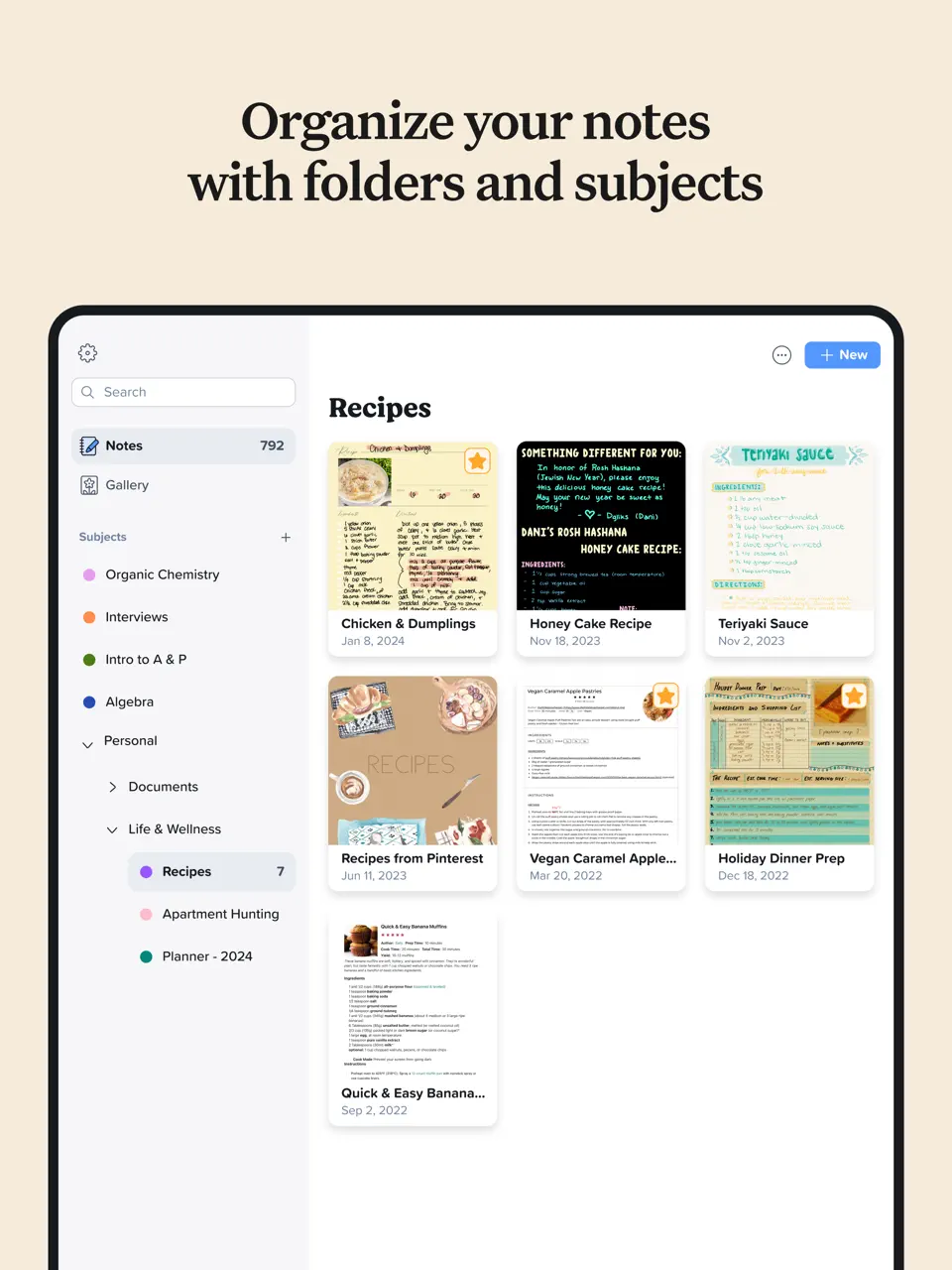
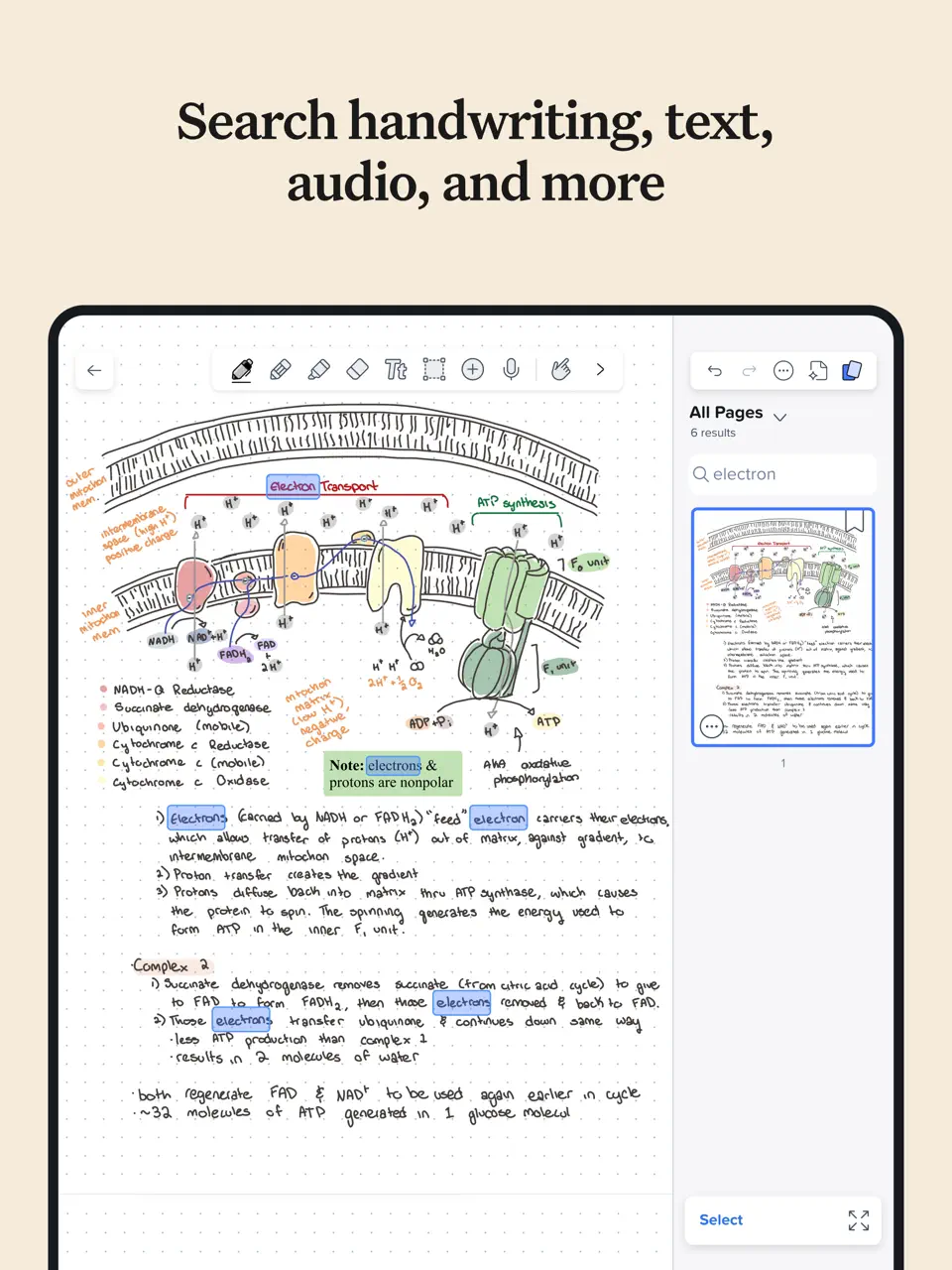
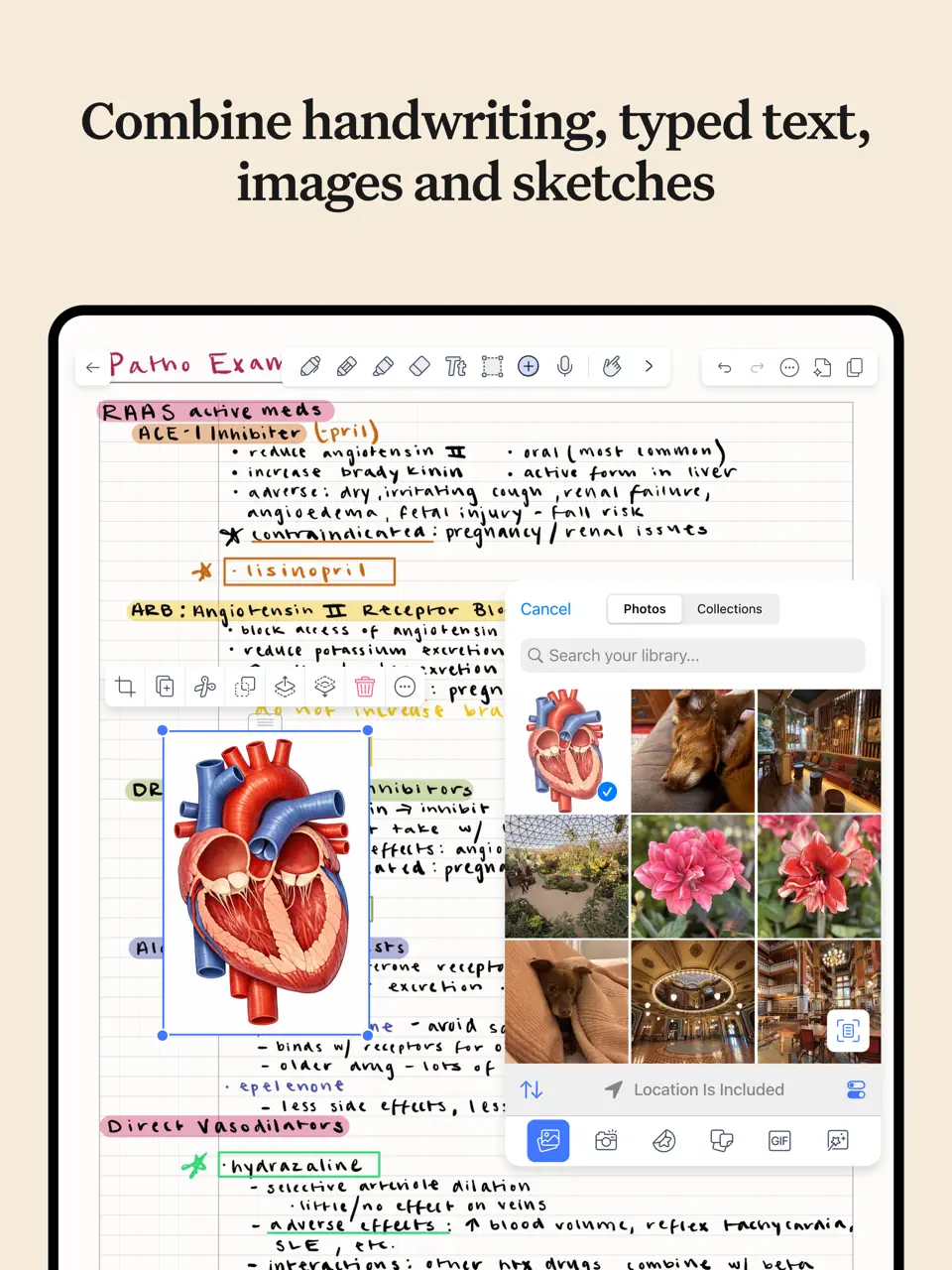
Notability combines handwriting with powerful audio recording, making it especially valuable for students and professionals who capture lectures or meetings. The app supports daily planner templates and offers multi-note workspace for comparing multiple days side by side.
Features
- Audio recording perfectly synced with handwritten notes
- Handwriting-to-text conversion
- Multi-note view for simultaneous work
- PDF import with full annotation tools
- Math equation conversion
Notability shines when you need to capture both written and spoken information in your daily workflow.
- Best-in-class audio sync for reviewing meetings/lectures
- Clean, intuitive interface
- Strong template support for daily planning
- Subscription model (no lifetime option)
- Limited to Apple ecosystem (iOS and Mac only)
- Fewer customization options than some competitors
Product details
| Pricing | Platforms | Best For |
|---|---|---|
| Subscription | iOS/Mac | Audio-synced notes and lecture/meeting capture |
Noteshelf
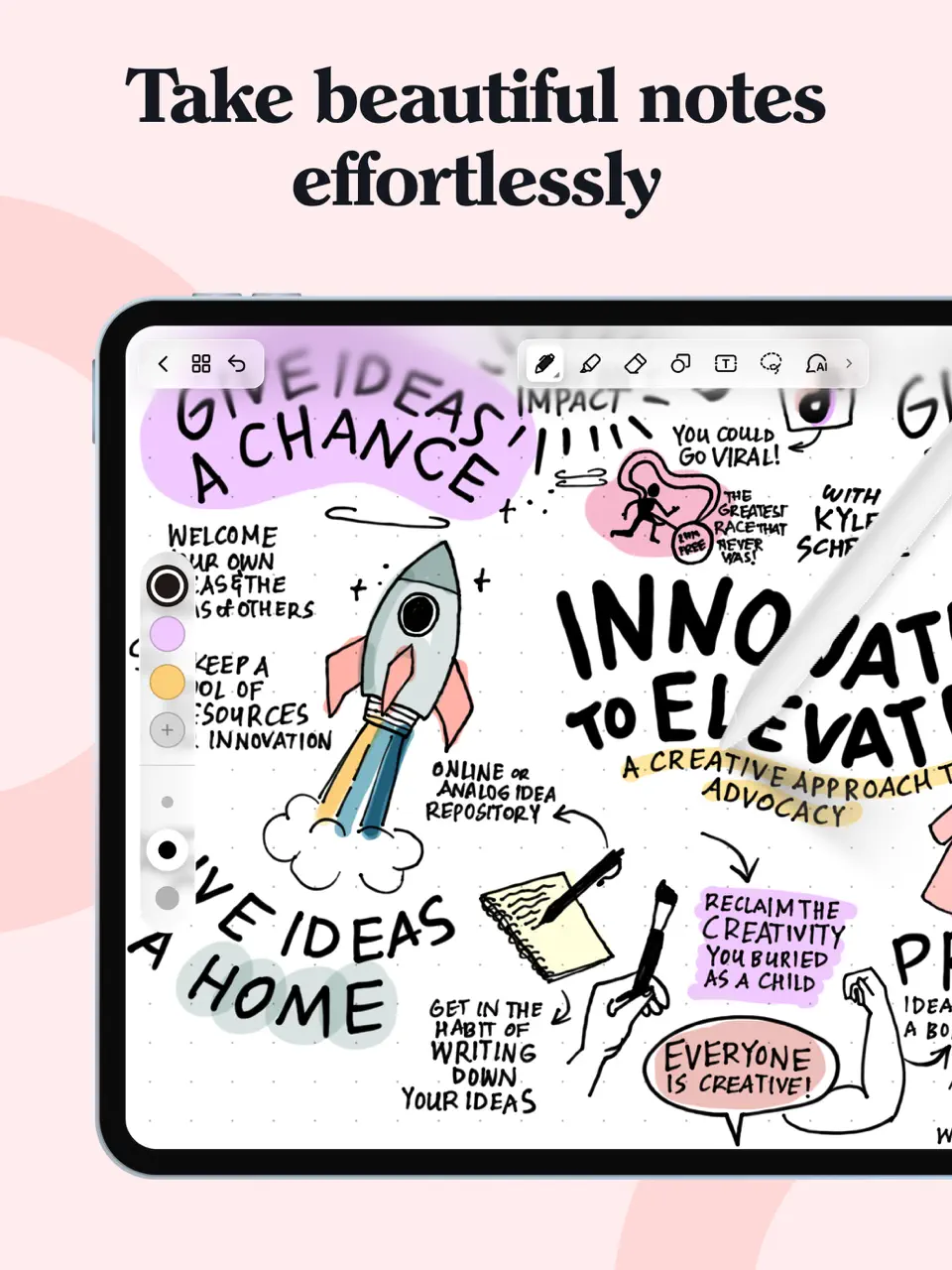
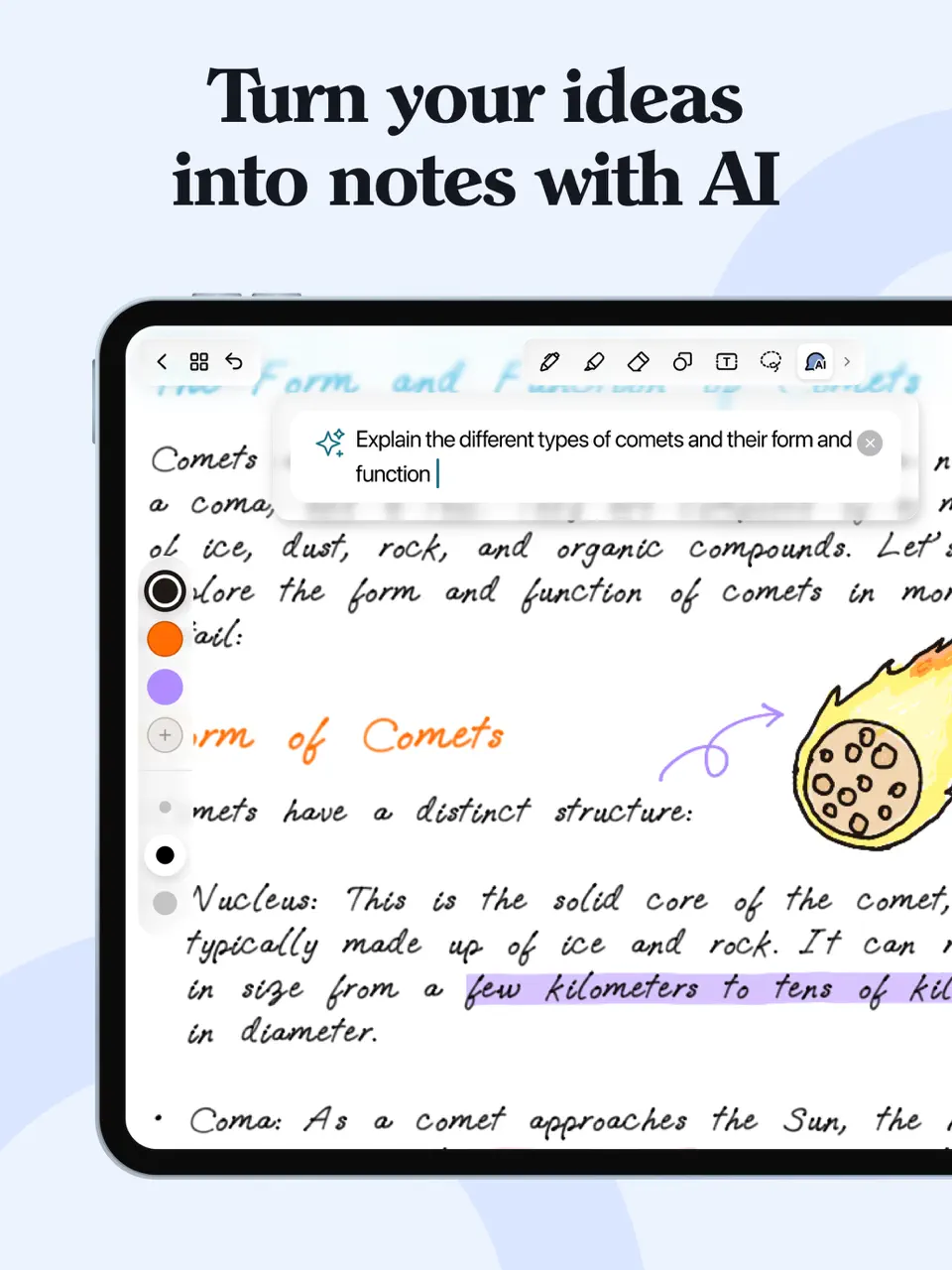
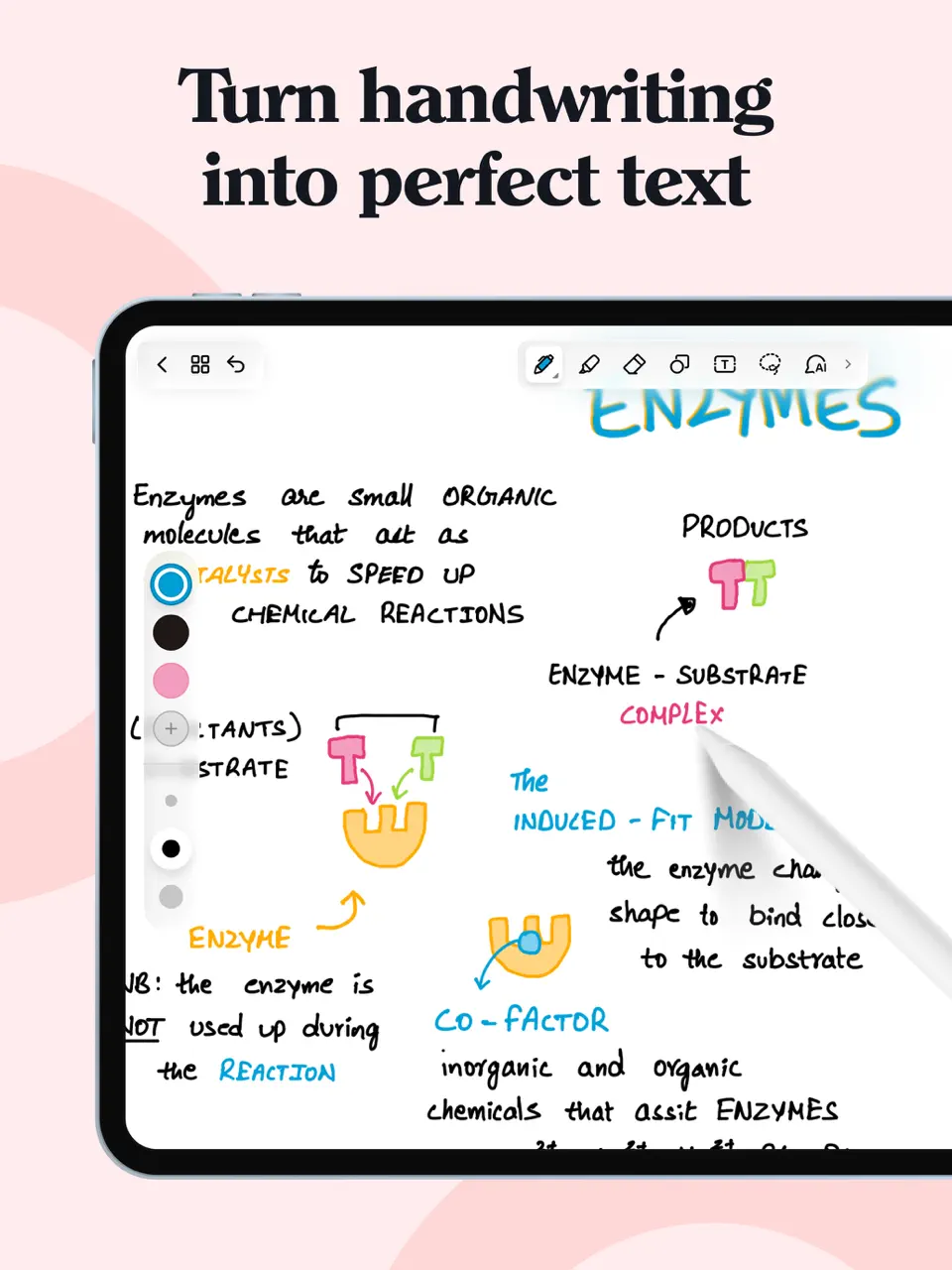
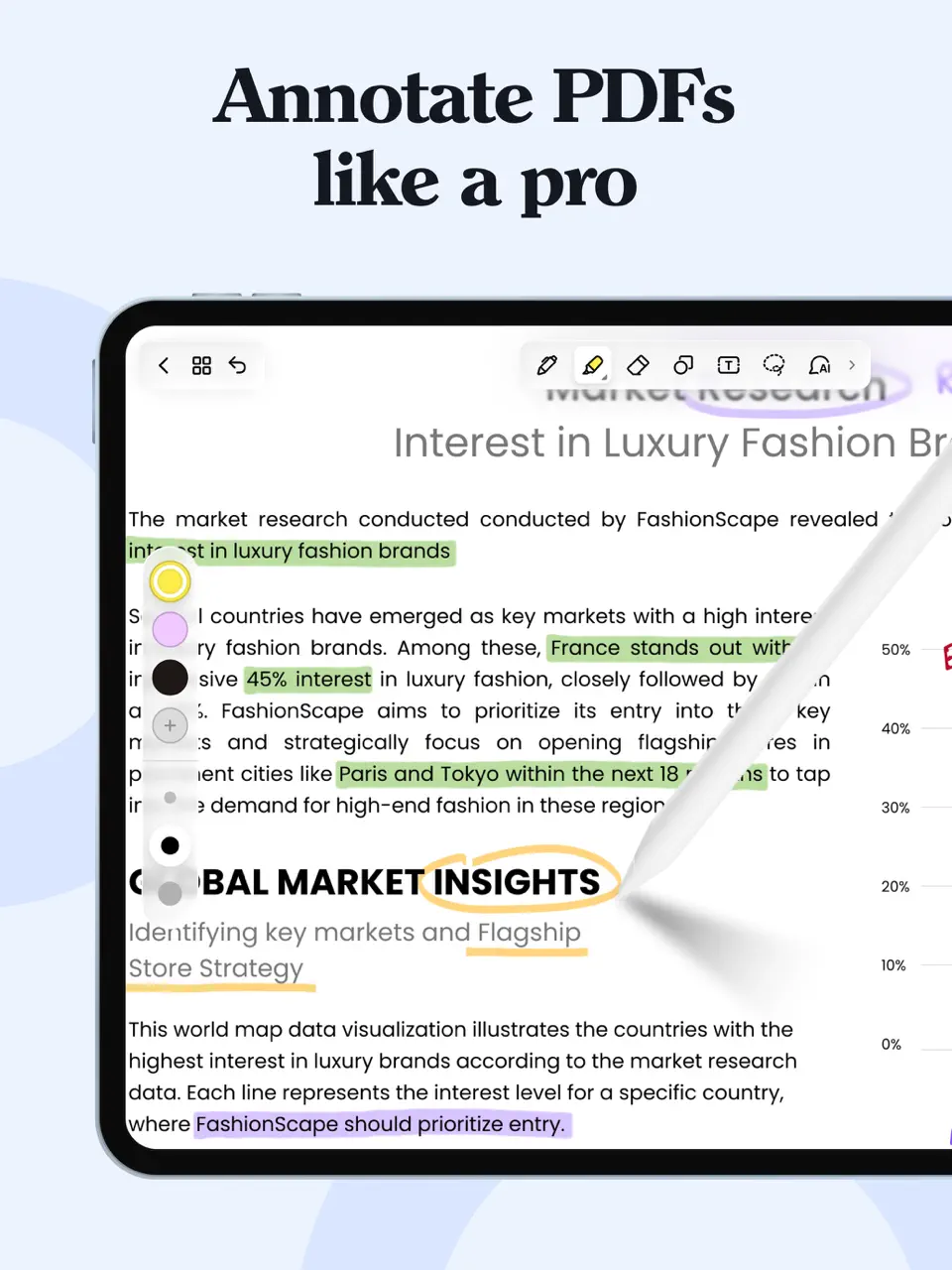
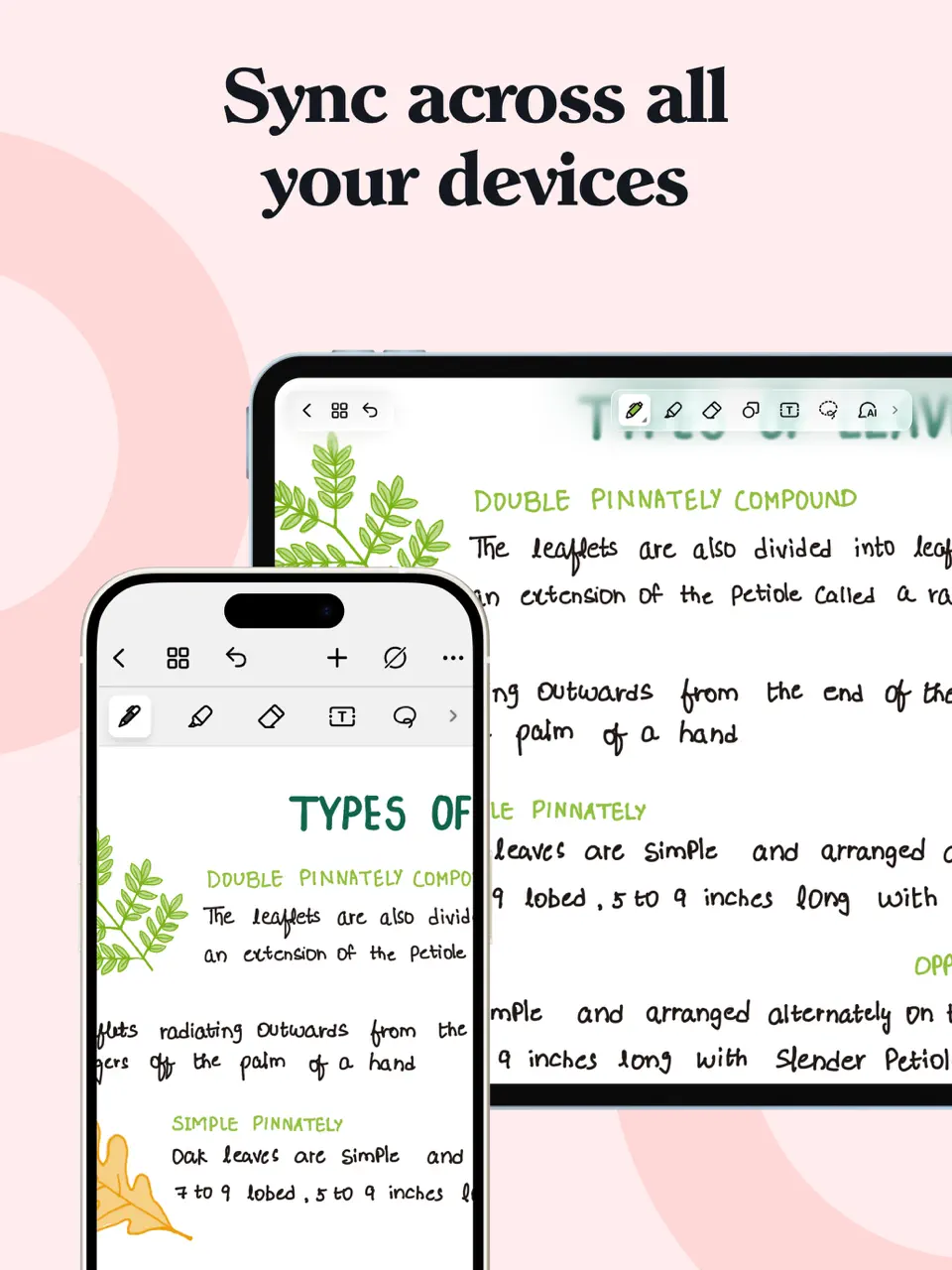
Noteshelf offers a balanced handwriting experience across iOS, Android, and Mac, making it one of the few truly cross-platform options with strong stylus support. It includes a good selection of planner templates and focuses on natural writing feel.
Features
- Cross-platform sync (iOS, Android, Mac)
- Audio recording with note sync
- Extensive built-in planner templates
- Shape recognition and auto-straightening
- PDF annotation with hyperlinks
Noteshelf is excellent for users who need consistent handwriting experience across different devices.
- True cross-platform availability
- Natural writing experience on all devices
- Good template library included
- Interface can feel slightly dated
- Some features require in-app purchases
- Less advanced AI compared to newer competitors
Product details
| Pricing | Platforms | Best For |
|---|---|---|
| One-time purchase | iOS, Android, Mac | Customizable handwriting experience across platforms |
Motion
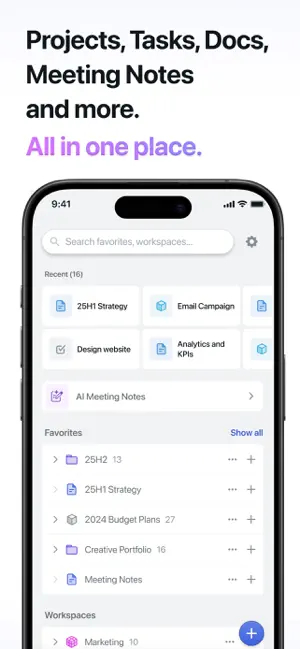
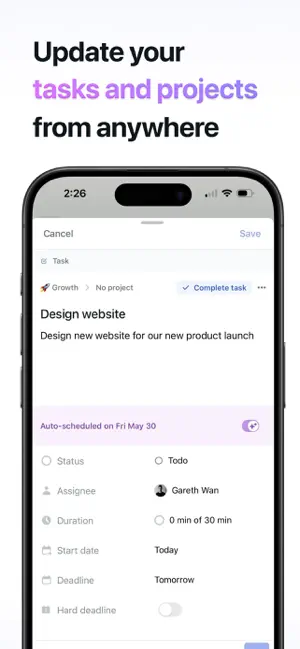
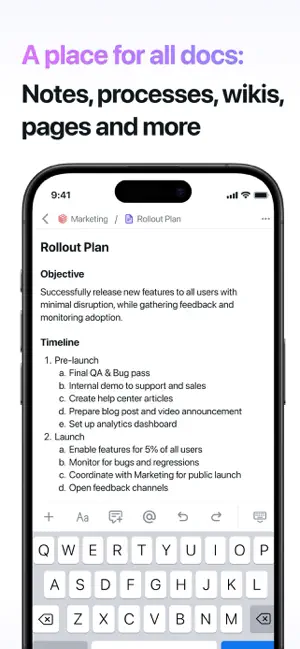
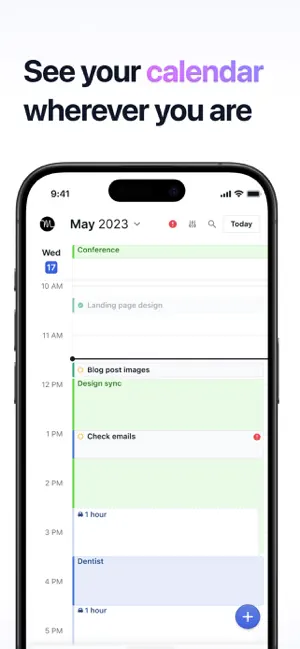
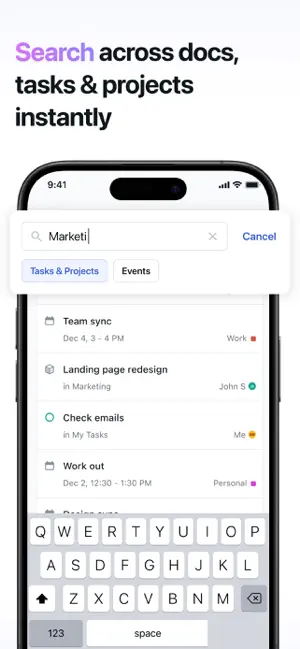

Motion stands out as one of the most innovative daily planning tools by using AI to automatically build and adjust your schedule based on task duration and priority. It eliminates much of the manual planning work.
Features
- AI-powered auto-scheduling of tasks
- Automatic rescheduling when things change
- Task duration estimation and prioritization
- Deep calendar integration
- Project management capabilities
Motion is perfect for busy professionals who want their app to handle the scheduling heavy lifting.
- Dramatically reduces time spent on planning
- Intelligent handling of schedule conflicts
- Great for complex, changing workloads
- Higher subscription cost
- Less control for users who prefer manual planning
- Can feel overwhelming for simple needs
Product details
| Pricing | Platforms | Best For |
|---|---|---|
| Subscription (~$19/mo) | All platforms | AI-powered auto-scheduling for busy professionals |
Sunsama
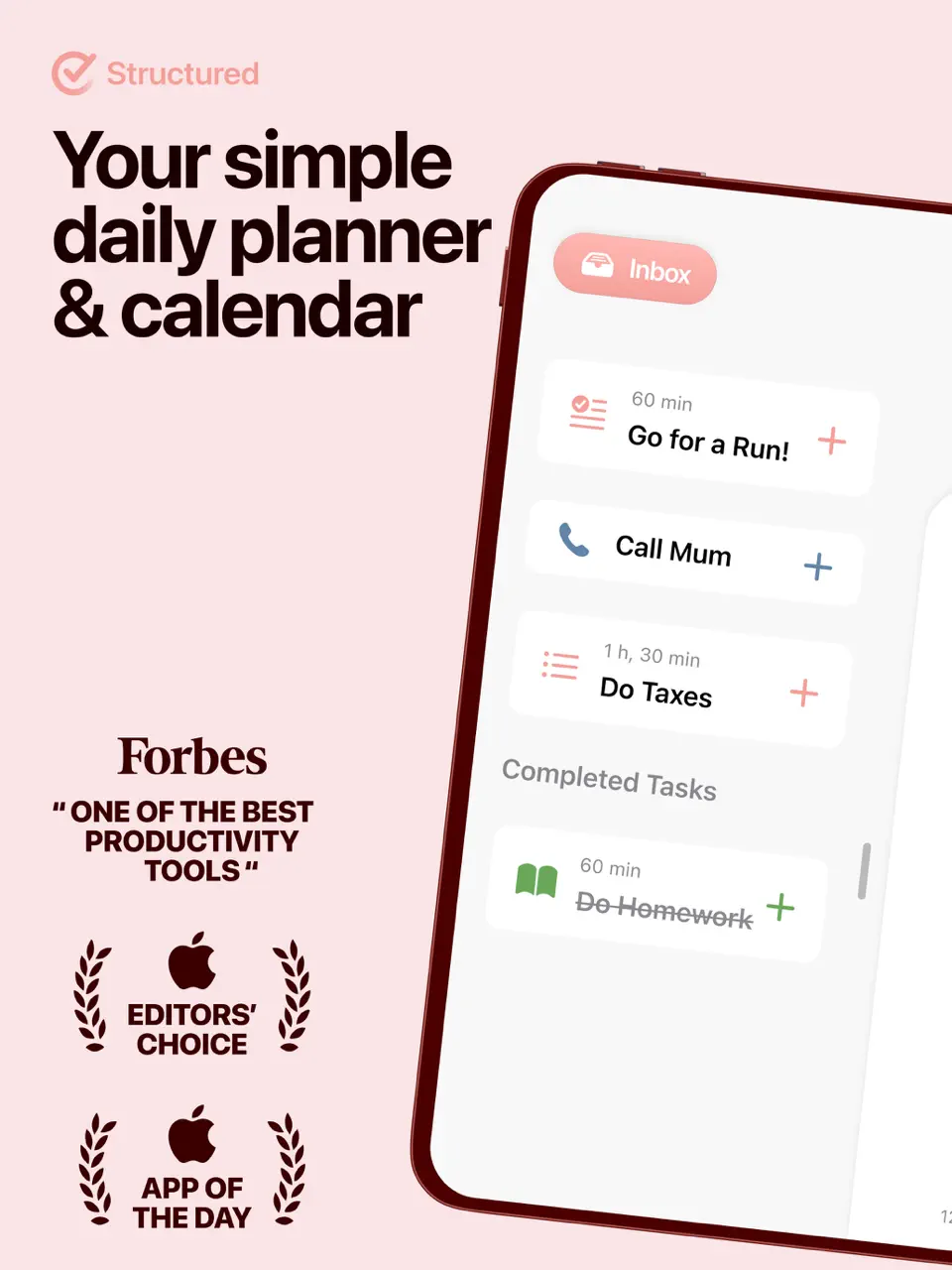
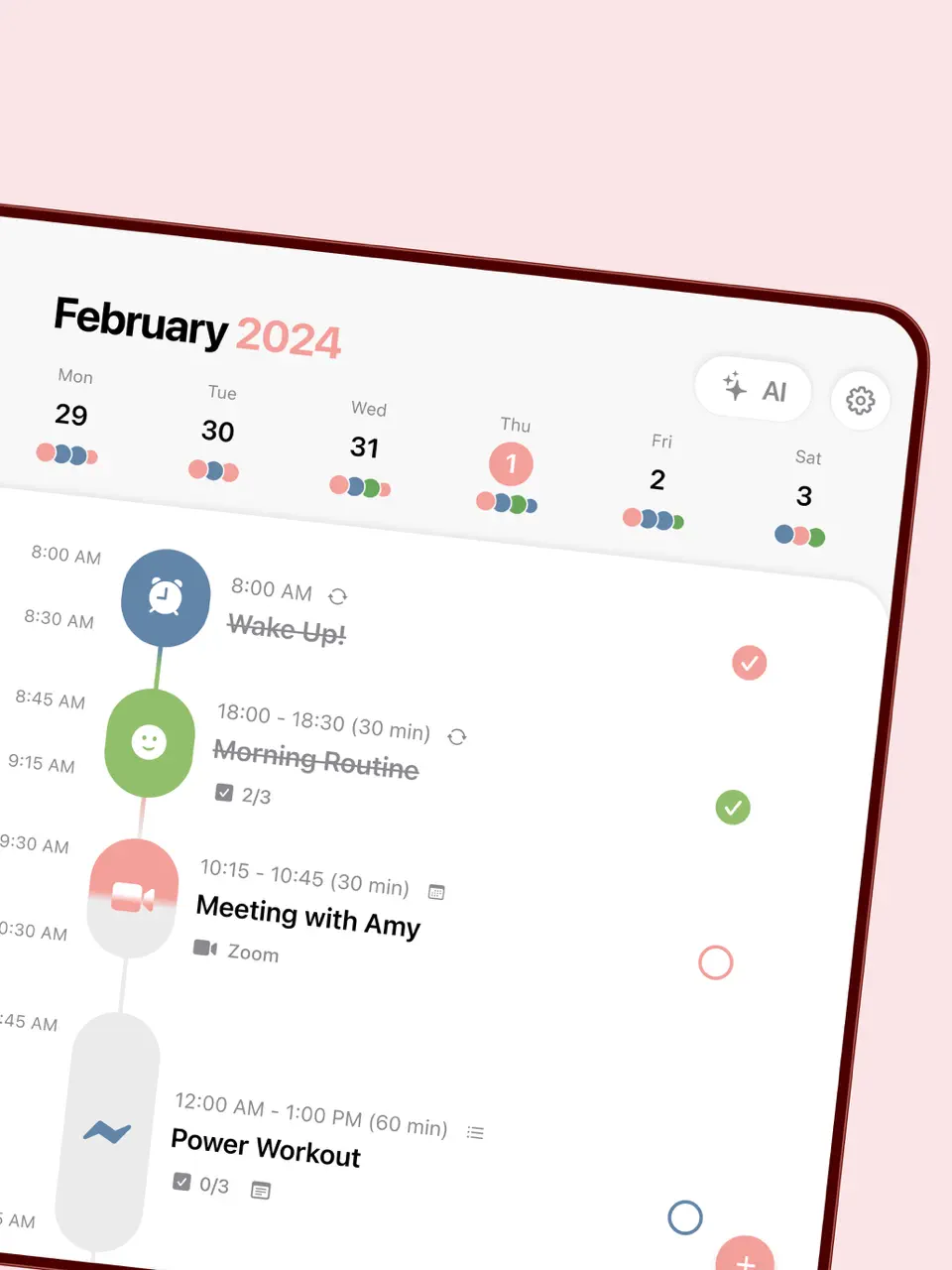
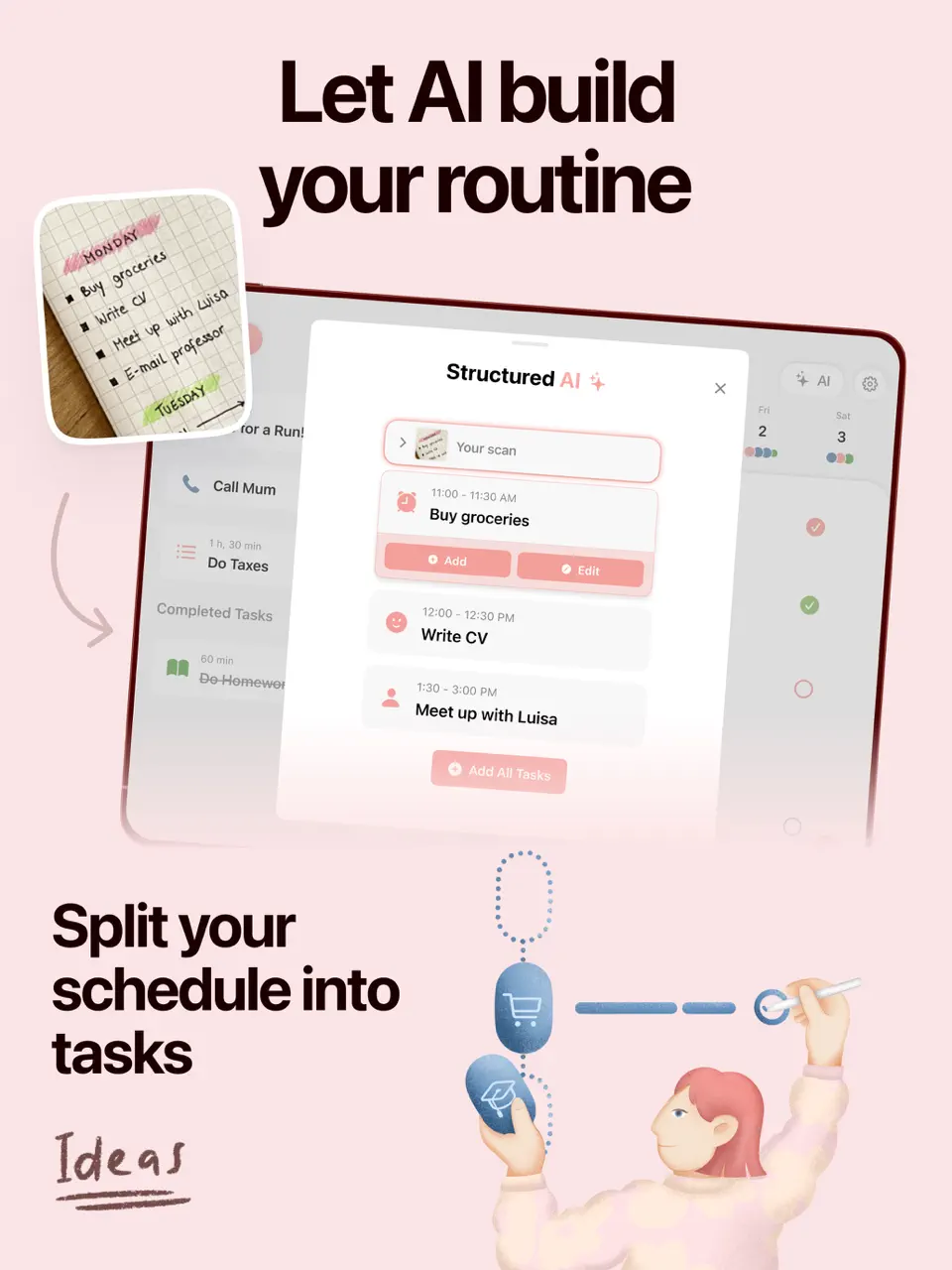
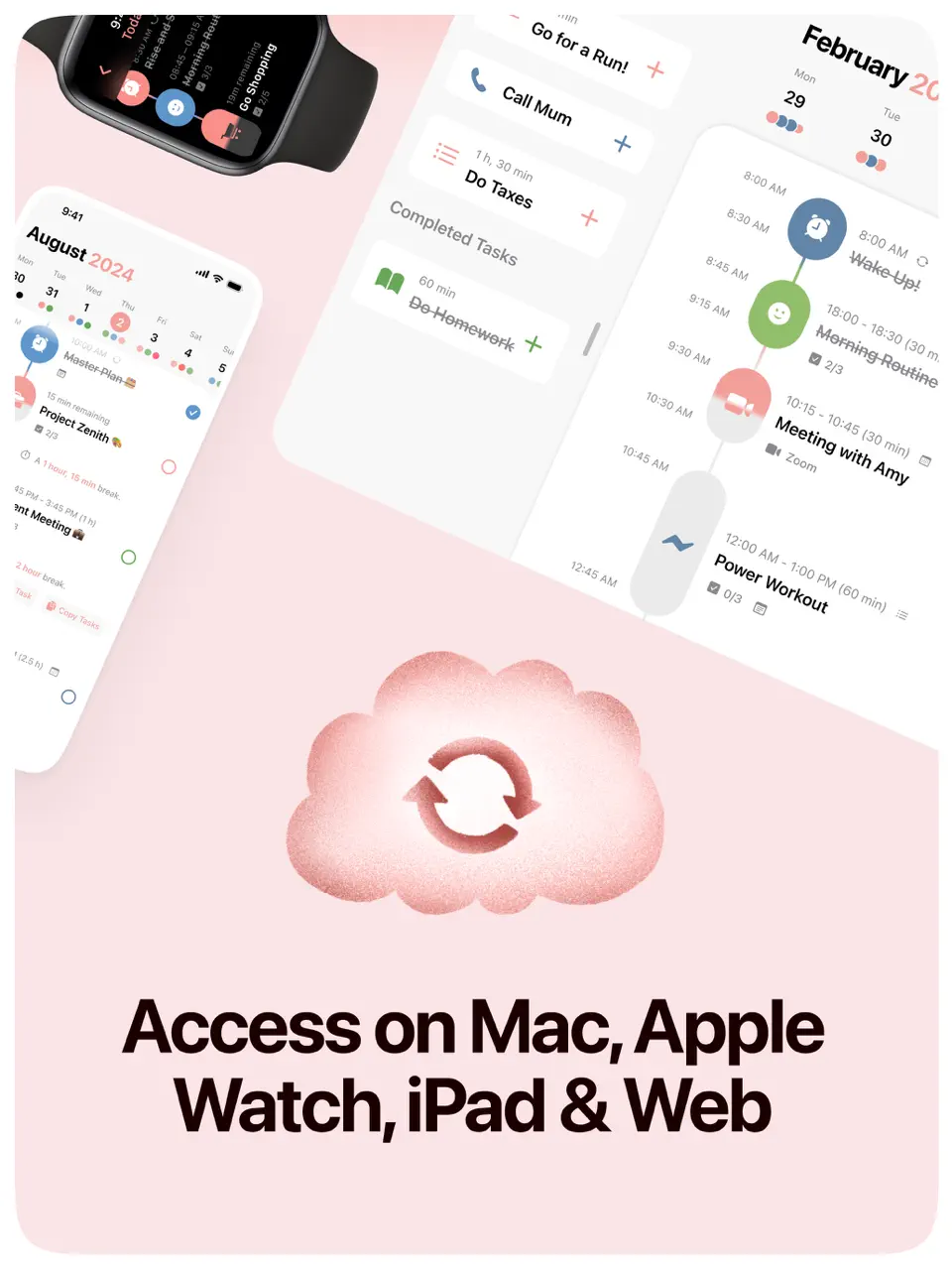
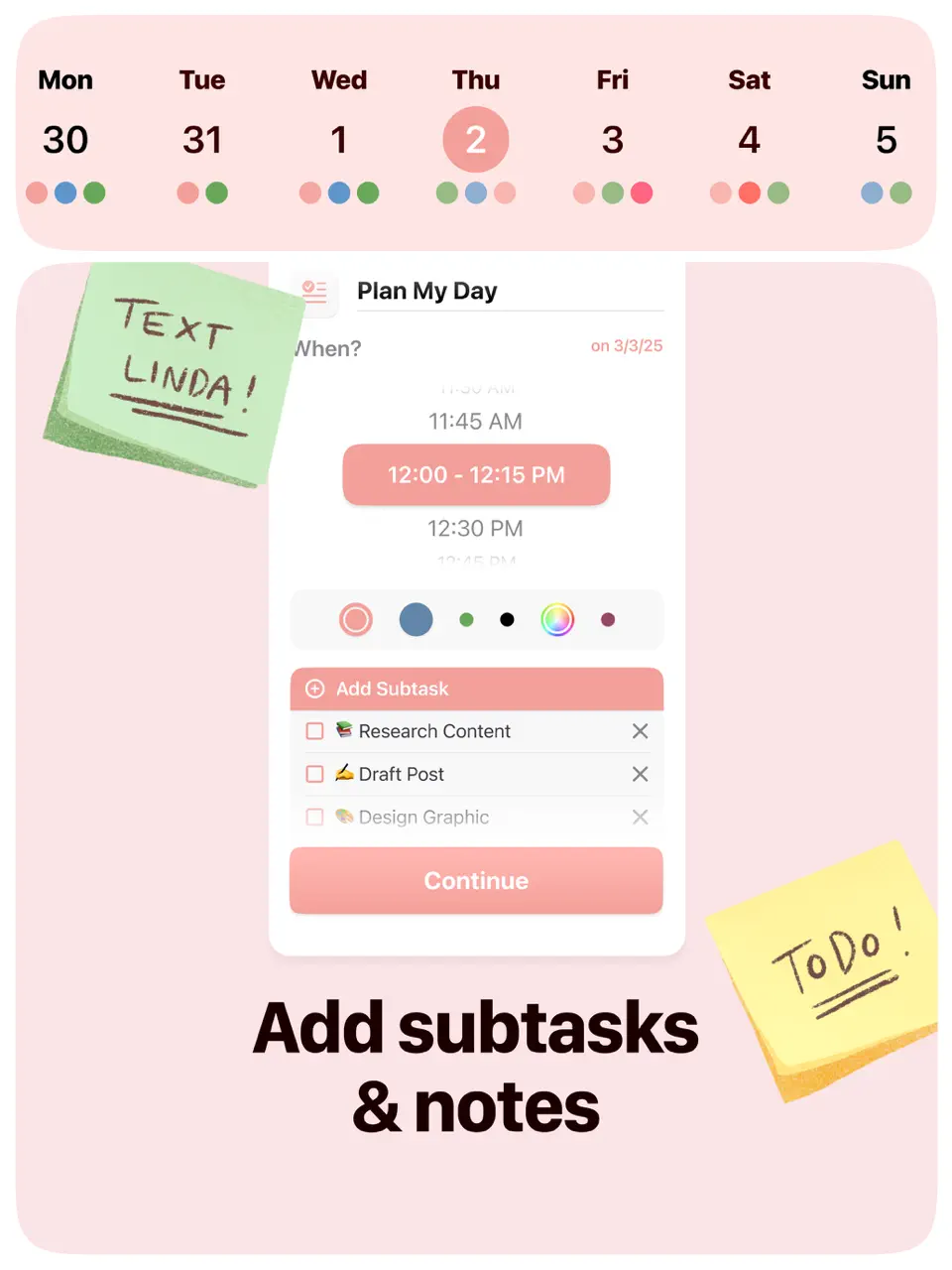
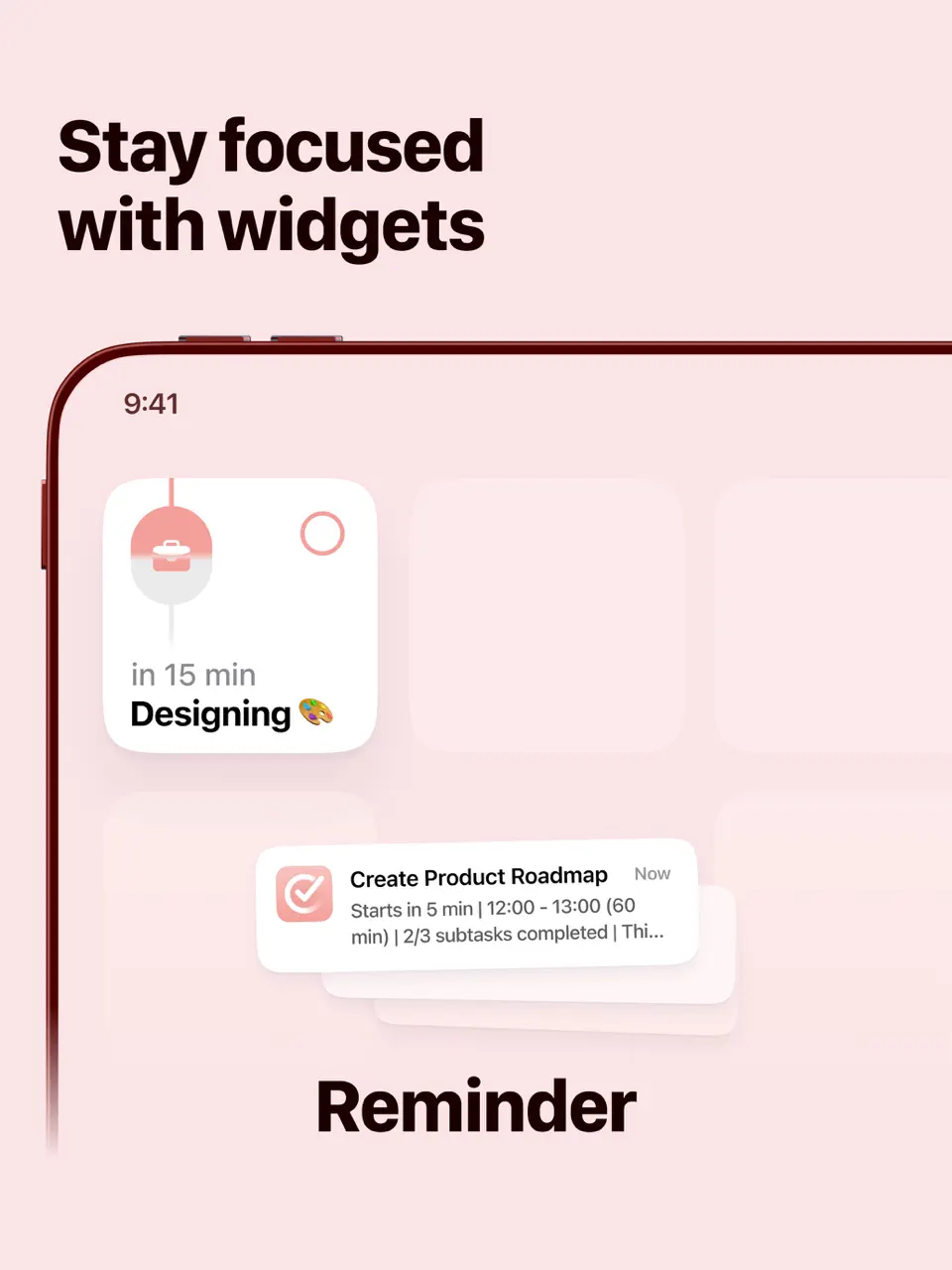
Sunsama takes a mindful, intentional approach to daily planning with guided rituals that encourage thoughtful scheduling and reflection. It pulls tasks from other tools and helps you plan realistically.
Features
- Daily planning ritual with guided prompts
- Task consolidation from email, Slack, etc.
- Realistic time-blocking with estimates
- End-of-day reflection and review
- Weekly planning view
Sunsama is ideal for those who want to plan their days with intention rather than just efficiency.
- Promotes mindfulness and work-life balance
- Beautiful, calm interface
- Excellent for preventing overcommitment
- Subscription-only (no free tier)
- Slower, more deliberate pace
- Fewer raw features than some competitors
Product details
| Pricing | Platforms | Best For |
|---|---|---|
| Subscription (~$20/mo) | All platforms | Mindful daily rituals and intentional planning |
Tiimo
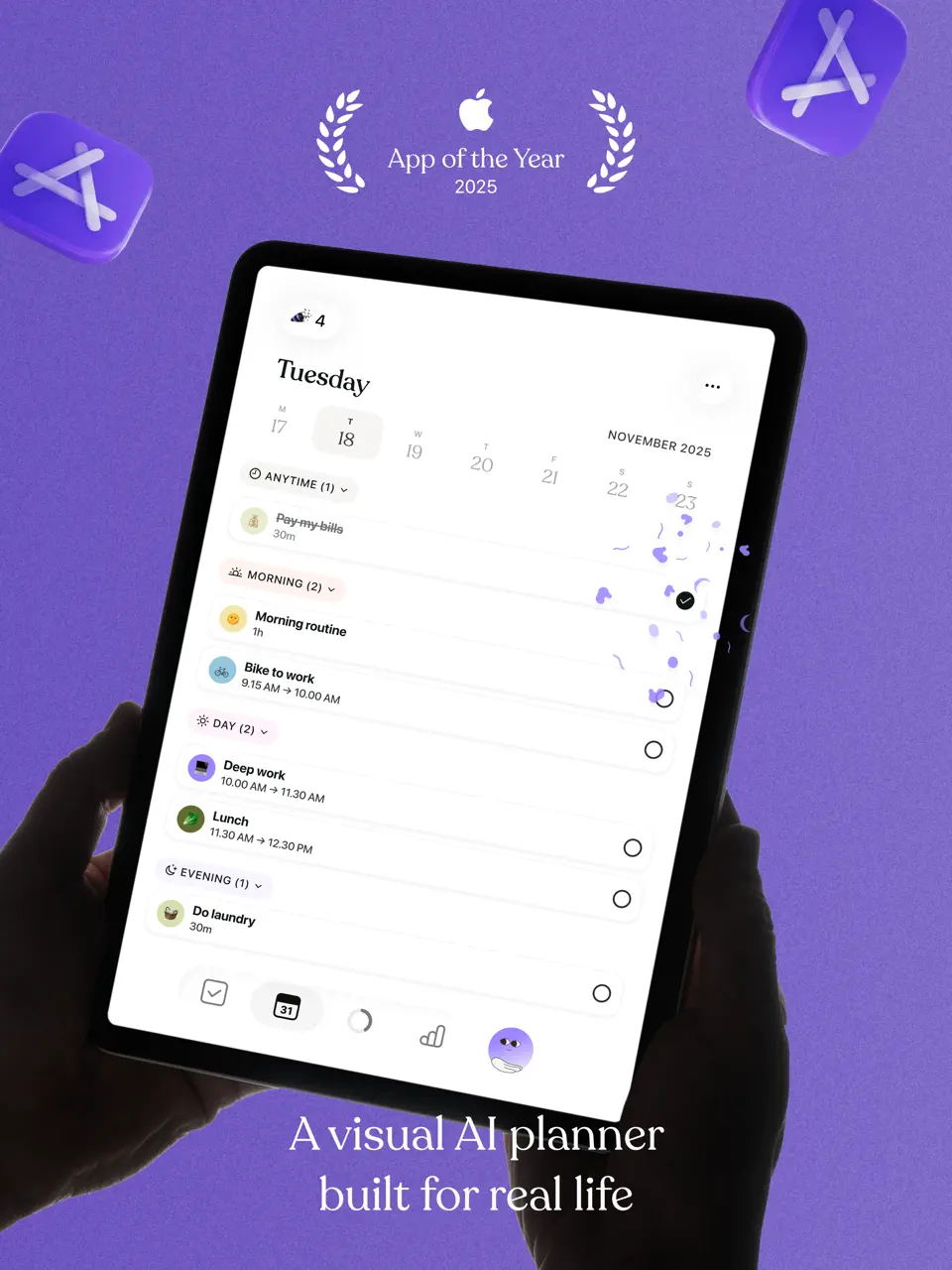
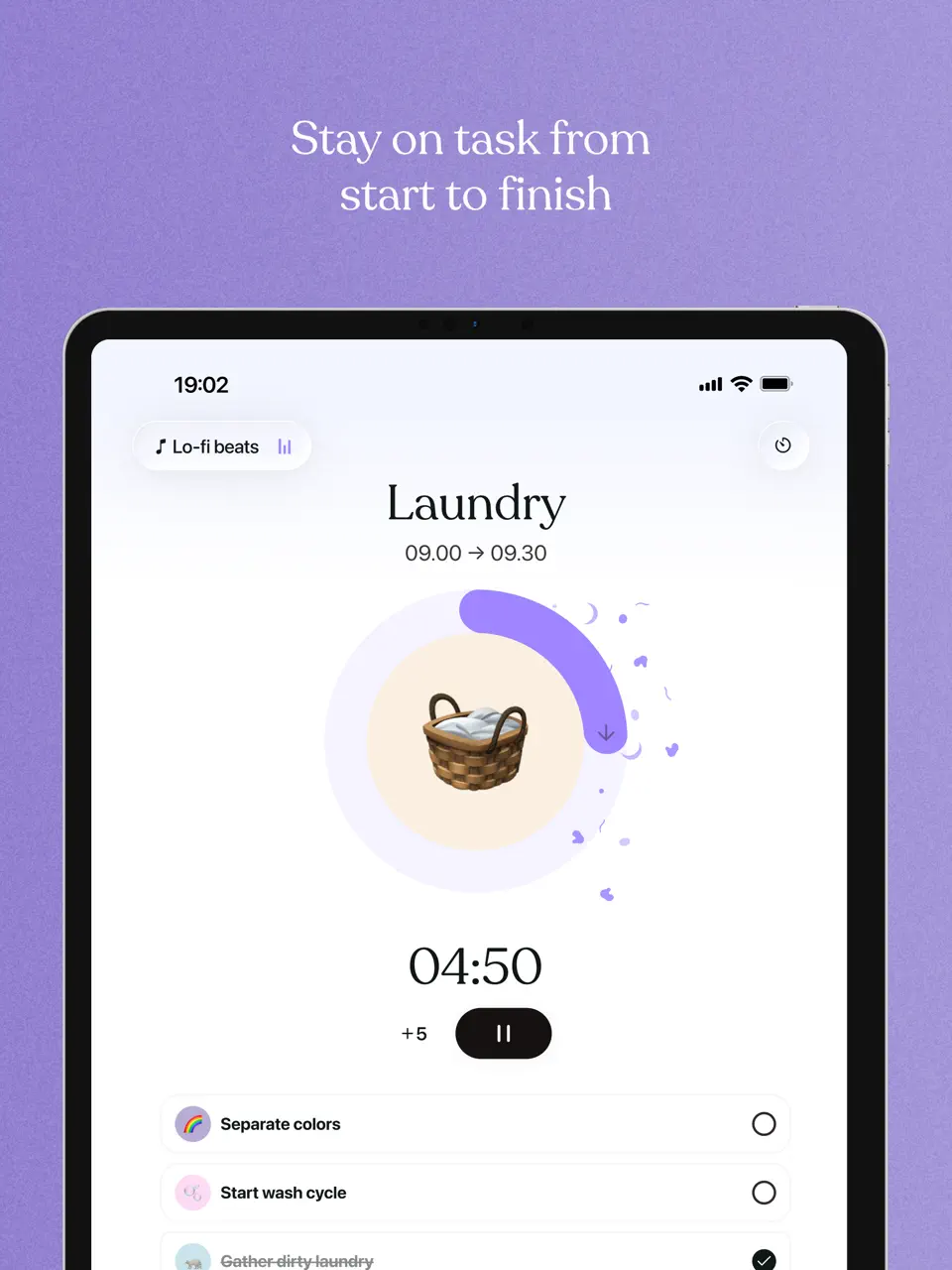
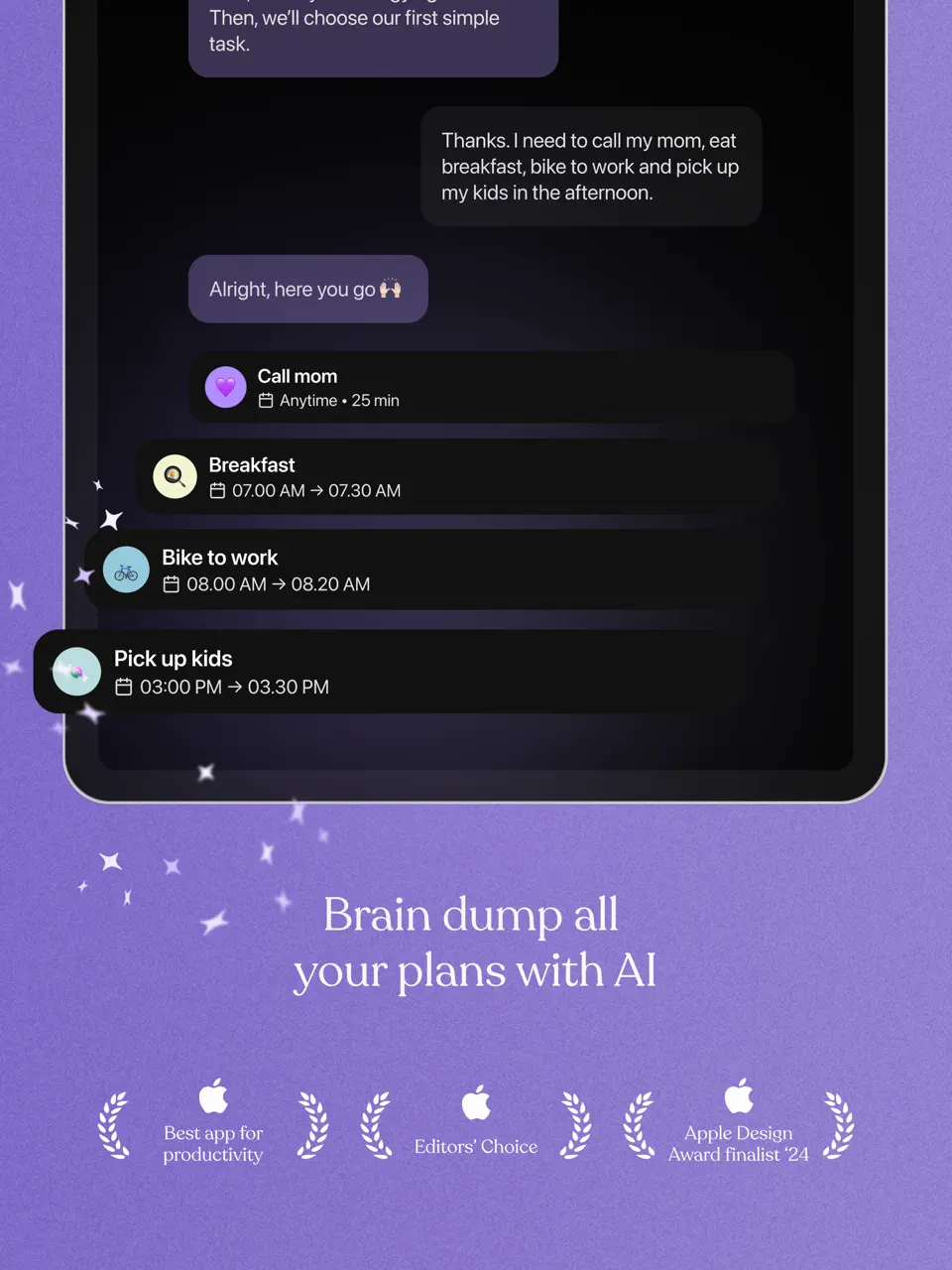
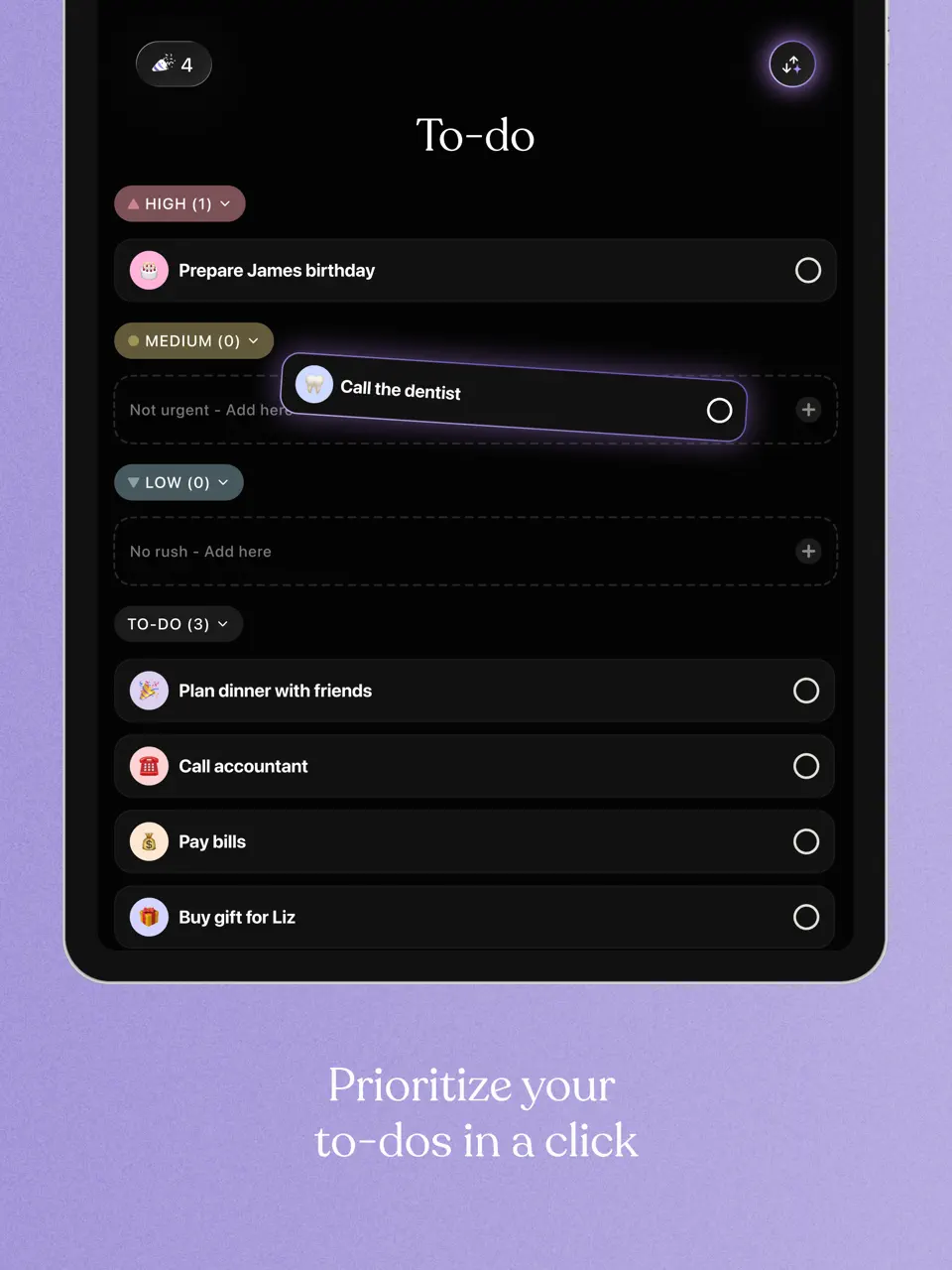
Tiimo is specifically designed with neurodivergent users in mind, offering highly visual planning with icons, colors, and gentle reminders. It excels at building and maintaining routines.
Features
- Highly visual timeline with icons and colors
- Routine building with checklists
- Gentle, customizable reminders
- Activity library with pre-made routines
- Focus mode and timers
Tiimo is outstanding for anyone who benefits from visual, structured daily planning.
- Exceptionally supportive for ADHD/autism
- Beautiful, motivating visual design
- Strong routine-building tools
- Some key features require subscription
- Less suited for complex professional project management
- Smaller template library
Product details
| Pricing | Platforms | Best For |
|---|---|---|
| Freemium | iOS, Android | Visual planning for neurodivergent users and routine building |

Routinery
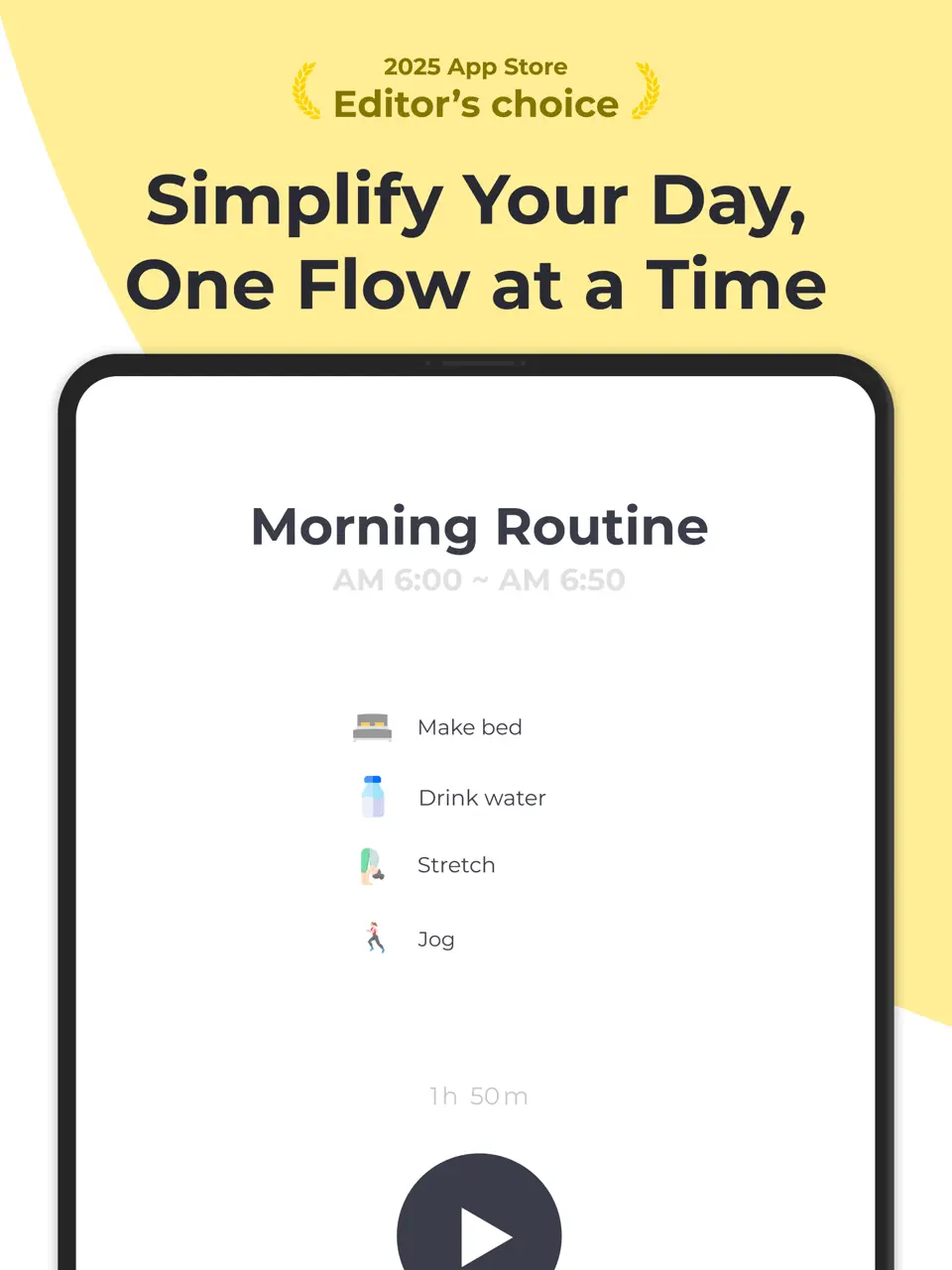
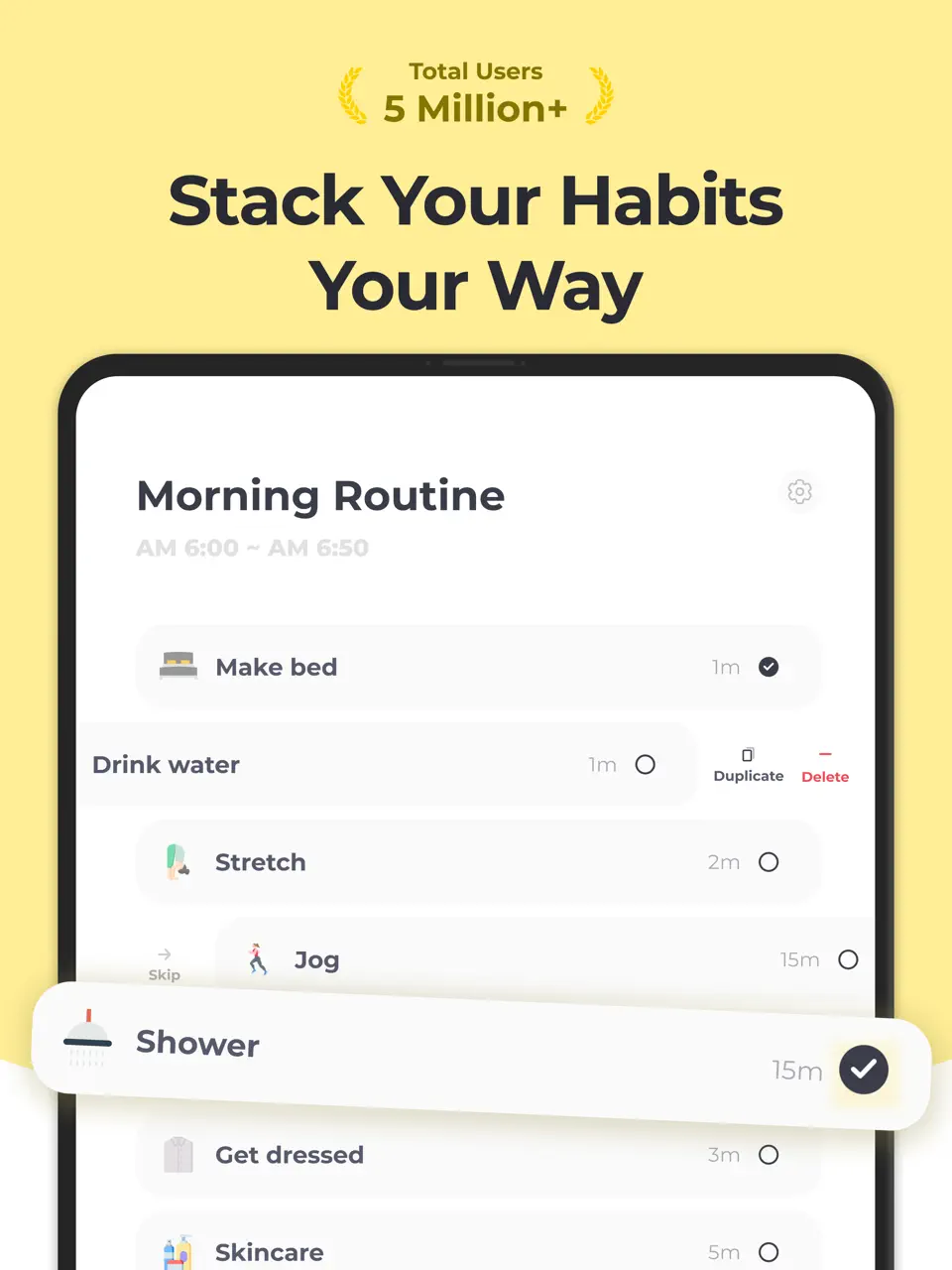
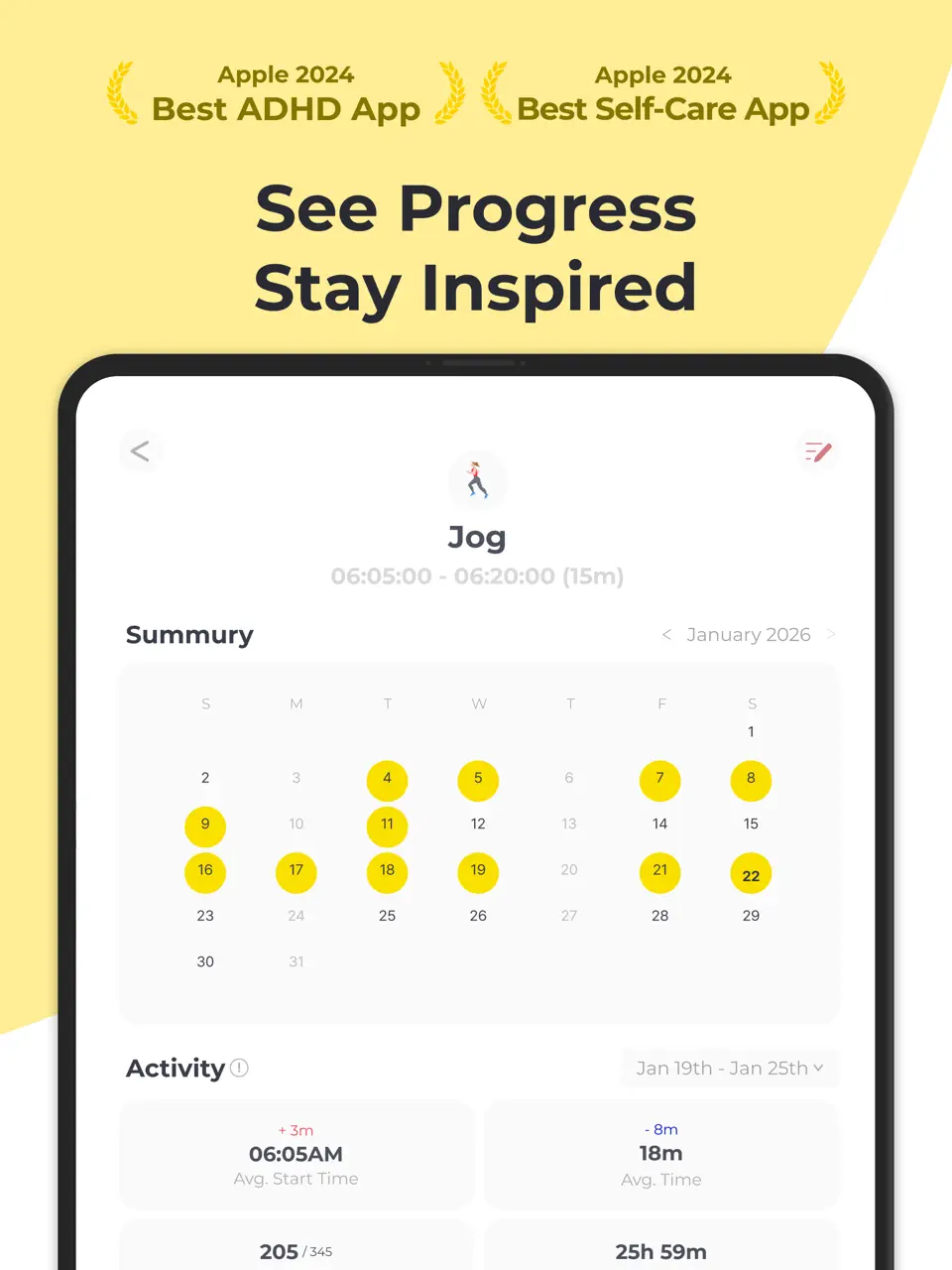
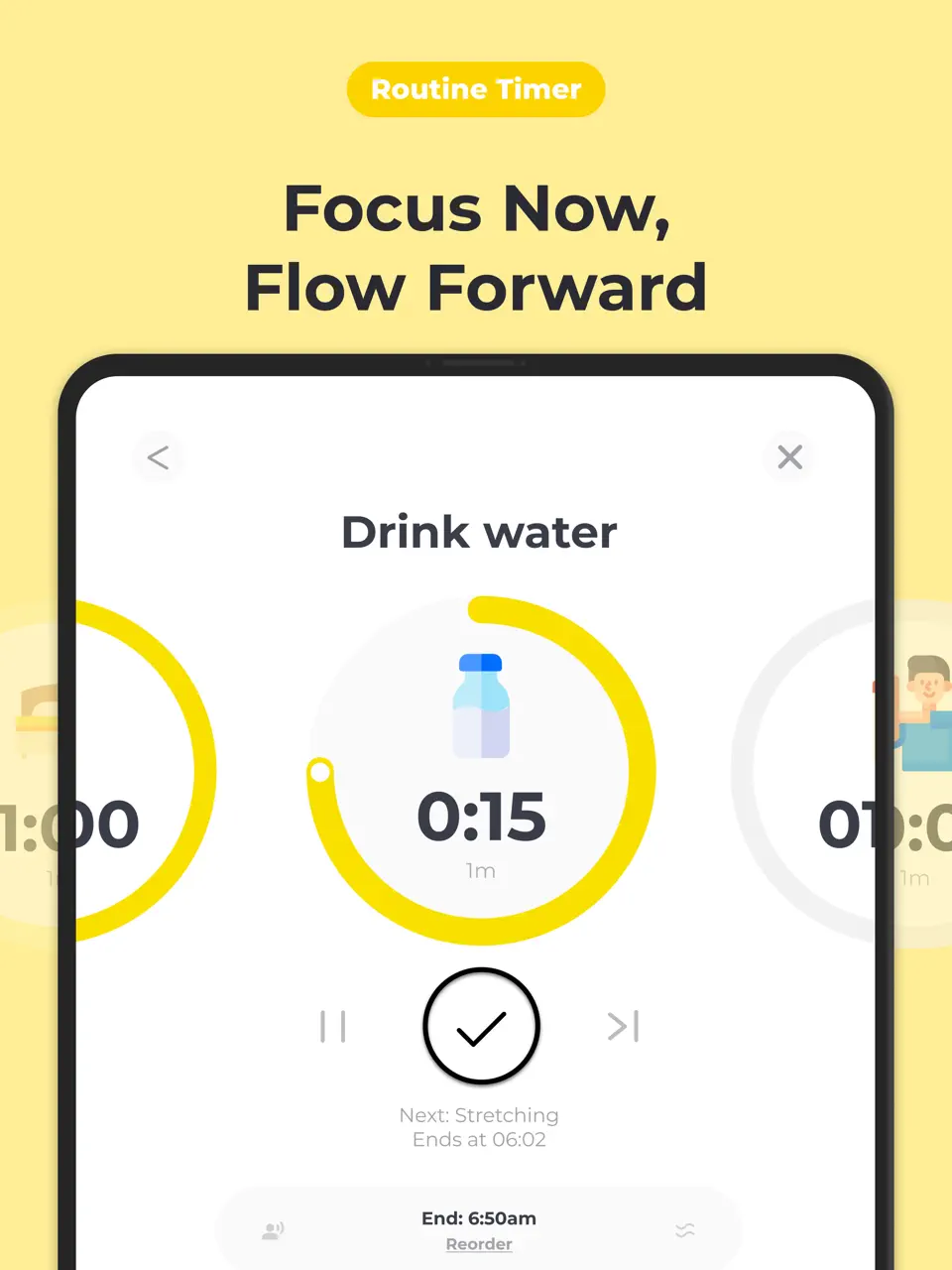
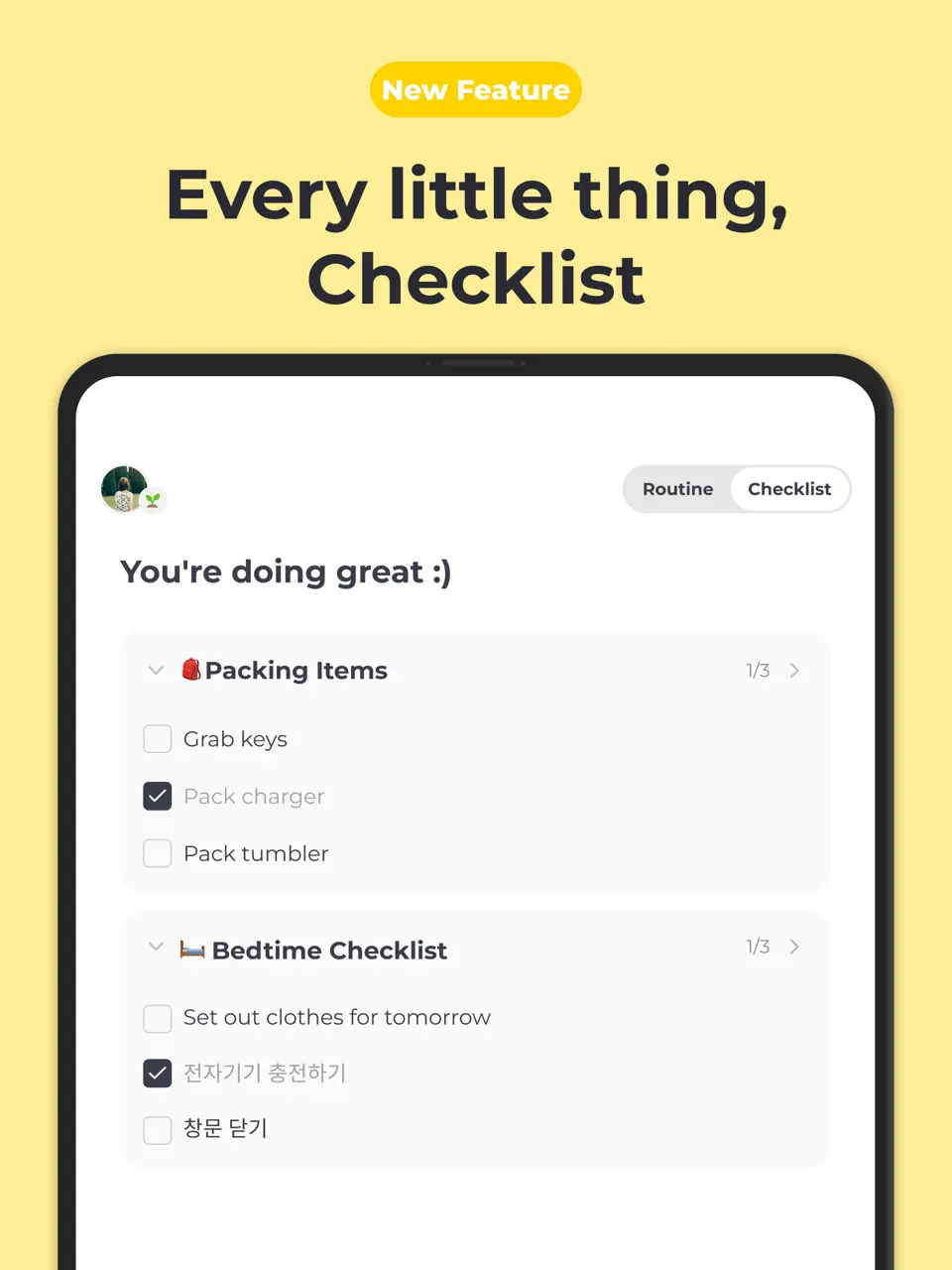
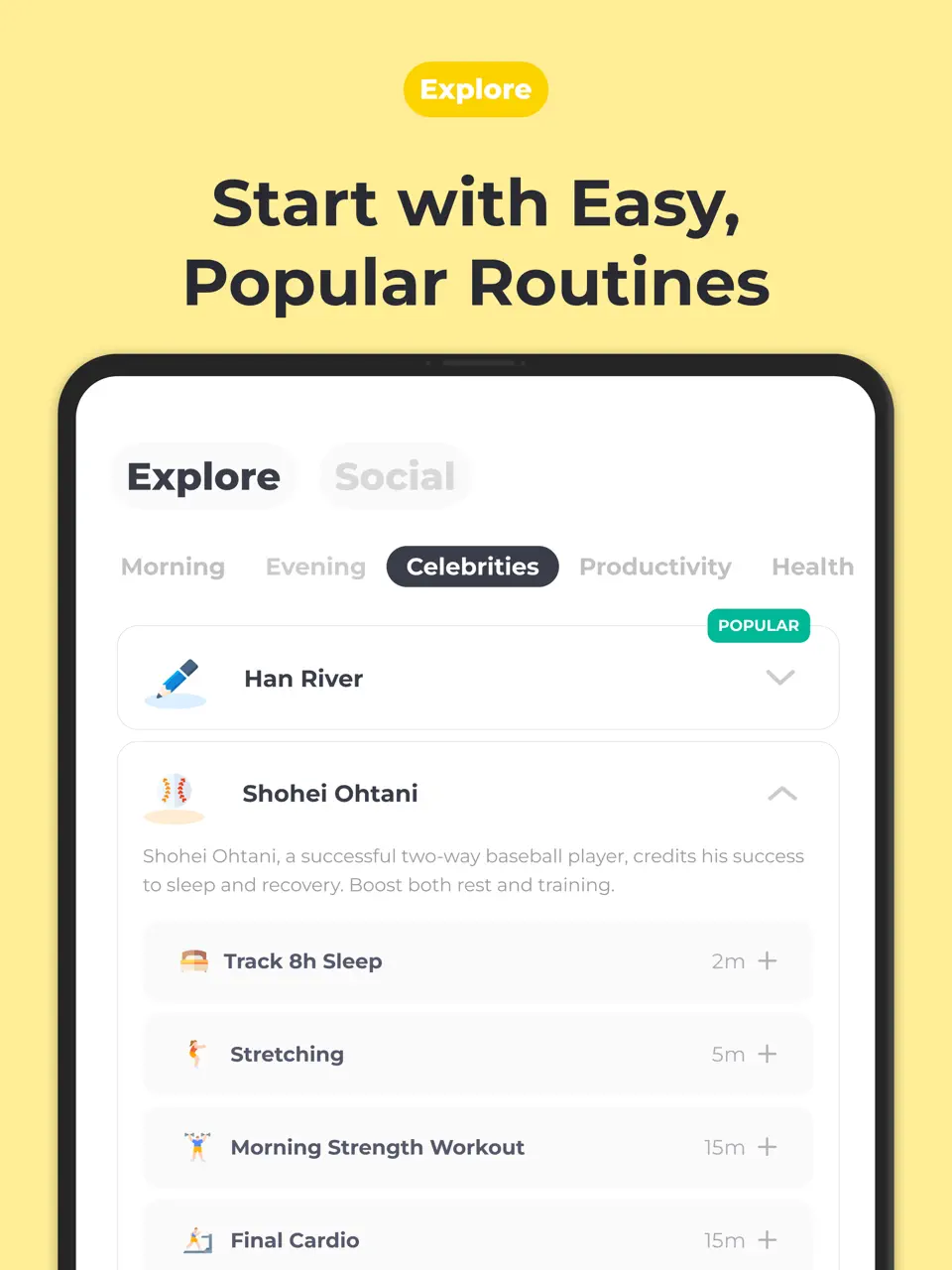
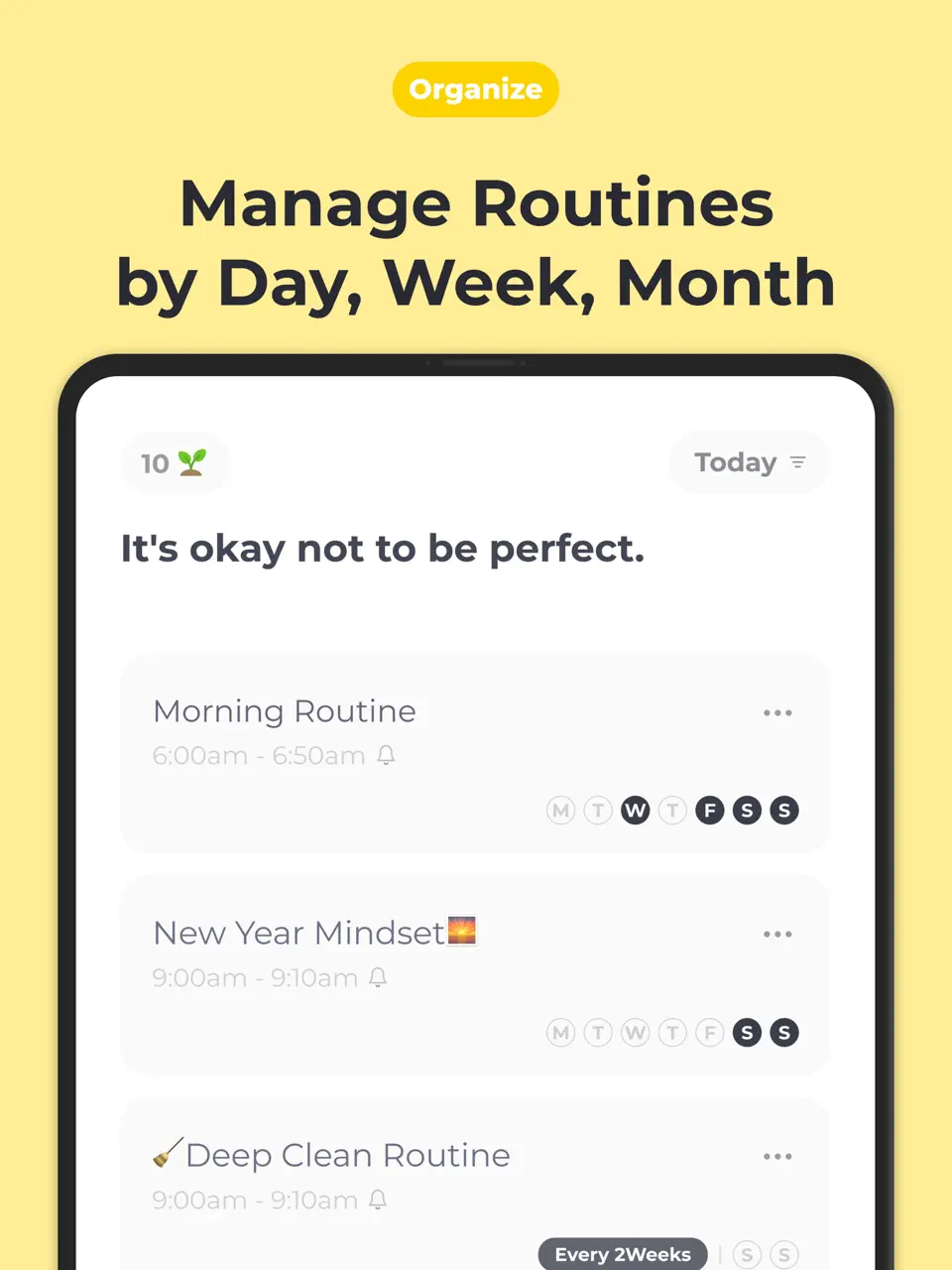
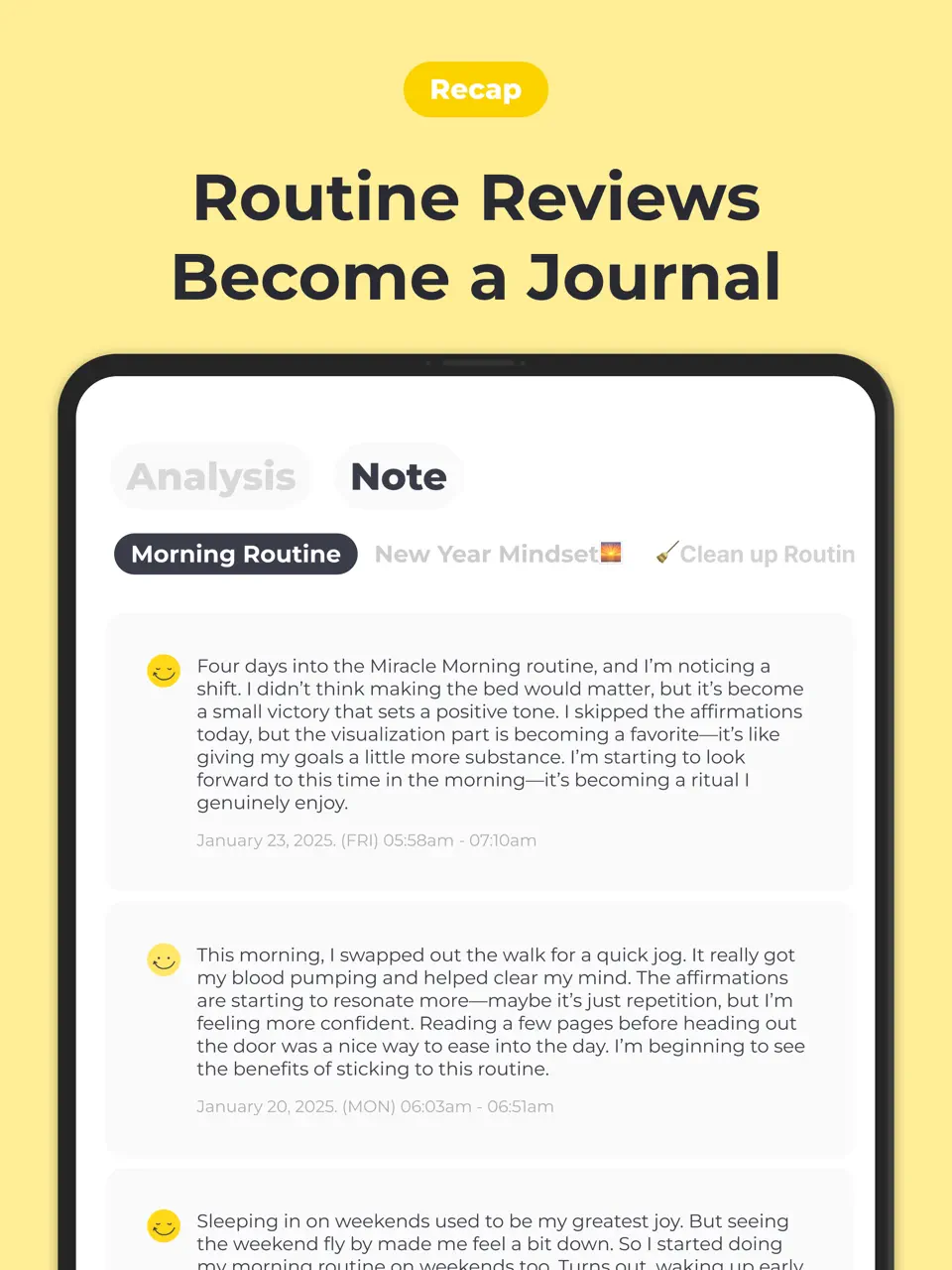
Routinery focuses specifically on building and maintaining daily routines through timed blocks and gentle guidance. It's designed to help establish consistent habits.
Features
- Timed routine blocks with countdowns
- Habit streak tracking
- Gentle reminder system
- Pre-built routine templates
- Progress analytics
Routinery is perfect for users whose primary goal is building consistent daily habits.
- Excellent for establishing new habits
- Simple, focused interface
- Motivational progress tracking
- Limited task management beyond routines
- Some features behind subscription
- Less flexible for variable schedules
Product details
| Pricing | Platforms | Best For |
|---|---|---|
| Freemium | iOS, Android | Building and maintaining daily routines with gentle reminders |
Notewise
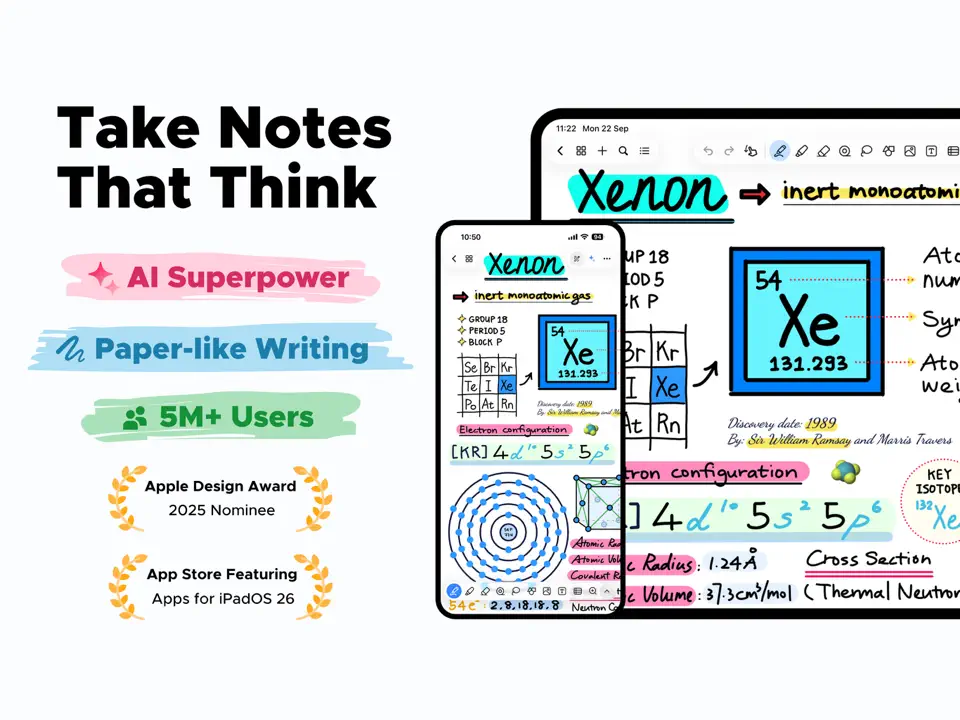
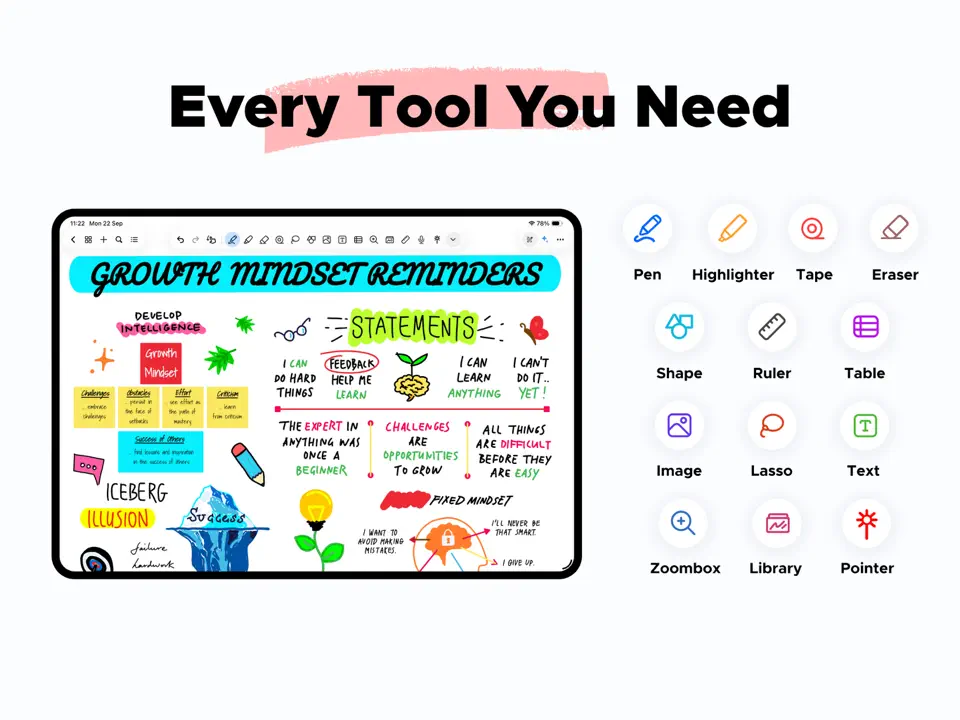
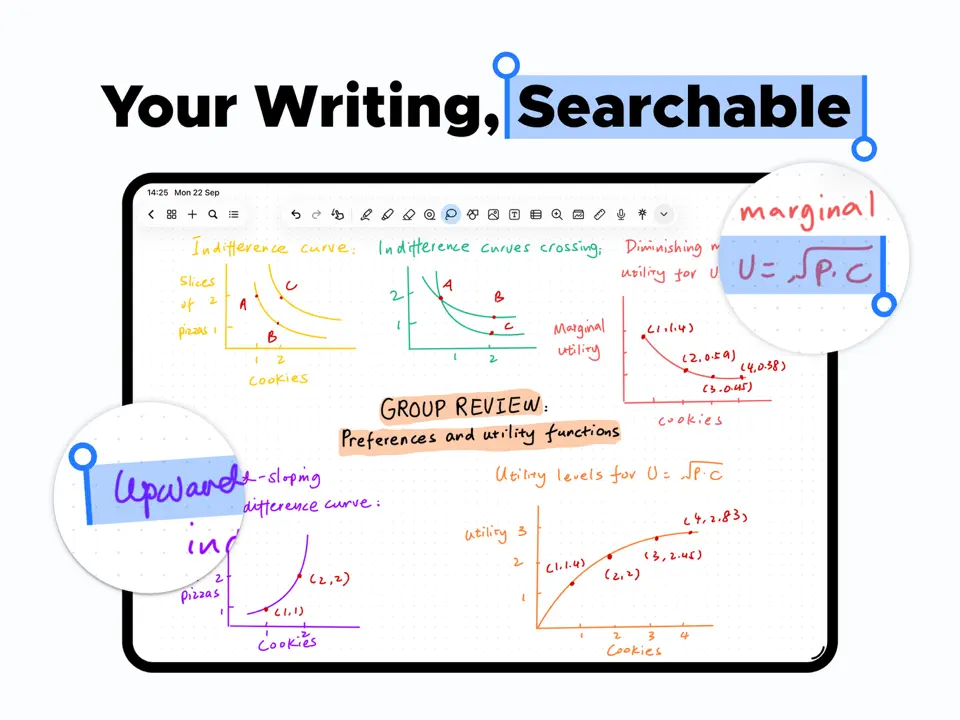
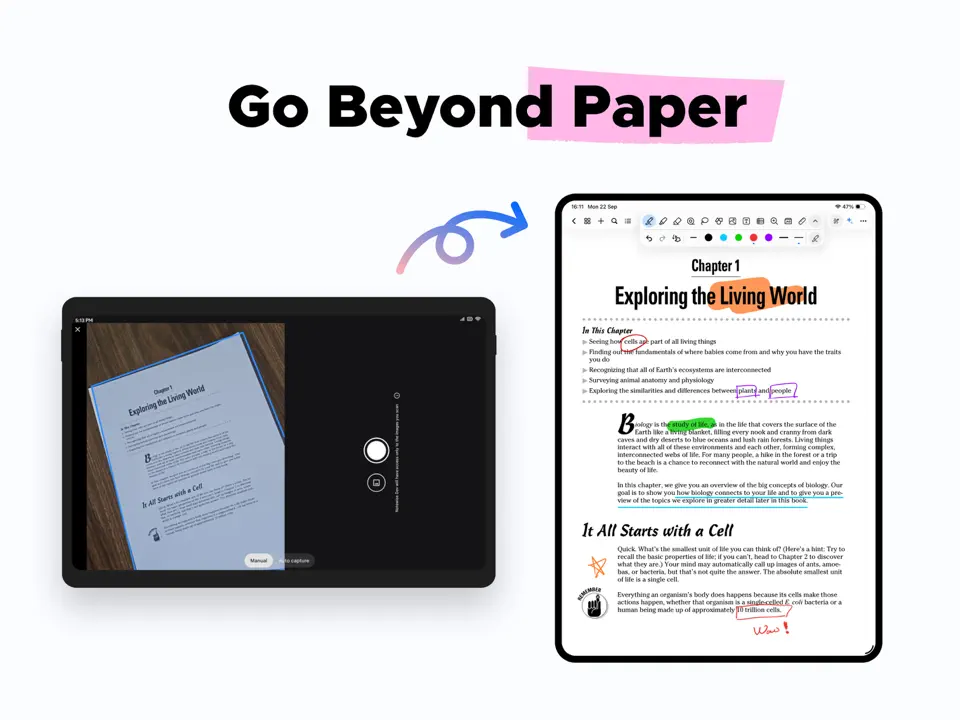
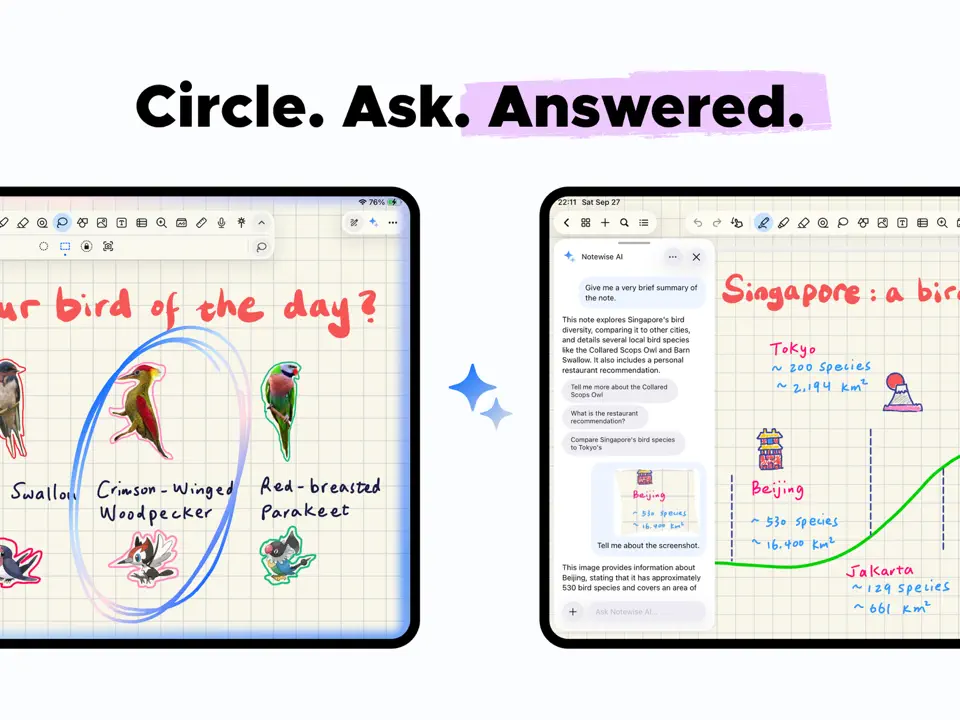
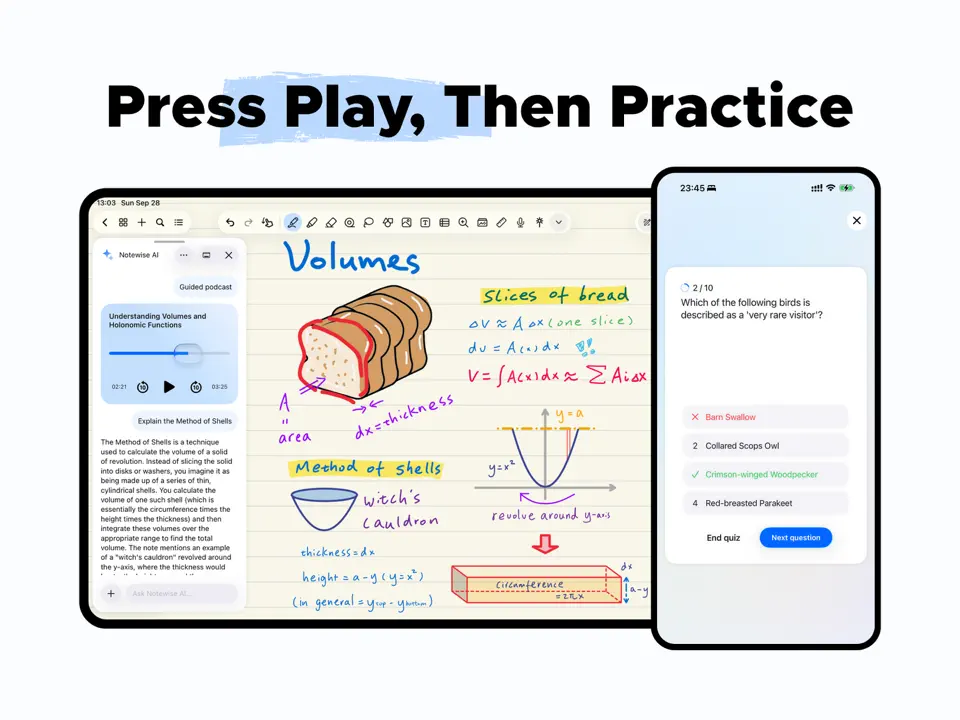
Notewise is a lightweight, free note-taking app that has gained popularity for its clean performance and strong PDF hyperlink support, making it surprisingly capable for daily planning.
Features
- Fast, lightweight performance
- Excellent PDF hyperlink support
- Built-in stickers and templates
- Audio recording
- Real-time collaboration
Notewise offers impressive daily planning capabilities for a completely free app.
- Completely free with no major limitations
- Smooth performance even on mid-range devices
- Great for simple, effective planning
- Smaller template library than dedicated planner apps
- Fewer advanced organization features
- Still developing some premium tools
Product details
| Pricing | Platforms | Best For |
|---|---|---|
| Free | Android, iPad | Lightweight, free handwriting and planning on Android |

Day One
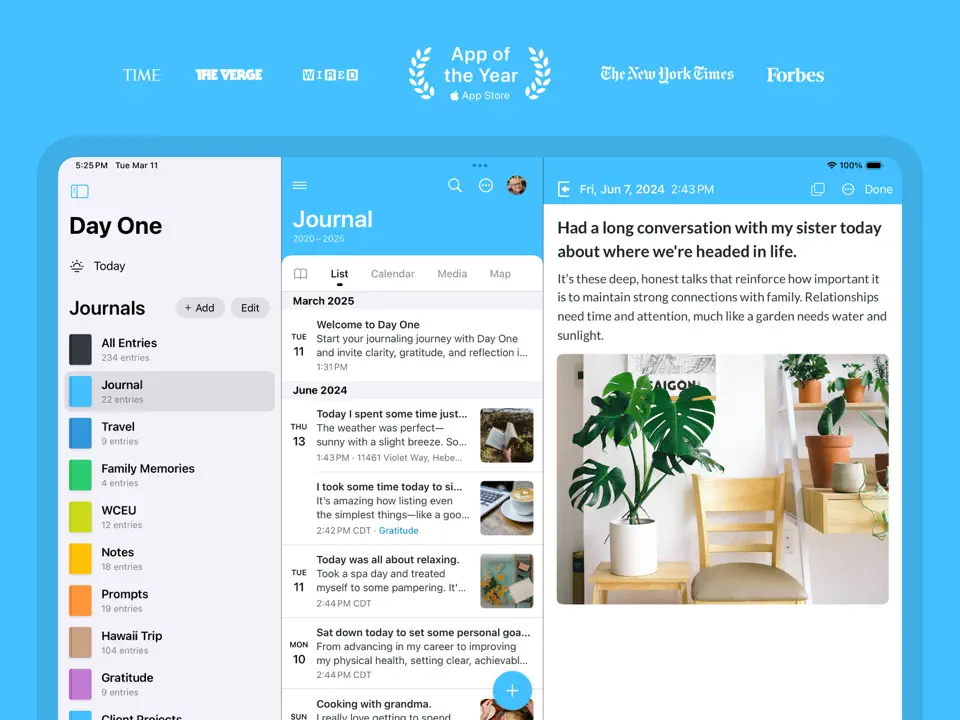
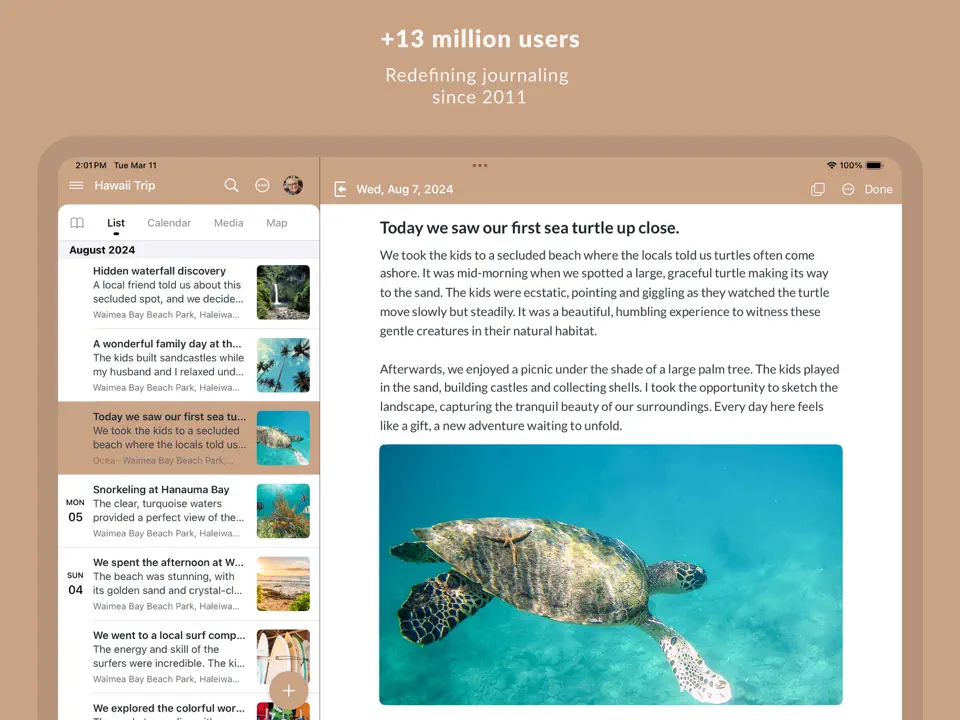
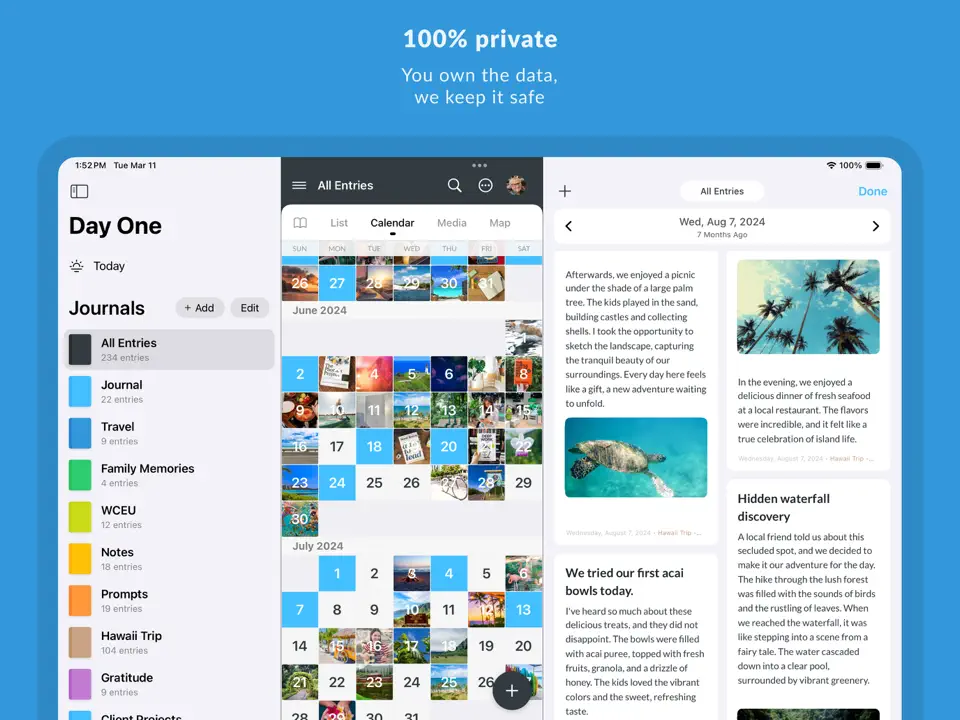
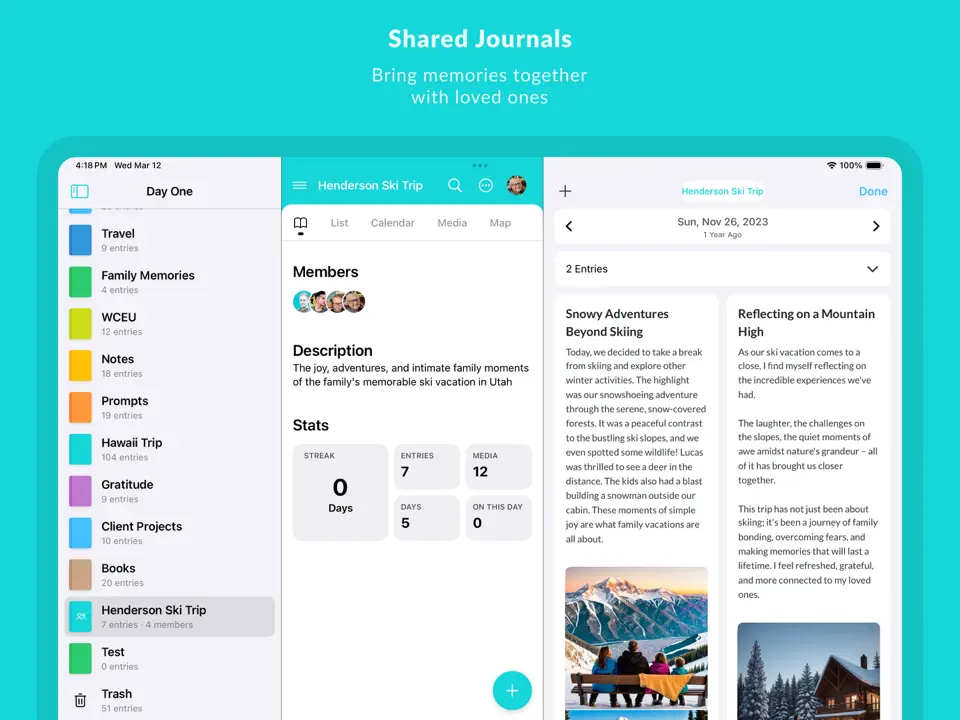
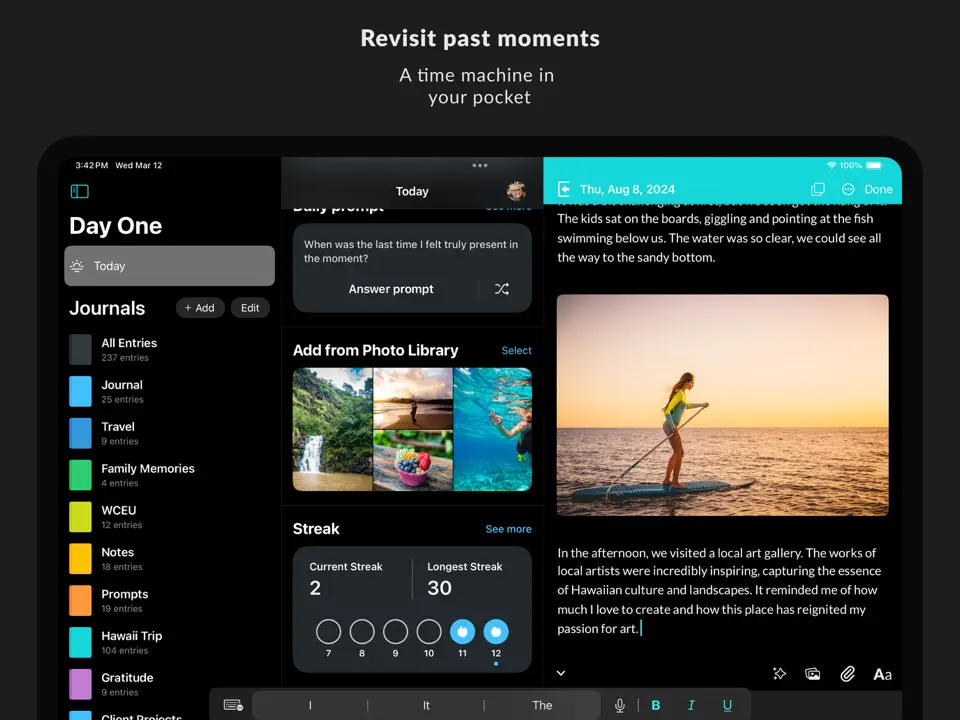
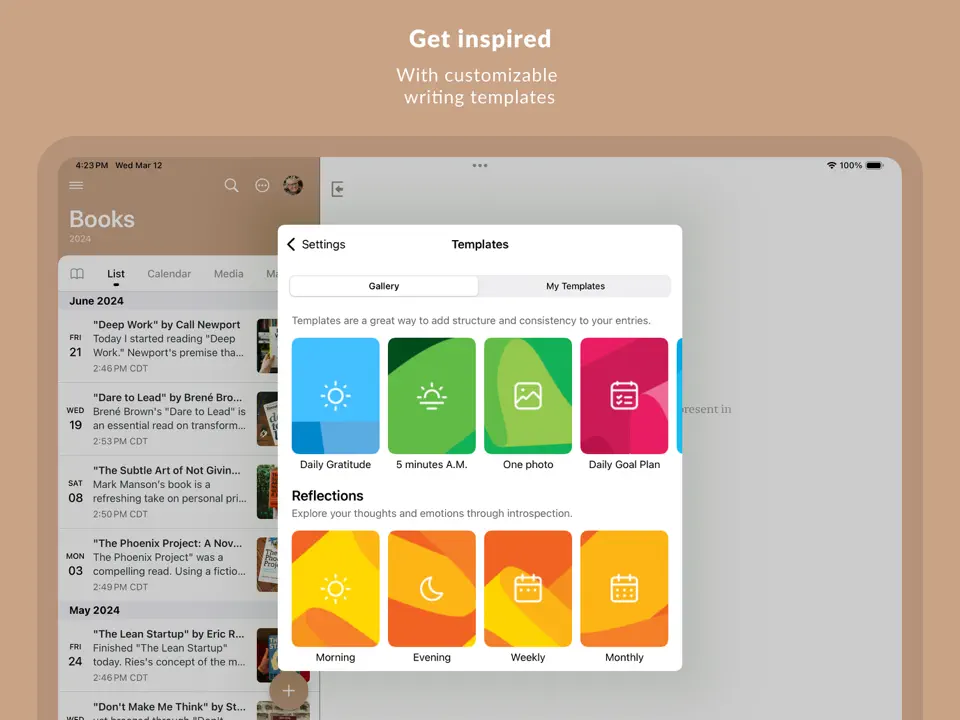
Day One is primarily a journaling app but excels at daily entry with prompts, making it valuable for reflective daily planning and memory keeping.
Features
- Daily journaling prompts
- Photo, audio, and location integration
- Calendar view of entries
- End-to-end encryption
- Beautiful templates and themes
Day One is ideal for users who want to combine daily planning with personal reflection and memory keeping.
- Best-in-class journaling experience
- Excellent for daily reflection
- Strong privacy and security
- Limited traditional task/time-blocking features
- Subscription required for full features
- Less focused on future planning
Product details
| Pricing | Platforms | Best For |
|---|---|---|
| Freemium | iOS, Mac, Android | Personal journaling with daily prompts and memories |
Todoist
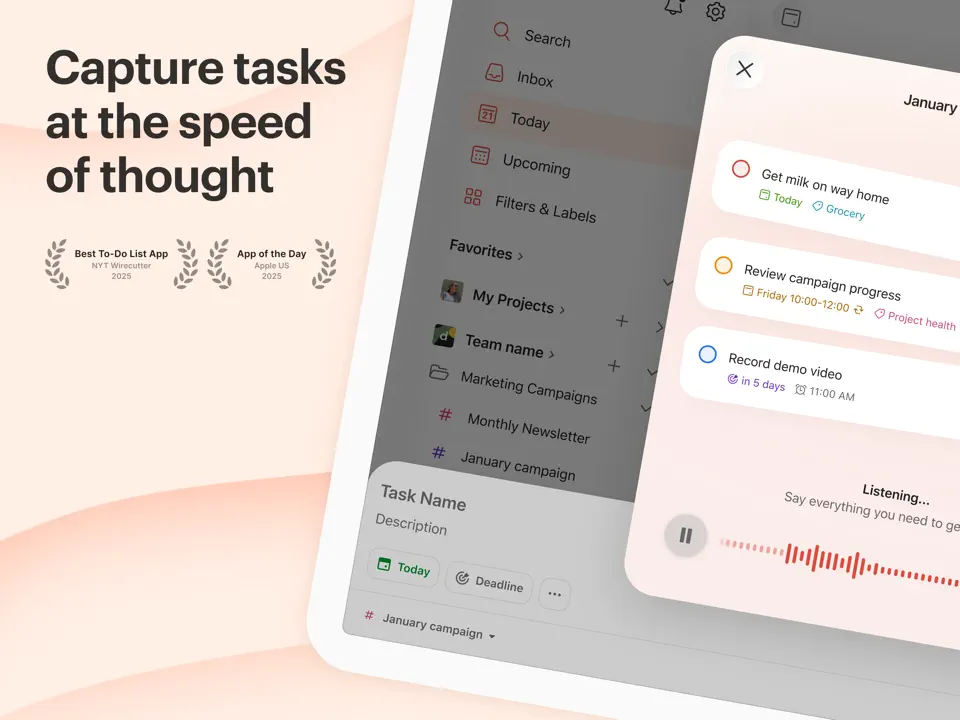
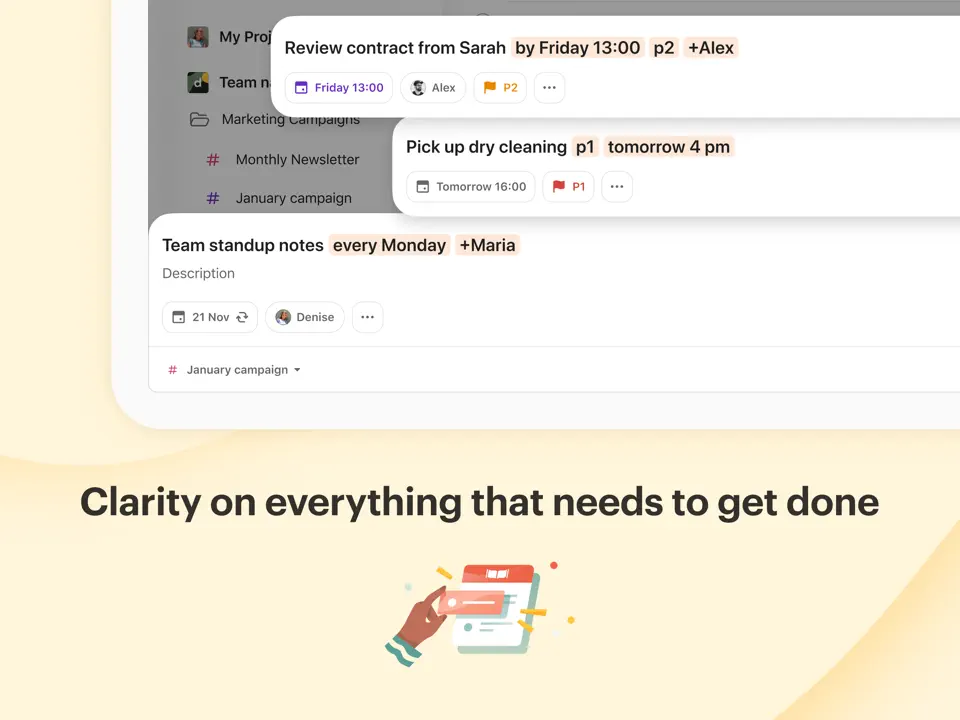
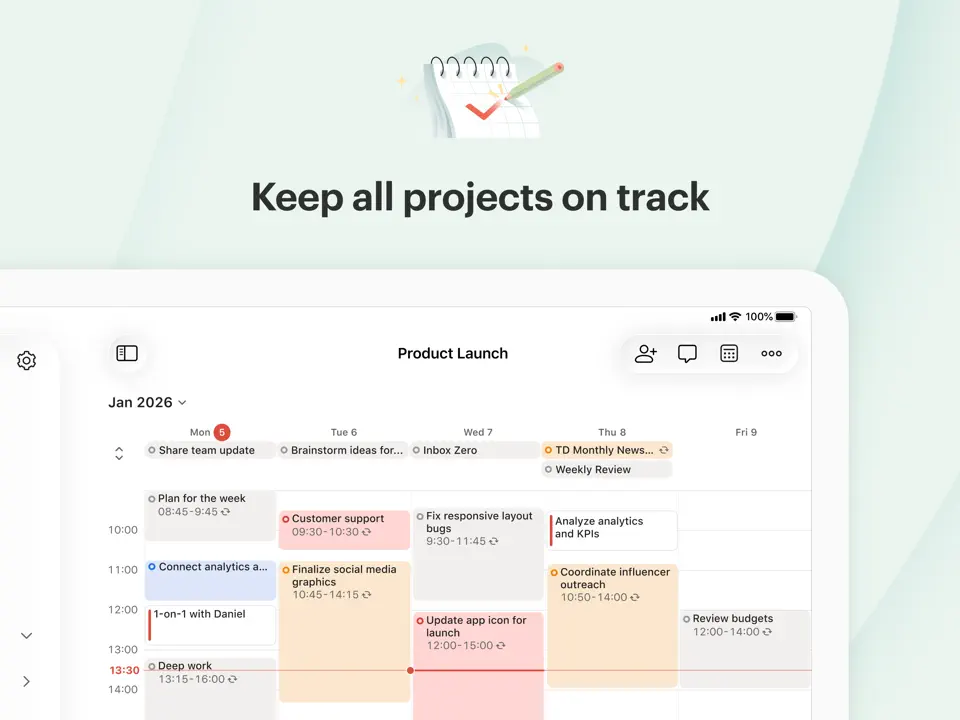
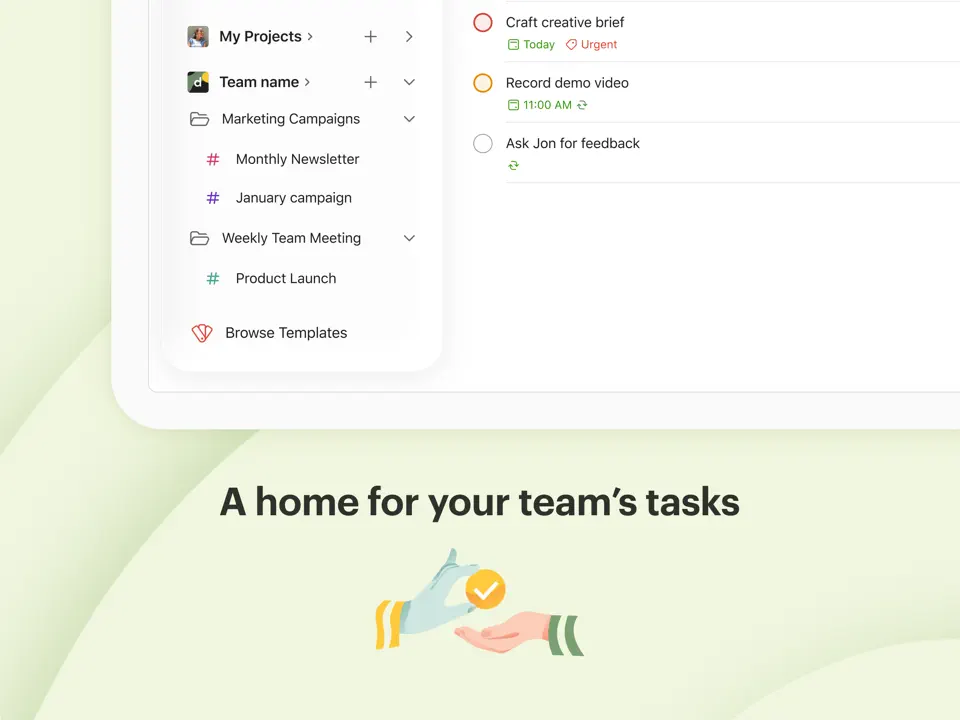
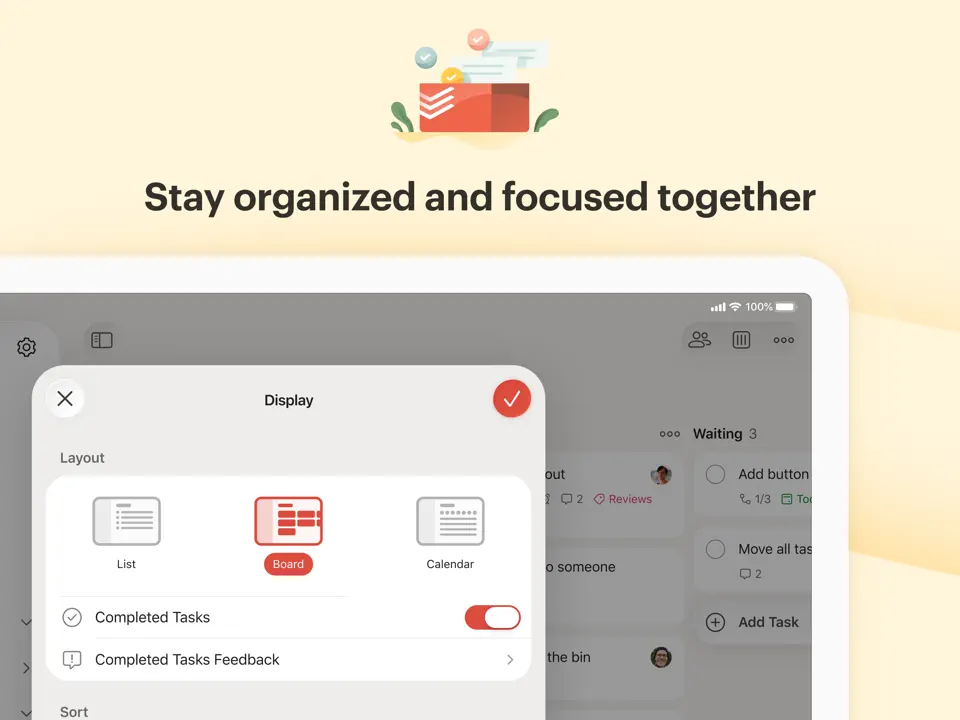
Todoist remains a benchmark for task management with its reliable, fast performance and strong daily planning capabilities through recurring tasks and priorities.
Features
- Natural language quick add
- Projects, labels, and filters
- Daily goals and productivity trends
- Calendar view integration
- Strong widget support
Todoist is perfect for users who prioritize reliable task management in their daily routine.
- Excellent free version
- Lightning-fast performance
- Cross-platform excellence
- Less visual daily overview than dedicated planner apps
- Premium needed for reminders and labels
Product details
| Pricing | Platforms | Time Blocking | Best For |
|---|---|---|---|
| Freemium | All platforms | Partial | Simple, reliable task management on any device |
Google Calendar
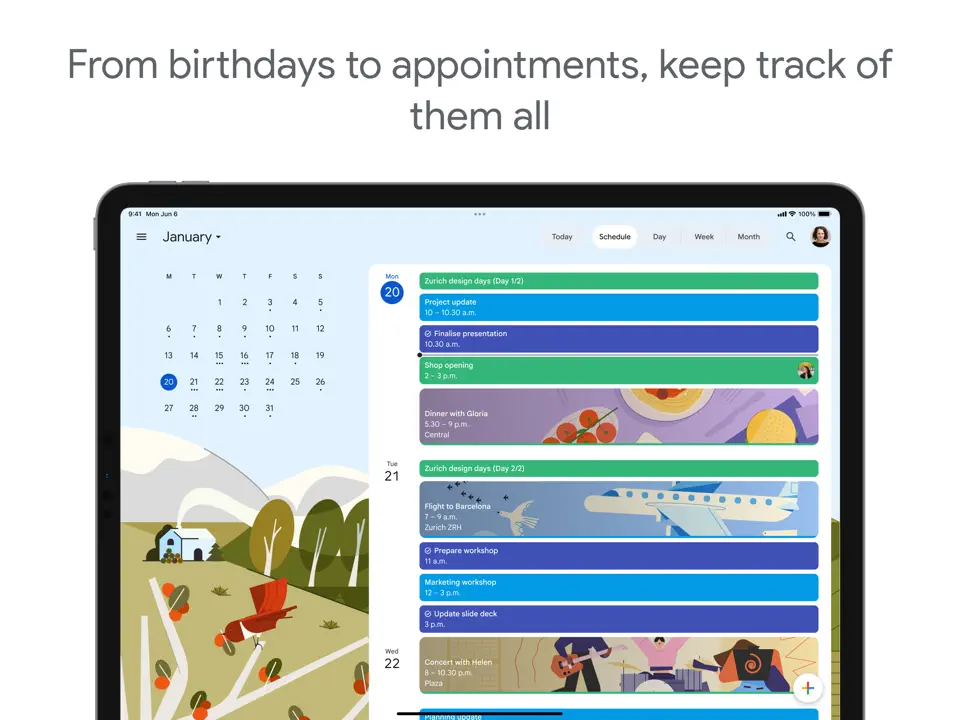
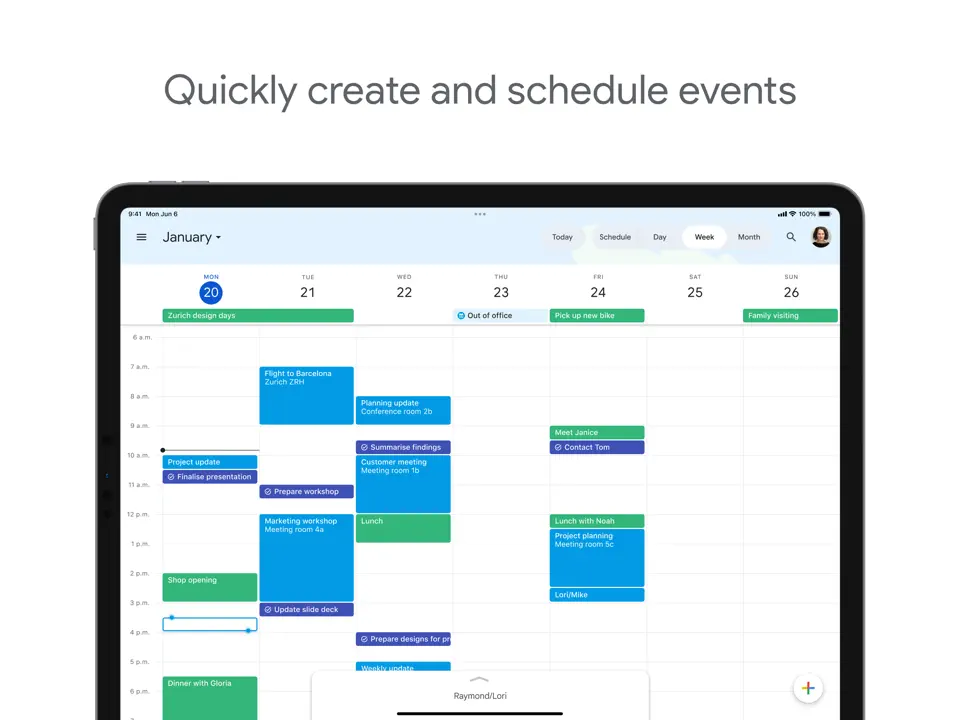
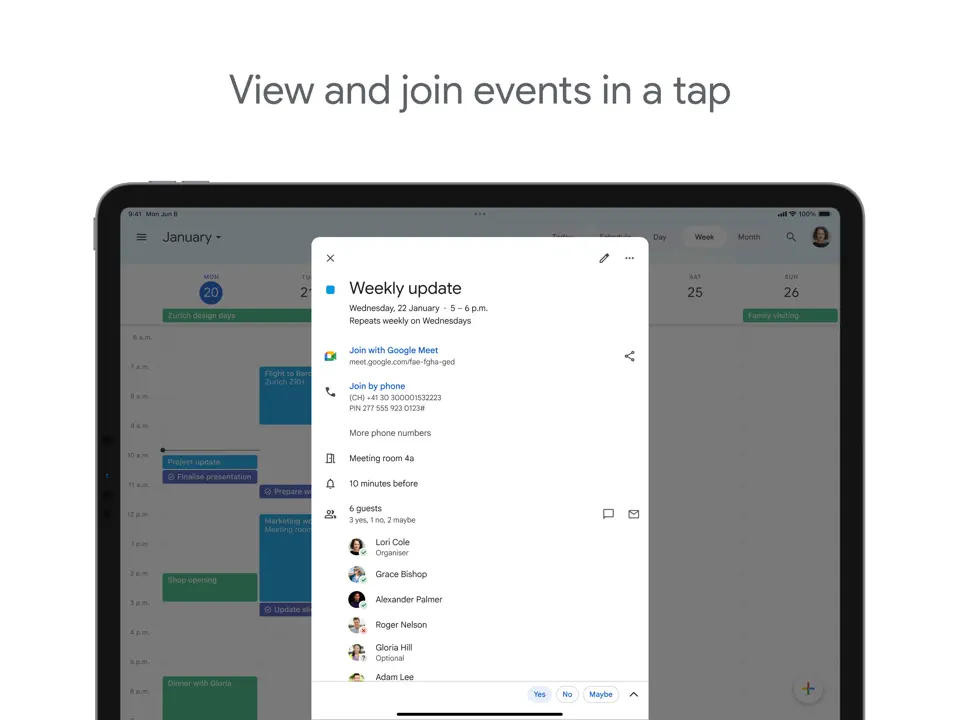
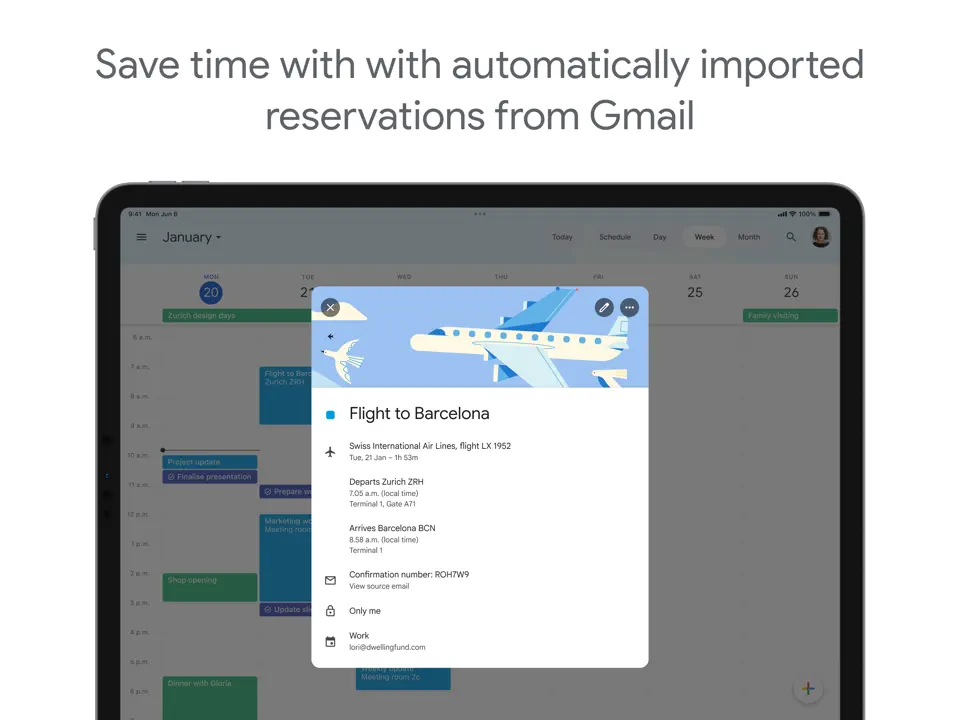
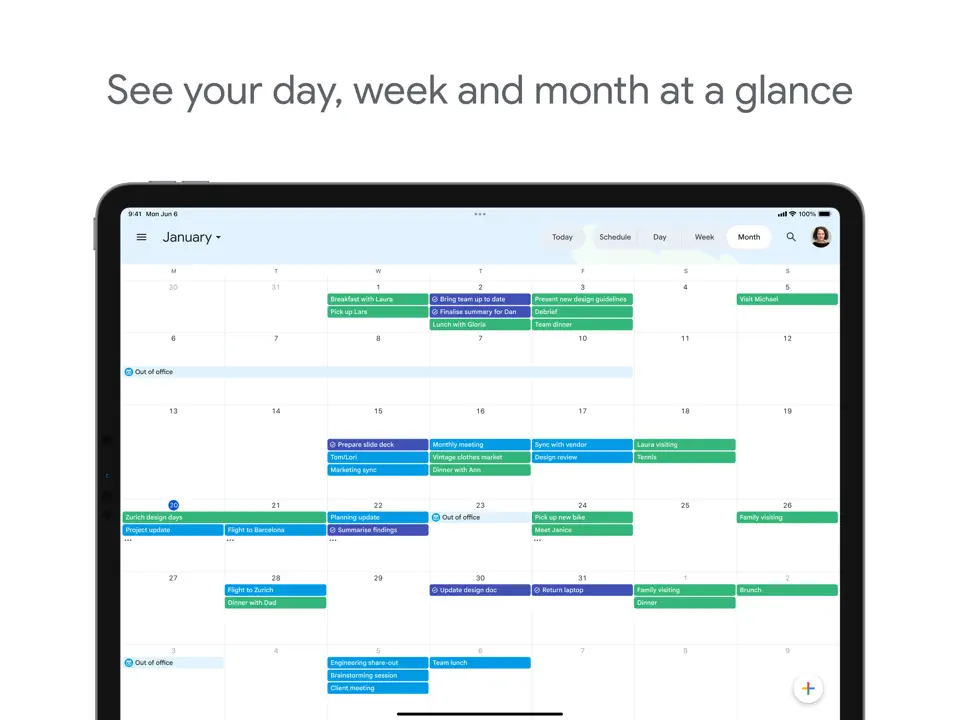
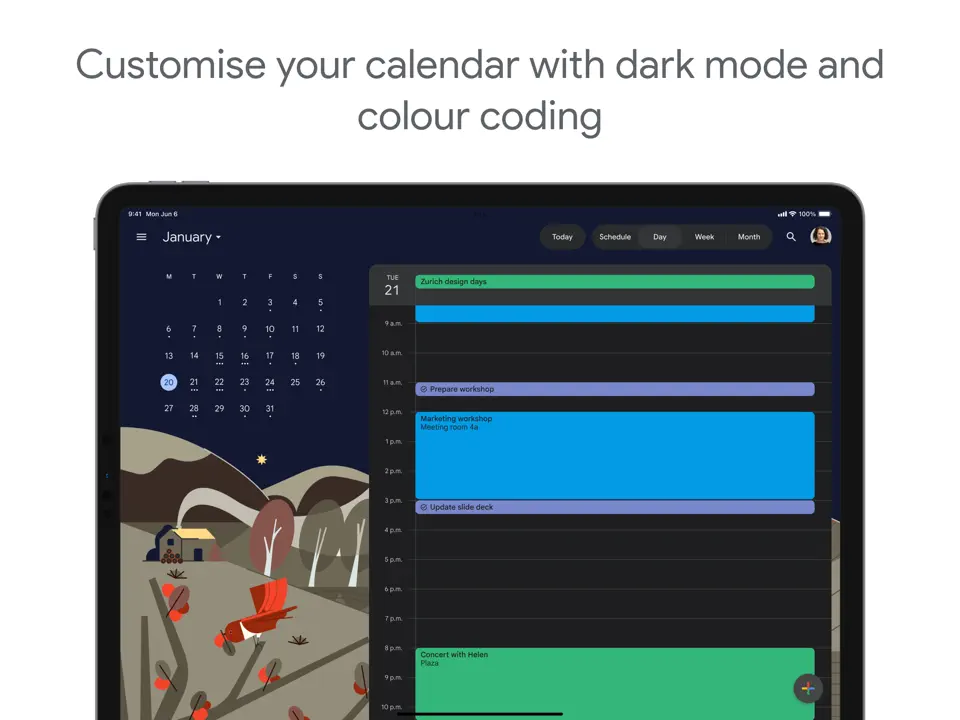
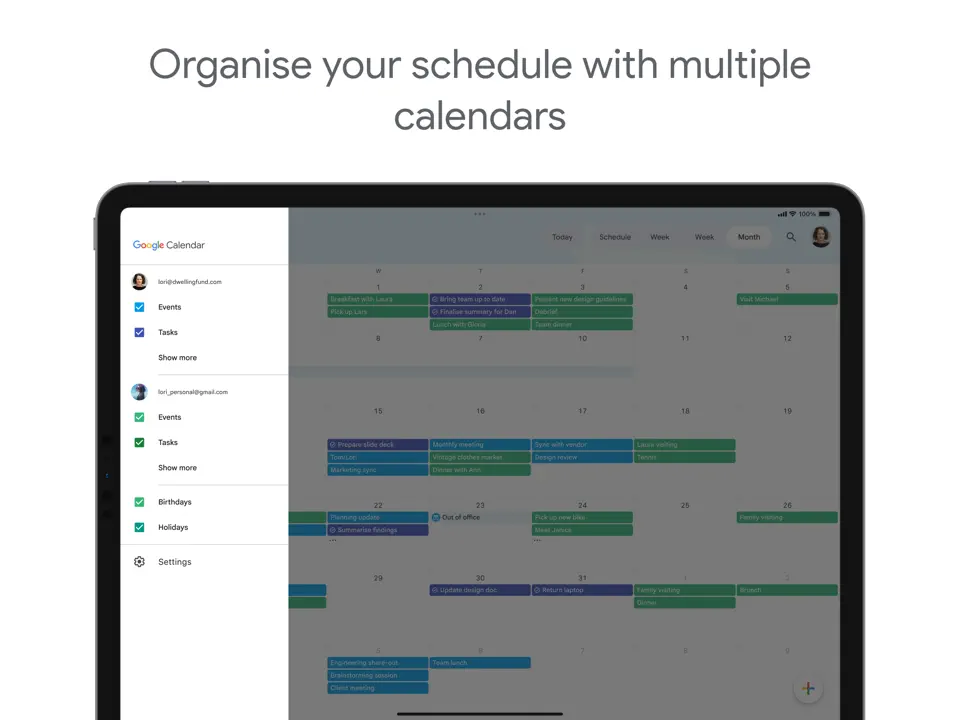
Google Calendar is the most widely used scheduling tool, offering solid daily planning through its simple, reliable interface and universal availability.
Features
- Multiple calendar views
- Event color-coding and reminders
- Shared calendars and invitations
- Goal setting and time blocking
- Integration with Gmail and Meet
Google Calendar remains essential for basic daily scheduling and shared planning needs.
- Completely free
- Universal availability and sync
- Excellent sharing capabilities
- Limited task management features
- Basic interface without much customization
- No built-in habit tracking
Product details
| Pricing | Platforms | Best For |
|---|---|---|
| Free | All platforms | Basic scheduling and shared calendar management |
Conclusion
Choosing the right daily planner app depends on your specific needs and workflow. Here's a quick summary to help you decide:
- Best Overall: Ultimate Planner is the most complete and balanced choice with AI assistance, full customization, and seamless daily organization
- Best for Audio Notes: Notability is a perfect sync between handwriting and recordings
- Best Cross-Platform Handwriting: Noteshelf consistent experience across devices
- Best AI-Powered Planning: Motion is an intelligent auto-scheduling for busy schedules
- Best Mindful Approach: Sunsama guided rituals and intentional daily focus
- Best for Neurodivergent Users: Tiimo highly visual routines and gentle reminders
- Best Routine Builder: Routinery focused on establishing consistent habits
- Best Free Lightweight Option: Notewise impressive features with smooth performance
- Best Journaling Companion: Day One beautiful daily reflection and memory keeping
- Best Task Management: Todoist reliable and fast across all platforms
- Best Basic Scheduling: Google Calendar universal, free, and seamlessly shared
Ultimate Planner stands out as our top recommendation for most users thanks to its powerful combination of AI tools, customizable templates, and intuitive daily planning features. Most of these apps offer free versions or trials, so try a few that match your priorities, whether it's handwriting support, AI automation, or simple routine building. The perfect tool is the one you'll actually use consistently. Find what feels natural and make 2026 your most organized year yet.