
TOP ADHD Planner Apps: Honest Guide & Comparison
Quick jump to:
Introduction
Living with ADHD in 2026 can feel like trying to navigate a busy highway with a broken GPS. Time blindness, executive dysfunction, overwhelming task lists, and constant distractions make traditional planning methods often ineffective. Many people with ADHD struggle not because they lack motivation, but because standard tools weren’t designed for neurodivergent brains.
This guide explores the best ADHD planner apps in 2026 tools specifically helpful for managing focus, building routines, reducing overwhelm, and creating sustainable daily structure. Whether you need visual planning, gentle time-blocking, task breakdown, or gamification, we’ve evaluated the top options that actually work for ADHD minds.
We focus on apps that offer low friction, visual clarity, flexibility, and features like body doubling, timers, and smart reminders. Whether you’re looking for the best ADHD planner app for iPad, a simple mobile solution, or a powerful customizable system, this comparison will help you find the right fit.
| Tiimo | Ultimate Planner | Sunsama | Structured | Routinery | TickTick | Goblin Tools | Notion | Things 3 | Habitica | Microsoft To-Do | Motion | |
|---|---|---|---|---|---|---|---|---|---|---|---|---|
| Overall rating: | ||||||||||||
| Rating | 4.8 | 4.7 | 4.6 | 4.7 | 4.6 | 4.6 | 4.8 | 4.5 | 4.8 | 4.4 | 4.5 | 4.5 |
| Reviews | 5k+ | 1k+ | 2k+ | 3k+ | 2k+ | 15k+ | 4k+ | 10k+ | 8k+ | 8k+ | 50k+ | 3k+ |
| ADHD-Specific Features: | ||||||||||||
| Visual Timeline / Daily Overview | ||||||||||||
| Task Breakdown Support | ||||||||||||
| Gentle Reminders | ||||||||||||
| Low Cognitive Load | + (Excellent) | + (Excellent) | ||||||||||
| Time Blindness Support | ||||||||||||
| Custom Routines & Templates | ||||||||||||
| Gamification Elements | ||||||||||||
| Body Doubling Features | ||||||||||||
| Core Planning Features: | ||||||||||||
| Task Management | ||||||||||||
| Habit Tracking | ||||||||||||
| Time Blocking | + (Excellent) | |||||||||||
| Pomodoro / Focus Timer | ||||||||||||
| Interactive Checklists | ||||||||||||
| Apple Pencil Support | ||||||||||||
| Interface & Customization: | ||||||||||||
| Visual Customization | ||||||||||||
| Themes & Colors | ||||||||||||
| Stickers / Icons Support | ||||||||||||
| Custom Fonts | ||||||||||||
| Minimalist Mode | + (Excellent) | |||||||||||
| Distraction-Free Option | + (Excellent) | + (Excellent) | ||||||||||
| Platforms: | ||||||||||||
| iOS / iPad | ||||||||||||
| Android | ||||||||||||
| Windows | ||||||||||||
| MacOS | ||||||||||||
| Web | ||||||||||||
| Offline Mode | ||||||||||||
| Sync & Backup: | ||||||||||||
| Synchronize with Apple Calendar | ||||||||||||
| Synchronize with Google Calendar | ||||||||||||
| Auto Backup | ||||||||||||
| Cross-device Sync | ||||||||||||
| Task Sharing |
Why You Need an ADHD Planner App
For many people with ADHD, traditional planners and to-do lists don’t just fail; they increase frustration. The pressure of an empty page, the anxiety of an overwhelming list, and the difficulty of estimating time often lead to decision paralysis or complete avoidance.
A good ADHD planner app addresses these unique challenges. Instead of forcing you to adapt to the tool, the best ADHD planner apps adapt to how your brain actually works. They reduce cognitive load, provide external structure, and offer gentle guidance without judgment.
In 2026, several key needs make specialized ADHD planner apps more important than ever. Time blindness remains a major struggle - apps with clear visual timelines and automatic scheduling help bridge this gap. Executive dysfunction makes starting tasks difficult - tools with task breakdown (like Goblin Tools) and one-tap routines make initiation easier. Many people with ADHD also benefit from visual planning, body doubling features, Pomodoro-style timers, and gamification that turns planning into something motivating rather than draining.
Modern ADHD planner apps go far beyond simple reminders. They help with:
- Creating realistic daily schedules that account for energy fluctuations
- Breaking large tasks into manageable steps
- Building and maintaining habits without shame cycles
- Providing visual overviews that reduce anxiety
- Offering customizable interfaces that match your current needs
For students, these apps help manage assignments, deadlines, and study sessions. For professionals, they support meeting preparation, project management, and work-life boundaries. For everyone, they provide a sense of control and progress in a world that often feels chaotic.
The right ADHD planner app doesn’t just organize your tasks; it reduces mental exhaustion, improves self-esteem through visible wins, and helps create more consistent routines. It becomes a supportive external brain rather than another source of pressure.
How we Tested Planner Apps?
To build this guide to the best ADHD planner apps, we used a careful and empathetic evaluation process focused on real neurodivergent needs.
Our primary goal was to find apps that understand how ADHD brains work, not just apps with productivity features. We prioritized tools that reduce overwhelm, support executive function, accommodate time blindness, and provide flexibility instead of rigid structure.
Key evaluation criteria included:
- Visual Clarity & Low Cognitive Load: clean interfaces, color-coding, timelines, and visual schedules
- Support for Executive Dysfunction: task breakdown, easy start features, and minimal friction
- Time Management Features: visual time-blocking, timers, and realistic scheduling
- Habit Building & Routines: gentle reminders, streaks, and routine templates
- Customization & Flexibility: ability to adapt the app to changing needs and preferences
- Apple Pencil & iPad Support: handwriting, visual planning, and tactile experience (important for many ADHD users)
- Gamification & Motivation: elements that make planning more engaging
- Real User Feedback: input from ADHD communities (Reddit r/ADHD, r/ADHDers, TikTok, and forums)
- Pricing & Accessibility: availability of free tiers or affordable options
We tested each app over several weeks with actual ADHD workflows: morning routines, task initiation, hyperfocus management, transition struggles, and end-of-day reviews. Special attention was paid to how often the app reduced anxiety versus adding to it.
The final selection includes a balanced mix: highly visual tools (Tiimo, Structured), AI-assisted planners (Goblin Tools, Motion), customizable systems (Ultimate Planner, Notion), and simple low-friction options (Microsoft To Do, TickTick).

Tiimo
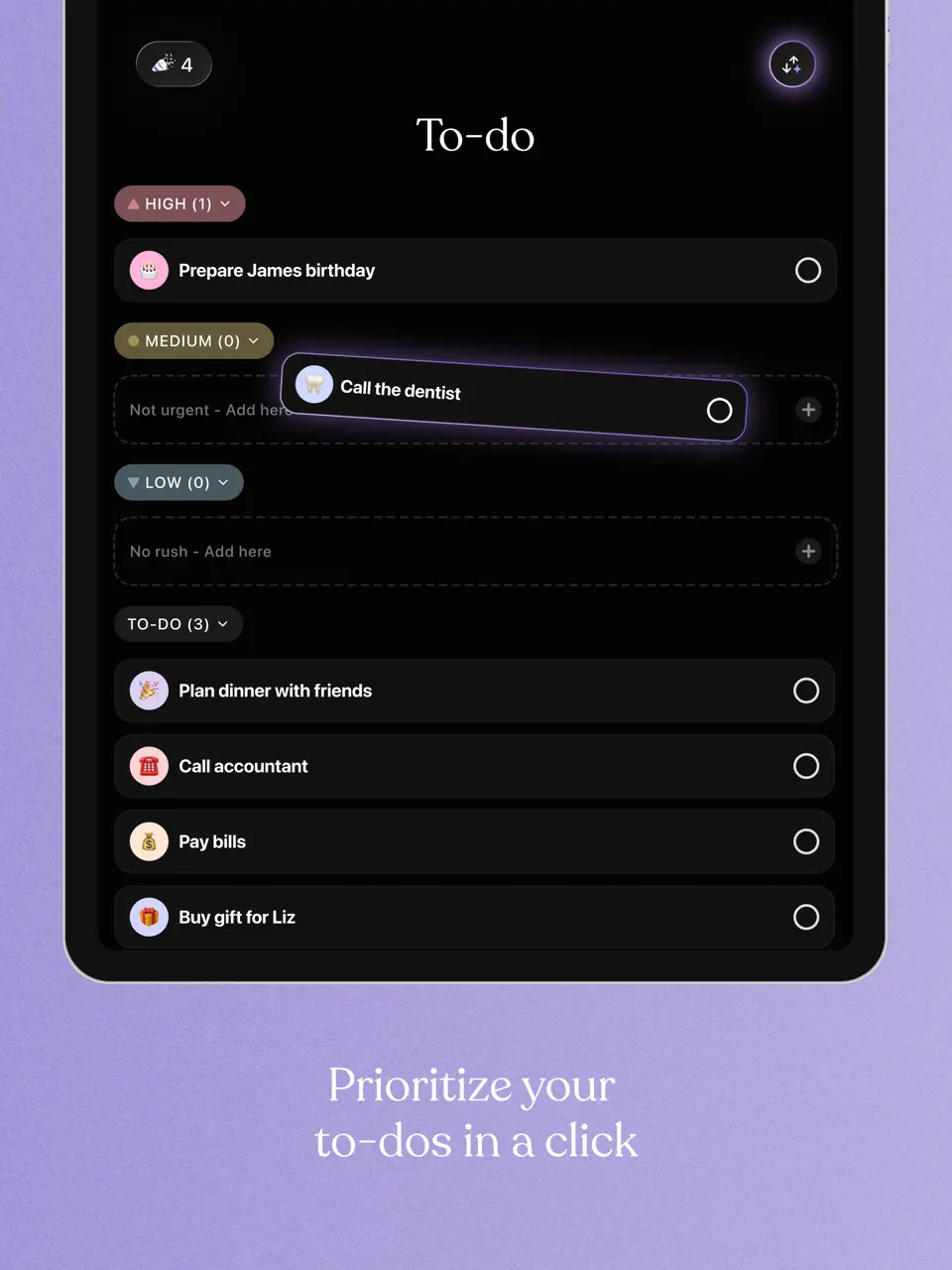
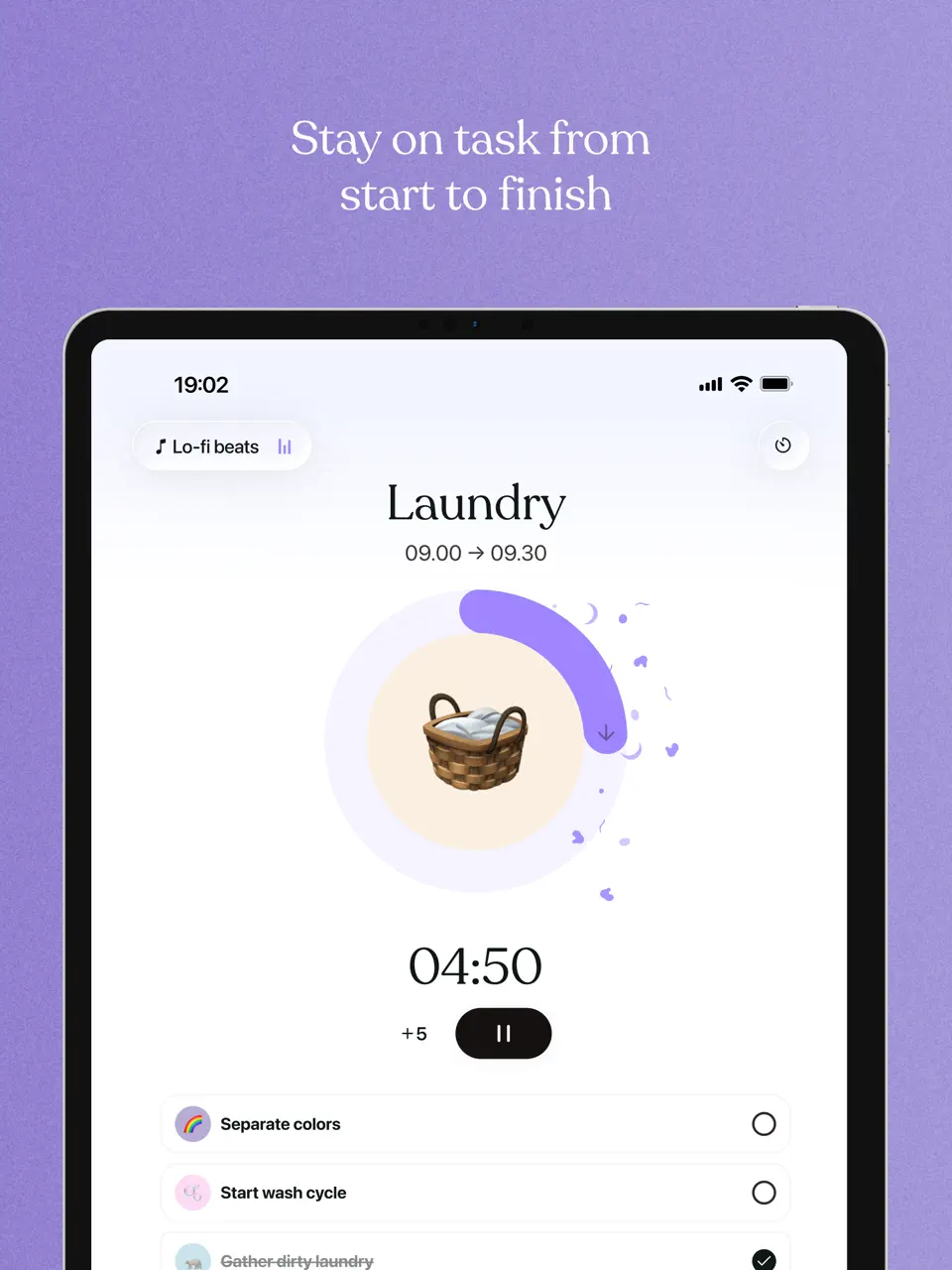
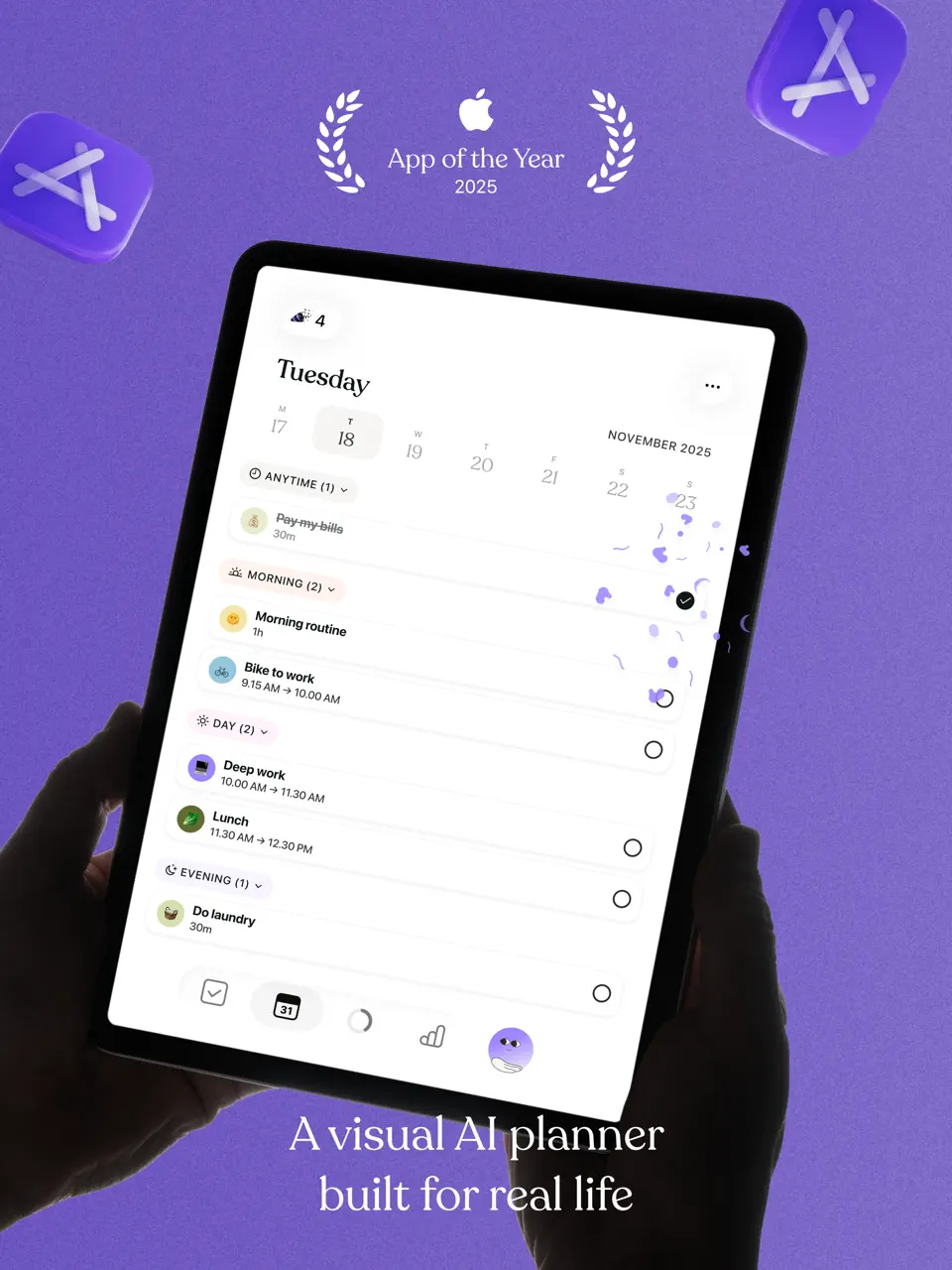


Tiimo is widely regarded as one of the best visual planner apps specifically built for ADHD and neurodivergent brains. It transforms your day into a colorful, icon-based timeline with gentle countdown timers, making time more tangible and helping combat time blindness - one of the biggest challenges for people with ADHD. The app supports custom routines, flexible adjustments, and calming visuals that reduce overwhelm rather than add to it.
What makes Tiimo stand out is its focus on executive functioning support. Users can create repeatable routines for mornings, evenings, or transitions, with visual progress indicators and non-judgmental reminders. Many in the ADHD community praise it for helping them follow through on daily tasks without the shame spiral common with traditional planners. In 2026, Tiimo continues to win awards and high ratings for its empathetic, neurodivergent-first design.
Pricing: Subscription (around $4.99–7.99/month)
Best for: Visual thinkers with time blindness who need clear daily structure and routine support.
- Outstanding visual timeline and icon system
- Excellent for building and maintaining routines
- Gentle, customizable reminders
- Strong focus on transitions and time awareness
- Calming, low-overwhelm interface
- Limited deep task management for complex projects
- Full features require subscription
- Less ideal for heavy note-taking or long-term project planning
Product details
| Type of app | Best for | Platforms | Developer | Pricing Model |
|---|---|---|---|---|
| Visual Routine Planner | ADHD users with time blindness and routine difficulties | iOS, Android | Tiimo ApS | Subscription ($4.99–7.99/month) |
Ultimate Planner
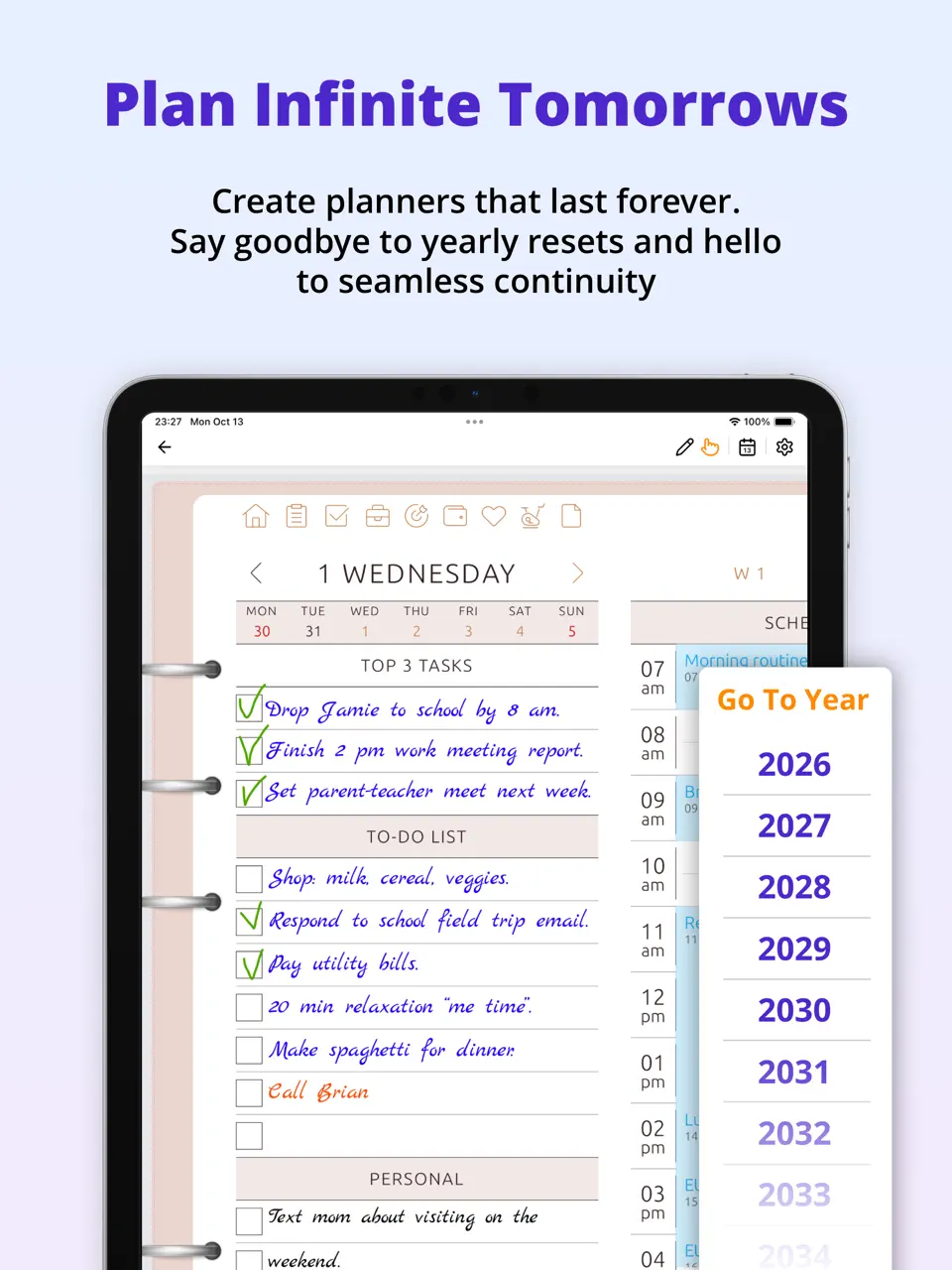
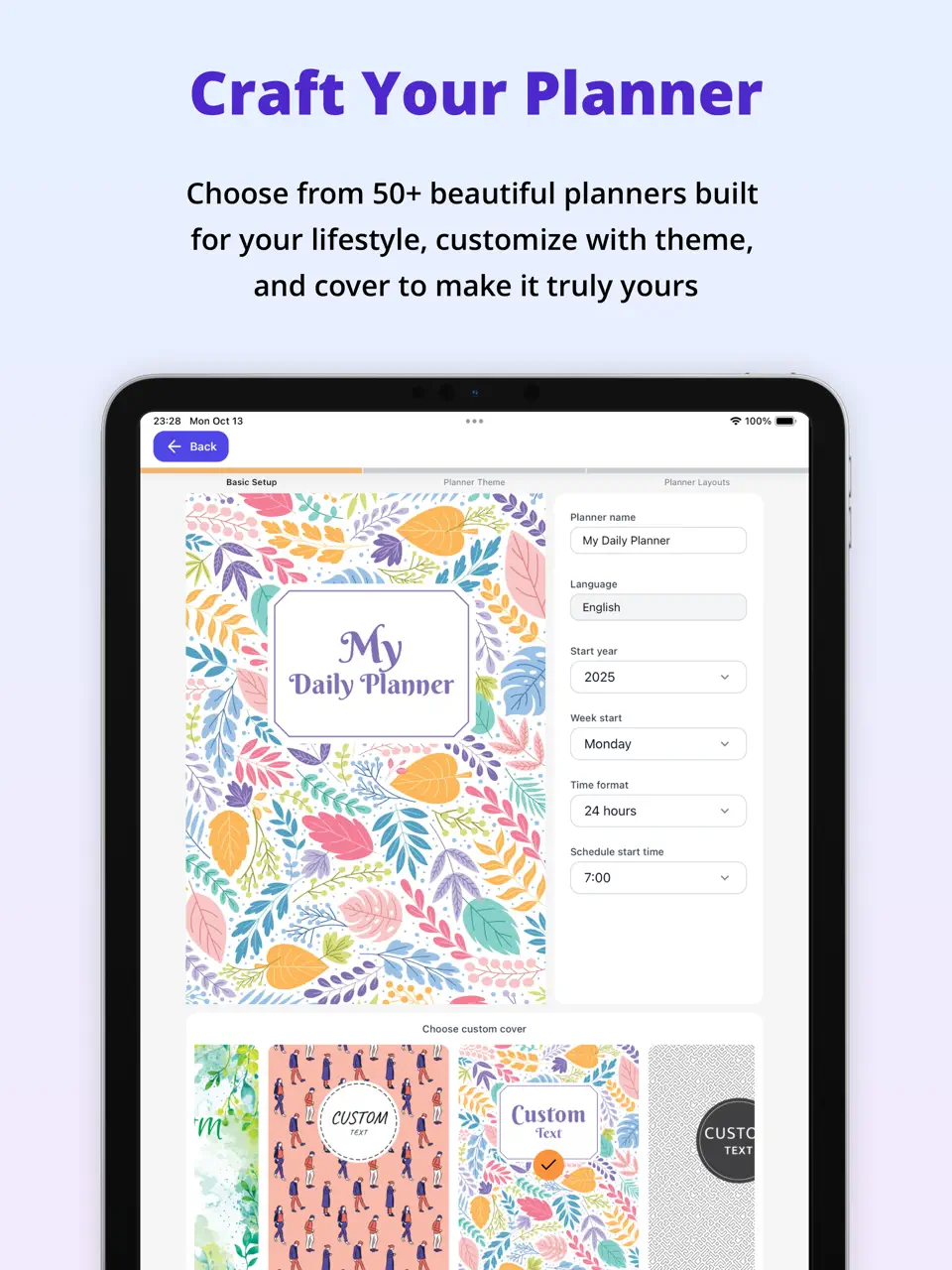
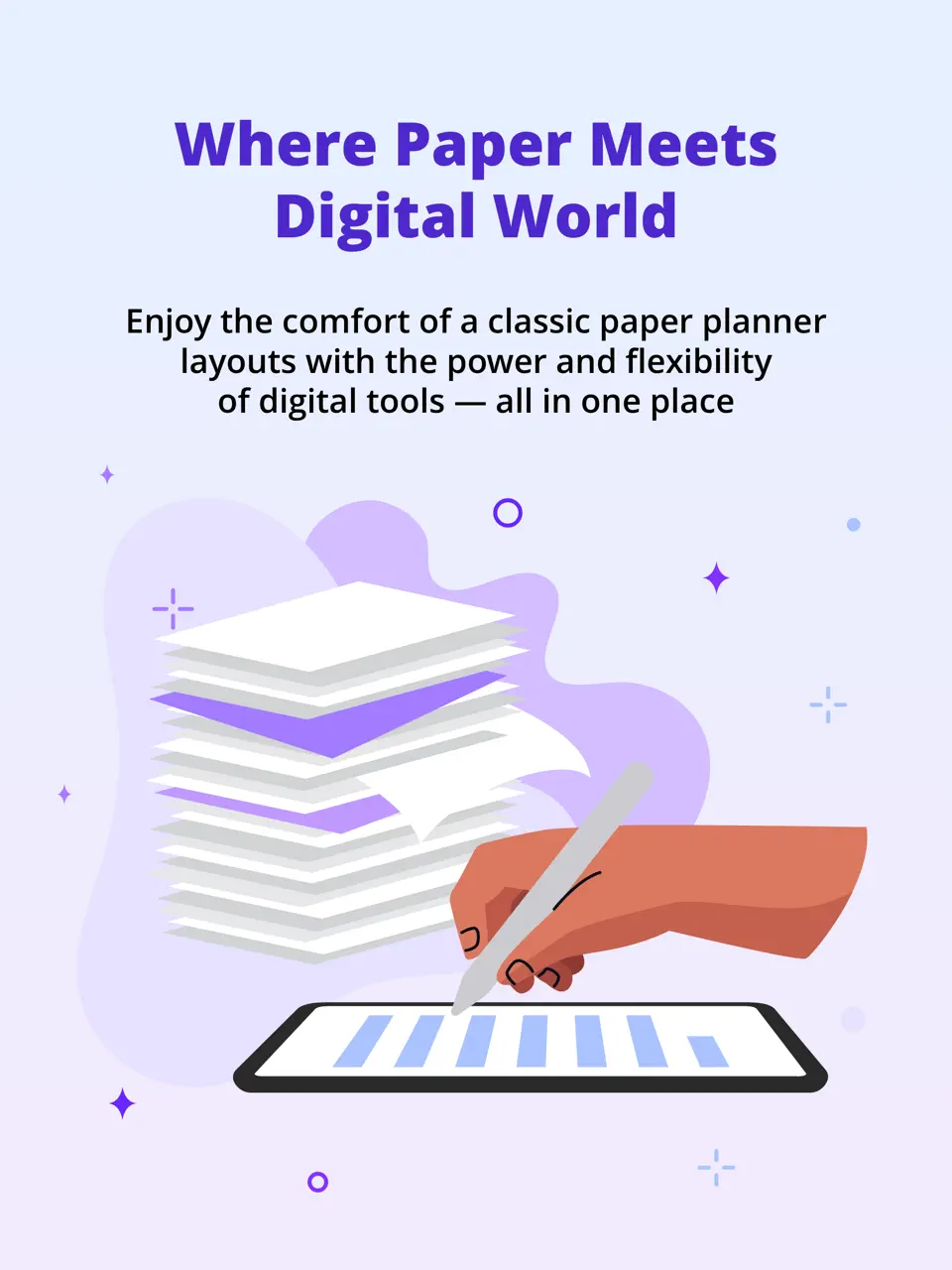
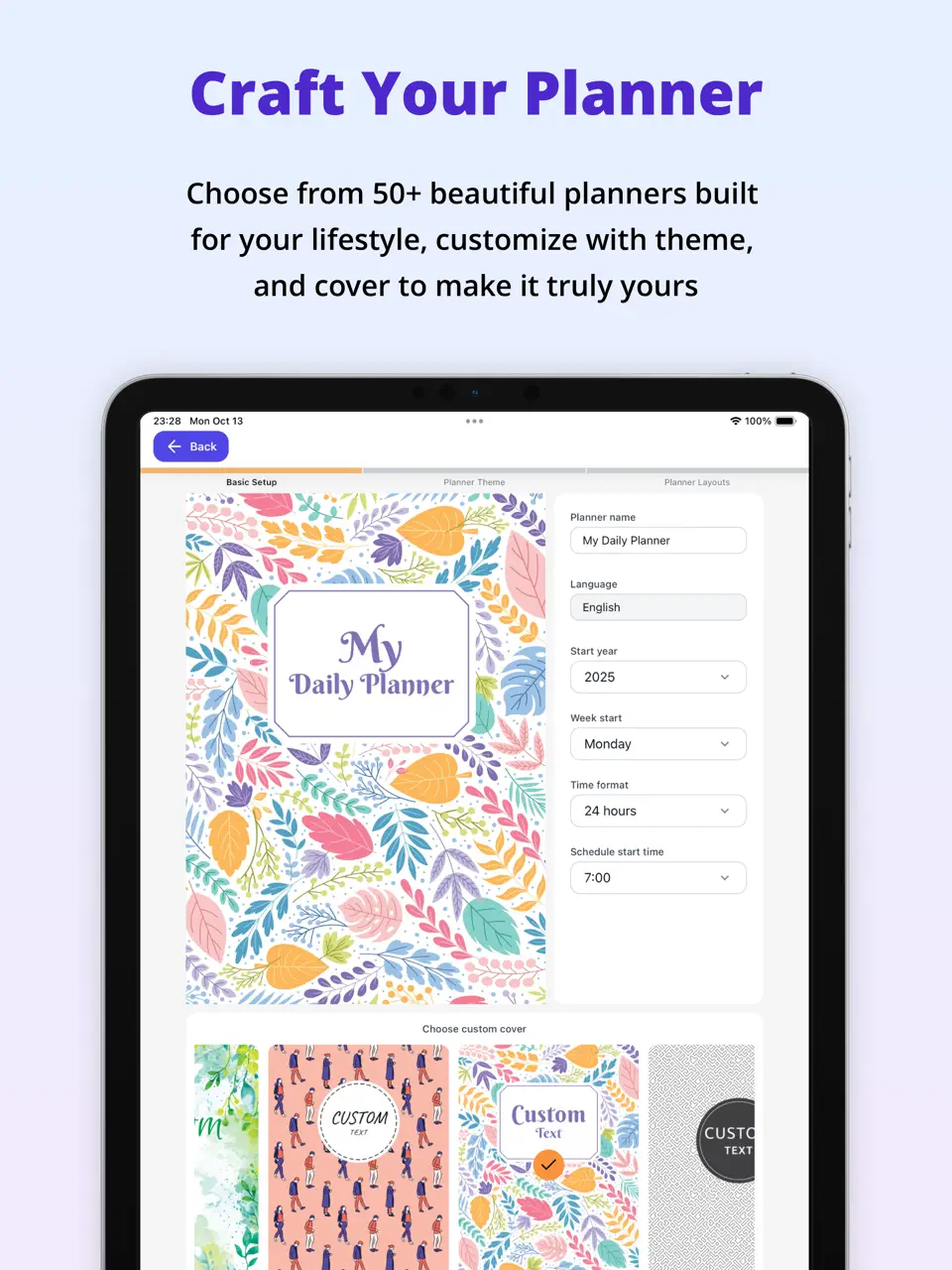
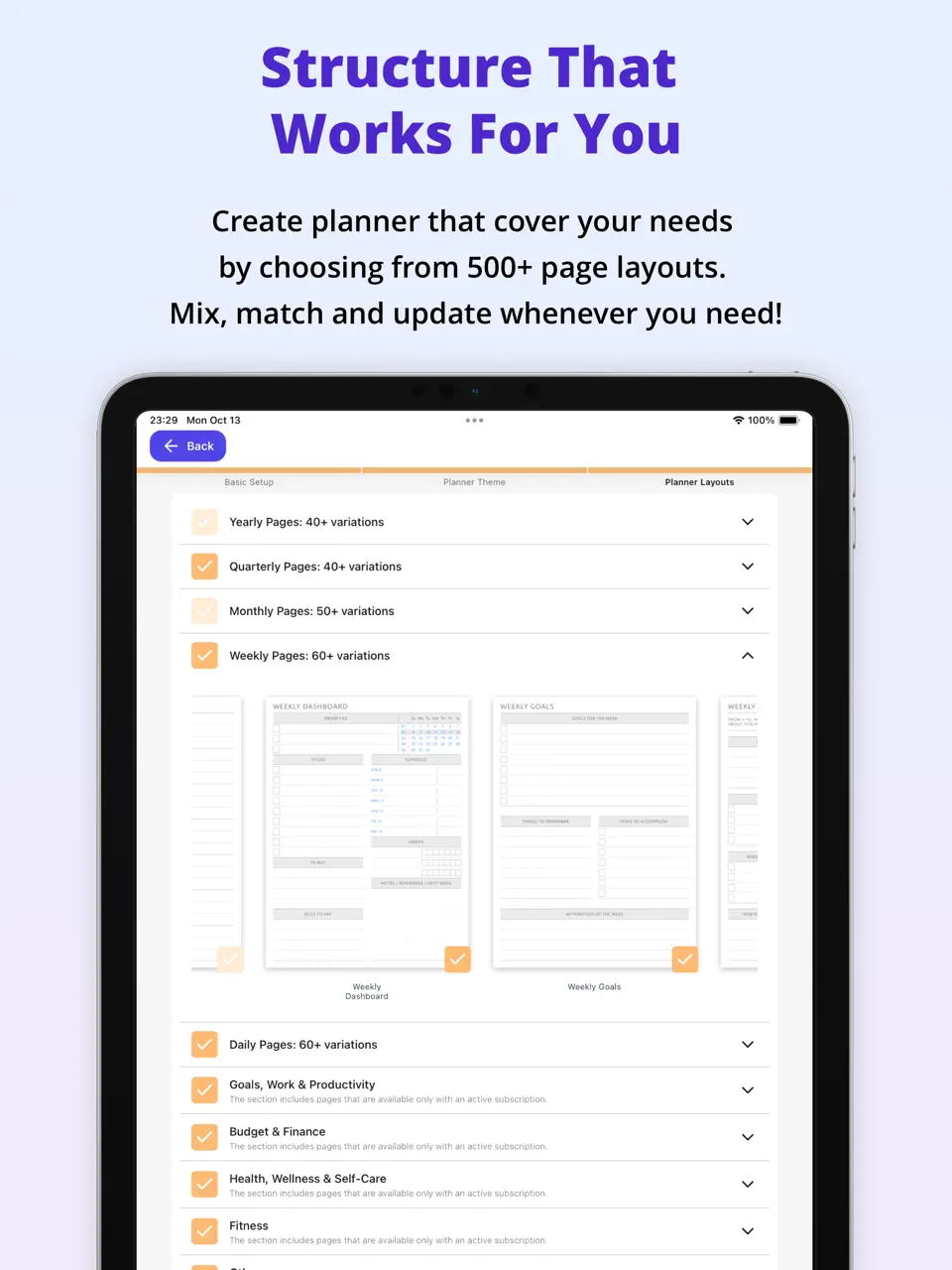

Ultimate Planner stands out among ADHD planner apps thanks to its exceptional customization and visual appeal. Users can create beautiful thematic daily templates, add stickers, draw with Apple Pencil, and adjust layouts to match their current energy and preferences. This flexibility is particularly valuable for ADHD users who get bored with rigid systems and need their planner to feel inspiring rather than clinical.
Beyond aesthetics, the app integrates task management, habit tracking, and calendar views, allowing users to build a truly personalized system. Many neurodivergent users appreciate the ability to design pages that reduce decision fatigue while still providing structure. Its offline mode and cross-platform sync make it reliable for daily use across different contexts.
Pricing: Freemium – premium $39.99 for 2 years
Best for: Creative ADHD users who want high visual customization and a beautiful planning experience.
- Multi-platform (iOS, Android, Web, Mac, Windows)
- Very affordable long-term pricing
- Strong focus on aesthetics and personalization
- Apple & Google Calendar sync;
- Large collection of fonts, stickers and covers;
- Strong Apple Pencil and handwriting support
- Integrated habits and tasks
- Long-term premium value
- Offline functionality
- No advanced AI features
- Task attachments and delegation are limited
Product details
| Type of app | Best for | Platforms | Developer | Pricing Model |
|---|---|---|---|---|
| Customizable Visual Planner | Creative ADHD users who love customization and visual structure | Multi (iOS, Android, Mac, Windows, Web) | Evopaper LLC | Freemium ($39.99 per 2 years premium) |

Sunsama
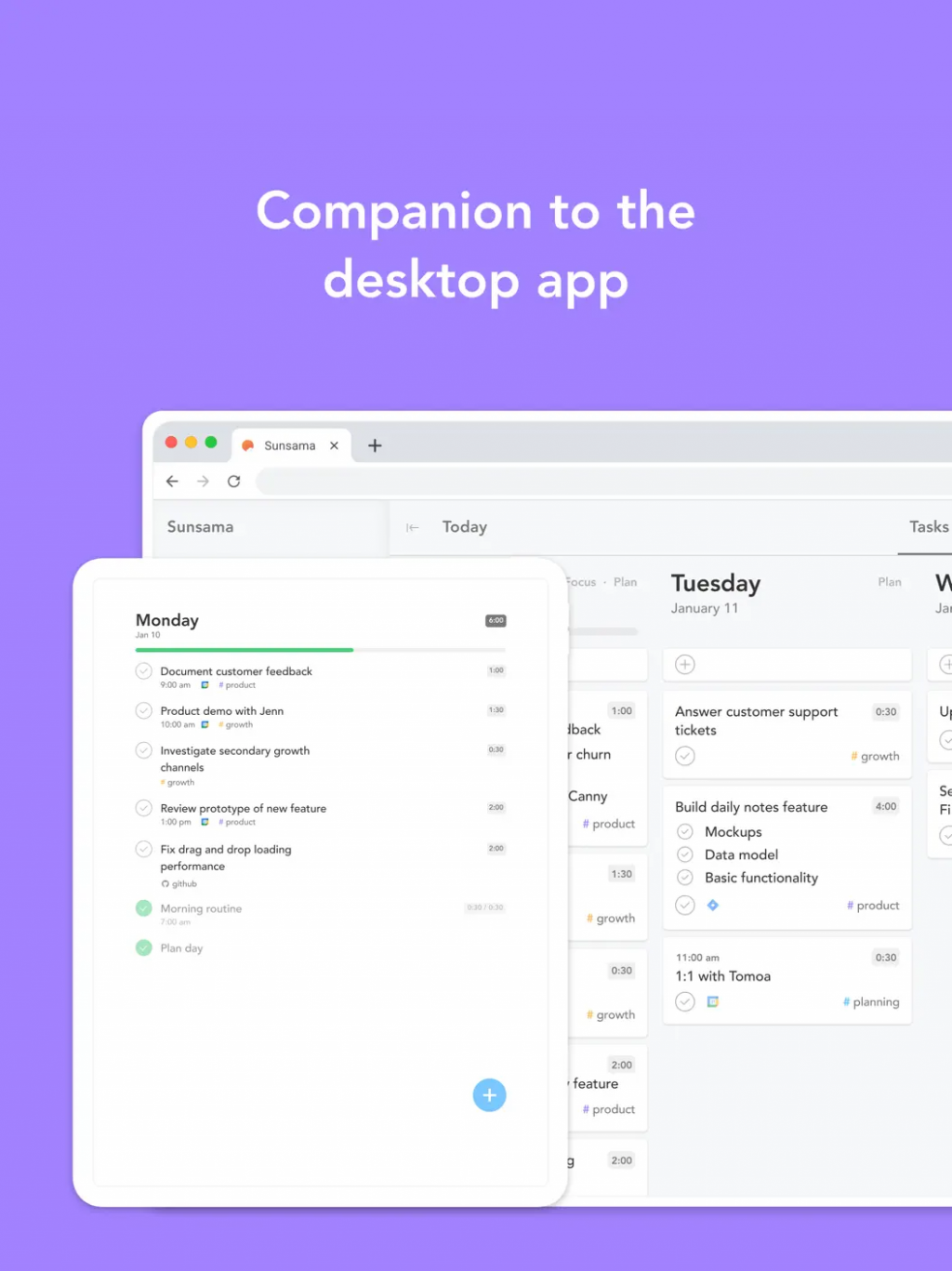
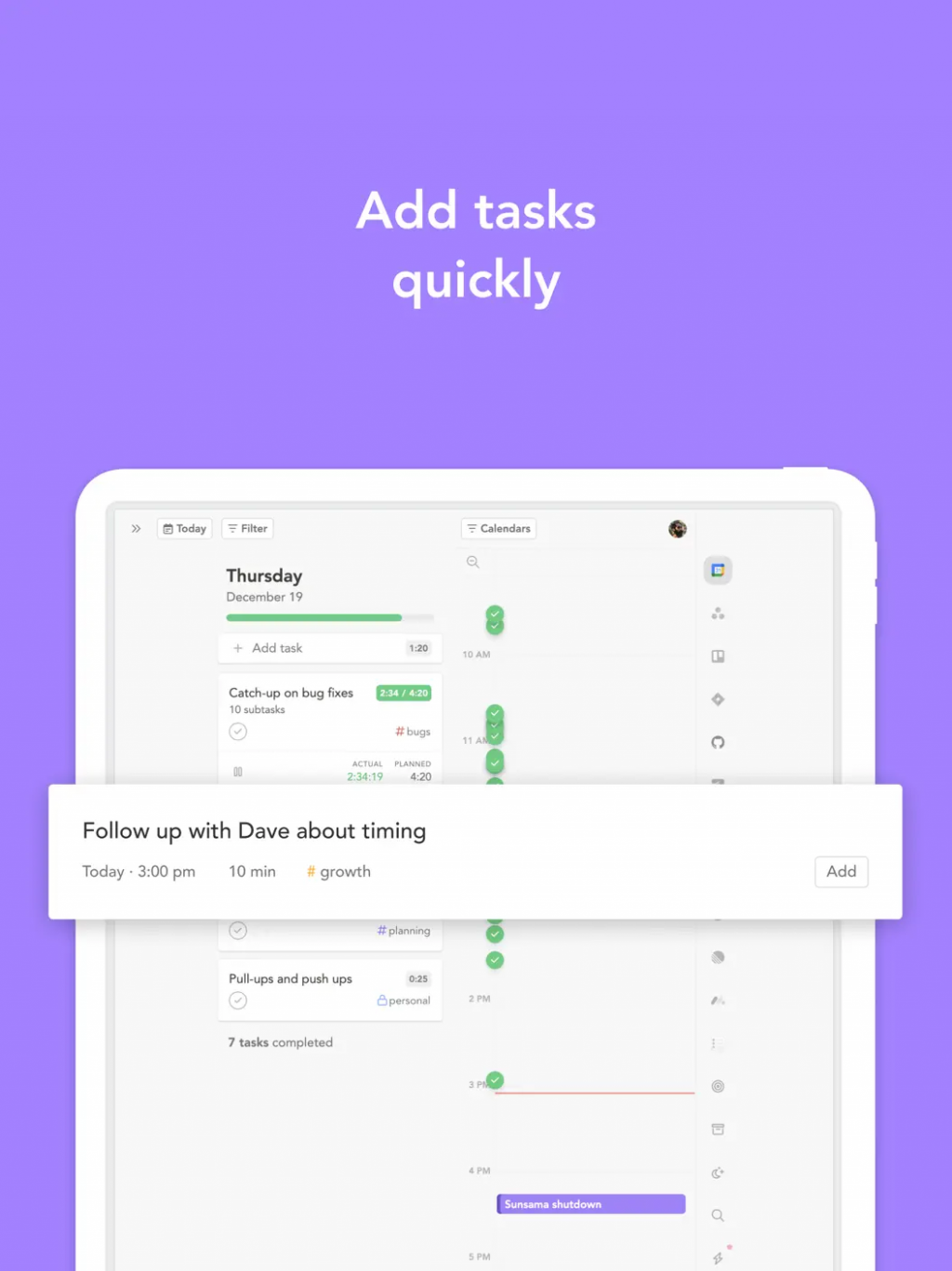
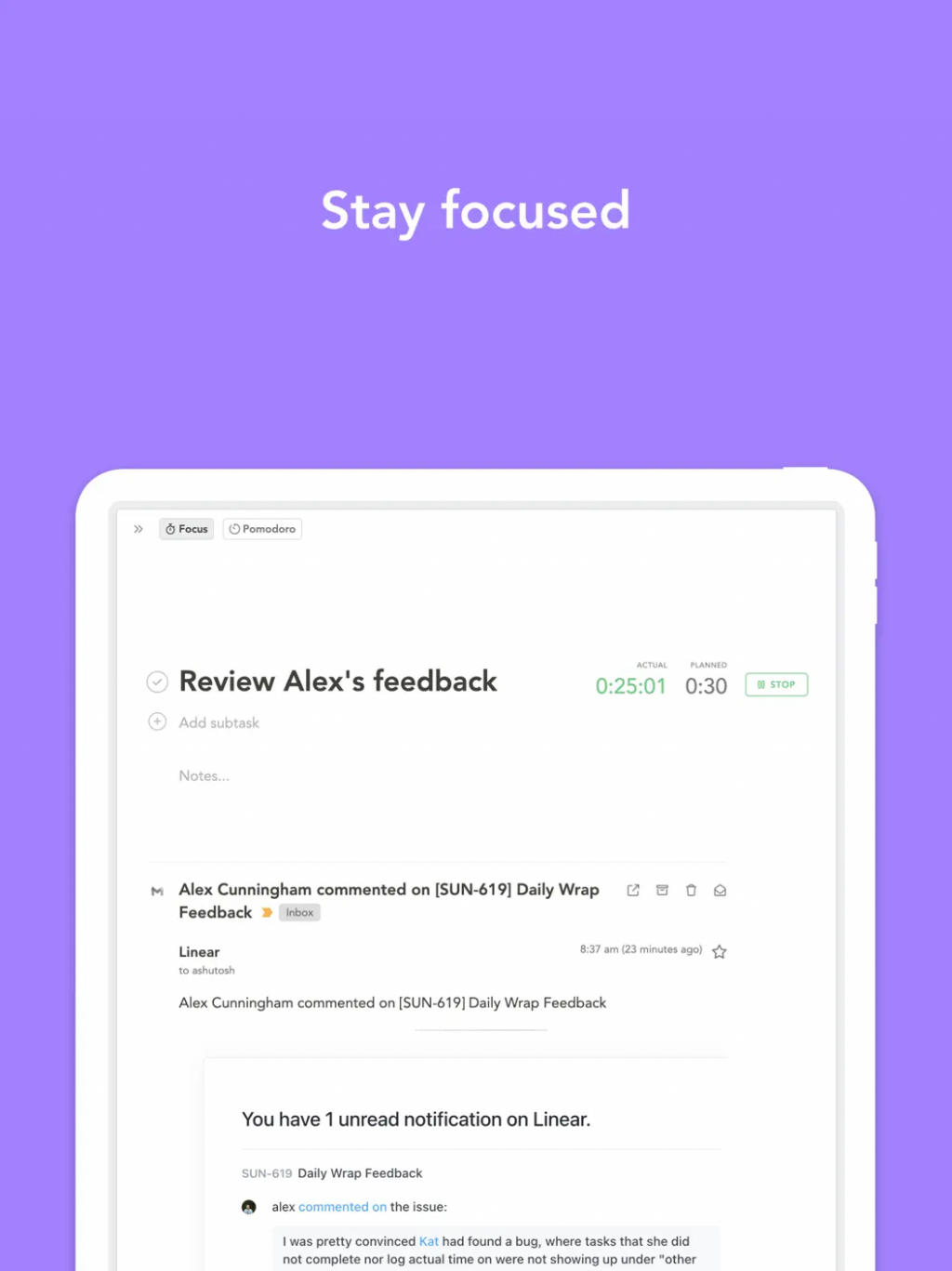
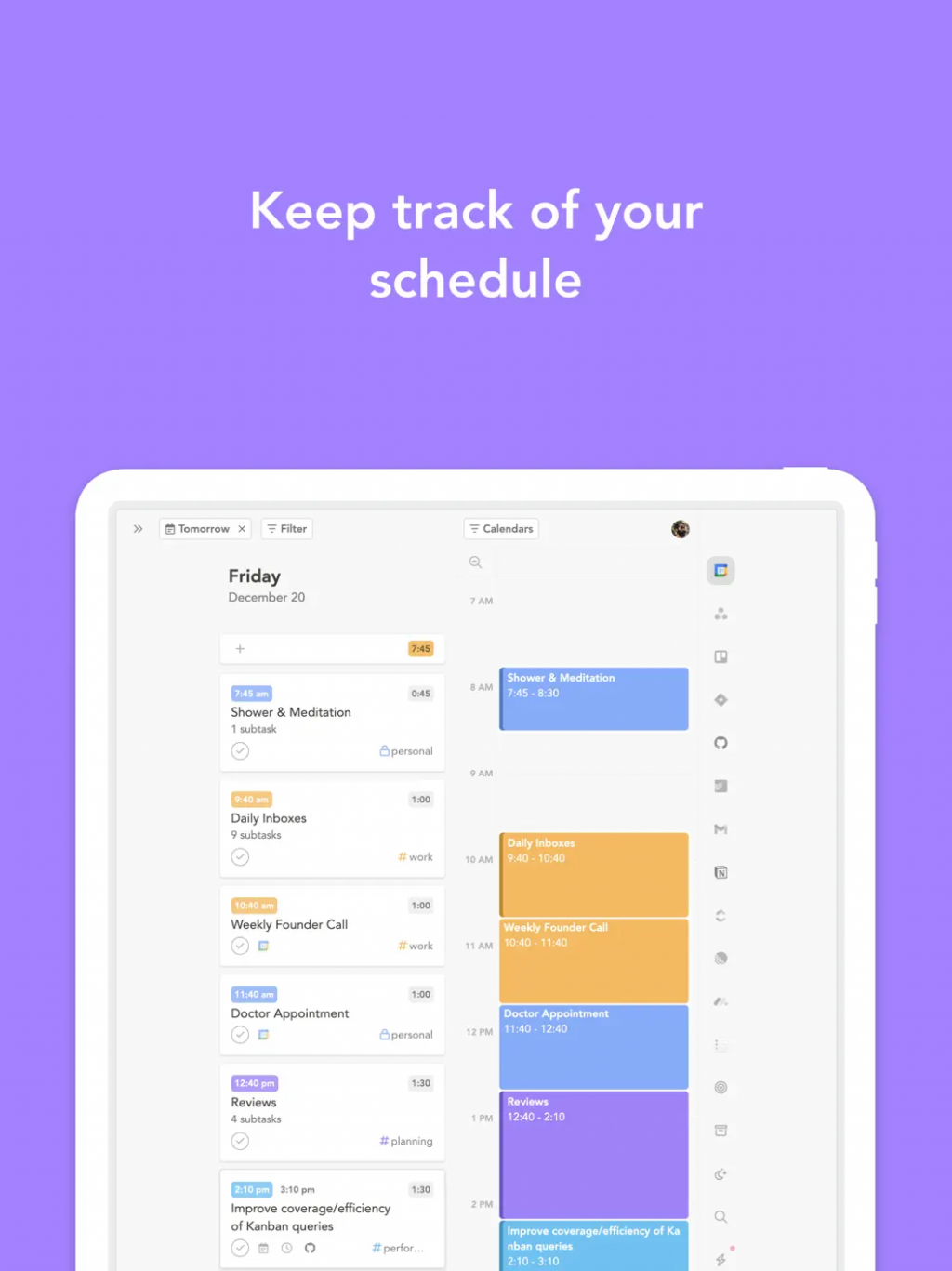
Sunsama is a guided daily planner that helps ADHD users create realistic daily plans without overcommitting. It pulls tasks from email, calendars, and other tools, then guides users through assigning them to specific time slots while protecting focus time. This ritual-based approach is highly valued by those who struggle with realistic time estimation and overplanning.
The app’s calm interface and daily review features help reduce anxiety and build self-awareness around energy levels. Many ADHD professionals report that Sunsama helps them move from reactive mode to intentional planning, making it one of the stronger options for executive function support.
Pricing: $16–20 per month
Best for: Users who need guided time-blocking and realistic daily scheduling.
- Excellent guided daily planning ritual
- Helps prevent overcommitment and burnout
- Calm, focused interface
- Strong integrations with calendars and email
- Relatively expensive subscription
- Limited visual customization and handwriting support
- Less suitable for purely visual or creative planners
Product details
| Type of app | Best for | Platforms | Developer | Pricing Model |
|---|---|---|---|---|
| Guided Daily Planner | ADHD users who need realistic time-blocking and reduced overwhelm | Web, iOS, Android | Sunsama | Subscription ($16–20/month) |
Structured
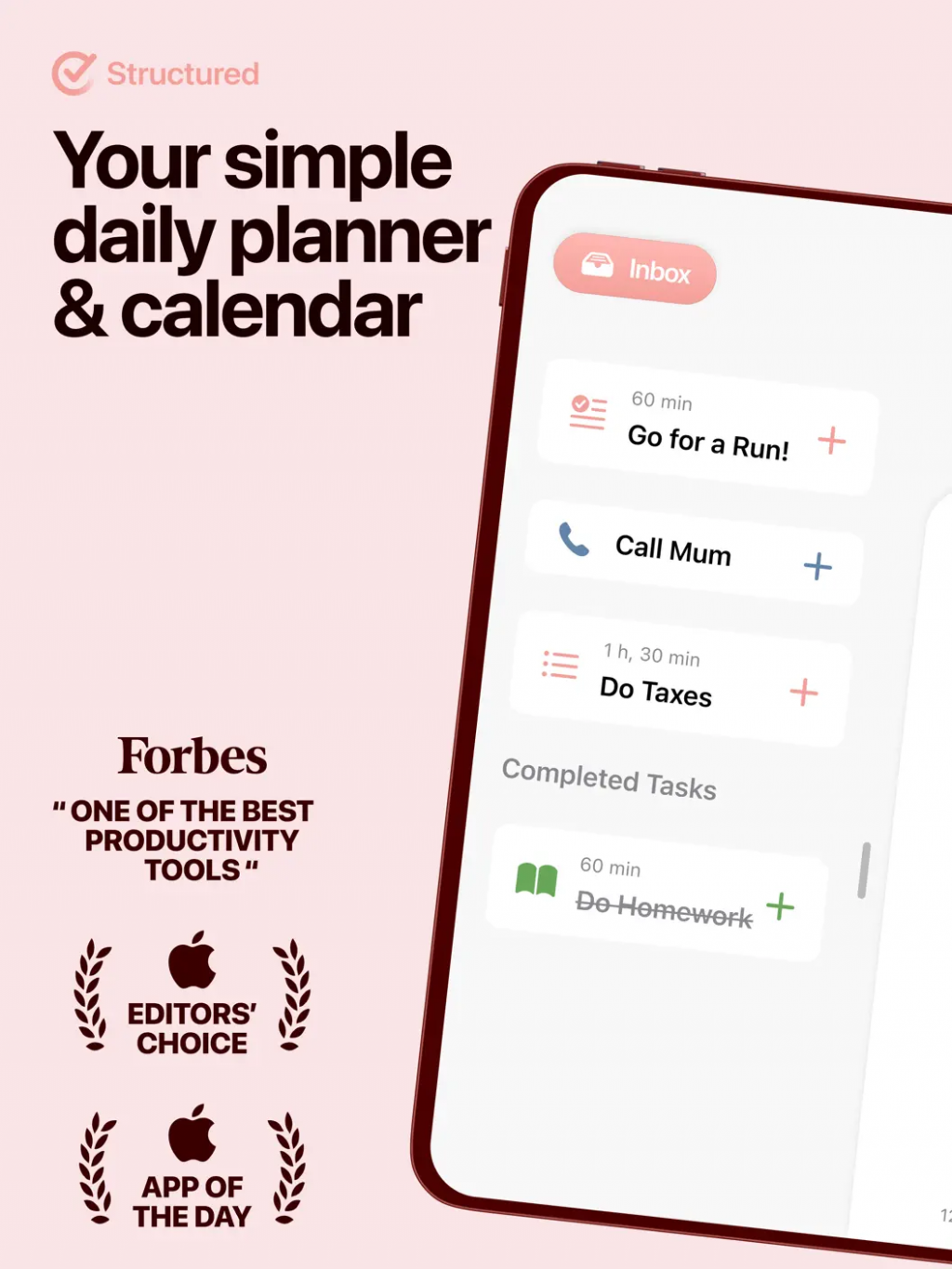
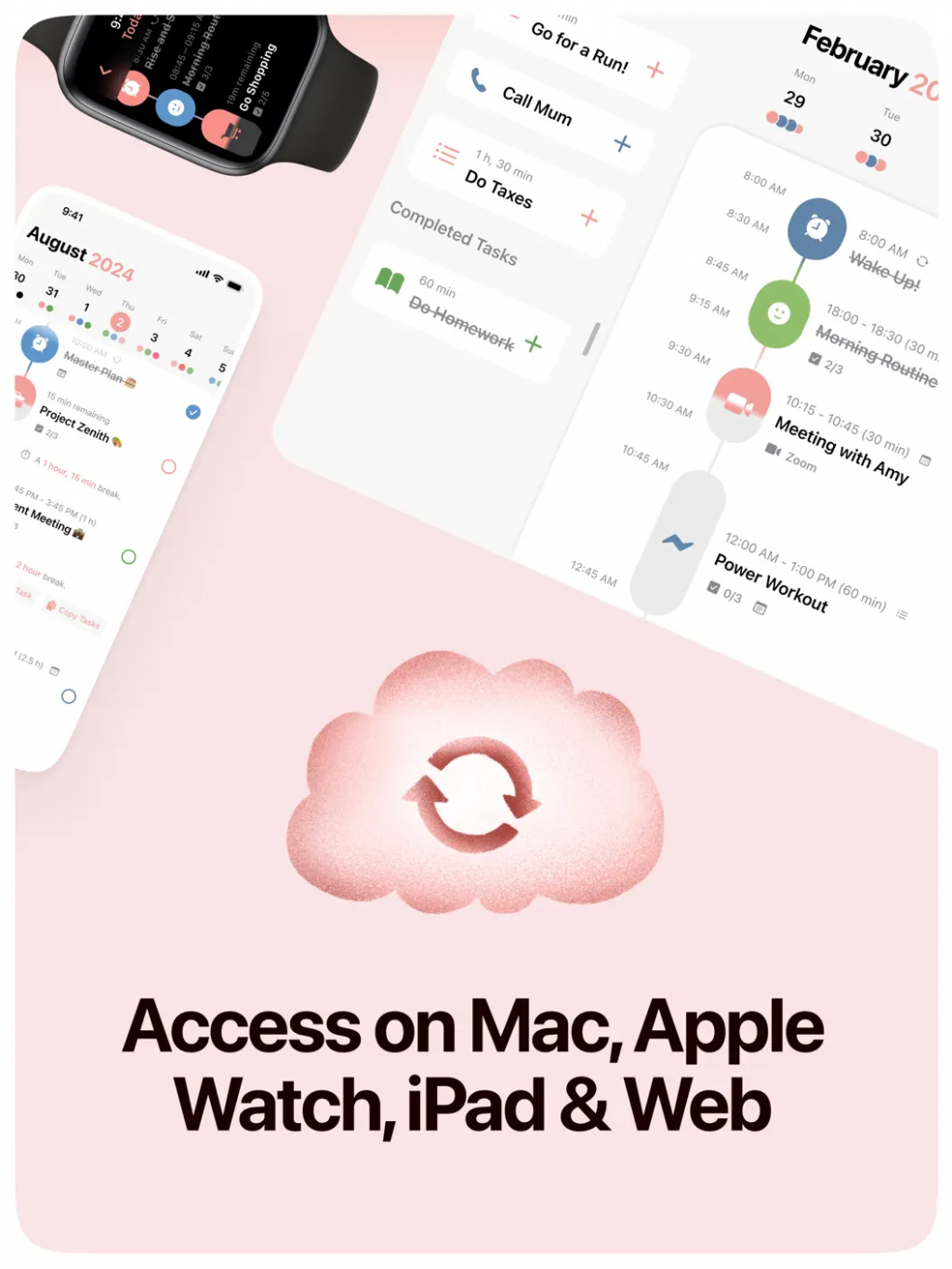
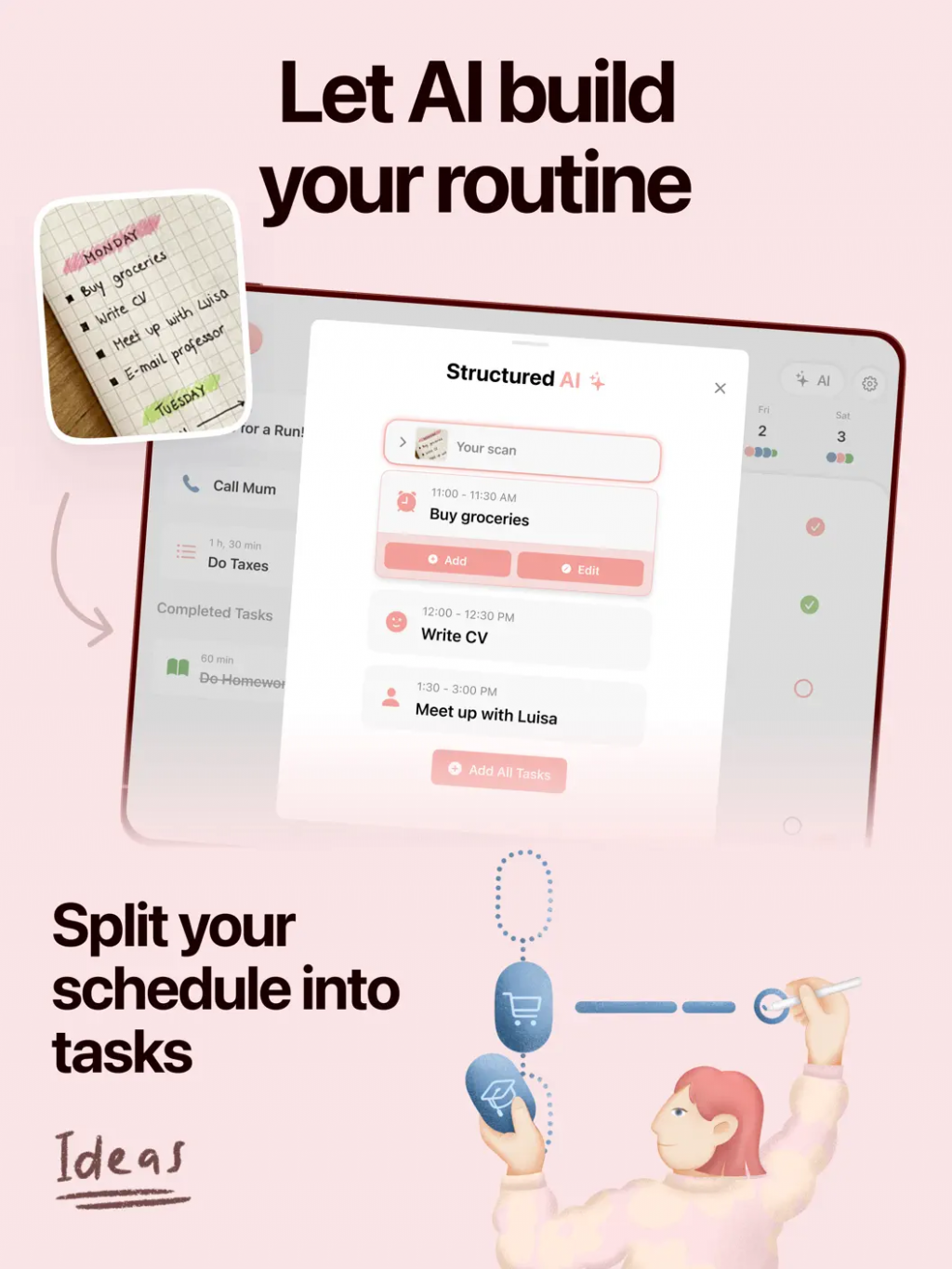
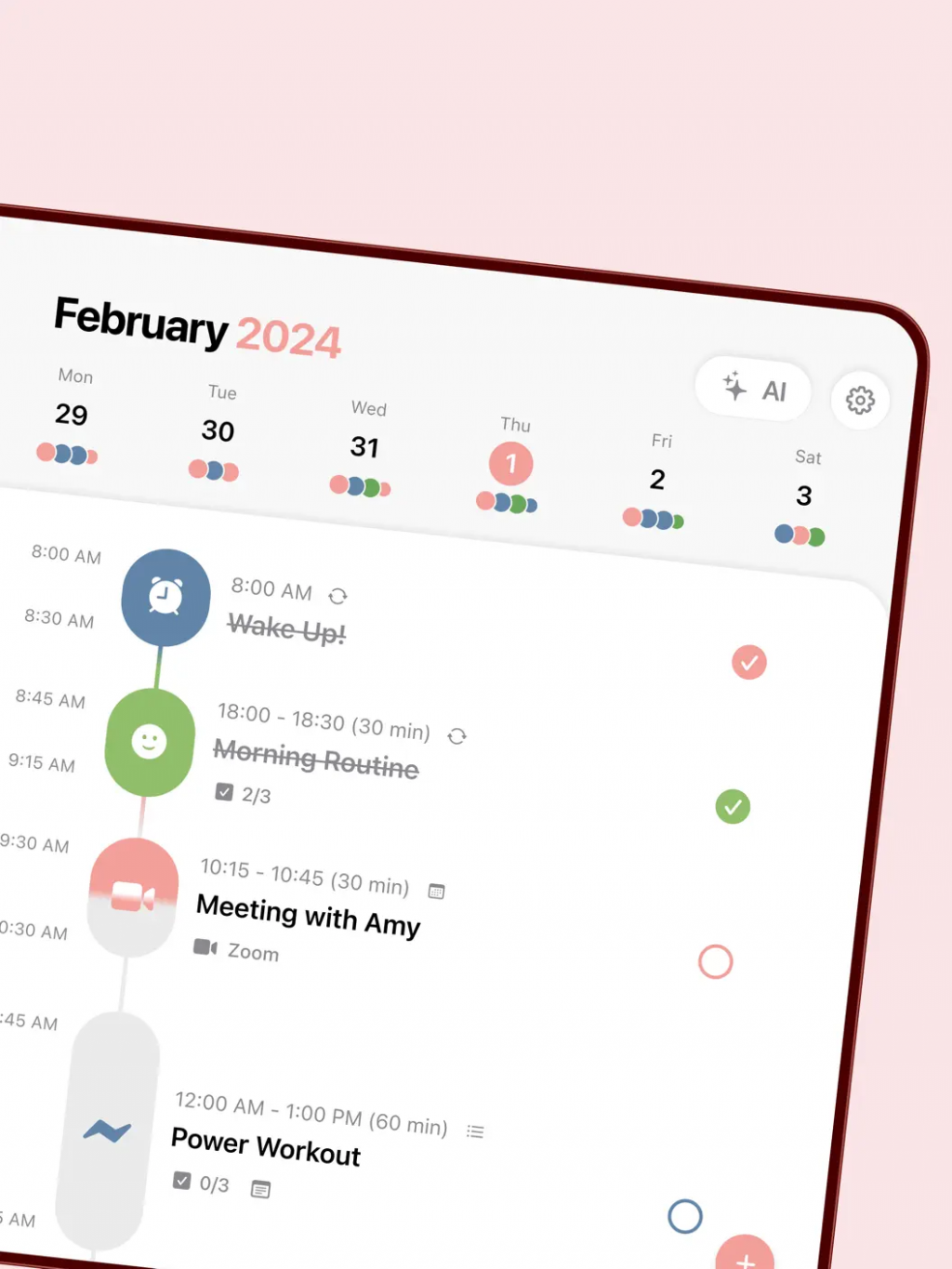
Structured is a popular visual daily planner that displays your entire day as a clear hourly timeline. This visual approach is particularly effective for ADHD-related time blindness, helping users see how much time they actually have and plan more realistically. The app combines tasks, routines, and energy awareness in one clean interface.
Many users in the ADHD community call it life-changing for reducing decision fatigue and providing a clear “at a glance” view of the day. Its simplicity and visual design make it less intimidating than more complex tools.
Pricing: Freemium with premium features
Best for: Users who benefit from clear visual timelines and hourly structure.
- Beautiful and intuitive hourly visual schedule
- Helps significantly with time blindness
- Low-friction and calming design
- Good energy and routine tracking
- Limited deep habit tracking in free version
- Premium features require payment
- Less powerful for complex long-term projects
Product details
| Type of app | Best for | Platforms | Developer | Pricing Model |
|---|---|---|---|---|
| Visual Timeline Planner | ADHD users who benefit from clear hourly visual schedules | iOS, Android | Structured GmbH | Freemium |
Routinery
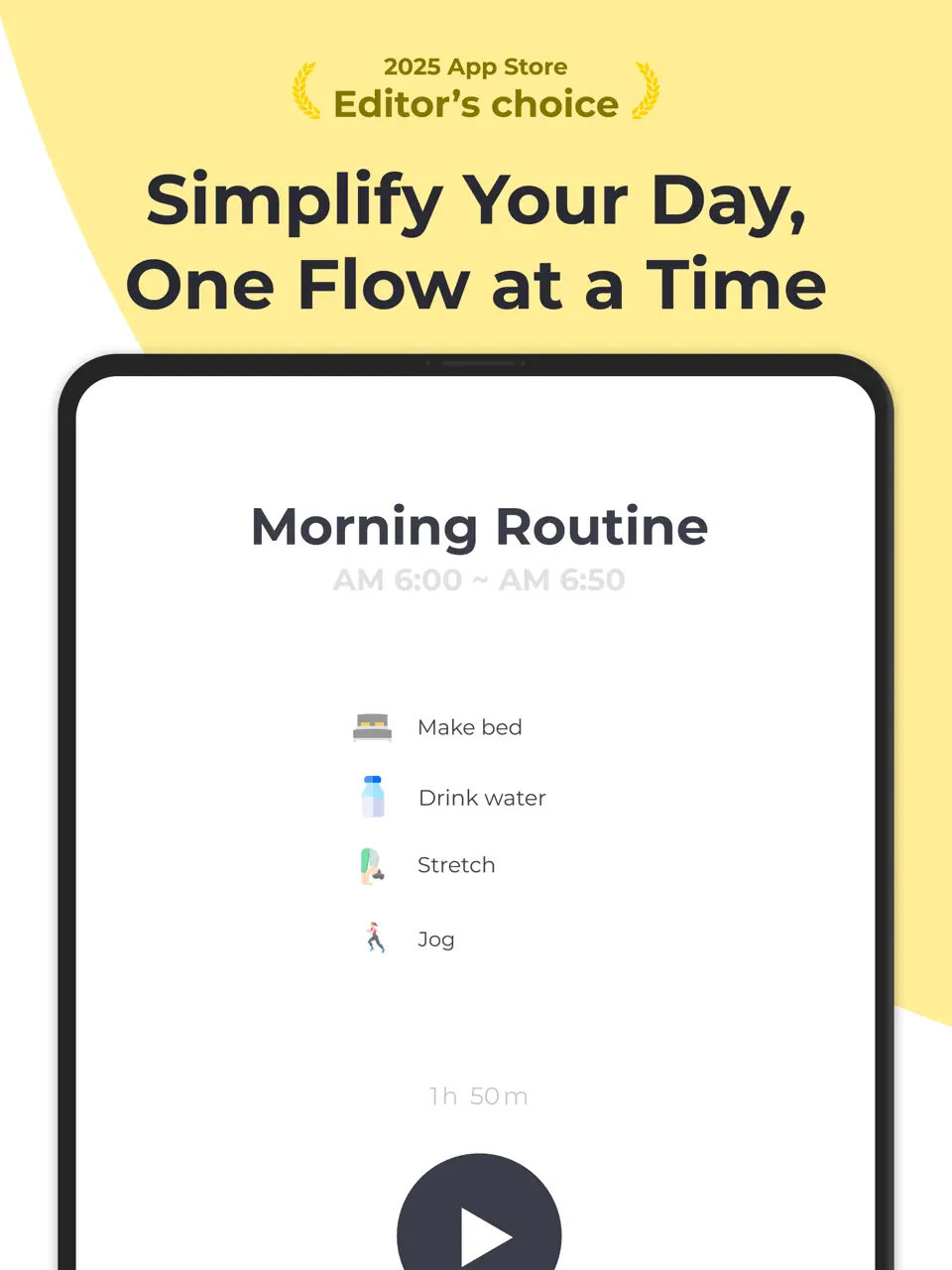
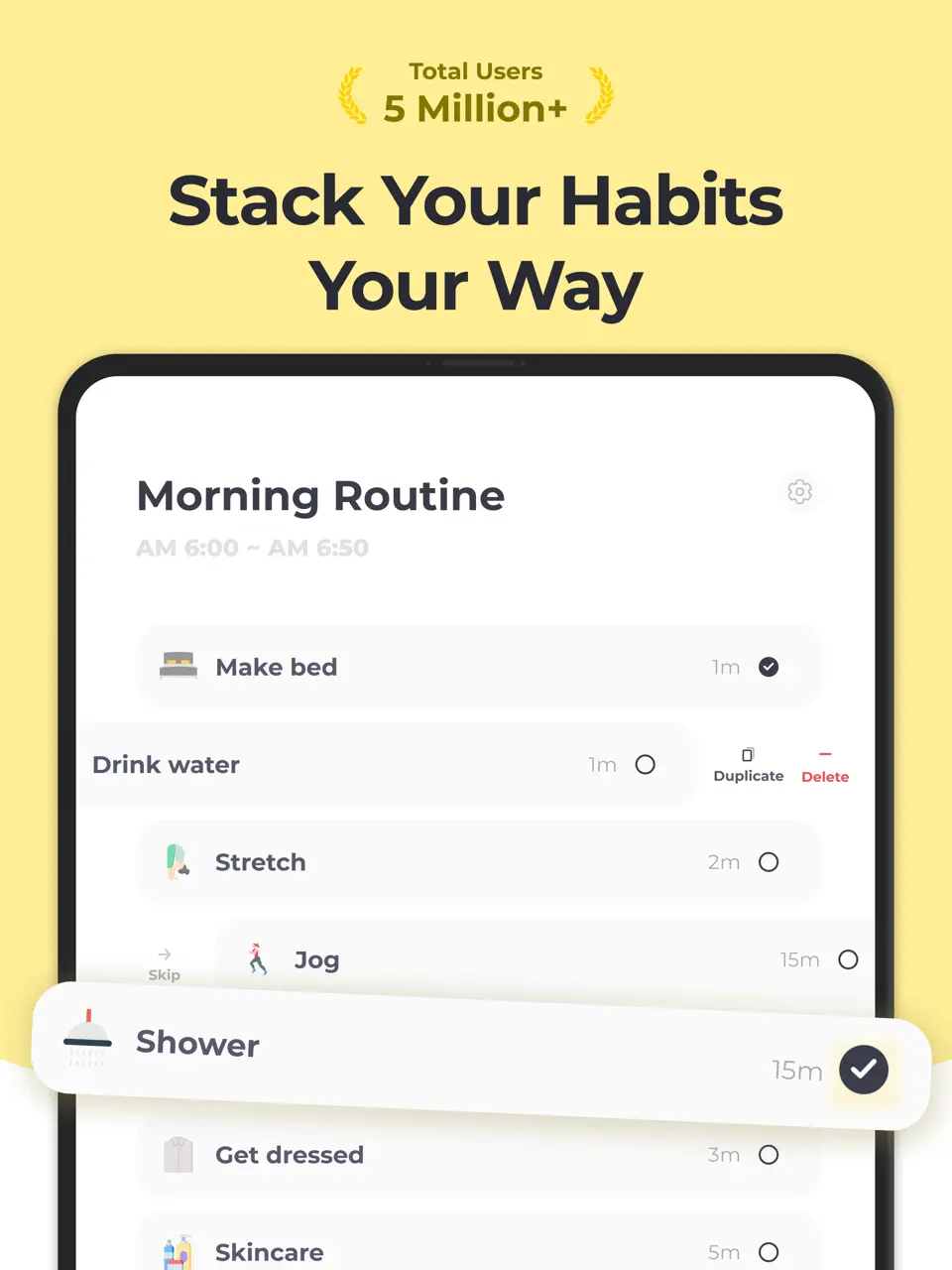
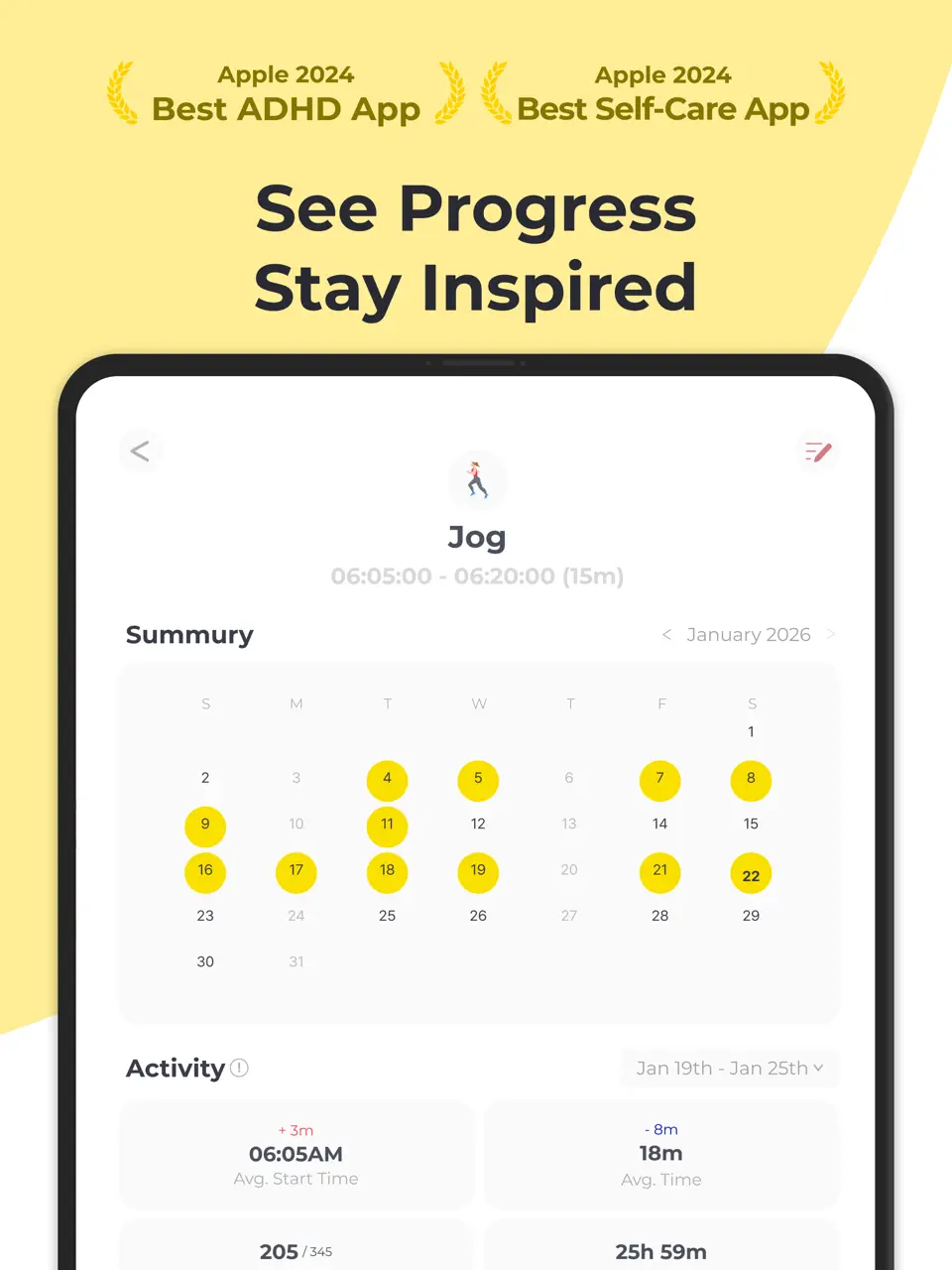
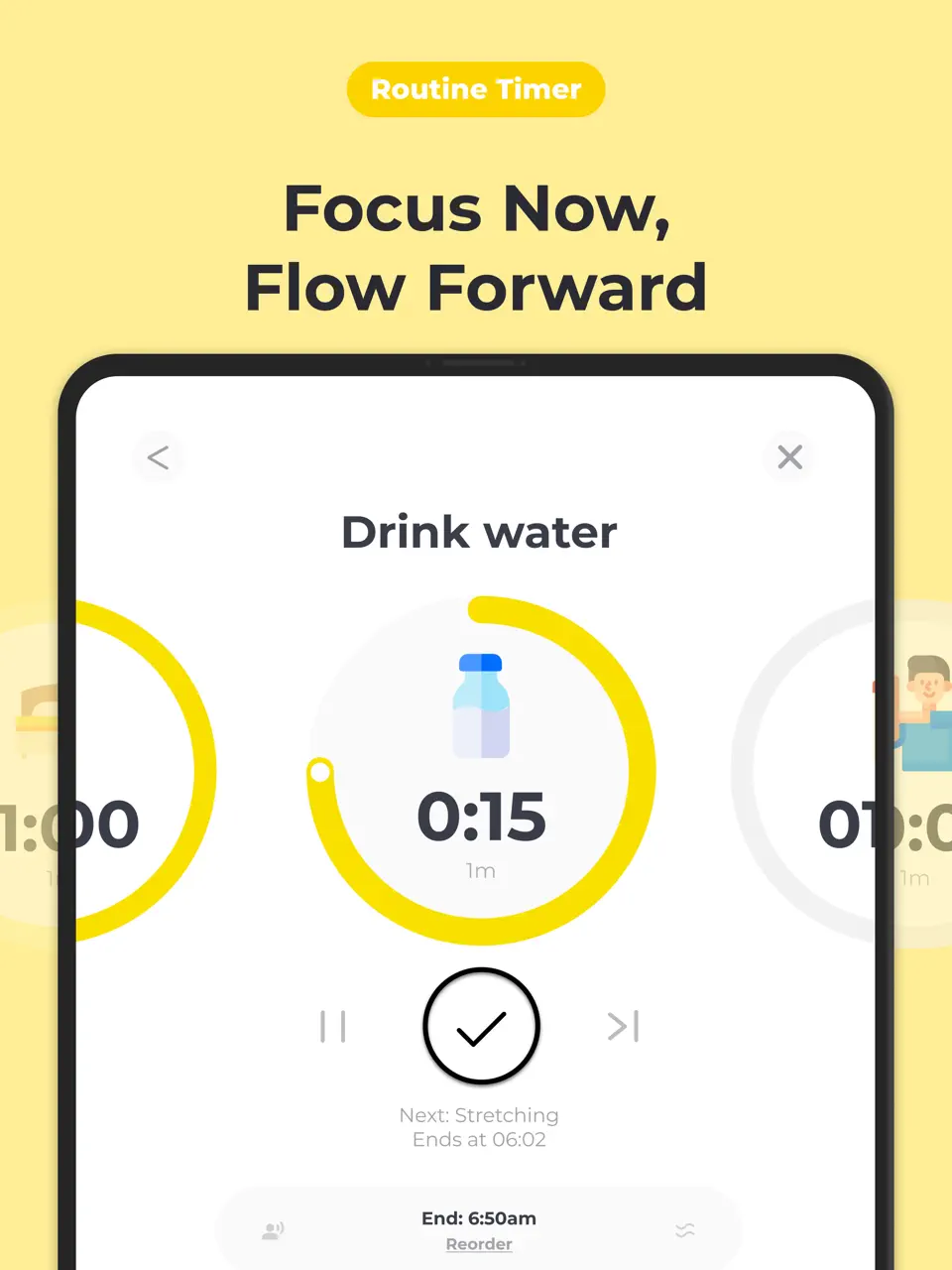
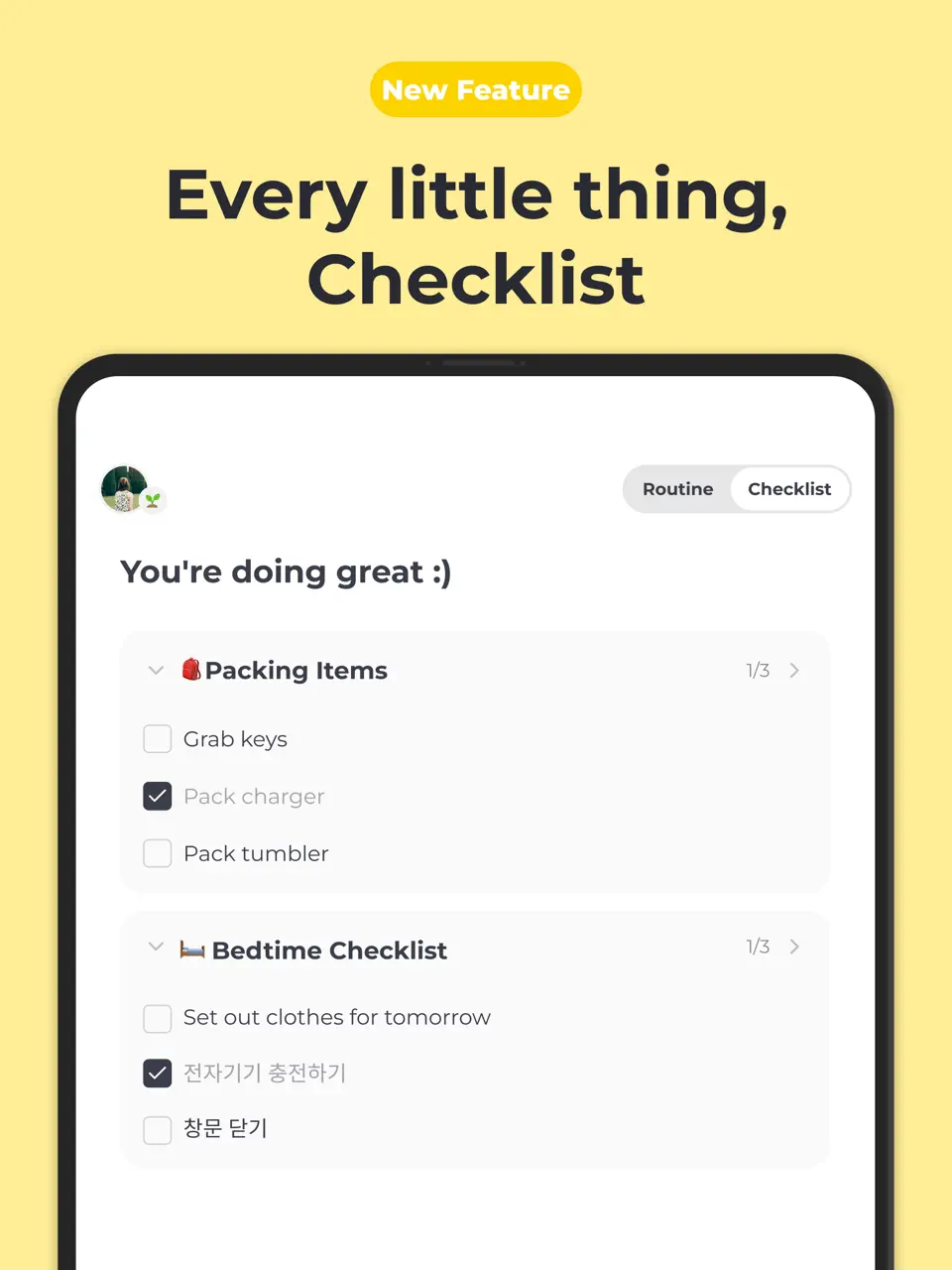
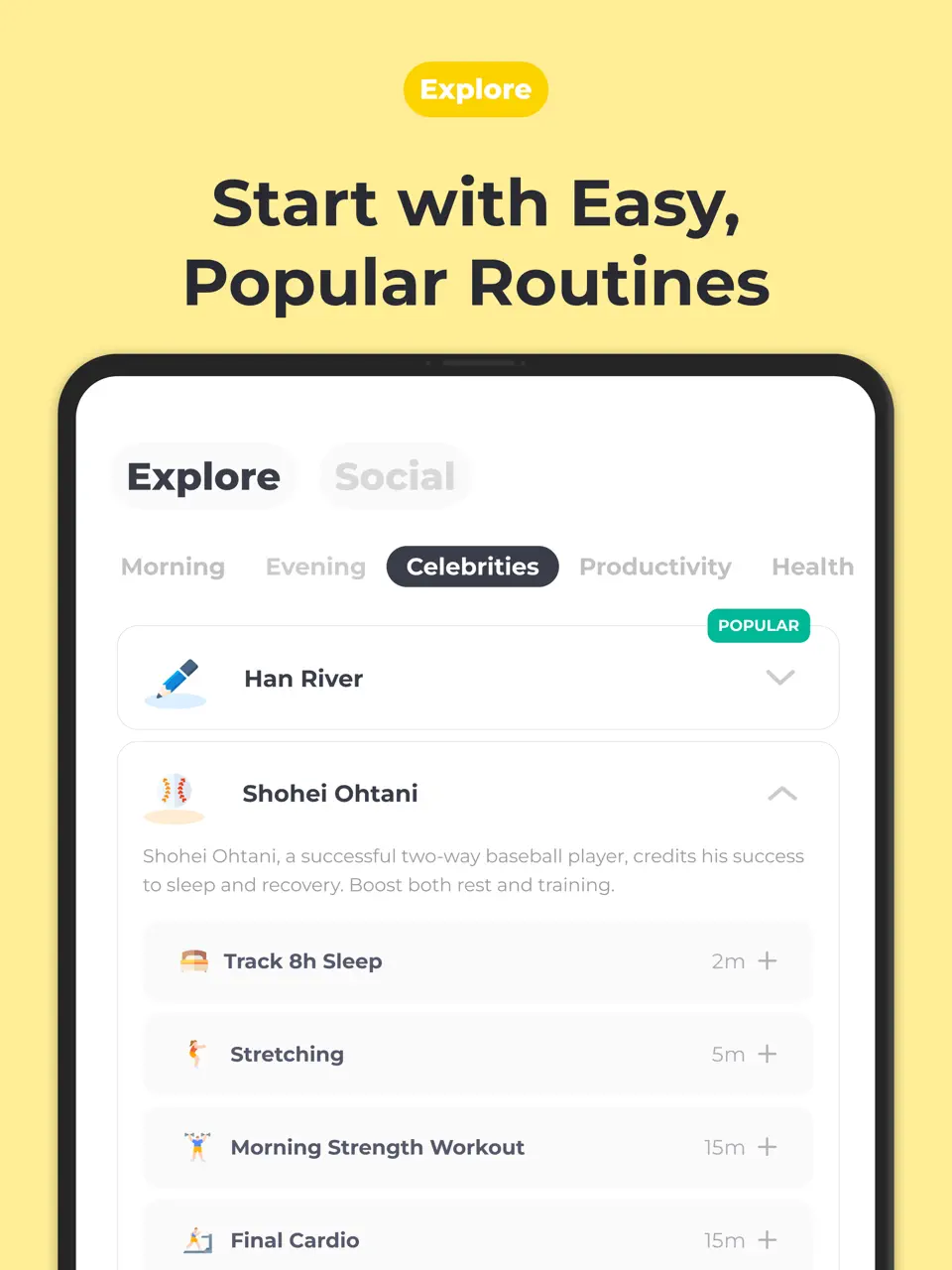
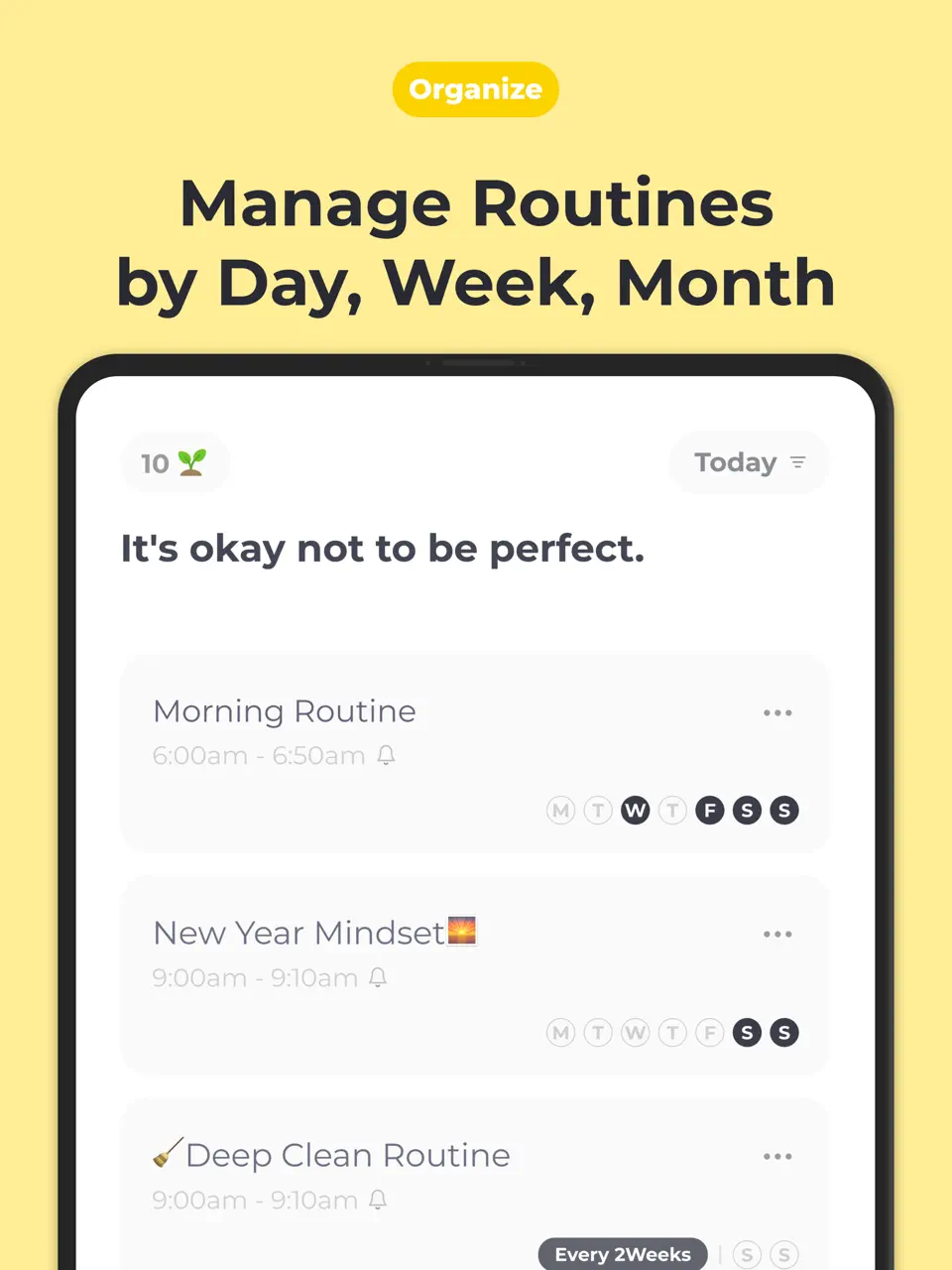
Routinery specializes in helping users build and stick to repeatable daily routines. It uses timers, checklists, and visual progress to make routines feel achievable and less mentally taxing. For many with ADHD, it reduces the daily decision fatigue of “what should I do next?”
The app is praised for its simplicity and effectiveness in creating consistent habits like morning or evening routines without overwhelming the user.
Pricing: Freemium with premium features
Best for: Building stable daily routines and reducing transition struggles.
- Excellent routine-building tools
- Timer and visual progress features
- Reduces decision fatigue
- Simple, motivating interface
- Limited general task management
- Best for routines rather than complex projects
- Fewer advanced customization options
Product details
| Type of app | Best for | Platforms | Developer | Pricing Model |
|---|---|---|---|---|
| Routine Builder | Building consistent daily routines with minimal effort | iOS, Android | Routinery | Freemium |

TickTick
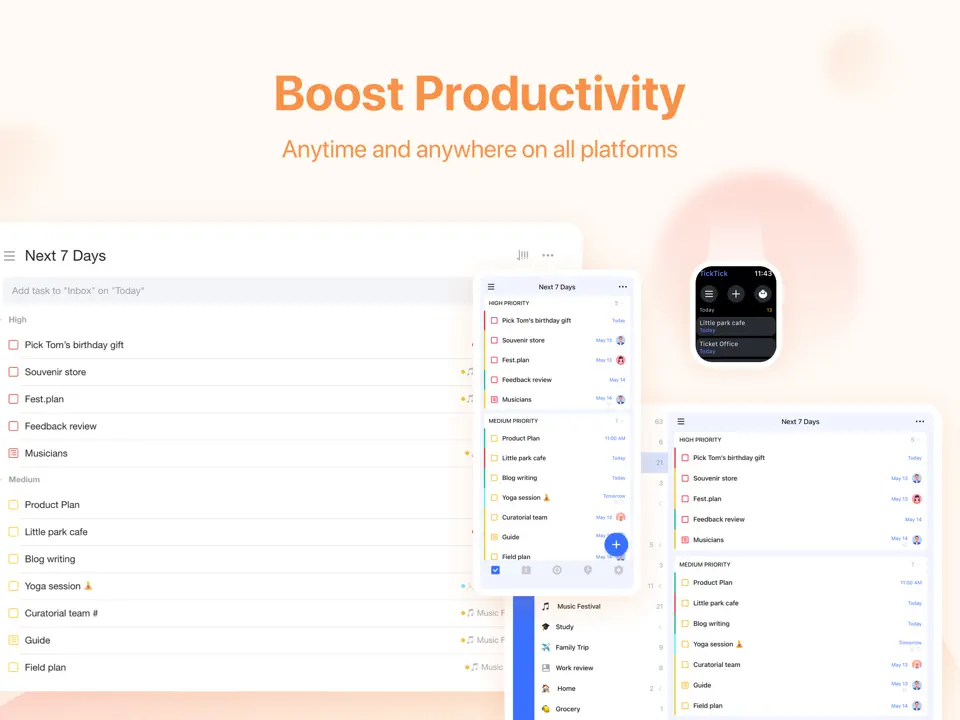
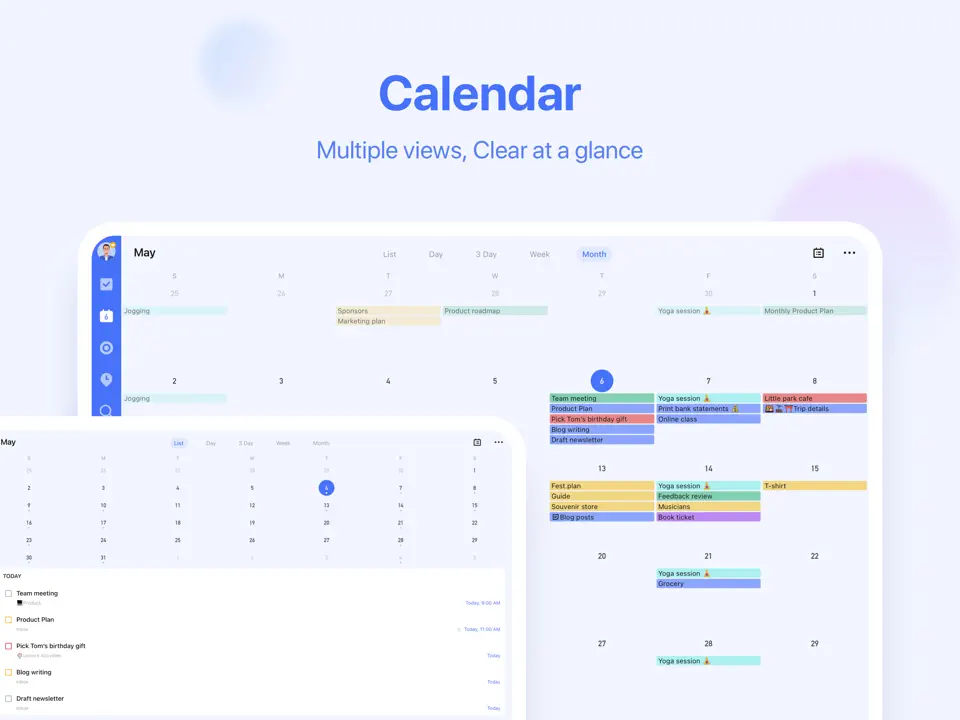
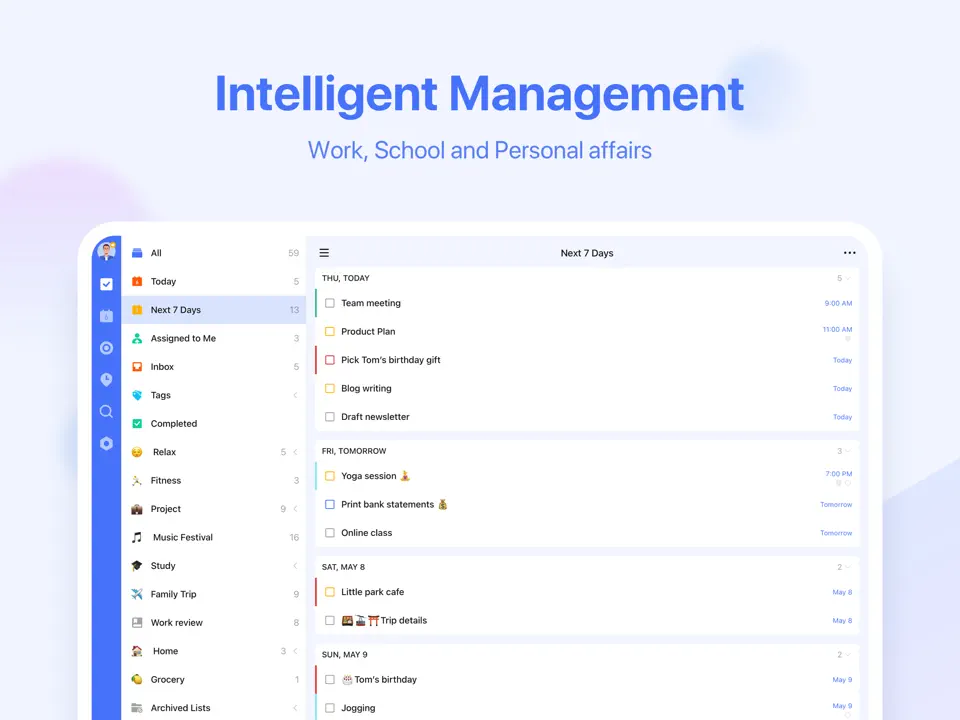
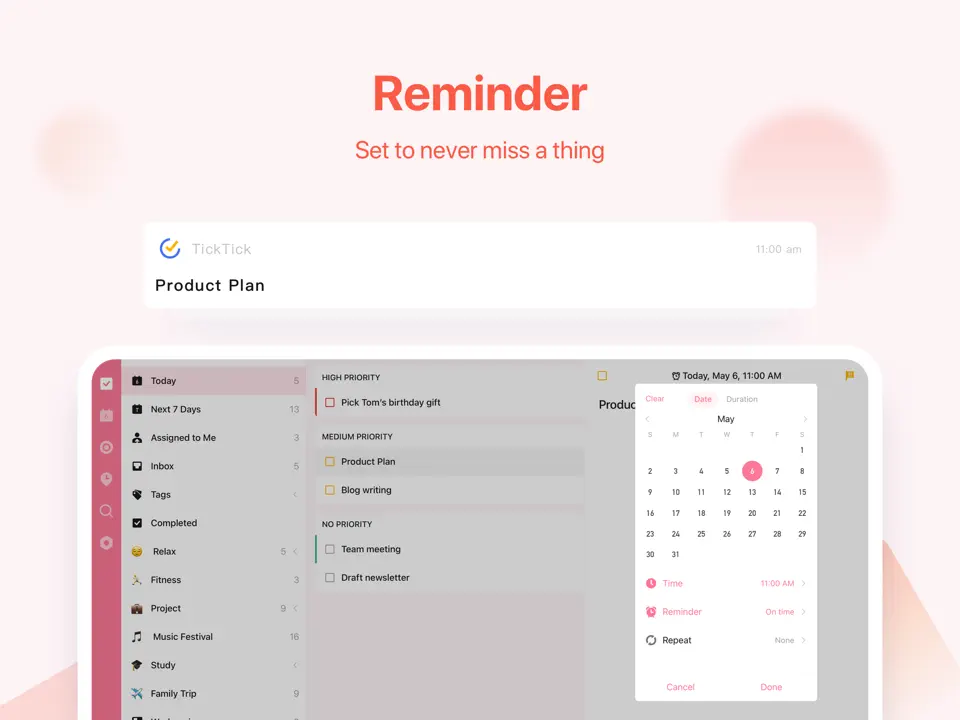
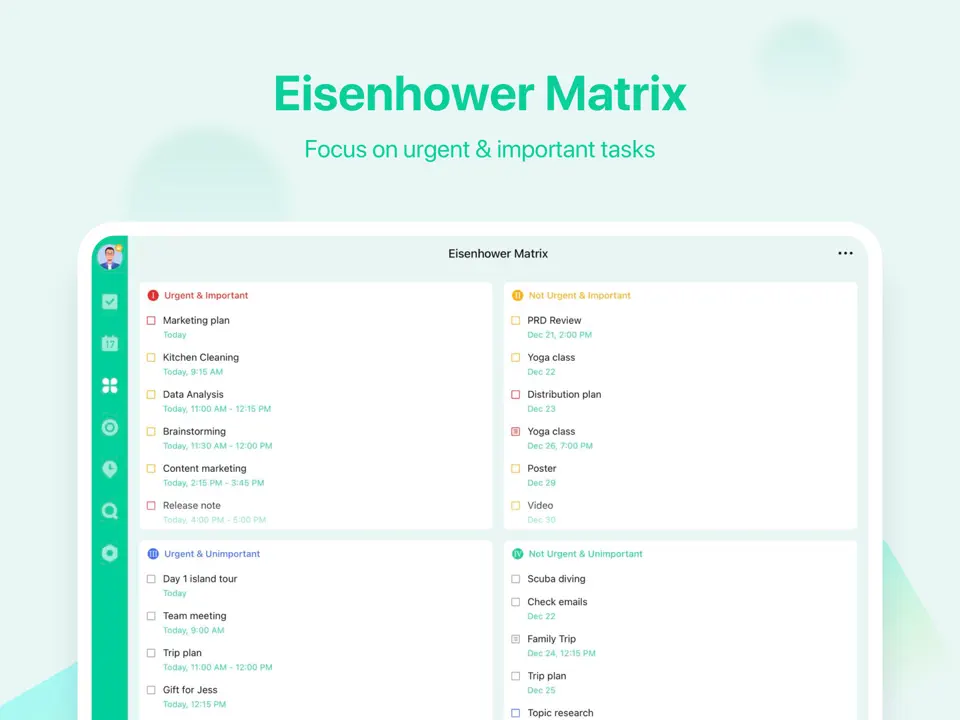
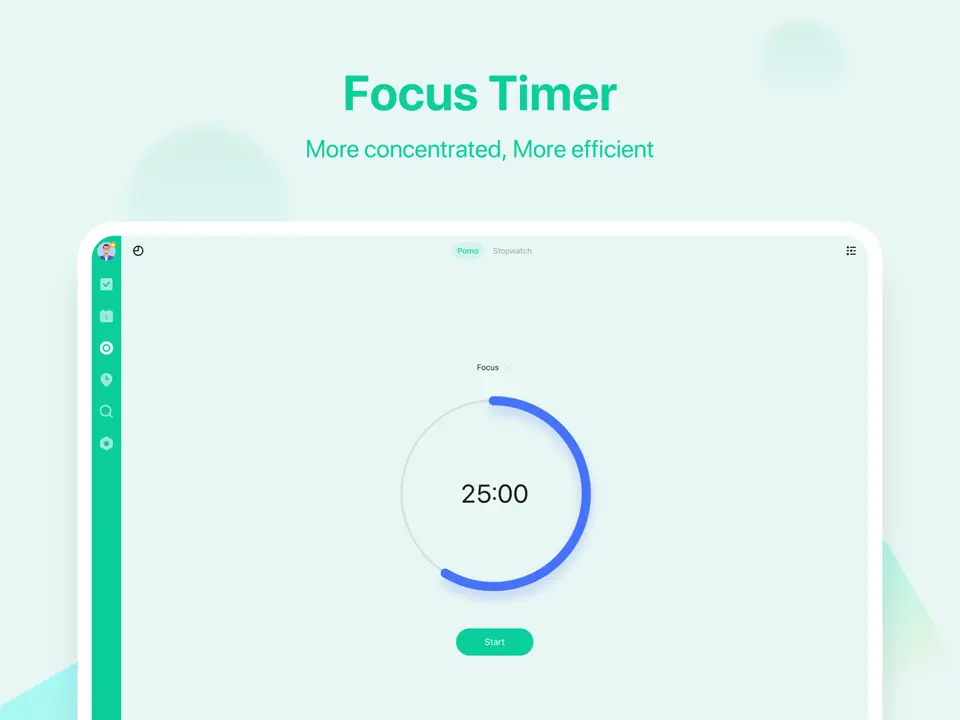
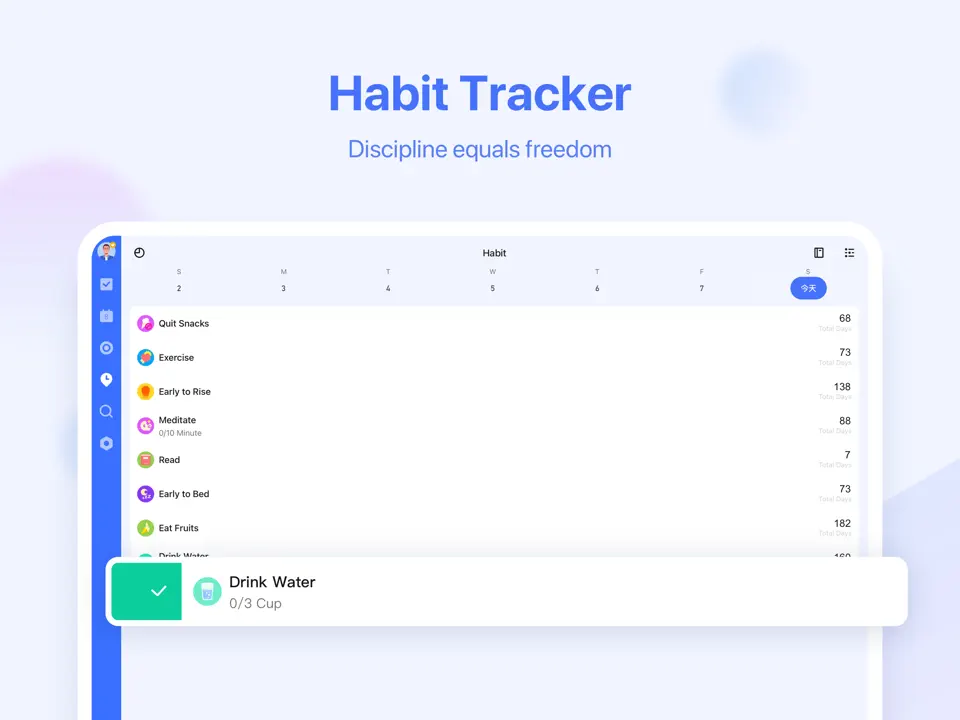
TickTick has earned a strong reputation in the ADHD community as a versatile and practical planner that balances structure with flexibility. It combines powerful task management with built-in habit tracking, Pomodoro timer, calendar views, and smart lists. For many users with ADHD, the ability to see tasks, habits, and calendar in one place helps reduce context switching and mental load.
What makes TickTick particularly useful is its gentle approach to productivity. Features like habit streaks, customizable reminders, and the Pomodoro timer help maintain focus without creating pressure. The app also offers themes and color-coding, allowing users to make their planner visually calming and personalized. It continues to be praised for its reliability, cross-platform performance, and affordable premium plan, making it an excellent middle-ground option between simple and advanced planners.
Pricing: Freemium (Pro ≈ $36/year)
Best for: Balanced task and habit management.
- Strong habit tracking with visual streaks
- Built-in Pomodoro timer and focus tools
- Flexible lists, subtasks, and smart filters
- Reliable cross-platform sync including iPad
- Affordable and feature-rich premium version
- More functional than visually calming
- Average handwriting support
- Can get cluttered if not organized carefully
Product details
| Type of app | Best for | Platforms | Developer | Pricing Model |
|---|---|---|---|---|
| Balanced Task & Habit Planner | ADHD users needing tasks, habits and calendar in one place | Multi (iOS, Android, Mac, Windows, Web) | TickTick | Freemium (Pro ≈ $36/year) |
Goblin Tools
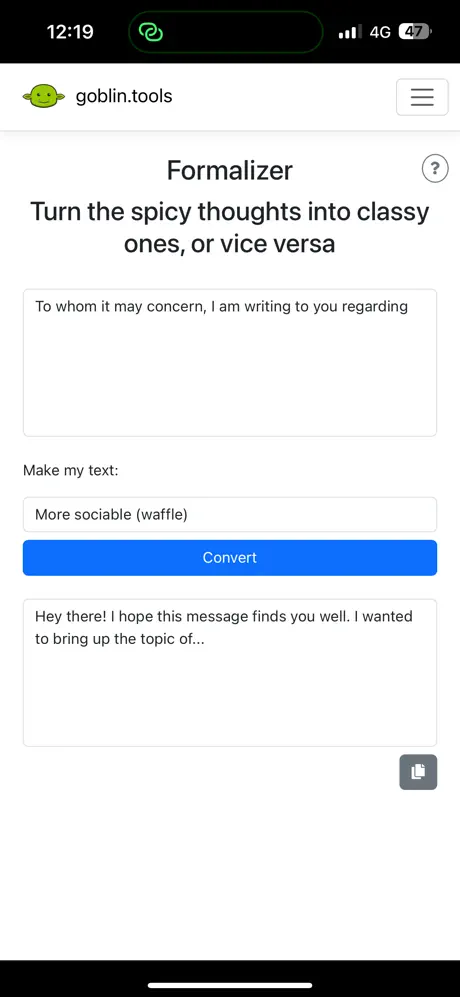
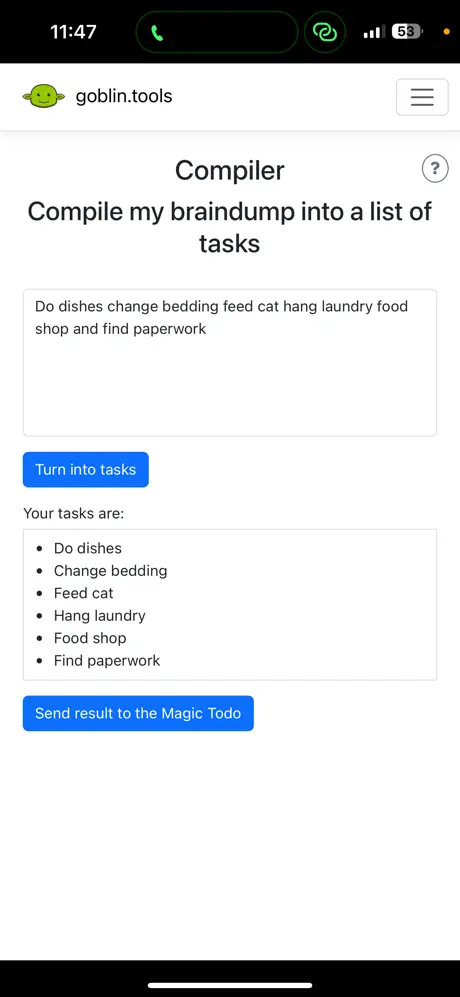
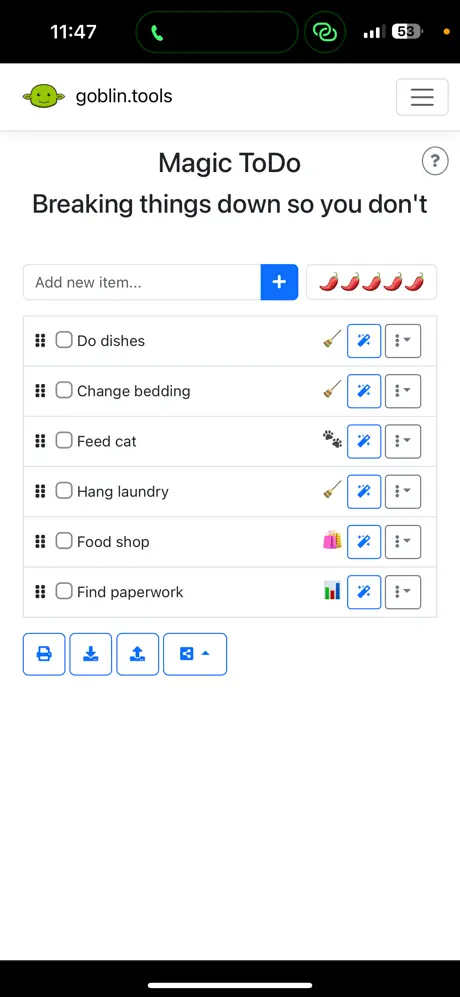
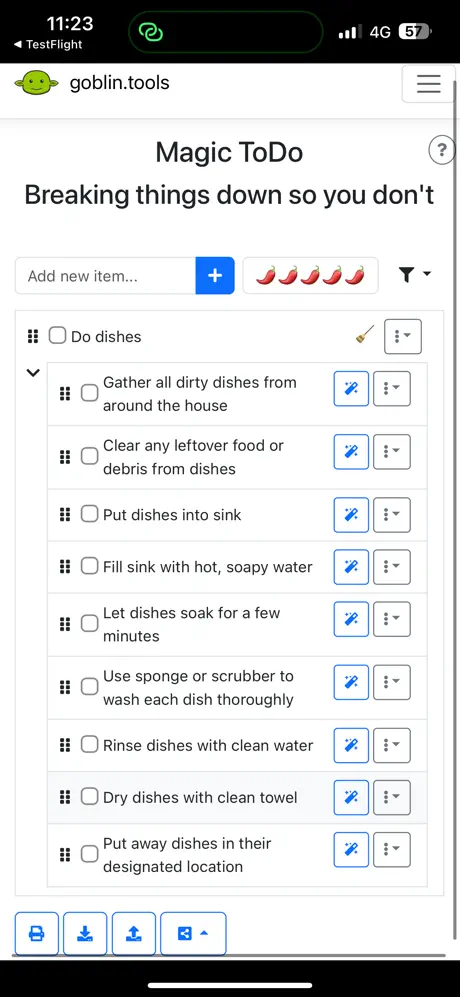
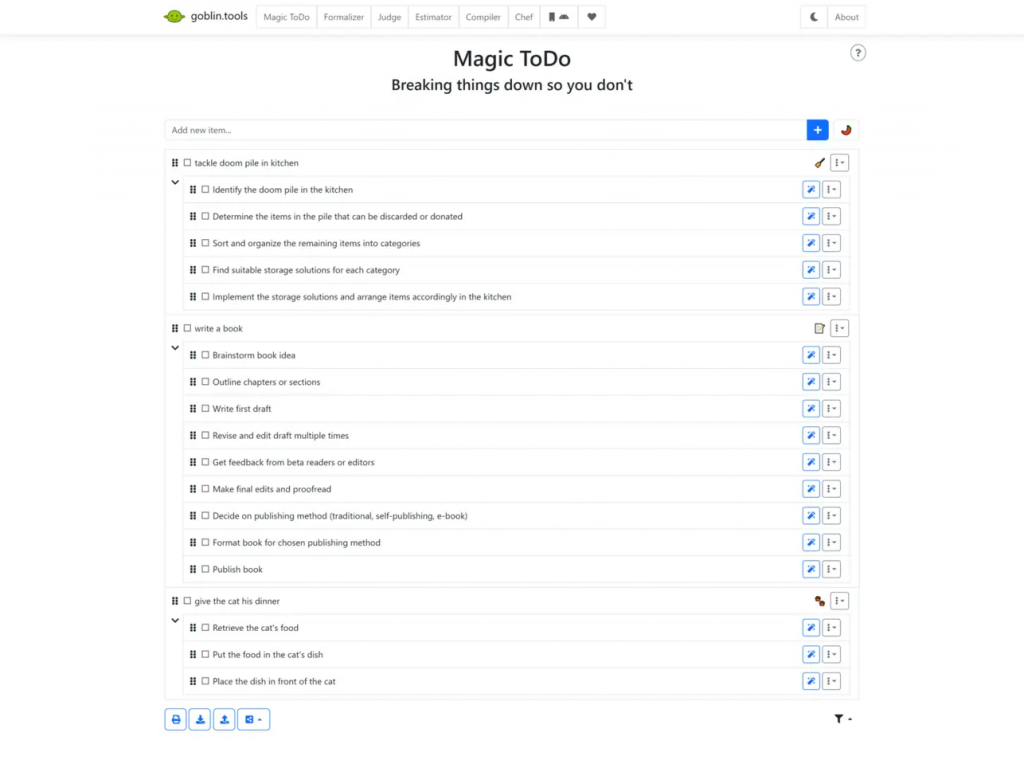
Goblin Tools has become a favorite in the ADHD community since its rise in popularity, largely thanks to its flagship “Magic To-Do” feature. This AI-powered tool takes an overwhelming, paralyzing task and instantly breaks it down into small, concrete, actionable steps. For many with ADHD, this single feature addresses one of the most difficult parts of executive dysfunction: the inability to start because a task feels too big or vague.
Beyond task breakdown, Goblin Tools offers several other practical utilities like a formalizer (turns casual thoughts into polite emails), a brain dump tool, and a “What To Do” button that suggests the next logical step. The interface is deliberately minimal and quirky, which many neurodivergent users find refreshing and less intimidating than traditional productivity apps. In 2026, it continues to evolve with new tools while maintaining its core philosophy: helping ADHD brains overcome friction without adding more complexity.
Pricing: Mostly free with some premium features
Best for: Anyone who struggles with task initiation, overwhelm, and breaking down large projects into doable steps.
- Extremely effective AI task breakdown (“Magic To-Do”)
- Reduces executive dysfunction and task paralysis
- Simple, low-friction, and humorous interface
- Helps with emails, brain dumps, and decision making
- Free core functionality is very generous
- Not a full daily planner on its own
- Best used as a companion tool alongside other apps
- Some advanced features are paid
- Limited visual planning and habit tracking
Product details
| Type of app | Best for | Platforms | Developer | Pricing Model |
|---|---|---|---|---|
| AI Task Breaker | Breaking down overwhelming tasks and reducing task paralysis | Web, iOS, Android | Goblin Tools | Freemium |

Notion
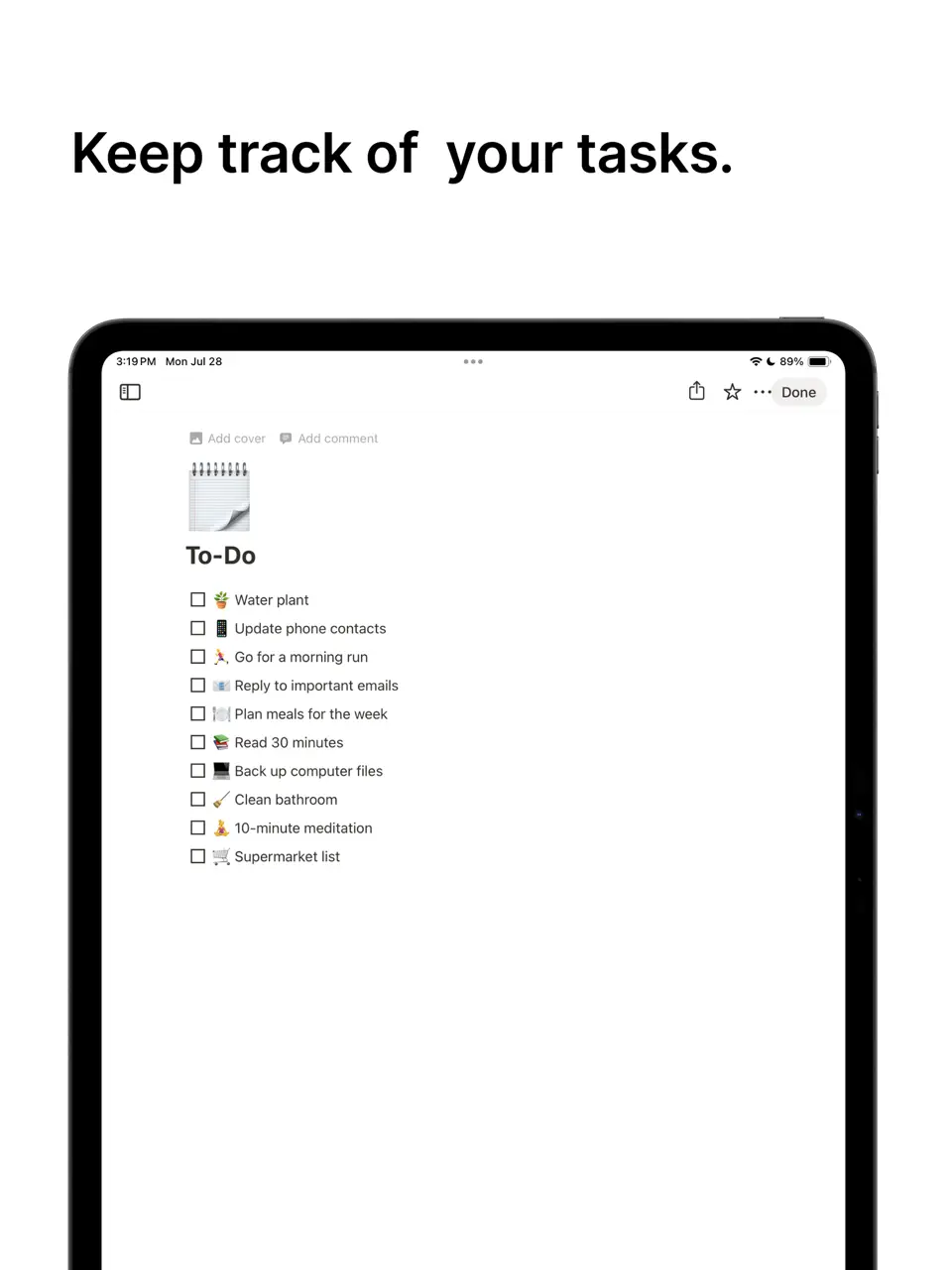
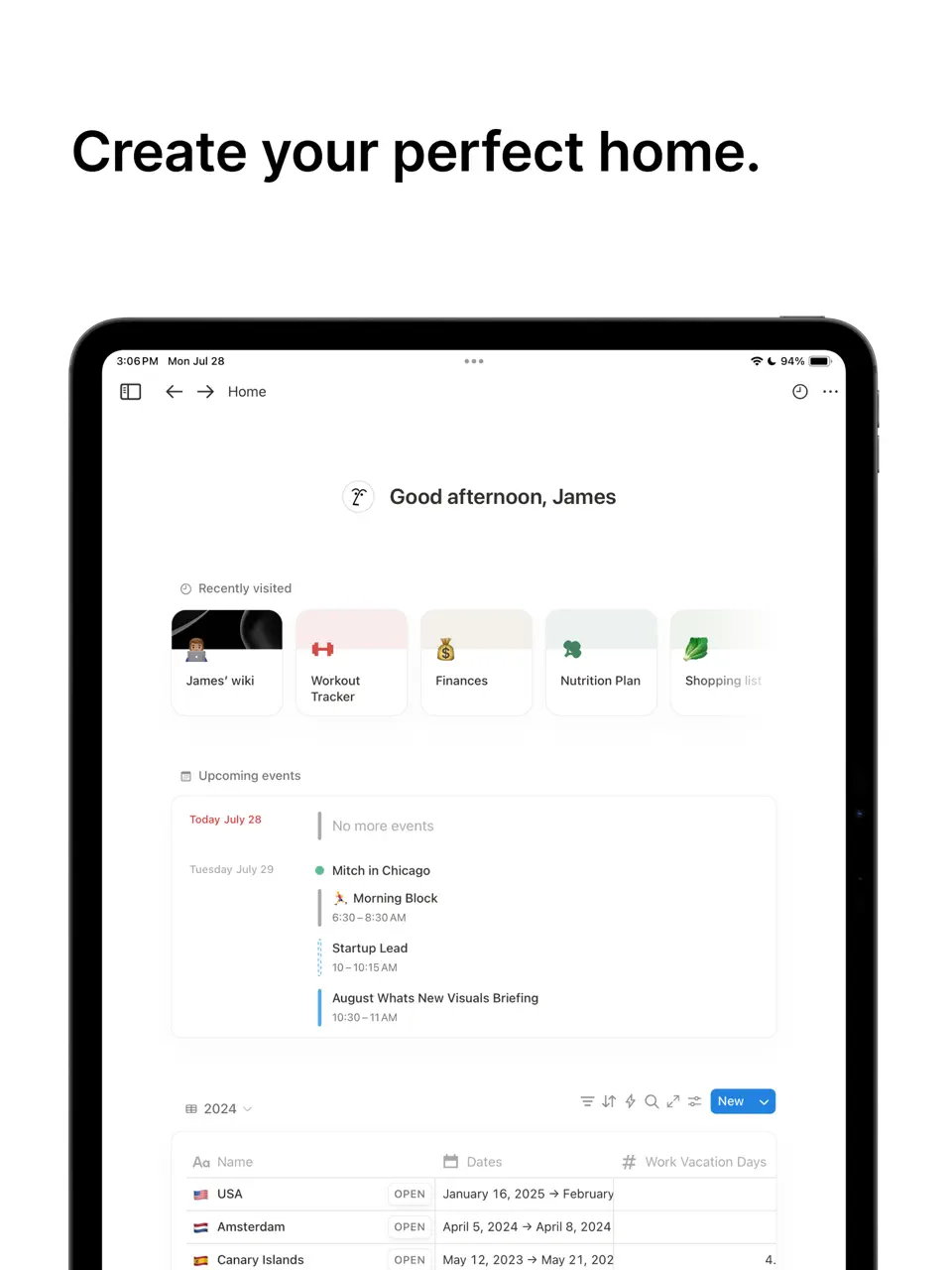
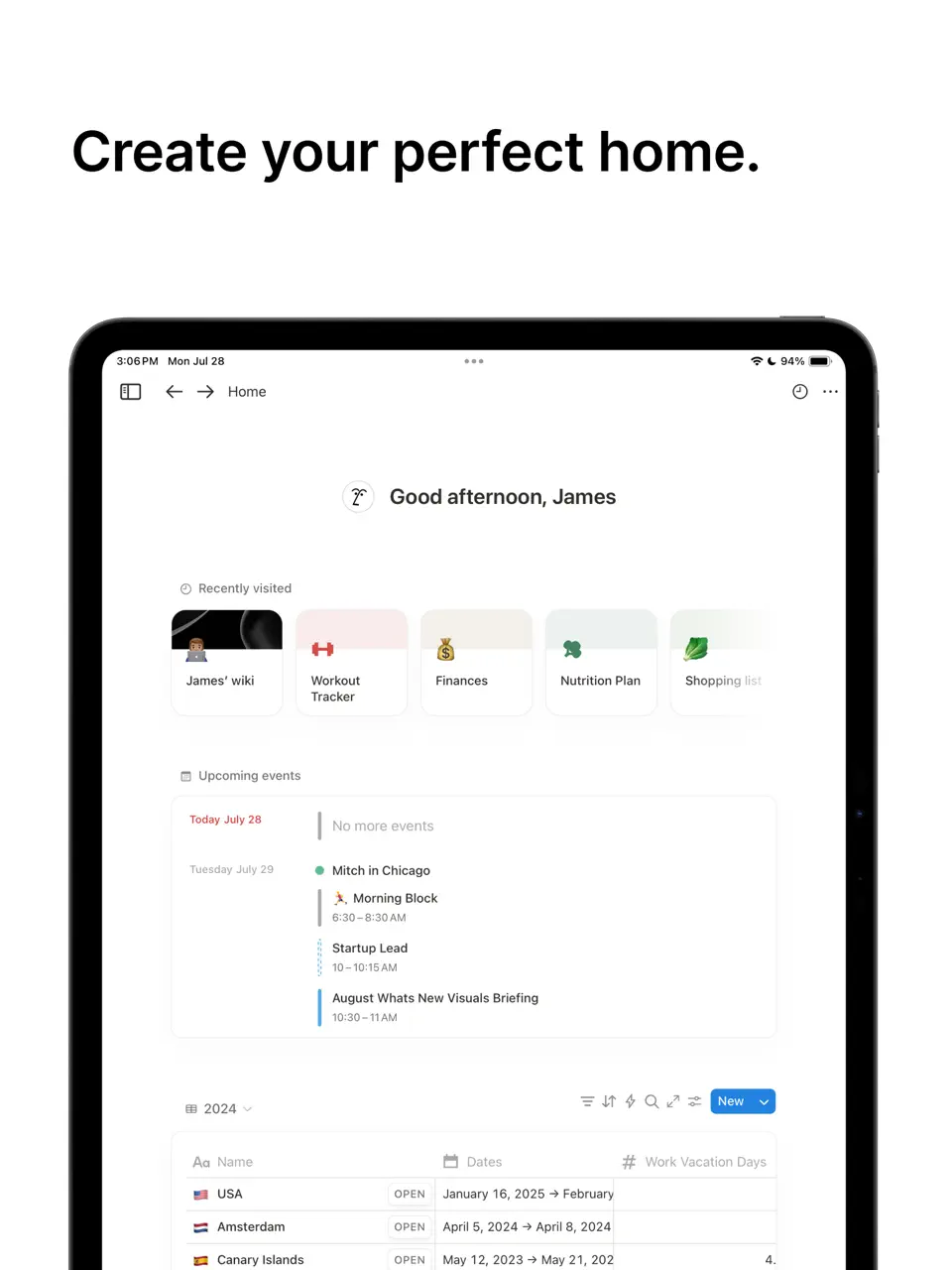
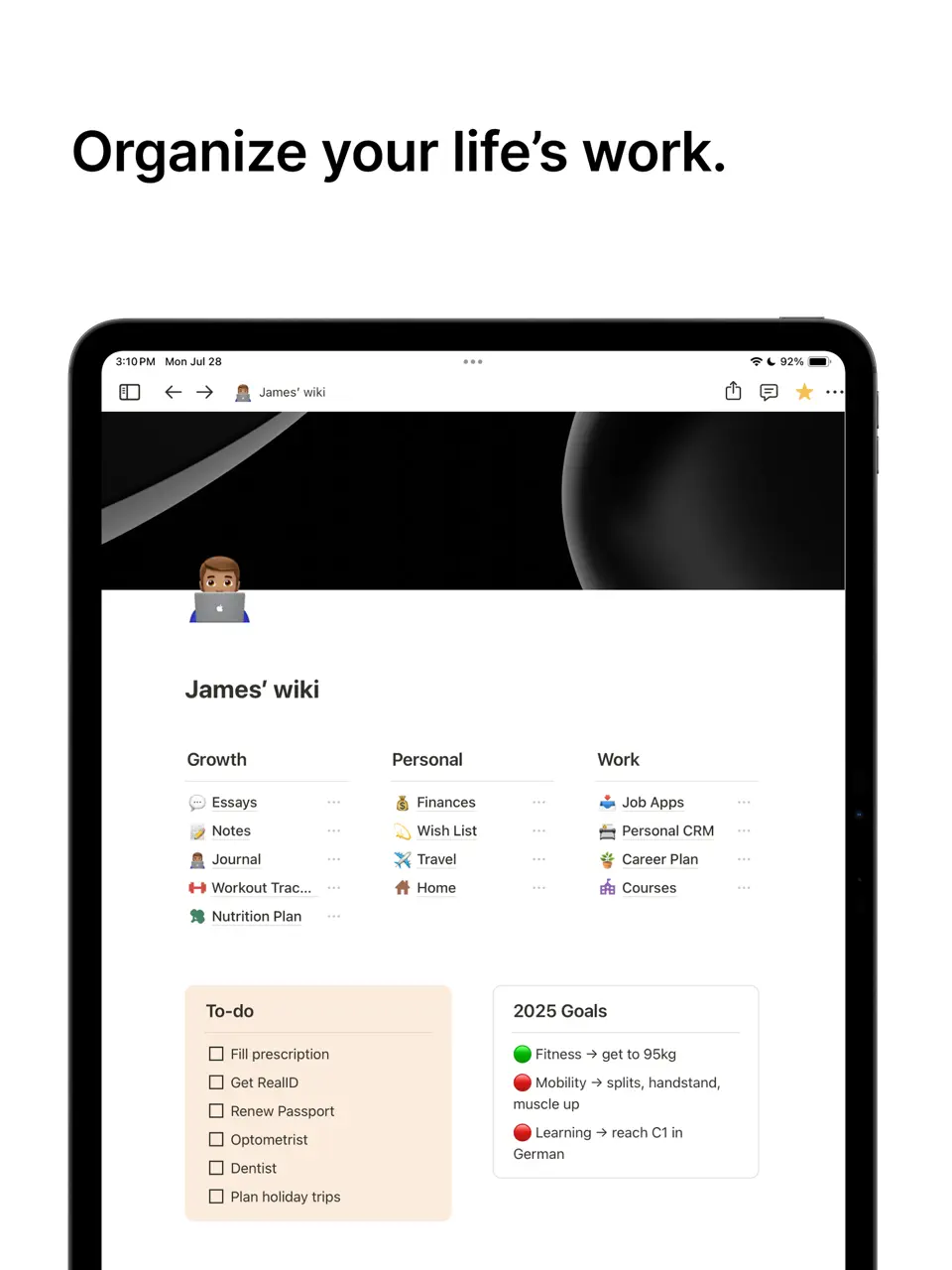
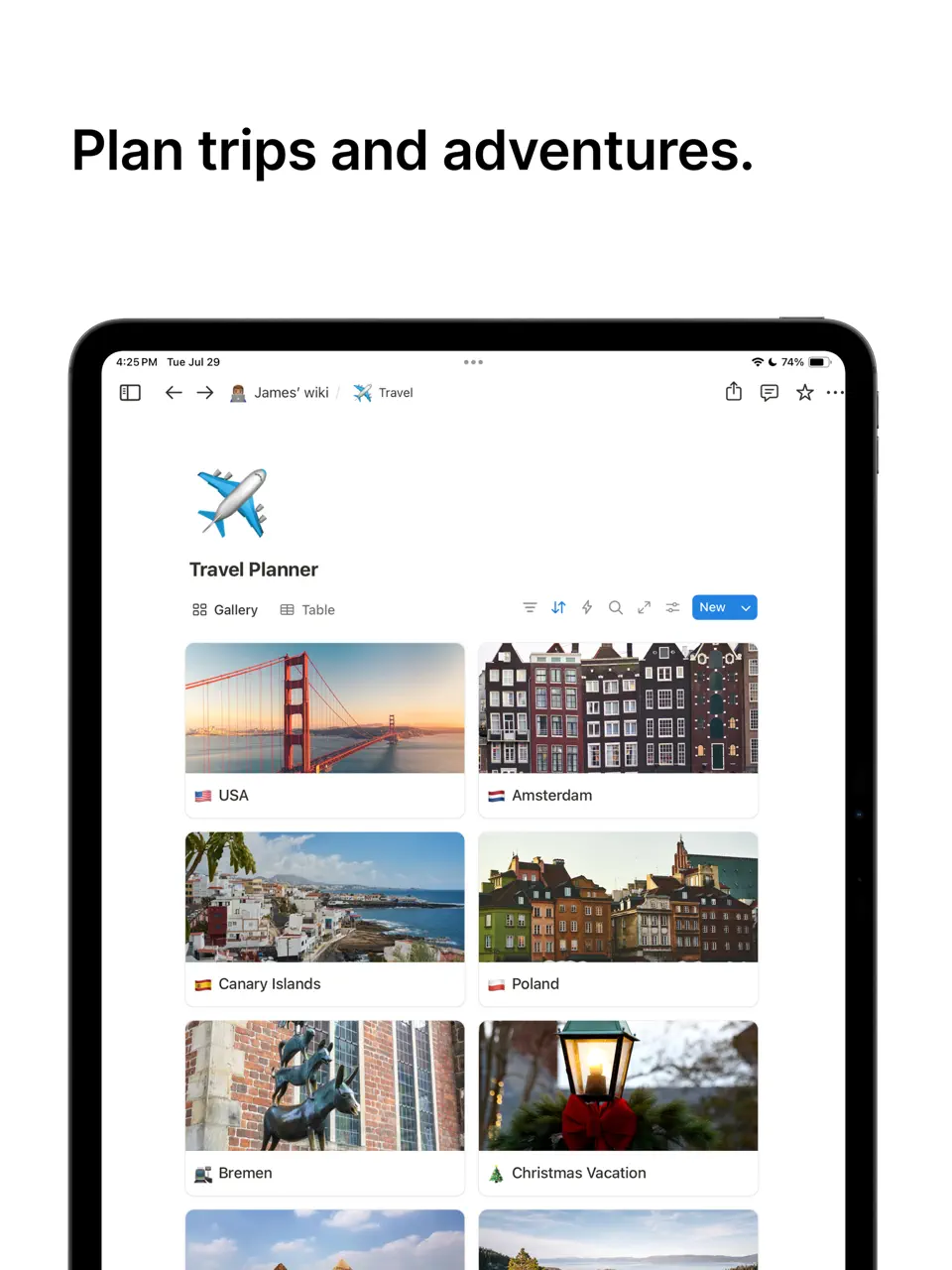
Notion is one of the most powerful and flexible tools available for ADHD users who like to build their own systems. Thanks to its database-driven structure, users can create completely custom ADHD dashboards, habit trackers, mood logs, weekly planners, and project systems that evolve with their needs. The ability to link pages and create templates makes it possible to design a truly personalized “second brain.”
Many in the ADHD community appreciate Notion’s flexibility because it allows them to start simple and gradually add complexity as their executive function improves. With good Apple Pencil support and a growing library of community ADHD templates, it serves both visual thinkers and those who prefer structured databases. However, its power comes with a learning curve that requires patience and experimentation.
Pricing: Freemium (paid plans from $8–12/month)
Best for: ADHD users who enjoy customizing their own planner system and want long-term flexibility.
- Extremely high level of customization
- Excellent for building personalized ADHD systems
- Strong community templates for ADHD
- Good Apple Pencil support for notes
- Powerful free tier for personal use
- Steep learning curve for beginners
- Can easily become overwhelming or too complex
- Requires regular maintenance and organization
- Performance can slow down with very large workspaces
Product details
| Type of app | Best for | Platforms | Developer | Pricing Model |
|---|---|---|---|---|
| All-in-One Custom Workspace | ADHD users who want full control and personalized systems | Multi (iOS, Android, Mac, Windows, Web) | Notion Labs | Freemium |
Things 3
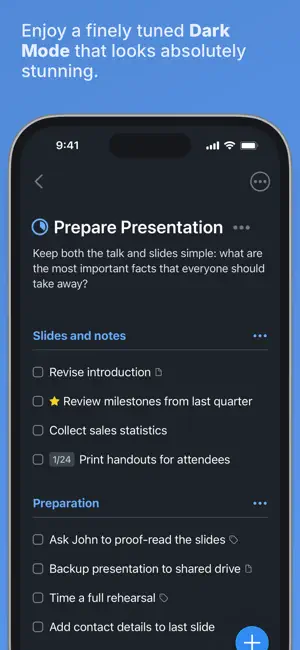
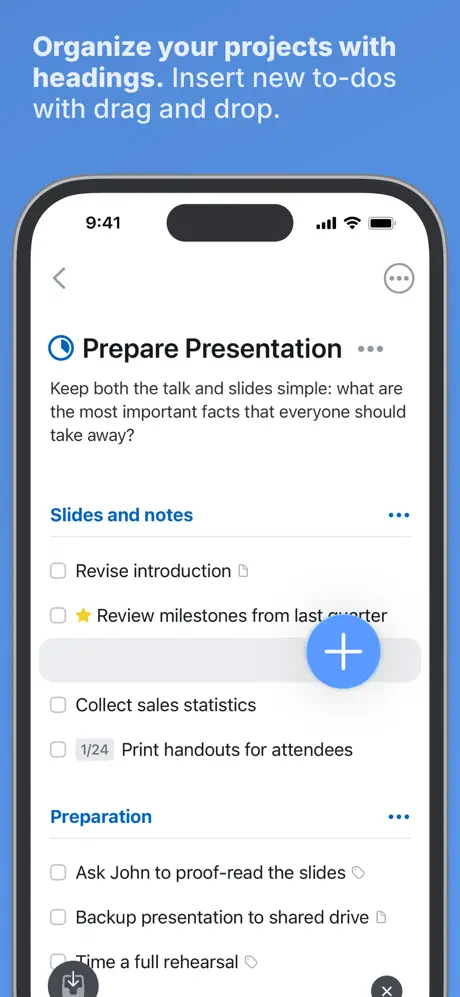
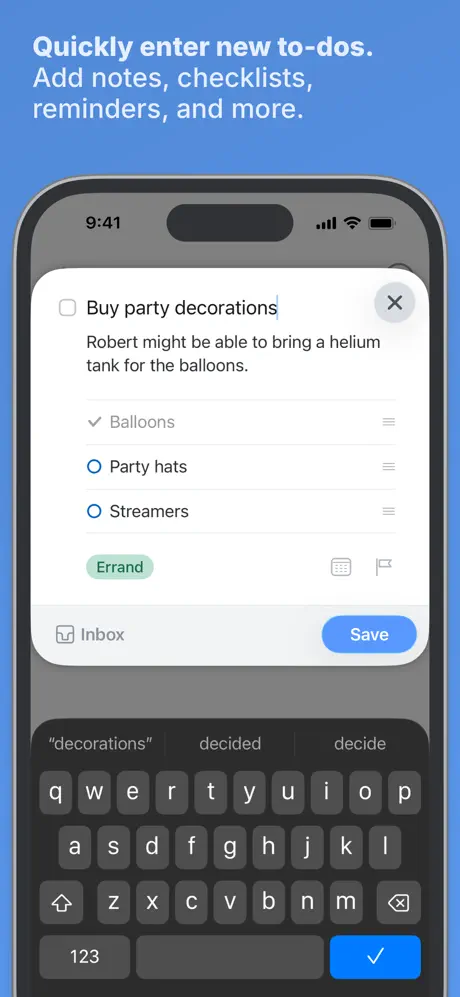
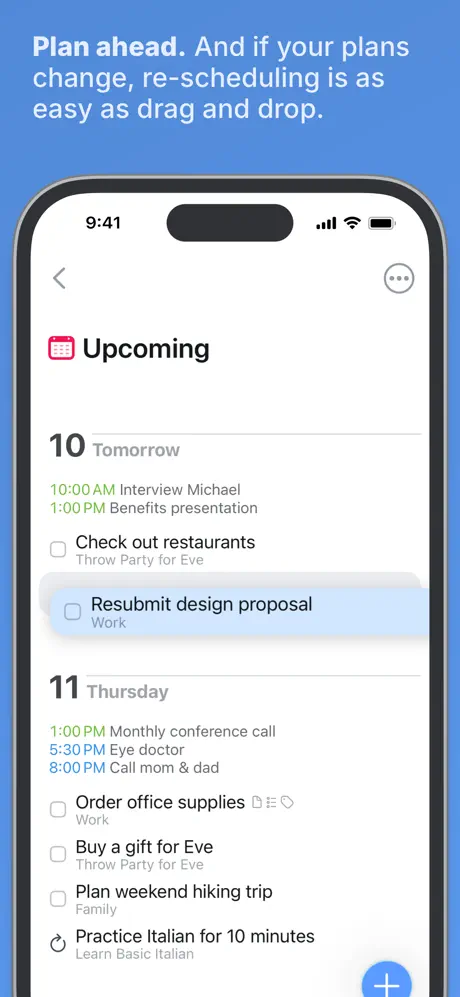
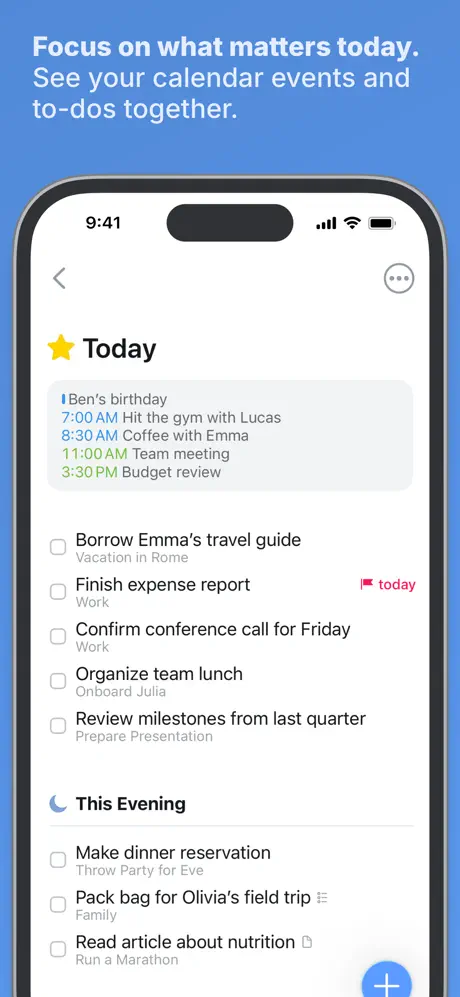
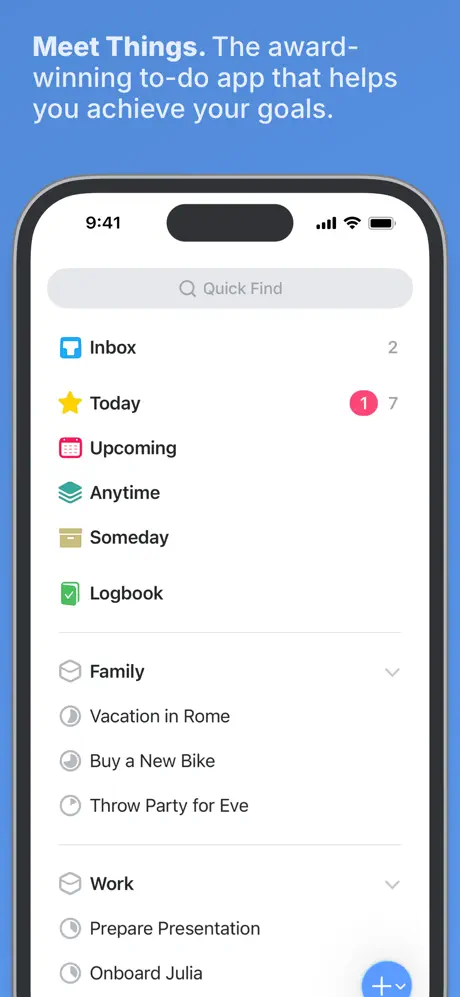
Things 3 is beloved by many ADHD users who prefer a calm, beautiful, and minimalist environment. Its elegant design, smooth gestures, and thoughtful organization system help reduce visual and mental clutter. The app excels at quick capture and clear daily task views without overwhelming the user with too many options.
While it doesn’t have strong habit tracking or visual timelines, its simplicity and delightful user experience make it a go-to choice for those who get easily distracted by feature-heavy apps. The excellent Apple Pencil support for quick notes adds to its appeal on iPad.
Pricing: One-time purchase
Best for: ADHD users who want a clean, beautiful, and low-distraction task manager.
- Exceptional minimalist and calming design
- Fast and satisfying workflow
- One-time purchase model
- Great for quick capture and daily focus
- Smooth Apple Pencil integration
- No built-in habit tracking
- Limited visual customization
- Apple devices only
- Less support for complex routines
Product details
| Type of app | Best for | Platforms | Developer | Pricing Model |
|---|---|---|---|---|
| Minimalist Task Planner | ADHD users who prefer clean, elegant and low-distraction design | Apple Only (iOS, iPadOS, Mac) | Cultured Code | One-time purchase |

Habitica
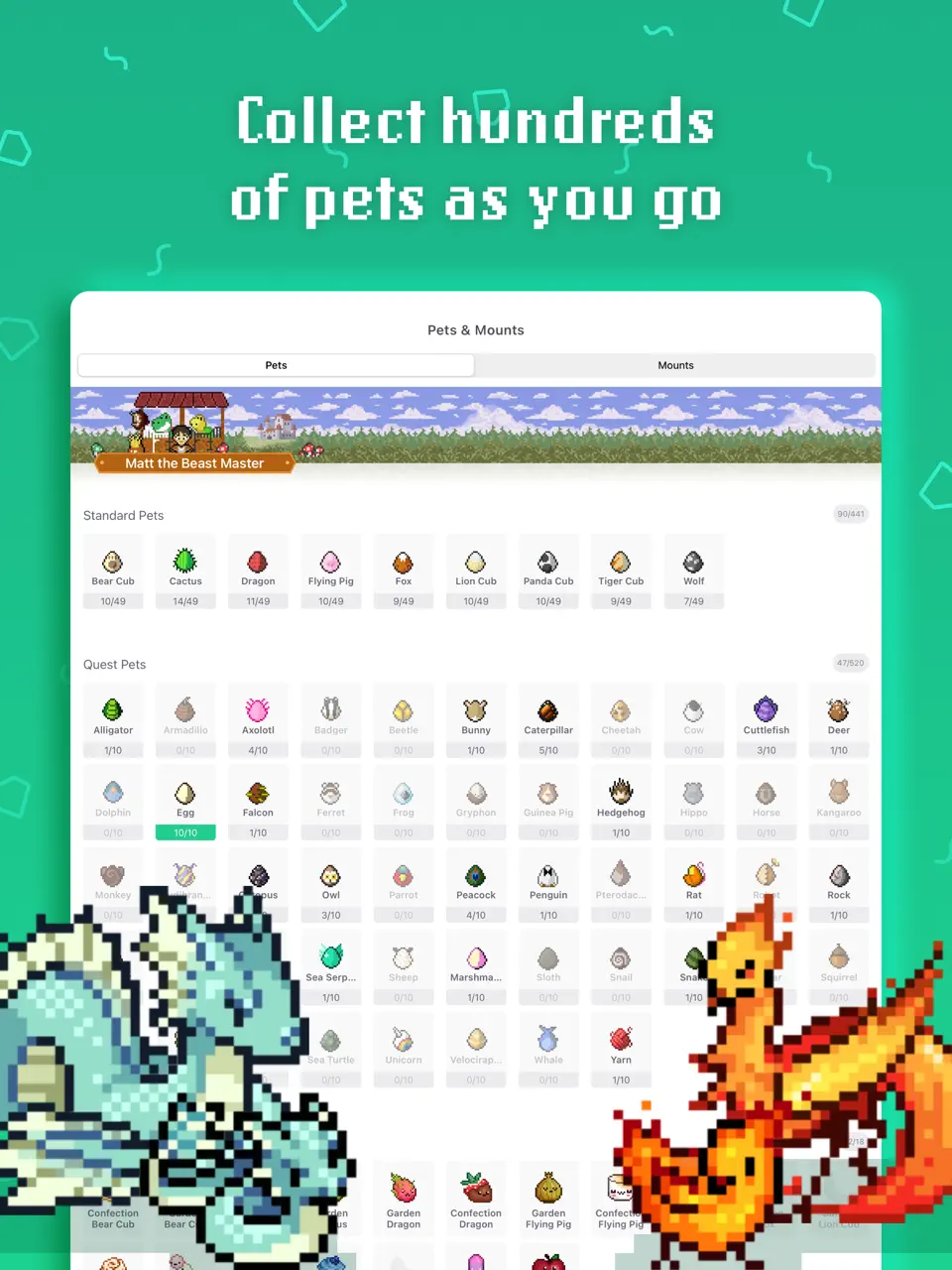
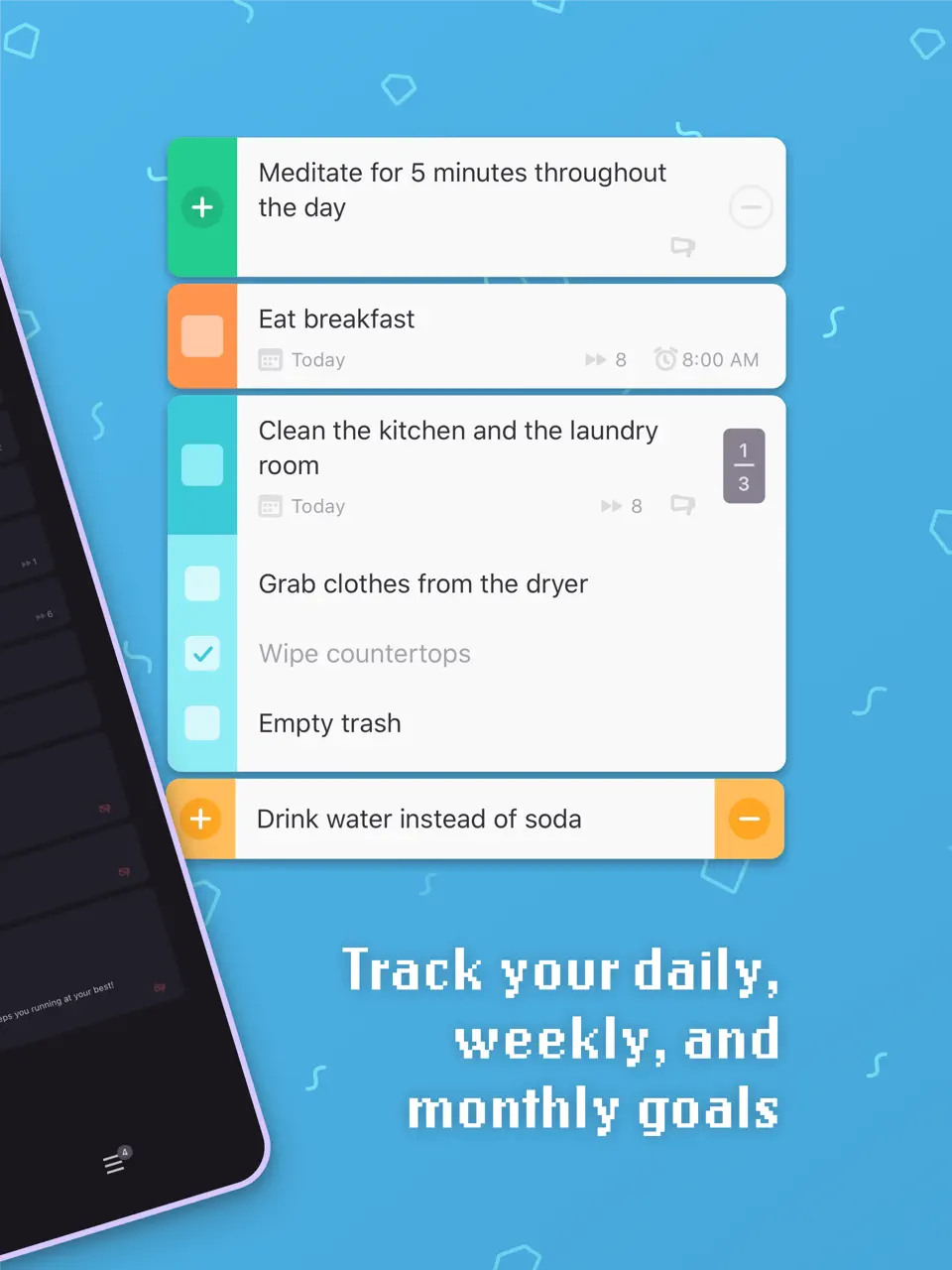
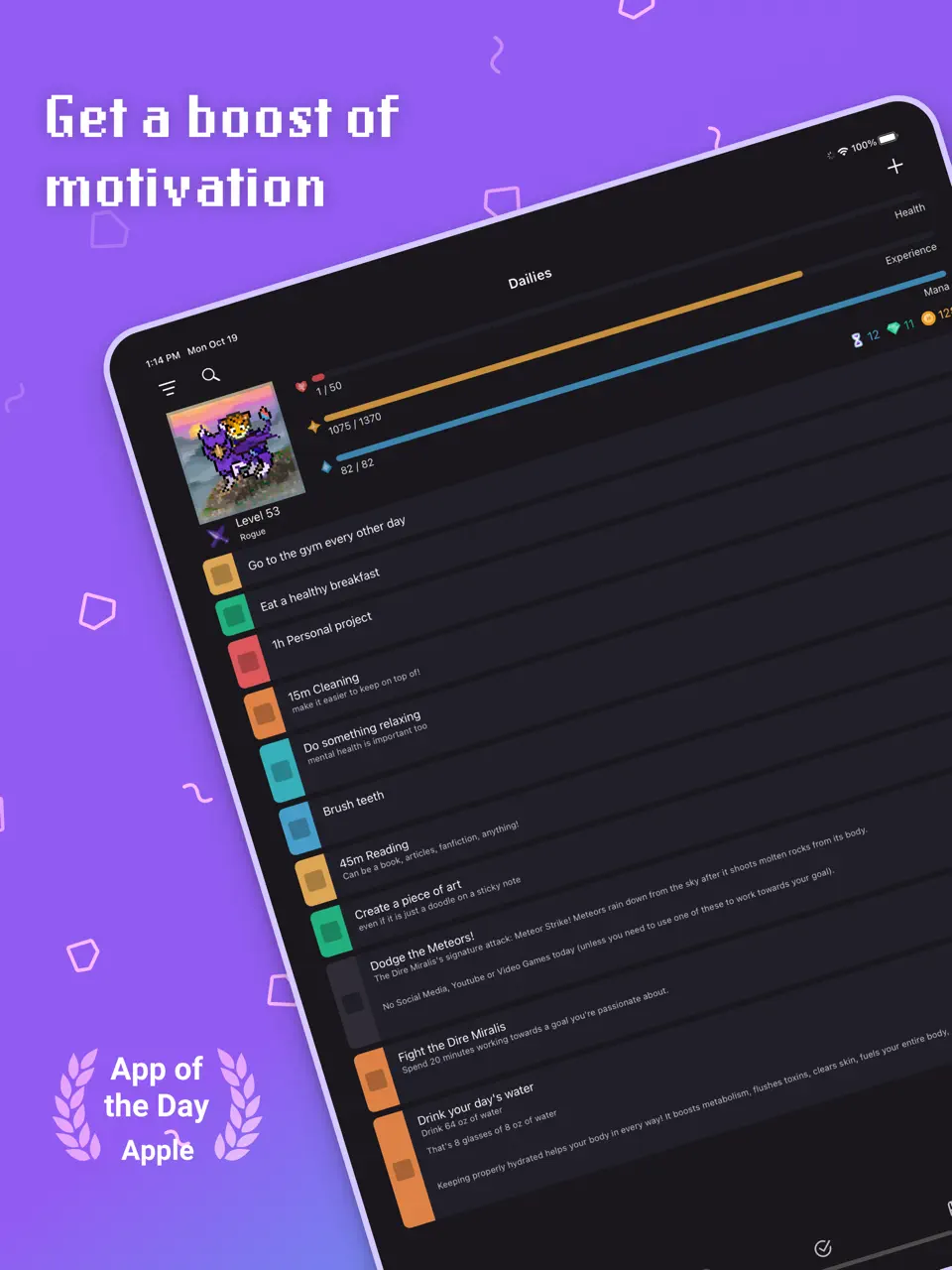
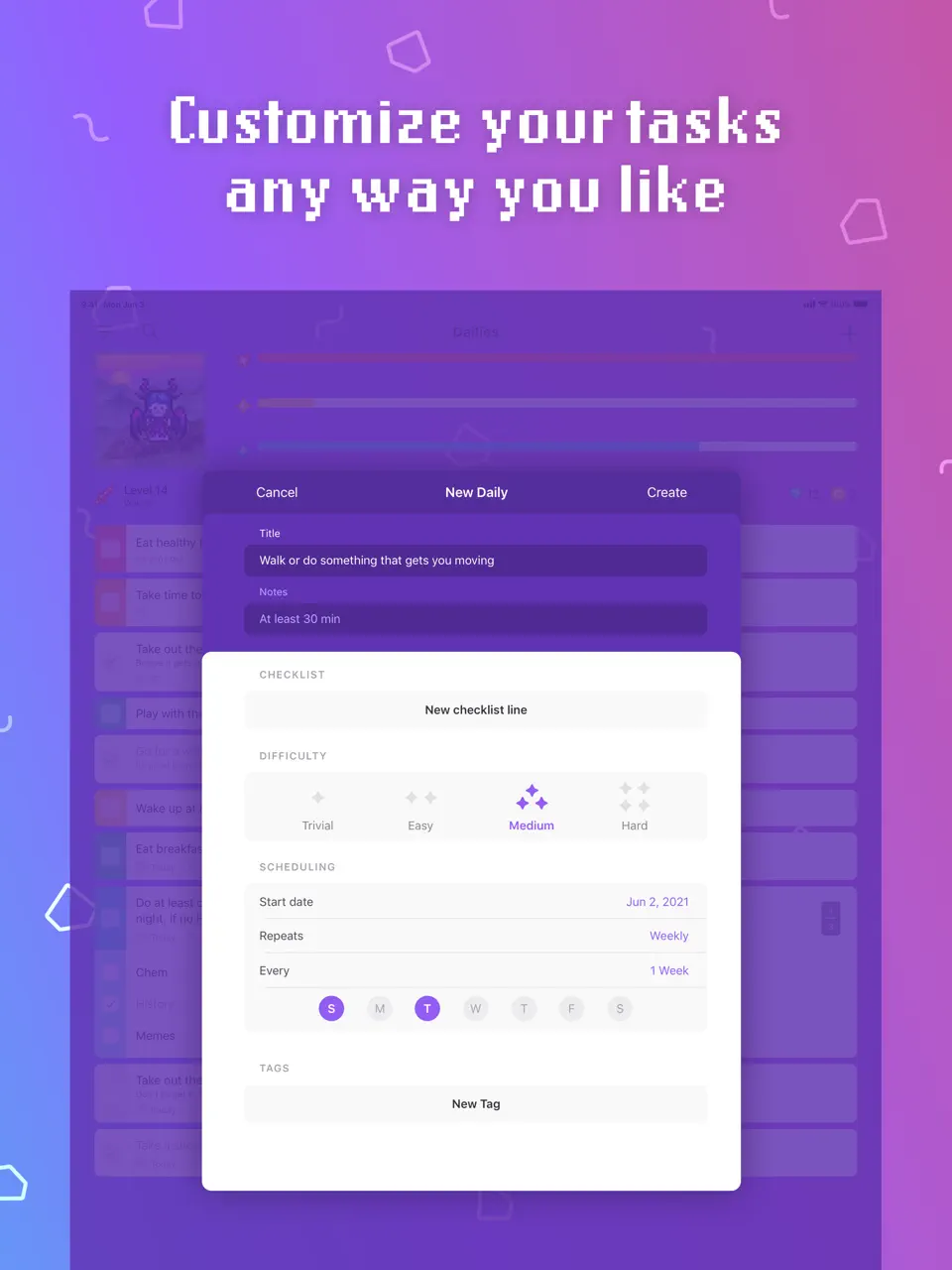
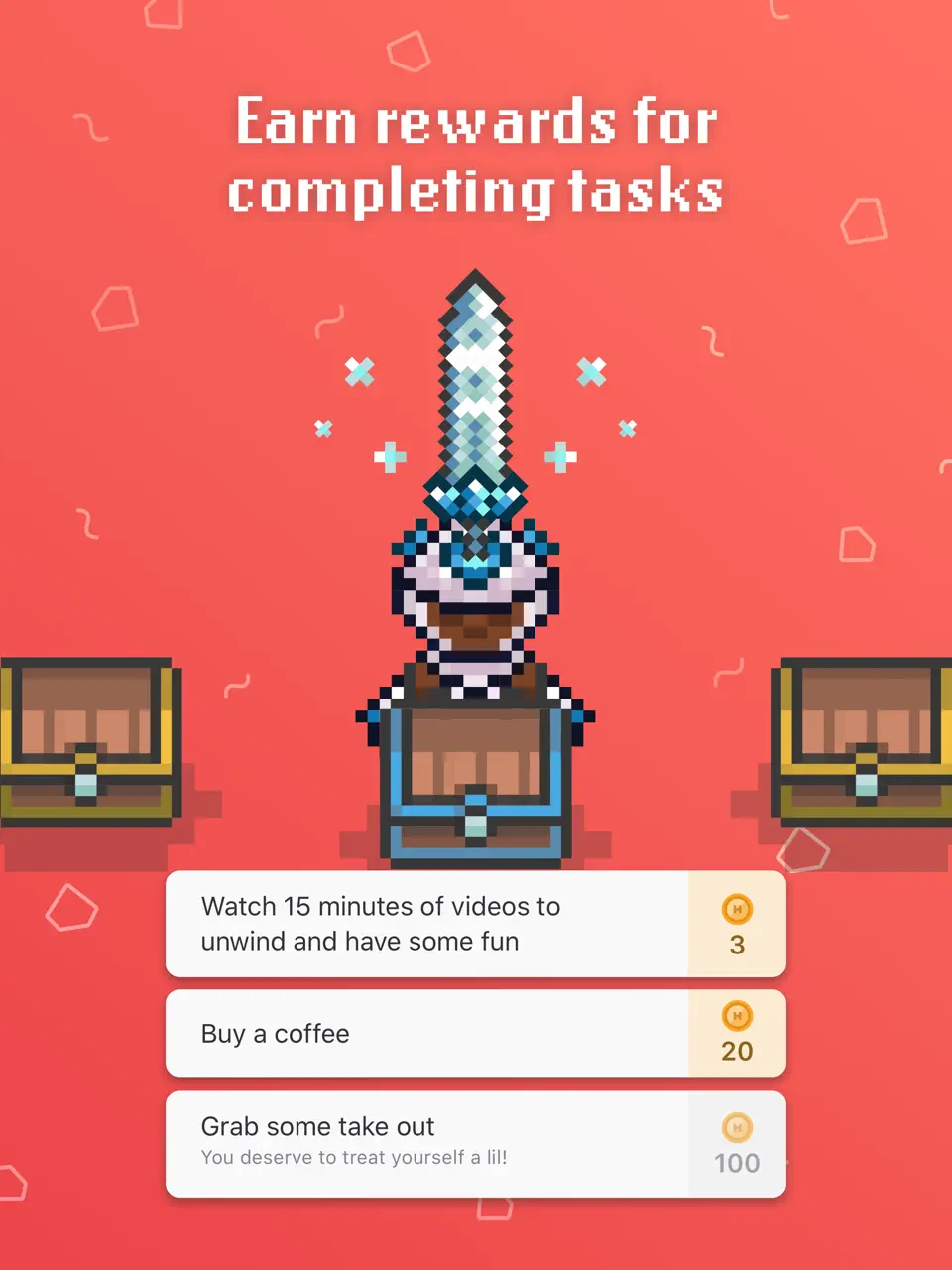
Habitica takes a completely different approach by turning your life into a role-playing game. Tasks and habits become quests, completing them earns gold and experience points, and you can join parties with friends for accountability. This gamification makes planning and habit building feel fun and rewarding rather than boring or stressful.
Many ADHD users report that Habitica is one of the few systems that actually keeps them motivated long-term because it taps into dopamine through game mechanics. It’s especially effective for those who respond well to rewards and social elements.
Pricing: Freemium
Best for: Users who need gamification and fun to stay consistent with tasks and habits.
- Fun RPG-style gamification
- Strong social accountability options
- Effective for long-term habit building
- Highly engaging for dopamine-seeking brains
- Free core experience
- Can become distracting or addictive for some
- Less suitable for serious professional task management
- Interface may feel childish to some users
- Requires regular engagement to stay effective
Product details
| Type of app | Best for | Platforms | Developer | Pricing Model |
|---|---|---|---|---|
| Gamified Habit & Task Manager | ADHD users who need motivation and fun to stay consistent | Multi (iOS, Android, Web) | Habitica | Freemium |
Microsoft To-Do
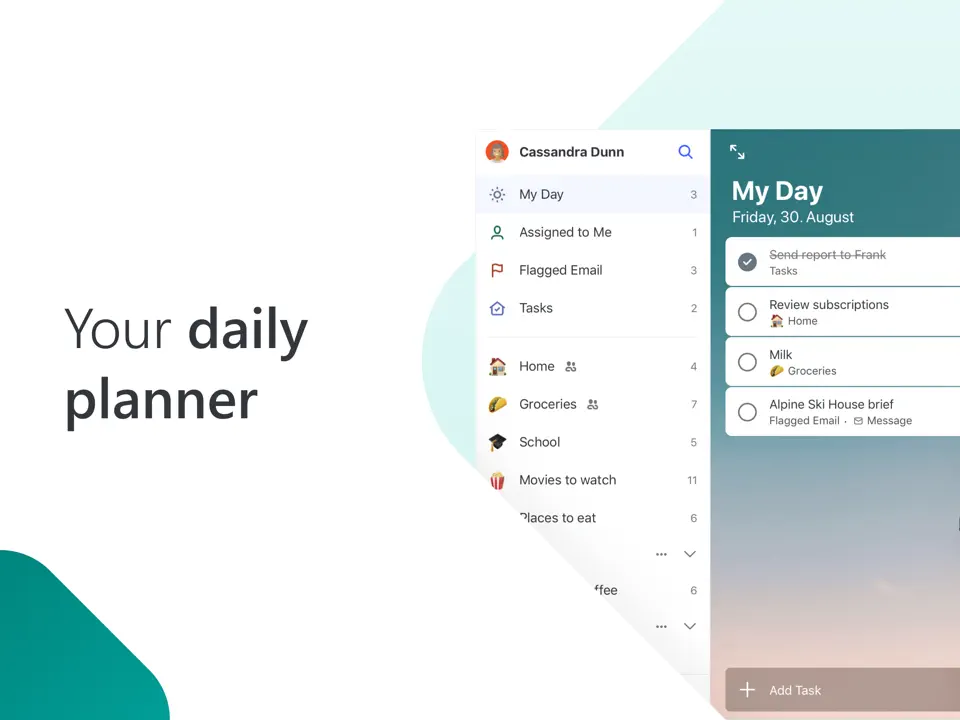
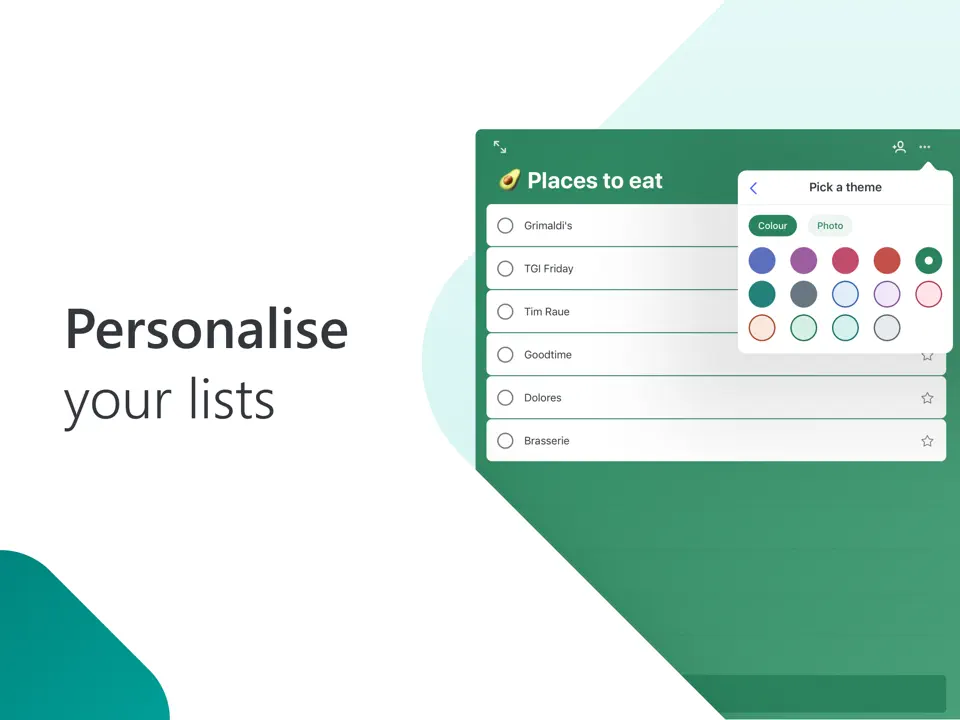
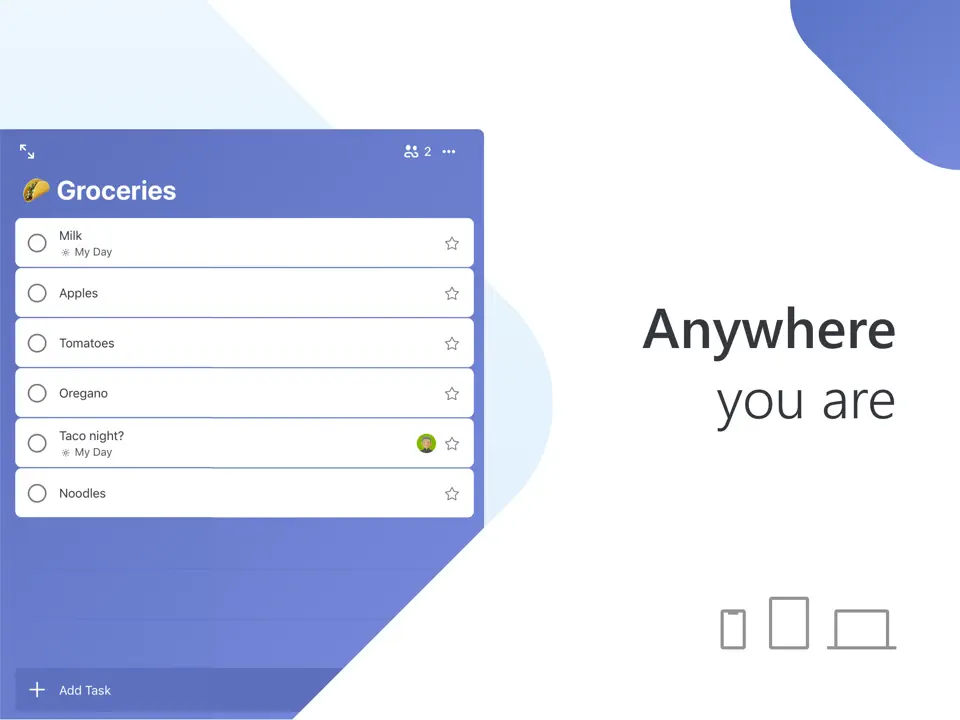
Microsoft To Do remains a surprisingly strong simple option for ADHD users. Its clean interface, “My Day” feature, and reliable reminders provide gentle daily structure without overwhelming the user. The ability to add notes and break tasks into steps helps with task initiation.
While it lacks advanced visual tools, its simplicity makes it an excellent starting point or complementary app for those who get overwhelmed by complex systems.
Pricing: Completely free
Best for: Users looking for a low-friction, free daily task manager.
- Completely free with no limits
- Clean, simple, and non-overwhelming interface
- Useful “My Day” daily focus feature
- Reliable reminders and recurring tasks
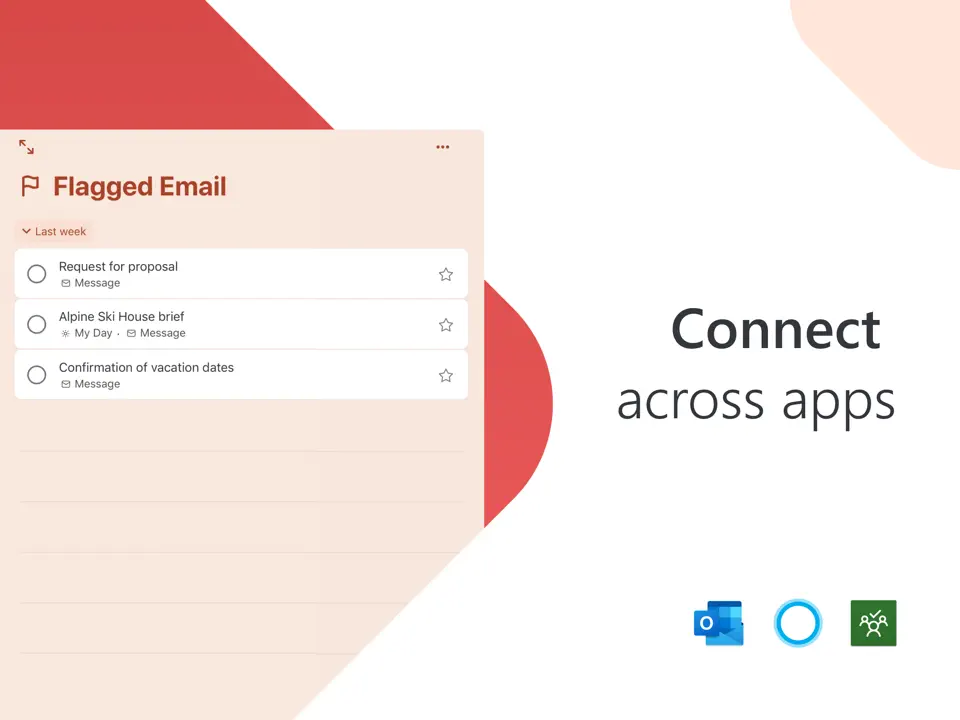
- Good integration with Outlook
- Very basic visual and customization options
- Limited handwriting and Apple Pencil support
- No advanced ADHD-specific features
- Can feel too minimal for some users
Product details
| Type of app | Best for | Platforms | Developer | Pricing Model |
|---|---|---|---|---|
| Simple Daily Task Planner | ADHD users who want minimal friction and a clean start | Multi (iOS, Android, Windows, Web) | Microsoft | Free |
Motion
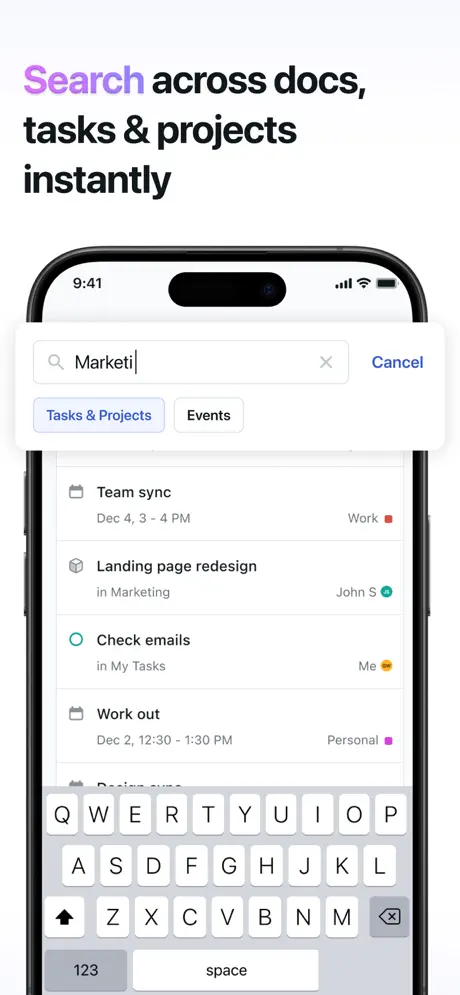
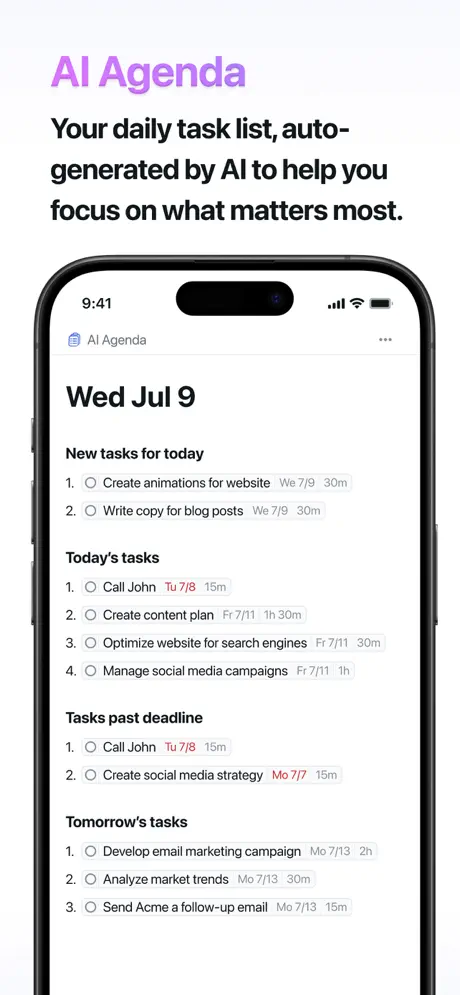
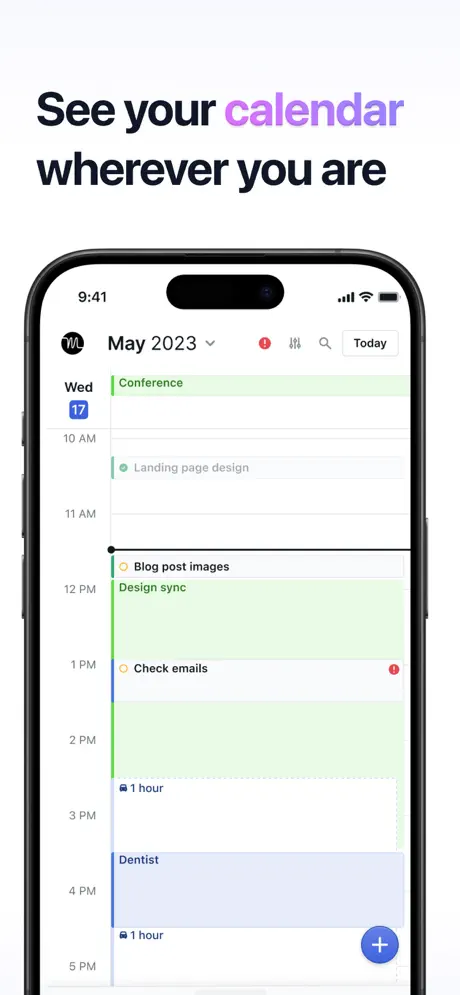
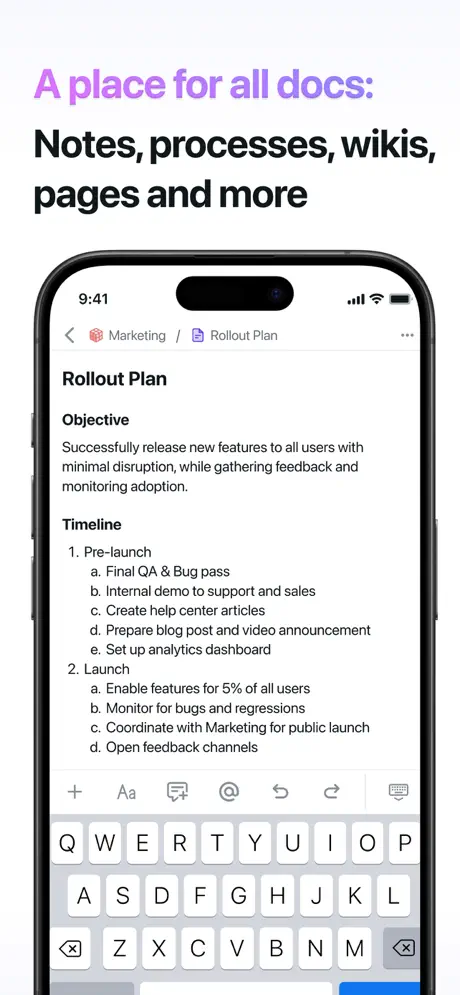
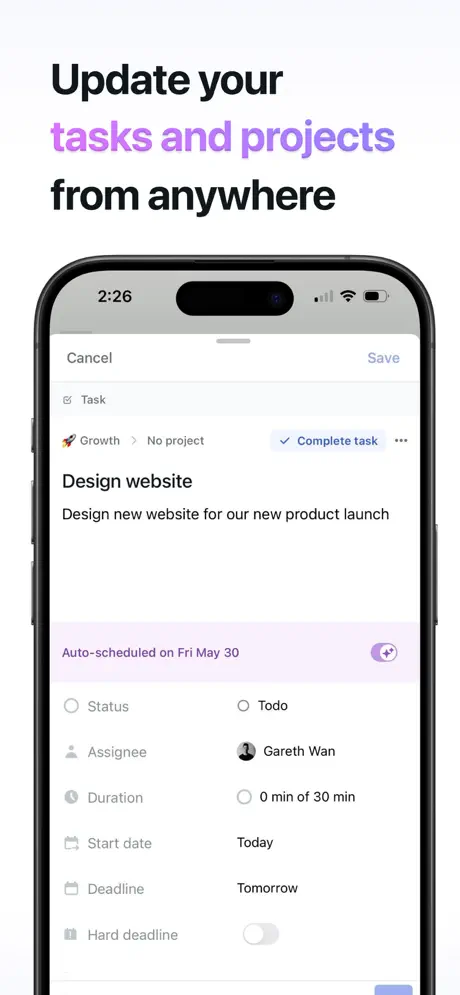
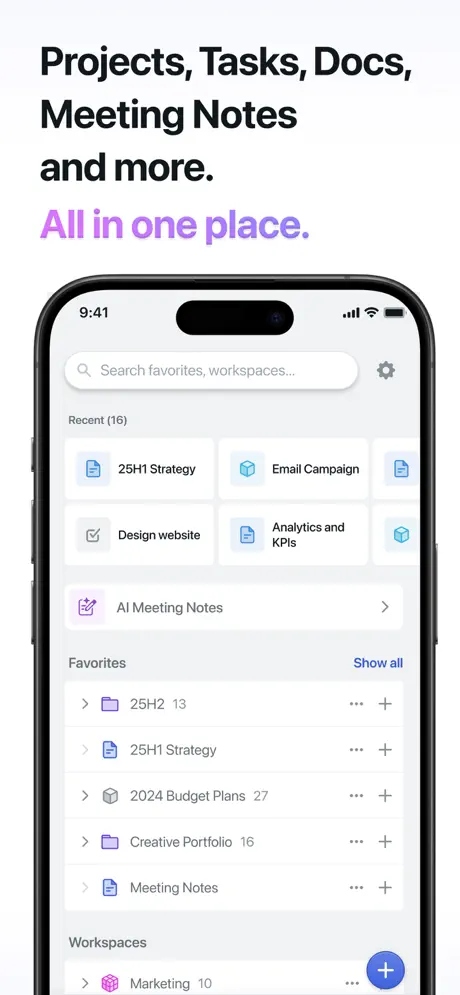
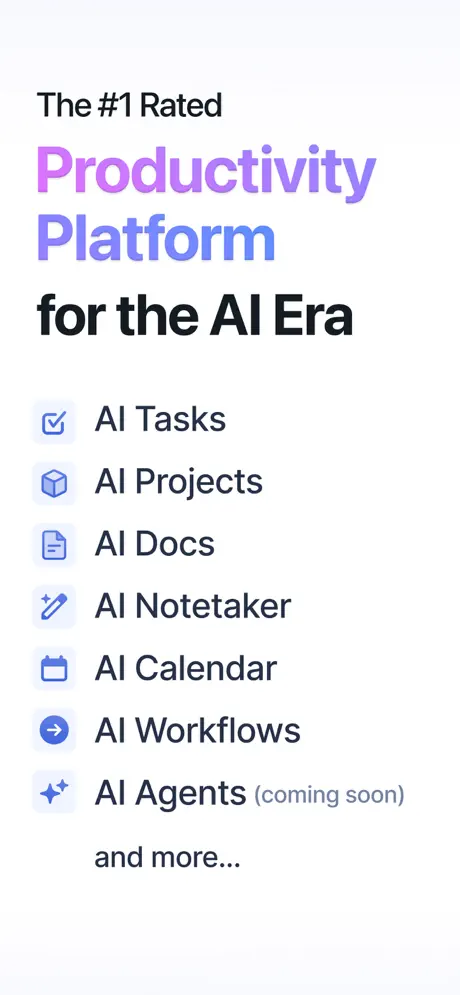
Motion is an AI-powered daily planner that has gained significant popularity in the ADHD community for its ability to automatically schedule tasks and protect focus time. Using artificial intelligence, it analyzes your tasks, priorities, deadlines, and available time, then creates a realistic daily schedule for you. This feature is particularly valuable for people with ADHD who struggle with time estimation and decision fatigue when trying to plan their day manually.
The app excels at reducing overwhelm by handling the mental load of scheduling. It can reschedule tasks automatically when your day changes, suggest optimal time blocks, and help maintain a balanced workload. Many ADHD users report that Motion helps them move from reactive chaos to a more structured and calm daily flow. While it has less visual customization than some other apps, its strength lies in intelligent automation and realistic planning support.
Pricing: Subscription ($19–34 per month depending on plan)
Best for: ADHD users who need AI assistance with scheduling, time-blocking, and reducing decision fatigue.
- Powerful AI-driven automatic scheduling
- Excellent time-blocking and focus protection
- Smart rescheduling when plans change
- Reduces mental load of manual planning
- Good calendar and email integrations
- Relatively expensive subscription
- Limited visual customization and handwriting support
- Less suitable for highly creative or visual planning styles
- Can feel less personal than manual planners
Product details
| Type of app | Best for | Platforms | Developer | Pricing Model |
|---|---|---|---|---|
| AI-Powered Daily Planner | ADHD users who struggle with scheduling and time estimation | Web, iOS, Android | Motion | Subscription ($19–34/month) |
Use Case Comparison
Not every ADHD planner app works equally well for everyone. ADHD is highly individual; some people struggle more with time blindness, others with task initiation, transitions, or motivation. Here are the best recommendations from our list tailored to common ADHD challenges.
Best Visual ADHD Planner Apps Tiimo and Structured are the clear leaders here. Tiimo uses colorful icons, visual timelines, and gentle reminders, making it one of the most ADHD-friendly apps available. Structured offers a beautiful hourly visual schedule that helps combat time blindness and makes the day feel more manageable and less overwhelming.
Best for Task Initiation & Breaking Down Overwhelm Goblin Tools stands out with its powerful AI “Magic To-Do” feature that breaks large, paralyzing tasks into small, actionable steps. Combined with Ultimate Planner’s customizable templates and visual structure, these tools help reduce the executive dysfunction barrier that many face when starting tasks.
Best for Building & Maintaining Routines Routinery and TickTick perform exceptionally well. Routinery is specifically designed for creating and following repeatable daily routines with timers and visual progress. TickTick adds habit streaks, Pomodoro timers, and flexible reminders, helping users build consistency without harsh self-judgment.
Best for Time Blocking & Focus Sunsama is the strongest option for guided daily planning. It gently helps assign realistic time slots to tasks and protects focus time. For those who prefer more visual time-blocking, Tiimo and Structured also provide excellent support.
Best Free or Low-Cost ADHD Planner Apps Microsoft To Do (with “My Day” feature) and the free tiers of TickTick and Notion are excellent starting points. They offer enough structure without overwhelming the user or adding financial stress.
Best for Creative & Highly Customizable Planning Ultimate Planner and Notion shine here. Ultimate Planner offers beautiful thematic templates and deep customization, while Notion allows users to build completely personalized ADHD systems with dashboards, habit trackers, and mood logs.
Best for Gamification & Motivation Habitica turns daily tasks and habits into an RPG game with rewards, characters, and social elements. Many ADHD users find this approach much more motivating than traditional planning methods.
Best for iPad Users Ultimate Planner, Tiimo, and Things 3 offer the strongest Apple Pencil and visual experiences. The large iPad screen combined with handwriting support makes planning feel more natural and less clinical for many neurodivergent users.
These targeted recommendations show that the best ADHD planner app depends heavily on your specific challenges and preferences. Many people with ADHD benefit from using two complementary apps: one for visual structure and another for task management.
Conclusion
Choosing the right ADHD planner app is a very personal decision. What works wonderfully for one person may feel frustrating for another. Start by identifying your main struggles and testing 2–3 apps that address them. Give each app at least one to two weeks of consistent use before deciding. Many people with ADHD eventually settle on a combination of tools: one for visual structure, one for task breakdown, and sometimes a simple backup for daily tasks.
Remember that the best planner is the one you actually use. Simplicity and consistency almost always beat complexity and perfection. Be kind to yourself during the process. The goal isn’t to become perfectly organized. It’s to reduce overwhelm, build sustainable routines, and create more space for the things that matter in your life. With the right ADHD planner app (or combination of apps), you can move from surviving your days to actually designing them.
F.A.Q.
The best ADHD planner apps reduce cognitive load, offer visual clarity, support task breakdown, and provide gentle reminders. They focus on time blindness, executive dysfunction, and motivation rather than just listing tasks.
Tiimo and Structured are usually the top choices. They use colorful timelines, icons, and clear daily overviews that make planning less abstract and more intuitive for ADHD brains.
Yes. Apps like Goblin Tools and Motion are highly valued because they handle task breakdown and scheduling — two areas where many people with ADHD struggle most.
Many ADHD users benefit from a “stack” approach — for example, using Tiimo for visual daily structure and Goblin Tools for task breakdown, or Notion for long-term systems and TickTick for daily tasks.
Yes, for many people. Microsoft To Do and the free tiers of TickTick and Notion provide solid starting points. You can achieve good results without paying if you choose the right simple tools.
Yes. Ultimate Planner, Tiimo, Structured, and Things 3 offer excellent Apple Pencil support and take full advantage of the large screen, making planning more natural and enjoyable.
Start very simple. Choose one or two key features (like daily visual timeline or task breakdown) and use them consistently for at least two weeks. Reduce friction as much as possible and celebrate small wins.