
Free Planner Apps
Quick jump to:
Introduction
Finding the best free planner app is important, especially when you want to stay organized, build habits, manage time, and get things done without paying monthly subscriptions. The market offers dozens of free planner apps and freemium tools that help with daily tasks, reminders, calendars, habit tracking, and even beautiful templates: all without breaking the bank.
We included 100% free essentials like Microsoft To Do and Google Calendar + Tasks, generous freemium options like TickTick and Todoist, all-in-one tools like Notion, gamified habit trackers like Habitica, visual daily planners like Structured and Ellie Planner, and note-task hybrids like Amplenote. Our own Ultimate Planner stands out as a powerful freemium choice: it offers 40+ ready-made thematic planners (daily, ADHD, goals, etc.) with hyperlinks, deep customization (choose templates, design, sections), built-in calendar sync, habit tracking, reminders, and cross-platform access.
No single app is perfect for everyone. Some shine at quick lists and reminders, others at habit building or visual timelines, while many provide beautiful customization without cost. We tested each one in everyday scenarios to show their real strengths, limitations, and free tier value. Read on to discover which planner will help you stay on top of your day in 2026 whether you're a beginner, busy professional, or someone looking for a calm, aesthetic approach to planning.
| Ultimate Planner | Notion | TickTick | Todoist | Any.Do | Microsoft To-Do | Google Calendar +… | Trello | ClickUp | Habitica | Routinery | Ellie Planner | Amplenote | Structured | |
|---|---|---|---|---|---|---|---|---|---|---|---|---|---|---|
| Overal rating: | ||||||||||||||
| Rating | 4.8 | 4.7 | 4.7 | 4.6 | 4.6 | 4.7 | 4.5 | 4.5 | 4.6 | 4.5 | 4.6 | 4.7 | 4.6 | 4.8 |
| Reviews | 1k+ | 50k+ | 50k+ | 100k+ | 100k+ | 100k+ | 500k+ | 100k+ | 20k+ | 20k+ | 2k+ | 1k+ | 5k+ | 10k+ |
| Main: | ||||||||||||||
| Subtasks / Nested tasks | + (in Tasks) | |||||||||||||
| Priorities / Labels / Tags | ||||||||||||||
| Recurring tasks | ||||||||||||||
| Reminders / Notifications | ||||||||||||||
| Time blocking / Calendar view | ||||||||||||||
| Habit tracking | ||||||||||||||
| Templates / Customization | ||||||||||||||
| Offline mode | ||||||||||||||
| Collaboration / Sharing | ||||||||||||||
| Progress tracking | ||||||||||||||
| Integrations | ||||||||||||||
| Platforms: | ||||||||||||||
| Windows | ||||||||||||||
| Android | ||||||||||||||
| Web | ||||||||||||||
| MacOS | ||||||||||||||
| IOS | ||||||||||||||
| Interface: | ||||||||||||||
| Themes switch | ||||||||||||||
| Notification Support | ||||||||||||||
| System Integration | ||||||||||||||
| Support for custom fonts | ||||||||||||||
| Special features: | ||||||||||||||
| Interactive checklists | ||||||||||||||
| Task Managment | ||||||||||||||
| Habit Tracking | ||||||||||||||
| Time Tracking | ||||||||||||||
| Pomodoro, Focus | ||||||||||||||
| Ai Features | ||||||||||||||
| Attachments into task | ||||||||||||||
| Synchronize & Backup: | ||||||||||||||
| Synchronize with Apple Calendar | ||||||||||||||
| Synchronize with Google Calendar | ||||||||||||||
| Synchronize with Microsoft Calendar | ||||||||||||||
| Auto backup | ||||||||||||||
| Task sharing, delegation |
How we tested Planner Apps?
To give you a reliable guide we spent many hours actively testing 14 tools in real daily life. We didn’t trust marketing pages or old reviews. Every app was used on multiple devices to evaluate how well it helps capture tasks, set reminders, manage time, build habits, and keep everything organized without paying.
Testing was done on:
- iPad Pro (M4, iPadOS 18)
- iPhone 16 Pro
- Samsung Galaxy Tab S10 Ultra
- MacBook Air M4
- Windows 11 laptop
- Google Pixel 9 (Android)
We simulated common personal planning scenarios:
- Quick daily task capture and prioritization
- Setting recurring reminders and deadlines
- Building and tracking habits over weeks
- Time blocking and calendar integration
- Customizing planners with templates or views
- Working offline or on mobile
- Switching between phone, tablet, and desktop
- Checking free tier limitations vs premium upgrades
Each app was scored on a 5-point scale across these criteria:
- Ease of adding tasks and reminders
- Quality of recurring tasks and notifications
- Strength of habit tracking and streaks
- Calendar/time-blocking integration
- Progress tracking and visual clarity
- Offline functionality
- Cross-device sync reliability
- Value of the free tier (no hidden limits)
- Interface speed and beginner-friendliness
- Unique free boosts (templates, gamification, visual aids)
We also read thousands of recent reviews from App Store, Google Play, Reddit, and Product Hunt, and checked changelogs for updates. This hands-on approach helped separate truly useful apps from those that look good but fall short in practice. Our goal was to show which tools actually help you stay productive and organized for free.
Ultimate Planner
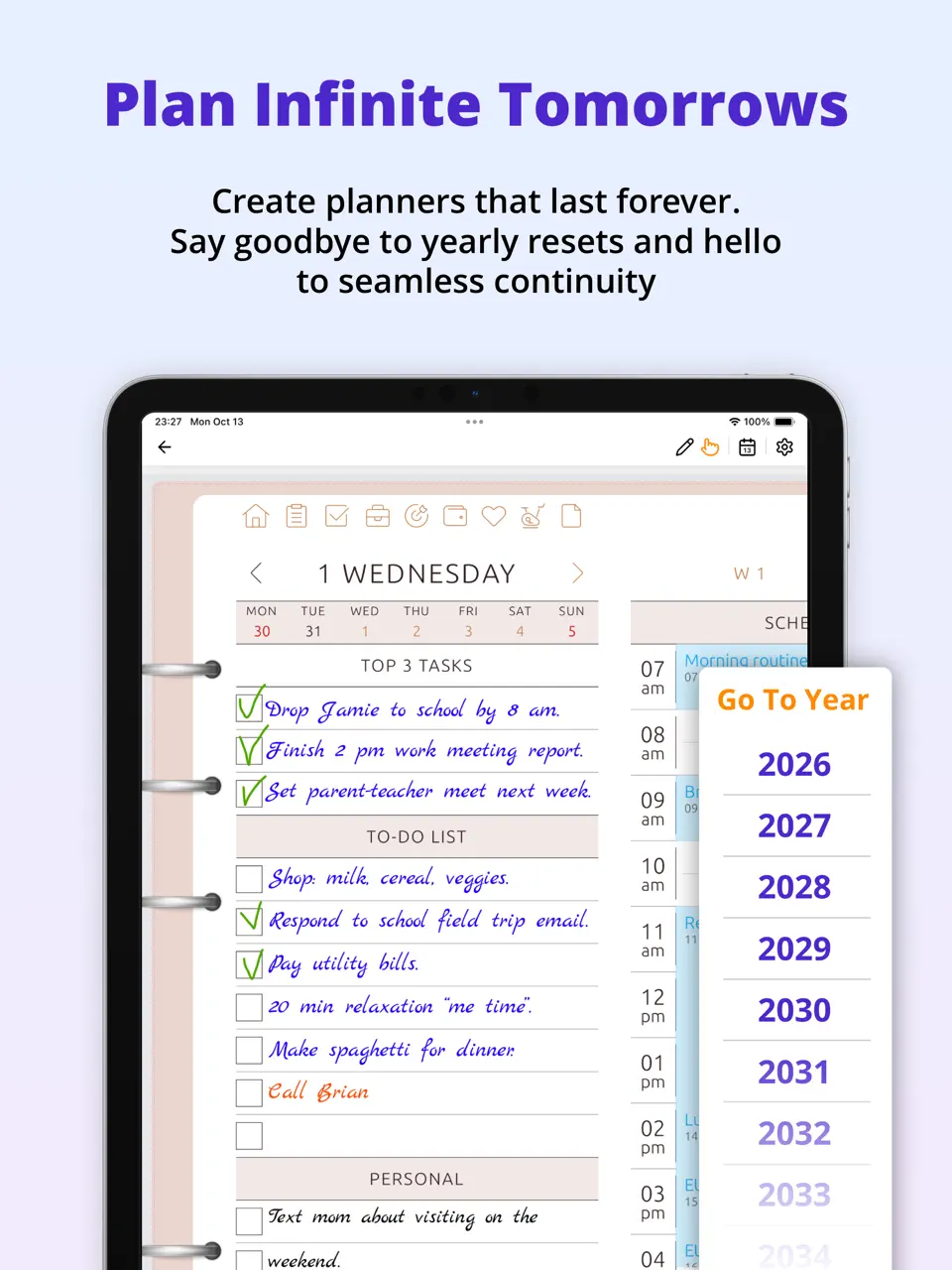
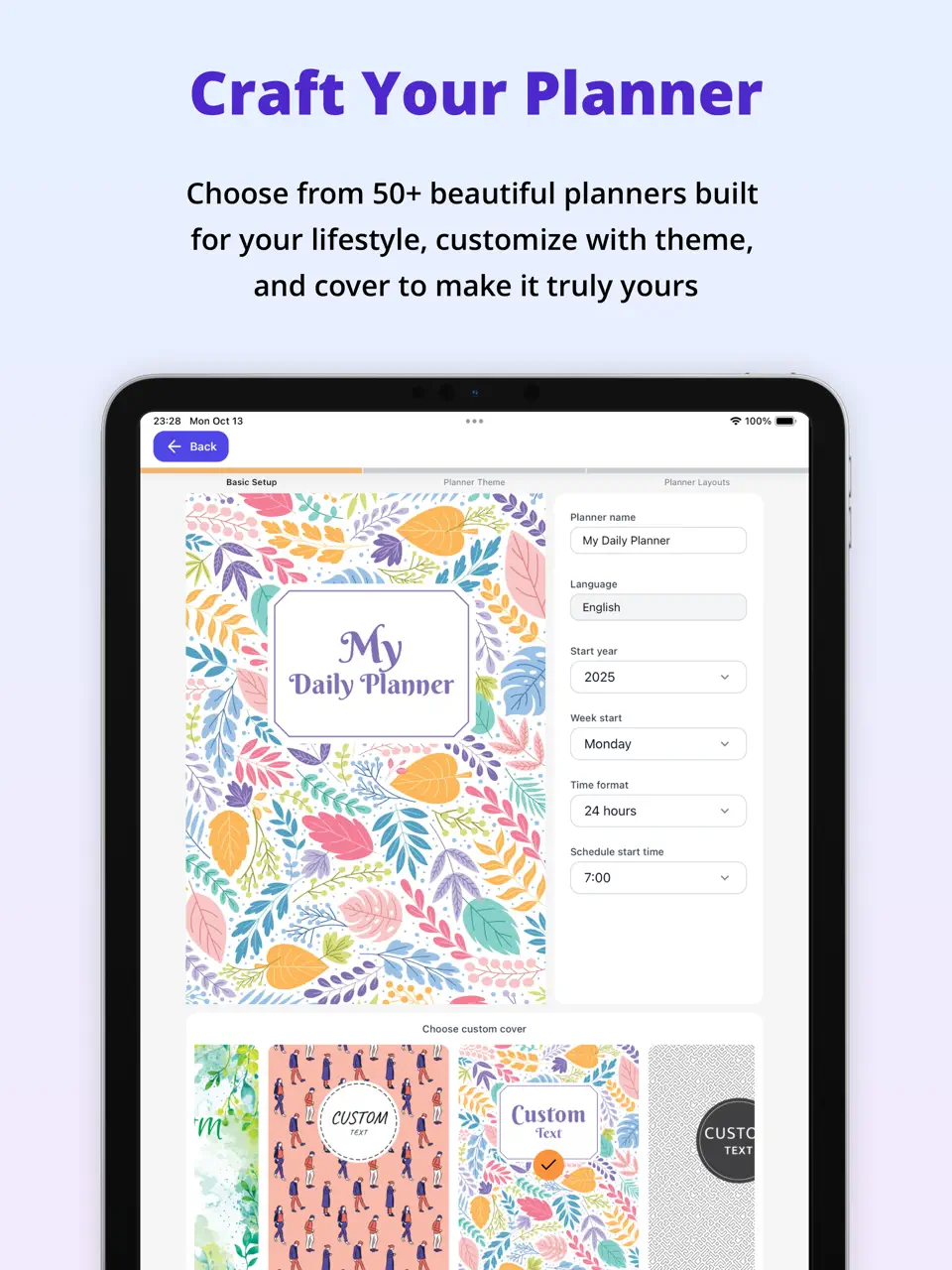
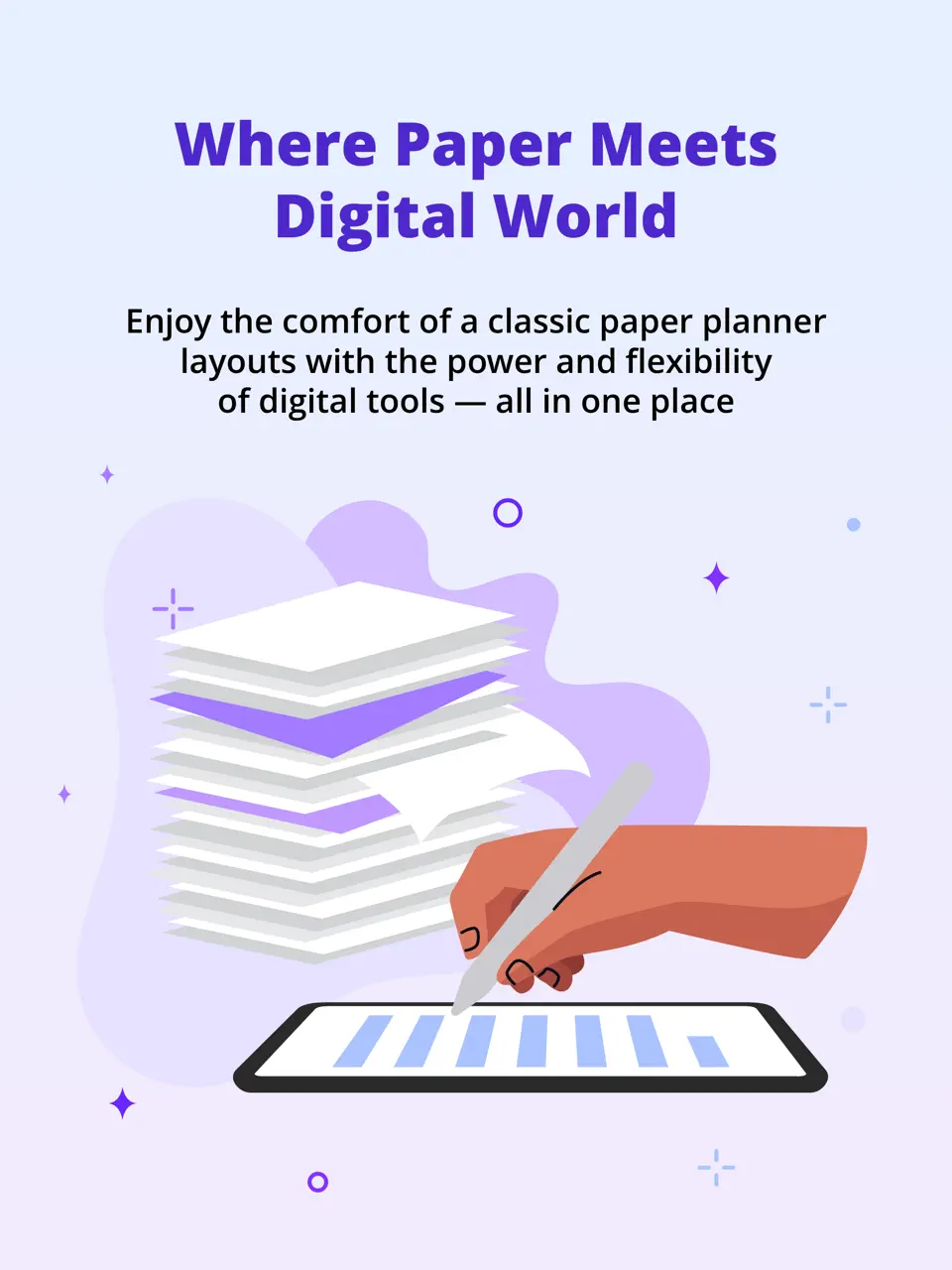
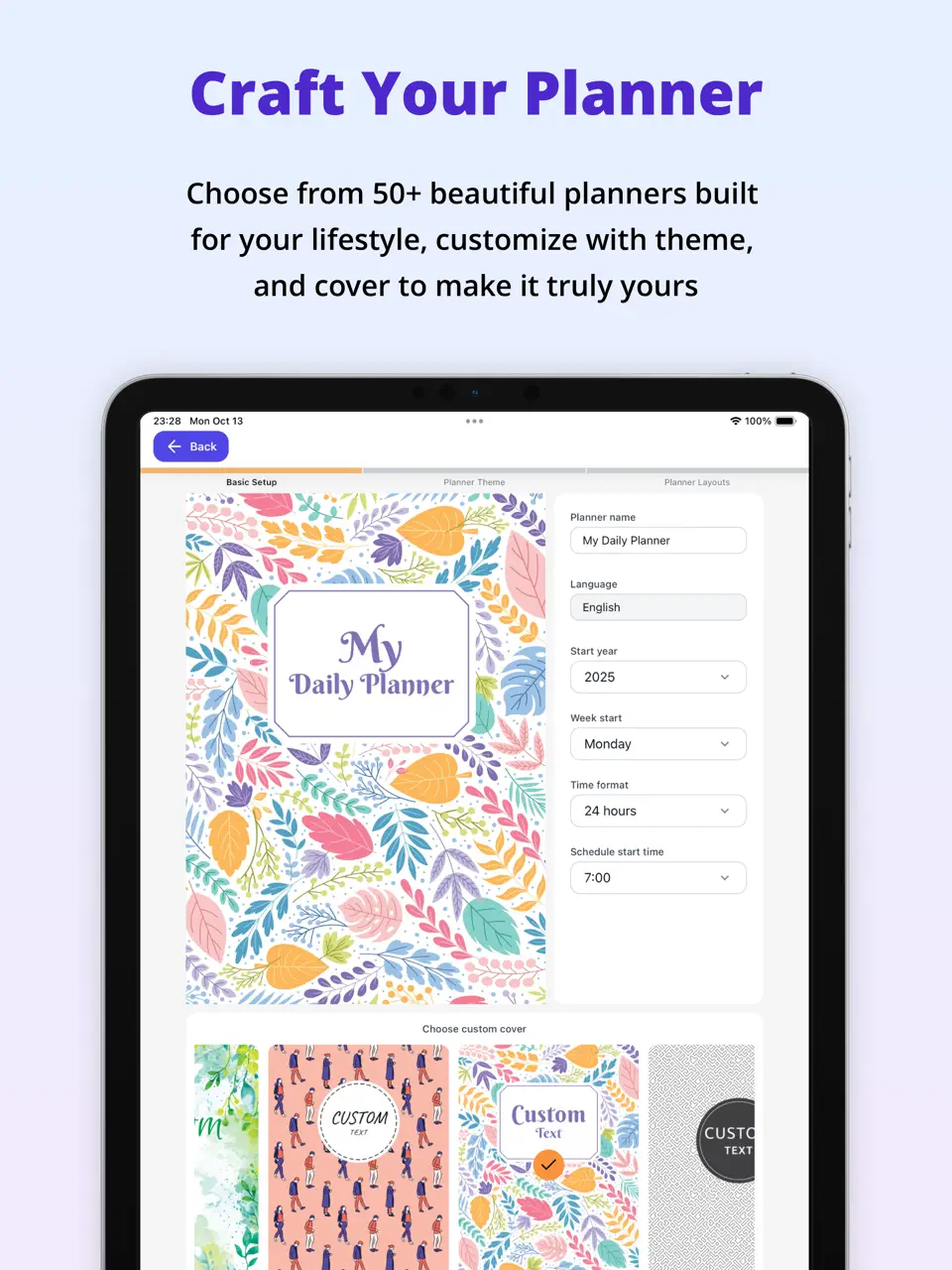
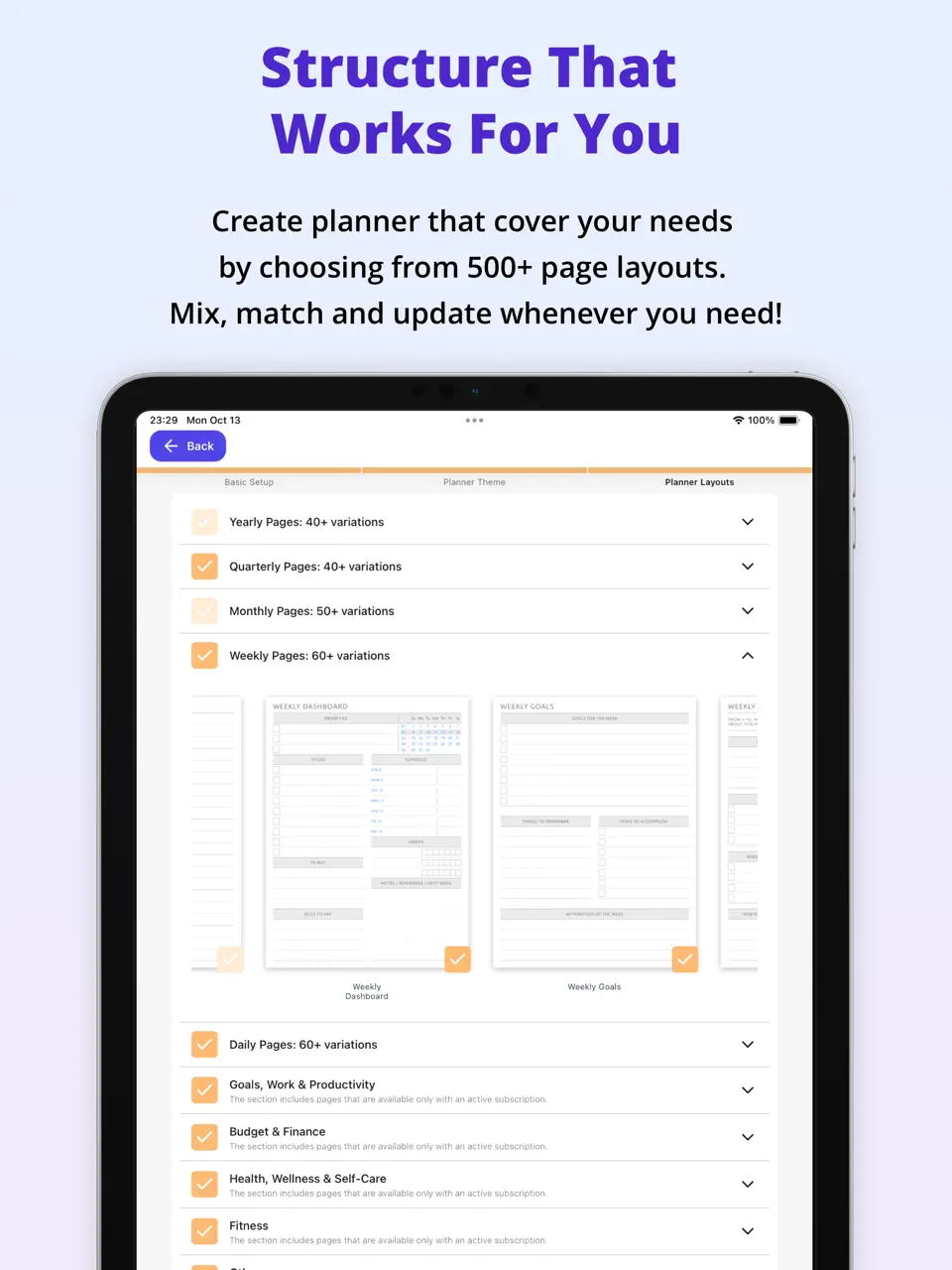
Ultimate Planner is a versatile digital planner that combines beautiful visual organization with practical task and habit management. It offers over 40 ready-made thematic planners (daily, weekly, ADHD-focused, goal-oriented, etc.) with built-in hyperlinks for quick navigation between sections. Users can launch a pre-made planner with one click or customize it step-by-step: choose which templates to include, adjust design, colors, fonts, enable/disable sections, integrate calendar sync, add habits, checklists, and reminders.
The app supports drag-and-drop stickers, Apple Pencil handwriting, recurring tasks, progress tracking, and seamless synchronization across iOS, Android. Its freemium model provides generous access to core functions. Perfect for anyone who wants a single, aesthetically pleasing app that covers tasks, habits, and creative planning without monthly fees.
- 40+ ready-made thematic planners with hyperlinks
- Deep step-by-step customization (templates, design, sections)
- Built-in calendar sync + habit tracking
- Cross-platform support (mobile + desktop)
- Affordable long-term pricing
- No advanced AI automation features
- Limited collaboration and sharing options
- Attachments and delegation not fully developed
Product details
| Type of app | Best for | Platforms | Developer | Pricing Model | Free tier strength |
|---|---|---|---|---|---|
| Digital Planner | Custom templates, habits & calendar | Multi (Web/iOS/Android/Mac/Win) | Evopaper. LLC | Freemium | +++ (generous core, unlimited basic planners) |
Notion
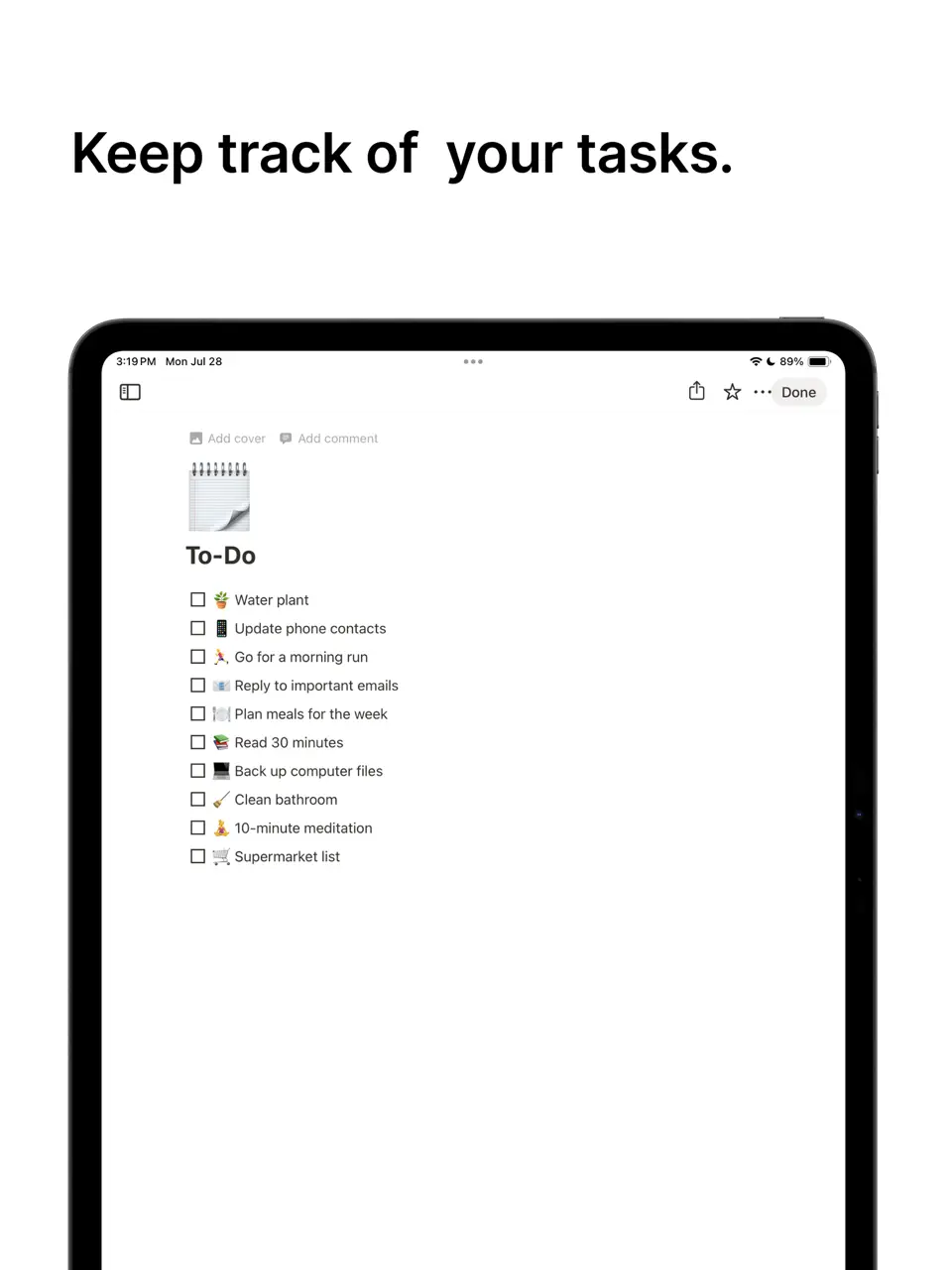
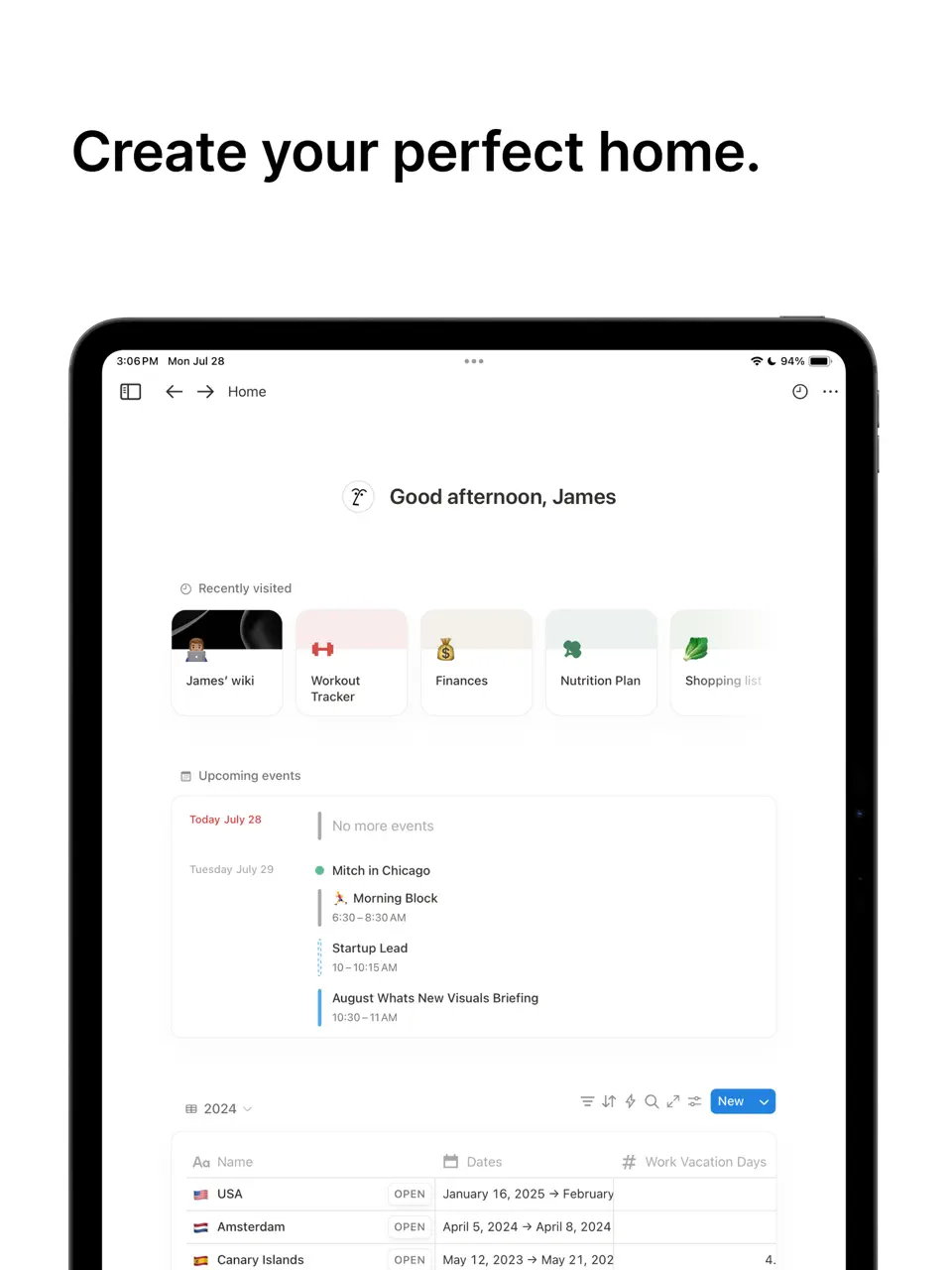
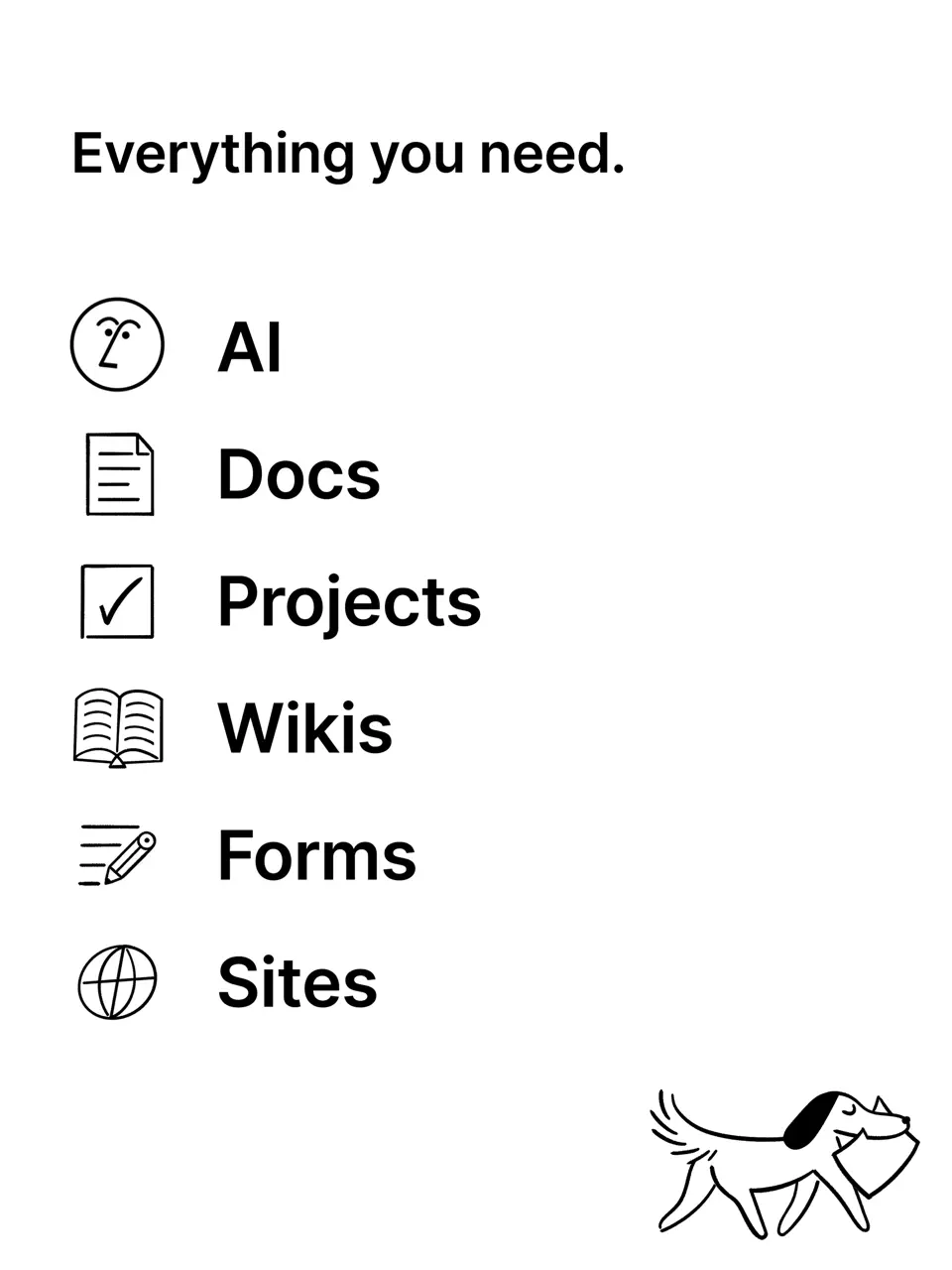
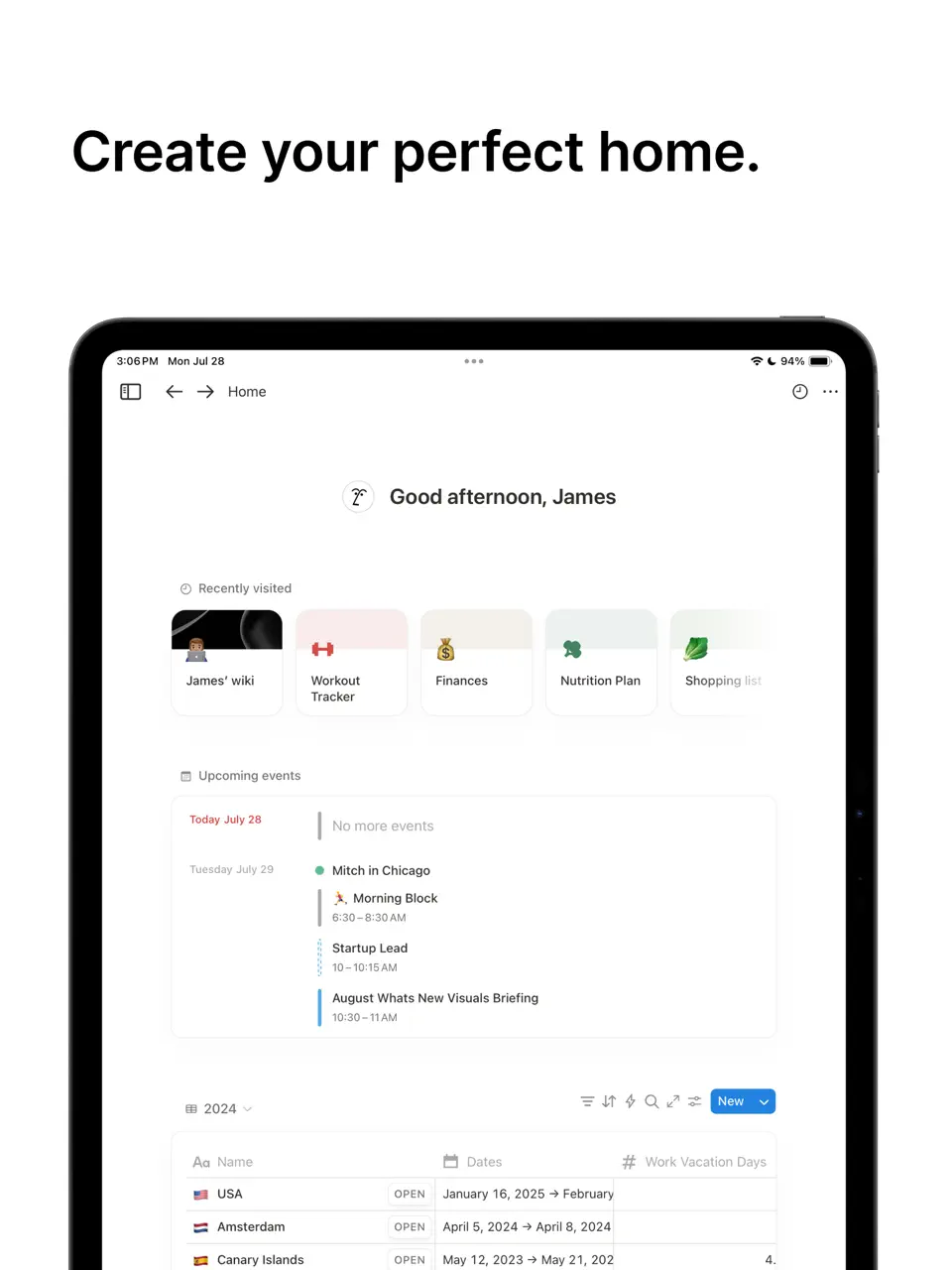
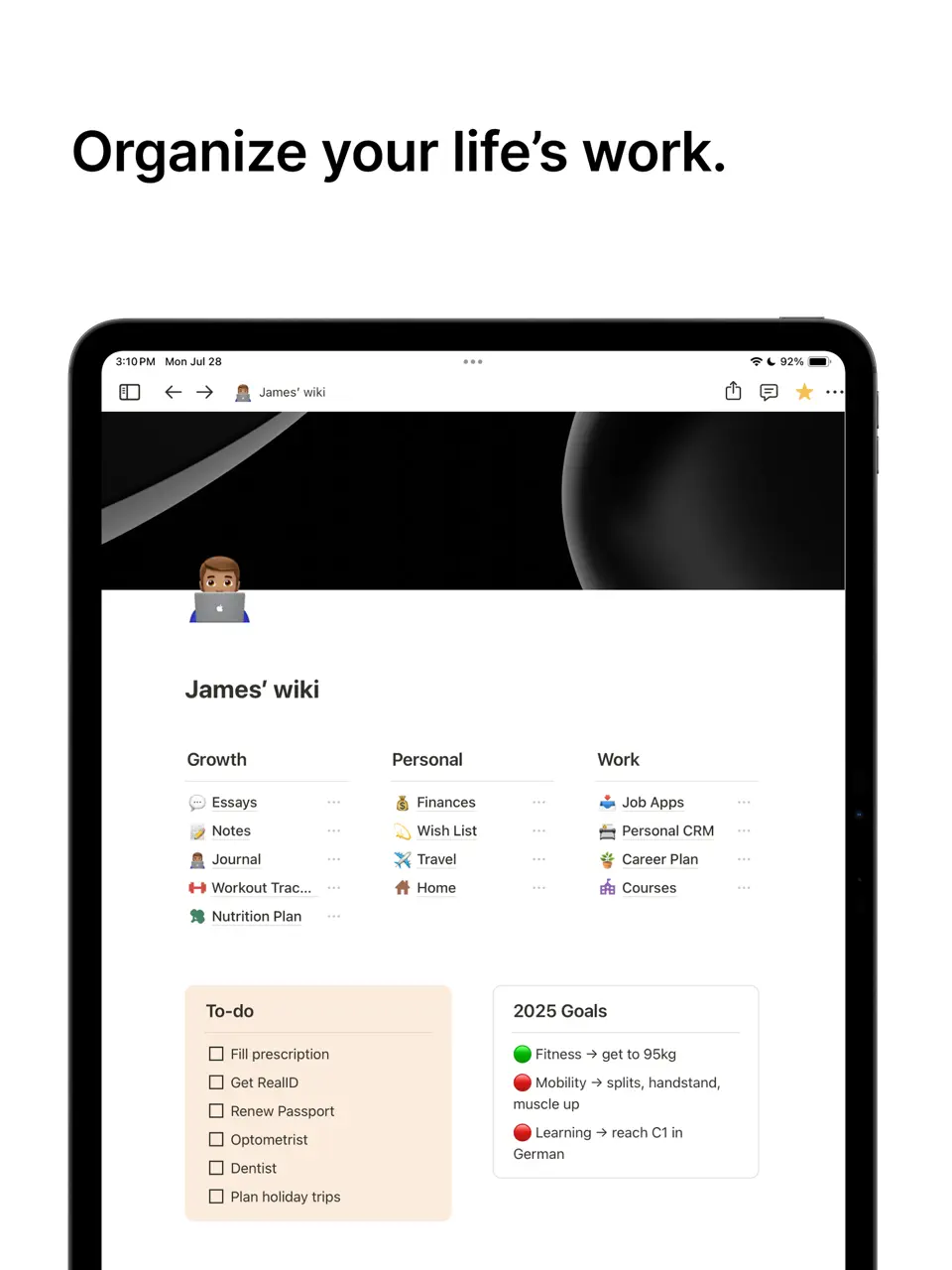
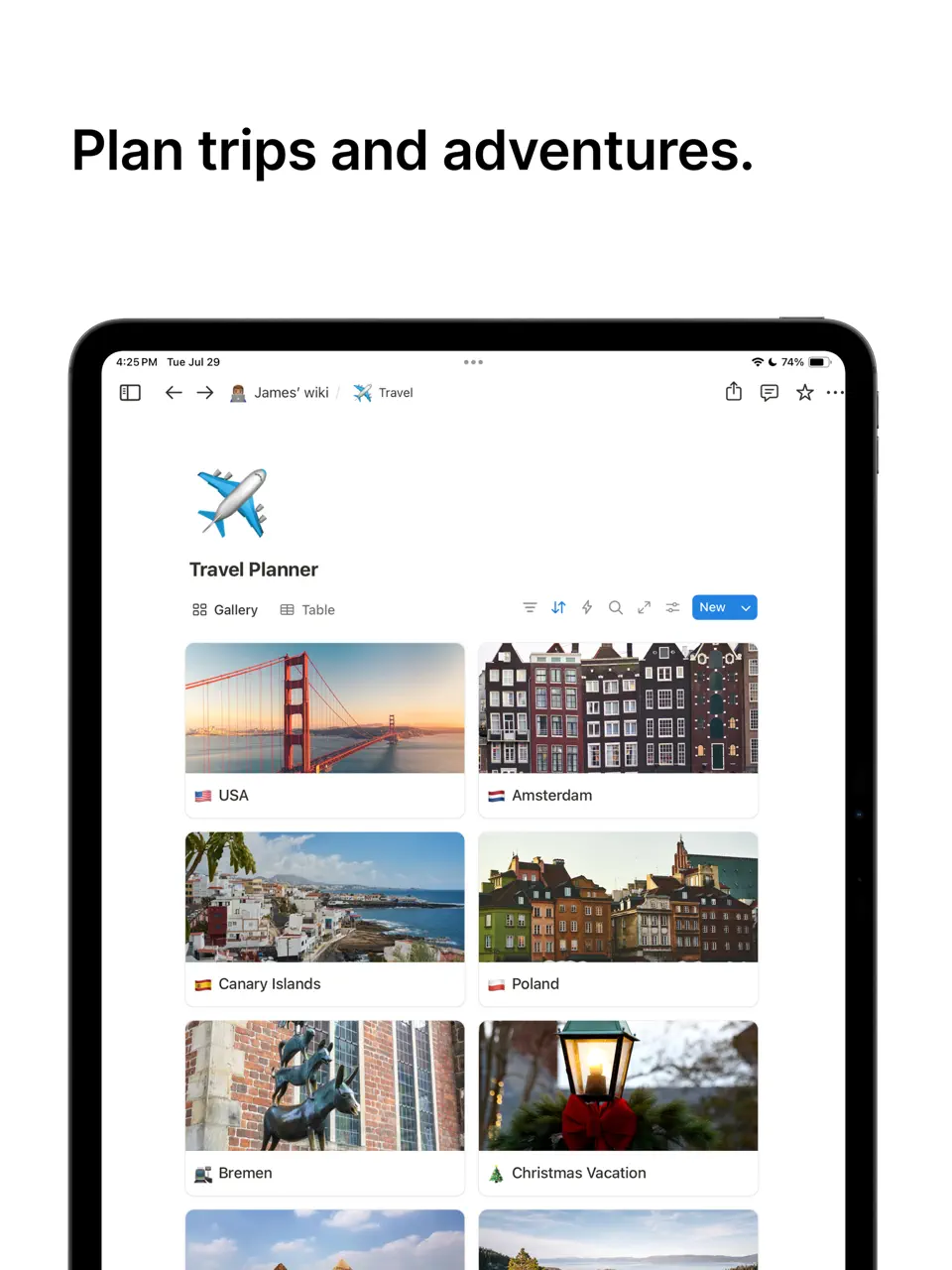

Notion is an extremely flexible all-in-one workspace that lets users build custom task management systems from scratch. Using a block-based editor, you can create to-do lists, databases, calendars, habit trackers, dashboards, and personal wikis. It supports subtasks, priorities, labels, recurring items (via templates), reminders, progress tracking, and extensive integrations with Google Calendar, Slack, Zapier, and more.
The free plan is very generous for personal use (unlimited pages and blocks), while paid tiers add AI writing assistance and advanced collaboration. Notion excels when you need a tailored productivity system that grows with you, but its power comes with a learning curve; many beginners spend time setting up their ideal workflow. It is a favorite among creators, students, freelancers, and knowledge workers who want everything interconnected without switching apps.
- Endless customization possibilities
- xcellent free tier for personal use
- I writing and summarization tools
- trong collaboration features
- Works on all devices
- Steep learning curve for beginners
- Can feel slow on mobile devices
- Overkill for simple daily tasks
Product details
| Type of app | Best for | Platforms | Developer | Pricing Model | Free tier strength |
|---|---|---|---|---|---|
| All-in-One Workspace | Custom planners & databases | Multi | Notion Labs | Freemium (free for personal) | ++++ (unlimited personal pages/blocks) |
TickTick
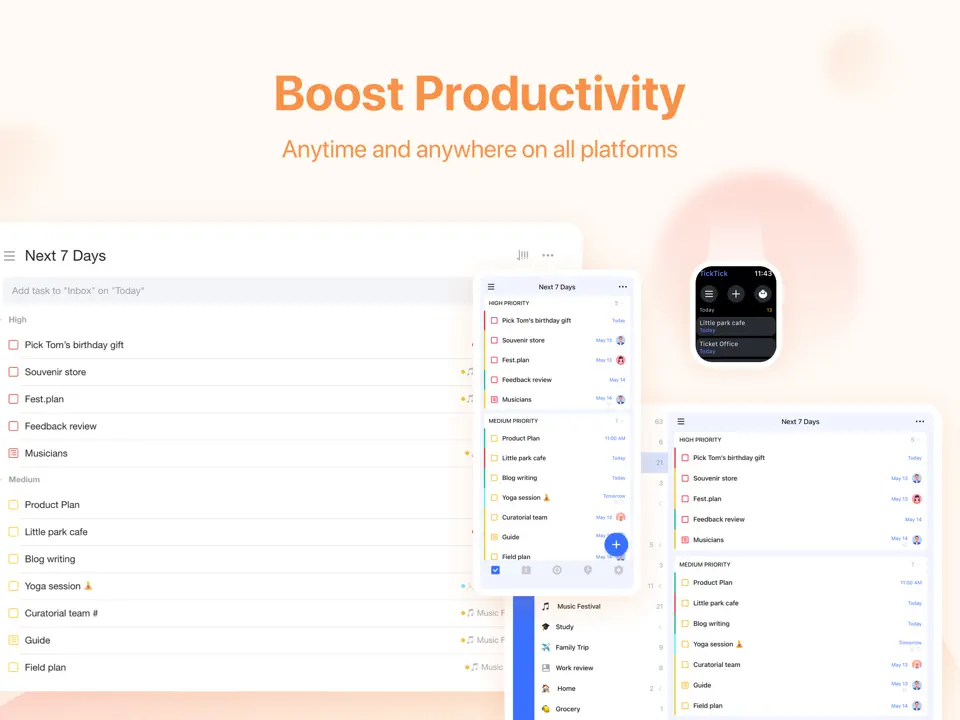
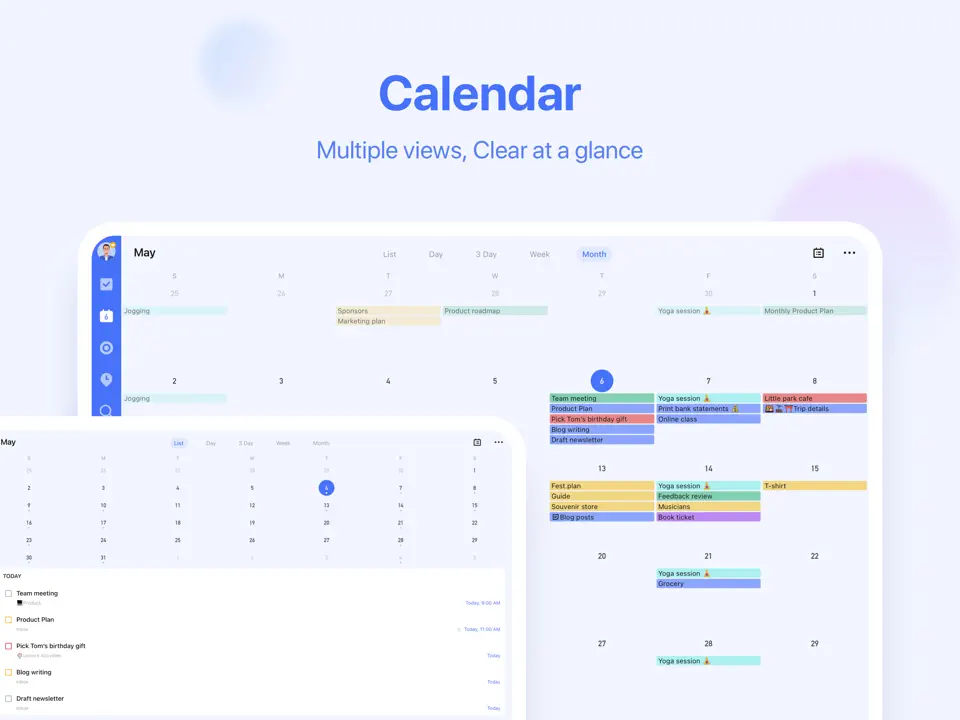
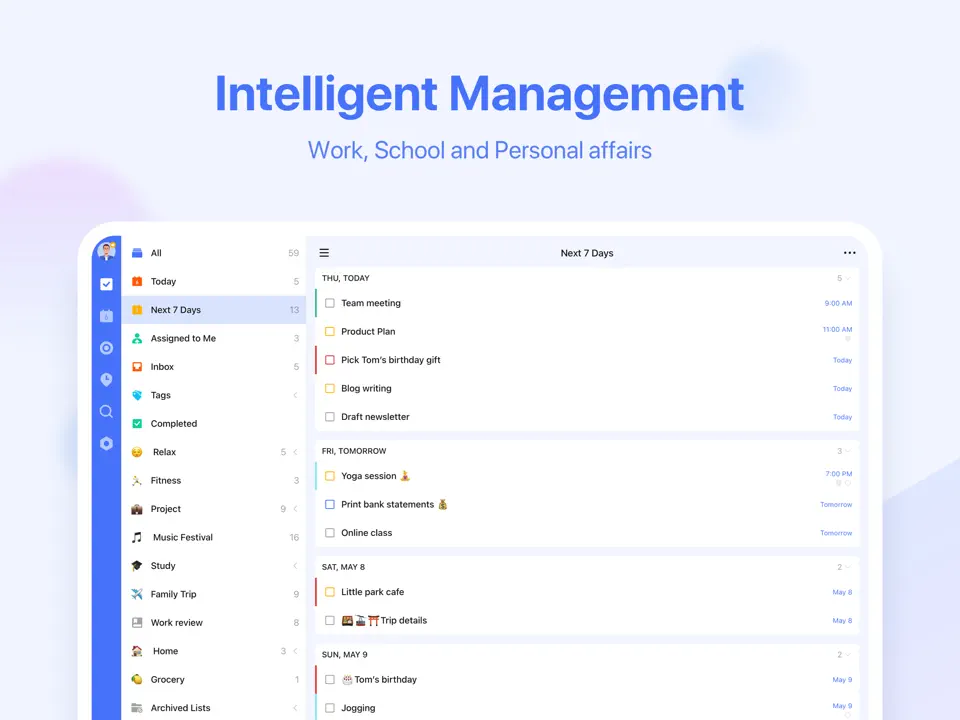
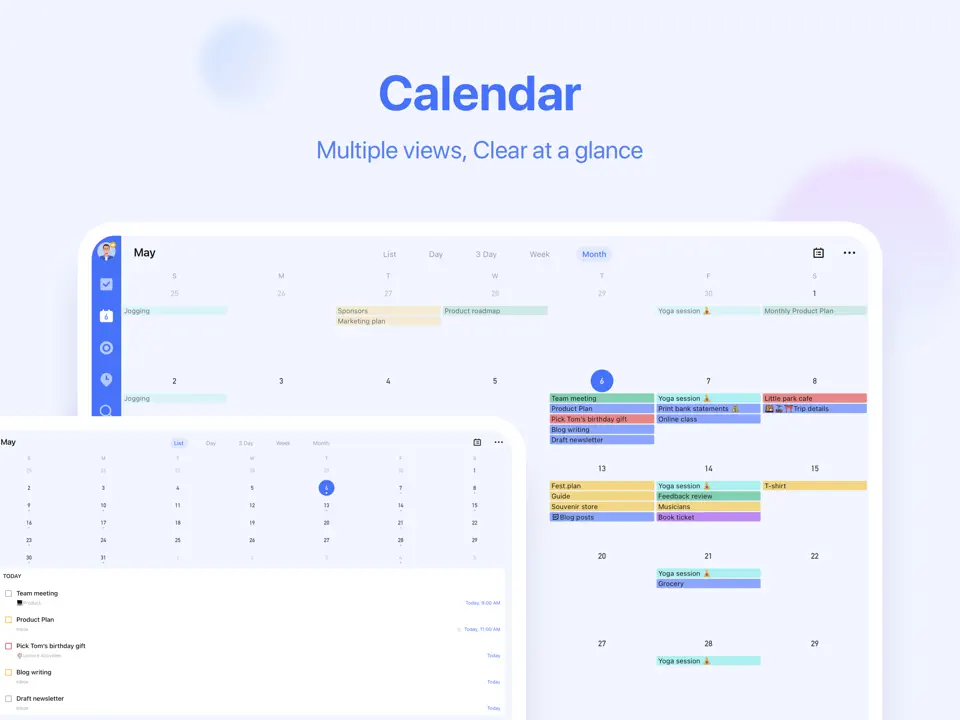
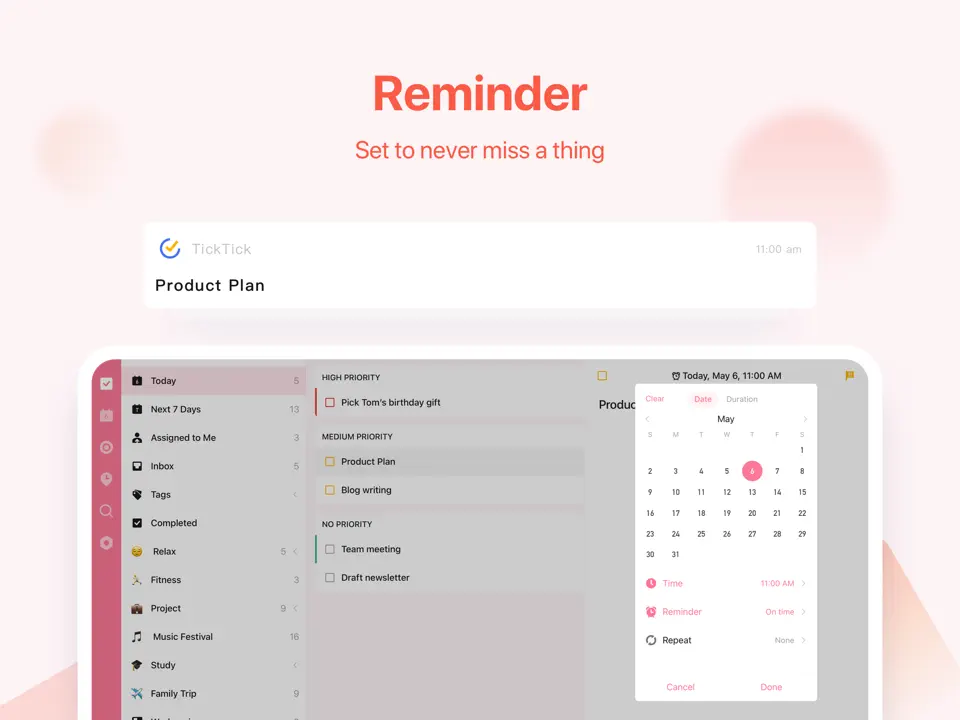
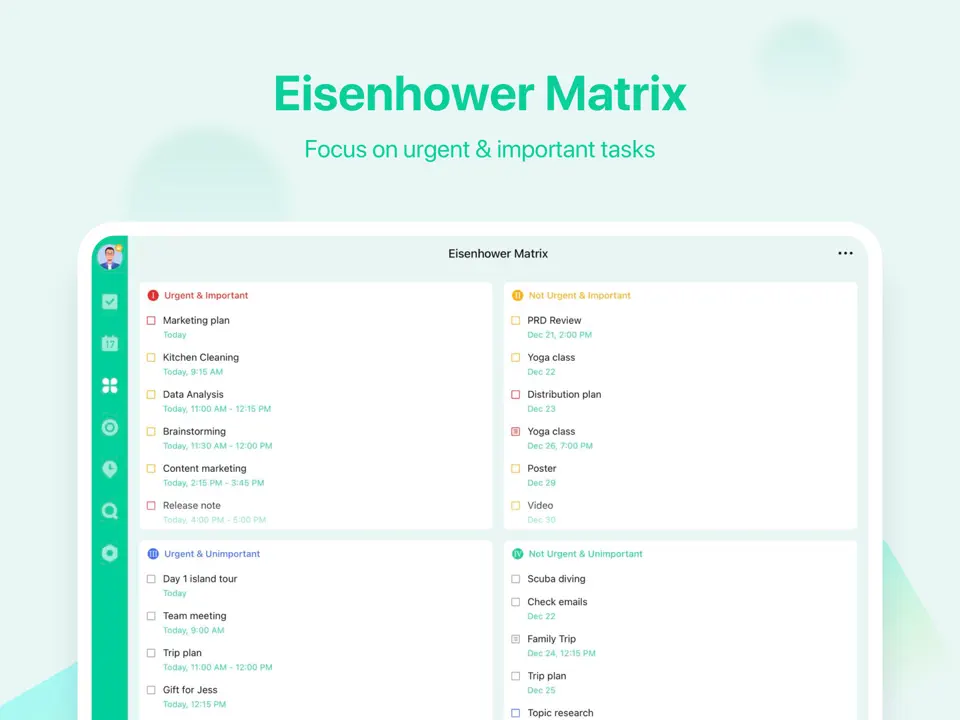
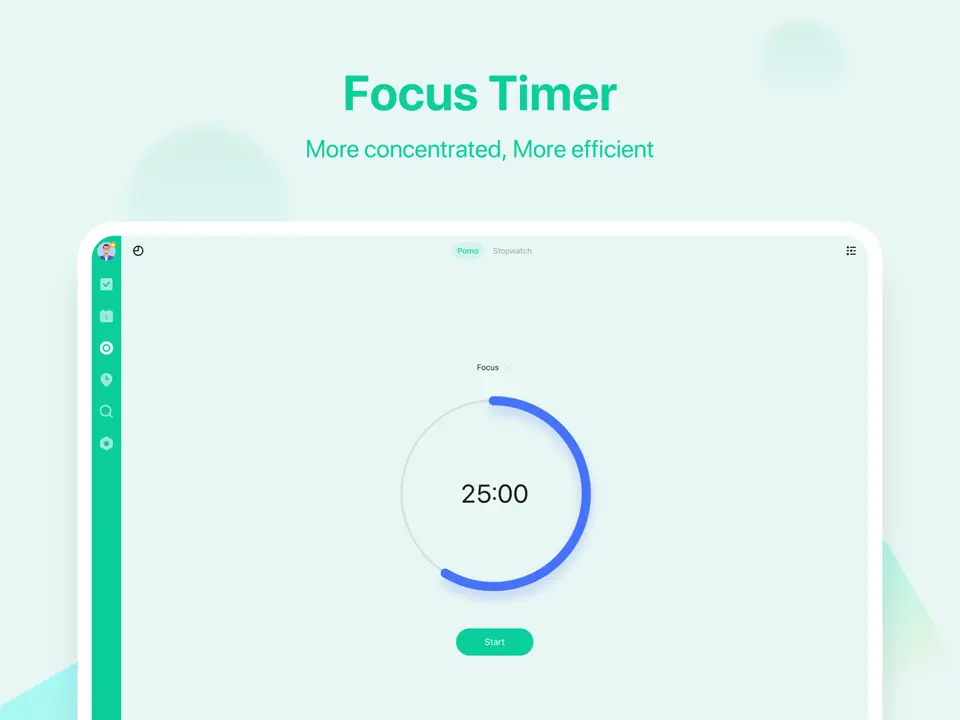
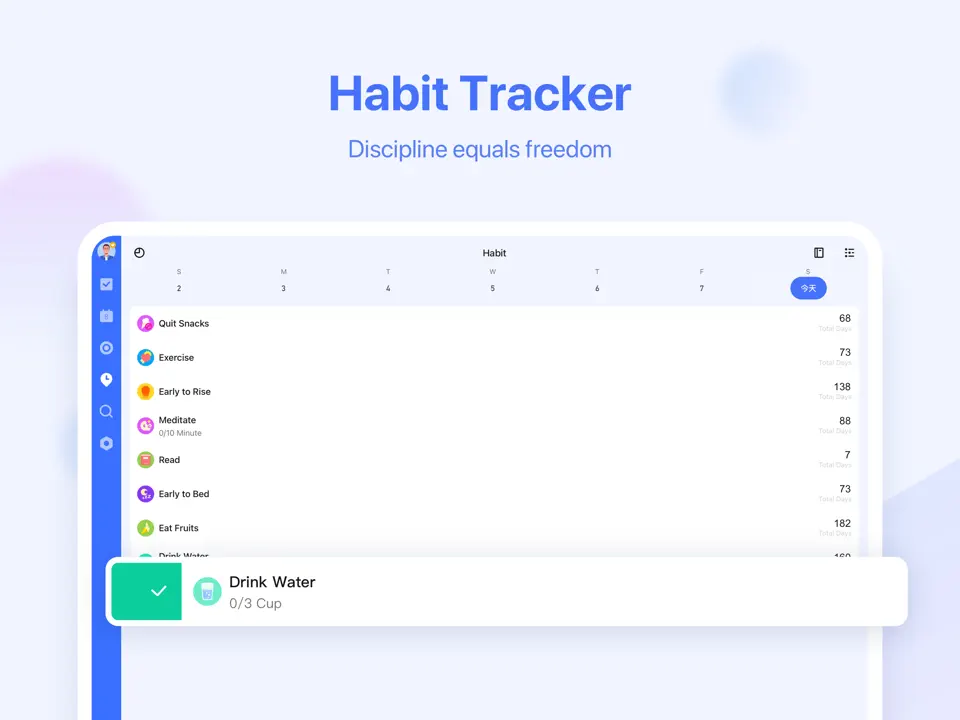
TickTick is a highly capable task and habit management app that combines clean design with powerful productivity features. It includes subtasks, priorities, labels, recurring tasks, reminders, built-in calendar views, habit streaks, Pomodoro timers, and customizable widgets. The free version covers most everyday needs, while the reasonably priced premium plan unlocks advanced filters, themes, and calendar subscriptions.
TickTick syncs reliably across all major platforms and feels particularly strong for users who want to manage tasks, habits, and time blocking without switching between multiple apps. Its interface strikes a good balance between simplicity and depth, making it suitable for students, professionals, and anyone building consistent routines while staying focused during work sessions.
- Native Pomodoro timer and habit tracking
- Beautiful calendar integration
- Powerful free tier
- Excellent widgets and quick add
- Cross-platform sync
- Interface can feel busy for minimalists
- No handwriting or sticker support
- Some advanced filters behind paywall
Product details
| Type of app | Best for | Platforms | Developer | Pricing Model | Free tier strength |
|---|---|---|---|---|---|
| Task & Habit Planner | Pomodoro & daily planning | Multi | Appest Inc. | Freemium | +++ (unlimited tasks, Pomodoro, habits) |
Todoist
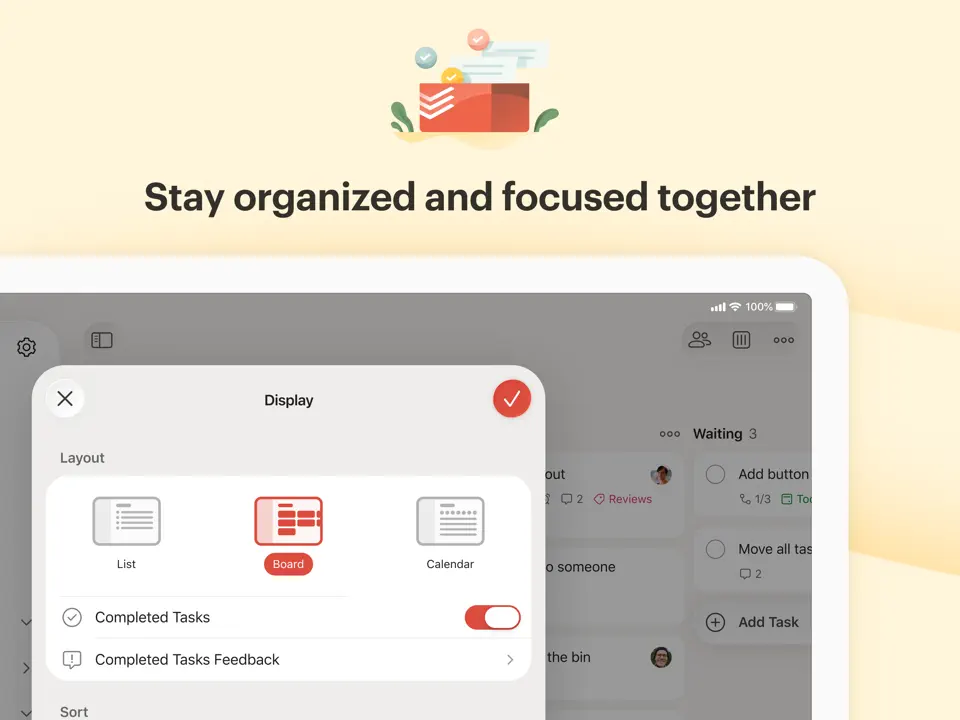
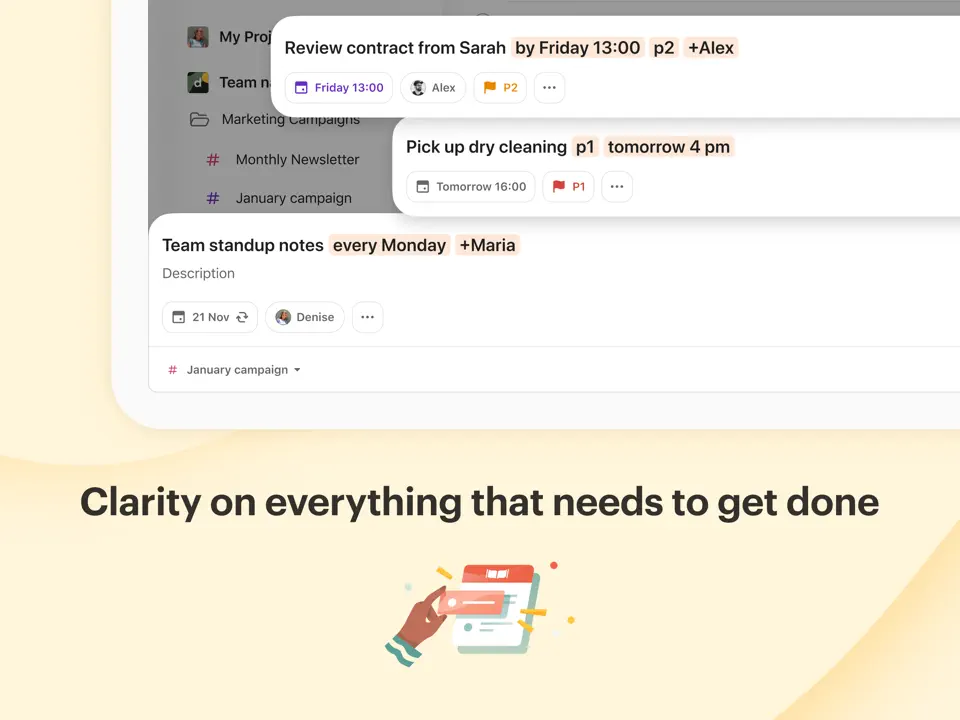
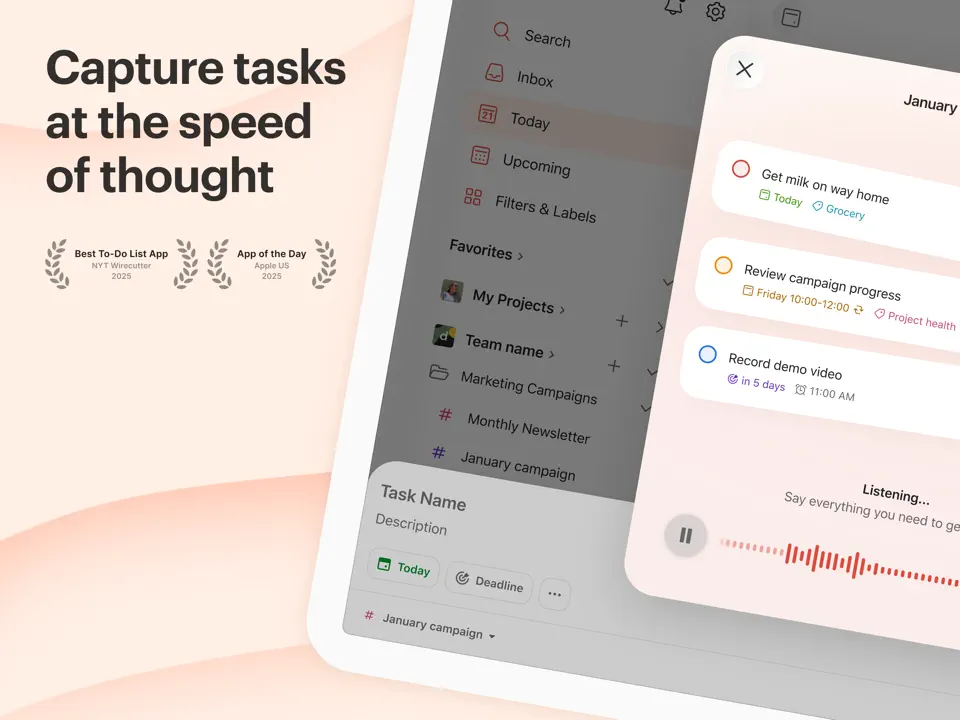
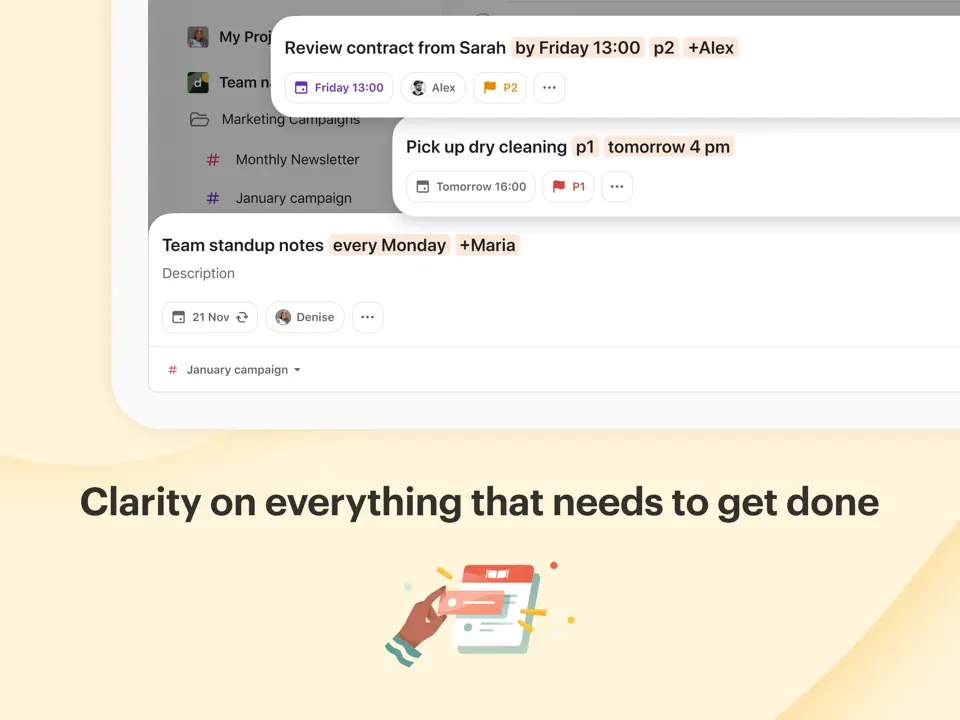
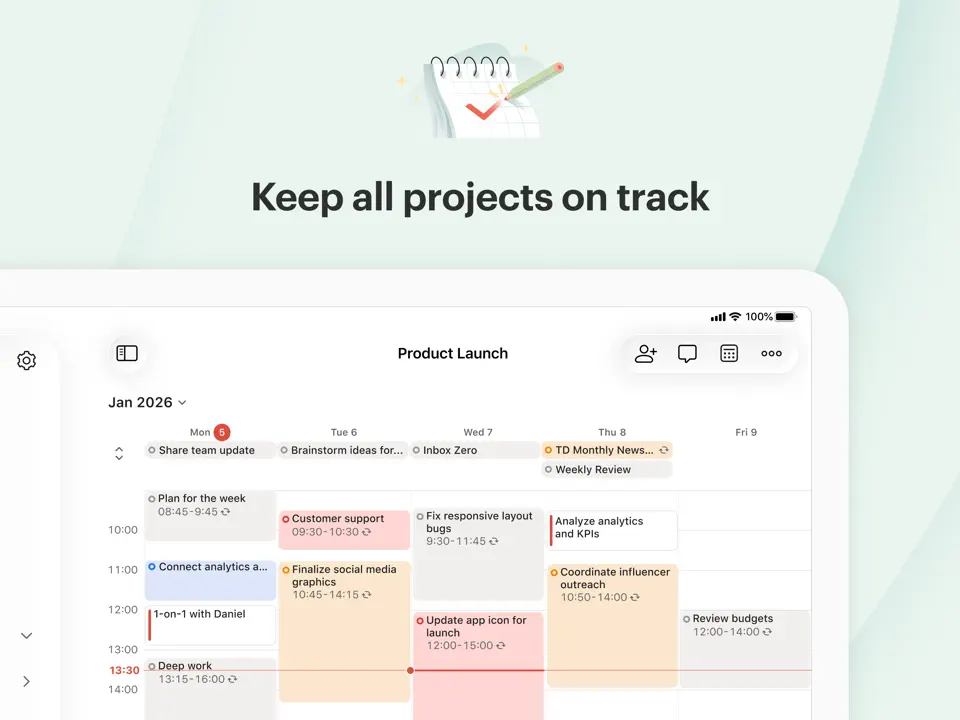
Todoist is one of the most trusted and minimalist task management apps available. Its standout feature is lightning-fast natural language input. You can type things like “Call mom tomorrow 3pm #personal” and it automatically sets the due date, priority, and label. The app supports projects, labels, filters, karma points for motivation, and instant cross-device sync. The free plan covers most personal needs, while Pro adds reminders, calendar layout, and advanced filters. Todoist is ideal for people who want a clean, reliable system focused purely on tasks and to-dos without unnecessary complexity. It has become a go-to choice for minimalists, busy professionals, and anyone who values speed, clarity, and simplicity in daily organization.
- Lightning-fast natural language input
- Great free version
- Excellent cross-platform sync
- Strong integrations
- Karma motivation system
- No native calendar in free plan
- No habit tracking
- Premium needed for full power
Product details
| Type of app | Best for | Platforms | Developer | Pricing Model | Free tier strength |
|---|---|---|---|---|---|
| Task Manager | Simple lists & reminders | Multi | Doist | Freemium | +++ (unlimited tasks, projects, labels) |
Any.Do
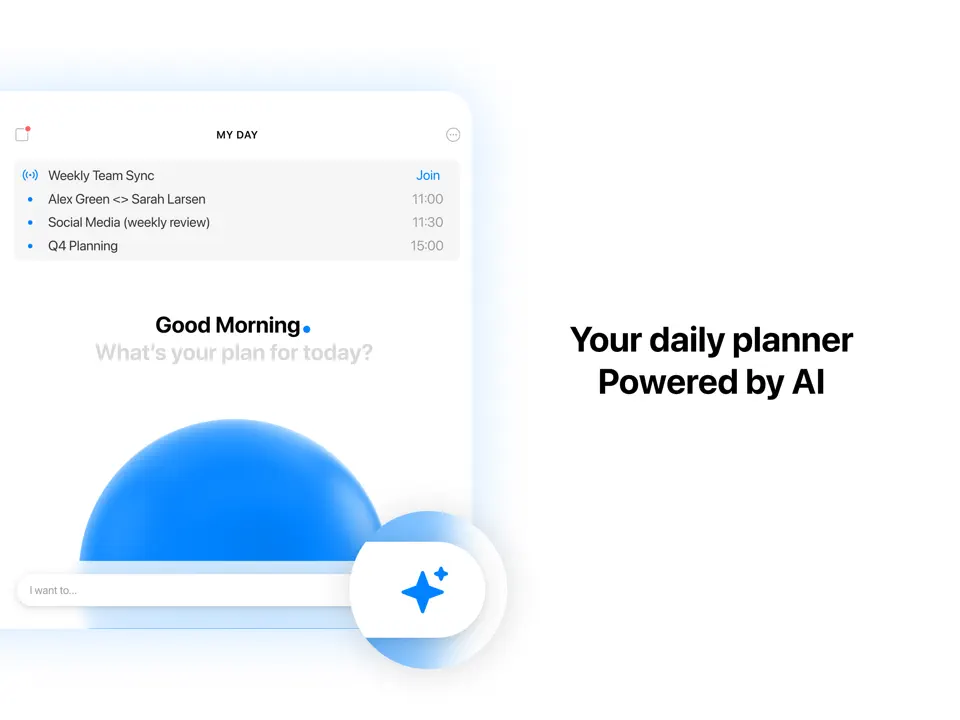
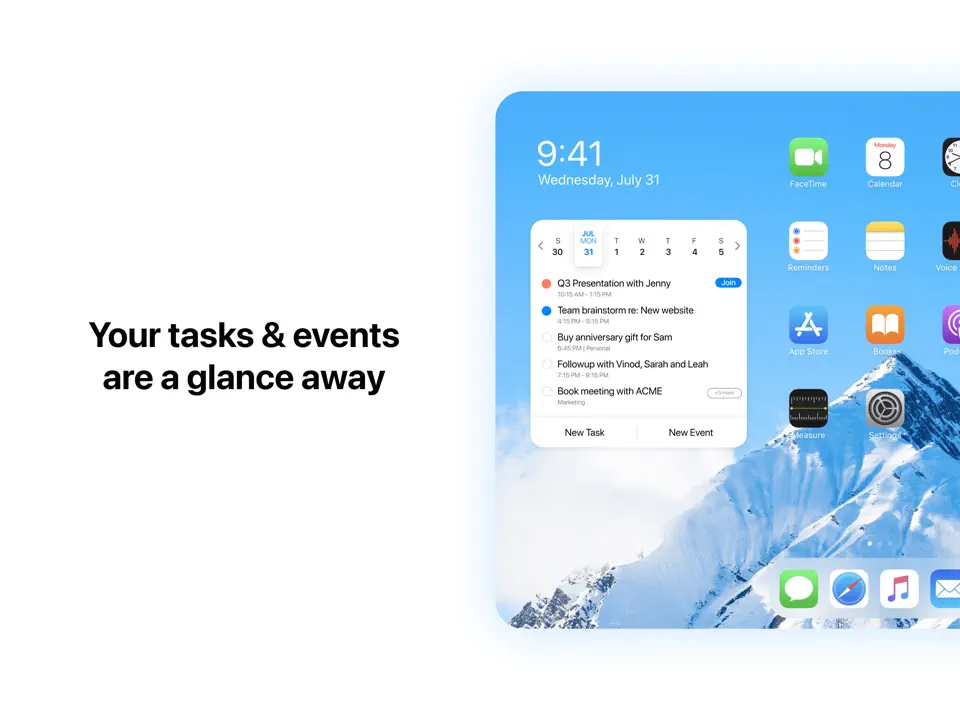
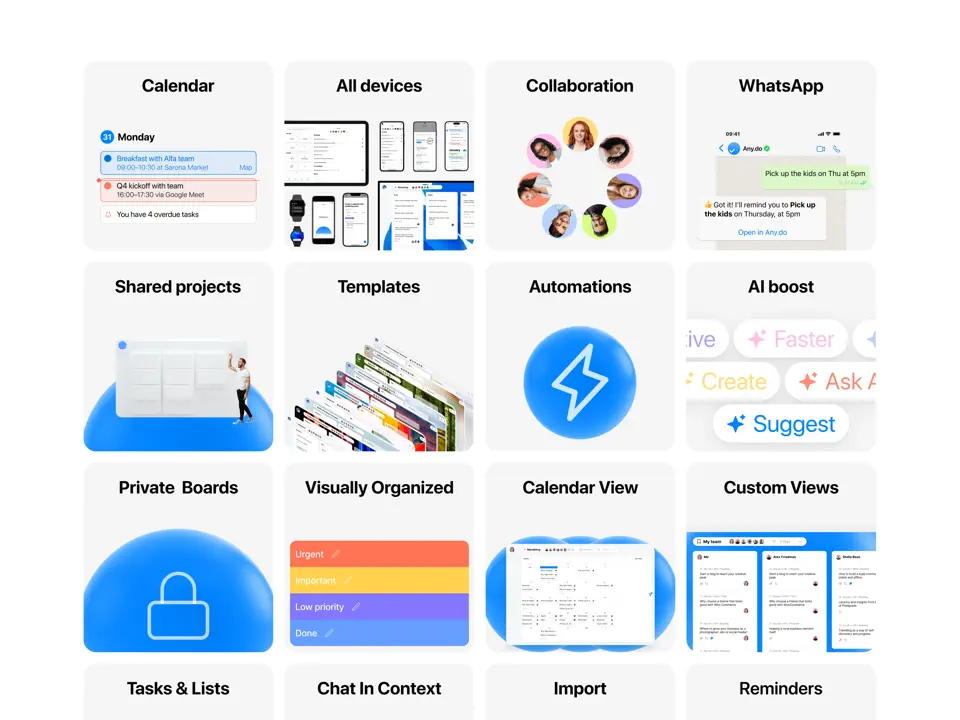
Any.Do is a visually appealing task management app that blends clean lists, voice input, grocery mode, and calendar view. It supports quick add, location reminders, recurring tasks, and family sharing features. The free version is quite usable, while premium unlocks themes, advanced recurring tasks, and integrations. Any.Do feels especially intuitive for users who want a beautiful yet straightforward organizer without deep complexity. It shines in everyday scenarios like shopping lists, quick reminders, and simple weekly planning, making it a popular choice for people who prioritize aesthetics and ease of use over advanced productivity features.
- Attractive and intuitive interface
- Voice input and grocery lists
- Built-in calendar view
- Good free tier
- Family sharing
- Premium needed for full experience
- No habit tracking
- Less powerful than TickTick or Todoist
Product details
| Type of app | Best for | Platforms | Developer | Pricing Model | Free tier strength |
|---|---|---|---|---|---|
| Simple Daily Planner | Quick lists & voice | Multi | Any.do | Freemium | ++ (unlimited tasks, lists, reminders) |
Microsoft To-Do
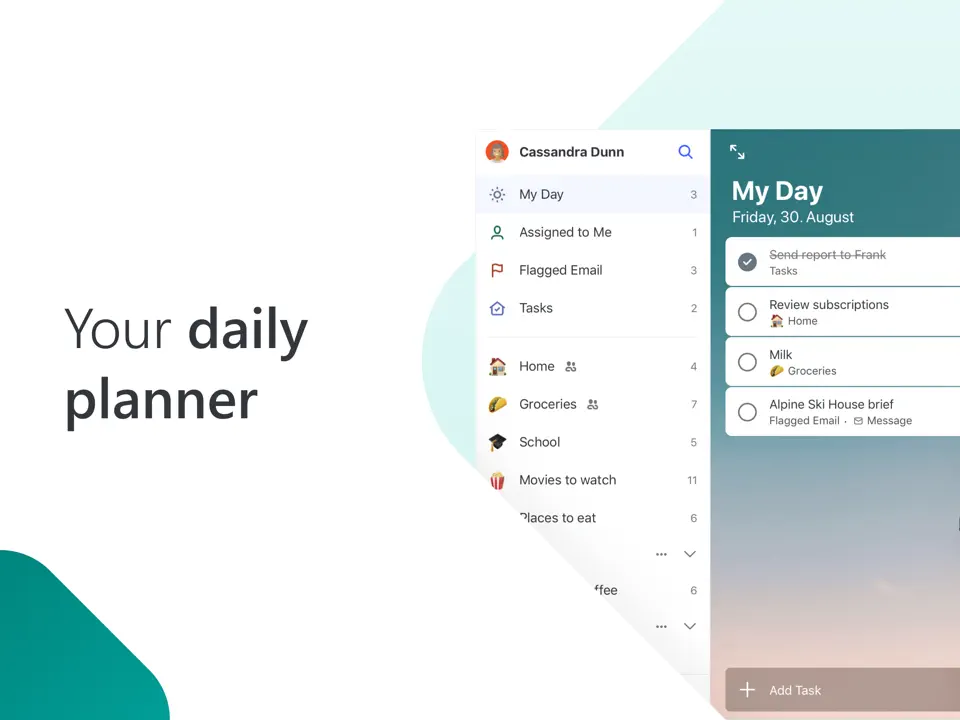
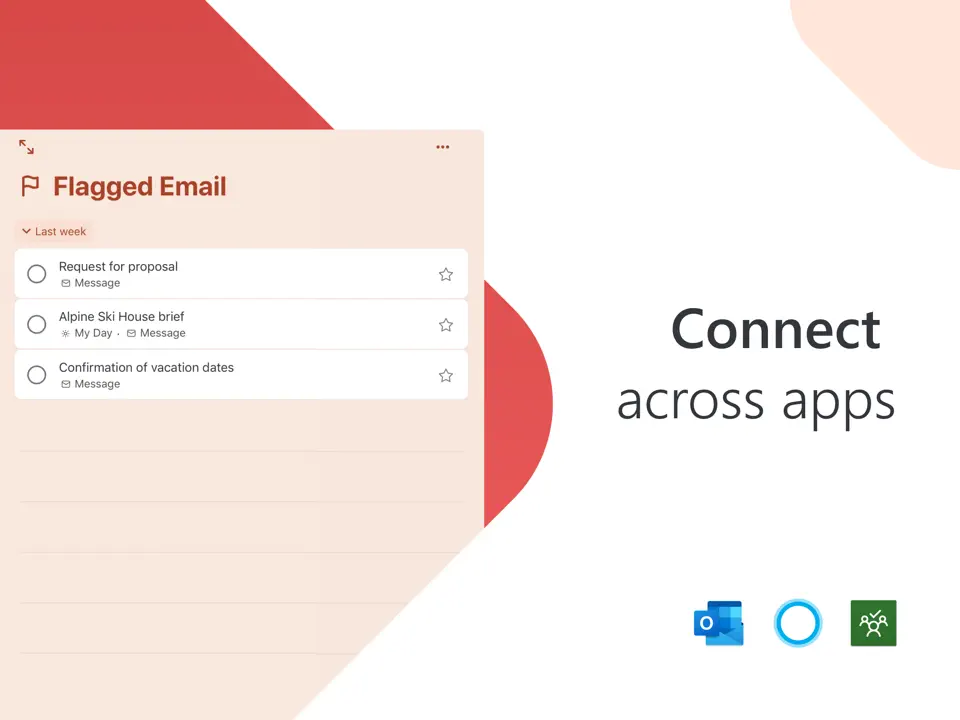
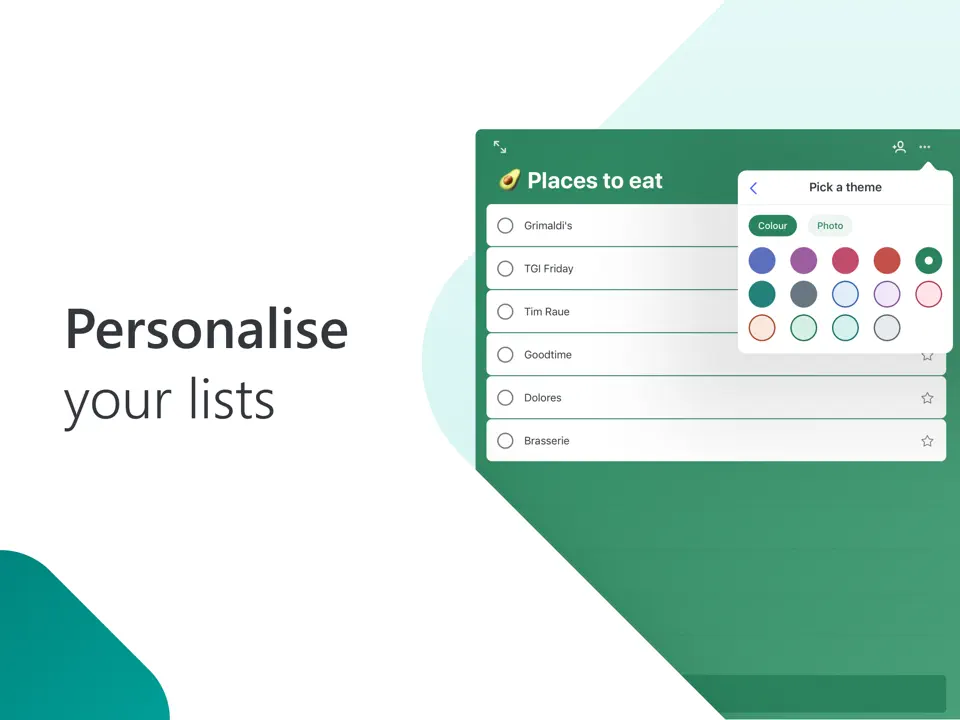
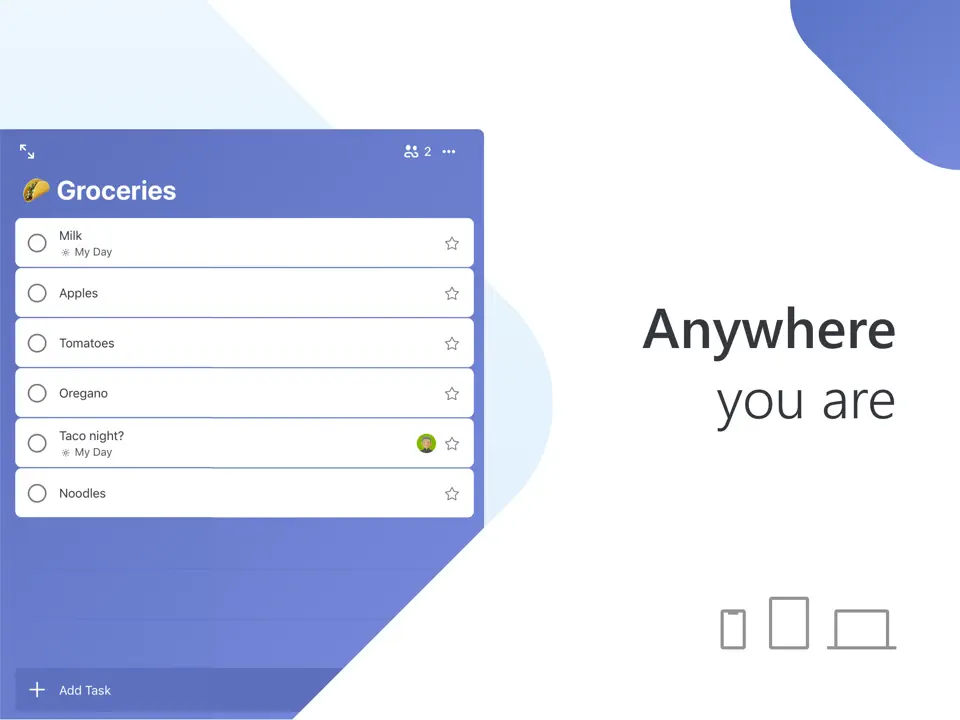
Microsoft To Do is a clean, reliable, and completely free task manager with strong integration into the Microsoft/Outlook ecosystem. It offers intuitive lists, step-by-step subtasks, due dates, reminders, and the popular “My Day” view that helps focus on today’s priorities. The app syncs instantly across Windows, iOS, Android, web, and Mac. There are no ads, no paywalls, and no premium tiers: everything is available for free. Microsoft To Do is perfect for users already using Outlook or Microsoft 365 who want a simple, no-frills organizer for daily tasks and to-dos without extra features or cost.
- 100% free
- Seamless Microsoft ecosystem sync
- Simple and distraction-free
- My Day focus feature
- Cross-platform
- Basic compared to TickTick
- No habit tracking
- Limited customization
Product details
| Type of app | Best for | Platforms | Developer | Pricing Model | Free tier strength |
|---|---|---|---|---|---|
| Simple Task Planner | Free daily lists | Multi | Microsoft | Free | ++++ (completely free, no limits) |
Google Calendar + Google Tasks
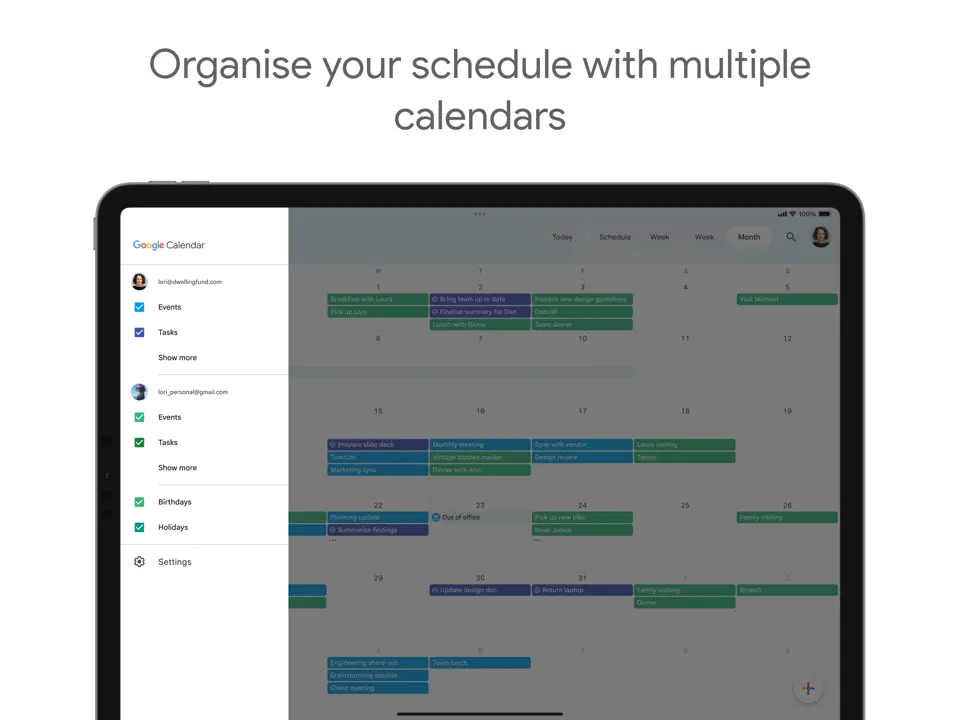
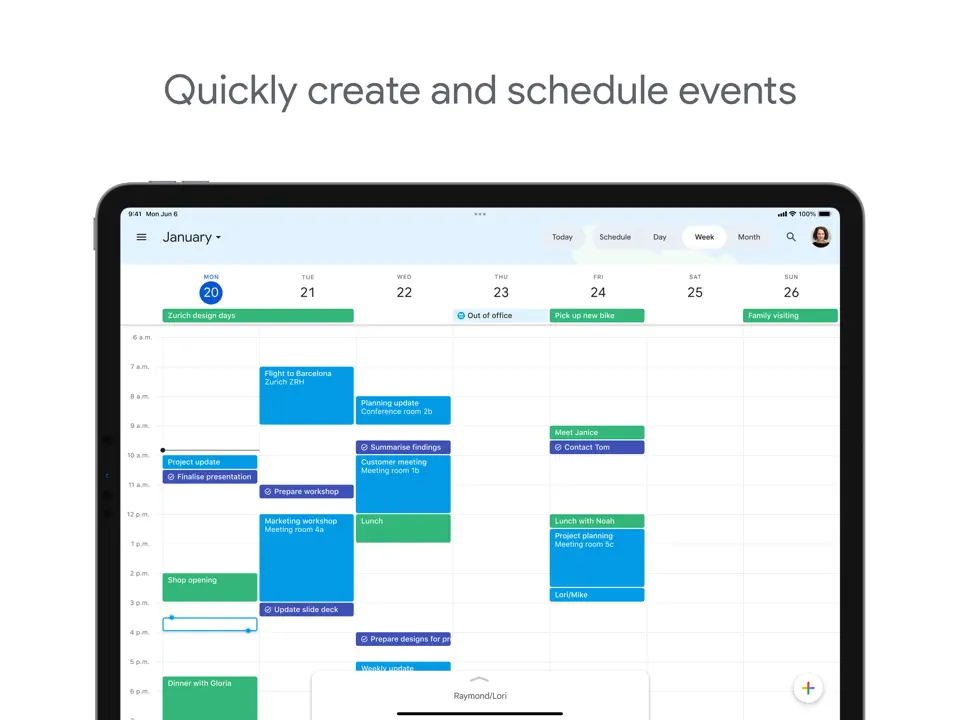
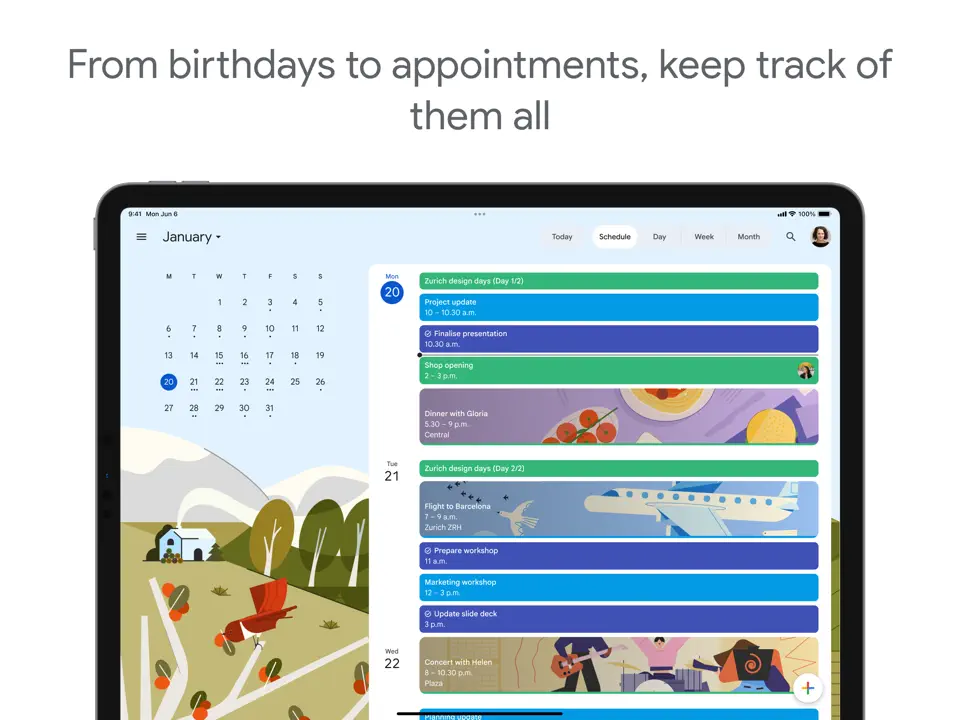
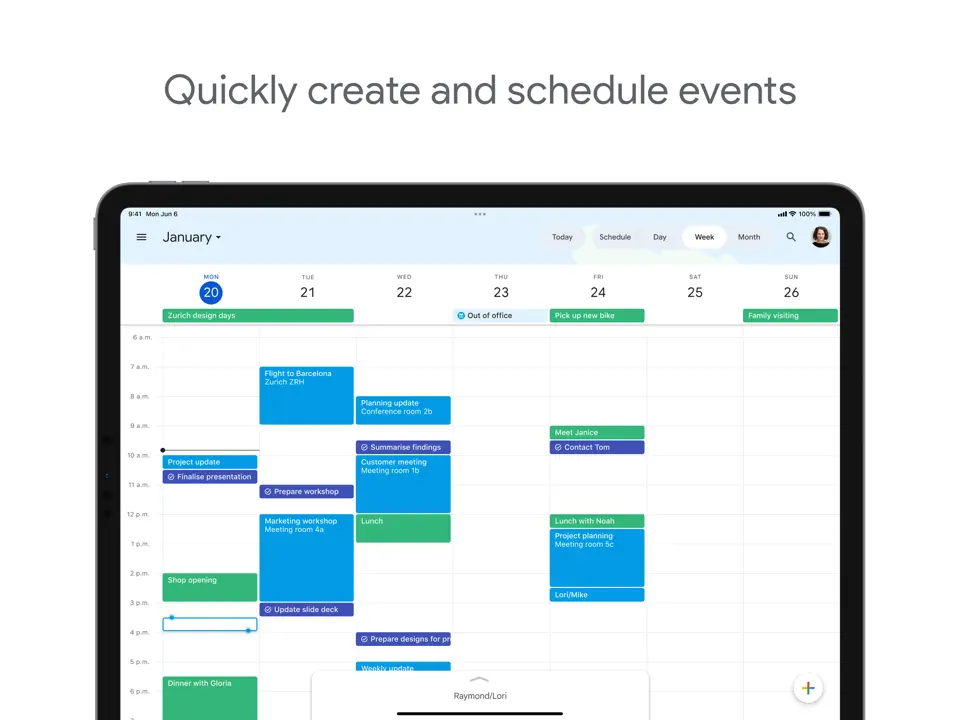
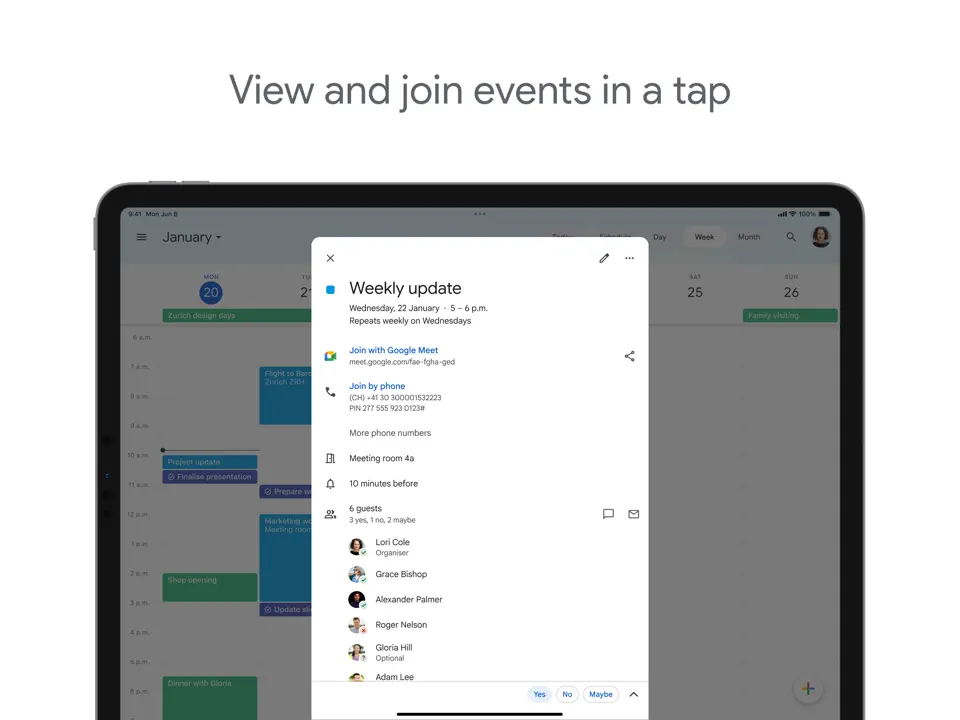
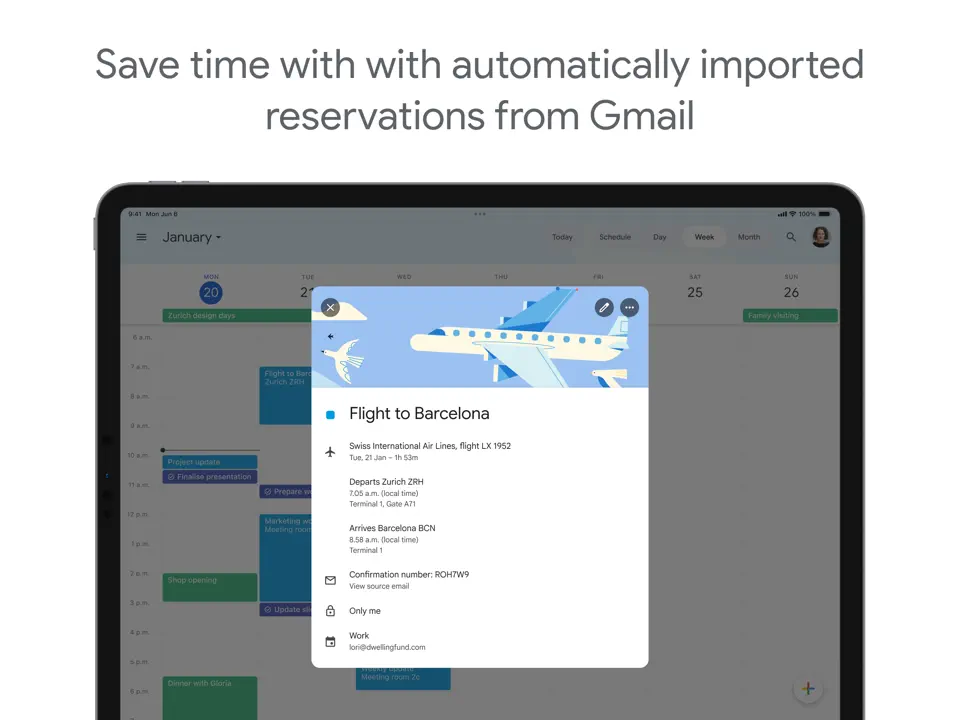
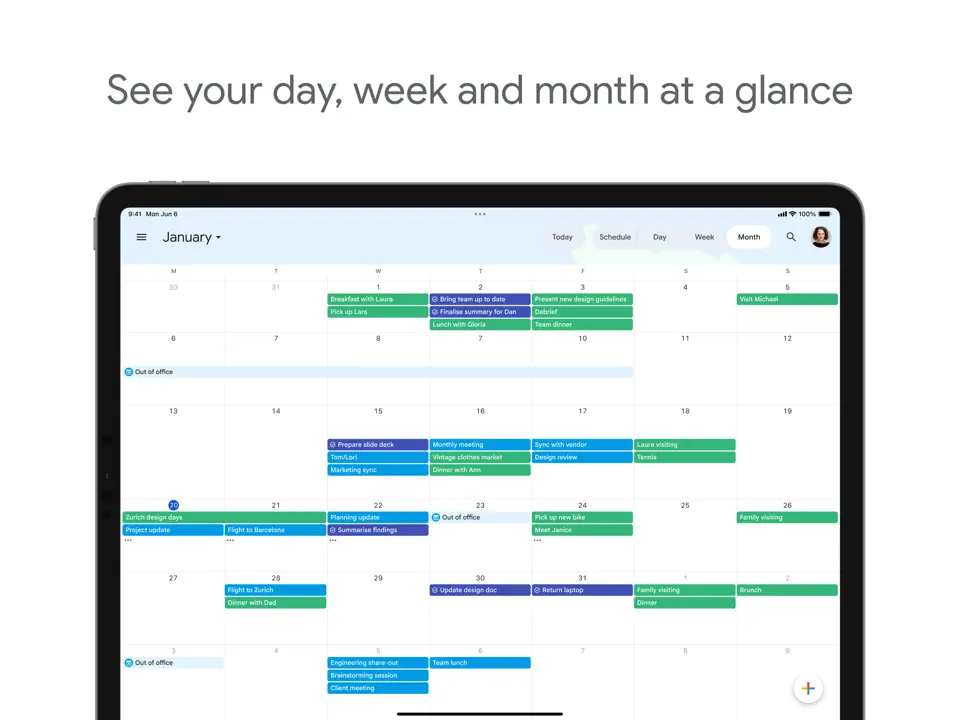
Google Calendar + Google Tasks is a completely free, seamless combination of calendar and simple task management built into the Google ecosystem. Calendar handles events, recurring schedules, time blocking, reminders, shared calendars, and color-coding, while Tasks (integrated inside Calendar) provides quick lists, subtasks, due dates, and notes. Everything syncs instantly across Android, iOS, web, and desktop with no cost or ads. This duo is the default choice for millions who want basic but reliable organization: events in Calendar, tasks in the sidebar, and voice input via Assistant. It excels at simplicity, reliability, and zero-cost daily
- Completely free and ad-free
- Seamless integration between calendar and tasks
- Perfect cross-device sync
- Shared calendars and reminders
- Built-in voice input
- Basic task features (no priorities/labels)
- No habit tracking or templates
- Less visual than dedicated planners
Product details
| Type of app | Best for | Platforms | Developer | Pricing Model | Free tier strength |
|---|---|---|---|---|---|
| Calendar & Simple Task Planner | Free events, scheduling & basic tasks | Multi (Web/iOS/Android/Mac/Win) | Free | ++++ (completely free, no limits) |
Trello
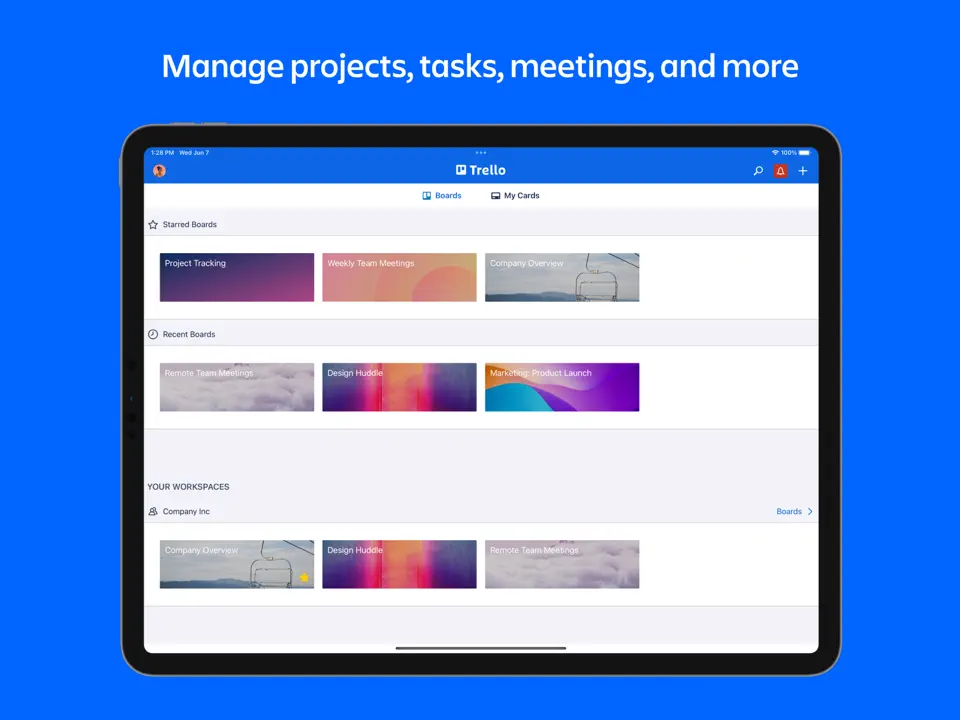
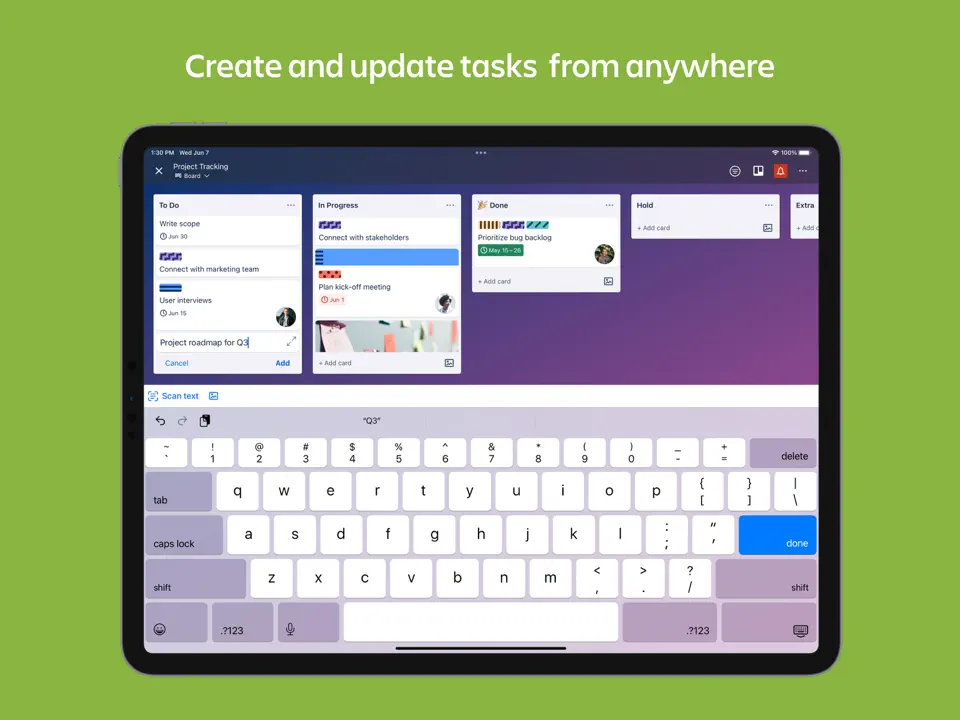
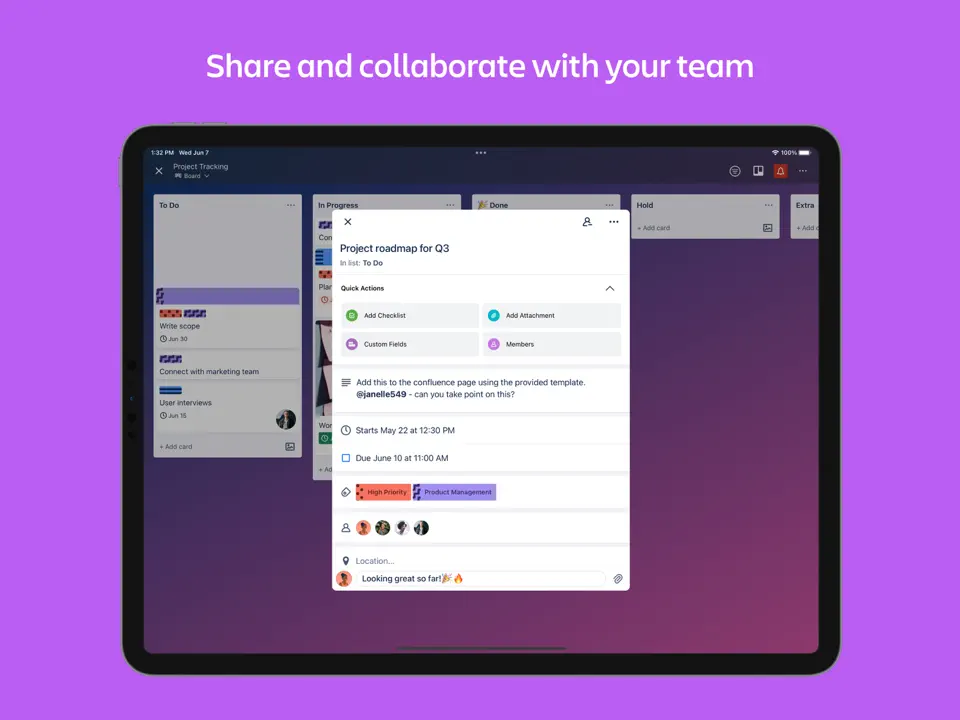
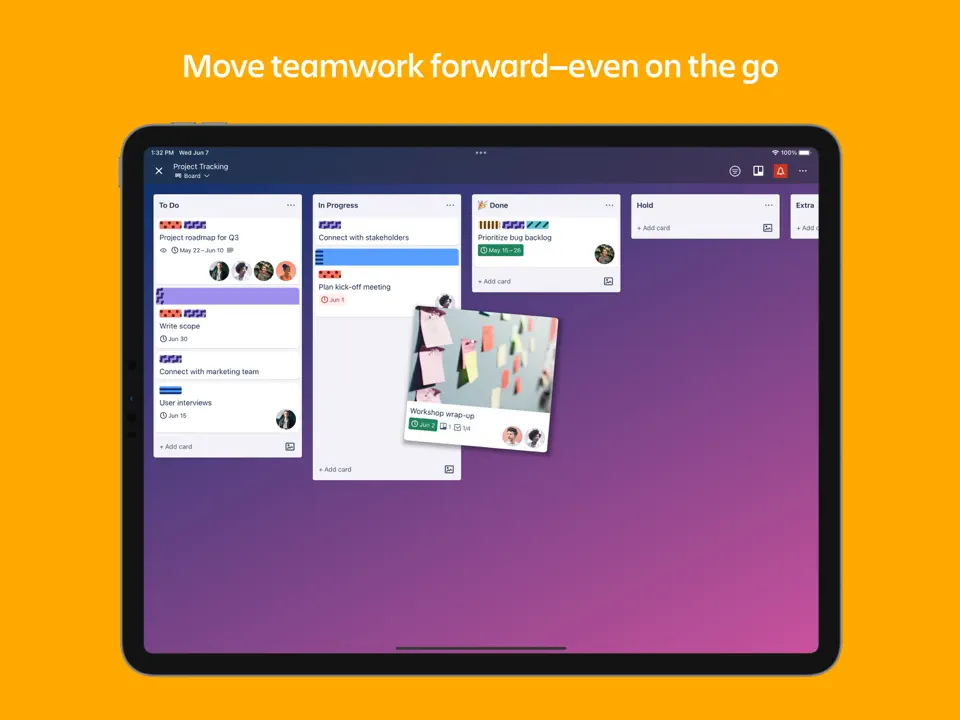
Trello is a visual task management app based on Kanban boards, cards, and lists. It allows creating unlimited boards, adding tasks as cards, setting due dates, labels, checklists, attachments, and moving cards between columns. The free plan is very generous (unlimited boards/cards/members), while paid tiers add advanced features like power-ups and automations. Trello excels at making task management visual and collaborative. Ideal for personal projects, workflows, or brainstorming. It is simple to use, highly customizable, and integrates well with tools like Google Calendar and Slack. Perfect for users who prefer drag-and-drop over traditional lists.
- Stunning visual boards and cards
- Unlimited free plan
- Easy drag-and-drop interface
- Strong collaboration features
- Excellent integrations
- Can feel too visual for linear task users
- Advanced features behind paywall
- Less suited for deep habit tracking
Product details
| Type of app | Best for | Platforms | Developer | Pricing Model | Free tier strength |
|---|---|---|---|---|---|
| Visual Task Planner | Boards & cards | Multi | Atlassian | Freemium | +++ (unlimited boards/cards/members) |
ClickUp
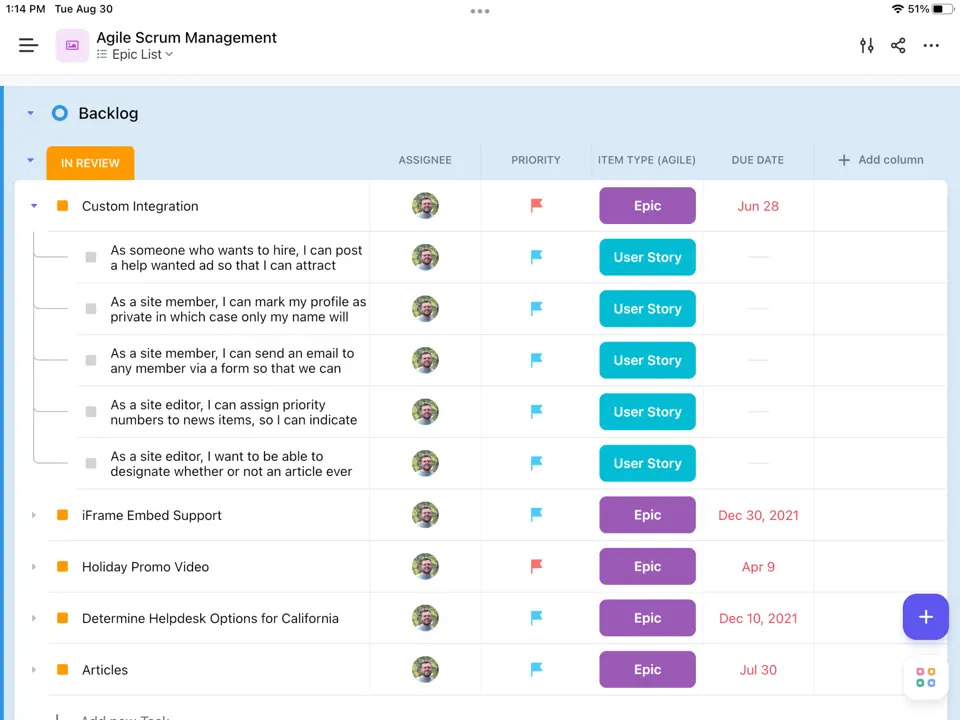
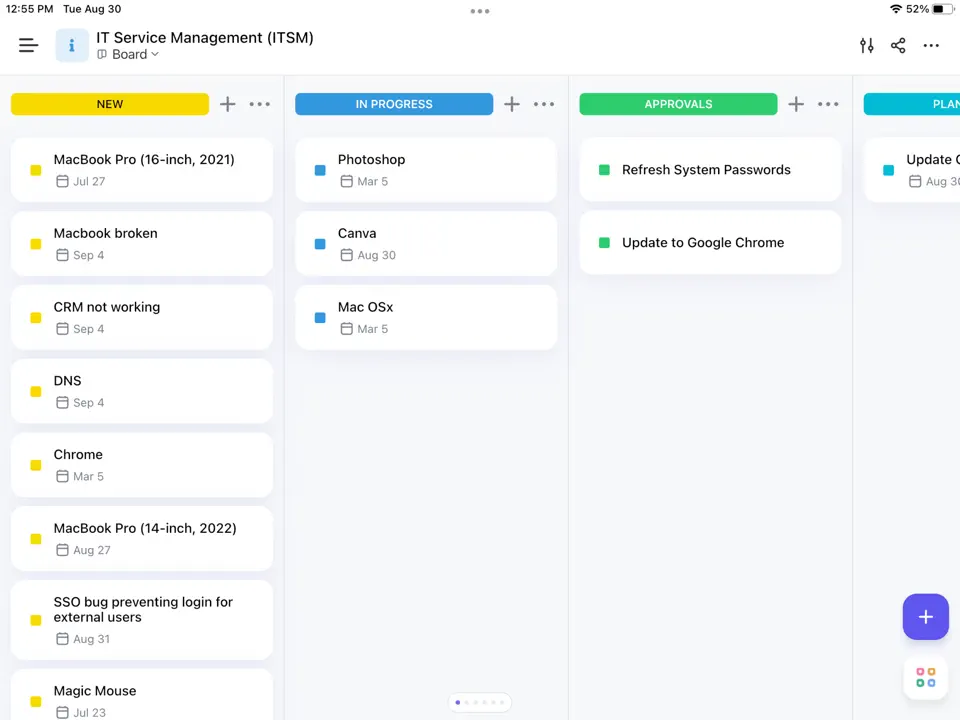
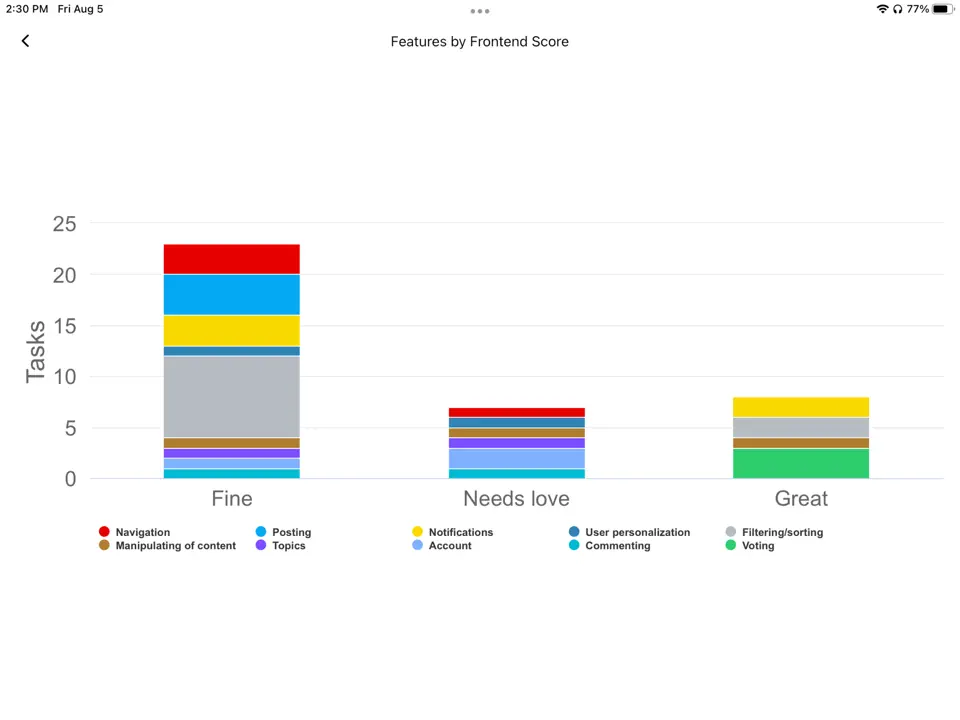
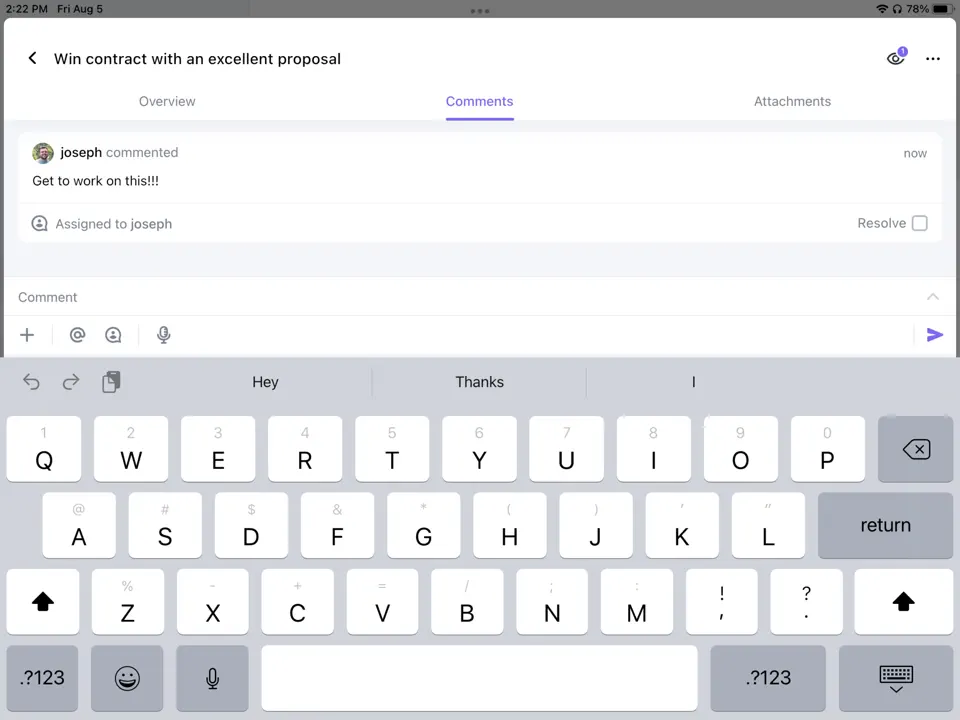
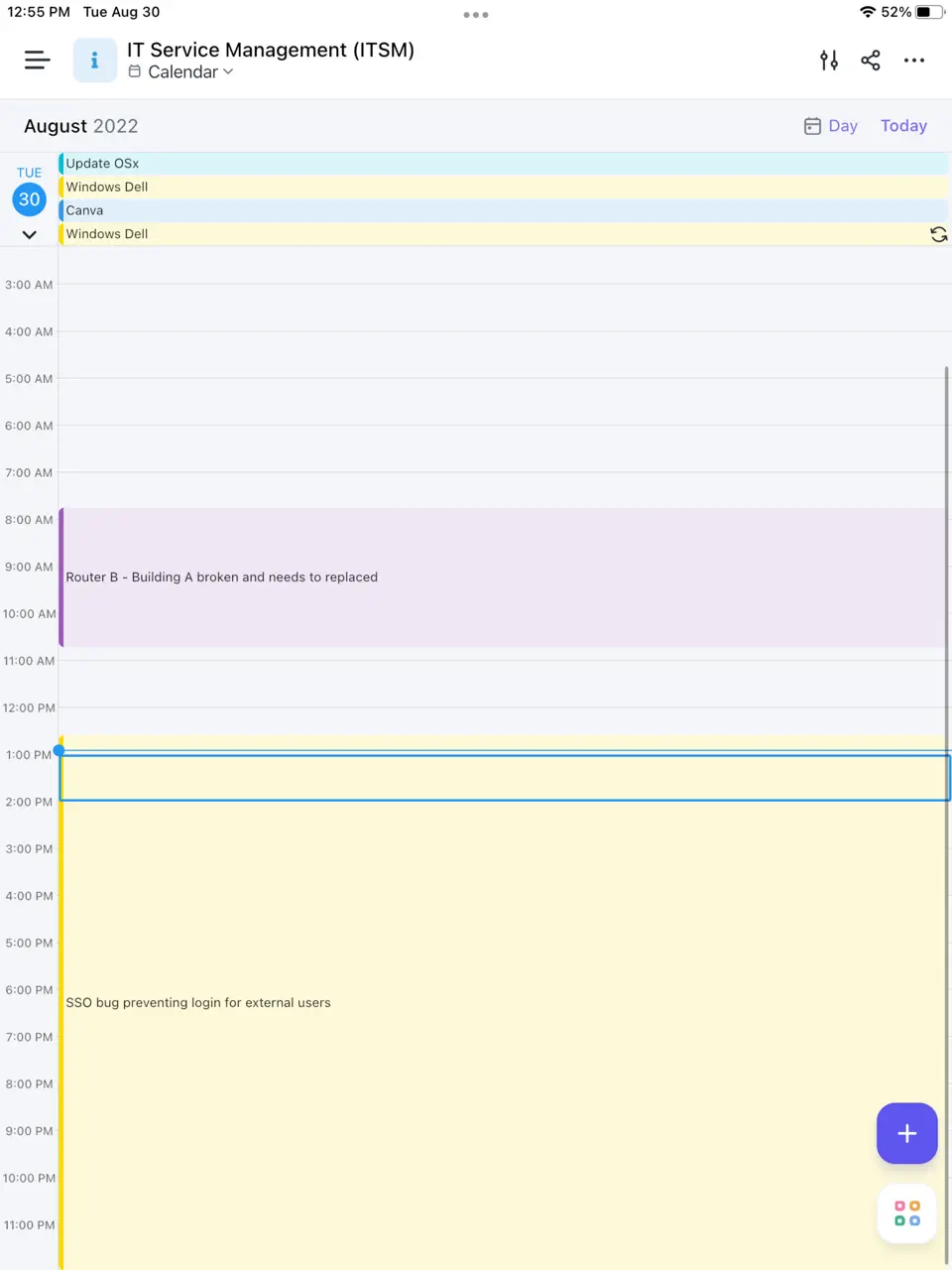
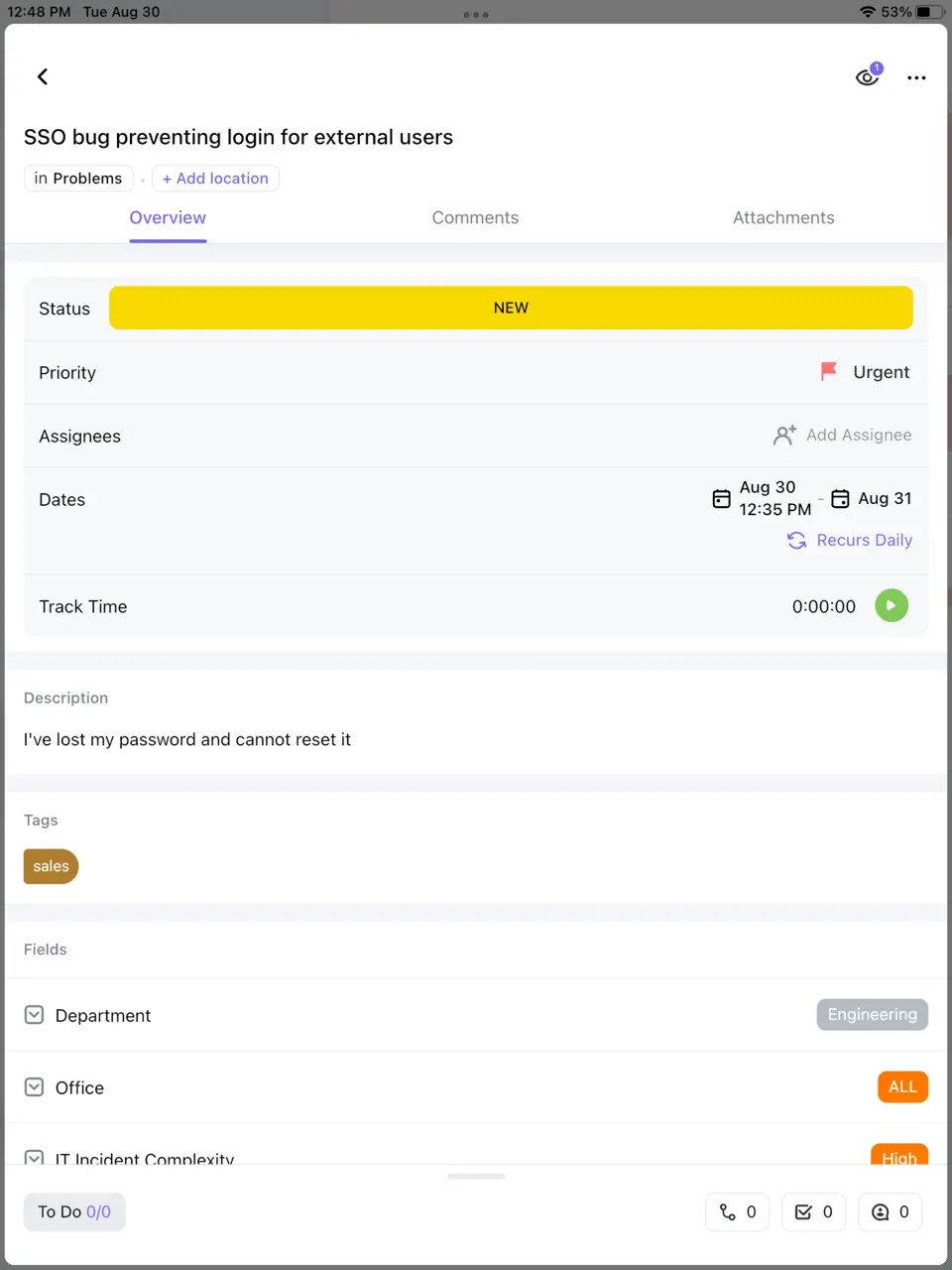
ClickUp is an extremely powerful all-in-one task and project management app with a generous free plan. It offers unlimited tasks/members, customizable views (list, board, calendar, Gantt), subtasks, priorities, recurring tasks, reminders, time tracking, goals, and AI features. The free tier is one of the most capable in the industry (100MB storage, basic AI), while paid plans add advanced automations and unlimited storage. ClickUp excels at replacing multiple tools: tasks, docs, notes, dashboards in one place. It is ideal for freelancers, small teams, or power users who want deep customization and visual workflows without high costs. The interface is flexible but can feel overwhelming for beginners.
- Extremely generous free plan
- Highly customizable views and dashboards
- Strong AI and automation features
- Unlimited tasks/members
- Excellent integrations
- Can be overwhelming for simple needs
- Interface has a learning curve
- Some advanced features paid
Product details
| Type of app | Best for | Platforms | Developer | Pricing Model | Free tier strength |
|---|---|---|---|---|---|
| All-in-One Task & Project | Custom views & workflows | Multi | ClickUp | Freemium | ++++ (unlimited tasks/members, 100MB storage) |
Habitica
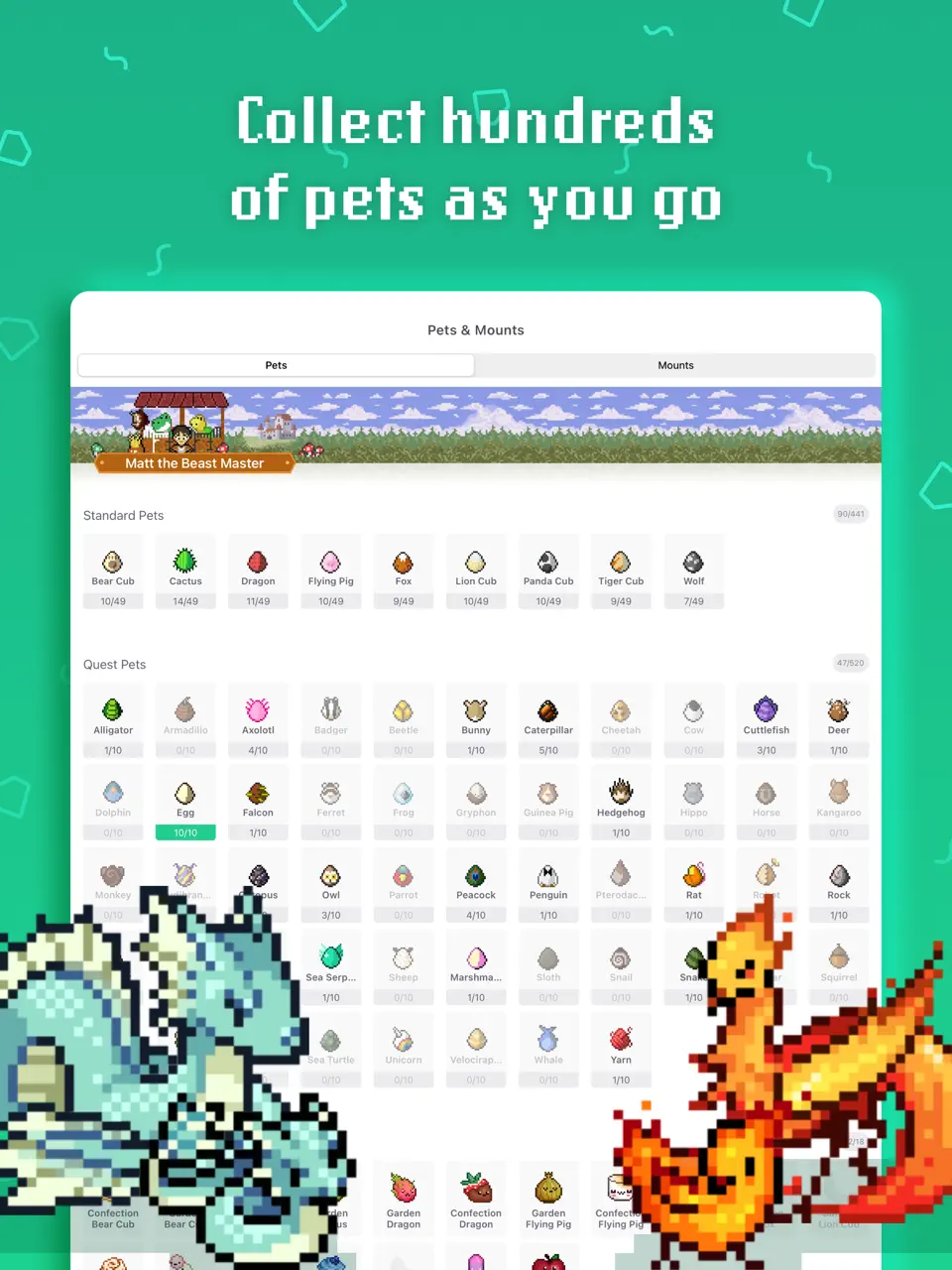
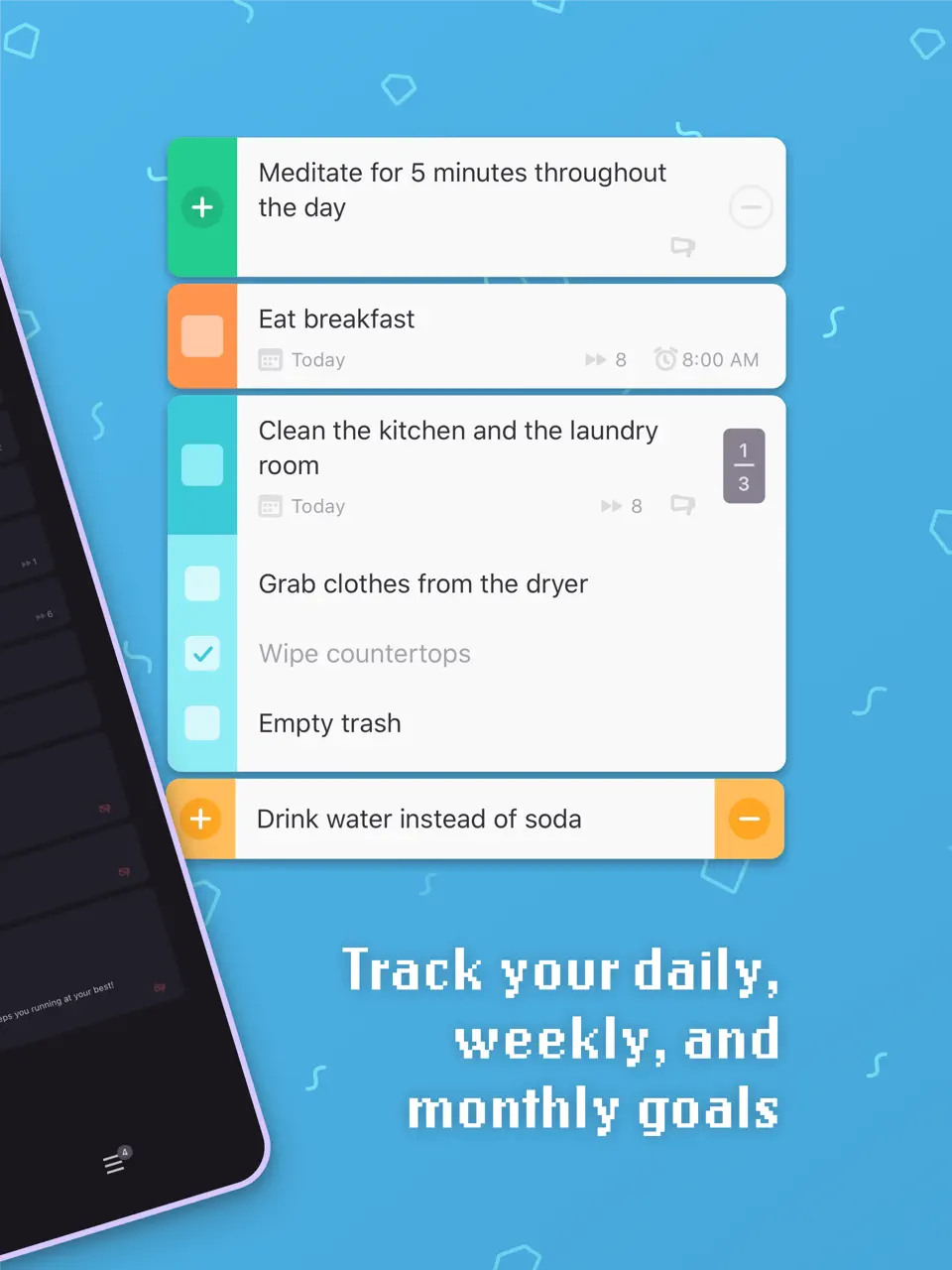
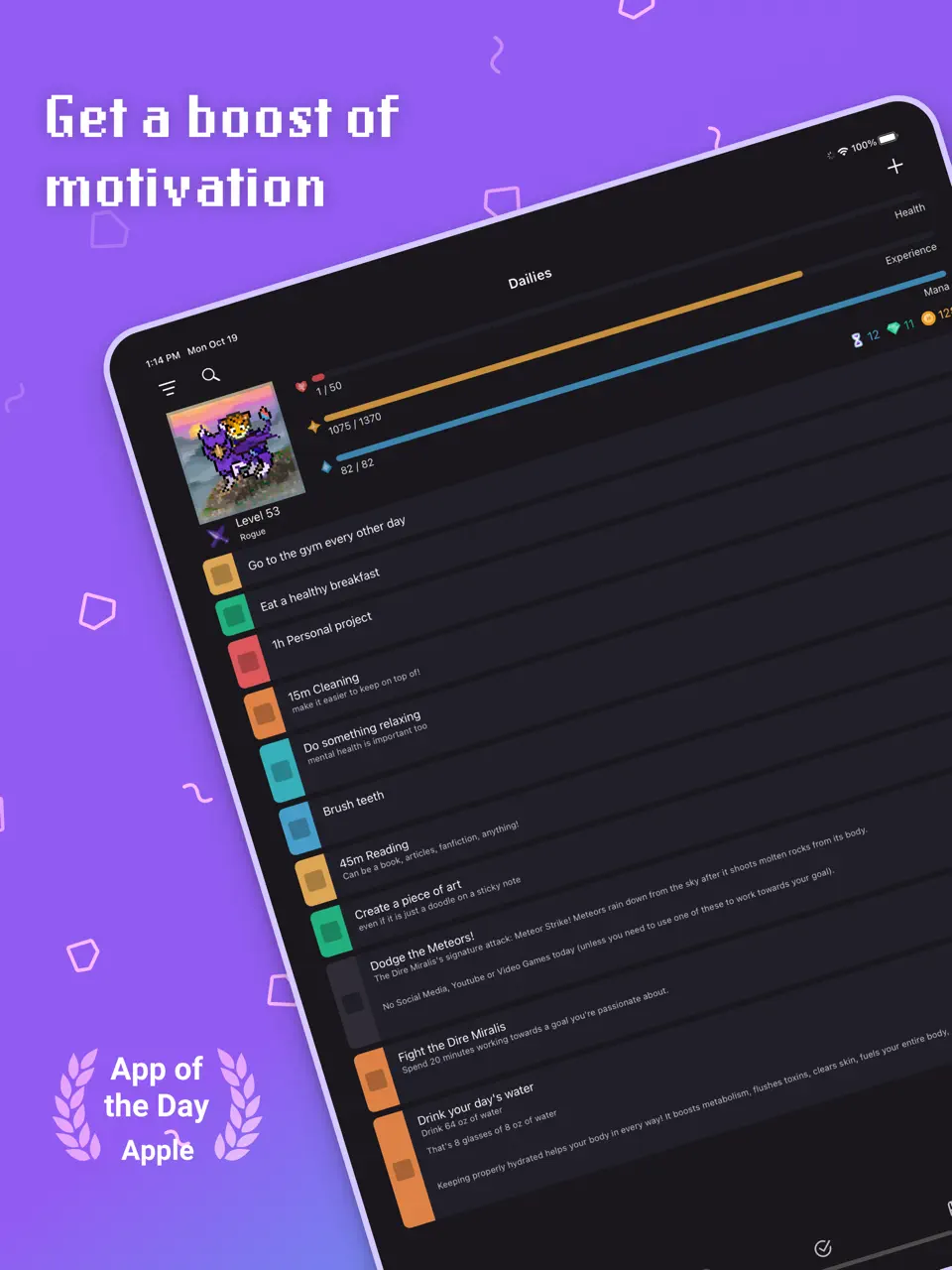
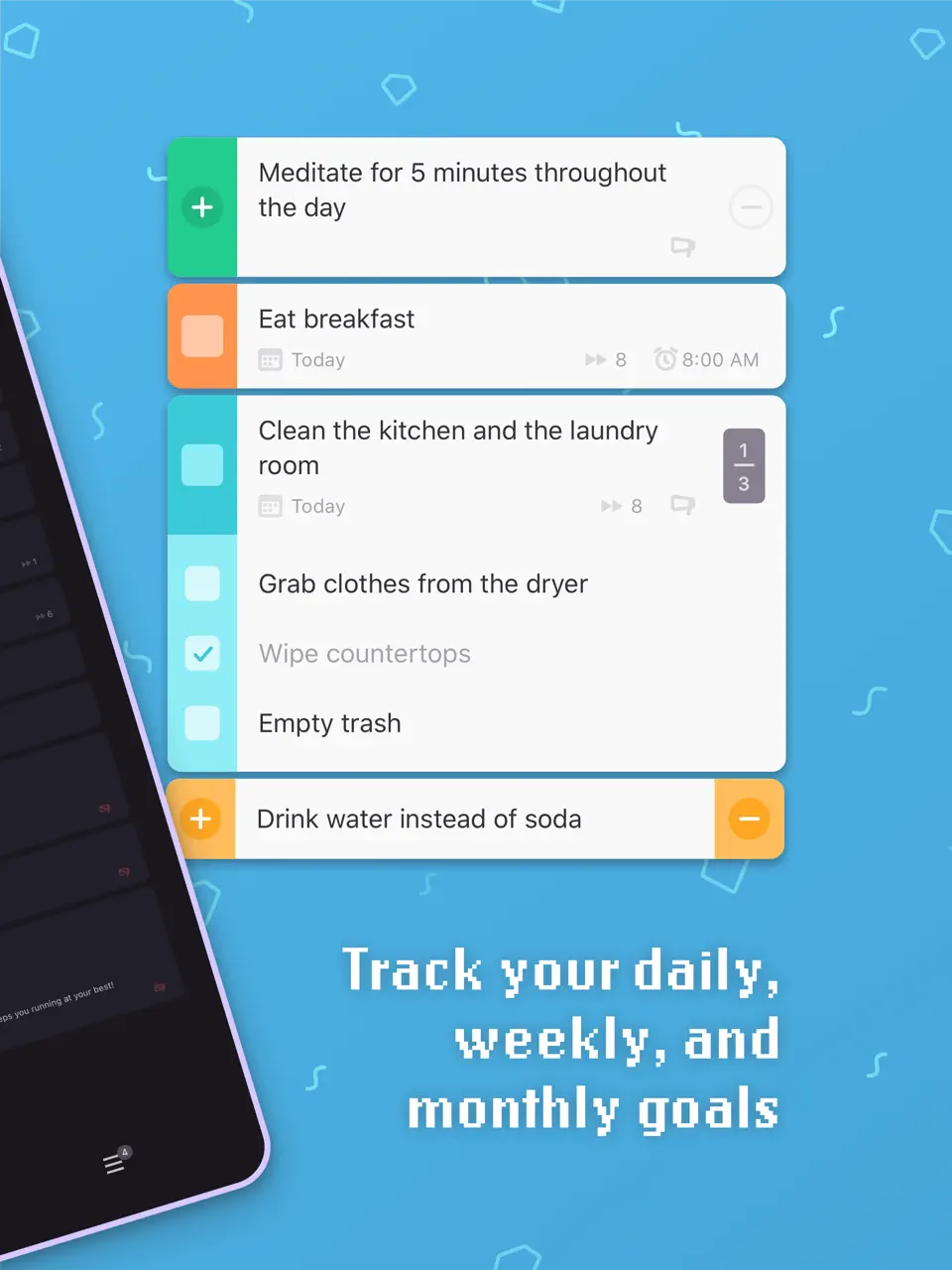
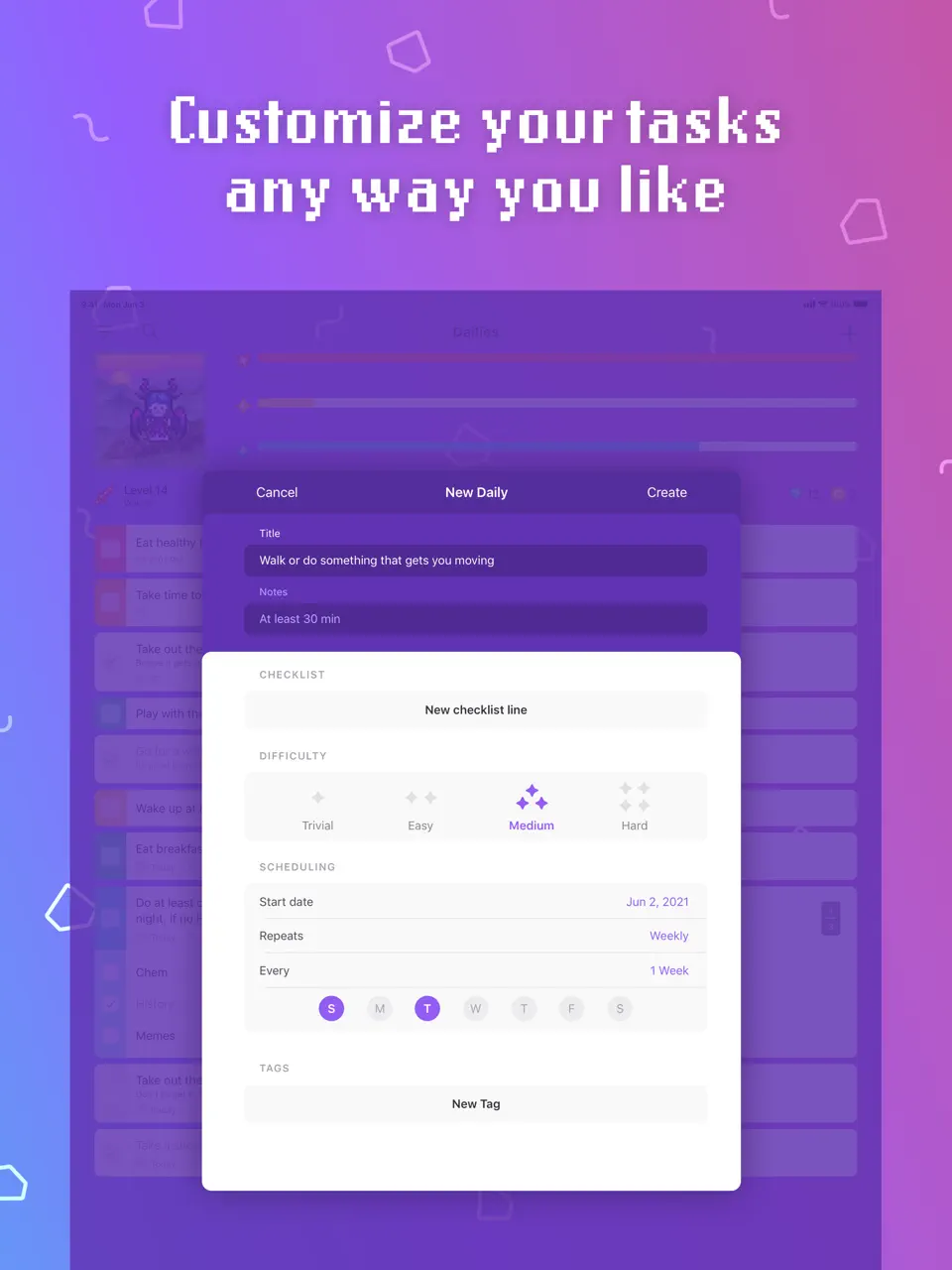
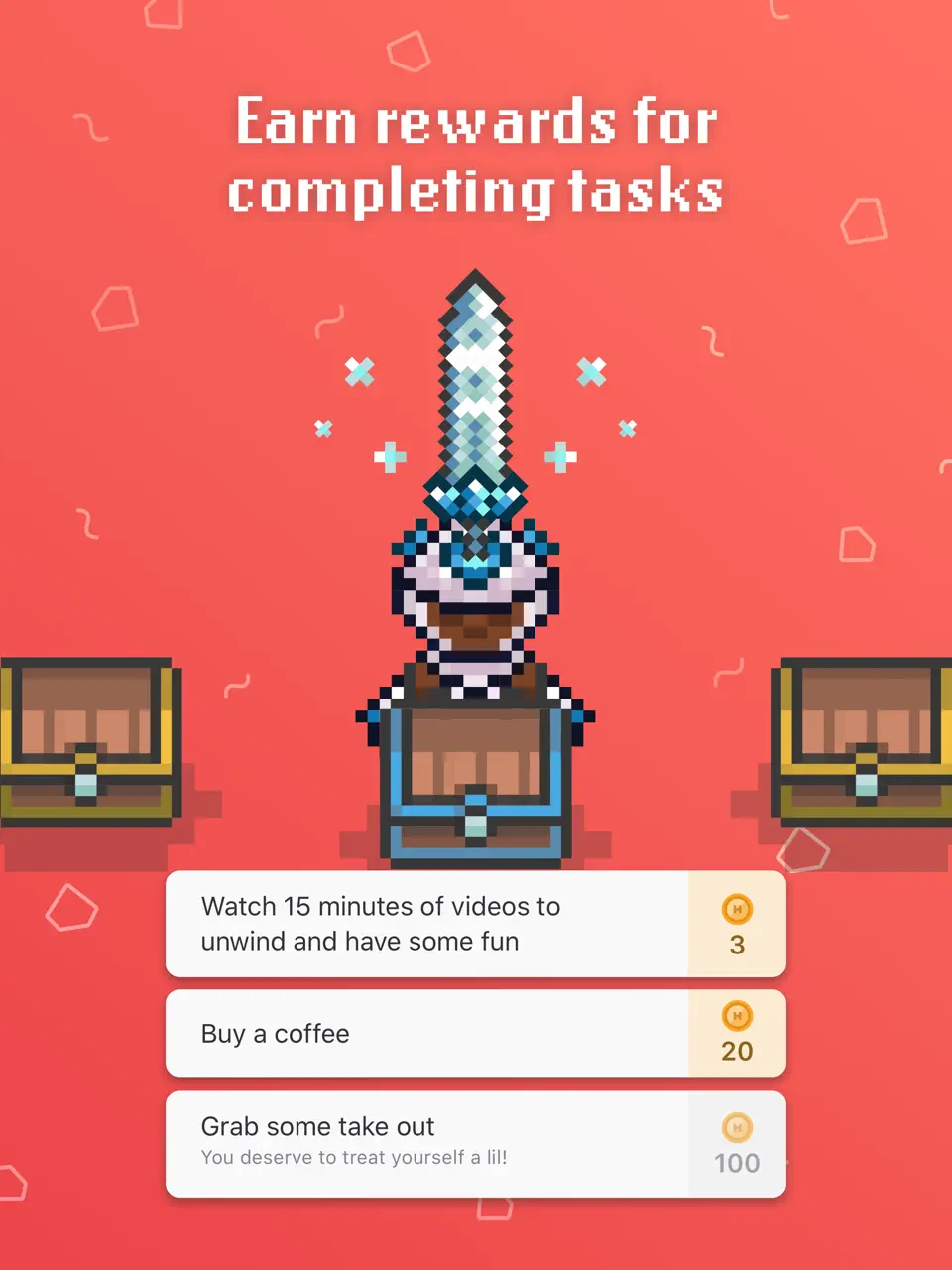
Habitica is a unique gamified task and habit management app that turns your to-dos into an RPG game. Complete real-life tasks, dailies, and habits to earn gold, experience, equipment, and pets. You can join guilds, form parties, and fight bosses with friends. The core game is completely free, with optional subscriptions removing ads and adding cosmetic items. Habitica is perfect for users who need extra motivation through rewards, social accountability, and fun elements. It works best when you enjoy turning mundane routines into a light-hearted adventure and want a social layer in your organization system.
- Fun RPG motivation system
- Social guilds and parties
- Rewards and pet hatching
- Free core features
- Works for habits + tasks
- No calendar or time blocking
- Can become distracting
- Dated interface
Product details
| Type of app | Best for | Platforms | Developer | Pricing Model | Free tier strength |
|---|---|---|---|---|---|
| Gamified Habit & Task | RPG-style habits | Multi | HabitRPG | Freemium | ++++ (core free, unlimited habits/tasks) |
Routinery
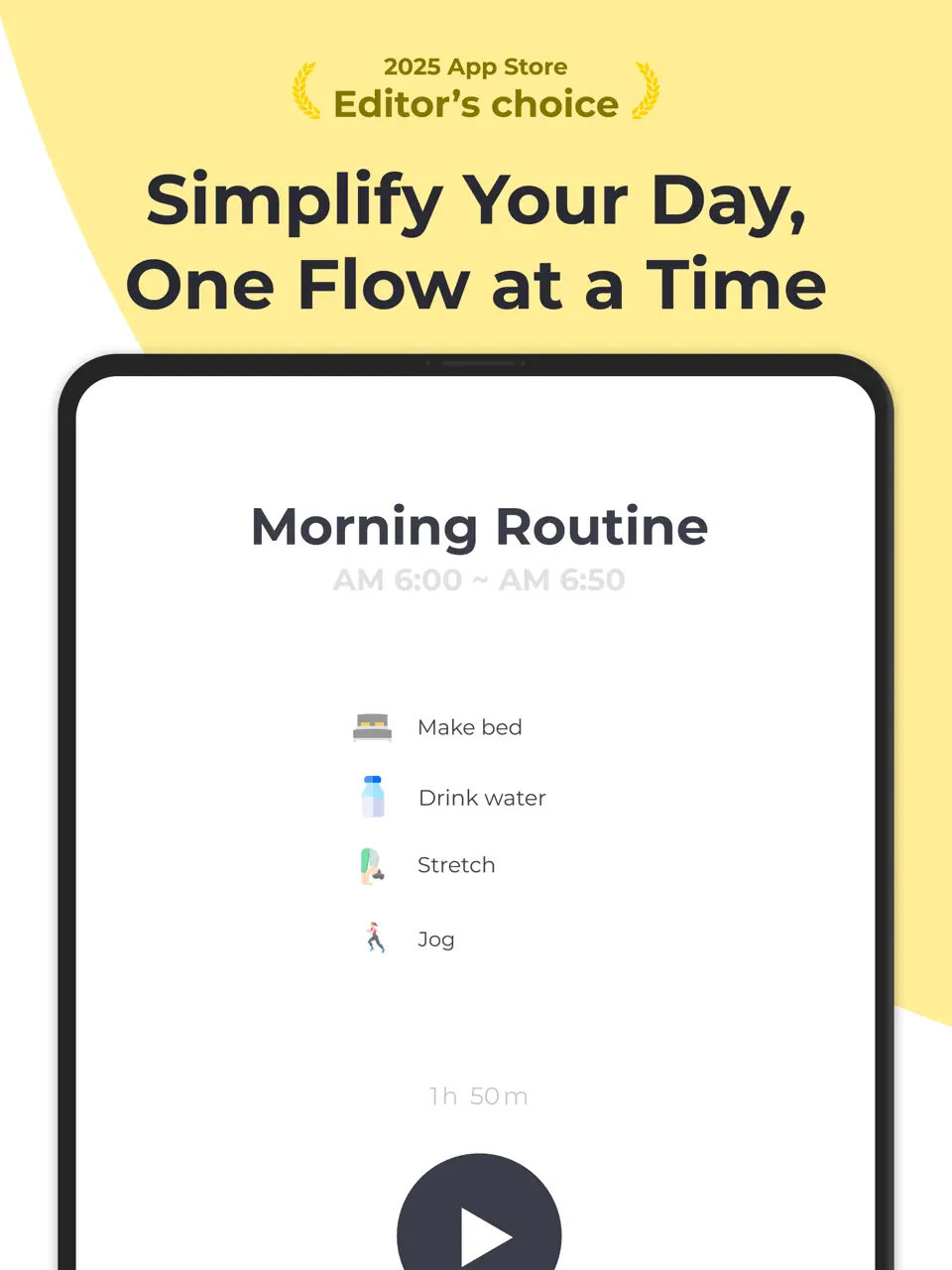
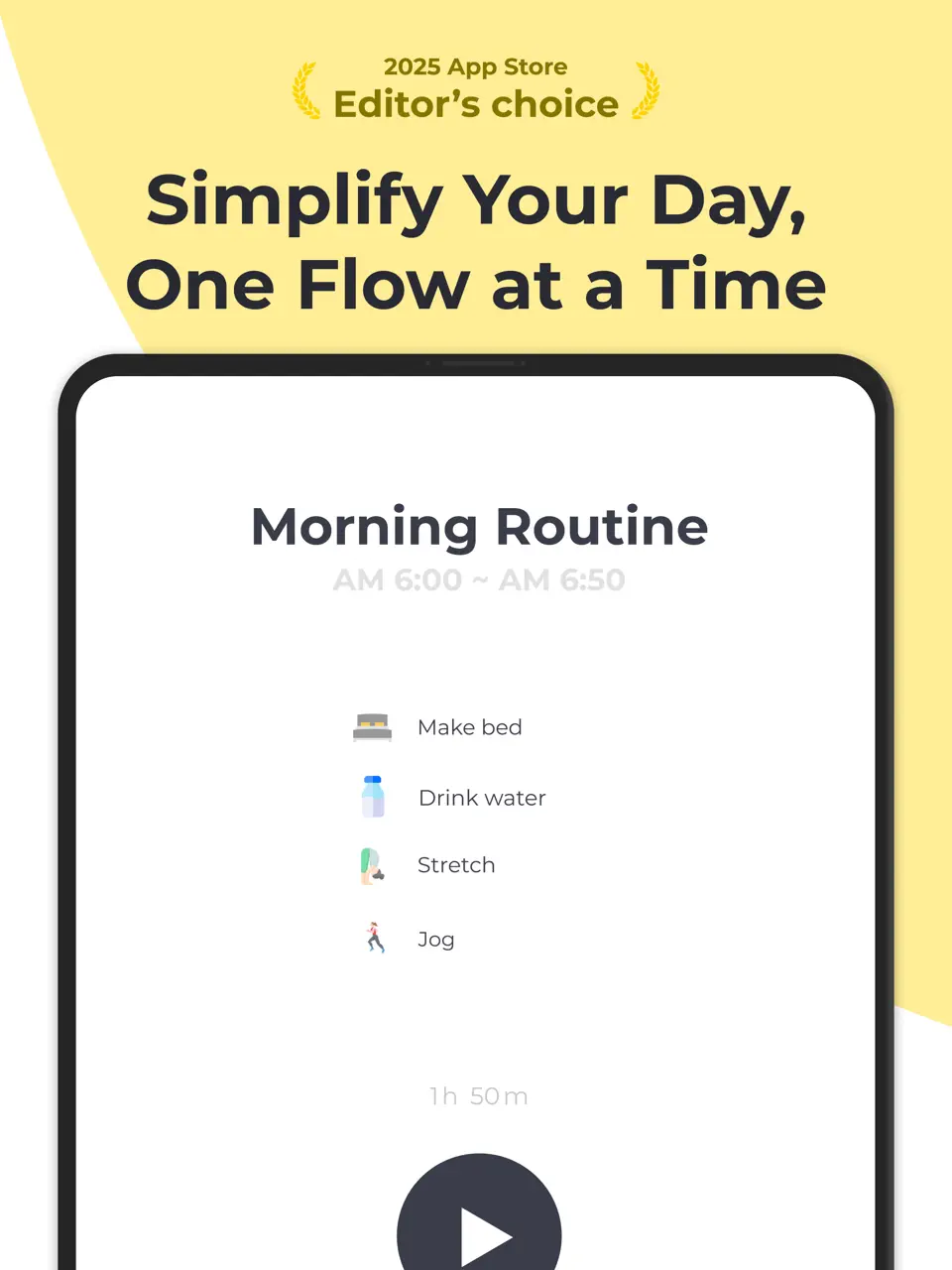
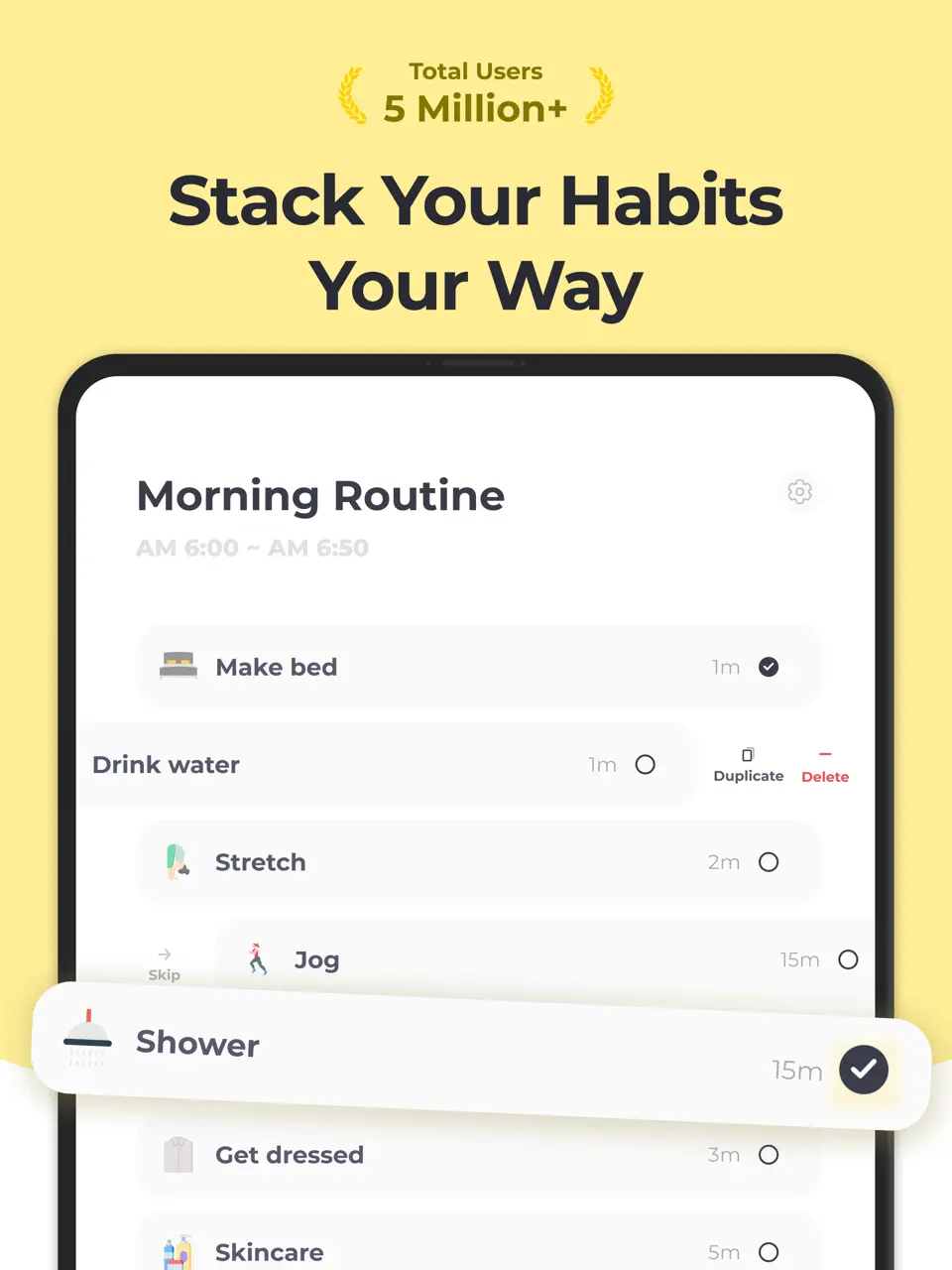
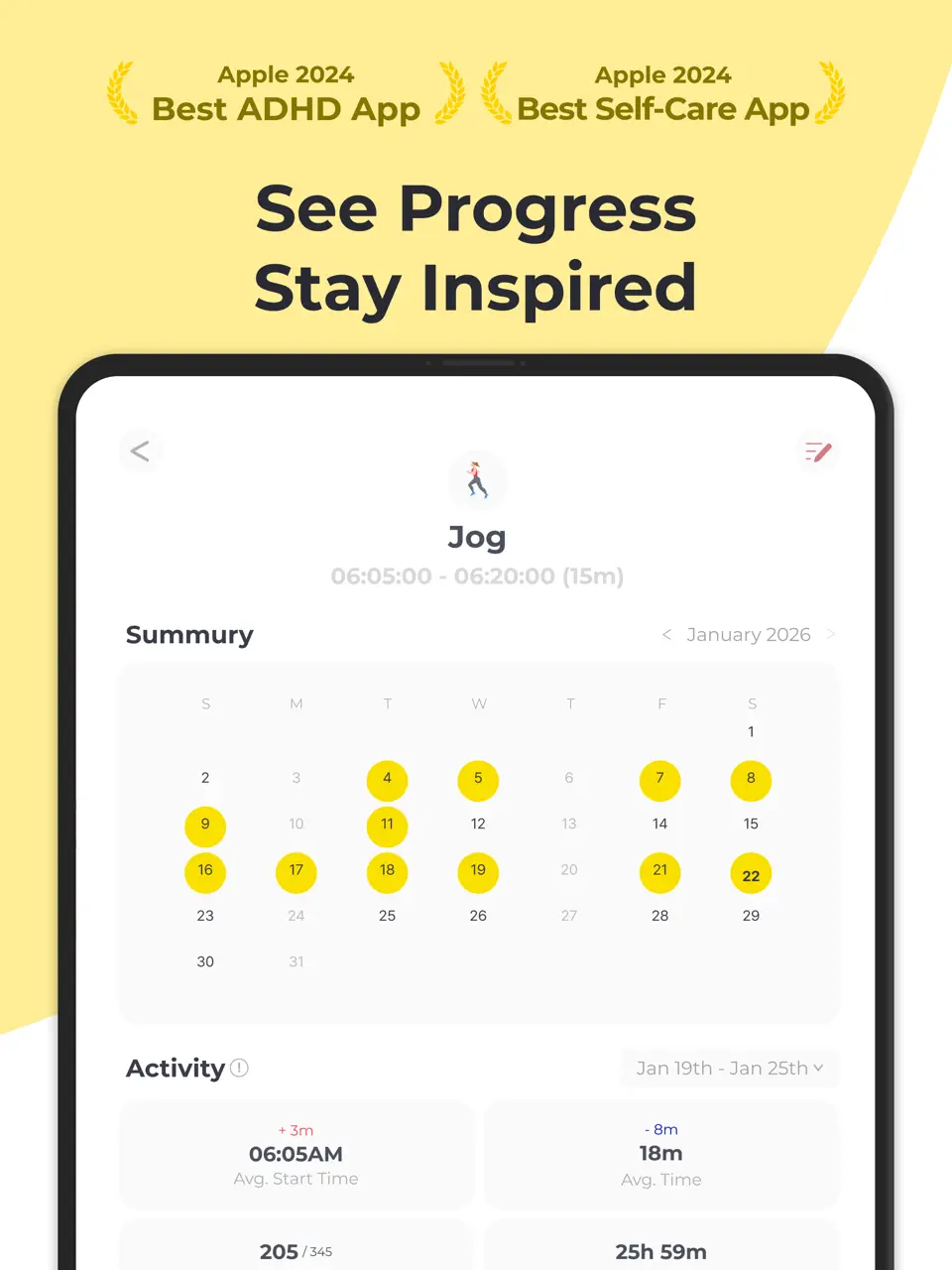
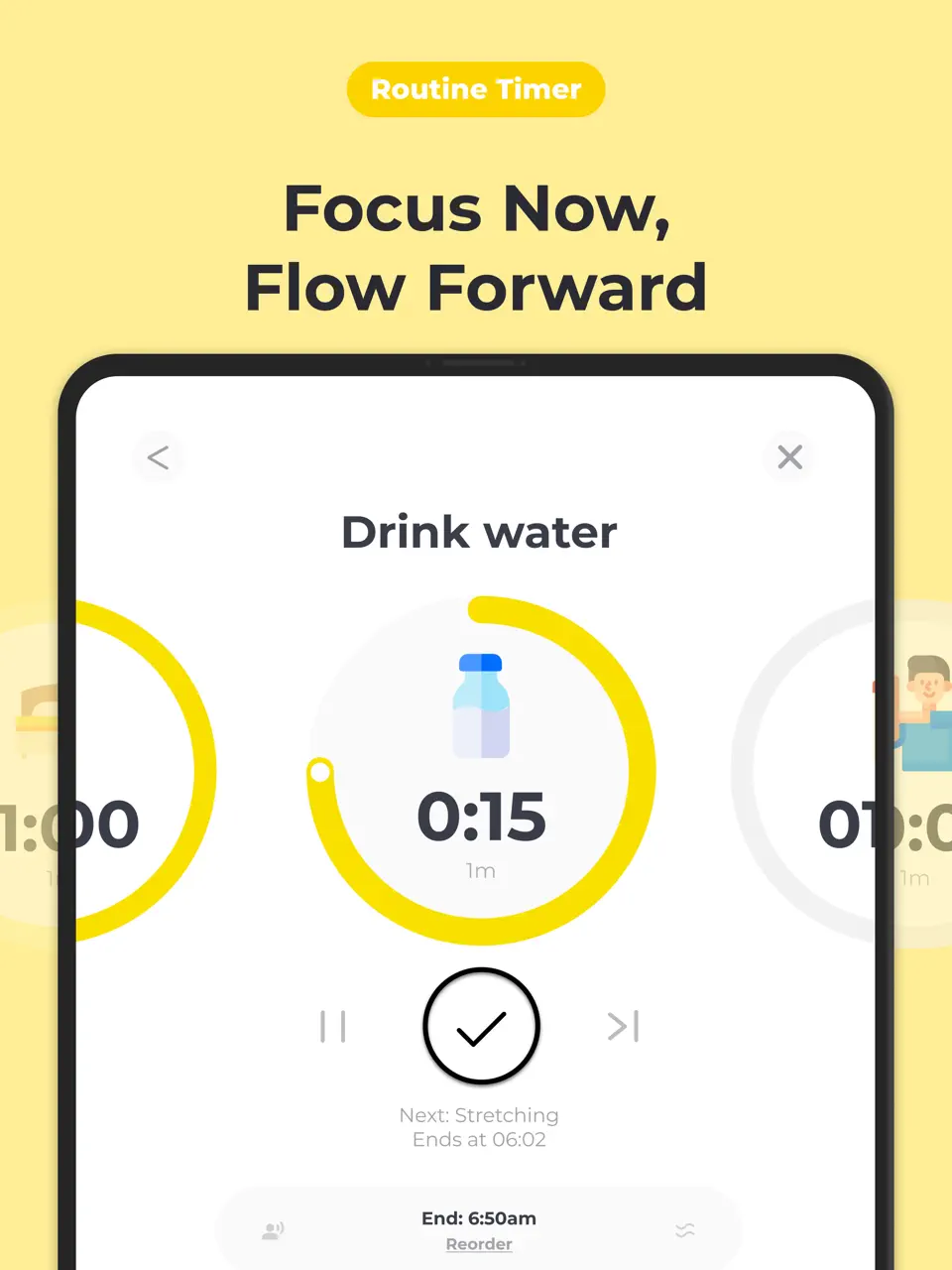
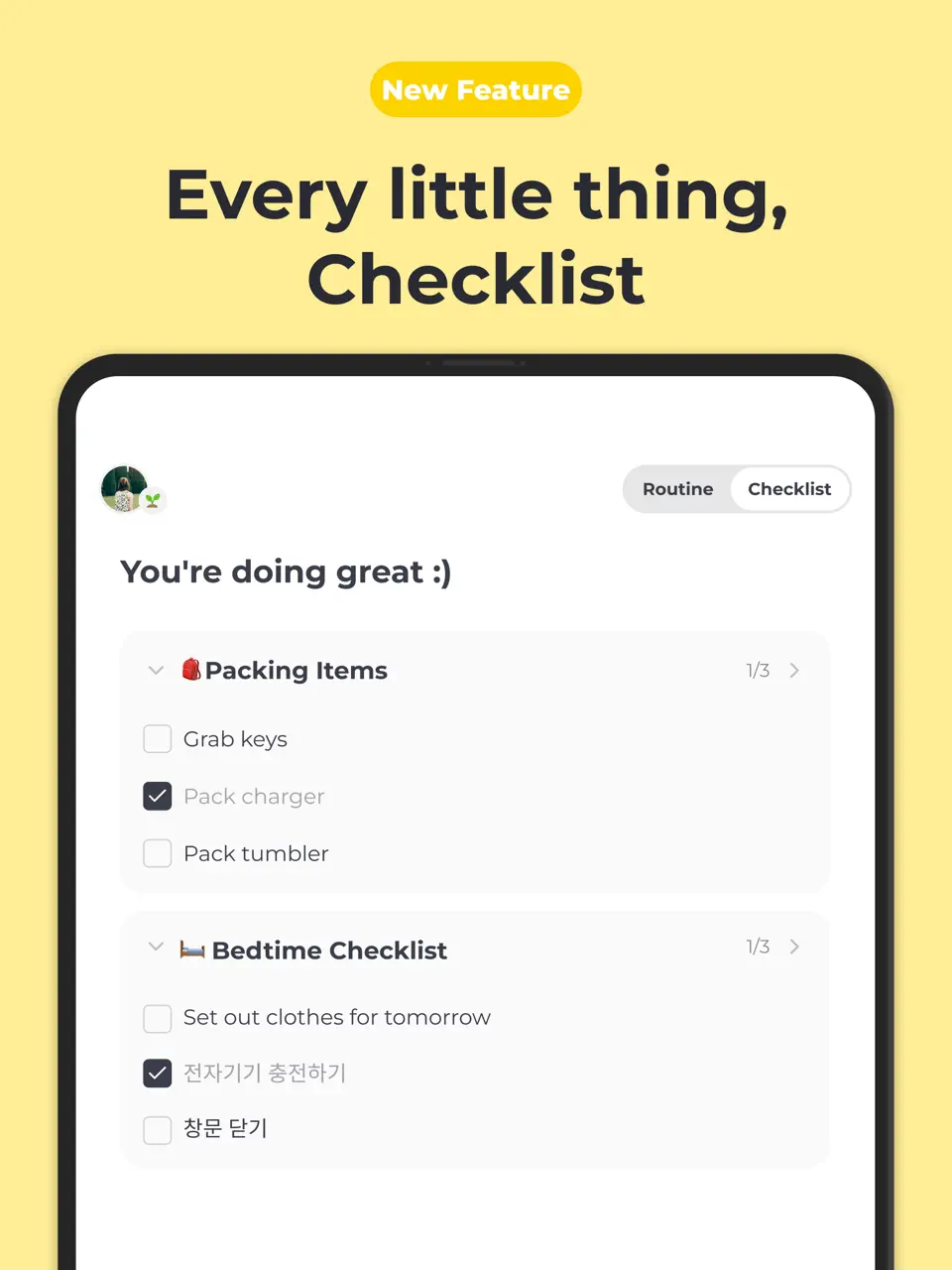
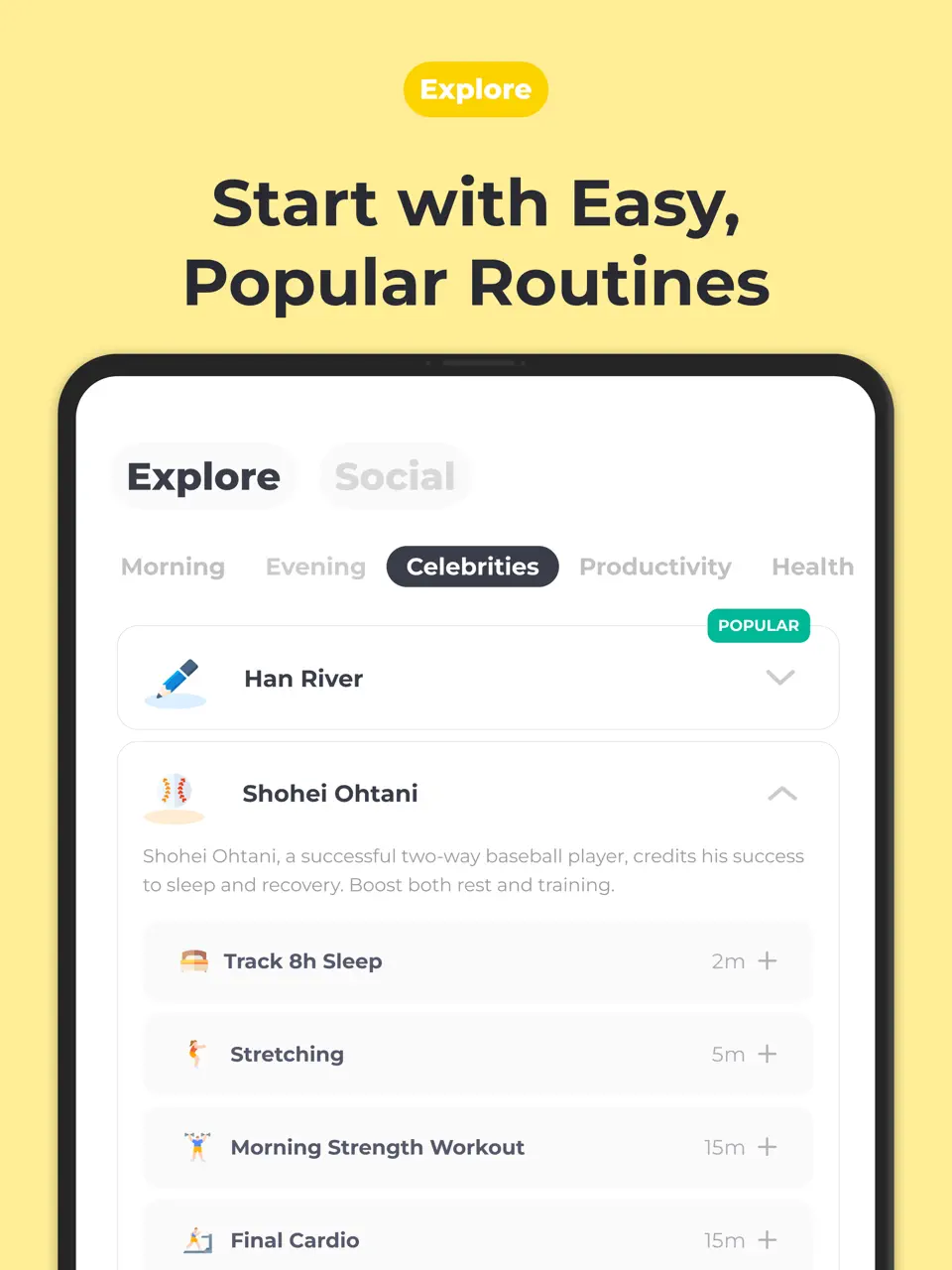
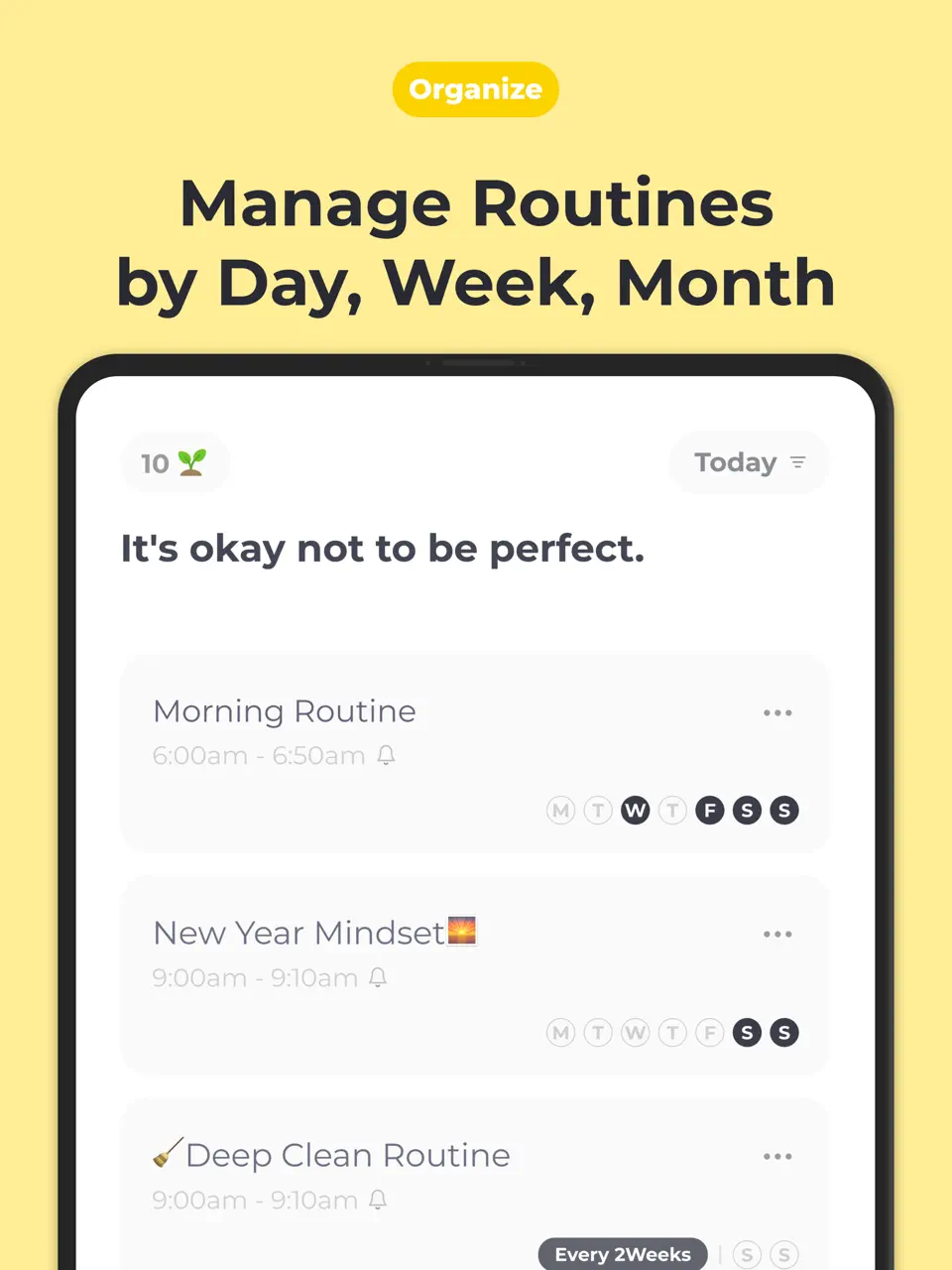
Routinery is a focused app designed to help users build and stick to daily routines through guided steps, timers, and progress tracking. It allows creating voice-prompted sequences (e.g., “wake up → brush teeth → meditate”), chaining habits, and viewing analytics to see consistency over time. The free version supports basic routines, while premium unlocks unlimited routines and advanced statistics. Routinery is particularly helpful for people who struggle with consistency, procrastination, or executive function challenges. Its simple interface and audio guidance make it feel like a personal coach walking you through your day.
- Voice-guided step-by-step routines
- Timer chaining
- Progress analytics with charts
- Good for ADHD/executive function
- Simple interface
- Focused only on routines
- Limited free version
- No handwriting support
Product details
| Type of app | Best for | Platforms | Developer | Pricing Model | Free tier strength |
|---|---|---|---|---|---|
| Routine & Habit Planner | Guided daily routines | iOS/Android | Routinery | Freemium | ++ (limited routines, basic functions) |
Ellie Planner
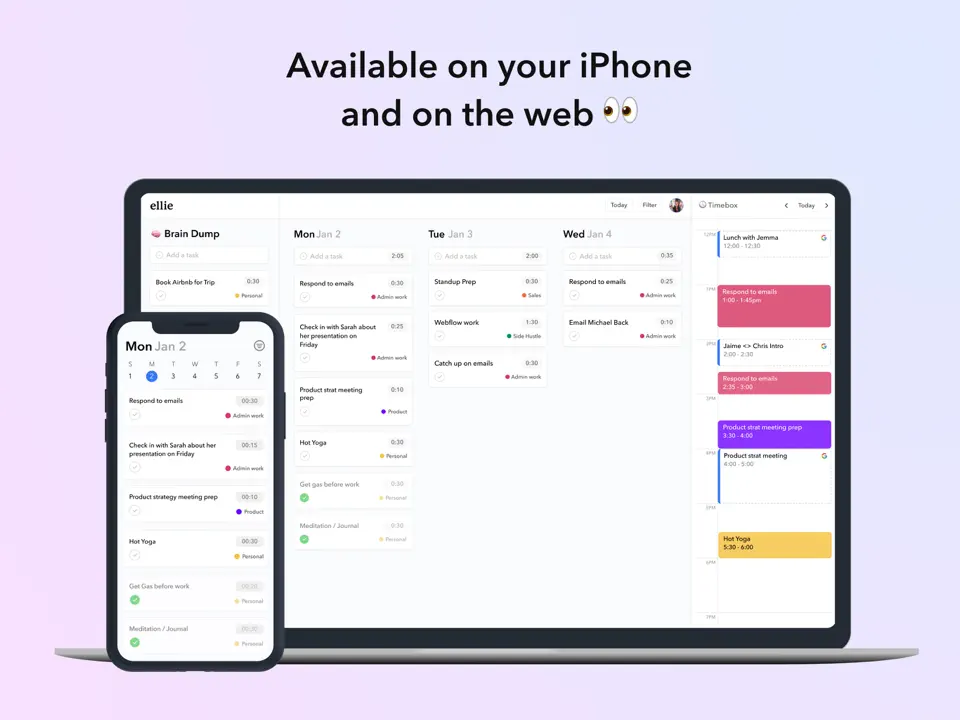
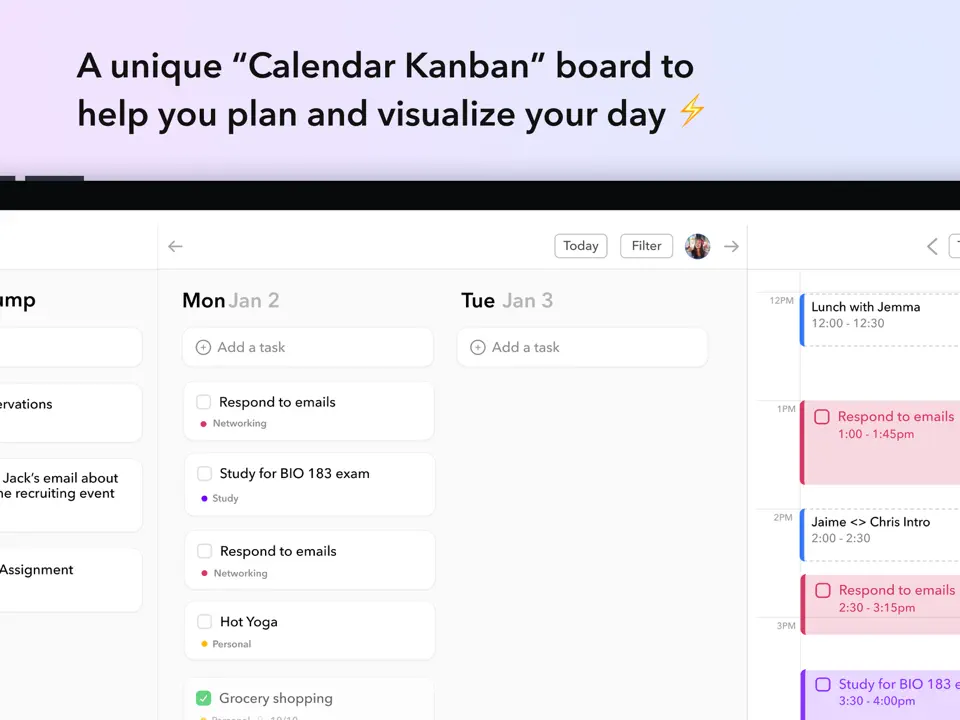
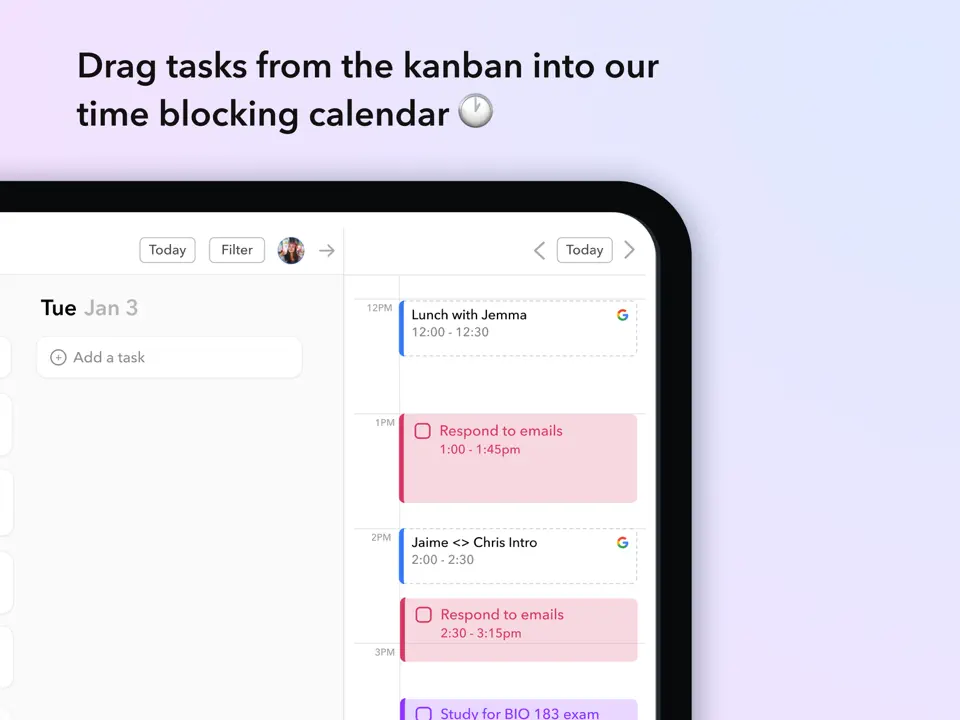
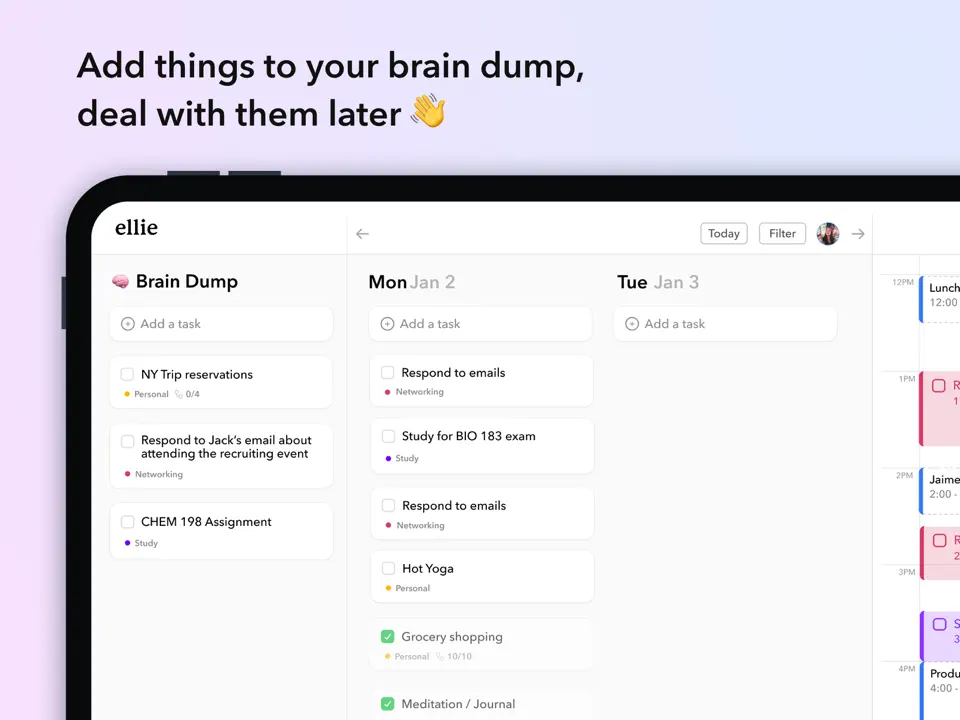
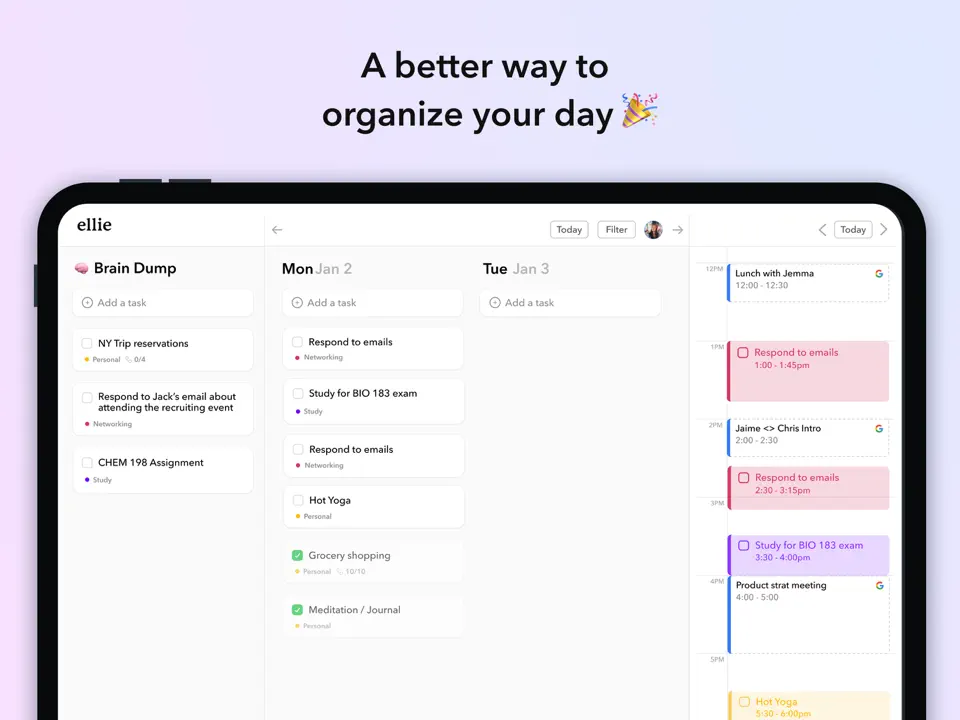
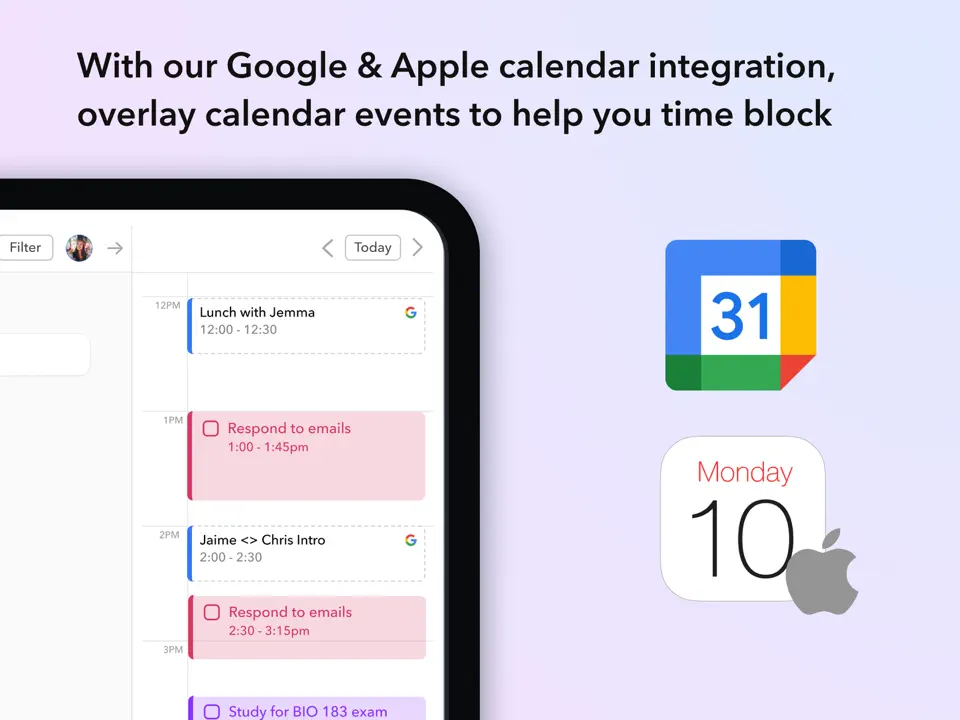
Ellie Planner is a minimalist daily planner app inspired by Sunsama but with a simpler, more accessible approach. It offers time blocking with drag-and-drop, Kanban view, brain dump for quick idea capture, and calendar integration (Google/Outlook). The free version includes basic time blocking and tasks, while Pro (~$4–10/month or lifetime) unlocks full features. Ellie focuses on reducing overwhelm for busy users or those with ADHD — clean design, responsive updates, and fast development based on user feedback. It is a great lightweight alternative to heavier planners, ideal for daily focus and routine building.
- Clean, minimalist daily view
- Time blocking with drag-and-drop
- Brain dump and Kanban mode
- Affordable Pro/lifetime options
- Responsive indie developer
- Limited free tier
- iOS-only (Android in development)
- Fewer advanced task features
Product details
| Type of app | Best for | Platforms | Developer | Pricing Model | Free tier strength |
|---|---|---|---|---|---|
| Minimalist Daily Planner | Time blocking & brain dump | iOS (Android in dev) | Indie | Freemium (Pro ~$4–10/month or lifetime) | ++ (basic time blocking/tasks) |
Amplenote
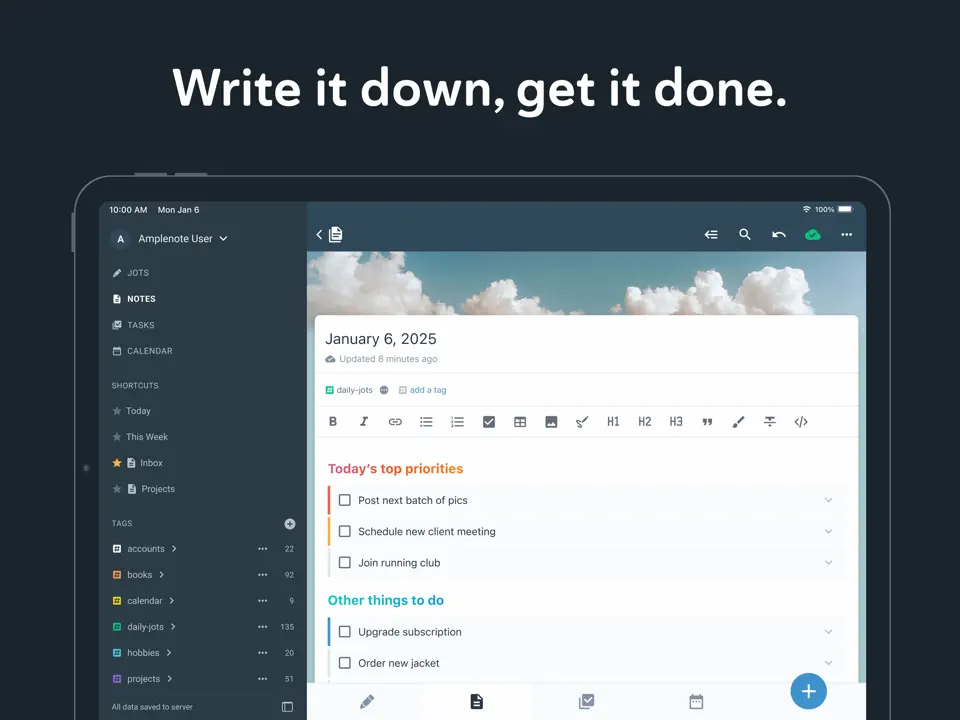
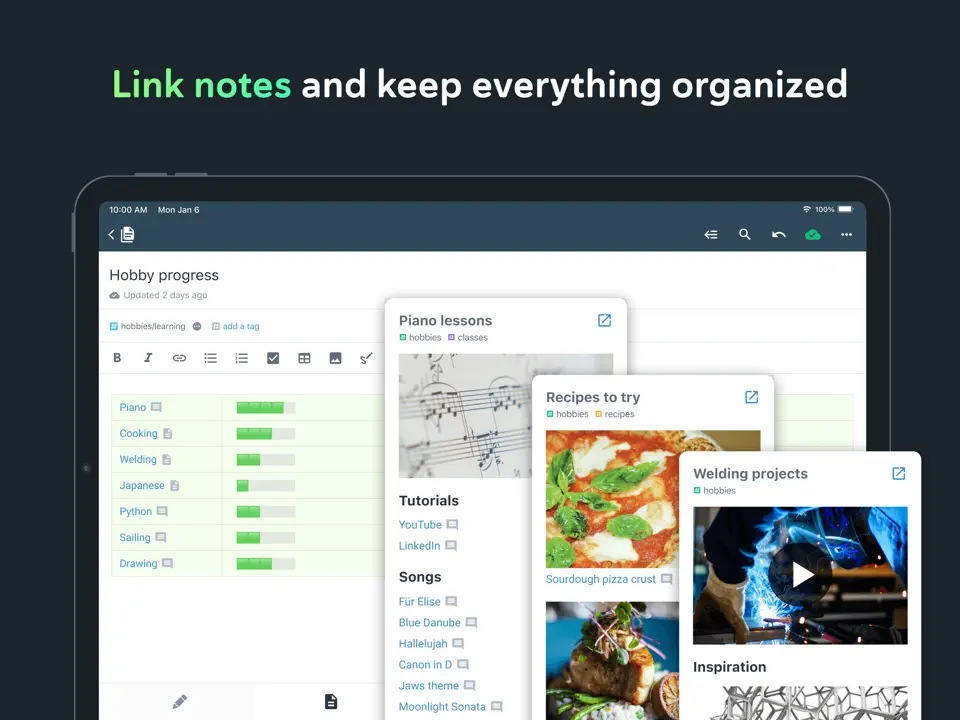
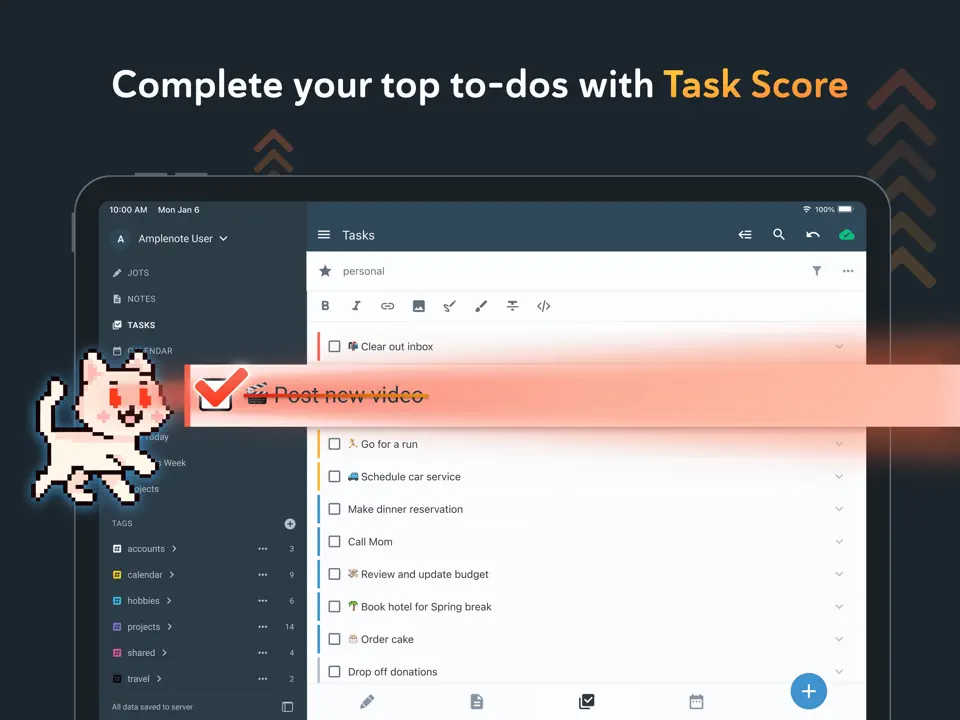
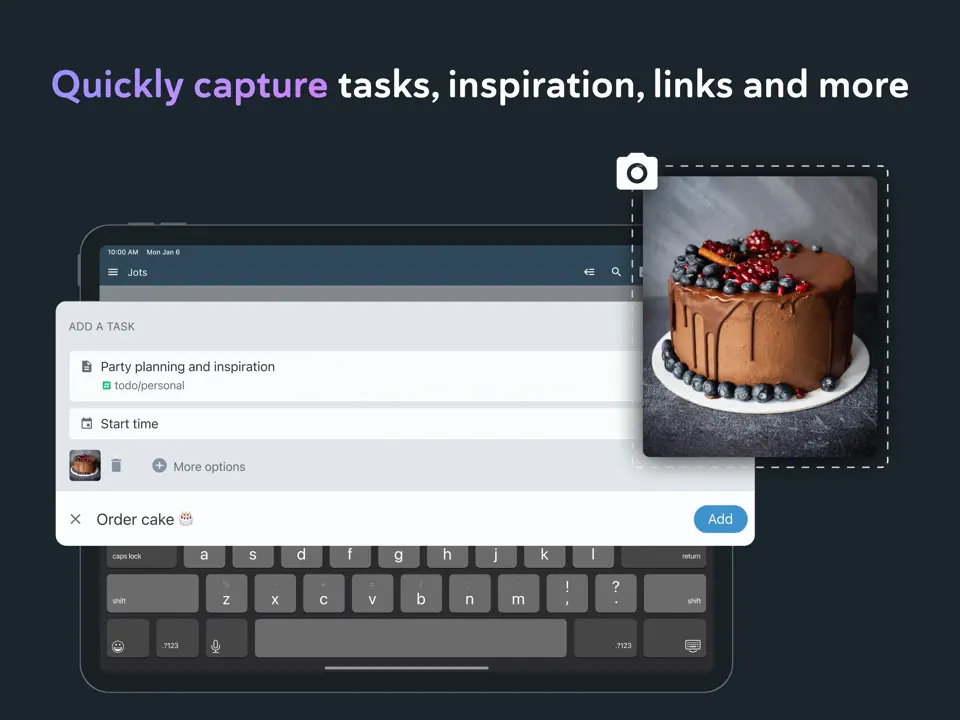
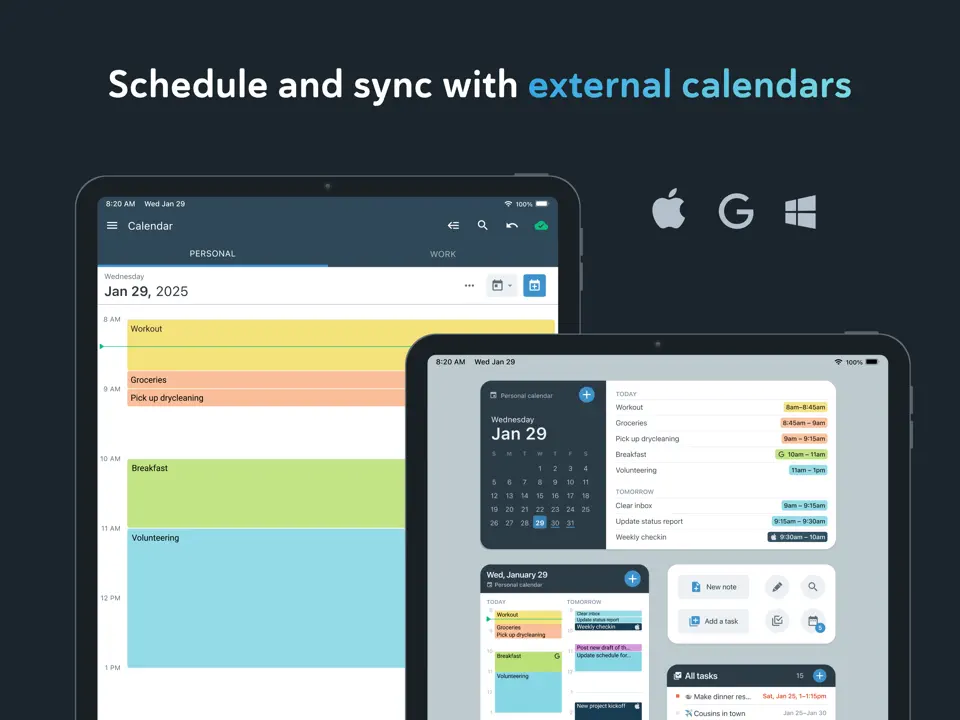
Amplenote is a seamless note-taking and task management app that integrates notes, tasks, calendar, and reminders in one place. It uses a GTD-style approach (capture, organize, review) with bi-directional linking between notes and tasks. The free plan is very generous (unlimited notes/tasks/calendar), while paid tiers add rich attachments and advanced search. Amplenote excels at keeping everything interconnected: tasks appear in notes, notes in calendar without clutter. It is ideal for users who want a note-first task manager with strong search, offline mode, and cross-platform sync.
- Linked notes + tasks seamlessly
- Generous free plan
- Excellent full-text search
- Offline mode and cross-platform
- Clean, minimalist interface
- Less visual than dedicated planners
- No gamification or templates
- Some advanced features paid
Product details
| Type of app | Best for | Platforms | Developer | Pricing Model | Free tier strength |
|---|---|---|---|---|---|
| Note & Task Planner | Linked notes + tasks | Multi | Amplenote | Freemium | +++ (unlimited notes/tasks/calendar) |
Structured
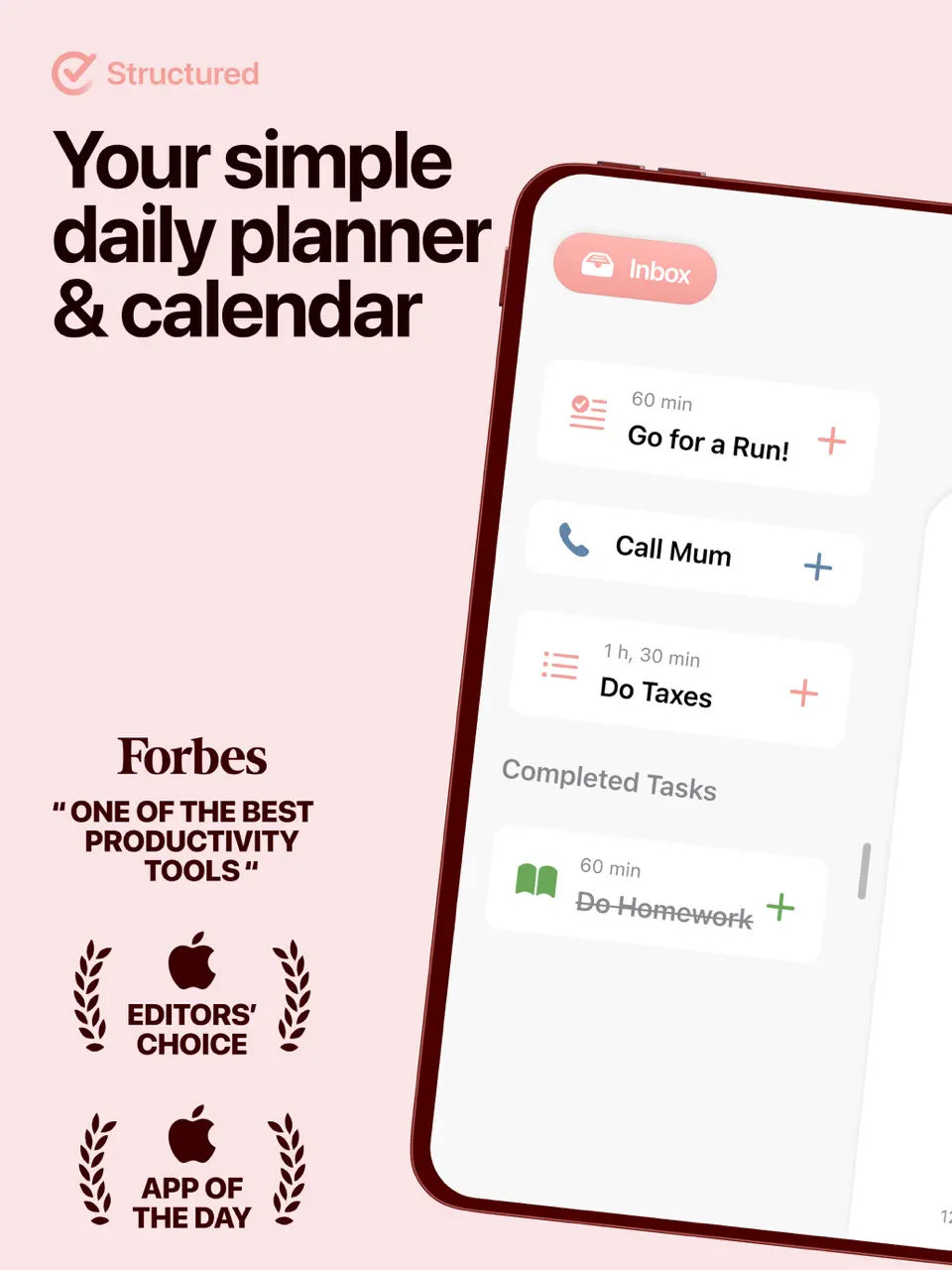
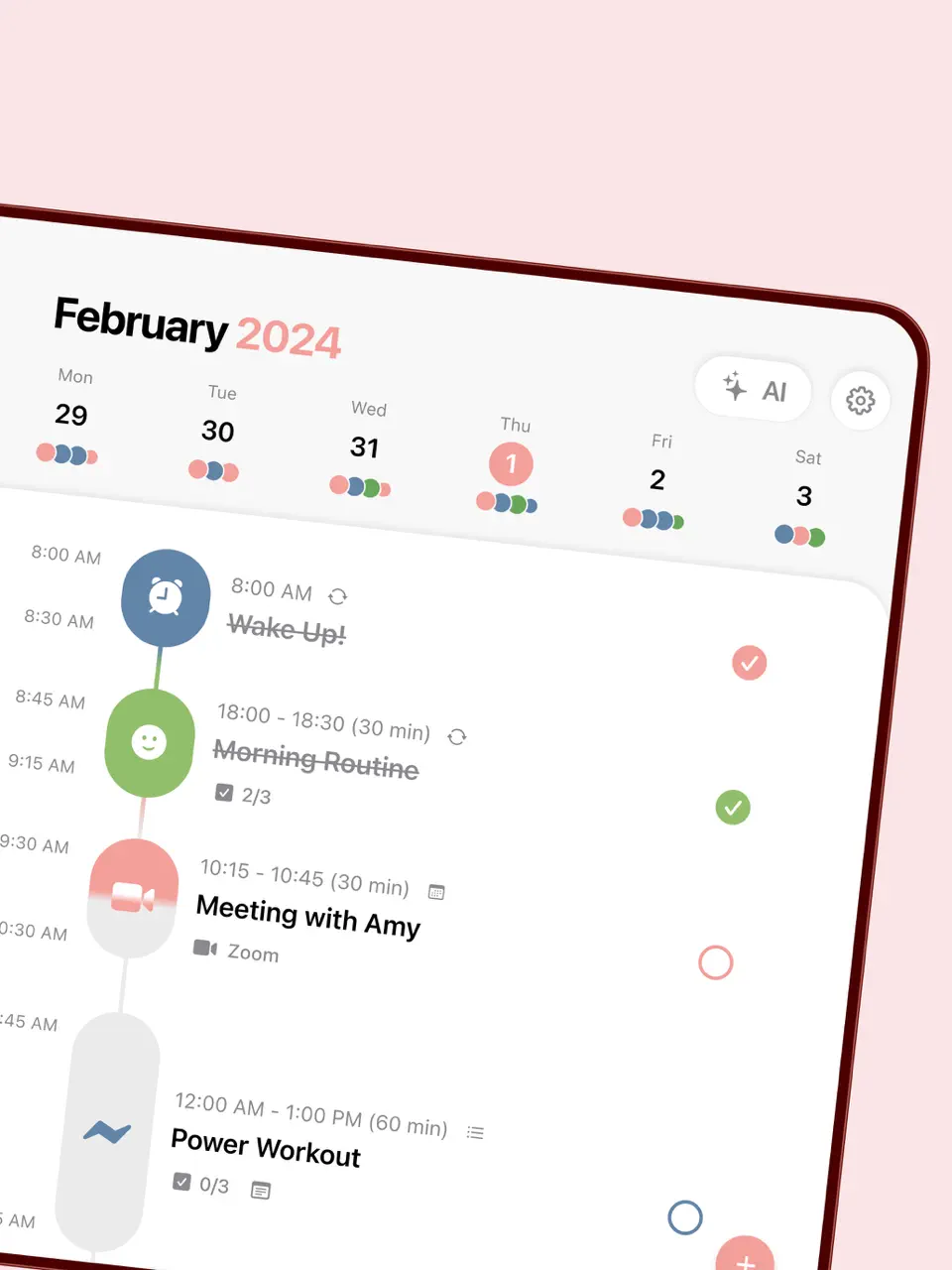
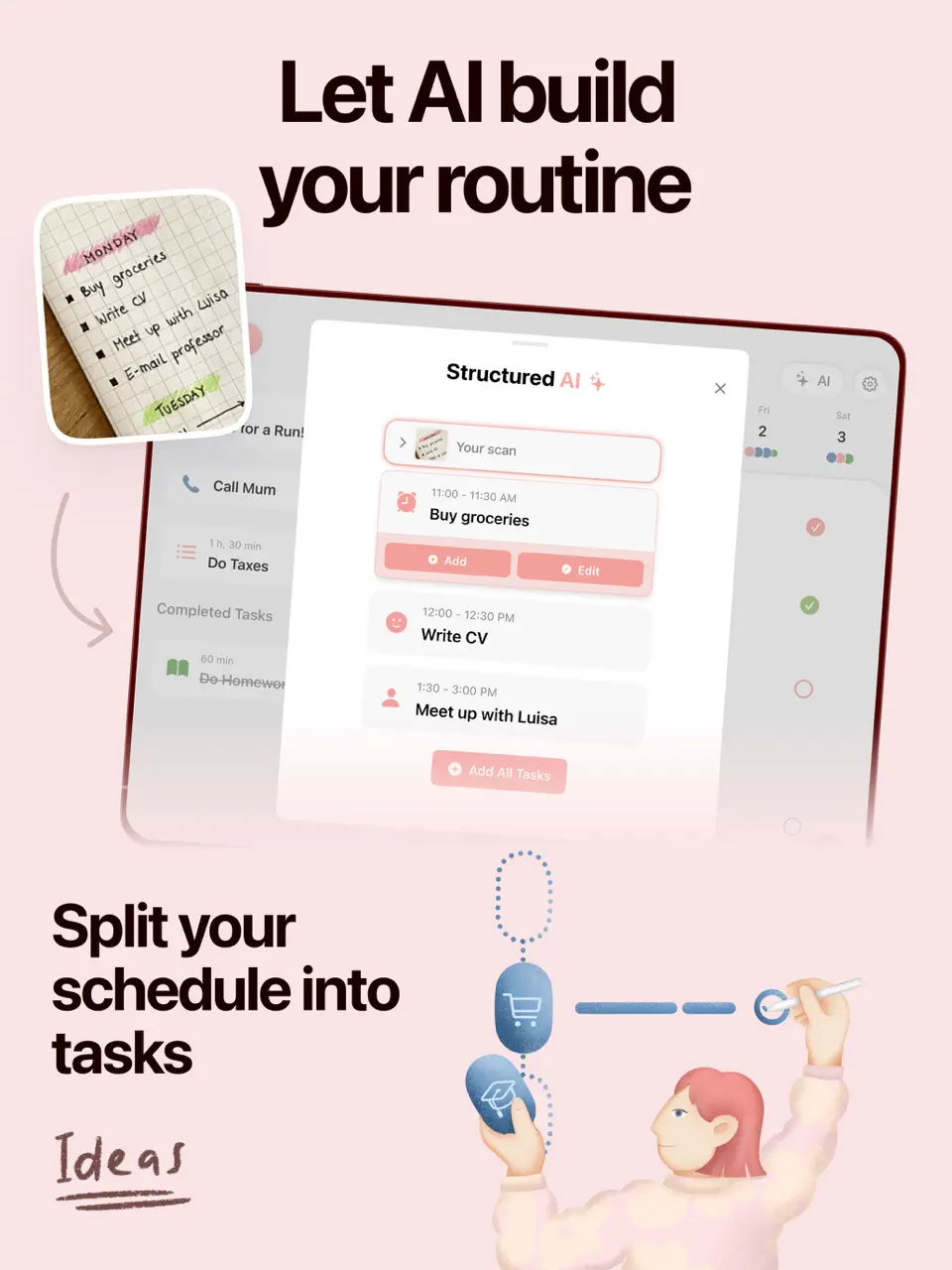
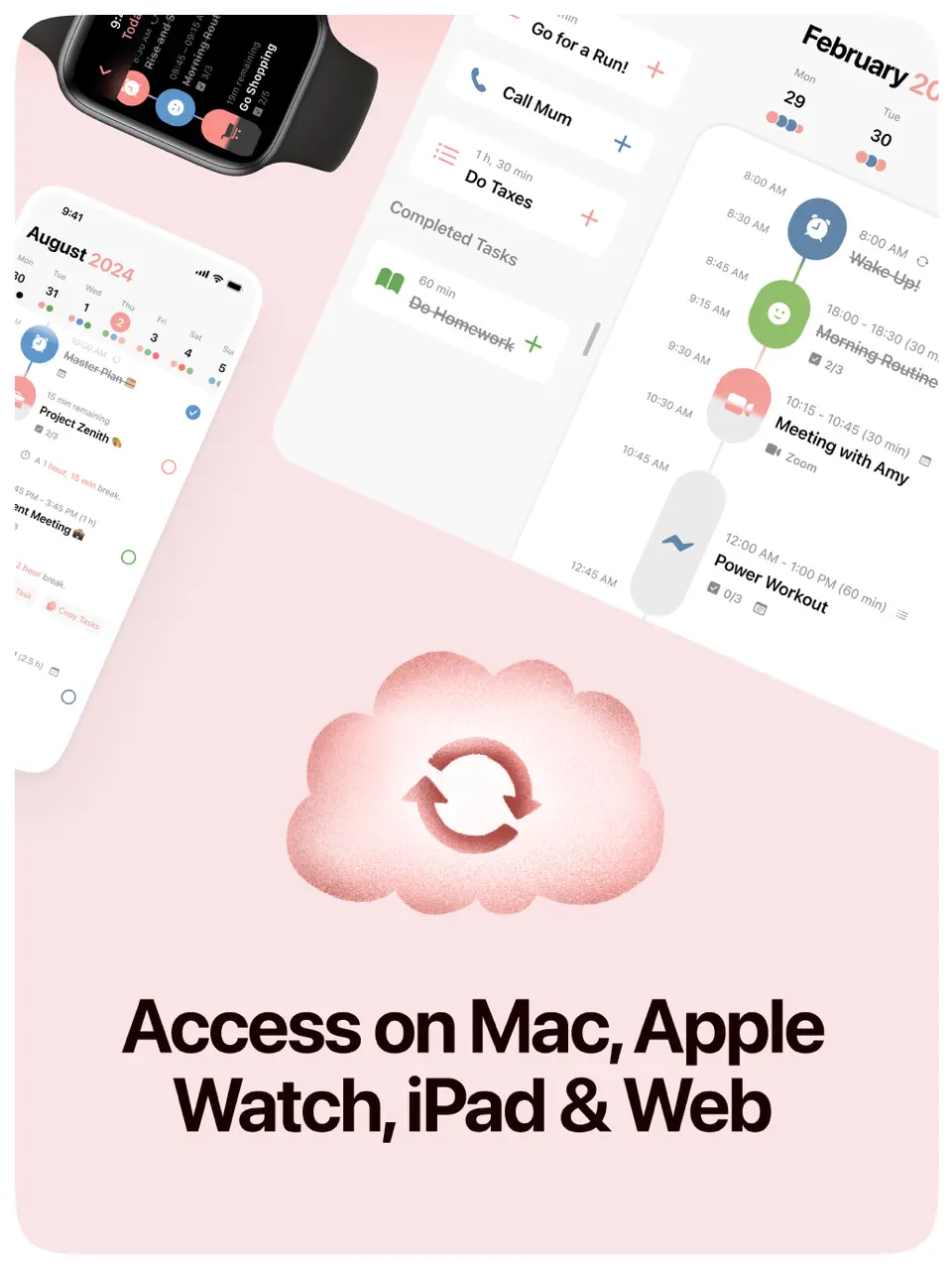
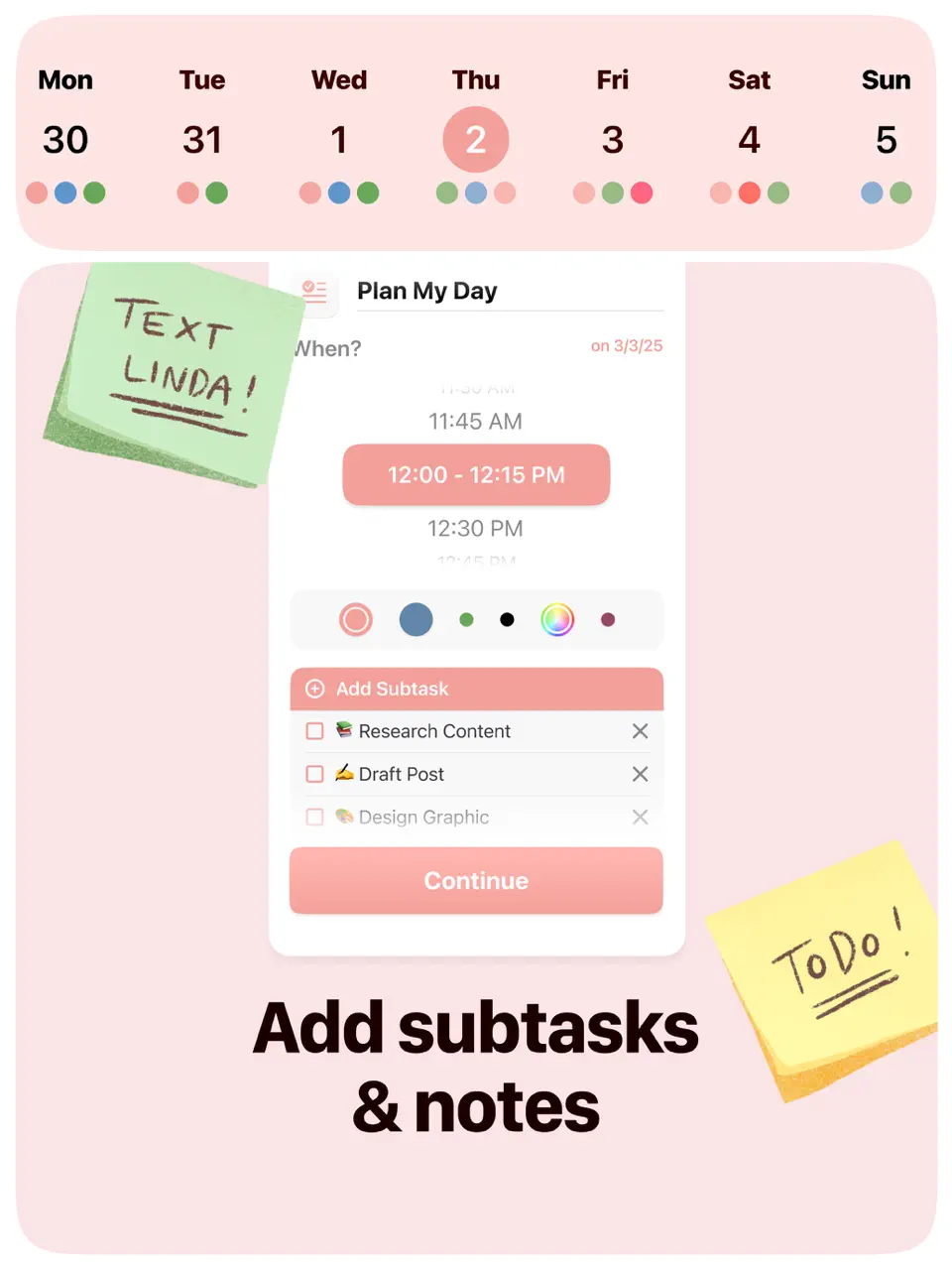
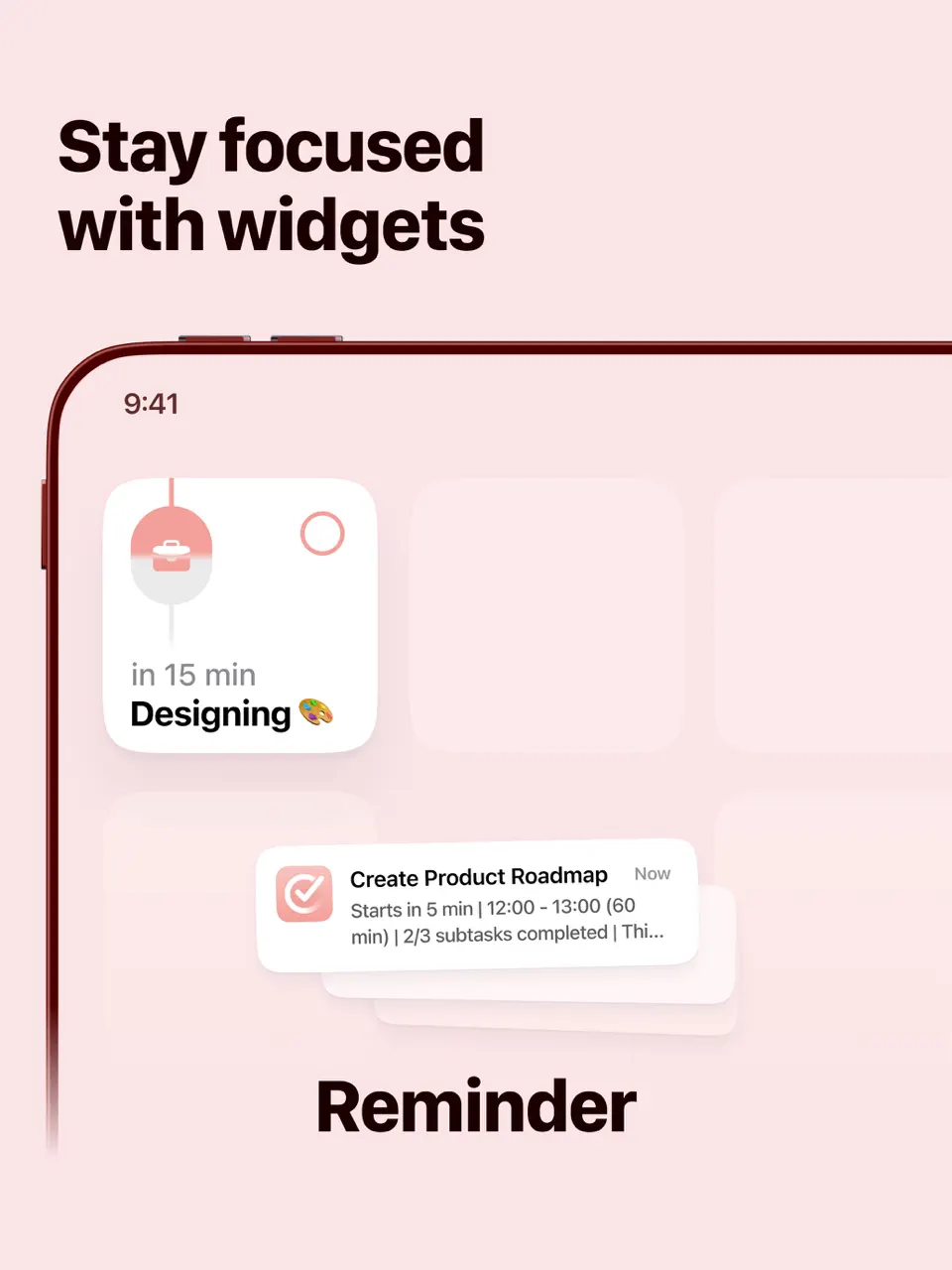
Structured is a visual daily planner app that displays your day as a colorful timeline with time blocking, tasks, and reminders. It supports drag-and-drop scheduling, recurring events, subtasks, and Apple Watch sync. The free version offers basic timeline and tasks, while Pro (~$9.99/year or $29.99 lifetime) unlocks advanced customization and recurring items. Structured is especially popular among users with ADHD or those who prefer visual over list-based planning: it reduces overwhelm by showing the day at a glance. It is optimized for iOS/iPad with a calm, intuitive design.
- Beautiful timeline view
- Intuitive time blocking
- Apple Watch integration
- Great for visual/ADHD users
- Affordable Pro options
- Limited free tier
- iOS-focused (Android weaker)
- No deep habit tracking
Product details
| Type of app | Best for | Platforms | Developer | Pricing Model | Free tier strength |
|---|---|---|---|---|---|
| Visual Daily Planner | Timeline & time blocking | iOS (Android weaker) | Structured | Freemium | ++ (basic timeline/tasks) |
Conclusion
Which Free Planner App Should You Choose in 2026 ?
After testing 14 free planner apps and productivity tools in real daily workflows, several clear patterns emerge to help you decide.
If you want one beautifully designed app that combines customizable templates, tasks, habits, calendar sync, reminders, and cross-platform access without expensive monthly fees Ultimate Planner stands out as one of the strongest overall choices. One of the best digital planners offers 40+ ready-made thematic planners (daily, ADHD, goals, etc.) with hyperlinks, deep customization (choose templates, design, sections), habit tracking, and a very affordable premium upgrade after a generous free tier. It's perfect for users who want aesthetics, functionality, and value in one place.
For absolute simplicity and zero cost: Microsoft To Do, Google Calendar + Google Tasks, and Any.Do remain unbeatable. They cover quick lists, events, reminders, and basic daily planning with no ads or limits.
Habit-focused users will love TickTick (with Pomodoro and streaks) or Habitica (gamified rewards): both have strong free tiers for long-term consistency.
Those needing visual or structured daily routines should consider Structured (timeline view), Ellie Planner (minimalist time blocking), or Routinery (guided steps): all offer capable free versions.
Power users who want deep customization usually choose Notion. Its free plan is unlimited for personal use and can replace multiple tools.
For visual task boards and workflows: Trello and ClickUp provide generous free plans with unlimited cards/tasks and integrations.
Amplenote is great for note-task hybrids with linked notes and calendar sync - its free tier is very capable.
The best app is always the one you consistently use. Start with your biggest pain point: scattered tasks, forgotten habits, no structure, or too much clutter, and test 2–3 options. All have free tiers or trials, so there’s no risk.
If you’re looking for a flexible, visually appealing free planner app that combines productivity with creative planning, give Ultimate Planner a try. It might become the central tool that helps you stay organized and productive.
F.A.Q.
Yes, some of the apps include Google Calendar, Microsoft To Do, and CollaNote. Many premium planner apps offer free versions with limited features and optional subscriptions.
Planner apps provide automation, reminders, and dashboards, while digital planner templates offer structured daily layouts and handwriting-friendly planning. For personal planning, many users prefer digital planners combined with a calendar app for synchronization.
Many planning apps support calendar synchronization with Google Calendar or Microsoft Outlook, especially task managers and AI scheduling tools. Note-taking apps usually require external calendar integration.
Some planning apps like Ultimate Planner, GoodNotes, Notability, CollaNote, and Zinnia support handwriting and Apple Pencil. Task management apps and AI planners usually focus on typed input and automation.