
Best Organizer Apps
Quick jump to:
Introduction
In 2026, organizer apps have become essential for millions of people trying to keep their personal and professional lives in order. With hundreds of options available, finding the one that truly fits your needs is not easy. Some people want a beautiful visual calendar, others require powerful habit tracking, while many are looking for a simple, free tool to capture ideas on the go.
In this detailed review, we’ve tested and compared 15 of the most relevant organizer apps, from completely free giants like Google Calendar and Google Keep to feature-rich freemium solutions and niche tools designed for specific needs (ADHD-friendly planning, gamification, content saving).
We don’t claim there is one single “best organizer app” for everyone because the perfect tool depends on your lifestyle, devices, and priorities. Instead, we provide honest comparisons, real-use-case insights, and clear pros & cons so you can make an informed decision. Special attention is paid to how these organizer apps perform in everyday scenarios: planning your week, tracking routines, organizing thoughts, and staying focused.
The list includes completely free options (Google Calendar, Google Keep, Microsoft To Do), powerful all-in-one platforms (Notion, TickTick), classic note organizers (Evernote), habit builders (Habitica, Routinery), visual ADHD helpers (Tiimo), and modern read-later replacements (Raindrop.io). We also included our own Ultimate Planner - a versatile digital planner that combines beautiful templates, stickers, calendar integration, and habit tracking in one place.
Read on to discover which organizer apps are actually worth your time and how to choose the one that will become your daily companion.
| Ultimate Planner | GoodNotes | Notability | Notion | TickTick | Todoist | Any.Do | Microsoft To-Do | Google Calendar | Google Keep | Evernote | Raindrop.io | Routinery | Tiimo | Habitica | |
|---|---|---|---|---|---|---|---|---|---|---|---|---|---|---|---|
| Overal rating: | |||||||||||||||
| Rating | 4.8 | 4.8 | 4.7 | 4.7 | 4.7 | 4.5 | 4.6 | 4.7 | 4.5 | 4.6 | 4.4 | 4.7 | 4.6 | 4.7 | 4.5 |
| Reviews | 1k+ | 10k+ | 5k+ | 50k+ | 50k+ | 80k+ | 100k+ | 100k+ | 500k+ | 500k+ | 100k+ | 10k+ | 2k+ | 3k+ | 20k+ |
| Main: | |||||||||||||||
| Integrated templates | |||||||||||||||
| Integrated calendar | |||||||||||||||
| Better for personal use | |||||||||||||||
| Better for team use | |||||||||||||||
| Platforms: | |||||||||||||||
| Windows | |||||||||||||||
| Android | |||||||||||||||
| Web | |||||||||||||||
| MacOS | |||||||||||||||
| IOS | |||||||||||||||
| Interface: | |||||||||||||||
| Themes switch | |||||||||||||||
| Integrated covers | |||||||||||||||
| Notification Support | |||||||||||||||
| System Integration | |||||||||||||||
| Support for custom fonts | |||||||||||||||
| Special features: | |||||||||||||||
| Interactive checklists | |||||||||||||||
| Highlighter | |||||||||||||||
| Apple Pencil Support | |||||||||||||||
| Ai Features | |||||||||||||||
| Task Managment | |||||||||||||||
| Add images/stickers | +/- (rewards) | ||||||||||||||
| Attachments into task | |||||||||||||||
| Habit Tracking | |||||||||||||||
| Time Tracking | |||||||||||||||
| Pomodoro, Focus | |||||||||||||||
| Synchronize & Backup: | |||||||||||||||
| Synchronize with Apple Calendar | |||||||||||||||
| Synchronize with Google Calendar | |||||||||||||||
| Synchronize with Microsoft Calendar | |||||||||||||||
| Auto backup | |||||||||||||||
| Task sharing, delegation |
How we tested Planner Apps?
To make this review as useful and trustworthy as possible, we spent over 120 hours actively testing each of the 15 organizer apps in real-life conditions. We didn’t rely solely on official descriptions, marketing claims, or outdated reviews: everything was checked personally.
Testing was performed across multiple devices:
- iPad Pro (M4, iPadOS 18)
- iPhone 17 Pro Max
- Samsung Galaxy Tab S10
- MacBook Air M3
- Windows 11 laptop
- Android smartphone (Pixel 9)
We simulated typical daily workflows:
- planning the day/week ahead
- setting and tracking habits
- quick idea/note capture
- saving and organizing articles/links
- working with calendars and reminders
- managing notes and documents
- offline usage
- cross-device synchronization
We scored each app on a 10-point scale across these criteria:
- interface simplicity for beginners
- speed and stability
- sync reliability
- quality of the free version
- value of premium features (if any)
- cross-platform support
- unique features that stand out
- stylus/Apple Pencil compatibility (where relevant)
- integration with calendars and tasks
- freshness of updates in 2026
We also analyzed thousands of recent user reviews (App Store, Google Play, Reddit, Trustpilot), and checked official changelogs. This hands-on approach helped us separate truly useful organizer apps from those that look good only in screenshots or marketing videos.
Individual Review
In this section we briefly describe each app from the selection. Full comparison tables and detailed pros/cons are further down the page. Here we focus on who this particular organizer app is best suited for and what makes it stand out from the rest.
Ultimate Planner leads the list for a reason: it's a truly versatile digital planner that combines customizable templates, beautiful stickers, habit tracking, and multi-platform support. It’s perfect for people who want everything in one beautifully designed place.
GoodNotes and Notability remain the top choices for handwritten planning to replace paper journals. If handwriting with Apple Pencil and working with PDFs is your priority: these two are still the industry standard.
Notion is the ultimate all-in-one organizer app for those willing to invest time in customization. Databases, wikis, tasks, calendars: you can build almost anything. The downside is the steep learning curve for beginners.
TickTick and Todoist are two of the strongest task-and-habit organizer apps. TickTick wins with built-in Pomodoro, calendar view, and habit streaks. Todoist is simpler and faster for pure task management.
Any.Do and Microsoft To Do are clean, beautiful daily organizers. They shine when you want simplicity without overwhelming features.
Google Calendar and Google Keep form the free foundation for millions. Calendar handles events and scheduling, Keep is perfect for instant notes and lists.
Routinery excels at building guided daily routines with voice prompts that are ideal for overcoming procrastination.
Tiimo is a unique visual organizer app designed specifically for people with ADHD: timers, picture-based schedules, gentle reminders, and caregiver sharing.
Raindrop.io is the modern replacement for the closed Pocket. Beautiful way to save and organize articles, links, and web content.
Habitica turns habit building into an RPG game. If you need extra motivation through rewards and quests, this is your choice.
Evernote continues to be a powerful note and document organizer with excellent search, web clipping, and document scanning.
Each of these organizer apps solves a specific problem. The detailed comparison tables below will help you see exactly which one fits your needs best.
Ultimate Planner
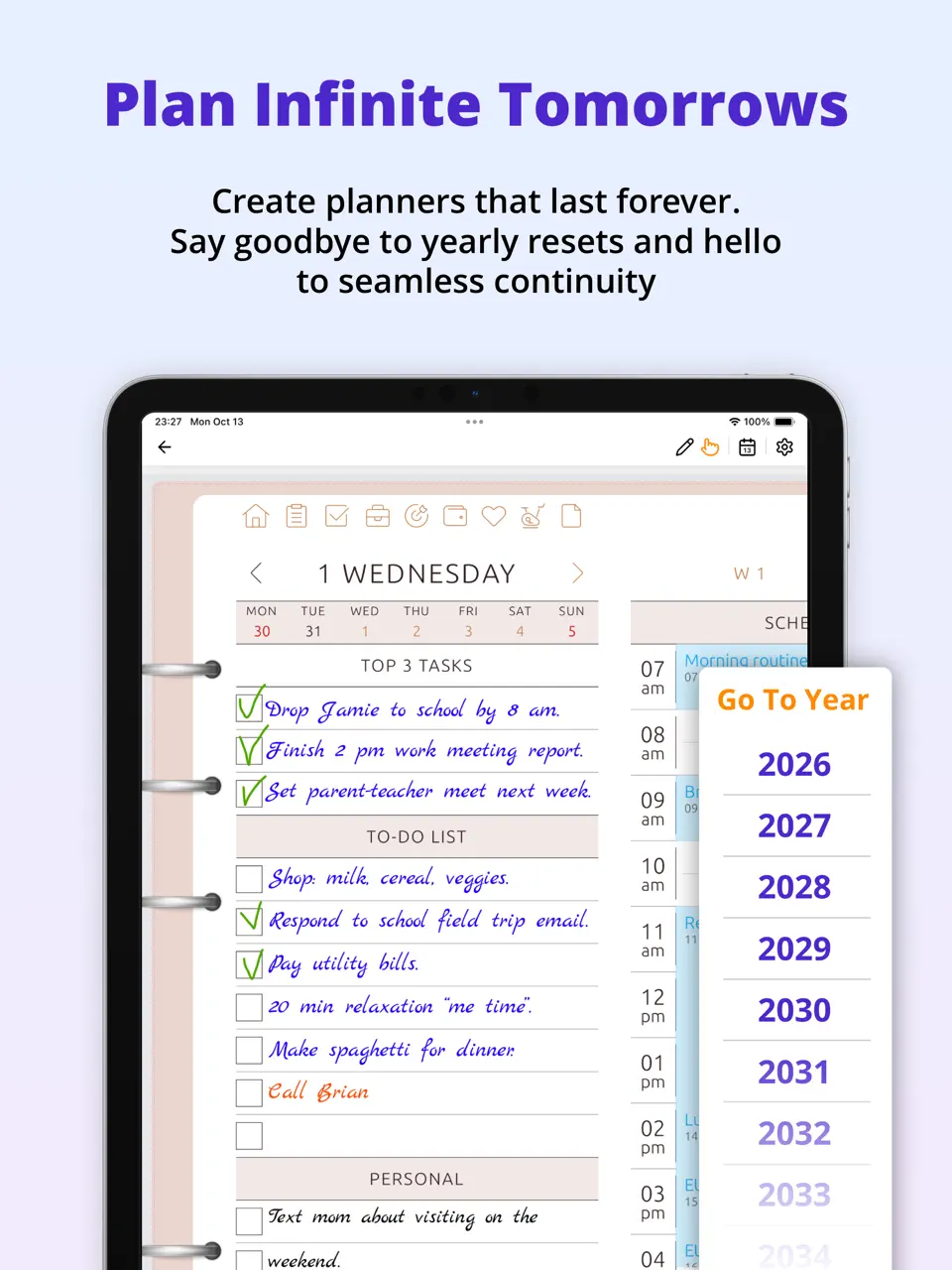
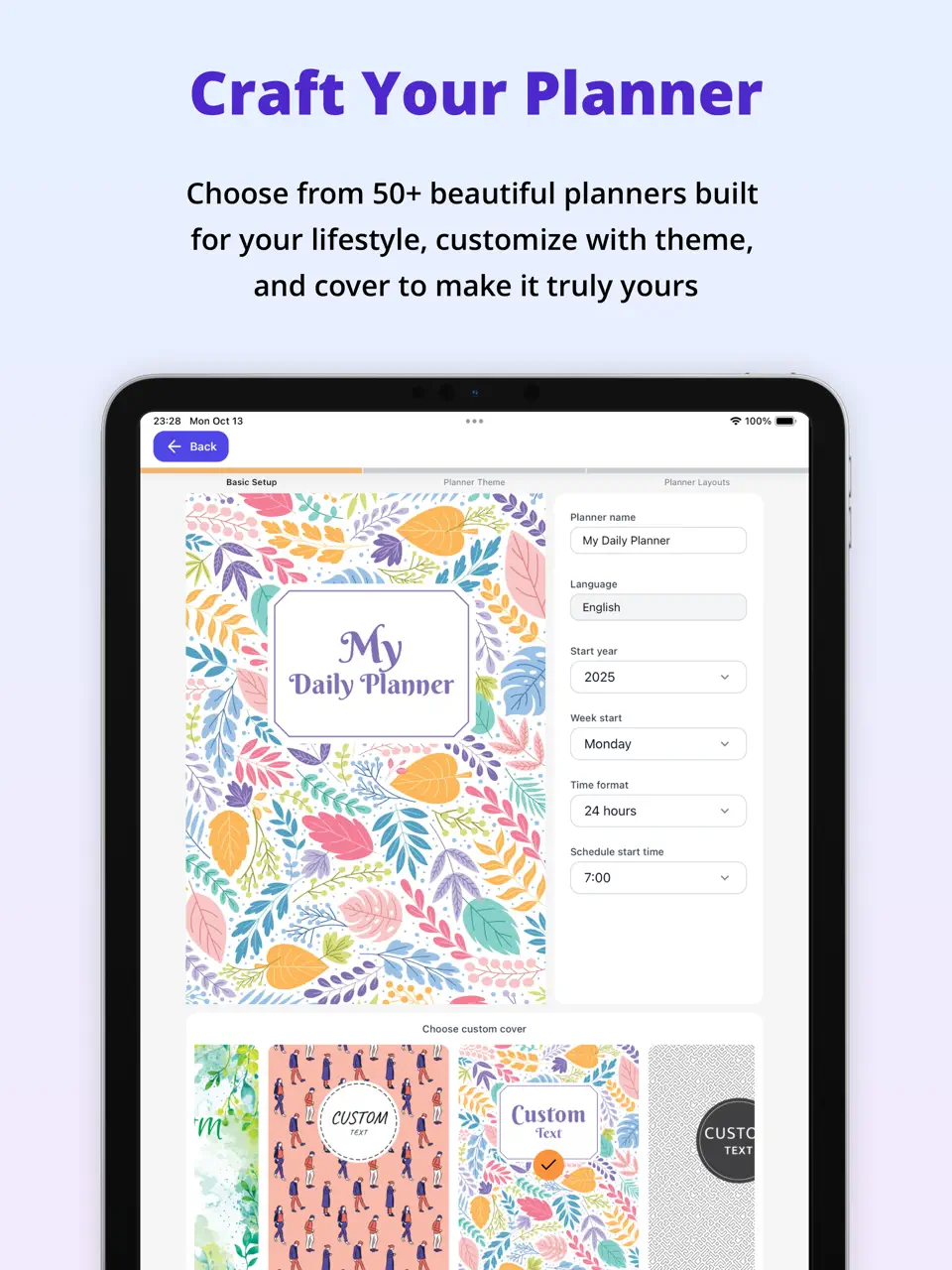
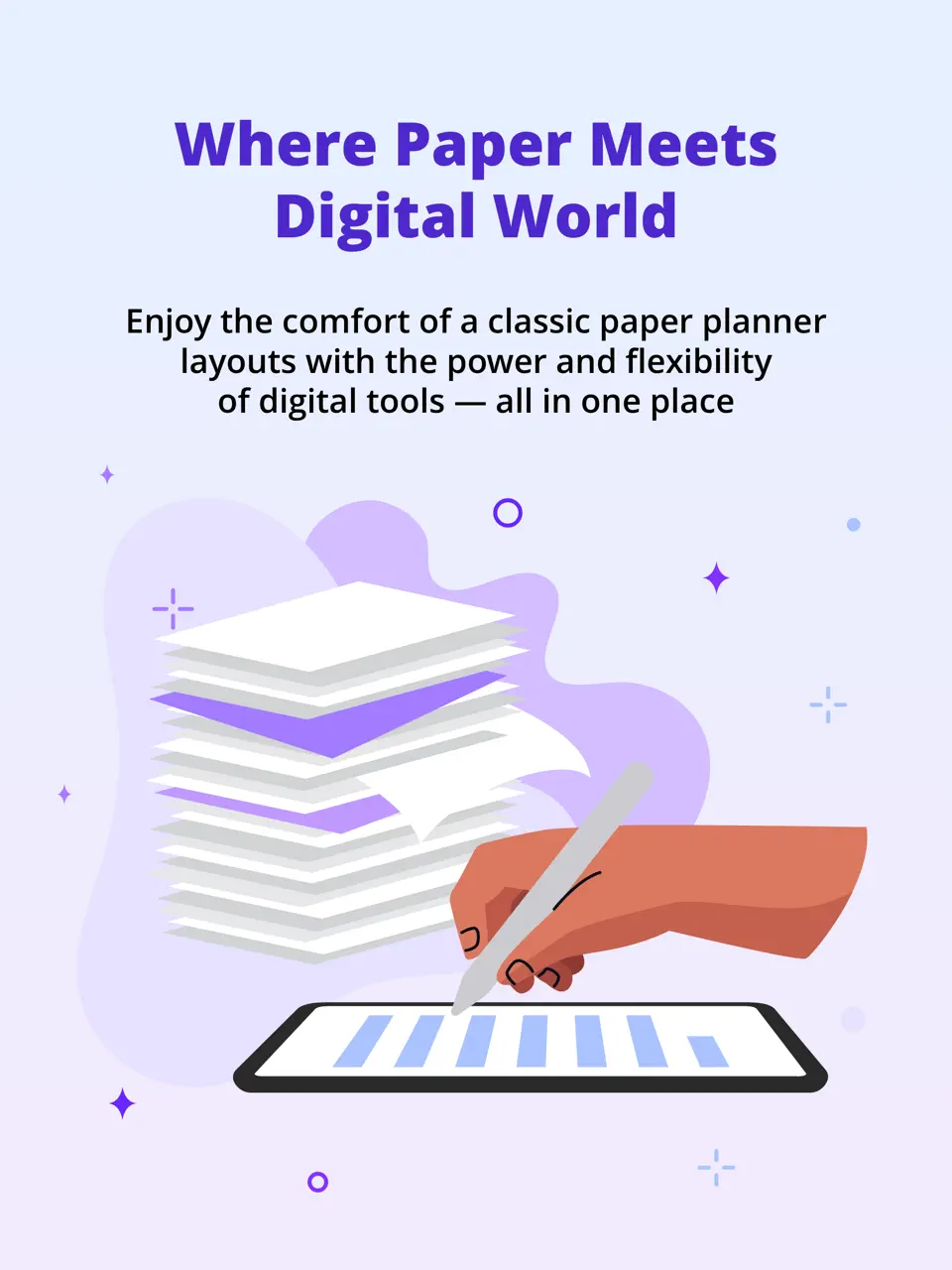
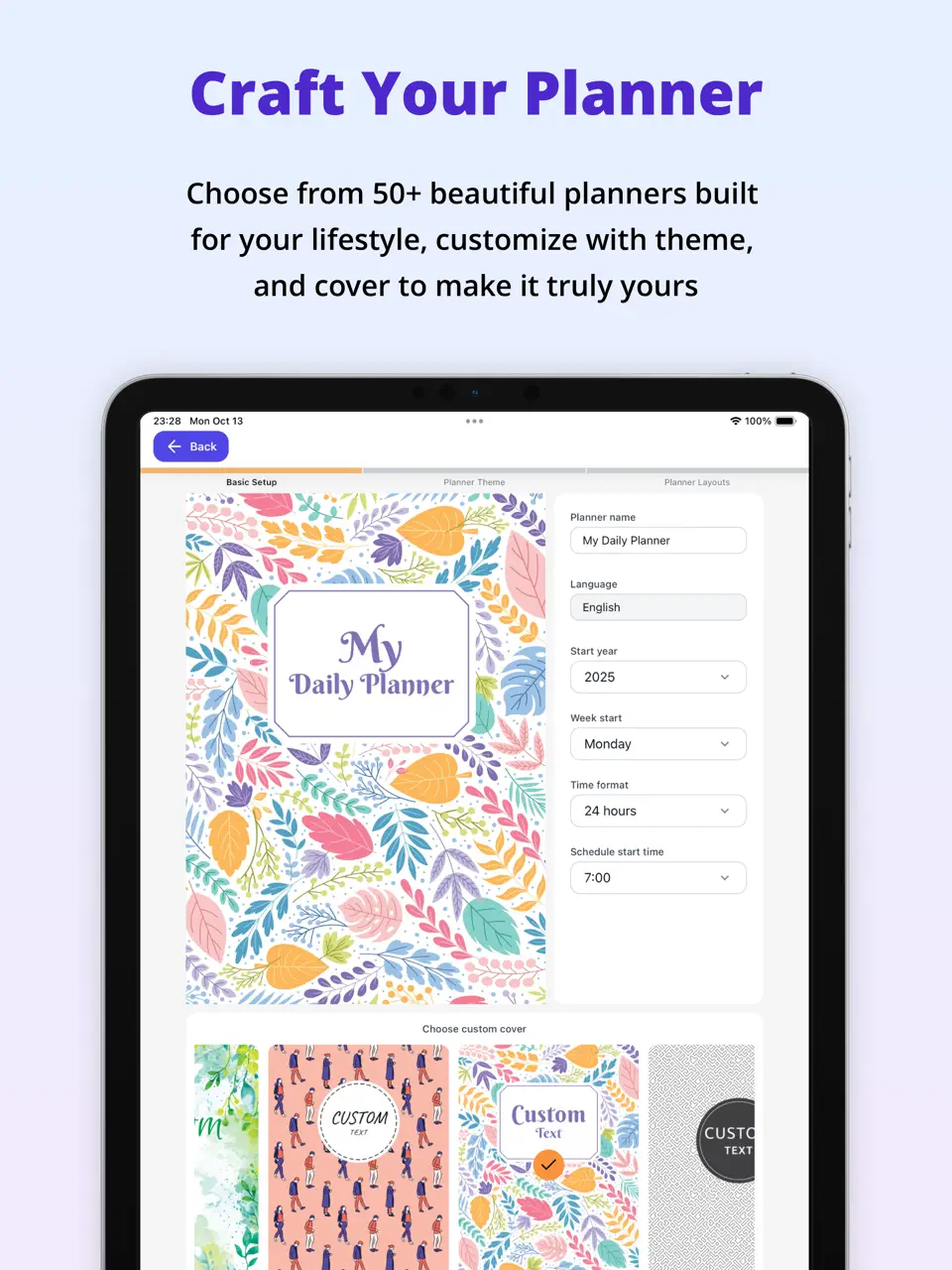
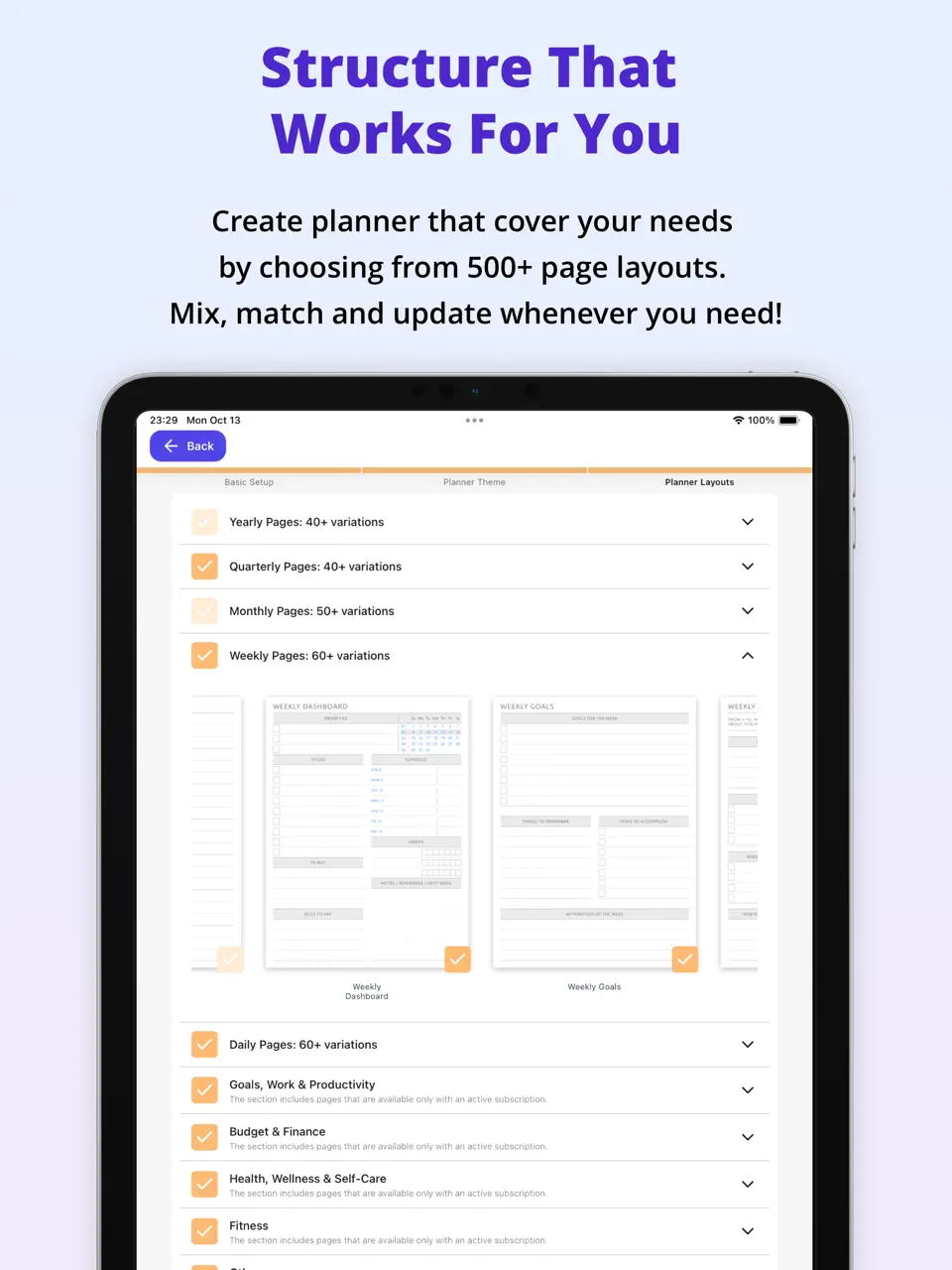
Ultimate Planner is a modern digital planner designed specifically for creative personal organization. It stands out with an extensive library of over 40+ customizable planners, stickers, custom fonts, and full Apple Pencil support. The app combines beautiful visual planning with practical tools: built-in calendar sync, habit tracking, checklists, and seamless synchronization across iOS, Android, web, Mac, and Windows.
The interface feels like a premium digital notebook: intuitive yet powerful enough for daily journaling, weekly planning, goal setting, and creative brainstorming. Ideal for users who want a single, aesthetically pleasing app that covers templates, scheduling, and habits without forcing monthly payments or overwhelming complexity.
- Multi-platform (iOS, Android, Web, Mac, Windows)
- Very affordable long-term pricing
- Strong focus on aesthetics and personalization
- So many hyperlinked digital templates;
- Apple & Google Calendar sync;
- Large collection of fonts, stickers and covers;
- No advanced AI features
- Task attachments and delegation are limited
Product details
| Type of app | Best for | Platforms | Developer | Pricing Model |
|---|---|---|---|---|
| Digital Planner | Custom templates & stickers | Multi (Web/iOS/Android/Mac/Win) | Evopaper. LLC | Freemium ($39.99 per 2 years for premium) |
GoodNotes
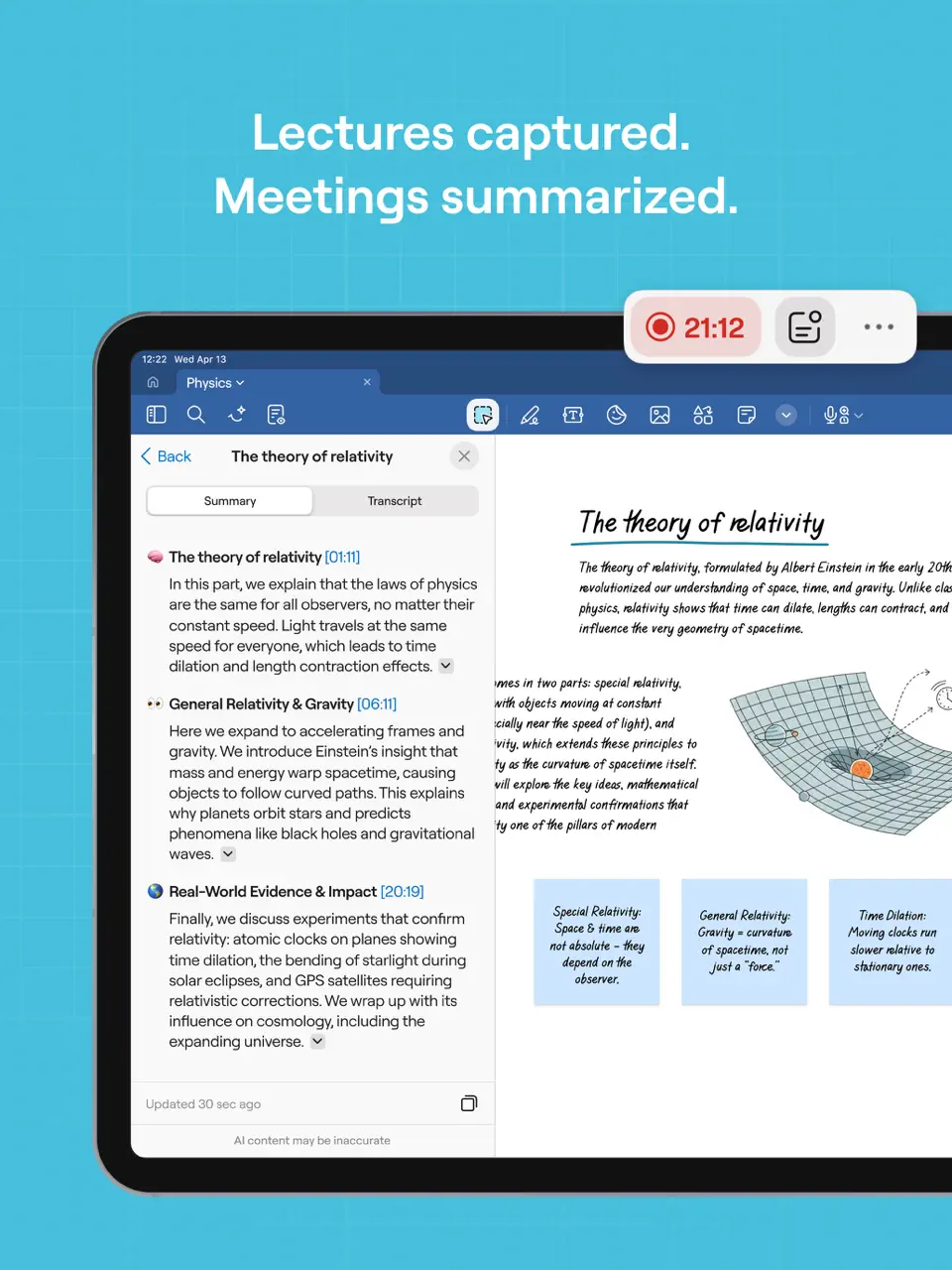
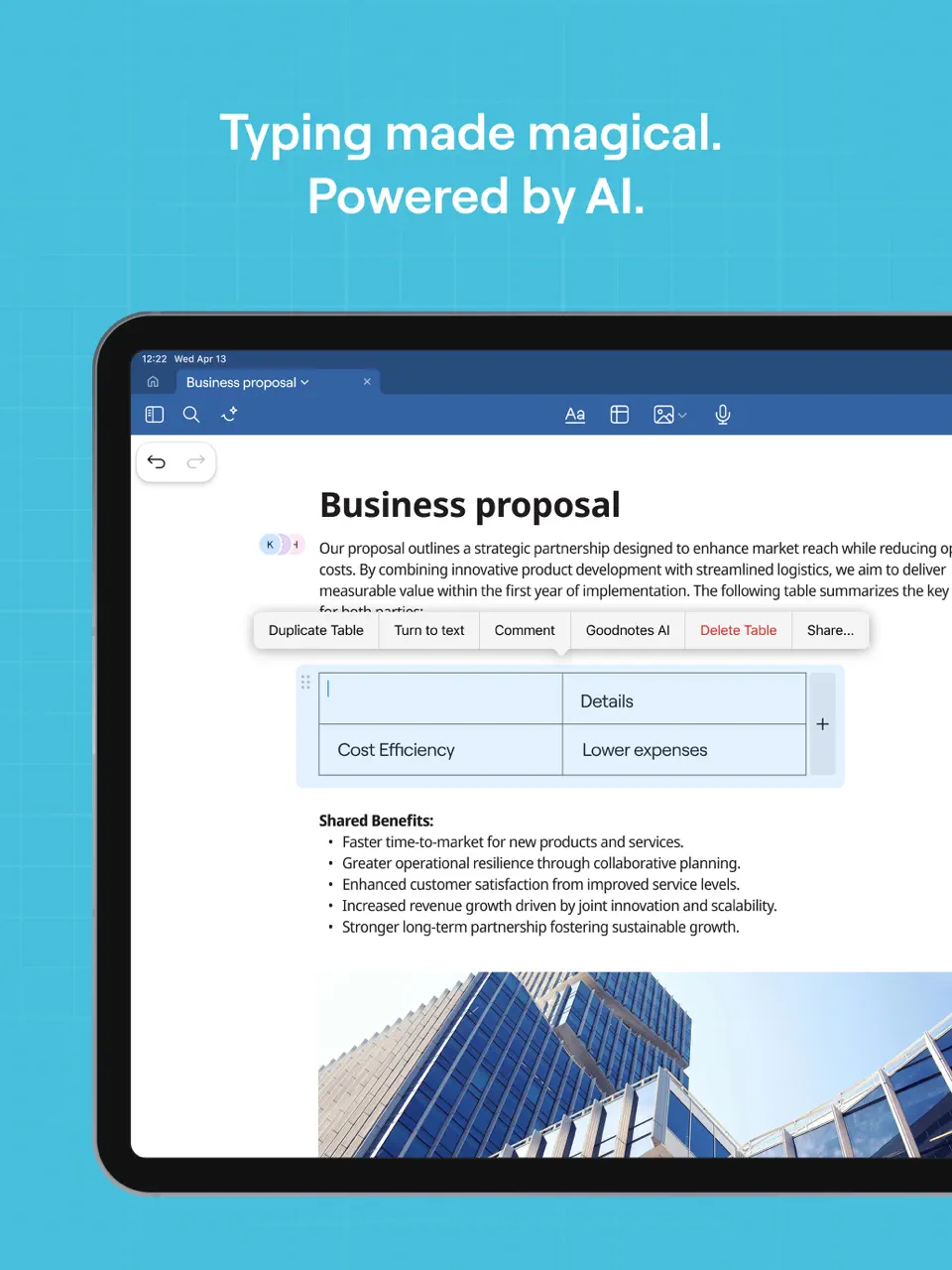
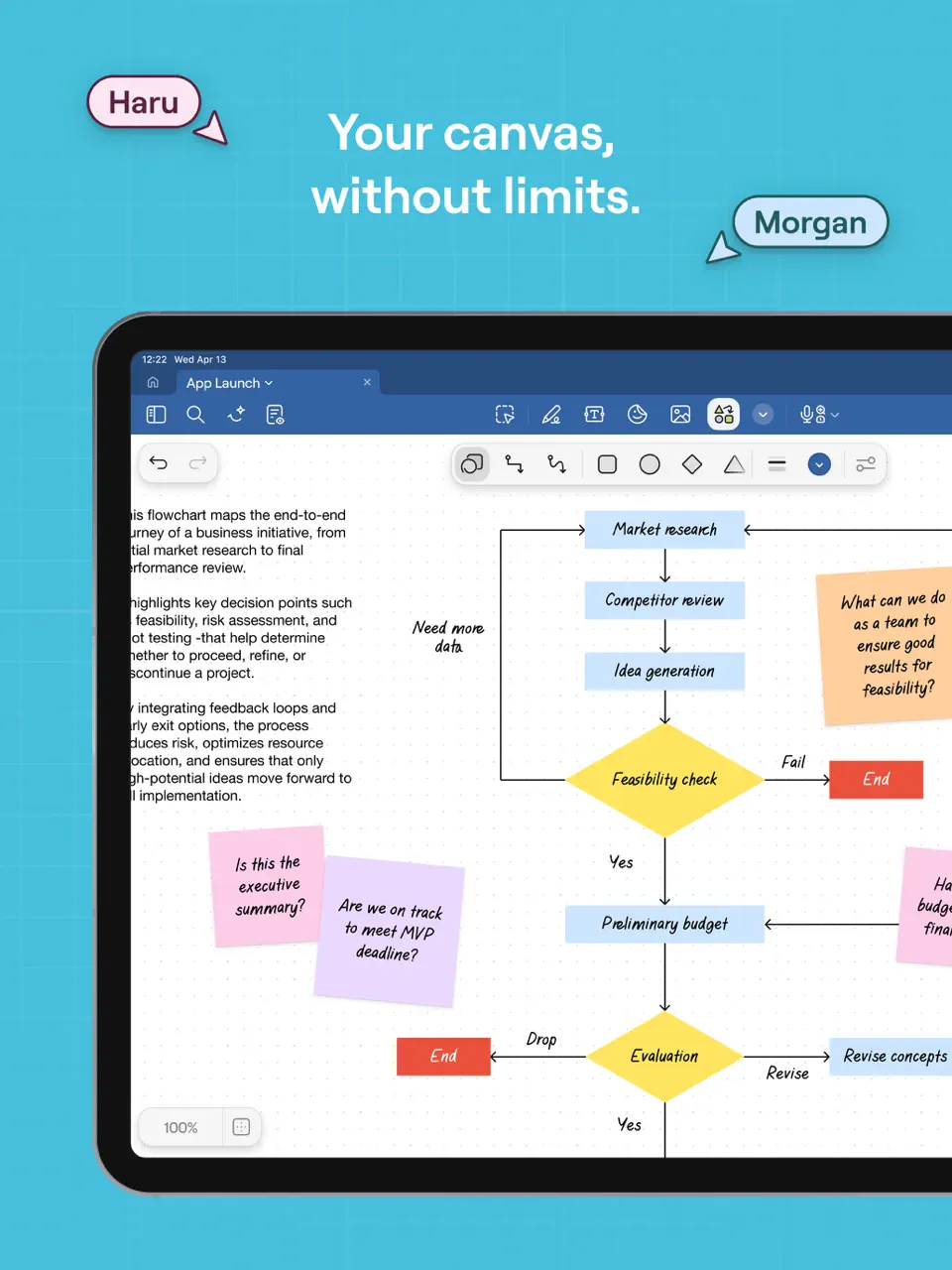
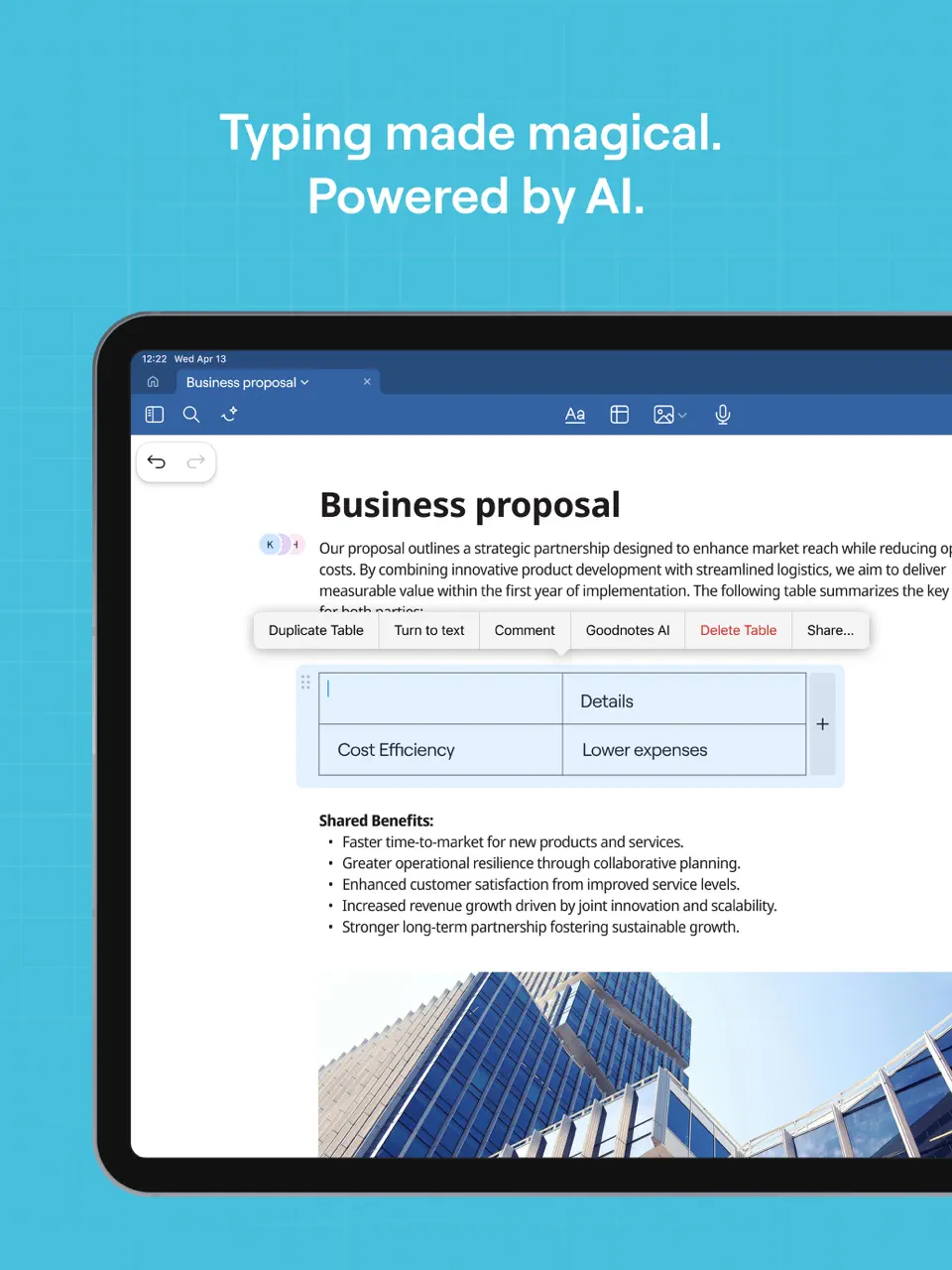
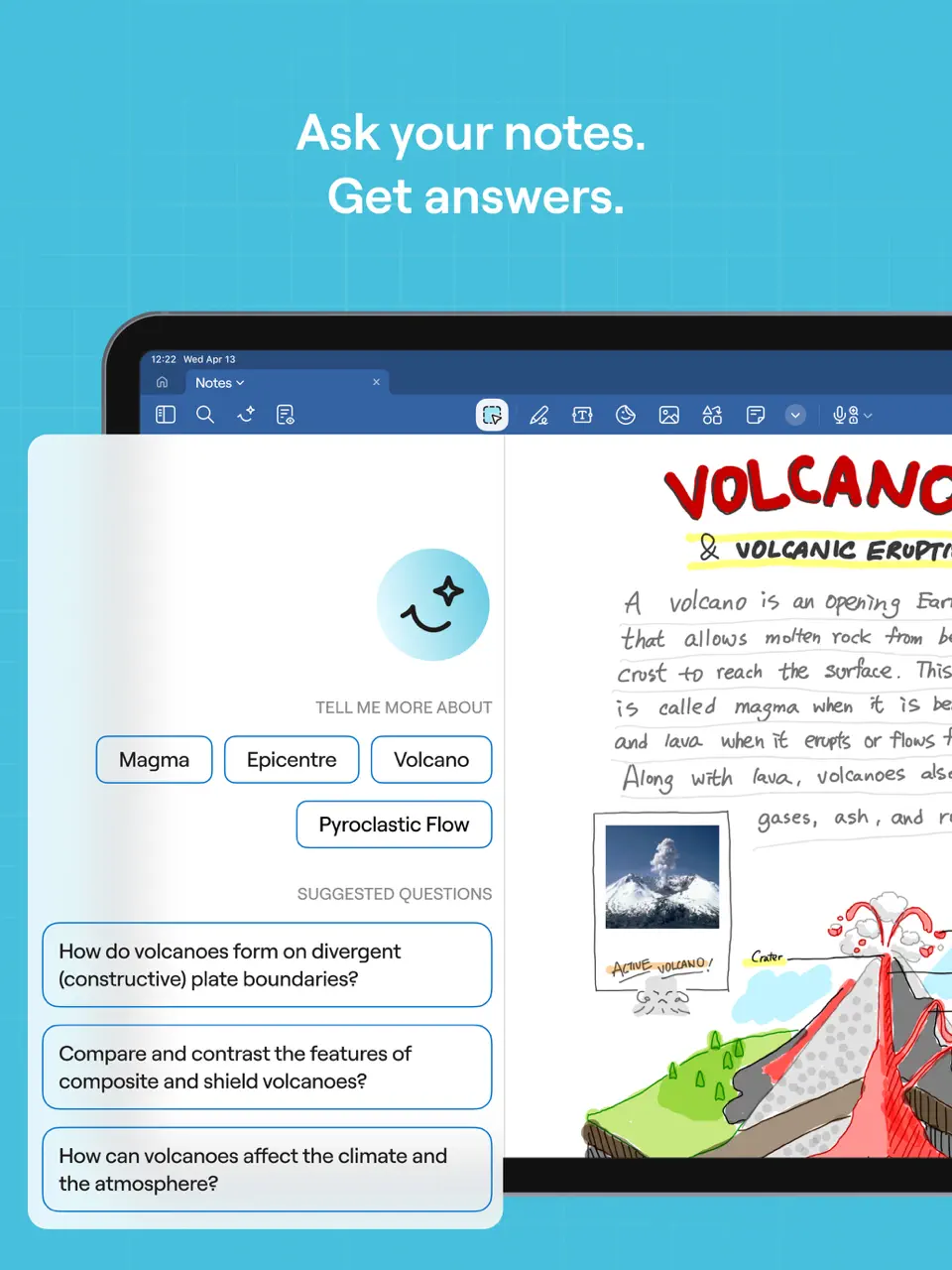
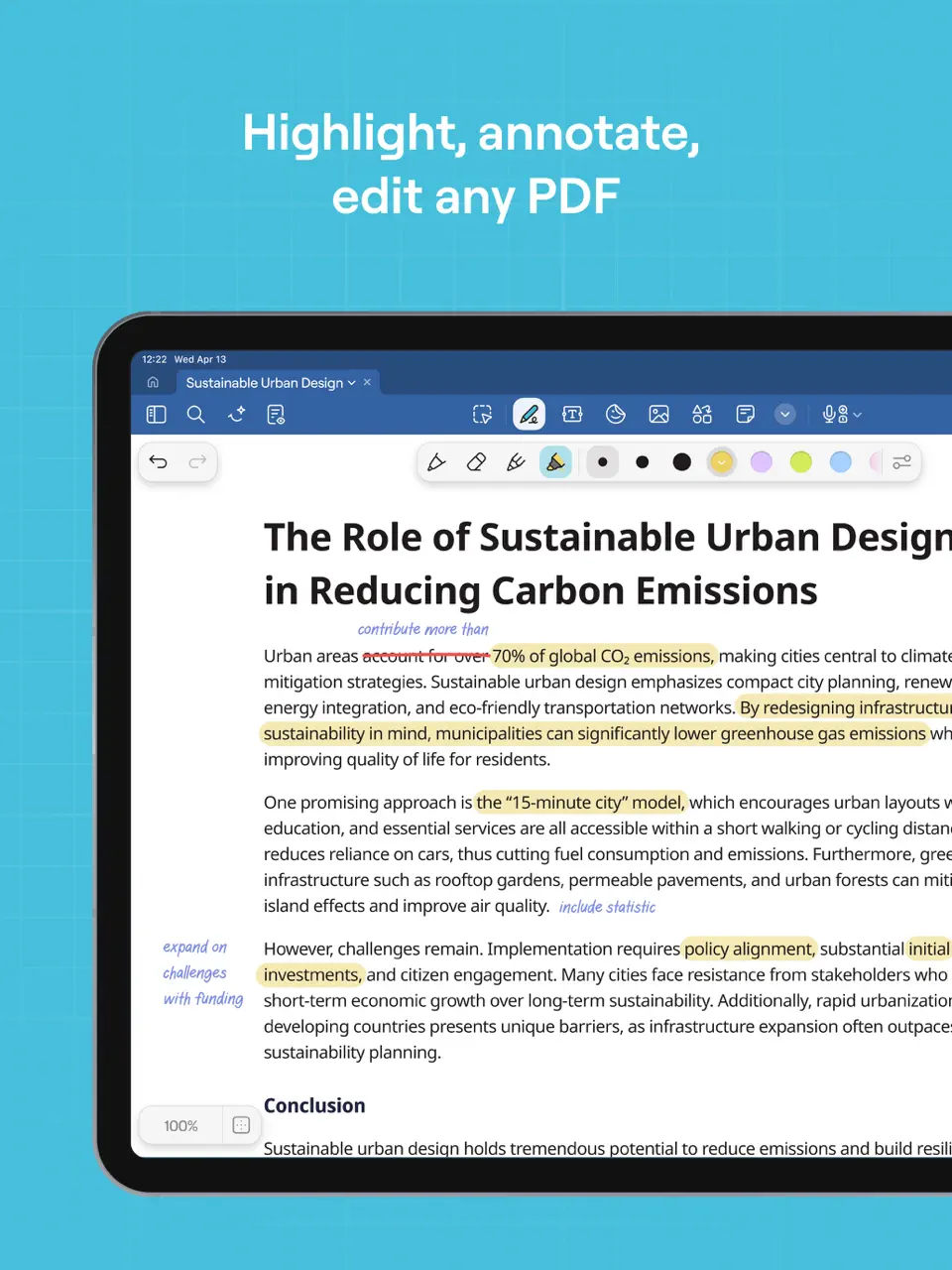
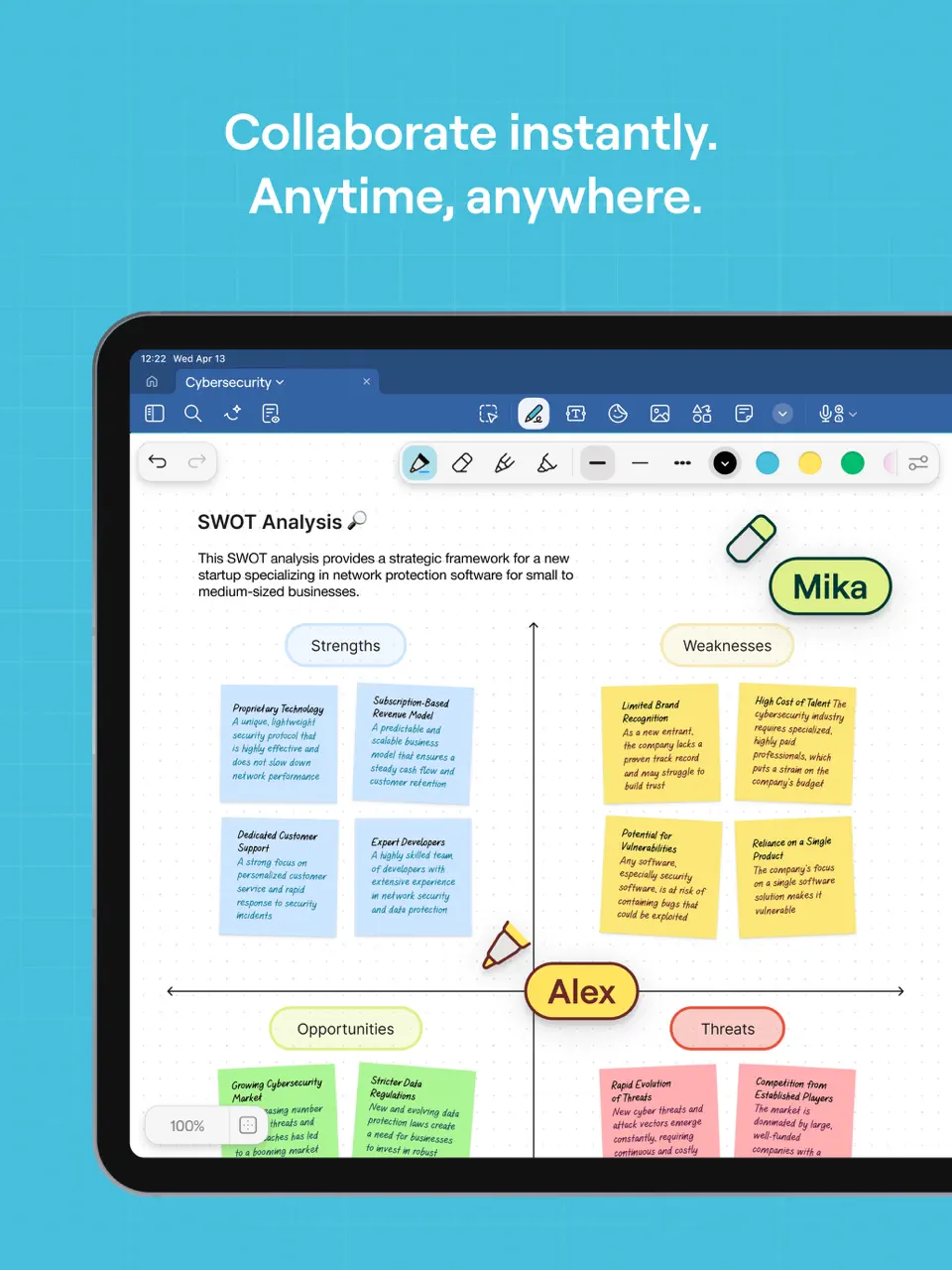

GoodNotes is widely regarded as one of the most refined handwriting-focused note-taking apps, especially on iPad. It delivers an exceptionally natural writing experience with pressure sensitivity, hover preview, layers, and advanced PDF annotation capabilities. Users can import documents, mark them up, organize them into subjects, and benefit from a large community marketplace offering thousands of templates and notebooks.
Recent updates introduced Math Assist for equation recognition and improved full-text search. But many users migrate to another app after the GoodNotes 7 release because the app glitches. While the free version is very restricted (limited to three notebooks), most users opt for the one-time purchase to unlock unlimited storage and features. The app excels at turning iPad into a true digital paper replacement for students, creatives, professionals, and anyone who prefers handwriting over typing for planning, studying, or brainstorming.
- Industry-leading handwriting experience
- Excellent PDF markup and organization
- Large template ecosystem
- Laser pointer and presentation mode
- Stable performance on iPad
- No built-in calendar or habit tracking
- No native Android or Windows app (desktop version exists but limited)
- Paid upgrade required for serious use
Product details
| Type of app | Best for | Platforms | Developer | Pricing Model |
|---|---|---|---|---|
| Note-taking Planner App | Handwritten notes & journaling | iOS/macOS/Android/Windows | GoodNotes Limited | Freemium (one-time purchase ~$9.99–$29.99 or yearly subscription) |
Notability
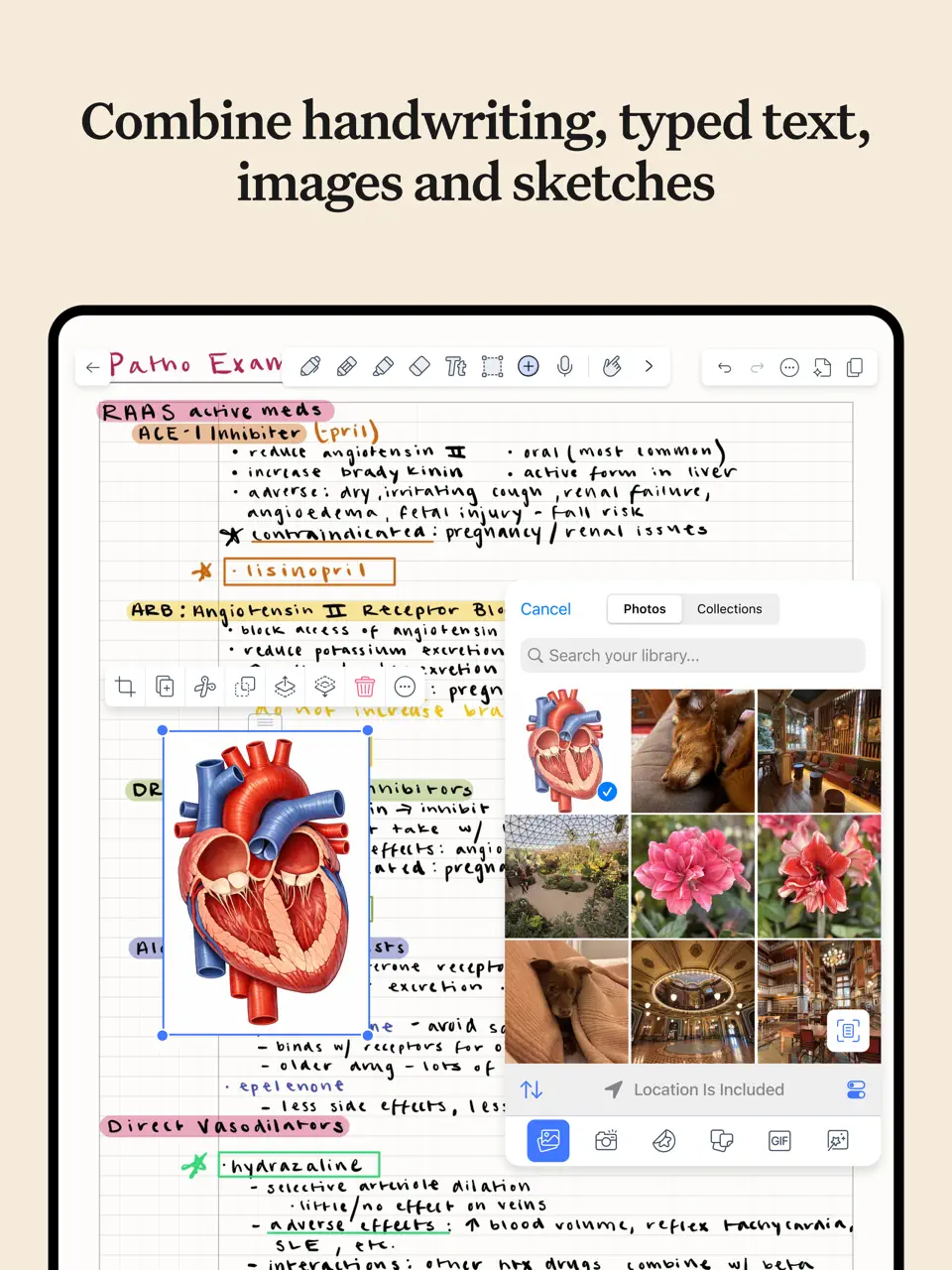
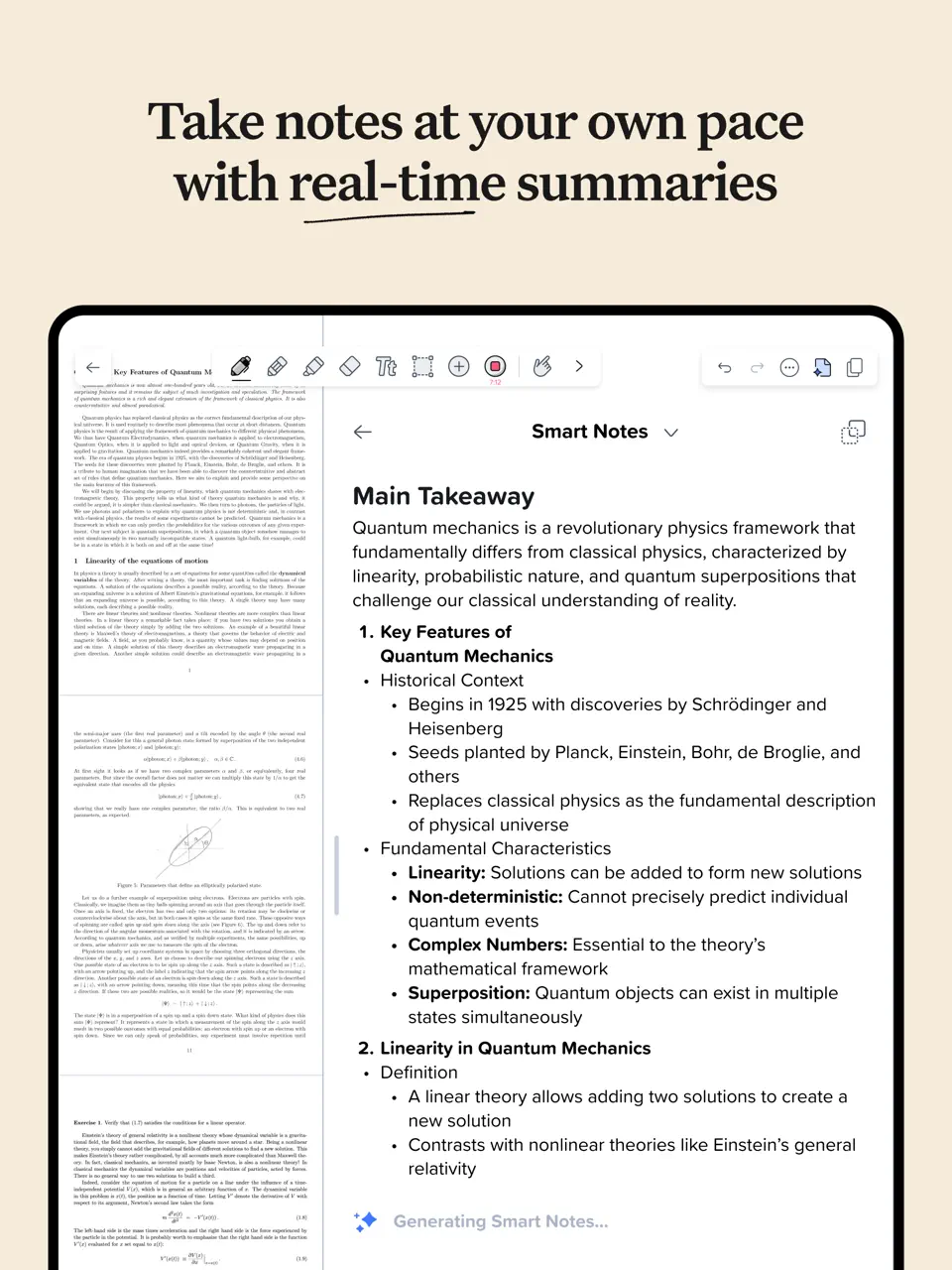
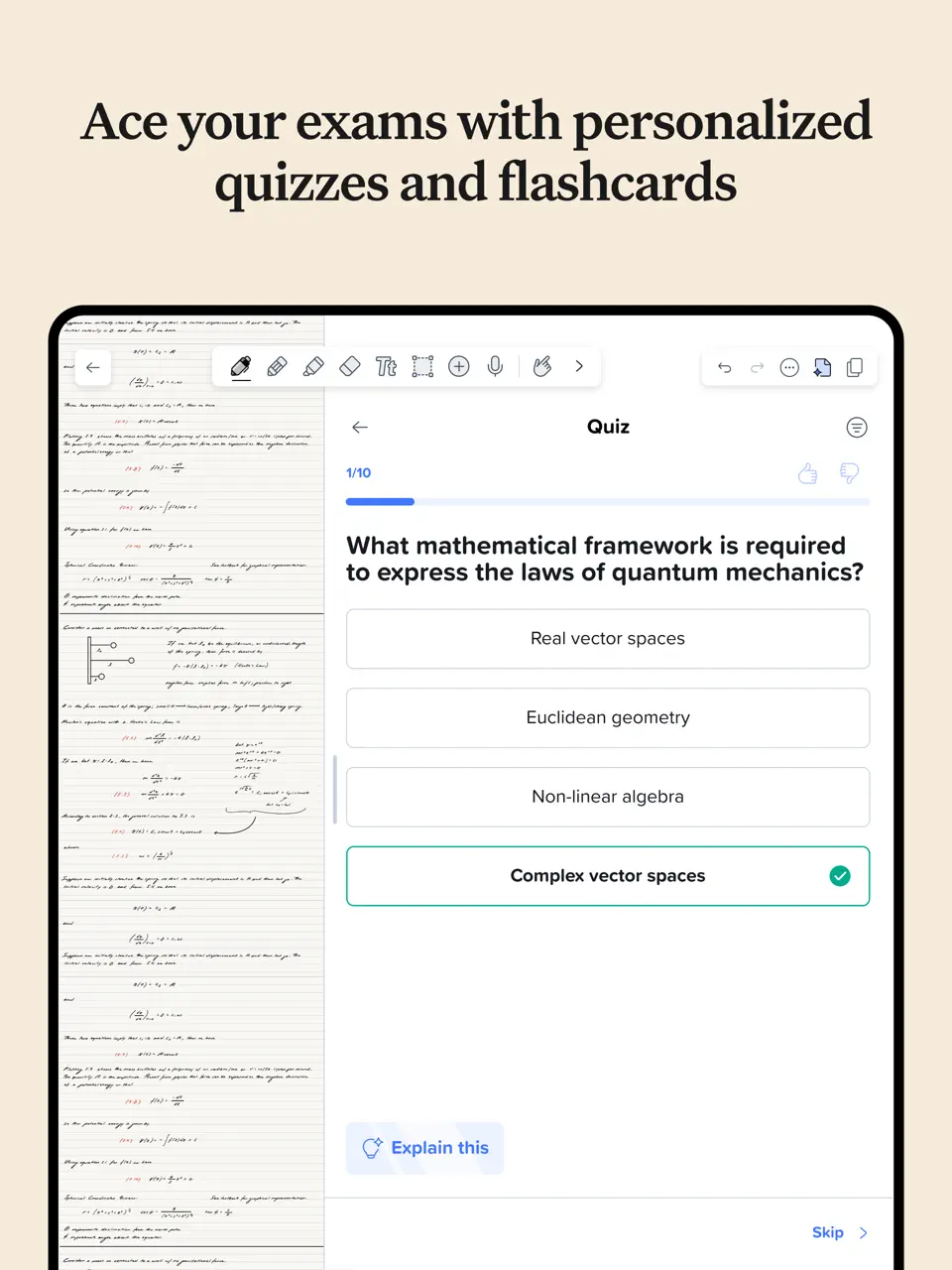
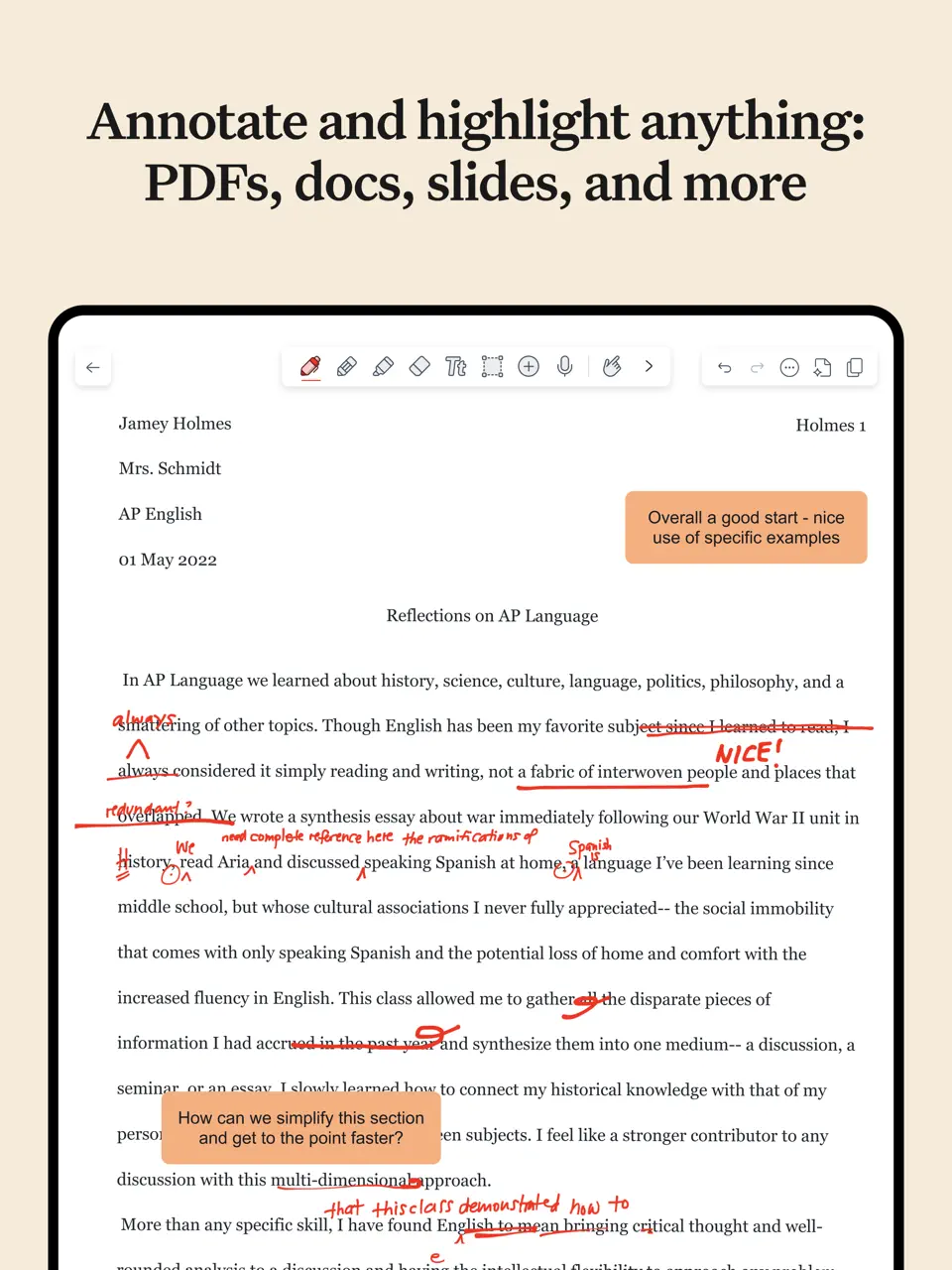
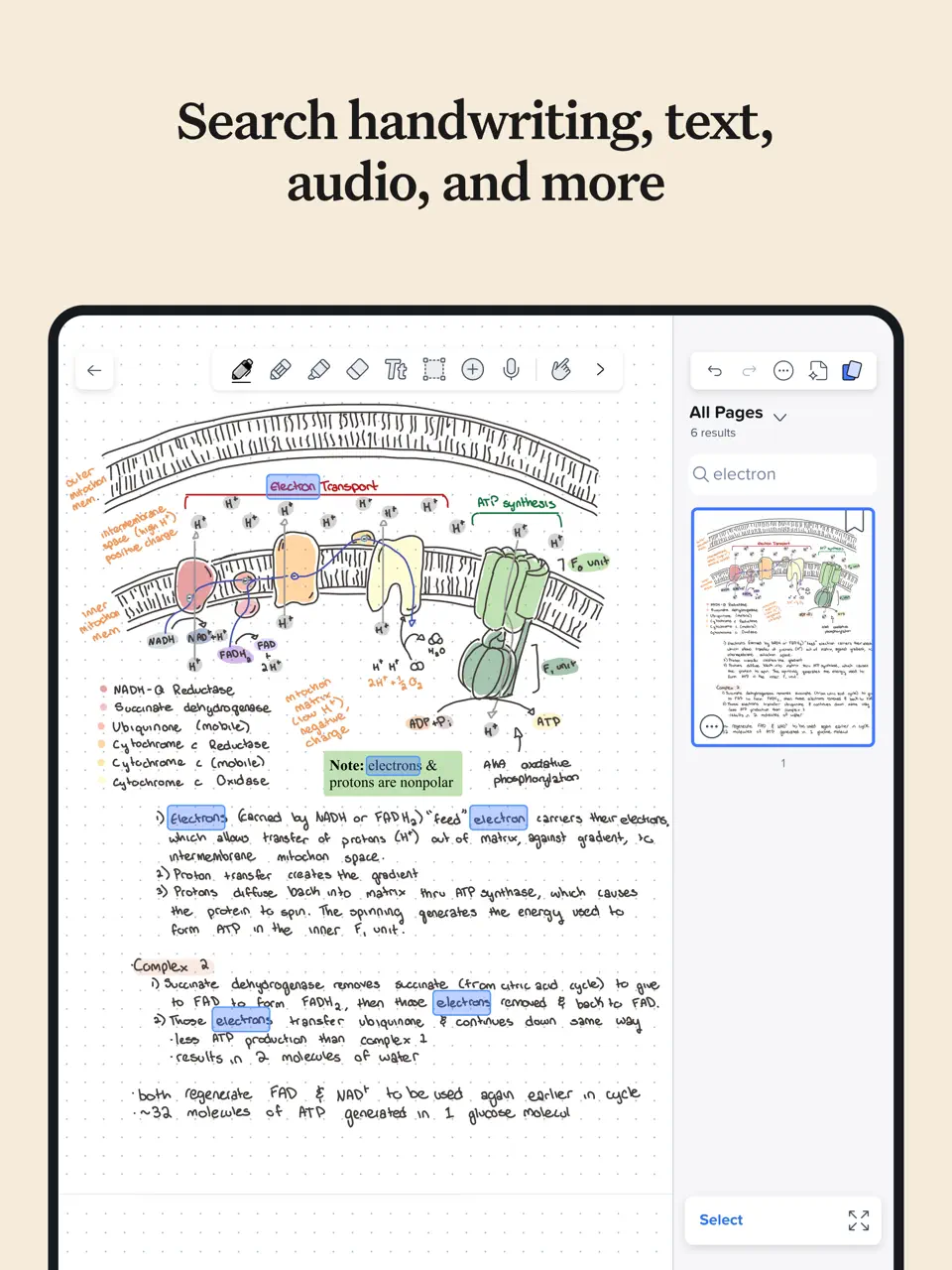
Notability specializes in combining fluid handwriting with synchronized audio recording a unique feature that remains unmatched in 2026. You can record lectures, meetings, or personal voice memos while writing, and later tap any part of your notes to instantly replay the audio from that exact moment.
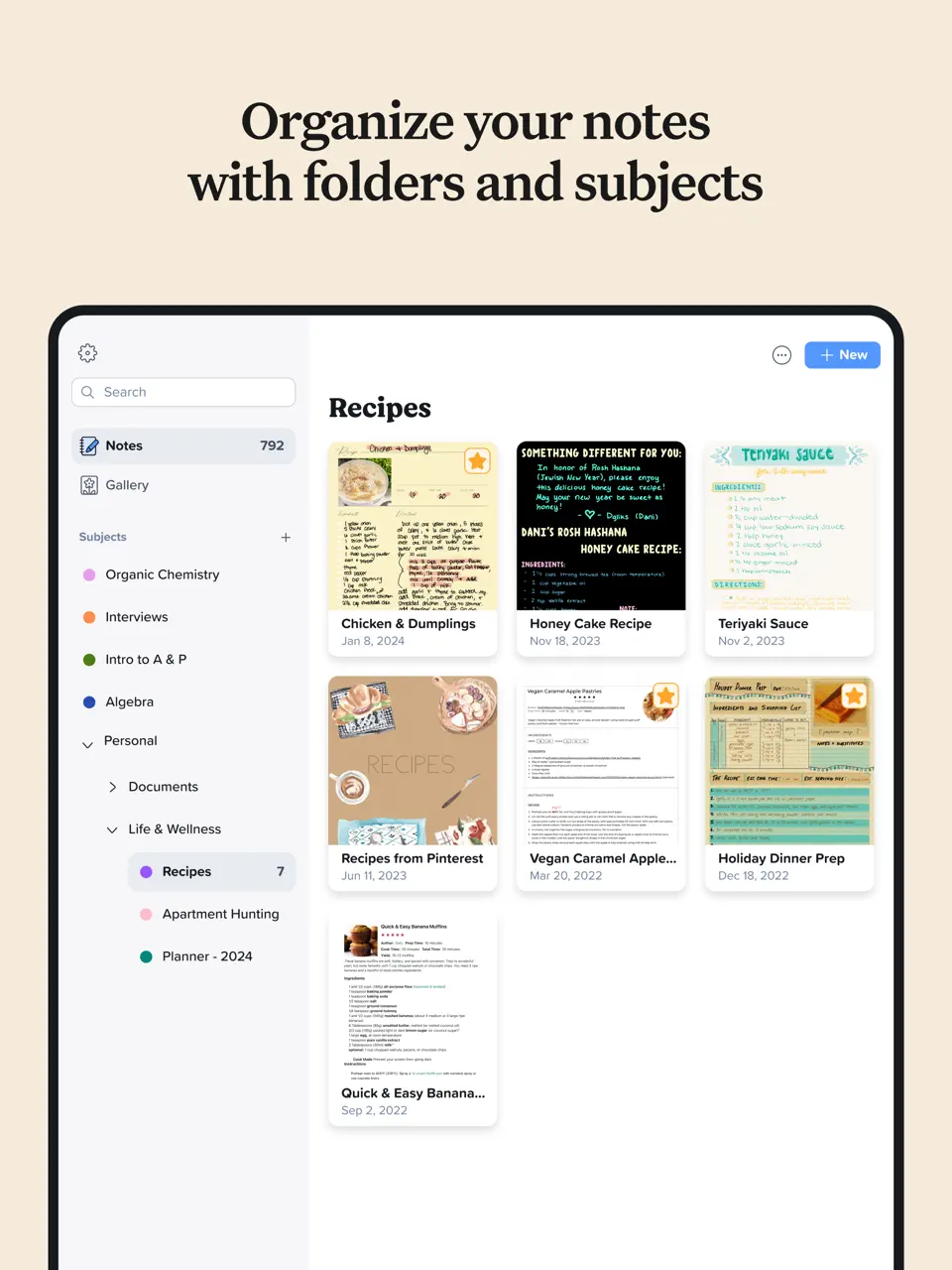
The app supports infinite scrolling pages, subject folders, customizable paper styles, and strong PDF annotation tools. It is optimized for iPad and macOS, with excellent Apple Pencil performance. The free trial is generous, but full access requires a subscription. Notability is particularly popular among students, journalists, podcasters, and professionals who need to capture both written notes and spoken context simultaneously, making it a go-to choice for audio-enhanced note-taking and review.
- Unique audio-to-handwriting sync
- Smooth handwriting and highlighter tools
- Great for academic or meeting notes
- Searchable handwritten text
- Presentation mode
- No calendar or habit features
- Apple ecosystem only
- Subscription model feels expensive long-term
Product details
| Type of app | Best for | Platforms | Developer | Pricing Model |
|---|---|---|---|---|
| Note-taking & Audio Planner | Handwriting + audio recording | iOS/macOS | Ginger Labs | Freemium (Starter free + Plus $20/year or Pro $99/year) |
Notion
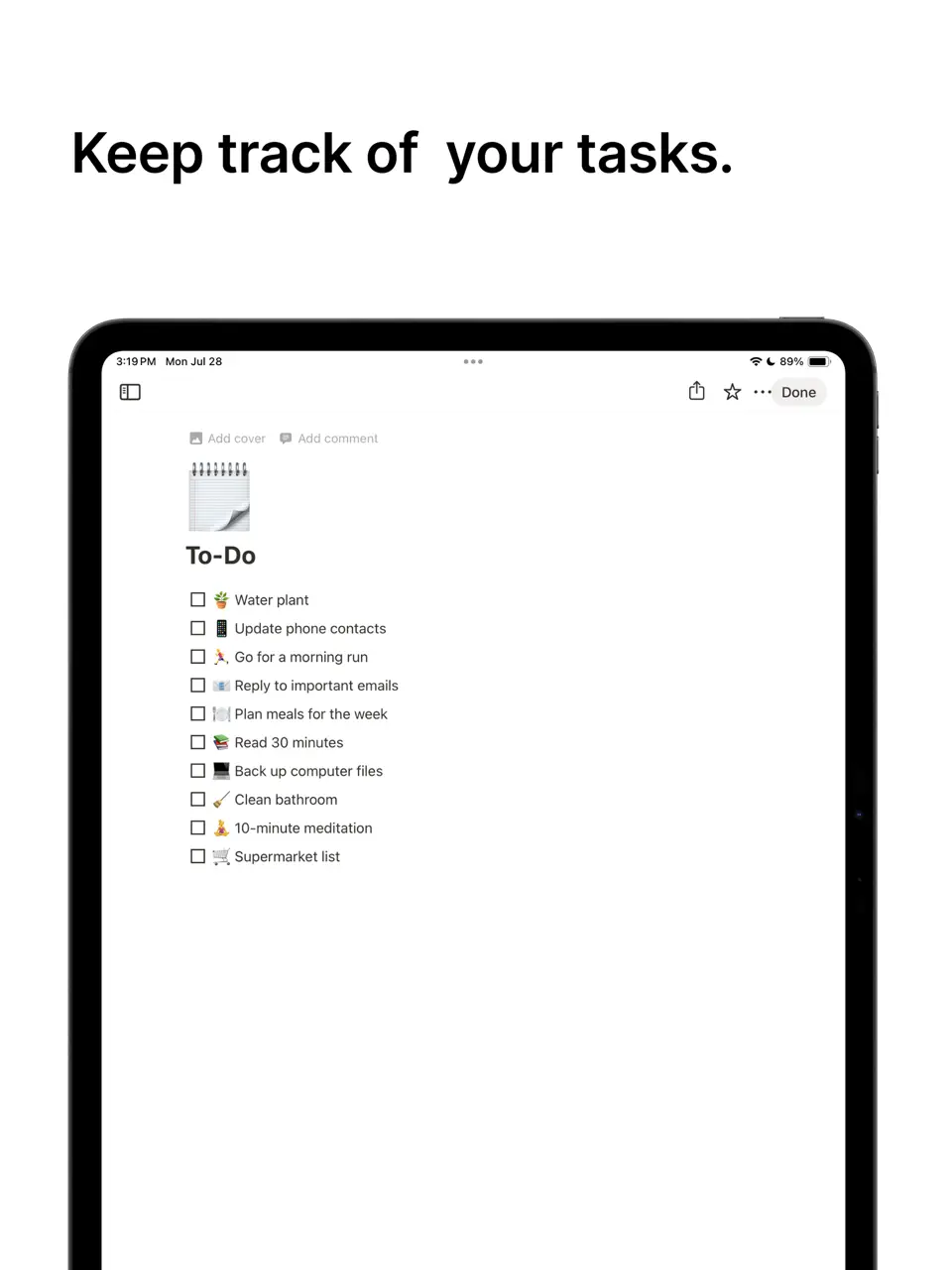
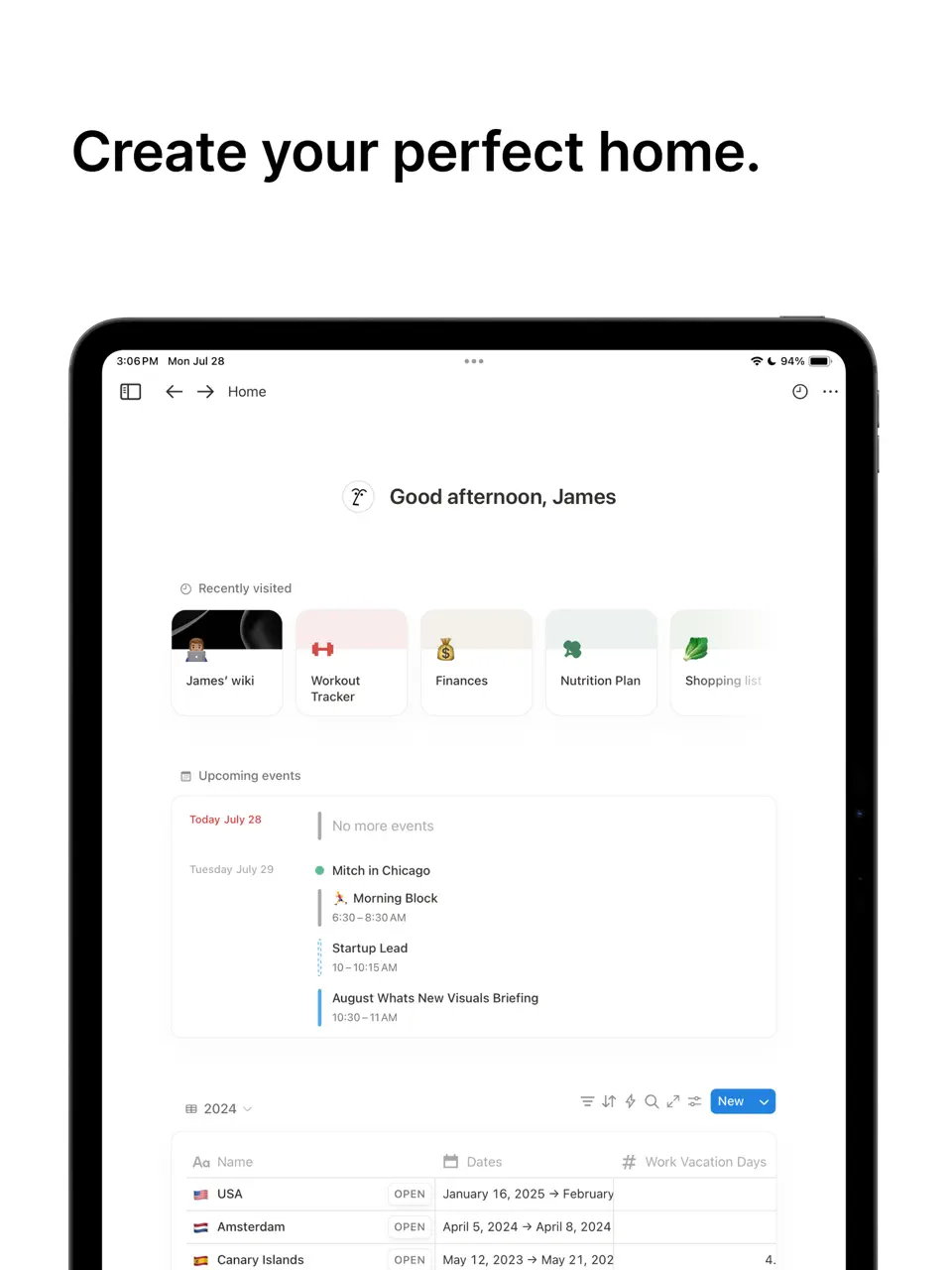
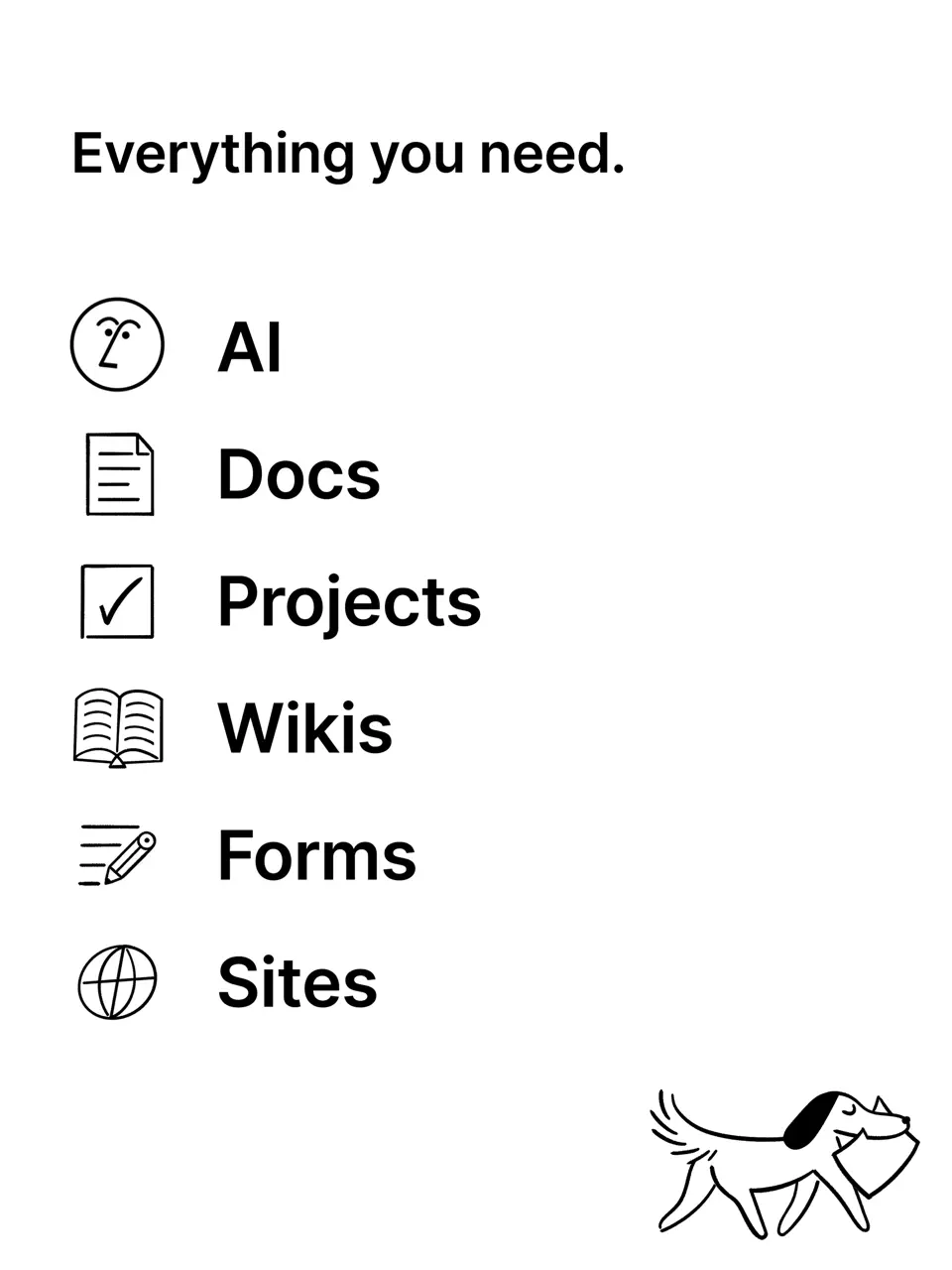
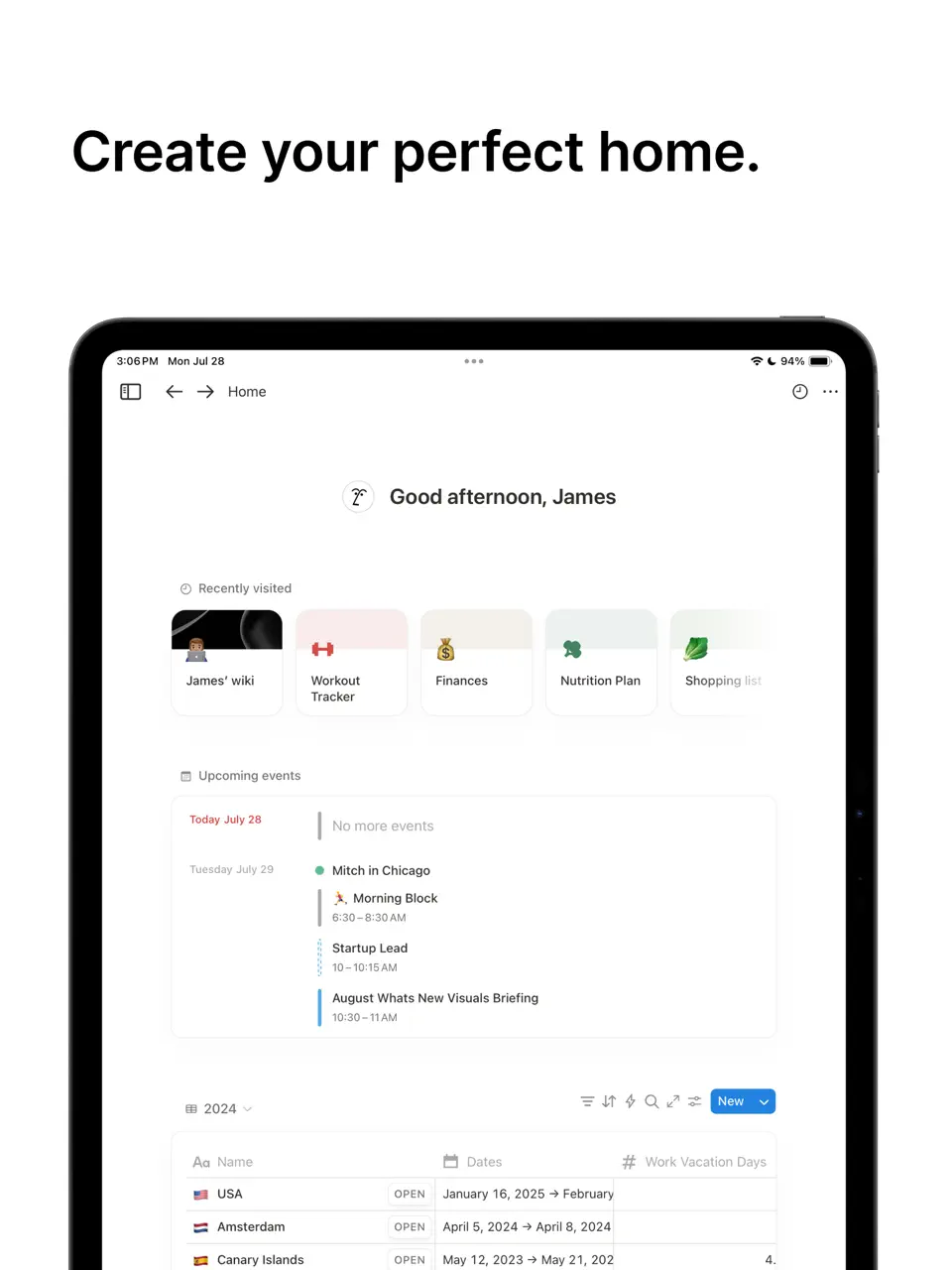
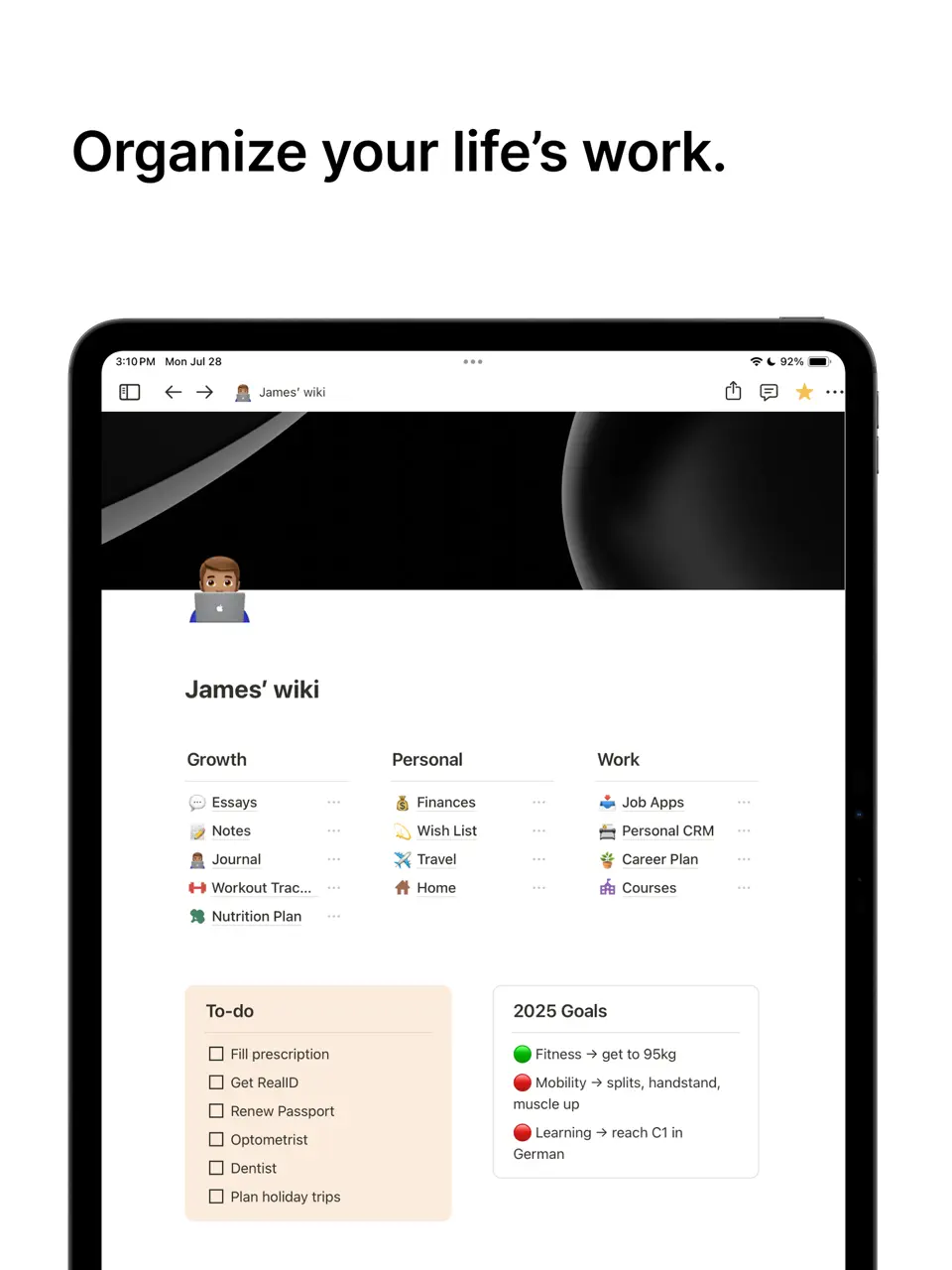
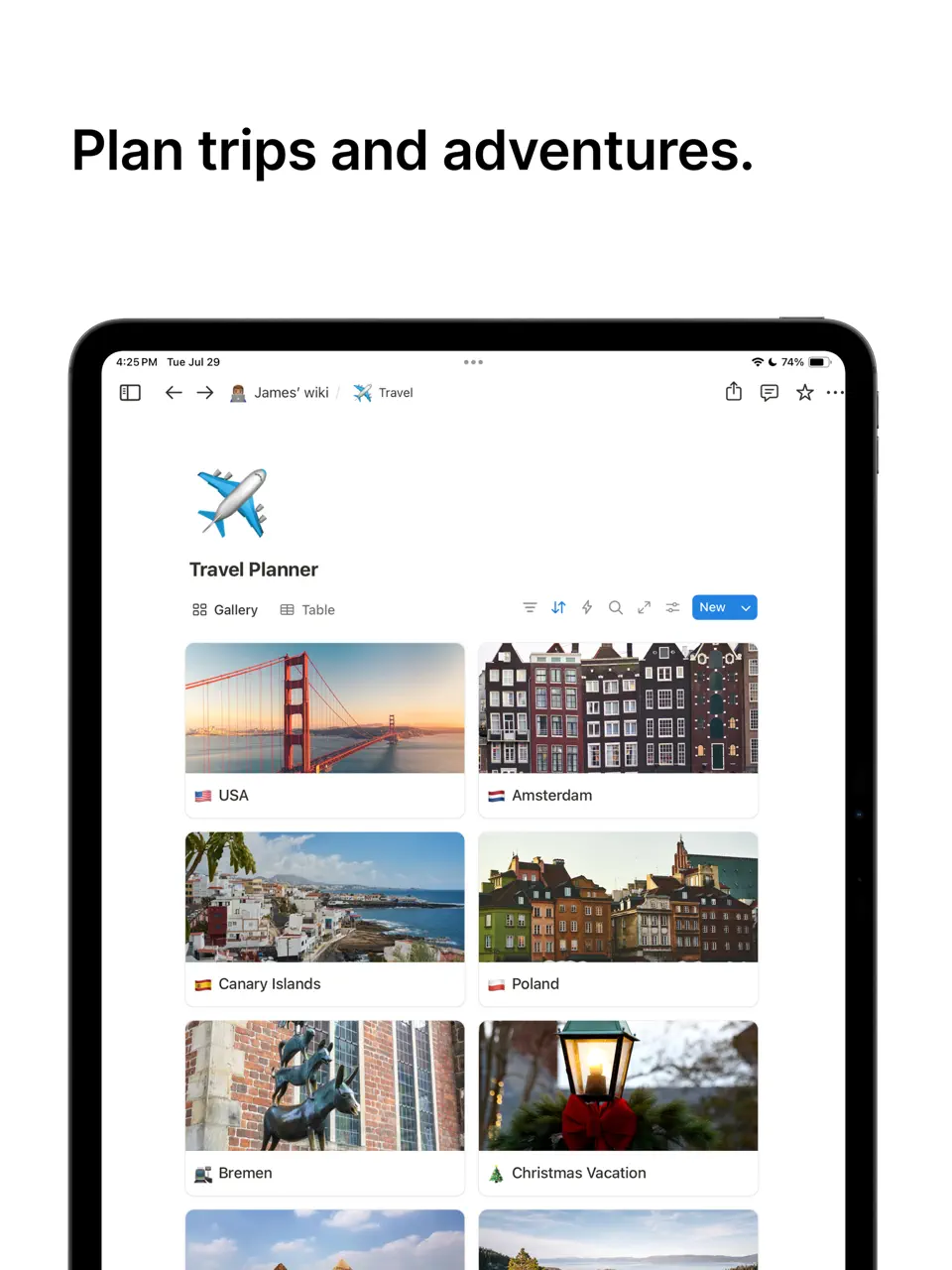
Notion is an extremely flexible all-in-one workspace that lets users build almost any kind of personal organization system from scratch. Using a block-based editor, you can create databases, wikis, task boards, calendars, habit trackers, journals, knowledge bases, and custom dashboards. The free plan is surprisingly generous for individual use, while paid tiers add unlimited AI writing assistance and advanced collaboration.
Notion shines when you need deep customization: it can replace multiple separate apps if you’re willing to invest time in setup. However, this power comes with a learning curve that can overwhelm beginners. It is especially popular among creators, students, freelancers, and knowledge workers who enjoy designing their own perfect workflow and want everything (notes, tasks, plans) interconnected in one place.
- Endless customization possibilities
- Excellent free tier for personal use
- AI writing and summarization tools
- Strong collaboration features
- Works everywhere
- Steep learning curve
- Can feel slow on mobile
- Overkill for simple daily planning
Product details
| Type of app | Best for | Platforms | Developer | Pricing Model |
|---|---|---|---|---|
| Workspace & Custom Planner | Databases & knowledge base | Multi | Notion Labs | Freemium (free for personal use forever; Personal Pro ~$5–$12/month if upgraded for AI/unlimited) |
TickTick
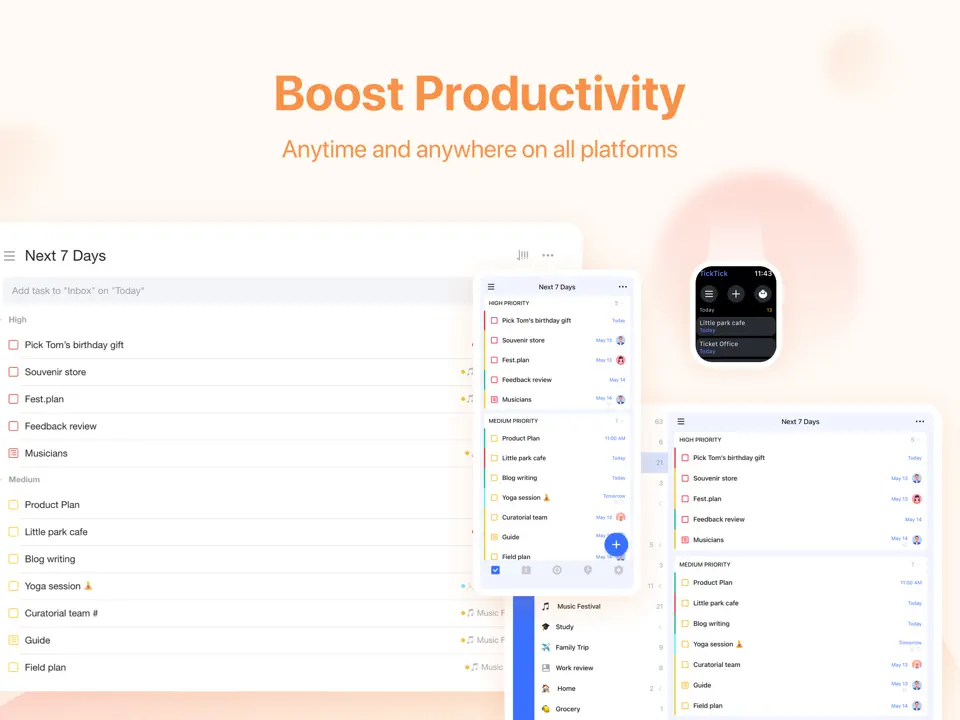
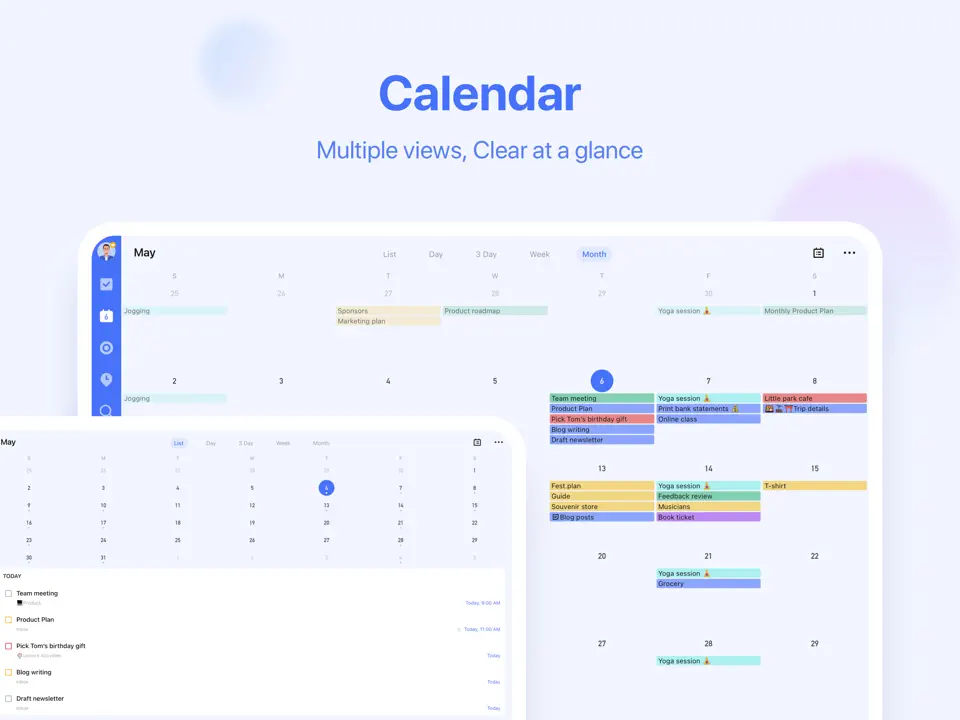
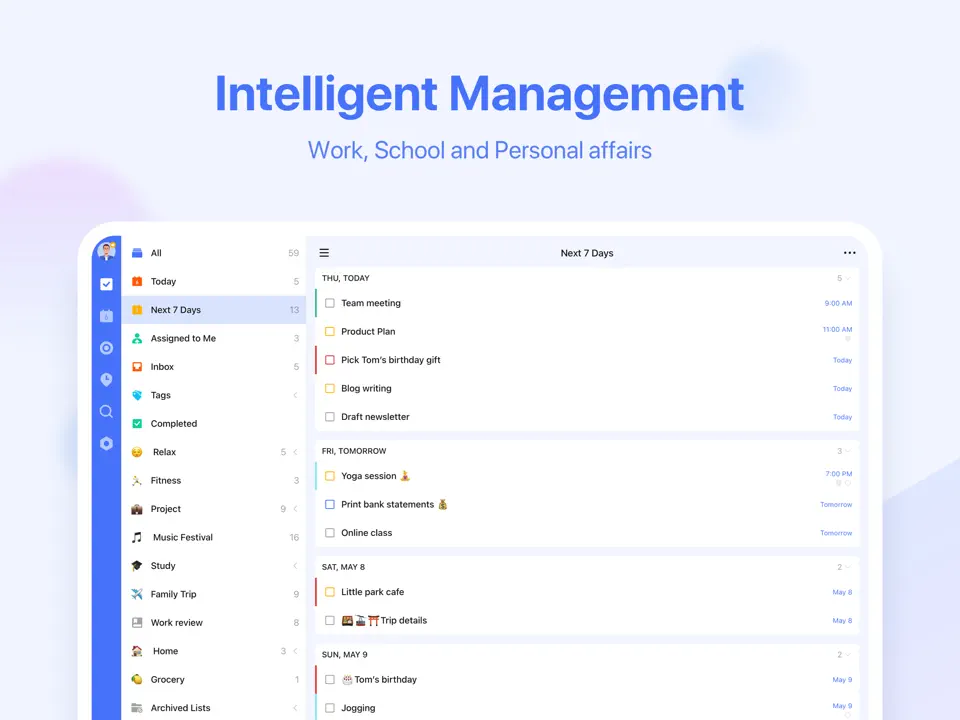
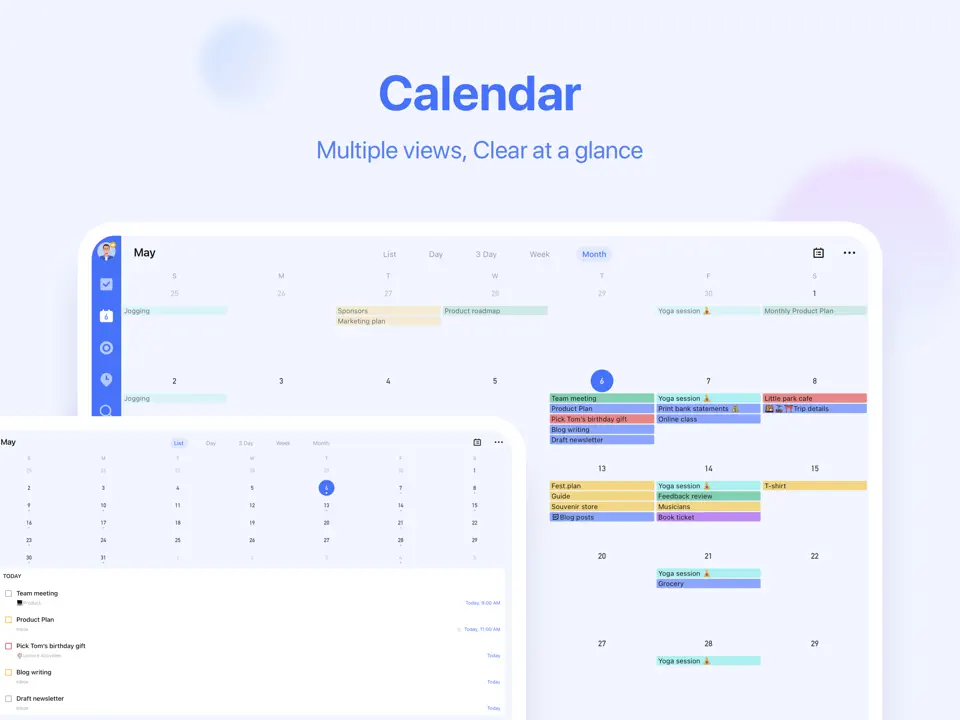
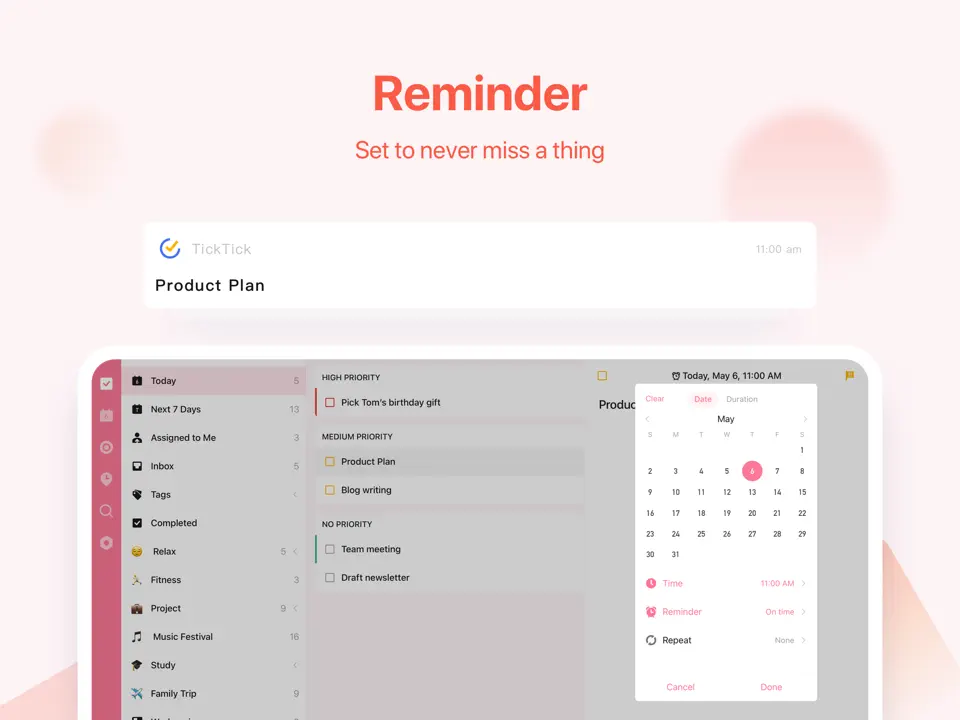
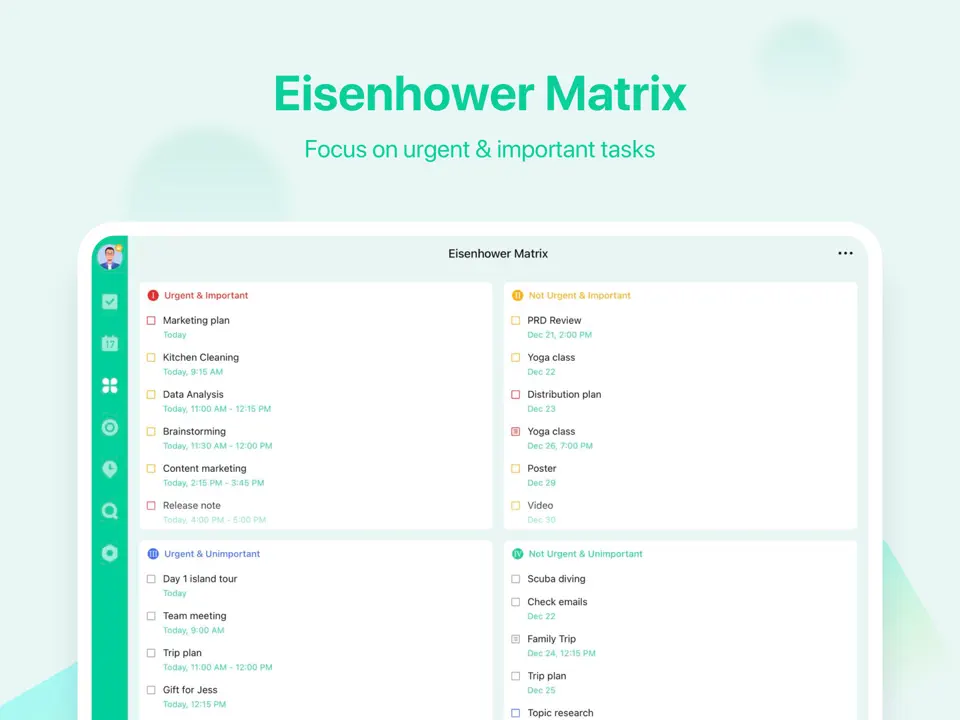
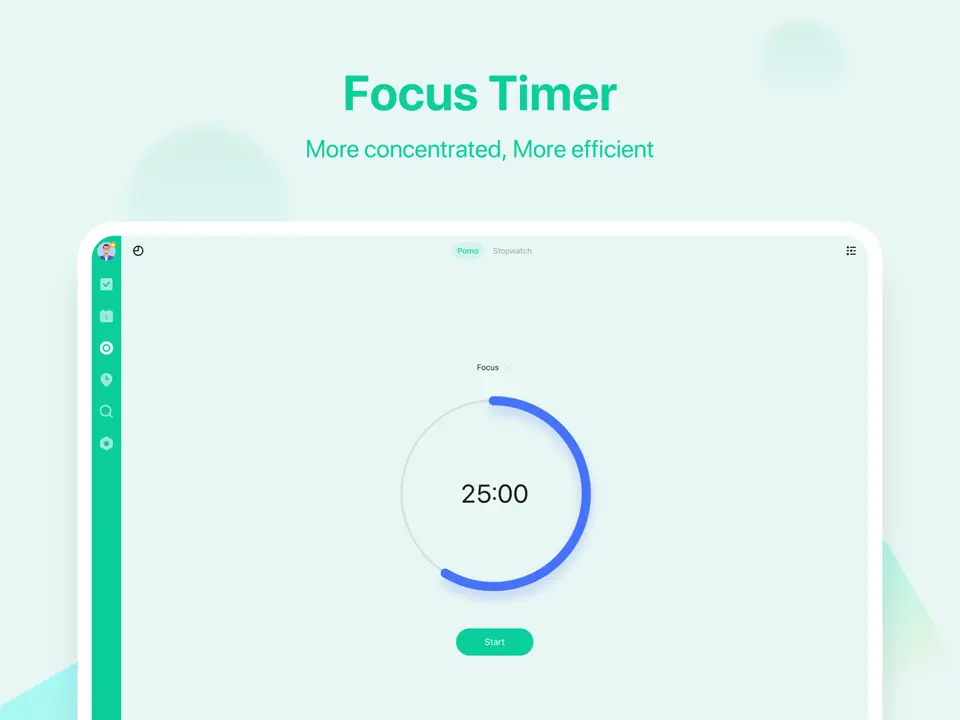
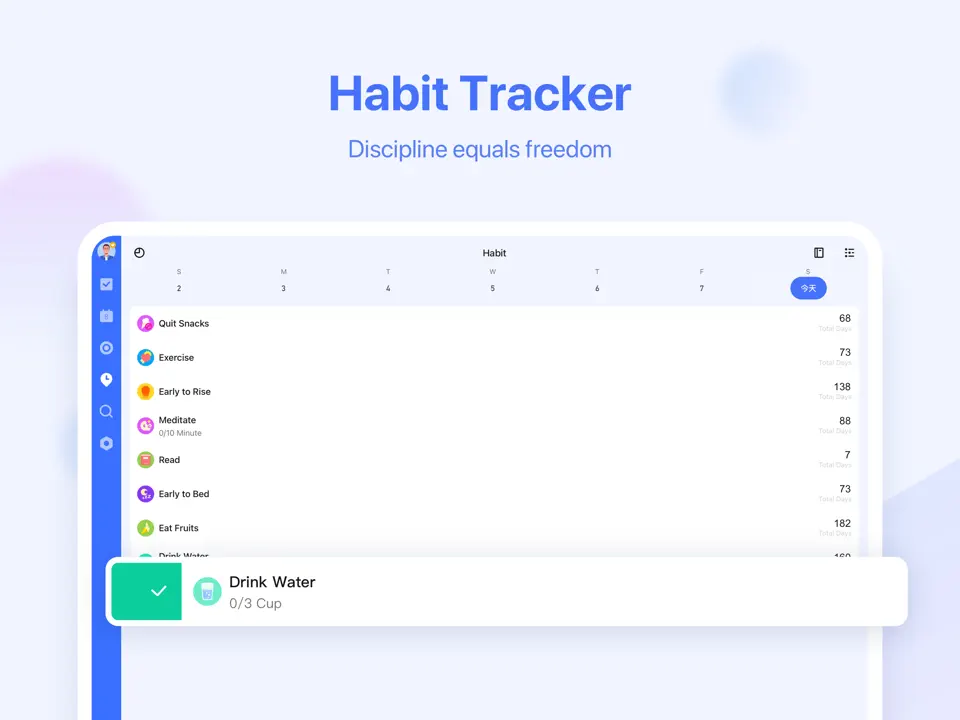
TickTick is a highly capable all-in-one task and habit organizer that combines clean design with powerful productivity features. It includes native Pomodoro timers, habit streaks, Eisenhower matrix, smart lists, built-in calendar views, and customizable widgets. The free version covers most everyday needs, while the reasonably priced premium plan unlocks advanced filters, themes, and calendar subscriptions.
TickTick syncs reliably across all major platforms and feels particularly strong for users who want to manage tasks, habits, and time-blocking without switching between multiple apps. Its interface strikes a good balance between simplicity and depth, making it suitable for students, professionals, and anyone building consistent routines while staying focused during work sessions.
- Native Pomodoro and habit tracking
- Beautiful calendar integration
- Powerful free tier
- Excellent widgets and quick add
- Cross-platform
- Interface can feel busy for minimalists
- No handwriting or sticker support
- Some advanced filters behind paywall
Product details
| Type of app | Best for | Platforms | Developer | Pricing Model |
|---|---|---|---|---|
| All-in-One Task & Habit Planner | Pomodoro & daily habits | Multi (iOS/Android/Windows/Mac/Web) | Appest Inc. | Freemium ($35.99 per year or $3.99 per month for Premium) |
Todoist
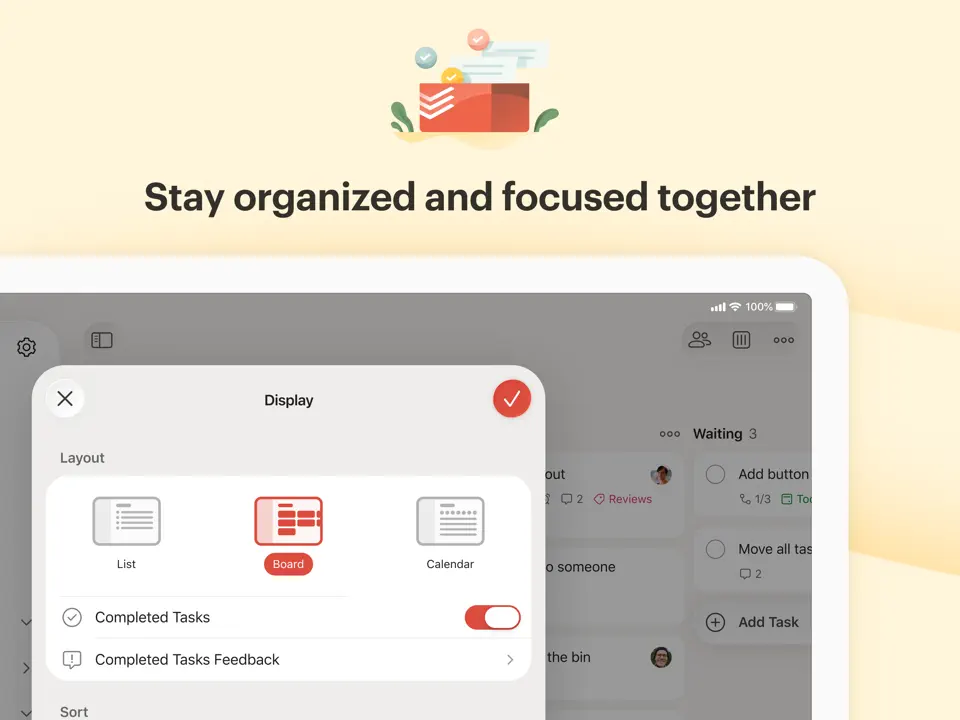
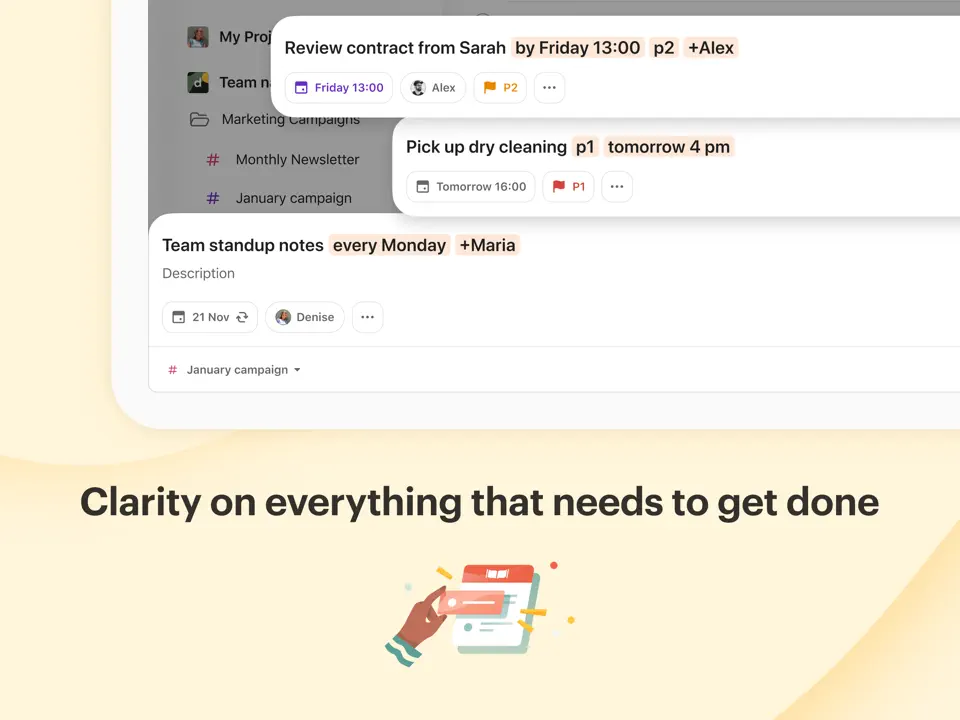
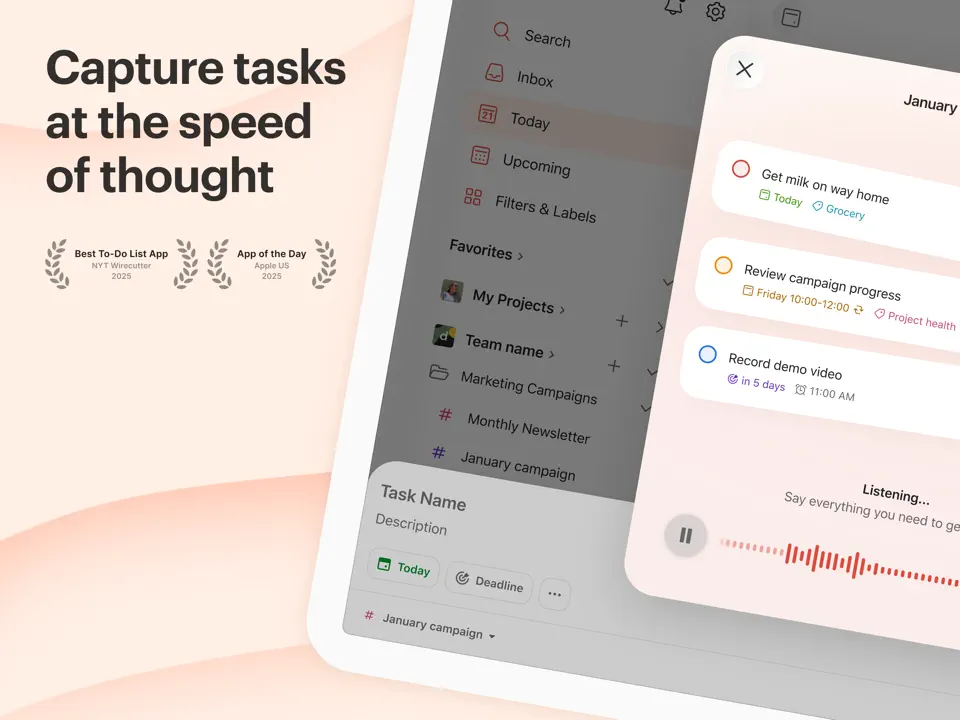
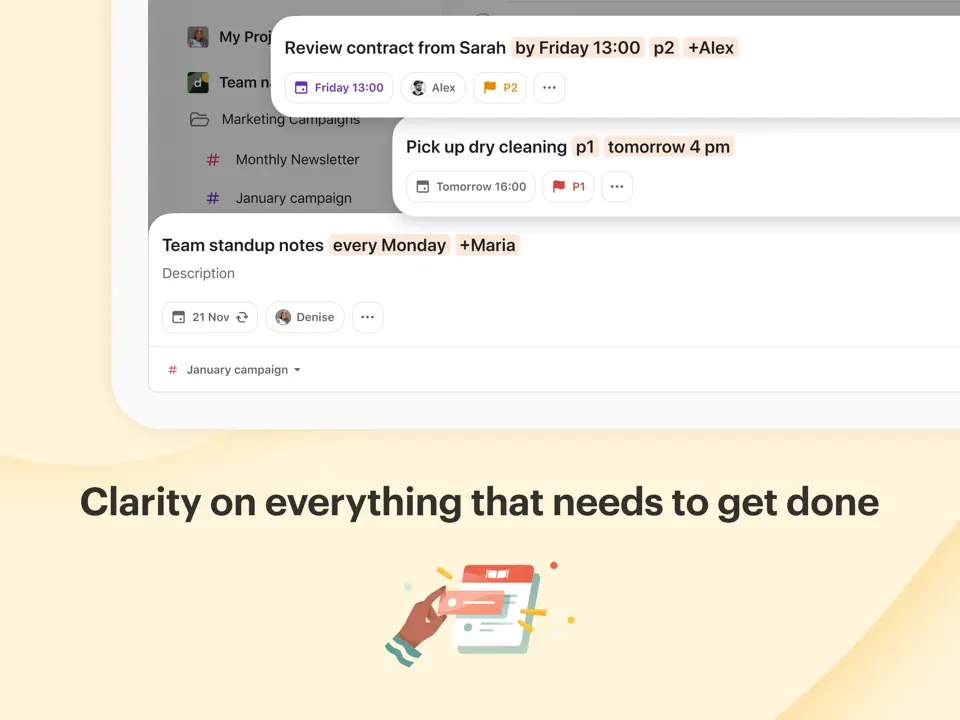
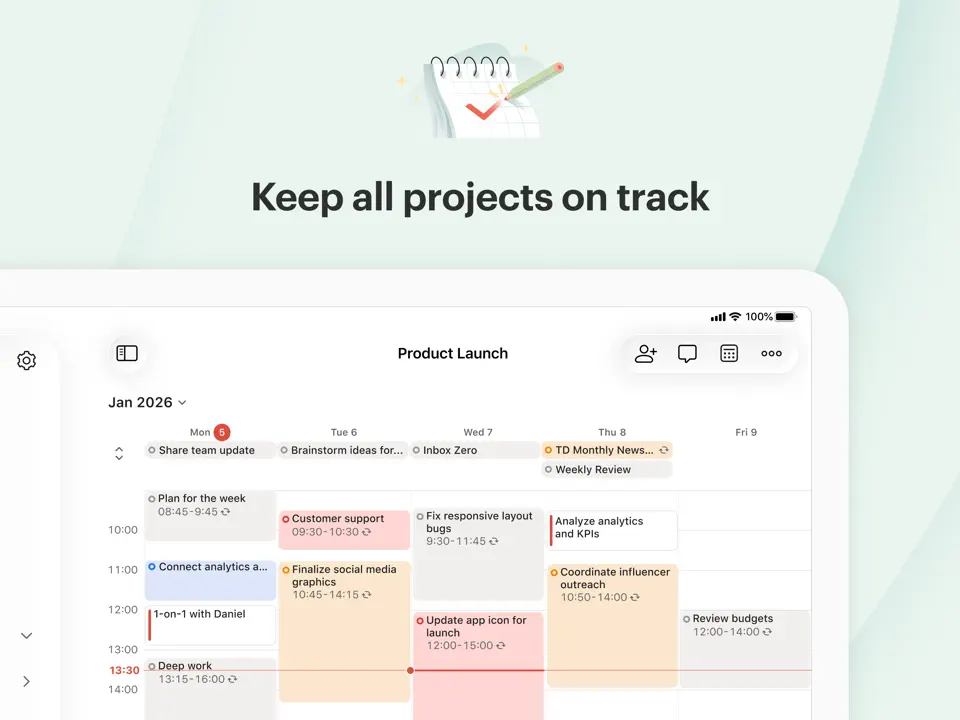
Todoist is one of the most trusted and minimalist task management apps available. Its standout feature is lightning-fast natural language input: you can type things like “Call mom tomorrow 3pm #personal” and it automatically sets the due date, priority, and label. The app supports projects, labels, filters, karma points for motivation, and instant cross-device sync.
The free plan is sufficient for most personal users, while Pro adds reminders, calendar layout, and advanced filters. Todoist is ideal for people who want a clean, reliable system focused purely on tasks and to-dos without unnecessary bells and whistles. It has become a go-to choice for minimalists, busy professionals, and anyone who values speed and simplicity in daily organization.
- Lightning-fast and intuitive
- Natural language parsing
- Great free version
- Cross-platform excellence
- Strong integrations
- No calendar view in free plan
- No habit or handwriting features
- Premium required for full power
Product details
| Type of app | Best for | Platforms | Developer | Pricing Model |
|---|---|---|---|---|
| Task Manager | Simple lists & reminders | Multi | Doist | Freemium ($48 per year or $4 per month for Pro; Business ~$6–$8 per user/month) |
Any.Do
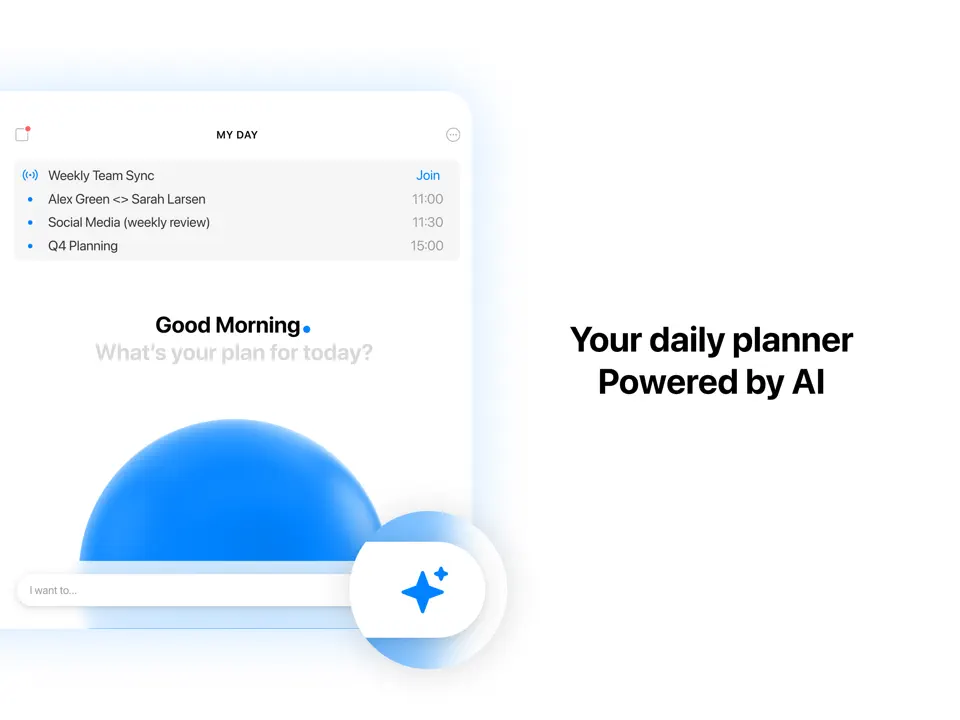
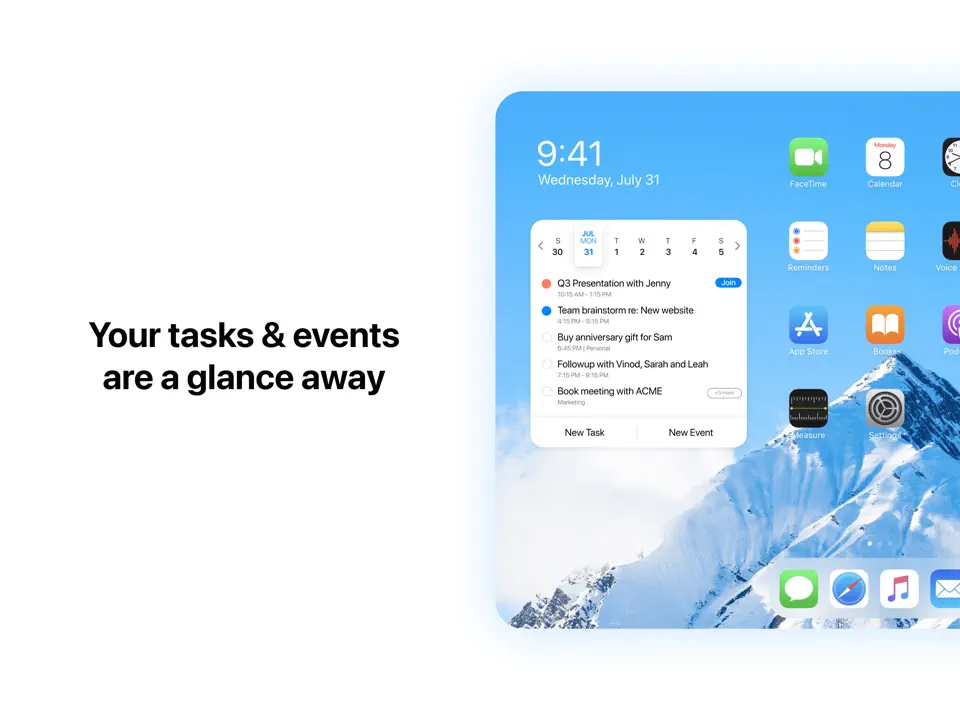
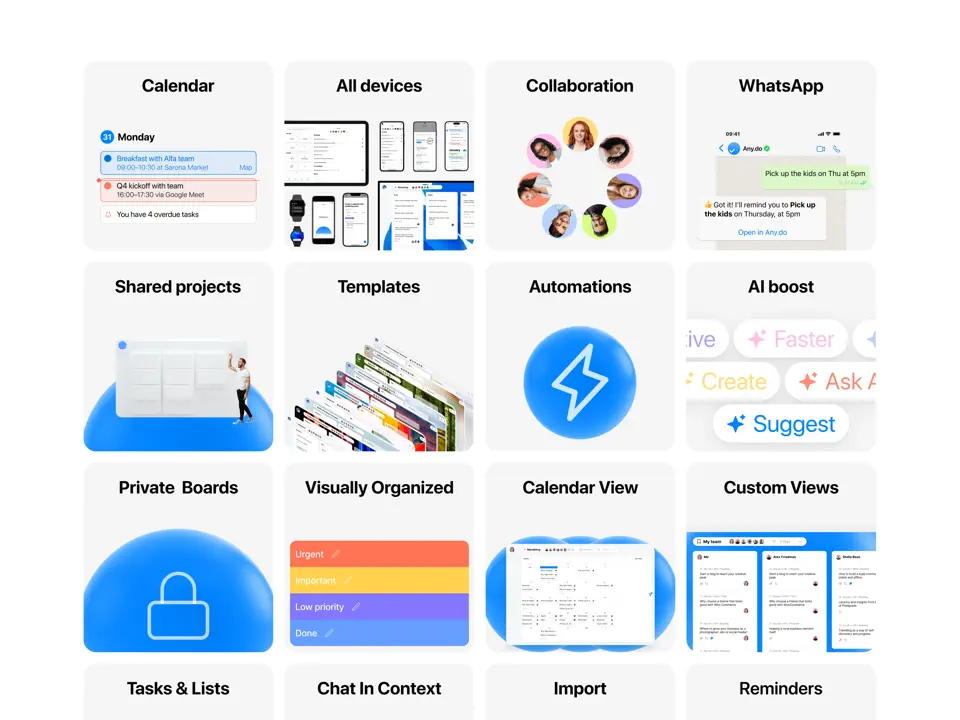
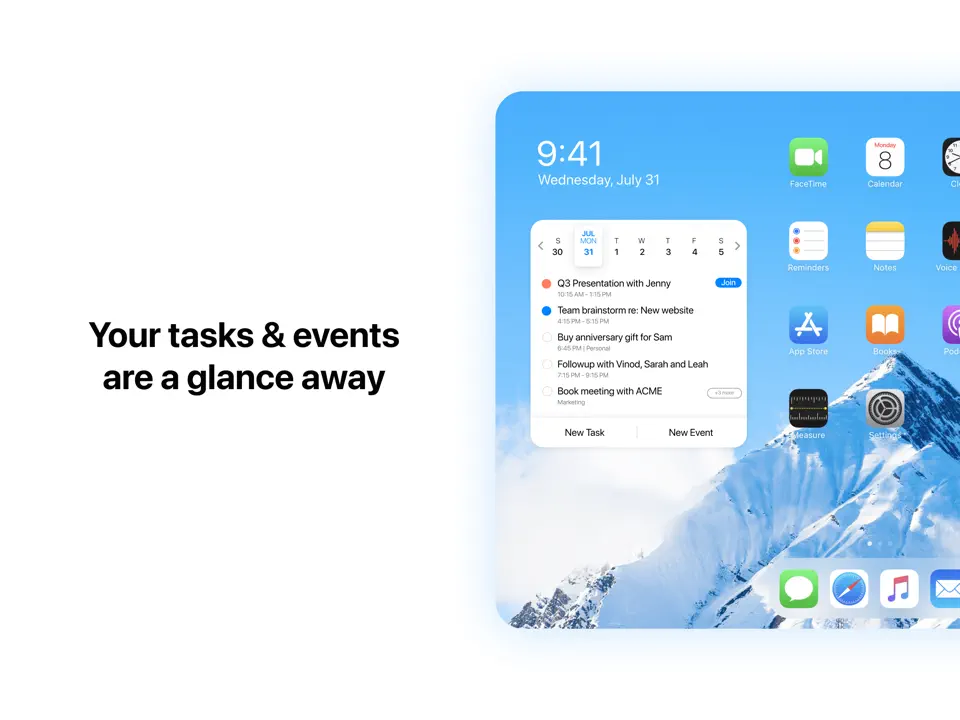
Any.Do offers a modern, visually appealing approach to daily task and calendar management. It combines clean lists, voice input, grocery mode, and a built-in calendar view in one friendly interface. The app supports quick add via voice or text, location-based reminders, and family sharing features.
While the free version is quite usable, premium unlocks themes, advanced recurring tasks, and integrations. Any.Do feels especially intuitive for users who want a beautiful yet straightforward organizer without deep complexity. It shines in everyday scenarios like shopping lists, quick reminders, and simple weekly planning, making it a popular choice for people who prioritize aesthetics and ease of use over advanced productivity features.
- Very attractive interface
- Voice entry and grocery mode
- Built-in calendar
- Good free tier
- Family sharing
- Premium needed for full experience
- No habit tracking
- Less powerful than TickTick/Todoist
Product details
| Type of app | Best for | Platforms | Developer | Pricing Model |
|---|---|---|---|---|
| Simple Task & List Manager | Quick daily tasks & reminders | Multi | Any.do | Freemium ($7.99 per month or ~$5–$8 per month yearly for Premium; Family ~$9.99/month) |
Microsoft To-Do
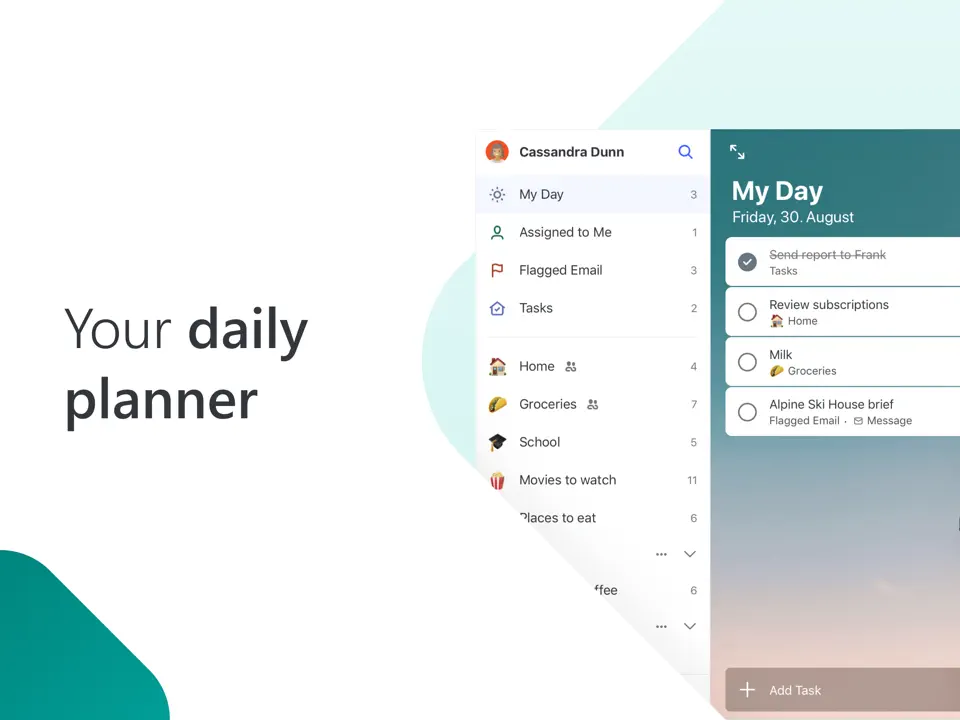
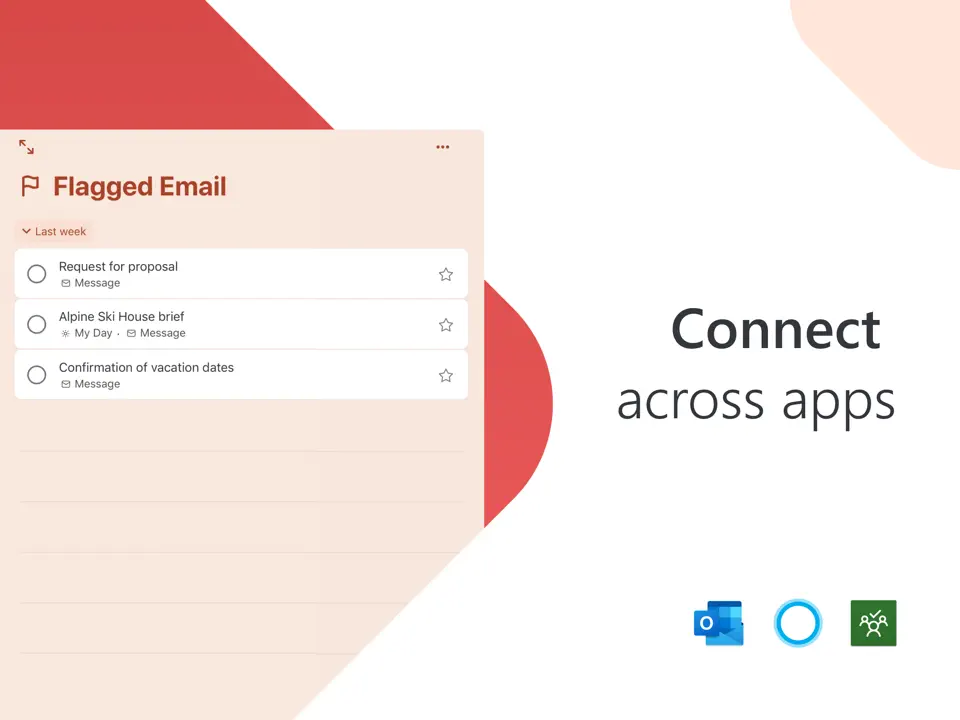
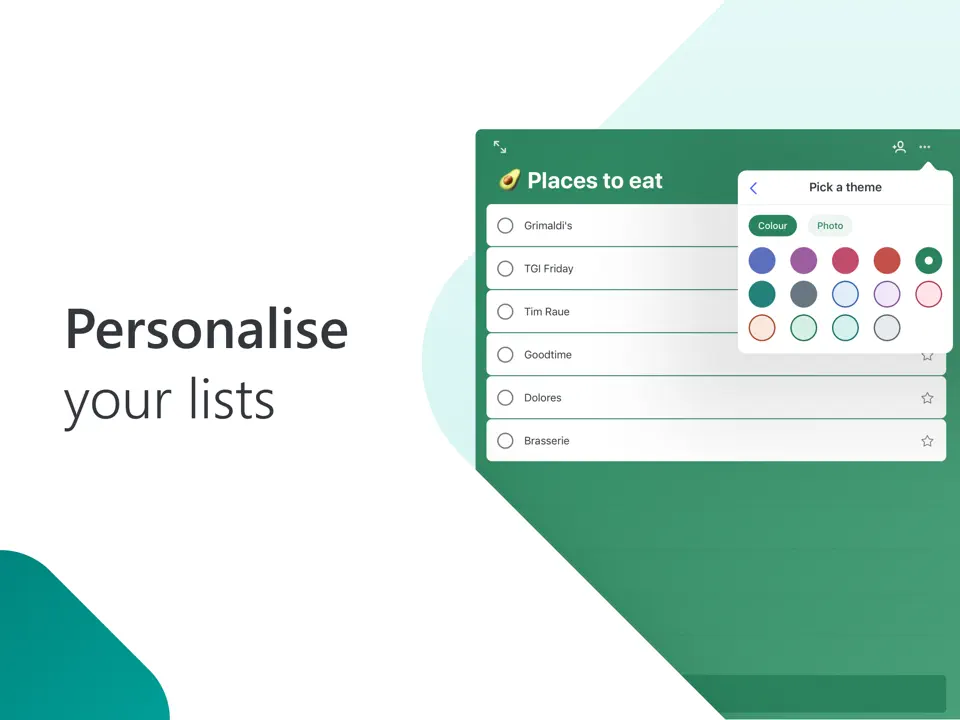
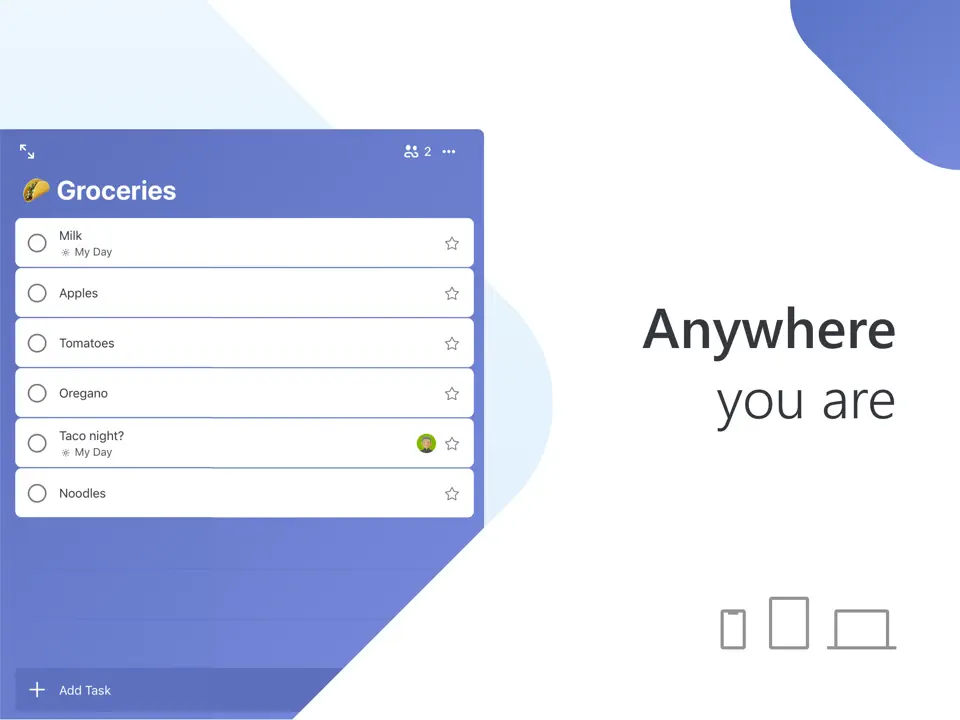
Microsoft To Do is a clean, reliable, and completely free task manager with strong integration into the Microsoft/Outlook ecosystem. It offers intuitive lists, step-by-step subtasks, due dates, reminders, and the popular “My Day” view that helps focus on today’s priorities.
The app syncs instantly across Windows, iOS, Android, web, and Mac. There are no ads, no paywalls, and no premium tiers; everything is available for free. Microsoft To Do is perfect for users already using Outlook or Microsoft 365 who want a simple, no-frills organizer for daily tasks and to-dos. Its minimal design and zero-cost model make it one of the most accessible and widely adopted free organizer apps.
- 100% free
- Seamless Microsoft ecosystem sync
- Simple and distraction-free
- My Day focus feature
- Cross-platform
- Basic compared to TickTick
- No habit or handwriting tools
- Limited customization
Product details
| Type of app | Best for | Platforms | Developer | Pricing Model |
|---|---|---|---|---|
| Simple Task Planner | Free daily lists | Multi | Microsoft | Free |
Google Calendar
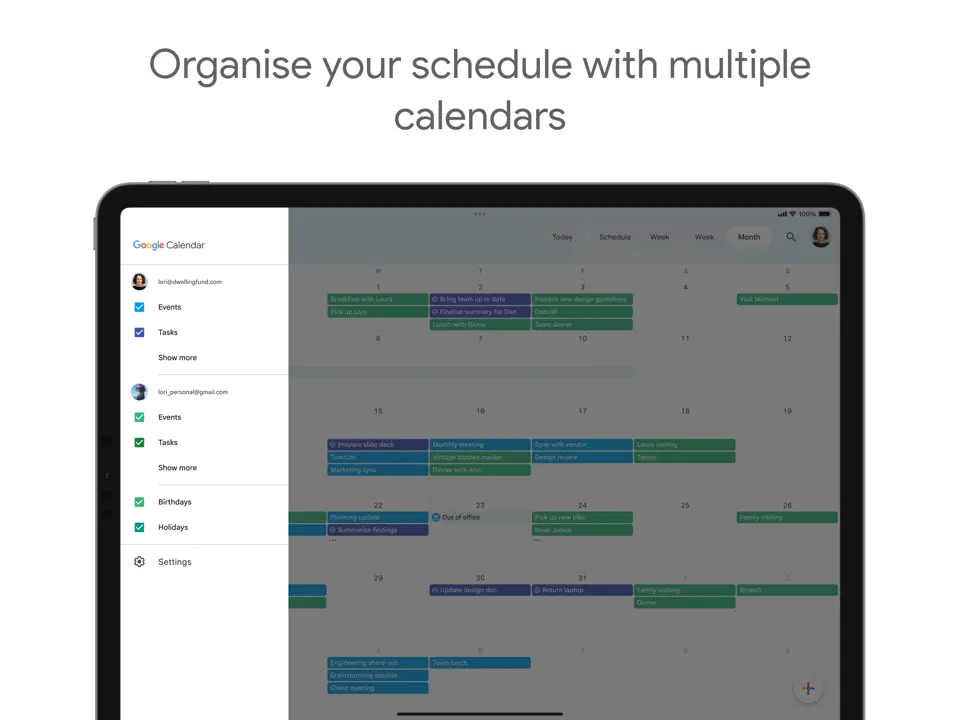
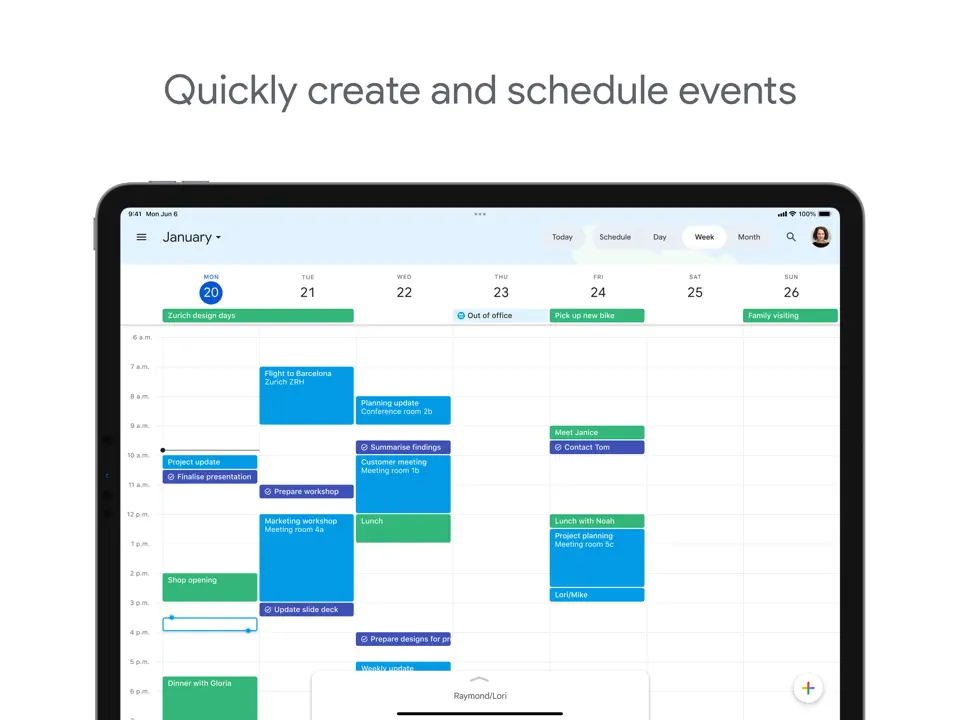
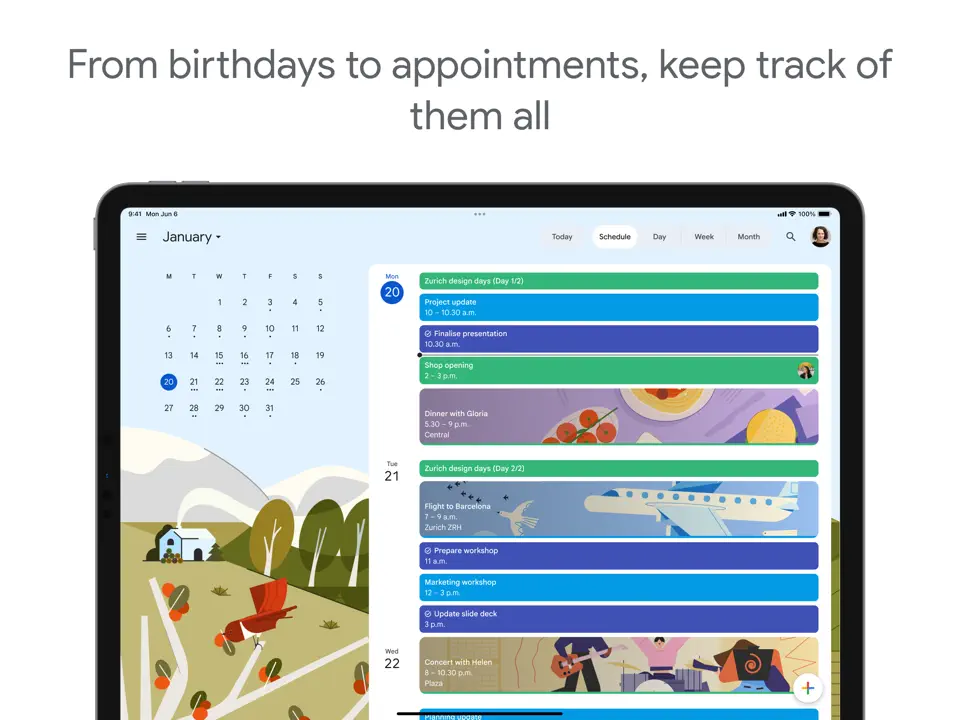
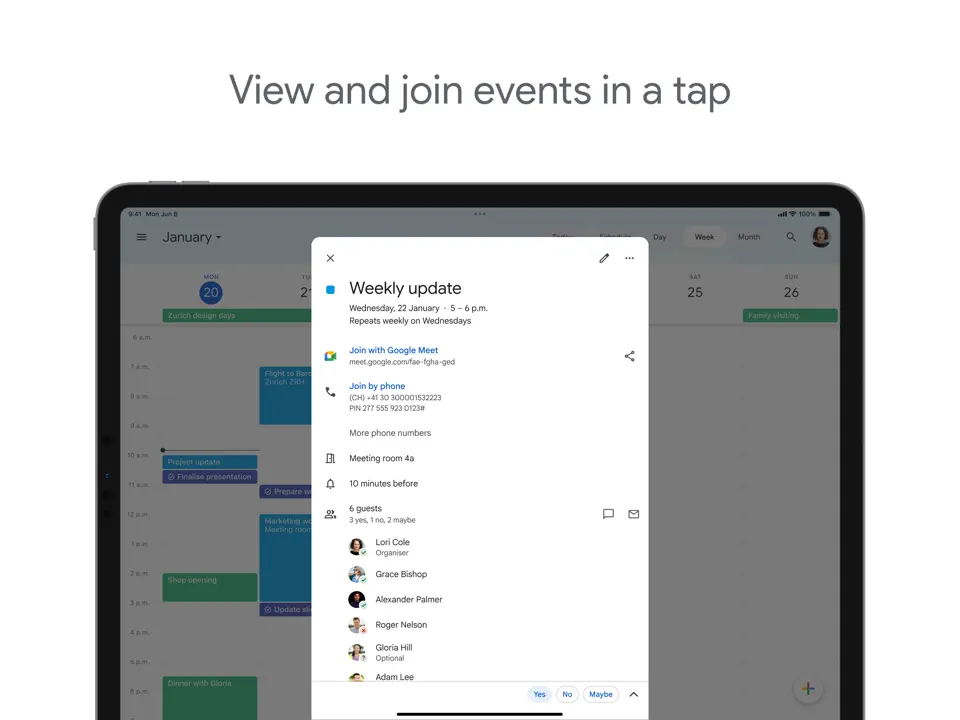
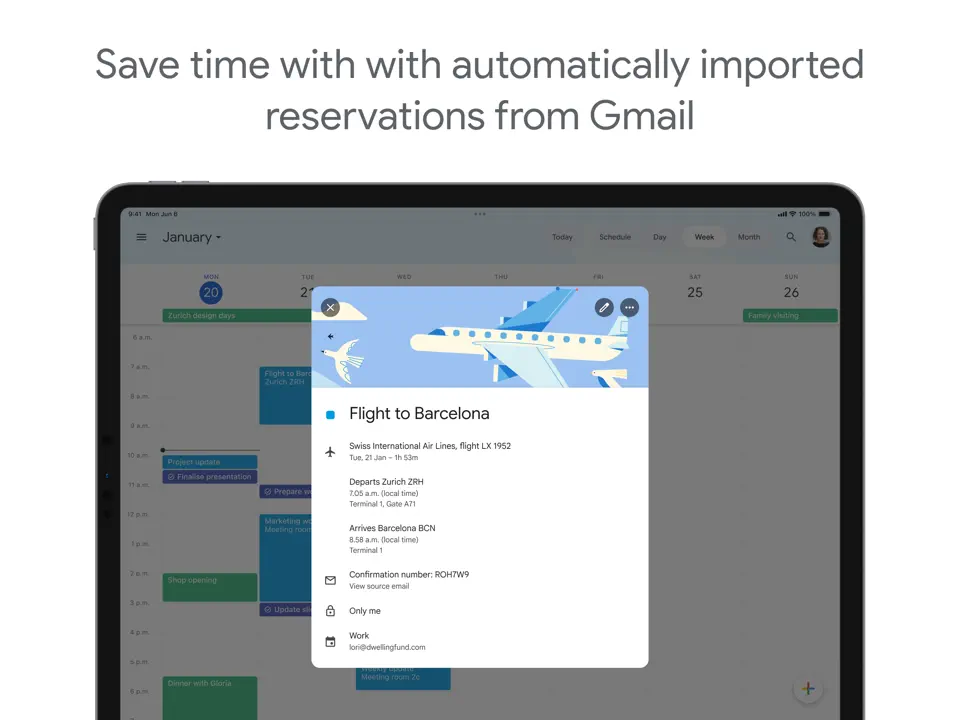
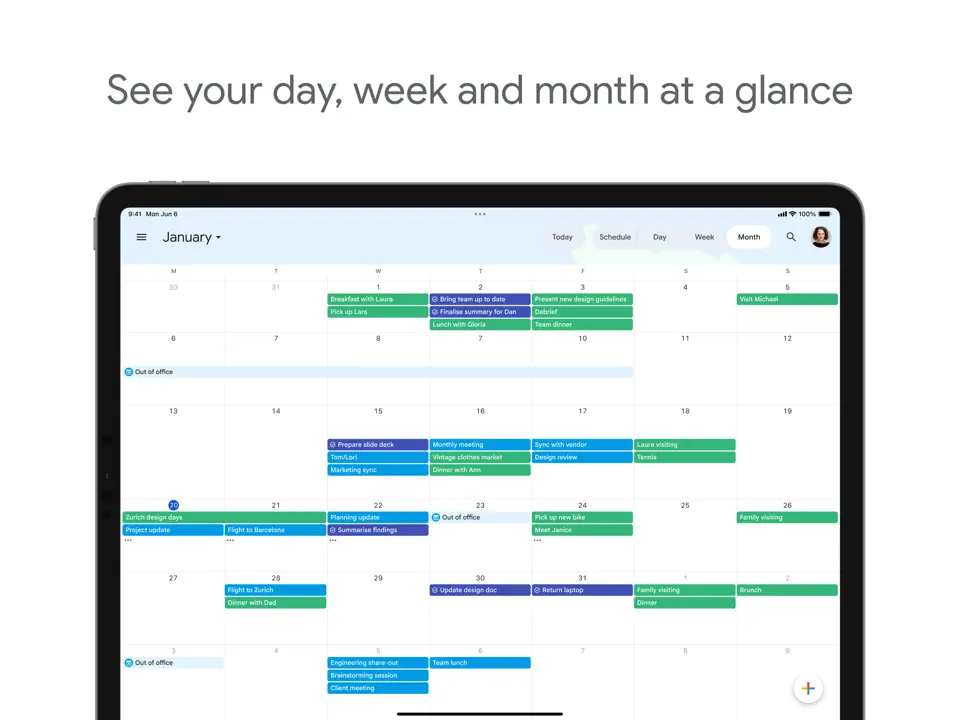
Google Calendar remains the world’s most widely used free calendar and scheduling tool. It handles events, reminders, multiple calendars, color-coding, time-blocking, and goals with seamless integration into Gmail, Google Tasks, Keep, and Assistant. Features like smart event suggestions, weather forecasts, and shared calendars make it incredibly practical.
There is no cost for personal use, no ads in the core experience, and it works flawlessly across Android, iOS, web, and desktop. Google Calendar is the default choice for anyone whose primary organization need is managing appointments, meetings, and daily/weekly schedules. It serves as a reliable foundation that pairs well with other task or note apps.
- Completely free
- Perfect sync across devices
- Time-blocking and goals
- Weather and event suggestions
- Shared calendars
- No deep task/habit management
- Basic note features
- No stickers or handwriting
Product details
| Type of app | Best for | Platforms | Developer | Pricing Model |
|---|---|---|---|---|
| Pure Calendar | Events & scheduling | Multi (Web/iOS/Android) | Free |
Google Keep
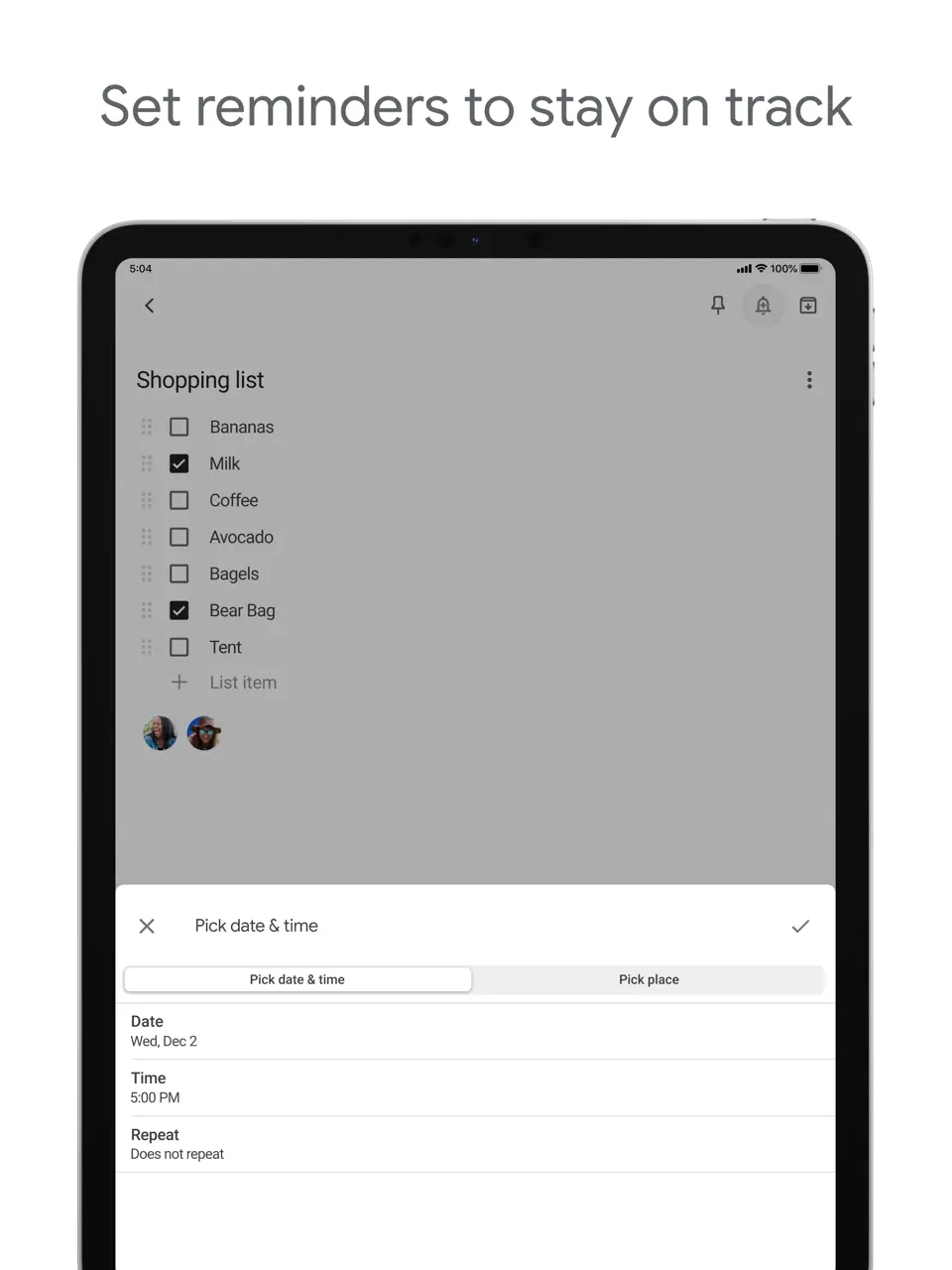
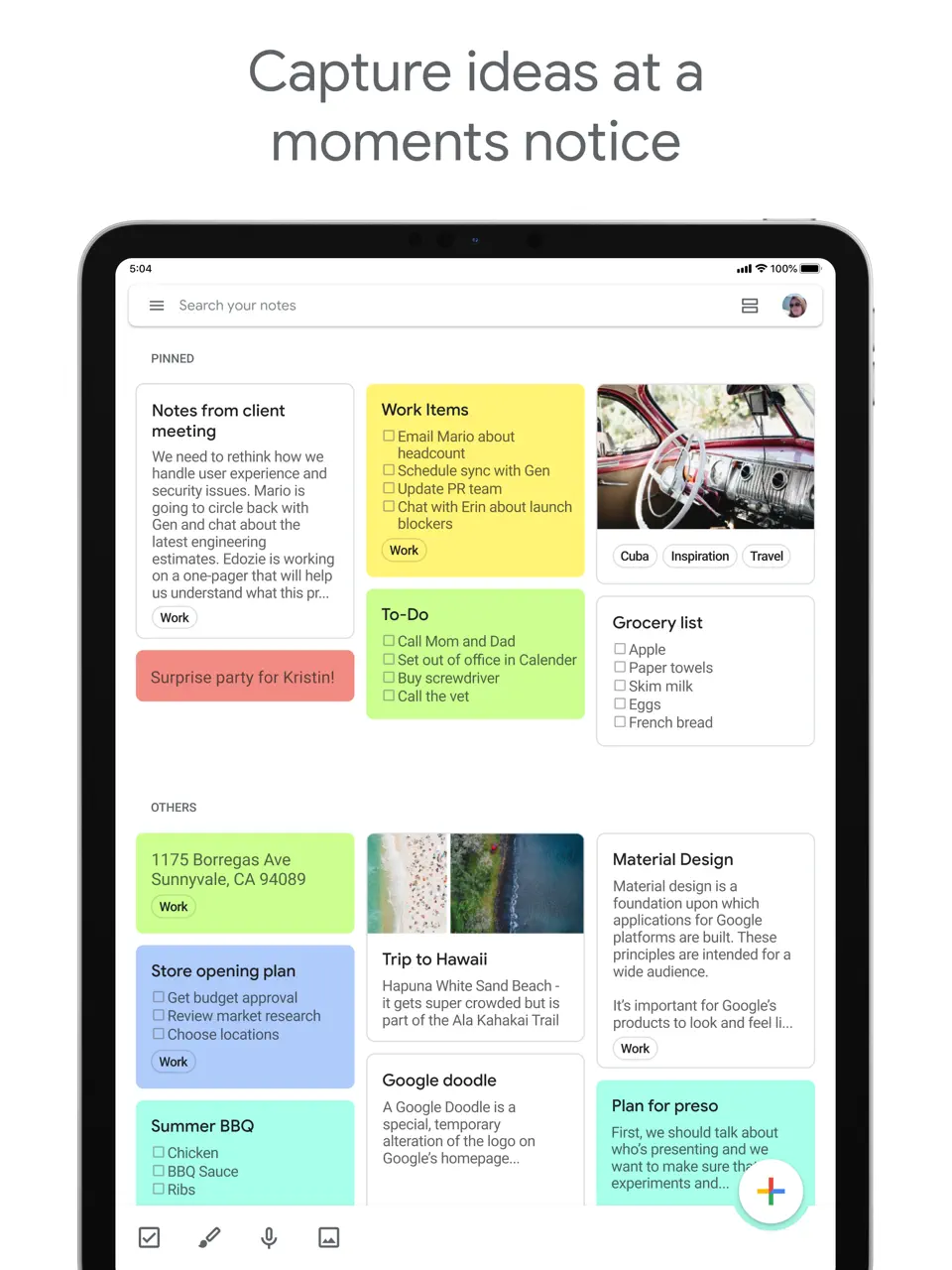
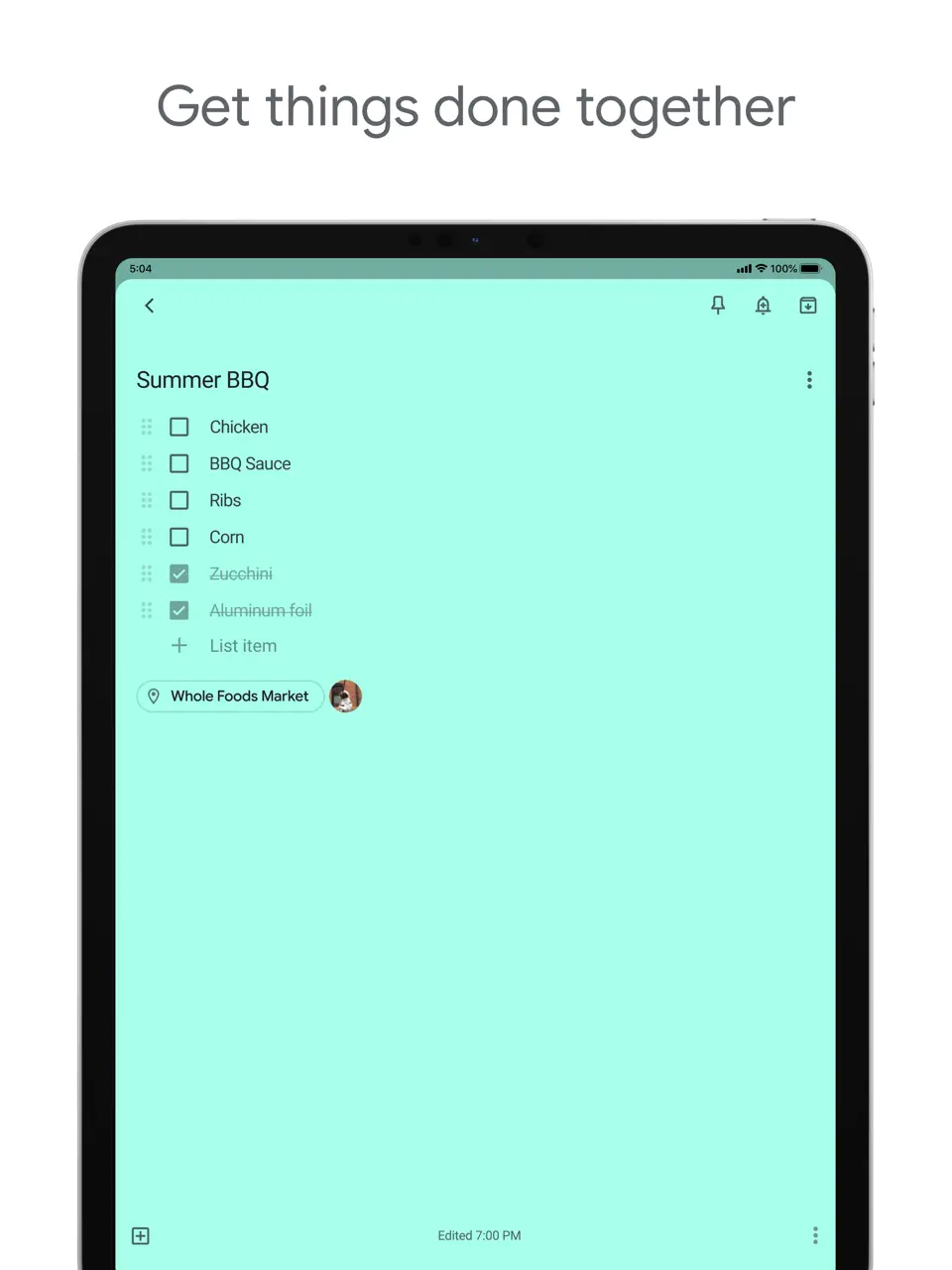
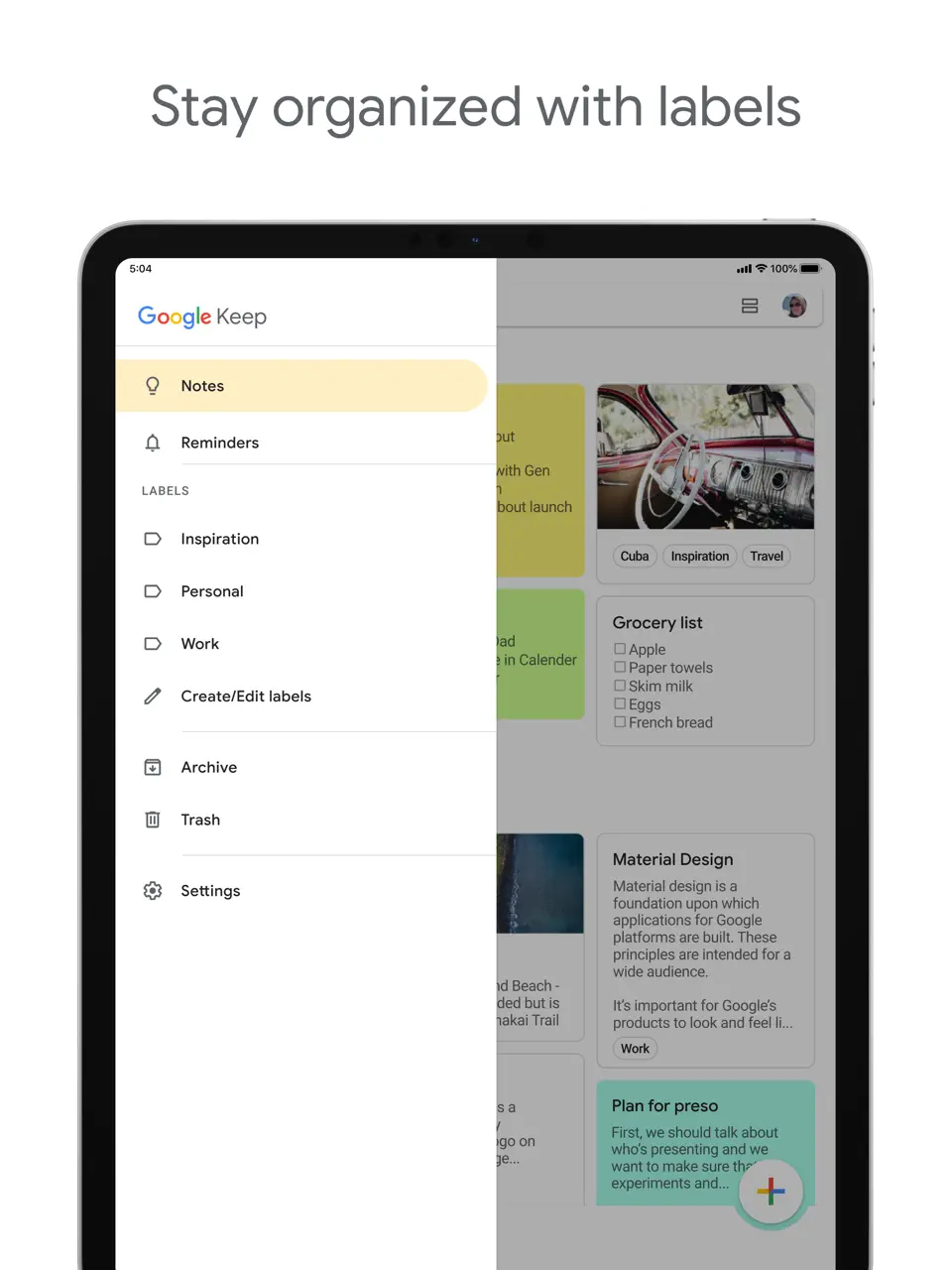
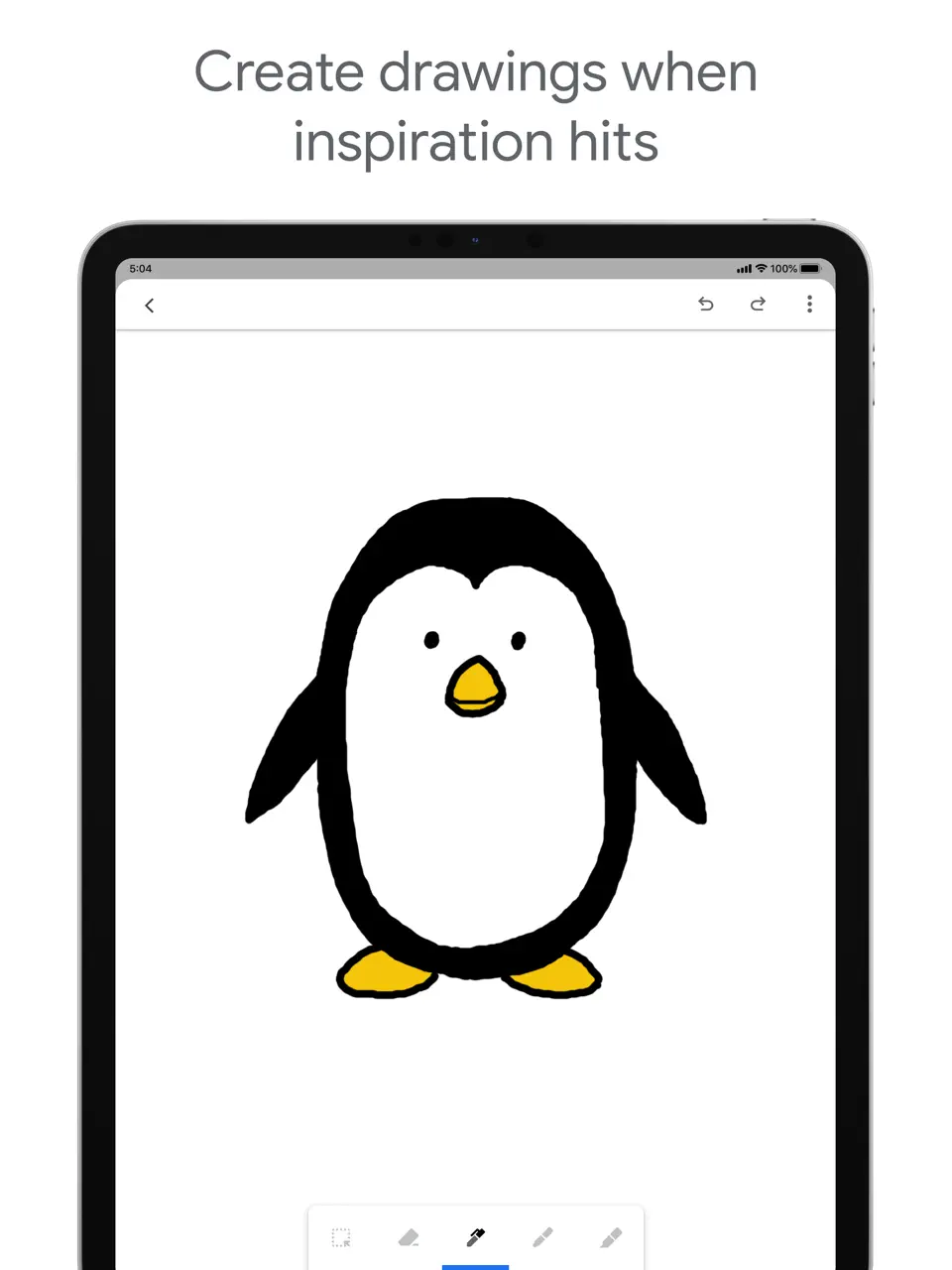
Google Keep is the fastest and simplest way to capture notes, lists, reminders, and ideas on any device. It supports quick text, voice notes, photos, checklists, color-coding, labels, and powerful OCR search inside images. Everything syncs instantly with Google Calendar, Assistant, and Docs.
The app is completely free, has no ads, and imposes no limits on notes or storage. Google Keep excels at instant brain dumps: shopping lists, random thoughts, quick reminders without any setup or complexity. It remains one of the most used and underrated organizer tools because of its speed, reliability, and seamless integration into the Google ecosystem.
- Instant capture (voice/text/photo)
- 100% free and ad-free
- Perfect Google ecosystem sync
- Reminders and location alerts
- Simple and lightweight
- Very basic (no deep organization)
- No habit tracking or calendar view
- No handwriting support
Product details
| Type of app | Best for | Platforms | Developer | Pricing Model |
|---|---|---|---|---|
| Simple Notes & Lists | Quick capture | Multi | Free |
Evernote
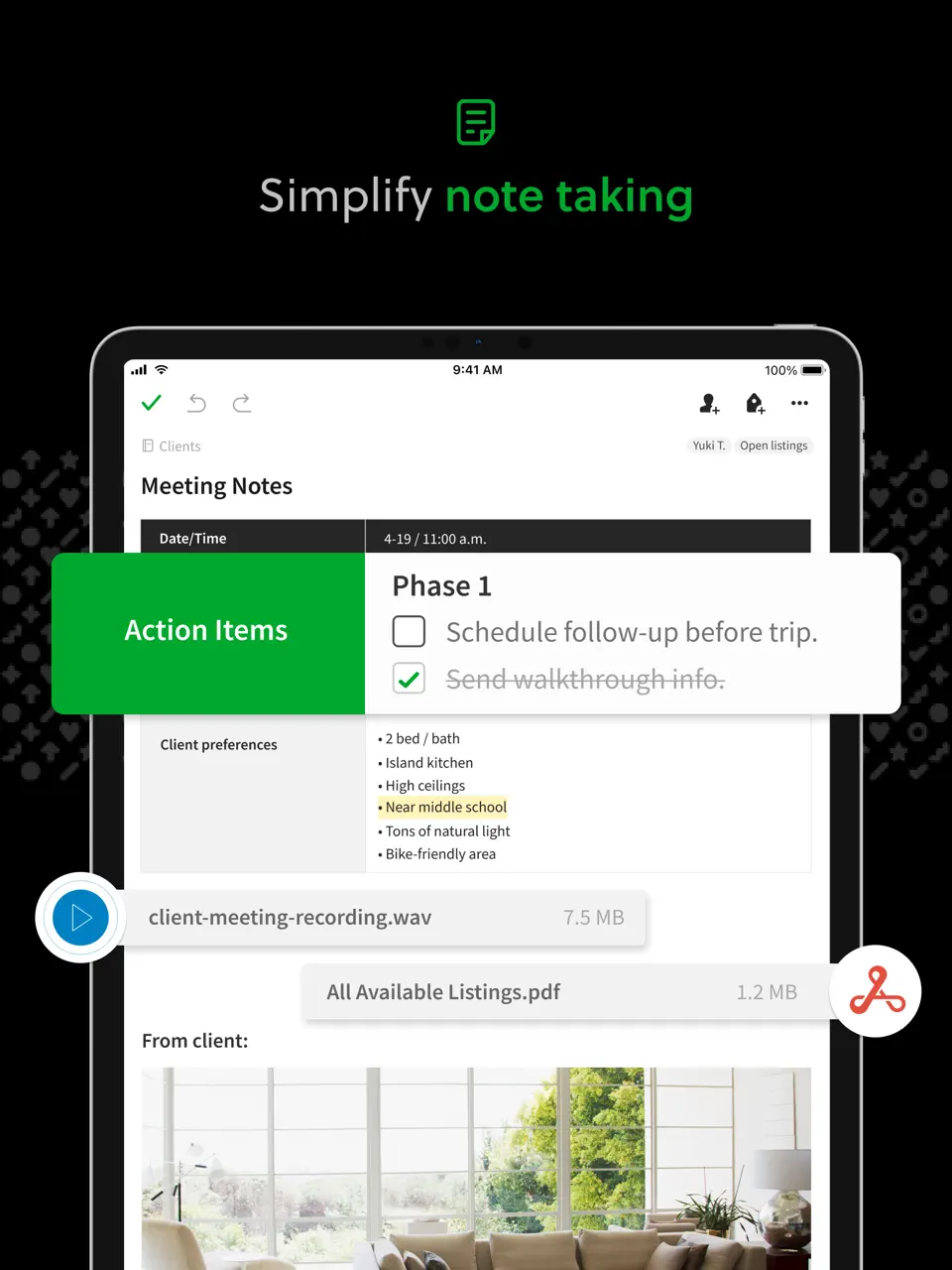
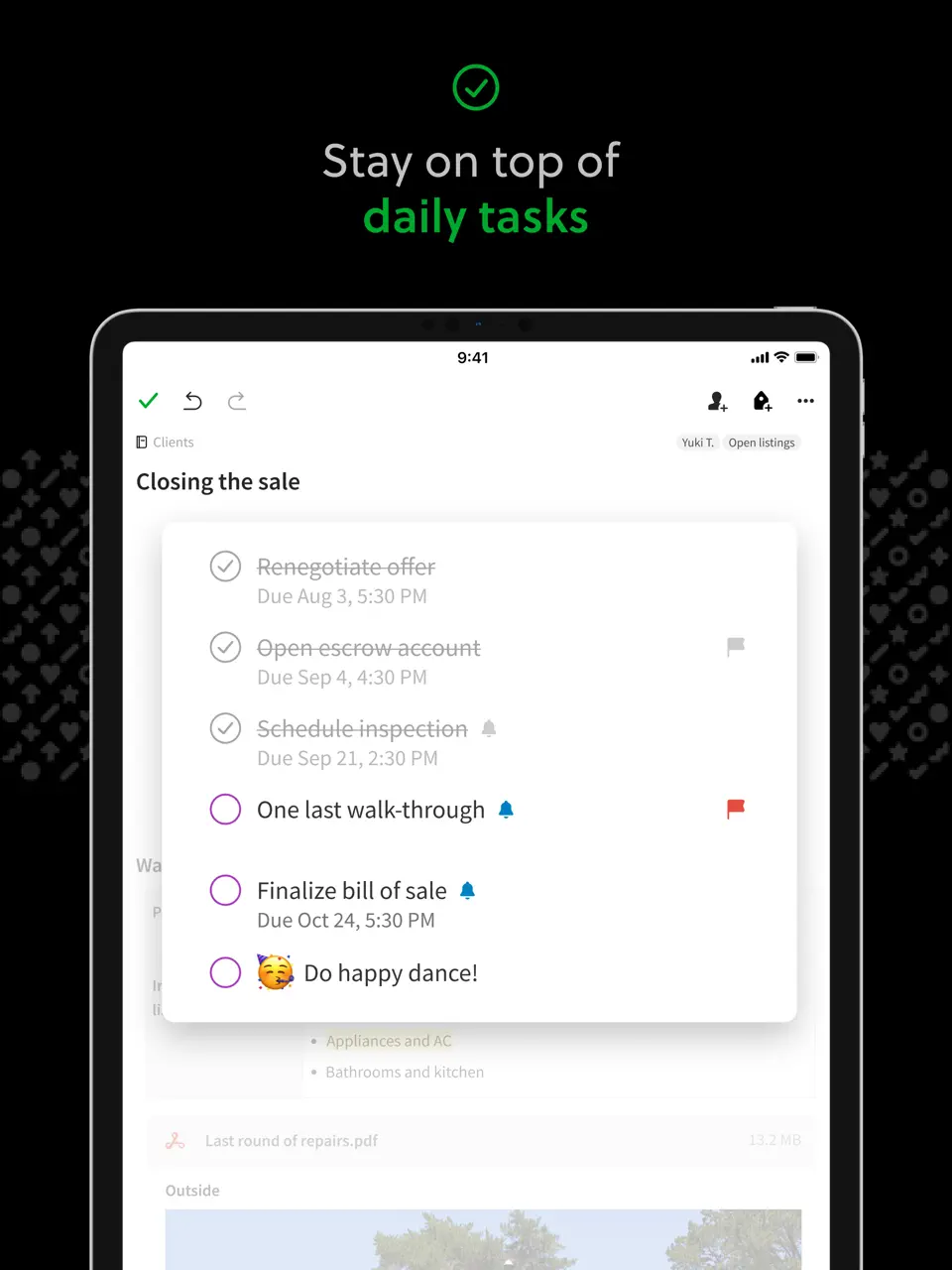
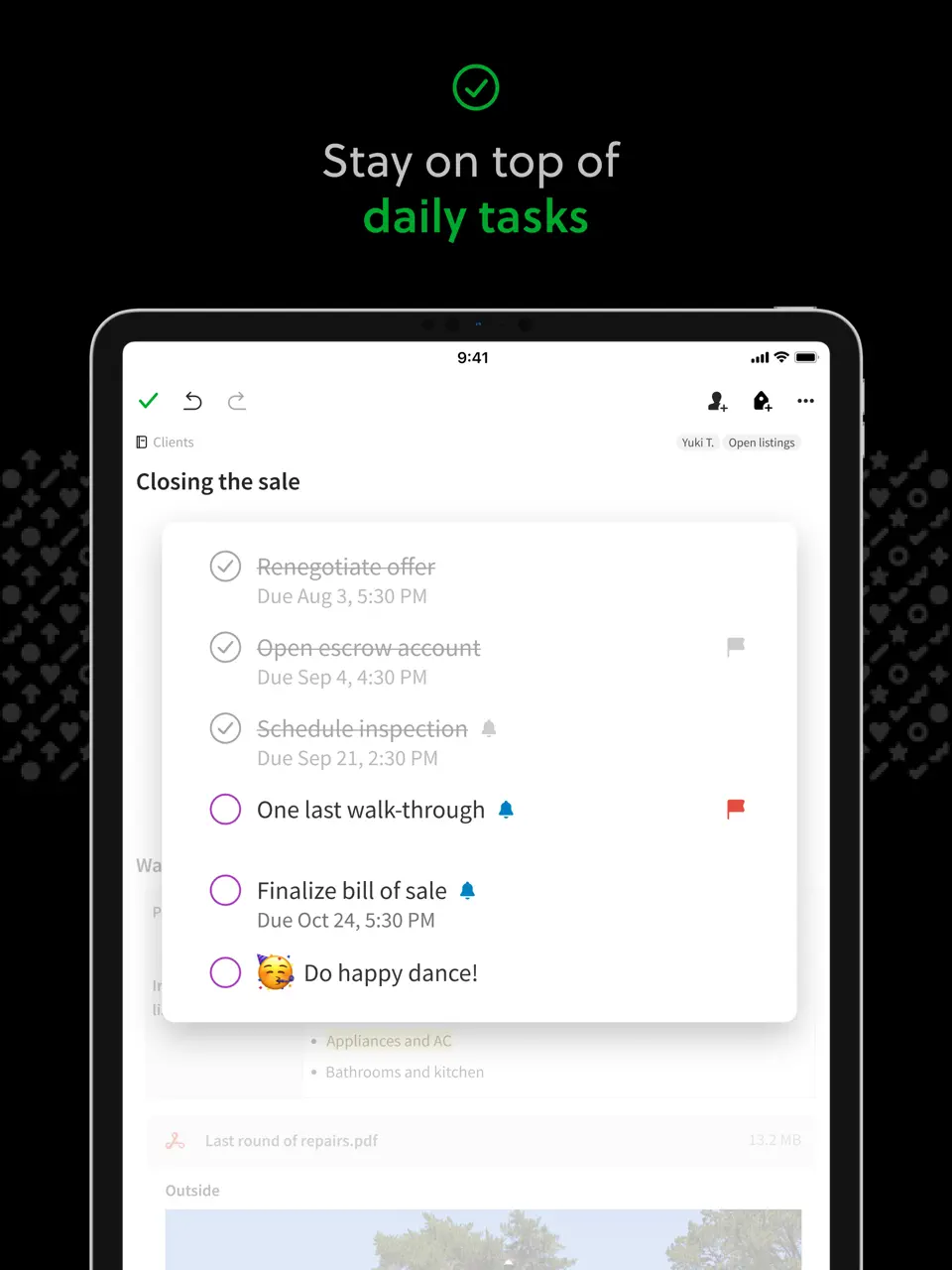
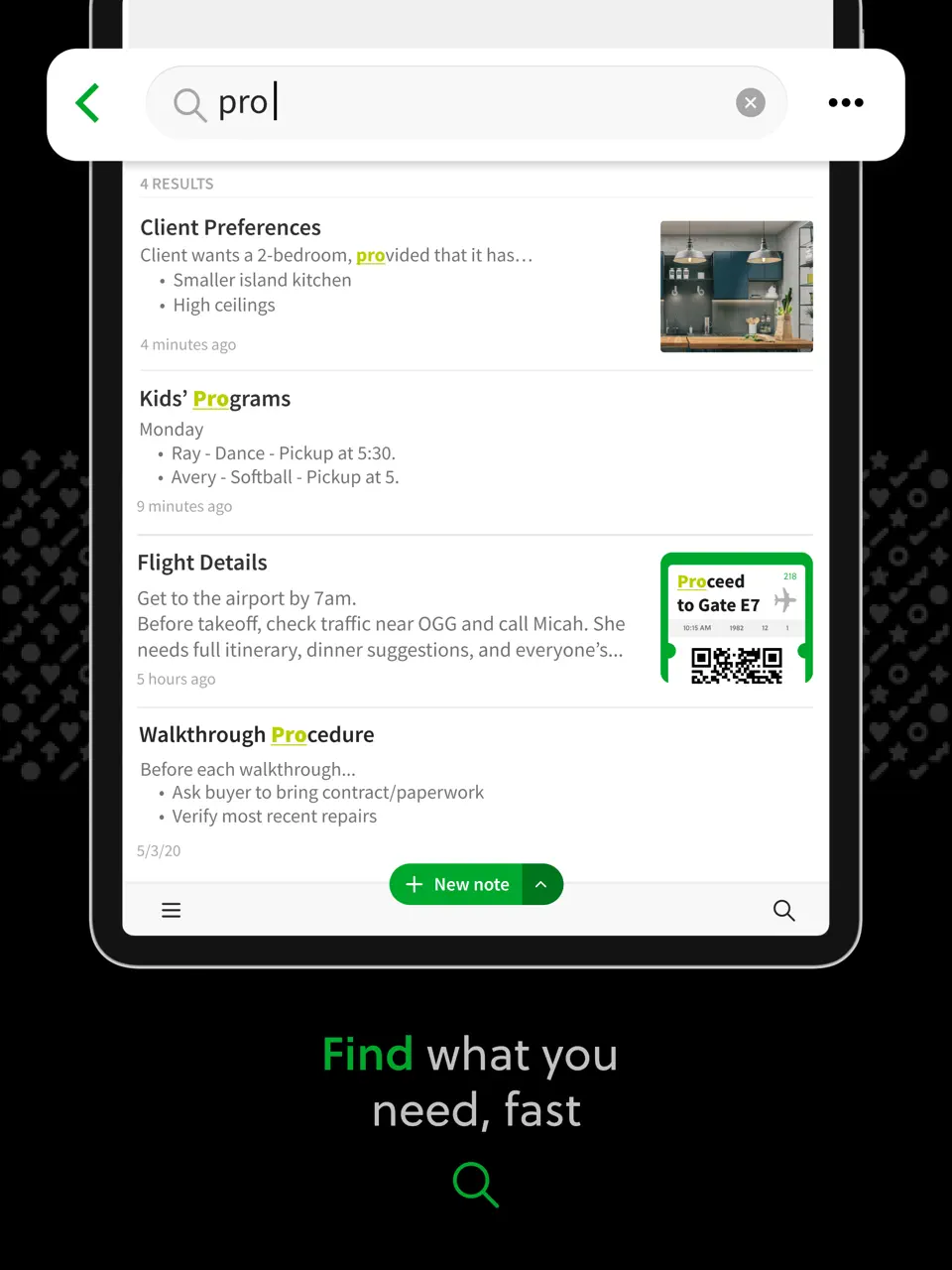
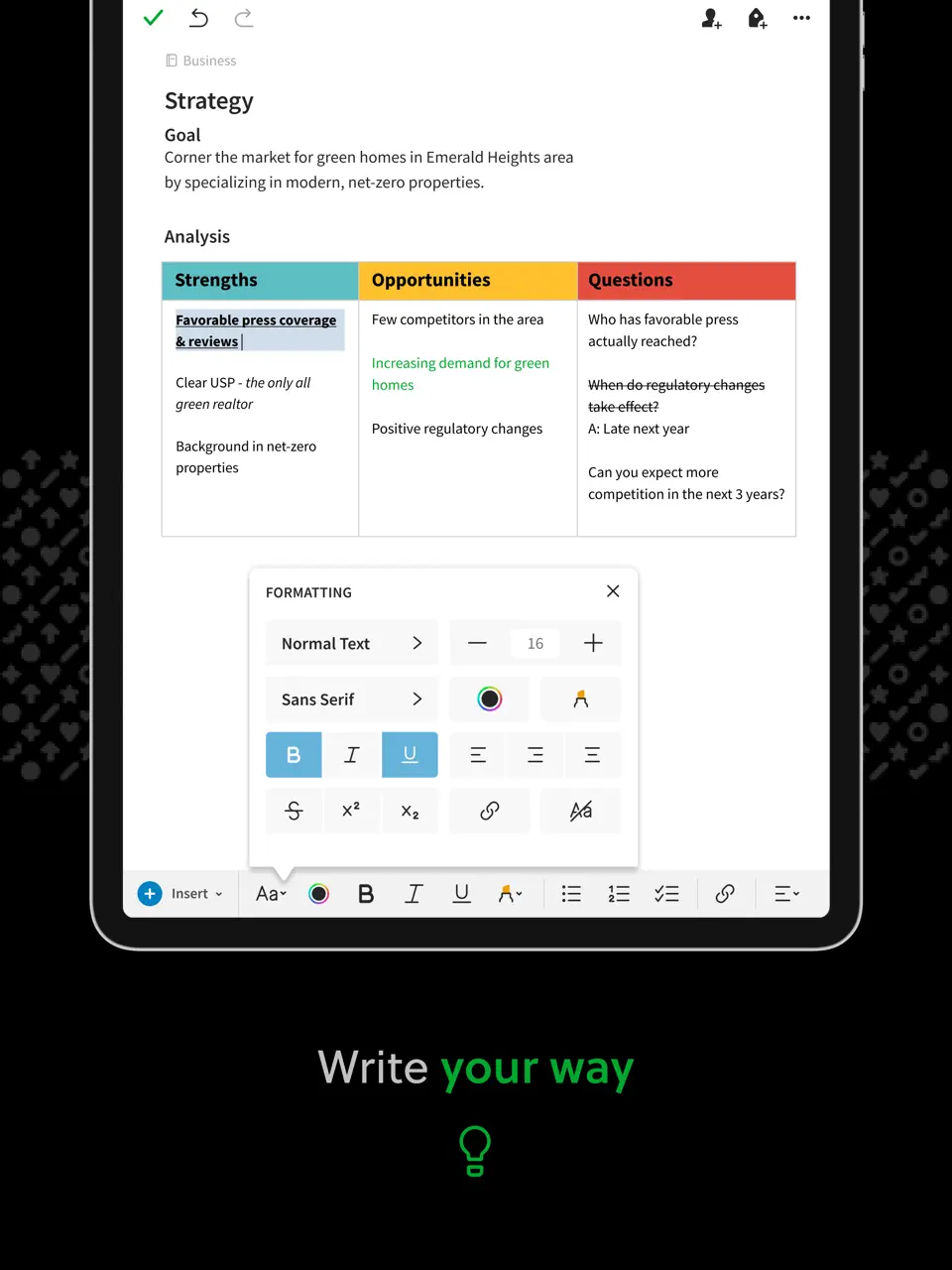
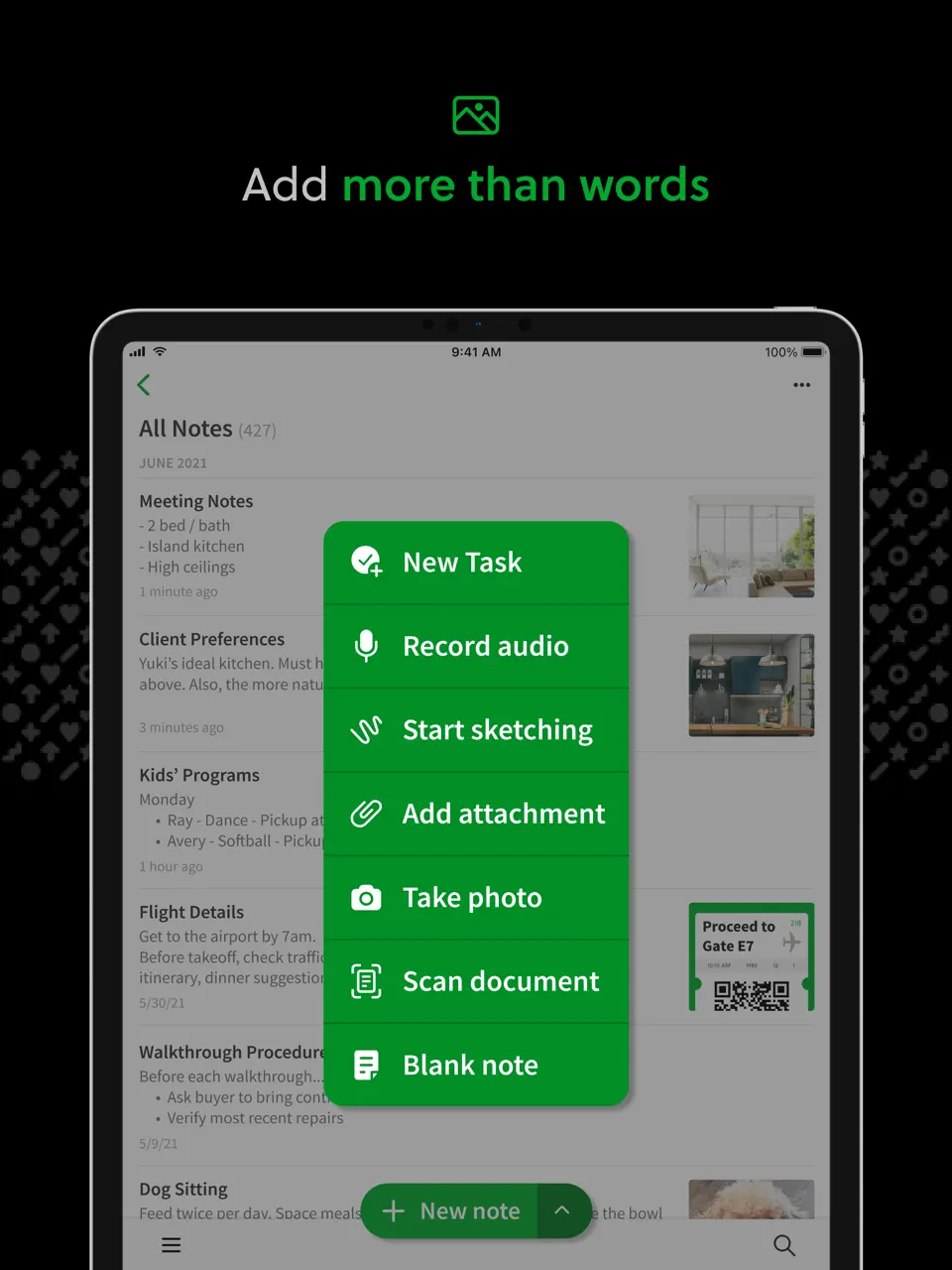
Evernote is a long-standing note and document organizer known for its powerful full-text search (even inside PDFs, images, and scanned documents), web clipping, tagging, notebooks, and cross-device sync. It supports handwriting, document scanning, task lists, and calendar integration.
The free plan is limited to 60 MB monthly uploads, making the Personal subscription (~$15/month) almost mandatory for serious users. Recent updates added AI-powered search and summarization. Evernote is ideal for heavy note-takers, researchers, students, and professionals who need to find any piece of information quickly, regardless of format. It remains a go-to choice for anyone building a long-term digital knowledge base.
- Unmatched search across all content
- Excellent web clipper
- Document scanning and PDF support
- AI summaries and search (paid)
- Works everywhere
- Free plan very restrictive
- Subscription feels expensive
- The interface can feel cluttered
Product details
| Type of app | Best for | Platforms | Developer | Pricing Model |
|---|---|---|---|---|
| Note & Document Organizer | Search & web clipping | Multi | Evernote | Freemium (~$15/month) |
Raindrop.io
Raindrop.io is the leading modern bookmark and read-later organizer, widely adopted as the best replacement after Pocket shut down. It lets you save articles, videos, tweets, images, and links into beautiful visual collections with nested folders, tags, full-text search, highlights, and offline access.
The free plan is very capable, while Pro adds permanent archiving, team collections, and advanced search. Raindrop.io stands out for its aesthetic appeal; collections look like curated mood boards rather than plain lists. It is perfect for content-heavy users: researchers, readers, designers, or anyone who saves a lot of web material and wants it organized, searchable, and accessible offline.
- Gorgeous visual collections
- Powerful tagging and search
- Offline reading
- Highlights and notes on articles
- Cross-platform
- Focused only on saved content
- No tasks/habits/calendar
- Pro features feel essential for heavy users
Product details
| Type of app | Best for | Platforms | Developer | Pricing Model |
|---|---|---|---|---|
| Bookmark & Read-Later | Saving articles & links | Multi | Rustem Mussabekov | Freemium (~$3/month Pro) |
Routinery
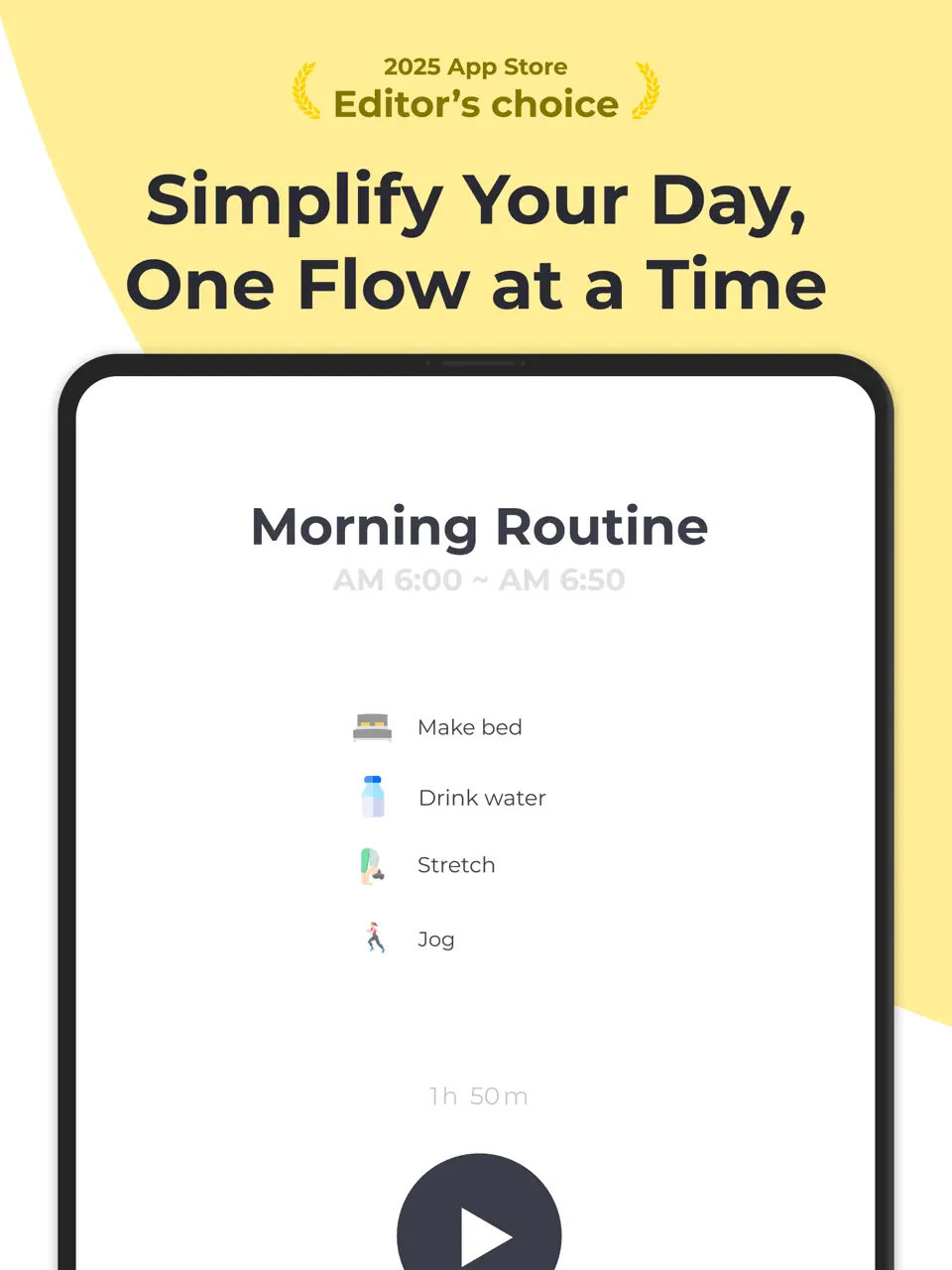
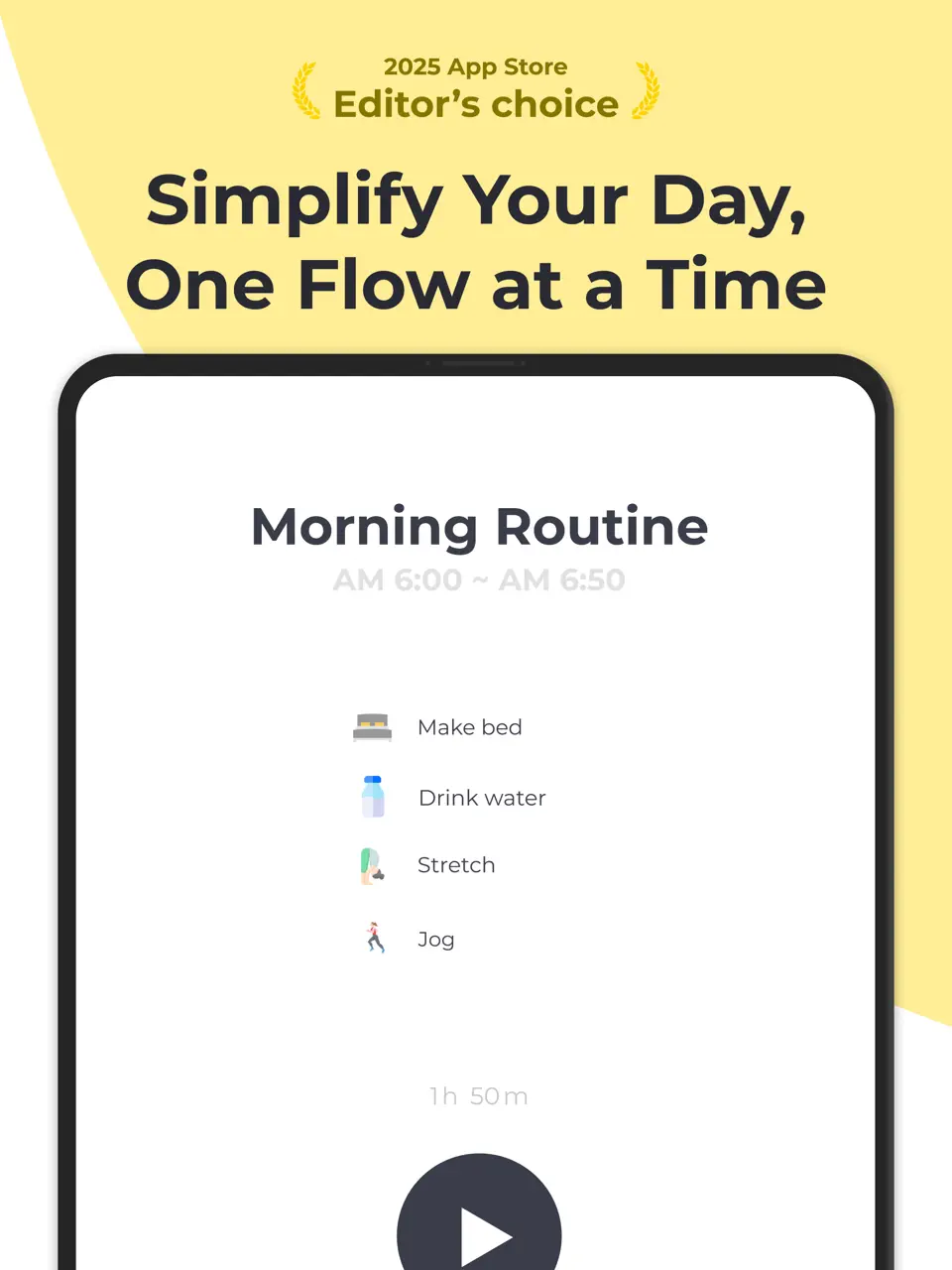
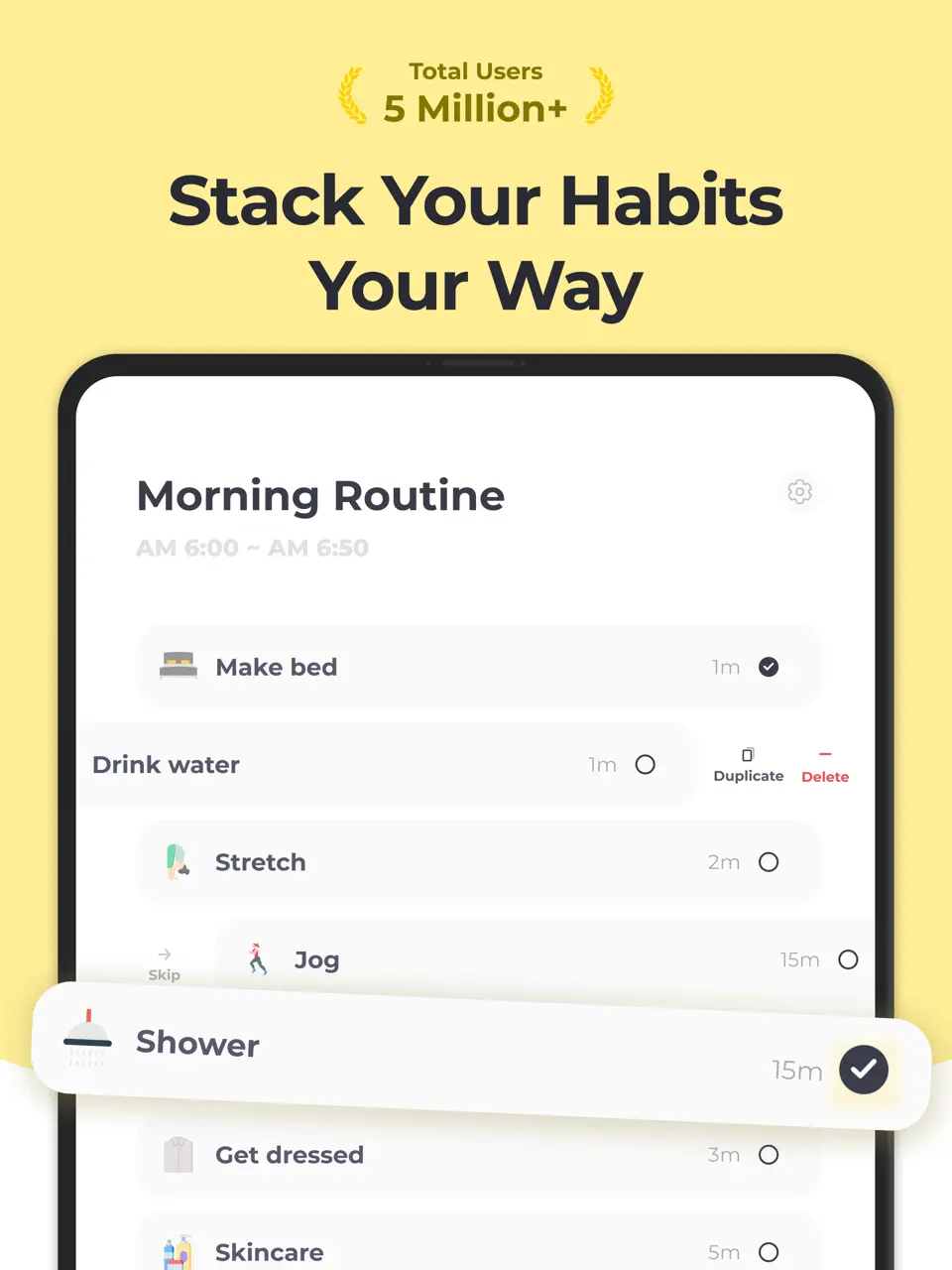
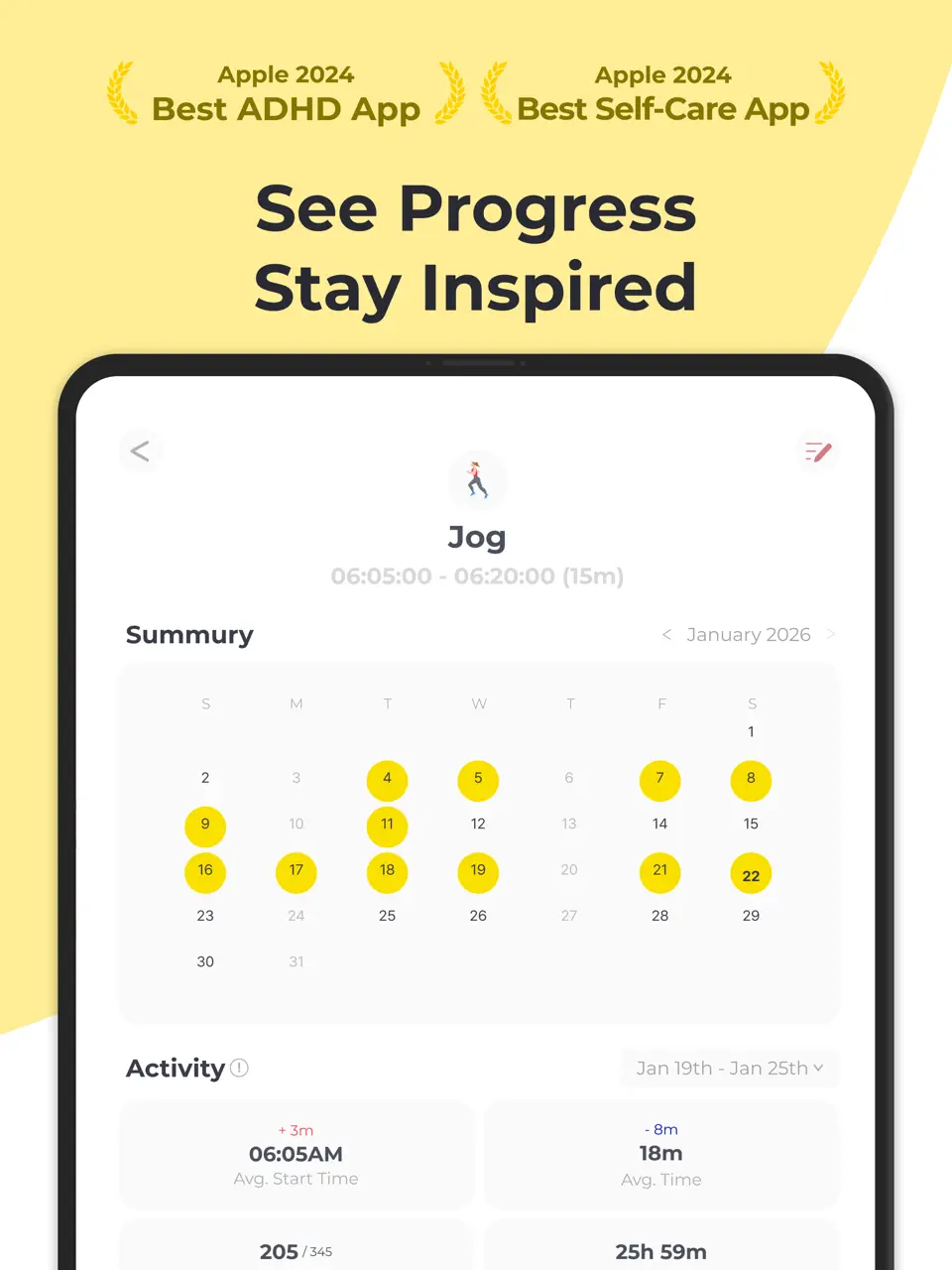
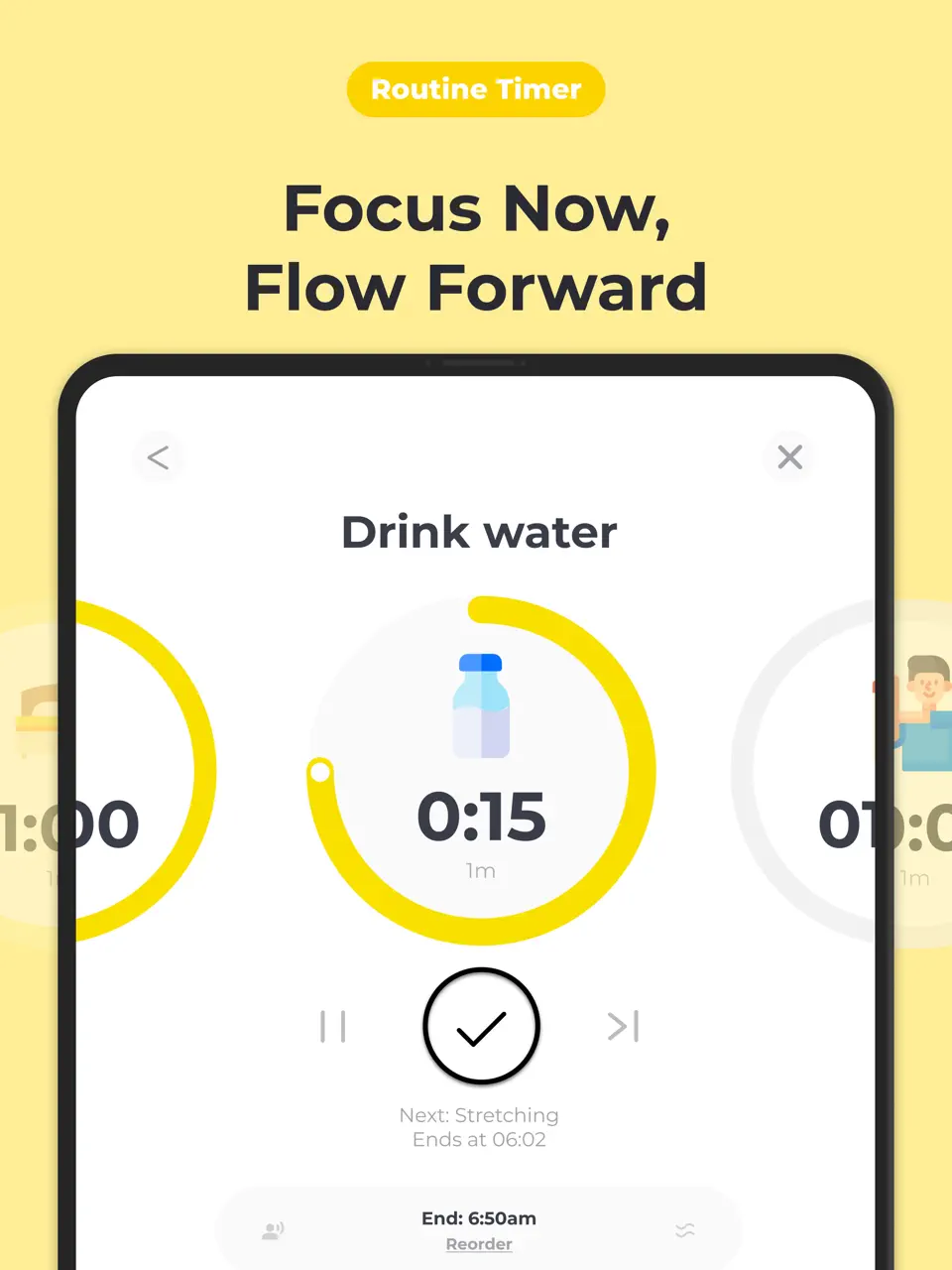
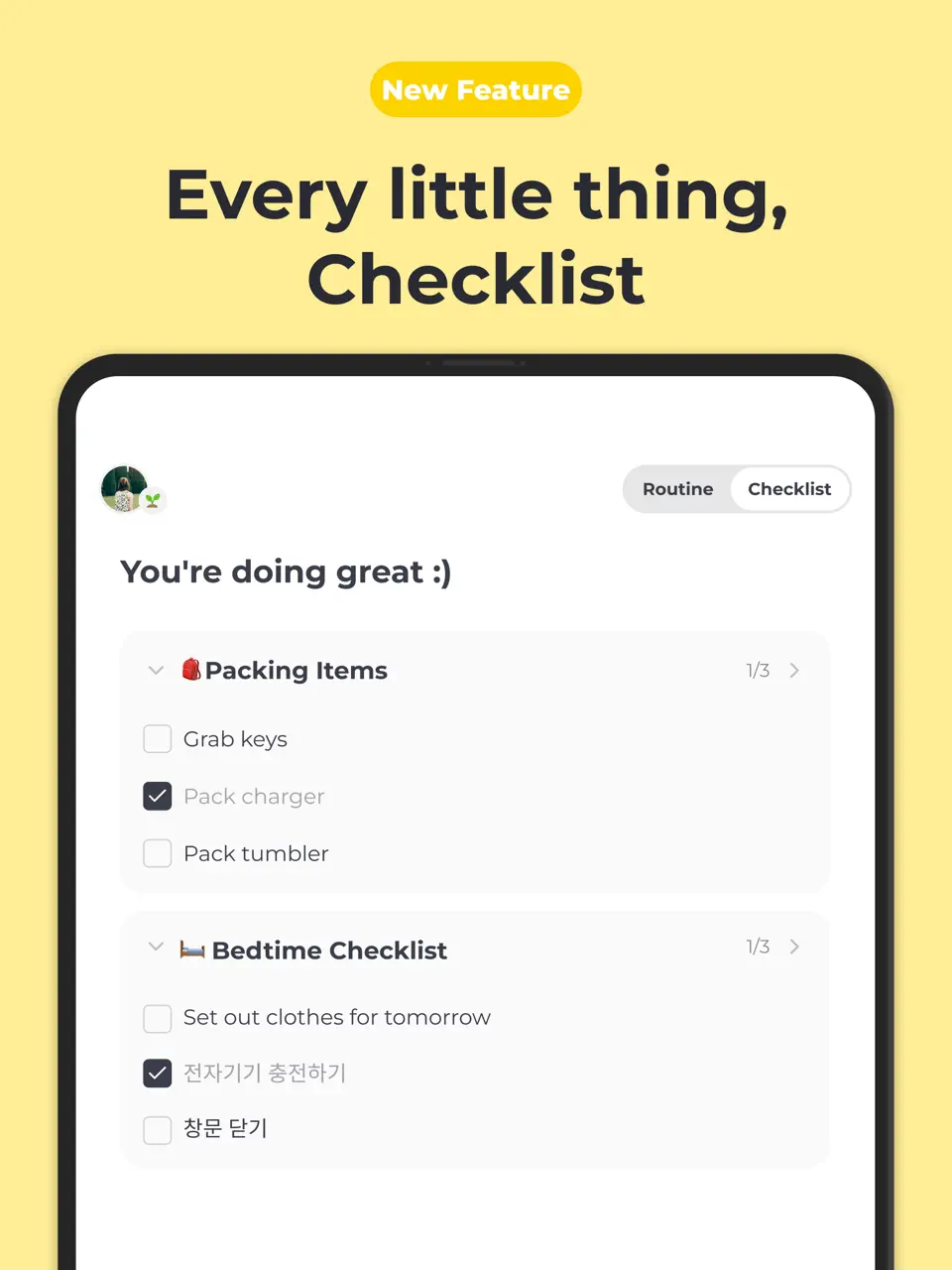
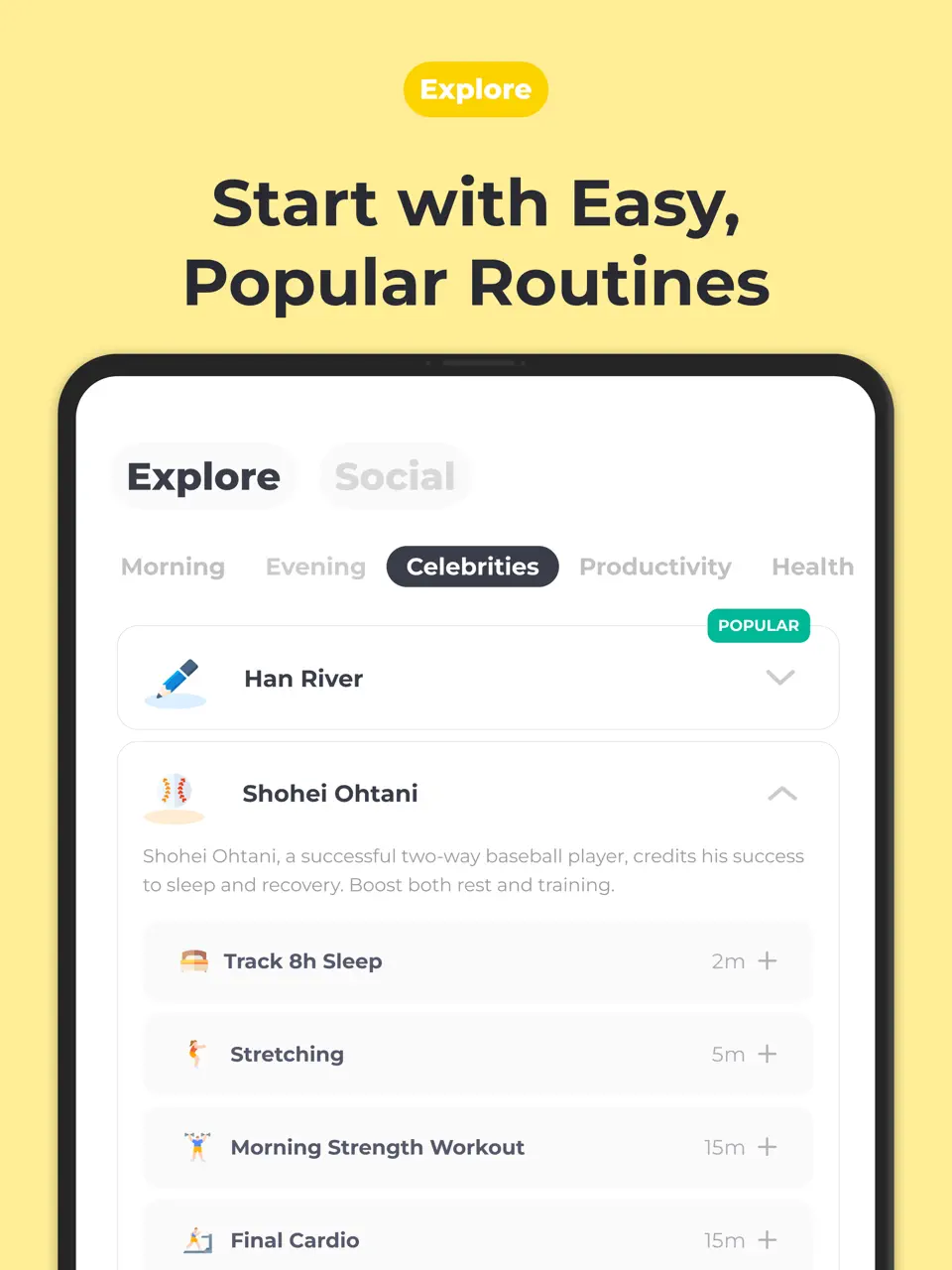
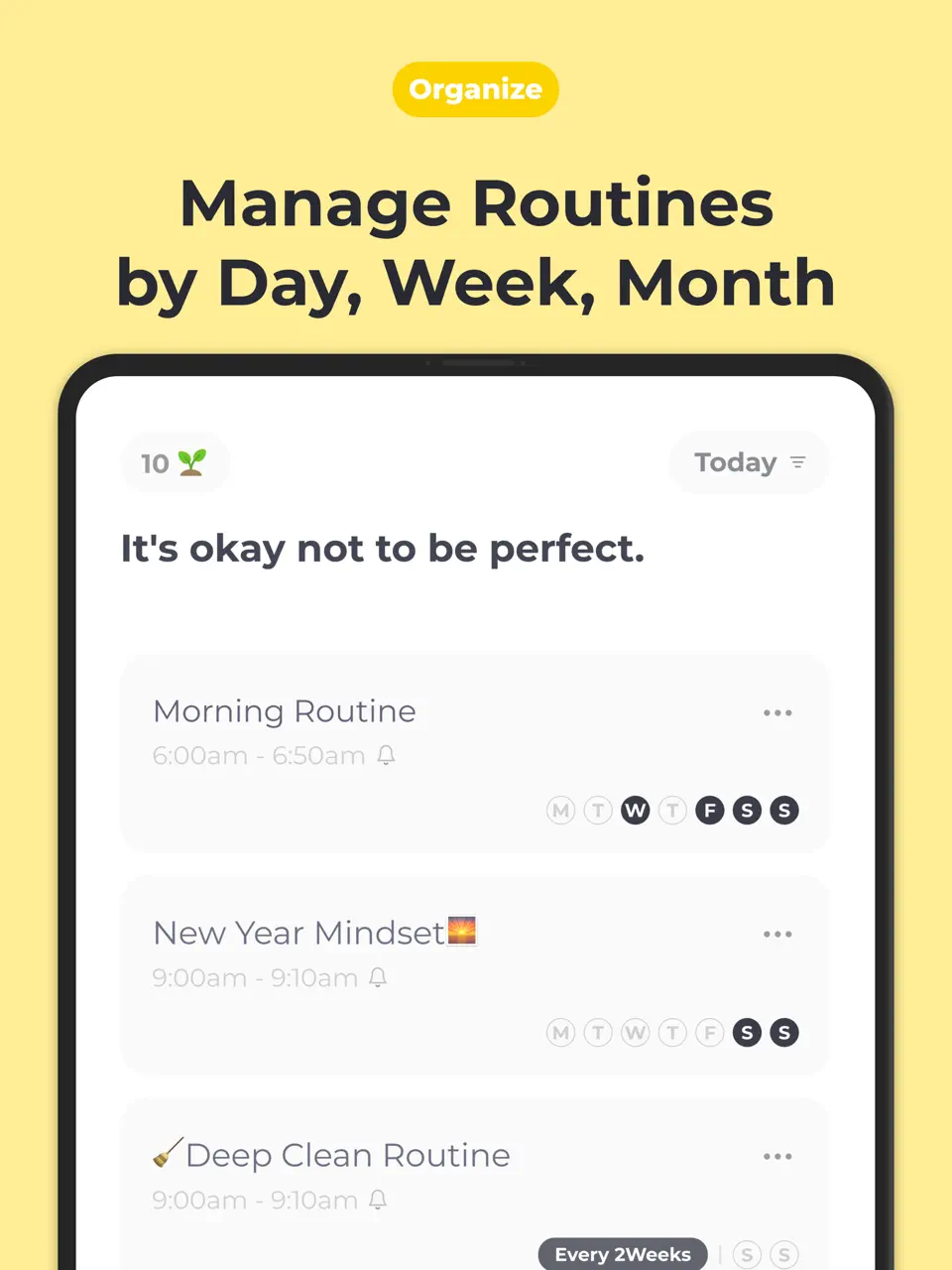
Routinery is a focused app designed to help users build and stick to daily routines through guided steps, timers, and progress tracking. It allows creating voice-prompted sequences (e.g., “wake up → brush teeth → meditate”), chaining habits, and viewing analytics to see consistency over time. The free version supports basic routines, while premium unlocks unlimited routines and advanced statistics.
Routinery is particularly helpful for people who struggle with consistency, procrastination, or executive function challenges. Its simple interface and audio guidance make it feel like a personal coach walking you through your day. Best suited for those who want structured rituals rather than general task lists or calendars.
- Voice-guided step-by-step routines
- Timer chaining
- Progress analytics
- Good for ADHD/executive function
- Simple interface
- Focused only on routines (no calendar/tasks)
- Limited free version
- No handwriting support
Product details
| Type of app | Best for | Platforms | Developer | Pricing Model |
|---|---|---|---|---|
| Routine & Habit Planner | Guided daily routines | iOS/Android | Routinery | Freemium (~$10/year) |
Tiimo
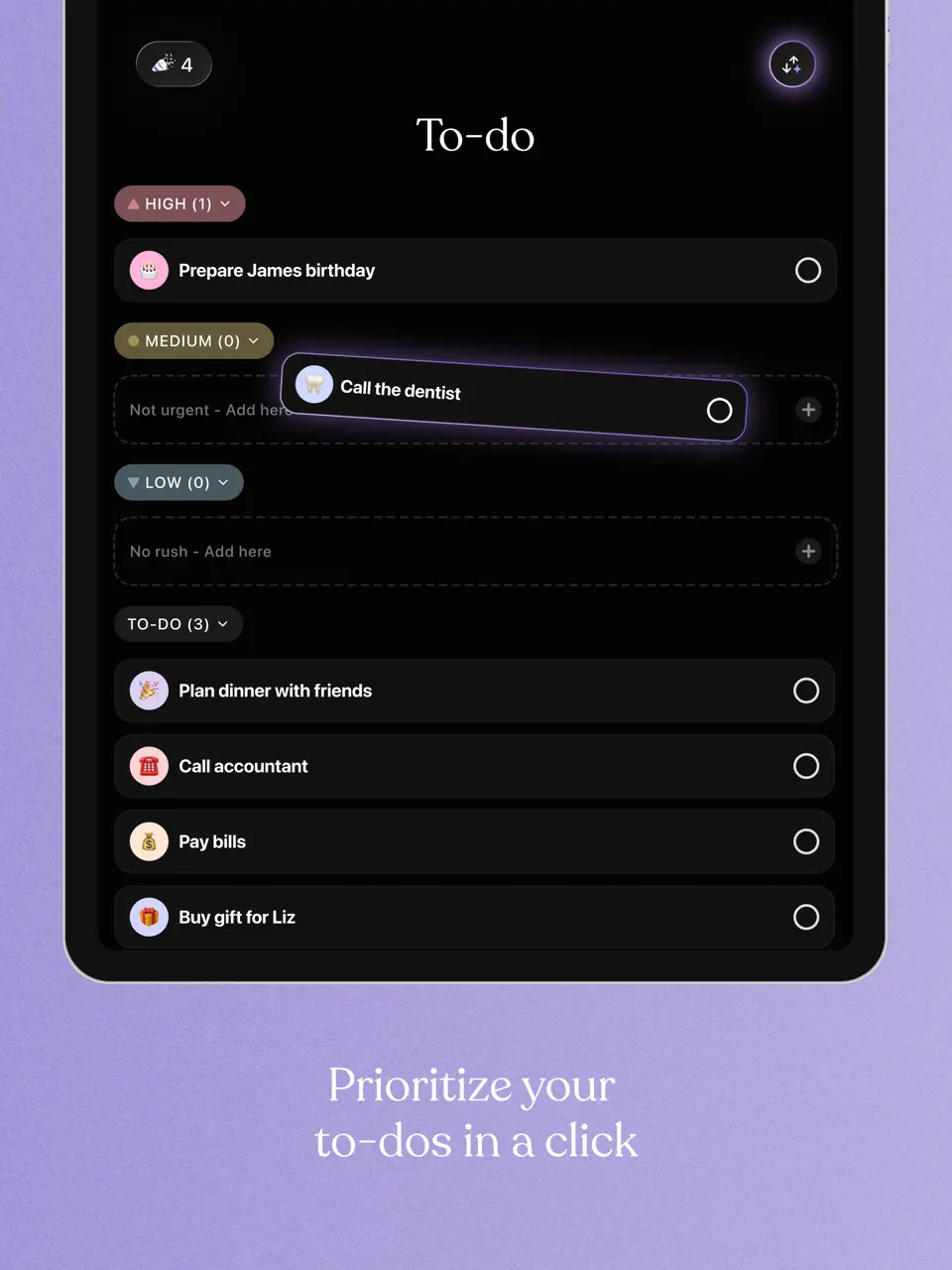
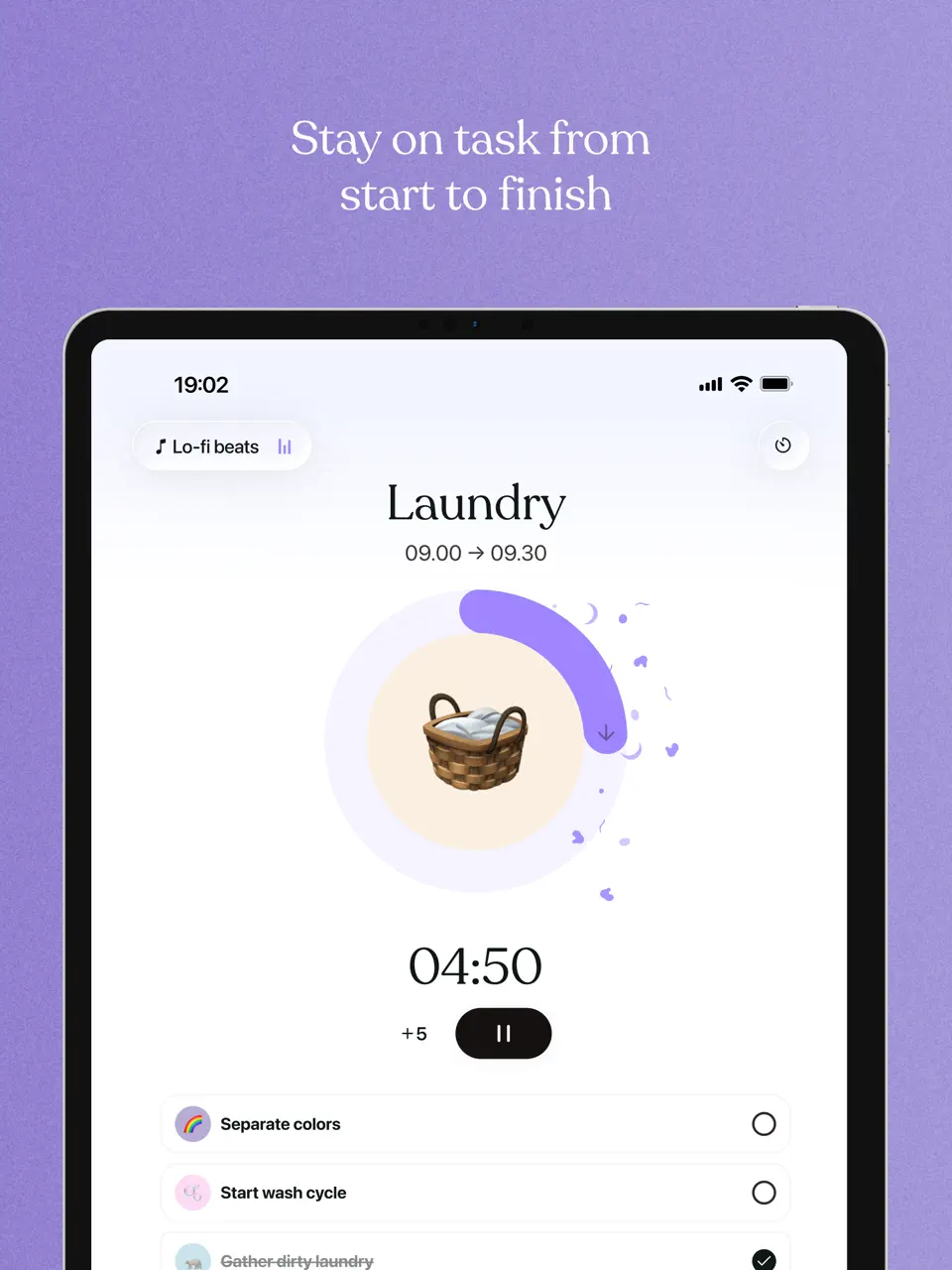
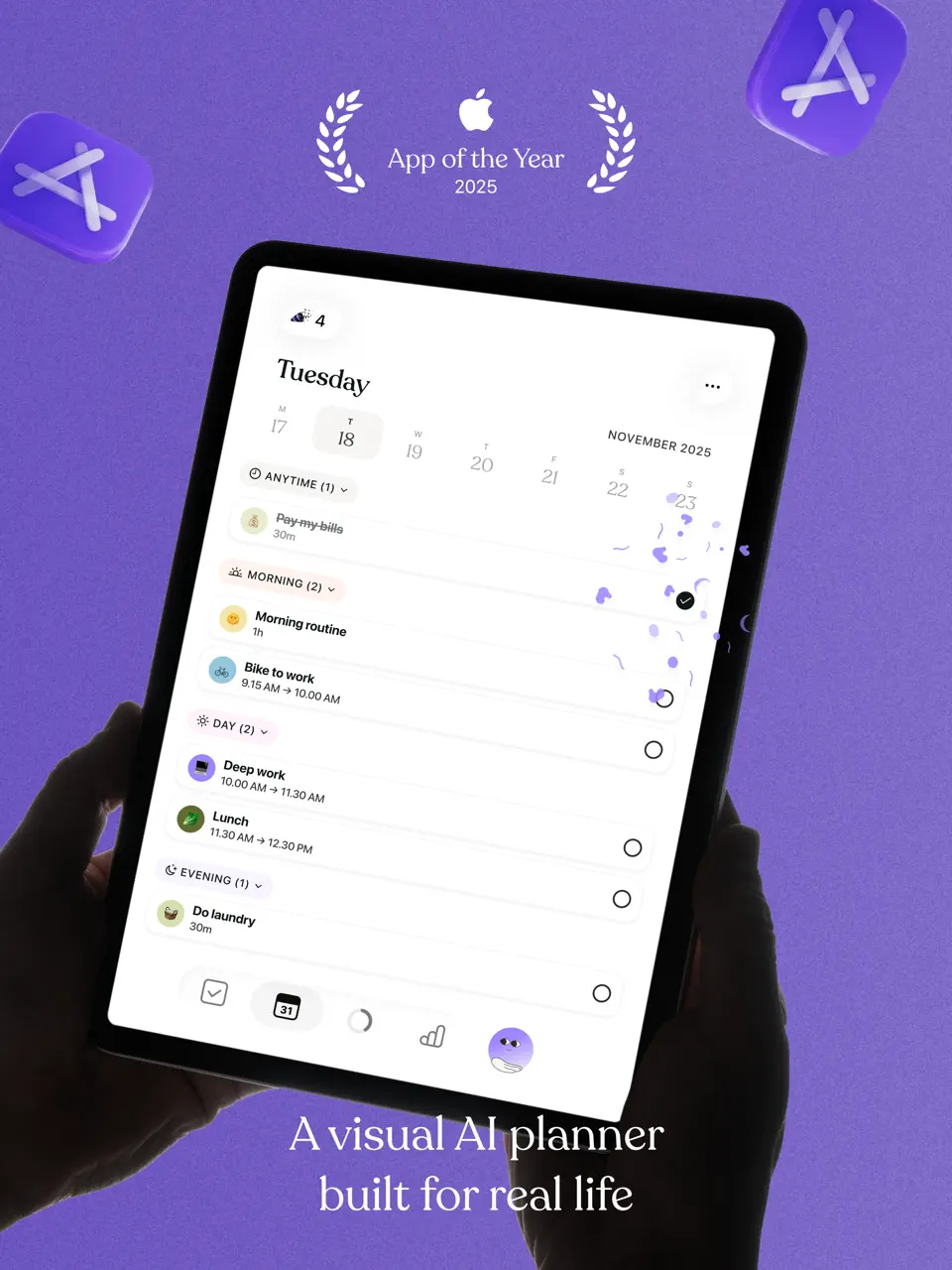
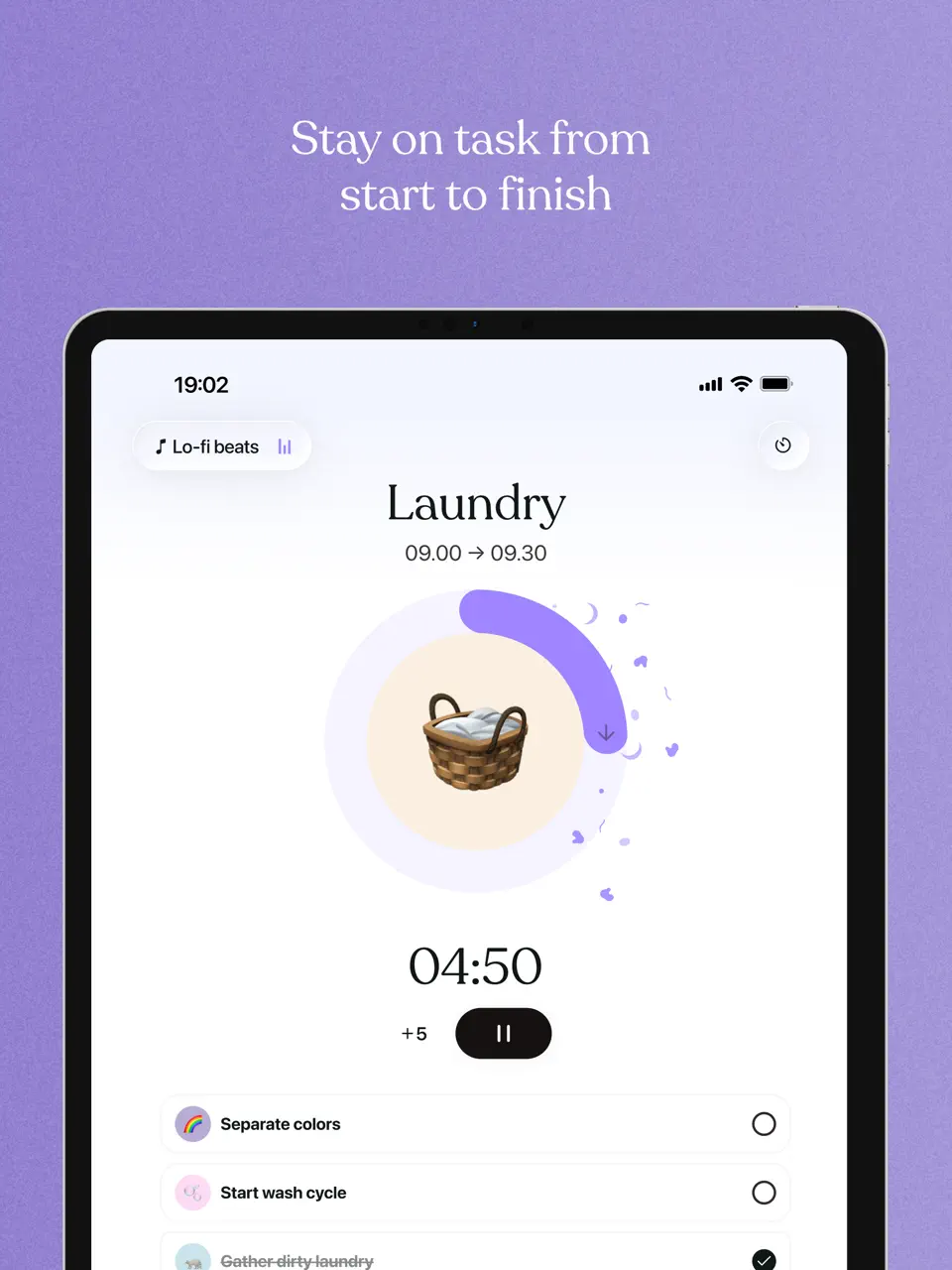
Tiimo is a visual planning app created specifically for people with ADHD, autism, or executive function difficulties. It uses intuitive icons, picture-based schedules, color-coded timelines, gentle reminders, flexible timers, and caregiver sharing features. The app supports energy tracking (Spoon Theory), routine templates, and customizable visuals to reduce overwhelm.
It earned Apple’s iPhone App of the Year in 2025 for accessibility. While the free trial is generous, full access requires a subscription. Tiimo excels at making abstract time concepts concrete and manageable. It is one of the most thoughtful and effective organizer apps for neurodivergent users who find traditional lists and calendars too abstract or stressful.
- Extremely ADHD-friendly visuals
- Picture-based schedules
- Gentle, non-overwhelming reminders
- Caregiver/family sharing
- Energy/spoon trackin
- Paid after trial (no strong free tier)
- No handwriting or stickers
- Niche — may be overkill for neurotypical users
Product details
| Type of app | Best for | Platforms | Developer | Pricing Model |
|---|---|---|---|---|
| Visual ADHD Planner | Routines & visual timers | iOS/Android | Tiimo | Paid (~$30/year) |
Habitica
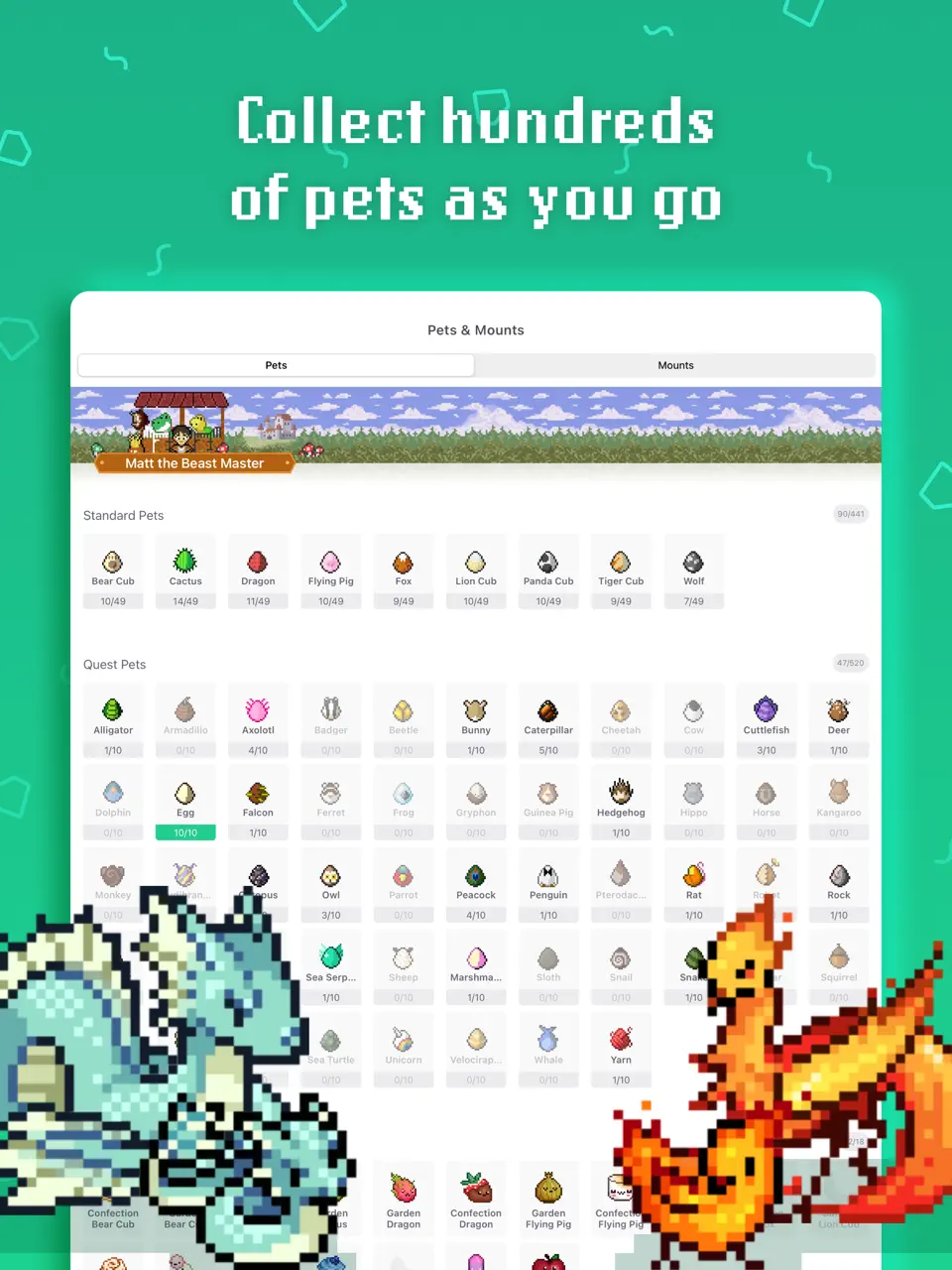
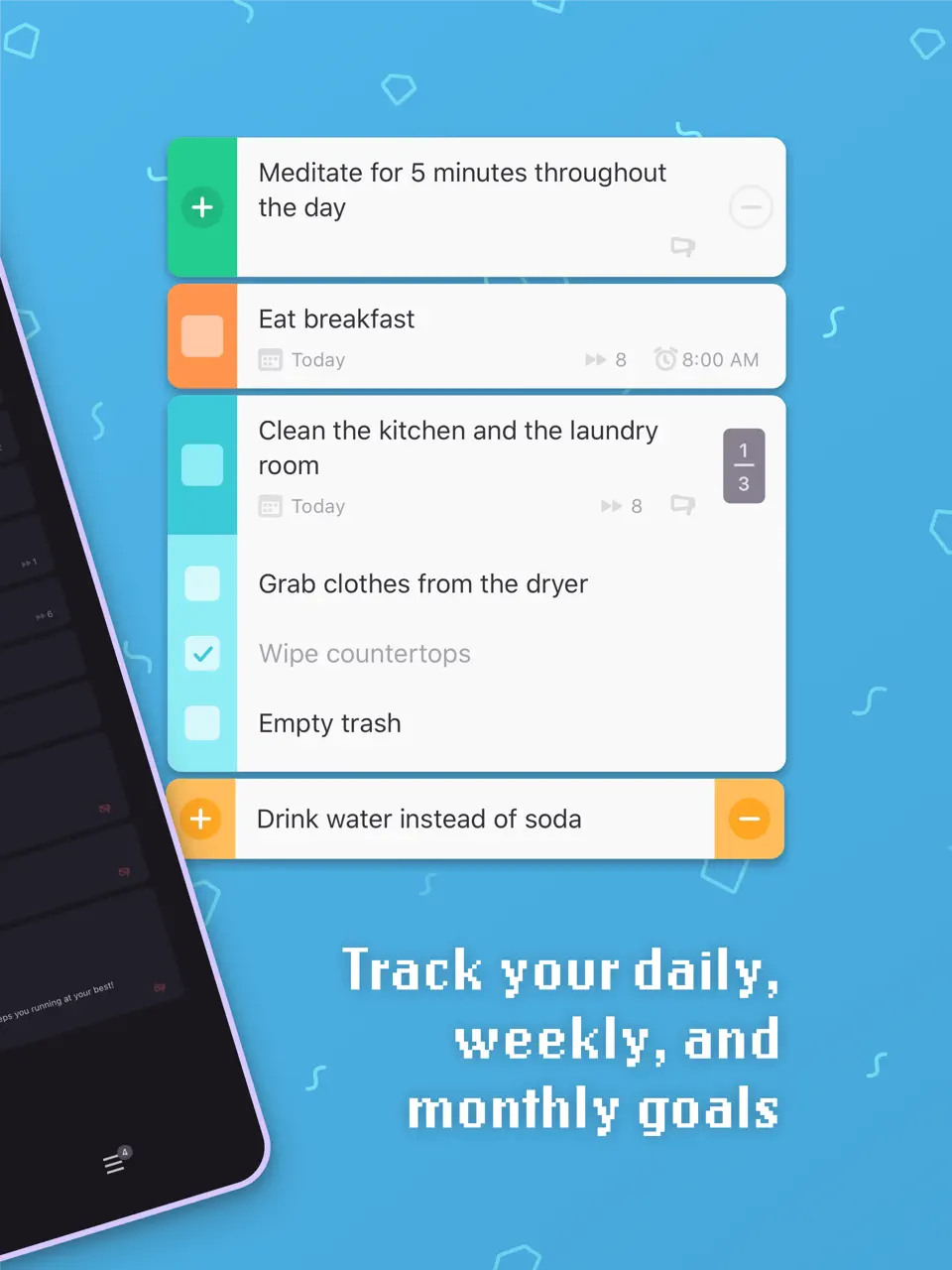
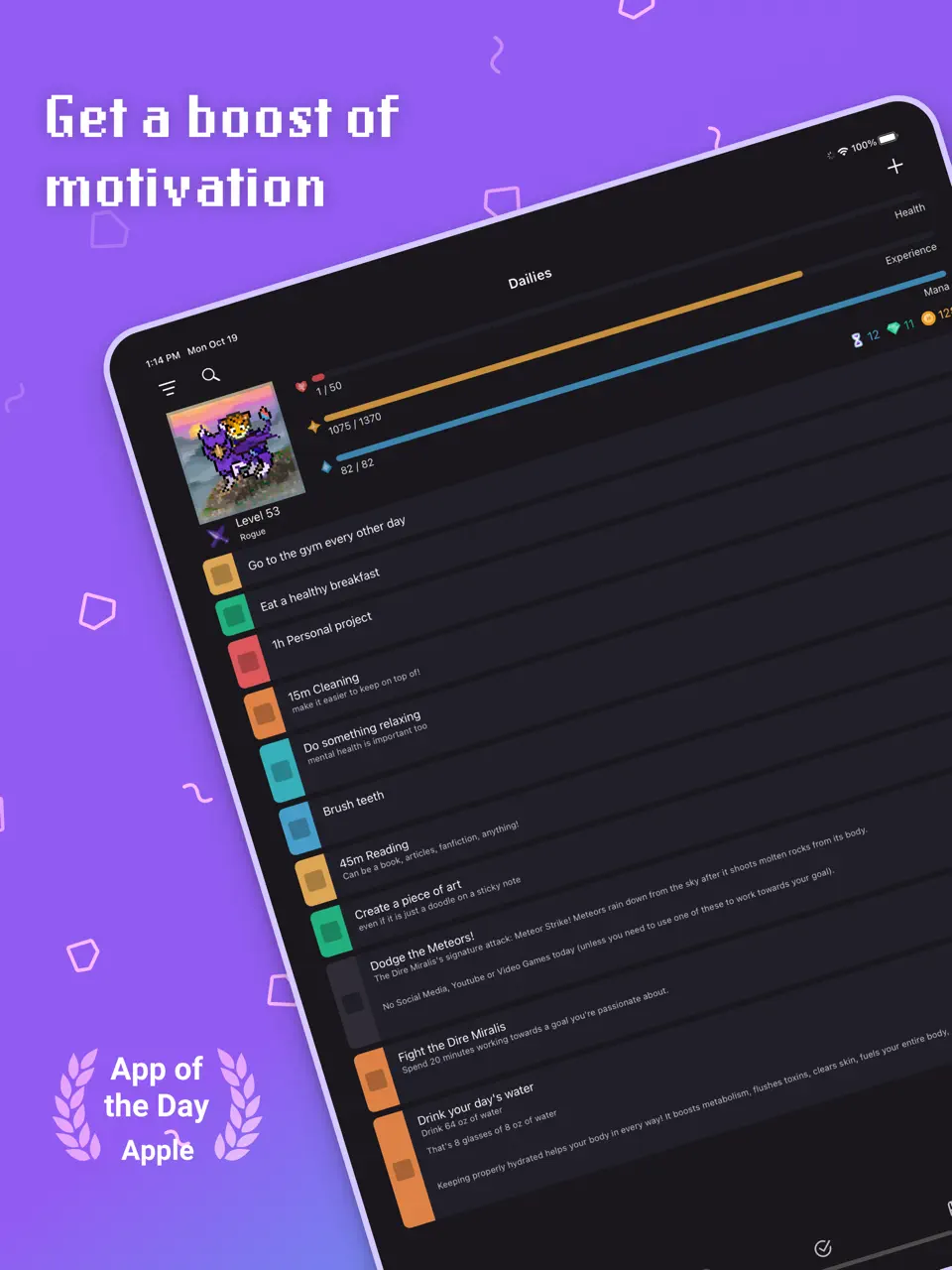
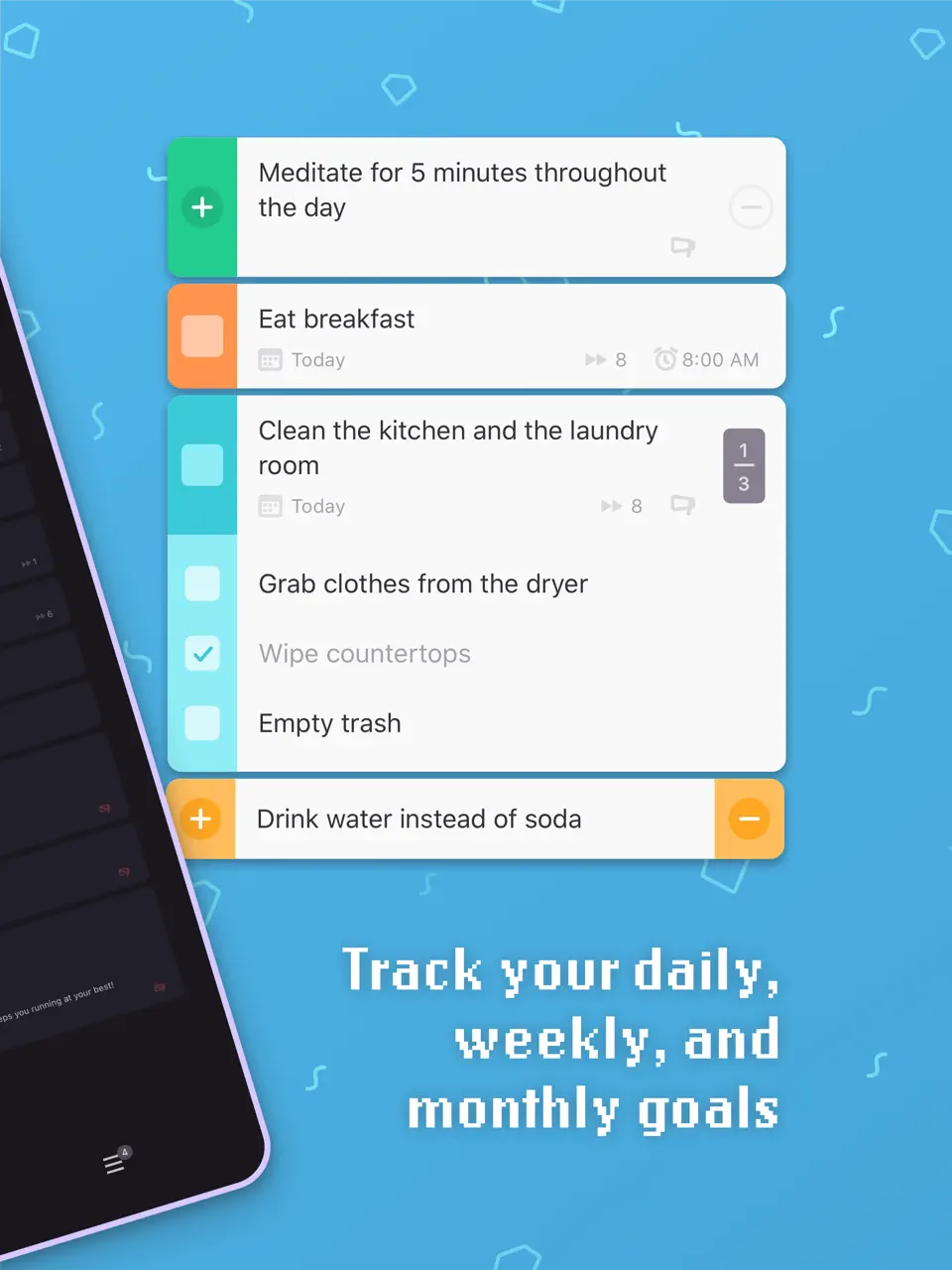
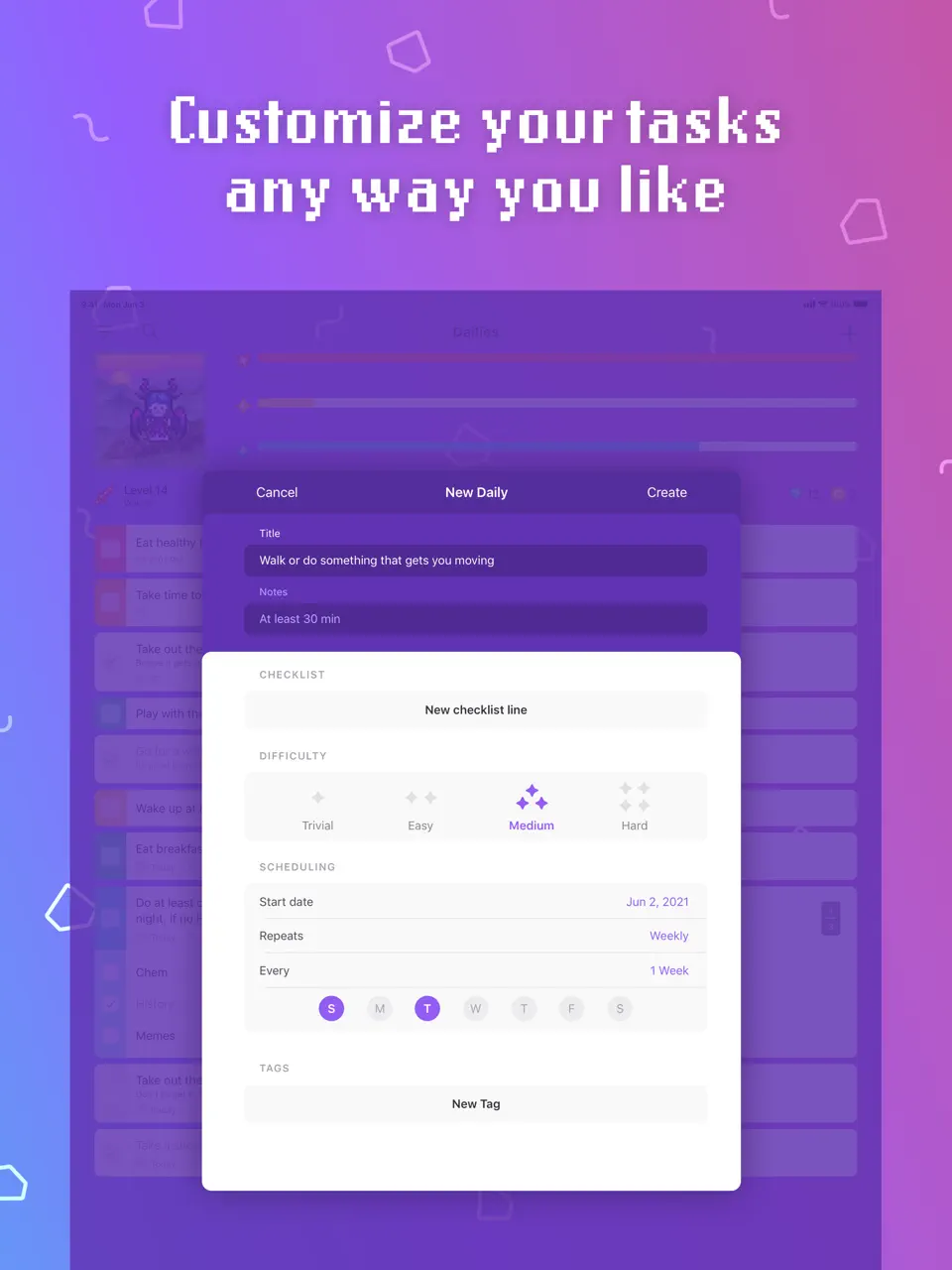
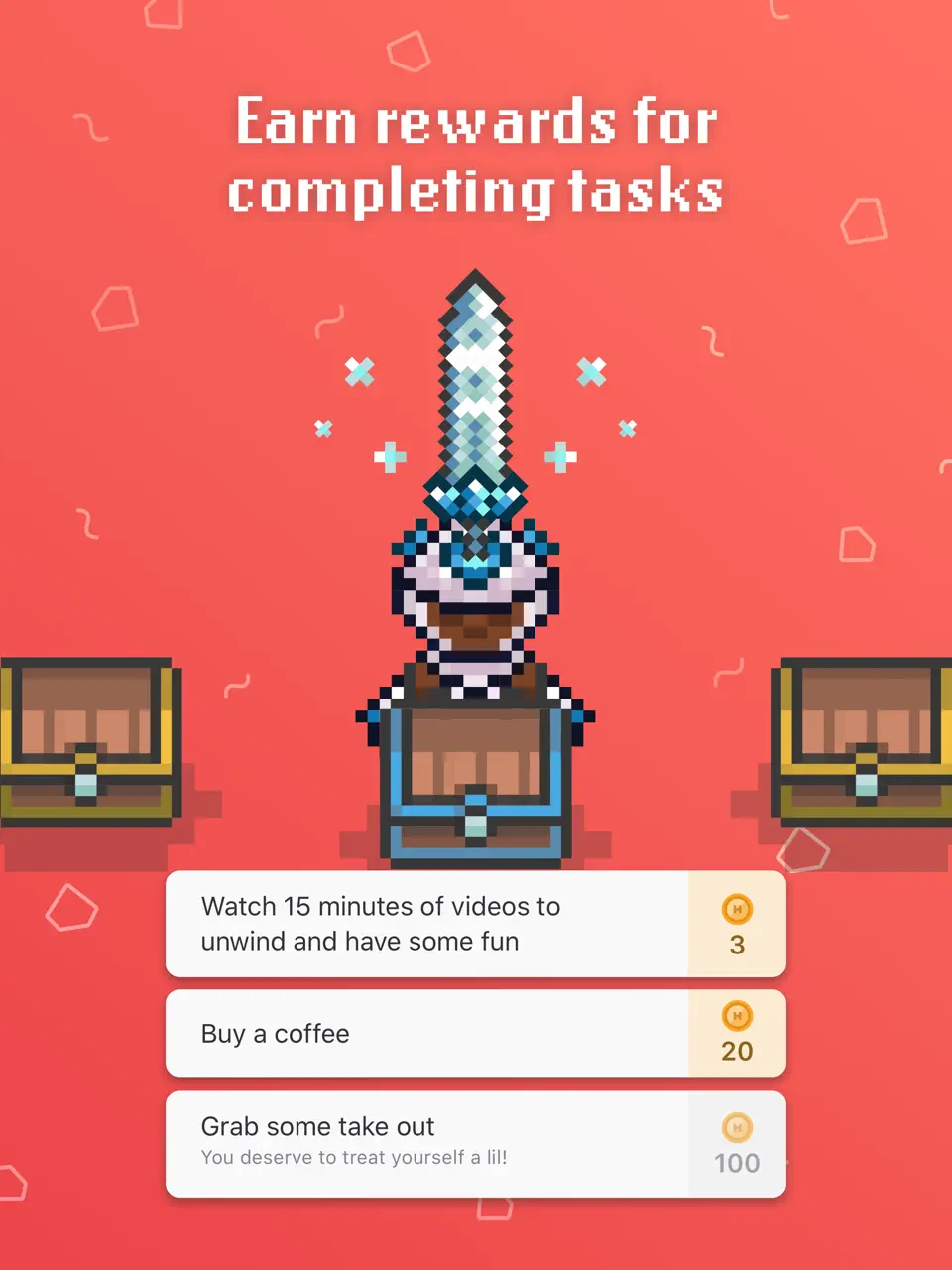
Habitica transforms personal habits and tasks into a full RPG experience. You create a character that levels up by completing real-life dailies, to-dos, and habits. Success earns gold, experience, equipment, and pets; failure damages your character. You can join guilds, form parties, and fight bosses together with friends.
The core game is completely free, with optional subscriptions removing ads and adding cosmetic items. Habitica is uniquely motivating for people who respond well to gamification, rewards, and social accountability. It works best when you enjoy turning mundane routines into a light-hearted adventure and want an extra layer of fun in your organization system.
- Fun RPG motivation system
- Social guilds and parties
- Rewards and pet hatching
- Works for habits + tasks
- Completely free core
- No calendar or handwriting
- Can become distracting
- Interface feels dated
Product details
| Type of app | Best for | Platforms | Developer | Pricing Model |
|---|---|---|---|---|
| Gamified Habit Tracker | RPG-style habits | Multi | HabitRPG | Freemium (~$5/month) |
Use Case Comparison
Different organizer apps shine in different real-life situations. Some help you streamline workflows and get things done fast, others excel at family organizer duties or time management. Below is a practical comparison showing how each app performs across common scenarios — from simple chores to project management software needs, email integration, cards, inbox zero, tools use, get things, trello-style boards, family calendar, apple reminders, calendar app basics, tips for getting started, overview of pricing tiers, best to-do flow, task management software, fantastical calendar features, encryption, and handy everyday tools.
| Scenario | Best Match | Why It Wins | Runner-ups | Weakest In This Scenario |
|---|---|---|---|---|
| Quick daily chores & to-do lists | Microsoft To Do, Any.Do | Super fast, free, handy checklists, no learning curve | Google Keep, Todoist | Notion, Evernote |
| Stay organized with family calendar & shared tasks | Google Calendar | Color-coding, shared events, family organizer mode | Tiimo, Microsoft To Do | Habitica, Raindrop.io |
| Efficient task management & get things done system | TickTick, Todoist | Pomodoro, priorities, recurring tasks, best to-do flow | Any.Do, Microsoft To Do | Google Keep, Raindrop.io |
| Project management software for personal projects | Notion | Boards, databases, cards, timelines | TickTick | Google Keep, Apple Reminders |
| Save articles, links, inbox zero for content | Raindrop.io | Beautiful collections, highlights, tags, offline | Evernote (web clipper) | Habitica, Tiimo |
| Visual routines & ADHD-friendly planning | Tiimo, Routinery | Icons, timers, picture schedules, gentle reminders | Habitica (gamification) | Evernote, Notion |
| Habit building & long-term routines | Habitica, TickTick | Streaks, rewards, get things consistently | Routinery, Tiimo | Google Calendar, Raindrop.io |
| Calendar app with reminders & events | Google Calendar | Time-blocking, shared calendars, calendar app basics | Apple Reminders, TickTick | Google Keep, Raindrop.io |
| Security & privacy focused organization | Evernote, Notion | Encryption, private workspaces, enterprise-grade | GoodNotes (local-first), Notability | Free Google apps (less private) |
| Automate repetitive tasks & workflows | Notion, TickTick | Templates, automate reminders, integrations | Routinery | Google Keep, Habitica |
Quick takeaway:
If you want a single organizer app that handles beautiful planning, calendars, habits, and creative customization without monthly fees — Ultimate Planner often becomes the best overall fit. For specialized needs (ADHD routines, content saving, pure tasks) — look at Tiimo, Raindrop.io, TickTick or Habitica. Test 2–3 apps from the list — most have free versions or trials.
Conclusion
After hands-on testing and comparing 15 popular organizer apps, a few clear patterns emerge that can help you make the best choice for your needs.
For most people seeking a single, beautiful, and truly versatile tool one that combines customizable templates, stickers, calendar integration, habit tracking, and cross-platform availability the best choice is the Ultimate Planner. That stands out as one of the strongest all-round options in 2026. It offers premium features without forcing a heavy monthly subscription, and it excels in personal creative planning.
If your priority is maximum handwriting freedom on iPad: GoodNotes and Notability remain the category leaders, though they require separate calendar and habit tools.
Power users who enjoy deep customization will gravitate toward Notion, while those who want strong task and habit management without complexity usually choose TickTick (more features) or Todoist (simpler and faster).
For zero-budget users, Google Calendar, Google Keep, and Microsoft To Do still form the unbreakable free foundation, covering events, quick notes, and basic tasks perfectly.
Niche needs have dedicated winners: Tiimo for ADHD-friendly visual routines, Routinery for guided daily rituals, Habitica for gamified motivation, and Raindrop.io as the best modern read-later replacement after Pocket’s shutdown.
Evernote continues to shine for heavy note and document organization with powerful search.
Ultimately, the best organizer app is the one that matches your workflow and that you actually open every day. Start with your main pain point, habits, tasks, calendar, or content saving, and test 2–3 apps from this list. Most offer free tiers or trials, so you can experiment without risk.
If you want a visually appealing, flexible, and fairly priced digital planner that covers most personal organization needs in one place, try Ultimate Planner. It might just become the central tool you’ve been looking for.
F.A.Q.
Organizer apps are digital tools that help manage tasks, schedules, habits, notes, saved content, and daily routines. They include calendars, to-do lists, habit trackers, note organizers, and read-later services.
According to App Store, Google Play, and usage data: Notion, TickTick, Todoist, Google Calendar, Google Keep, Evernote, Microsoft To Do. Among niche ones — Tiimo (ADHD), Habitica (gamification), Raindrop.io (content saving).
Yes, Google Calendar, Google Keep, and Microsoft To Do are 100% free with no ads and no limits. Raindrop.io and Habitica offer very capable free tiers.
For simplicity: Google Keep / Microsoft To Do. For power: Notion / TickTick. For handwriting: GoodNotes / Notability / Ultimate Planner.
Yes, especially Tiimo (visual timers, picture schedules), Routinery (voice-guided routines), and Habitica (gamified motivation). They reduce cognitive load significantly.
Yes, and many people do. Example: Google Calendar for events, TickTick for tasks/habits, Raindrop.io for articles, Ultimate Planner for visual planning.
Depends on you. If you don’t want to spend time configuring choose TickTick or Ultimate Planner. If you love deep customization, go with Notion.