
Top 12 Task Planner Apps: Reviews & Comparison
Quick jump to:
Introduction
In 2026, staying organized isn’t just about making lists: it’s about having a smart, beautiful, and deeply customizable system that adapts to your life. Whether you’re juggling personal goals, work projects, habits, or daily routines, the right task planner app can dramatically improve focus, reduce stress, and help you actually achieve more.
That’s why we created this in-depth guide to the best task planner apps. We’ve tested and compared the most popular options from minimalist to-do lists to powerful all-in-one workspaces with a special focus on features that matter most today: deep customization, habit tracking, calendar integration, cross-platform sync, offline access, and real value for money.
Our clear winner? Ultimate Planner stands out as the best overall task planner app thanks to its unique combination of 40+ ready-made thematic planners, full design and section customization, built-in habit tracking, stickers, Apple Pencil support, and an unbeatable freemium model. No other app in this category offers the same blend of aesthetics, functionality, and long-term affordability.
Read on to discover why dedicated task planners are more powerful than ever in 2026, how we chose the finalists, see the side-by-side comparison, explore detailed reviews, and find the perfect match for your specific needs.
| Ultimate Planner | Notion | Sunsana | TickTick | Todoist | Things 3 | Any.Do | Microsoft To-Do | Akiflow | Habitica | Pocket Informant | Asana | |
|---|---|---|---|---|---|---|---|---|---|---|---|---|
| Overal rating: | ||||||||||||
| Rating | 4.8 | 4.7 | 4.6 | 4.8 | 4.7–4.8 | 4.8 | 4.5 | 4.6 | 4.6 | 4.4 | 4.5–4.7 | 4.6 |
| Reviews | 1k+ | 100k+ | 5k+ | 50k+ | 100k+ | 50k+ | 50k+ | 100k+ | 5k+ | 20k+ | 10k+ | 100k+ |
| Main: | ||||||||||||
| Subtasks / Nested tasks | ||||||||||||
| Priorities / Labels / Tags | ||||||||||||
| Recurring tasks | ||||||||||||
| Reminders / Notifications | ||||||||||||
| Time blocking / Calendar view | ||||||||||||
| Progress tracking | ||||||||||||
| Integrations (Calendar, email) | ||||||||||||
| Offline mode | ||||||||||||
| Collaboration / Sharing | ||||||||||||
| Platforms: | ||||||||||||
| Windows | ||||||||||||
| Android | ||||||||||||
| Web | ||||||||||||
| MacOS | ||||||||||||
| IOS | ||||||||||||
| Interface: | ||||||||||||
| Themes switch | ||||||||||||
| Notification Support | ||||||||||||
| System Integration | ||||||||||||
| Support for custom fonts | ||||||||||||
| Special features: | ||||||||||||
| Interactive checklists | ||||||||||||
| Task Managment | ||||||||||||
| Habit Tracking | ||||||||||||
| Time Tracking | ||||||||||||
| Pomodoro, Focus | ||||||||||||
| Ai Features | ||||||||||||
| Attachments into task | ||||||||||||
| Synchronize & Backup: | ||||||||||||
| Synchronize with Apple Calendar | ||||||||||||
| Synchronize with Google Calendar | ||||||||||||
| Synchronize with Microsoft Calendar | ||||||||||||
| Auto backup | ||||||||||||
| Task sharing, delegation |
Why Choose a Dedicated Task Planner App
The average person uses 3–5 different productivity tools every day: a calendar, a notes app, a to-do list, maybe a habit tracker and a project board. Switching between them wastes time, creates friction, and often leads to forgotten tasks or abandoned goals.
A dedicated task planner app solves this problem by bringing everything into one beautifully designed, highly functional space. Unlike basic reminder apps or generic calendars, modern task planners offer:
- Advanced task hierarchy: subtasks, nested projects, priorities, labels, recurring schedules
- Built-in habit tracking with visual streaks, progress rings, and motivational cues
- Time-blocking and calendar views that actually help you protect focus time
- Deep customization: themes, icons, custom fonts, layouts, colors, and even complete thematic planner packs
- Cross-device sync with offline support so your plan travels with you
- Integrations with Google Calendar, Apple Calendar, Outlook, email, and more
- Aesthetic appeal: because a beautiful interface makes you want to open the app every day
The year 2026 has seen several important shifts:
- Hybrid work & life continues: people need tools that handle both professional projects and personal routines without feeling corporate or sterile.
- Mental health & burnout awareness pushes demand for apps with gentle reminders, progress visualization, and habit-building psychology.
- AI assistance is becoming standard (though still limited in most task apps).
- Customization is king : users no longer accept rigid templates; they want tools that feel personal and inspiring.
- Long-term value matters: with subscription fatigue at an all-time high, one-time purchases and affordable long-term plans win loyalty.
That’s exactly where Ultimate Planner shines brightest among the best task planner apps has to offer. It combines professional-grade task management with creative, thematic planners (40+ ready sets with hyperlinks), stickers, full visual customization, habit tracking, and multi-platform support-all at a price that’s a fraction of competitors’ annual fees.
If you’re still using separate apps for tasks, habits, notes, and calendars, or if your current planner feels boring and restrictive, it's the perfect time to upgrade to a true all-in-one solution. The apps in this guide represent the cream of the crop. Let’s see how we picked them.
How We Selected
To create a trustworthy list of the best task planner apps, we followed a rigorous, transparent methodology based on real user needs, current market trends, and hands-on testing.
Here are the 10 core criteria we used to evaluate and rank every application:
- Task Management Depth: subtasks, priorities, recurring tasks, reminders, labels/tags, progress tracking
- Habit Tracking Quality: built-in trackers, streaks, visual feedback, integration with tasks
- Customization & Aesthetics: themes, custom layouts, fonts, icons, stickers, thematic templates
- Calendar & Time Blocking: native calendar views, time blocking support, drag-and-drop scheduling
- Cross-Platform Availability & Sync: iOS, Android, Web, Mac, Windows; reliable real-time sync
- Offline Functionality: full or partial access without internet
- Integrations: Google/Apple/Microsoft Calendar, email clients, Zapier, etc.
- Pricing & Value: freemium generosity, subscription cost vs features, lifetime/one-time options
- User Experience & Ratings: App Store/Google Play scores, recent reviews, ease of onboarding
- Unique Standout Features: Apple Pencil support, gamification, AI, visual planning tools
We excluded apps that are:
- Pure note-taking/handwriting tools without strong task systems (e.g. GoodNotes, Notability)
- Enterprise-only project management software too complex for personal use
- Deprecated or low-maintenance apps with outdated interfaces
Testing process:
- Installed and used each app for at least 2–4 weeks
- Created real workflows: daily planning, habit building, project tracking, family sharing
- Compared sync speed, offline reliability, customization limits
- Analyzed changelogs and feature roadmaps
- Checked current pricing directly from official sites
- Referenced thousands of recent user reviews across App Store, Google Play, Reddit, Product Hunt, and productivity forums
After filtering, the final 12 apps emerged as the strongest contenders for the title of best task planner apps. Now let’s look at how they compare side-by-side.
Ultimate Planner
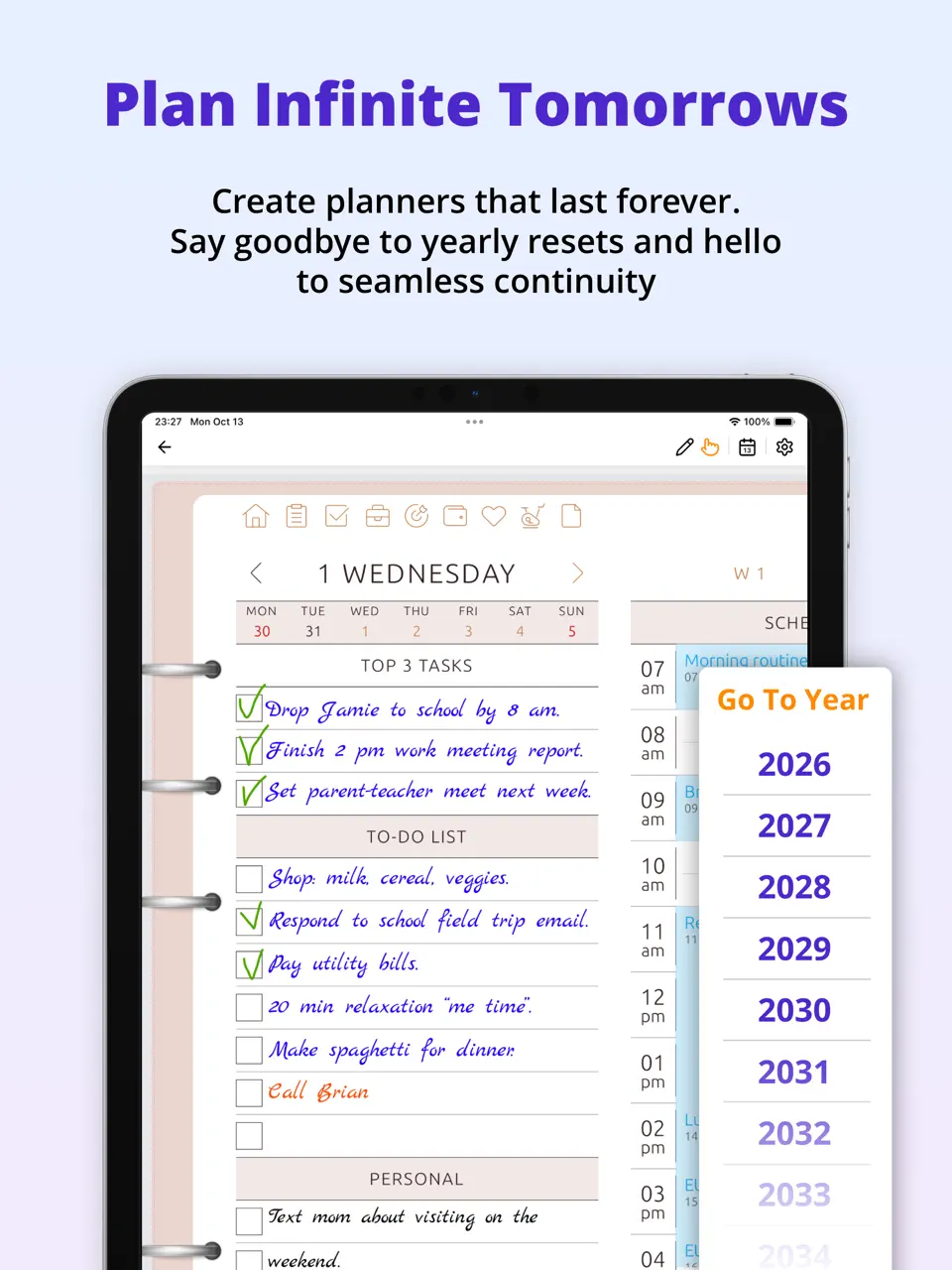
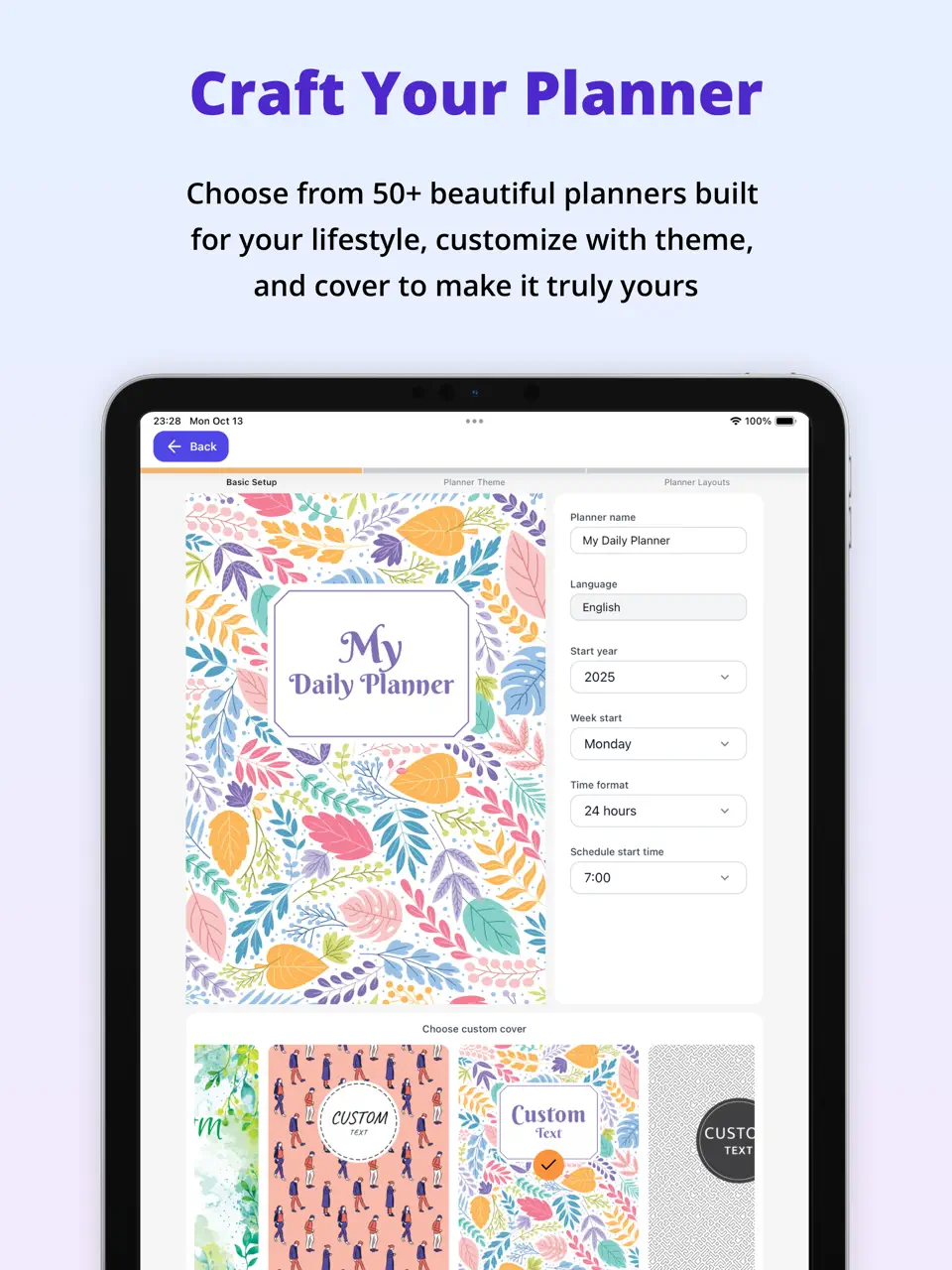
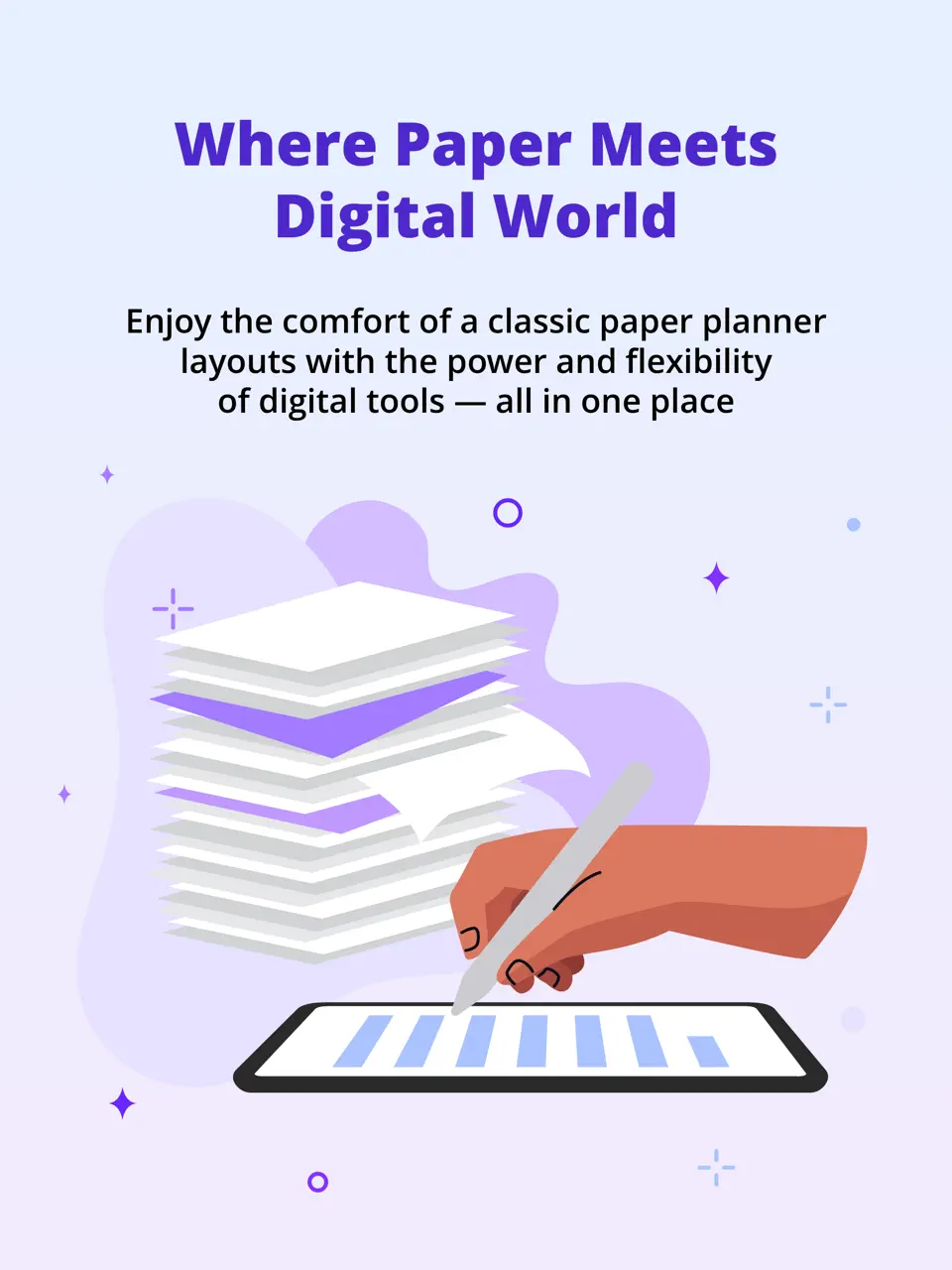
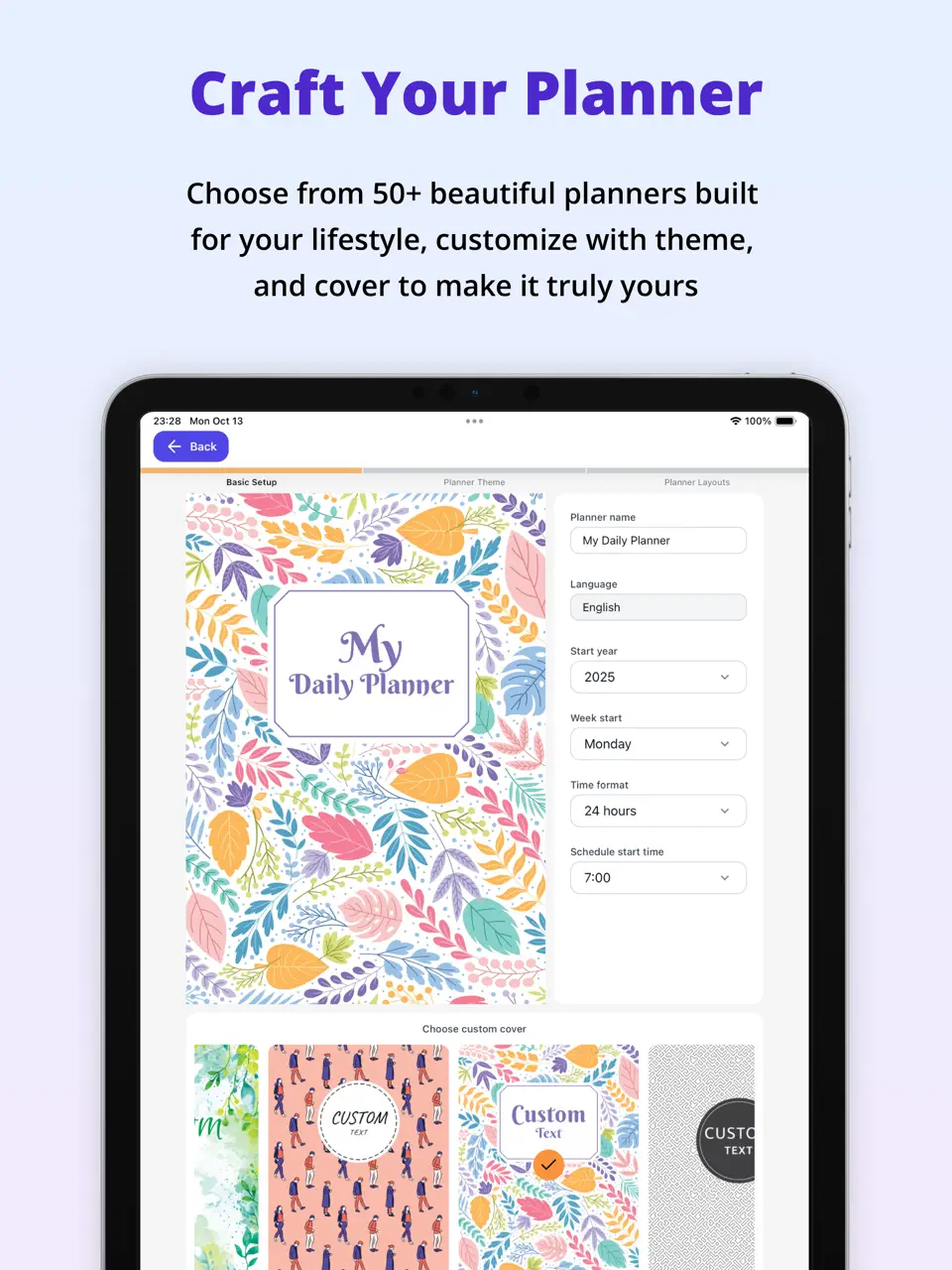
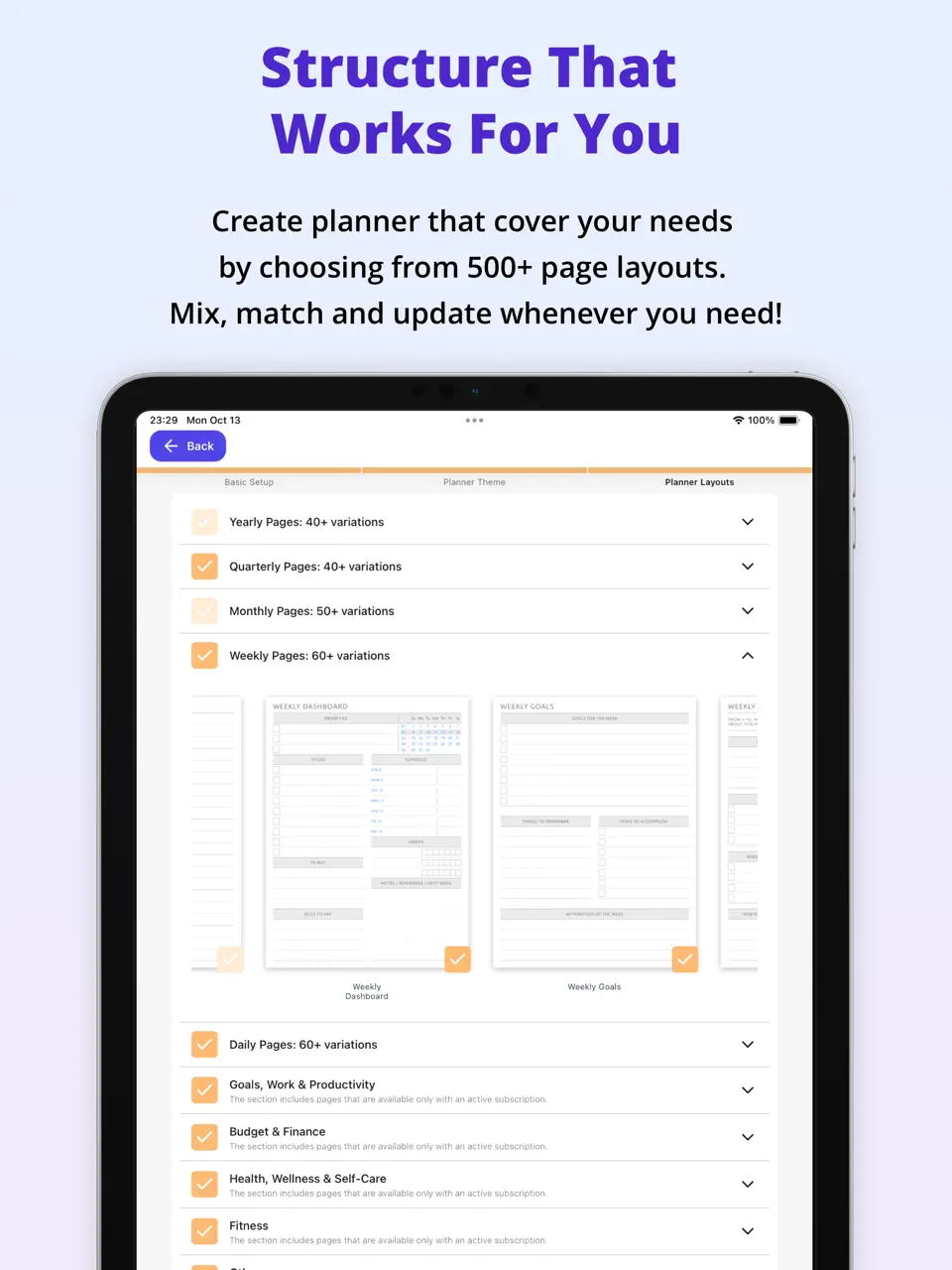

Ultimate Planner offering a perfect blend of deep customization, aesthetic beauty, and practical productivity features. With over 40 ready-made thematic planners complete with hyperlinks for seamless navigation, users can instantly jump into beautifully designed templates tailored to goals, fitness, finance, travel, and more. You get full control over templates, sections, colors, fonts, stickers, and layouts, something most task managers lack.
Built-in habit tracking with visual progress, robust task management (subtasks, priorities, recurring, reminders), calendar sync across Apple/Google/Microsoft, offline mode, and Apple Pencil support make it truly all-in-one. Available on Web, iOS, Android, Mac, and Windows with reliable multi-device sync. If you want a planner that feels personal, inspiring, and powerful without complexity, Ultimate Planner leads the pack.
- 40+ ready thematic planners with hyperlinks
- Extremely high customization of design & structure
- Built-in habit tracking + stickers + Apple Pencil
- Full multi-platform support
- Offline mode + strong calendar sync
- No built-in time tracking or Pomodoro timer
- Limited collaboration features
- Attachments directly in tasks not supported
Product details
| Type of app | Best for | Platforms | Developer | Pricing Model |
|---|---|---|---|---|
| Digital Task & Planner | Custom templates with tasks & habits | Multi (Web/iOS/Android/Mac/Win) | Evopaper LLC | Freemium ($39.99 per 2 years for premium) |
Notion
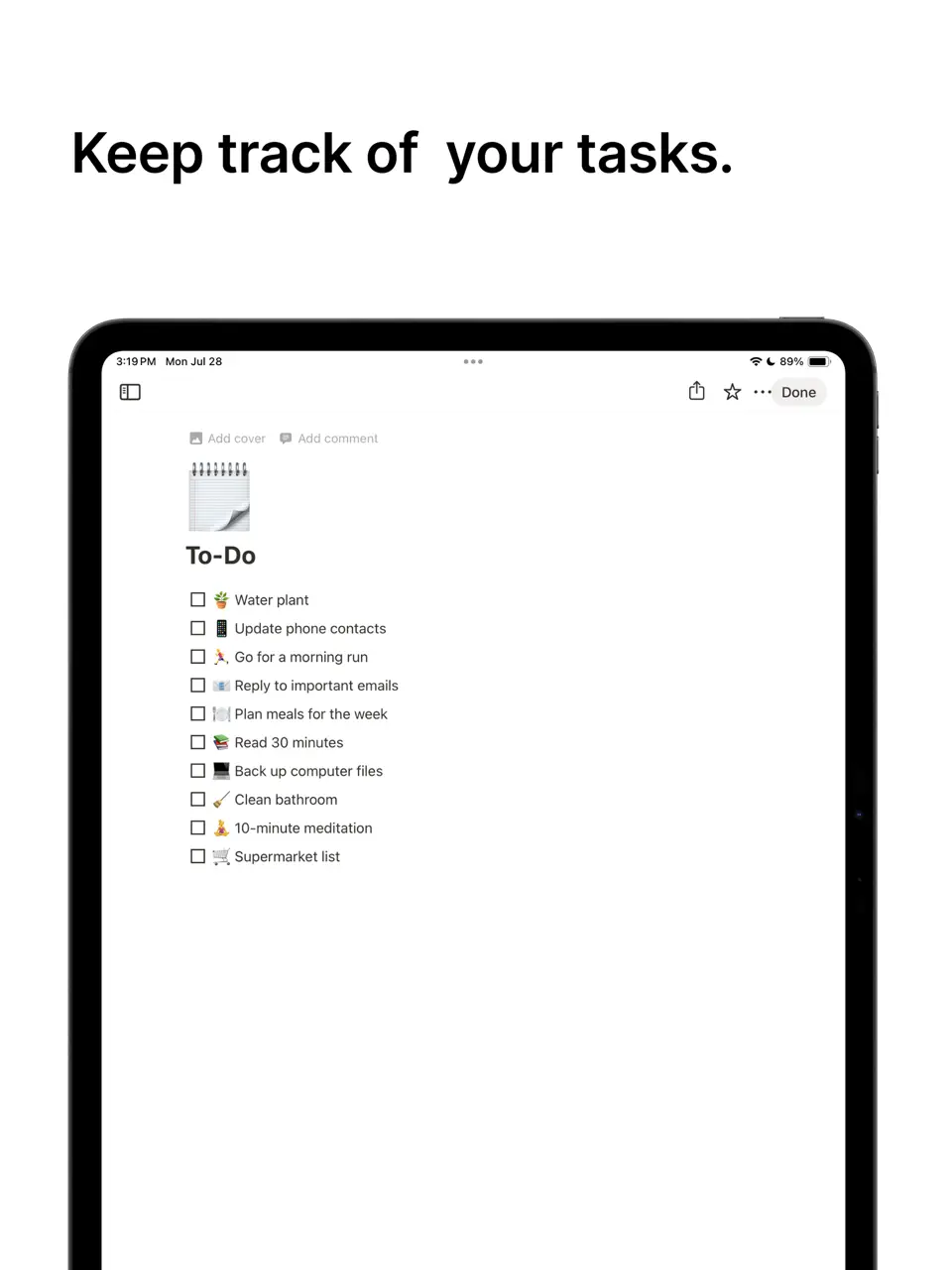
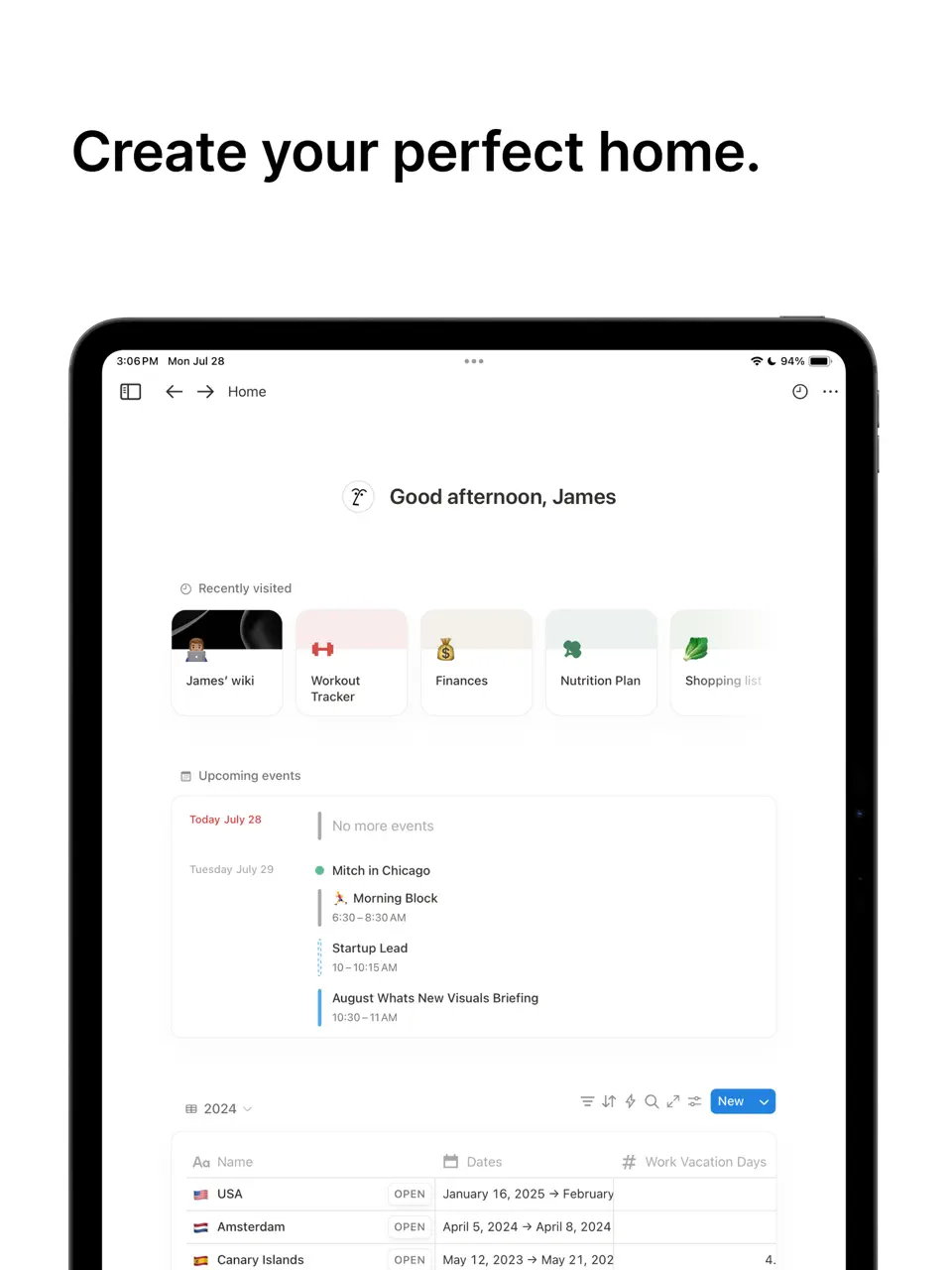
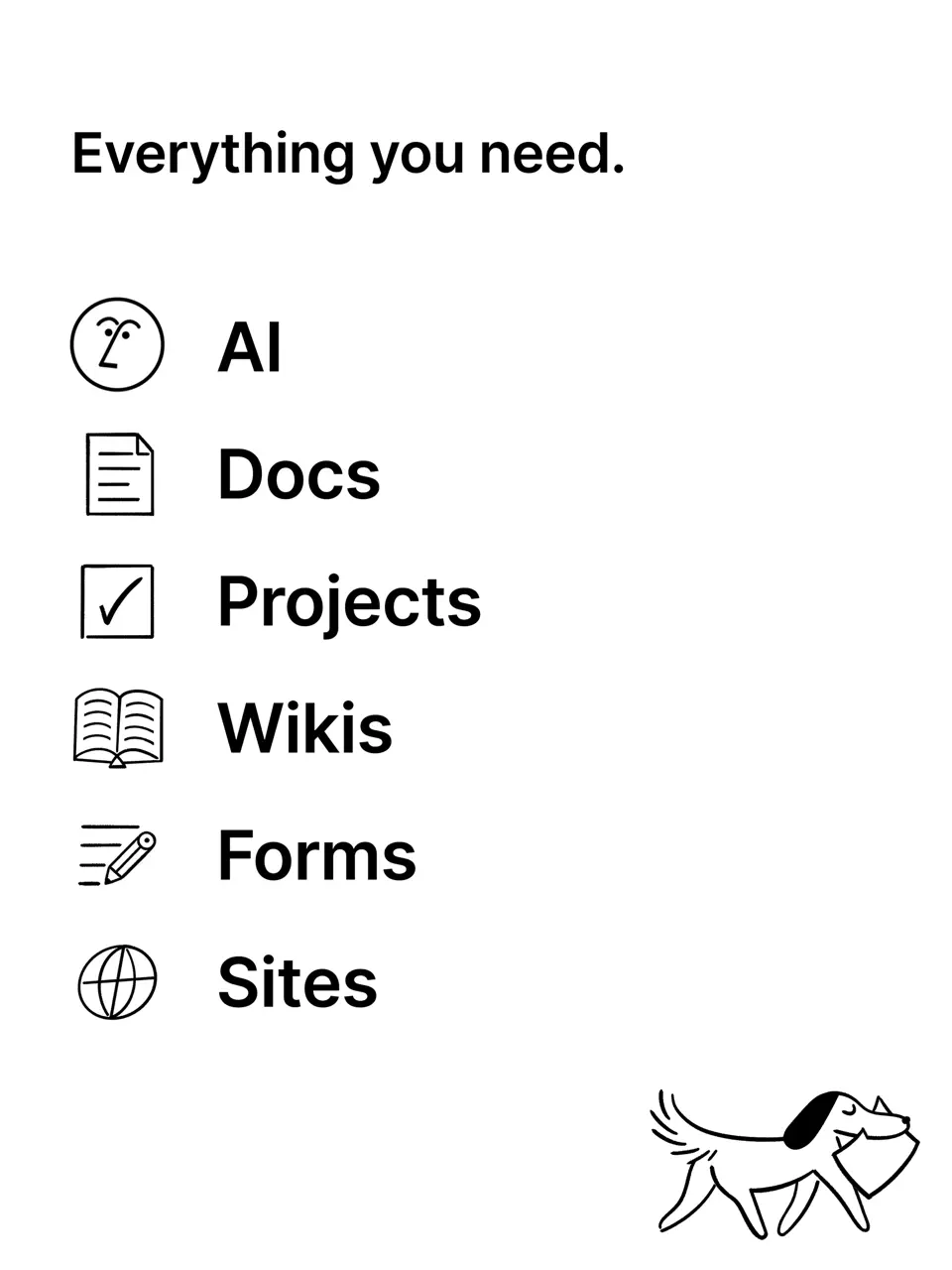
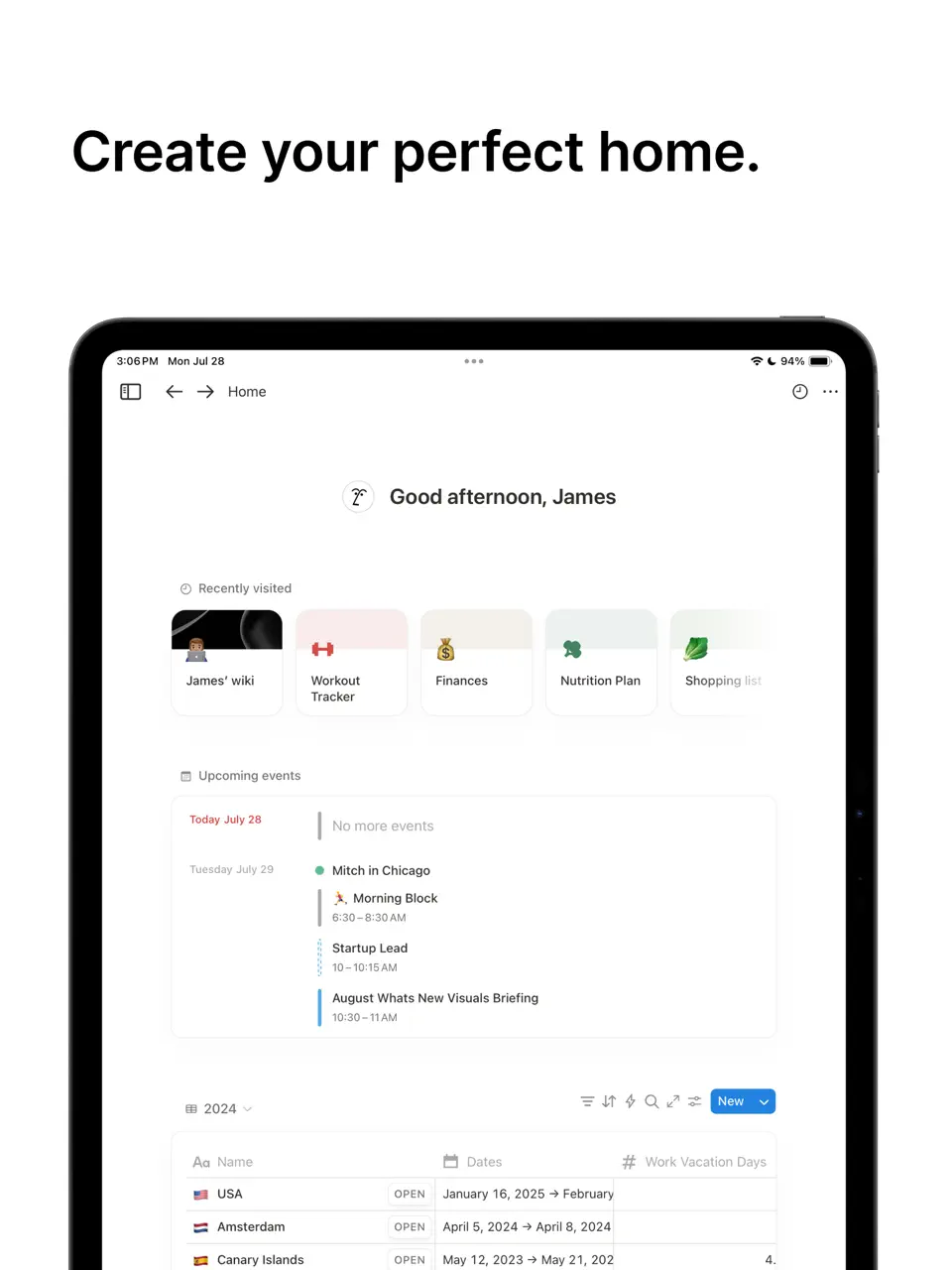
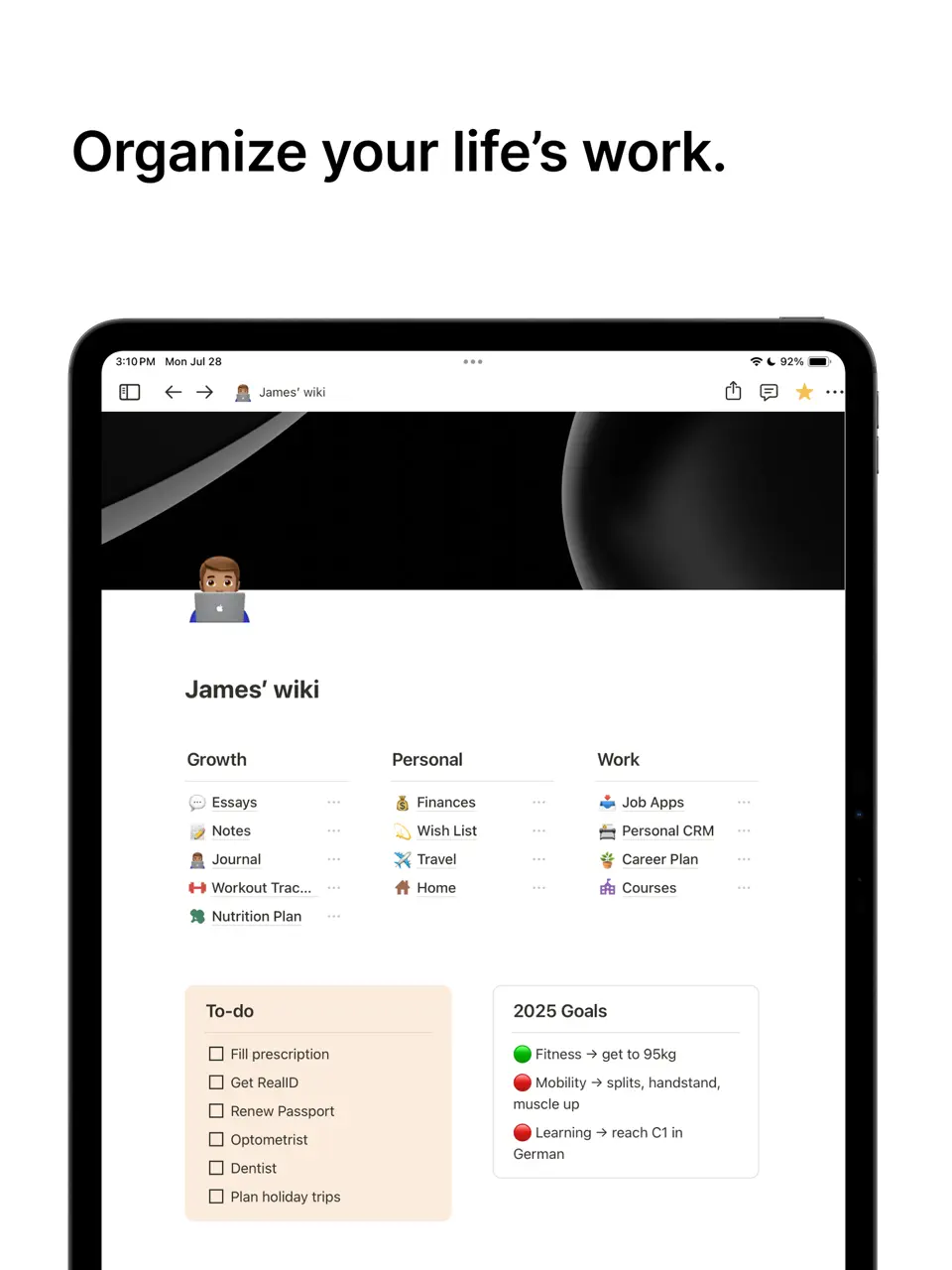
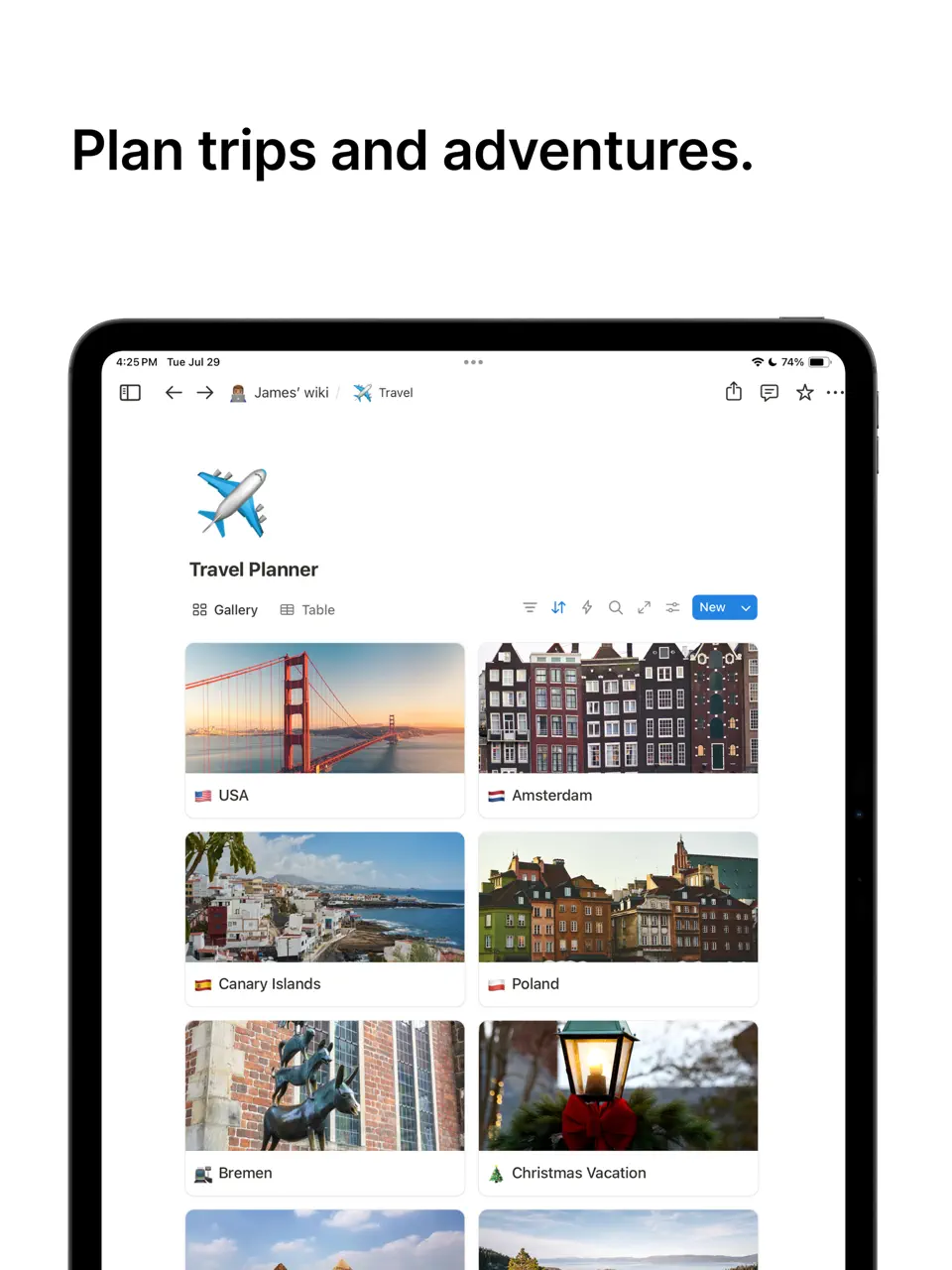

Notion is one of the most flexible all-in-one workspaces among task planner apps, turning databases, pages, and blocks into custom task systems. You can build anything: Kanban boards, calendars, habit trackers, wikis, or project dashboards. It excels at nested subtasks, custom properties (priorities, labels, status), recurring tasks via formulas, and powerful integrations through Zapier. Collaboration is top-tier for teams.
However, it has a steep learning curve and feels more like a blank canvas than a ready-to-use planner. Aesthetics are clean but not as visually inspiring as dedicated planner apps. Offline access works well, sync is reliable across all major platforms. Pricing is freemium with paid plans starting at $8–12/user/month. For power users who love building from scratch, Notion is excellent, but if you prefer beautiful ready-made templates and easier onboarding, some apps often feels more joyful and efficient for personal task planning.
- Extremely high customization via blocks & databases
- Strong collaboration & team features
- Excellent integrations & templates gallery
- Works offline with good sync
- AI features for writing & summarizing
- Steep learning curve for beginners
- Can feel overwhelming and less “planner-like”
- No native habit streaks or visual stickers
- Recurring tasks require workarounds
Product details
| Type of app | Best for | Platforms | Developer | Pricing Model |
|---|---|---|---|---|
| All-in-One Workspace | Custom workflows & databases | Multi (Web/iOS/Android/Desktop) | Notion Labs | Freemium ($8–12/user/month) |
Sunsana
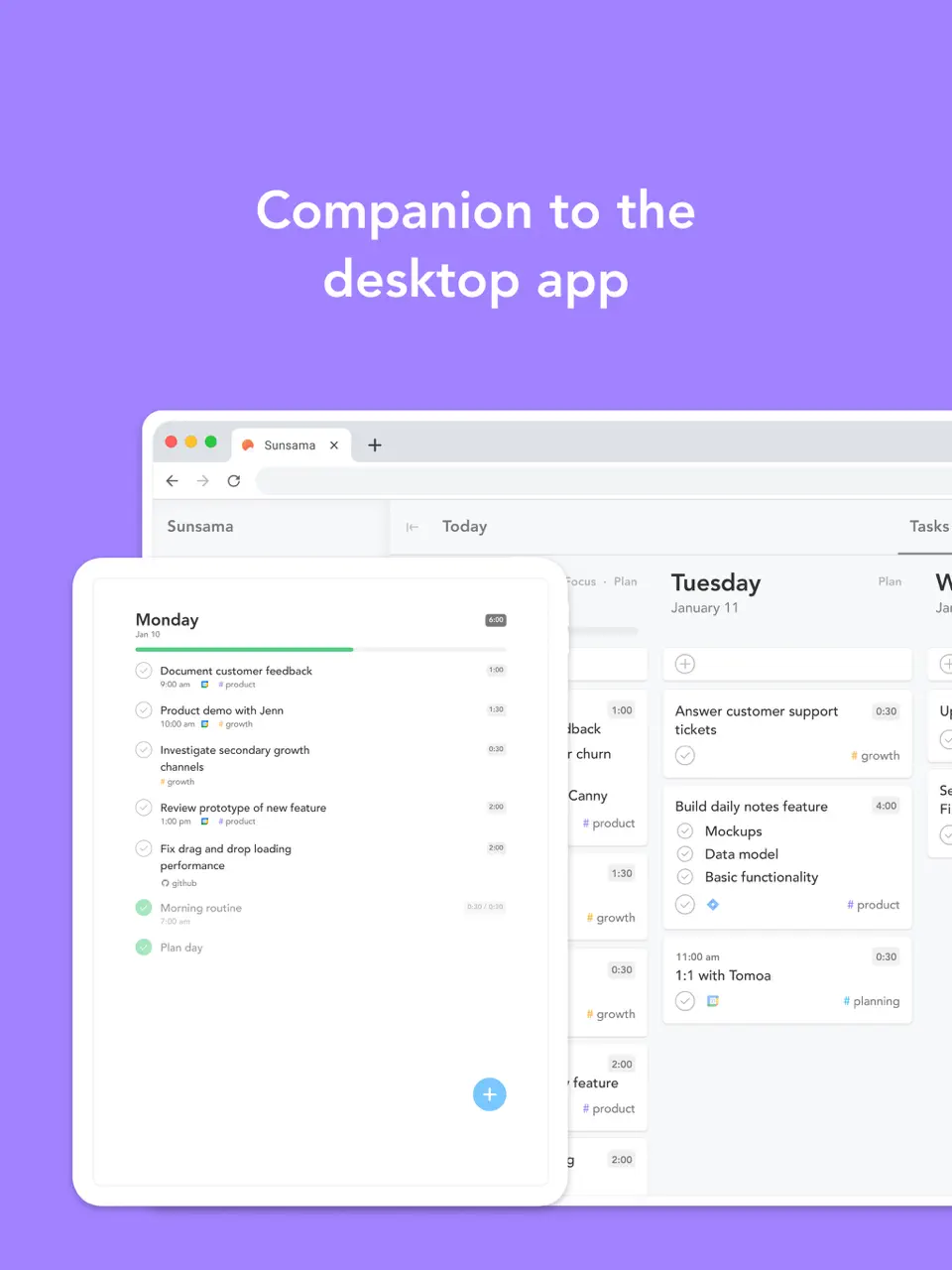
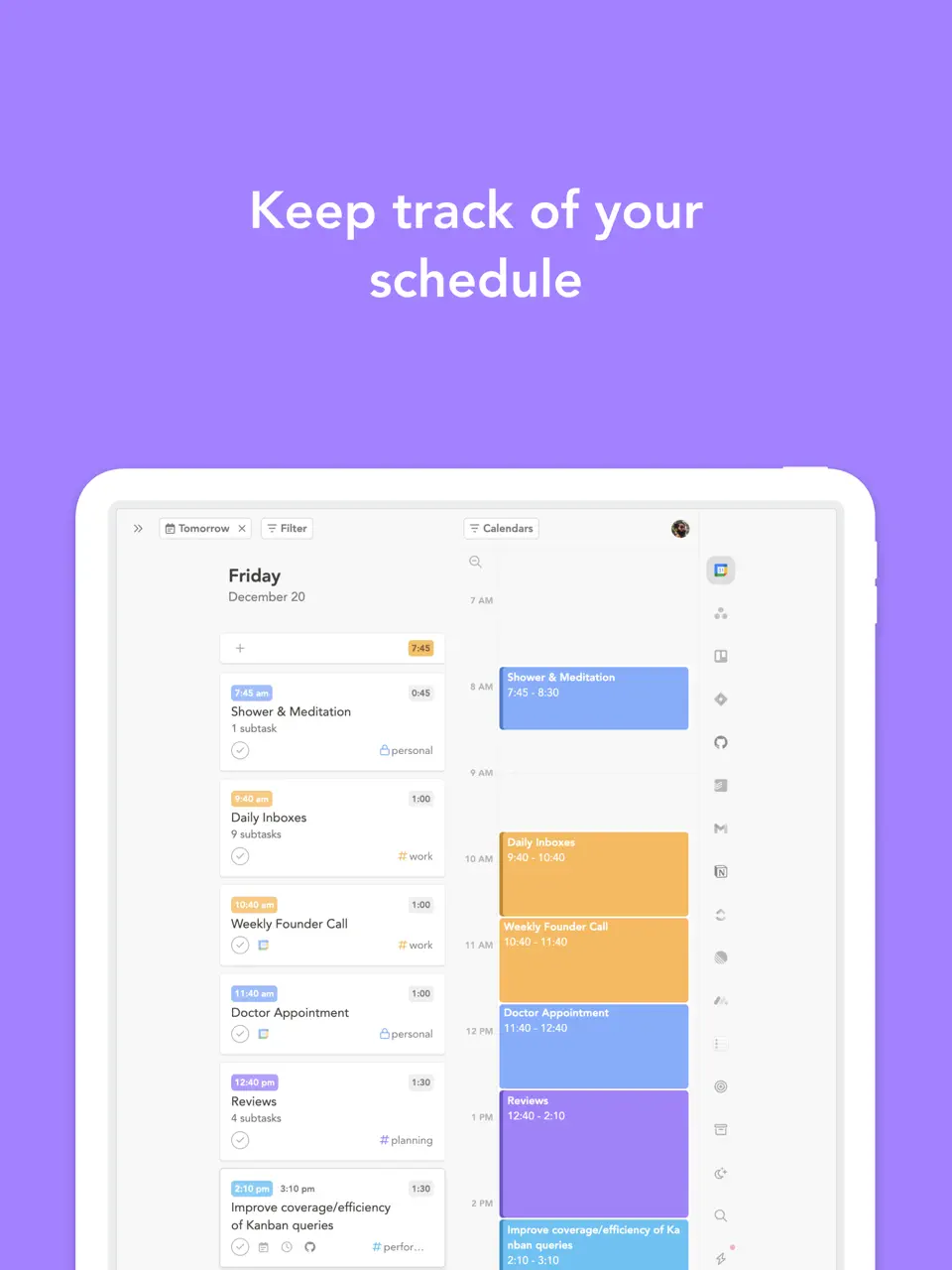
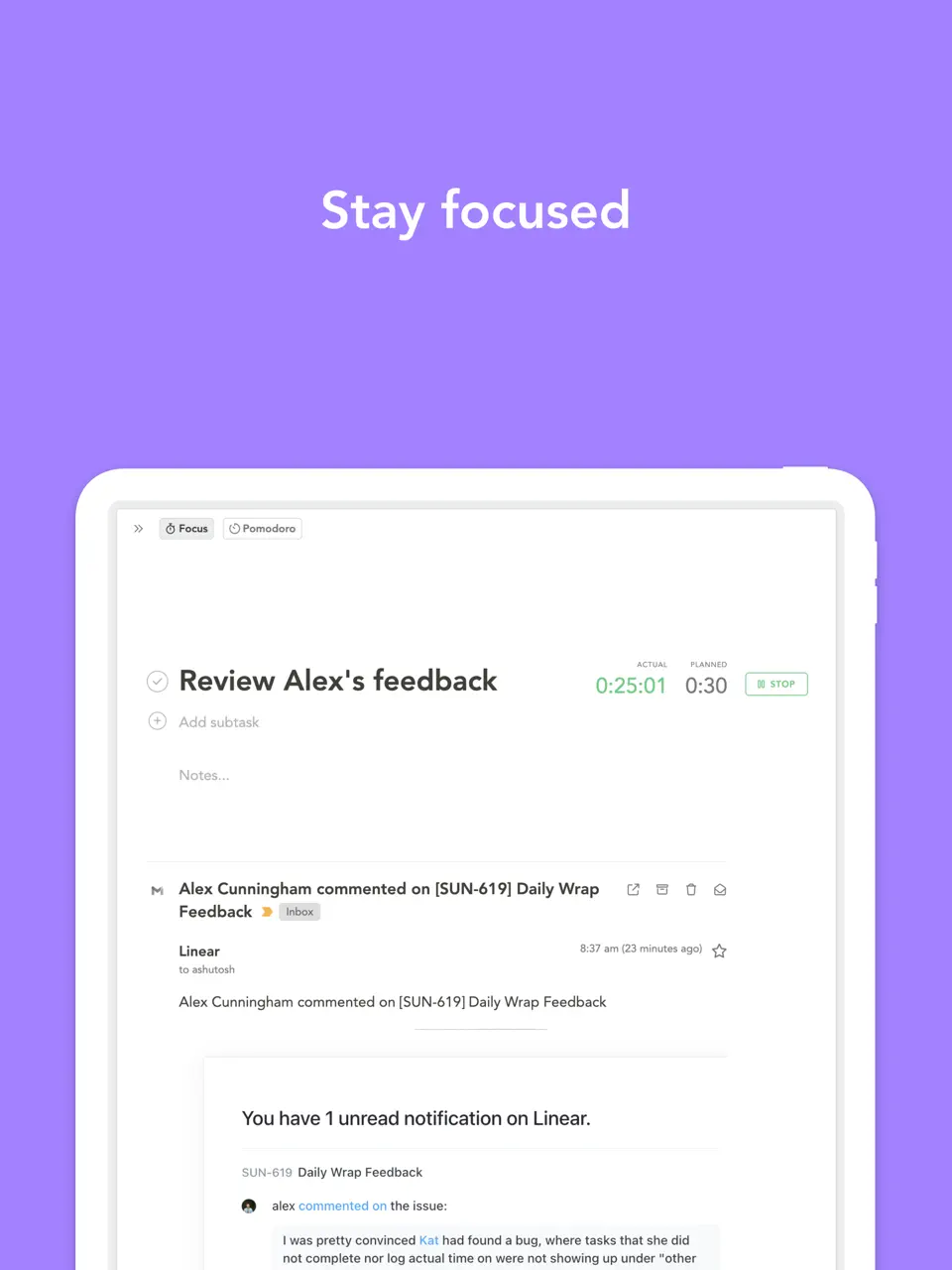
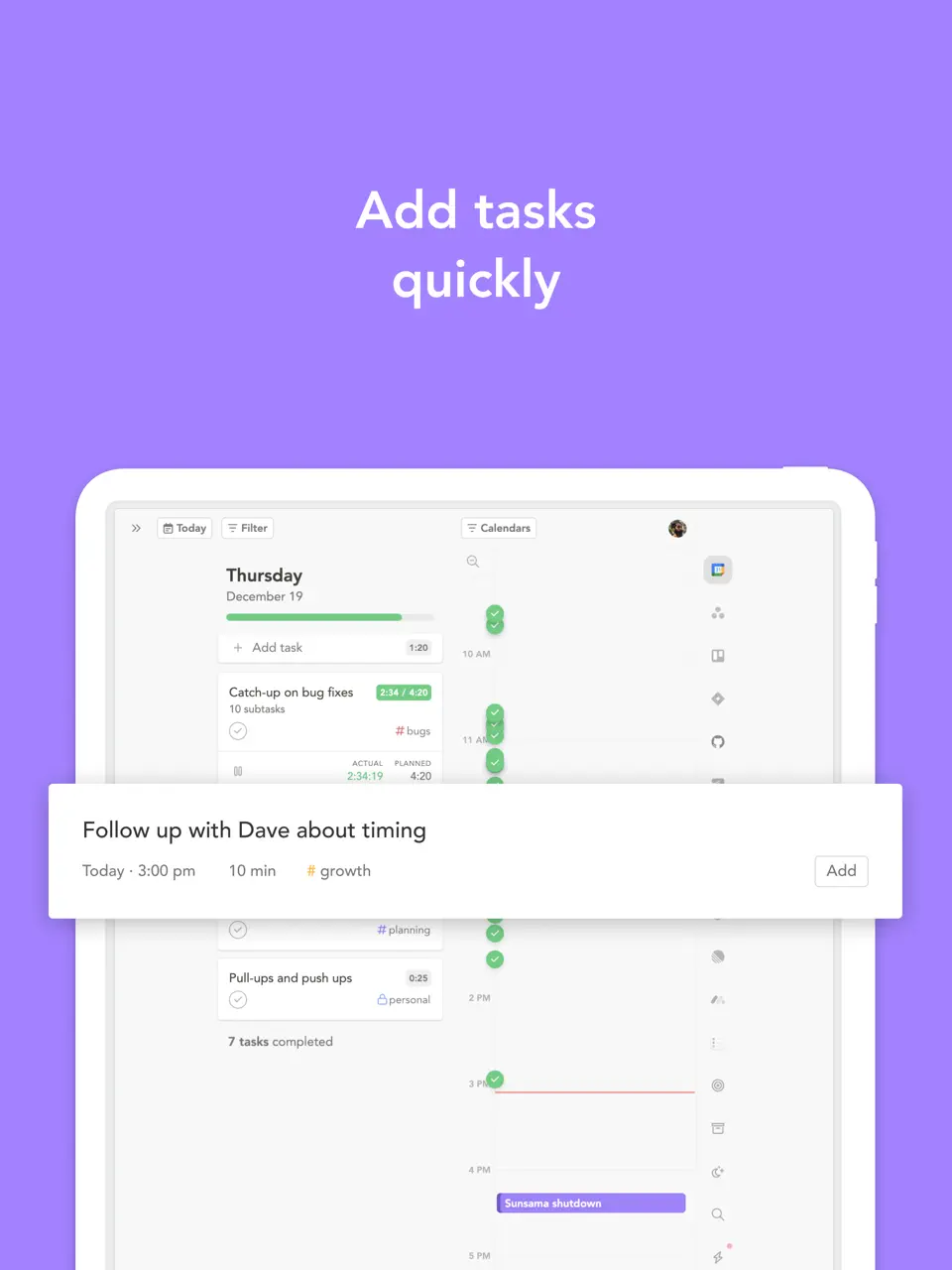
Sunsama is a premium daily planning app focused on guided time-blocking and mindful productivity for people who want structure without chaos. Each day starts with a calm review: pull tasks from email, calendars, and tools, then drag them into time blocks on your calendar. It excels at realistic scheduling, focus protection, and end-of-day reflection. Integrations with Google/Apple/Outlook calendars, Todoist, Asana, Gmail, and more are seamless.
The interface is elegant and distraction-free. However, it lacks deep habit tracking, gamification, or heavy customization. Platforms are mainly Web + Desktop (mobile is limited). Pricing is subscription-based ($16–20/month). Sunsama suits professionals who need guided daily flow.
- Excellent guided time-blocking & daily planning
- Strong calendar integrations
- Calm, focused interface
- Built-in reflection & weekly planning
- Expensive monthly subscription
- Limited mobile support
- No habit tracking or visual customization
- Not ideal for heavy project management
Product details
| Type of app | Best for | Platforms | Developer | Pricing Model |
|---|---|---|---|---|
| Daily Planning & Time Blocking | Guided daily planning & focus | Web + Desktop (limited mobile) | Sunsama | $16–20/month |
TickTick
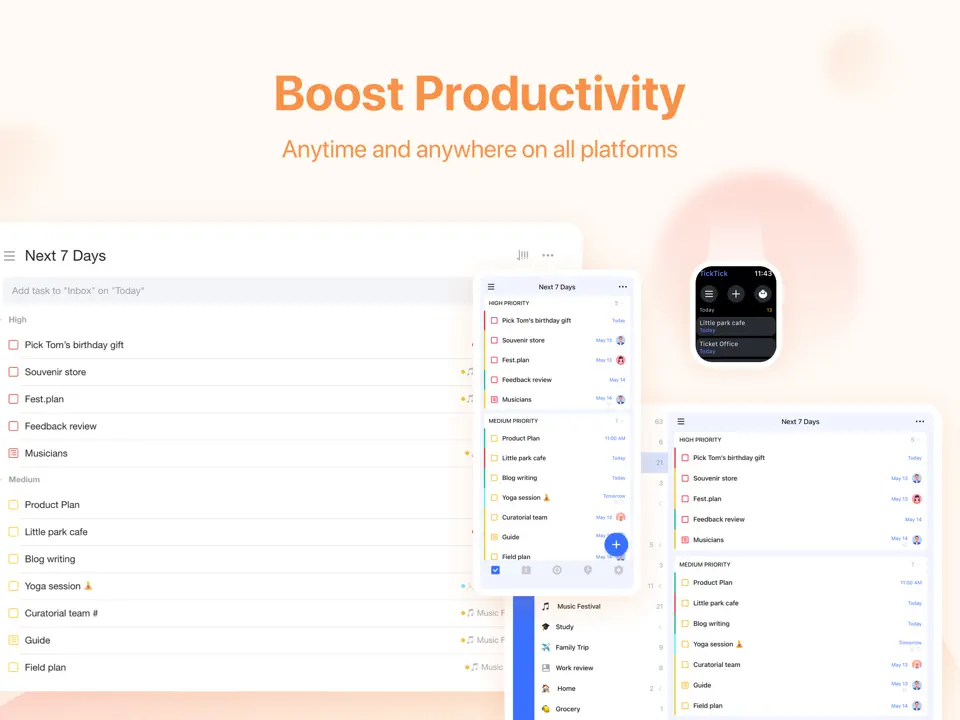
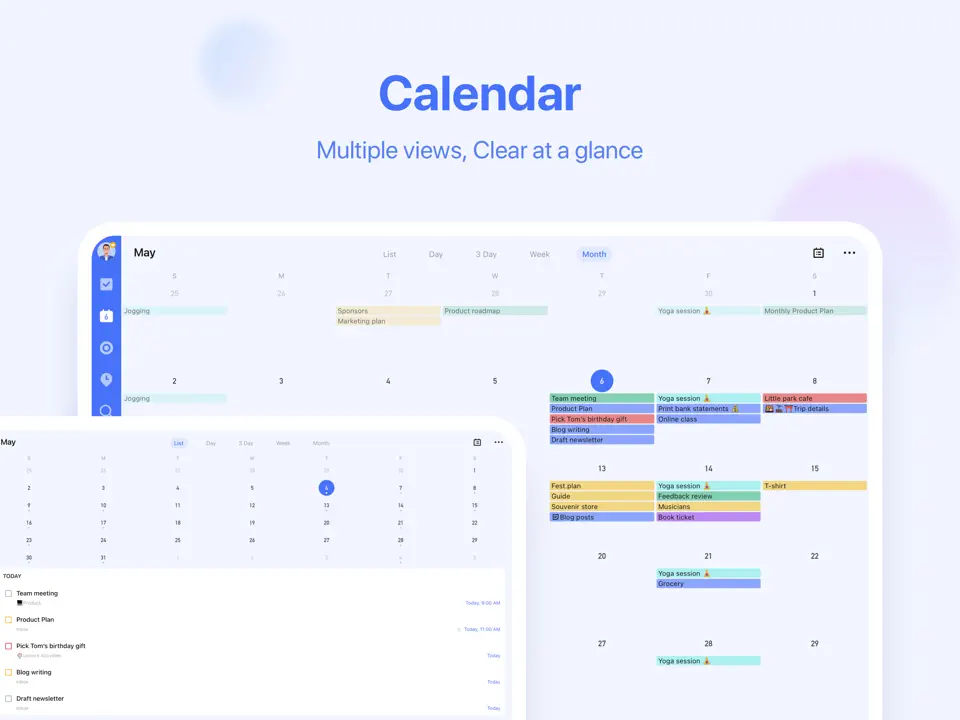
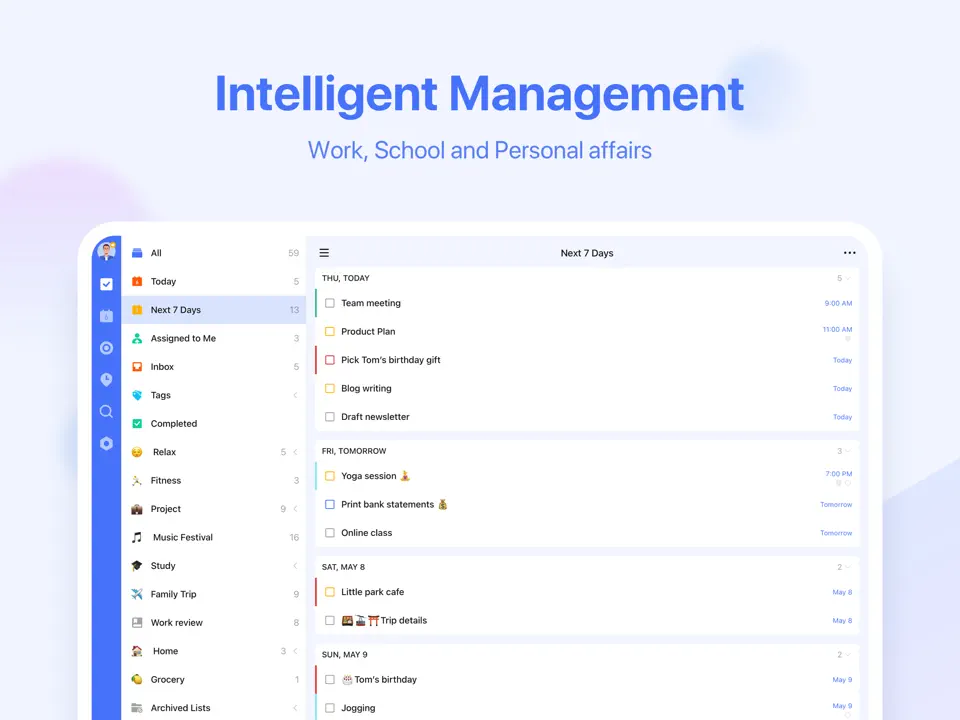
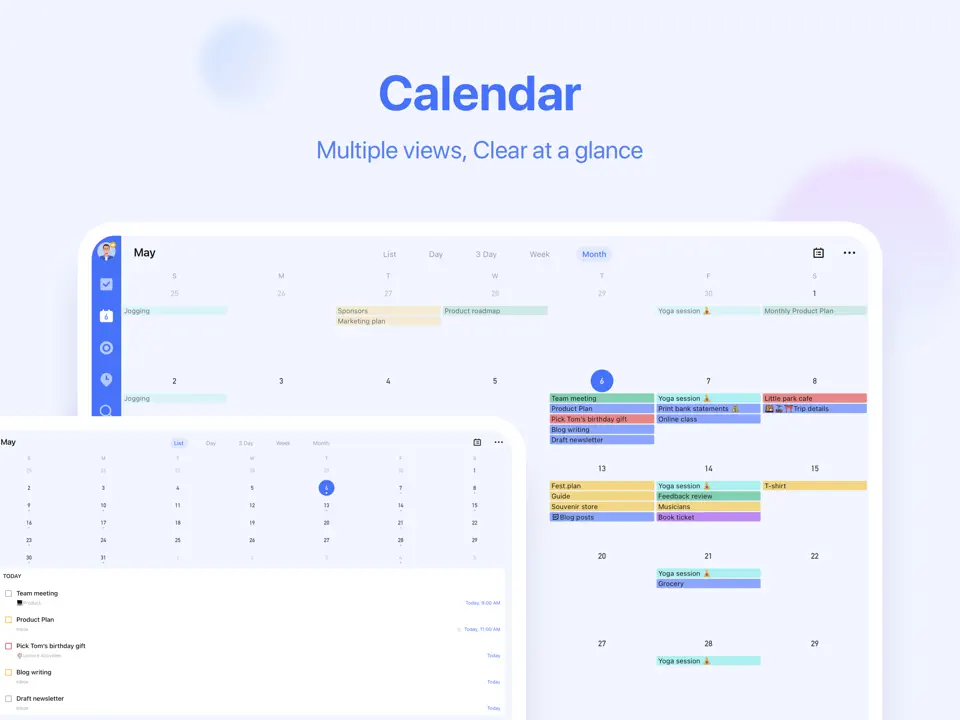
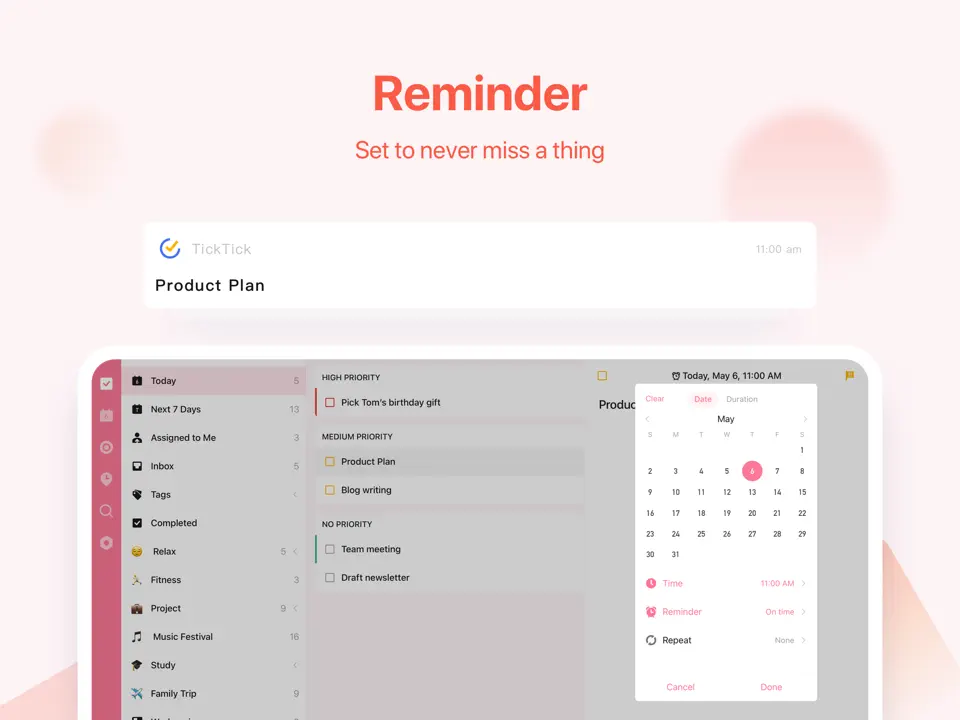
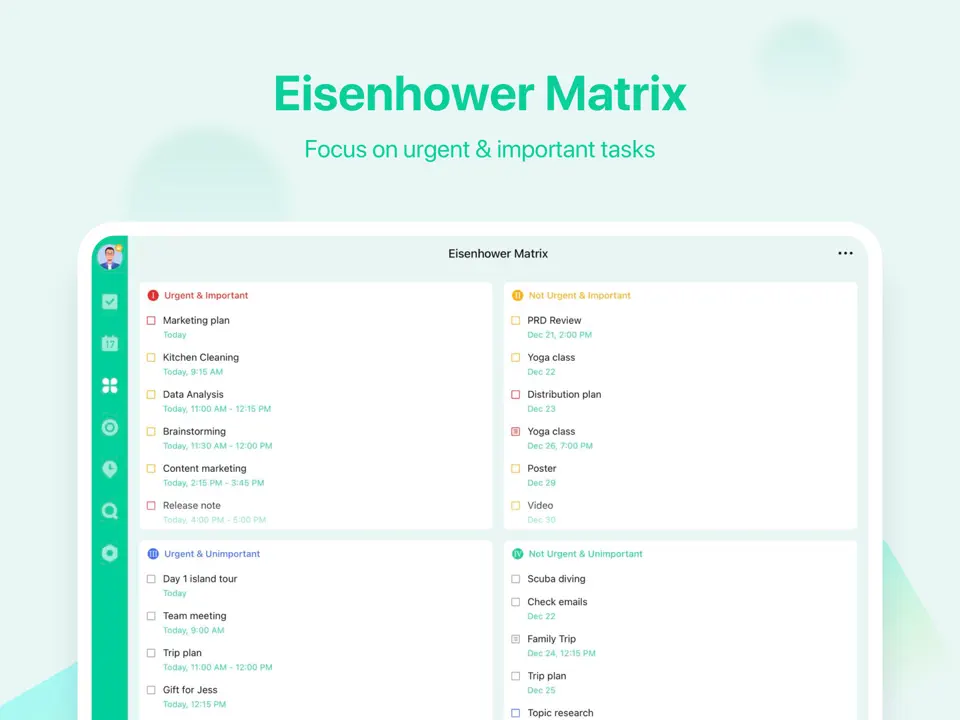
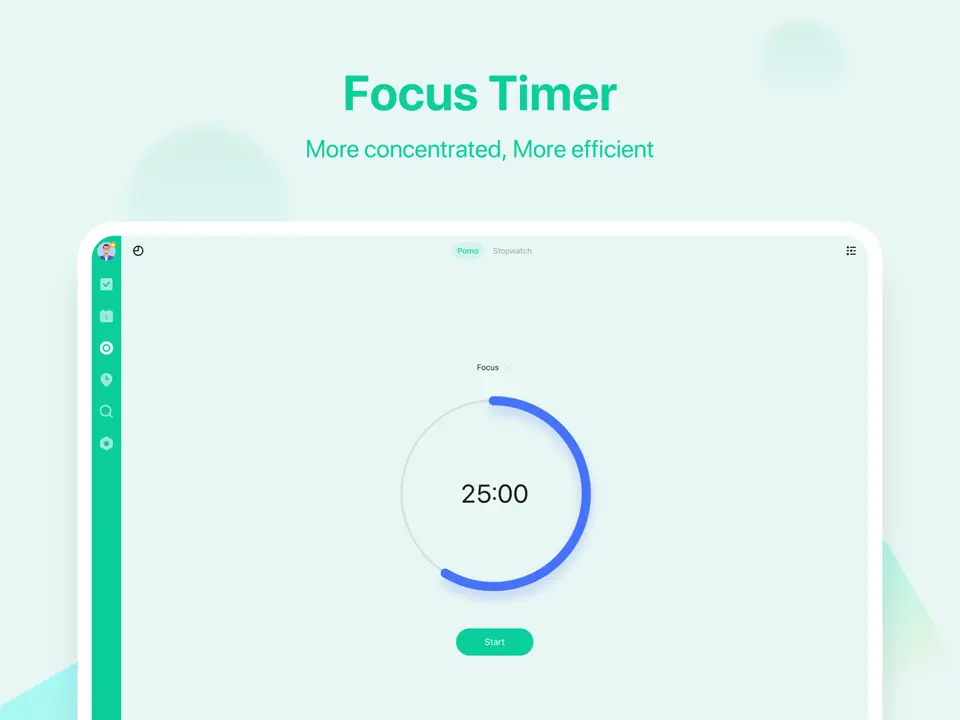
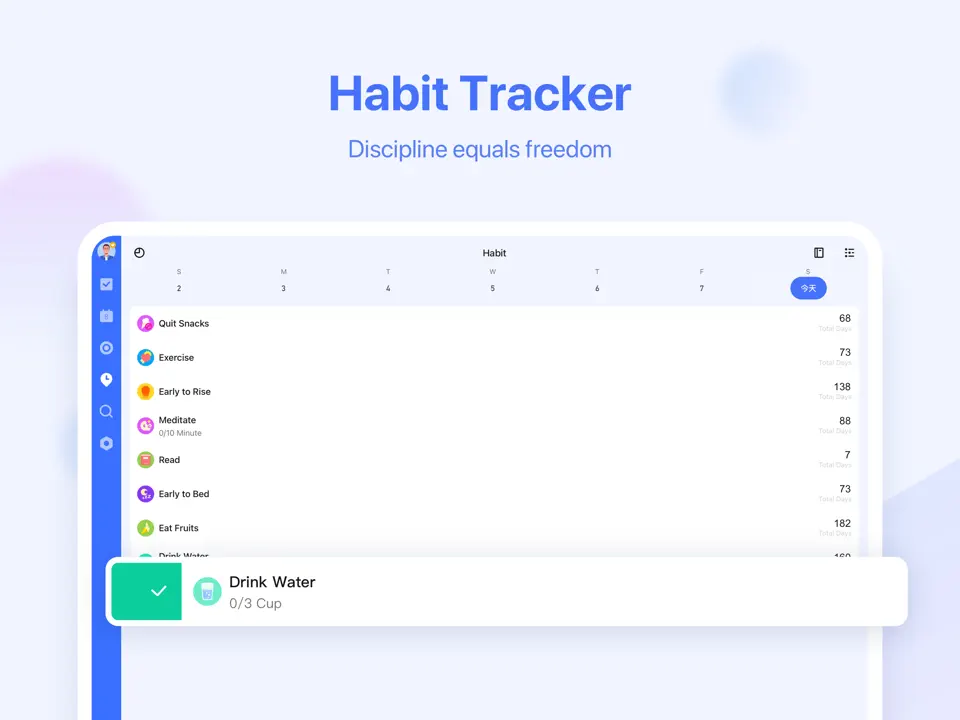
TickTick remains one of the strongest all-round task planner apps, especially for users who want habit tracking, Pomodoro, and calendar views in one place. It offers advanced task features (subtasks, priorities, recurring, smart lists), built-in habit tracker with streaks, Pomodoro timer, Eisenhower matrix, and calendar sync. Themes, tags, and custom smart lists add flexibility. Offline mode and cross-platform sync (Web, iOS, Android, Mac, Windows) are excellent. Collaboration is available in premium.
- Built-in habit tracker + Pomodoro timer
- Powerful task features & smart lists
- Excellent cross-platform sync & offline
- Affordable premium pricing
- Interface is functional but not highly aesthetic
- No ready thematic planner templates
- Limited sticker/custom font options
Product details
| Type of app | Best for | Platforms | Developer | Pricing Model |
|---|---|---|---|---|
| Task Manager + Habits | Habits + Pomodoro + Calendar | Multi (Web/iOS/Android/Desktop) | Appest Inc | Freemium ($3.99/month or $36/year) |
Todoist
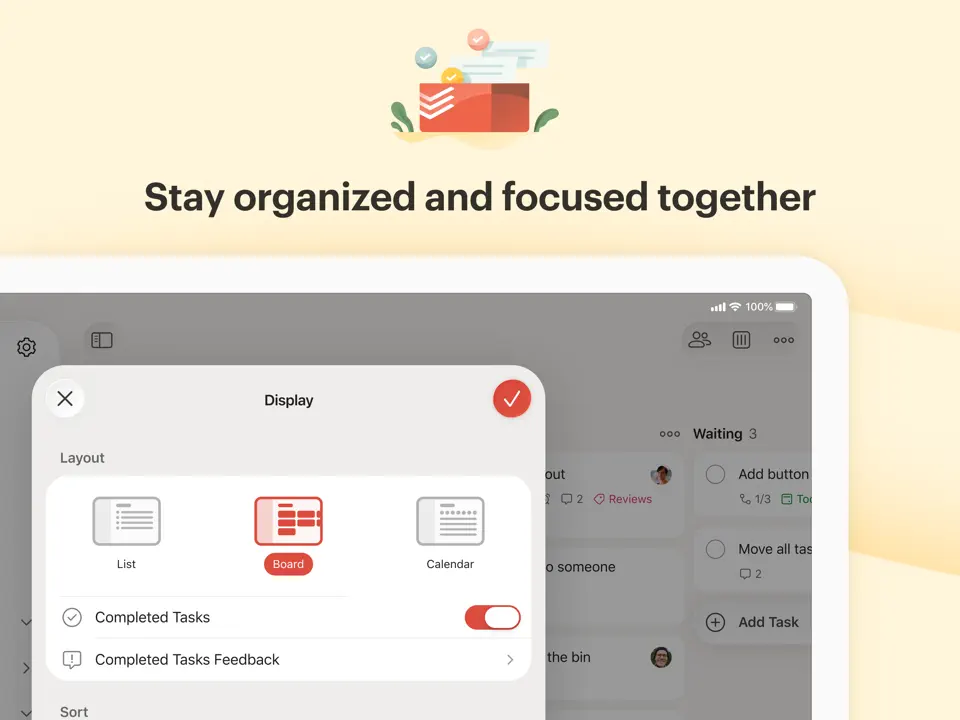
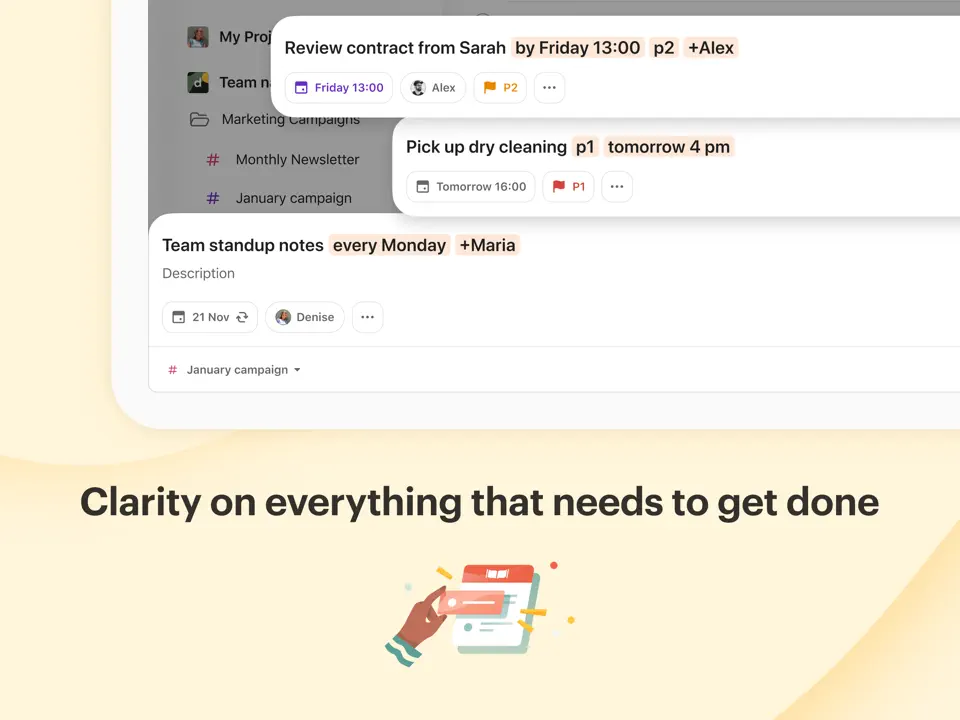
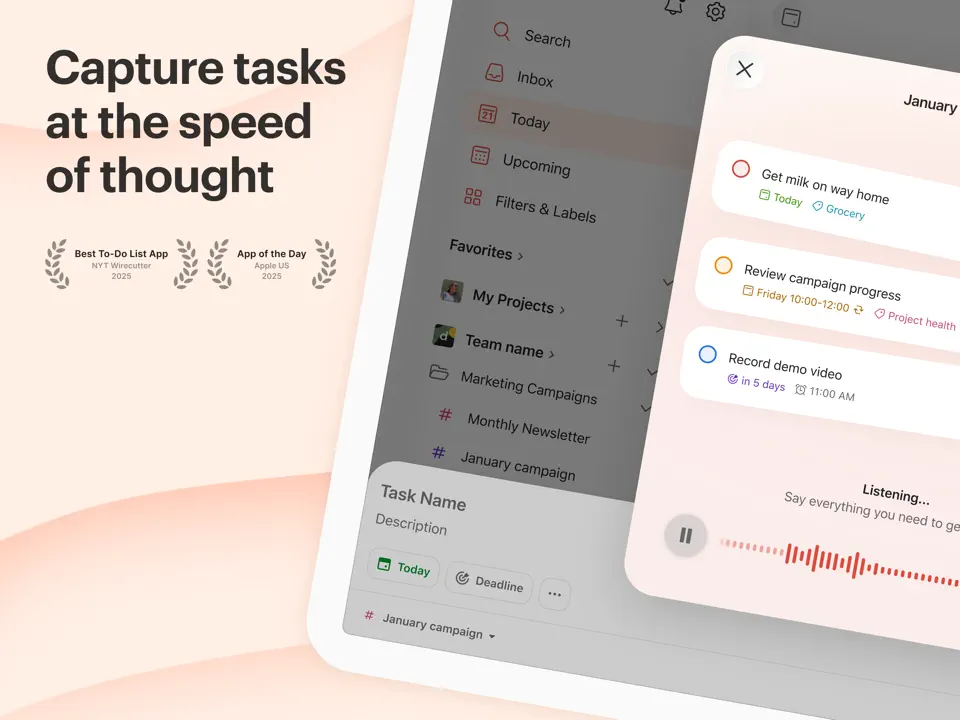
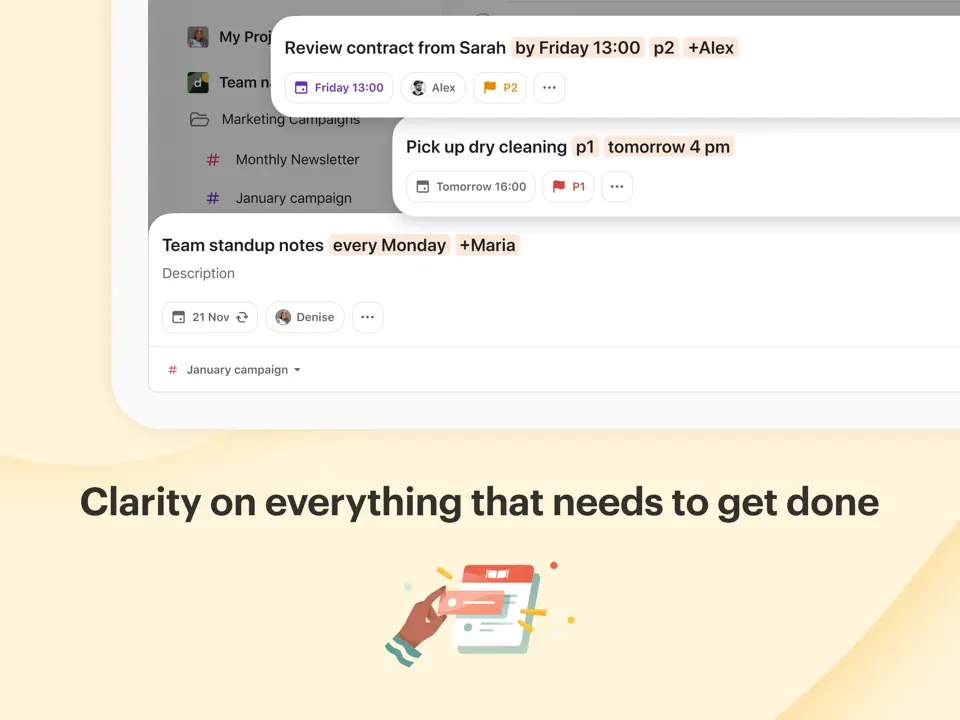
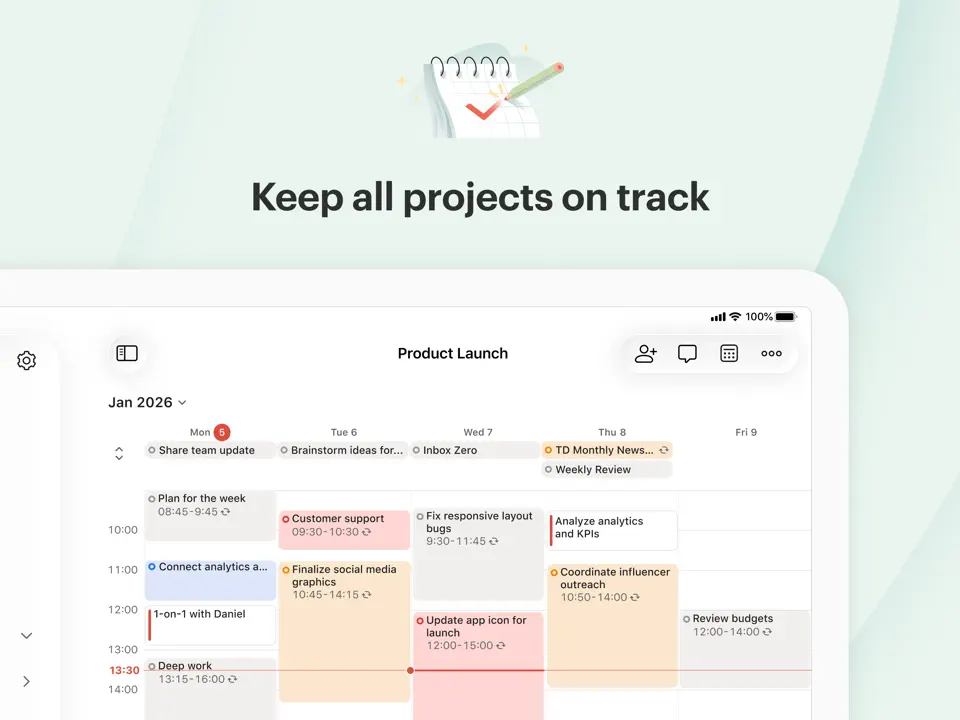
Todoist is the gold standard for simple yet powerful task management tools. Its natural language input (“Meeting tomorrow 3pm #work p1”) makes adding tasks lightning-fast. You get projects, labels, priorities, recurring tasks, reminders, subtasks, and karma points for motivation. Integrations are vast (calendars, Slack, email), sync is flawless across all platforms, and collaboration shines for teams. The interface is clean and minimalist. Free version is generous; Pro is $4–5/month. Todoist excels at speed and reliability but offers almost no visual customization, habit tracking, or thematic templates.
- Super-fast natural language input
- Reliable recurring tasks & reminders
- Strong collaboration & integrations
- Clean, distraction-free interface
- Minimal visual customization
- No built-in habit tracking
- No thematic planners or stickers
Product details
| Type of app | Best for | Platforms | Developer | Pricing Model |
|---|---|---|---|---|
| Task Manager | Simple powerful task lists | Multi (Web/iOS/Android/Desktop) | Doist | Freemium ($4–5/month Pro) |
Things 3
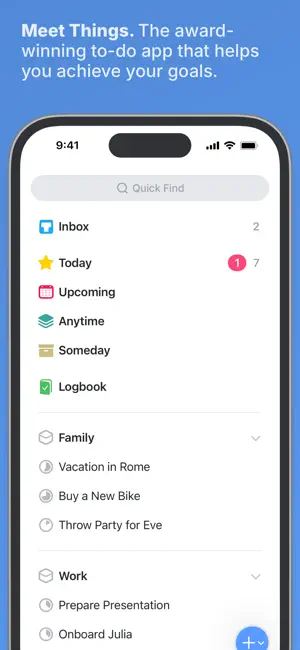
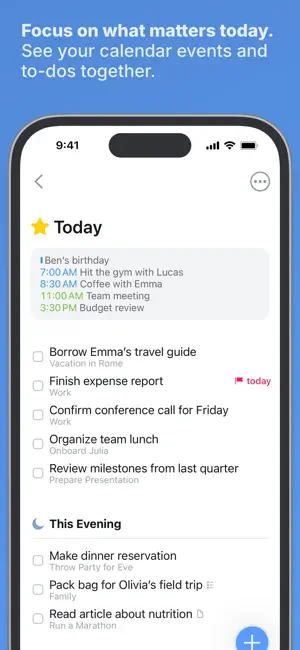
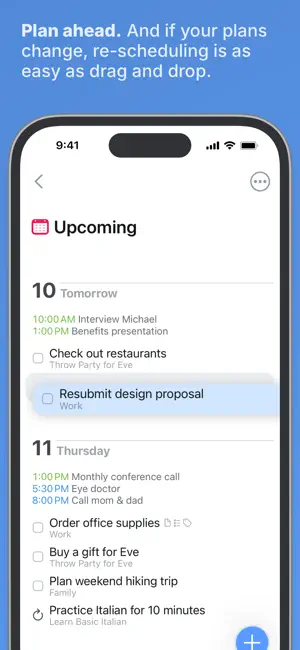
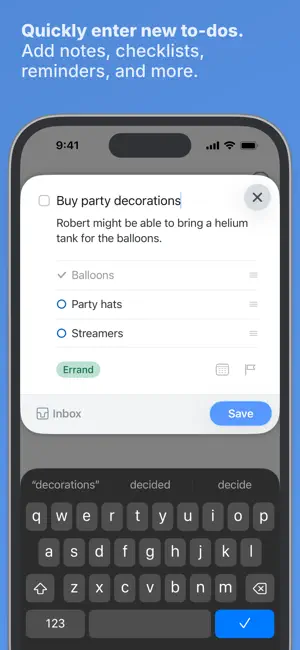
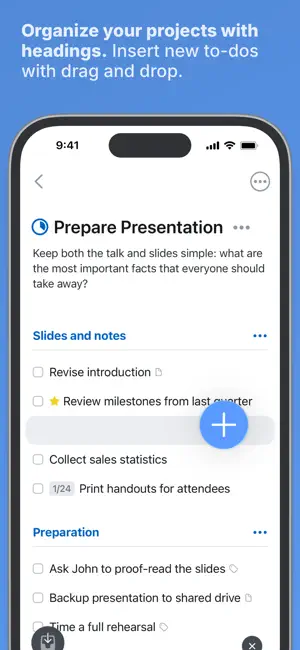
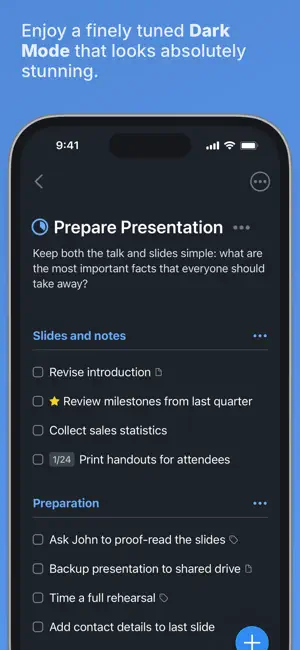
Things 3 is widely regarded as the most elegant task manager for Apple users. Its beautiful, gesture-driven interface makes planning feel effortless and satisfying. You get areas/projects, headings, checklists, tags, deadlines, recurring tasks, and seamless Apple Calendar sync. The “Today” and “Upcoming” views help focus without overwhelm. One-time purchase per platform (~$50 Mac, $10 iPhone, $20 iPad) means no subscriptions. Sync is fast via iCloud. However, it’s strictly Apple-only: no Android, Windows, or Web. No habit tracking, Pomodoro, or deep customization beyond basic themes. Things 3 is perfect for minimalists in the Apple ecosystem
- Incredibly beautiful & intuitive interface
- One-time purchase (no subscription)
- Excellent focus on Apple ecosystem
- Fast iCloud sync
- Apple-only (no Android/Windows/Web)
- No habit tracking or Pomodoro
- Limited customization options
Product details
| Type of app | Best for | Platforms | Developer | Pricing Model |
|---|---|---|---|---|
| Task Manager (Apple-only) | Elegant Apple ecosystem planning | macOS/iOS/iPadOS only | Cultured Code | One-time (~$50 Mac + $10 iPhone + $20 iPad) |
Any.Do
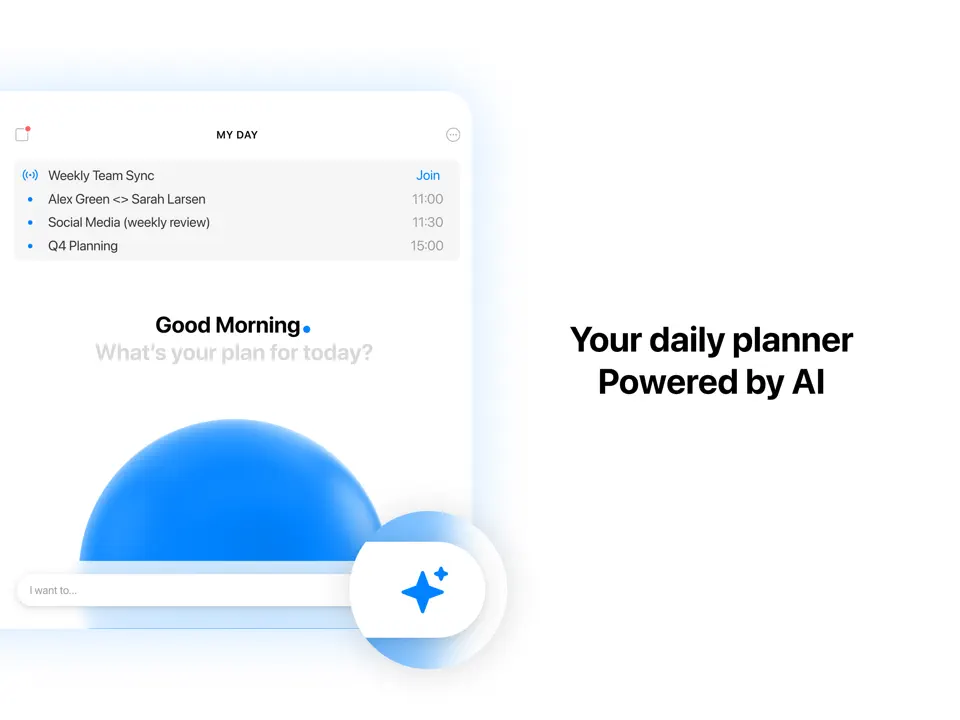
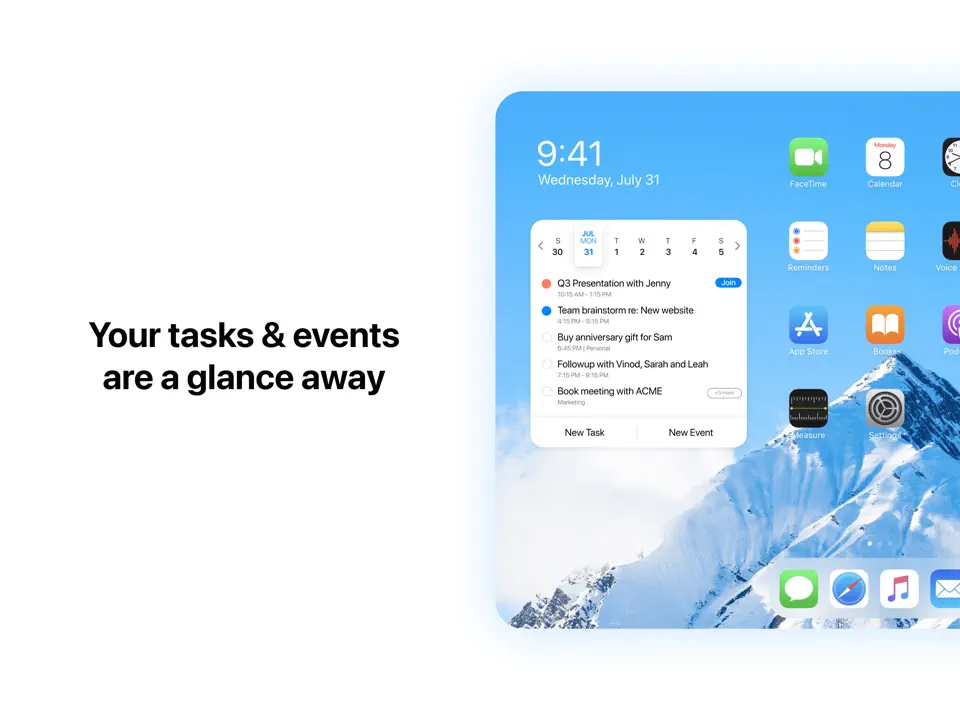
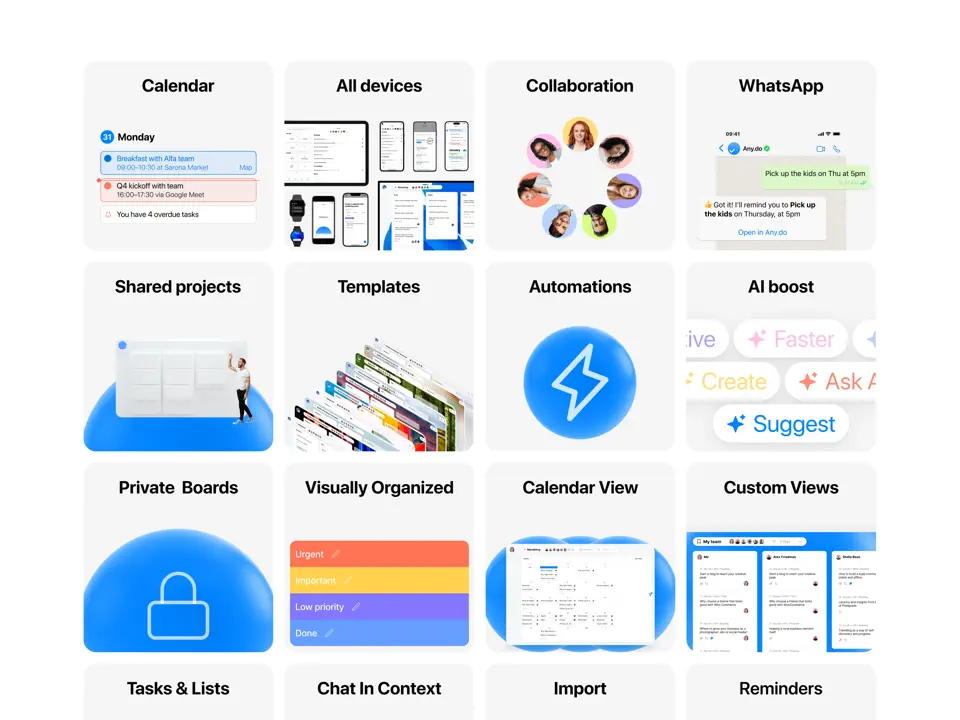
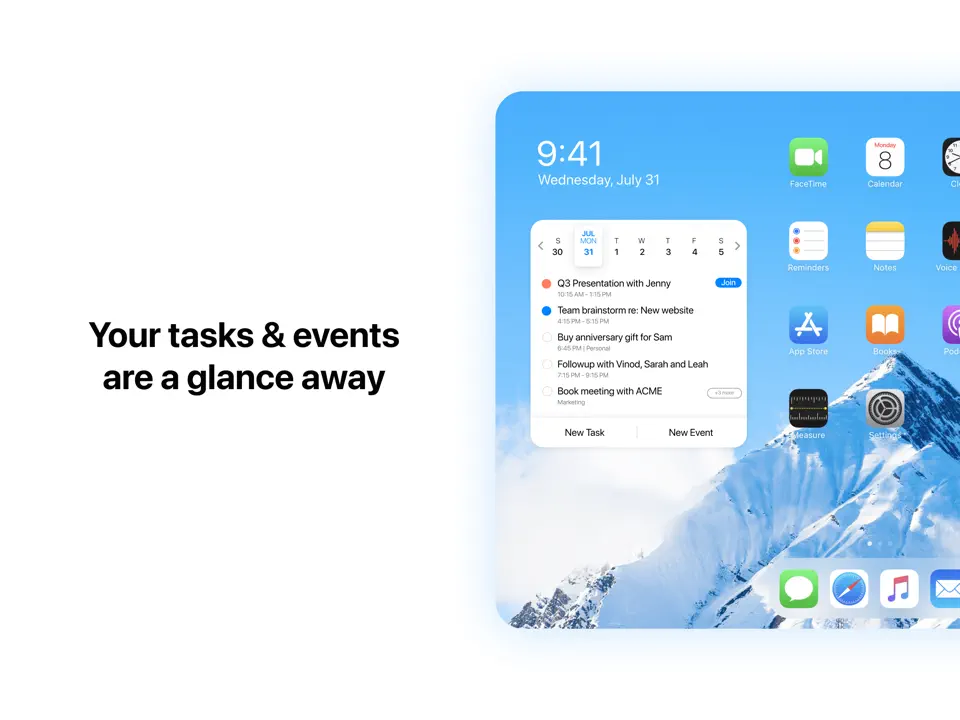
Any.do delivers a clean, user-friendly experience for personal daily tasks and calendar integration. Voice entry, “My Day” view, grocery lists, location-based reminders, and calendar sync make it great for everyday life. Subtasks, recurring tasks, priorities, and WhatsApp-style chat for family sharing add convenience. Multi-platform support (iOS, Android, Web, desktop) and offline mode work well. Freemium with Premium ~$5–8/month. The app feels approachable and modern, but customization is basic, and there’s no habit tracking or advanced project views.
- Voice input & “My Day” focus
- Strong calendar + reminders
- Family sharing via chat
- Clean, modern interface
- Limited deep customization
- No habit tracking
- Premium needed for full recurring & themes
Product details
| Type of app | Best for | Platforms | Developer | Pricing Model |
|---|---|---|---|---|
| Personal Task & Calendar | Daily tasks + voice/assistant | Multi (Web/iOS/Android) | Any.do | Freemium ($5–8/month Premium) |
Microsoft To-Do
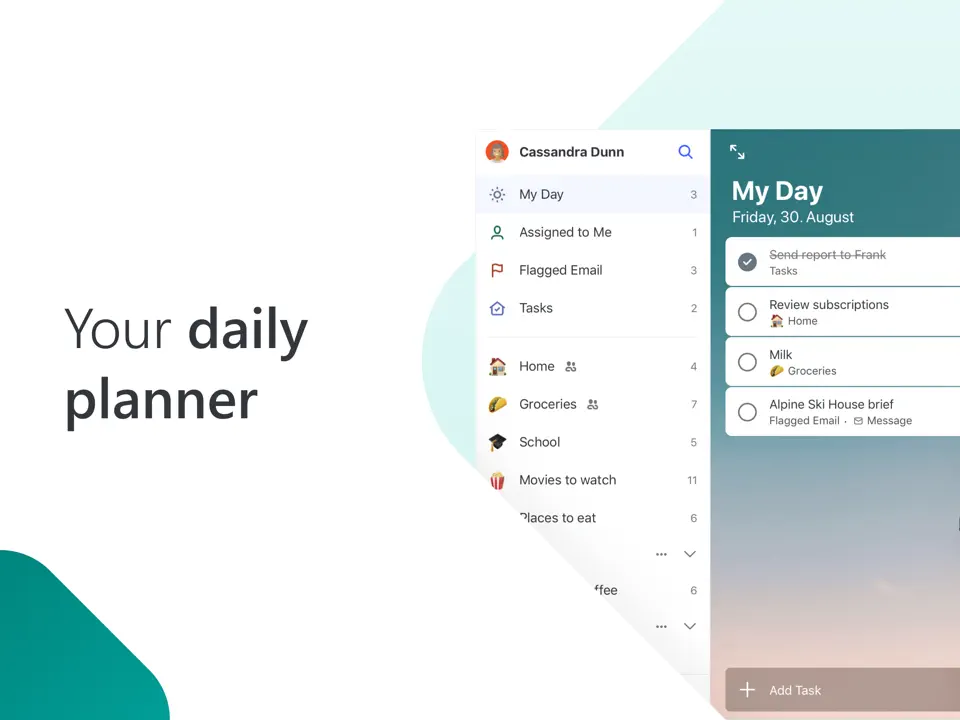
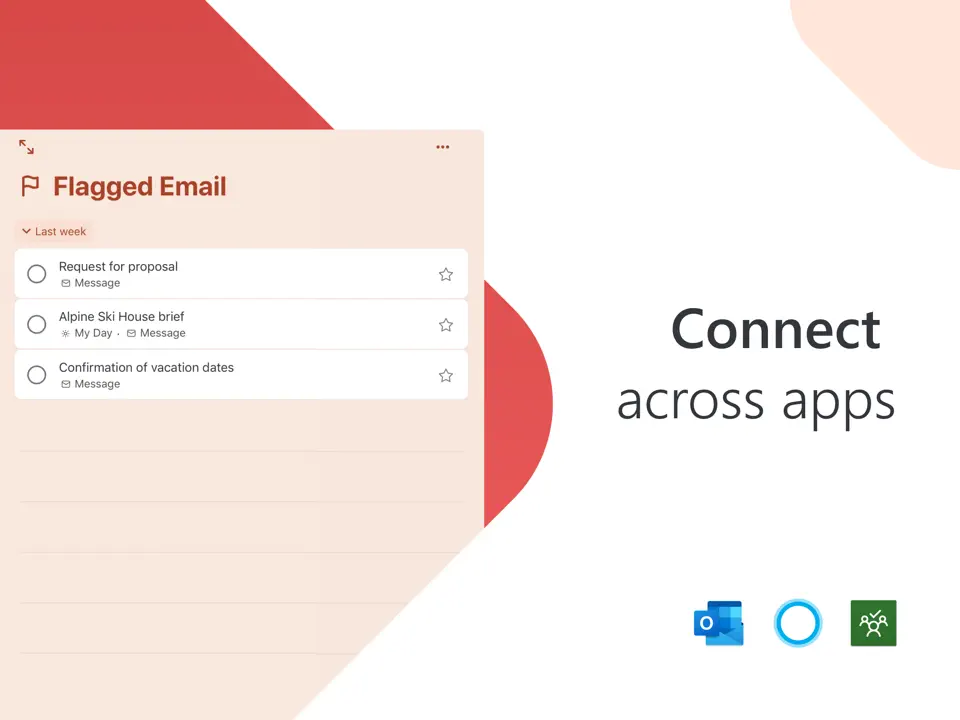
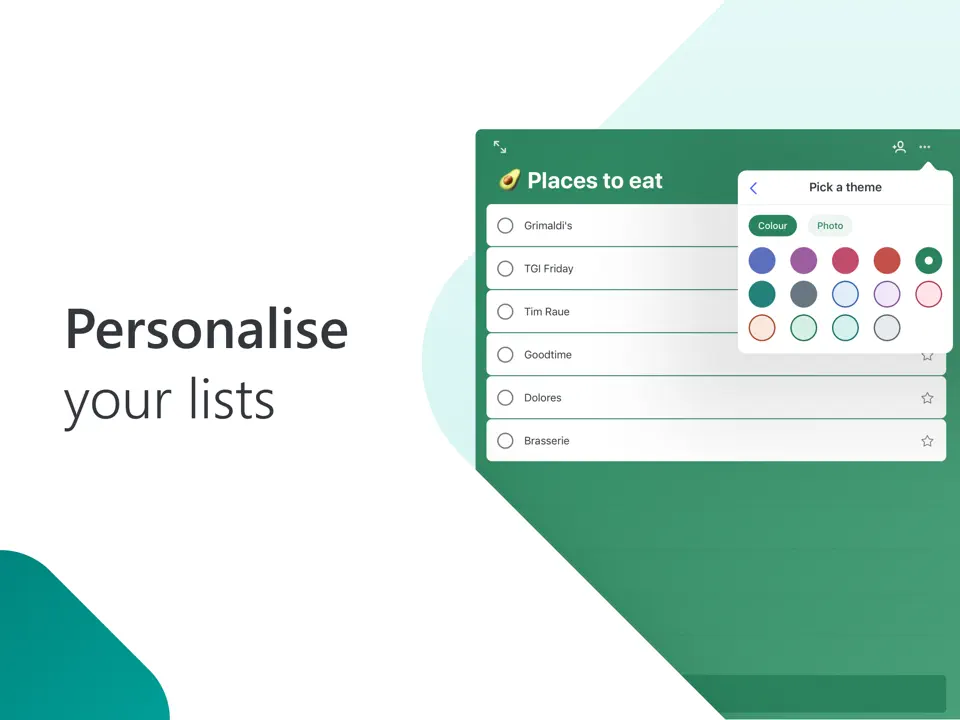
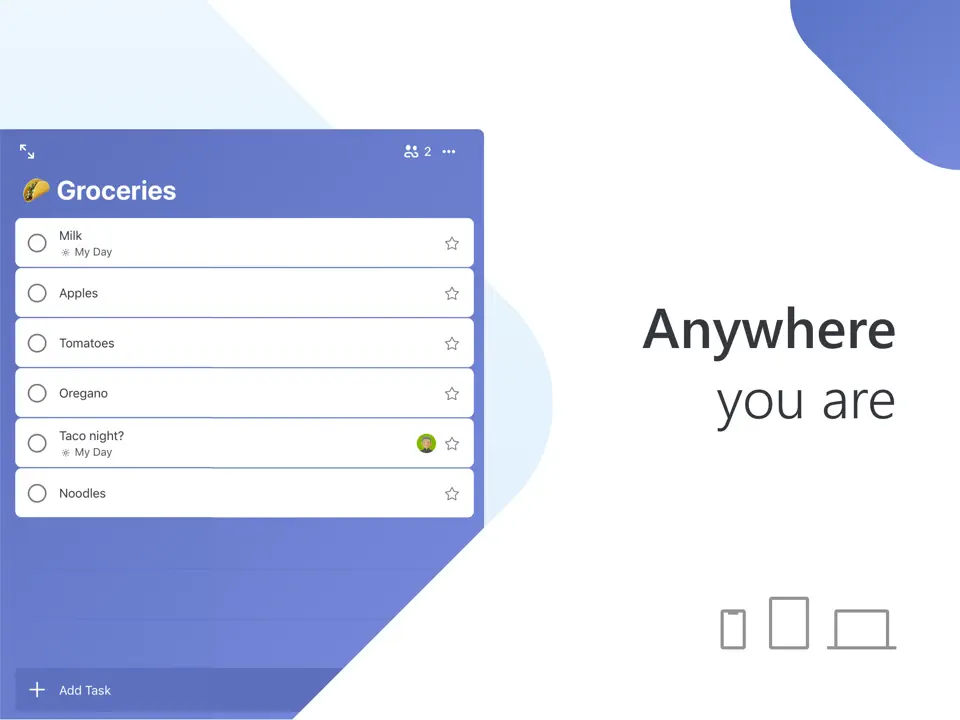
Microsoft To Do is the best free task management app for users in the Microsoft ecosystem. “My Day” suggestions, steps/subtasks, due dates, reminders, recurring tasks, lists, and seamless Outlook/Teams integration keep everything connected. Sync is reliable across Web, iOS, Android, Windows, Mac. The interface is simple and familiar. No premium upsell, everything is free. It lacks habit tracking, visual customization, Pomodoro, and thematic templates. Microsoft To Do is ideal if you want zero cost and Outlook sync, but for beautiful design, habits, cross-platform depth, and long-term premium value.
- Completely free with no limits
- Deep Microsoft/Outlook integration
- “My Day” intelligent suggestions
- Reliable multi-platform sync
- Very basic customization
- No habit tracking or timers
- Lacks aesthetic appeal & templates
Product details
| Type of app | Best for | Platforms | Developer | Pricing Model |
|---|---|---|---|---|
| Task Manager | Free Microsoft ecosystem | Multi (Web/iOS/Android/Windows) | Microsoft | Free |
Akiflow
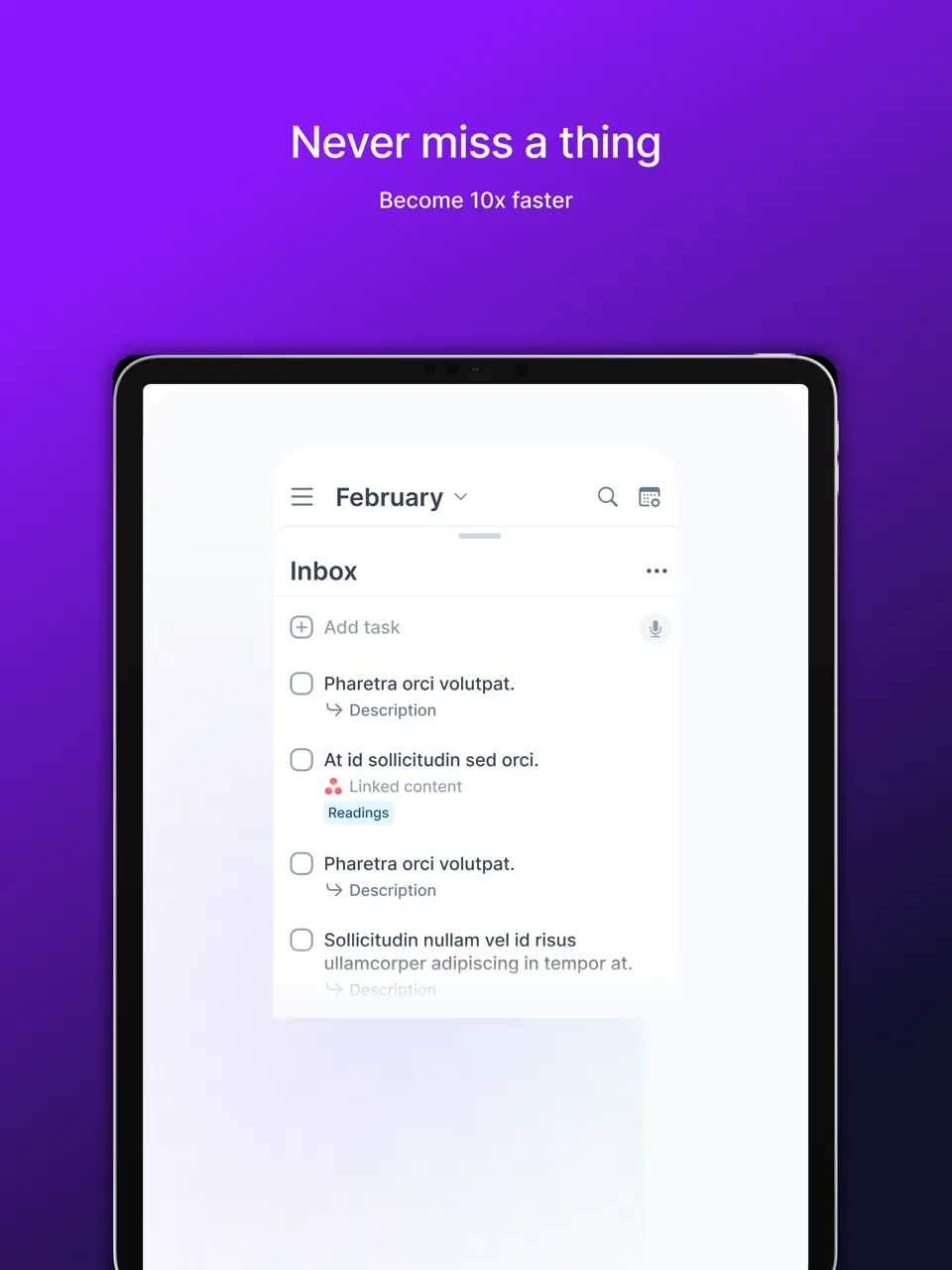
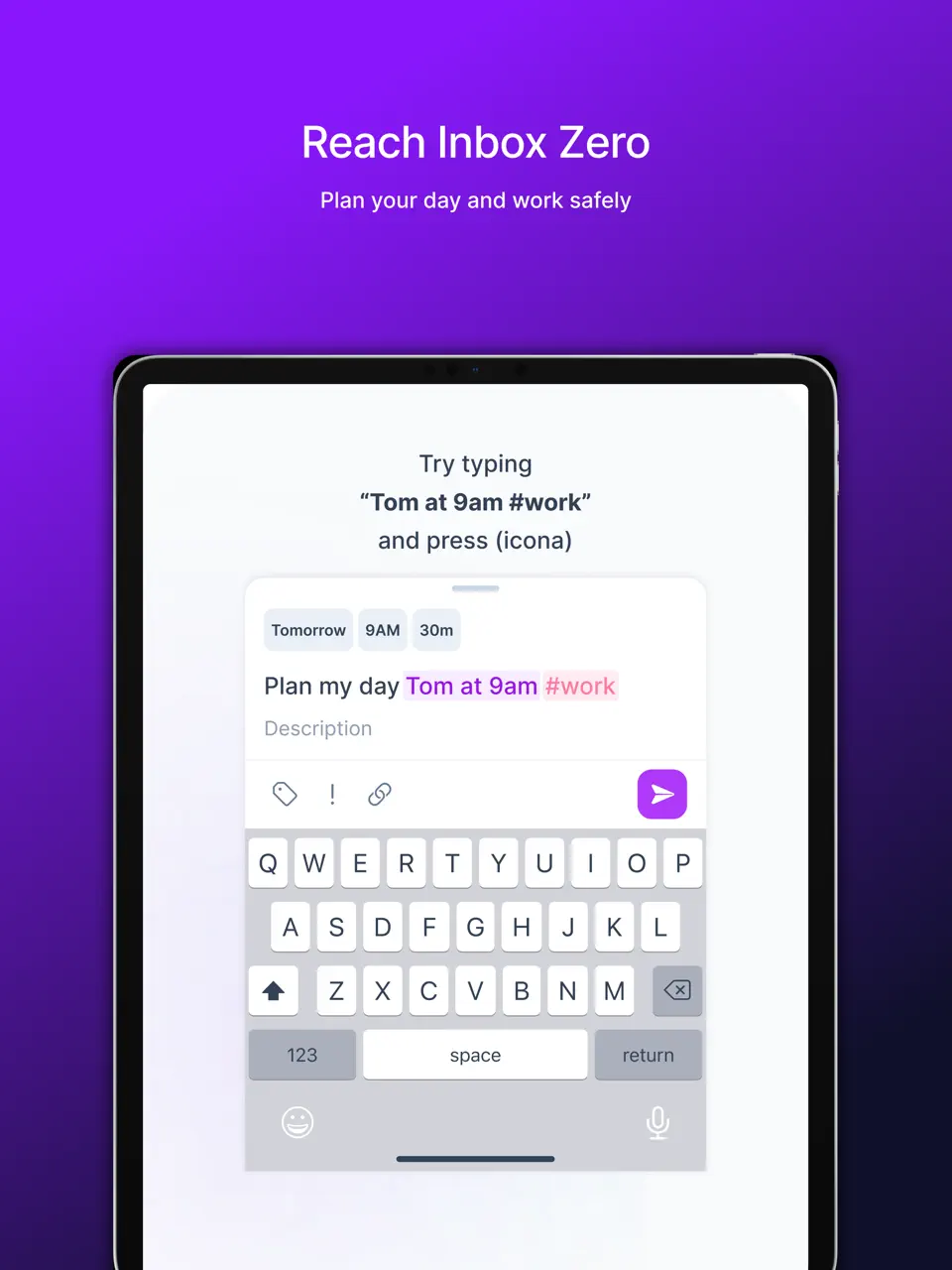
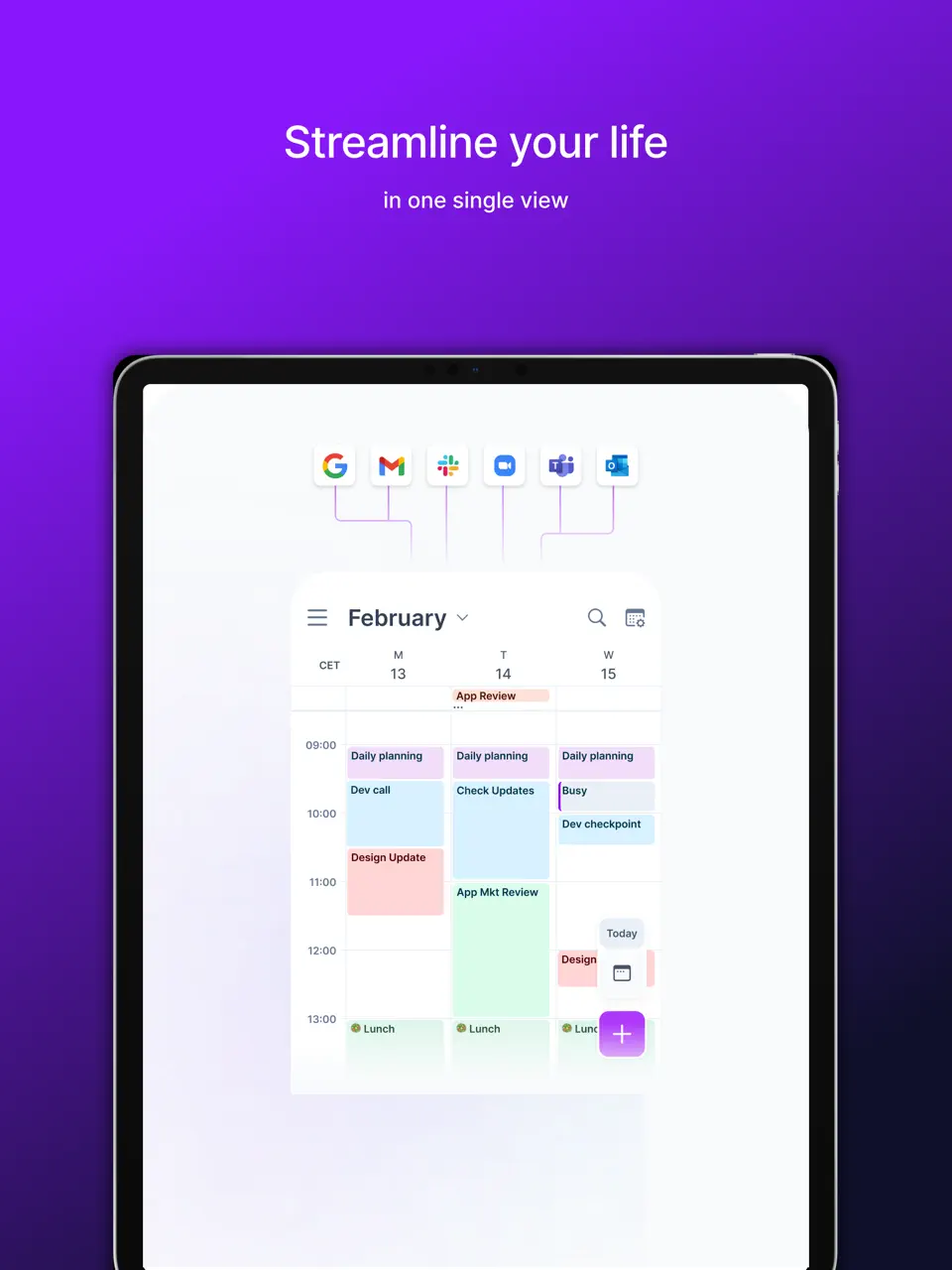
Akiflow is a powerful unified inbox and time-blocking app that stands out among the task planner apps busy professionals who juggle multiple tools. It pulls tasks, emails, and events from sources like Gmail, Slack, Asana, Todoist, Google Calendar, and more into one clean dashboard, allowing fast capture, scheduling, and time blocking directly on your calendar. Key strengths include command bar for quick actions, auto-rescheduling with lightweight AI, detailed statistics, and seamless integrations for calendar aggregation.
Offline access is limited, but sync is reliable across Web, Desktop (Mac/Windows), and mobile. Pricing starts at around $34/month (or lower with annual/Believer plans at ~$17–$15/month billed longer-term), with no free plan: it's premium-focused. Akiflow excels at reducing context-switching and enforcing focus time, but lacks deep visual customization, habit streaks, or thematic templates. For users needing calendar-first planning and tool consolidation, it's excellent.
- Unified inbox from multiple apps & tools
- Strong time-blocking & calendar aggregation
- Fast command bar & AI rescheduling
- Detailed productivity stats
- Cross-platform (Web/Desktop/mobile)
- No free plan, expensive subscription
- Limited offline mode
- Minimal visual/thematic customization
- No built-in habit tracking or stickers
Product details
| Type of app | Best for | Platforms | Developer | Pricing Model |
|---|---|---|---|---|
| Unified Inbox + Time Blocking | Fast time-blocking & calendar aggregation | Multi (Web/Desktop/mobile) | Akiflow | $15–34/month |

Habitica
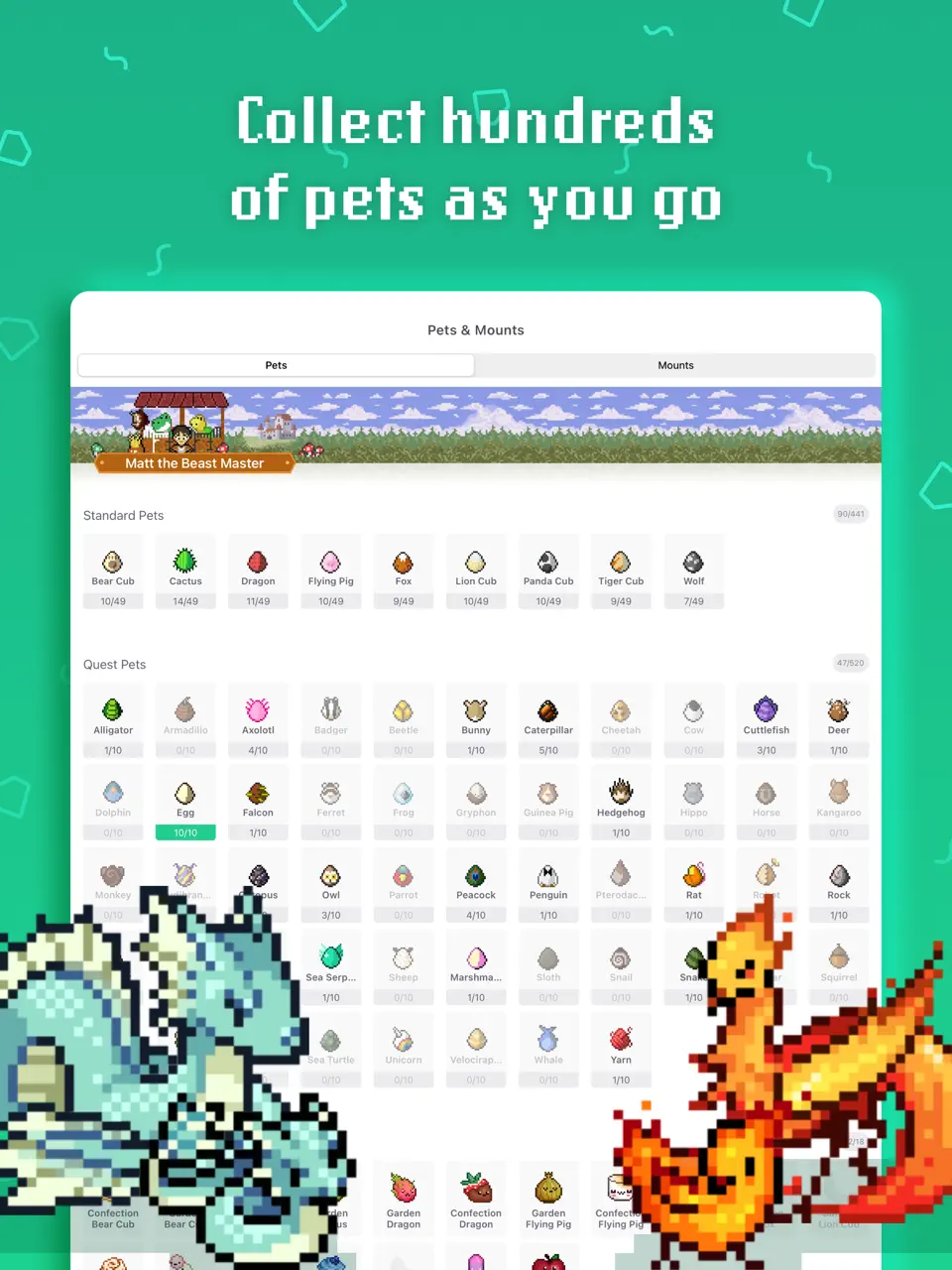
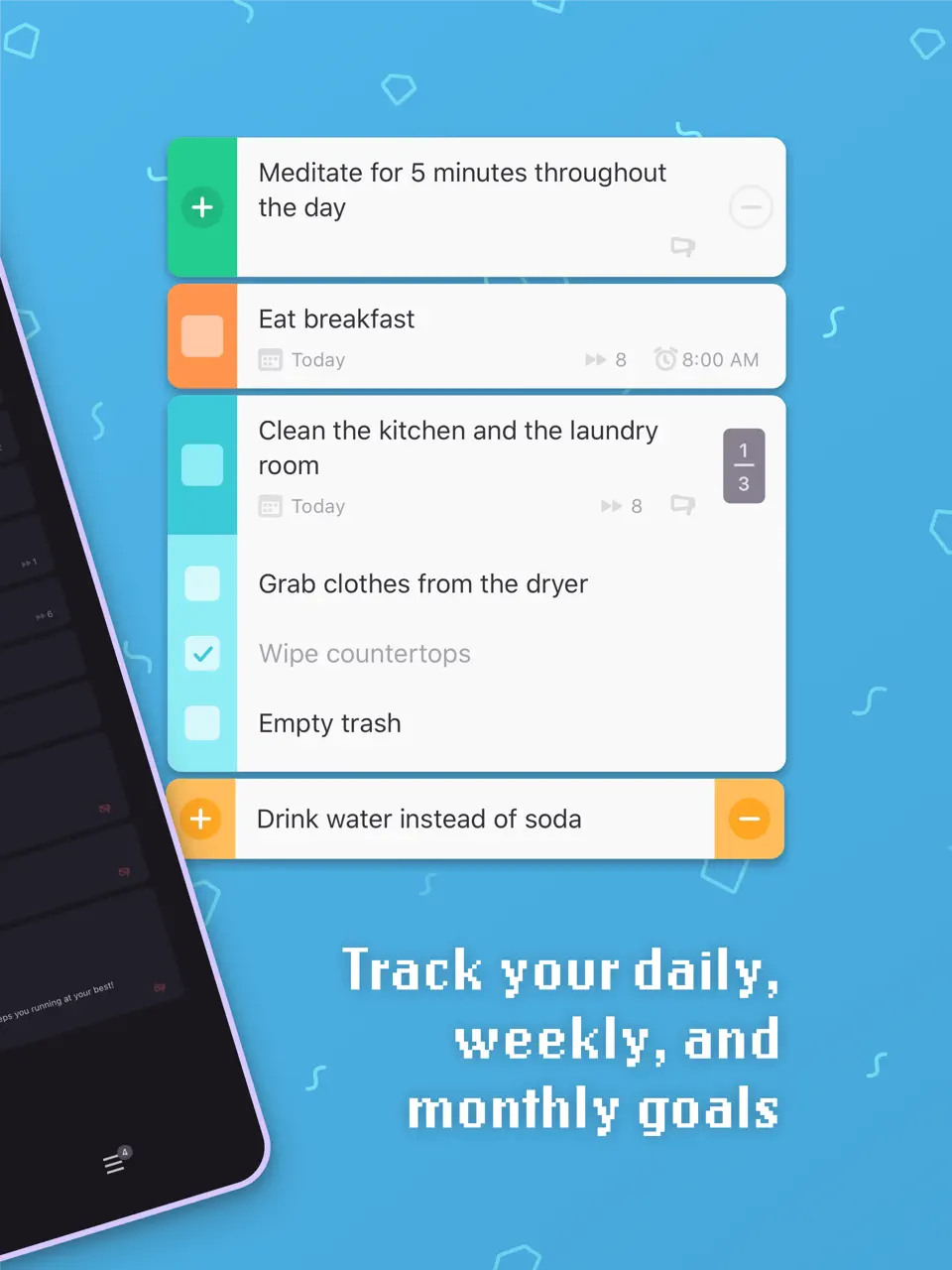
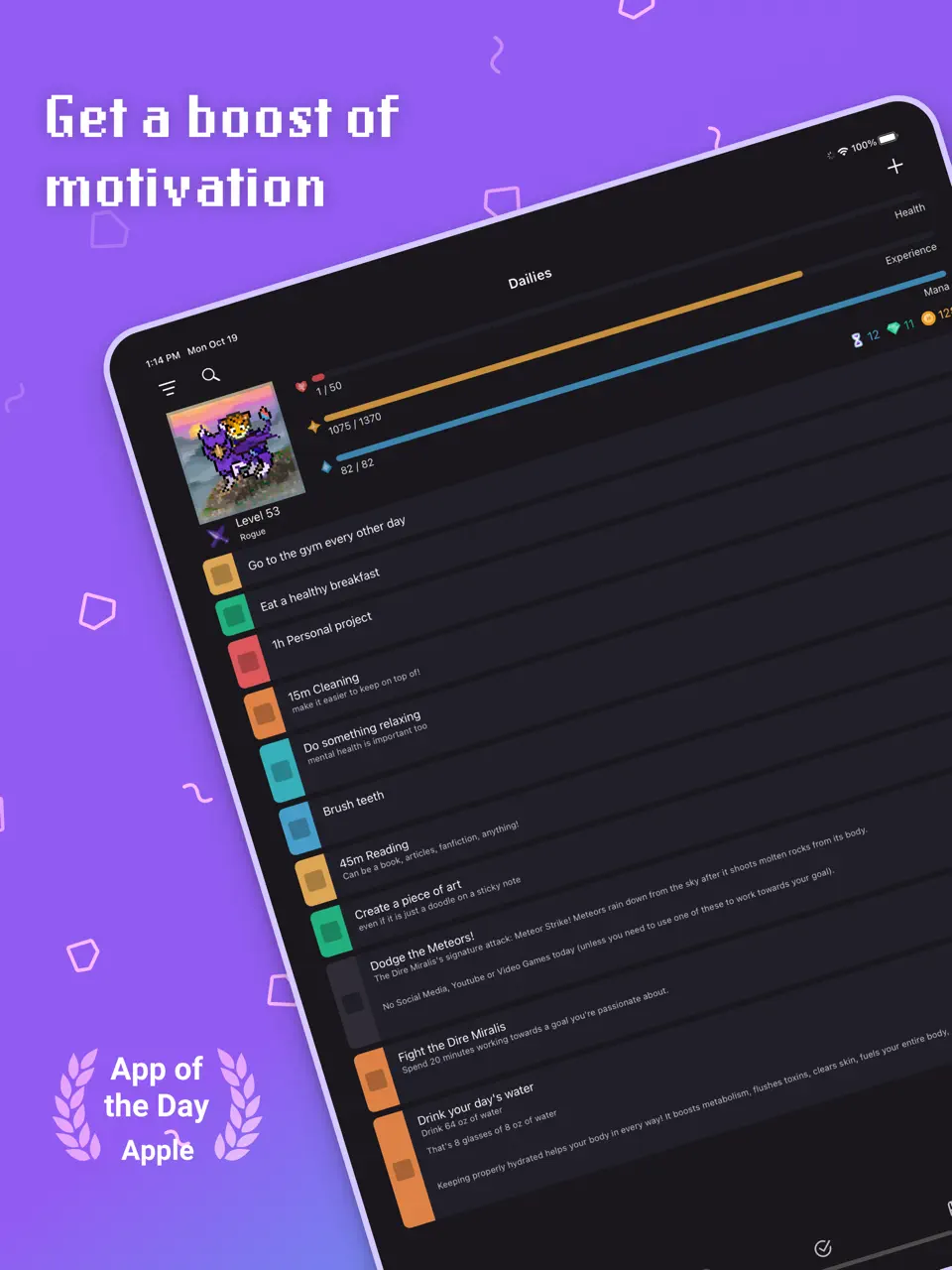
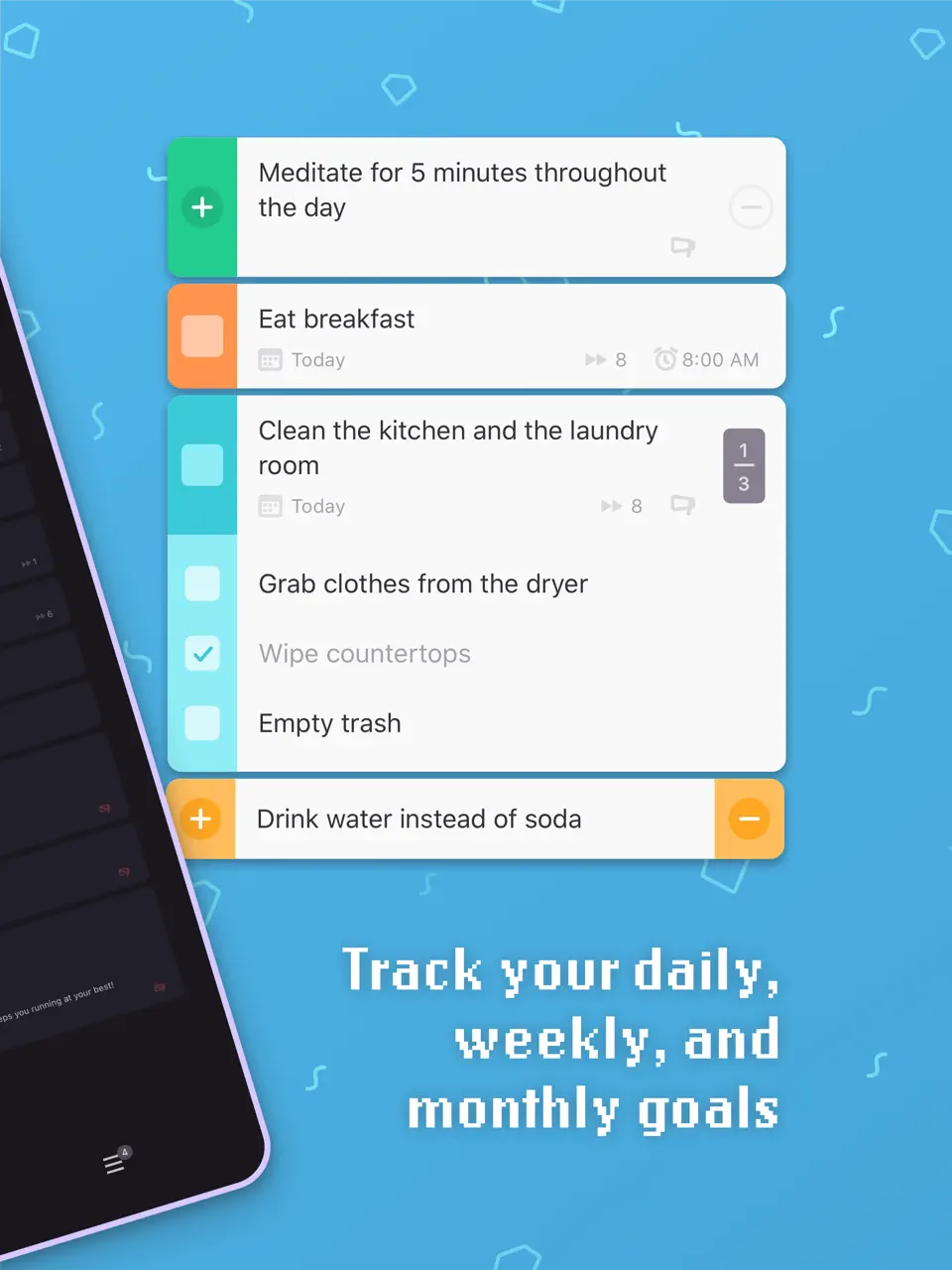
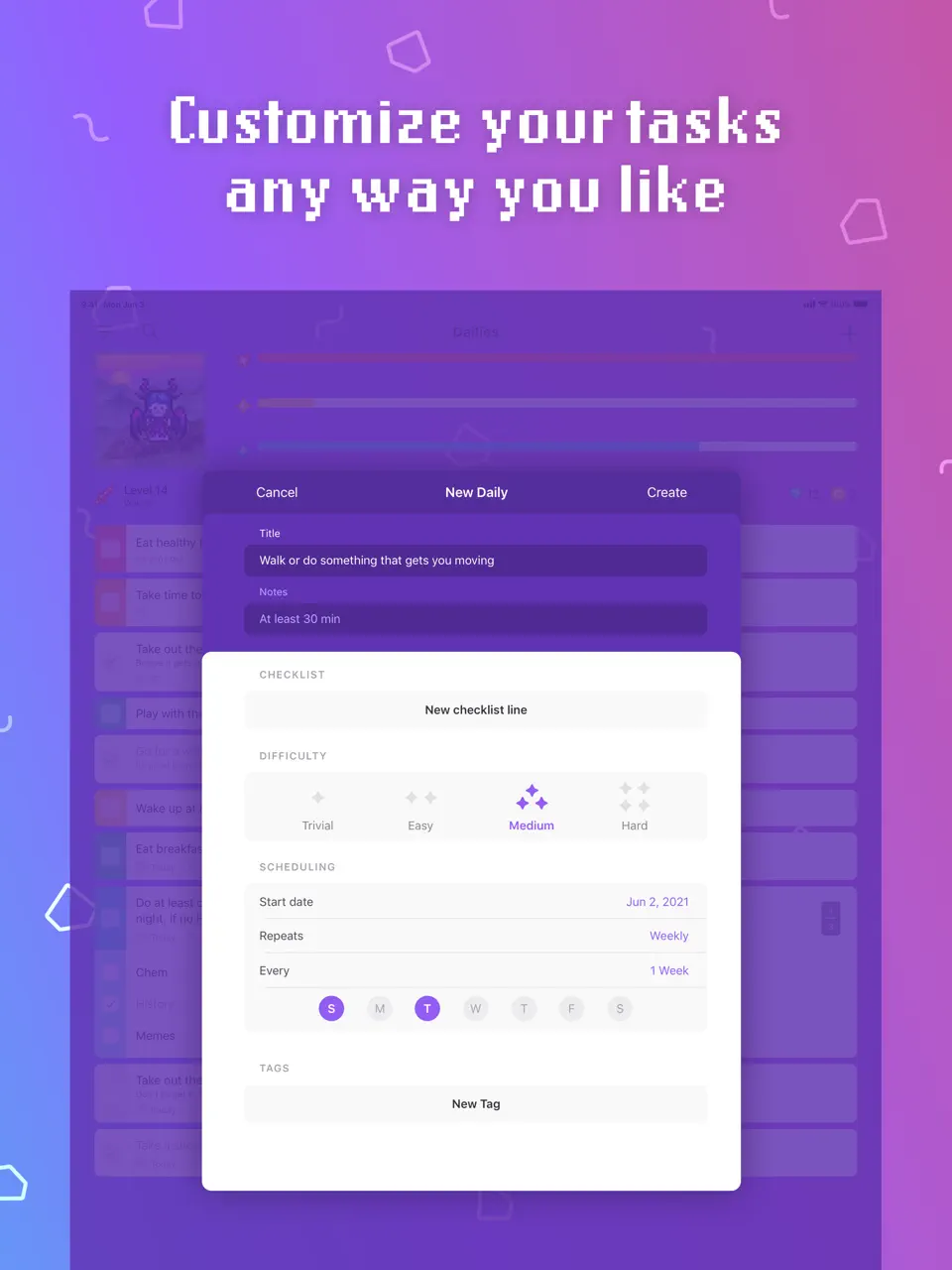
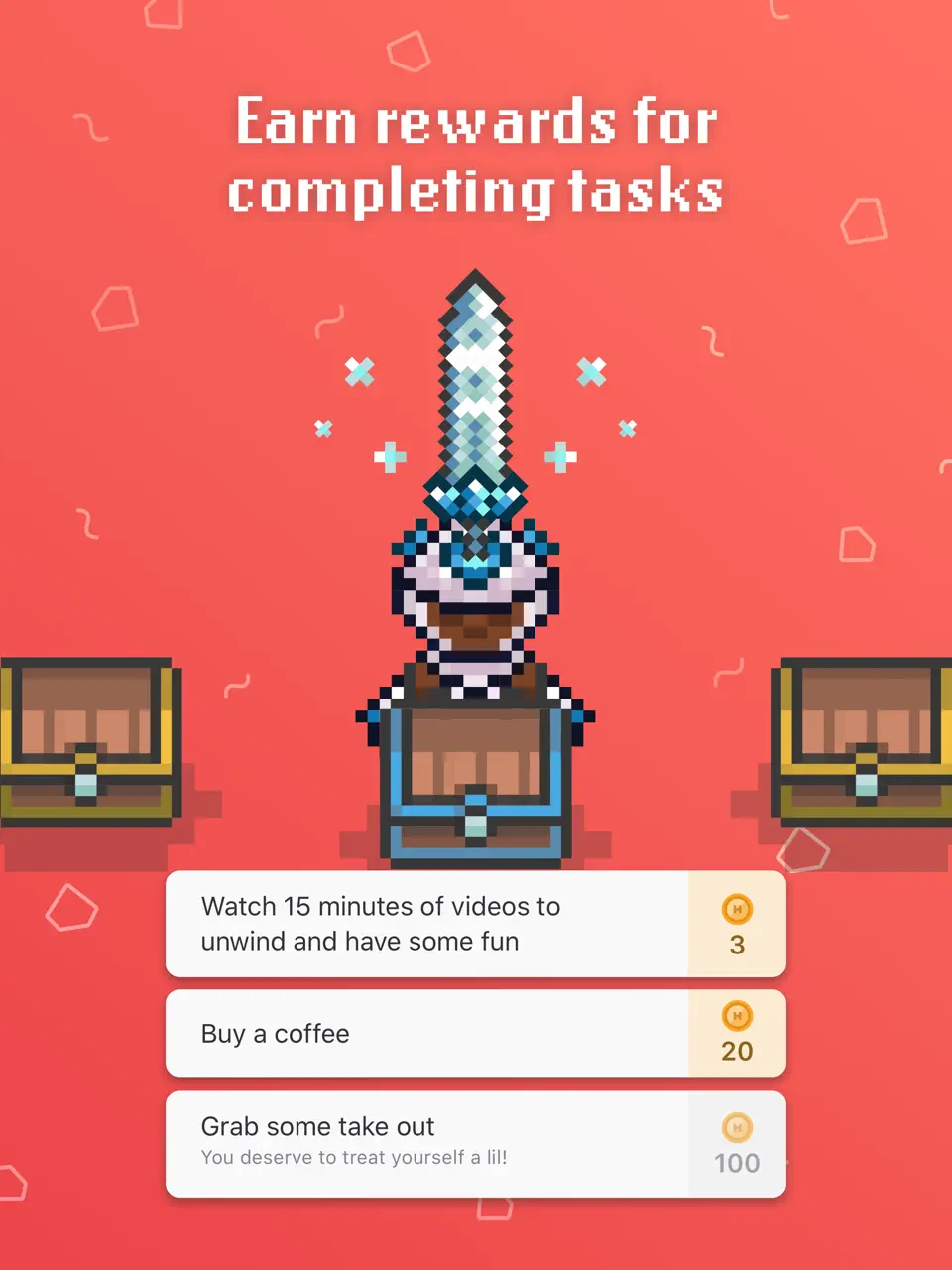
Habitica transforms task management into a fun RPG adventure, making it one of the most engaging habit-focused task planner apps. Your real-life to-dos, dailies, and habits become quests: complete them to earn XP, gold, and rewards; fail and your character takes damage. Customize your avatar, join parties/guilds for social accountability, participate in challenges, and level up.
Core features are completely free forever, with optional subscription ($4.99/month or $47.99/year) unlocking gems, exclusive items, extra gems monthly, and perks like instant healing. Multi-platform support (Web, iOS, Android) with offline mode works well. It's highly motivating for gamification lovers building long-term habits, but task management is basic (limited subtasks/projects), and it lacks advanced calendar views or professional integrations. Habitica shines for fun habit building; for deeper task systems, beautiful designs, and thematic planners.
- Highly engaging RPG gamification
- Strong social features (parties, guilds)
- Core app free forever
- Excellent for habit streaks & motivation
- Cross-platform with offline support
- Task management feels basic/limited
- Steep curve for non-gamers
- No advanced calendar or time blocking
- Premium needed for full rewards/items
Product details
| Type of app | Best for | Platforms | Developer | Pricing Model |
|---|---|---|---|---|
| Gamified Habits + Tasks | Fun habit building & RPG | Multi (Web/iOS/Android) | HabitRPG | Freemium ($4.99/month) |
Pocket Informant
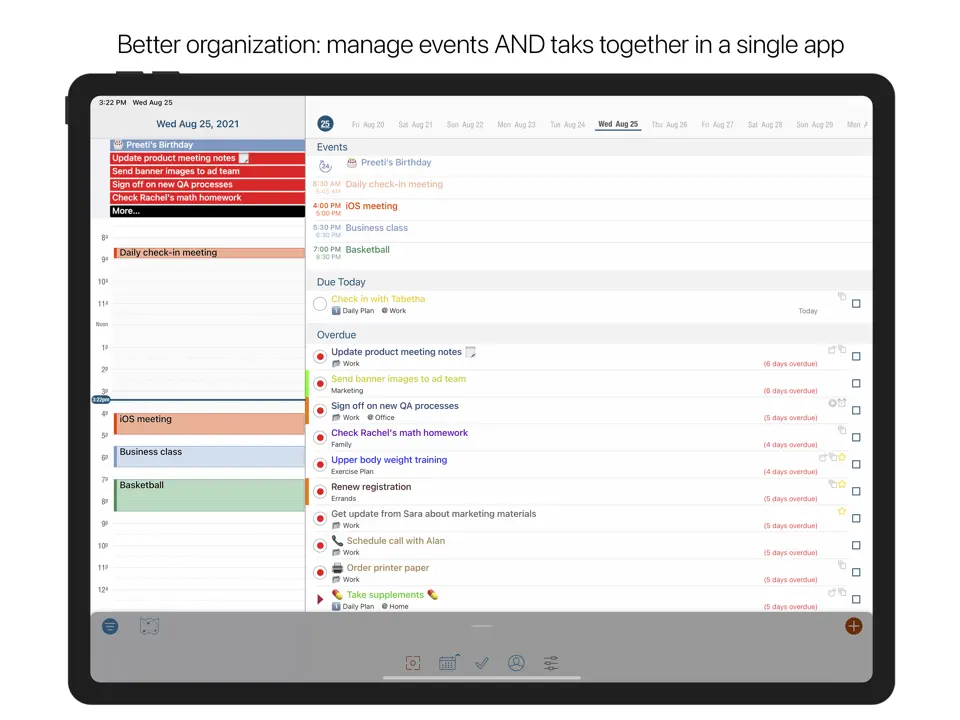
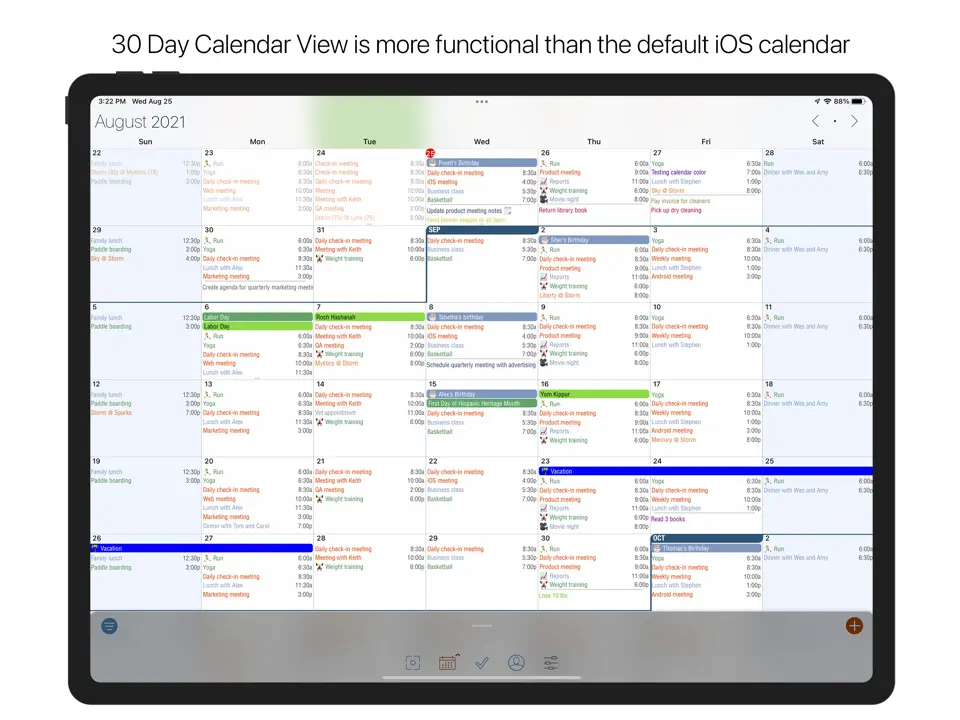
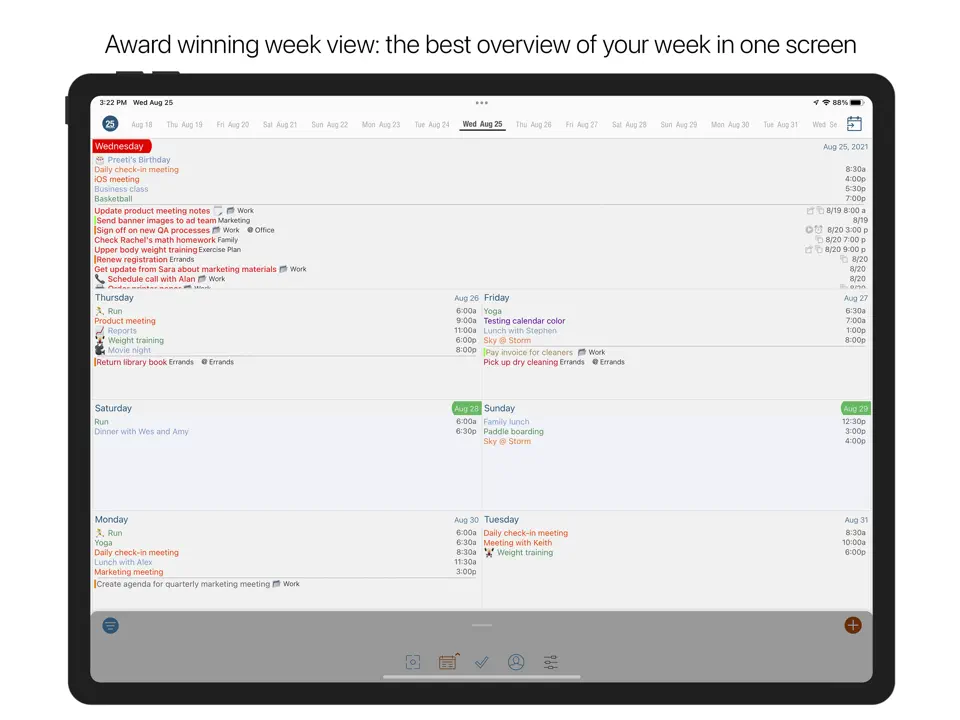
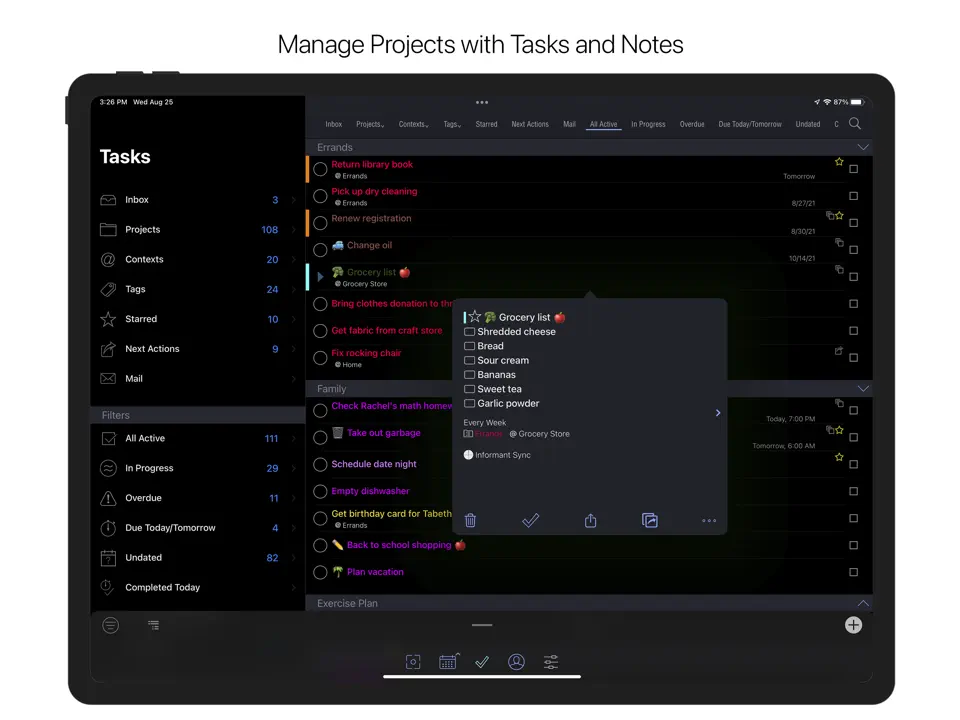
Pocket Informant is a robust all-in-one calendar and task app ideal for busy users who want everything: events, tasks, projects, contacts, notes in a single tool. It offers advanced views (week, 30-day, focus), smart prioritization, GTD workflows, location-based alerts, travel time/weather integration, and unified sync across iOS, Android, Web, and Desktop. The interface supports color-coding, custom fields, and daily/weekly planner modes.
Web version is free for basic access; premium unlocks full sync and advanced features (~$29.99/year or similar subscription/one-time options in some bundles). Offline mode is solid, and it's praised for power users handling complex schedules. However, it lacks built-in habit tracking, Pomodoro, or deep aesthetic customization like stickers/themes. Pocket Informant suits traditional calendar-first planning; for more visual inspiration, ready thematic templates, habits, and unbeatable pricing.
- True all-in-one (calendar + tasks + notes + projects)
- Advanced views & smart scheduling
- Strong multi-platform sync (including Web free)
- Location/travel alerts & GTD support
- Reliable offline mode
- Interface more functional than beautiful
- No habit tracking or gamification
- Premium/subscription for full features
- Less emphasis on visual customization
Product details
| Type of app | Best for | Platforms | Developer | Pricing Model |
|---|---|---|---|---|
| All-in-One Calendar + Tasks | Busy life organization | Multi (iOS/Android/Desktop/Web) | Pocket Informant | Freemium / $29.99/year full |
Asana
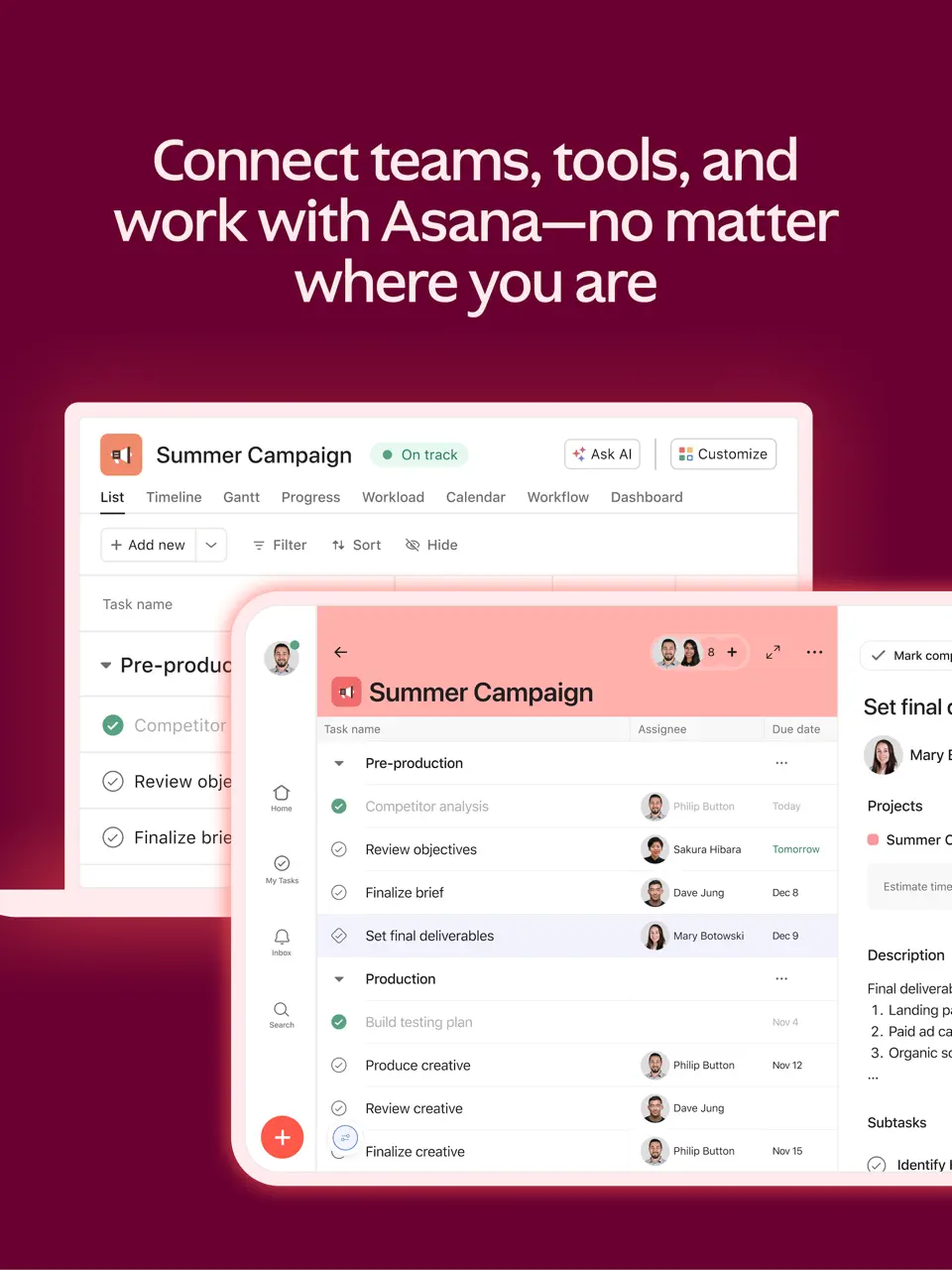
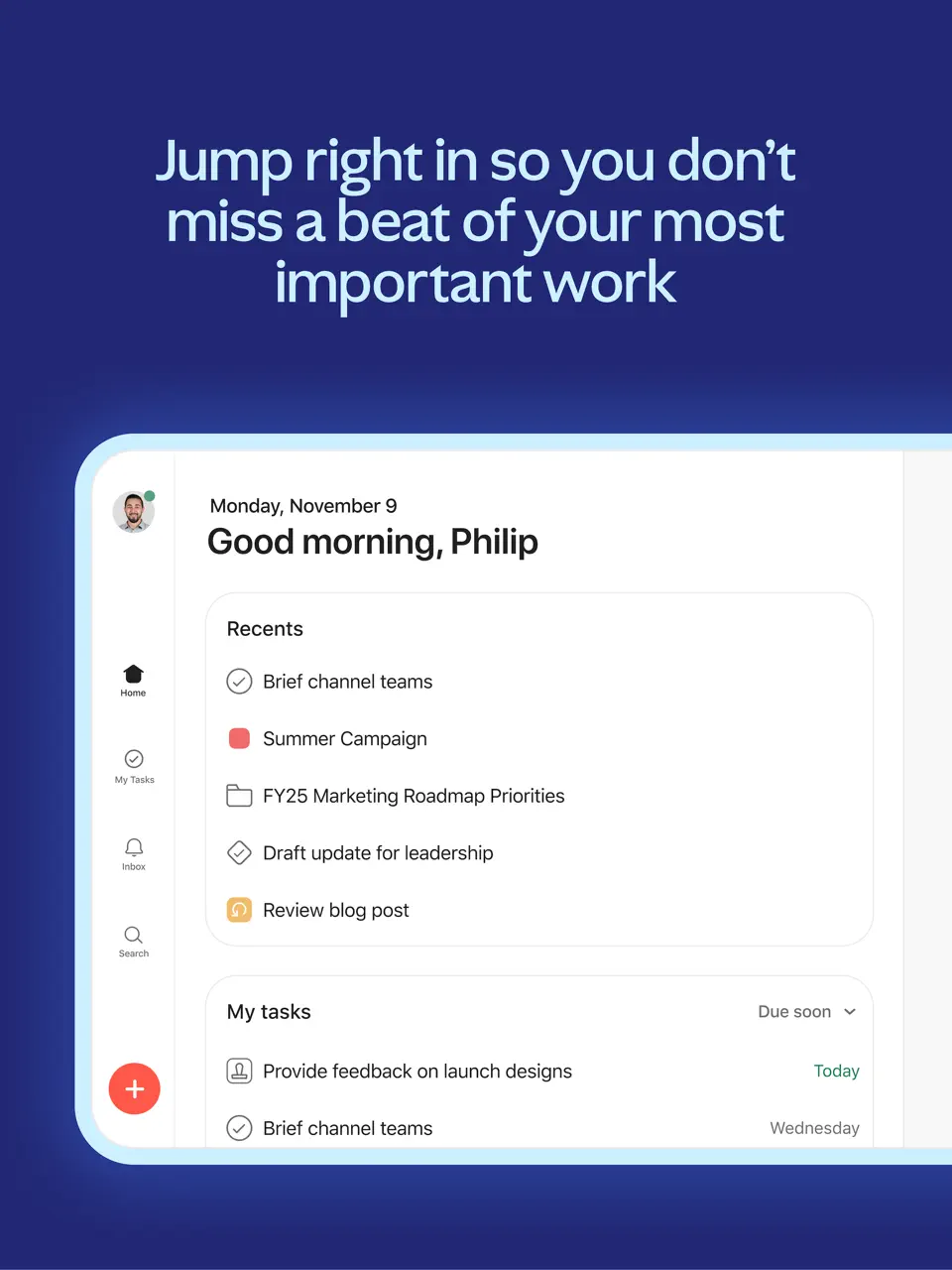
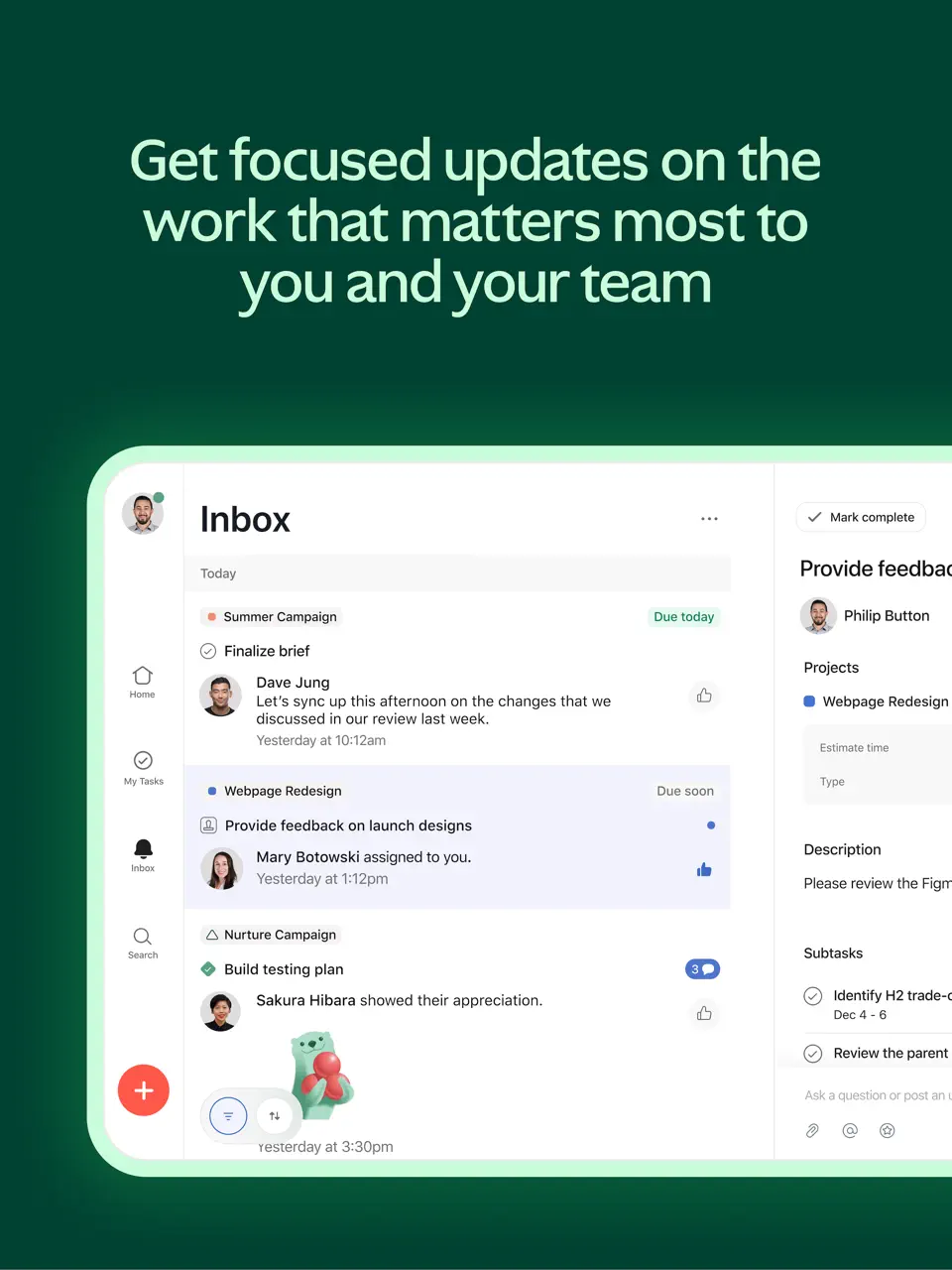
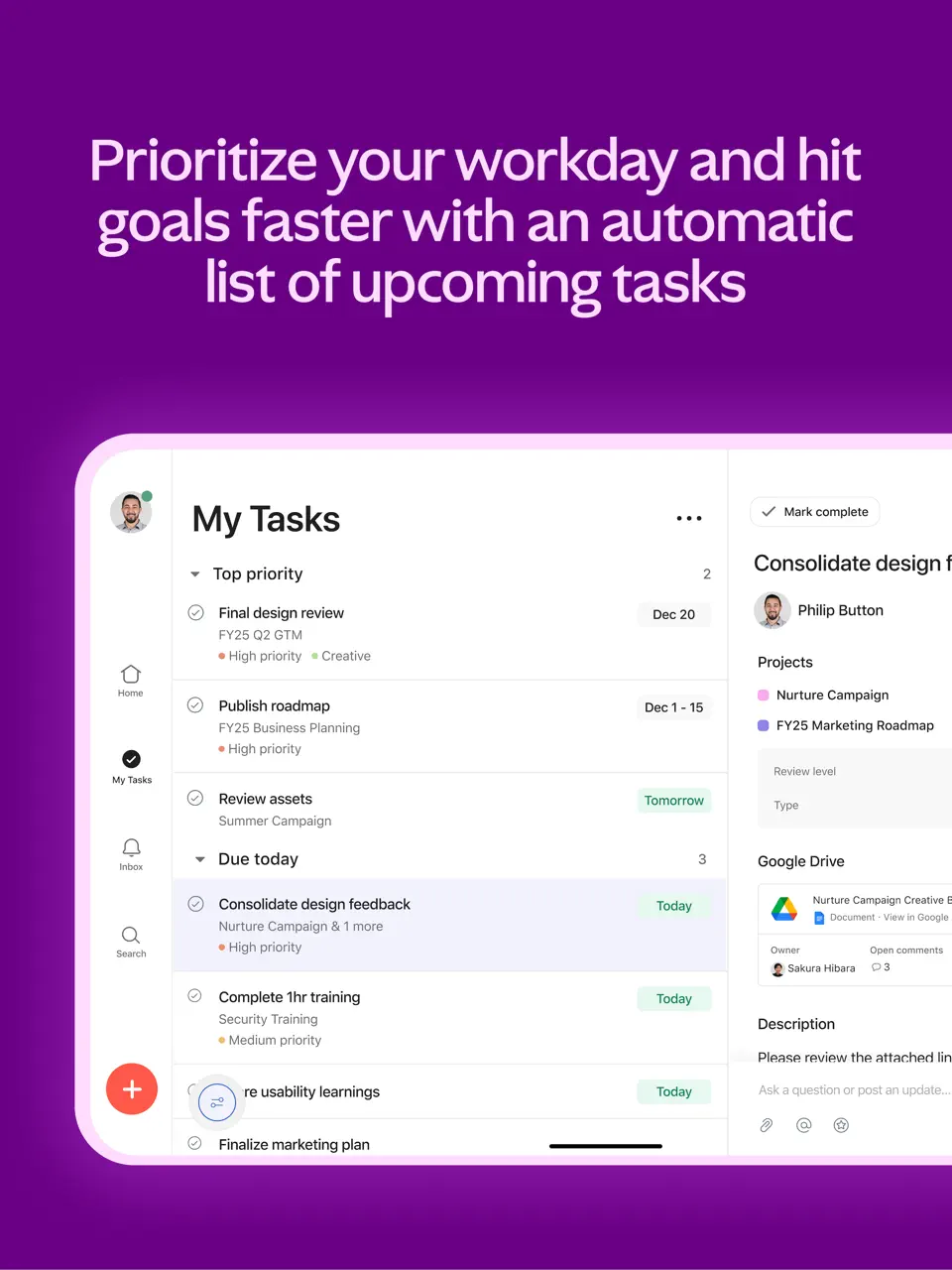
Asana is a leading project and team task manager that works well for personal use, especially if you need structured workflows beyond simple to-dos. The free Personal plan supports unlimited tasks/projects, list/board/calendar views, basic automations, and integrations (over 200 tools). Paid Starter (~$10.99/user/month) adds timelines, workflow builder, custom fields, and reporting; higher tiers bring portfolios, goals, workload views, and advanced AI/automations.
It's excellent for dependencies, collaboration, and scaling from solo to teams. Multi-platform (Web, iOS, Android) with good sync, but offline is limited to viewing. Asana feels professional and scalable but can be overkill for pure personal planning, lacking habit tracking, visual stickers, thematic templates, or aesthetic focus. For individuals wanting clean project tracking, it's solid.
- Free Personal plan with unlimited tasks/projects
- Strong workflows & integrations
- Scalable from personal to team use
- Timeline/Gantt & reporting in paid tiers
- Reliable cross-platform access
- Overly team-focused for solo users
- No habit tracking or Pomodoro
- Limited visual/aesthetic customization
- Advanced features require paid plans
Product details
| Type of app | Best for | Platforms | Developer | Pricing Model |
|---|---|---|---|---|
| Project & Team Task Manager | Team workflows & projects | Multi (Web/iOS/Android) | Asana | Freemium ($10.99/user/month Starter) |
Conclusion
Best Task Planner Apps for Specific Needs
Not every task planner fits every person. Here are the strongest recommendations depending on your exact situation:
Best overall task planner app (most people) Ultimate Planner – unbeatable mix of customization, aesthetics, habits, tasks, multi-platform sync, and price.
Best task organizer with deep customization & beautiful design Ultimate Planner and Notion (Notion wins for database power; Ultimate Planner wins for visual/thematic planners and ease).
Best free task planner app Microsoft To Do: completely free, excellent sync with Outlook, reliable recurring tasks and reminders.
Best task organizer with habit tracking Ultimate Planner, TickTick, Habitica (TickTick for serious productivity + Pomodoro; Habitica for fun gamified habits; Ultimate Planner for the most aesthetic + customizable experience).
Best task planner for Apple users Ultimate Planner and Things 3 (Things 3 for elegant minimalism; Ultimate Planner for richer features, habits, and thematic templates).
Best for guided daily planning & time blocking Sunsama and Akiflow – both excel at structured daily reviews and calendar-first planning.
Best simple & powerful task list app Todoist – lightning-fast, great natural language input, strong collaboration.
Best for personal daily tasks + voice input Any.do – clean interface, strong calendar integration, excellent voice commands.
Best all-in-one calendar + tasks for busy people Pocket Informant – traditional but very capable calendar-first planning.
Best for team & project workflows Asana – robust for small teams, dependencies, timelines, automations.
Best gamified habit + task builder Habitica – turns your to-dos into an RPG adventure.
The rest of the list includes excellent alternatives for different priorities: whether you want maximum simplicity, powerful team features, gamification, or guided daily planning. If none of the task planner apps above perfectly match your needs, don’t worry — there are still great alternatives worth exploring. Trello offers simple, visual Kanban boards ideal for drag-and-drop project tracking and team collaboration, while Evernote excels at turning rich notes into actionable tasks with powerful search and organization features. Both are popular choices for users who prioritize visual workflows or note-heavy planning.