
Top 12 Time Management Apps 2026
Quick jump to:
Introduction
In 2026, effective time management has become one of the most valuable skills in both professional and personal life. With constant notifications, overflowing inboxes, hybrid work schedules, and endless demands on our attention, many people feel they are busy but not productive. A good time management app can help transform chaotic days into structured, intentional ones by providing clarity, focus, and better control over how time is spent.
This guide explores the best time management apps in 2026, covering a wide range of tools from AI-powered schedulers and distraction blockers to visual planners and simple task managers. Whether you’re looking for deep time blocking, automatic scheduling, distraction protection, or detailed productivity analytics, you’ll find honest comparisons and practical insights here. We evaluated each app based on real-world performance, ease of use, and how effectively it helps users reclaim their time and attention.
| Ultimate Planner | Sunsama | Motion | TickTick | Todoist | Akiflow | Notion | RescueTime | Things 3 | Microsoft To-Do | Google Calendar | Freedom | |
|---|---|---|---|---|---|---|---|---|---|---|---|---|
| Overall rating: | ||||||||||||
| Rating | 4.7 | 4.6 | 4.5 | 4.6 | 4.7 | 4.5 | 4.5 | 4.4 | 4.8 | 4.5 | 4.6 | 4.4 |
| Reviews | 1k+ | 2k+ | 3k+ | 15k+ | 30k+ | 1.5k+ | 20k+ | 10k+ | 8k+ | 50k+ | 100k+ | 4k+ |
| Main: | ||||||||||||
| Time Blocking | ||||||||||||
| Task Management | ||||||||||||
| Habit Tracking | ||||||||||||
| Time Tracking | ||||||||||||
| Pomodoro / Focus Timer | ||||||||||||
| AI Scheduling | ||||||||||||
| Analytics & Reports | ||||||||||||
| Distraction Blocking | ||||||||||||
| Platforms: | ||||||||||||
| iOS / iPad | ||||||||||||
| Android | ||||||||||||
| Windows | ||||||||||||
| MacOS | ||||||||||||
| Web | ||||||||||||
| Offline Mode | ||||||||||||
| Interface: | ||||||||||||
| Visual Customization | ||||||||||||
| Themes switch | ||||||||||||
| Notification Support | ||||||||||||
| Minimalist Mode | ||||||||||||
| Special features: | ||||||||||||
| Interactive checklists | ||||||||||||
| Recurring tasks | ||||||||||||
| Reminders / Notifications | ||||||||||||
| Apple Pencil Support | ||||||||||||
| Energy Management | ||||||||||||
| Synchronize & Backup: | ||||||||||||
| Synchronize with Apple Calendar | ||||||||||||
| Synchronize with Google Calendar | ||||||||||||
| Auto backup | ||||||||||||
| Cross-device Sync | ||||||||||||
| Task sharing |
How We Tested These Time Management Apps
To create this guide to the best time management apps, we followed a structured evaluation process focused on practical effectiveness and real user needs.
Our primary goal was to identify tools that genuinely help people manage their time better, not just apps with impressive feature lists. We prioritized solutions that reduce overwhelm, improve focus, provide useful insights, and fit into daily workflows without adding extra complexity.
Key evaluation criteria included:
- Quality of time blocking and scheduling capabilities
- Effectiveness of focus and distraction management tools
- Task management and organization features
- Automatic time tracking and productivity analytics
- Ease of use and learning curve
- Cross-platform availability and offline support
- Integration with calendars, email, and other tools
- Pricing transparency and overall value
- Real user feedback from professionals and productivity communities in 2026
We tested each app over several weeks using realistic scenarios: managing complex workdays, protecting deep focus time, handling unexpected changes, building better routines, and reviewing weekly productivity. Special attention was paid to how intuitive the tools felt during high-pressure periods and whether they actually helped reduce stress or added to it.
We also considered different user types, from freelancers and executives to students and creative professionals, to ensure broad coverage. The final selection includes a balanced mix: AI-first tools (Motion), guided planners (Sunsama), distraction blockers (Freedom), analytics platforms (RescueTime), and versatile all-rounders (TickTick, Notion, Ultimate Planner).
This methodical approach ensures our recommendations are practical, up-to-date, and genuinely helpful for anyone looking to improve their time management.
Best Time Management Apps by Category & Use Case
Not every time management app fits every lifestyle or workflow. The best choice depends on your main challenges, whether you struggle with distractions, overcommitment, lack of visibility into your time, or difficulty maintaining focus. Here are targeted recommendations from our list of the best time management apps in 2026.
Best for Deep Focus & Distraction Blocking Freedom is the strongest option here. It allows you to block distracting websites and apps across all your devices, helping protect deep work sessions. Combined with Sunsama’s guided time-blocking, it creates a powerful system for maintaining focus in a world full of notifications.
Best for AI-Powered Automatic Scheduling Motion leads this category. Its AI automatically schedules tasks and meetings based on priorities and available time, then reschedules when your day changes. It’s ideal for busy professionals who want to reduce manual planning and decision fatigue.
Best for Realistic Daily Time Blocking Sunsama remains the top choice. It helps users create balanced daily plans, protect focus time, and review their day with a calm, intentional approach. Many users report it significantly improves their ability to estimate time and avoid overcommitment.
Best for Visual & Customizable Time Management Ultimate Planner and Notion excel here. Ultimate Planner offers beautiful templates, stickers, and deep customization, making time management more engaging. Notion allows users to build completely personalized dashboards and systems tailored to their unique workflow.
Best for Detailed Time Tracking & Analytics RescueTime is unmatched in this area. It automatically tracks how you spend your time and provides insightful reports, helping you identify hidden time leaks and improve your habits through data.
Best for Simple & Lightweight Daily Management Microsoft To Do and TickTick are excellent choices. Microsoft To Do offers a clean “My Day” experience with minimal friction, while TickTick adds habit tracking and Pomodoro timers for those who need a bit more structure.
Best for Apple Users Seeking Elegance Things 3 delivers a beautiful, minimalist time management experience optimized for Apple devices. Its clean design and smooth workflow make daily planning feel satisfying rather than stressful.
These recommendations show the diversity of modern time management tools.
Ultimate Planner
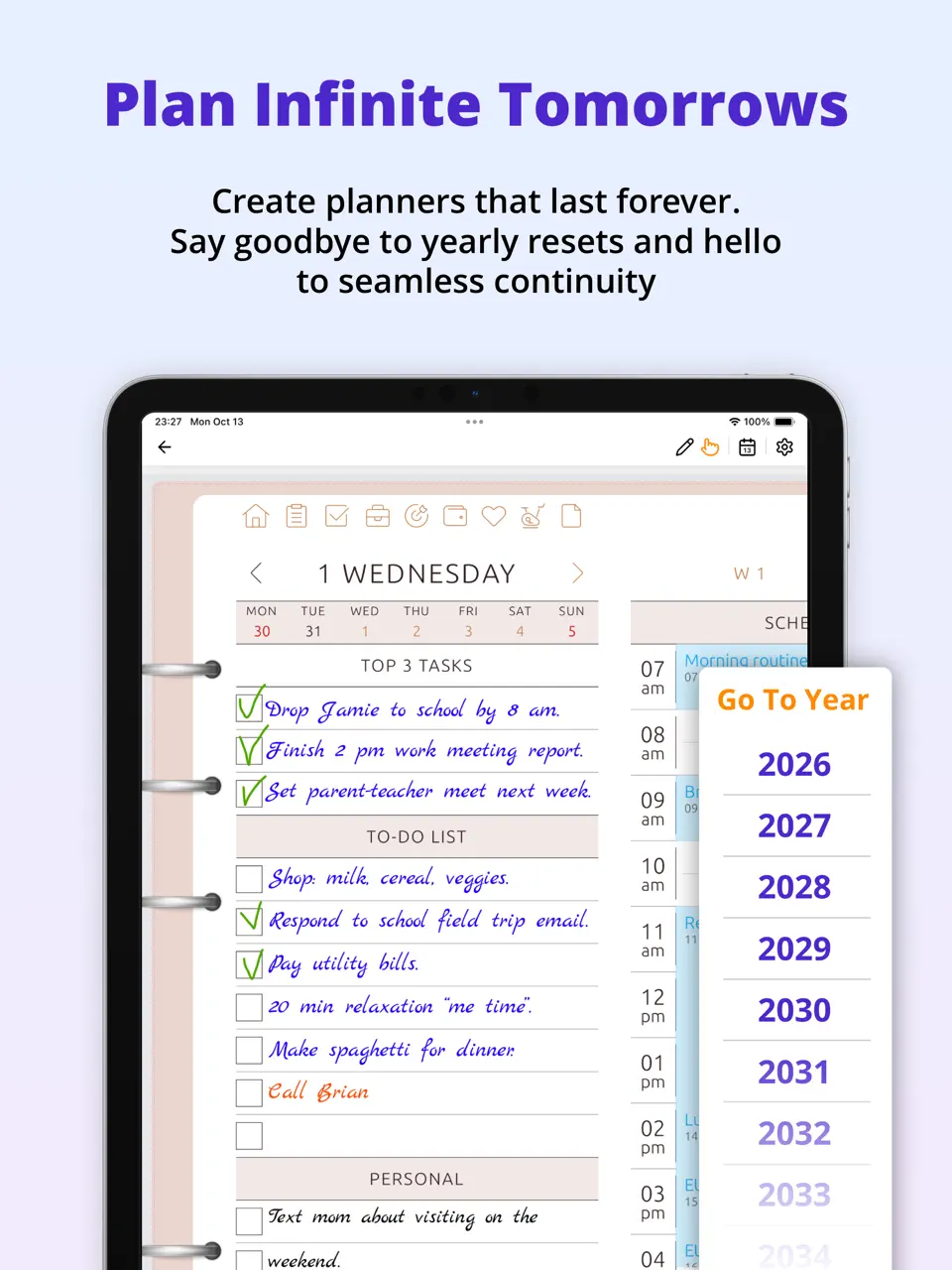
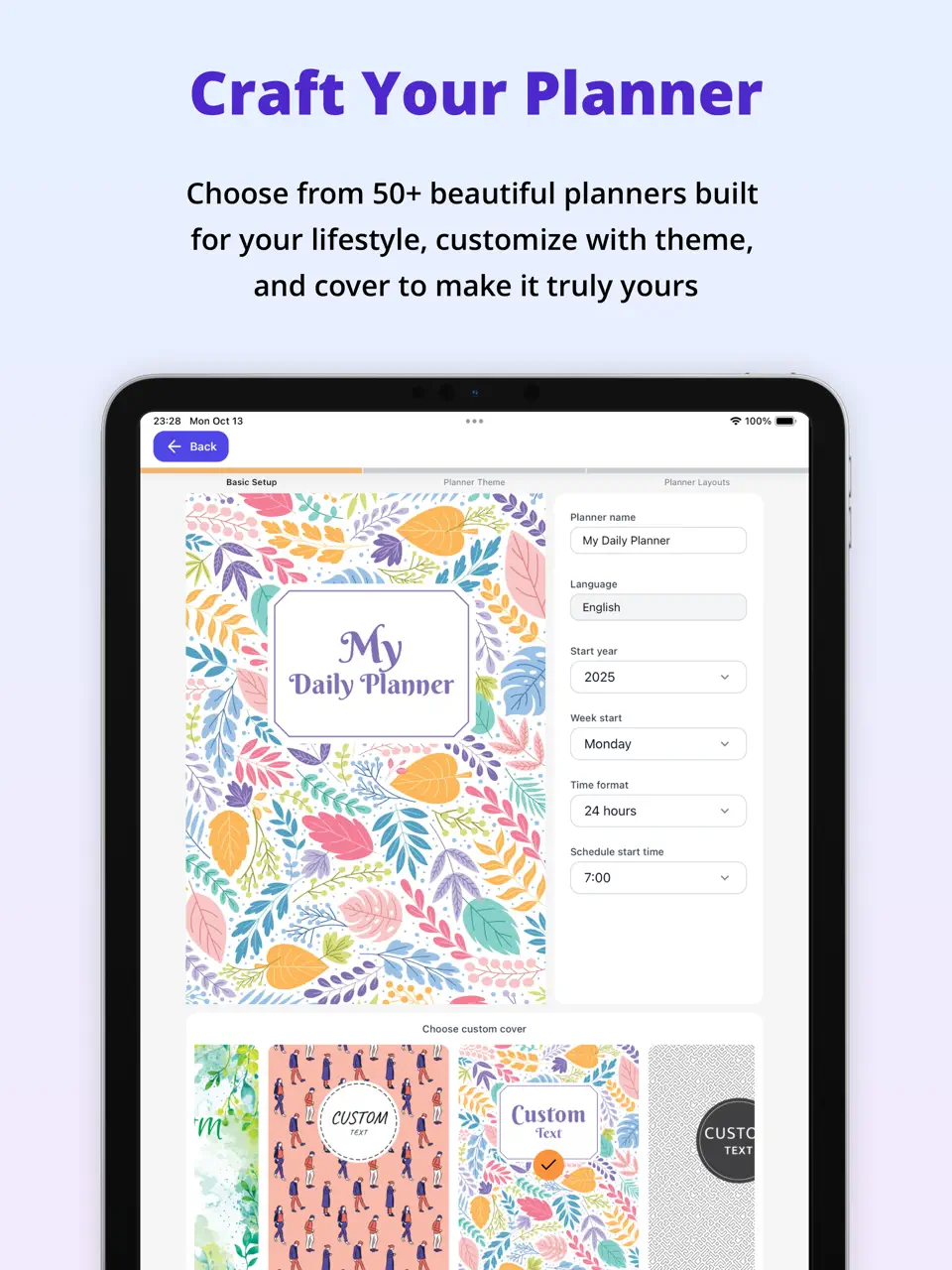
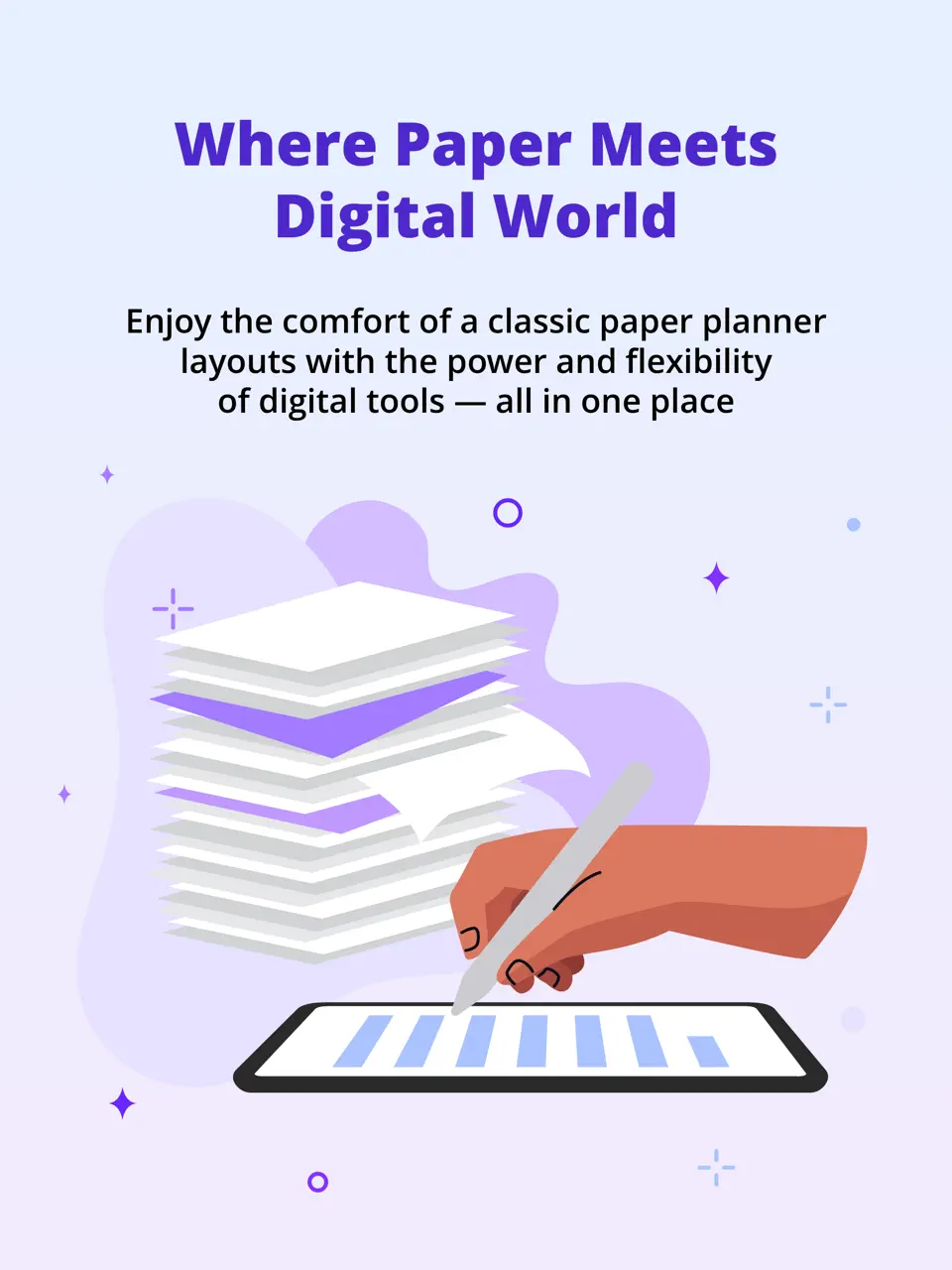
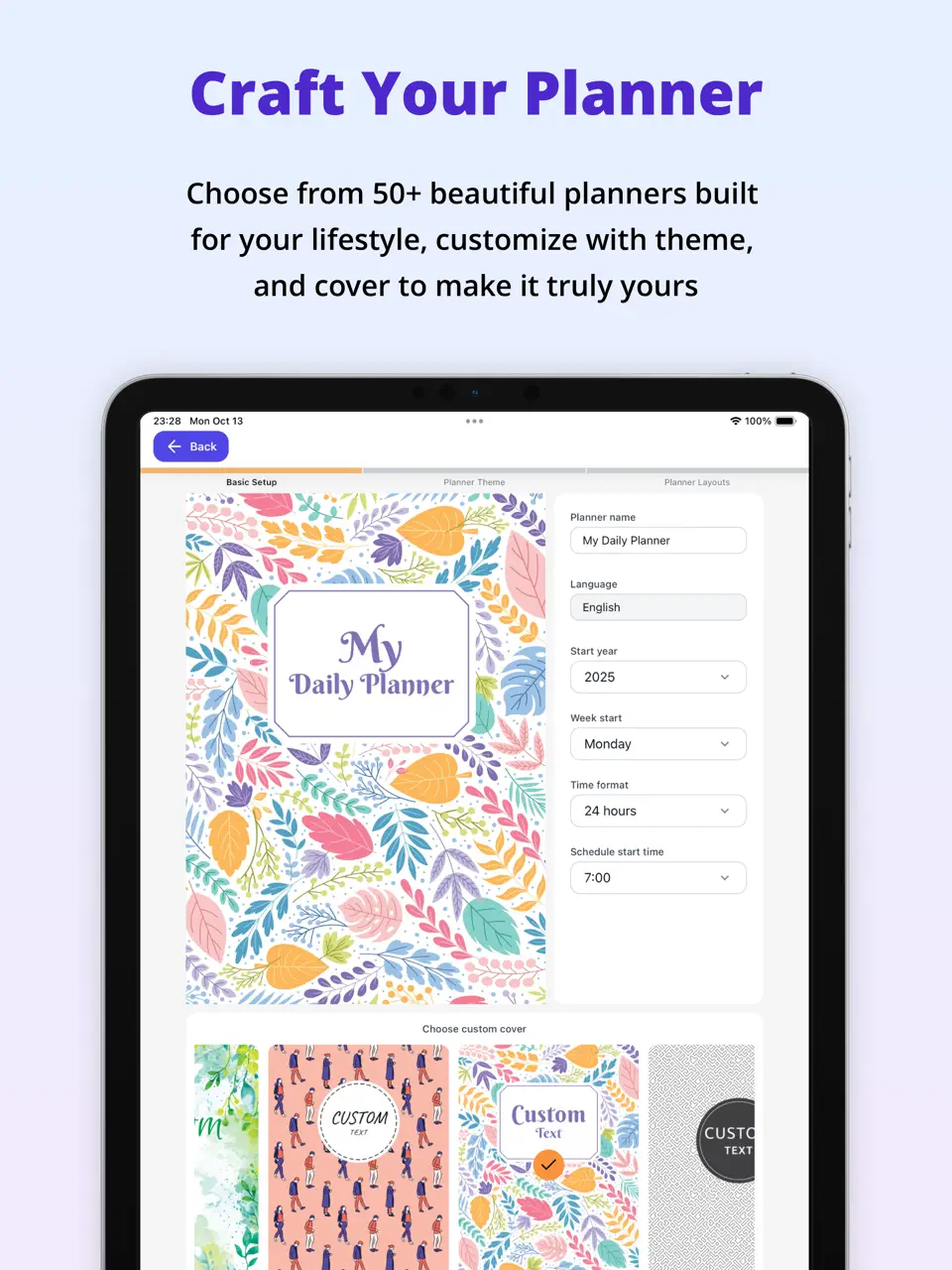
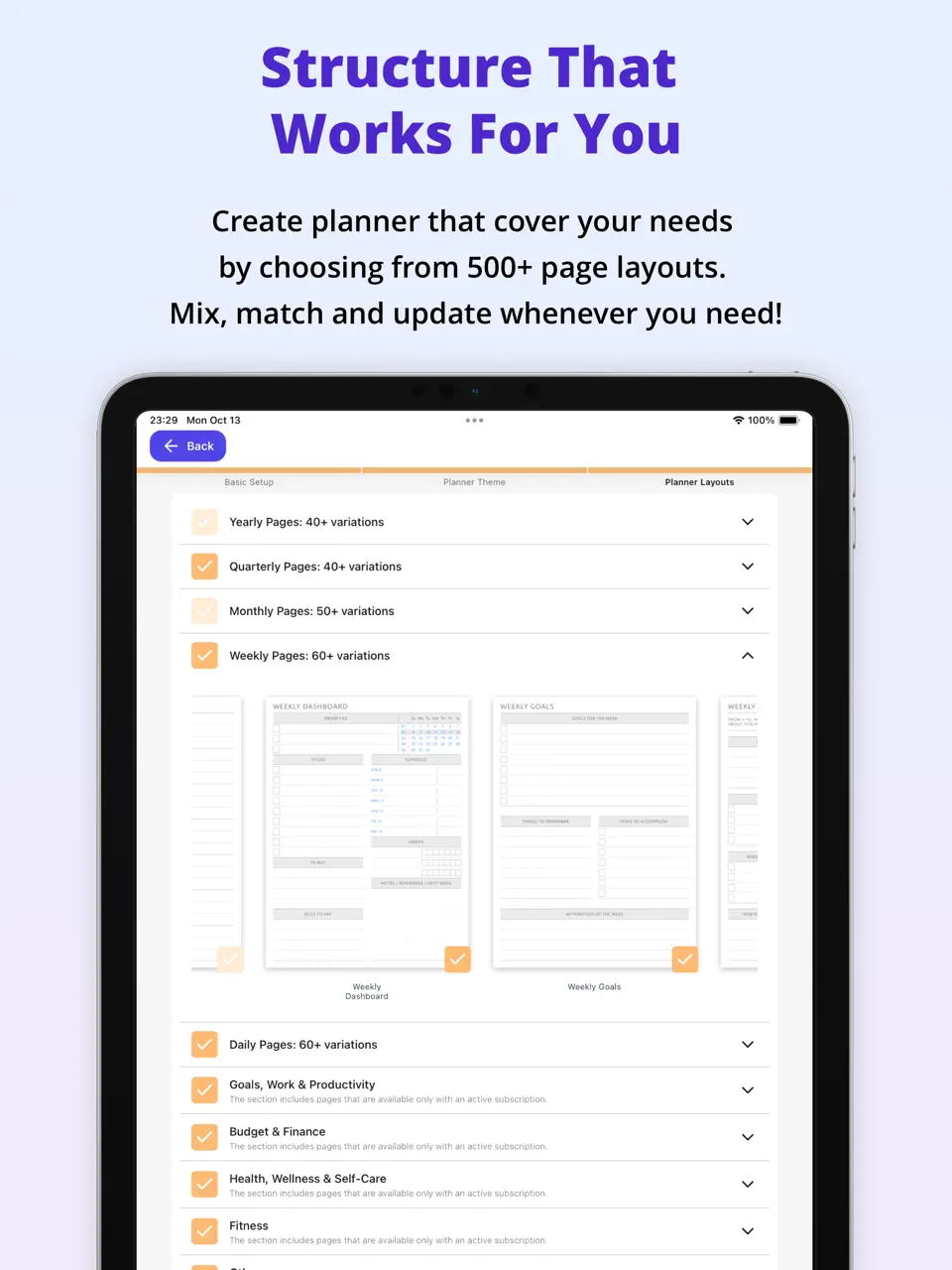



Ultimate Planner stands out as a highly visual and customizable time management app that combines deep design flexibility with practical productivity tools. Users can create beautiful thematic daily templates, add stickers, draw with Apple Pencil, and fully customize layouts, making time management feel both inspiring and structured. The app integrates task management, habit tracking, and calendar views, allowing users to build a personalized system that evolves with their workflow.
What makes Ultimate Planner particularly effective for time management is its balance between aesthetics and functionality. Unlike rigid productivity tools, it encourages users to design their ideal planning environment, which helps maintain long-term consistency. With strong multi-platform support and offline capabilities, it serves as a reliable central hub for daily planning, weekly reviews, and long-term goal tracking.
Pricing: Freemium – basic features free, premium $39.99 for 2 years
Best for: Users who want a visually rich and highly customizable time management system.
- Exceptional visual customization and templates
- Strong Apple Pencil and handwriting support
- Integrated tasks, habits, and calendar
- Excellent offline mode and sync
- Long-term premium value
- No advanced AI scheduling
- Limited collaboration features
- Requires time to set up optimally
Product details
| Type of app | Best for | Platforms | Developer | Pricing Model |
|---|---|---|---|---|
| Customizable Time Management Planner | Visual planning with tasks, habits and deep customization | Multi (Web/iOS/Android/Mac/Win) | Evopaper LLC | Freemium ($39.99 per 2 years premium) |

Sunsama
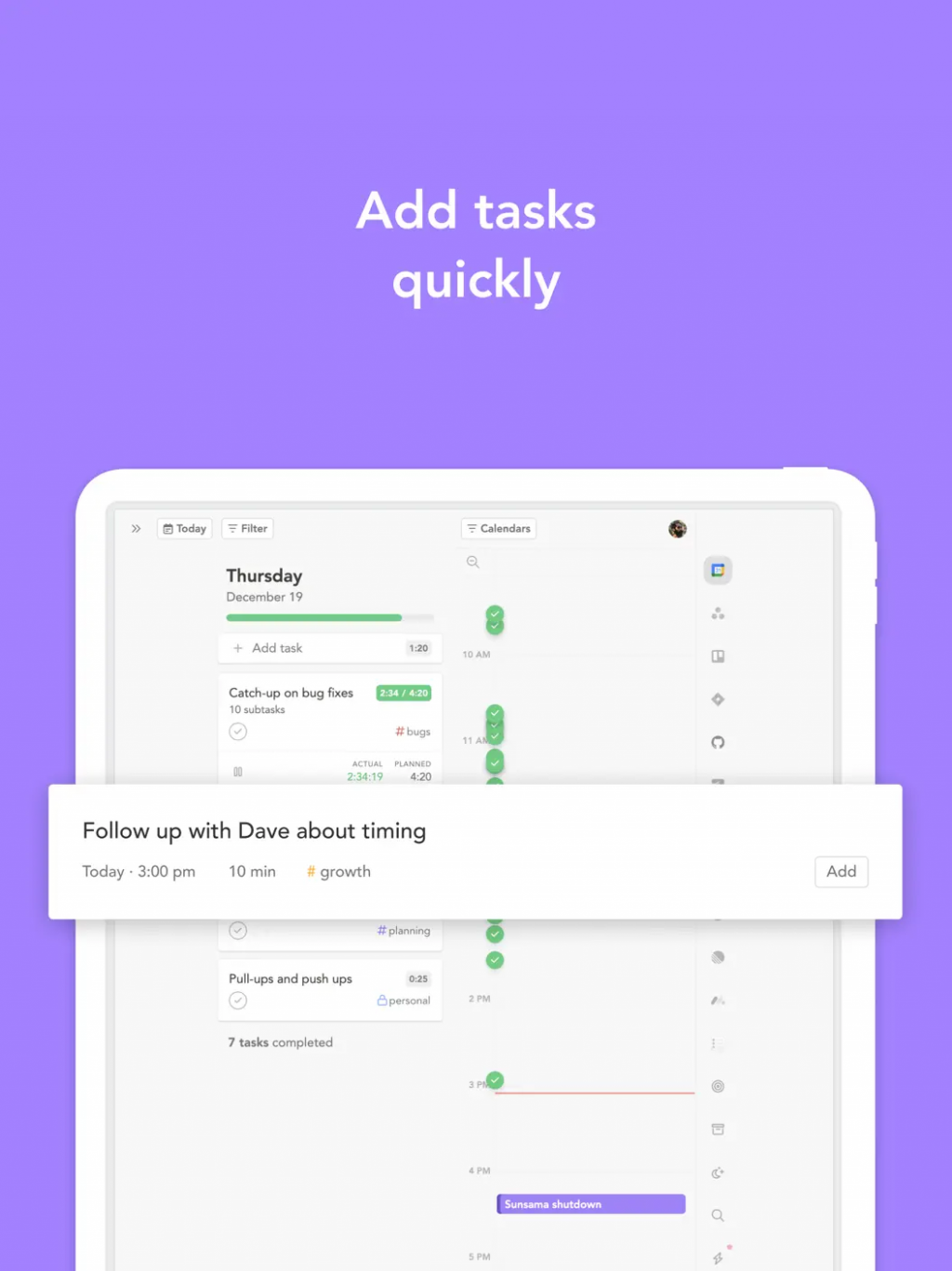
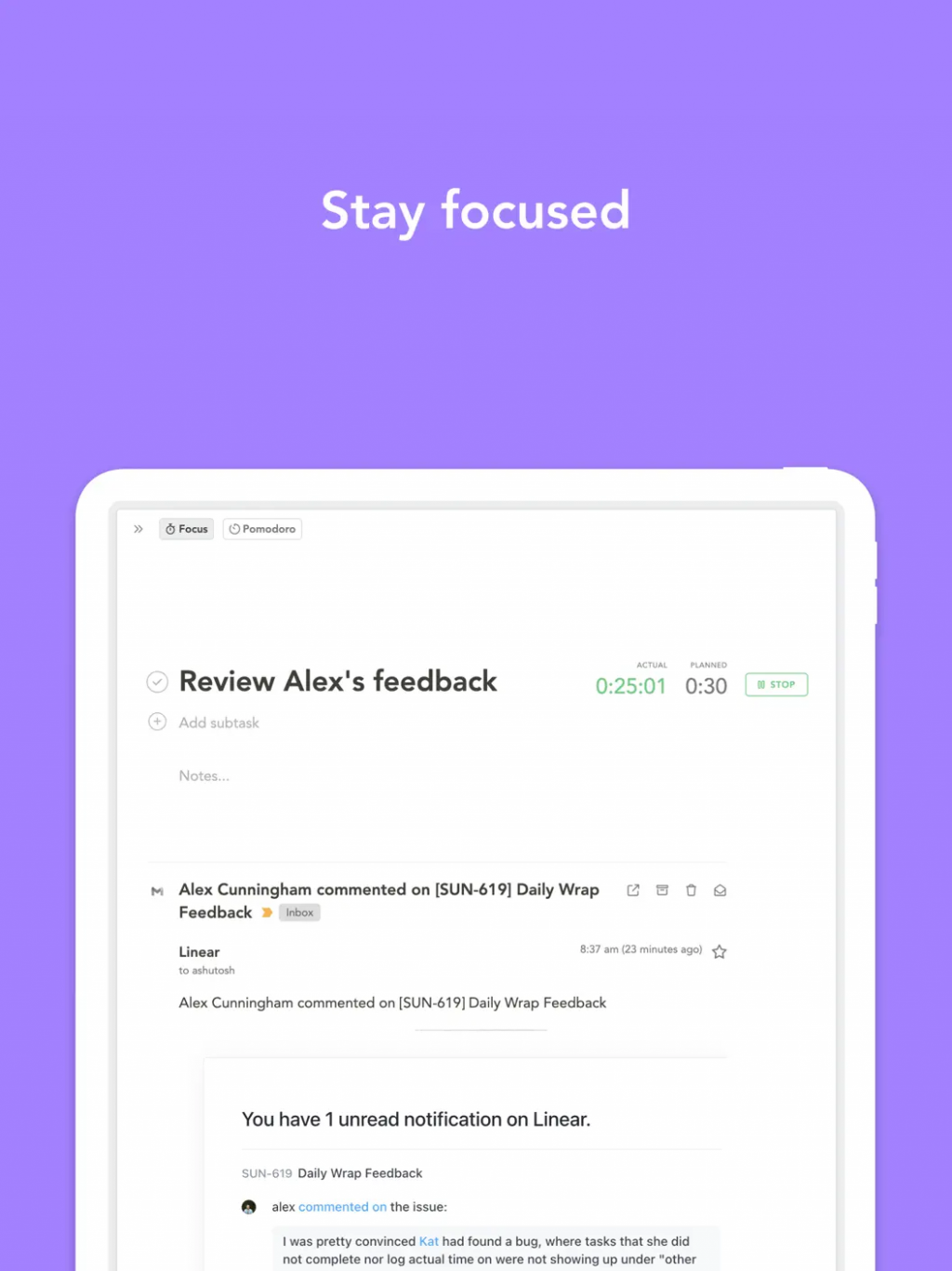
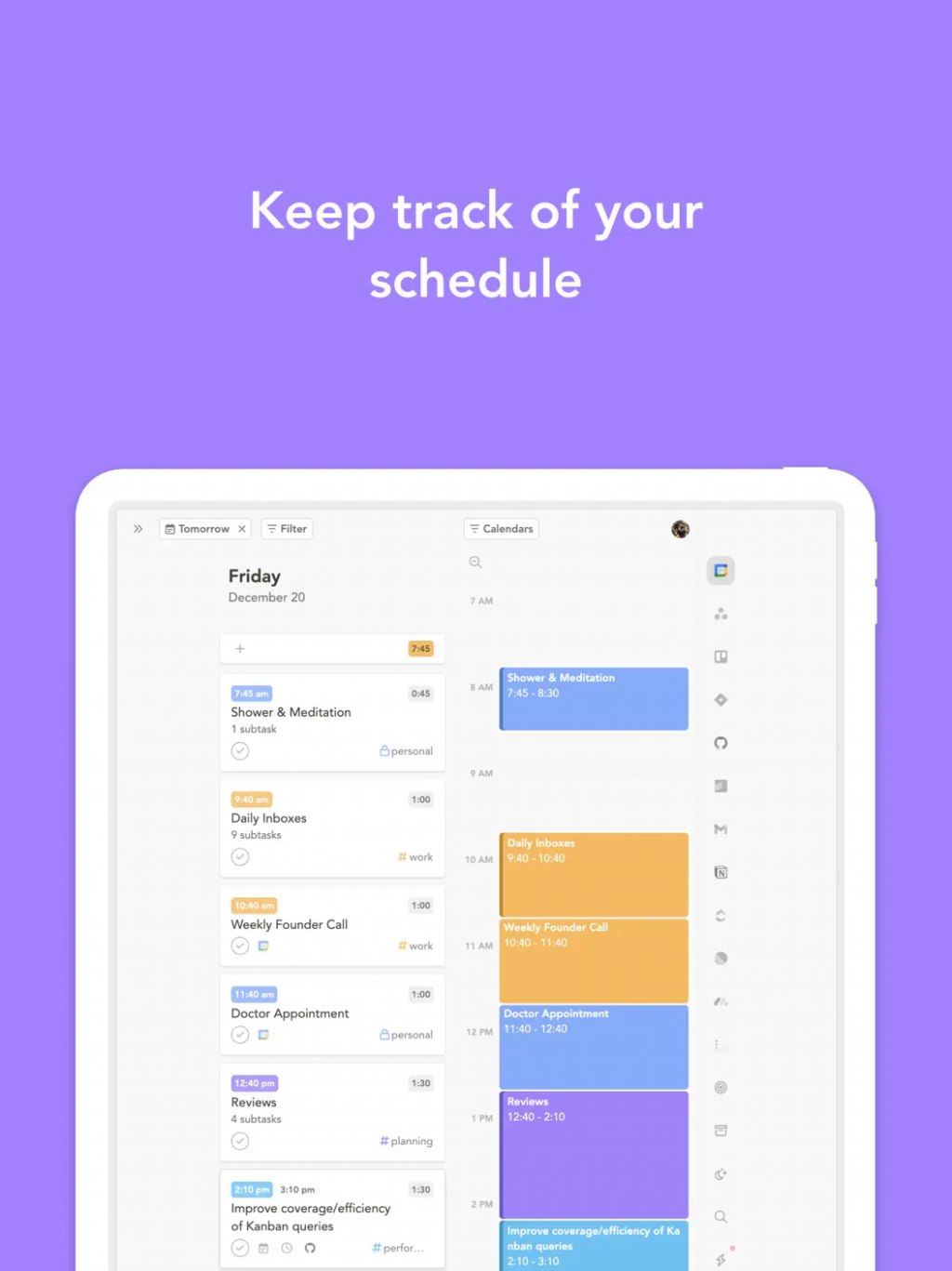
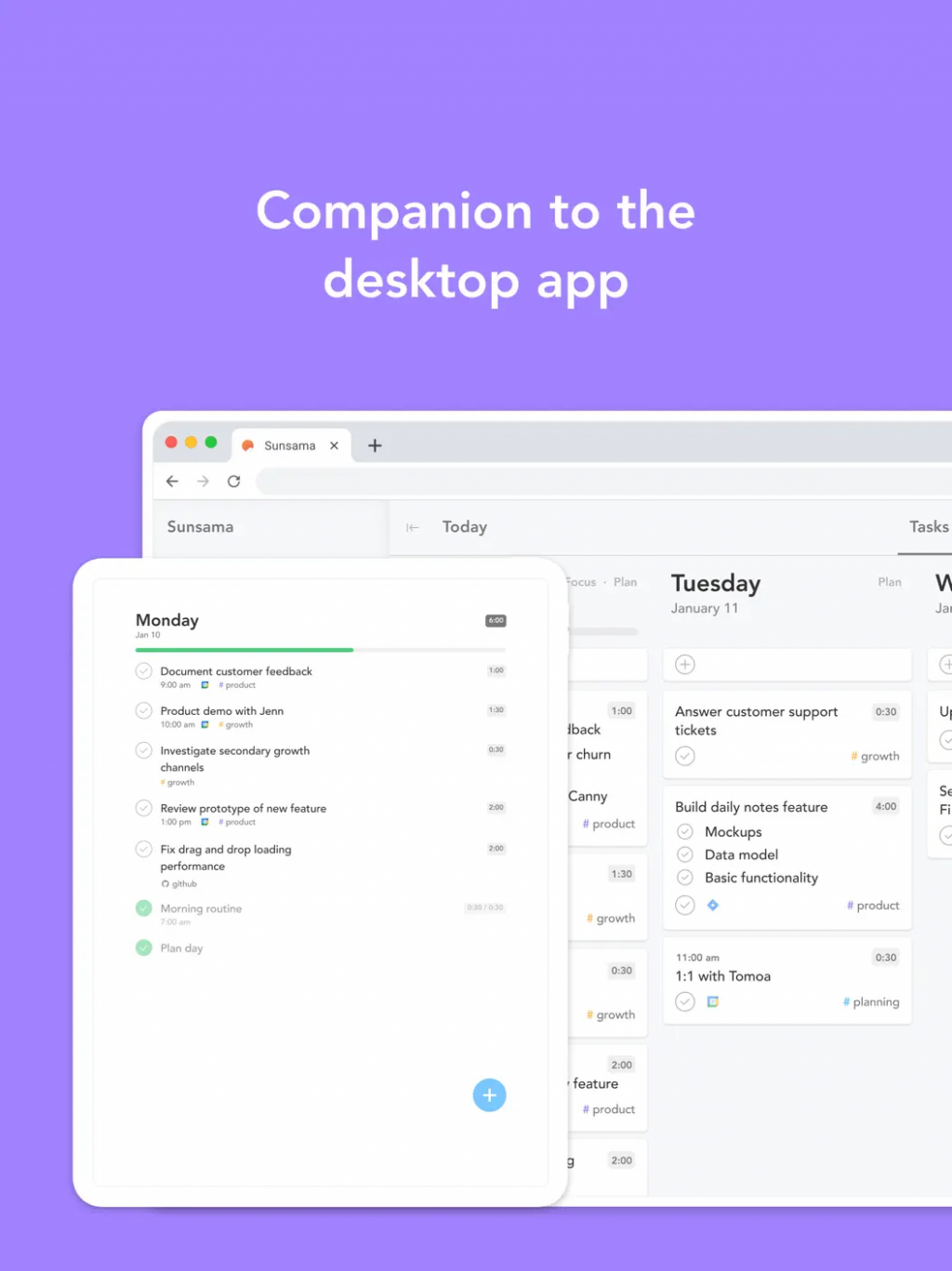
Sunsama is widely considered one of the best time management apps for professionals who want realistic daily planning. It pulls tasks from email, calendars, and other tools, then guides users through creating a balanced daily schedule with built-in time blocking. The app emphasizes protecting focus time and preventing overcommitment, which helps users maintain sustainable productivity levels.
Its daily review ritual and calm interface make it especially valuable for those struggling with reactive work styles. Sunsama continues to lead in guided time management by combining automation with human-centered design, helping users move from busyness to intentional time allocation.
Pricing: $16–20 per month
Best for: Professionals seeking realistic time blocking and daily focus protection.
- ExcellentExcellent guided time-blocking system
- Smart task scheduling and daily reviews
- Calm, distraction-free interface
- Strong integrations with email and calendars
- Expensive monthly subscription
- Limited visual customization
- Weaker handwriting and creative planning features
Product details
| Type of app | Best for | Platforms | Developer | Pricing Model |
|---|---|---|---|---|
| Guided Time Blocking Planner | Realistic daily scheduling and focus protection | Web, iOS, Android | Sunsama | Subscription ($16–20/month) |
Motion
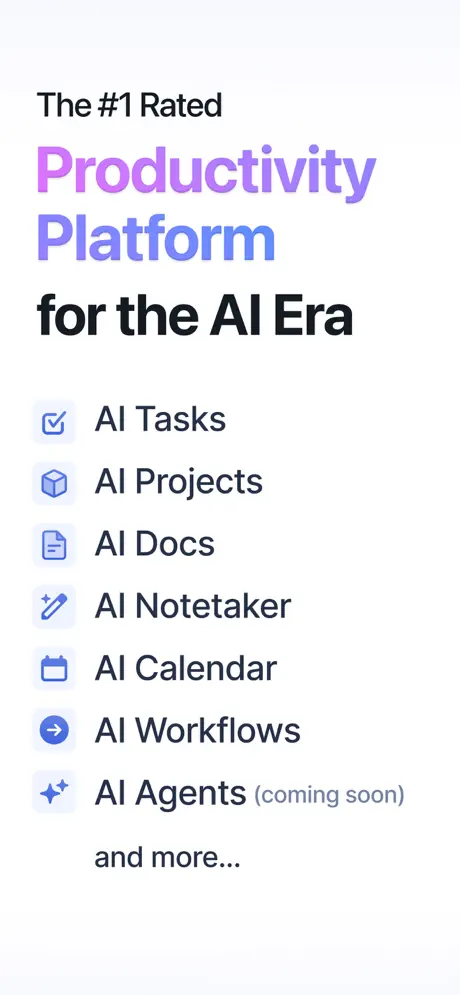
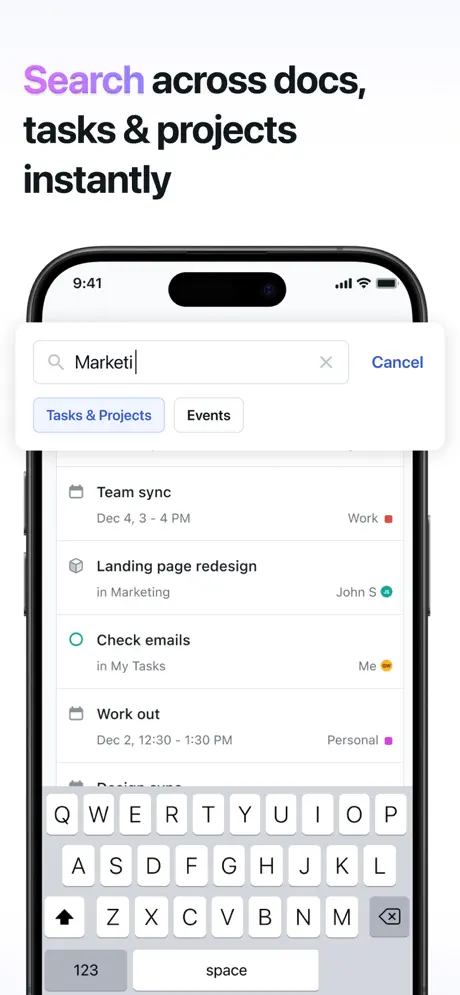
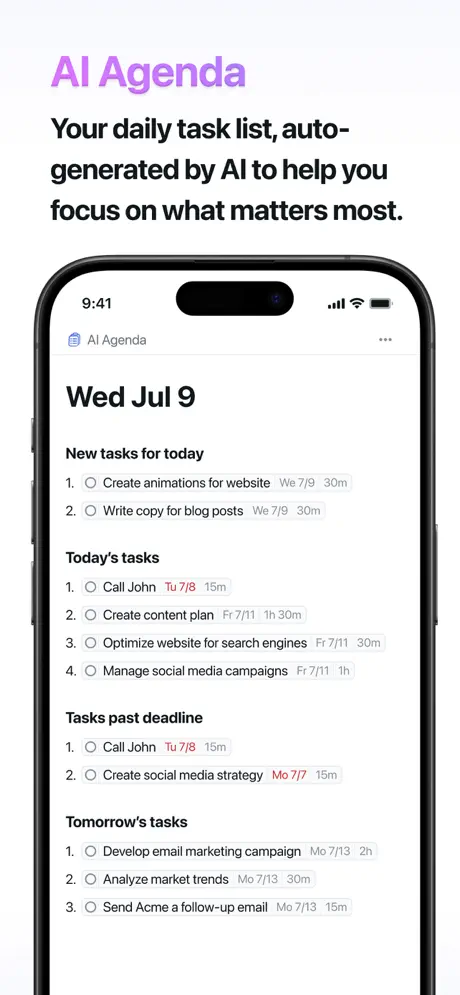
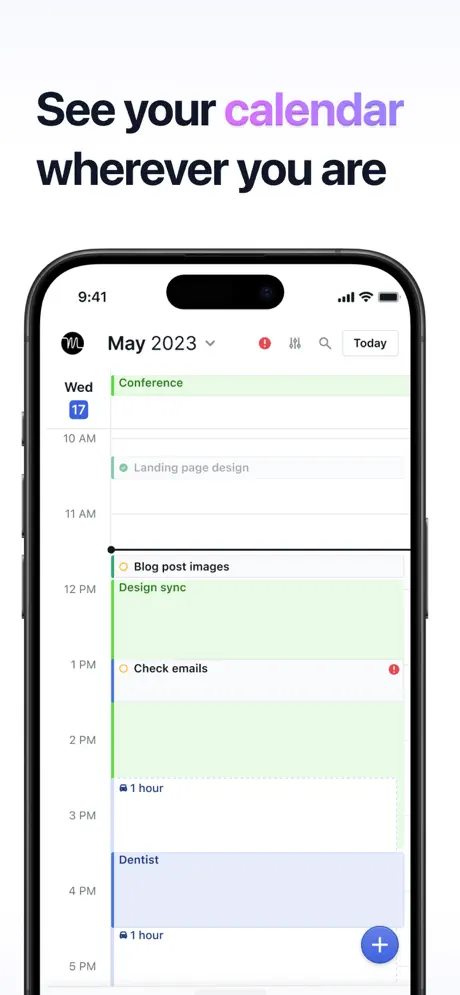
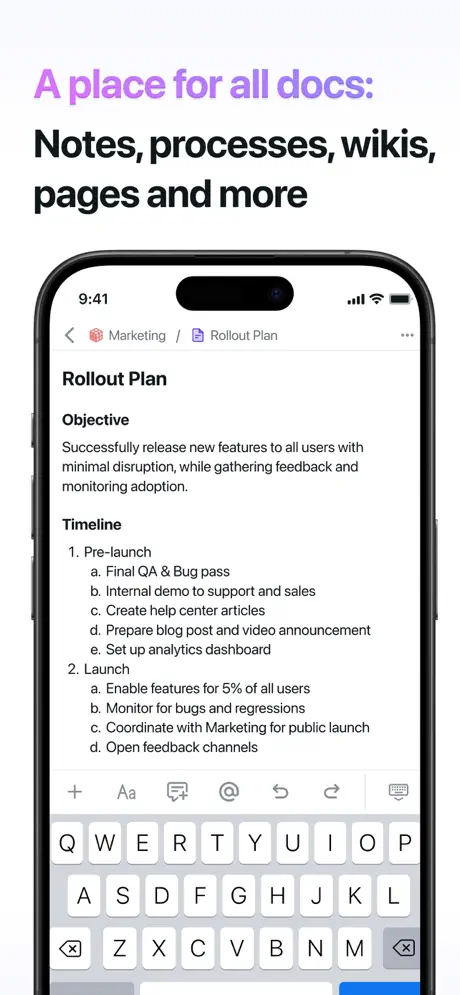
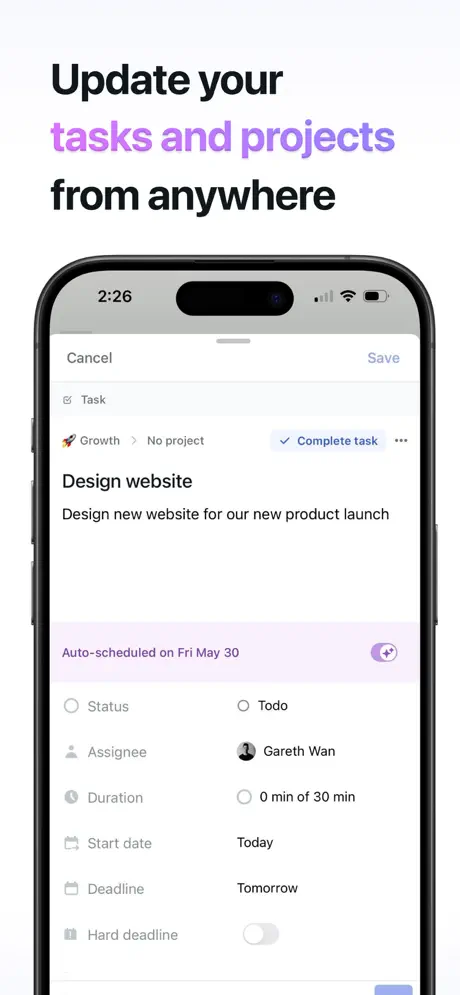
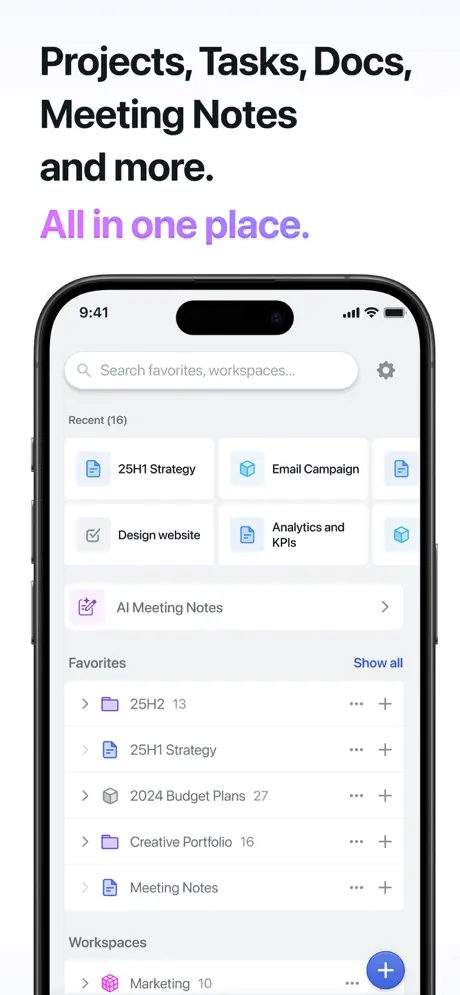
Motion is an AI-first time management app that automatically schedules tasks and meetings based on priorities, deadlines, and available time. It learns from user behavior and can reschedule tasks when conflicts arise, significantly reducing the mental effort required for daily planning. This makes it especially powerful for busy professionals dealing with dynamic schedules.
The app’s strength lies in its ability to protect deep work time and create realistic daily plans. Many users report that Motion helps them regain control over their calendar and stop the constant context switching common in modern work environments.
Pricing: $19–34 per month
Best for: Users who want AI to handle scheduling and optimize their time.
- Powerful AI automatic scheduling
- Excellent time blocking and rescheduling
- Reduces decision fatigue significantly
- Good calendar and email integrations
- Higher price point
- Less visual and creative customization
- Can feel less personal than manual planning
Product details
| Type of app | Best for | Platforms | Developer | Pricing Model |
|---|---|---|---|---|
| AI Time Management Planner | Automatic scheduling and reducing decision fatigue | Web, iOS, Android | Motion | Subscription ($19–34/month) |

TickTick
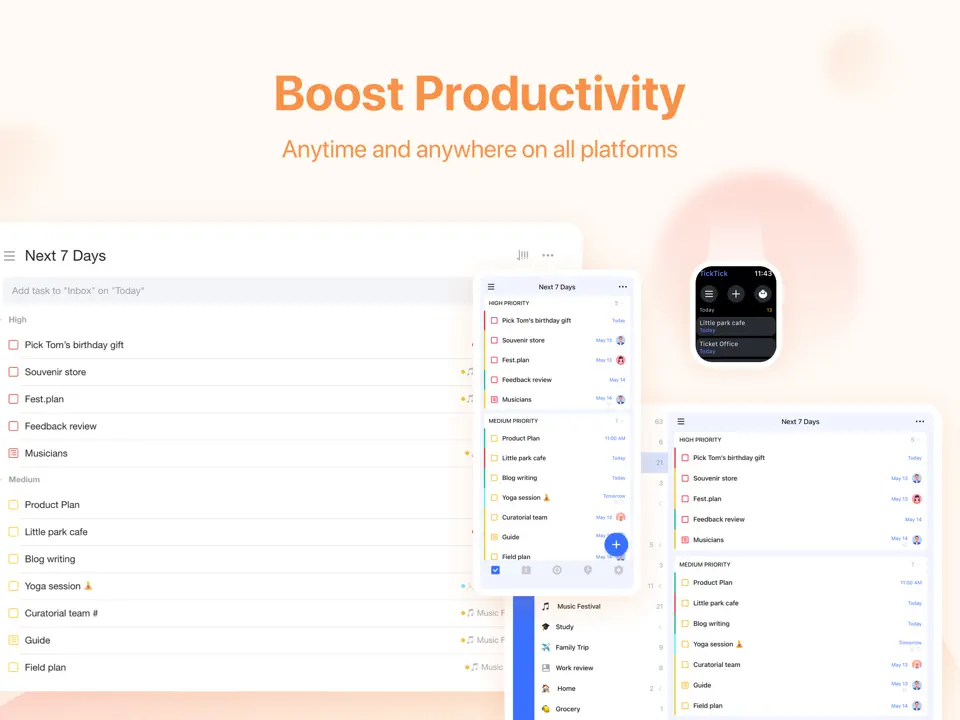
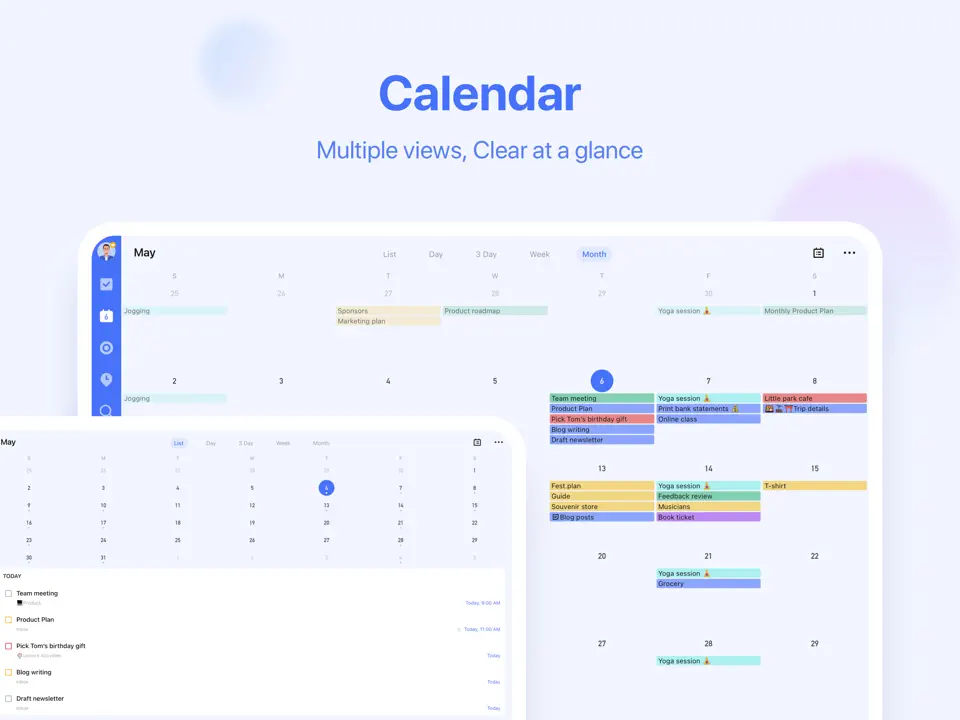
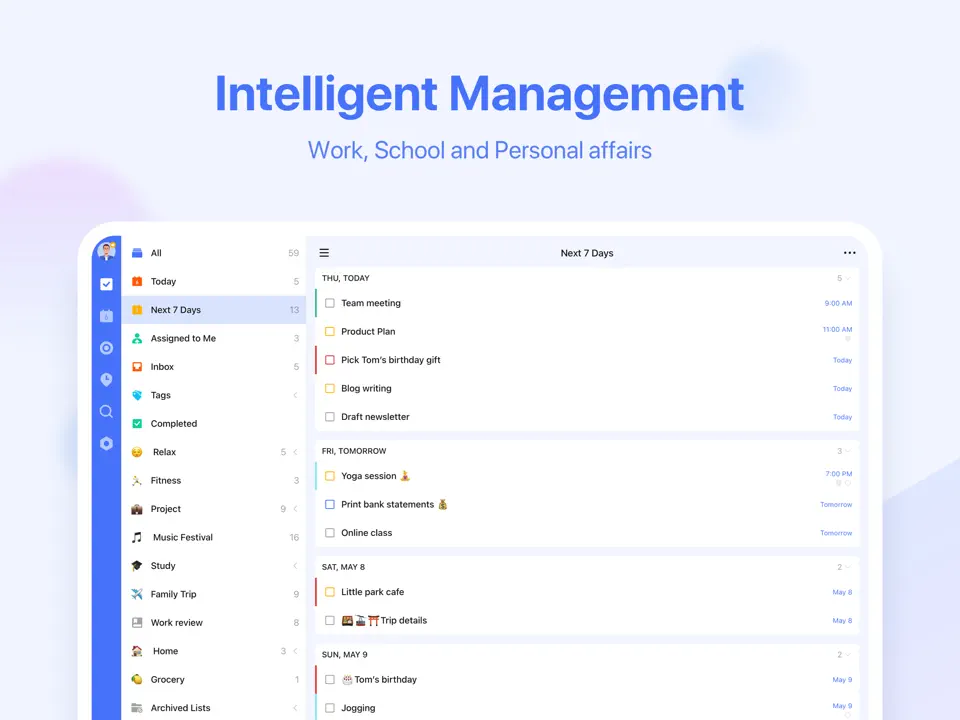
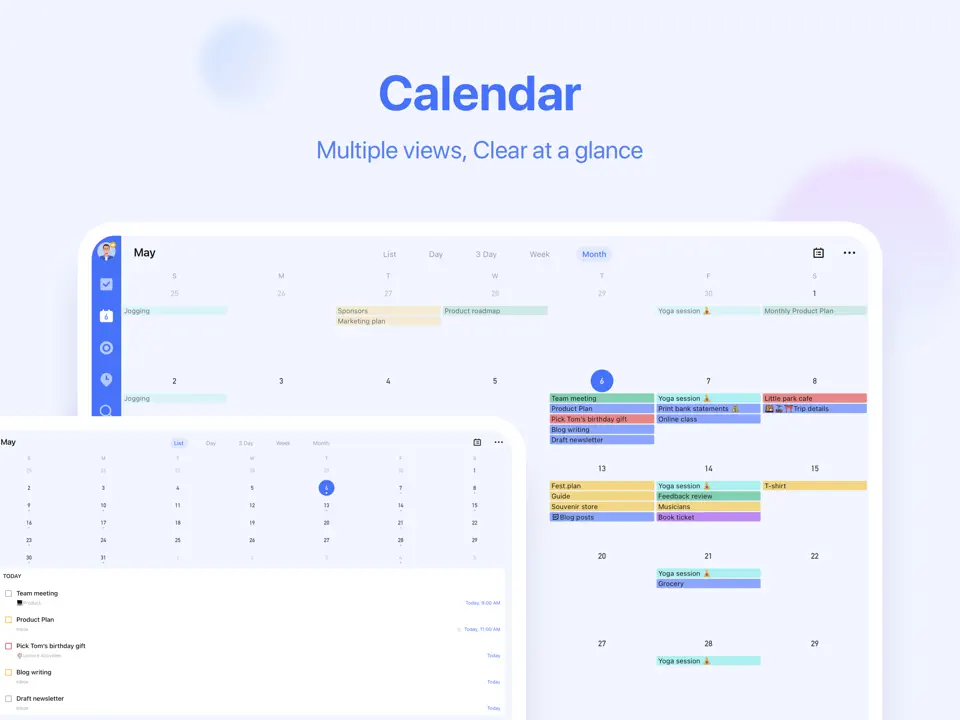
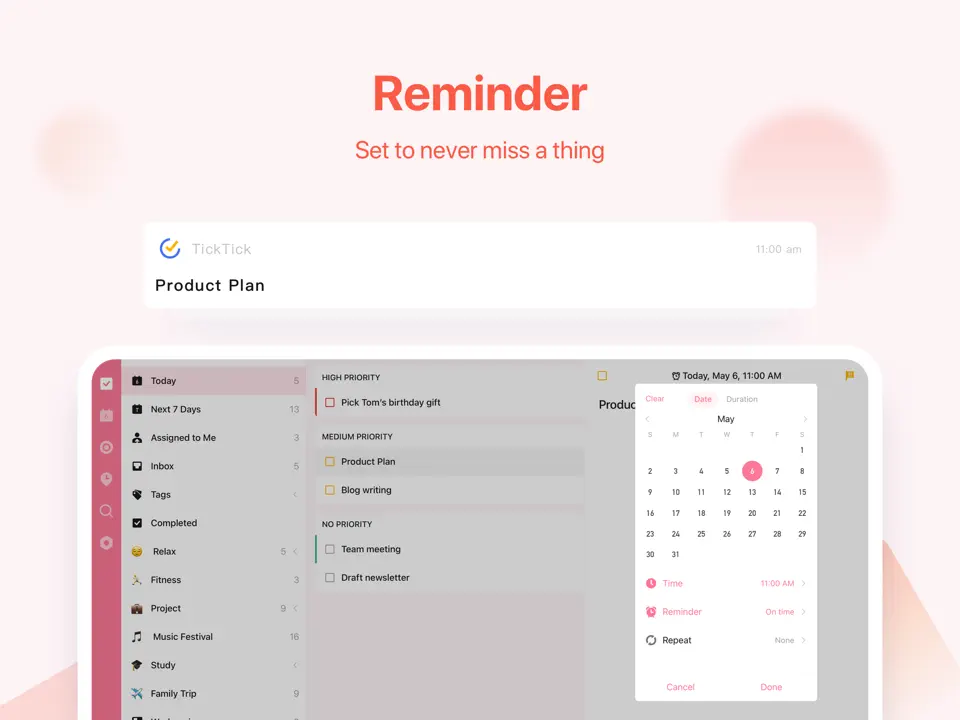
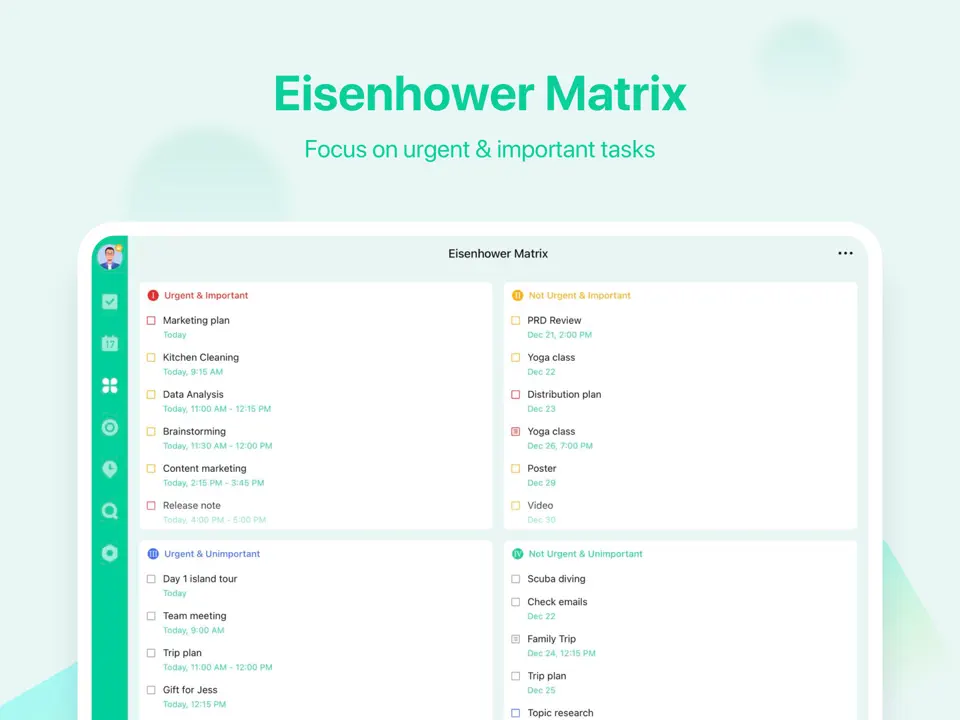
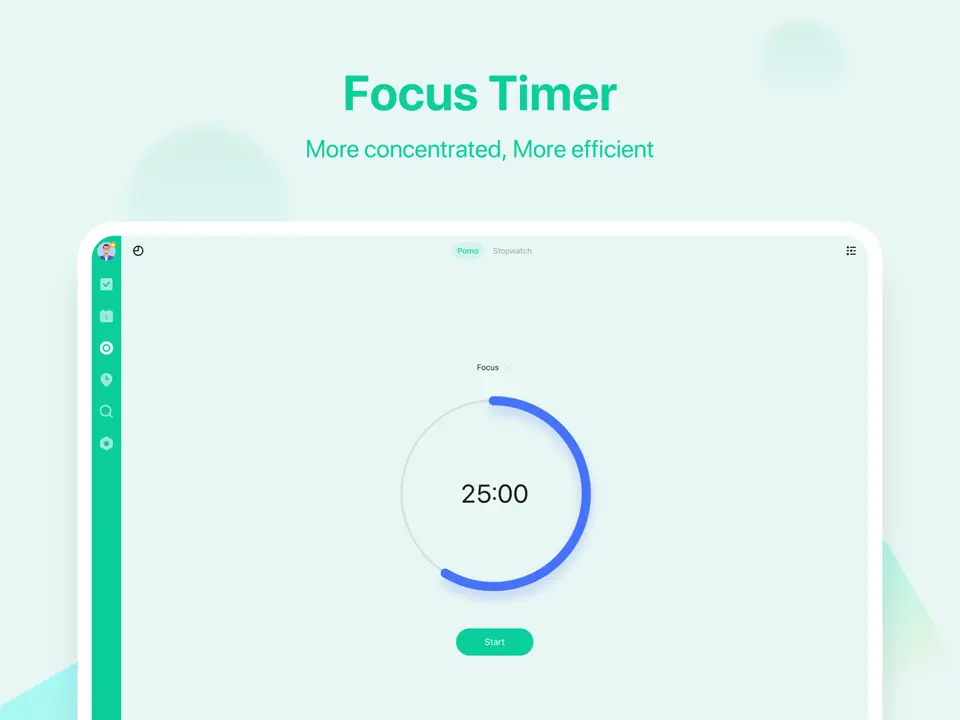
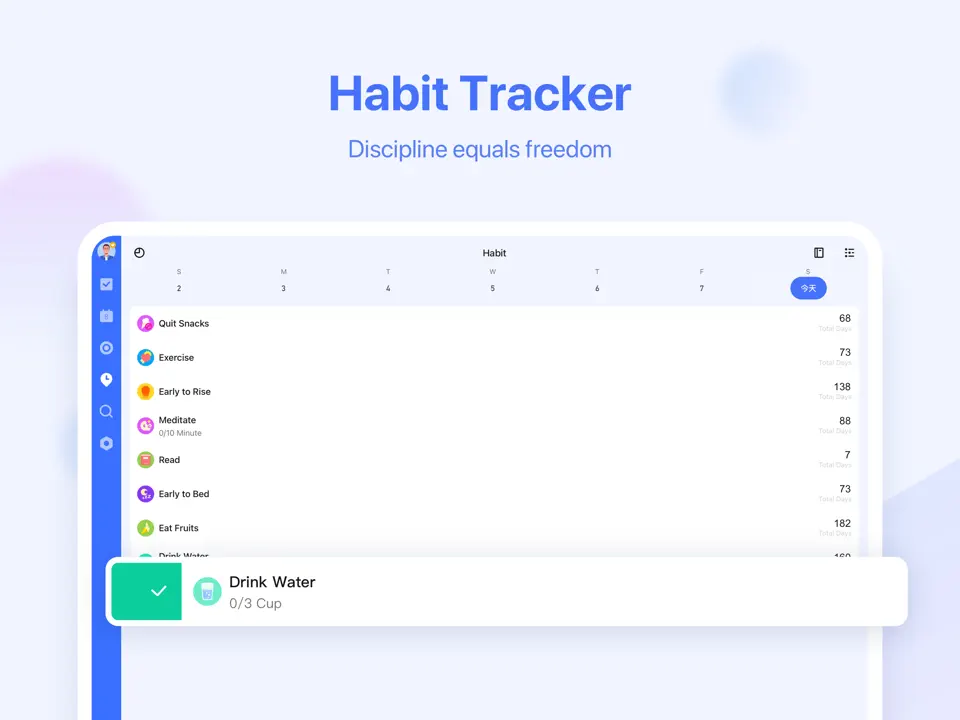
TickTick has established itself as a versatile and reliable time management app that successfully combines task management, habit tracking, Pomodoro timer, and calendar integration. Its flexible lists, smart filters, and habit streaks make it easy to manage both short-term tasks and long-term goals. The app offers a good balance between simplicity and advanced features.
For time management purposes, TickTick shines with its Pomodoro integration, recurring tasks, and cross-platform consistency. It remains popular among users who need a practical all-in-one solution without excessive complexity.
Pricing: Freemium (Pro ≈ $36/year)
Best for: Users seeking a balanced time management app with tasks and habits.
- Strong habit tracking and Pomodoro features
- Flexible task organization and calendar view
- Reliable cross-platform performance
- Affordable premium plan
- Design is functional rather than premium
- Average Apple Pencil support
- Can become cluttered with heavy use
Product details
| Type of app | Best for | Platforms | Developer | Pricing Model |
|---|---|---|---|---|
| All-in-One Time Management App | Tasks, habits and calendar in one place | Multi (Web/iOS/Android/Mac/Win) | TickTick | Freemium (Pro ≈ $36/year) |
Todoist
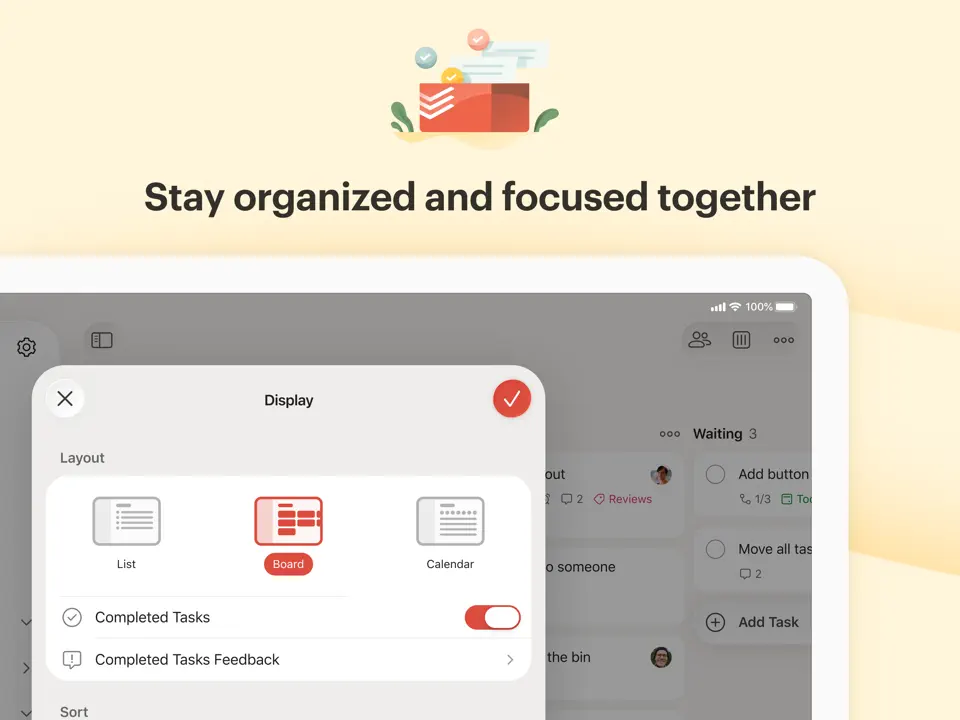
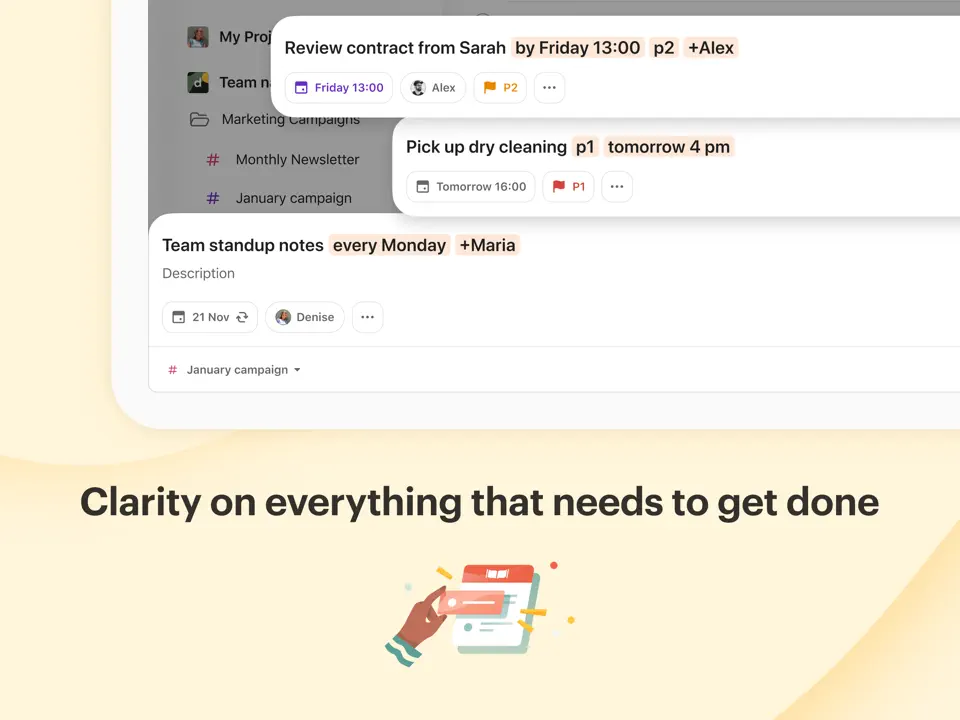
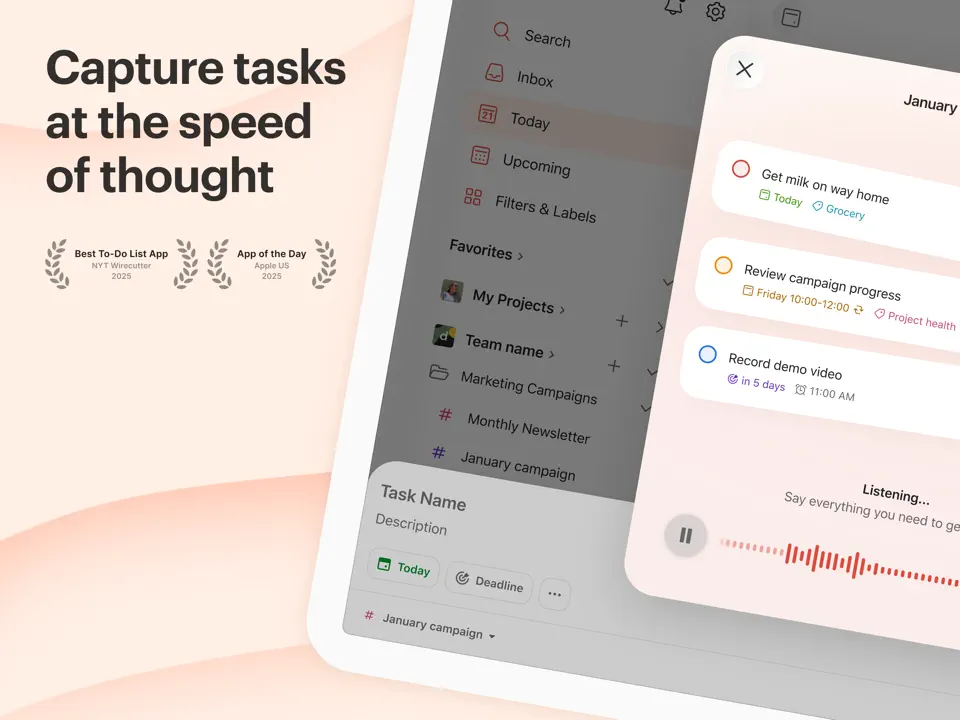
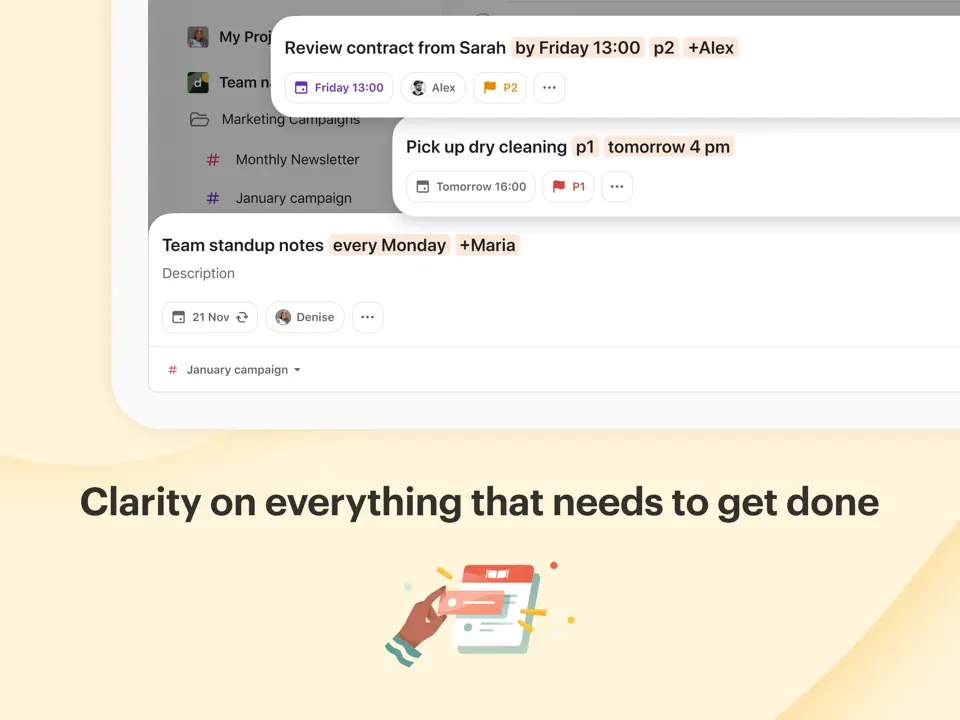
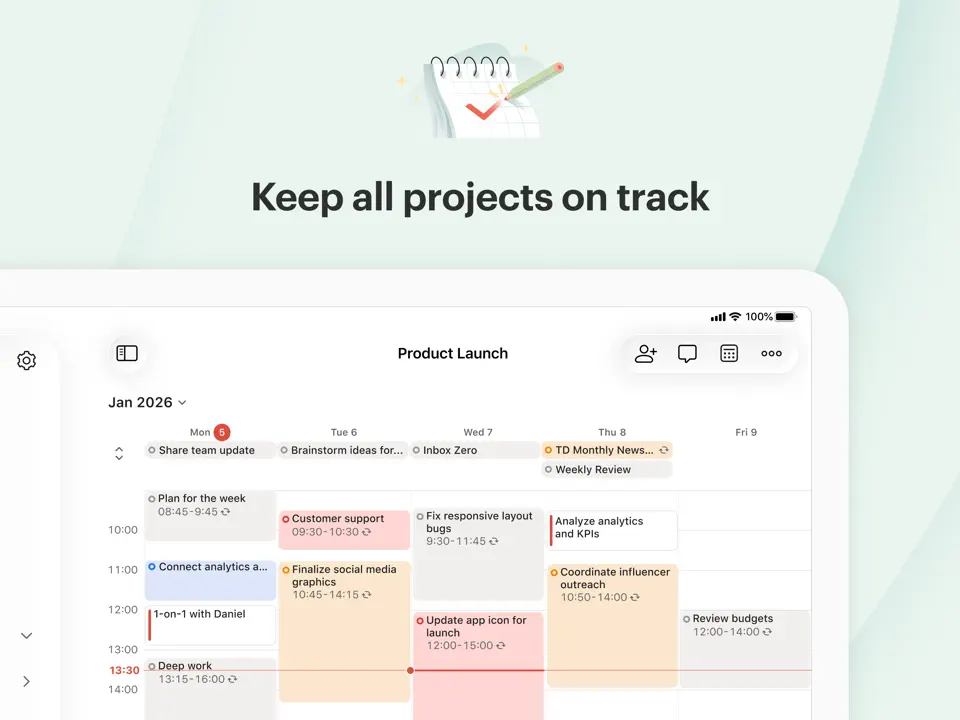
Todoist remains a top choice for users who prioritize speed, power, and reliability in time management. With natural language input, powerful project organization, labels, priorities, and recurring tasks, it allows users to quickly capture and organize their responsibilities. Its clean interface and excellent search make it easy to maintain control over time.
The app excels at helping users move tasks from the inbox to completion efficiently. Todoist continues to be praised for its stability and productivity-focused features.
Pricing: Freemium (Pro $4–5/month)
Best for: Fast and powerful task-based time management.
- Excellent natural language task entry
- Strong recurring tasks and reminders
- Powerful organization with projects and labels
- Reliable and fast performance
- Limited built-in habit tracking
- Basic visual planning features
- Advanced features require Pro subscription
Product details
| Type of app | Best for | Platforms | Developer | Pricing Model |
|---|---|---|---|---|
| Powerful Task Manager | Fast and reliable task & time management | Multi (Web/iOS/Android/Mac/Win) | Doist | Freemium (Pro $4–5/month) |
Akiflow
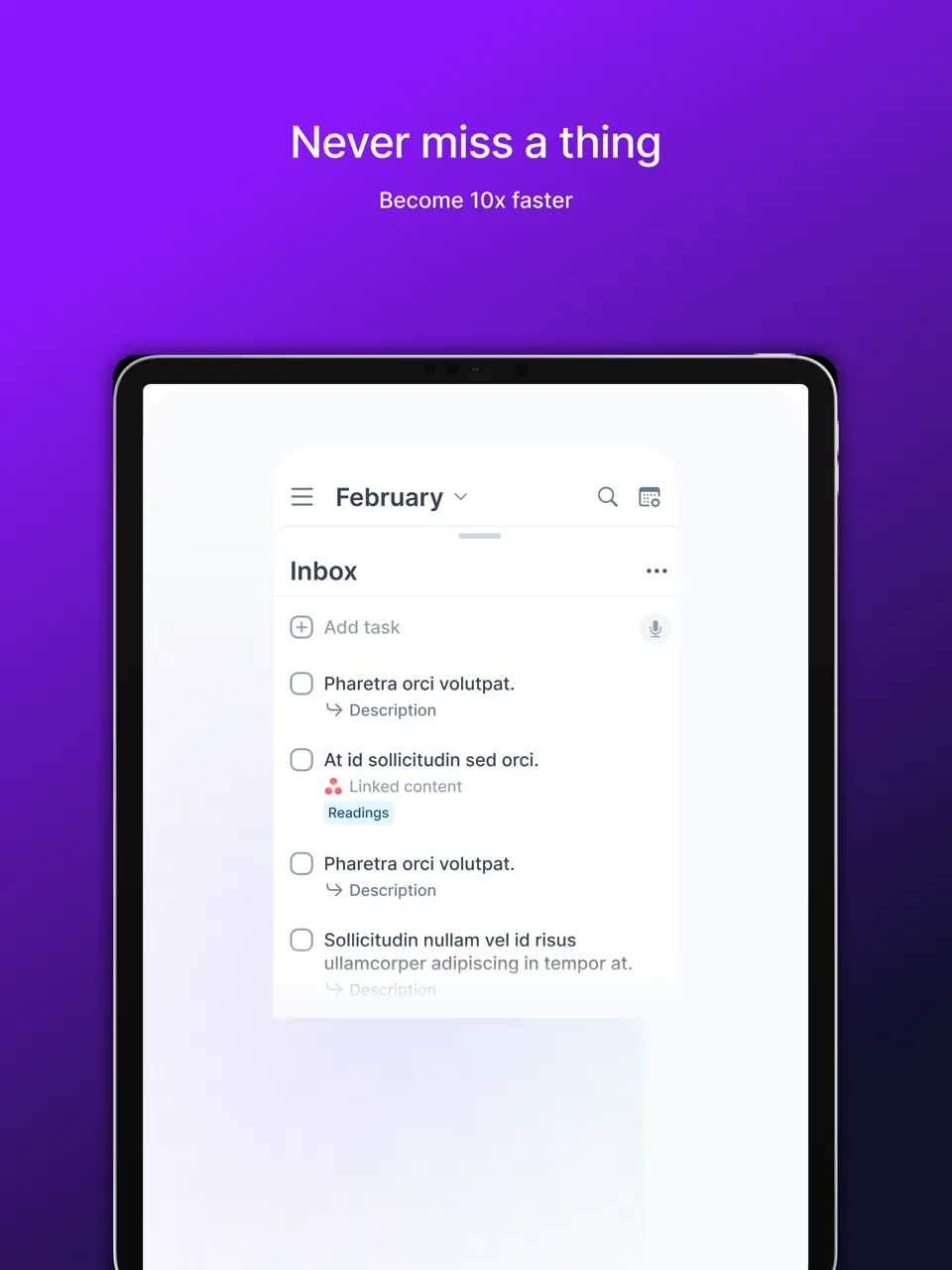
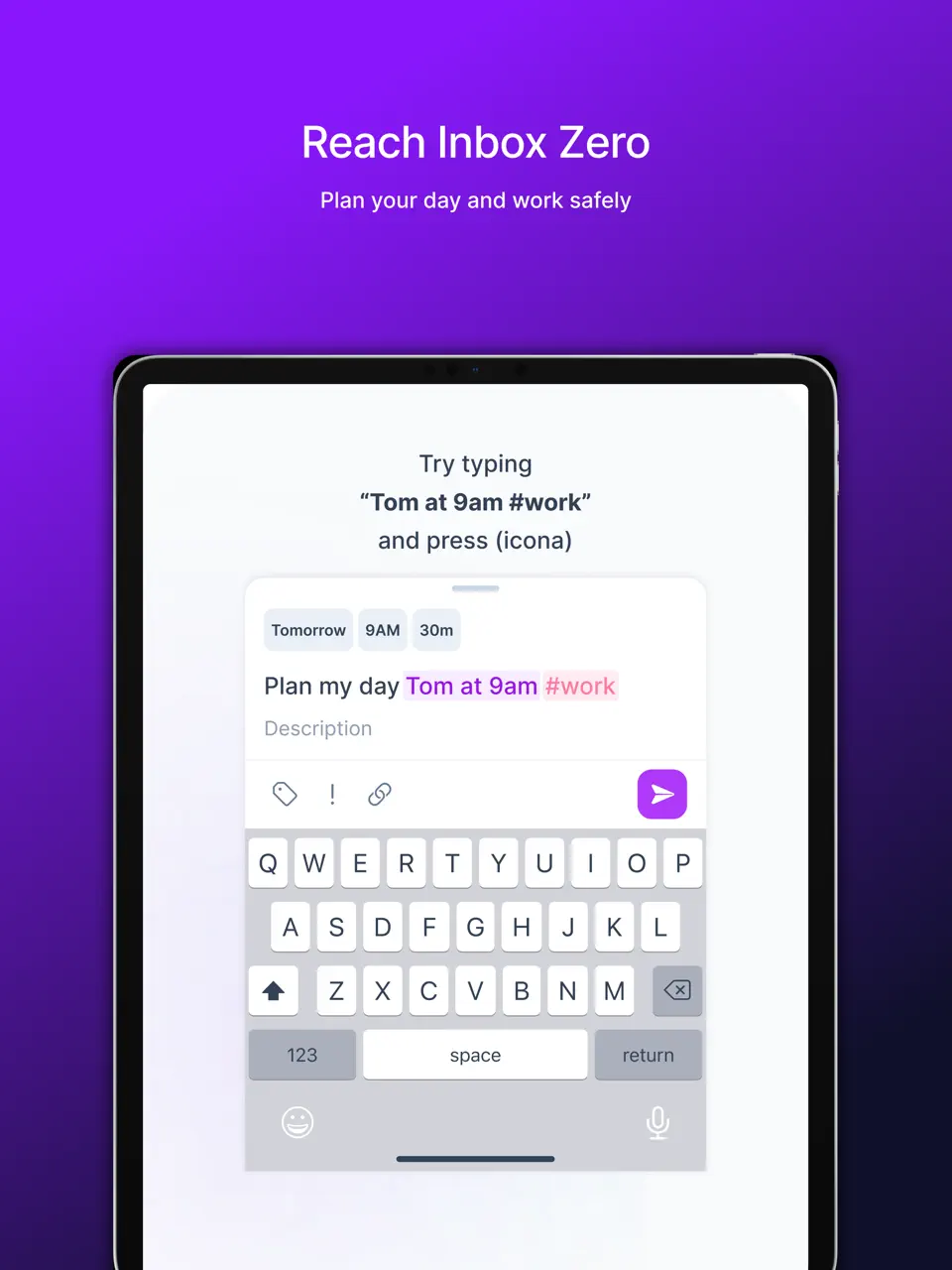
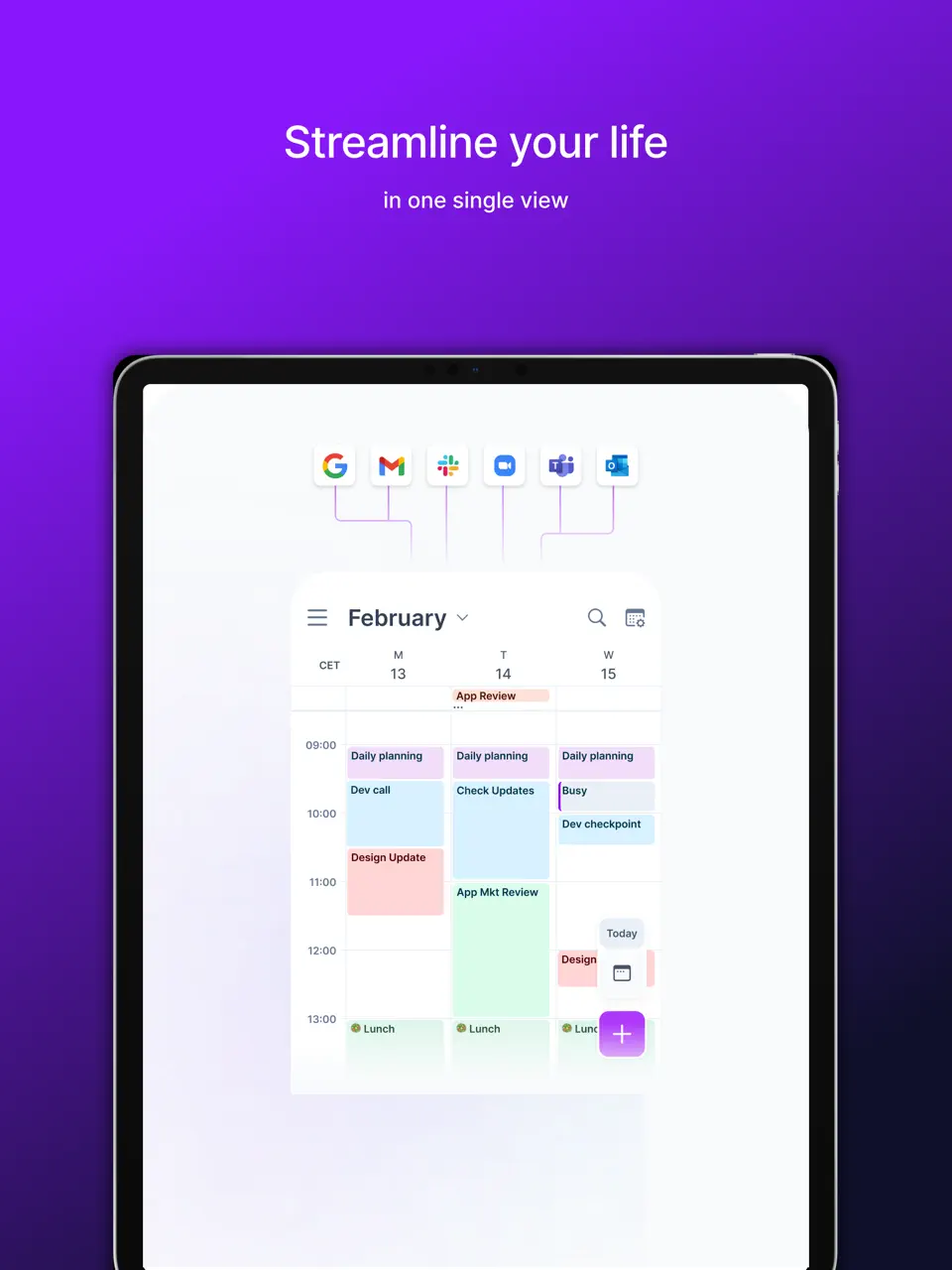
Akiflow is a modern unified time management app that brings together your calendar, tasks, emails, and notes into a single streamlined interface. It is particularly valued for its ability to turn scattered information into actionable time blocks, helping users see their entire day at a glance. The app features smart scheduling suggestions, drag-and-drop functionality, and powerful keyboard shortcuts, making it a favorite among power users who want to minimize context switching.
Akiflow continues to stand out for its clean design and focus on flow state. It helps users protect deep work time while automatically handling meeting scheduling and task prioritization. Many professionals report that Akiflow significantly reduces the mental overhead of managing multiple tools, allowing them to spend more time actually working rather than organizing their work.
Pricing: Subscription ($15–25/month)
Best for: Users who want a unified inbox for calendar, tasks, and emails with strong time blocking capabilities.
- Excellent unified calendar + tasks interface
- Smart scheduling and time blocking tools
- Fast keyboard-driven workflow
- Beautiful and clean design
- Good integration with multiple platforms
- Subscription-only pricing
- Can feel overwhelming during initial setup
- Limited handwriting and visual template support
- Steeper learning curve than simpler apps
Product details
| Type of app | Best for | Platforms | Developer | Pricing Model |
|---|---|---|---|---|
| Unified Time Management Inbox | Combining calendar, tasks and focus in one view | Web, iOS, Android, Mac | Akiflow | Subscription ($15–25/month) |

Notion
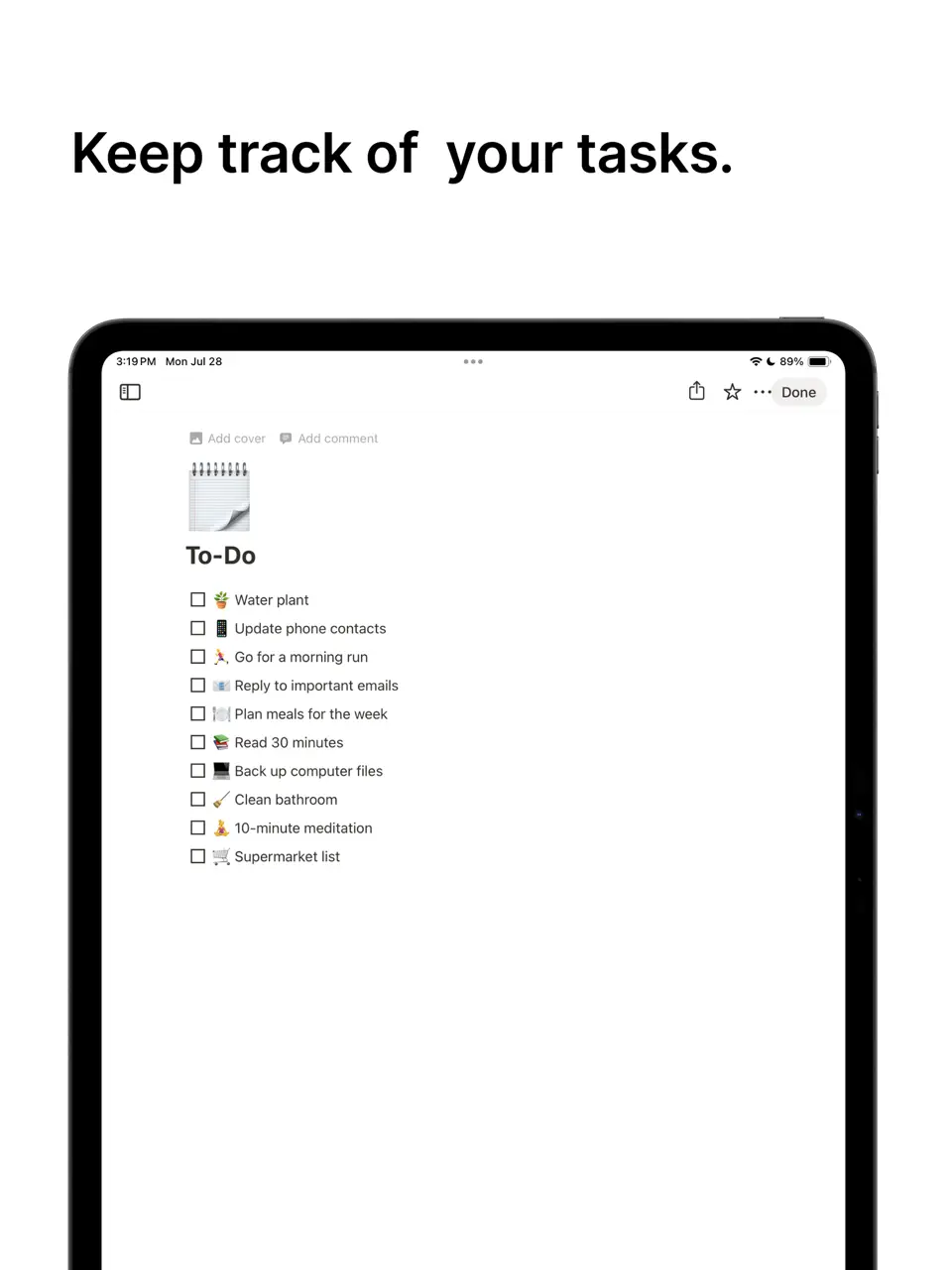
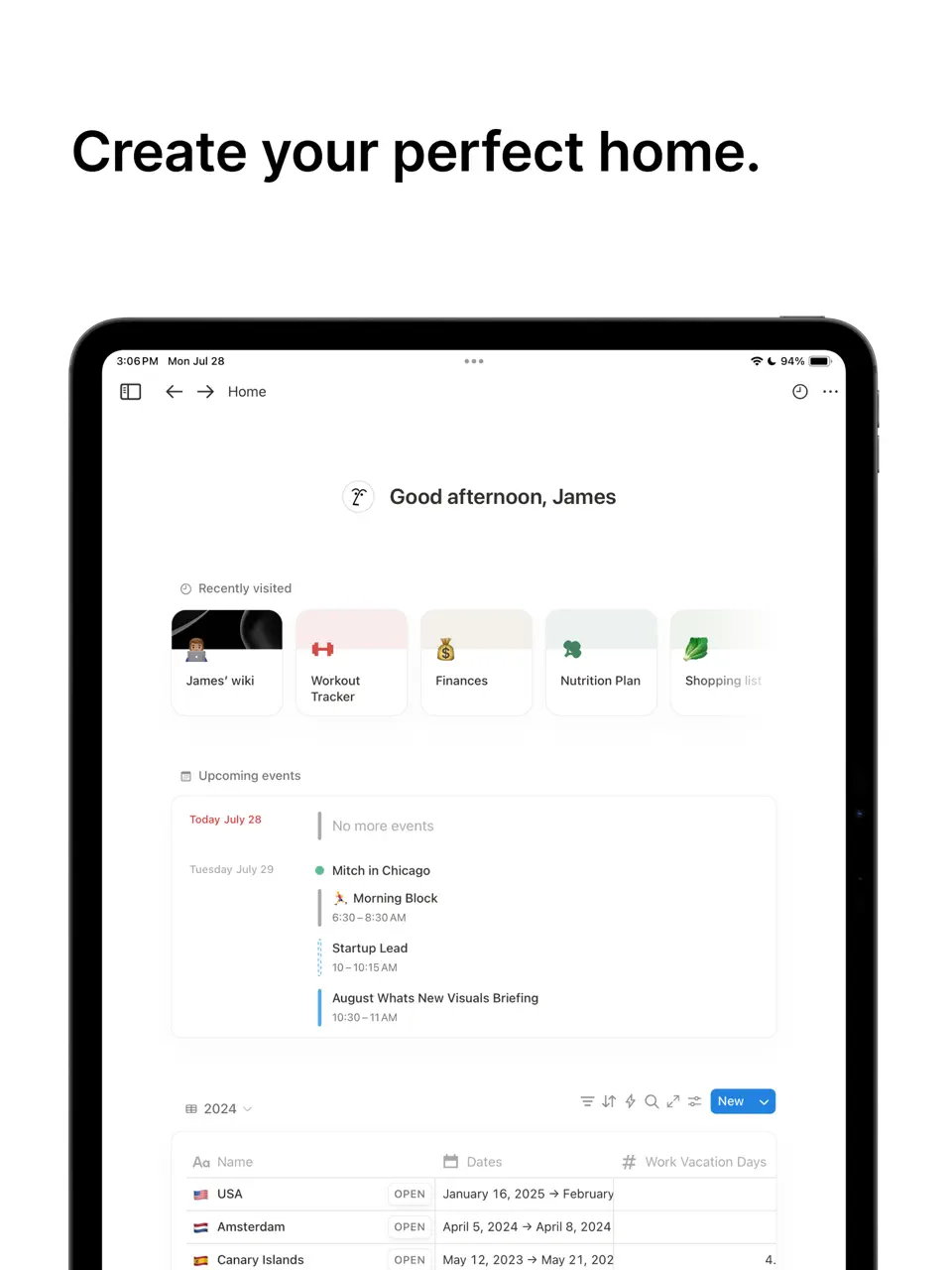
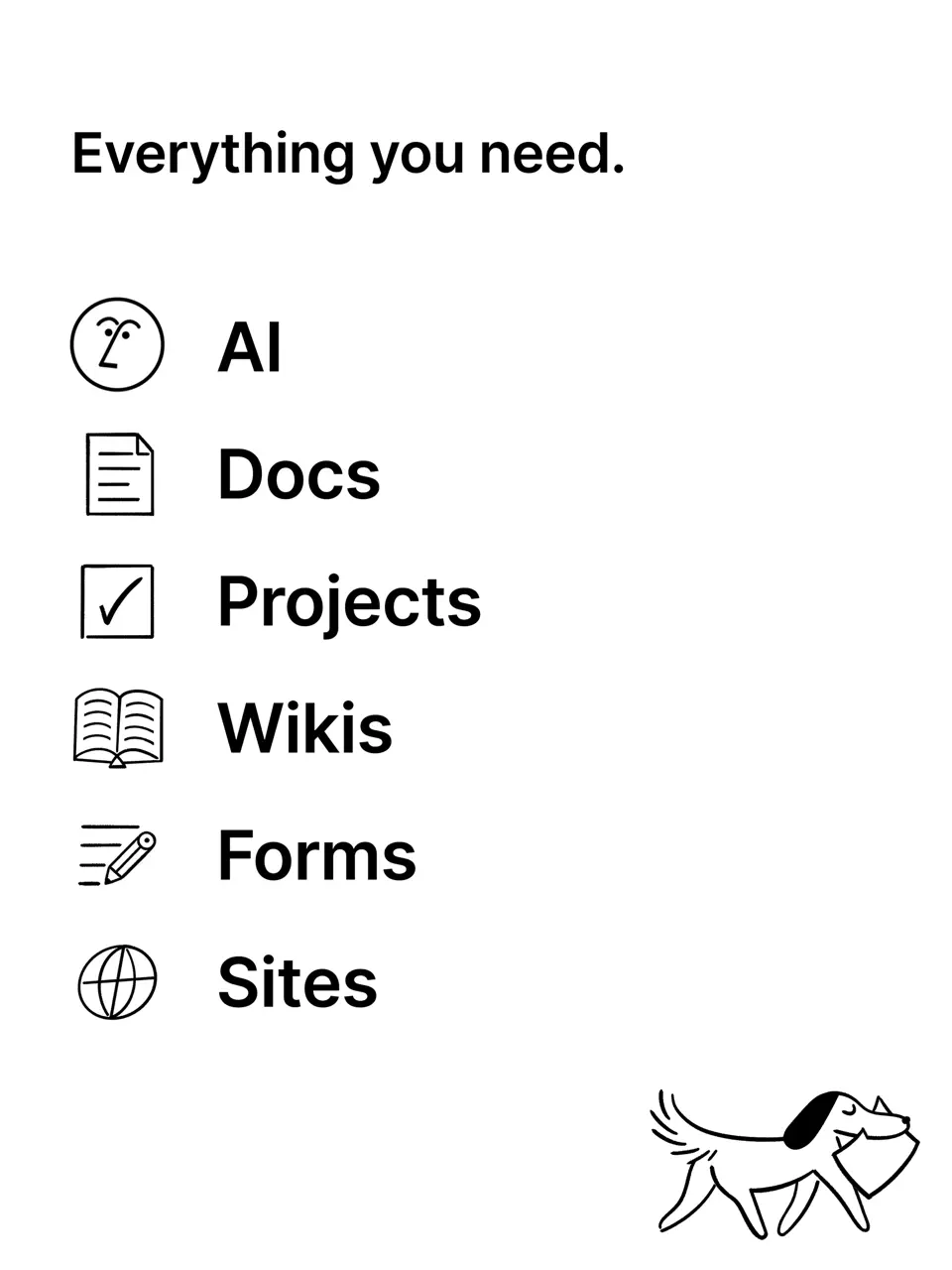
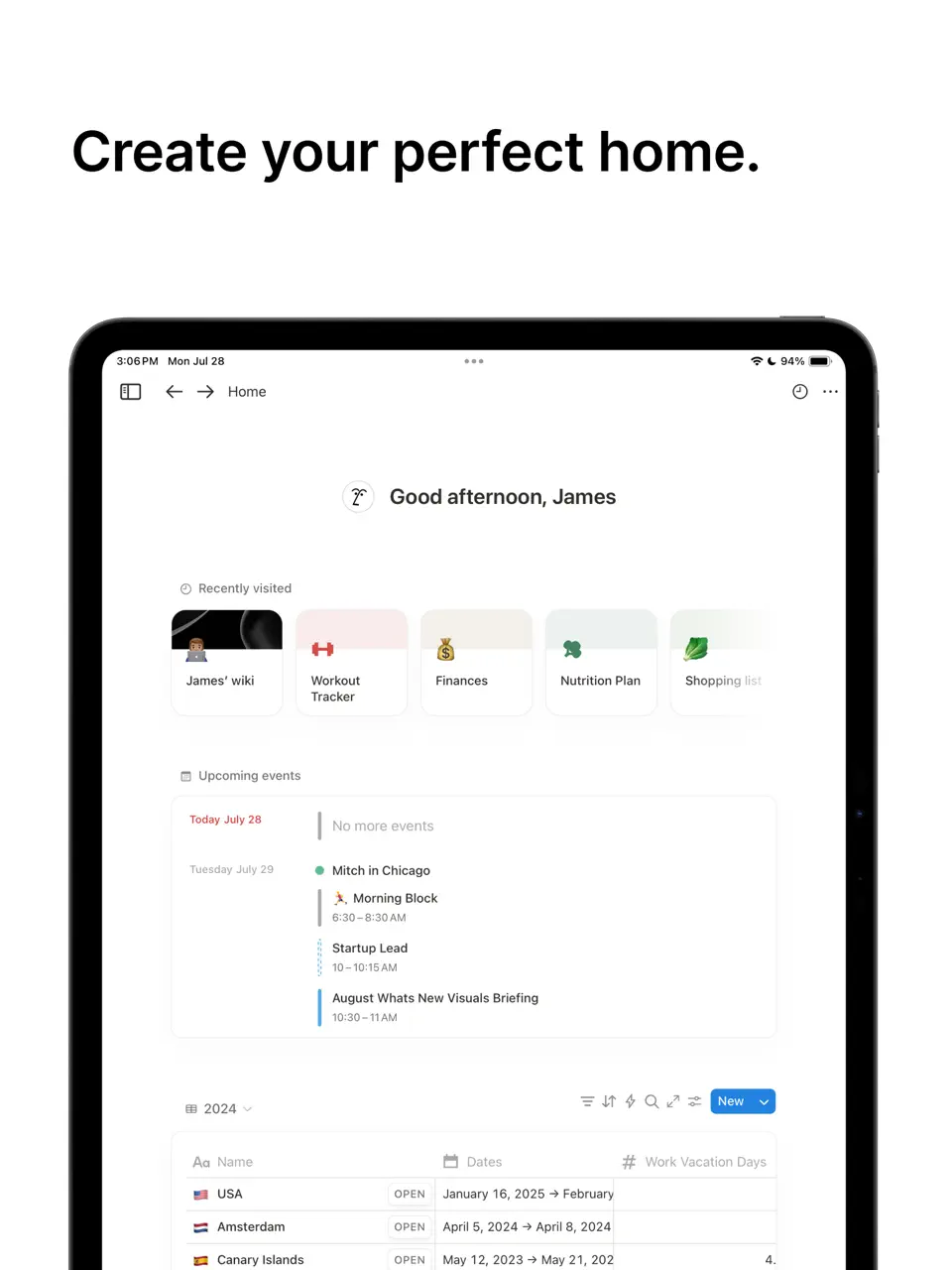
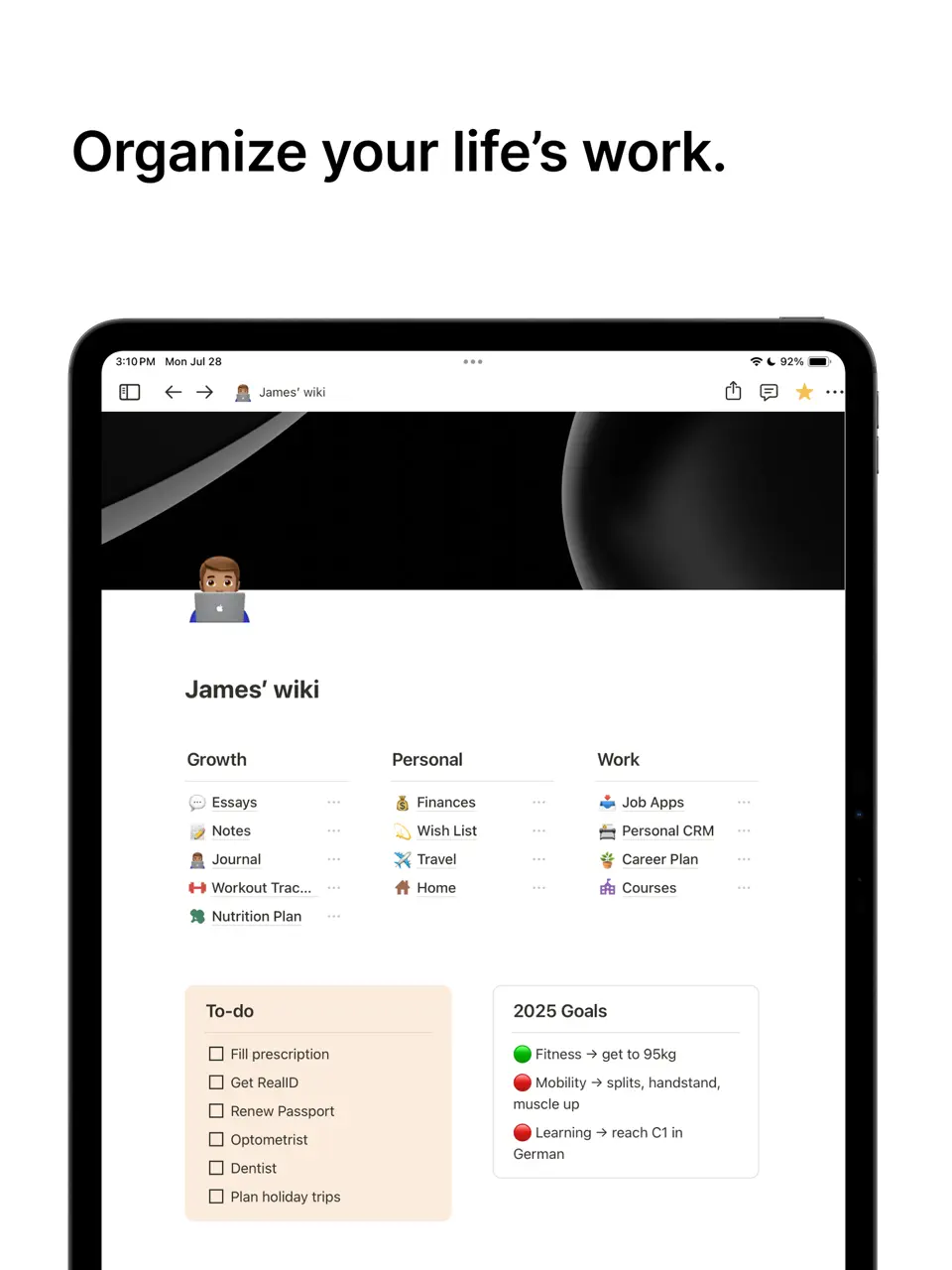
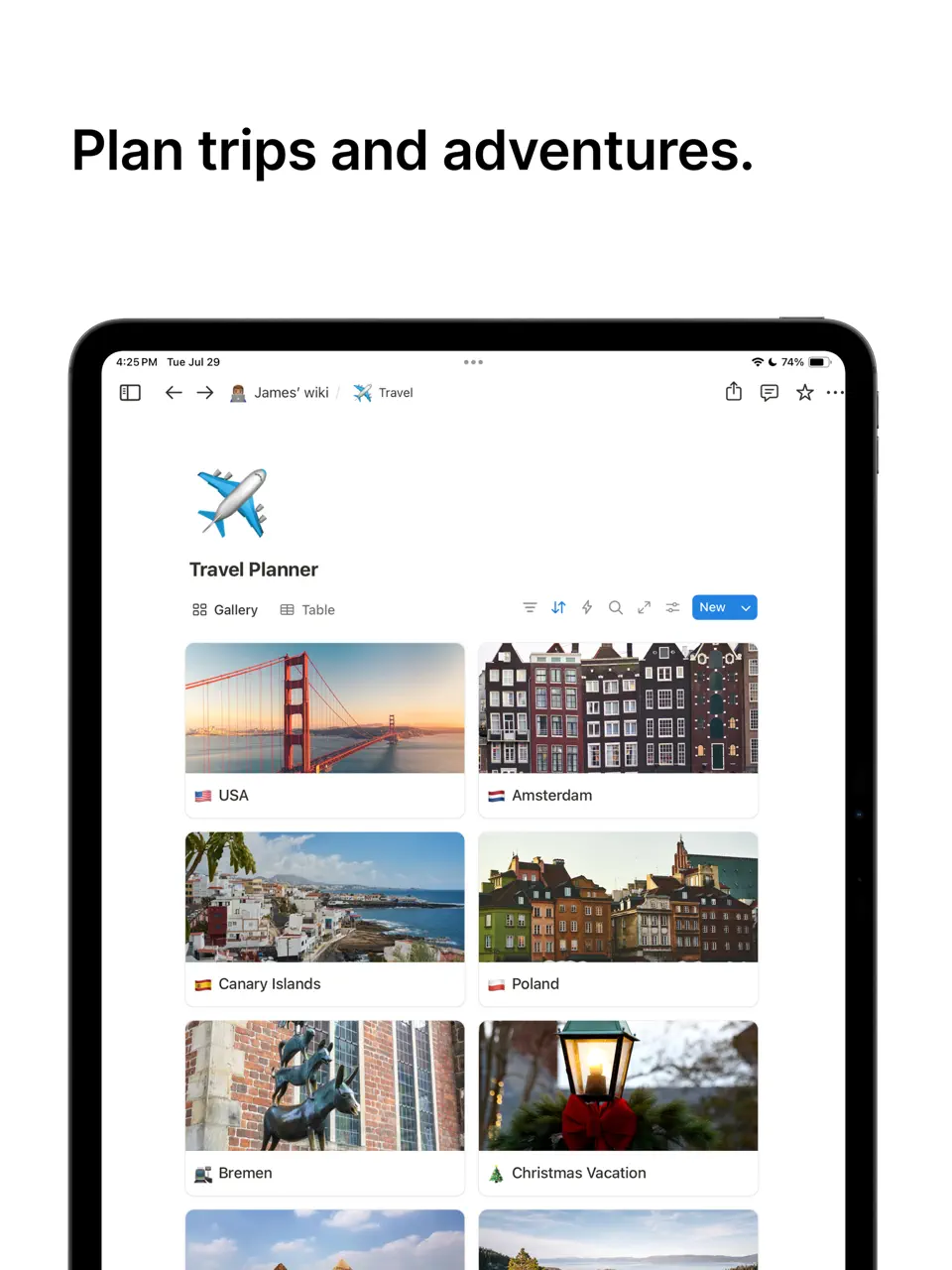
Notion has become a go-to time management solution for users who prefer building their own custom systems. With its powerful databases, customizable dashboards, habit trackers, and flexible templates, it allows complete personalization of time management workflows. Many users create elaborate second-brain setups that combine daily planning, project management, goal tracking, and knowledge management in one workspace.
While it requires more initial effort to set up compared to dedicated time management apps, Notion’s flexibility makes it incredibly powerful for long-term use. It remains popular among those who want full control over how they manage their time and attention.
Pricing: Freemium (paid plans from $8–12/month)
Best for: Users who want to build a highly personalized time management system.
- Extremely high customization and flexibility
- Excellent for building custom dashboards and trackers
- Strong template community for time management
- Good Apple Pencil support
- Generous free tier
- Steep learning curve for beginners
- Can become complex and overwhelming
- Requires regular maintenance
- Not the fastest for simple daily planning
Product details
| Type of app | Best for | Platforms | Developer | Pricing Model |
|---|---|---|---|---|
| Customizable All-in-One Workspace | Building personalized time management systems | Multi (Web/iOS/Android/Mac/Win) | Notion Labs | Freemium |
RescueTime
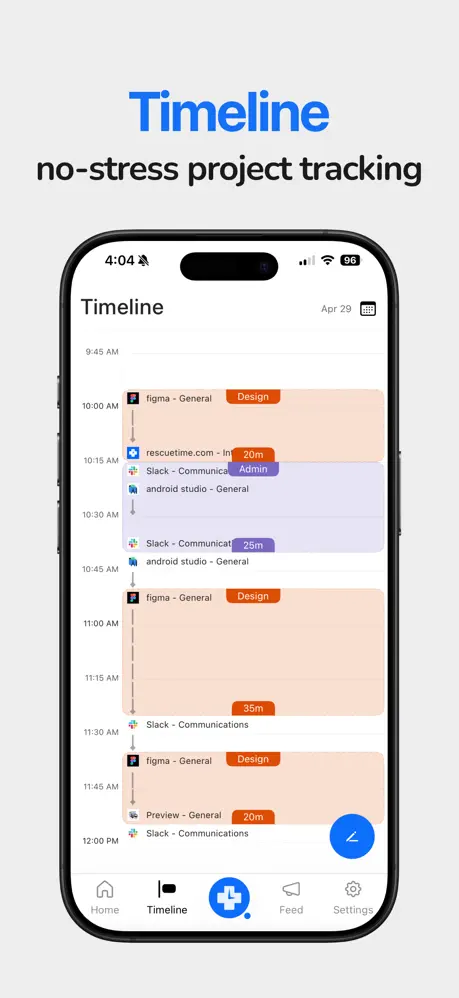
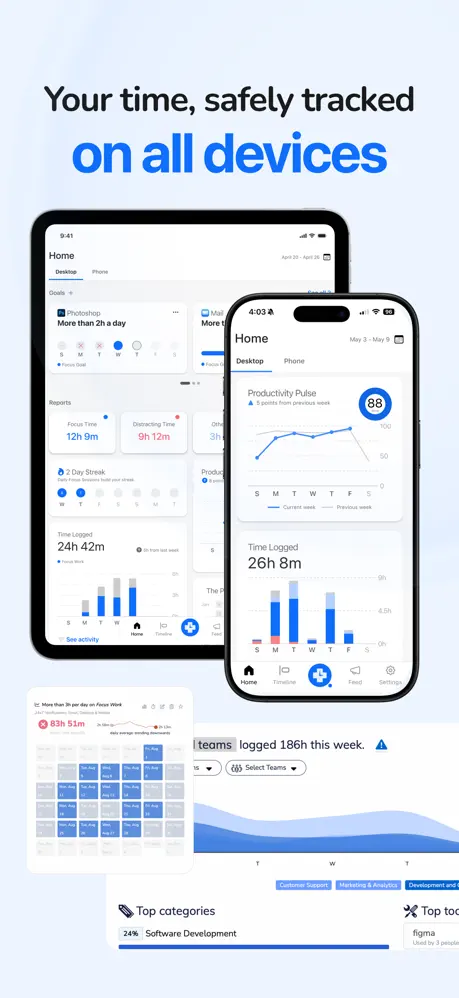
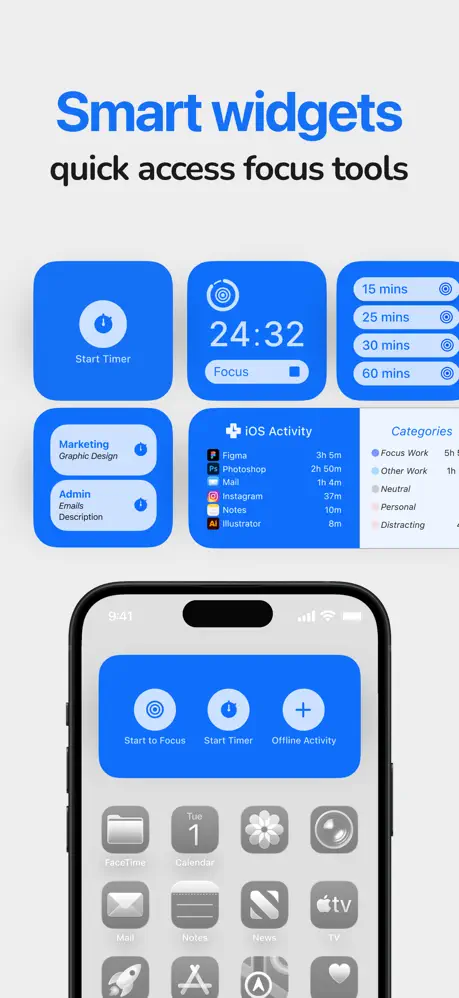
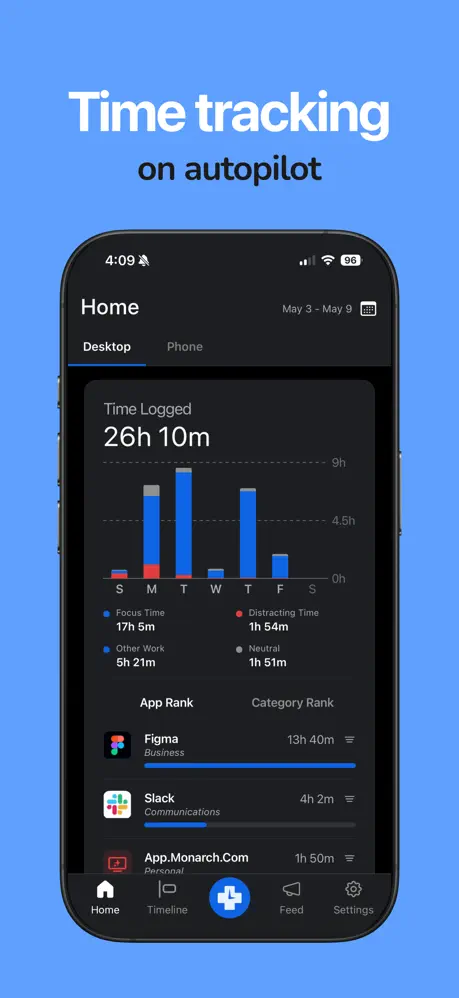
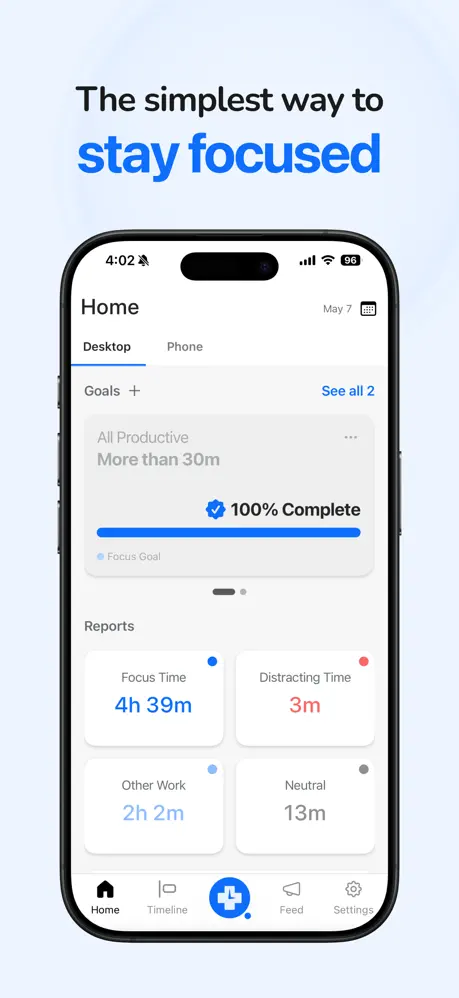
RescueTime is an automatic time tracking and analytics app that runs quietly in the background to show users exactly how they spend their time. It categorizes activities, provides detailed reports, sets focus goals, and can even block distracting websites. Unlike manual time management tools, RescueTime gives objective data about productivity patterns, helping users identify hidden time sinks.
For many people, RescueTime serves as an eye-opening tool that reveals the gap between perceived and actual time usage. It remains one of the strongest options for data-driven time management and building better long-term habits through awareness.
Pricing: Freemium (Premium $6.50/month)
Best for: Users who want deep insights into their time usage and automatic tracking.
- Automatic and accurate time tracking
- Detailed analytics and productivity reports
- Website and app blocking features
- Focus mode and goal setting
- Runs passively in the background
- Limited active planning features
- Can feel discouraging if not used mindfully
- Premium features required for full functionality
- Less emphasis on daily planning structure
Product details
| Type of app | Best for | Platforms | Developer | Pricing Model |
|---|---|---|---|---|
| Automatic Time Tracker & Analytics | Understanding and improving time usage | Web, Windows, Mac, Linux, Android | RescueTime | Freemium (Premium $6.50/month) |
Things 3
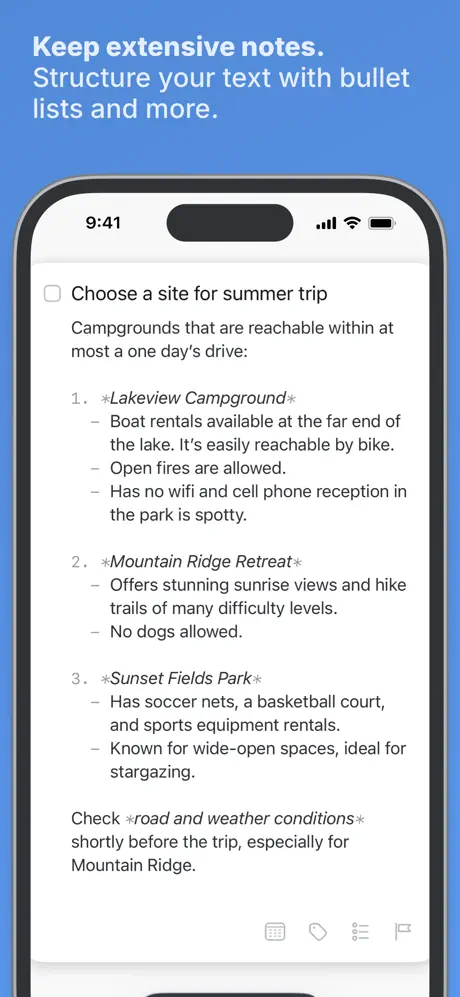
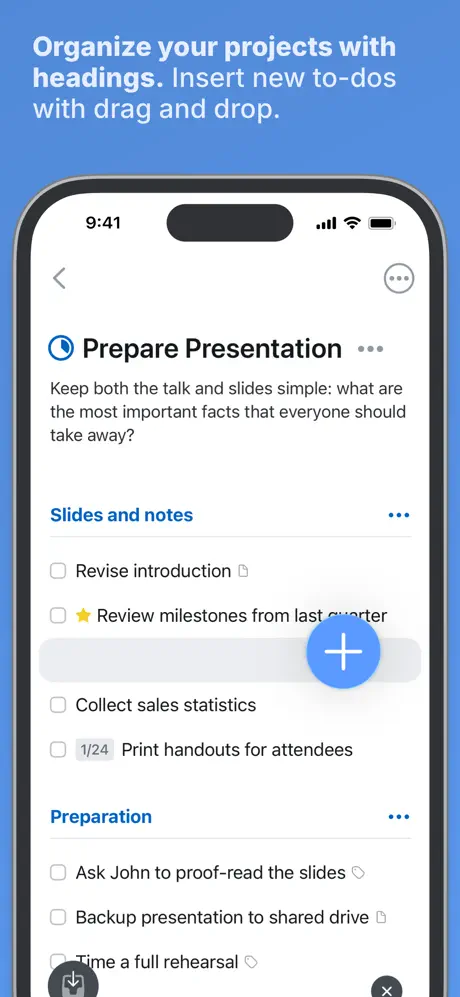
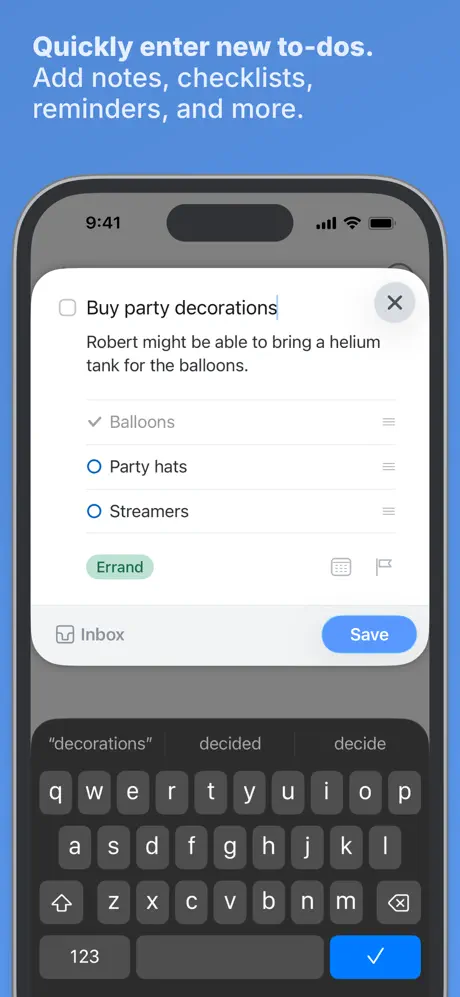
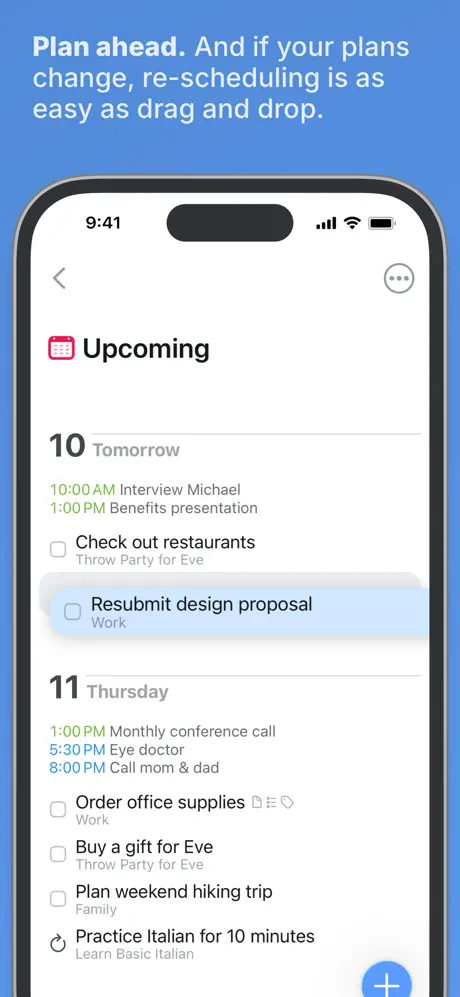
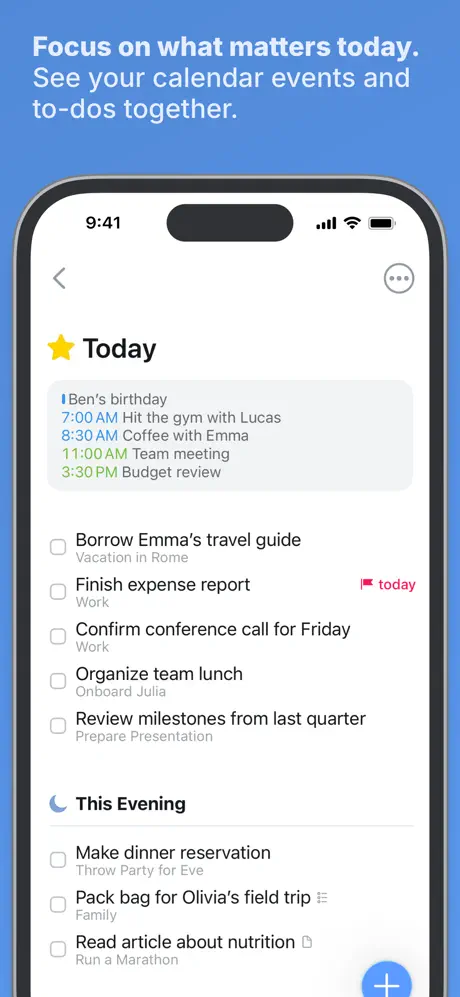
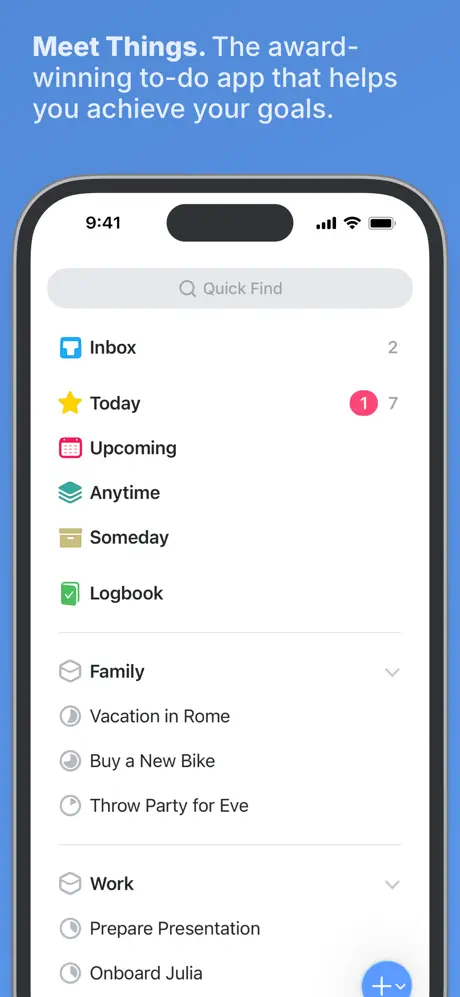
Things 3 is renowned for its beautiful, minimalist approach to time management. Designed exclusively for Apple users, it offers an elegant interface with thoughtful organization using projects, areas, headings, and deadlines. The app focuses on clarity and speed, helping users quickly capture tasks and maintain a clear overview of what needs to be done.
While it doesn’t have advanced analytics or habit tracking, its simplicity and delightful user experience make it highly effective for those who want to manage their time without unnecessary complexity or visual noise. Many users describe it as the most satisfying app to use daily.
Pricing: One-time purchase (≈ $50 for Mac + $10–20 for iOS/iPad)
Best for: Apple users seeking clean, elegant, and minimalist time management.
- Exceptional design and user experience
- Fast and satisfying workflow
- One-time purchase model
- Excellent for daily task clarity
- Smooth Apple Pencil support for notes
- Exceptional design and user experience
- Fast and satisfying workflow
- One-time purchase model
- Excellent for daily task clarity
- Smooth Apple Pencil support for notes
Product details
| Type of app | Best for | Platforms | Developer | Pricing Model |
|---|---|---|---|---|
| Minimalist Task & Time Manager | Clean and elegant daily time management | Apple Only (iOS, iPad, Mac) | Cultured Code | One-time purchase |
Microsoft To-Do
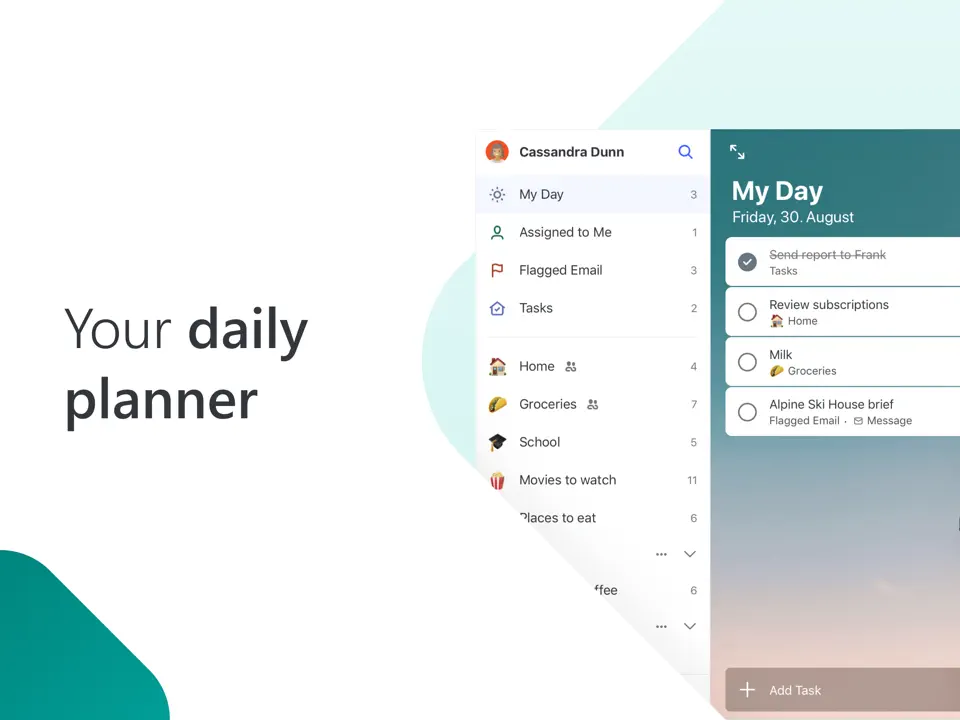
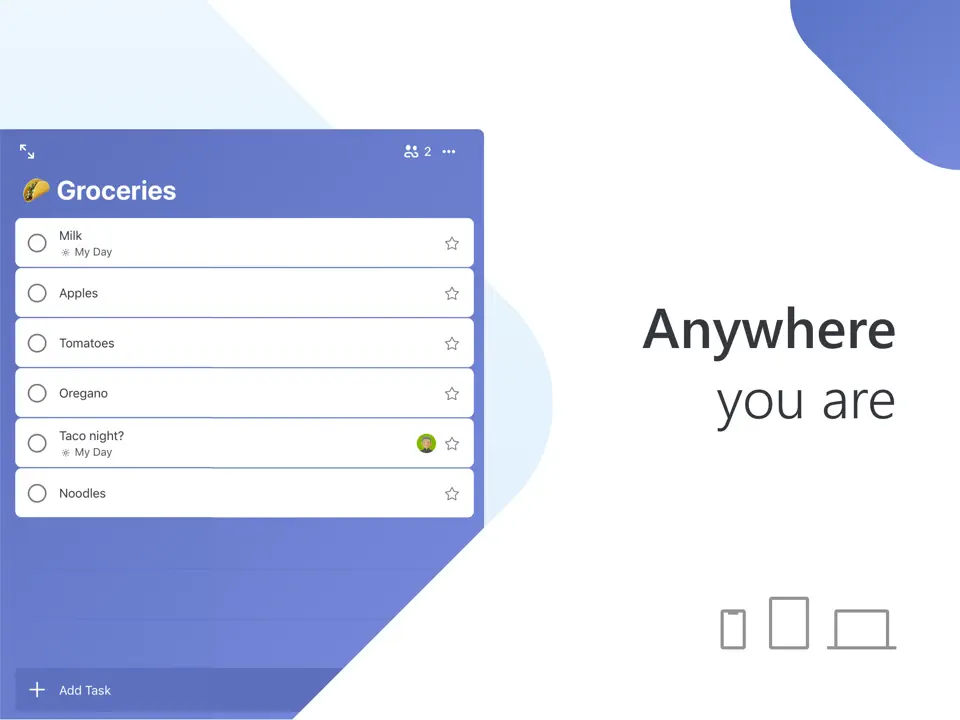
Microsoft To Do is a clean and straightforward time management app that focuses on simplicity and daily focus. Its standout feature is the “My Day” view, which intelligently suggests tasks for the current day, helping users prioritize and avoid feeling overwhelmed by long lists. The app offers recurring tasks, reminders, due dates, and step-by-step subtasks, making it easy to break down work and stay on track.
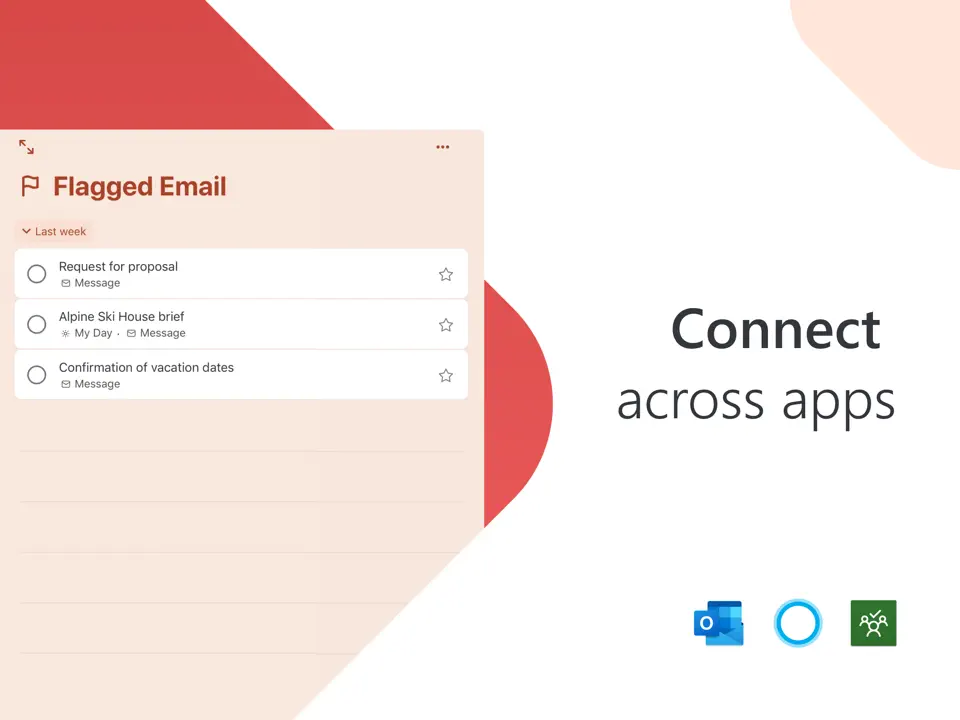
Despite its minimal design, Microsoft To Do integrates well with Outlook and Microsoft ecosystem, which makes it especially convenient for users already working within Microsoft tools. It remains one of the most popular free options for people who want reliable time management without complexity or extra features they don’t need.
Pricing: Completely free
Best for: Users looking for a simple, free, and effective daily time management tool.
- Completely free with no restrictions
- Clean and intuitive interface
- Useful “My Day” daily planning feature
- Good integration with Outlook and Microsoft services
- Reliable reminders and recurring tasks
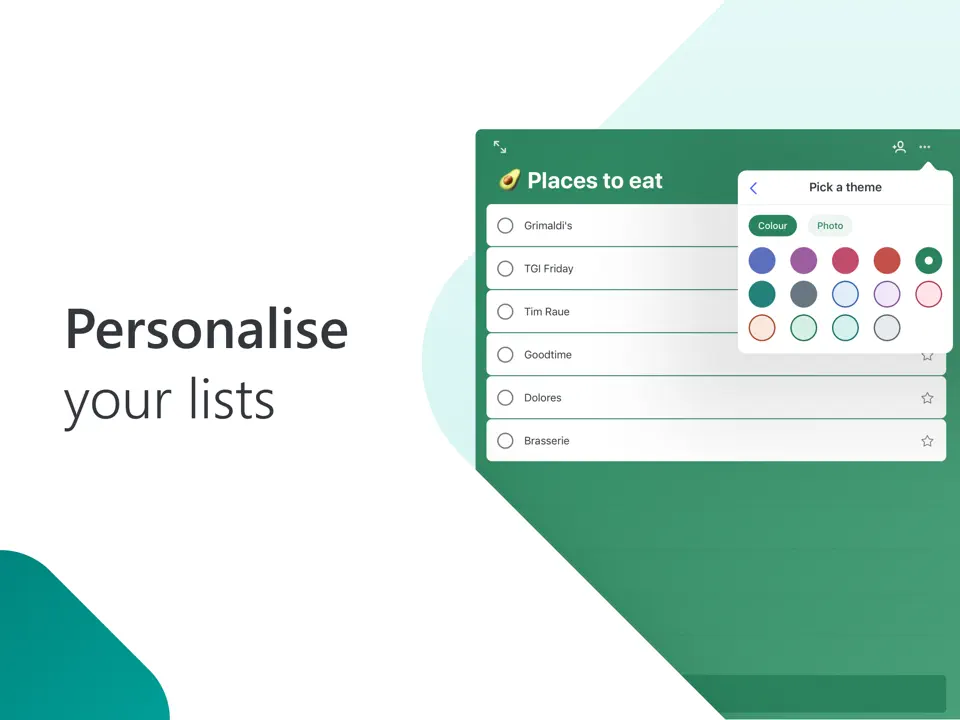
- Very basic customization options
- Limited time blocking and analytics
- No habit tracking or advanced focus tools
- Minimal visual planning capabilities
Product details
| Type of app | Best for | Platforms | Developer | Pricing Model |
|---|---|---|---|---|
| Simple Daily Task Planner | Lightweight and free time management | Multi (Web/iOS/Android/Windows) | Microsoft | Free |
Google Calendar
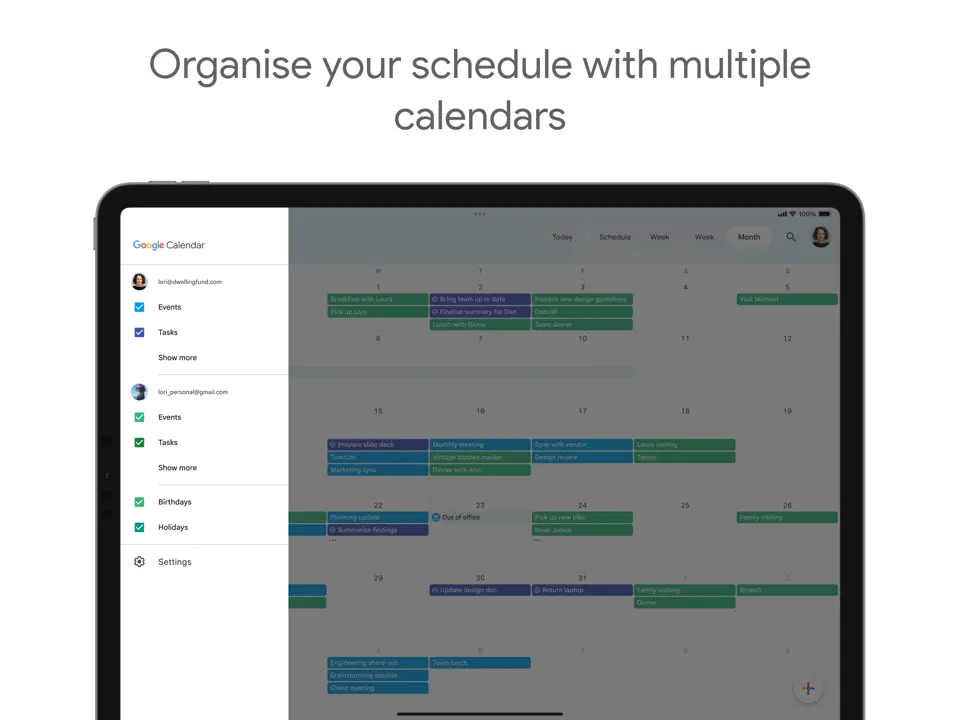
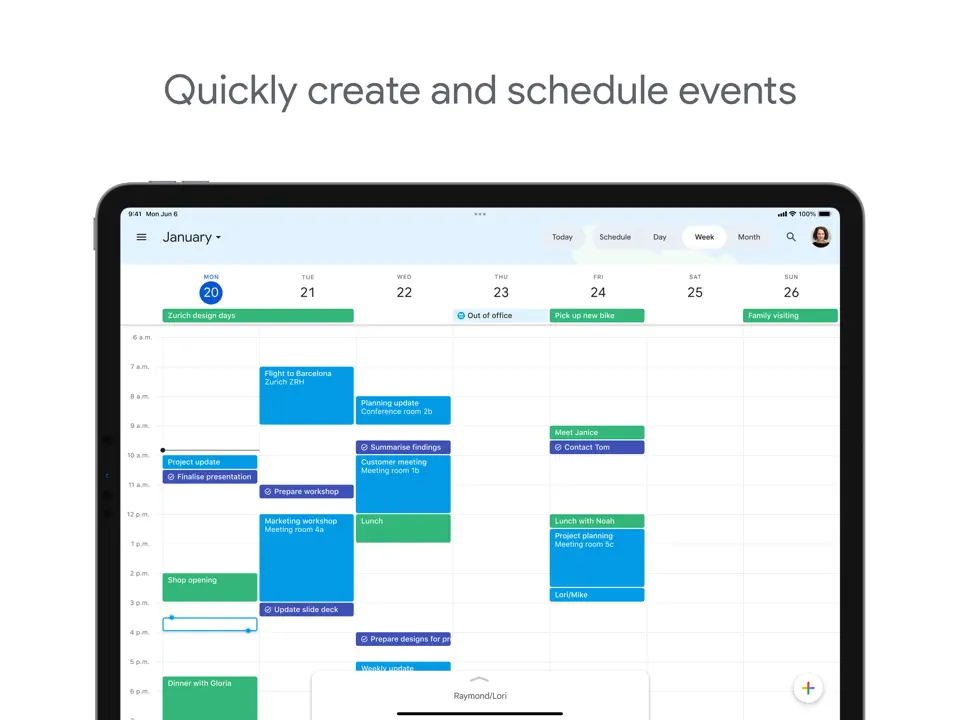
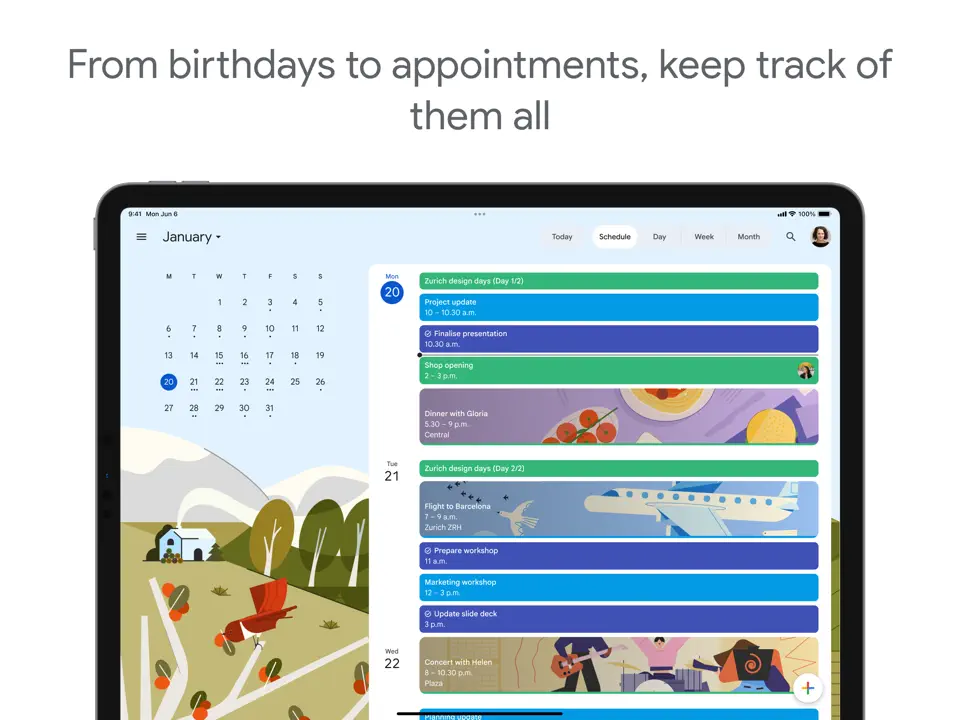
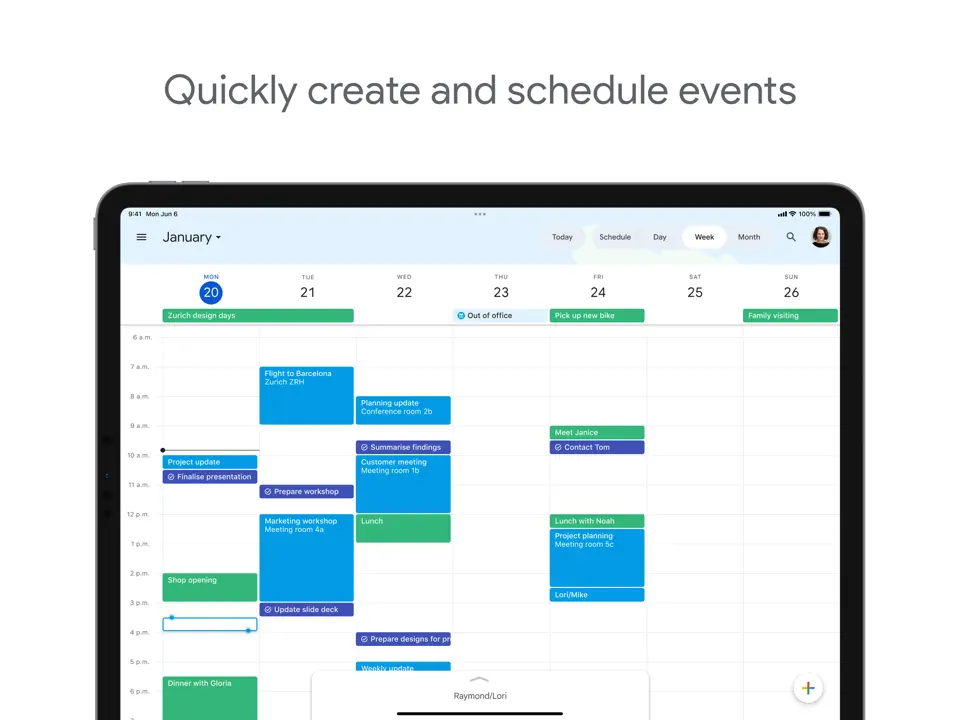
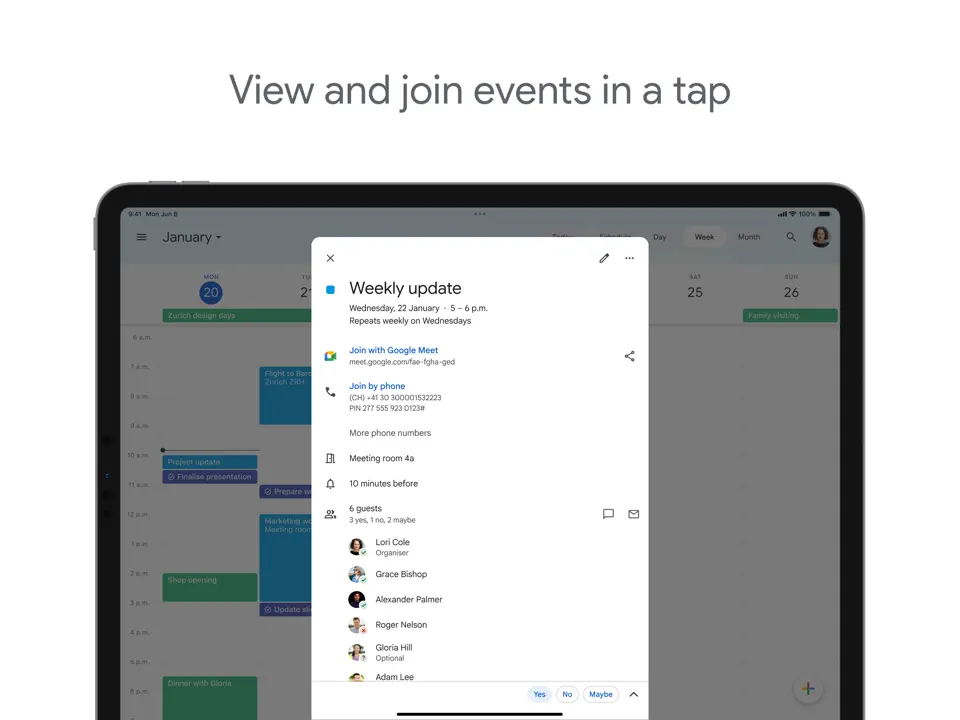
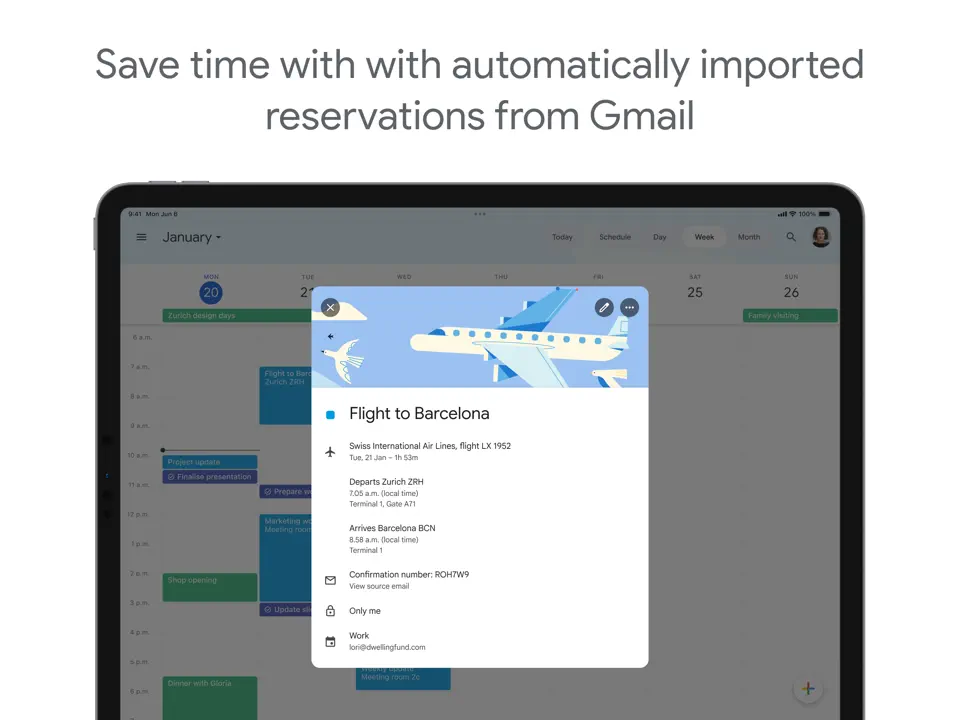
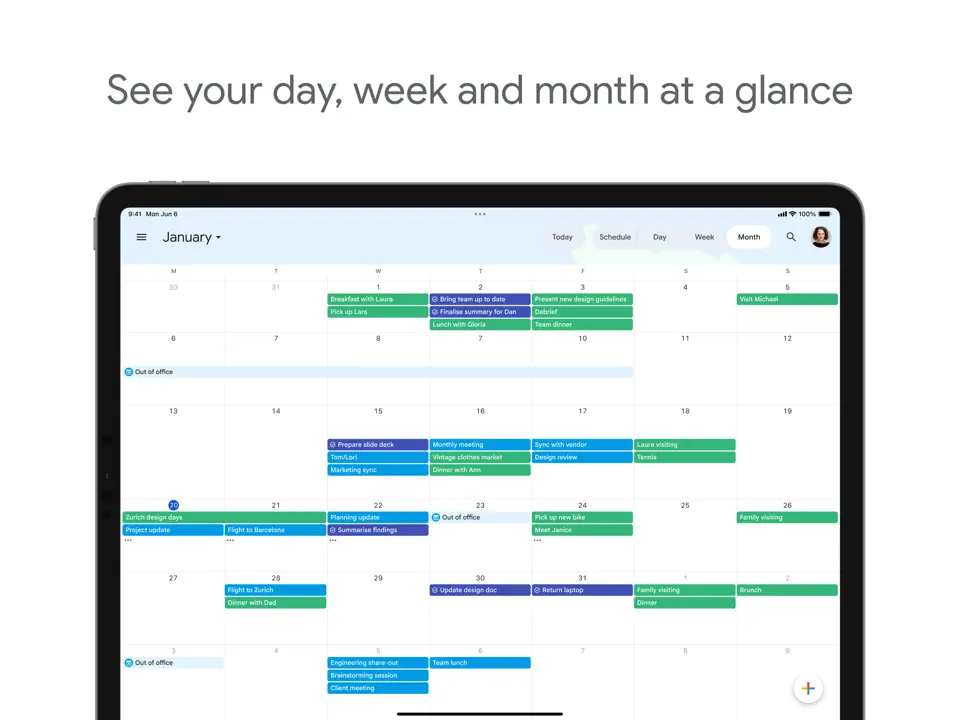
Google Calendar continues to be one of the most widely used time management tools thanks to its seamless integration with Gmail, Google Meet, and other Google services. It excels at scheduling, setting reminders, and providing multiple views (day, week, month). The “Goals” feature allows users to block time for personal habits and recurring activities automatically.
While primarily a calendar app, many people use it as a core time management system by combining events with Google Tasks. Its strength lies in reliability, cross-platform synchronization, and ease of sharing schedules. Google Calendar is a foundational tool for millions managing their time across work and personal life.
Pricing: Completely free
Best for: Users who need reliable scheduling and basic time blocking integrated with Google services.
- Excellent synchronization and reliability
- Multiple calendar views and easy sharing
- Automatic goal and habit time blocking
- Strong integration with Google ecosystem
- Completely free
- Task management is relatively basic
- Limited visual customization
- No built-in habit tracking or Pomodoro
- Less effective as a standalone deep time management tool
Product details
| Type of app | Best for | Platforms | Developer | Pricing Model |
|---|---|---|---|---|
| Calendar-First Time Manager | Scheduling and basic time blocking | Multi (Web/iOS/Android) | Free |
Freedom
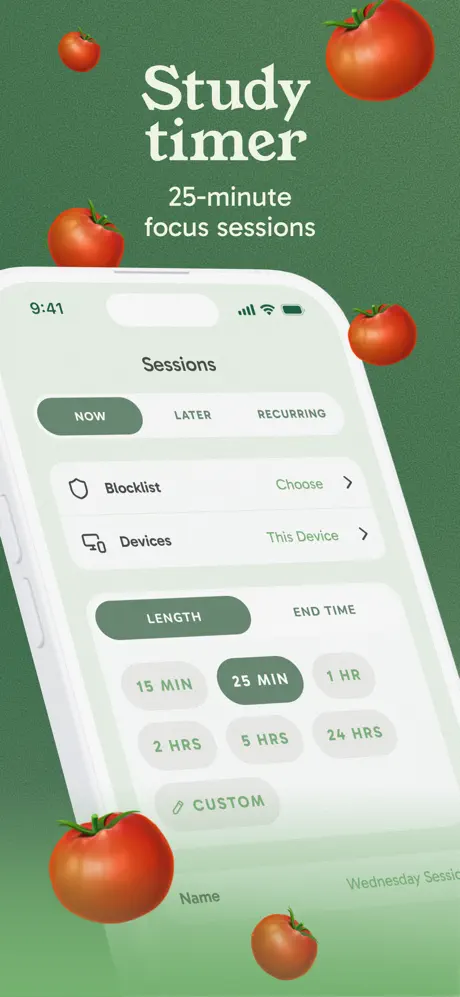
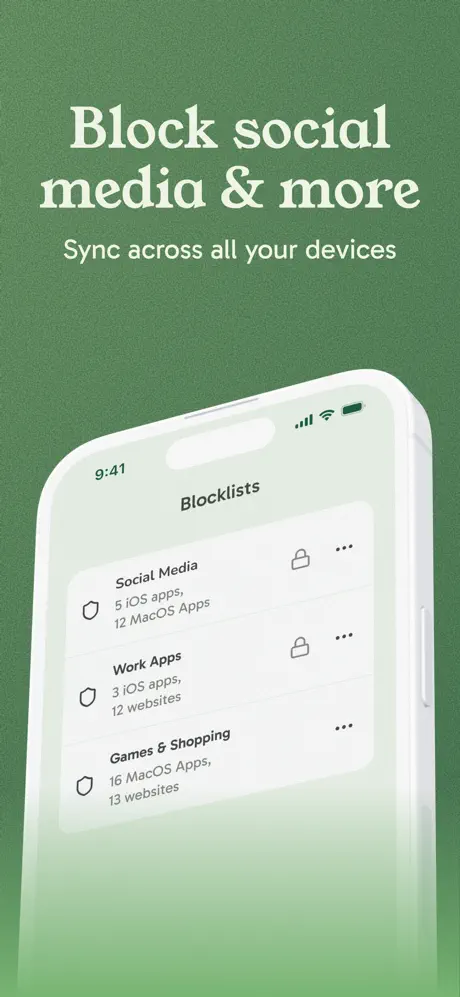
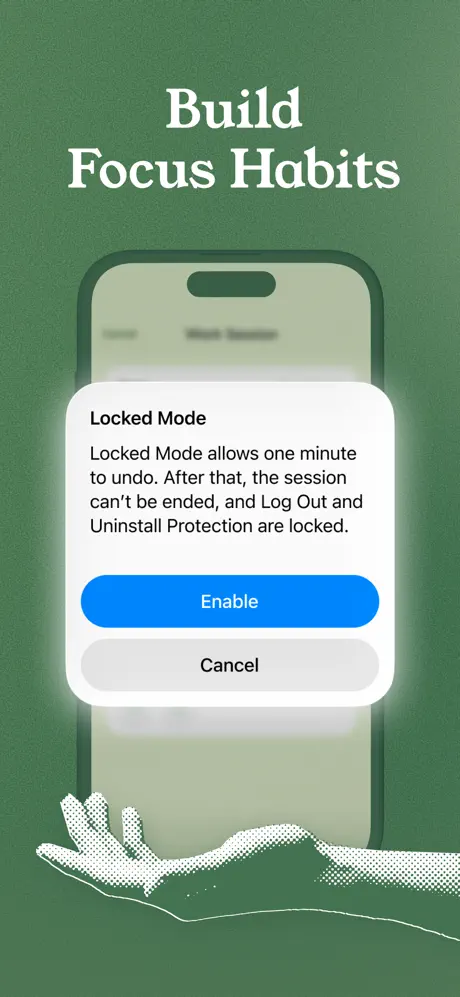
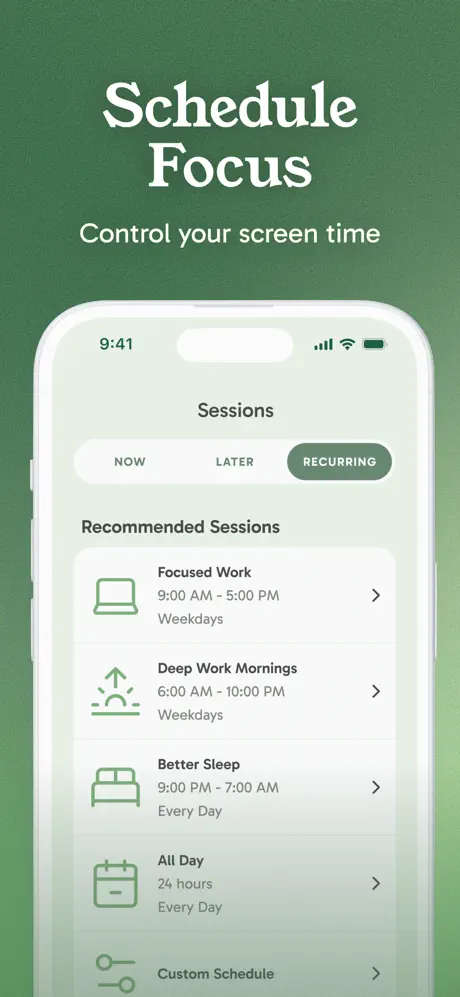
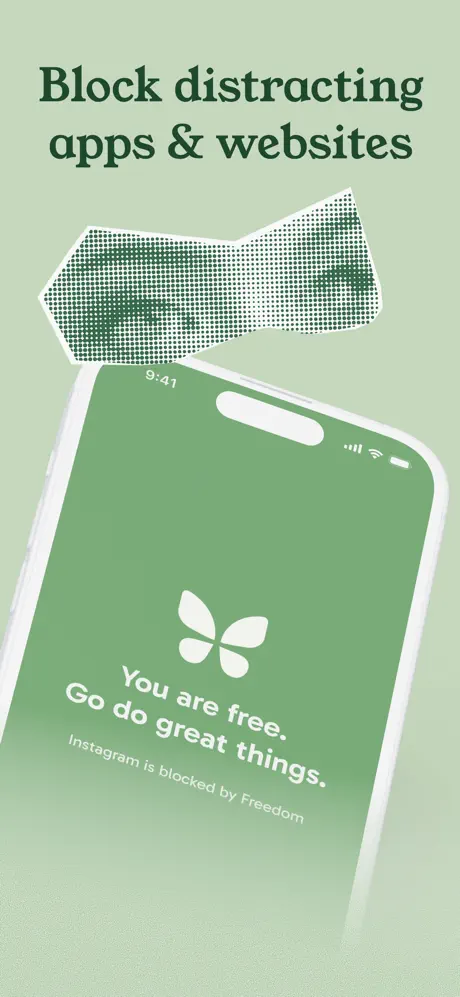
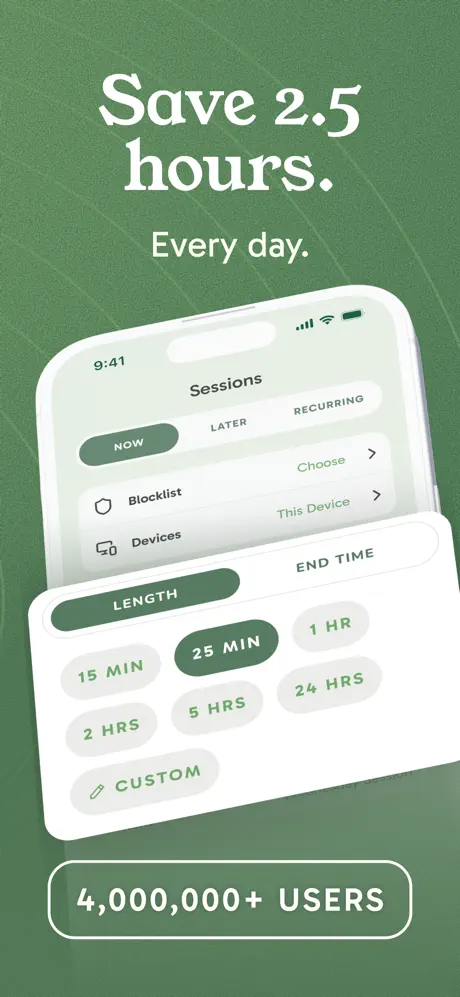
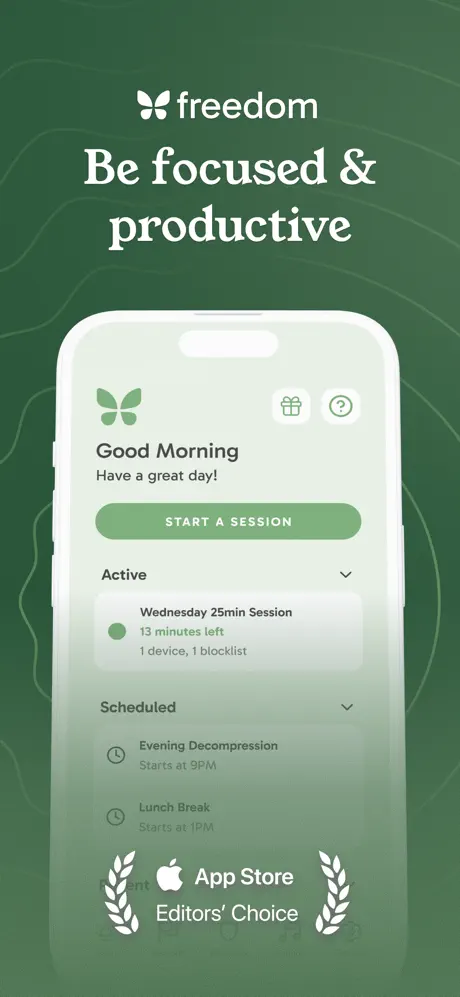
Freedom is a powerful distraction blocking app designed to help users reclaim control over their time and attention. It allows users to block distracting websites, apps, and notifications across all their devices simultaneously. Sessions can be scheduled in advance or started manually, making it an effective tool for creating focused work blocks and protecting deep work time.
What sets Freedom apart is its cross-device synchronization and strict blocking modes (including Locked Mode), which prevent users from easily bypassing restrictions.
Pricing: Subscription ($2.50–7 per month)
Best for: Users who need to block distractions and protect focused time for better time management.
- Excellent cross-device distraction blocking
- Customizable block lists and schedules
- Locked Mode for strict focus sessions
- Helps build better focus habits
- Works across all major platforms
- Limited task and calendar management
- No built-in time tracking or analytics
- Requires discipline to use effectively
- Subscription-based pricing
Product details
| Type of app | Best for | Platforms | Developer | Pricing Model |
|---|---|---|---|---|
| Distraction Blocker | Protecting focus time and reducing distractions | Web, iOS, Android, Mac, Windows | Freedom | Subscription ($2.50–7/month) |
Conclusion
Choosing the right time management app ultimately comes down to understanding your biggest challenges and working style. Some people need help protecting focus time from distractions; others struggle with realistic scheduling, while many simply want clearer visibility into how they spend their days.
The most important thing is not choosing the “best” app according to reviews, but the one that fits your actual workflow and reduces friction rather than adding it. Start by identifying your main pain points: overcommitment, distractions, poor time estimation, or lack of structure, and test 2–3 apps that directly address them.
Don’t be afraid to combine tools. Many successful users run a small stack: one app for planning and blocking (Sunsama or Freedom), one for tasks (TickTick or Todoist), and one for insights (RescueTime). The goal is not perfection, but sustainable improvement in how you manage and value your time.
Remember that no app can manage your time for you. The real value comes from consistent use, regular reviews, and the willingness to adjust your system as your life changes. The best time management app is the one you actually use and trust every day.
Take your time to experiment. In 2026, there are more high-quality options than ever before. The key is finding the right fit for your unique needs and building better habits around it.
F.A.Q.
There is no universal best app, it depends on your needs. Sunsama is excellent for guided time blocking, Motion for AI-powered scheduling, Freedom for distraction blocking, and RescueTime for deep analytics. Ultimate Planner stands out if you prefer visual and customizable planning.
Time management apps focus on how you allocate your time (time blocking, scheduling, focus protection, analytics), while basic to-do lists mainly help you organize tasks. The best time management apps combine both task organization and intelligent time allocation.
For many busy professionals, yes. Apps like Motion can save significant time by automatically scheduling tasks and handling rescheduling. However, if your schedule is relatively stable, simpler tools like TickTick or Sunsama may be more cost-effective.
Absolutely. Tools like Sunsama and Freedom help protect focus time and prevent overcommitment. RescueTime shows you where your energy is actually going, helping you create better work-life boundaries.
Microsoft To Do and TickTick are the most beginner-friendly. They offer clean interfaces, useful daily views, and enough features to get started without feeling overwhelming.
Many people benefit from a small stack. For example, using Freedom for focus + Sunsama or Motion for scheduling + RescueTime for insights. However, starting with one strong app is usually better than trying too many at once.
Yes. Microsoft To Do, Google Calendar, and the free tiers of TickTick and Notion provide very capable solutions. Paid apps become worthwhile when you need advanced automation, deeper analytics, or distraction blocking.
Most users notice improvements within 1–2 weeks if they use the app consistently. Real transformation usually happens after 4–6 weeks once the system becomes a habit.