
Premium Kindle Colorsoft Templates for Scribe
Quick jump to:
Introduction
Kindle Colorsoft templates are designed for users who want a clean, distraction-free planning experience on color e-ink devices. Unlike traditional digital planners created for tablets or phones, these layouts are optimized for the unique characteristics of Kindle Colorsoft screens, where clarity, spacing, and balance play a key role. Well-designed templates make handwriting more comfortable and help organize information without overwhelming the page.
This collection brings together planning and note-taking layouts suitable for everyday use, long-term organization, and creative workflows. The templates cover a wide range of planning needs, including daily and weekly organization, monthly overviews, productivity planning, wellness tracking, education, and more. Each layout is created to feel natural on Kindle Colorsoft-compatible devices, supporting a paper-like writing experience while offering the flexibility of digital planning.
Whether you prefer structured planning or more open formats, these templates allow you to build a personalized system that adapts to your habits. Clean layouts, thoughtful spacing, and subtle visual structure help keep the focus on what matters most: writing, planning, and reflection. By combining different types of pages, users can create a cohesive planning environment that supports consistency, clarity, and long-term organization.
Daily Kindle Colorsoft Templates for Scribe
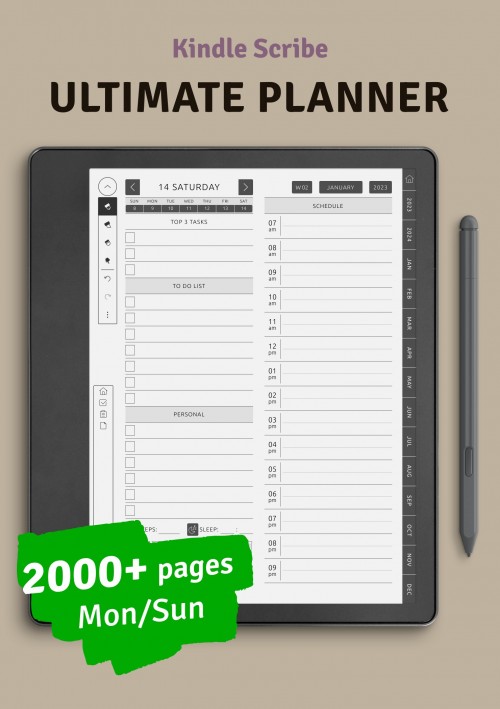
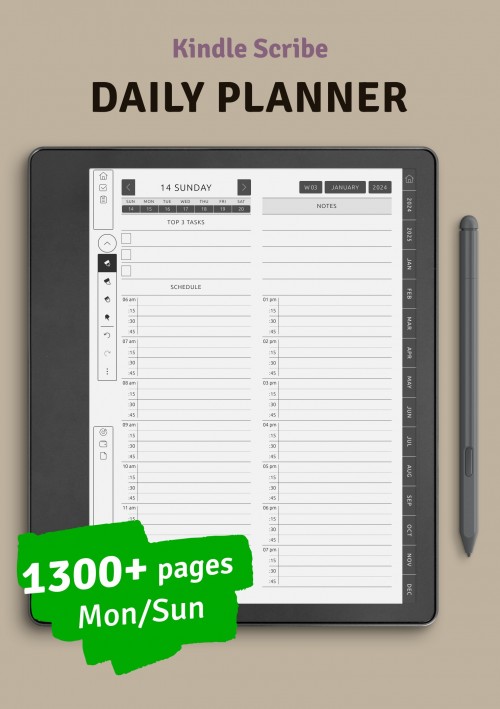
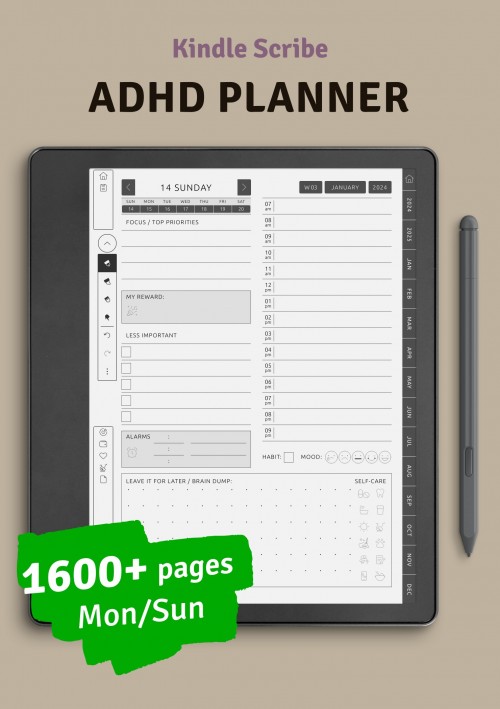
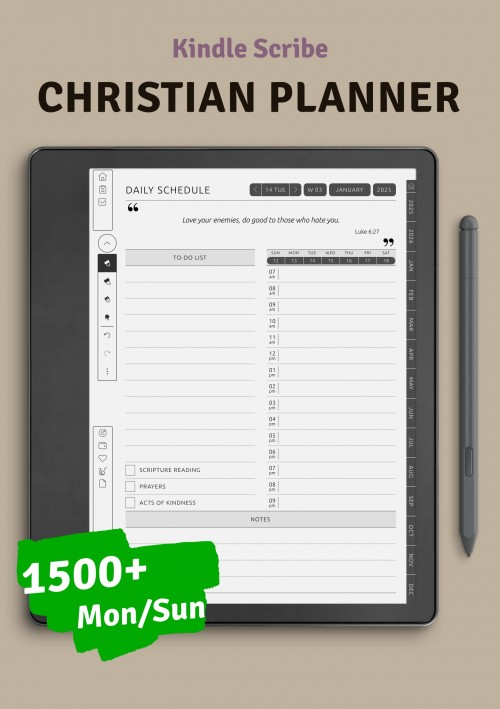
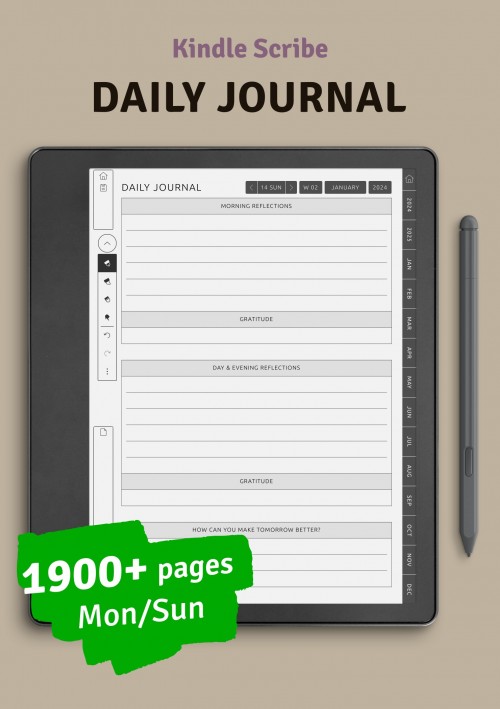
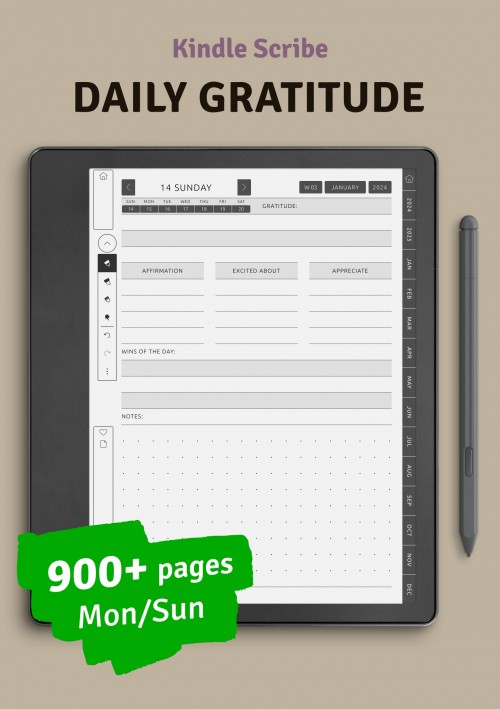
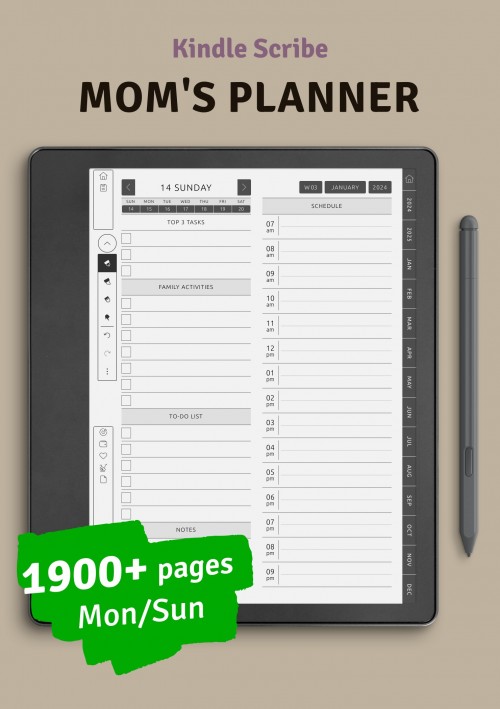
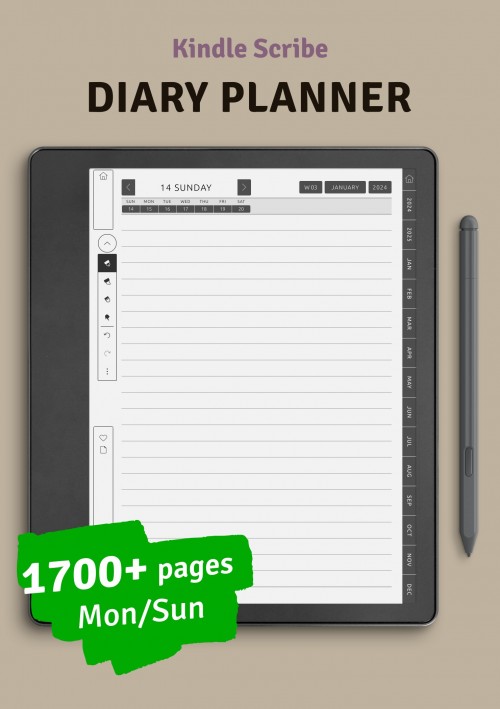
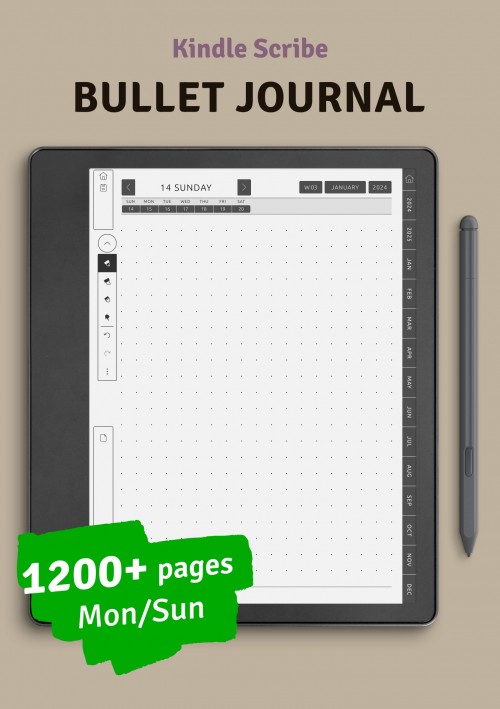
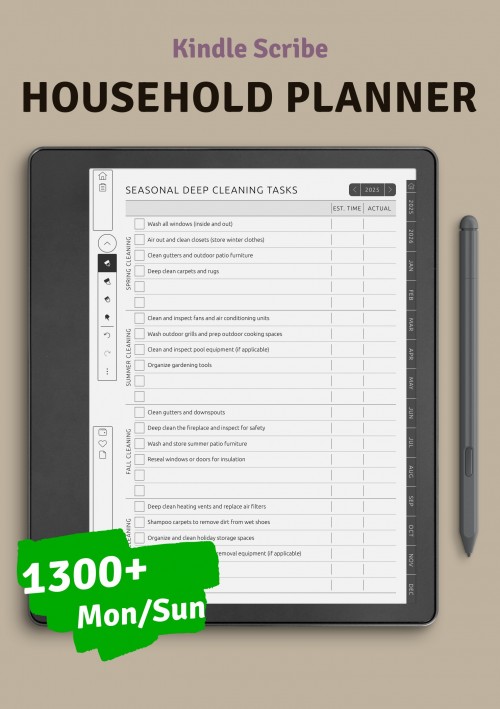
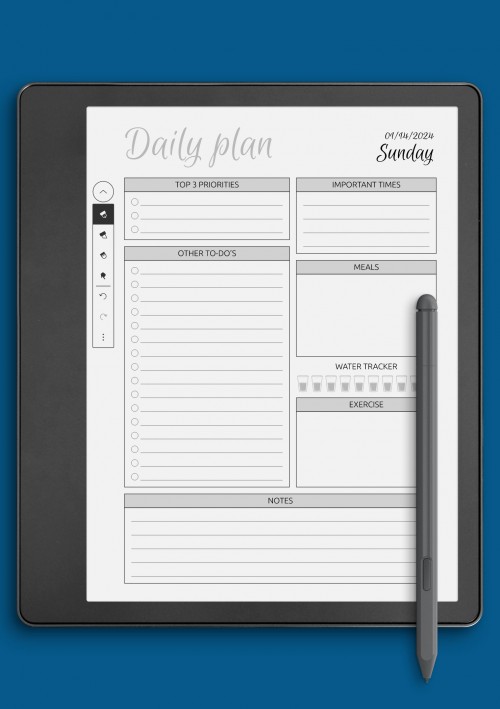
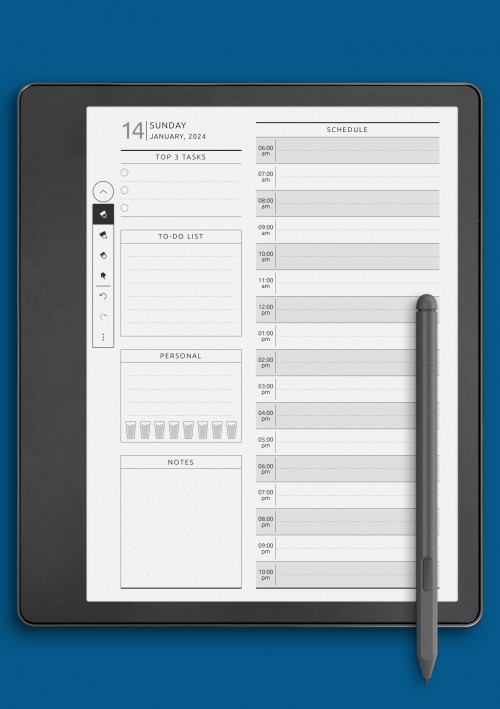
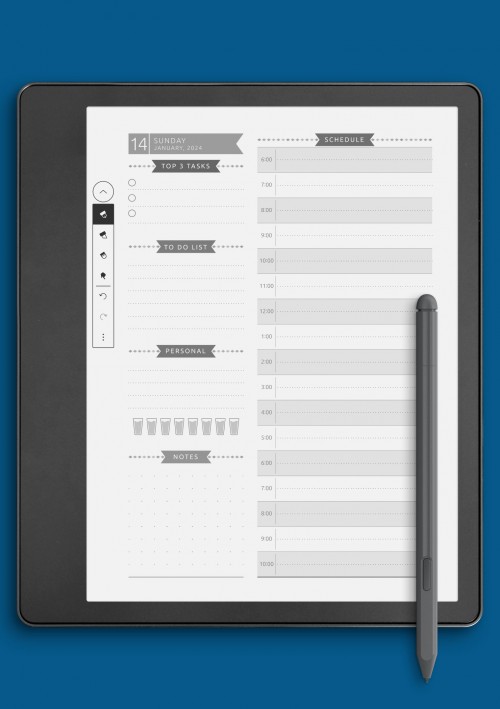
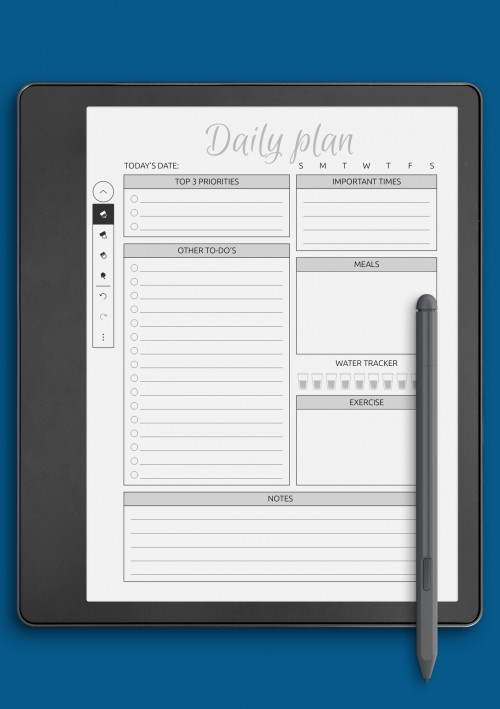
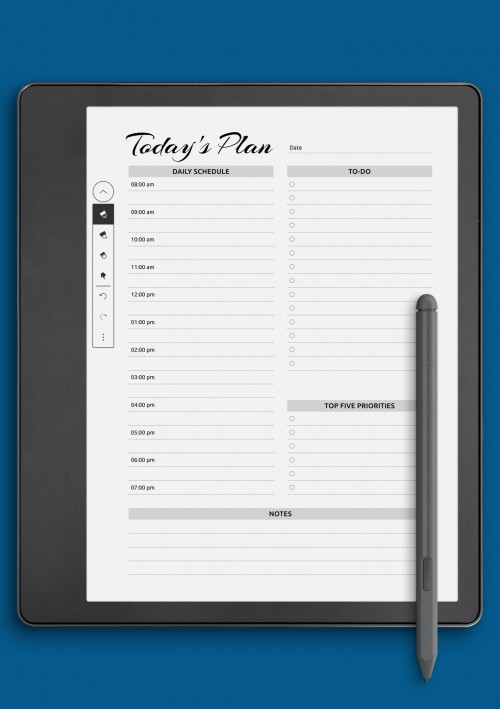
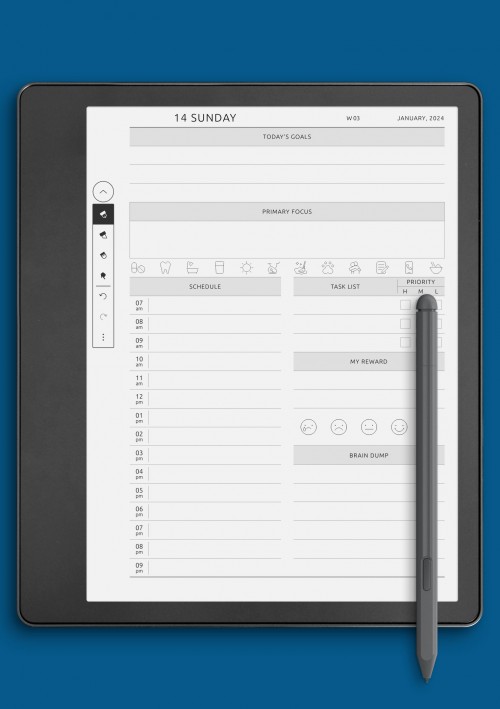
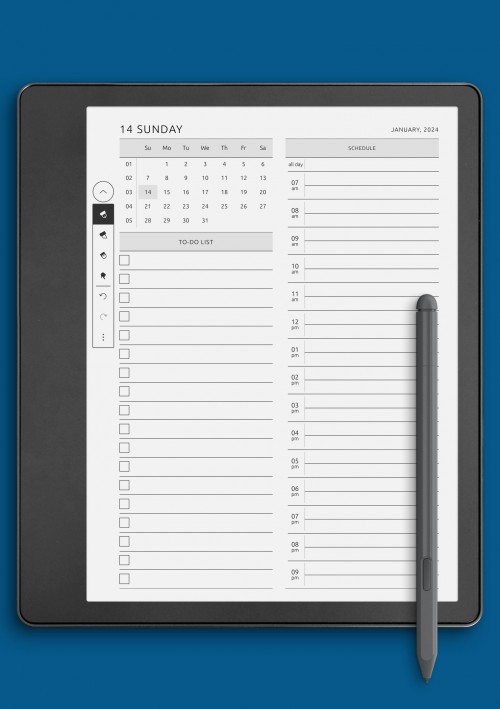
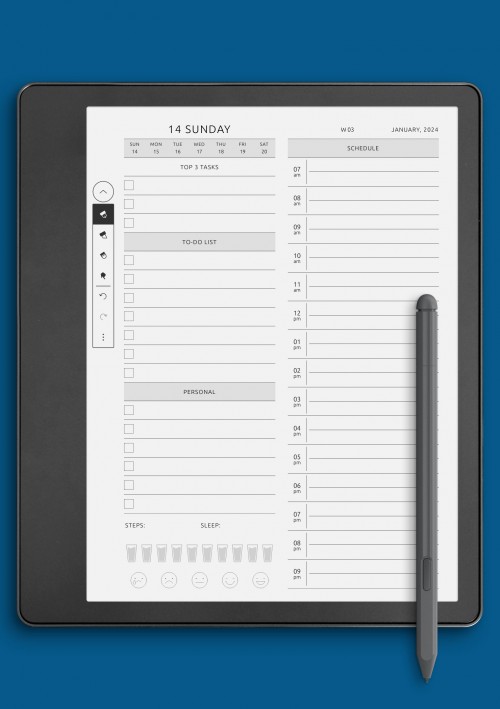
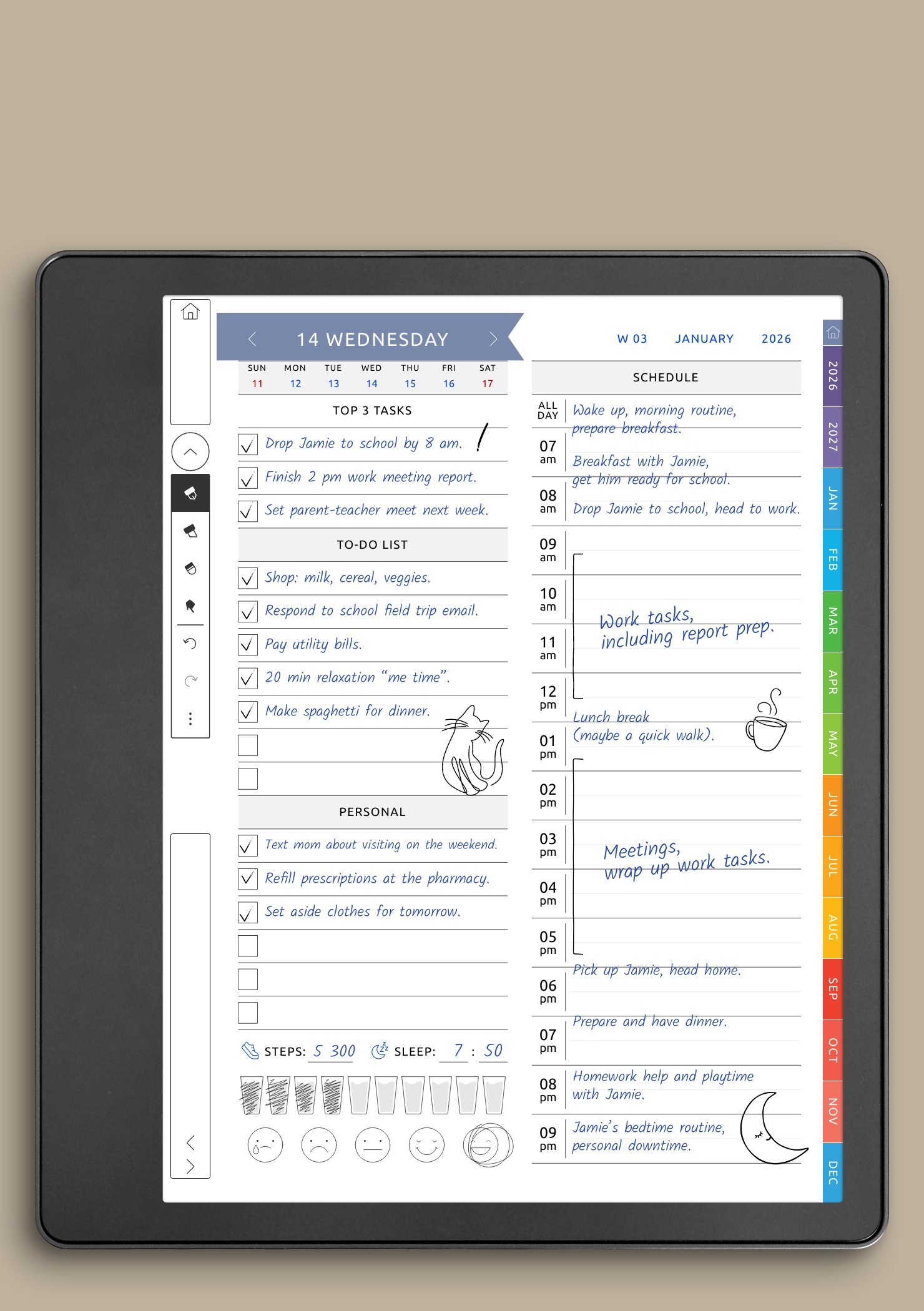
Daily planning pages for Kindle Colorsoft devices are designed to help structure everyday tasks, notes, and priorities in a simple and distraction-free way. These layouts work especially well on color e-ink screens, where clarity and balance are more important than excessive visual elements. Daily pages support focused planning by giving each day its own dedicated space, making it easier to organize responsibilities without feeling overwhelmed.
The daily layouts in this collection vary in structure, allowing users to choose formats that match their planning habits. Some pages are built around time blocks for scheduling appointments and meetings, while others focus on task lists, priorities, or open writing areas. This flexibility makes daily planning suitable for different use cases, including work routines, study sessions, journaling, and personal organization.
Designed with Kindle Scribe and other Colorsoft-compatible devices in mind, these daily pages maintain consistent spacing and proportions that feel natural when writing by hand. Subtle visual accents help separate sections without distracting from content. By using well-structured daily layouts, users can develop a steady planning routine that supports productivity while remaining easy to maintain over time.
Weekly Planner Templates for Kindle Colorsoft
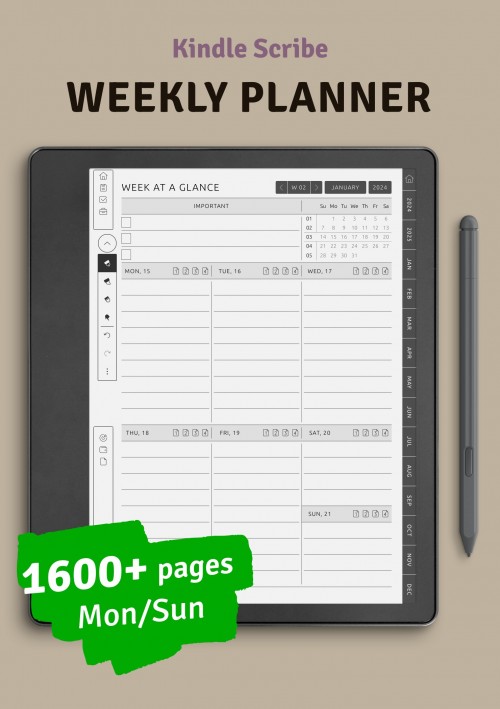
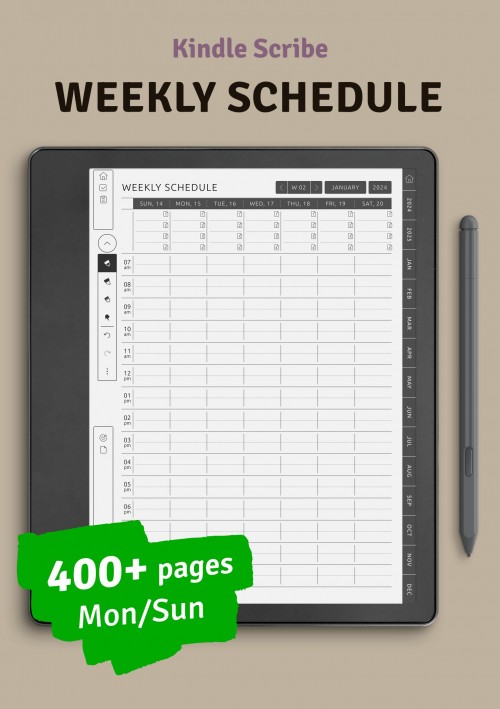
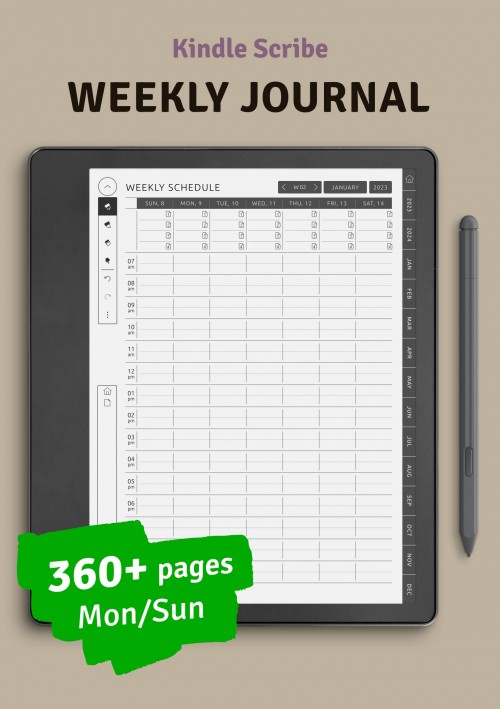
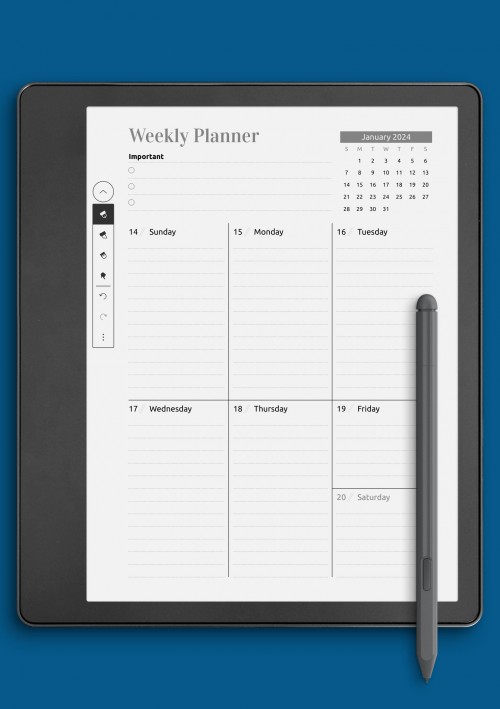
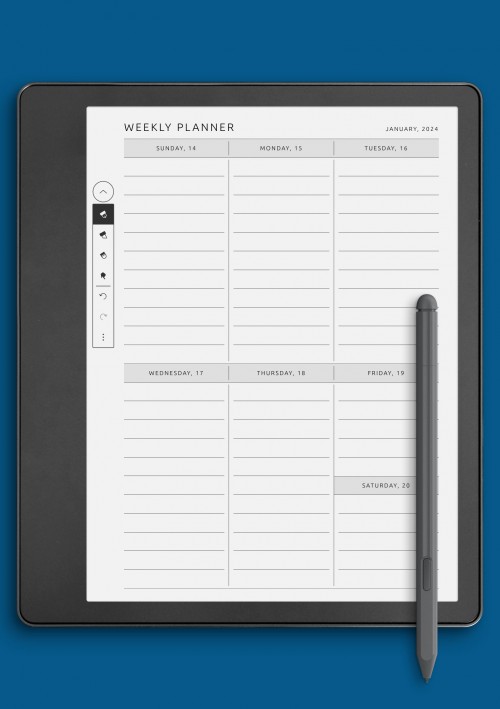
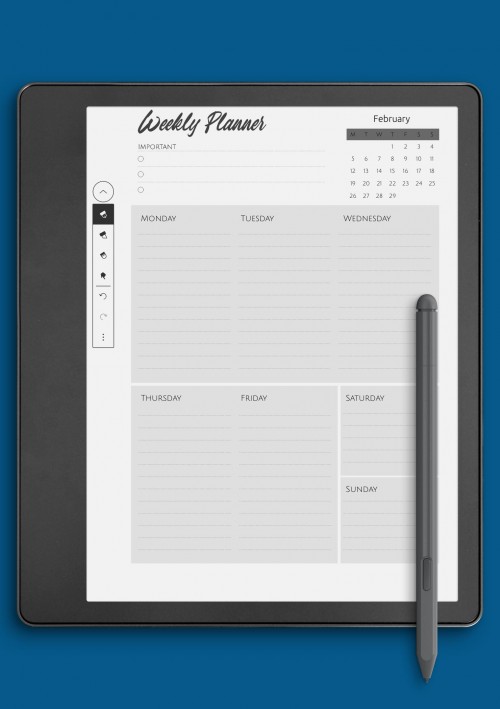
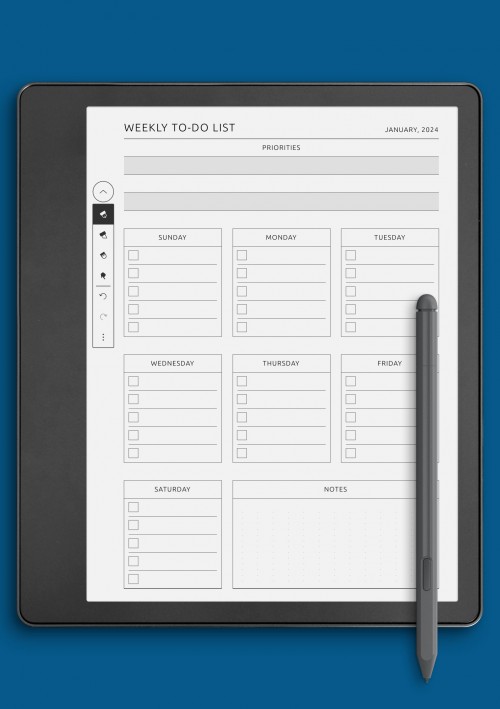
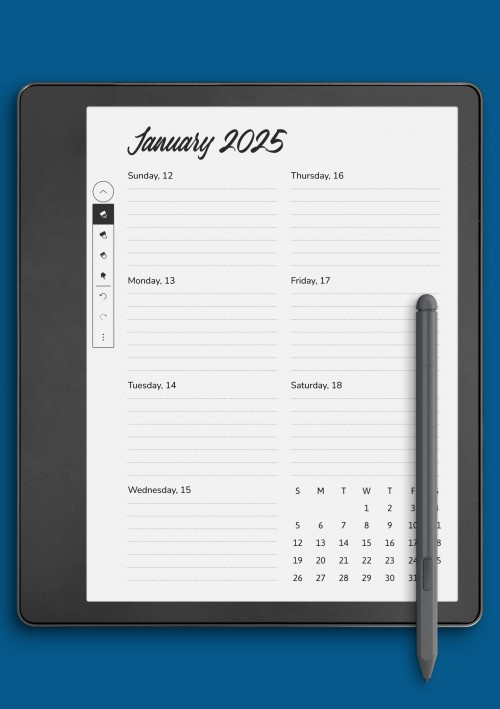
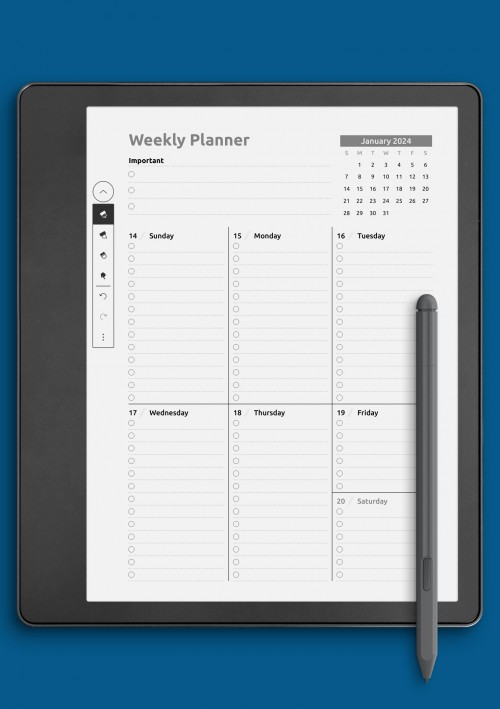
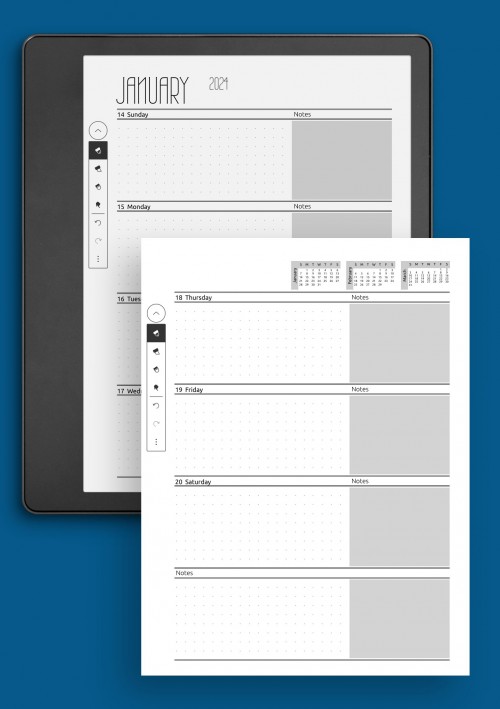
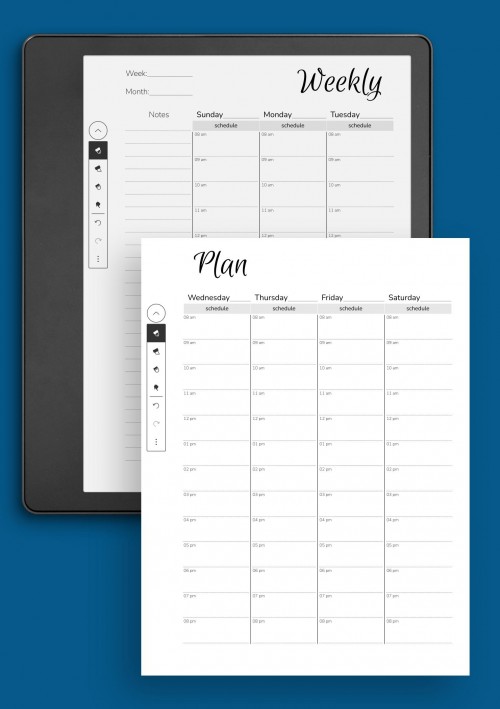
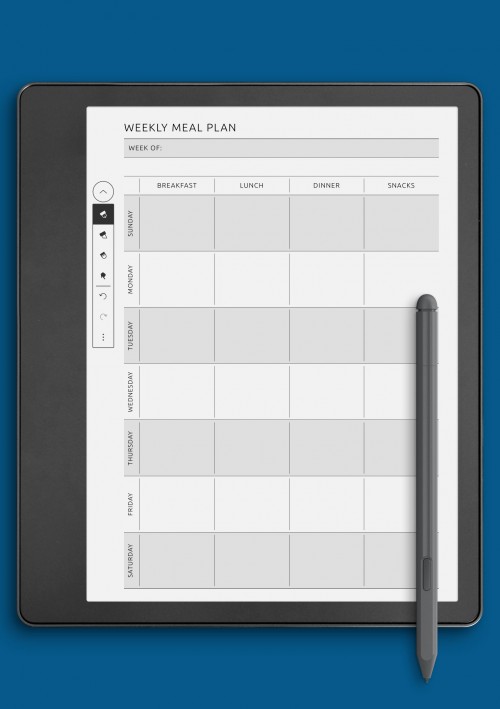
Weekly planning layouts for Kindle Colorsoft provide a clear overview of upcoming tasks, events, and priorities within a single view. This format is ideal for users who want to see how their schedule unfolds across the week without switching between multiple daily pages. A well-designed weekly layout helps balance responsibilities and makes it easier to adjust plans as the week progresses.
The weekly pages available here include different structural approaches, such as horizontal and vertical week views, combined planning and task layouts, and week-at-a-glance formats. Some layouts emphasize scheduling, while others focus more on goals, checklists, or reflection. This variety allows weekly planning to adapt to different lifestyles, from professional work planning to academic or personal organization.
Optimized for color e-ink screens, weekly layouts are intentionally clean and uncluttered. Spacing, alignment, and section sizing are carefully considered to ensure handwritten notes remain readable throughout the week. Weekly planning pages work especially well when combined with daily and monthly layouts, creating a cohesive system that supports both short-term planning and long-term consistency.
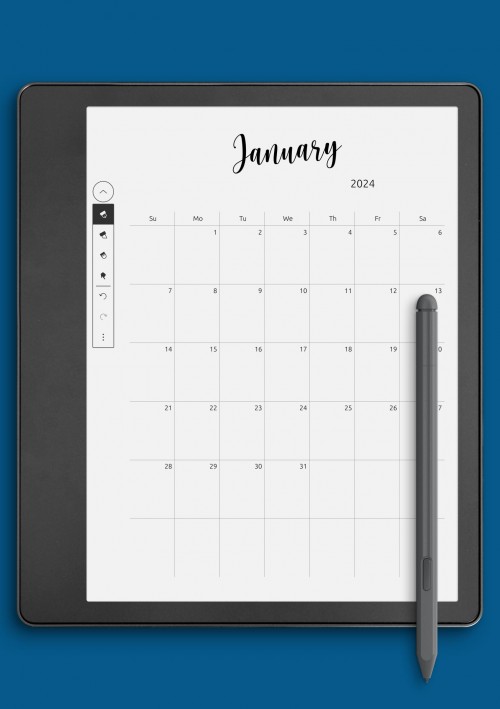
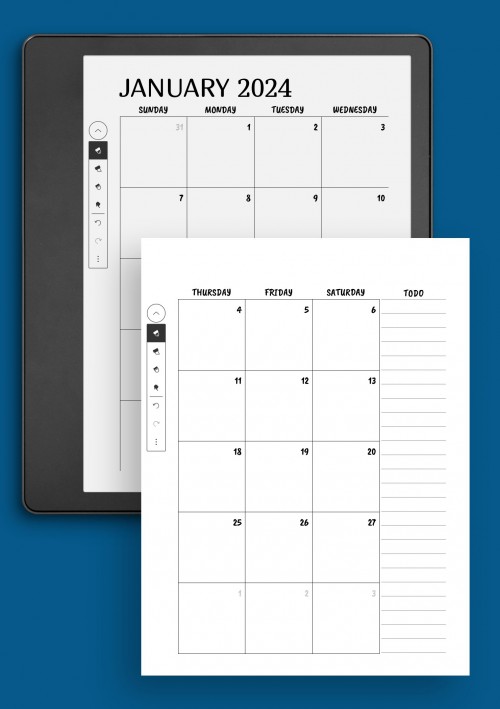
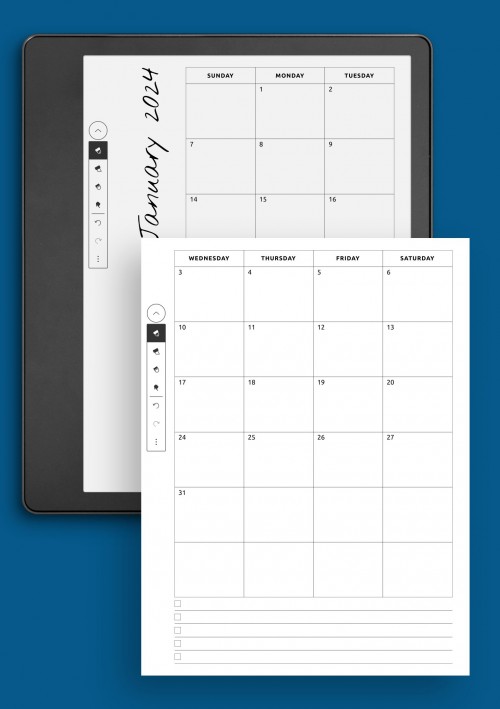
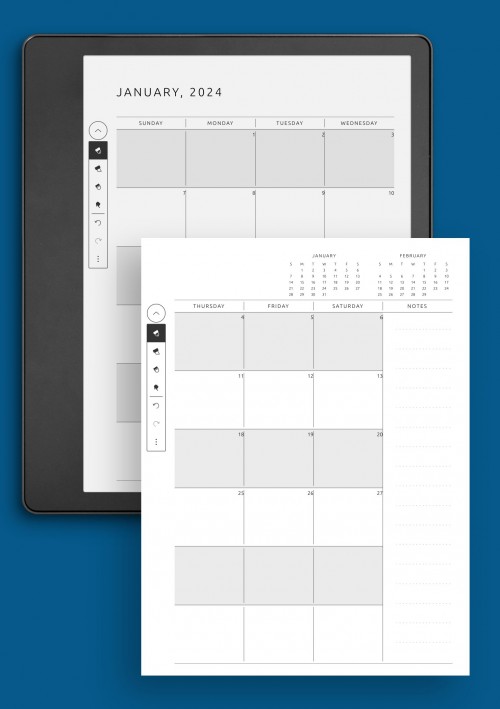
Monthly Colorsoft Templates & Calendars for Kindle
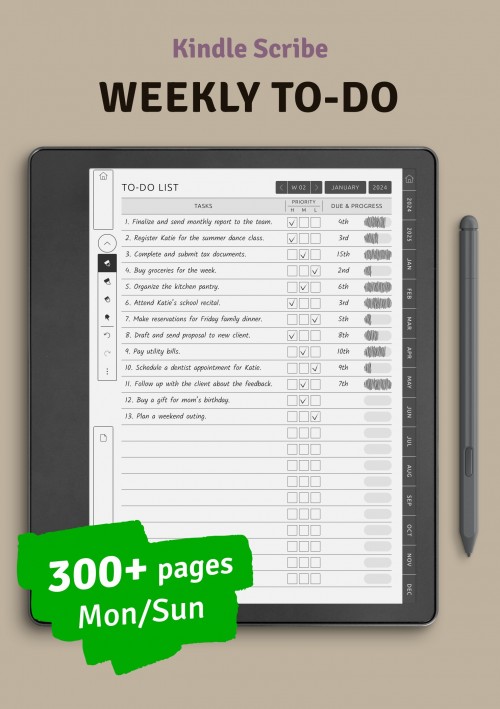
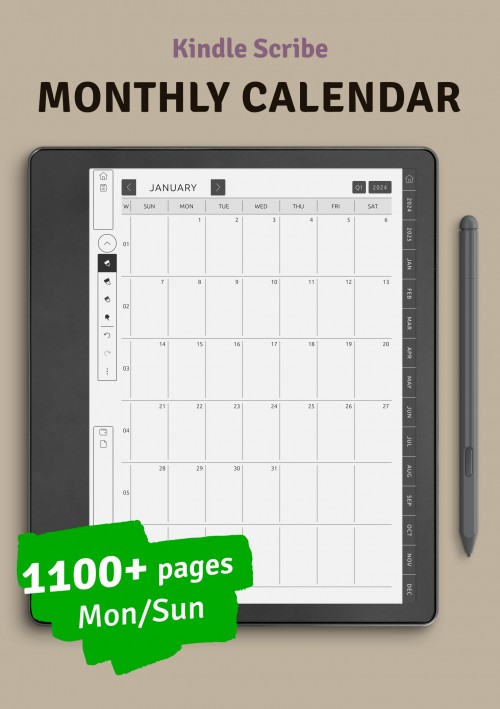
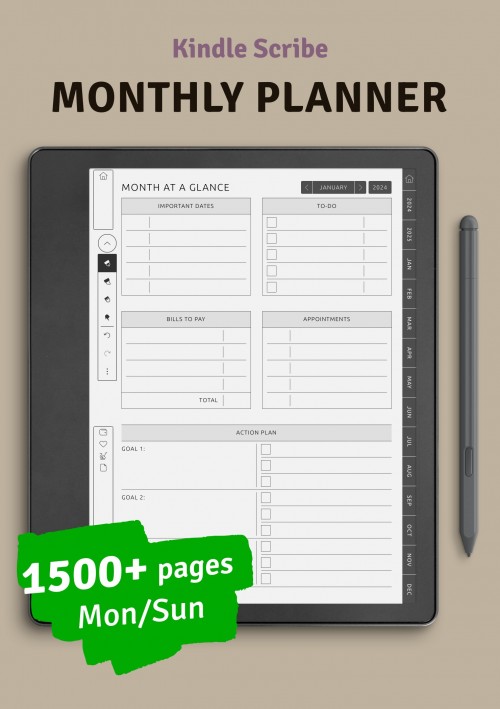
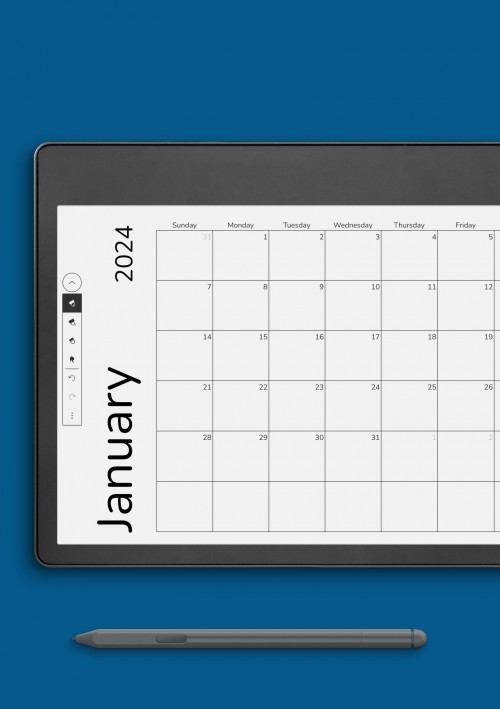
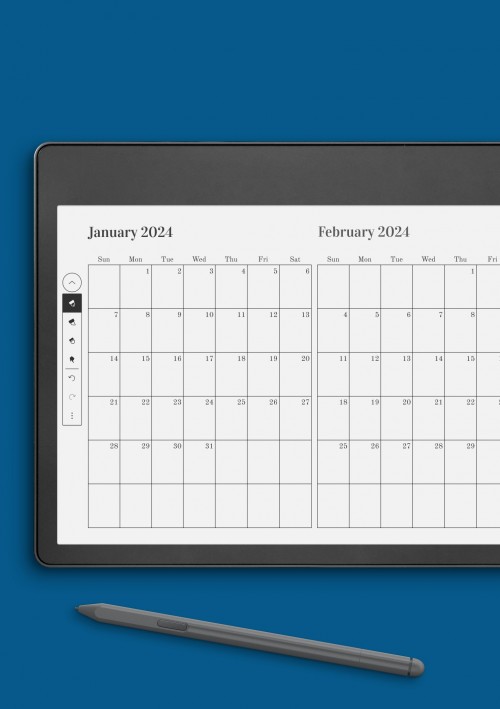
Monthly planning pages and calendar layouts offer a broader view of goals, deadlines, and recurring events across an entire month. These layouts are essential for understanding how individual tasks fit into a longer planning cycle and for staying ahead of important dates. A strong monthly overview helps reduce last-minute planning and encourages more intentional scheduling.
This collection includes multiple monthly formats, such as classic calendar grids, month-at-a-glance layouts, and structured planning pages with space for priorities and notes. Some designs focus on visual clarity, while others allow for more detailed planning and reflection. This makes monthly layouts suitable for tracking projects, planning workloads, or organizing personal commitments over time.
Created for Kindle Colorsoft-compatible devices, monthly pages prioritize readability on color e-ink displays. Clean structure, balanced spacing, and restrained visual elements ensure that handwritten content stays clear throughout the month. When used together with weekly and daily layouts, monthly planning pages form a reliable foundation for an organized and sustainable planning system.
Productivity-Focused Kindle Colorsoft Templates
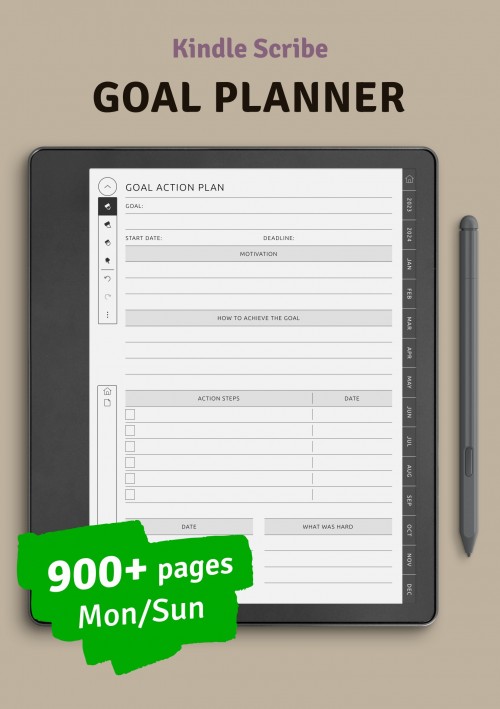
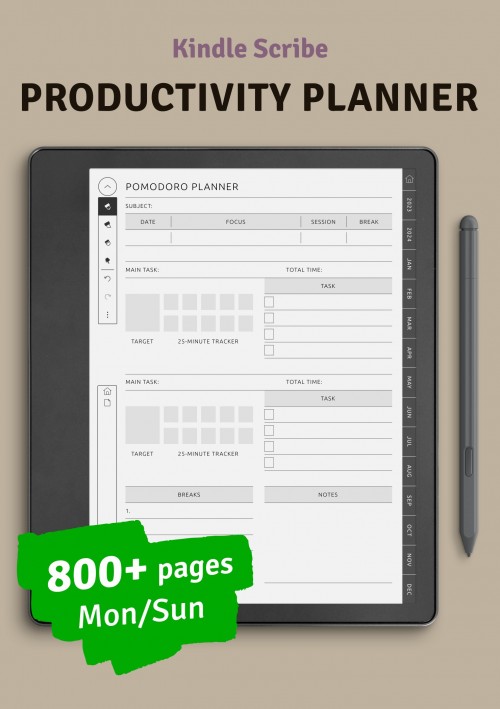
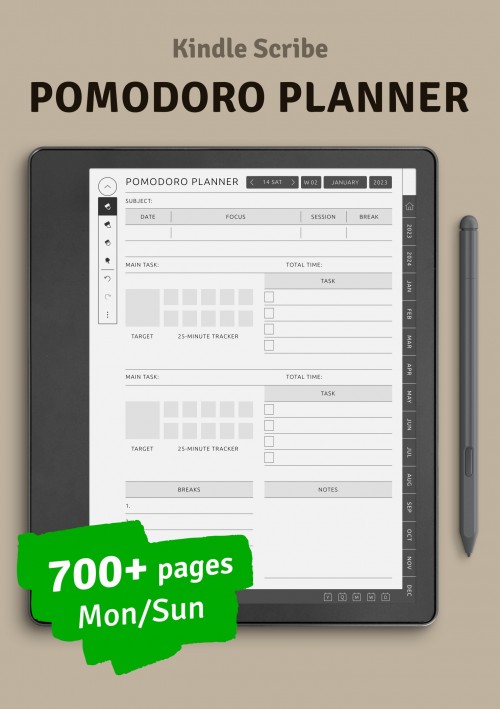
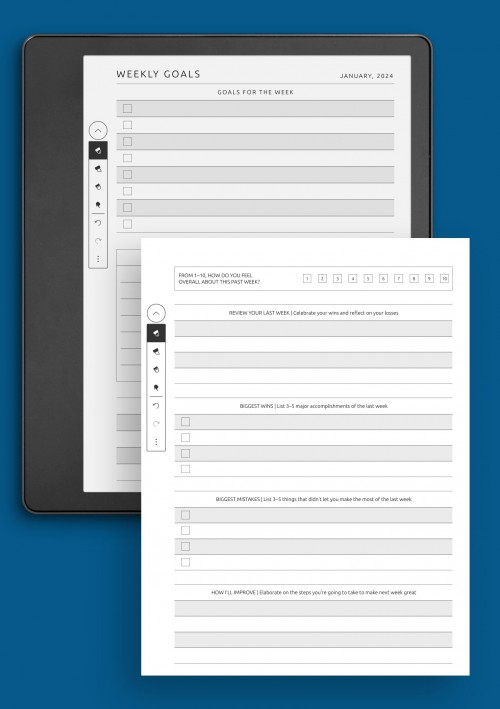
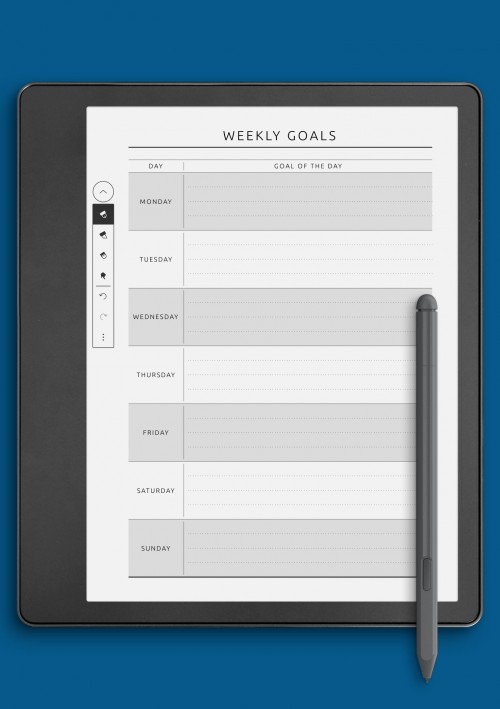
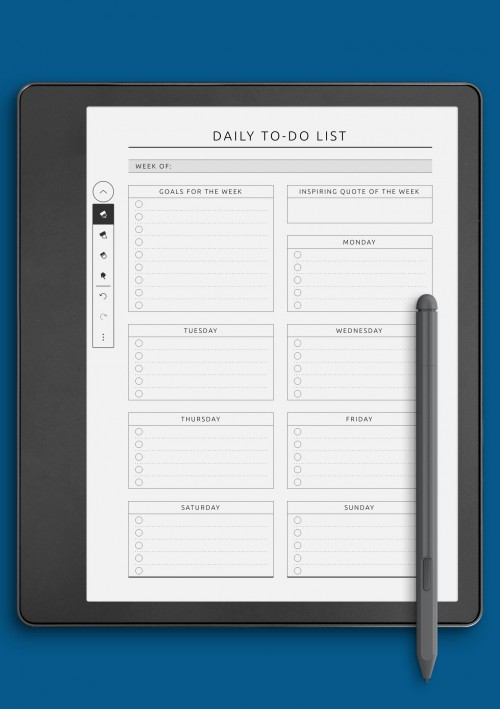
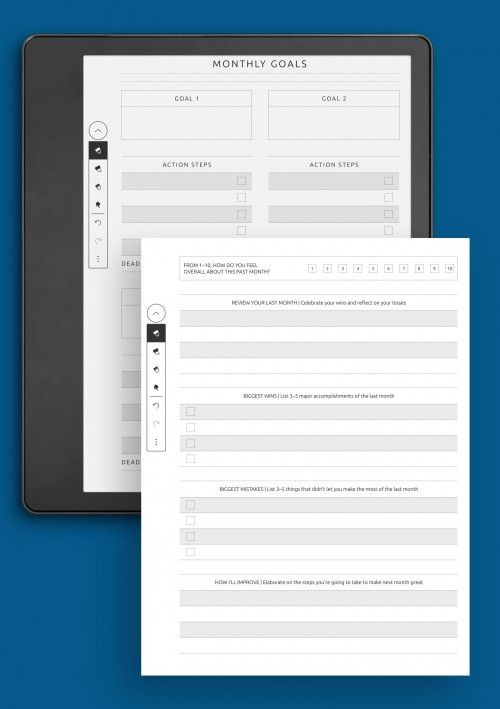
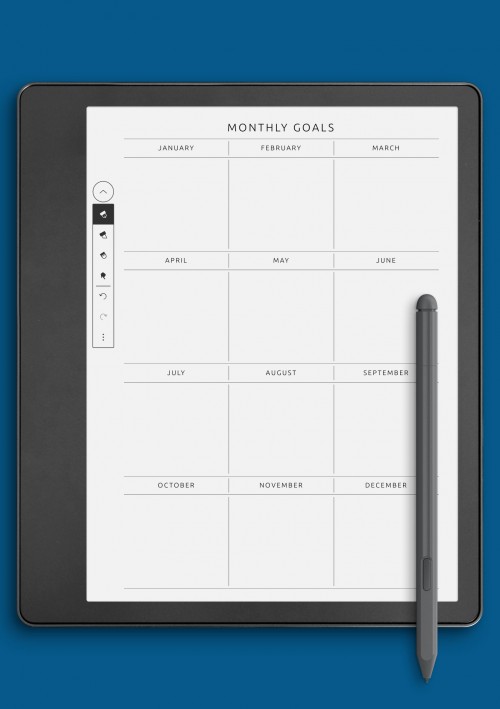
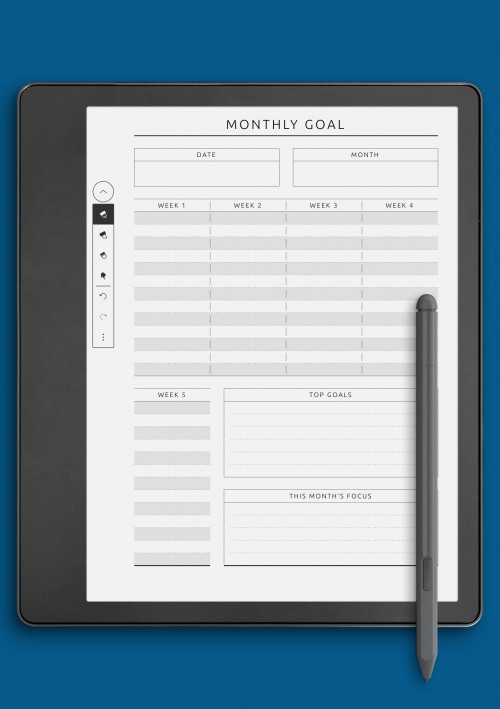
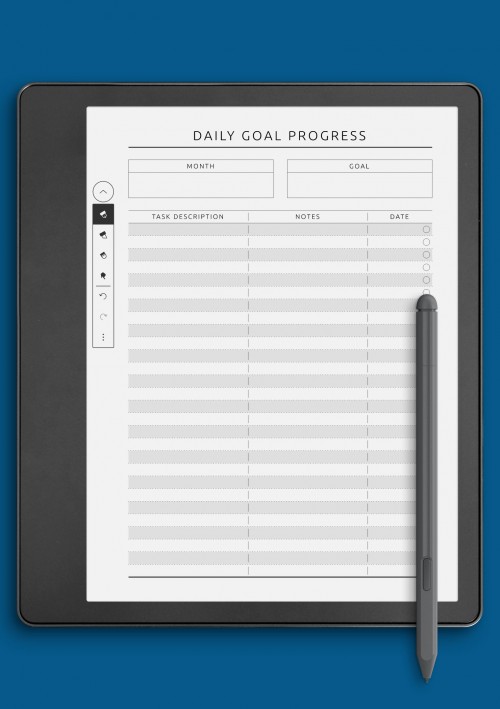
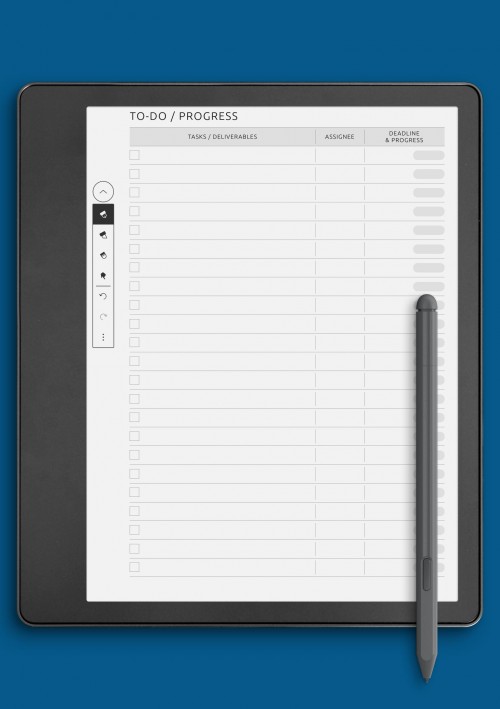
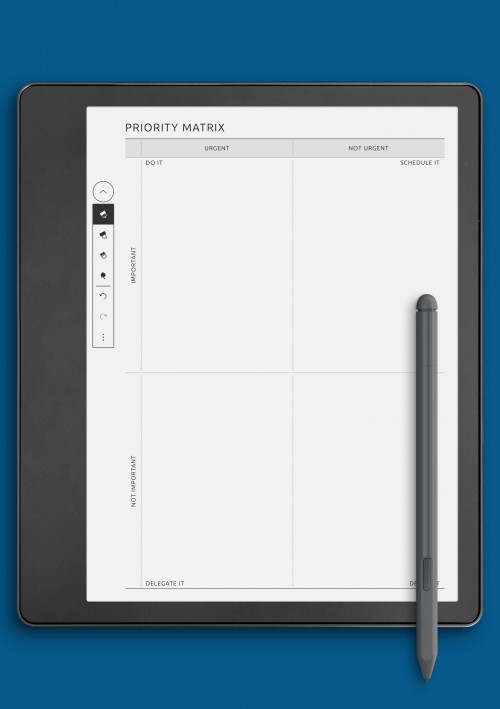
Productivity-focused planning pages are designed to help organize tasks, goals, and workflows in a clear and structured way on Kindle Colorsoft devices. These layouts support focused work by breaking complex plans into manageable sections, making it easier to track progress without unnecessary distractions. Productivity pages are especially useful for users who prefer a calm, paper-like planning experience while maintaining a strong sense of structure.
This collection includes layouts for task management, goal setting, habit tracking, and priority planning. Some pages emphasize daily or weekly focus, while others are built for longer-term organization and reflection. By separating priorities from secondary tasks, productivity layouts help users stay intentional about how they spend their time. This approach supports both short bursts of focused work and sustained planning over weeks or months.
Designed for color e-ink screens, these productivity pages balance clarity with flexibility. Subtle visual structure helps guide the eye without overwhelming the page, ensuring handwritten notes remain readable and organized. When used consistently, productivity-focused layouts become a reliable framework for staying on track, reviewing progress, and maintaining momentum in a distraction-free planning environment.
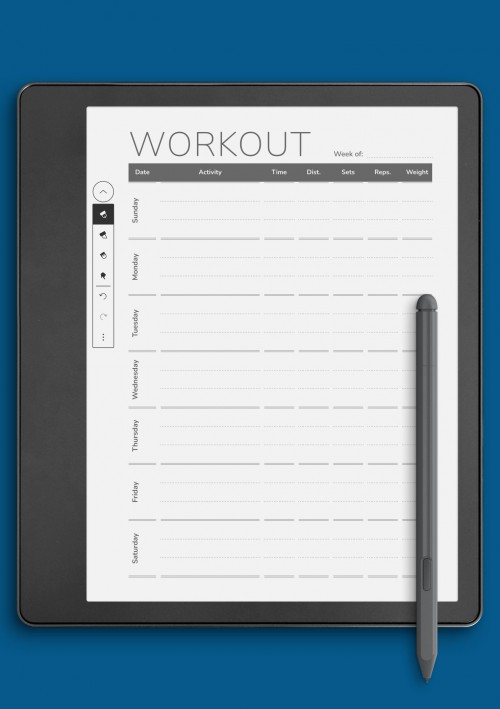
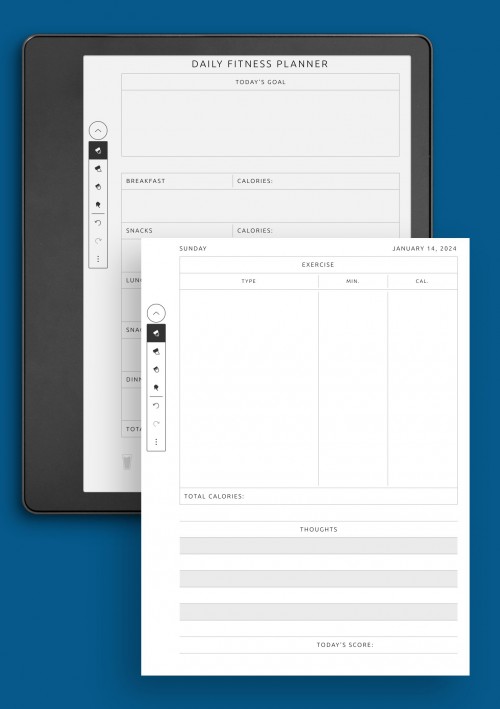
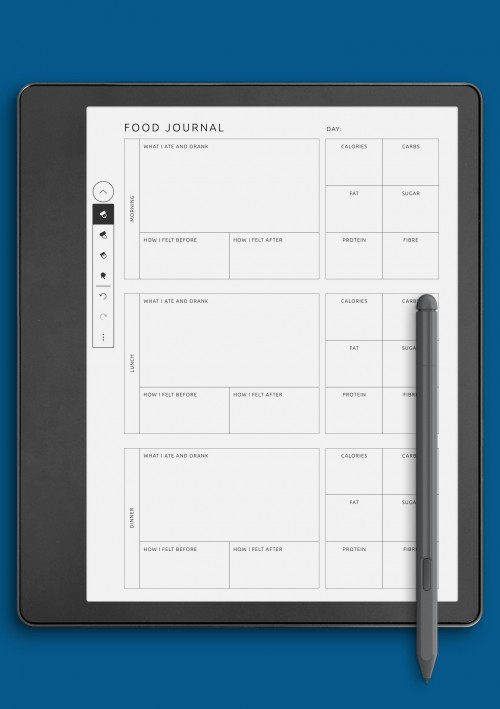
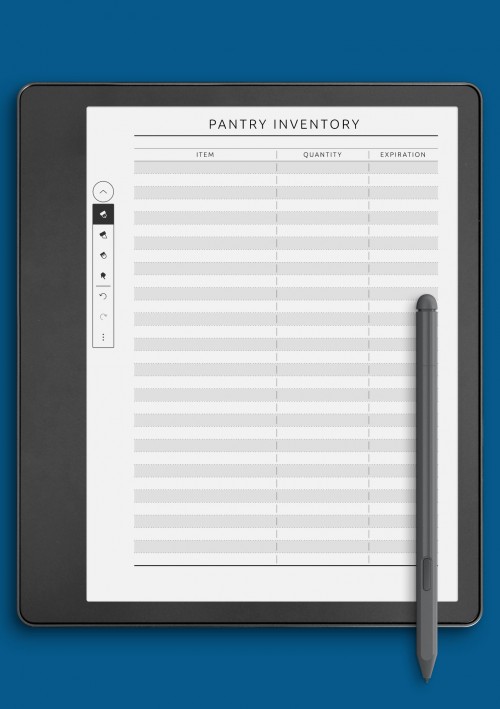
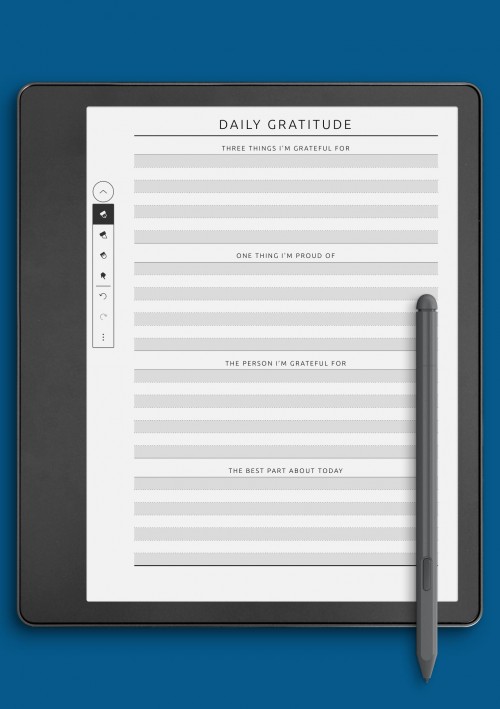
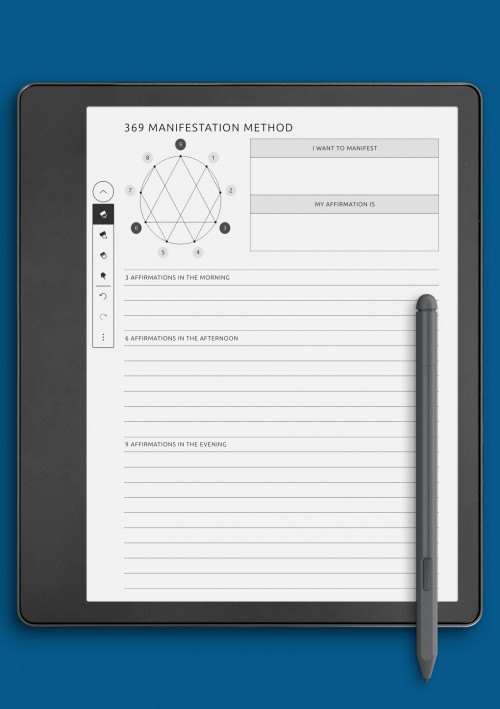
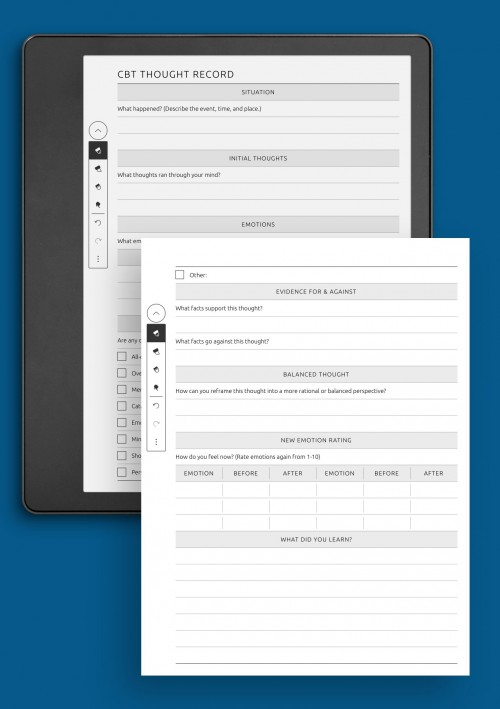
Wellness & Self-Care Templates for Kindle Colorsoft
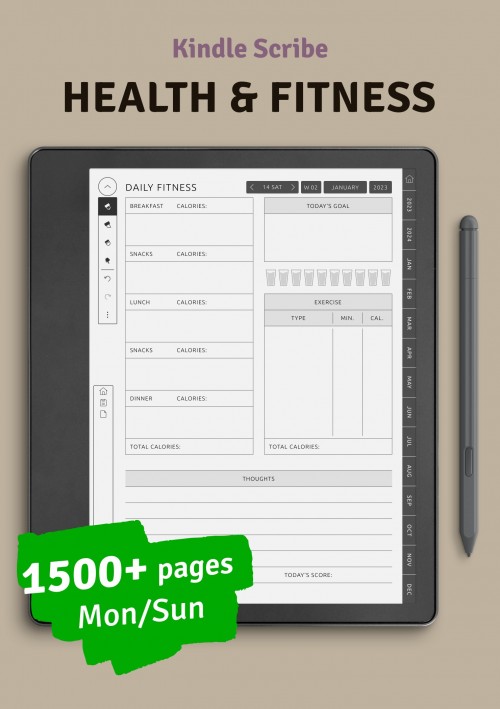
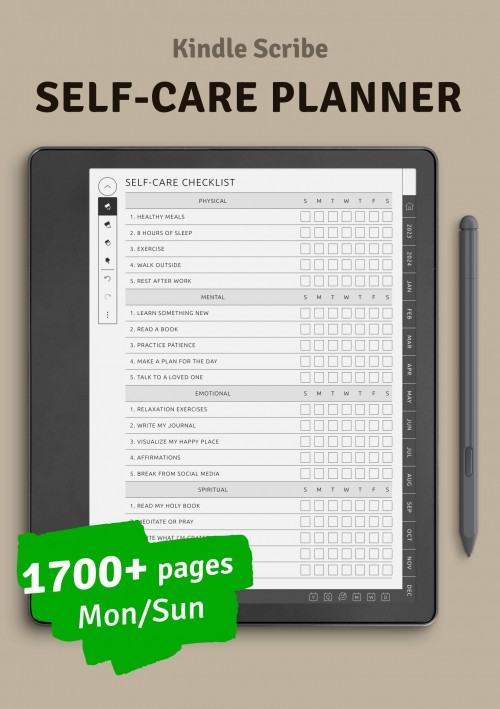
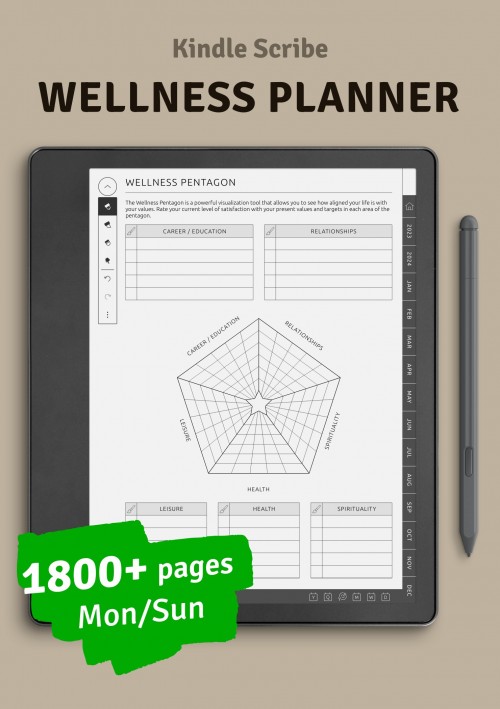
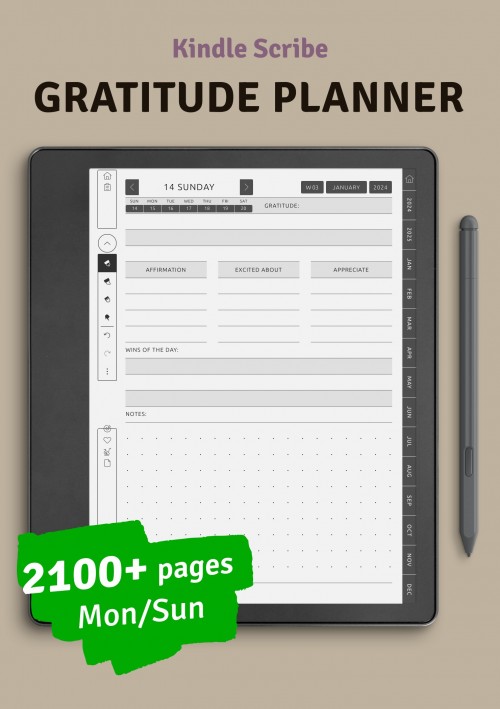
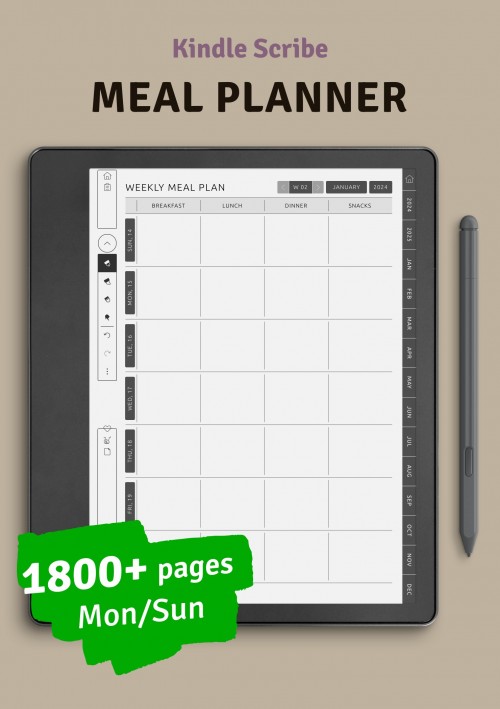
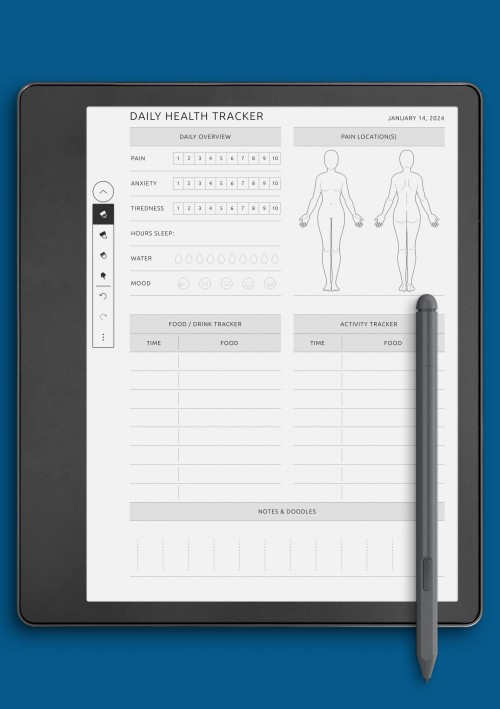
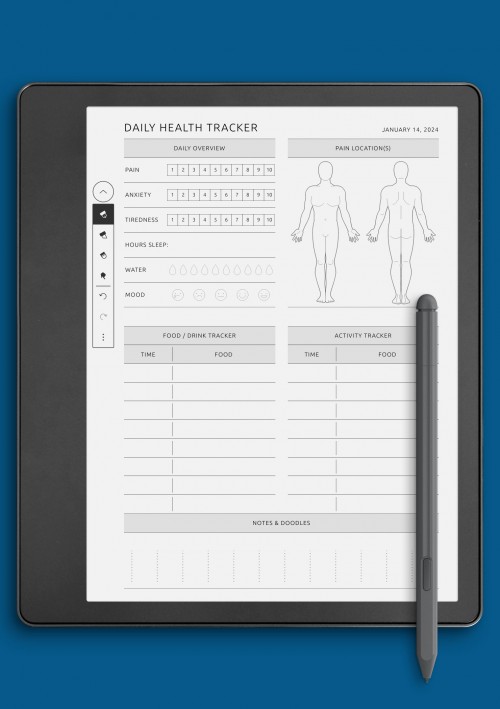
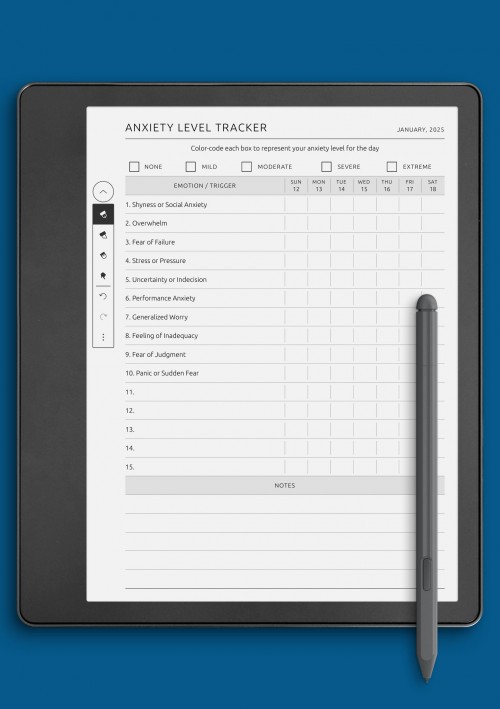
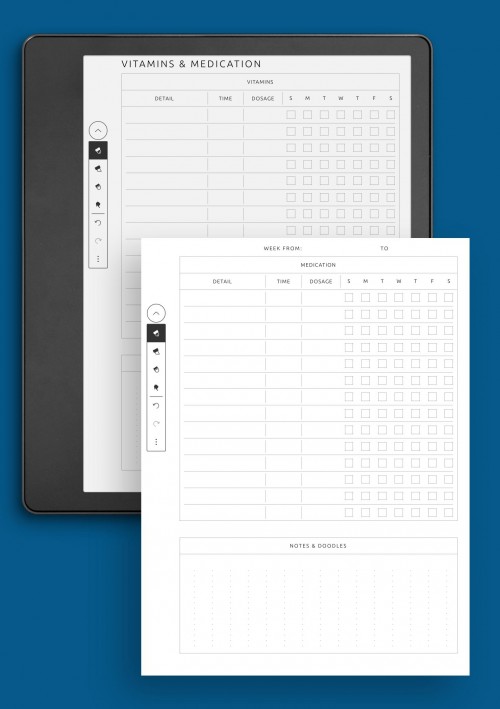
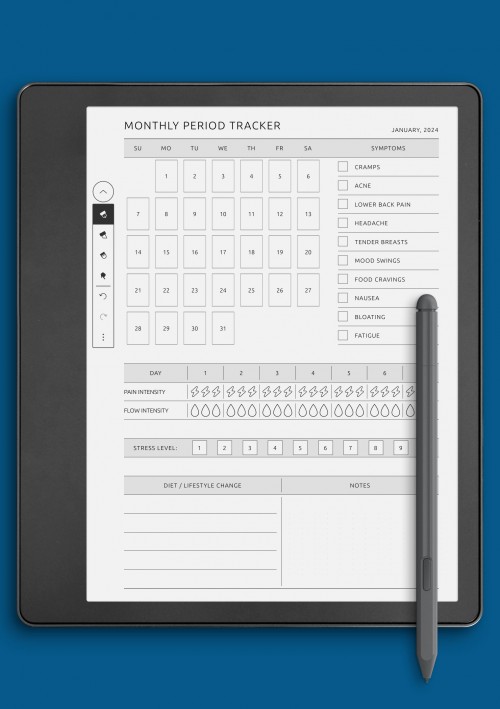
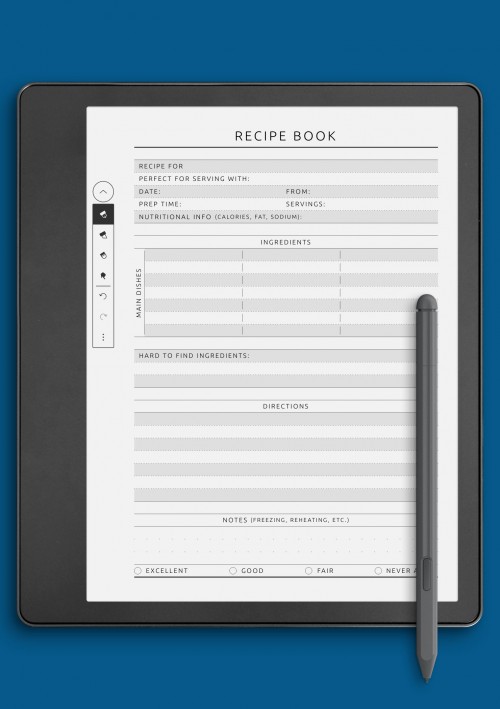
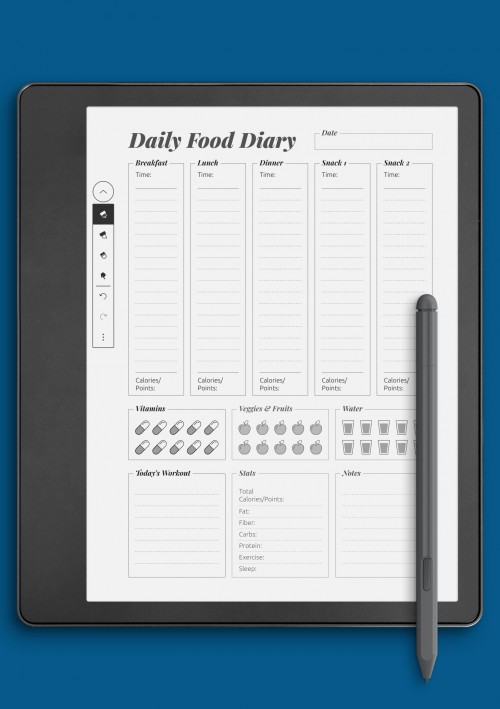
Wellness and self-care planning pages are created to support balance, reflection, and mindful routines on Kindle Colorsoft devices. These layouts focus on helping users pay attention to their well-being by providing space for gentle tracking, personal notes, and daily or weekly check-ins. A calm, uncluttered design encourages consistency without turning wellness planning into a rigid process.
The wellness pages in this collection include formats for mood tracking, habit reflection, self-care routines, and personal journaling. Some layouts are minimal and open-ended, while others provide light structure to support reflection and awareness. This variety allows users to choose pages that match their comfort level, whether they prefer guided prompts or free writing.
Optimized for color e-ink displays, wellness layouts prioritize readability and visual comfort. Soft visual separation between sections helps maintain clarity while preserving a relaxing writing experience. These pages work well as part of a broader planning system or as standalone tools for building healthier routines and maintaining emotional balance over time.
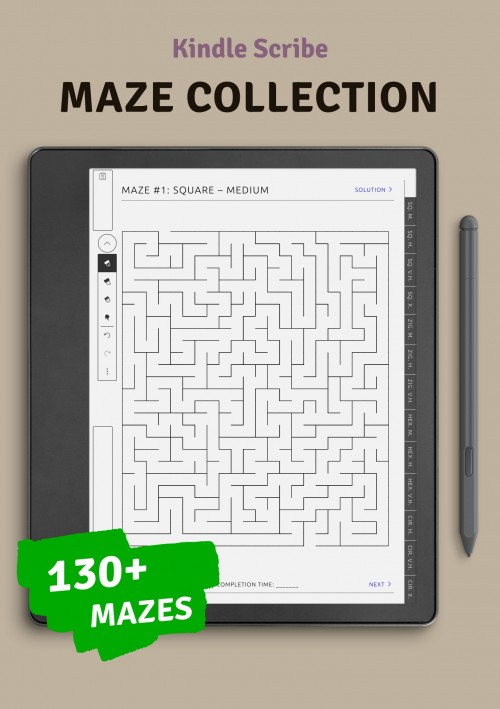
Kindle Colorsoft Brain Games
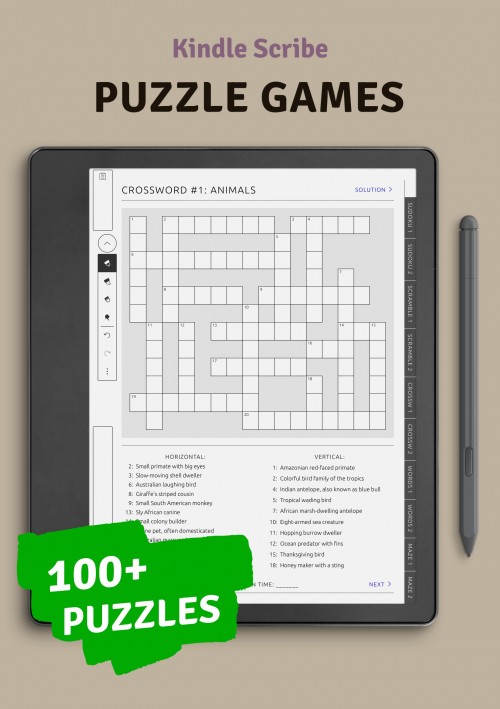
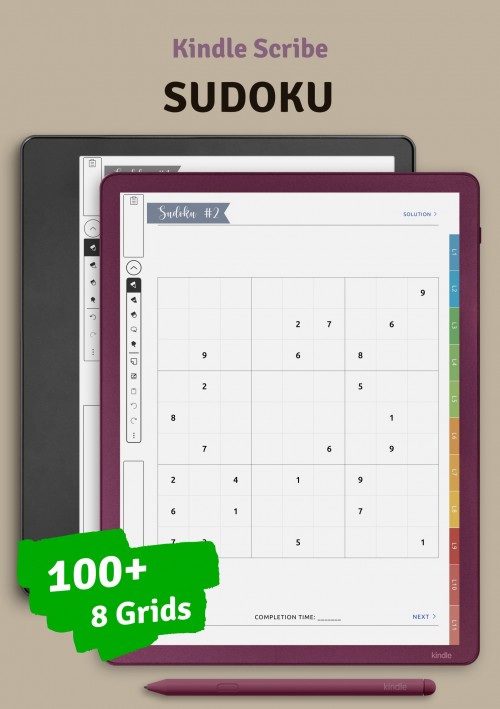
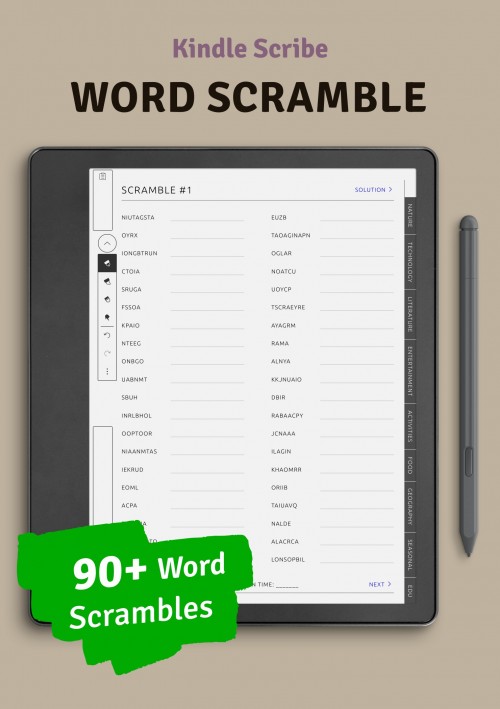
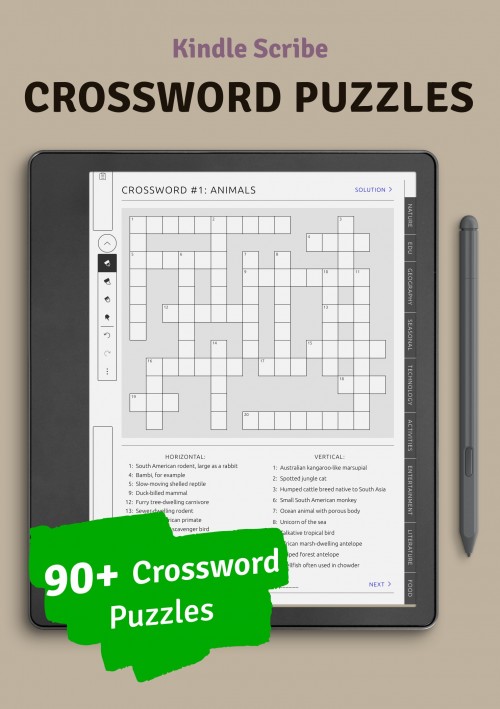
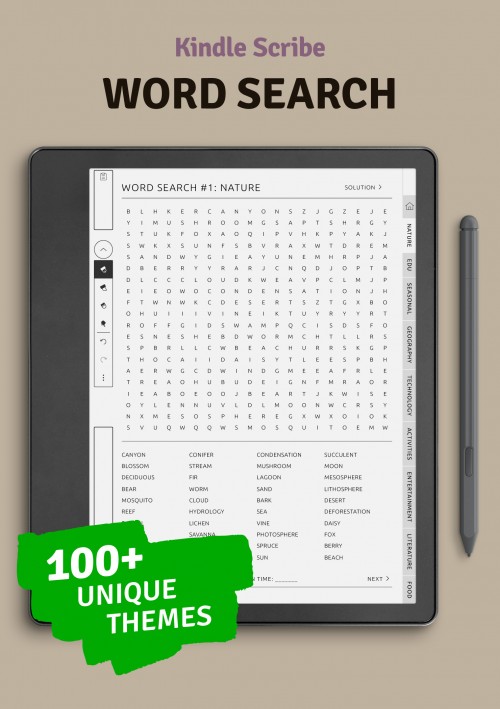
Brain games and puzzle pages add a creative and engaging element to planning on Kindle Colorsoft devices. These layouts are designed to provide mental stimulation while maintaining the same clean and readable structure found in other planning pages. Puzzle-based activities offer a refreshing break from task-focused planning and support cognitive engagement in a relaxed, screen-friendly format.
This section includes a variety of puzzle styles and brain exercises suited for color e-ink screens. The layouts are carefully balanced to ensure clarity and ease of interaction when writing or solving puzzles by hand. Whether used for short mental breaks or longer sessions, these pages encourage focus, curiosity, and enjoyment without relying on digital distractions.
Designed to integrate smoothly with planning and note-taking pages, puzzle layouts offer an alternative way to use a Kindle Colorsoft device throughout the day. They complement productivity and wellness sections by supporting mental clarity and engagement, making the planning experience more versatile and enjoyable.
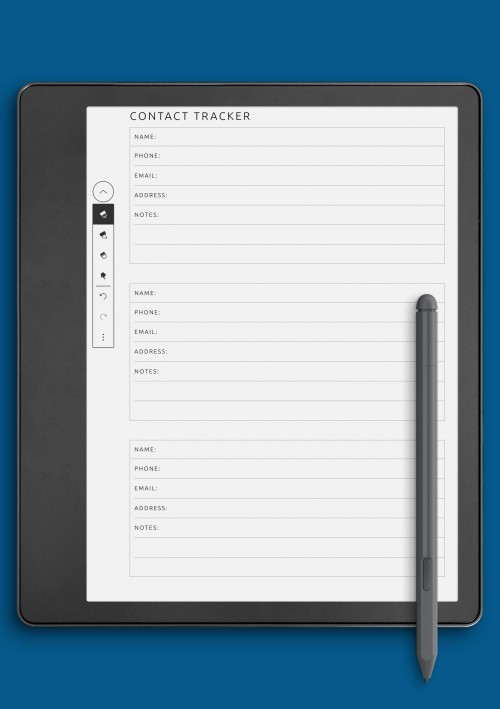
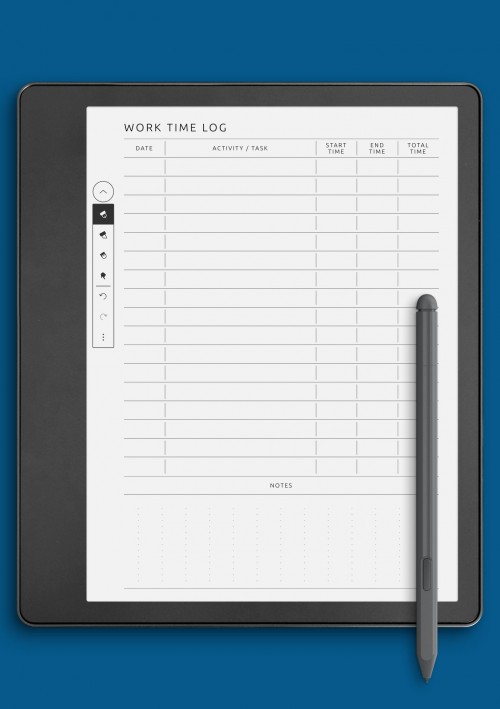
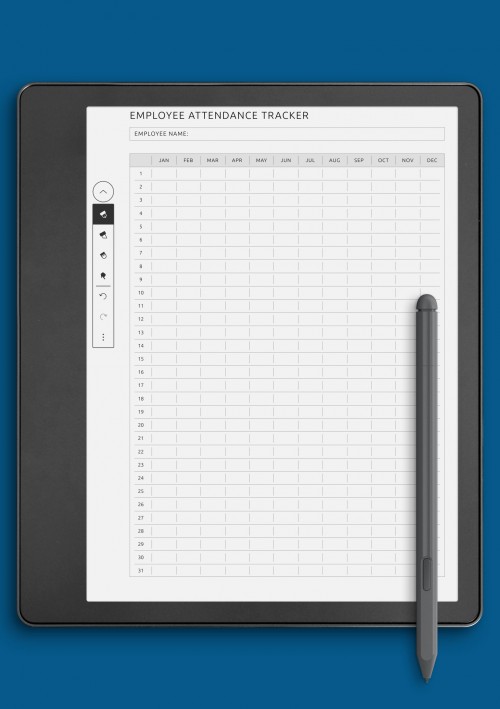
Business Templates for Kindle Colorsoft Devices
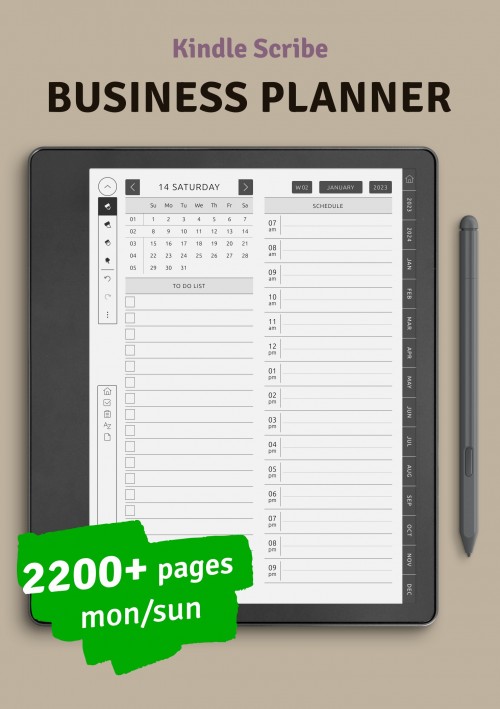
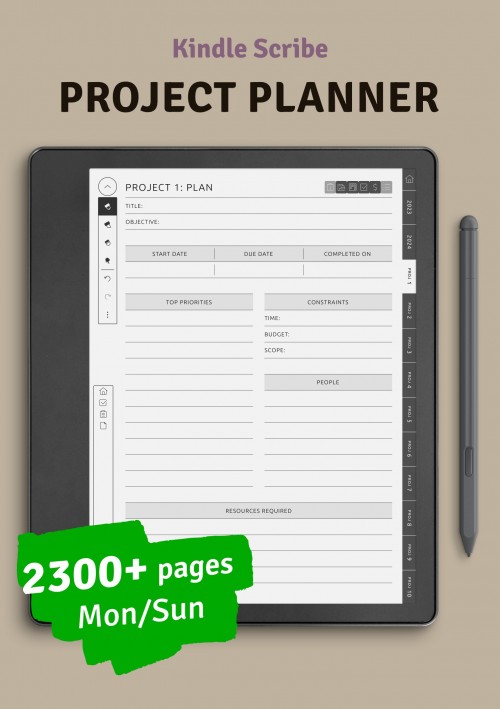
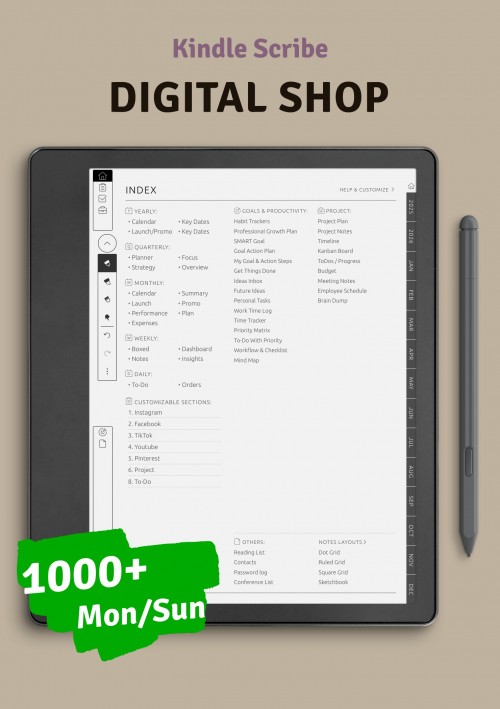
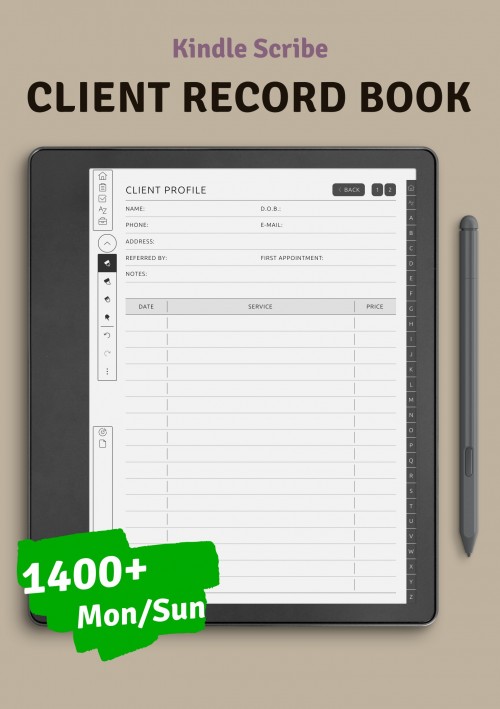
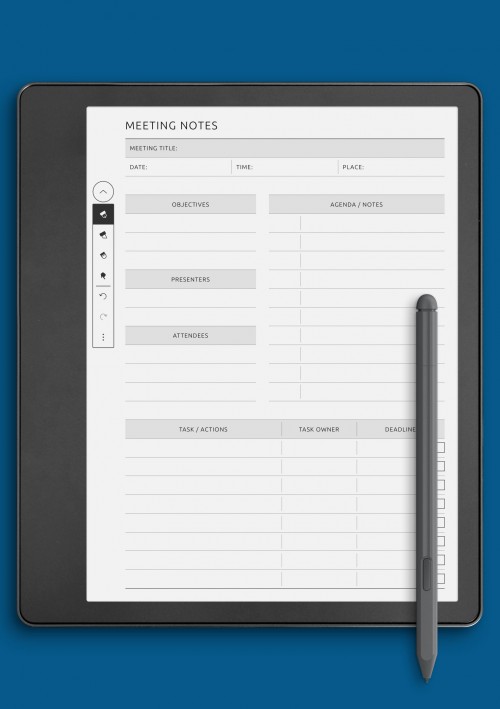
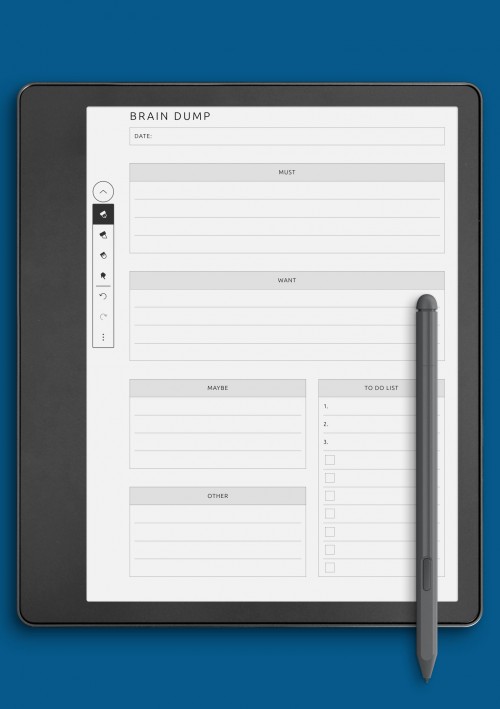
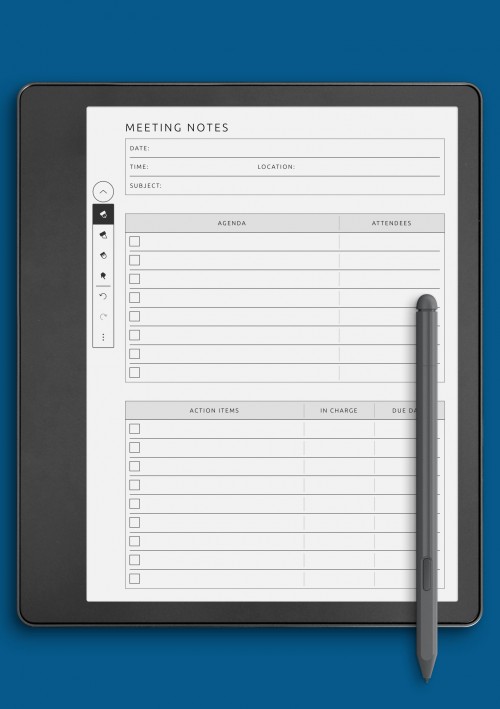
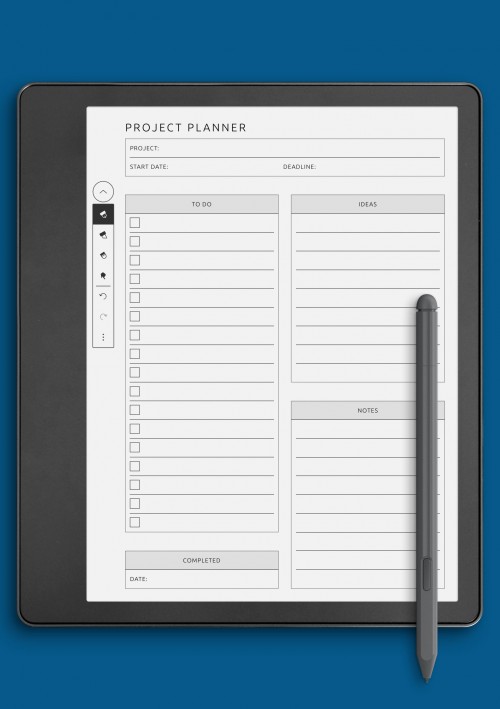
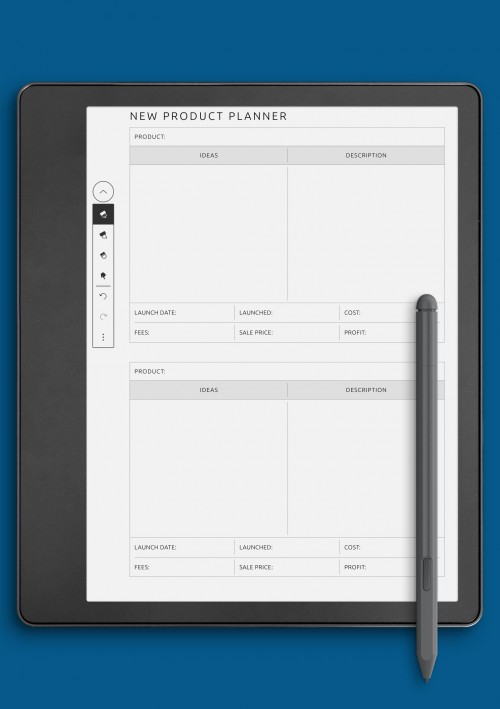
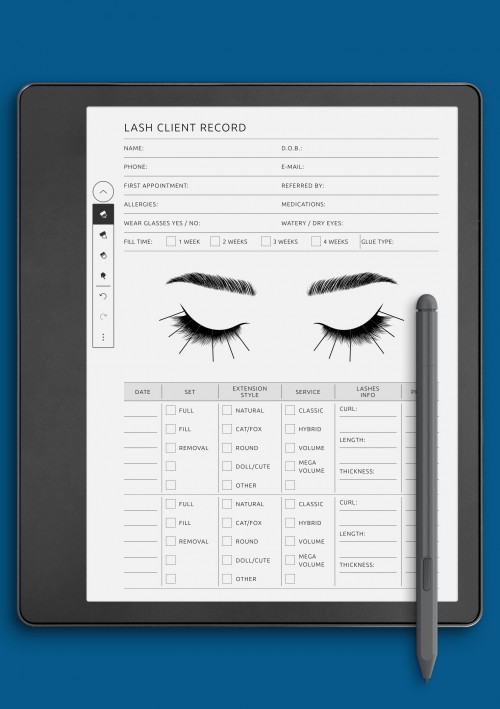
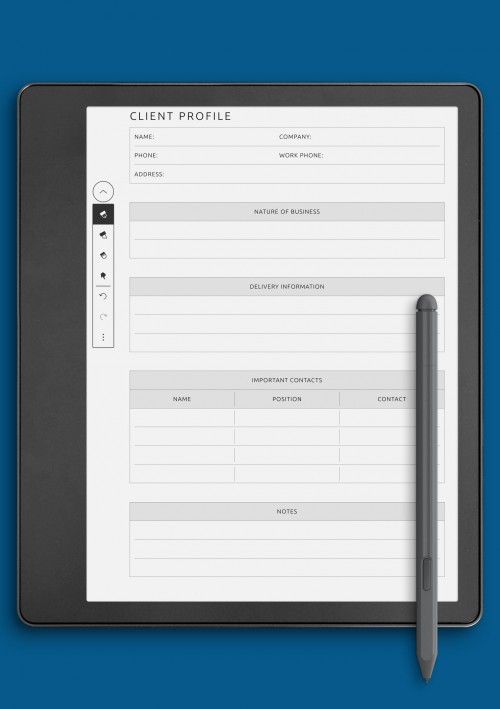
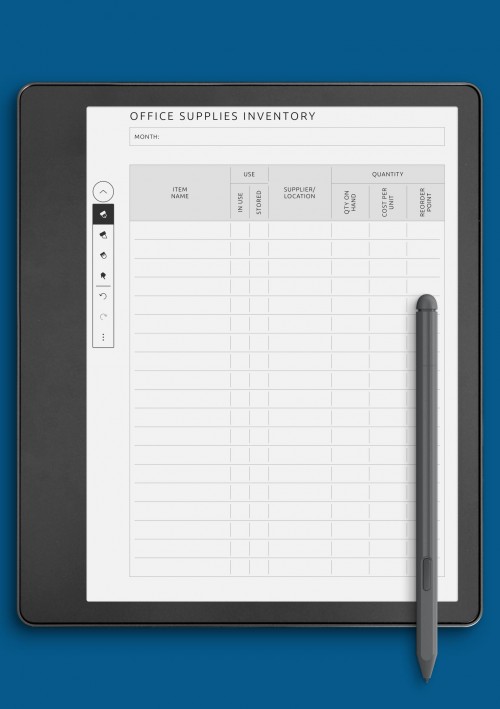
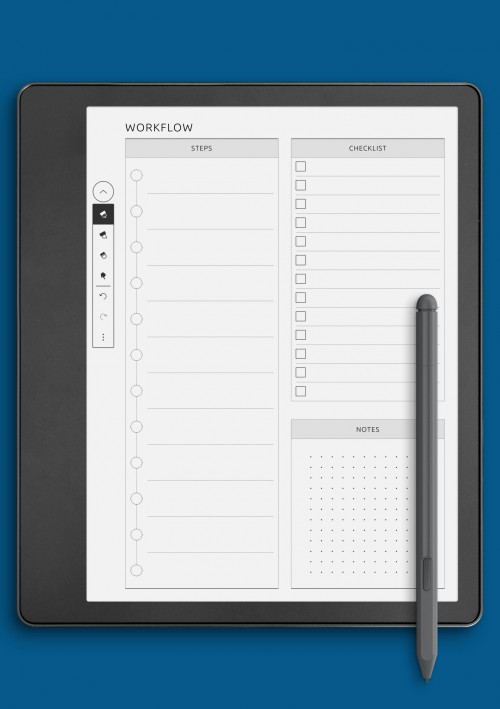
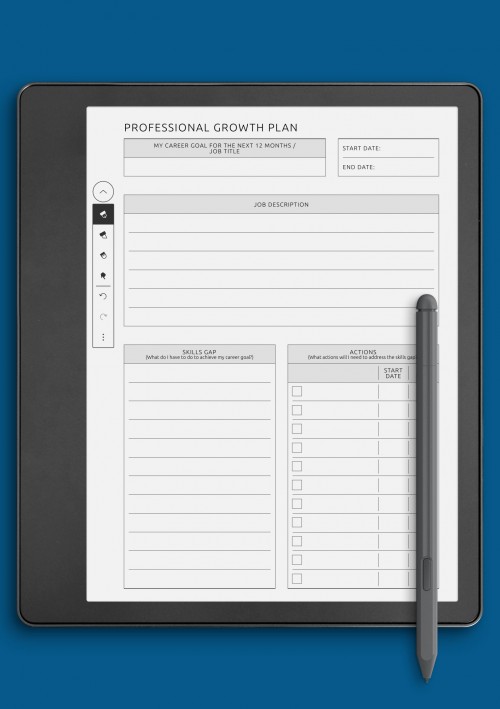
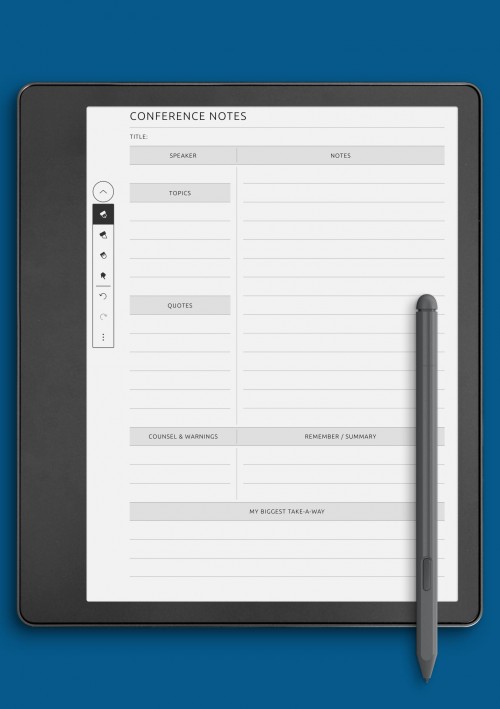
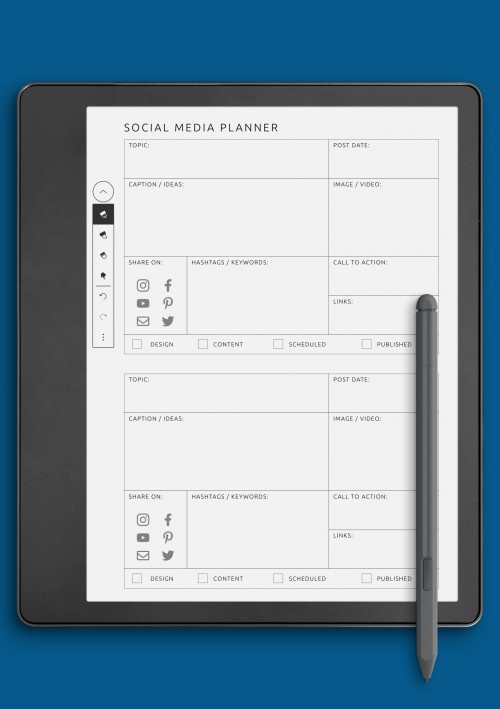
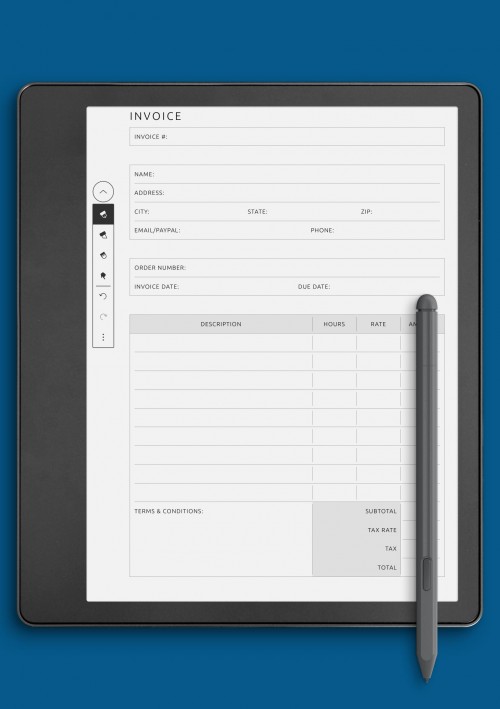
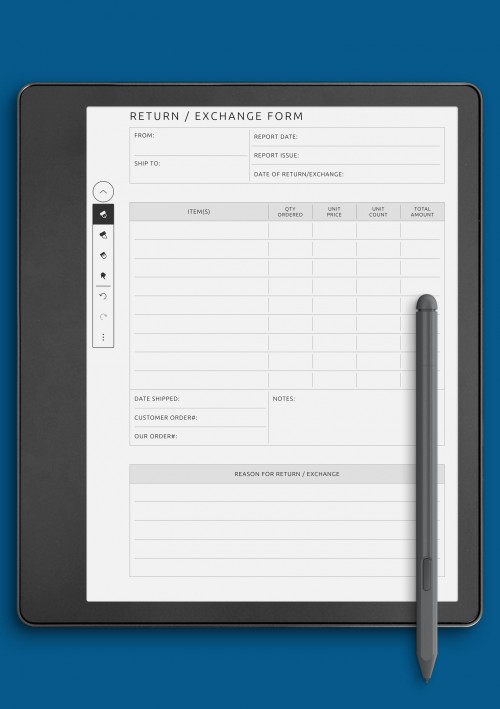
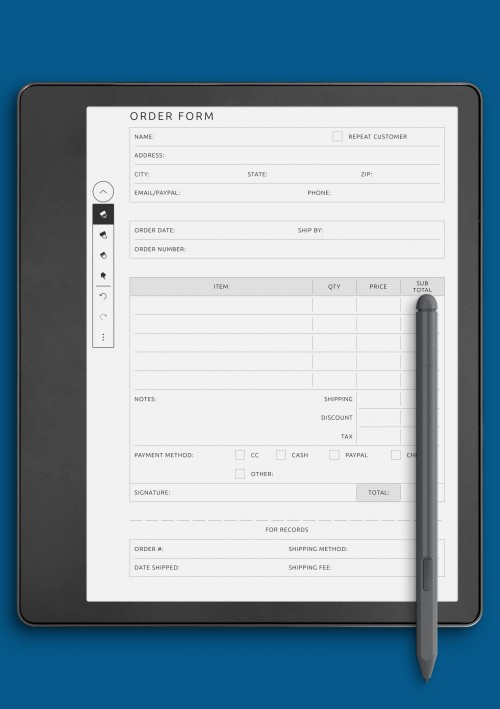
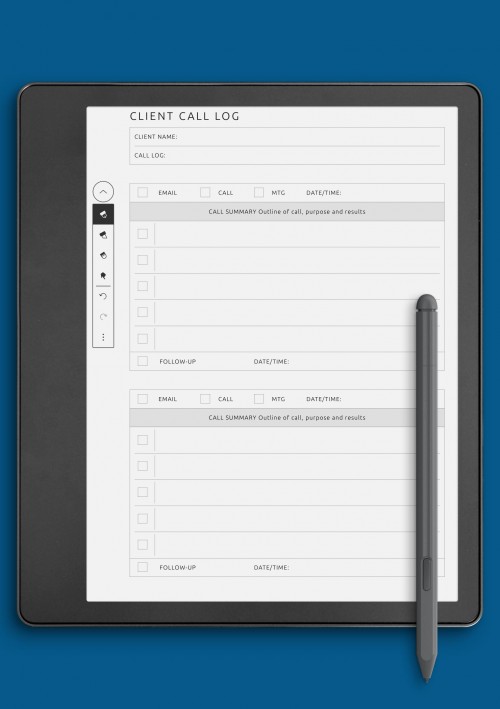
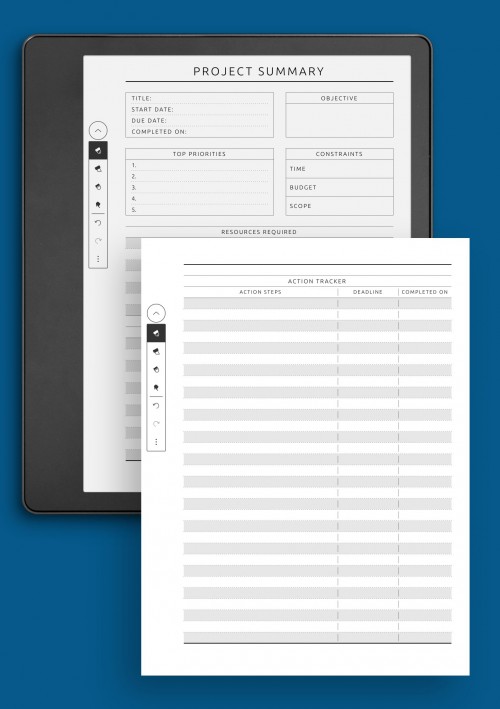
Business planning pages are built to support structured thinking, organization, and professional workflows on Kindle Colorsoft devices. These layouts help manage projects, meetings, goals, and daily responsibilities in a clear and methodical way. Business-focused pages provide enough structure to stay organized while remaining flexible for different work styles and industries.
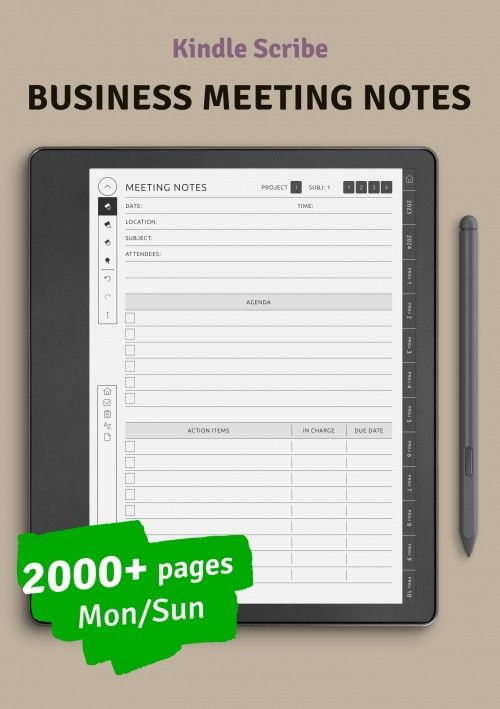
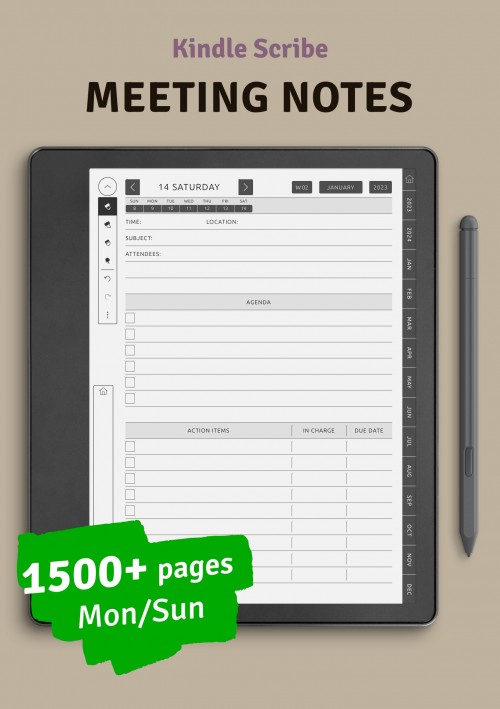
The business layouts in this collection include formats for task planning, project breakdowns, meeting notes, and goal tracking. Some pages focus on high-level planning, while others are better suited for daily execution and follow-up. This range allows users to adapt business planning to their specific needs, from freelancers and entrepreneurs to team leaders and remote professionals.
Optimized for color e-ink screens, business pages emphasize readability and clean organization. Logical spacing and simple visual cues help separate sections without cluttering the page. When used consistently, these layouts support clearer thinking, better planning habits, and more efficient work routines in a distraction-free environment.
Budget & Finance Templates for Kindle Colorsoft
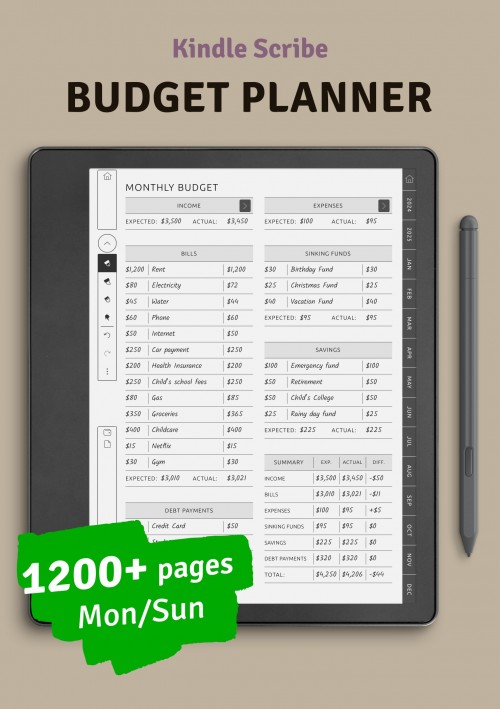
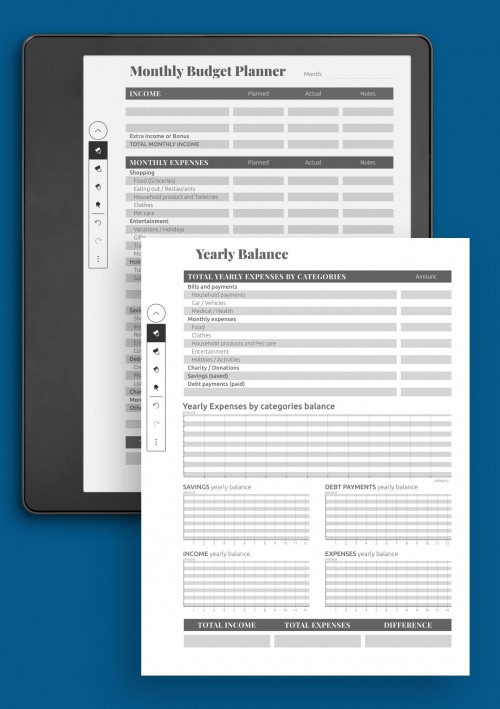
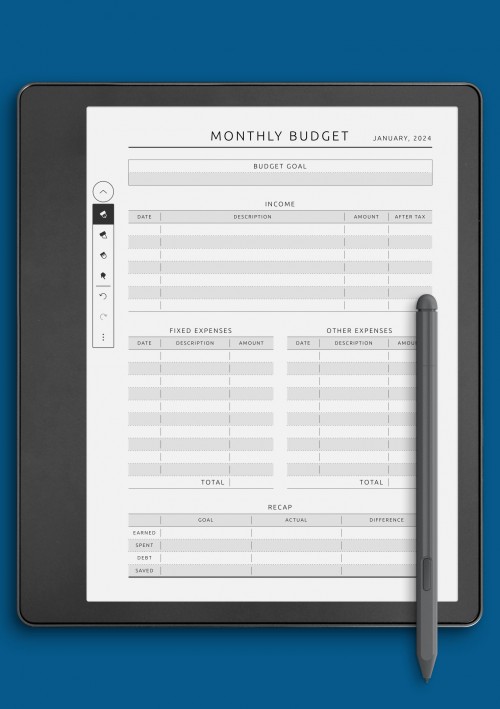
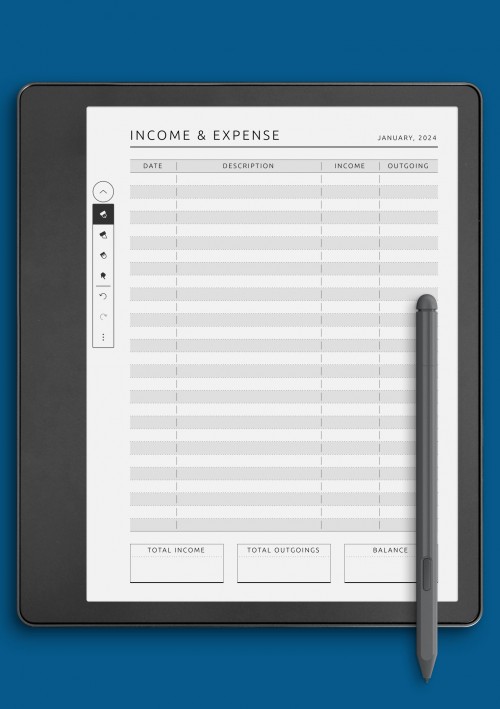
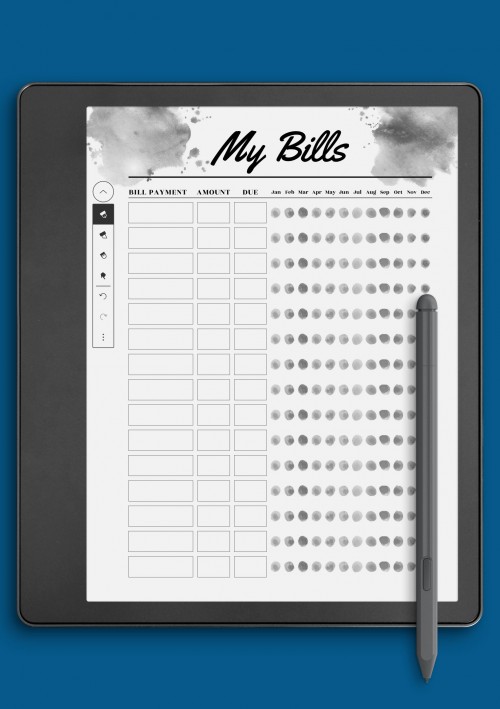
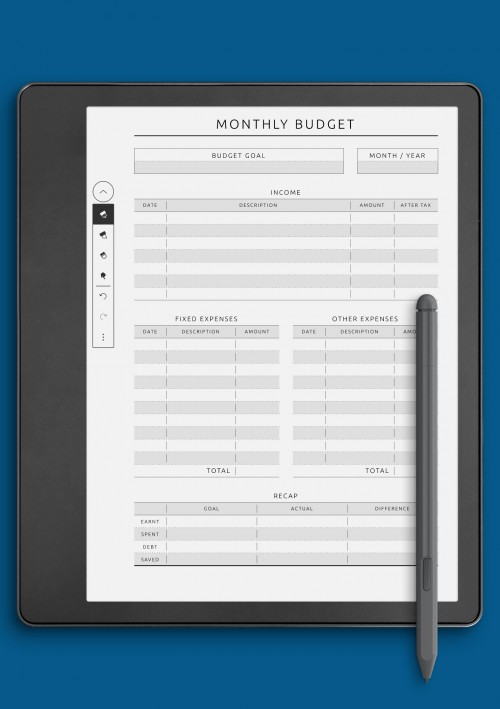
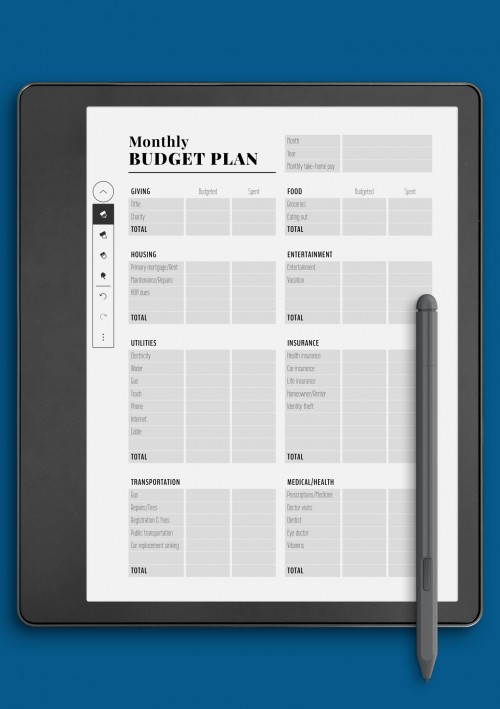
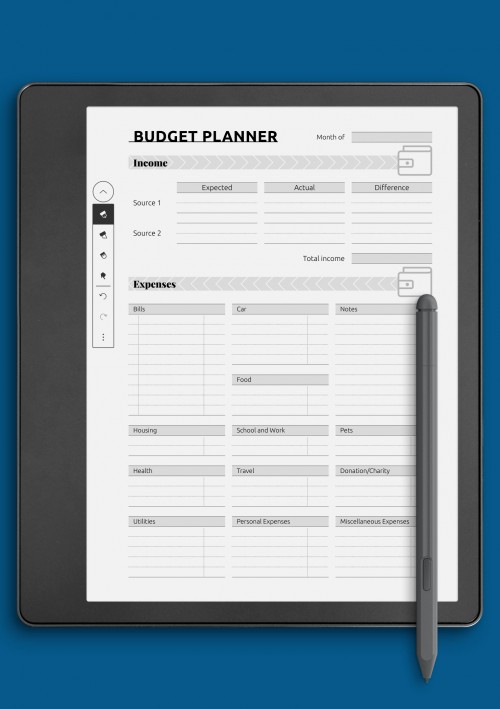
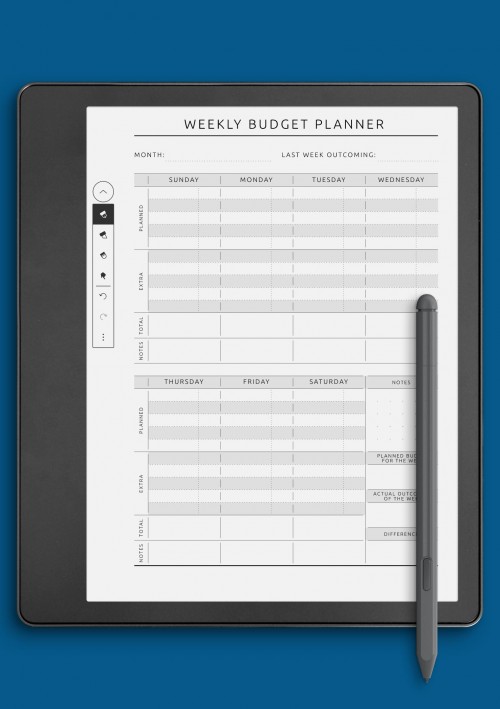
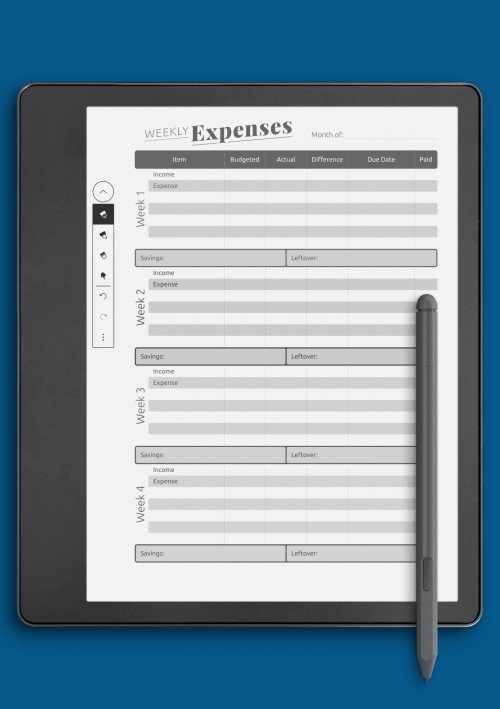
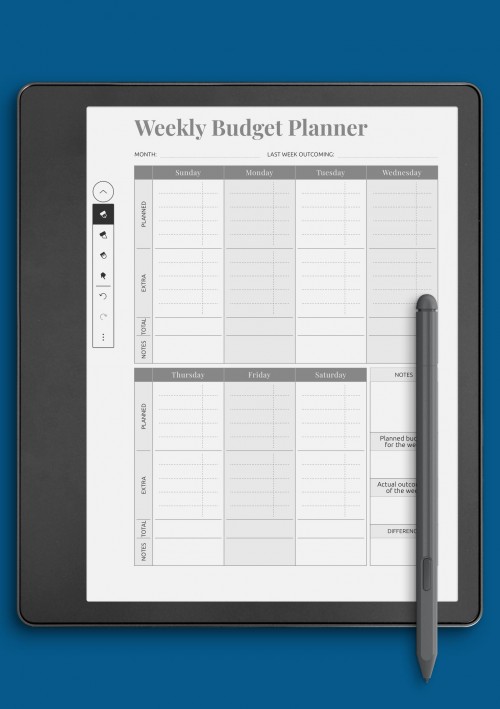
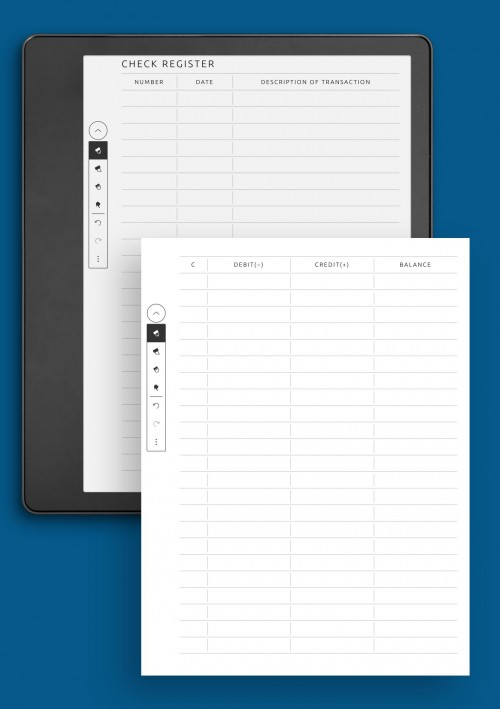
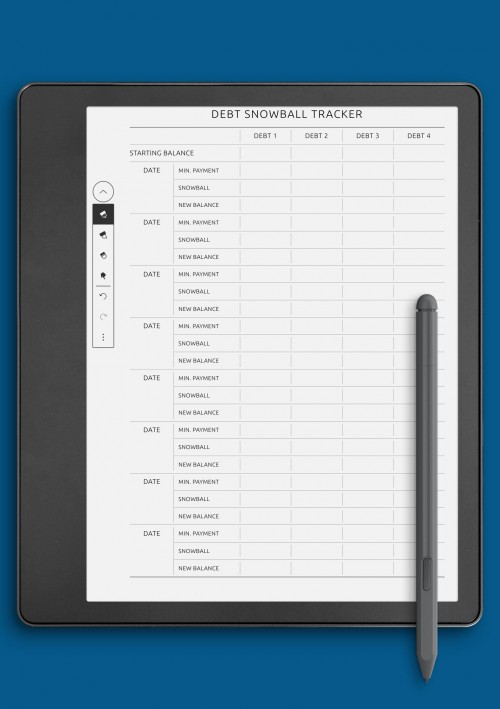
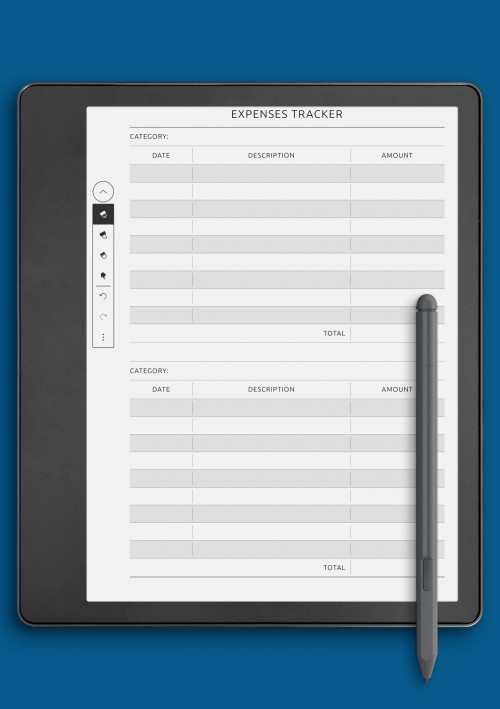
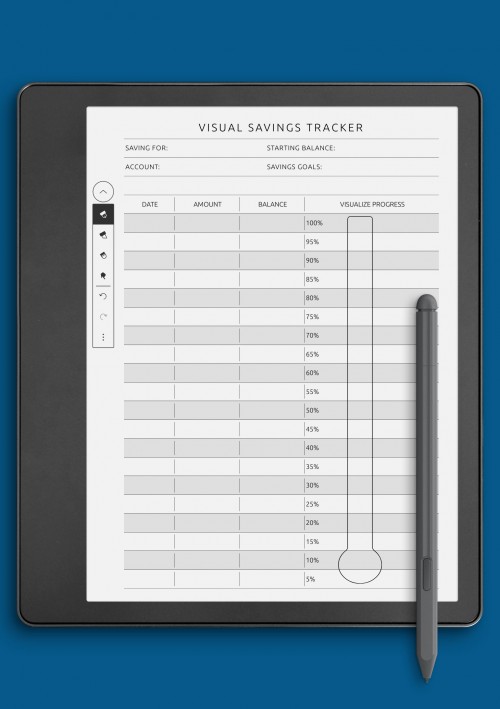
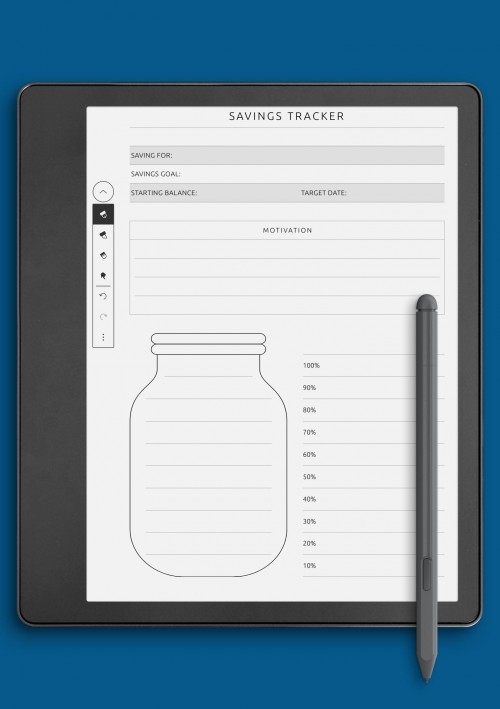
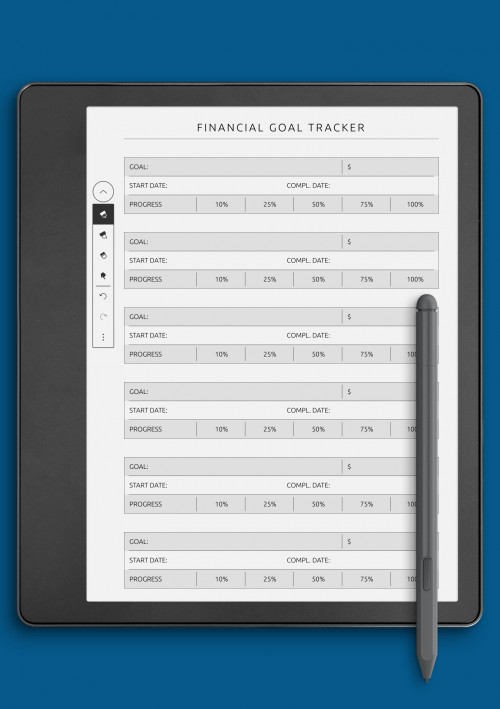
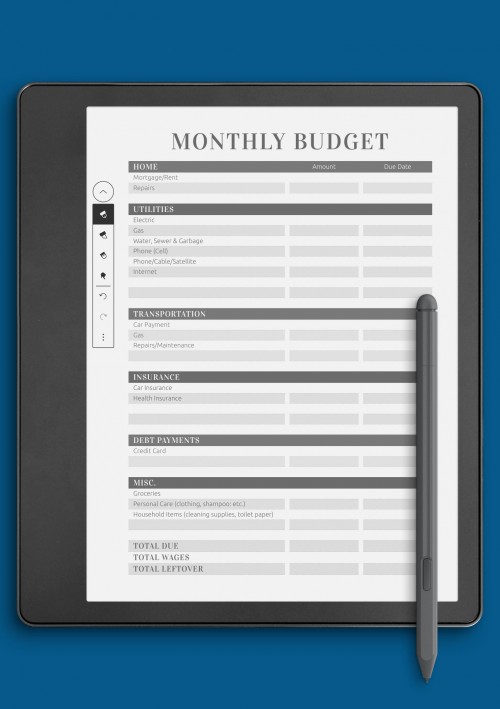
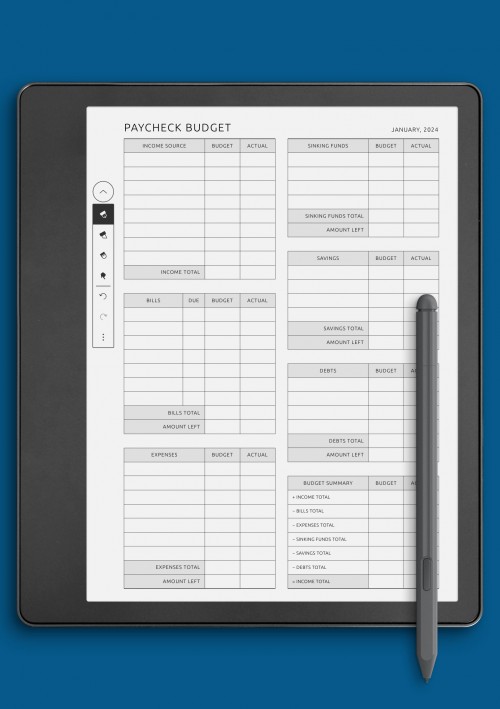
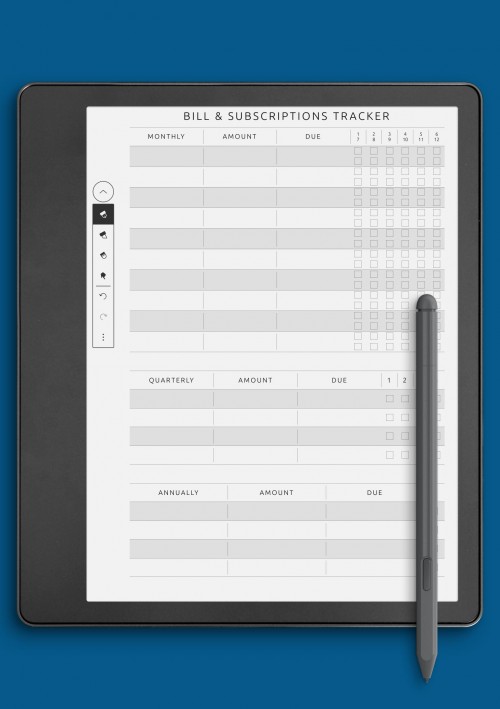
Budget and finance planning pages help organize expenses, savings, and financial goals in a clear and approachable way on Kindle Colorsoft devices. These layouts are designed to simplify financial tracking by breaking information into manageable sections that are easy to update by hand. Clear structure encourages regular review without making budgeting feel overwhelming.
This collection includes pages for expense tracking, budget planning, savings goals, and financial overviews. Some layouts focus on monthly planning, while others support longer-term financial organization. By keeping financial information visible and well-organized, these pages help users build awareness and make more intentional decisions over time.
Designed for color e-ink displays, finance layouts prioritize legibility and balance. Clean lines and thoughtful spacing ensure that handwritten numbers and notes remain clear. Budget and finance pages work well as part of a broader planning system, supporting long-term organization and financial clarity alongside daily and weekly planning.
Notes Templates for Kindle Colorsoft
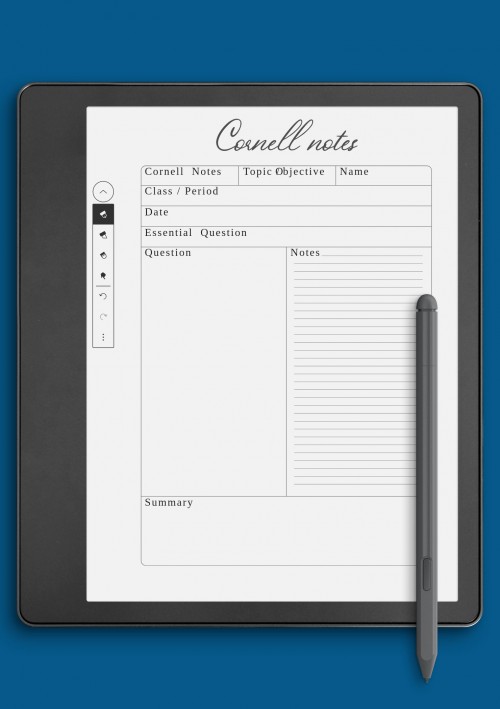
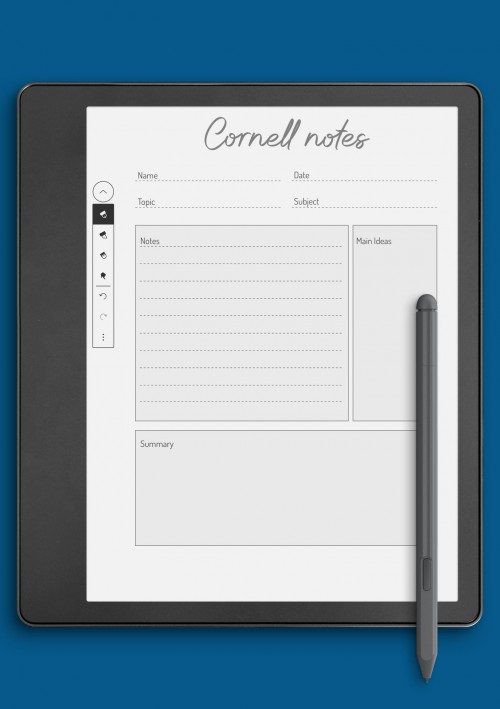
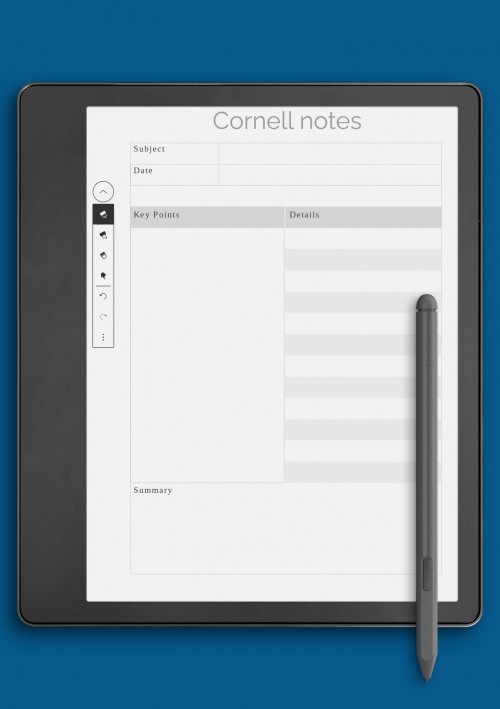
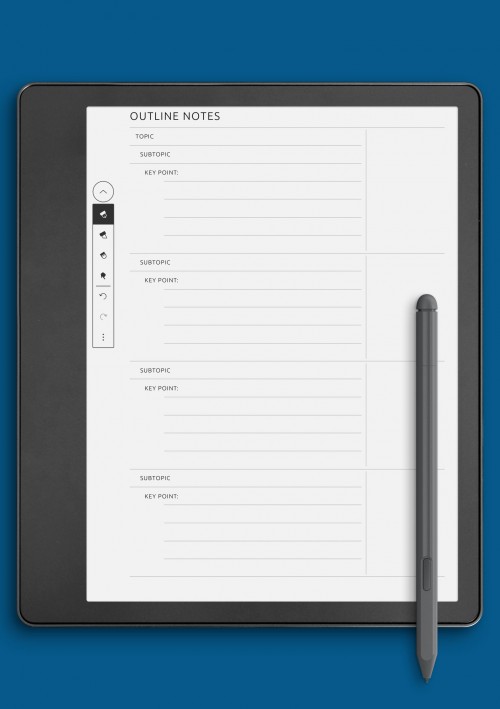
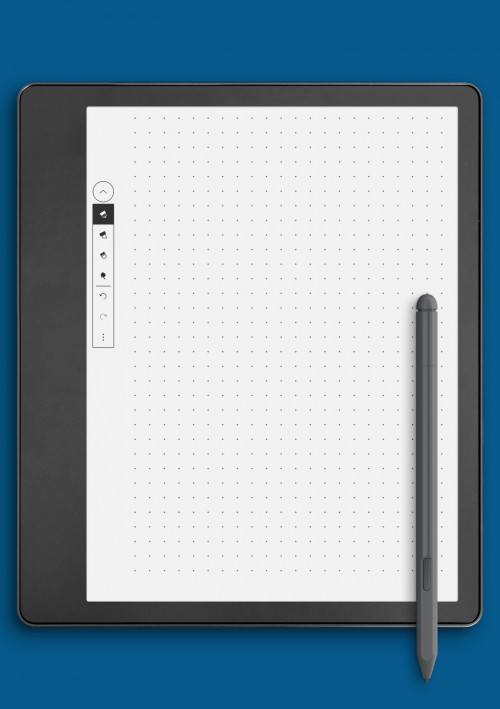
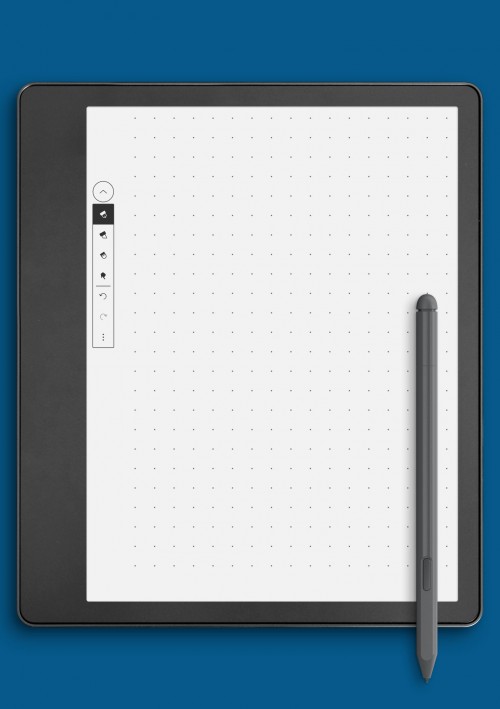
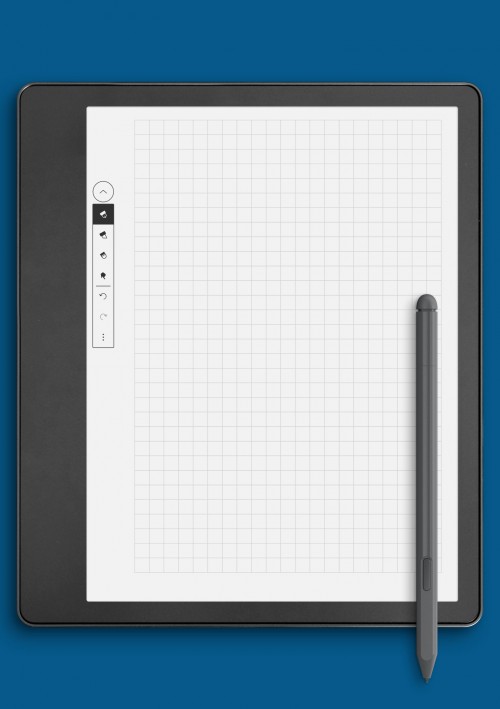
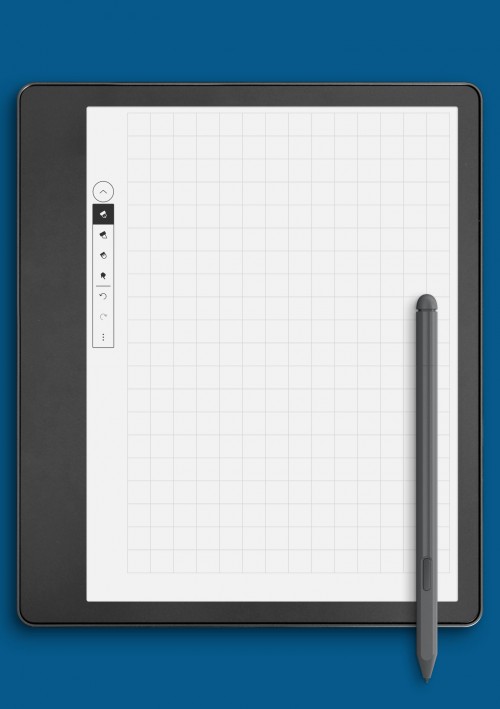
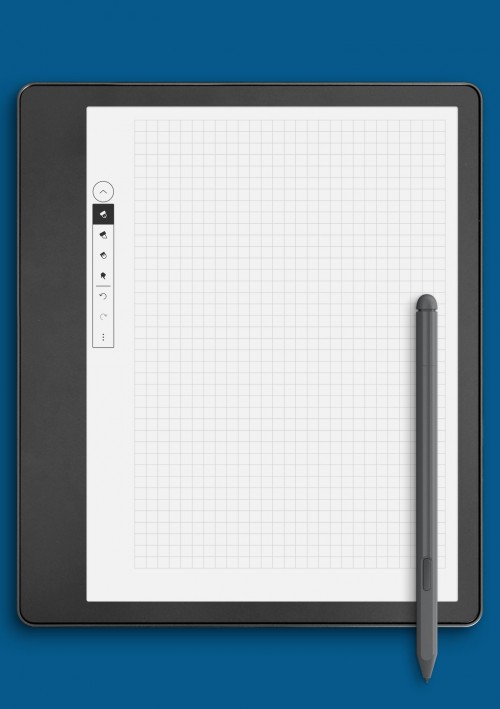
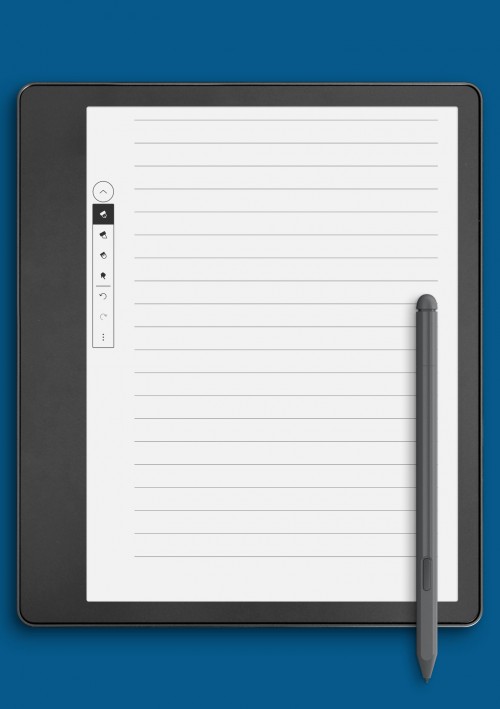
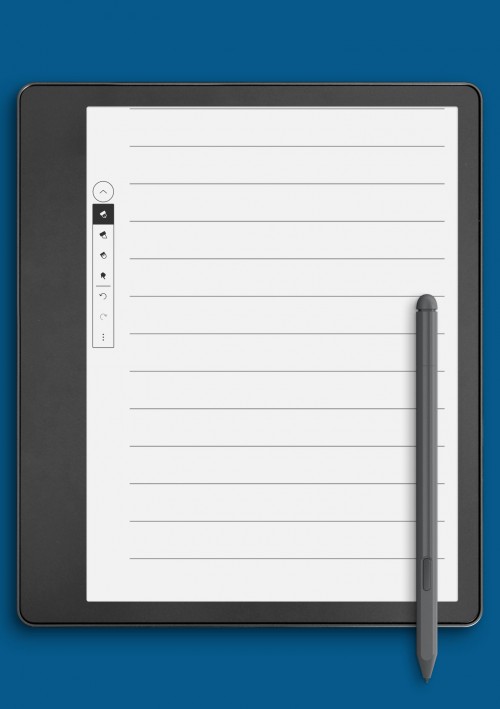
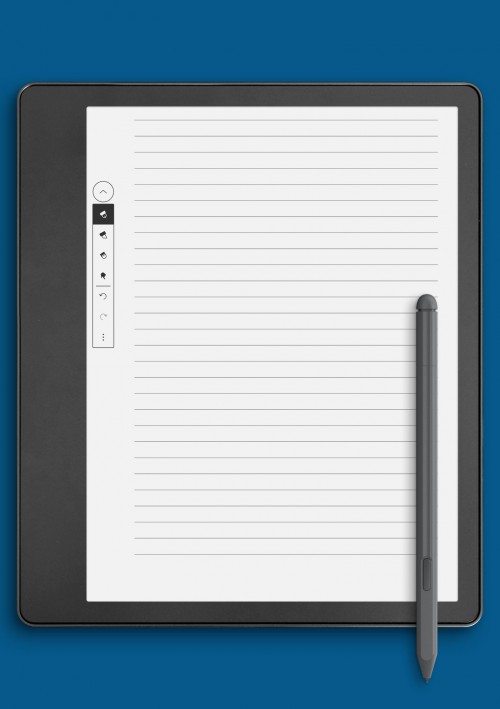
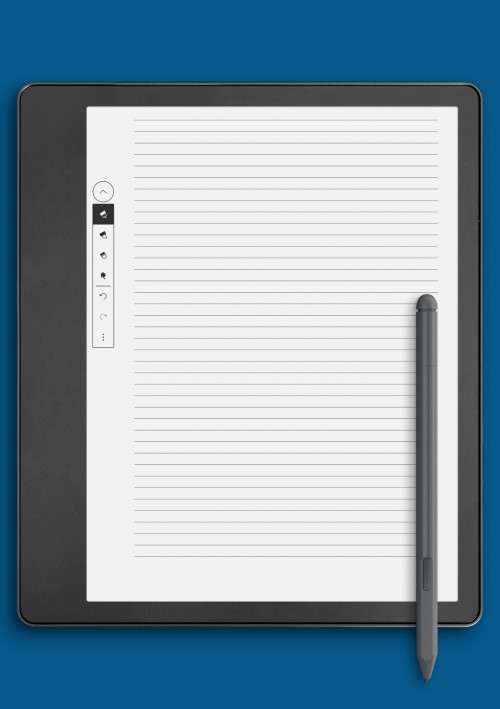
Notes and writing pages provide flexible space for ideas, reflections, and freeform writing on Kindle Colorsoft devices. These layouts are intentionally minimal, allowing users to adapt them to different purposes such as brainstorming, journaling, meeting notes, or creative writing. A clean structure encourages focus without imposing unnecessary constraints.
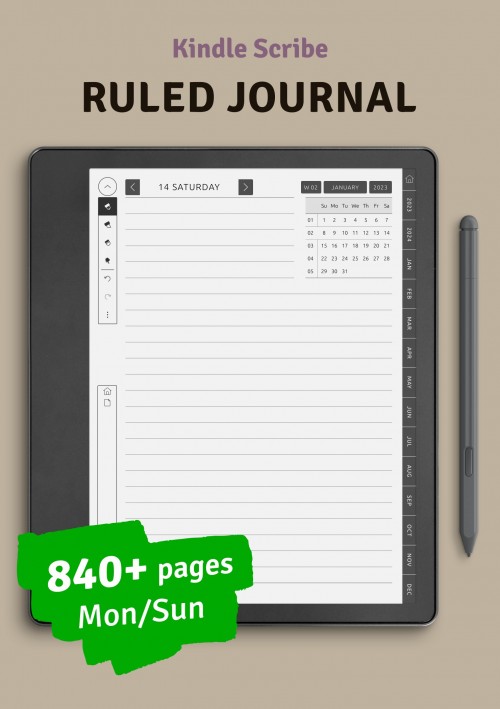
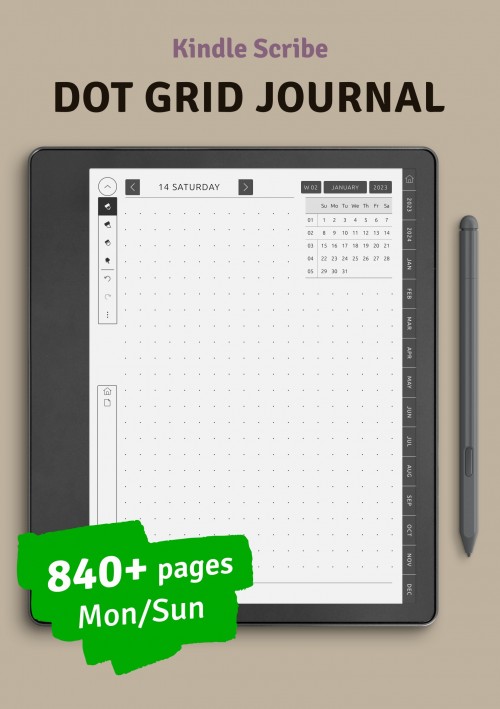
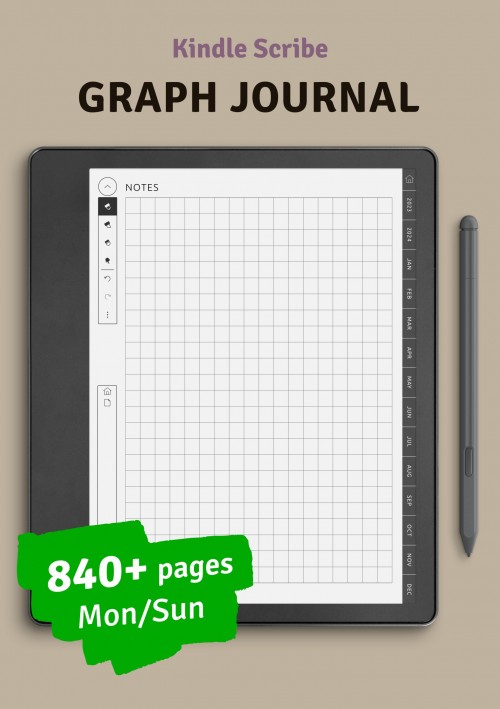
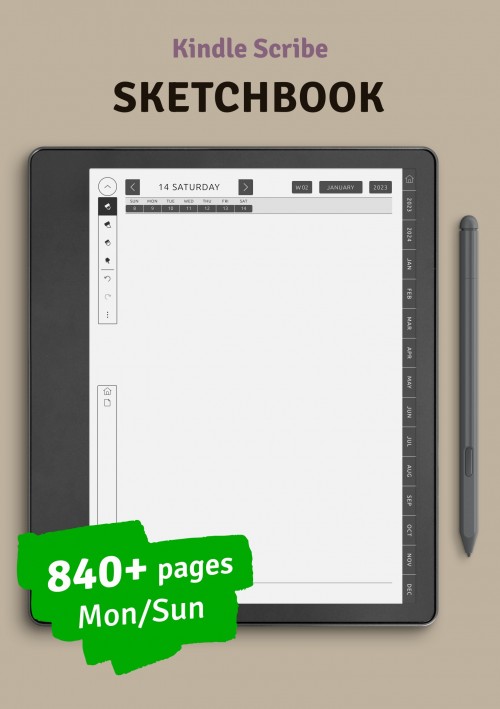
The notes pages in this collection include lined, dotted, and open layouts, offering options for different writing styles. Some pages provide subtle guidance through margins or sections, while others remain completely open for unrestricted writing. This flexibility makes note-taking suitable for both structured documentation and spontaneous ideas.
Optimized for color e-ink screens, writing layouts ensure comfortable spacing and consistent alignment. The simplicity of these pages supports long writing sessions while maintaining readability. Notes and writing pages integrate seamlessly with planning layouts, creating a cohesive environment for organizing thoughts and capturing information over time.
Kindle Colorsoft Education Templates
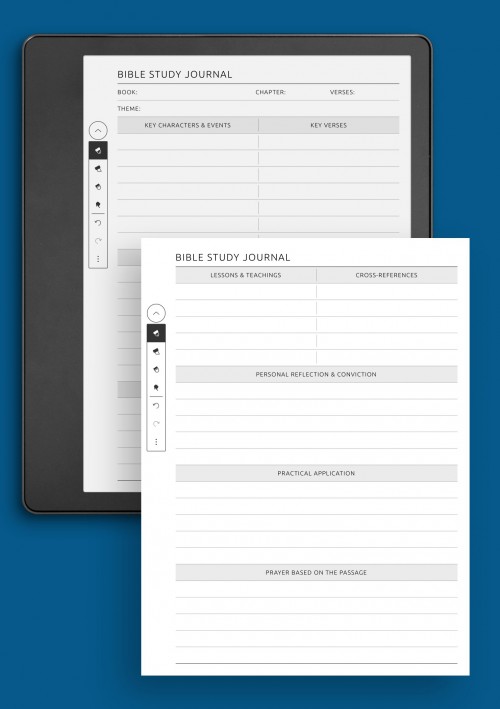
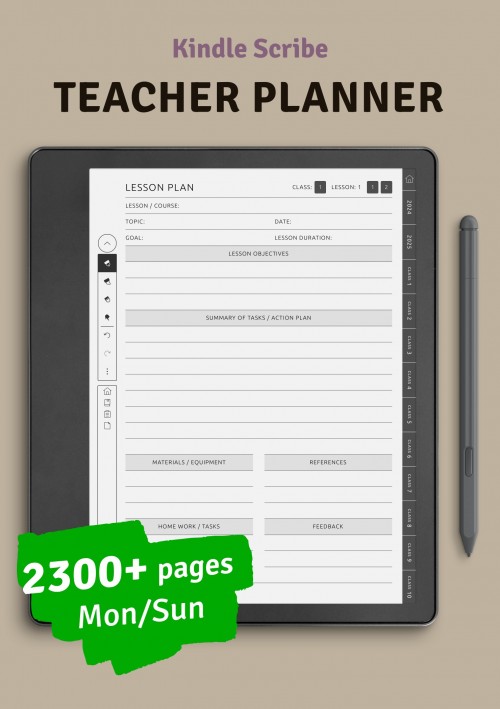
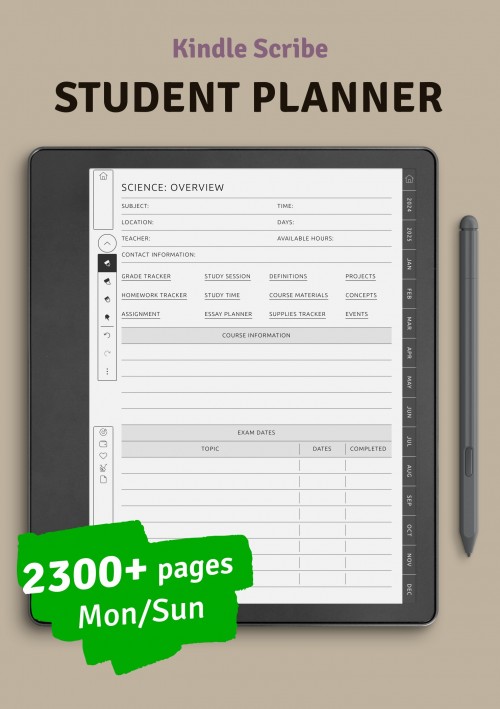
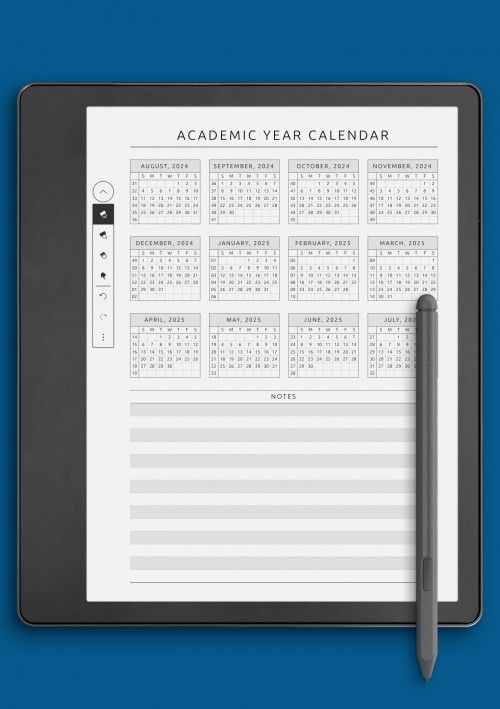
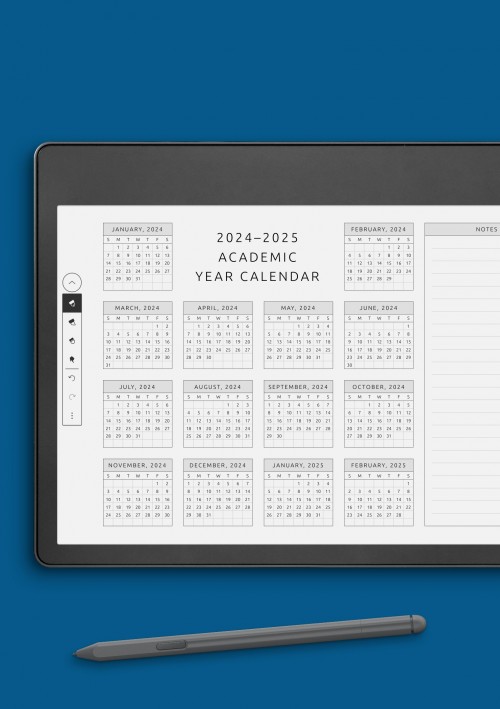
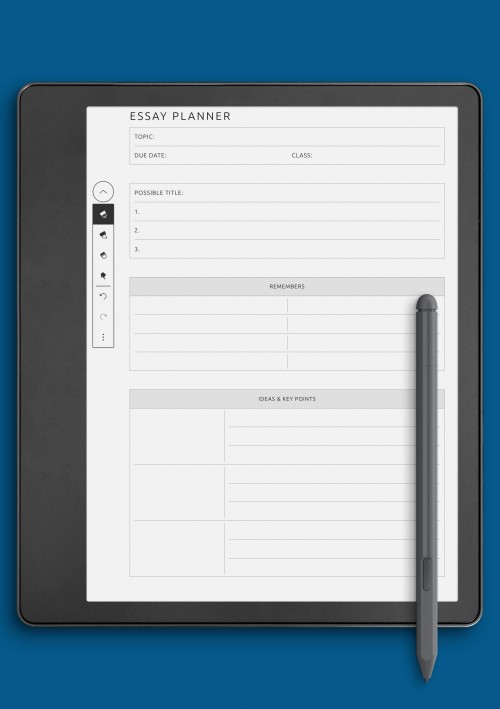
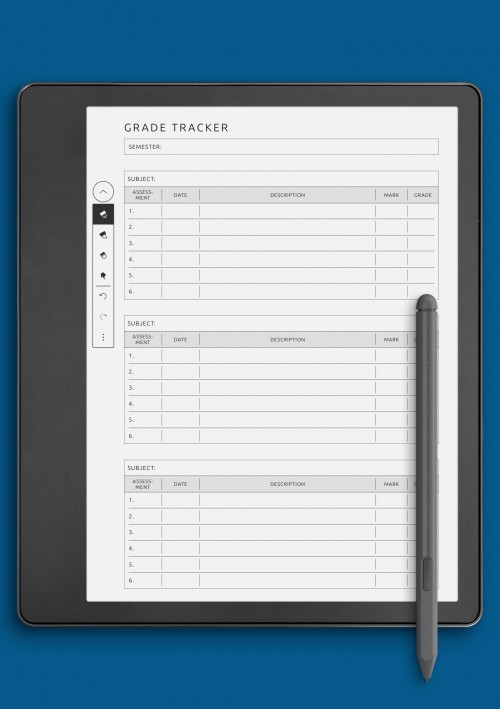
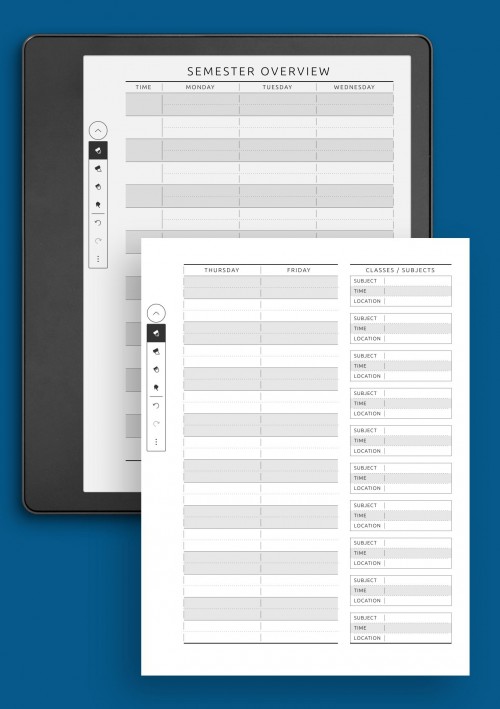
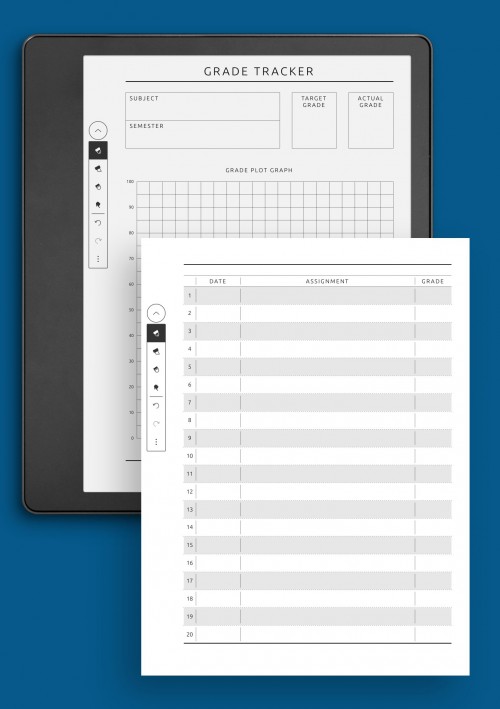
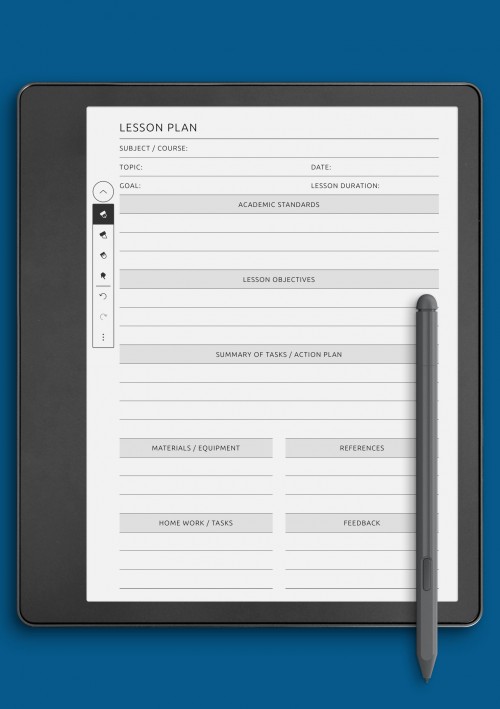
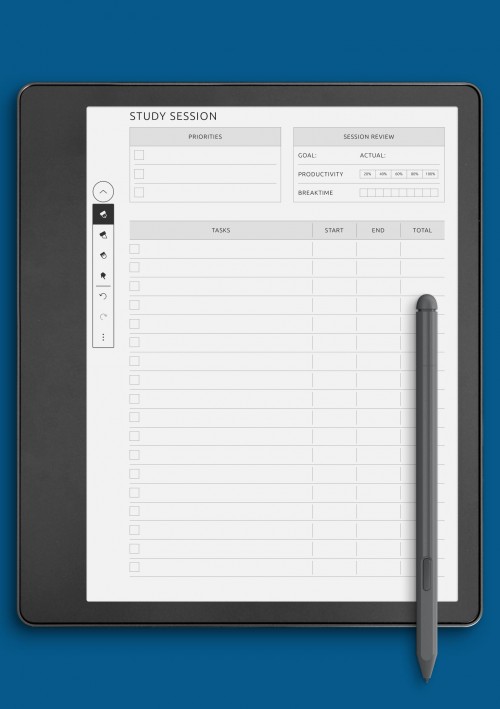
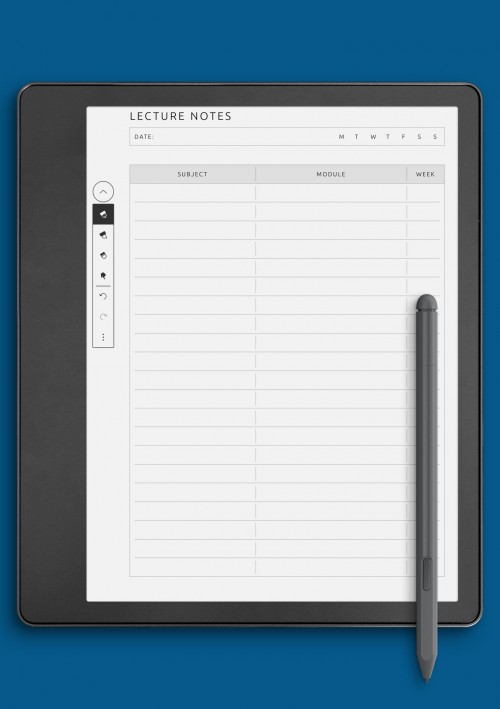
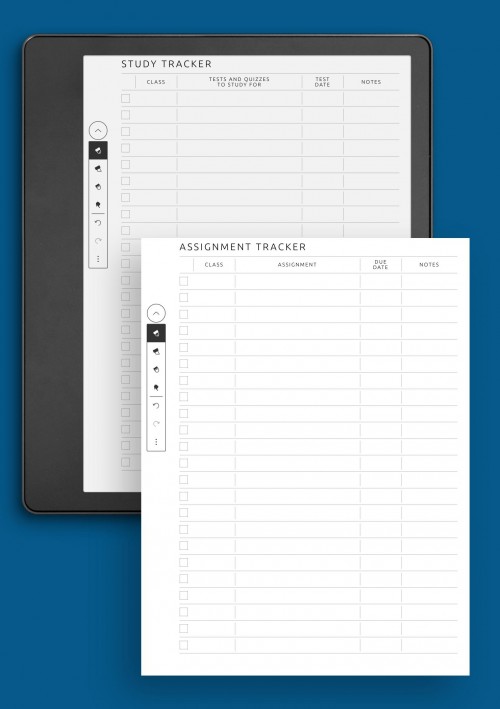
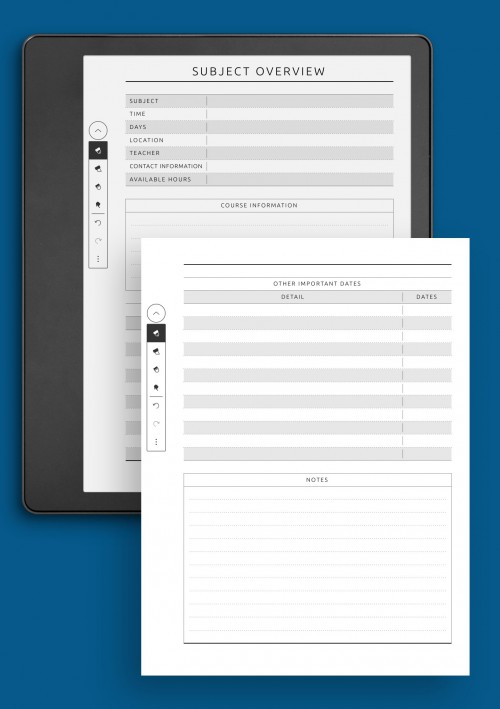
Education-focused planning pages support learning, study organization, and academic planning on Kindle Colorsoft devices. These layouts help structure study sessions, track assignments, and organize educational goals in a clear and accessible format. Education pages are designed to reduce cognitive load while supporting consistent study habits.
The education layouts include formats for lesson planning, study schedules, subject notes, and progress tracking. Some pages focus on daily study routines, while others support broader academic planning across weeks or semesters. This range allows students, educators, and lifelong learners to choose layouts that match their educational needs.
Designed for color e-ink screens, education pages emphasize clarity and ease of use. Clean structure and balanced spacing help maintain focus during reading and writing sessions. When combined with other planning sections, education layouts create a supportive framework for organized and effective learning.
Other Colorsoft Templates
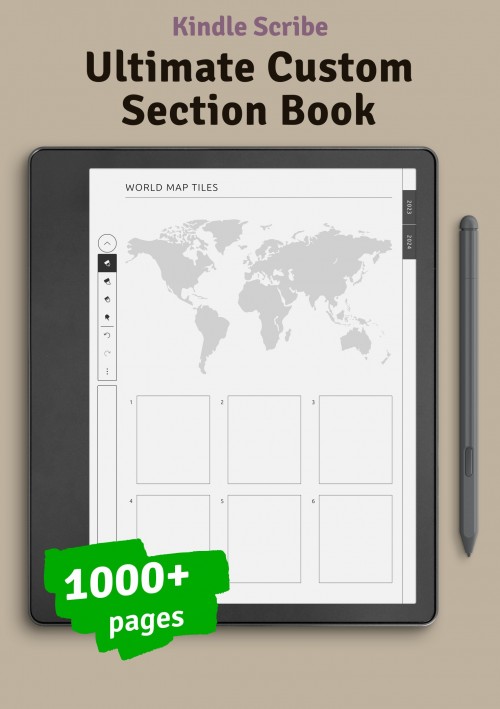
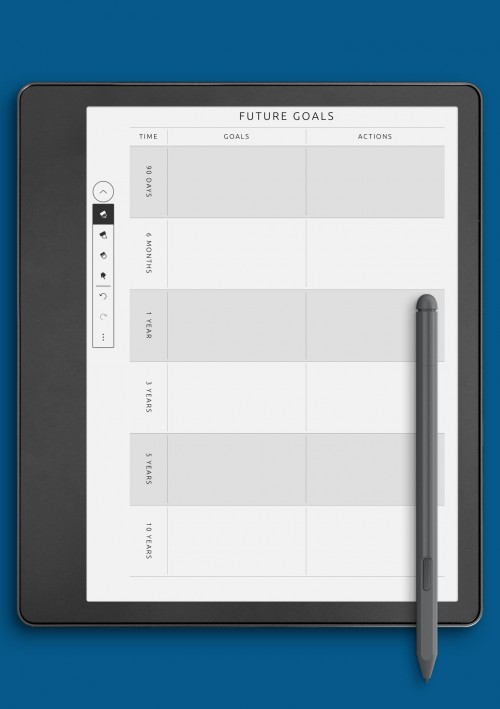
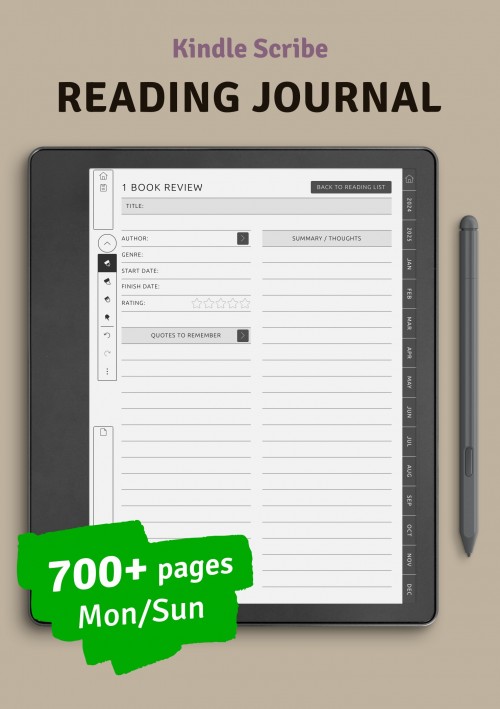
Additional planning pages expand the flexibility of using Kindle Colorsoft devices for organization and note-taking. This section includes layouts that do not fit into a single category but still support structured planning and personal organization. These pages allow users to customize their planning system based on individual preferences and evolving needs.
The layouts in this section may include trackers, lists, planning aids, or experimental formats designed to complement core planning pages. Their open-ended nature encourages creative use and personalization, making it easier to adapt planning habits over time.
Designed with the same focus on readability and balance, these additional pages integrate seamlessly with other sections. They offer extra flexibility for building a planning system that feels both complete and personal, without adding unnecessary complexity.
Conclusion
Kindle Colorsoft templates offer a practical and flexible way to organize planning, notes, and personal workflows on color e-ink devices. With layouts designed specifically for readability and handwriting comfort, these pages help create a calm and focused planning experience that feels close to using paper. From daily organization to long-term planning, each template supports clarity without unnecessary complexity.
By combining different types of layouts, users can build a planning system that evolves over time. Whether used for productivity, wellness, education, or creative work, these templates provide a reliable foundation for structured thinking and intentional planning. Designed to integrate seamlessly across sections, they make it easier to stay organized, reflect on progress, and maintain consistent planning habits on Kindle Colorsoft devices.
F.A.Q.
Kindle Colorsoft templates are digital planning and note-taking layouts designed for color e-ink devices. They provide structured pages for writing, organizing tasks, tracking goals, and managing information in a format optimized for readability and handwriting.
Yes, the templates are designed to work well on Kindle Colorsoft-compatible devices, including Kindle Scribe models that support color e-ink layouts. They are optimized for screen proportions and handwriting use.
Absolutely. The templates are designed to be mixed and matched, allowing users to create a personalized planning system that includes daily, weekly, monthly, and specialized pages.
Yes. All layouts are optimized for handwritten input, with spacing and structure designed to feel natural when writing on a Kindle Colorsoft device.
The collection includes layouts for a wide range of use cases, including personal planning, productivity, business organization, education, wellness, and creative writing.
No additional software is required. The templates are designed to work directly with supported Kindle devices, allowing you to write and organize content using built-in tools.
Add new comment